AI Video Effects Generator for Social Effects
Choose a visual-effects template, add your photos or clips and one song, then create POV motion, orbiting shots, speed changes, blur, transitions, and beat-led hooks.
New templates for this category are on the way.
Build Short-Form Visual Hooks
Choose a template first, then upload the photos or other media it requests and one song. Each template defines its effects and camera language; your music guides the pacing and strongest visual moments.
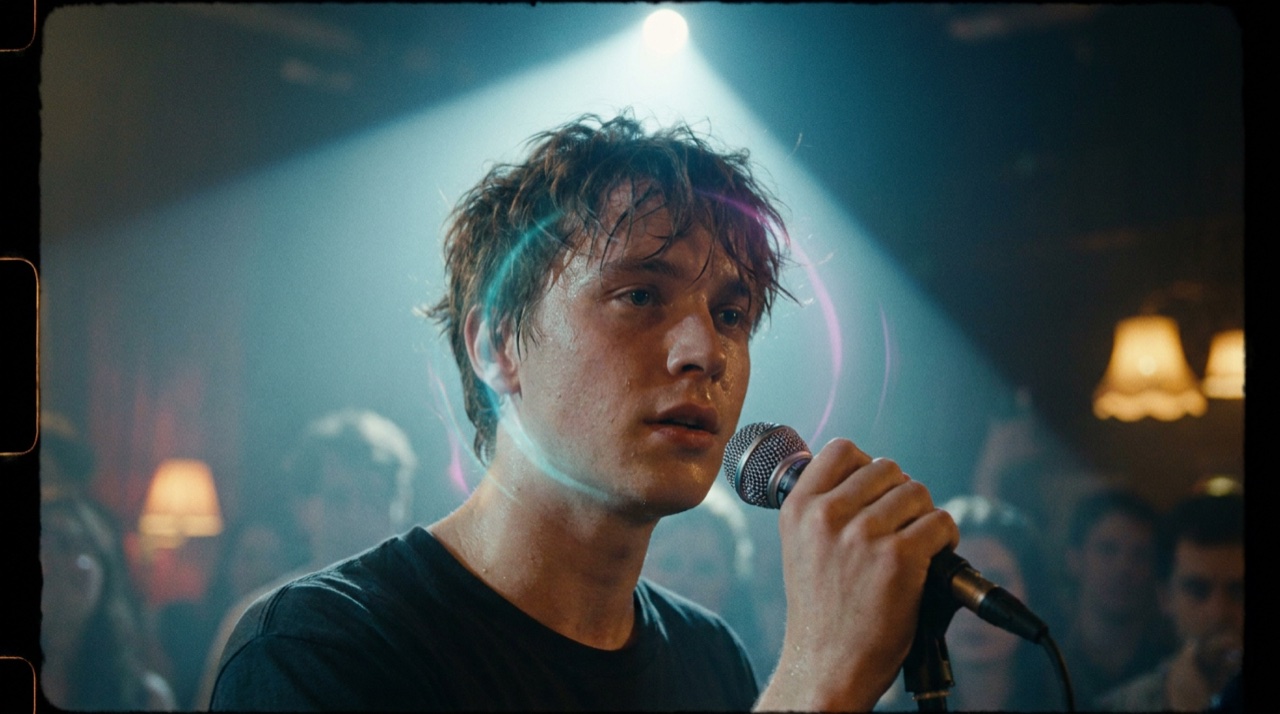
Begin with a Designed Effect
Start with the effect design, not a blank timeline. The ai video effects generator uses the chosen template to define the visual treatment, subject framing, and motion language before your media is added.
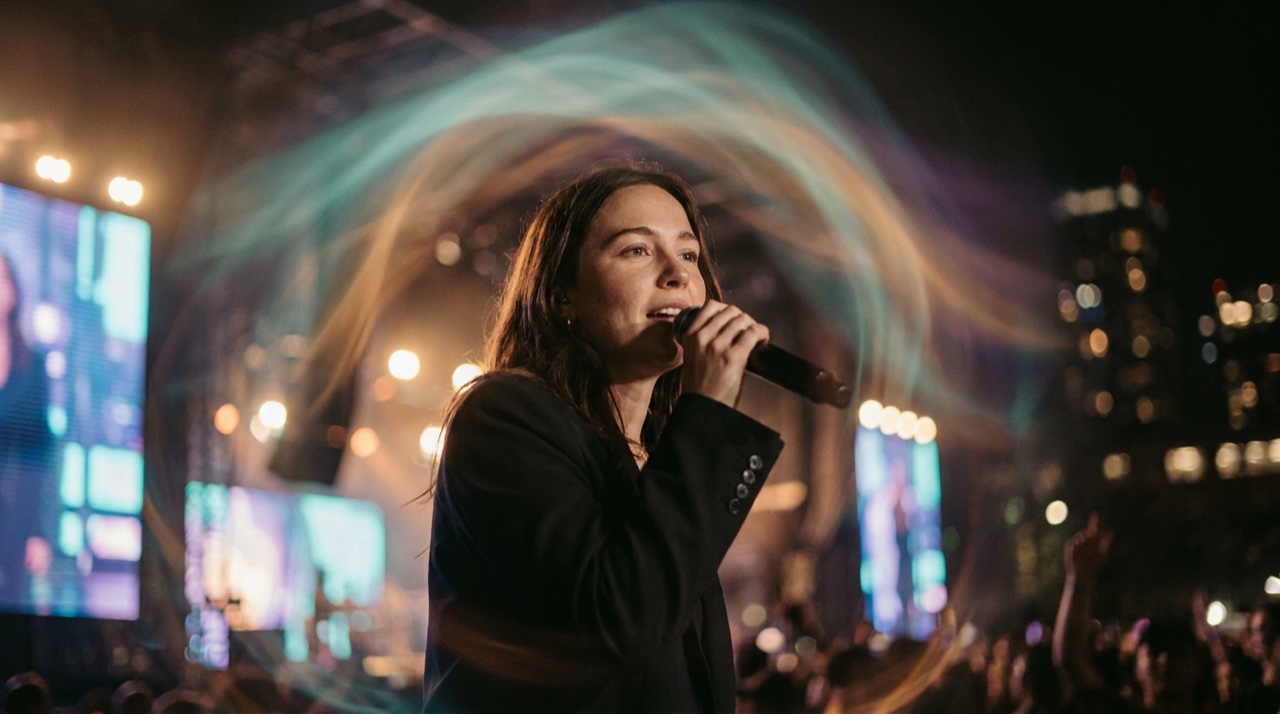
Give Source Media a New Visual World
Turn a portrait or clip into a template-led visual event with light trails, environmental transformations, graphic layers, and other effects that keep the subject at the center.
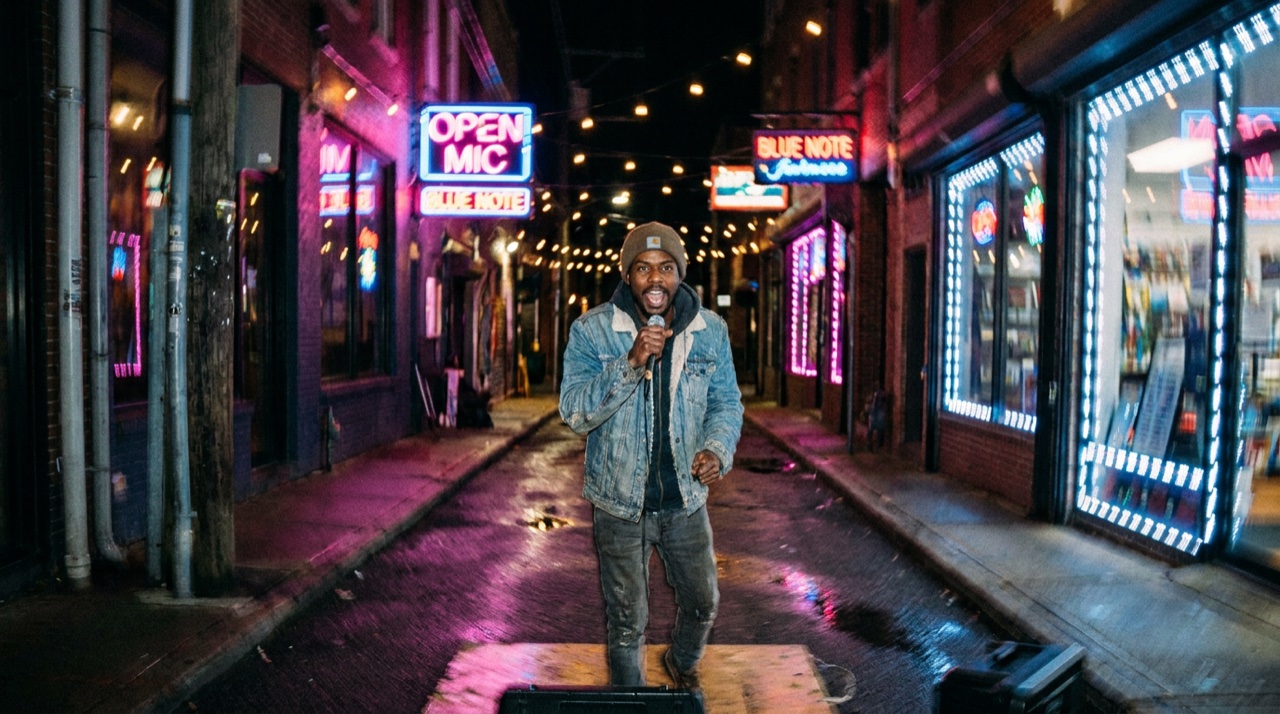
Create Motion without Moving a Camera
Choose POV, follow, push-in, pull-back, or orbit-style motion when the template supports it. Camera behavior becomes part of the effect rather than a separate shoot.
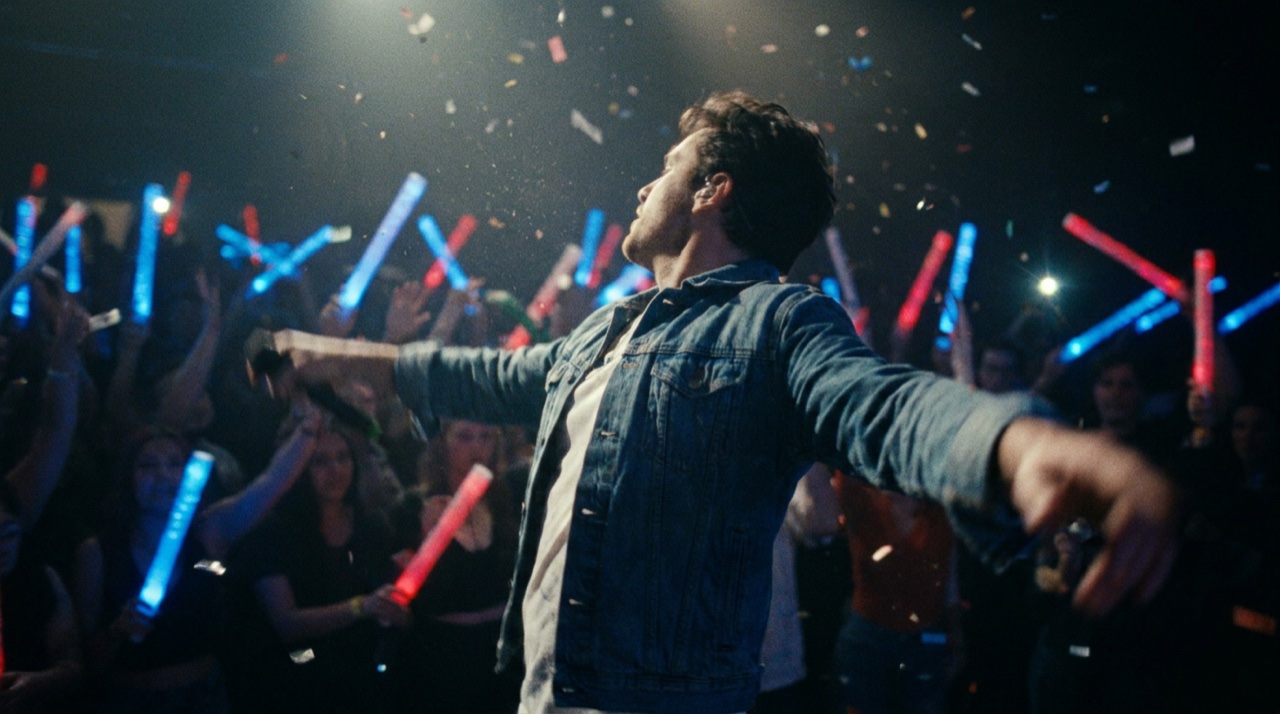
Shape a Hook around the Beat
Speed changes, motion blur, transitions, and visual hits help a short clip build momentum. The song’s strong beats guide where the template places its clearest hooks.
Who Social Effects Templates Are For
For teams that want a designed visual hook, expressive camera motion, and music-led pacing without planning a new shoot.
Musicians Building Release Visuals
Give a release a bold visual hook without arranging a shoot; the chosen template supplies the effect language while your song drives the energy.
Short-Form Creators
Turn photos and clips into short-form moments shaped by POV motion, transitions, blur, and beat-led accents.
Agencies Exploring Concepts
Test distinct effect directions for artists and campaigns with a repeatable template-first workflow.
Brands Adding Motion
Build product and campaign visuals around a defined effect style while keeping the source media recognizable.
FAQ
It applies a template-defined visual treatment, camera behavior, speed changes, motion blur, transitions, and music-led accents to your media. First choose a template, then upload the requested photos or clips and one song.