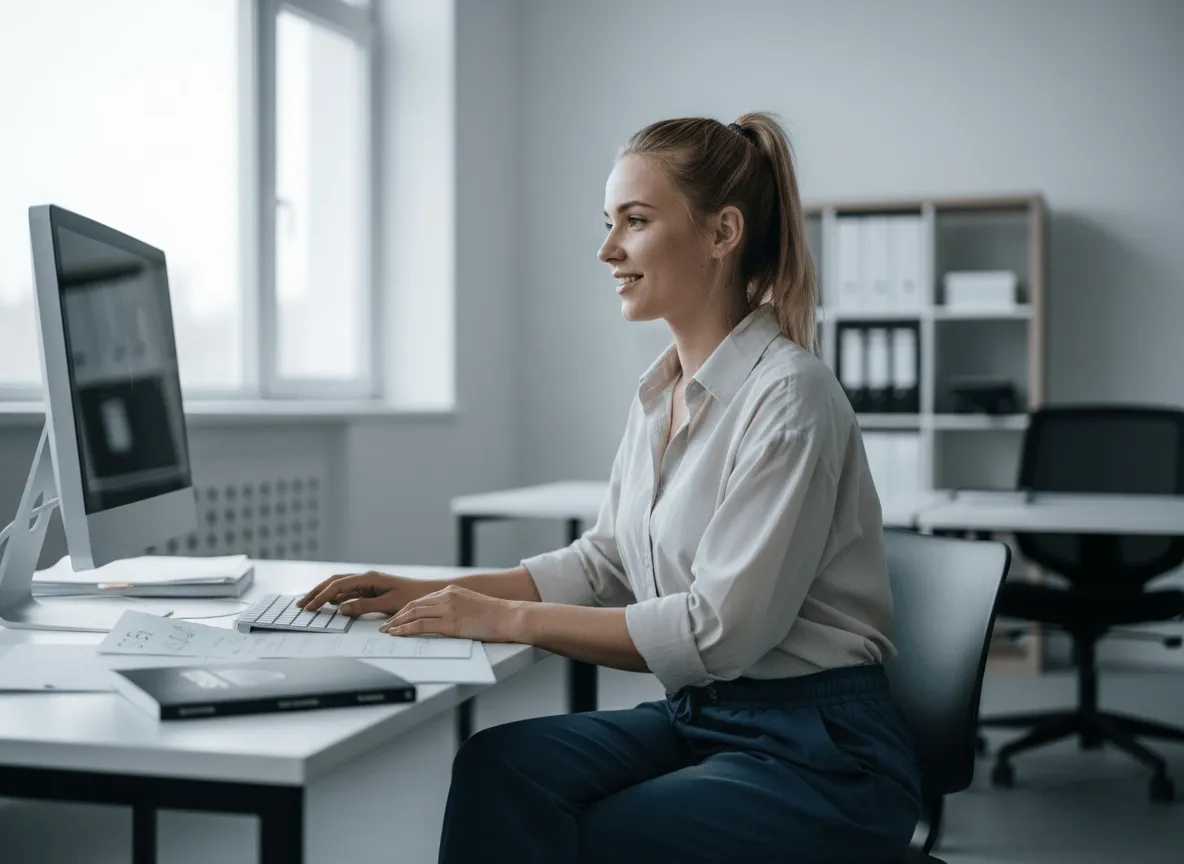
Haz que los productos se compren más fácil
Los recortes limpios de producto hacen que tus fotos de producto se entiendan mejor, ayudan a quien compra a fijarse en el detalle clave y a comprar con más confianza.
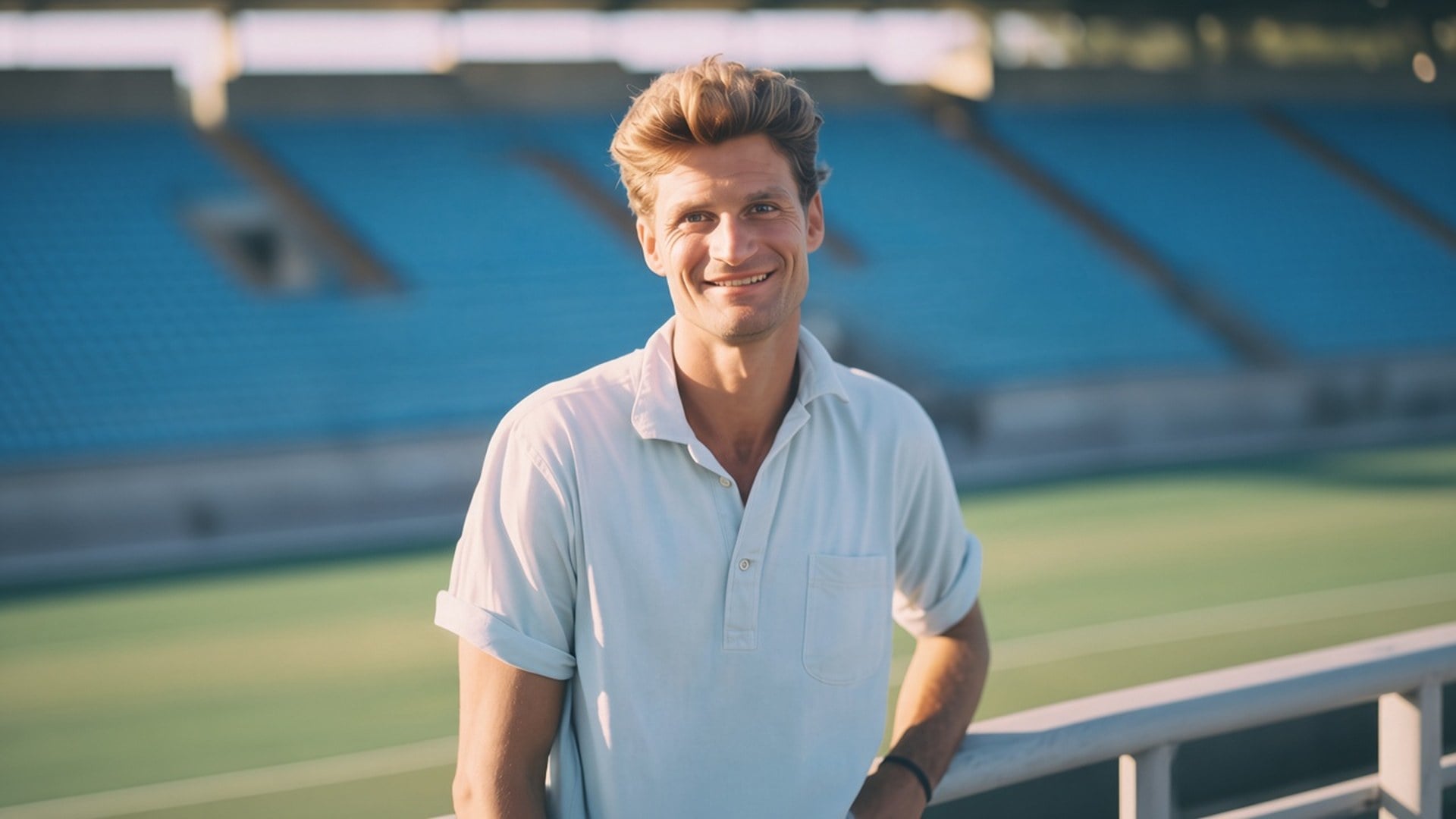
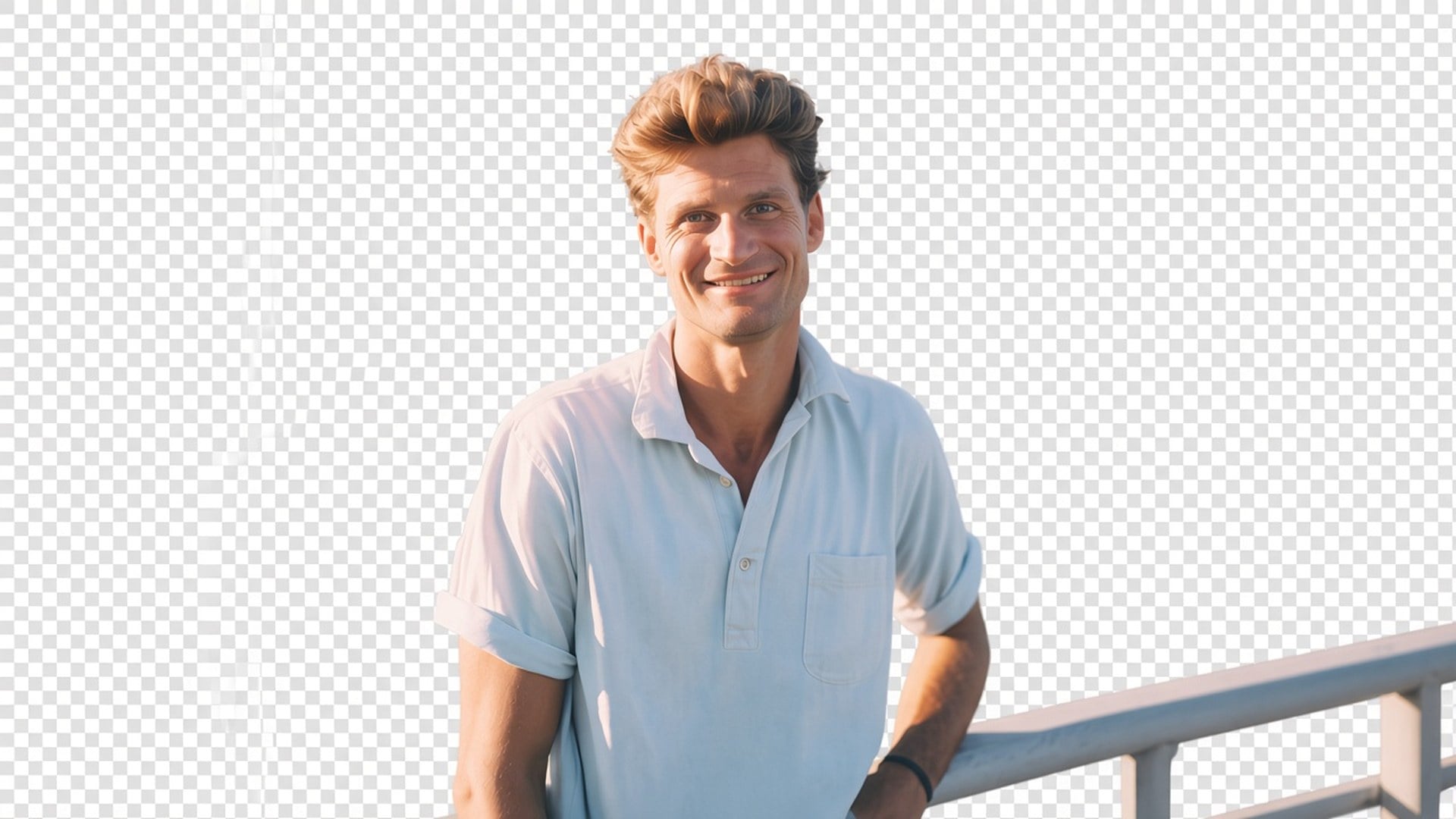
¿Necesitas a la persona o al producto sobre alfa, no un fondo nuevo? El Background Remover de Viralkey recorta al sujeto sobre un fondo transparente de verdad: sin relleno blanco, sin barrido de estudio, sin habitación inventada.
Background Remover
Background Remover online
¿Necesitas a la persona o al producto sobre alfa, no un fondo nuevo? El Background Remover de Viralkey recorta al sujeto sobre un fondo transparente de verdad: sin relleno blanco, sin barrido de estudio, sin habitación inventada.
La mayoría de páginas de «background remover» pegan en silencio un estudio blanco o generan una habitación más bonita. Esta devuelve transparencia: el sujeto aislado, el fondo fuera, el archivo listo para soltar en una miniatura, una diapositiva o una ficha. Es un recorte dedicado, no el motor de Image Enhancer y no un cambio de escena. Sube un still. Descarga un sujeto que puedes colocar tú.
El después debería compositarse. Tablero de ajedrez en la vista previa, o la capa sobre la que sueltes el PNG después: no un blanco, gris o barrido seamless horneado. Si querías un fondo real nuevo, estás en la página equivocada. Esta herramienta solo aísla. Ese es todo el producto, y por eso un diseñador puede llevar el archivo al layout que ya tiene en vez de pelearse con un relleno que nunca pidió.
Probar ahora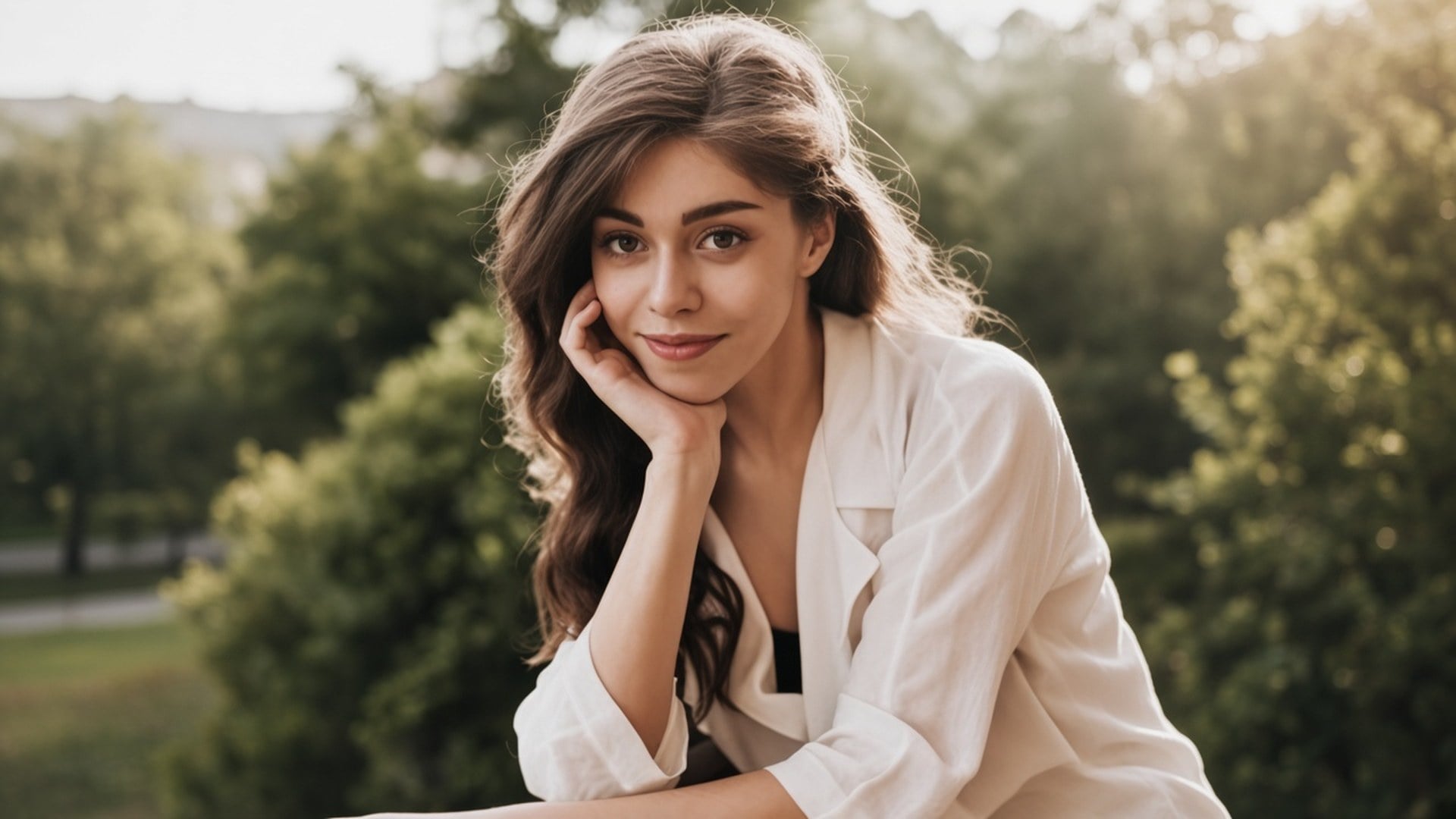
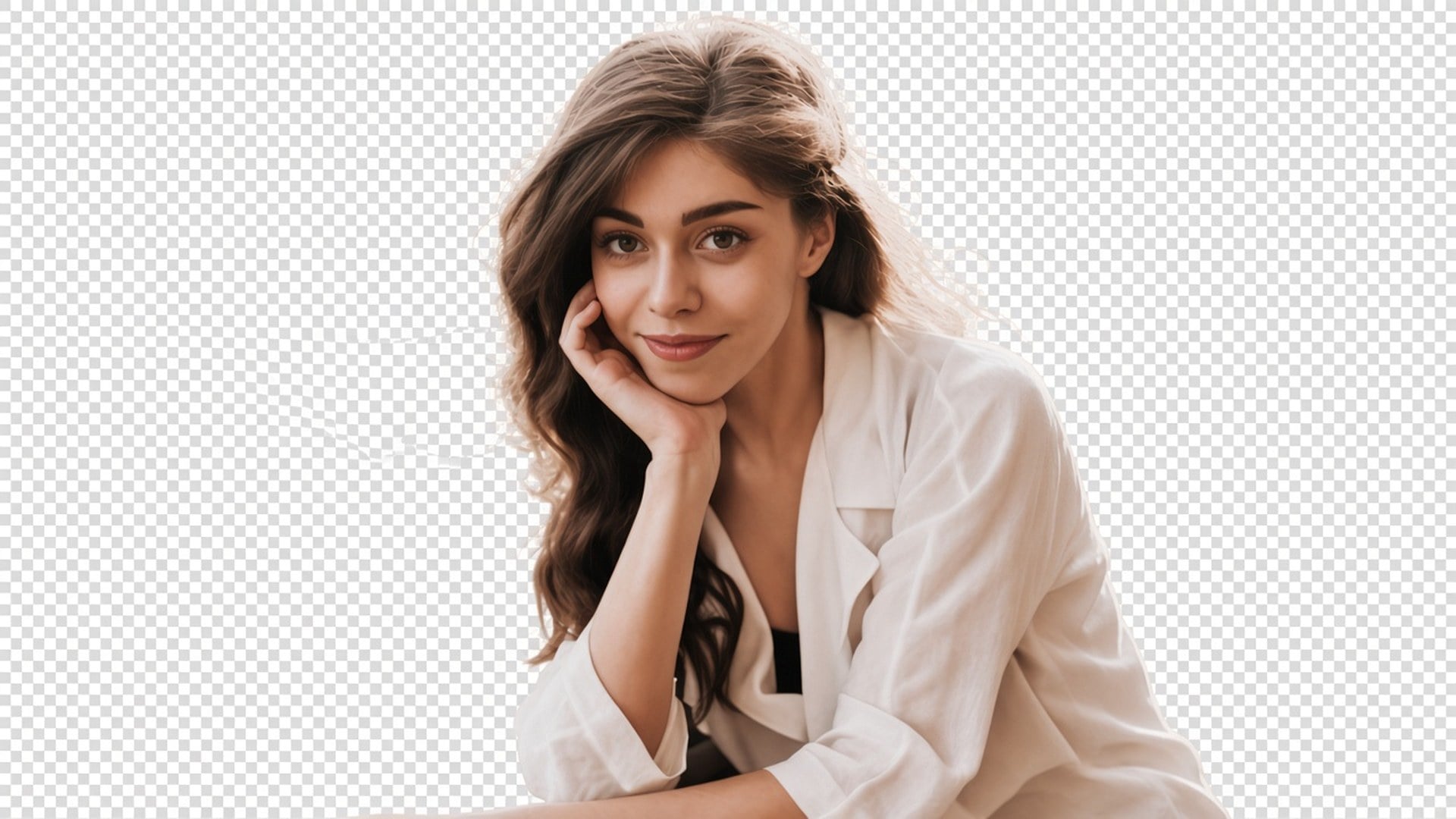
Un recorte no sirve si la persona vuelve con otra cara. Este pase está hecho para conservar pose, ropa e identidad, y gastar el trabajo en el mate. El pelo y otros bordes suaves forman parte de ese trabajo. Deberías poder emparejar antes y después y seguir reconociendo el mismo still. Si necesitas un outfit nuevo o una expresión nueva, esa es otra página del estudio.
Probar ahora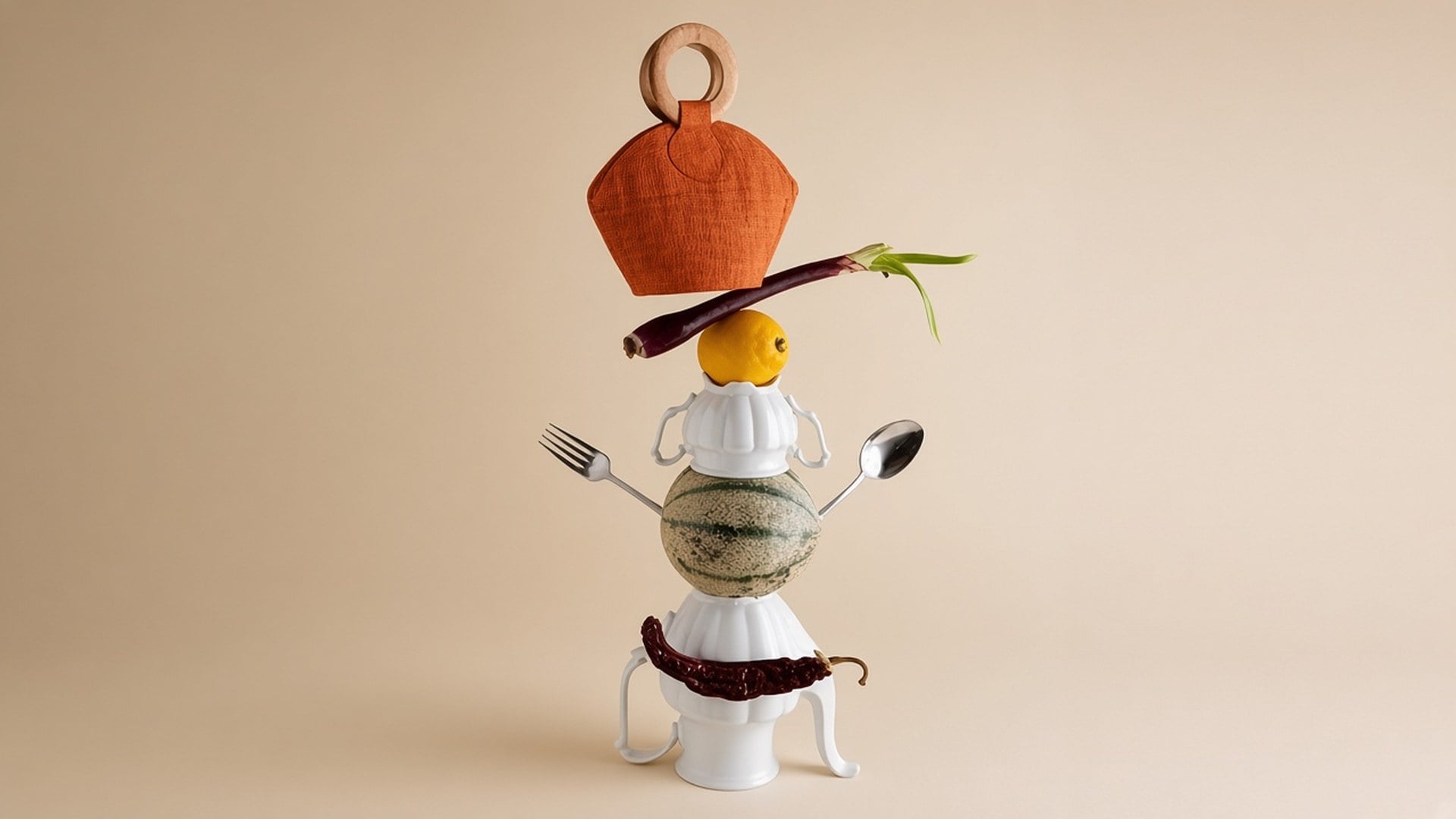
No hay nada que escribir ni un chip de color de relleno. La foto de origen es el brief. Un prompt invitaría a un fondo generativo que esta página no hace, así que el campo está oculto. Sube, genera, descarga el resultado transparente. Si el origen también está suave, ejecuta Image Enhancer primero como una generación aparte: son dos pases, no un botón.
Probar ahoraUn background remover sirve cuando el siguiente layout ya existe y solo necesitas al sujeto. Cada punto de abajo es esa promesa: transparencia real, un sujeto que se queda la fotografía y un archivo que puedes soltar sin pelearte con un relleno horneado.
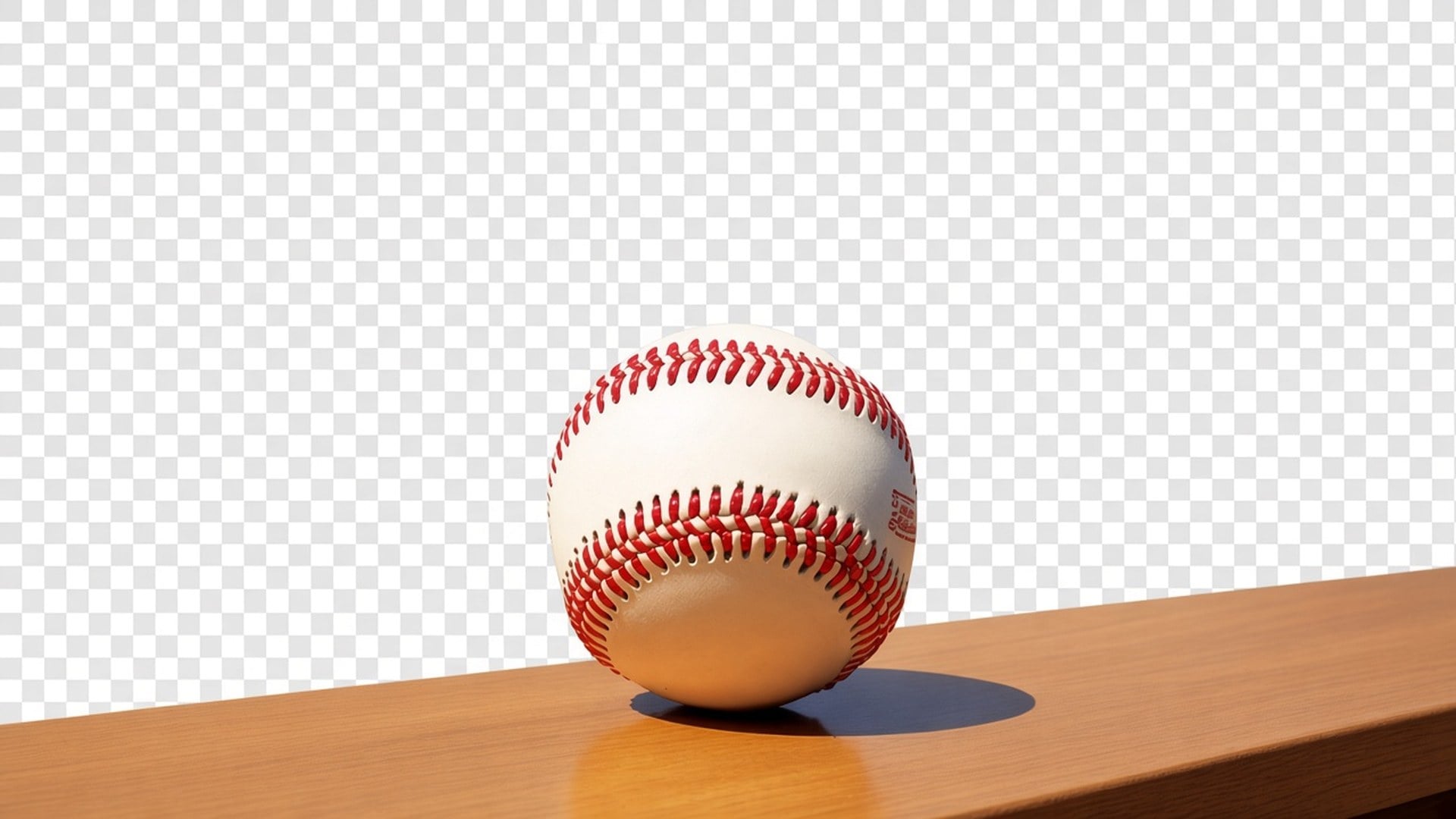
La salida es un recorte con alfa, no un rectángulo blanco fingiendo que está «eliminado». Suéltalo en una miniatura negra, una diapositiva de marca o una ficha de marketplace. No te prometemos una escena nueva detrás de la persona. Si una página de la competencia te entrega un barrido de estudio, ese es otro producto. Este se detiene en el aislamiento para que tú controles la siguiente capa.
Probar ahora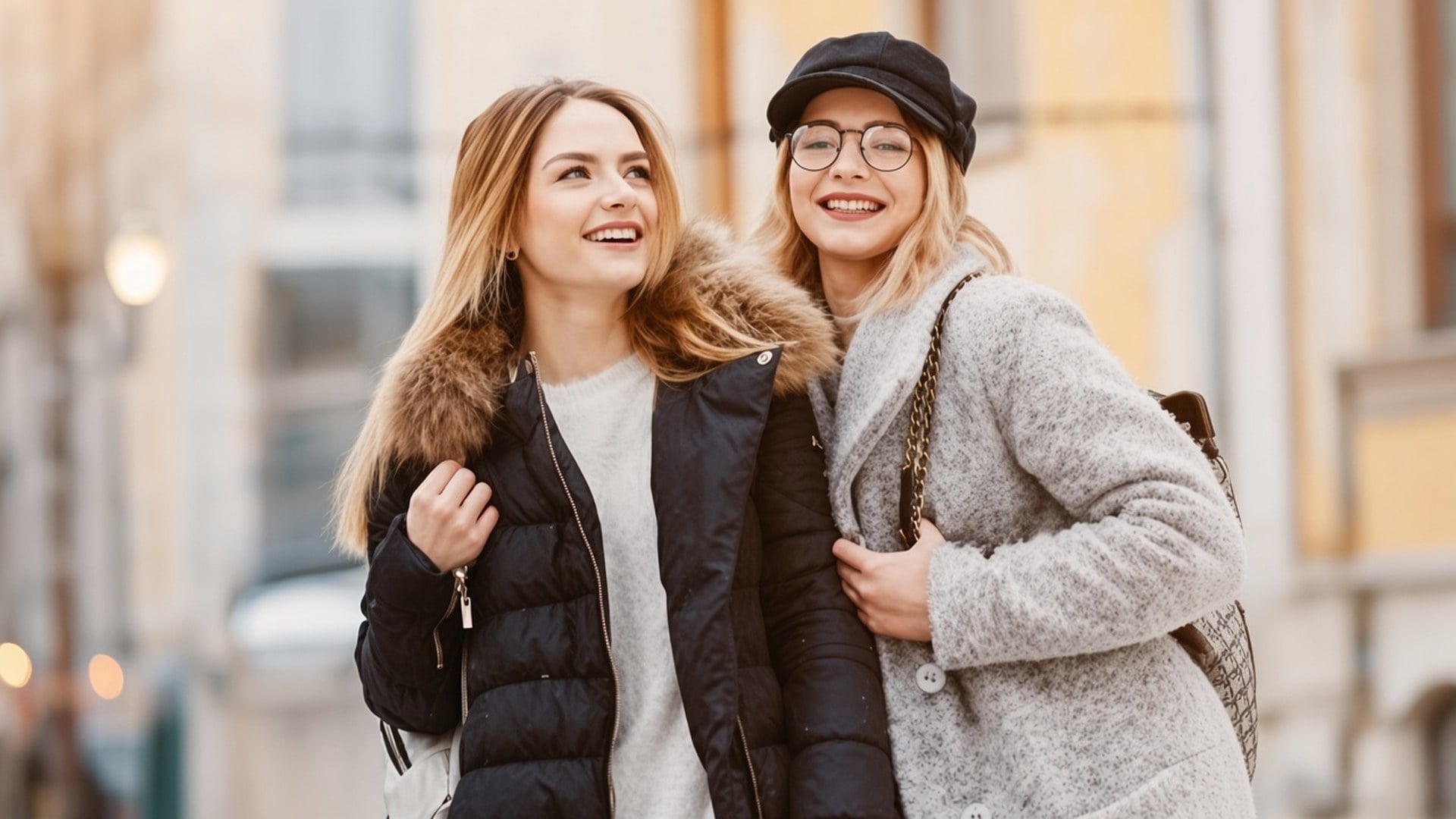
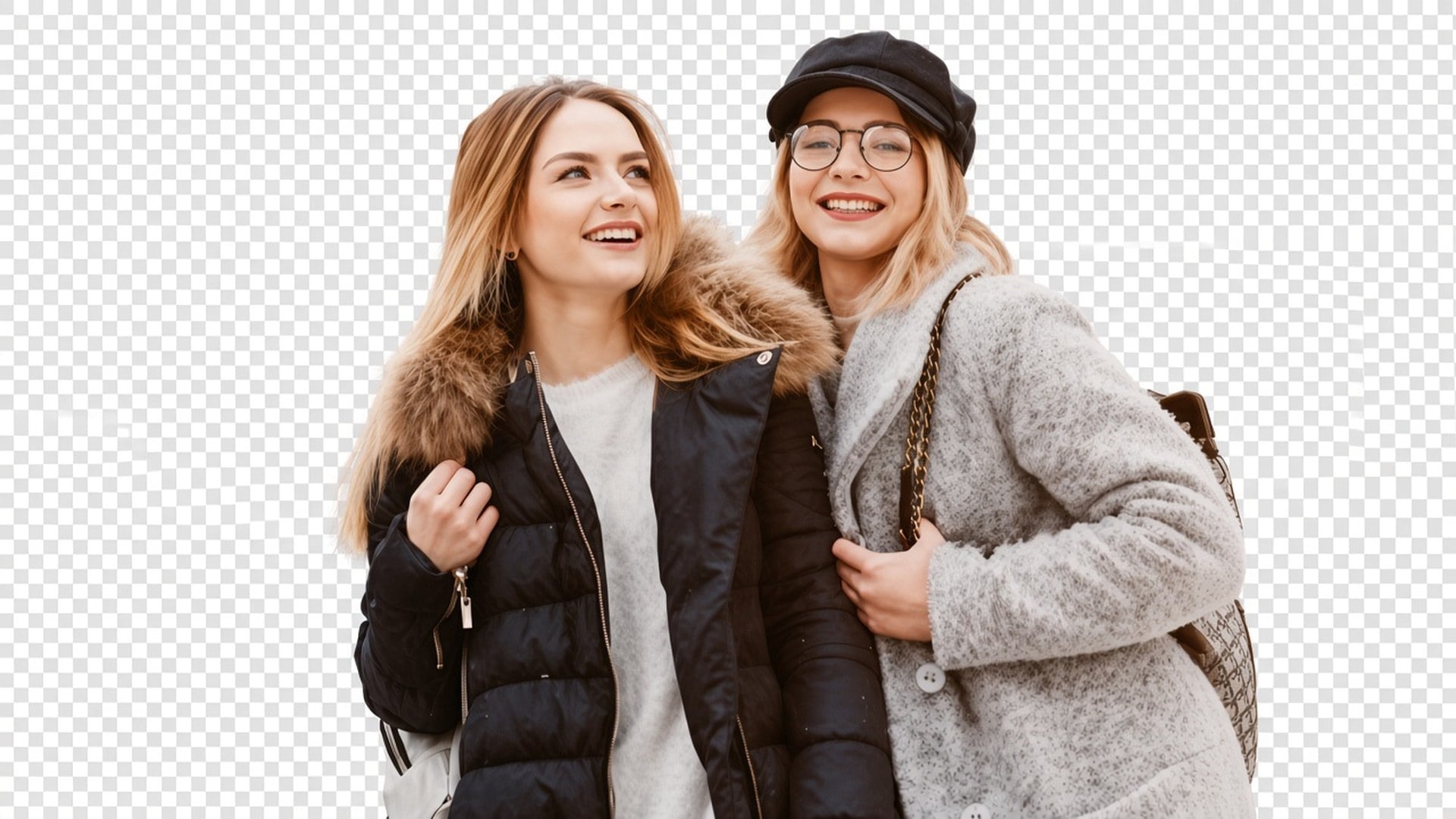
El pase está afinado para un mate limpio del sujeto, incluido el pelo suelto y otros bordes suaves, sin redibujar la cara. Los resultados aún dependen del contraste del origen. Un selfie a contraluz con el pelo perdido en el cielo es más difícil que un producto sobre una mesa lisa. La herramienta no inventará mechones que el archivo nunca capturó. Parte de la separación más limpia que tengas.
Probar ahora
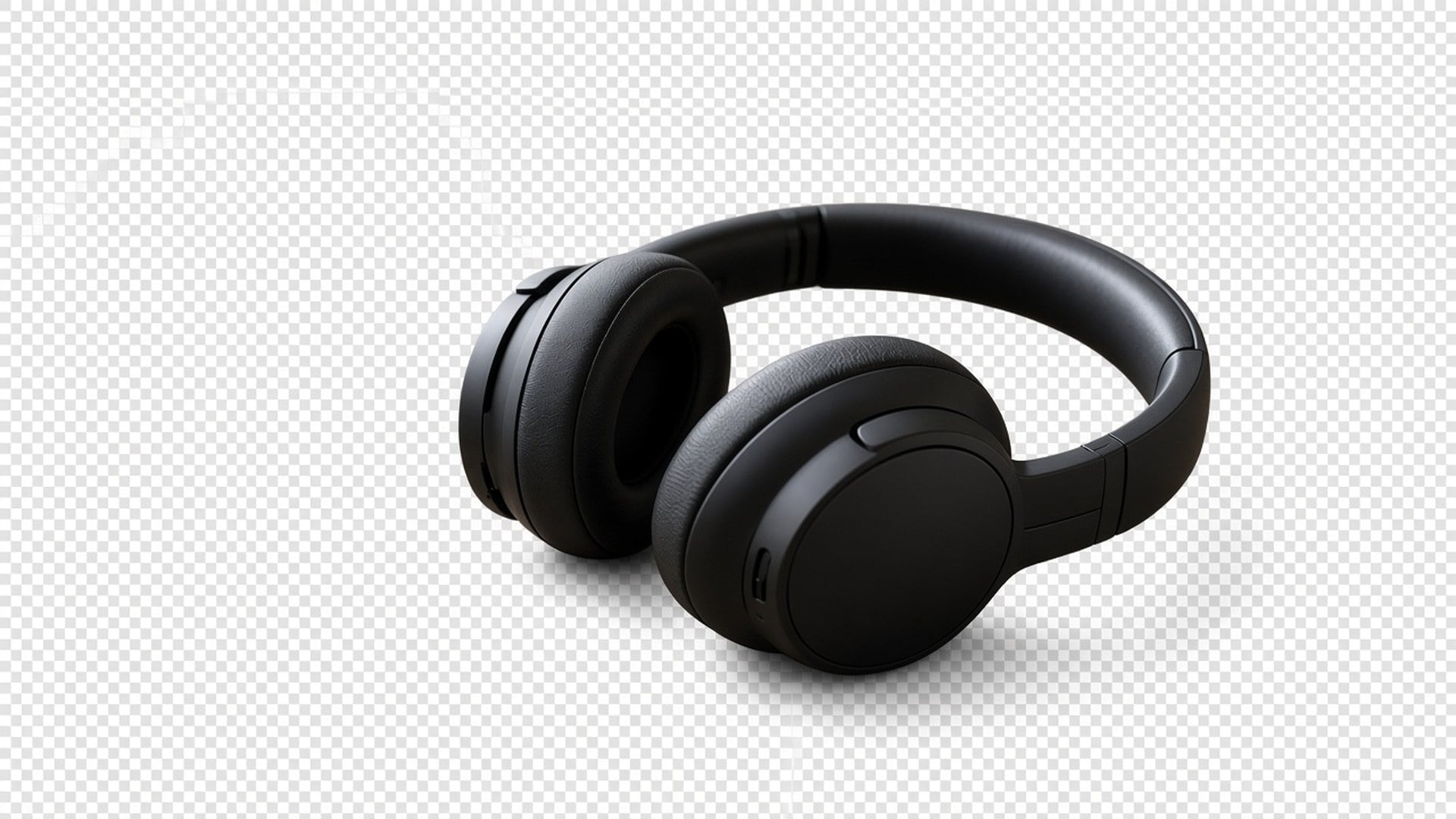
Image Enhancer, Image Upscaler, Unblur Images y Denoise AI comparten un pase de calidad. Esta página no. Es un recorte aparte. Puedes usar ambos en secuencia — nítida, luego aísla —, pero cada generación es su propio gasto y su propio resultado. Lo decimos en abierto para que una tabla de funciones no finja que cinco URLs son un algoritmo.
Probar ahora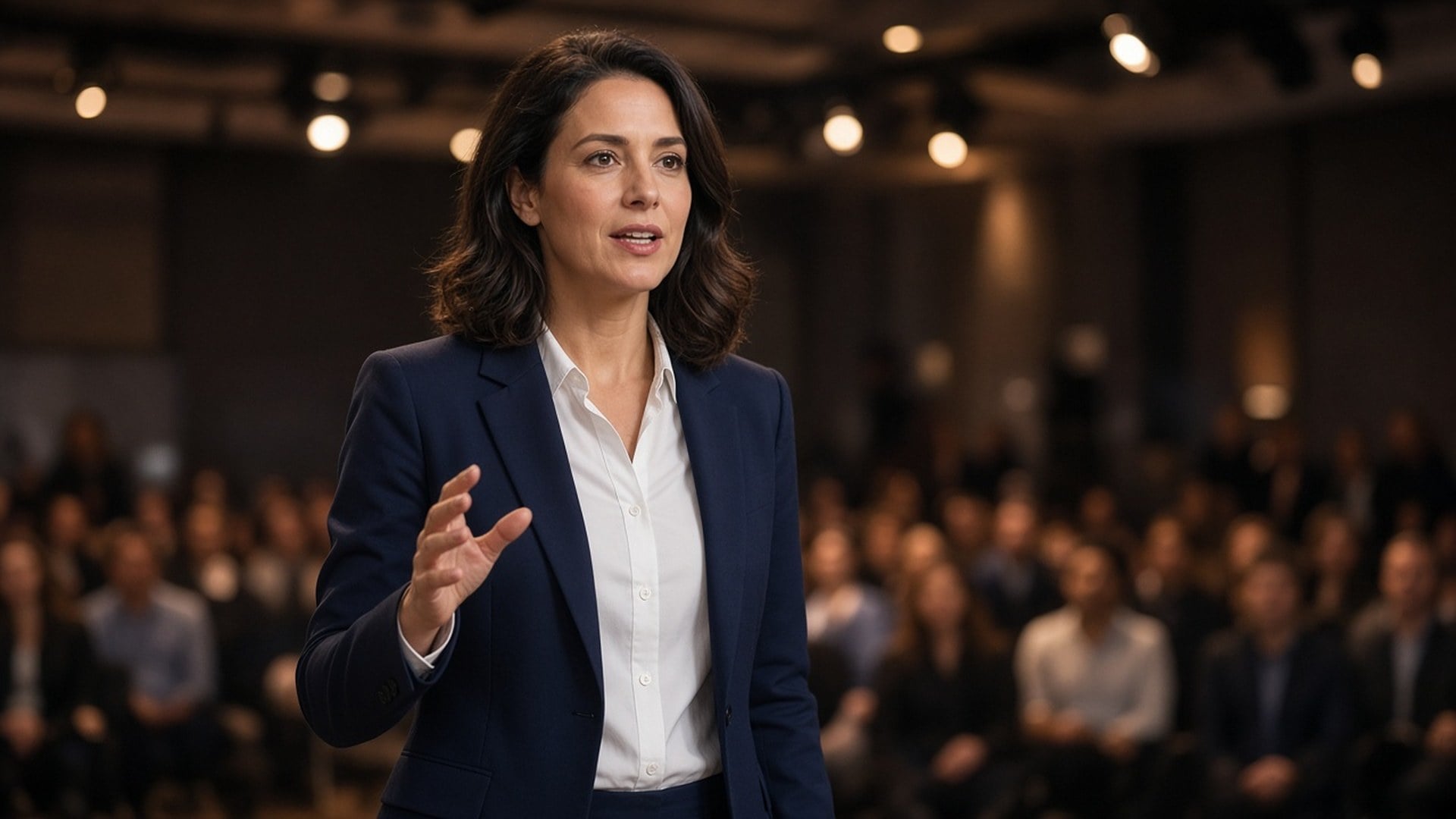
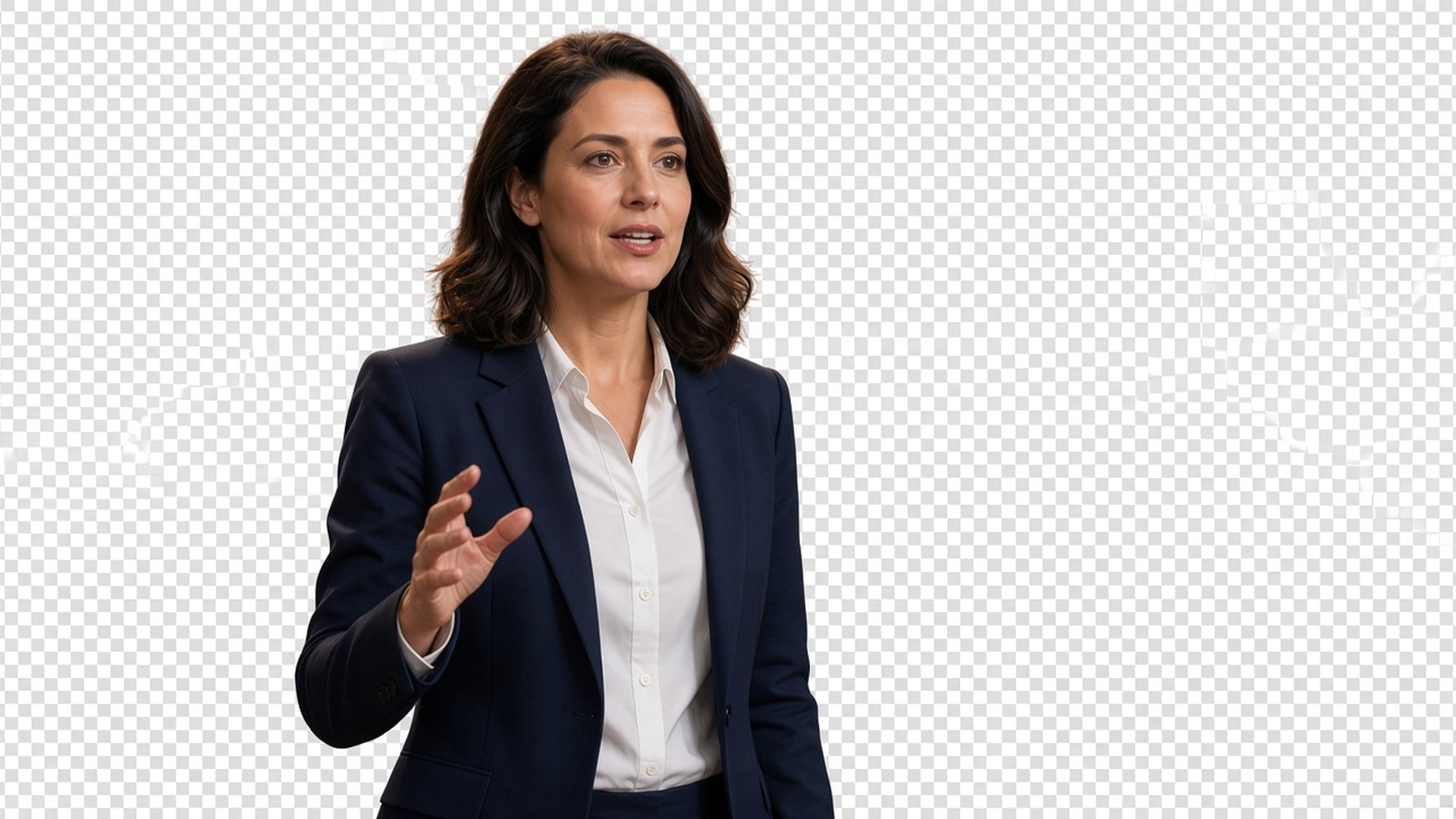
Los resultados son stills que puedes descargar y colocar: un creator en una miniatura, un pack en una ficha, un ponente en una placa de keynote. No te prometemos fotografía de catálogo sin retoque ni el rescate de una toma de multitud con cinco personas superpuestas. Si dos sujetos se enredan, recorta más cerrado primero. La claridad de la silueta es el brief.
Probar ahoraLos recortes limpios de producto hacen que tus fotos de producto se entiendan mejor, ayudan a quien compra a fijarse en el detalle clave y a comprar con más confianza.
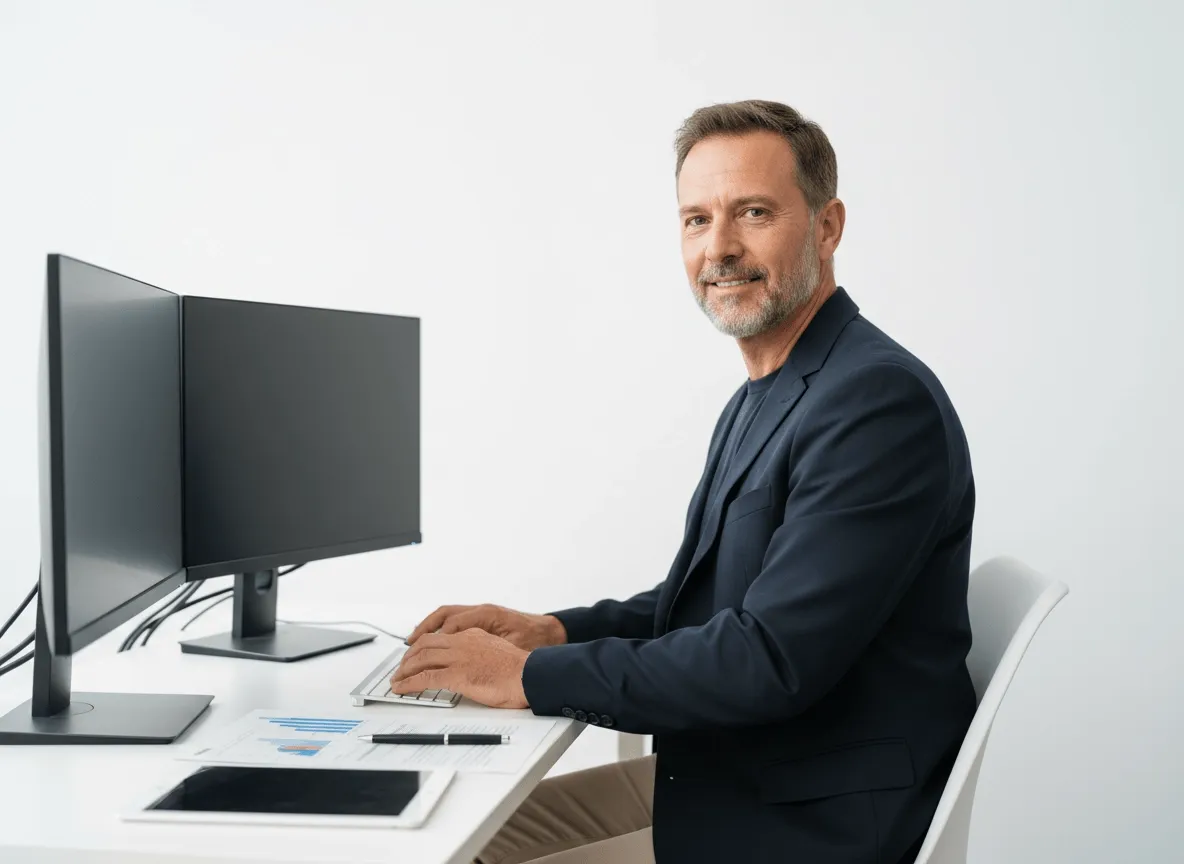
Aísla tus productos, modelos o visuales clave para banners, landing pages y gráficos promo. Tus equipos pueden crear assets más pulidos con menos edición a mano.
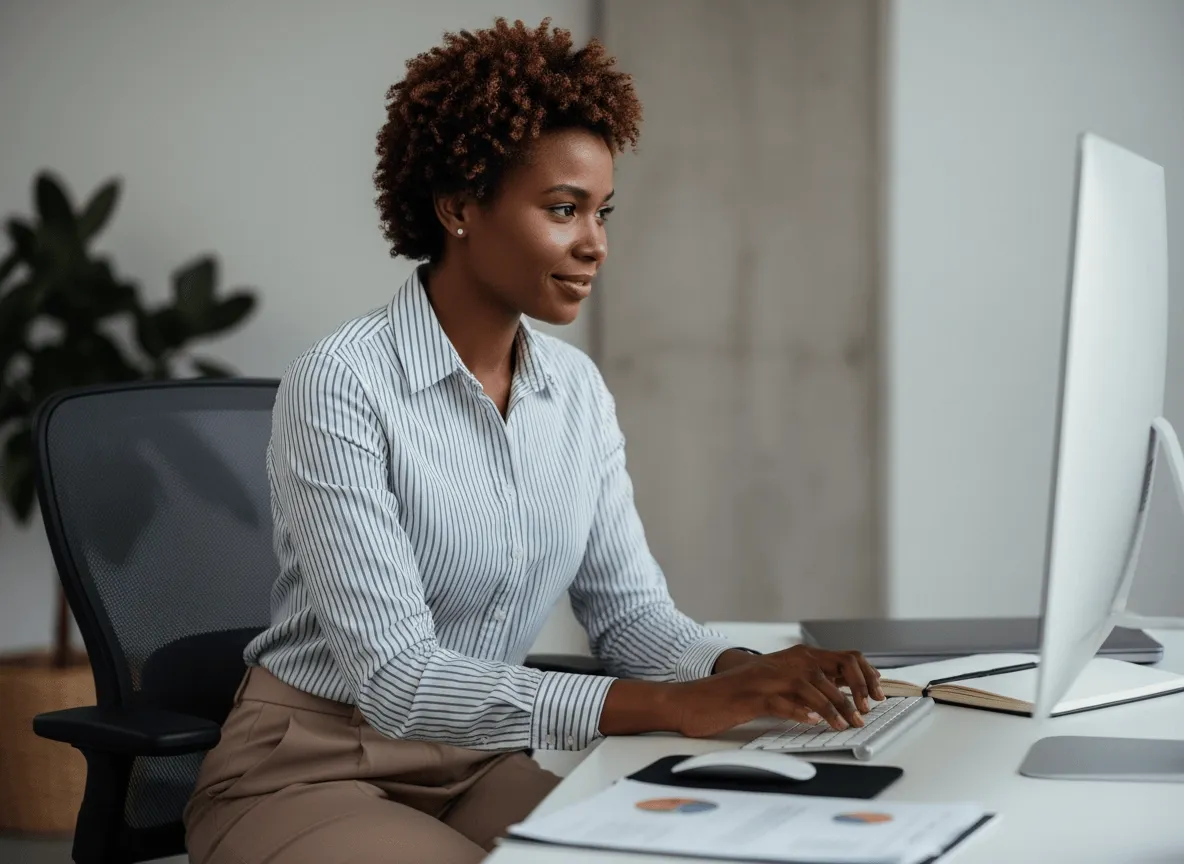
Quita fondos de fotos de actores o imágenes de personajes para tus pósters de cine, teasers y diseños promo. Haz que el sujeto destaque con más impacto.
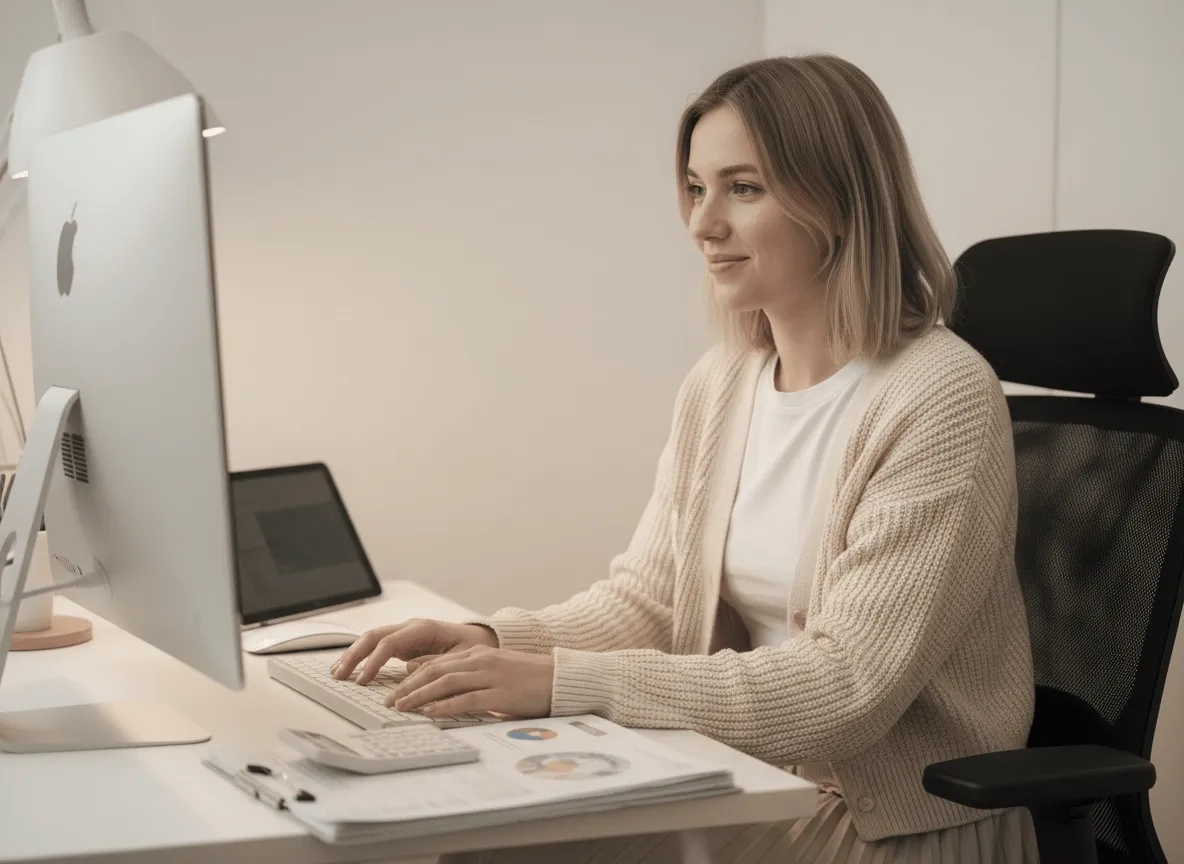
Prepara fotogramas de personajes, objetos o assets de motion para tus sprite sheets con recortes limpios. Acelera la prep de assets y deja los visuales del juego más limpios.
Los recortes limpios de producto hacen que tus fotos de producto se entiendan mejor, ayudan a quien compra a fijarse en el detalle clave y a comprar con más confianza.
Aísla tus productos, modelos o visuales clave para banners, landing pages y gráficos promo. Tus equipos pueden crear assets más pulidos con menos edición a mano.
Quita fondos de fotos de actores o imágenes de personajes para tus pósters de cine, teasers y diseños promo. Haz que el sujeto destaque con más impacto.
Prepara fotogramas de personajes, objetos o assets de motion para tus sprite sheets con recortes limpios. Acelera la prep de assets y deja los visuales del juego más limpios.
Un recorte rara vez es la única pregunta. Quédate en Viralkey Studio para mejorar el mismo still, ampliarlo 2× o probar un acabado de retrato en la misma cara antes de aislar otra vez.
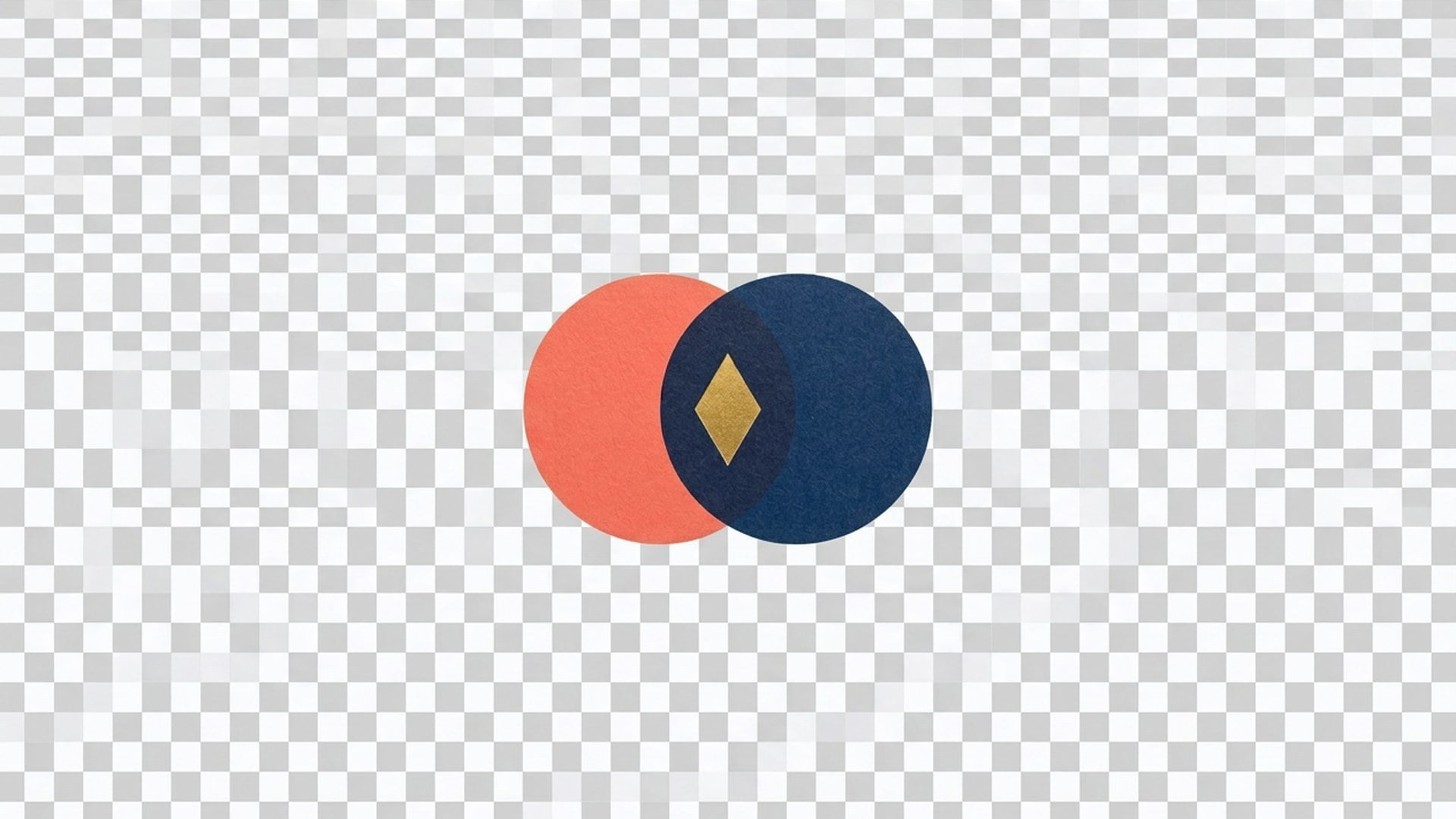
Aísla un logo sobre campo transparente: queda la marca, se va el escritorio.

Recupera nitidez al mismo tamaño, o amplía 2× o 4×.

Amplía una foto 2× o 4× y recupera bordes, sin estirar píxeles.

Recupera nitidez de una foto suave o movida sin redibujar la escena.
Explora modelos líderes para video con IA, generación de imágenes, edición y narrativa cinematográfica.

Create Wan 3.0 clips on Viralkey: native 1080p, 2–30 seconds, start/end frames, up to 20 mixed references, and audio generated with the picture.

Crea clips cinematográficos MiniMax H3 en Viralkey: 2K nativo, hasta 15 segundos, texto a vídeo, fotogramas de inicio/fin y hasta nueve imágenes de referencia.

Genera clips HD cortos en Viralkey con dirección de fotograma inicial/final y hasta 50 imágenes de referencia. Pensado para escenas de videoclip y planos de actuación.

Create cinematic Seedance 2.0 clips on Viralkey: native 4K, start/end frames, up to nine reference images, and built-in audio with lip-sync.
Notas de creadores que usaron esta herramienta en trabajo real.
Lark Ames
CreadorNecesitaba el producto más nítido, no una foto nueva.
1× conservó el recorte y limpió los bordes.
Ned Hollis
Product managerPasé el mismo selfie a 2× para un póster.
Se hizo más grande sin piel de plástico.
Oona Pell
FotógrafoBusqué unblur, pero el chip 1× era lo que de verdad necesitaba.
Penn Crowe
Creador de YouTubeDenoise limpió el grano de noche y dejó la textura del ladrillo.
Ese era todo el brief.
Rory Blake
Responsable de redesEl PNG transparente del remover cayó directo sobre una miniatura negra.
Shea Quinn
Diseñador4× en un escaneo de archivo pequeño.
Las caras siguieron siendo las mismas personas. Solo gané píxeles.
Una Marsh
IlustradorDejé de pagarle a un retocador por «que se vea menos pastoso».
Este es ese trabajo.
Vaughn Kitts
ConsultorCambié el chip de 1× a 2× en la página de enhancer.
El mismo motor, un archivo más grande.
Wren Sol
InfluencerEl fondo salió limpio alrededor del pelo.
Sin halo blanco que tuviera que enmascarar a mano.
El Background Remover de Viralkey recorta al sujeto principal sobre un fondo transparente de verdad. Subes un still y obtienes un recorte tipo PNG, sin escena nueva y sin relleno de color sólido. No es un cambio generativo de fondo y no es el mismo motor que las páginas de Image Enhancer. Úsalo cuando necesitas a la persona o al producto sobre alfa, listo para soltar en una miniatura, una diapositiva o una ficha.
¿Necesitas a la persona o al producto sobre alfa, no un fondo nuevo? El Background Remover de Viralkey recorta al sujeto sobre un fondo transparente de verdad: sin relleno blanco, sin barrido de estudio, sin habitación inventada.