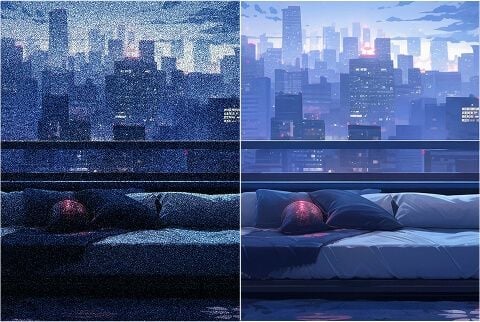
Quita ruido de fotos con poca luz y de trabajo
Afina fotos con poca luz, tomas de larga exposición e imágenes de ISO alto sin aplastar el detalle esencial. Levanta el grano sin aplanar el look que ya tomaste.
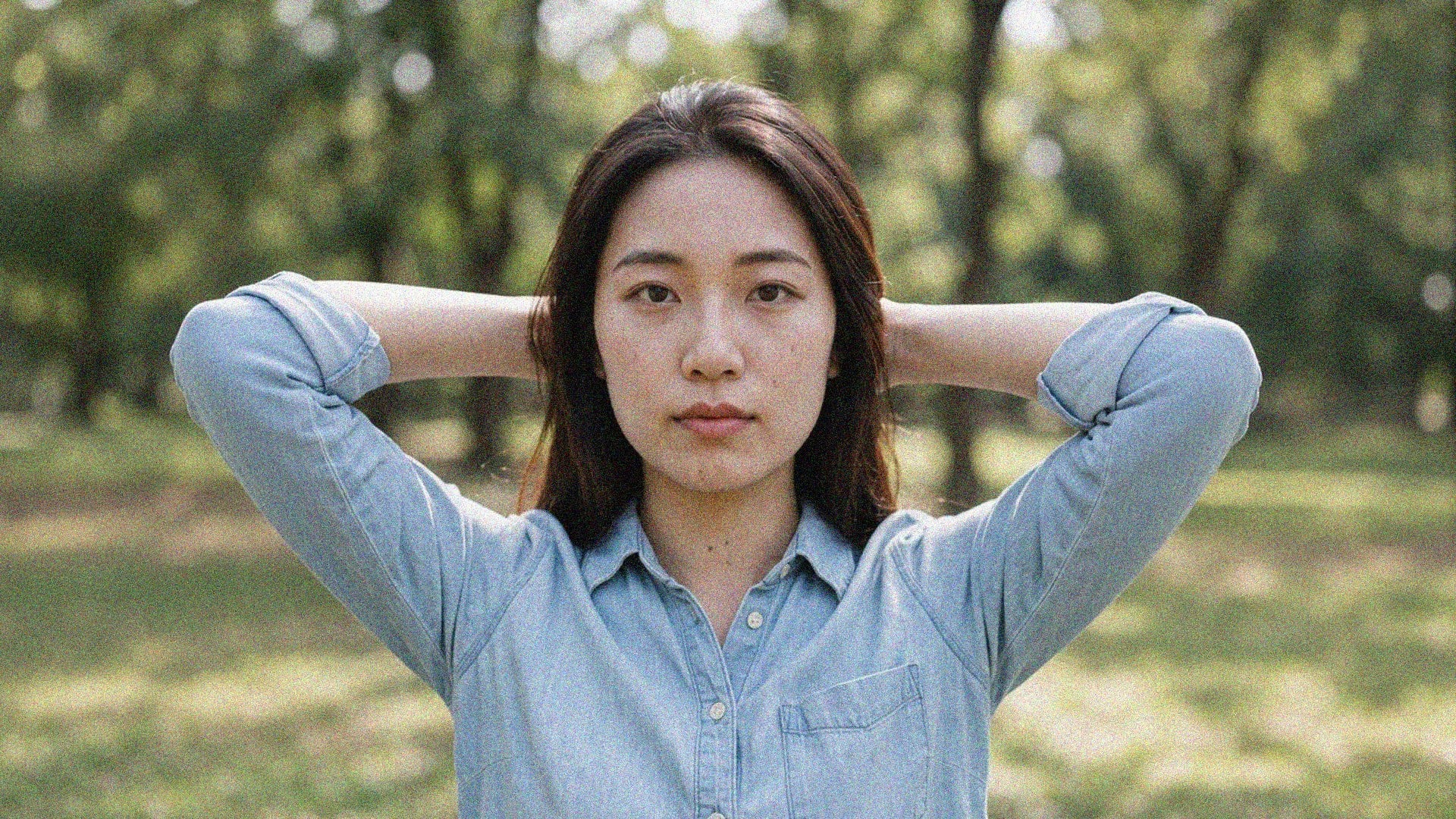
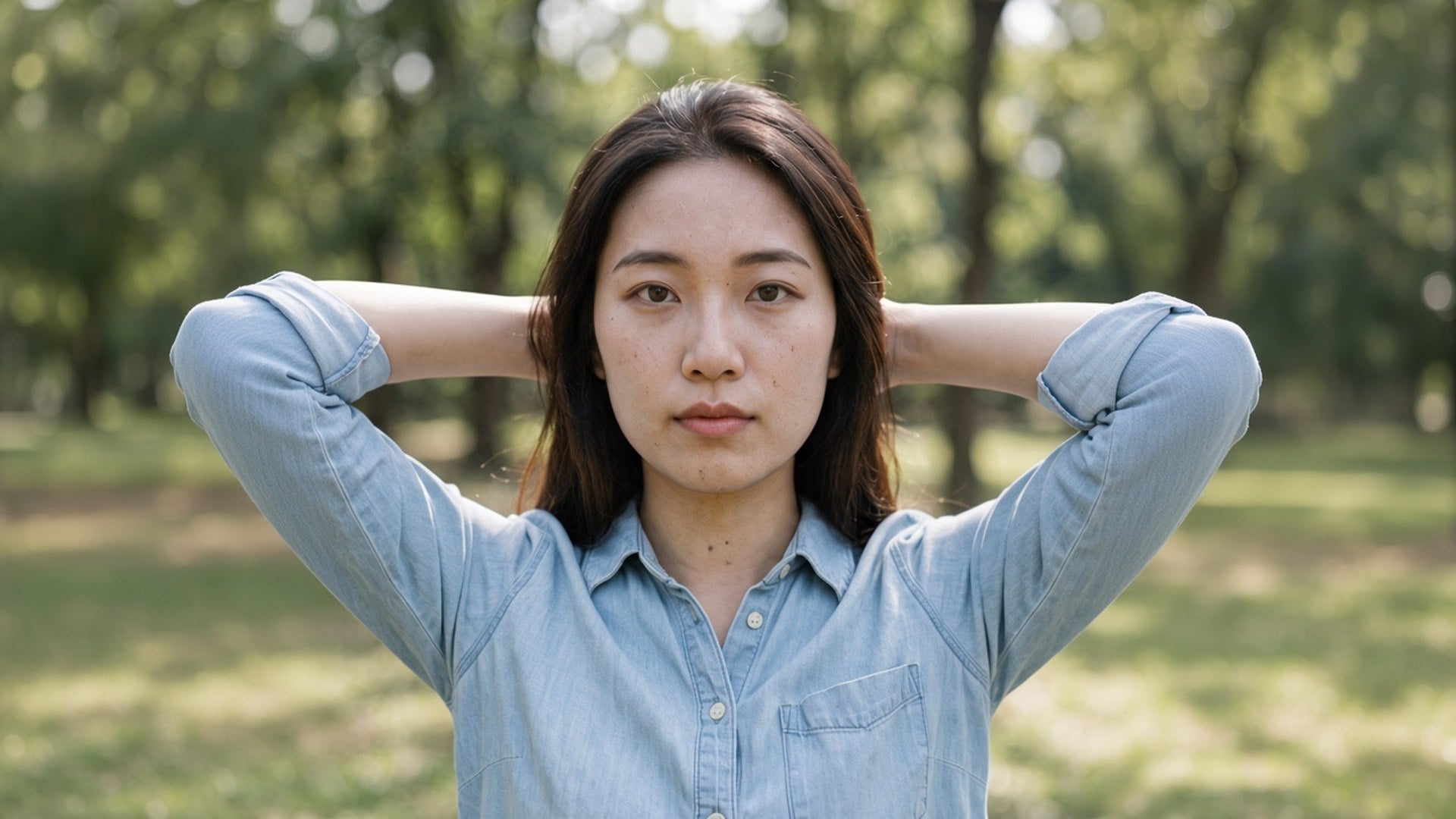
El grano de noche y los bloques de compresión aún pueden estar sobre la foto correcta. El pase Denoise AI de Viralkey limpia ese ruido a 1×, o amplía 2× y 4×, sin inventar una cara nueva ni un acabado de plástico.
Denoise AI
Denoise AI online
El grano de noche y los bloques de compresión aún pueden estar sobre la foto correcta. El pase Denoise AI de Viralkey limpia ese ruido a 1×, o amplía 2× y 4×, sin inventar una cara nueva ni un acabado de plástico.
Quien busca denoise ai suele tener la toma bien y el ruido mal. Esta página arranca en 1× mejorar para darte primero una limpieza al mismo tamaño. 2× ampliar y 4× ampliar siguen en el chip si también necesitas un master más grande. Image Enhancer, Image Upscaler y Unblur Images ejecutan el mismo pase: no hay una red aparte de denoise detrás de esta URL. Cambia el chip si el tamaño era el problema de verdad.
Un pase de denoise no sirve si el después es cera. Esta herramienta está hecha para conservar ladrillo, tela, pecas y tipo, y gastar el trabajo en grano y bloques de compresión que no deberían estar. Deberías poder emparejar antes y después. Un archivo que ya es una captura de tercera generación no hará crecer textura real que nunca se capturó. Parte del original más limpio que aún tengas.
Probar ahora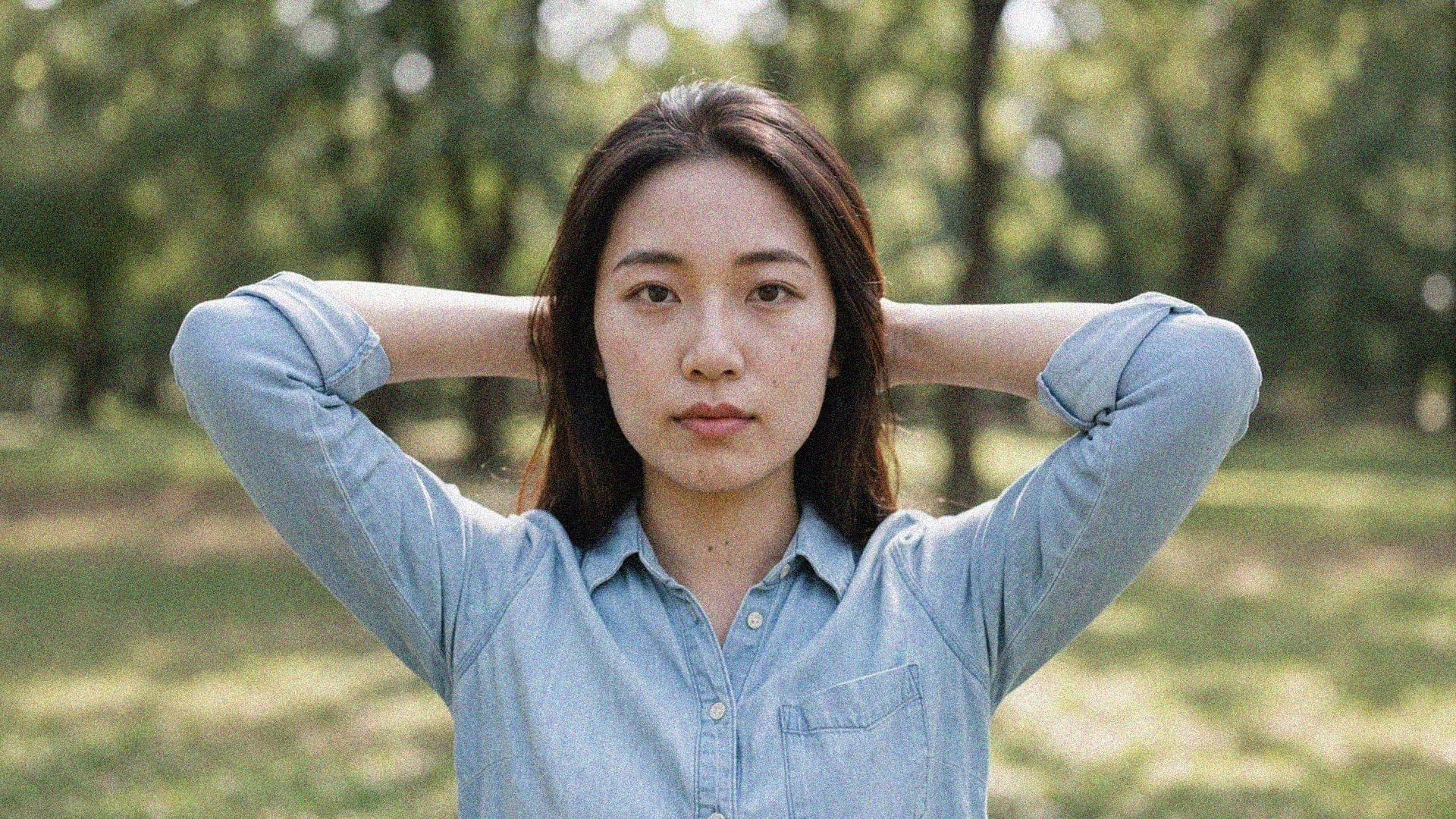
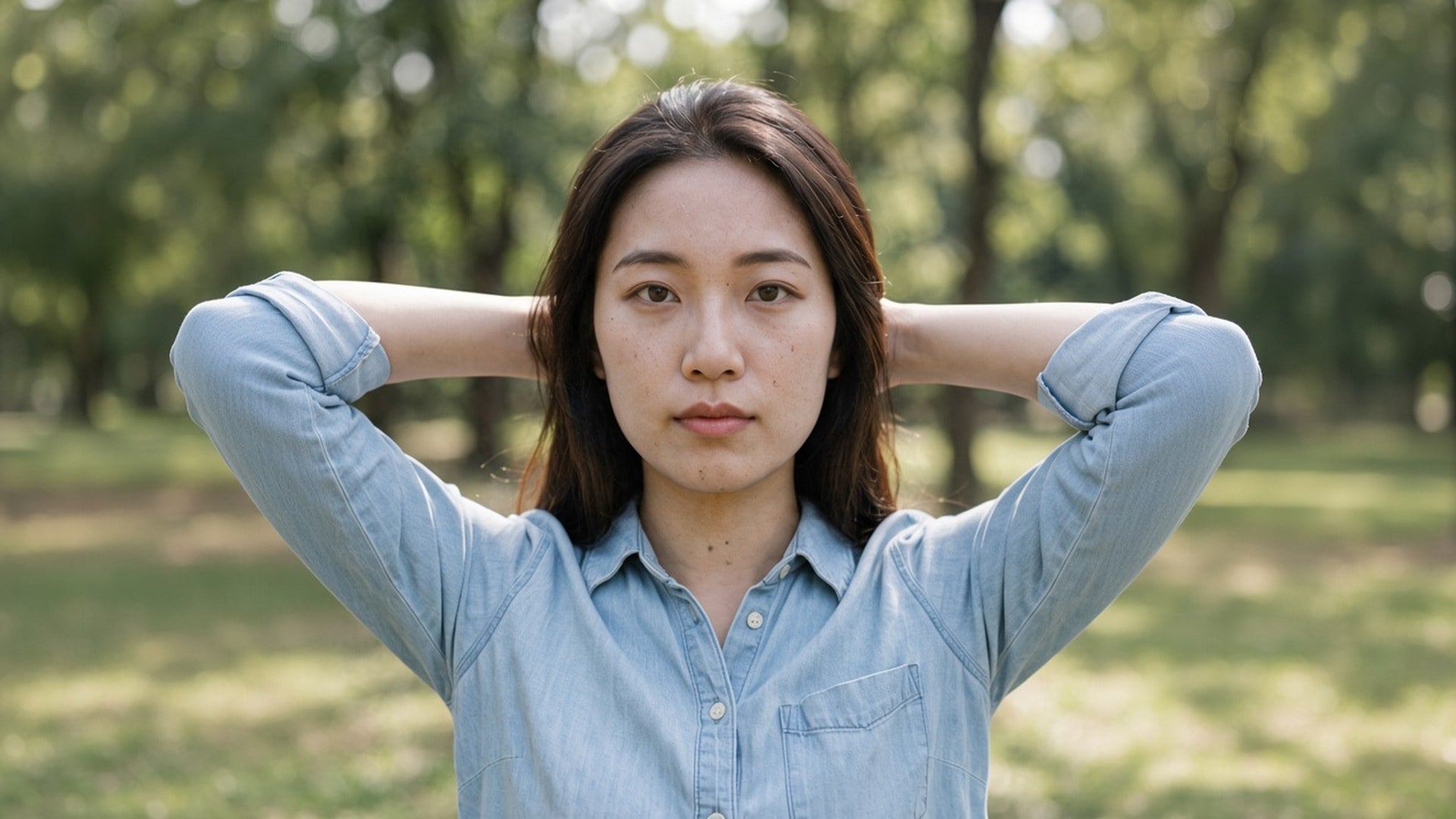
Al aterrizar aquí se preselecciona 1× mejorar porque la mayoría de búsquedas de denoise van de limpieza, no de pósters. Aún puedes pulsar 2× ampliar o 4× ampliar cuando el archivo también es demasiado pequeño. Esos tres valores son el mismo set cerrado que la página de Image Enhancer. Cuatro URLs de marketing, un motor. No esperes un modelo privado de ruido escondido detrás de este slug: la diferencia honesta es el chip por defecto y el copy de la página.
Probar ahora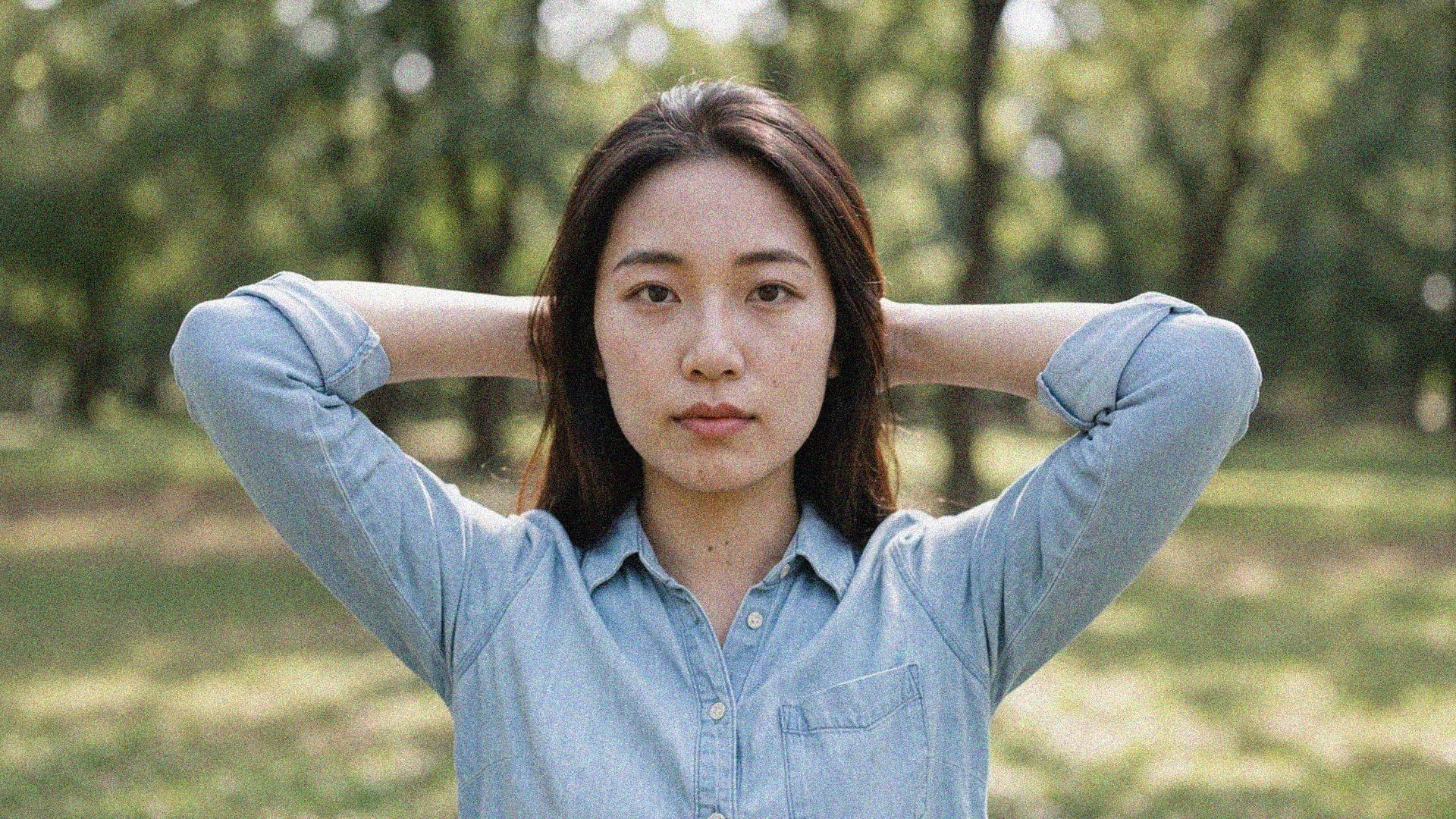
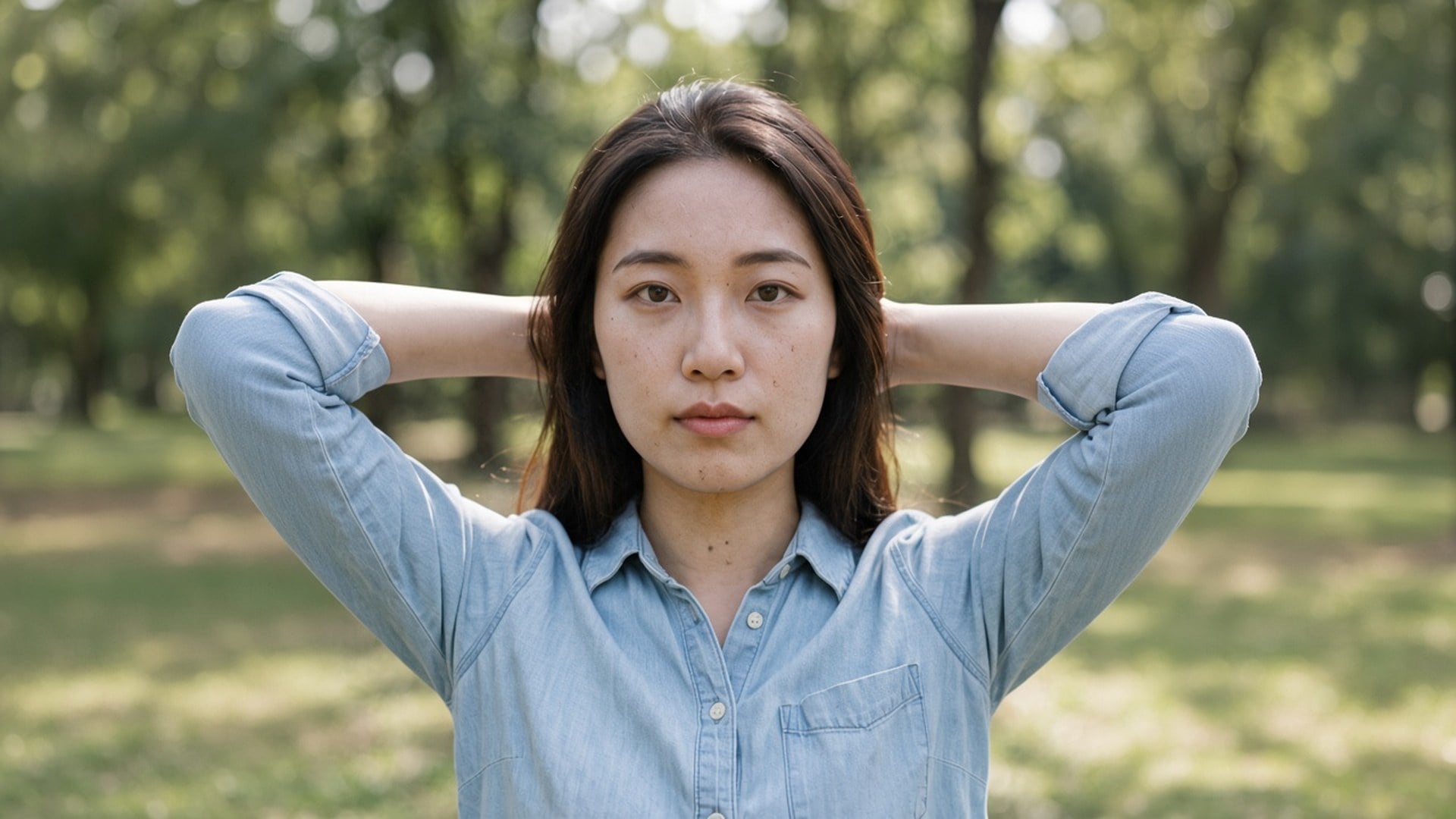
No hay nada que escribir. La foto de origen es el brief, y el chip de escala es la única decisión. Un prompt invitaría a una reescritura generativa que esta página no hace, así que el campo está oculto. Sube, deja 1× o cambia, genera, compara. Vuelve a ejecutar el mismo archivo a 2× cuando el still limpio también tenga que llenar un hueco más grande.
Probar ahoraUna herramienta de denoise sirve cuando la fotografía puede seguir siendo ella misma y solo el grano tiene que irse. Cada punto de abajo es esa promesa: un valor por defecto al mismo tamaño, un motor compartido y un archivo que puedes poner junto al original sin explicar una cara de plástico.
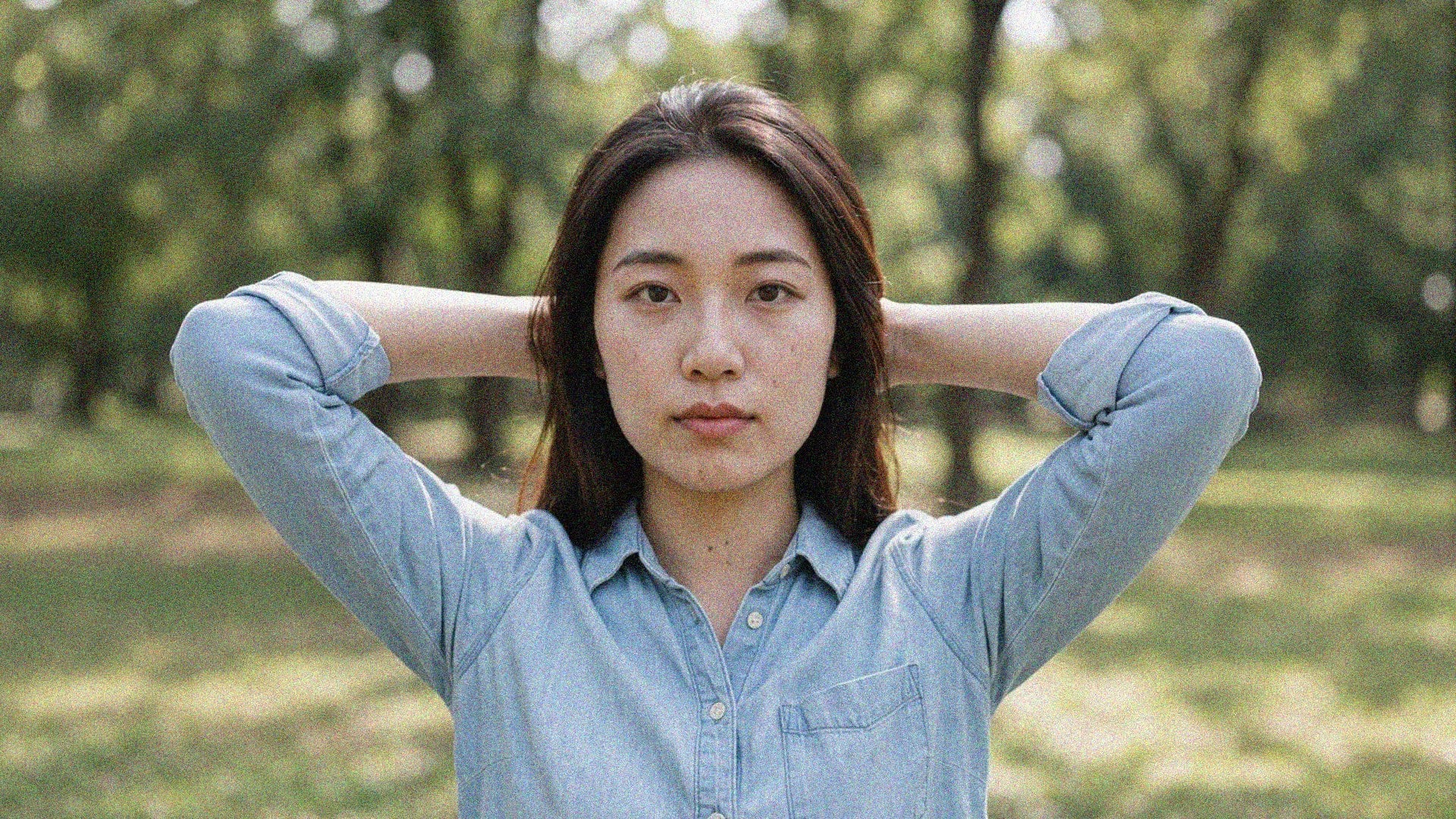
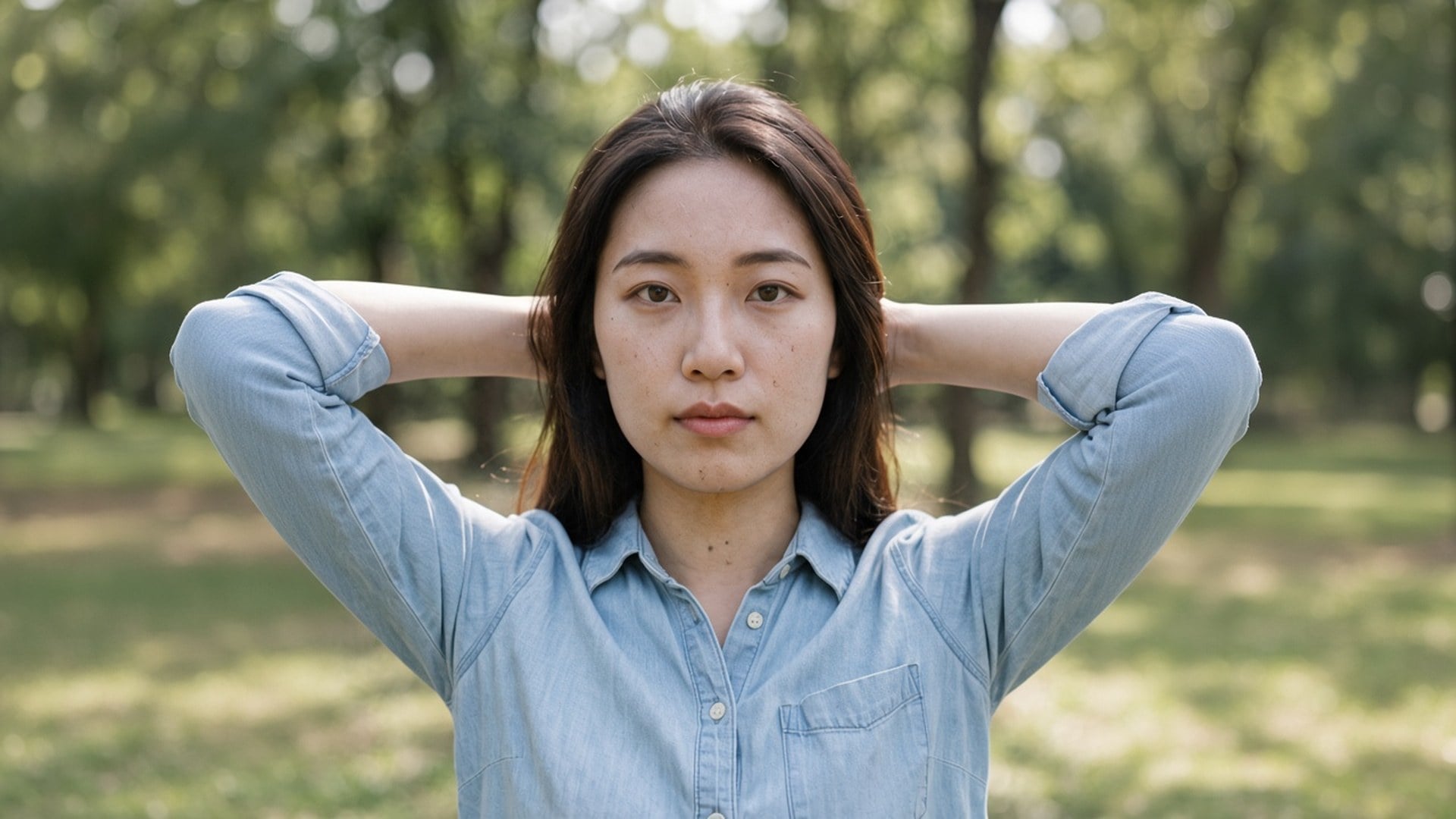
1× mejorar gasta el pase en grano y compresión dentro de la caja de píxeles original. 2× ampliar y 4× ampliar hacen el mismo trabajo y además agrandan el lado más largo. No hay un slider de intensidad ni un split de «color frente a luminancia», porque esto es un solo pase de calidad, no una estantería de modos de denoise. Si el ruido es leve, 1× es todo el producto. Si también necesitas un póster, cambia el chip.
Probar ahora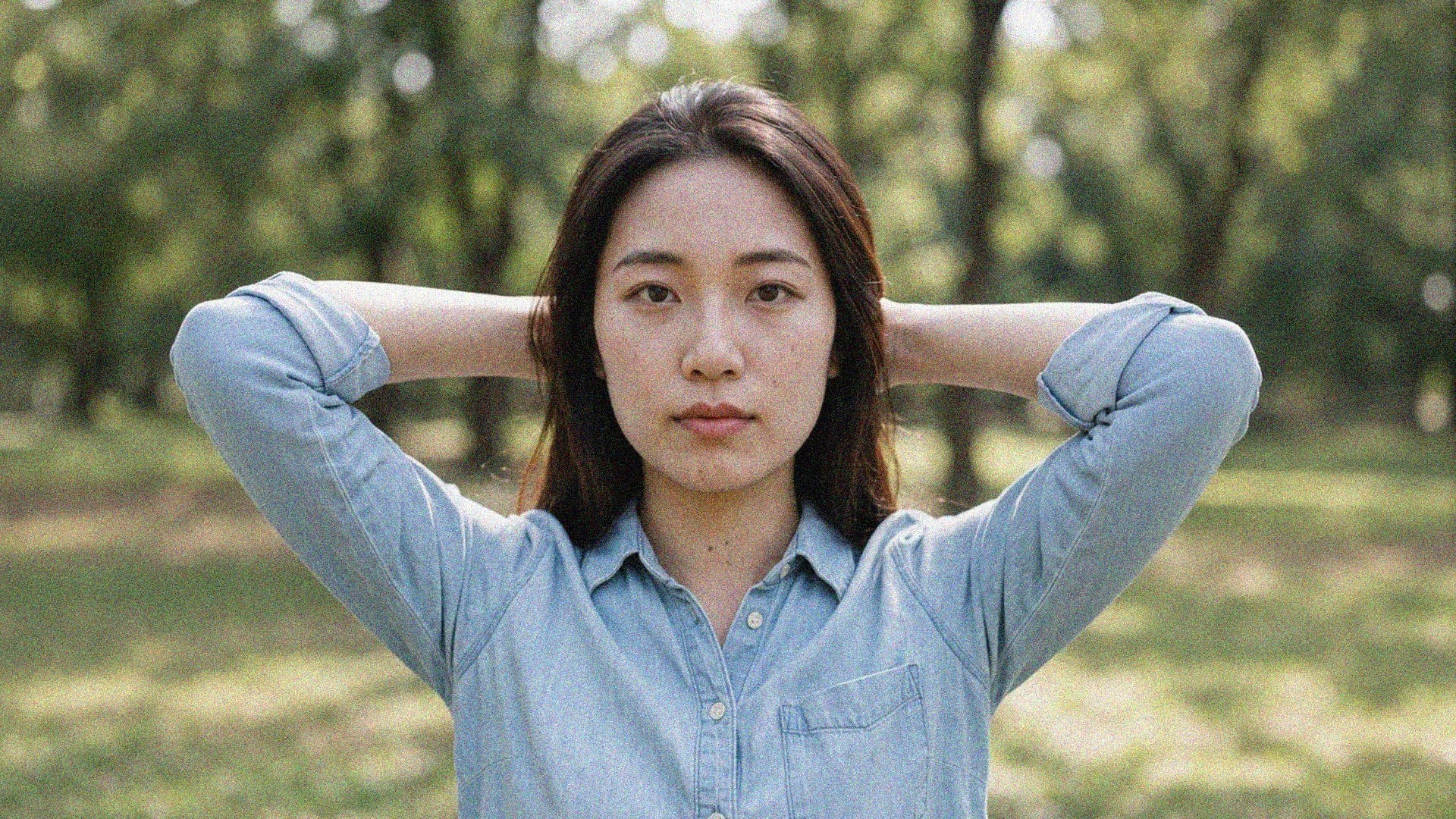
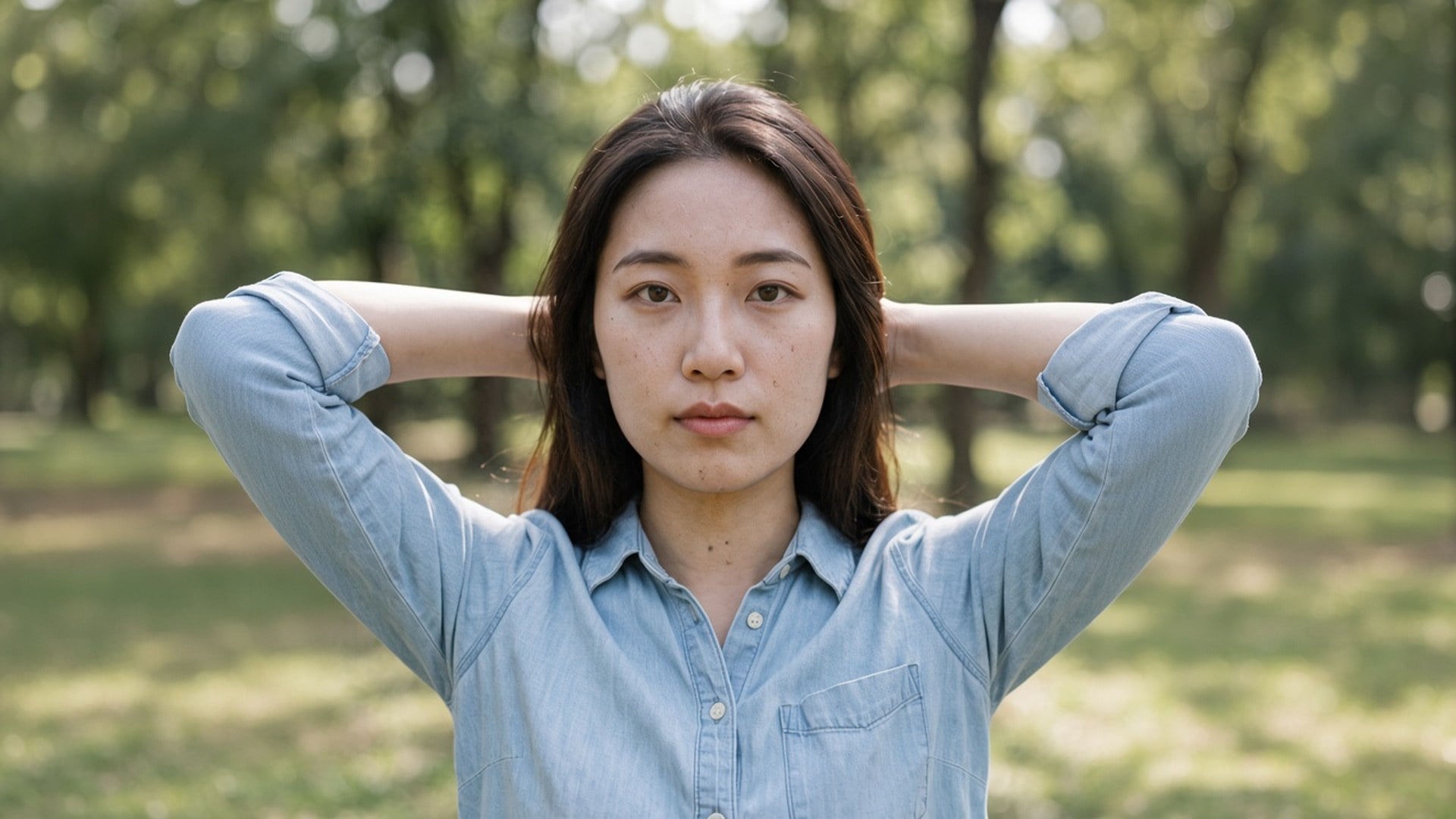
Esto no es un restilo de texto a imagen. El origen pasa por un pase de calidad y vuelve como las mismas personas en la misma habitación, con una lectura más limpia de las superficies. Esa es la diferencia entre «quita el ruido de esta foto» y «hazme una foto más lisa de otra persona». Usa un still nocturno, una exportación comprimida o un escaneo de archivo que ya quieras conservar.
Probar ahora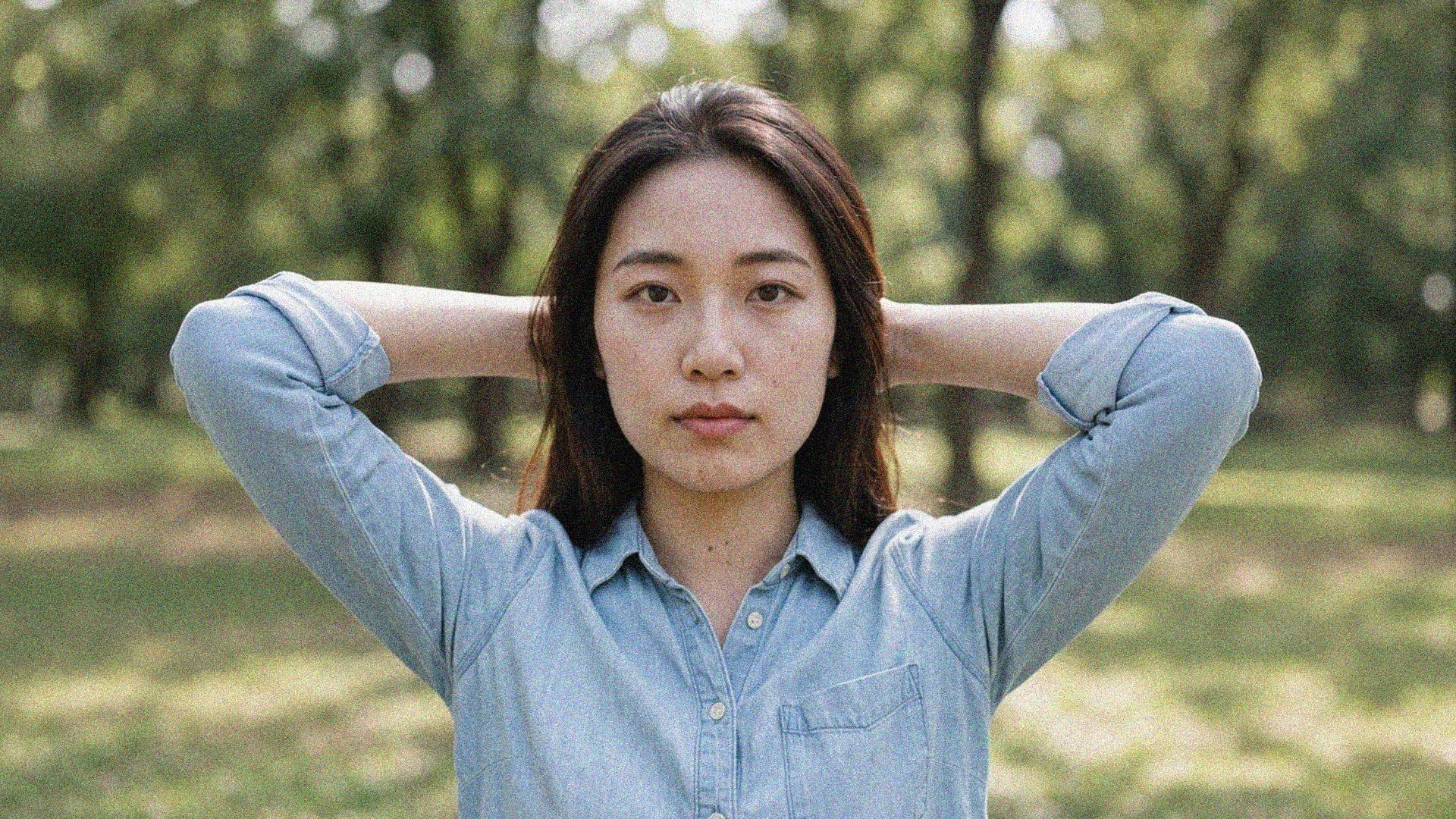
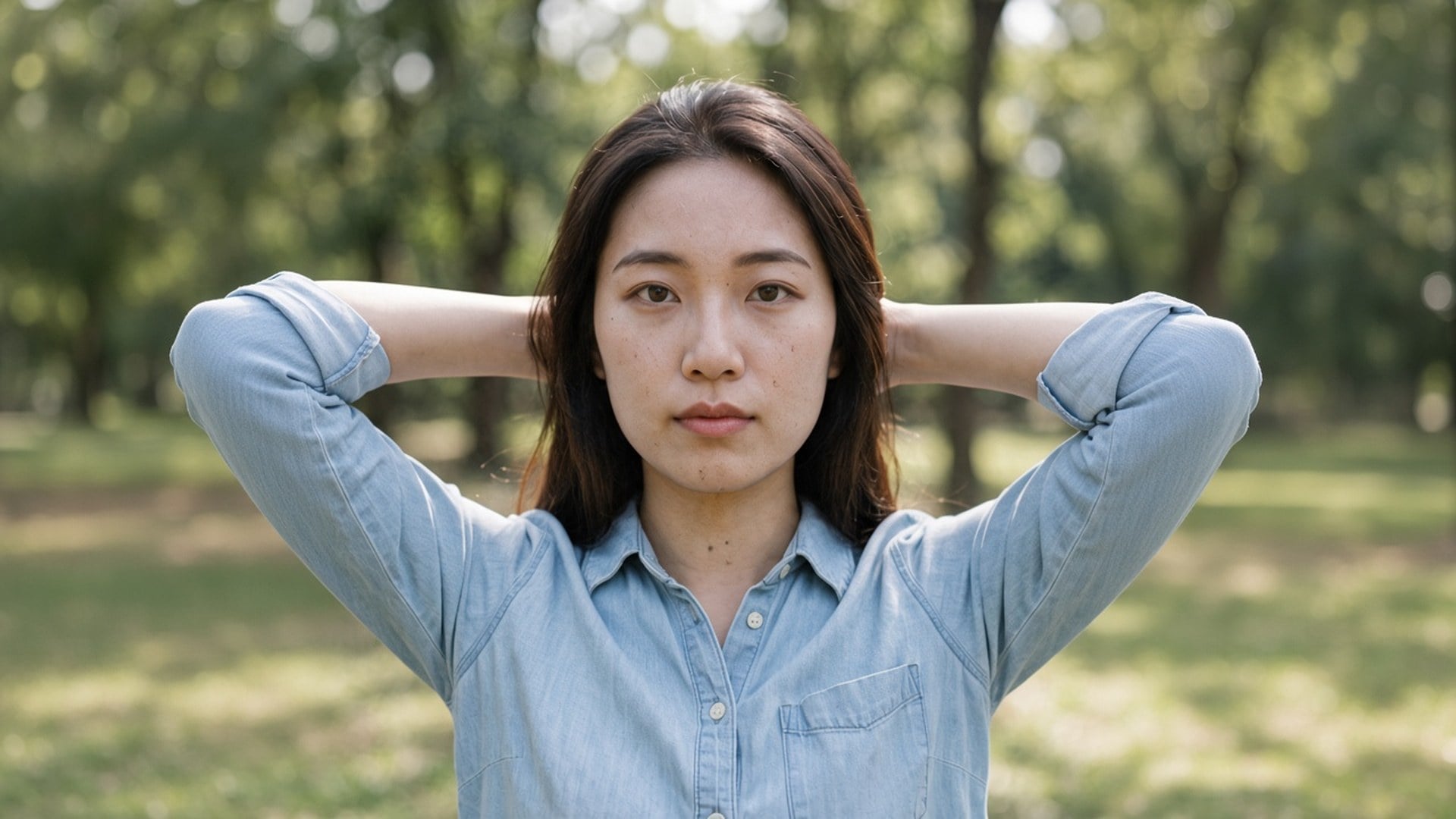
Image Enhancer, Image Upscaler y Unblur Images no son cuatro algoritmos secretos. Son cuatro puertas hacia este pase, con chips por defecto y títulos de búsqueda distintos. Puedes empezar aquí en 1× y cambiar a 2× tú. Lo decimos en abierto para que una captura comparativa no parezca cuatro productos. Un motor. Cuatro URLs. Escala honesta.
Probar ahora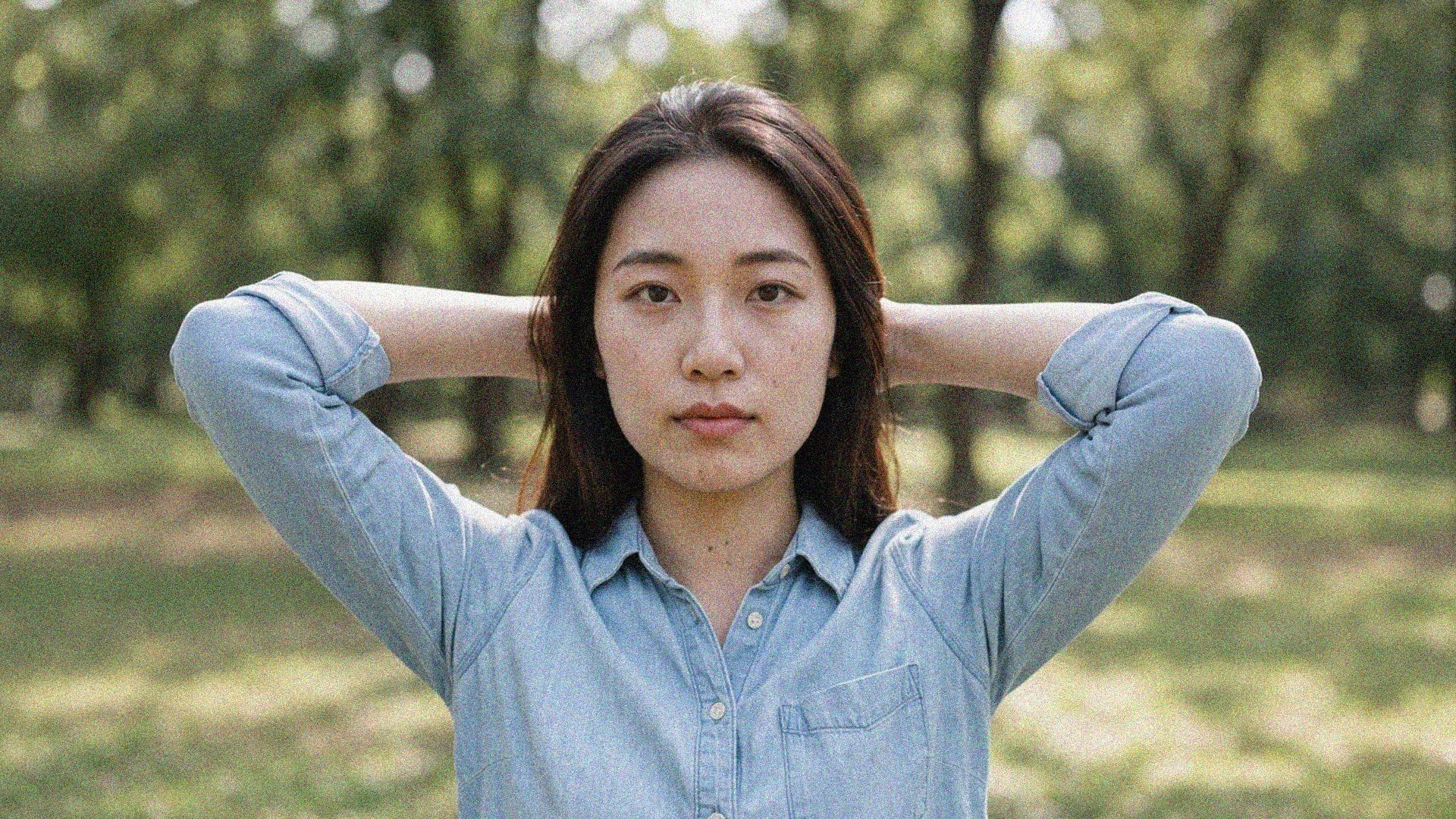
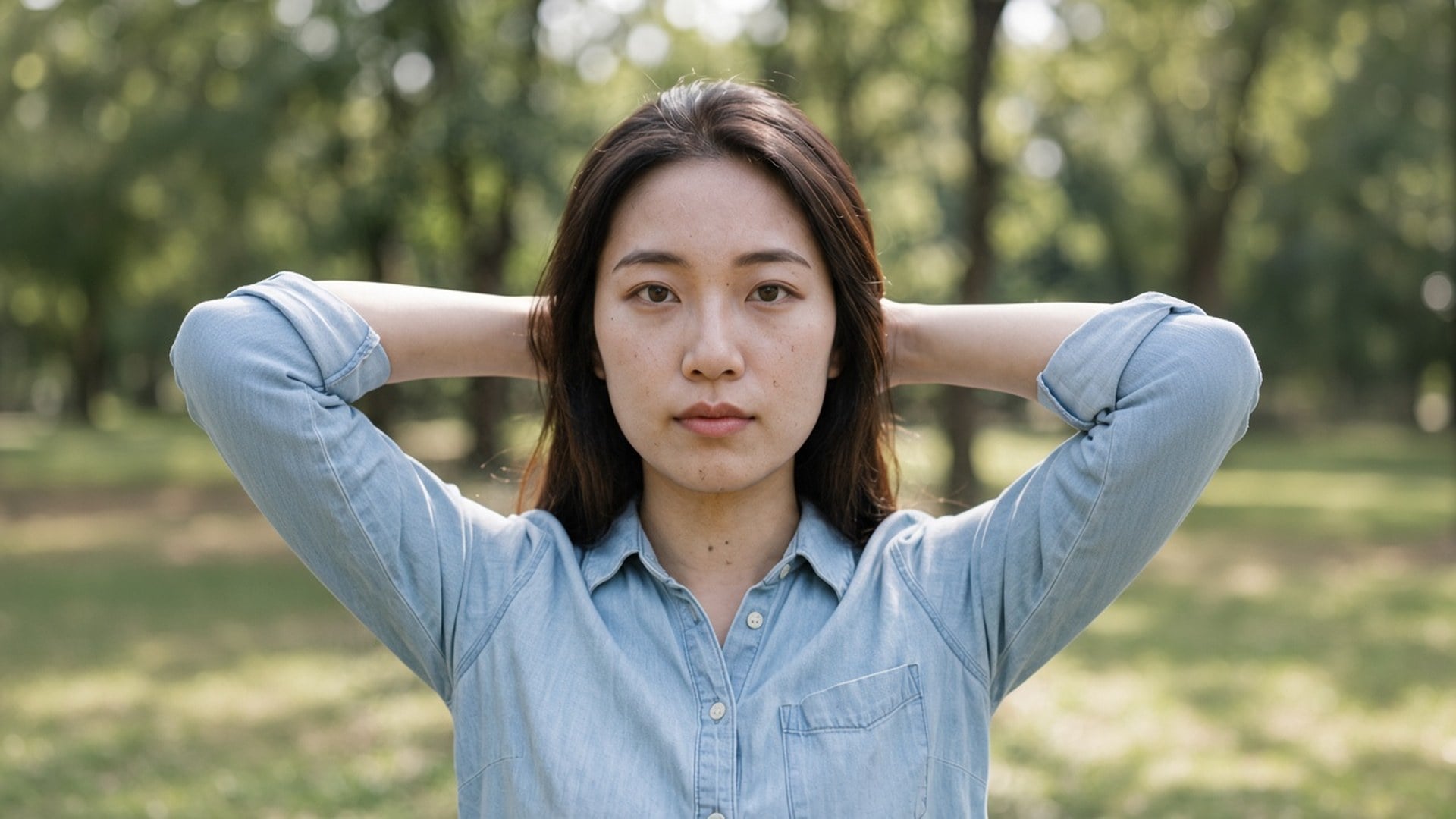
Los resultados son archivos que puedes descargar: una foto de noche que ya no se mueve, una placa de ficha sin bloques JPEG, un fotograma de story que conserva el ladrillo. No te prometemos el rescate de un archivo que solo es ruido. Si el origen no tiene textura que conservar, un segundo pase no inventará una. Parte del original más limpio y elige la escala que pide el destino.
Probar ahoraAfina fotos con poca luz, tomas de larga exposición e imágenes de ISO alto sin aplastar el detalle esencial. Levanta el grano sin aplanar el look que ya tomaste.
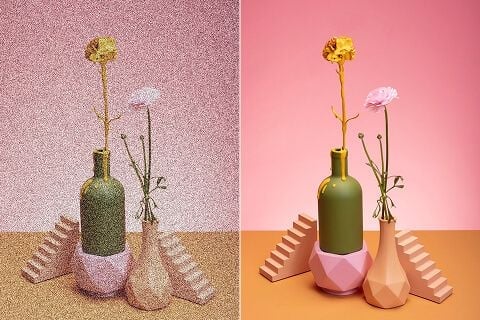
Una foto de ficha con ruido puede alejar a quien compra. Quita el ruido de fotos de producto para que confíen en lo que ven y conviertan con más seguridad.
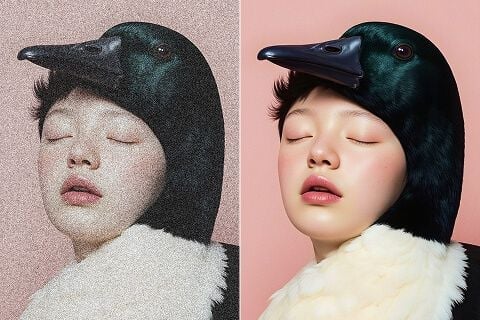
Ya publiques en redes, imprimas pósters o diseñes materiales de marketing, quita el grano y conserva las texturas que hacen que el encuadre se vea terminado.
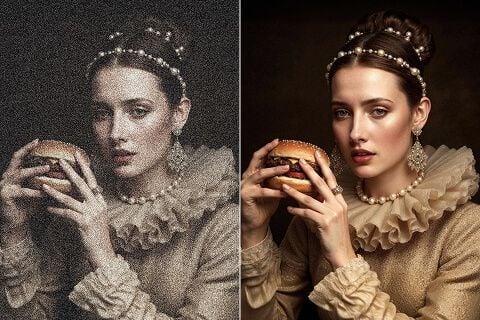
Limpia imágenes escaneadas, fotos de película viejas y copias vintage. Quita grano y artefactos acumulados y conserva el detalle que importa.
Afina fotos con poca luz, tomas de larga exposición e imágenes de ISO alto sin aplastar el detalle esencial. Levanta el grano sin aplanar el look que ya tomaste.
Una foto de ficha con ruido puede alejar a quien compra. Quita el ruido de fotos de producto para que confíen en lo que ven y conviertan con más seguridad.
Ya publiques en redes, imprimas pósters o diseñes materiales de marketing, quita el grano y conserva las texturas que hacen que el encuadre se vea terminado.
Limpia imágenes escaneadas, fotos de película viejas y copias vintage. Quita grano y artefactos acumulados y conserva el detalle que importa.
Un pase de denoise rara vez es la única pregunta. Quédate en Viralkey Studio para ampliar el mismo still, recortarlo sobre un fondo transparente o probar un acabado de retrato en la misma cara.

Recupera nitidez al mismo tamaño, o amplía 2× o 4×.

Amplía una foto 2× o 4× y recupera bordes, sin estirar píxeles.

Recupera nitidez de una foto suave o movida sin redibujar la escena.
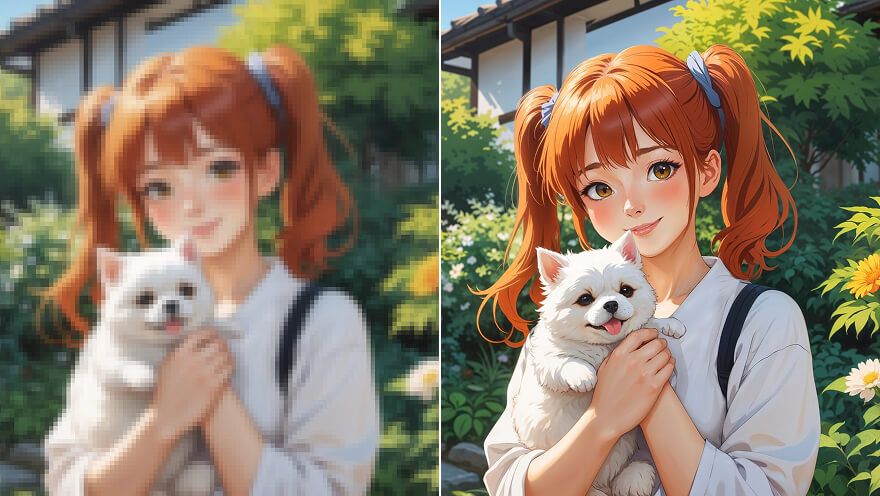
Amplía un still de anime 2× o 4× y recupera el trazo: el mismo pase que Image Upscaler.
Explora modelos líderes para video con IA, generación de imágenes, edición y narrativa cinematográfica.

Create Wan 3.0 clips on Viralkey: native 1080p, 2–30 seconds, start/end frames, up to 20 mixed references, and audio generated with the picture.

Crea clips cinematográficos MiniMax H3 en Viralkey: 2K nativo, hasta 15 segundos, texto a vídeo, fotogramas de inicio/fin y hasta nueve imágenes de referencia.

Genera clips HD cortos en Viralkey con dirección de fotograma inicial/final y hasta 50 imágenes de referencia. Pensado para escenas de videoclip y planos de actuación.

Create cinematic Seedance 2.0 clips on Viralkey: native 4K, start/end frames, up to nine reference images, and built-in audio with lip-sync.
Notas de creadores que usaron esta herramienta en trabajo real.
Tessa Carr
CreadorNecesitaba el producto más nítido, no una foto nueva.
1× conservó el recorte y limpió los bordes.
Cora Pratt
Product managerPasé el mismo selfie a 2× para un póster.
Se hizo más grande sin piel de plástico.
Dove Lane
FotógrafoBusqué unblur, pero el chip 1× era lo que de verdad necesitaba.
Eden Shaw
Creador de YouTubeDenoise limpió el grano de noche y dejó la textura del ladrillo.
Ese era todo el brief.
Aurelia Keene
Responsable de redesEl PNG transparente del remover cayó directo sobre una miniatura negra.
Haven Bly
Diseñador4× en un escaneo de archivo pequeño.
Las caras siguieron siendo las mismas personas. Solo gané píxeles.
Indie Ross
IlustradorDejé de pagarle a un retocador por «que se vea menos pastoso».
Este es ese trabajo.
Jules Kemp
ConsultorCambié el chip de 1× a 2× en la página de enhancer.
El mismo motor, un archivo más grande.
Kit Navarro
InfluencerEl fondo salió limpio alrededor del pelo.
Sin halo blanco que tuviera que enmascarar a mano.
Denoise AI es una puerta de búsqueda hacia el pase de calidad dedicado de Viralkey. Subes un still con grano o comprimido, dejas 1× mejorar para limpiar ruido al tamaño original, o eliges 2× / 4× para ampliar también. No es una reescritura generativa ni una red aparte de denoise: Image Enhancer, Image Upscaler y Unblur Images ejecutan el mismo motor. Úsalo cuando el encuadre ya está bien y solo el ruido está mal.
El grano de noche y los bloques de compresión aún pueden estar sobre la foto correcta. El pase Denoise AI de Viralkey limpia ese ruido a 1×, o amplía 2× y 4×, sin inventar una cara nueva ni un acabado de plástico.