Produce visuales de campaña más rápido
Mejora tus imágenes en bruto para banners, anuncios, emails y landing pages, para que las campañas se vean más nítidas, avancen más rápido y ganen más atención.
Sube un still suave, con ruido o demasiado pequeño. El Image Enhancer de Viralkey recupera claridad al mismo tamaño, o amplía el lado más largo 2× o 4×, sin inventar una escena nueva ni una cara nueva.


Image Enhancer
Image Enhancer online
Sube un still suave, con ruido o demasiado pequeño. El Image Enhancer de Viralkey recupera claridad al mismo tamaño, o amplía el lado más largo 2× o 4×, sin inventar una escena nueva ni una cara nueva.
Devuelve vida a fotos flojas con más detalle y mejor color. Prueba nuestro Image Enhancer, un editor de fotos con IA fácil de usar, para subir la calidad en segundos. Quita el desenfoque y recupera color, brillo, contraste y saturación para que cada detalle se lea mejor.
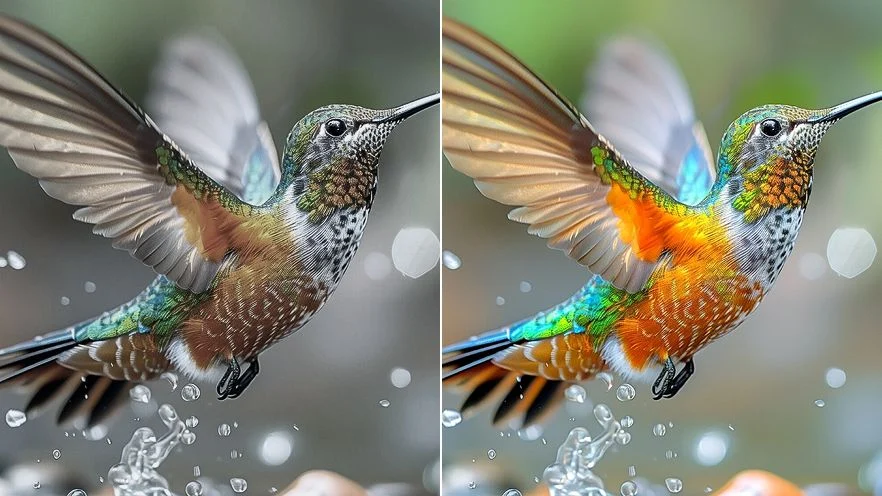
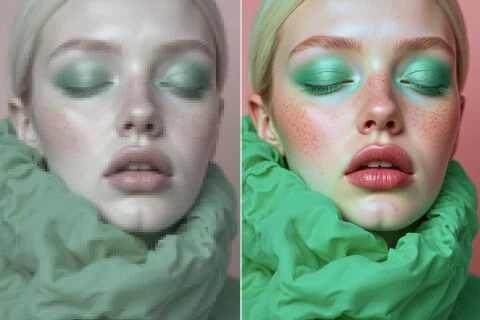
Mejora la calidad con nuestro Image Enhancer para pasar fotos de baja resolución a imágenes HD con más nitidez y detalle, en diseño o marketing. Puedes ganar píxeles para un resultado más profesional, sin conformarte con un archivo pixelado.
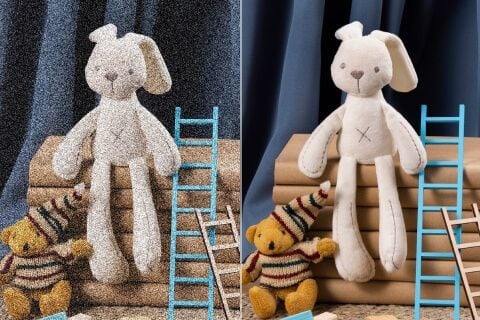
Con el Image Enhancer puedes devolver claridad a fotos borrosas o con grano. Así recuperas detalle perdido por poca luz o un foco flojo, sin un retoque complicado.
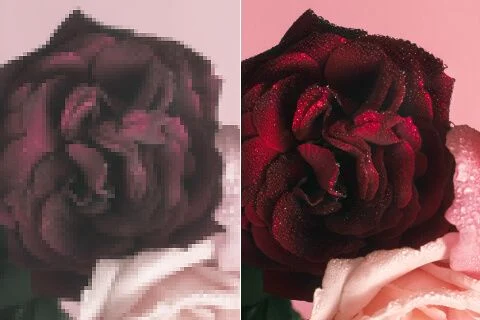
Pule tus fotos con el Image Enhancer para reforzar la intensidad del color. Sube brillo y profundidad en un clic y dale el empujón de calidad que necesitaban.
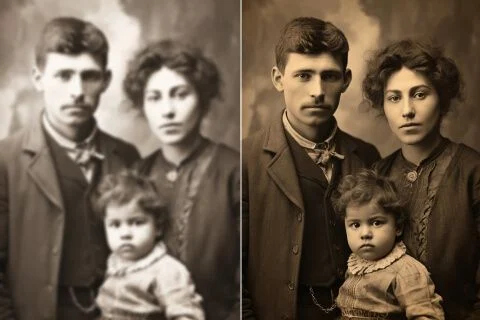
Devuelve vida a fotos queridas que se ven desteñidas o borrosas. En pocos segundos recuperas claridad y detalle, y el recuerdo se siente más cercano.
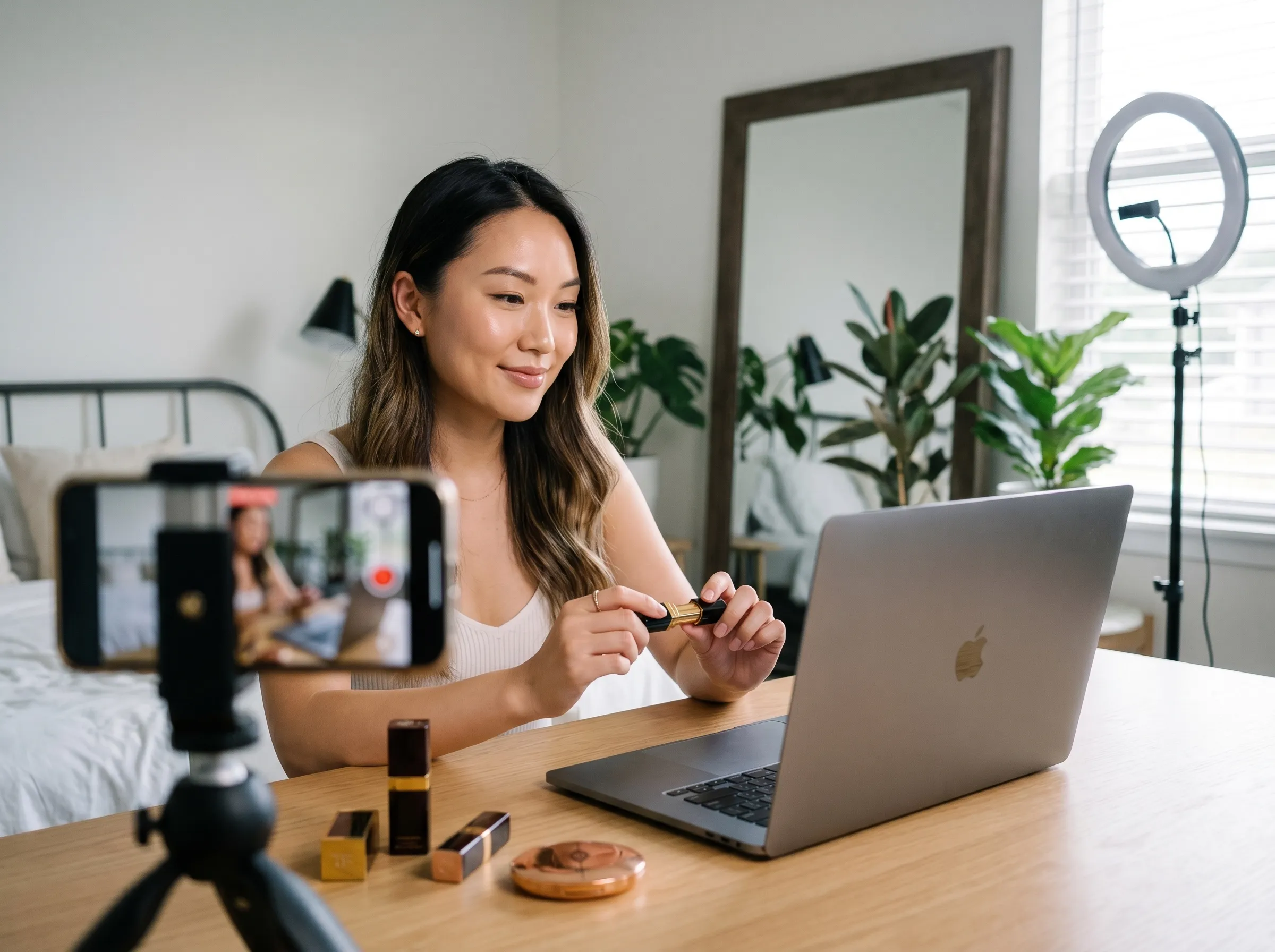
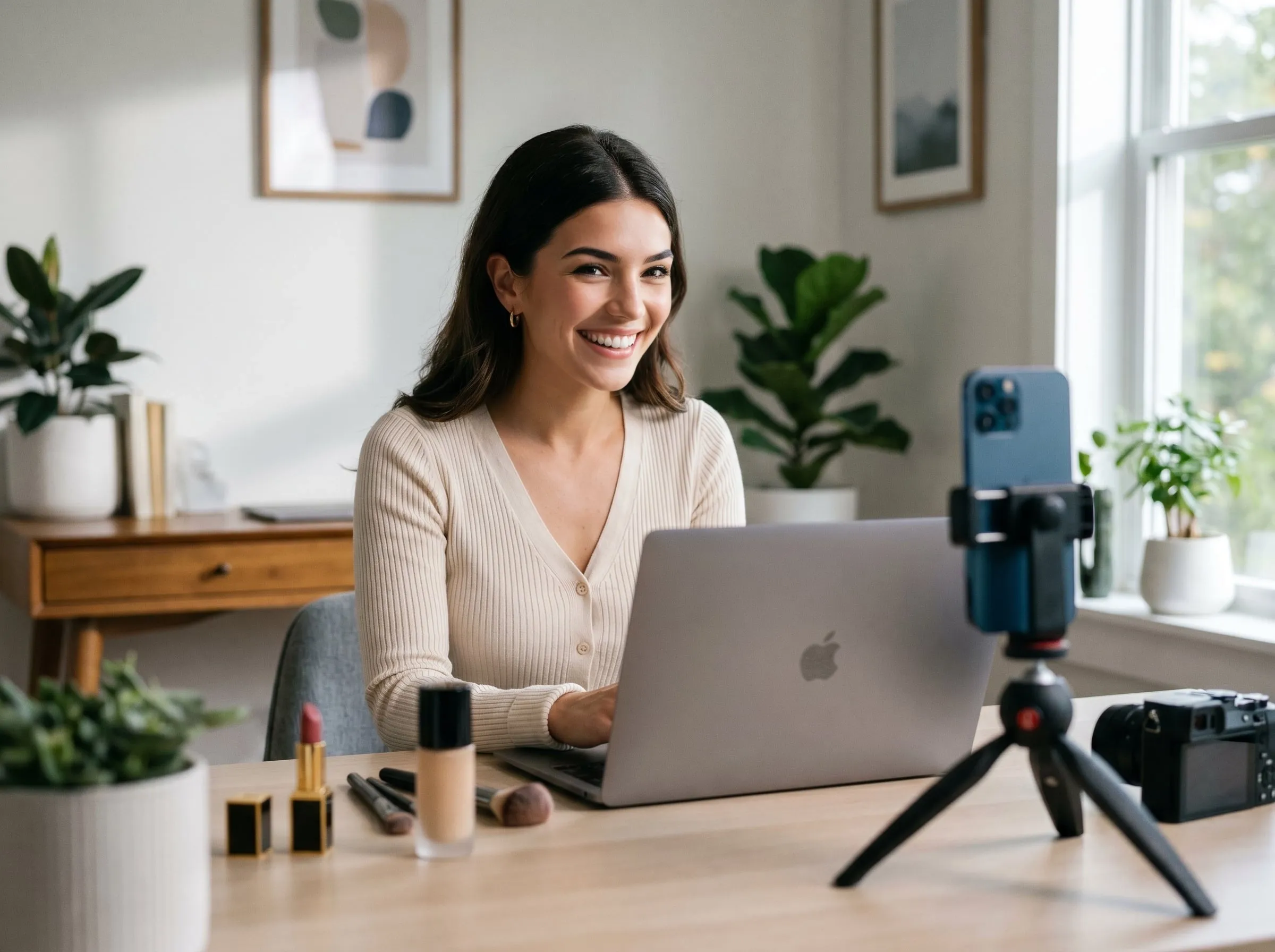
Mejora tus imágenes en bruto para banners, anuncios, emails y landing pages, para que las campañas se vean más nítidas, avancen más rápido y ganen más atención.
Recupera desenfoque, color y detalle en pósters de cine, pósters de fans, concept art y visuales promocionales, para que se vean más cinematográficos, coleccionables y listos para promocionar.
Limpia tus fotos de producto con bordes más nítidos y texturas más claras, para que quien compra juzgue la calidad antes y llegue al checkout con más confianza.
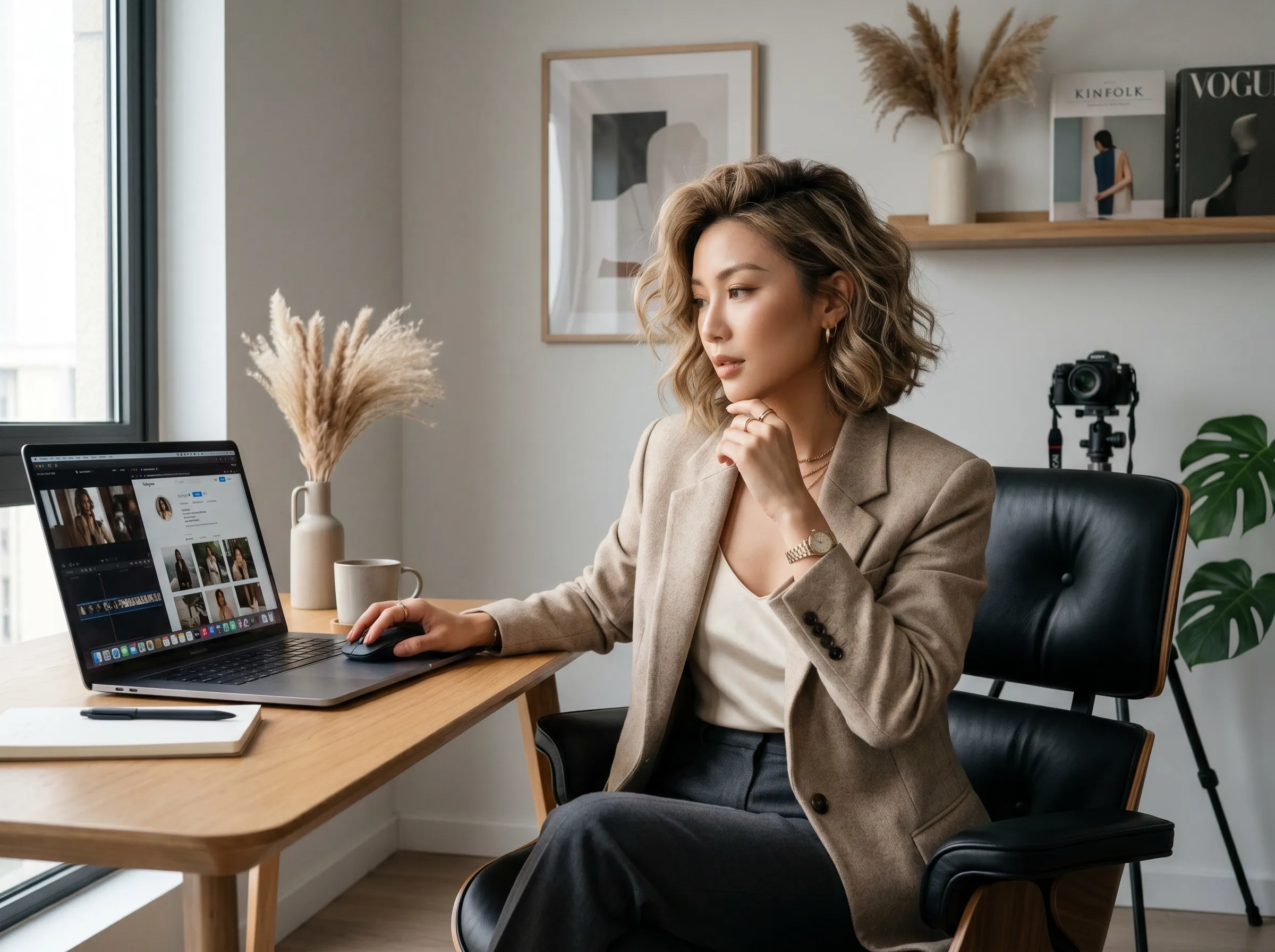
Mejora bocetos de tatuaje, imágenes de referencia y previews de diseño con más claridad y detalle. Prepara visuales más limpios para la aprobación del cliente, el portfolio o la plantilla, más rápido.
Mejora tus imágenes en bruto para banners, anuncios, emails y landing pages, para que las campañas se vean más nítidas, avancen más rápido y ganen más atención.
Recupera desenfoque, color y detalle en pósters de cine, pósters de fans, concept art y visuales promocionales, para que se vean más cinematográficos, coleccionables y listos para promocionar.
Limpia tus fotos de producto con bordes más nítidos y texturas más claras, para que quien compra juzgue la calidad antes y llegue al checkout con más confianza.
Mejora bocetos de tatuaje, imágenes de referencia y previews de diseño con más claridad y detalle. Prepara visuales más limpios para la aprobación del cliente, el portfolio o la plantilla, más rápido.
Sube la imagen de baja resolución a la interfaz de Viralkey.
El Image Enhancer procesa tu petición en cuestión de segundos.
Cuando termine, descarga o comparte online la imagen de más calidad.
Un pase de calidad rara vez es la única pregunta. Quédate en Viralkey Studio para ampliar el mismo still, recortarlo sobre un fondo transparente o probar un acabado de retrato en la misma cara.

Amplía una foto 2× o 4× y recupera bordes, sin estirar píxeles.

Recupera nitidez de una foto suave o movida sin redibujar la escena.
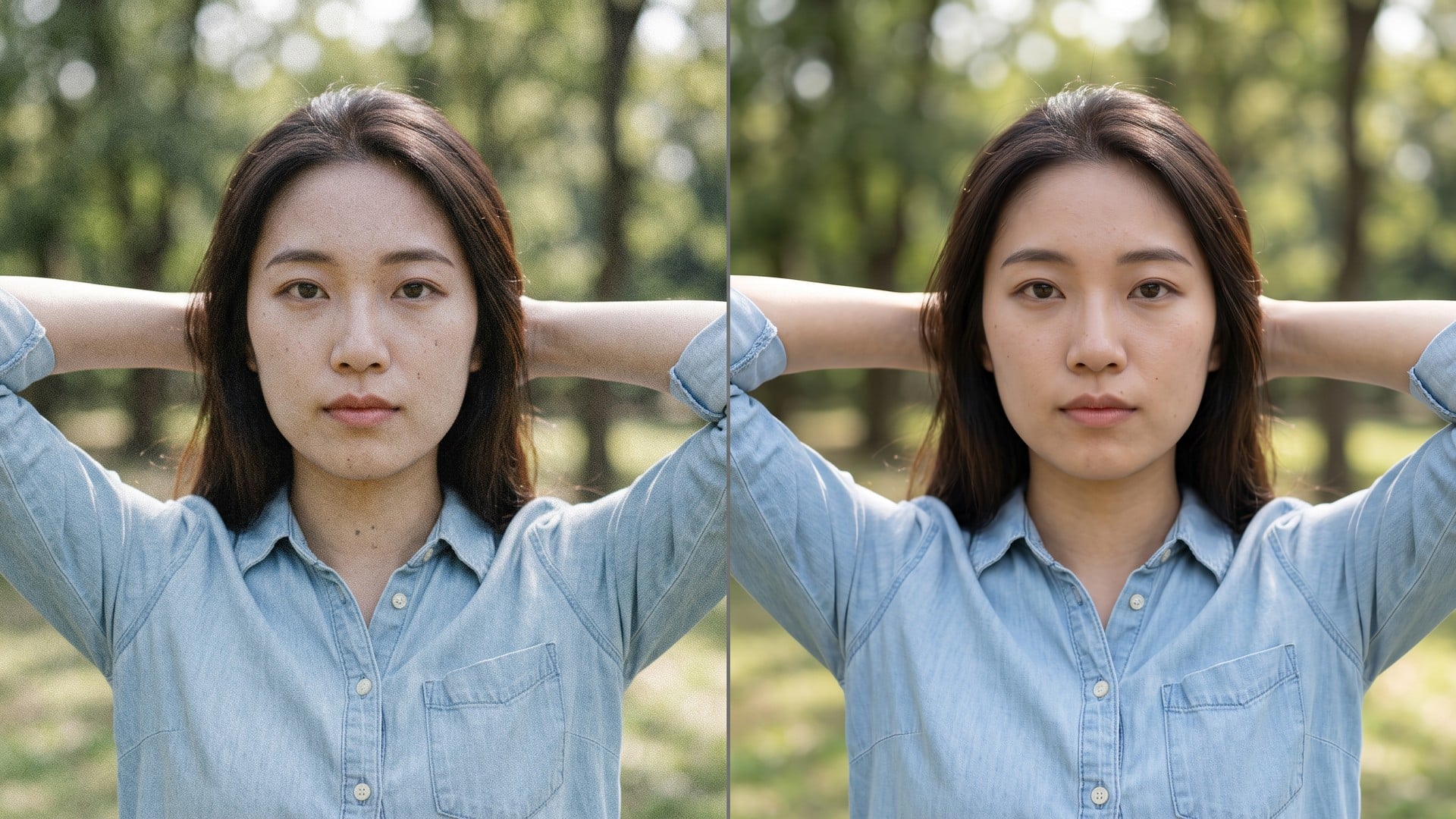
Limpia grano y compresión y deja la textura real del encuadre.
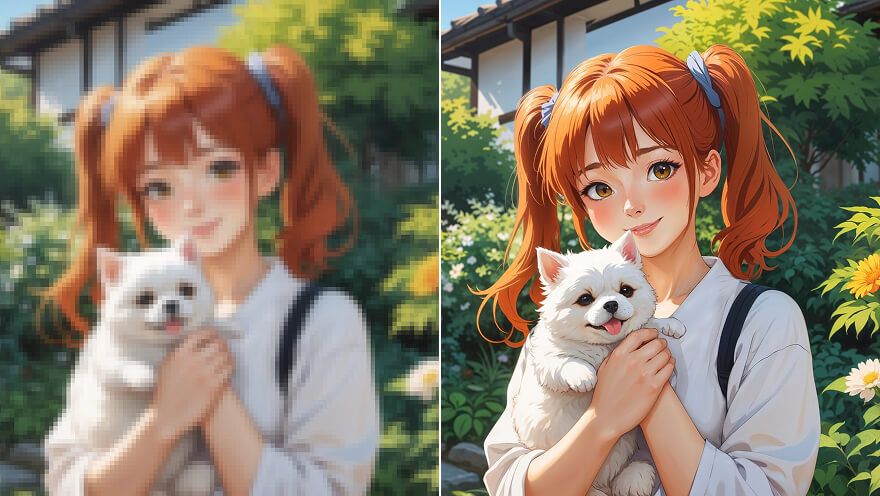
Amplía un still de anime 2× o 4× y recupera el trazo: el mismo pase que Image Upscaler.
Explora modelos líderes para video con IA, generación de imágenes, edición y narrativa cinematográfica.

Create Wan 3.0 clips on Viralkey: native 1080p, 2–30 seconds, start/end frames, up to 20 mixed references, and audio generated with the picture.

Crea clips cinematográficos MiniMax H3 en Viralkey: 2K nativo, hasta 15 segundos, texto a vídeo, fotogramas de inicio/fin y hasta nueve imágenes de referencia.

Genera clips HD cortos en Viralkey con dirección de fotograma inicial/final y hasta 50 imágenes de referencia. Pensado para escenas de videoclip y planos de actuación.

Create cinematic Seedance 2.0 clips on Viralkey: native 4K, start/end frames, up to nine reference images, and built-in audio with lip-sync.
Notas de creadores que usaron esta herramienta en trabajo real.
Nyla Voss
CreadorNecesitaba el producto más nítido, no una foto nueva.
1× conservó el recorte y limpió los bordes.
Orin Hale
Product managerPasé el mismo selfie a 2× para un póster.
Se hizo más grande sin piel de plástico.
Paget Crowe
FotógrafoBusqué unblur, pero el chip 1× era lo que de verdad necesitaba.
Remy Calder
Creador de YouTubeDenoise limpió el grano de noche y dejó la textura del ladrillo.
Ese era todo el brief.
Sena Whitlock
Responsable de redesEl PNG transparente del remover cayó directo sobre una miniatura negra.
Taryn Moss
Diseñador4× en un escaneo de archivo pequeño.
Las caras siguieron siendo las mismas personas. Solo gané píxeles.
Udo Kessler
IlustradorDejé de pagarle a un retocador por «que se vea menos pastoso».
Este es ese trabajo.
Veda Lang
ConsultorCambié el chip de 1× a 2× en la página de enhancer.
El mismo motor, un archivo más grande.
Wynn Adler
InfluencerEl fondo salió limpio alrededor del pelo.
Sin halo blanco que tuviera que enmascarar a mano.
El Image Enhancer de Viralkey es un pase de calidad dedicado para una foto que ya tienes. Subes un still, eliges 1× mejorar para conservar el mismo tamaño en píxeles, o 2× / 4× para ampliar el lado más largo, y recuperas un archivo más claro. No es una reescritura generativa: la escena, la pose y la identidad se quedan como en el origen. Úsalo cuando un encuadre está suave, con ruido o demasiado pequeño para un post, una impresión o una presentación, no cuando quieres una imagen nueva inventada desde un prompt.
Sube un still suave, con ruido o demasiado pequeño. El Image Enhancer de Viralkey recupera claridad al mismo tamaño, o amplía el lado más largo 2× o 4×, sin inventar una escena nueva ni una cara nueva.