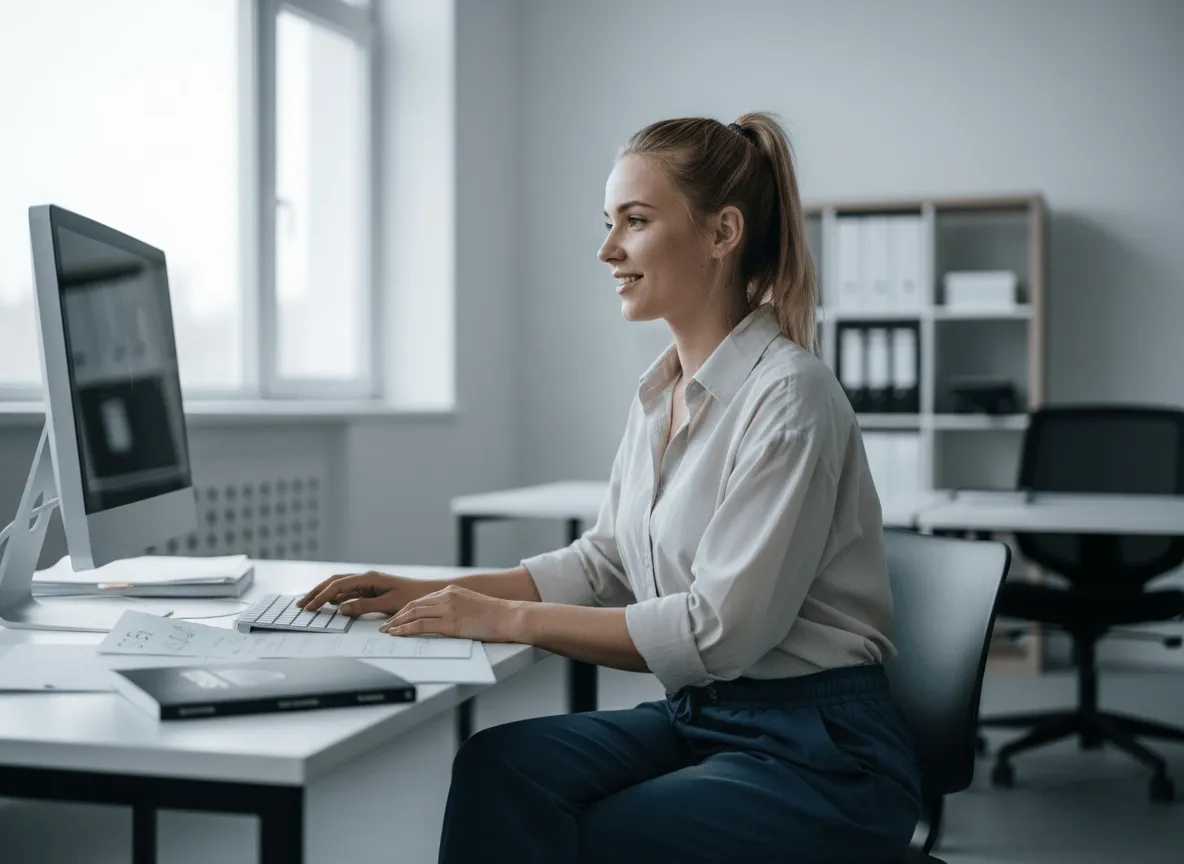
प्रोडक्ट खरीदना आसान बनाएँ
साफ़ प्रोडक्ट कटआउट प्रोडक्ट फ़ोटो समझना आसान बनाते हैं, खरीदार मुख्य विवरण पर ध्यान दें और ज़्यादा भरोसे से खरीदें।
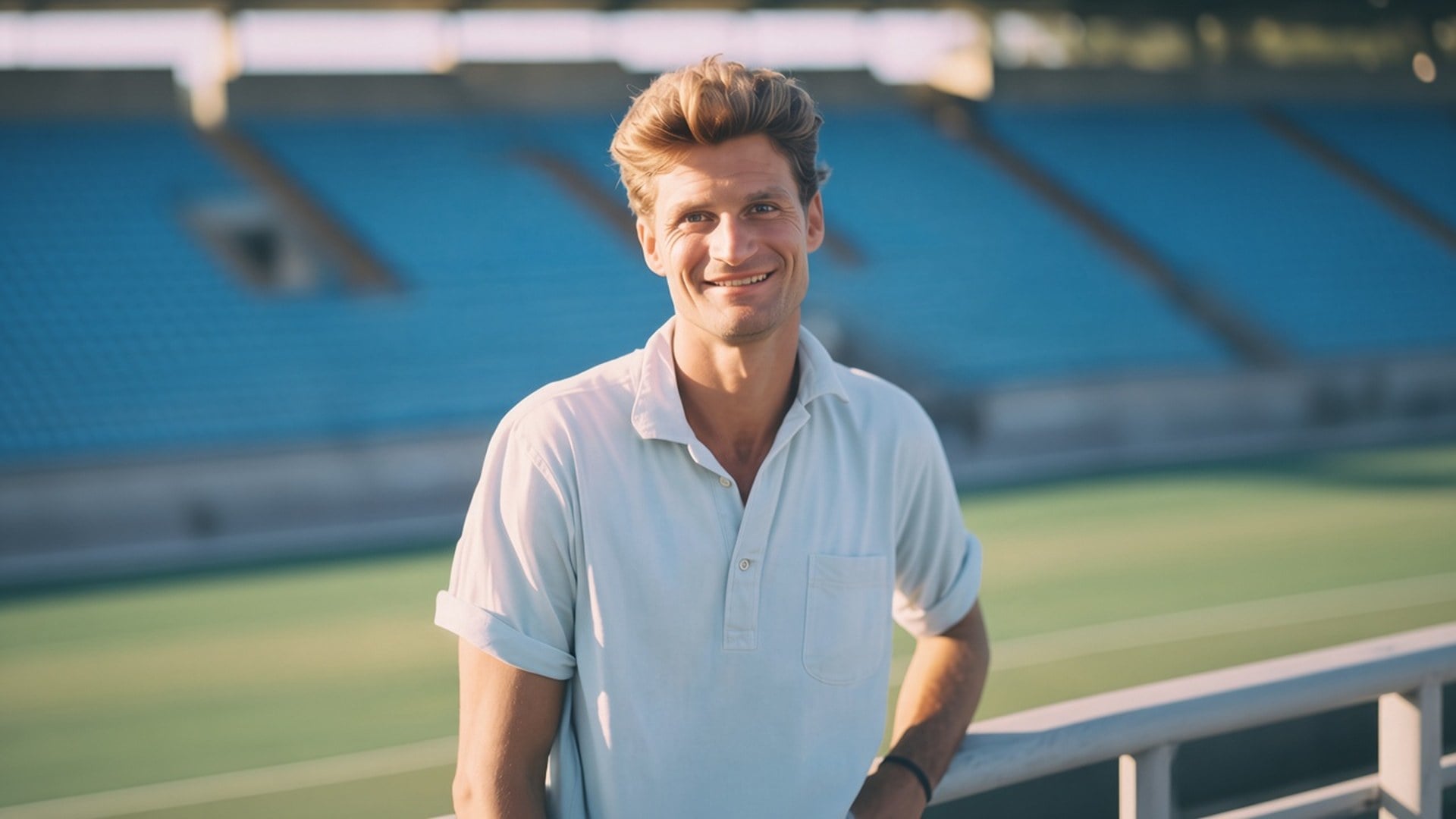
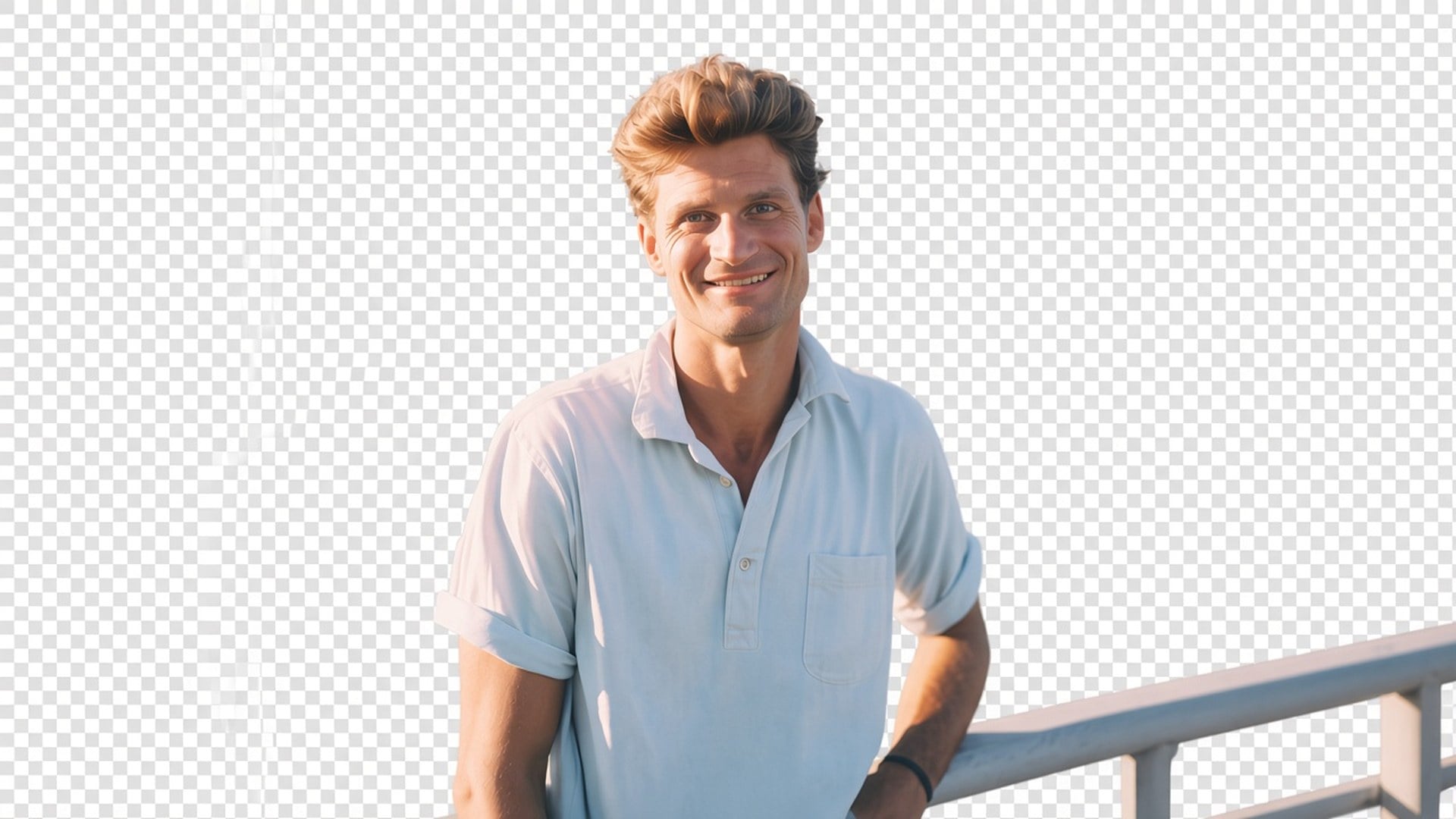
व्यक्ति या प्रोडक्ट अल्फा पर चाहिए, नई पृष्ठभूमि नहीं? Viralkey का Background Remover विषय को असली पारदर्शी पृष्ठभूमि पर काटता है — सफ़ेद भराव नहीं, स्टूडियो स्वीप नहीं, गढ़ा कमरा नहीं।
Background Remover
ऑनलाइन Background Remover
व्यक्ति या प्रोडक्ट अल्फा पर चाहिए, नई पृष्ठभूमि नहीं? Viralkey का Background Remover विषय को असली पारदर्शी पृष्ठभूमि पर काटता है — सफ़ेद भराव नहीं, स्टूडियो स्वीप नहीं, गढ़ा कमरा नहीं।
ज़्यादातर 'background remover' पेज चुपचाप सफ़ेद स्टूडियो चिपकाते हैं या सुंदर कमरा गढ़ते हैं। यह पारदर्शिता लौटाता है: विषय अलग, पृष्ठभूमि गई, फ़ाइल थंबनेल, स्लाइड या लिस्टिंग टाइल पर रखने योग्य। यह समर्पित कटआउट है, Image Enhancer इंजन नहीं, दृश्य बदलना भी नहीं। एक स्थिर छवि अपलोड करें। वह विषय डाउनलोड करें जिसे आप ख़ुद रखेंगे।
बाद वाला कंपोज़िट होना चाहिए। प्रीव्यू की चौखानेदार जाली या जिस परत पर PNG रखें — पकी सफ़ेद, धूसर या सीमलेस स्वीप नहीं। नई असली पृष्ठभूमि चाहिए थी तो गलत पेज खुला है। यह टूल केवल अलग करता है। पूरा प्रोडक्ट यही है, इसलिए डिज़ाइनर फ़ाइल को पहले से बने लेआउट में ले जा सकता है, उस भराव से लड़े बिना जिसकी माँग नहीं की।
अभी आज़माएँ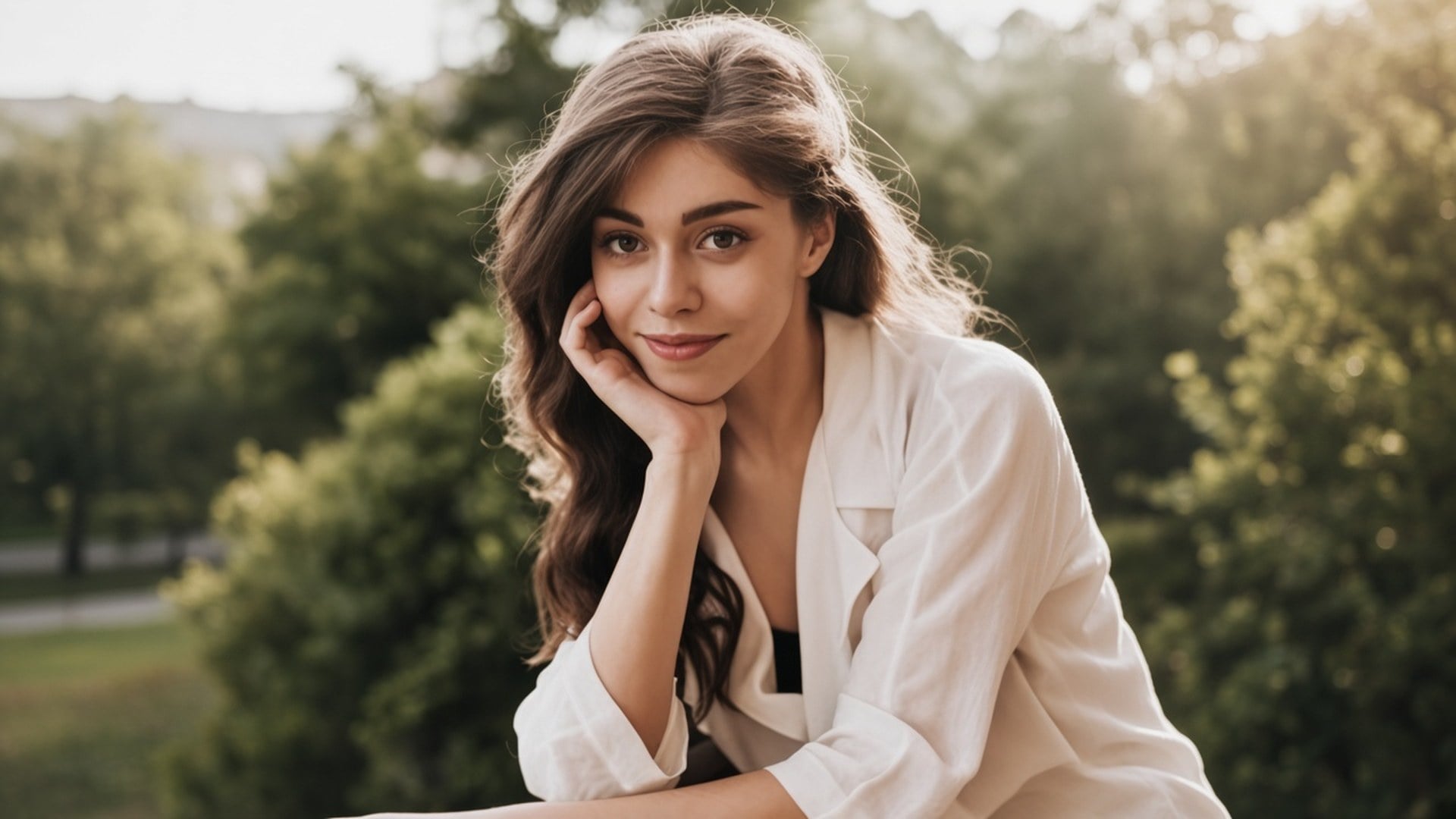
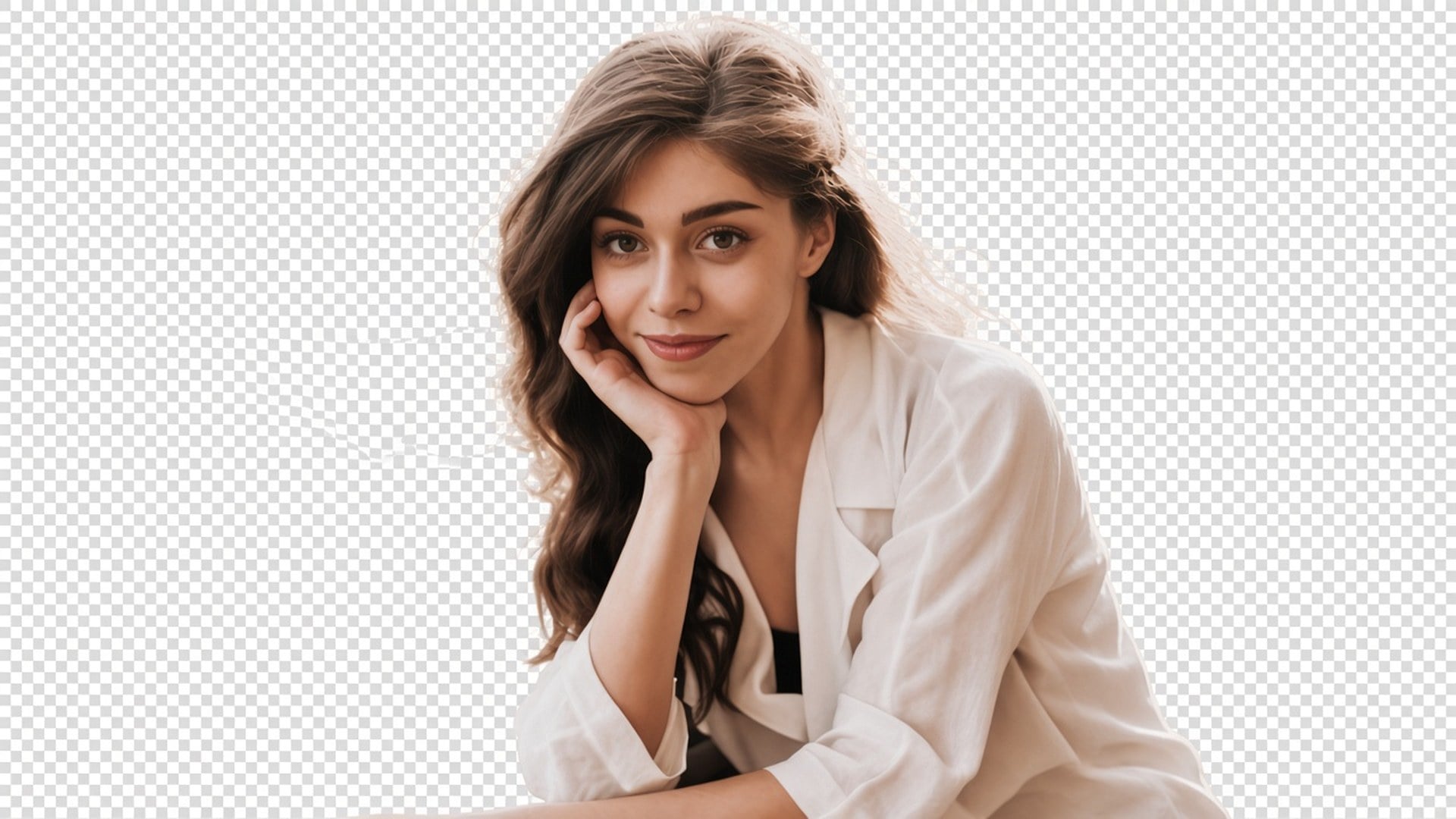
व्यक्ति दूसरा चेहरा बनकर लौटे तो कटआउट बेकार है। यह पास पोज़, कपड़े और पहचान रखता है, और मैट पर खर्च होता है। बाल और अन्य नरम किनारे इसी काम का हिस्सा हैं। पहले और बाद जोड़कर वही स्थिर छवि पहचानी जानी चाहिए। नई पोशाक या नई अभिव्यक्ति चाहिए हो तो वह अलग स्टूडियो पेज है।
अभी आज़माएँ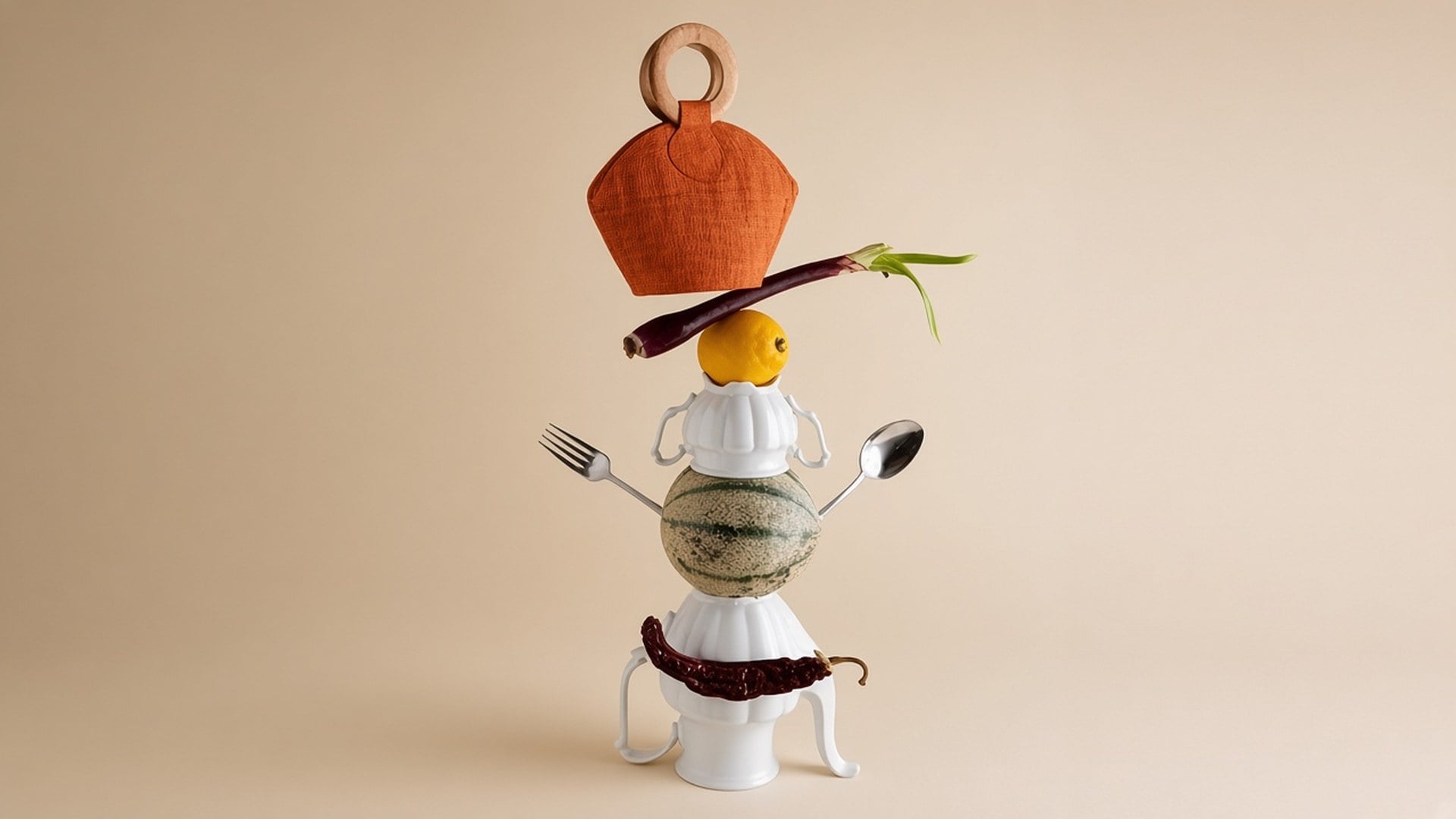
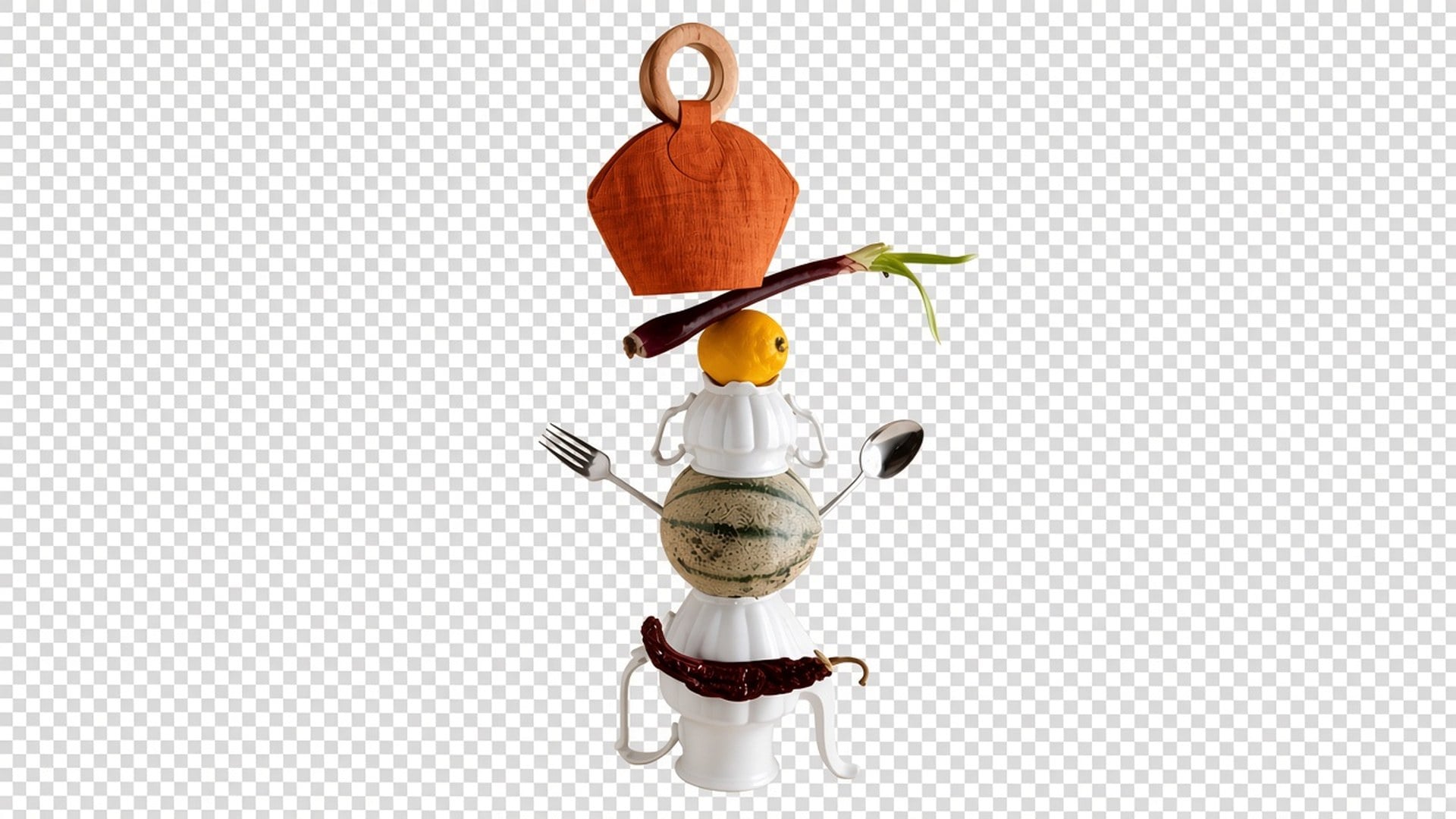
लिखने को कुछ नहीं और भराव-रंग चिप भी नहीं। मूल फ़ोटो ब्रीफ़ है। प्रॉम्प्ट जनरेटिव पृष्ठभूमि बुलाएगा जो यह पेज नहीं करता, इसलिए फ़ील्ड छिपा है। अपलोड करें, जनरेट करें, पारदर्शी नतीजा डाउनलोड करें। स्रोत नरम भी हो तो Image Enhancer पहले अलग जनरेशन चलाएँ — दो पास हैं, एक बटन नहीं।
अभी आज़माएँअगला लेआउट पहले से हो और केवल विषय चाहिए हो तो Background Remover काम आता है। नीचे हर बिंदु वही वादा है: असली पारदर्शिता, फ़ोटोग्राफ़ जैसा विषय, और पके भराव से लड़े बिना रखने लायक फ़ाइल।
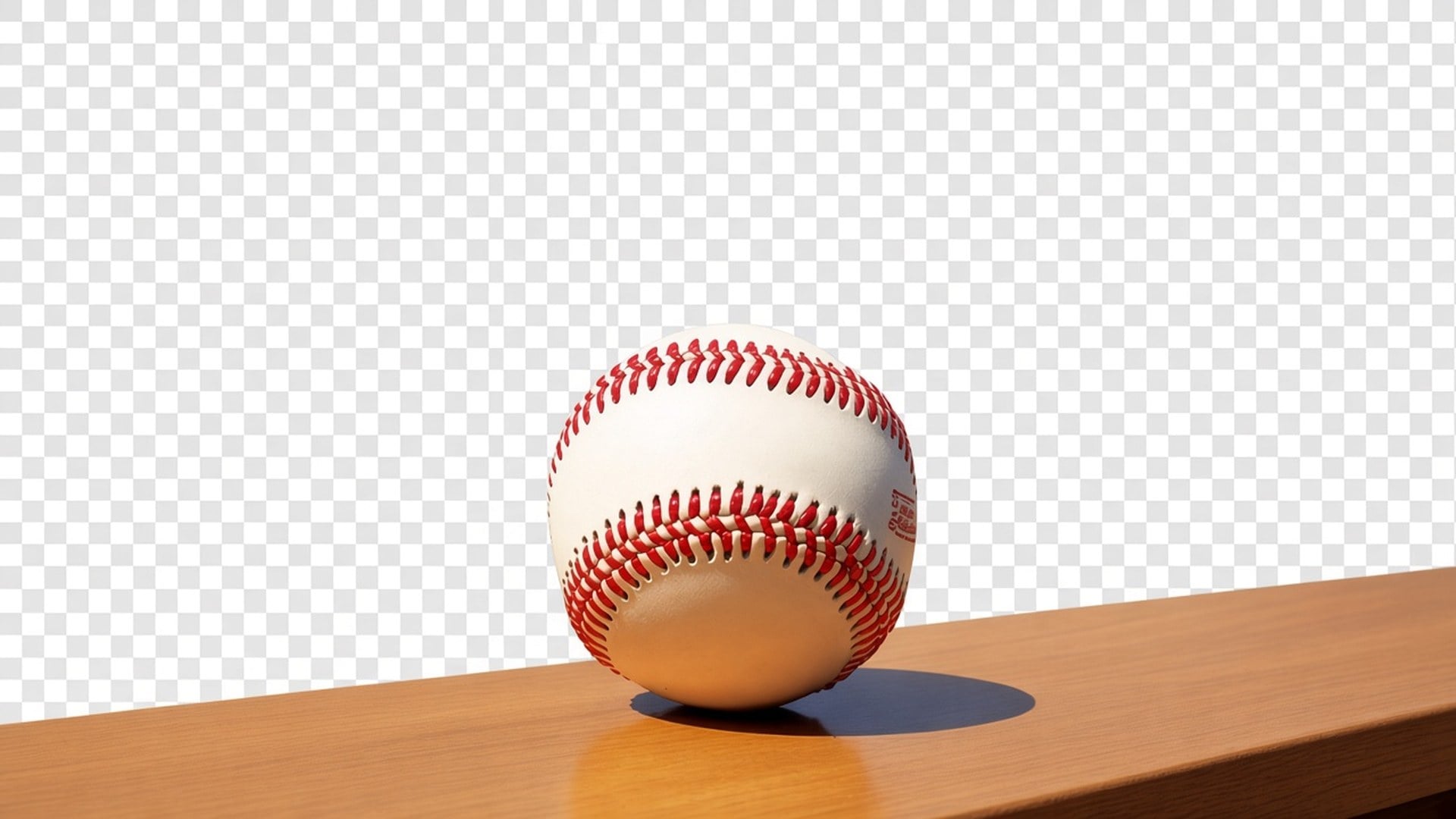
आउटपुट अल्फा वाला कटआउट है, 'हटाई गई' दिखने वाली सफ़ेद आयत नहीं। काले थंबनेल, ब्रांडेड स्लाइड या मार्केटप्लेस टाइल पर रखें। व्यक्ति के पीछे नए दृश्य का वादा नहीं। प्रतिद्वंद्वी पेज स्टूडियो स्वीप दे तो वह अलग प्रोडक्ट है। यह अलग करने पर रुकता है ताकि अगली परत आपके नियंत्रण में रहे।
अभी आज़माएँ
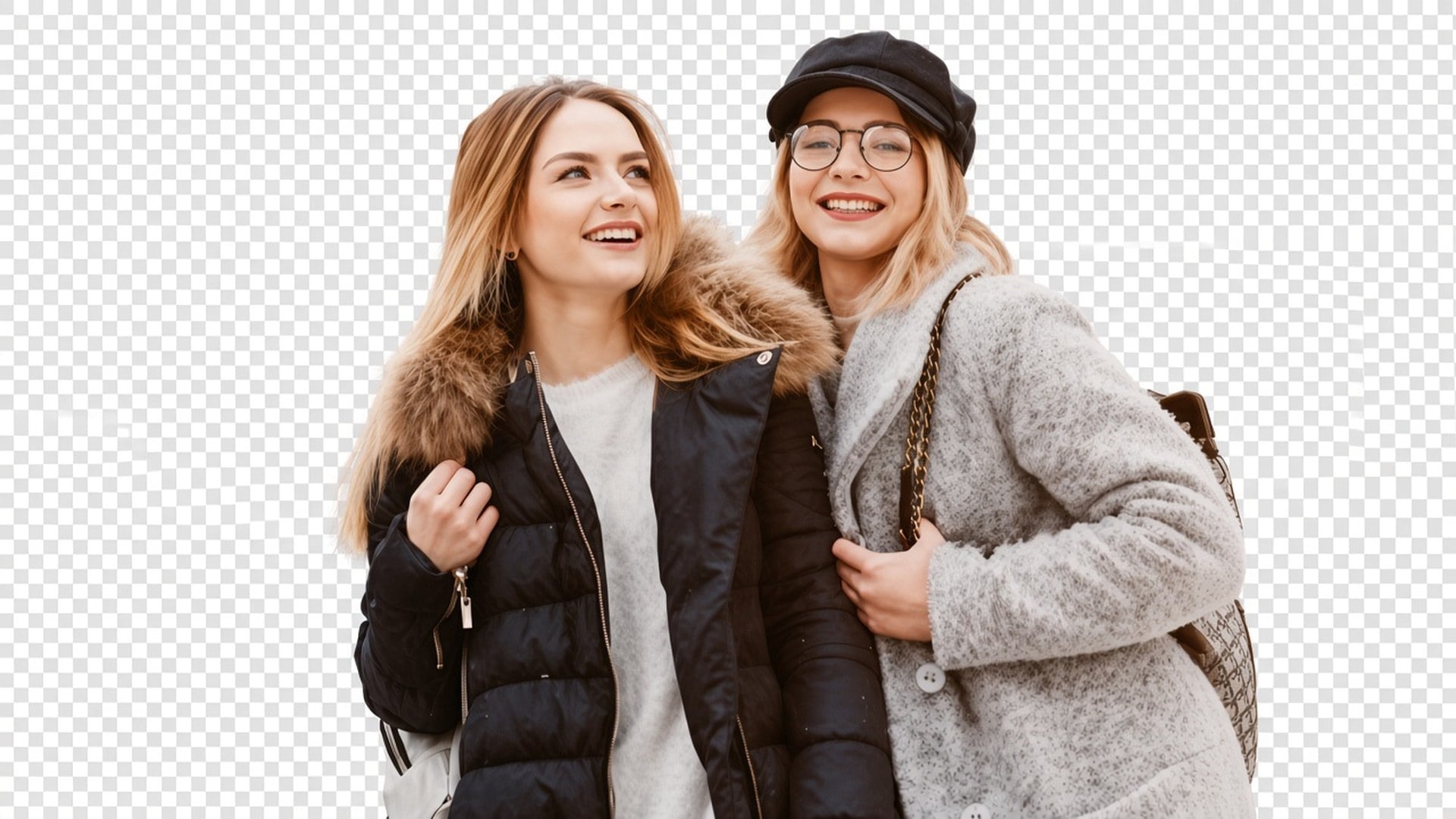
पास साफ़ विषय मैट के लिए बना है, उड़ते बाल और अन्य नरम किनारों सहित, चेहरा दोबारा खींचे बिना। नतीजा फिर भी स्रोत के कंट्रास्ट पर निर्भर है। आकाश में खोए बालों वाली बैकलिट सेल्फ़ी सादी मेज़ के प्रोडक्ट से कठिन है। फ़ाइल ने जो लट कभी कैप्चर नहीं की उसे टूल नहीं गढ़ेगा। सबसे साफ़ अलगाव से शुरू करें।
अभी आज़माएँ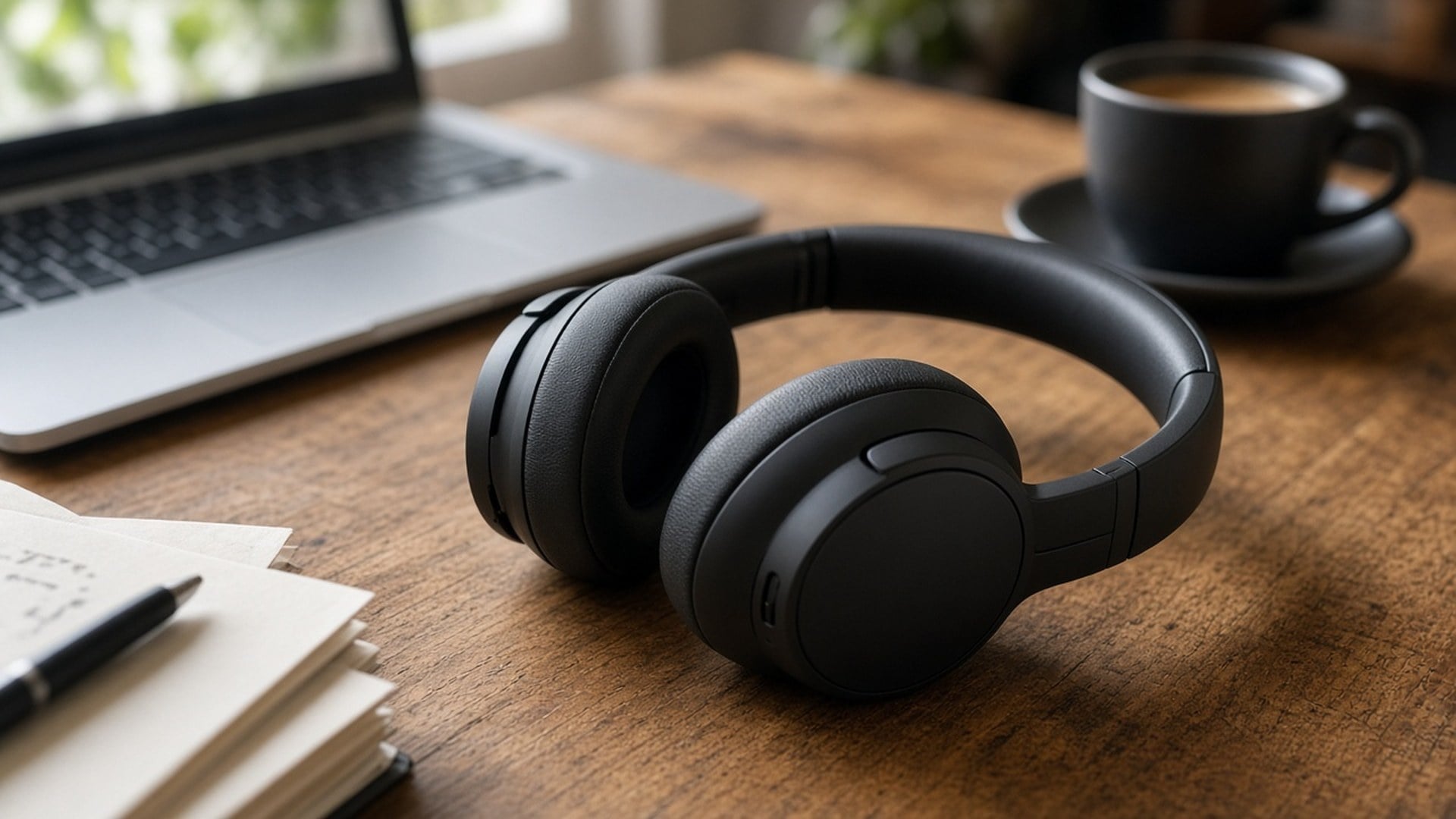
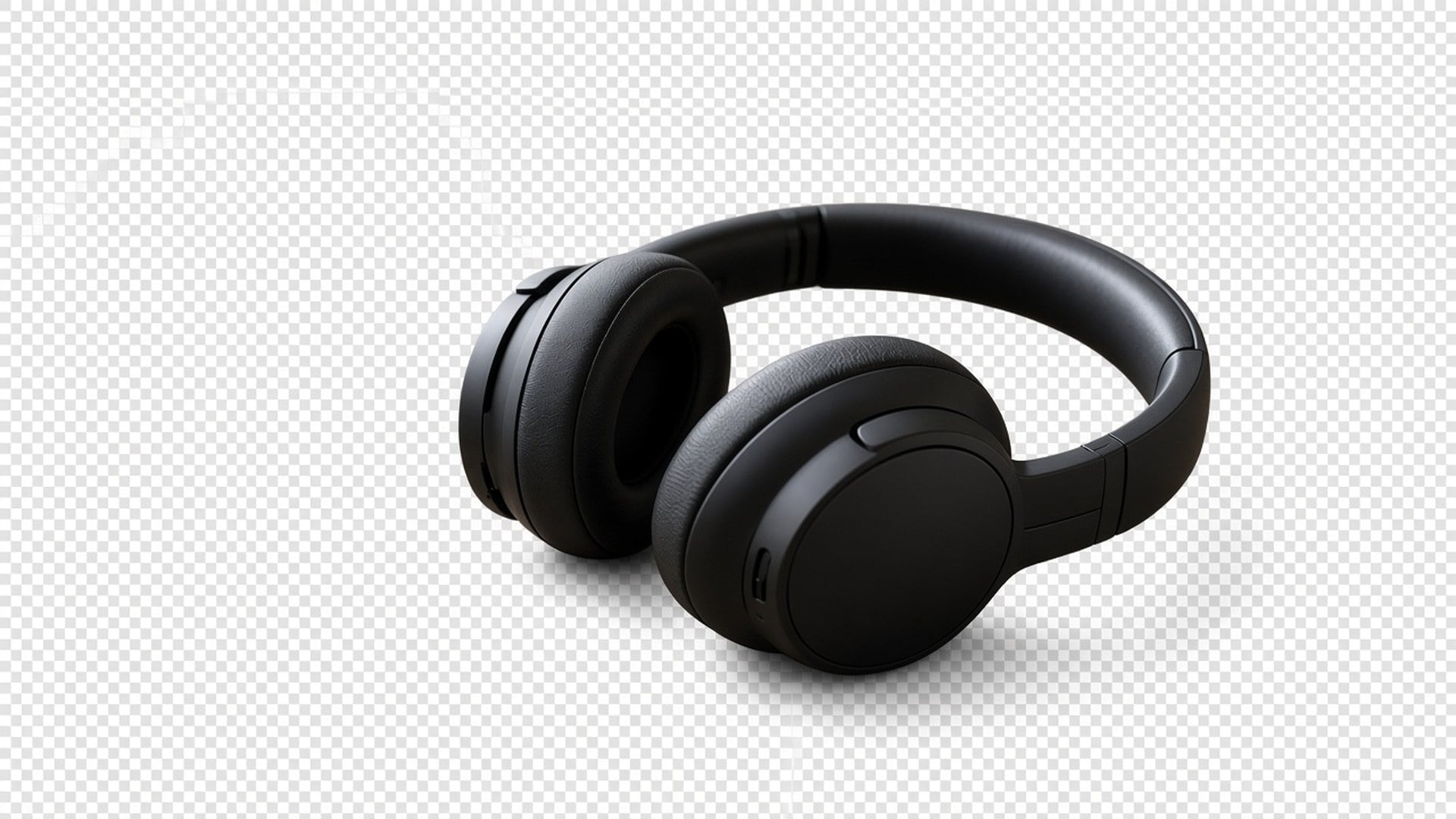
Image Enhancer, Image Upscaler, Unblur Images और Denoise AI एक क्वालिटी पास साझा करते हैं। यह पेज नहीं। यह अलग कटआउट है। क्रम से दोनों चला सकते हैं — पहले तीखा करें, फिर अलग करें — पर हर जनरेशन का अलग खर्च और अलग नतीजा है। हम यह खुलकर कहते हैं ताकि फ़ीचर टेबल पाँच URL को एक एल्गोरिद्म न दिखाए।
अभी आज़माएँ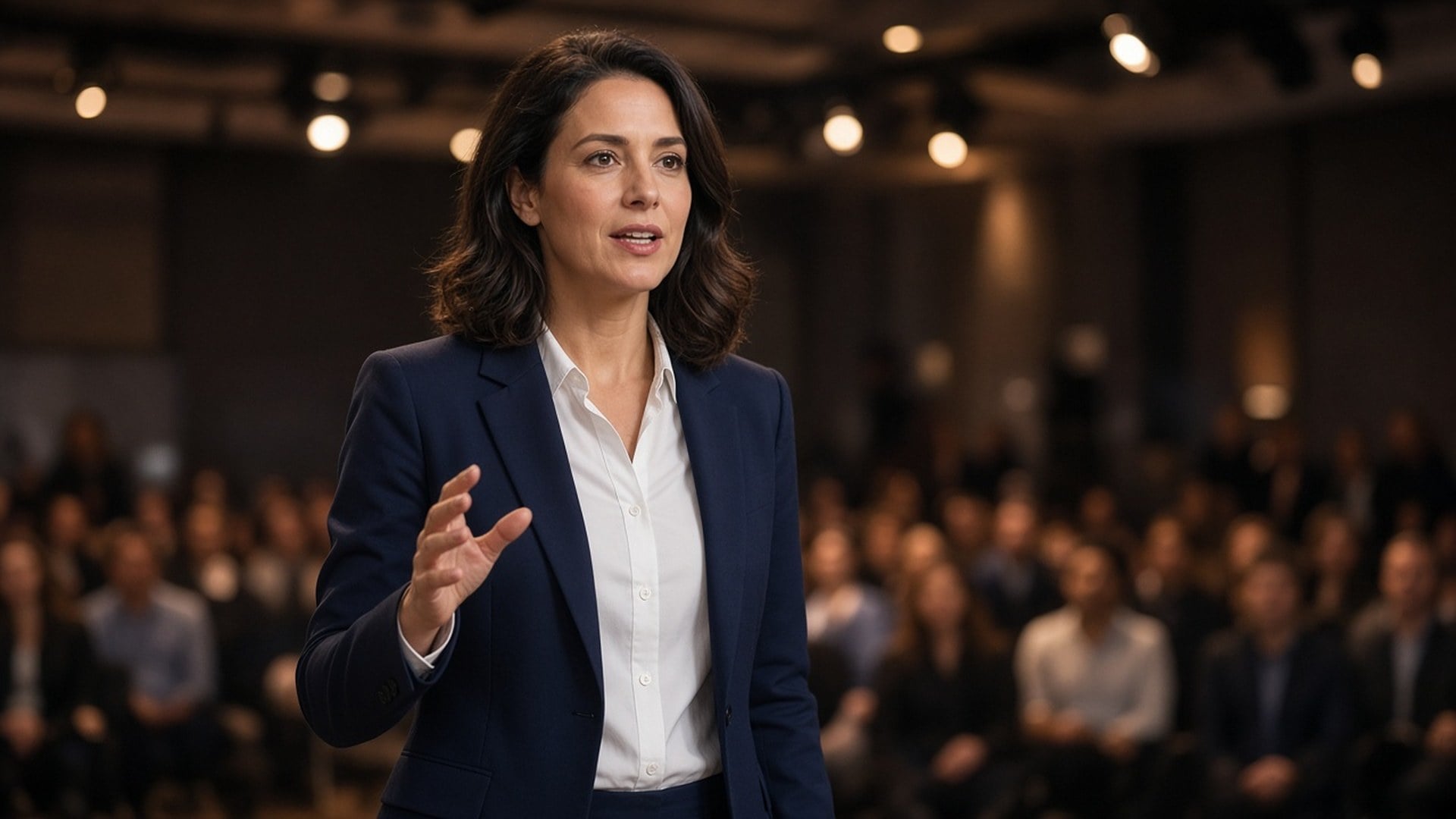
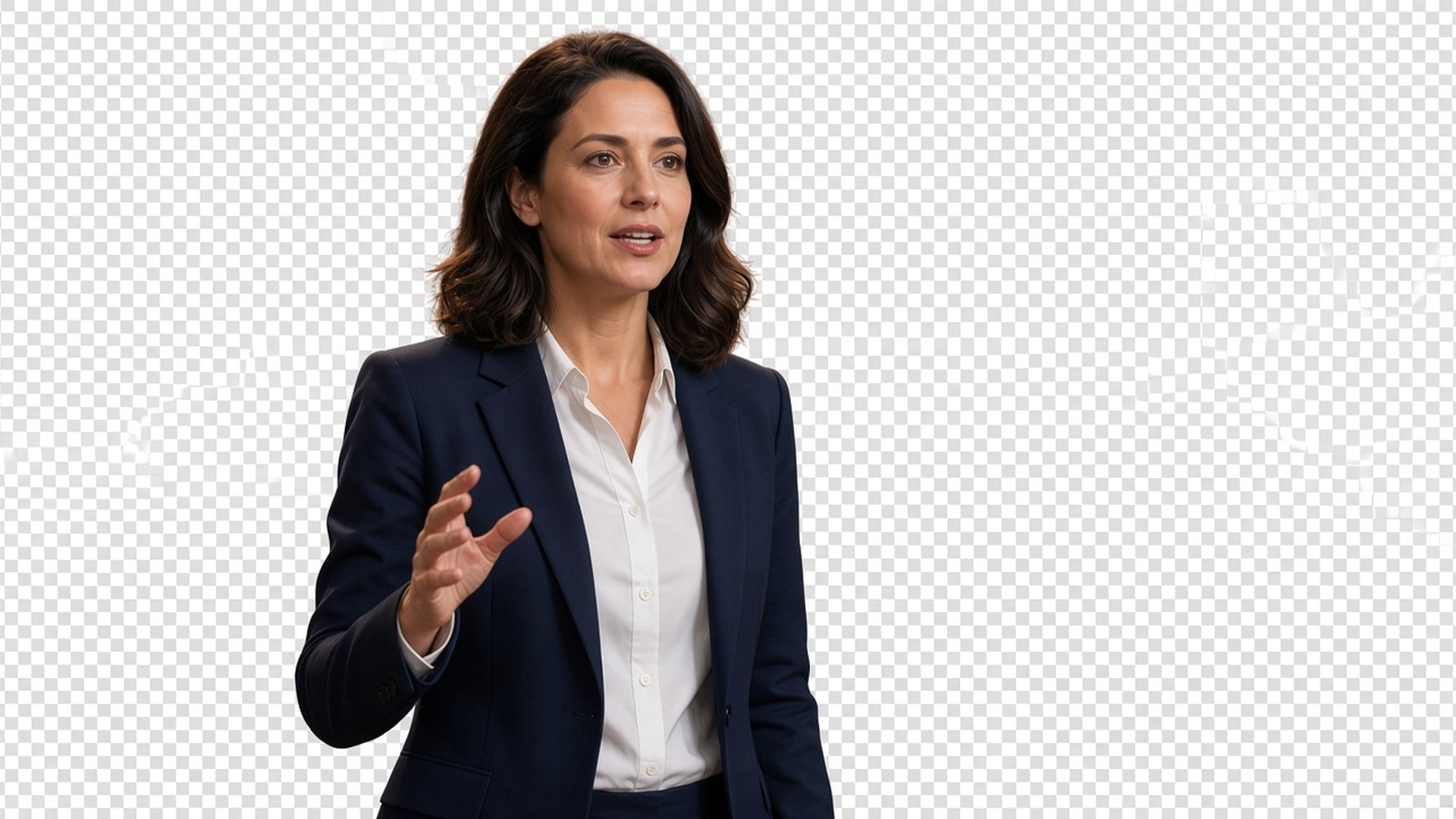
नतीजे डाउनलोड कर रखने लायक स्थिर छवियाँ हैं: थंबनेल पर क्रिएटर, लिस्टिंग पर पैक, कीनोट प्लेट पर वक्ता। रीटच-मुक्त कैटलॉग फ़ोटोग्राफ़ी या पाँच ओवरलैप लोगों वाली भीड़ शॉट के बचाव का वादा नहीं। दो विषय उलझें तो पहले कसकर क्रॉप करें। सिल्हूट की स्पष्टता ही ब्रीफ़ है।
अभी आज़माएँसाफ़ प्रोडक्ट कटआउट प्रोडक्ट फ़ोटो समझना आसान बनाते हैं, खरीदार मुख्य विवरण पर ध्यान दें और ज़्यादा भरोसे से खरीदें।
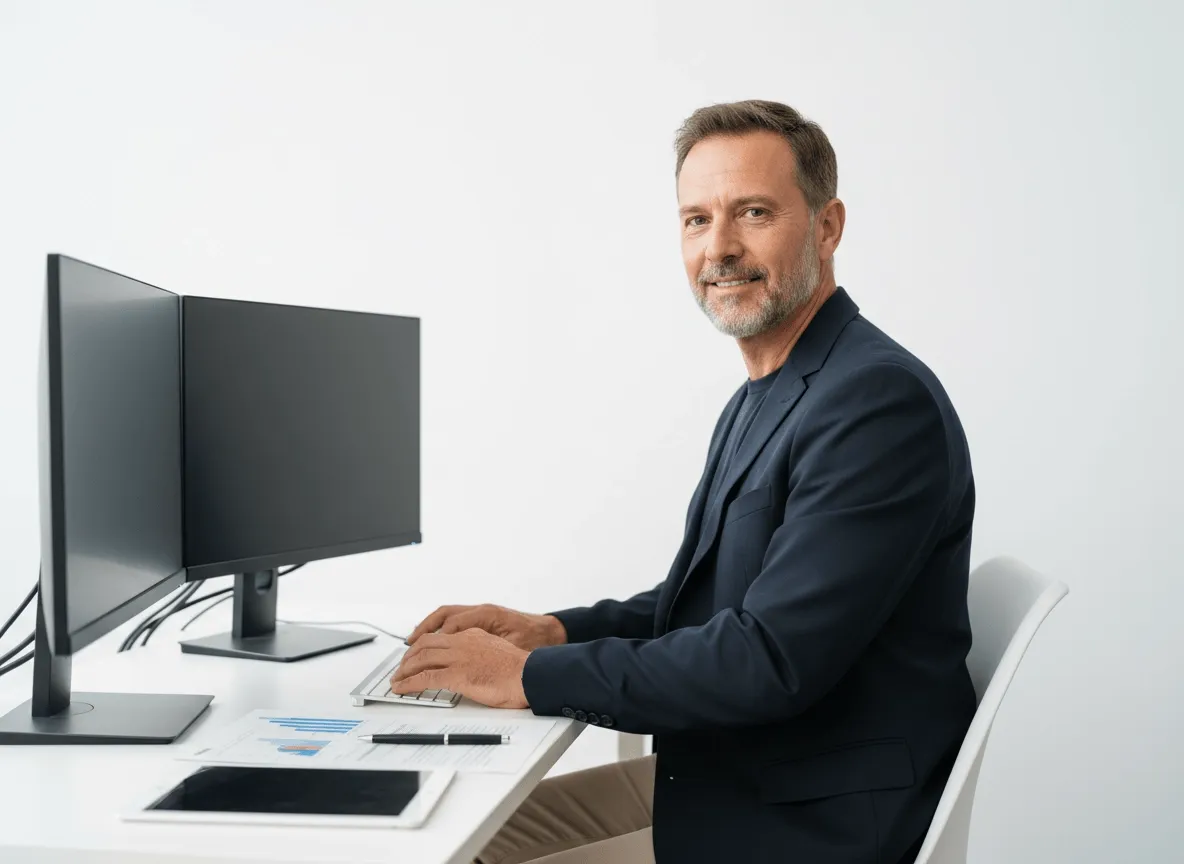
प्रोडक्ट, मॉडल या मुख्य विज़ुअल को बैनर, लैंडिंग पेज और प्रमो ग्राफ़िक के लिए अलग करें। टीमें कम हाथ के एडिट से सँवरे एसेट बना सकें।
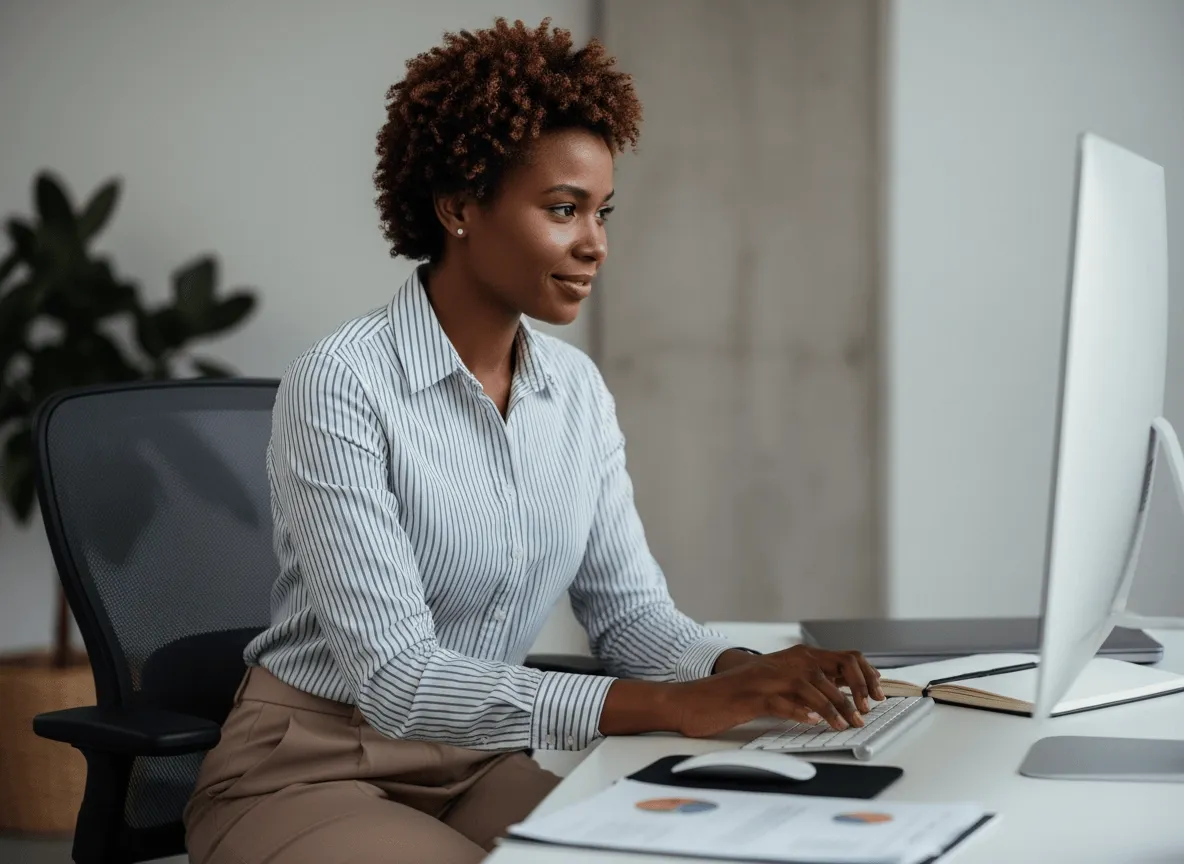
फ़िल्म पोस्टर, टीज़र आर्ट और प्रमो डिज़ाइन के लिए अभिनेता या चरित्र छवियों से पृष्ठभूमि हटाएँ। विषय ज़्यादा प्रभाव से अलग दिखे।
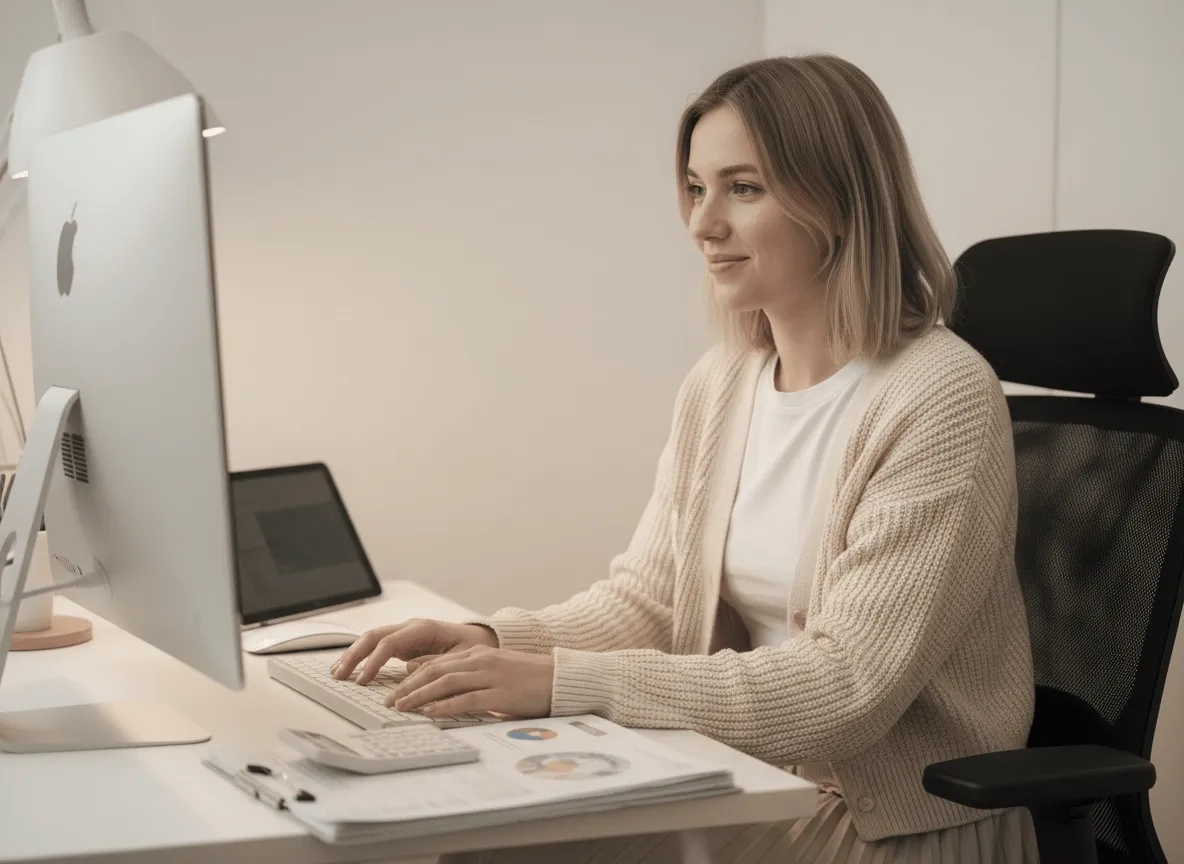
साफ़ कटआउट से चरित्र फ़्रेम, वस्तुएँ या गति एसेट स्प्राइट शीट के लिए तैयार करें। एसेट तैयारी तेज़ हो और गेम विज़ुअल साफ़ रहें।
साफ़ प्रोडक्ट कटआउट प्रोडक्ट फ़ोटो समझना आसान बनाते हैं, खरीदार मुख्य विवरण पर ध्यान दें और ज़्यादा भरोसे से खरीदें।
प्रोडक्ट, मॉडल या मुख्य विज़ुअल को बैनर, लैंडिंग पेज और प्रमो ग्राफ़िक के लिए अलग करें। टीमें कम हाथ के एडिट से सँवरे एसेट बना सकें।
फ़िल्म पोस्टर, टीज़र आर्ट और प्रमो डिज़ाइन के लिए अभिनेता या चरित्र छवियों से पृष्ठभूमि हटाएँ। विषय ज़्यादा प्रभाव से अलग दिखे।
साफ़ कटआउट से चरित्र फ़्रेम, वस्तुएँ या गति एसेट स्प्राइट शीट के लिए तैयार करें। एसेट तैयारी तेज़ हो और गेम विज़ुअल साफ़ रहें।
कटआउट अक्सर अकेला सवाल नहीं होता। उसी स्थिर छवि को सुधारने, 2× बड़ा करने या उसी चेहरे पर पोर्ट्रेट फ़िनिश आज़माने के लिए Viralkey Studio में रहें, फिर फिर से अलग करें।
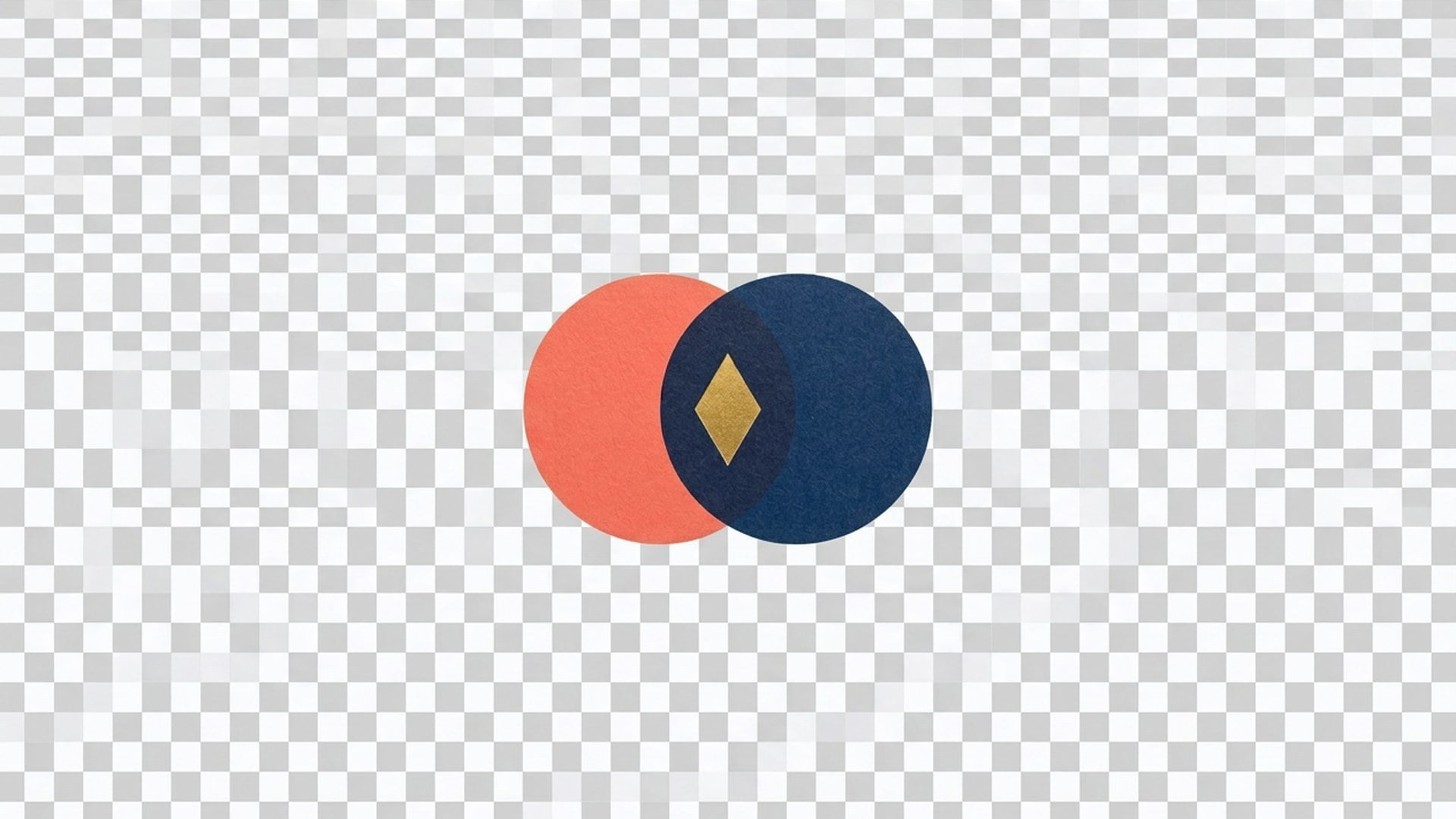
लोगो को पारदर्शी मैदान पर काटें — निशान रहे, डेस्क जाए।

फोटो को उसी साइज़ पर साफ़ करें, या 2× / 4× बड़ा करें।

पिक्सेल खींचे बिना फोटो को 2× या 4× बड़ा करें और किनारे वापस लाएँ।

धुंधली या हिली फोटो की तीक्ष्णता लौटाएँ, सीन को दोबारा न बनाएँ।
AI वीडियो, इमेज जनरेशन, एडिटिंग और सिनेमैटिक स्टोरीटेलिंग के अग्रणी मॉडल देखें।

Create Wan 3.0 clips on Viralkey: native 1080p, 2–30 seconds, start/end frames, up to 20 mixed references, and audio generated with the picture.

Viralkey पर सिनेमैटिक MiniMax H3 क्लिप बनाएँ: नेटिव 2K, अधिकतम 15 सेकंड, Text to Video, Start/End Frame और अधिकतम नौ रेफरेंस इमेज।

Viralkey पर शुरुआती/अंतिम फ़्रेम और अधिकतम 50 रेफ़रेंस इमेज से छोटे HD क्लिप बनाएँ। म्यूज़िक वीडियो सीन और परफ़ॉर्मेंस शॉट के लिए।

Create cinematic Seedance 2.0 clips on Viralkey: native 4K, start/end frames, up to nine reference images, and built-in audio with lip-sync.
असली काम में इस टूल को इस्तेमाल करने वाले क्रिएटर्स की बातें।
Lark Ames
क्रिएटरप्रोडक्ट शॉट तीखी चाहिए थी, नई फ़ोटो नहीं। 1× सुधार ने क्रॉप रखा और किनारे साफ़ किए।
Ned Hollis
प्रोडक्ट मैनेजरपोस्टर के लिए वही सेल्फी 2× बड़ा करें पर चलाई। फ़ाइल बड़ी हुई, त्वचा प्लास्टिक नहीं बनी।
Oona Pell
फ़ोटोग्राफ़रखोज Unblur थी, पर असल में 1× सुधार वाली चिप चाहिए थी।
Penn Crowe
YouTube क्रिएटरDenoise ने रात का ग्रेन साफ़ किया और ईंट की टेक्सचर छोड़ दी। पूरा काम यही था।
Rory Blake
सोशल मीडिया प्रमुखBackground Remover का पारदर्शी PNG सीधे काले थंबनेल पर बैठ गया।
Shea Quinn
डिज़ाइनरछोटे आर्काइव स्कैन पर 4× बड़ा करें। चेहरे वही लोग रहे। बस ज़्यादा पिक्सेल मिले।
Una Marsh
इलस्ट्रेटर'इसे इतना गला मत रखो' के लिए रीटचर को पैसे देना बंद किया। यही वह काम है।
Vaughn Kitts
सलाहकारImage Enhancer पेज पर चिप 1× सुधार से 2× बड़ा करें कर दी। वही इंजन, बड़ी फ़ाइल।
Wren Sol
इन्फ्लुएंसरबालों के आसपास पृष्ठभूमि साफ़ उतरी। हाथ से मास्क करने वाला सफ़ेद हेलो नहीं आया।
Viralkey का Background Remover मुख्य विषय को असली पारदर्शी पृष्ठभूमि पर काटता है। एक स्थिर छवि अपलोड करें और बिना नए दृश्य व ठोस रंग भराव के PNG-जैसा कटआउट पाएँ। यह जनरेटिव पृष्ठभूमि बदलना नहीं और Image Enhancer पेजों जैसा इंजन भी नहीं। व्यक्ति या प्रोडक्ट अल्फा पर चाहिए हो, थंबनेल, स्लाइड या लिस्टिंग टाइल पर रखने के लिए तब इस्तेमाल करें।
व्यक्ति या प्रोडक्ट अल्फा पर चाहिए, नई पृष्ठभूमि नहीं? Viralkey का Background Remover विषय को असली पारदर्शी पृष्ठभूमि पर काटता है — सफ़ेद भराव नहीं, स्टूडियो स्वीप नहीं, गढ़ा कमरा नहीं।