
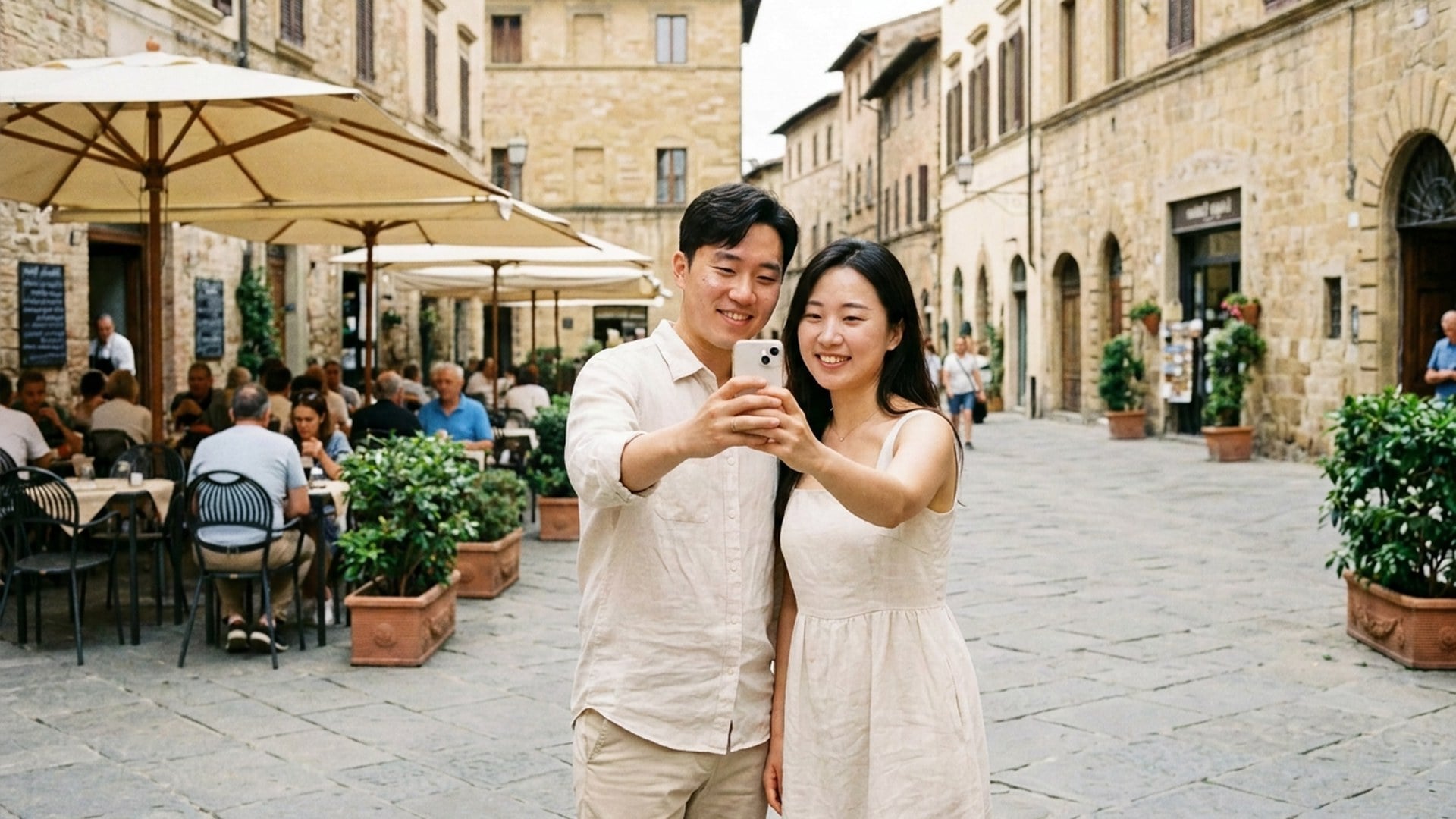
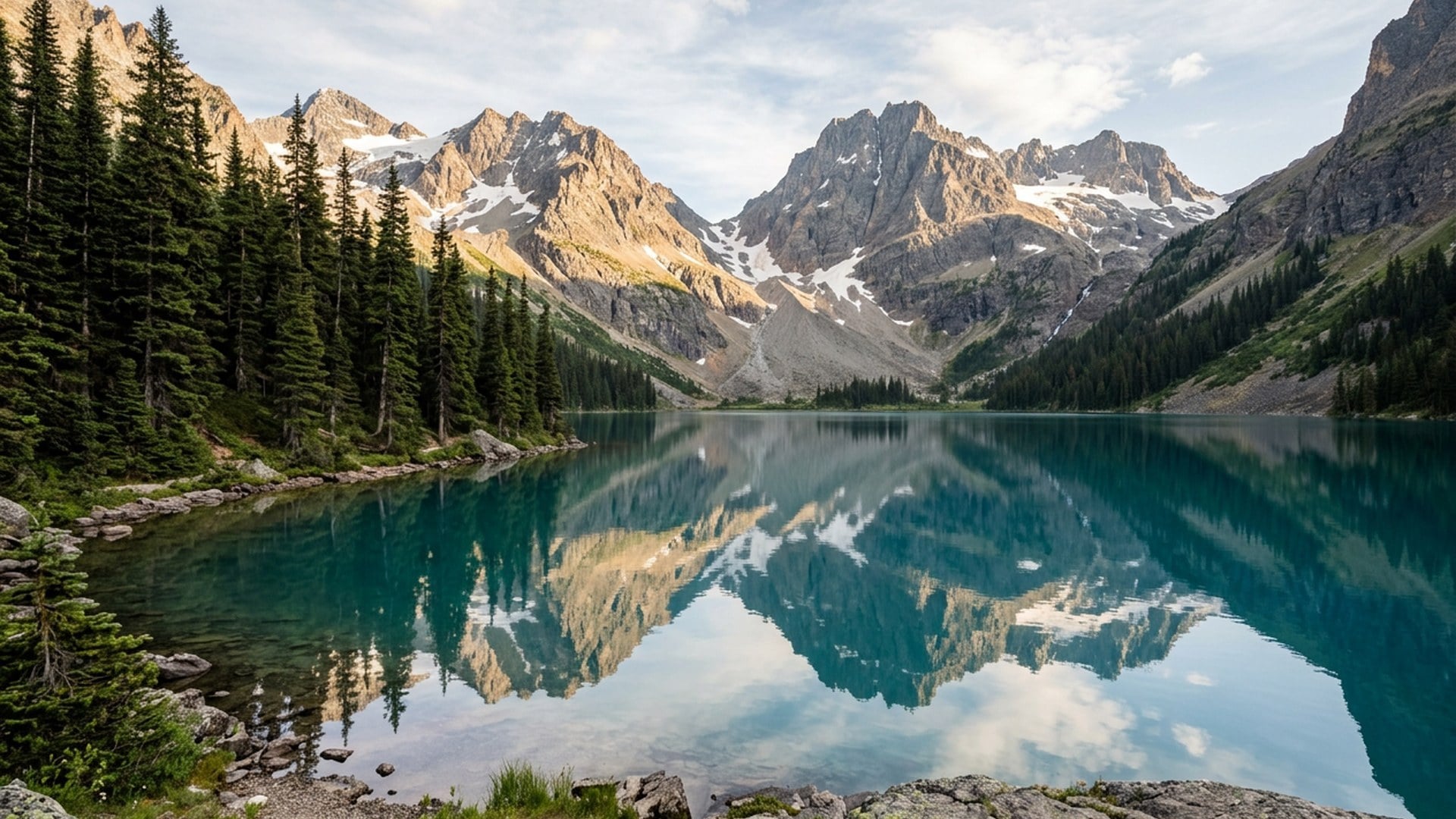
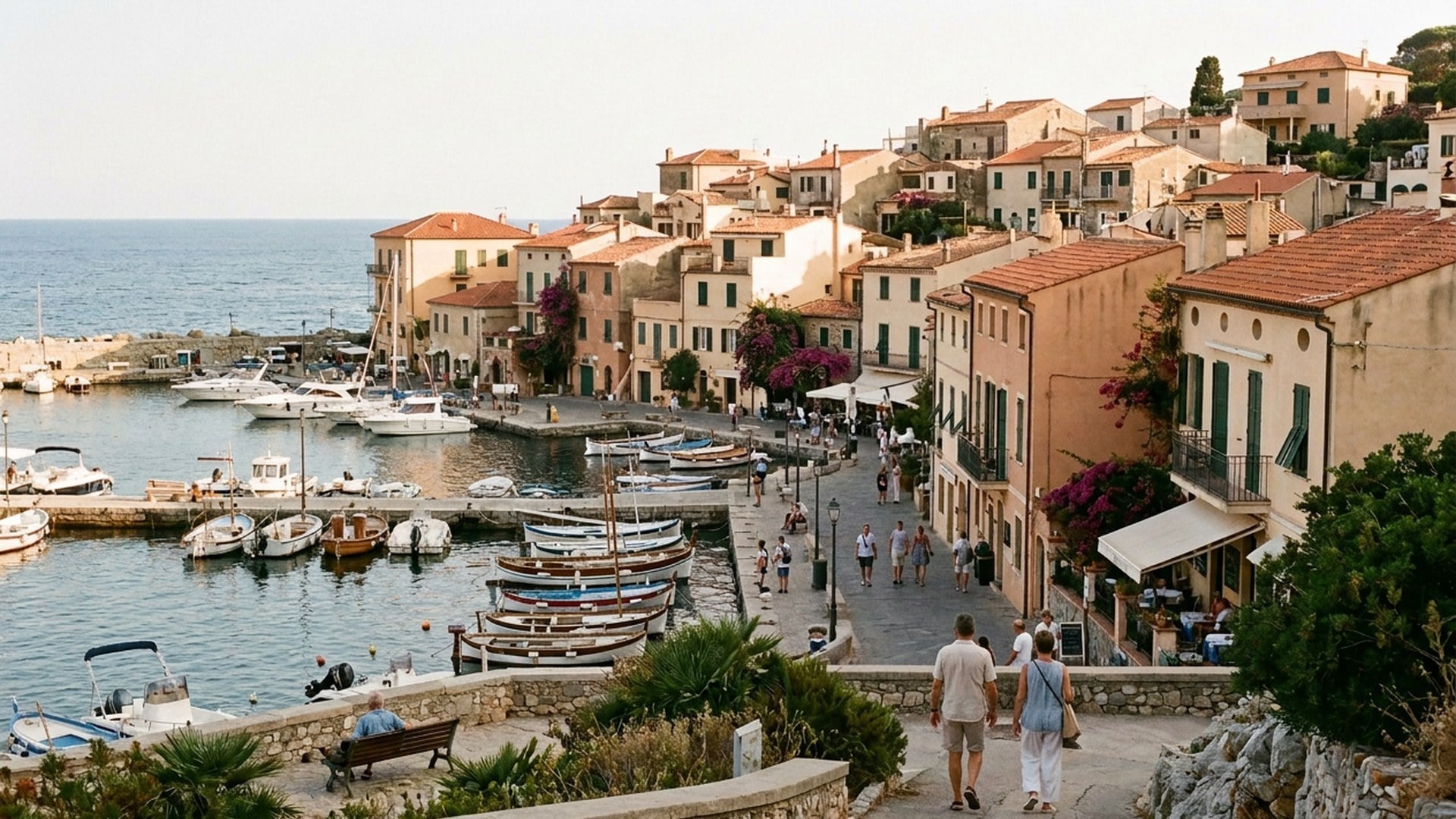
BL
Bess Lang
क्रिएटरवॉटरमार्क चिप, वही मेज़, मुहर गई। कोई नया कैटलॉग दृश्य नहीं मिला।
एक स्थिर छवि अपलोड करें और बताएँ क्या जाना चाहिए। Viralkey का Magic Eraser वह वस्तु, वॉटरमार्क, कैप्शन या अतिरिक्त व्यक्ति हटाकर उसी फ़ोटोग्राफ़ से पैच भरता है — नई पृष्ठभूमि नहीं, पारदर्शी कटआउट भी नहीं।


Magic Eraser
ऑनलाइन Magic Eraser
एक स्थिर छवि अपलोड करें और बताएँ क्या जाना चाहिए। Viralkey का Magic Eraser वह वस्तु, वॉटरमार्क, कैप्शन या अतिरिक्त व्यक्ति हटाकर उसी फ़ोटोग्राफ़ से पैच भरता है — नई पृष्ठभूमि नहीं, पारदर्शी कटआउट भी नहीं।
Magic Eraser से अनचाही वस्तुएँ हटाएँ। मिटाई जगह भरकर नतीजा वास्तविक लगता है और फ़ोकस सुधरता है। दृश्य बदले बिना फ़ोटोबॉम्बर हटाकर यादें बचाएँ, साफ़ विज़ुअल से सोशल जुड़ाव बढ़ाएँ। अनचाही चीज़ें अभी हटाएँ।
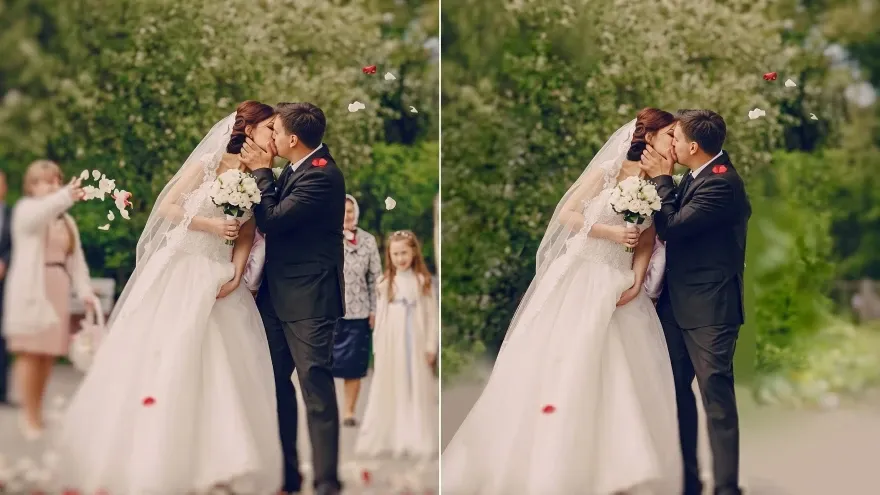
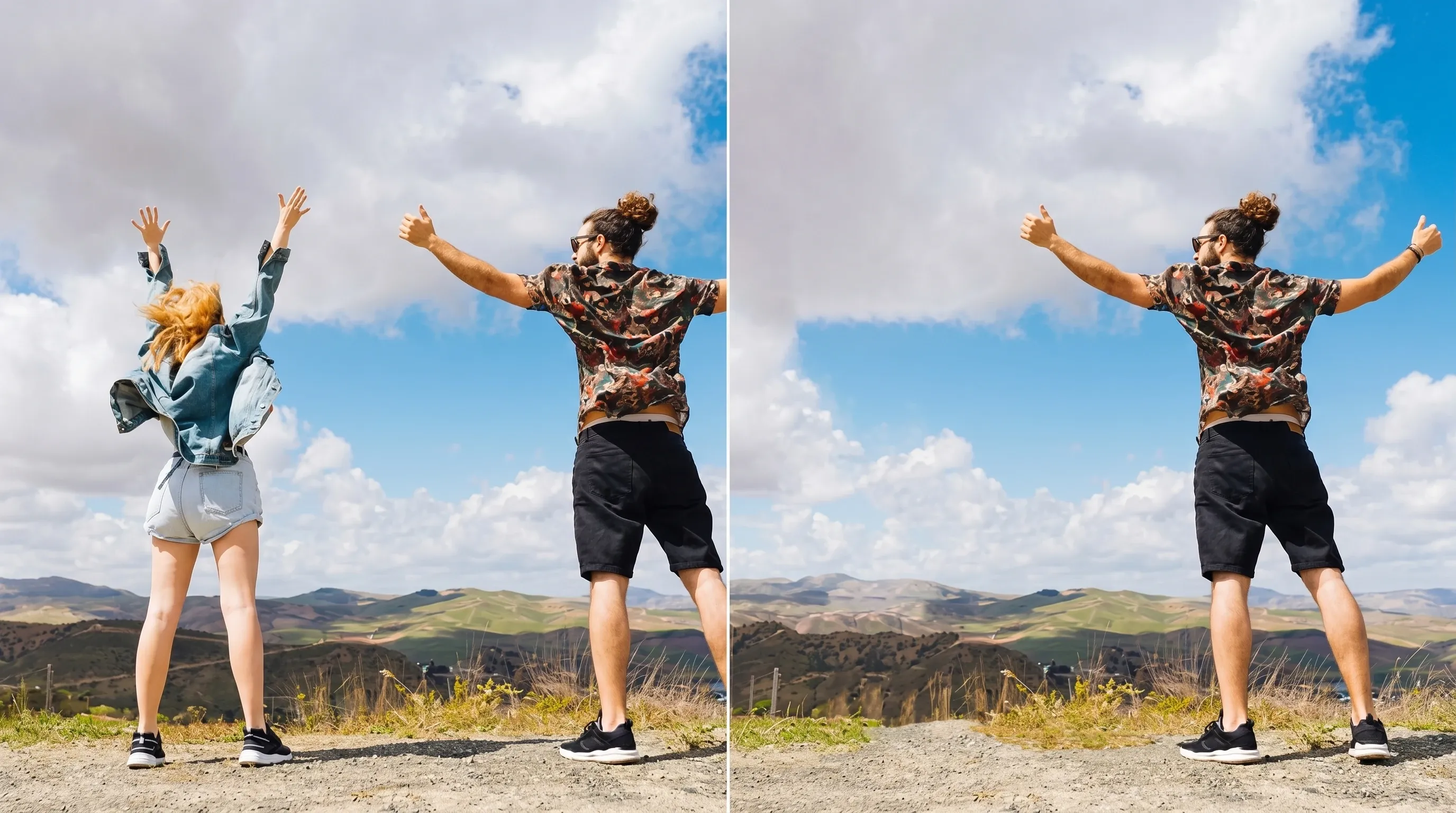
पैदल यात्री, राहगीर या भीड़ हटाएँ ताकि मुख्य विषय अलग दिखे। यात्रा शॉट, परिदृश्य और व्यस्त पोर्ट्रेट के लिए उपयुक्त।
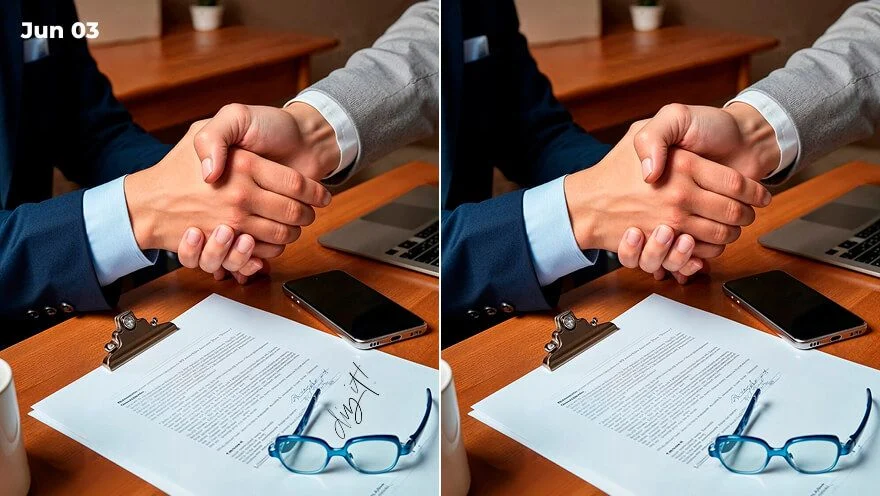
फ़ोटो से अनचाहा टेक्स्ट और लोगो हटाकर रूप साफ़ करें। प्रोडक्ट छवियों, सोशल पोस्ट या निजी तस्वीरों में कम व्यवधान चाहिए हो तब इस्तेमाल करें।
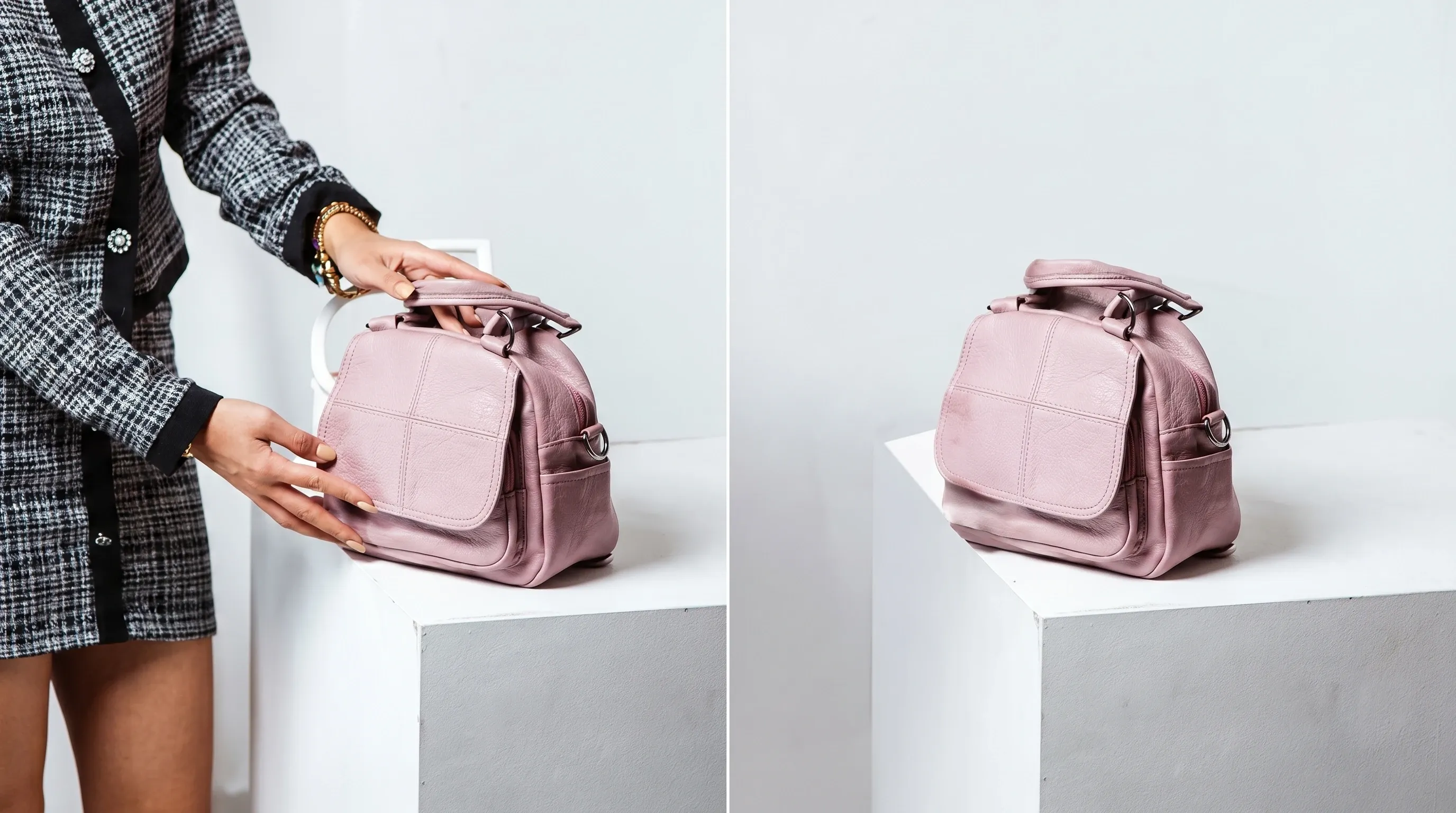
गंदी पृष्ठभूमि साफ़ करें और छवि का फ़ोकस सुधारें, ताकि साझा करने, संपादन या निजी उपयोग के लिए फ़ोटो ज़्यादा पेशेवर लगें।
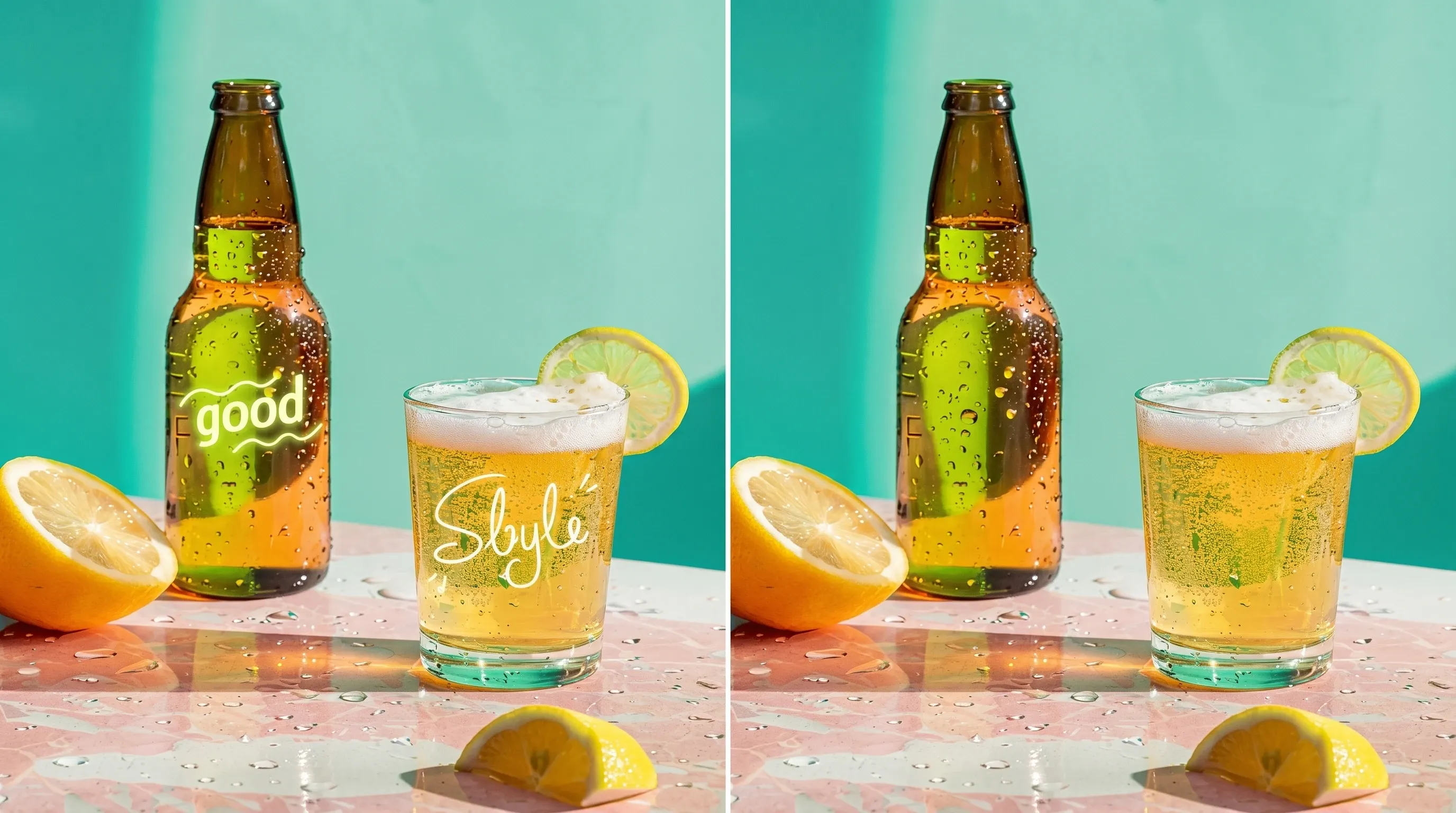
फ़ोटो से वॉटरमार्क, तारीख की मुहर और अन्य अनचाहे निशान मिटाएँ। तस्वीरें साफ़ रहें और स्वाभाविक दृश्य गुणवत्ता बनी रहे।
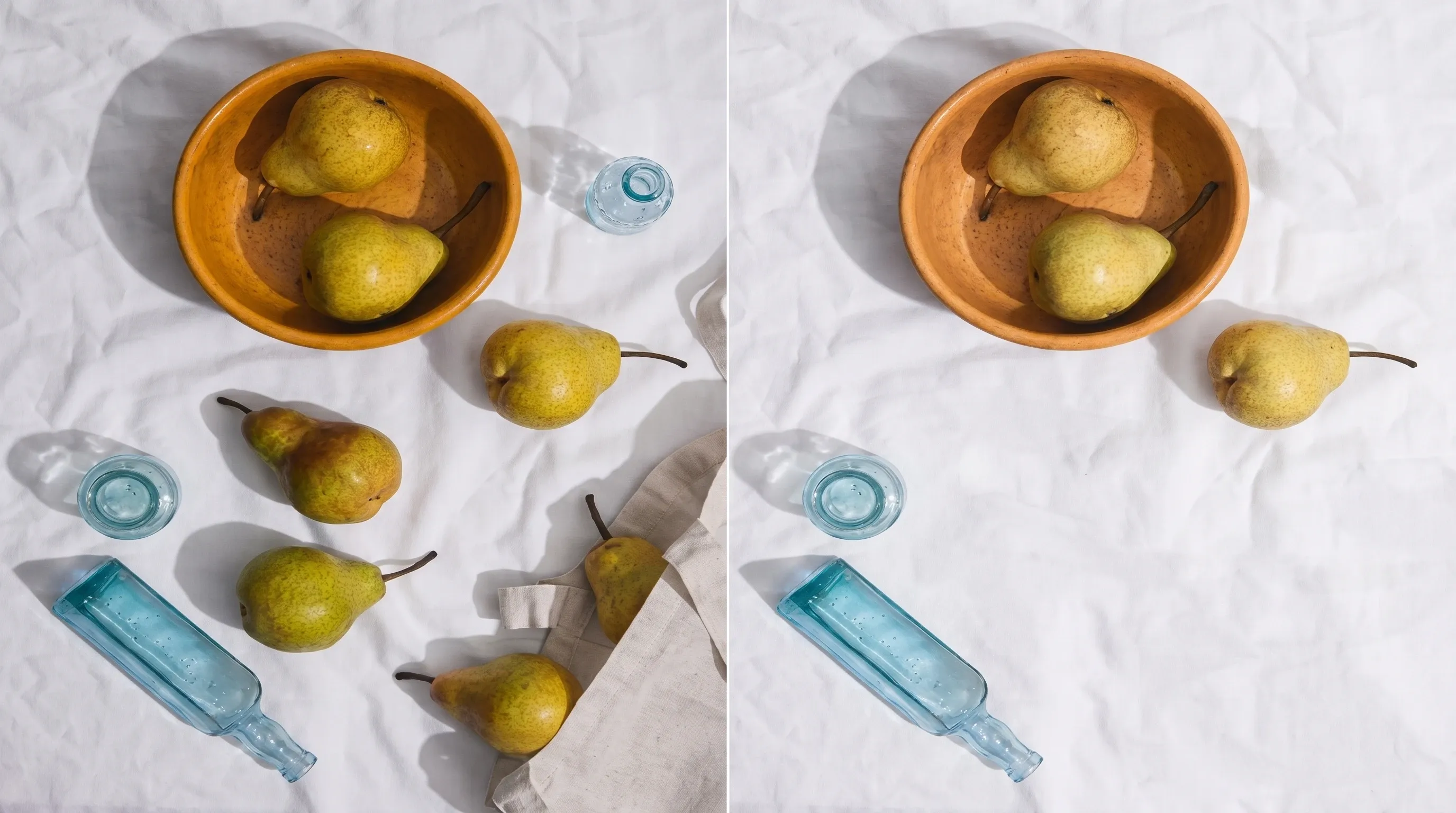
कचरा, साइन या अनचाही छाया जैसी वस्तुएँ हटाएँ। दृश्य भीड़ हटने के बाद तस्वीरें तीखी और संतुलित लगती हैं।
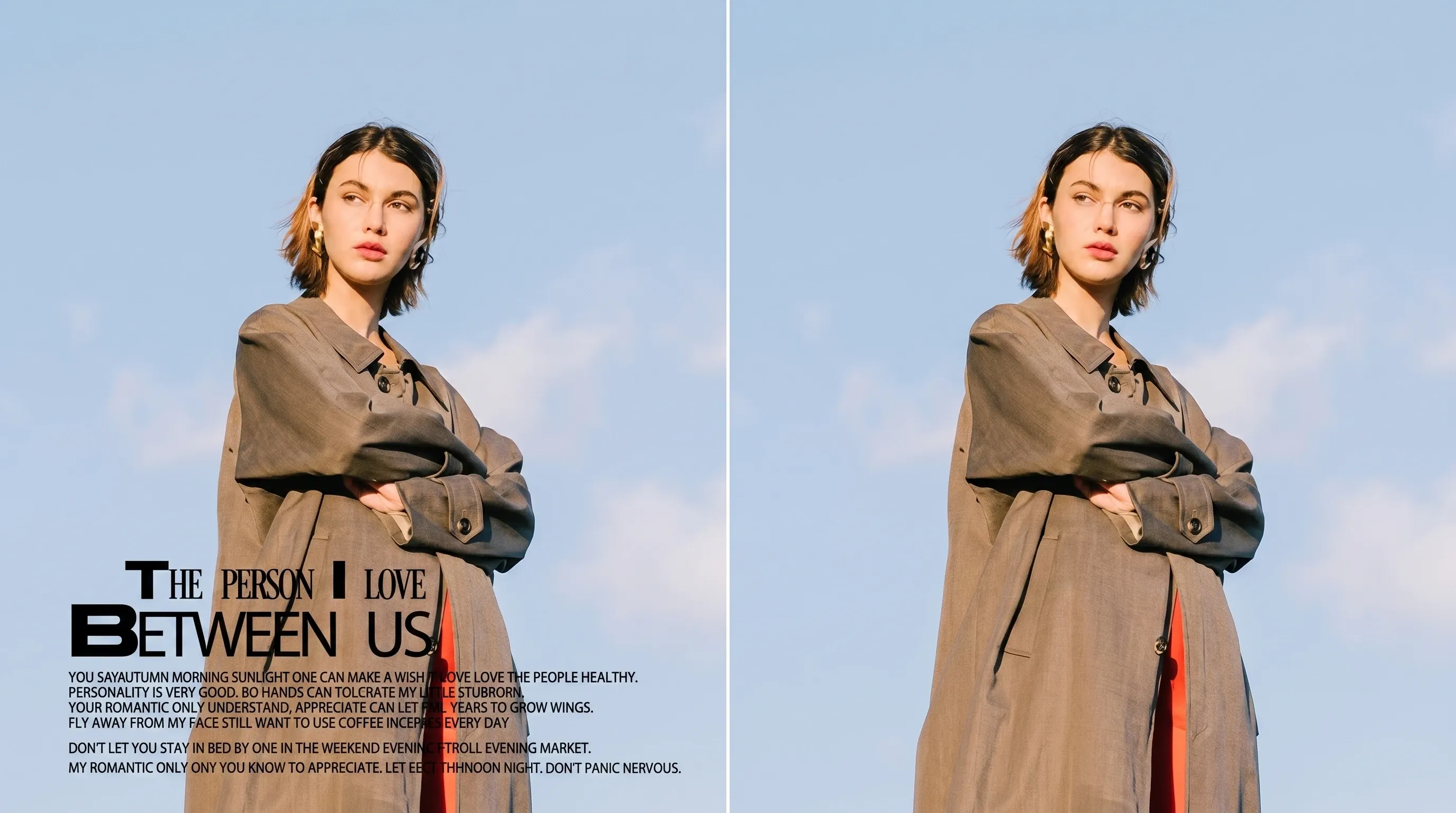
निशान, धब्बे, धूल और खरोंच जैसी छोटी खामियाँ आसानी से ठीक करें। साफ़ छवियाँ दिखाने के लिए तैयार हों।
जिस तस्वीर को संपादित करना है उसे JPEG, PNG, TIFF जैसे फ़ॉर्मेट में अपलोड करें।
जो वस्तु हटानी है उसे चुनें। टूल उसे मिटाकर क्षेत्र अपने आप भर देगा।
नतीजा देखें, ज़रूरत हो तो सुधारें, और छवि डाउनलोड करें।
एक निशान मिटाना अक्सर अकेला सवाल नहीं होता। उसी स्थिर छवि को तीखा करने, पारदर्शी पृष्ठभूमि पर काटने या रखी फ़ाइल बड़ा करने के लिए Viralkey Studio में रहें।
असली काम में इस टूल को इस्तेमाल करने वाले क्रिएटर्स की बातें।
Bess Lang
क्रिएटरवॉटरमार्क चिप, वही मेज़, मुहर गई। कोई नया कैटलॉग दृश्य नहीं मिला।
Cyra Holt
प्रोडक्ट मैनेजर'बाईं ओर वाला व्यक्ति' लिखा। सड़क वही सड़क रही। यही ब्रीफ़ था।
Dell Ames
फ़ोटोग्राफ़रकोने का समय गायब हो गया। आकाश का भराव उसी दोपहर जैसा लगा।
Etta Voss
YouTube क्रिएटरमग का लोगो हट गया। सिरेमिक बगल के हैंडल से मिलता रहा।
Gia Pell
सोशल मीडिया प्रमुखकटआउट के लिए Background Remover, मुहर के लिए Magic Eraser। दो काम, दो पेज।
Hope Crowe
डिज़ाइनरब्रश सीखना नहीं पड़ा। चिप और एक वाक्य। फ़ोटोबॉम्बर पूरी समस्या था।
Ivy Quinn
इलस्ट्रेटरगलती से पहले Image Enhancer खोला। यह पेज मिटाता है, तीखा नहीं करता।
Joy Calder
सलाहकारकसकर क्रॉप किया, फिर अतिरिक्त व्यक्ति। दूसरी कोशिश ने दोस्त को फ़्रेम में अकेला छोड़ा।
Kade Whitlock
इन्फ्लुएंसरस्टोरी स्टिल पर टेक्स्ट चिप। तारीख गई, ईंट की दीवार वही दीवार रही।
Viralkey का Magic Eraser आपके पास पहले से मौजूद फ़ोटो से एक बताई चीज़ हटाकर आसपास की तस्वीर से जगह भरता है। एक स्थिर छवि अपलोड करें, वस्तु, वॉटरमार्क, टेक्स्ट, अतिरिक्त व्यक्ति या लोगो चुनें, और वैकल्पिक रूप से लिखें कौन-सा। बाकी फ़्रेम — पोज़, क्रॉप, रोशनी और जिन्हें रखना चाहा वे लोग — बना रहना चाहिए। यह पारदर्शी कटआउट नहीं और Image Enhancer क्वालिटी पास भी नहीं।
एक स्थिर छवि अपलोड करें और बताएँ क्या जाना चाहिए। Viralkey का Magic Eraser वह वस्तु, वॉटरमार्क, कैप्शन या अतिरिक्त व्यक्ति हटाकर उसी फ़ोटोग्राफ़ से पैच भरता है — नई पृष्ठभूमि नहीं, पारदर्शी कटआउट भी नहीं।