ऑडियंस 50% तेज़ी से बढ़ाएँ
एक स्टिल से आकर्षक क्लिप बनाएँ। फ़ोटो को वीडियो बनाकर हुक, पोस्ट और आउट्रो रखें — या क्लिप को मज़बूत हुक चाहिए हो तो वीडियो इफ़ेक्ट और पूरा AI म्यूज़िक वीडियो जोड़ें।
Viralkey स्टैटिक इमेज को सचमुच फैलने वाले प्रोफेशनल वीडियो में एनिमेट करता है। Seedance 2.5, Wan 3.0 Video Prime, Kling V3.0 Pro, MiniMax H3, Gemini Omni 1.1 Flash, और Veo 3.1 — एक ही इमेज टू वीडियो जनरेटर में। अतिरिक्त एडिटिंग नहीं!
Viralkey एक अल्टीमेट ऑल-इन-वन इमेज टू वीडियो AI जनरेटर है। हमारे फ्लैगशिप Seedance 2.5 के अलावा, हम सभी इंडस्ट्री-लीडिंग वीडियो मॉडल एक ही जगह देते हैं। उन्हें आसानी से आज़माएँ और कई प्लेटफ़ॉर्म के बीच भाग-दौड़ किए बिना शानदार विज़ुअल बनाएँ।
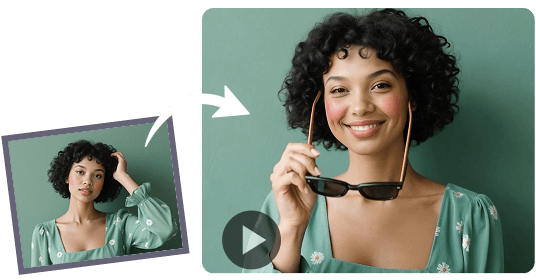
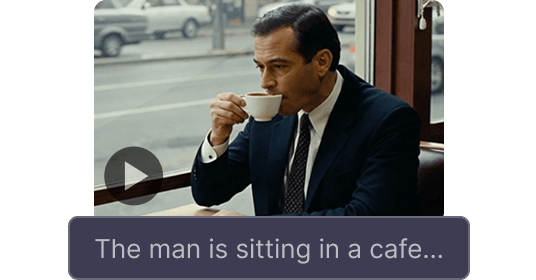
हमारे AI इमेज टू वीडियो जनरेटर से किसी भी इमेज को एक जीवंत कहानी बनाएँ। फ़ोटो अपलोड करें या Viralkey पर AI इमेज बनाएँ, फिर उन्हें ऑडियो वाले क्रिएटिव वीडियो में बदलें। रियलिस्टिक सीन हो या एनिमेशन, हम इसे जल्दी और आपके हिसाब से बना सकते हैं।
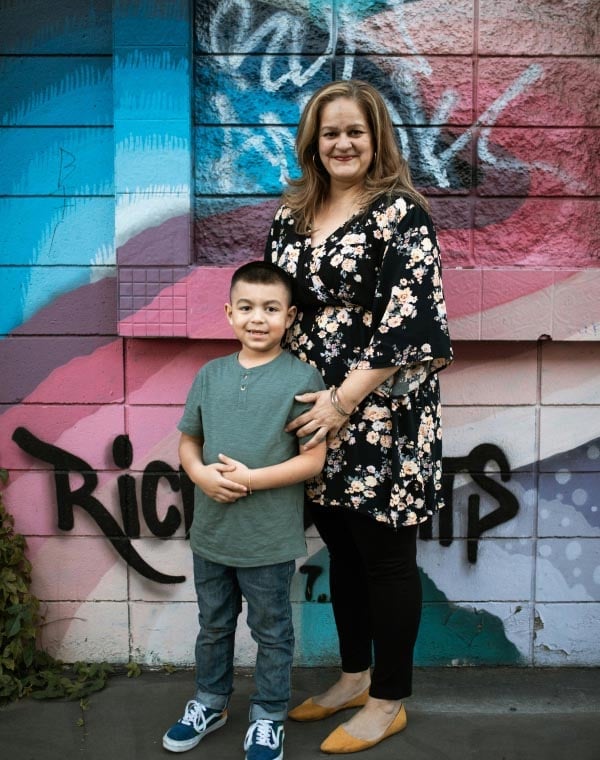
प्रॉम्प्ट
तस्वीर में दो लोग एक-दूसरे को गले लगा रहे हैं।
हर सीन को मैच करते ऑडियो से जीवंत बनाएँ। हमारा इमेज टू वीडियो AI बैकग्राउंड म्यूजिक और इमर्सिव साउंड इफ़ेक्ट बना सकता है, ताकि विज़ुअल और गहरा क्लिप बनें।
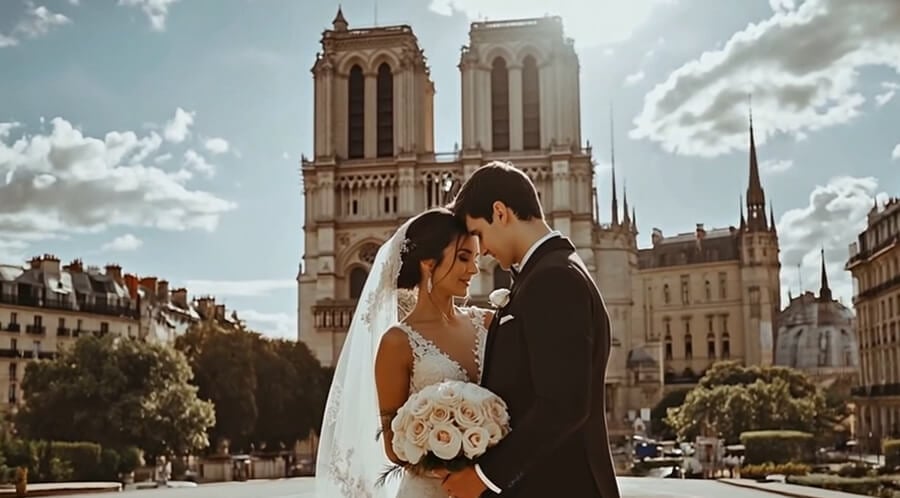
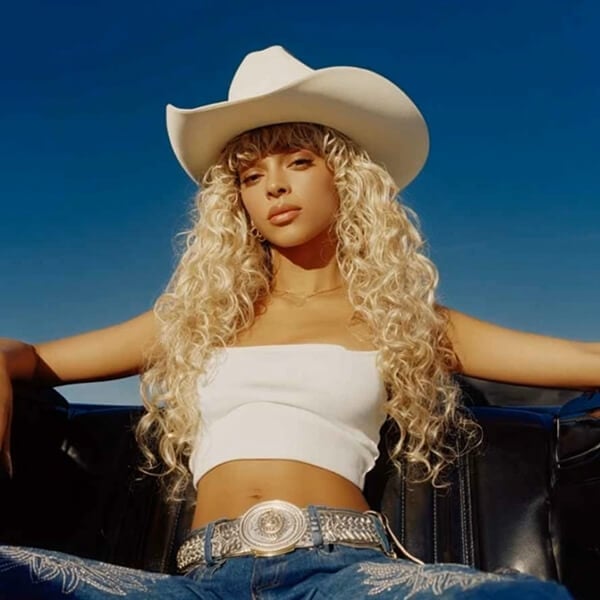
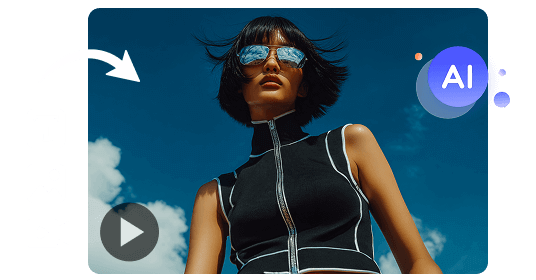
Viralkey इमेज टू वीडियो AI जनरेटर आपके विज़ुअल और कैरेक्टर को मूल इमेज और निर्देशों के अनुरूप रखता है — स्मूद, विश्वसनीय मोशन के साथ, बिना डिटेल या कॉन्टेक्स्ट खोए।
एक स्टिल से आकर्षक क्लिप बनाएँ। फ़ोटो को वीडियो बनाकर हुक, पोस्ट और आउट्रो रखें — या क्लिप को मज़बूत हुक चाहिए हो तो वीडियो इफ़ेक्ट और पूरा AI म्यूज़िक वीडियो जोड़ें।

प्रोडक्ट फ़ोटो को मोशन और वैकल्पिक साउंड वाले छोटे क्लिप में बदलें, UGC ऐड की तरह पब्लिश करें। वही स्टिल Marketing Studio में ले जाकर कैंपेन-रेडी प्रोडक्ट वीडियो बनाएँ।

स्केच, कॉन्सेप्ट आर्ट या इलस्ट्रेशन को मोशन क्लिप में बदलें — छोटे सीन से स्टाइलिश क्लिप तक, हर फ़्रेम बनाए बिना। कैरेक्टर स्थिर रखने के लिए रेफ़रेंस से वीडियो इस्तेमाल करें, या स्टिल पहले AI आर्ट जनरेटर में बनाएँ।
एक स्टिल से आकर्षक क्लिप बनाएँ। फ़ोटो को वीडियो बनाकर हुक, पोस्ट और आउट्रो रखें — या क्लिप को मज़बूत हुक चाहिए हो तो वीडियो इफ़ेक्ट और पूरा AI म्यूज़िक वीडियो जोड़ें।
प्रोडक्ट फ़ोटो को मोशन और वैकल्पिक साउंड वाले छोटे क्लिप में बदलें, UGC ऐड की तरह पब्लिश करें। वही स्टिल Marketing Studio में ले जाकर कैंपेन-रेडी प्रोडक्ट वीडियो बनाएँ।
स्केच, कॉन्सेप्ट आर्ट या इलस्ट्रेशन को मोशन क्लिप में बदलें — छोटे सीन से स्टाइलिश क्लिप तक, हर फ़्रेम बनाए बिना। कैरेक्टर स्थिर रखने के लिए रेफ़रेंस से वीडियो इस्तेमाल करें, या स्टिल पहले AI आर्ट जनरेटर में बनाएँ।
सिर्फ़ तीन कदमों में Viralkey से इमेज से वीडियो बनाएँ।
वह स्टिल डालें जिसे आप एनिमेट करना चाहते हैं। यही फ़्रेम क्लिप का लुक तय करता है।
लिखें कि क्या हिलना चाहिए, फिर अवधि, आस्पेक्ट और साउंड तय करें।
वीडियो बनाएँ, फिर वर्कस्पेस में काम जारी रखें या फ़ाइल सेव करें।
क्रिएटर्स बताते हैं कि वे एक स्टिल से क्लिप कैसे बनाते हैं — छोटे प्रॉम्प्ट, टिका हुआ मोशन, और उसी रन में वैकल्पिक साउंड।
सरल प्रॉम्प्ट, असली मोशन
मैं एक स्टिल अपलोड करता हूँ, एक छोटी लाइन लिखता हूँ, और क्लिप सच में उसी तरह चलती है जैसा मैं चाहता था। दूसरे इमेज टू वीडियो टूल को पूरा पैराग्राफ चाहिए था, फिर भी वे भटक जाते थे।
फ़ोटो वाला चेहरा वही चेहरा रहता है
मैं पोस्ट के लिए पोर्ट्रेट एनिमेट करती हूँ। मोशन के बाद भी व्यक्ति वैसा ही लगता है — इसीलिए मैं इस इमेज टू वीडियो जनरेटर को इस्तेमाल करती रहती हूँ।
उसी स्टिल से साउंड भी
मैंने ऑडियो चालू किया और क्लिप सीन से मेल खाते संगीत के साथ लौटी। मुझे खुद साउंडट्रैक जोड़ने की ज़रूरत नहीं पड़ी।
प्रोडक्ट फ़ोटो से पोस्ट
एक प्रोडक्ट फ़ोटो एक ऐसा छोटा क्लिप बन गया जिसे मैं पब्लिश कर सकी। मोशन इतना स्मूद है कि टीज़र के लिए दूसरी शूट बुक करना बंद कर दिया।
कई इमेज टू वीडियो टूल आज़माए
इस साल मैंने बहुत से इमेज टू वीडियो जनरेटर आज़माए। यही वो है जिसका मैं सच में सब्सक्राइब करता हूँ — छोटा प्रॉम्प्ट भी मोशन फॉलो करता है।
पहले आज़माने के लिए काफ़ी आसान
मैंने पोर्ट्रेट से एक फ़्री क्लिप चलाया, मोशन पसंद आया, फिर सब्सक्राइब किया। स्टिल से वीडियो तक का रास्ता साफ़ है।
Viralkey इमेज टू वीडियो जनरेटर एक AI टूल है जो आपकी टेक्स्ट हिदायतों के अनुसार स्थिर इमेज को डायनामिक वीडियो में बदलता है। यह मौजूदा स्टिल को जीवंत करता है, न कि सिर्फ़ प्रॉम्प्ट से नया सीन बनाता है।
स्थिर तस्वीर में स्वाभाविक गतिविधि और कैमरा मूवमेंट जोड़ें और ऐसा वीडियो बनाएं जिसे आप साझा करना चाहें।