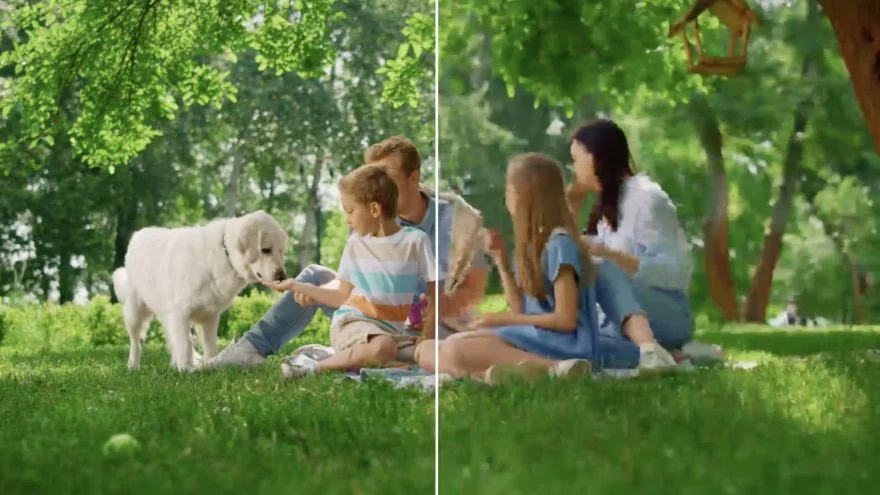
Sharpen Every Upload
Make soft vlogs, shorts, and tutorials look crisp, clean, and more professional before you post.
Upload a soft or compressed clip. Pick 1× enhance, 2× upscale, or 4× upscale, keep the source frame rate, and download a clearer file. Size follows the factor and a short-side cap — not a 720p / 1080p / 2K chip.
Video Upscaler
Video Upscaler Online
Upload a soft or compressed clip. Pick 1× enhance, 2× upscale, or 4× upscale, keep the source frame rate, and download a clearer file. Size follows the factor and a short-side cap — not a 720p / 1080p / 2K chip.

Upload Your Video
Choose an MP4, MOV or WebM you already like. Motion, crop and light in this clip are what the video upscaler keeps, so start from the original rather than a filtered copy.
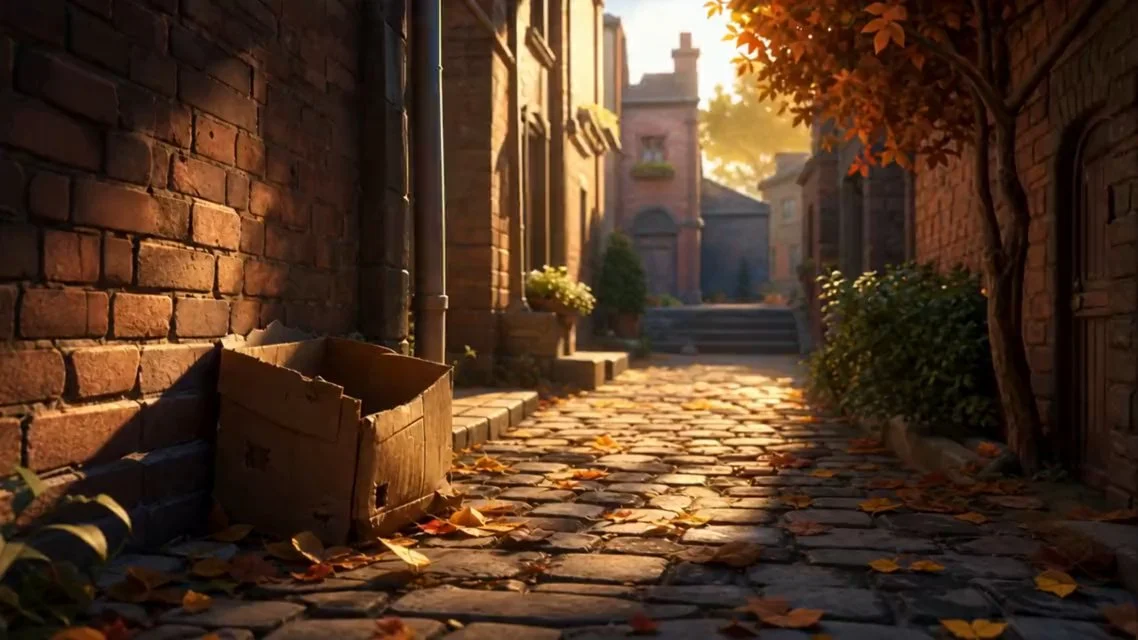
Pick 1×, 2× or 4×
Choose the factor that matches the job, then a quality mode. 1× is a same-size clean-up. 2× is the everyday enlarge. 4× is for a genuinely small source, still bounded by the short-side cap.
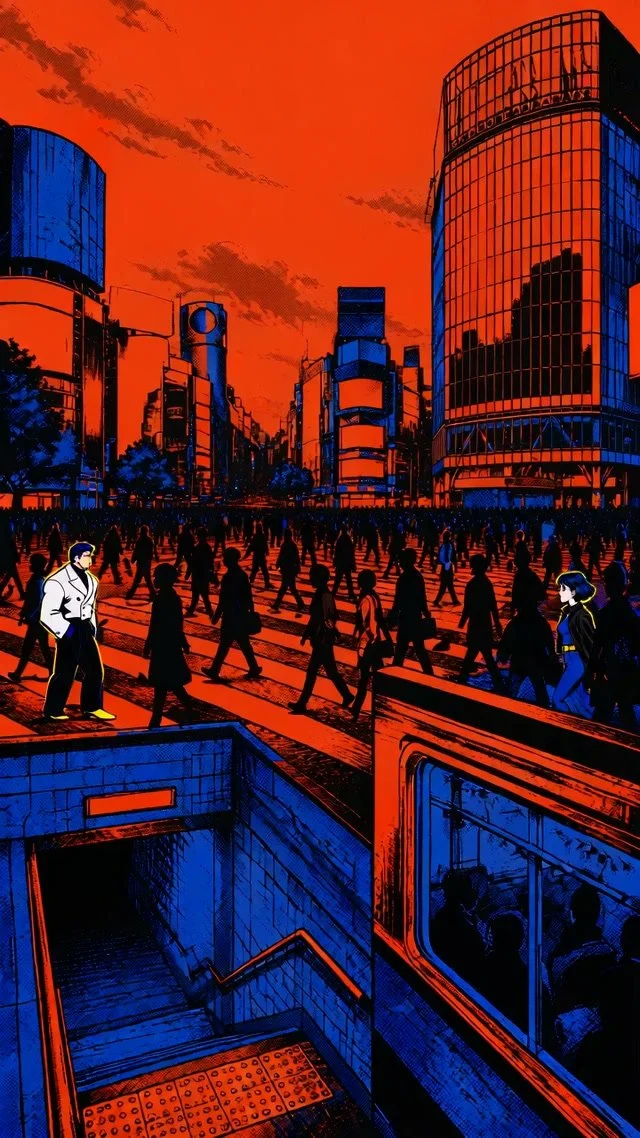
Start and Download
Read the credit quote, start the pass, open the result beside the source, and download the take you want. Rerun the same file at another target when a story and a desktop need different sizes.
Viralkey's video upscaler runs a quality pass on the clip you already shot. 1× keeps the same size and cleans the frame. 2× and 4× enlarge it, with a short-side cap so the tool does not invent a 4K promise. Family clips and professional demos stay the same scene.
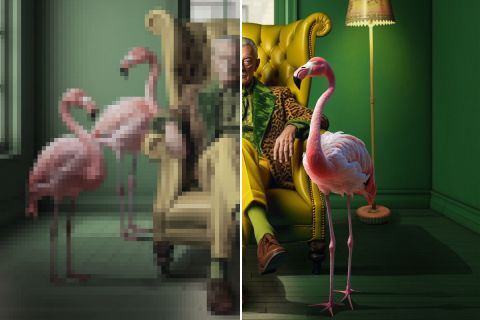
Not just AI video generation — we go beyond mere resolution scaling. Our video upscaler enhances every pixel, delivering a clearer, more vibrant viewing experience that brings your videos to life.
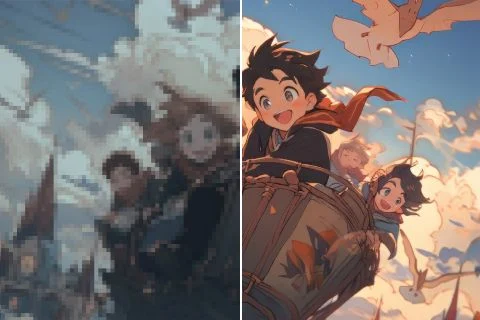
Bring favorite anime scenes to life like never before. Our AI video enhancer optimizes colors and details while keeping the unique style of the original animation.

No more distracting noise or unwanted blur. This video upscaler smooths out imperfections so your videos look cleaner and hold attention longer.
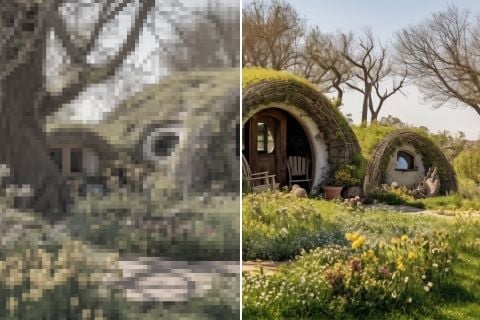
While you upscale video, original detail should stay intact. Enjoy upscaled visuals without sacrificing the authenticity of your creative work.
Make soft vlogs, shorts, and tutorials look crisp, clean, and more professional before you post.
Clean up stylized anime videos while keeping bold lines, rich color, and smooth motion intact.
Upgrade UGC video ads or product videos so every frame looks clearer, more credible, and more ready to convert.
Clean up explainers, demos, and training clips so on-screen text, product steps, and presentation details stay sharp and easy to understand.
Make soft vlogs, shorts, and tutorials look crisp, clean, and more professional before you post.
Clean up stylized anime videos while keeping bold lines, rich color, and smooth motion intact.
Upgrade UGC video ads or product videos so every frame looks clearer, more credible, and more ready to convert.
Clean up explainers, demos, and training clips so on-screen text, product steps, and presentation details stay sharp and easy to understand.
Upload the video you would like to enhance and upscale.
Pick 1× enhance, 2× upscale, or 4× upscale.
Click Generate and let the video upscaler run the quality pass.
An upscale is rarely the only question. Stay in Viralkey Studio to generate a new clip, restore a still, or try another finish on the same idea.
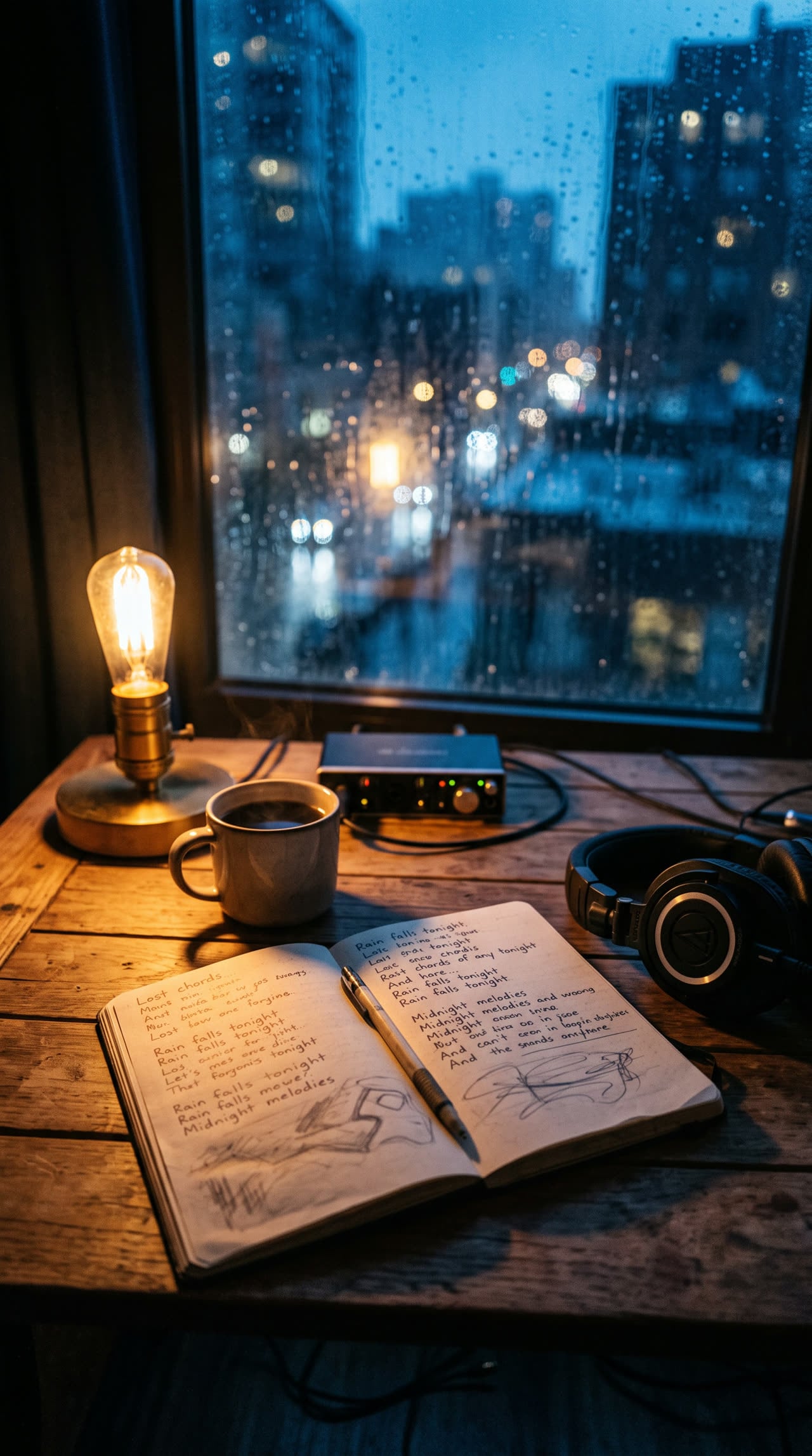
Write complete, structured song lyrics in any genre — verses, hooks and bridges included.
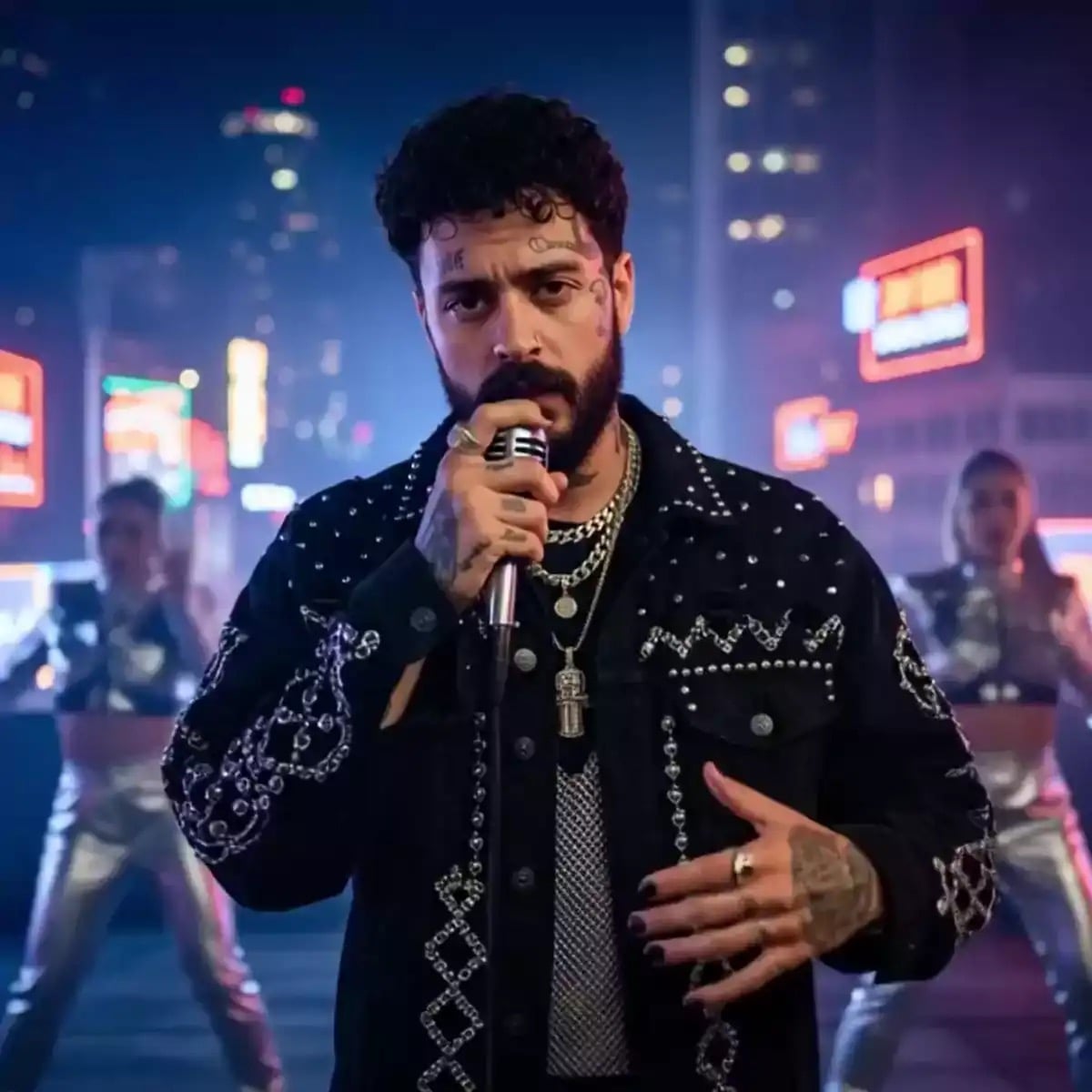
Sixteen-bar verses, dense AABB rhymes, and hooks built to ride a beat.
Setup-punch couplets, escalating verses, and a closing shot that sticks.
Imagery-first lines, riff room, and breakdown markers for heavy arrangements.
Explore leading models for AI video, image generation, editing, and cinematic storytelling.

Create Wan 3.0 clips on Viralkey: native 1080p, 2–30 seconds, start/end frames, up to 20 mixed references, and audio generated with the picture.

Create cinematic MiniMax H3 clips on Viralkey: native 2K, up to 15 seconds, text-to-video, start/end frames, and up to nine reference images.

Generate short HD clips on Viralkey with start/end frame direction and up to 50 reference images. Built for music video scenes and performer shots.

Create cinematic Seedance 2.0 clips on Viralkey: native 4K, start/end frames, up to nine reference images, and built-in audio with lip-sync.
Notes from creators who used this tool on real work.
Osric Talley
CreatorI needed the vlog sharper, not a new shoot.
2× kept the motion and cleaned the edges.
Beren Holt
YouTuberRan a soft short through the video upscaler.
It got clearer without plastic faces.
Calista Rowe
EditorAnime lines stayed bold after I upscale video.
The color did not wash out.
Eulalia Finch
MarketerProduct demo looked mushy on mobile.
2× made the pack readable again on the phone.
Fenella Groves
TrainerTutorial text was the problem.
After the pass, on-screen steps stay easy to follow.
Hannelore Voss
DesignerKept source fps on a 24fps interview.
Motion did not get that soap-opera look.
Jocasta Wren
Social leadUGC ad needed more credibility.
Clearer frames, same room, same person.
Keir Maddox
PhotographerFamily clip from an old phone.
4× filled a modern screen without inventing relatives.
Leander Croft
ConsultantQuote showed credits before I started.
No surprise charge when I only wanted 1×.
Viralkey's video upscaler is a dedicated quality pass for a clip you already have. You upload one video, pick 1× enhance, 2× upscale, or 4× upscale, and get a clearer file back. It is not a generative rewrite: the scene, faces and source frame rate stay the ones in the upload. Use it when a clip is soft, compressed or too small for a post — not when you want a new video invented from a prompt.
Turn your ideas into reality with AI. Generate, refine, and innovate — creation starts here.