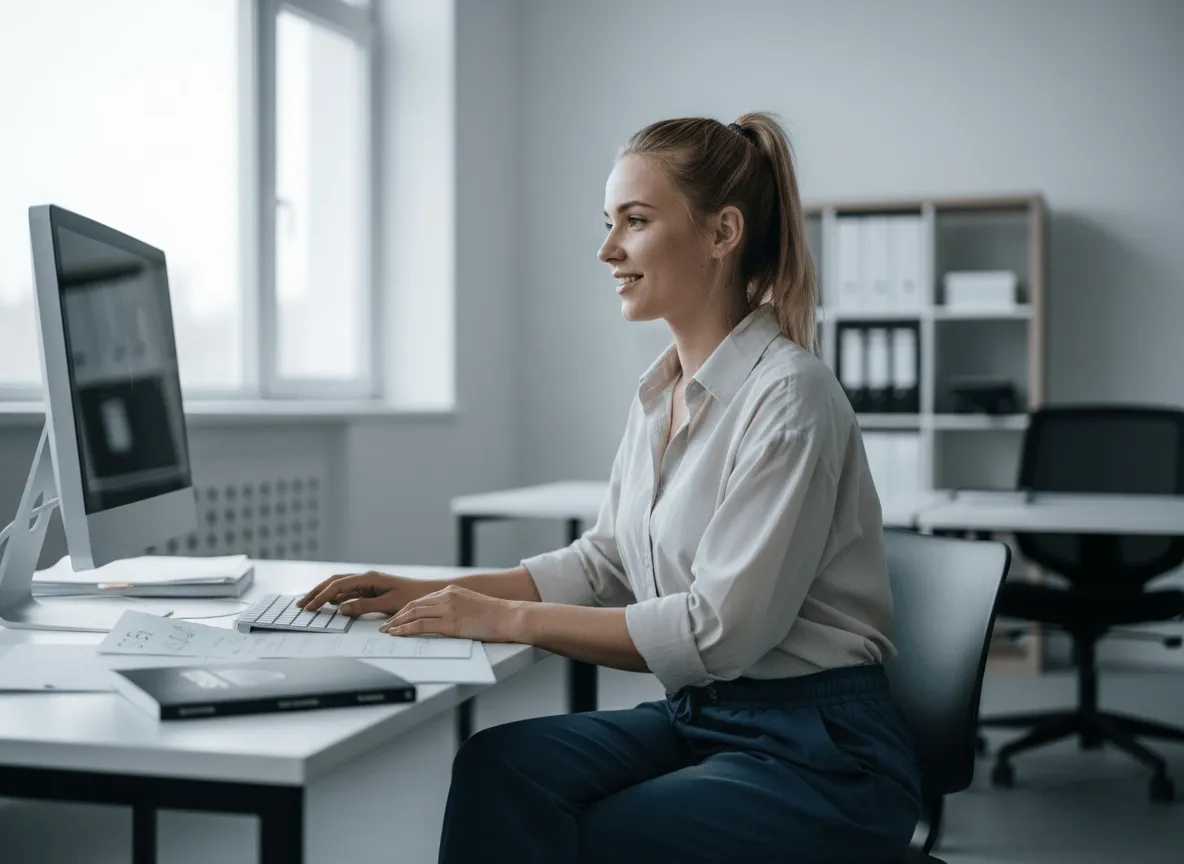
Faça os produtos serem mais fáceis de comprar
Recortes limpos de produto deixam suas fotos de produto mais fáceis de entender, ajudam quem compra a focar no detalhe-chave e a comprar com mais confiança.
Precisa da pessoa ou do produto sobre alfa, não de um fundo novo? O Background Remover do Viralkey recorta o assunto sobre um fundo transparente de verdade — sem preenchimento branco, sem varredura de estúdio, sem cômodo inventado.
Background Remover
Background Remover online
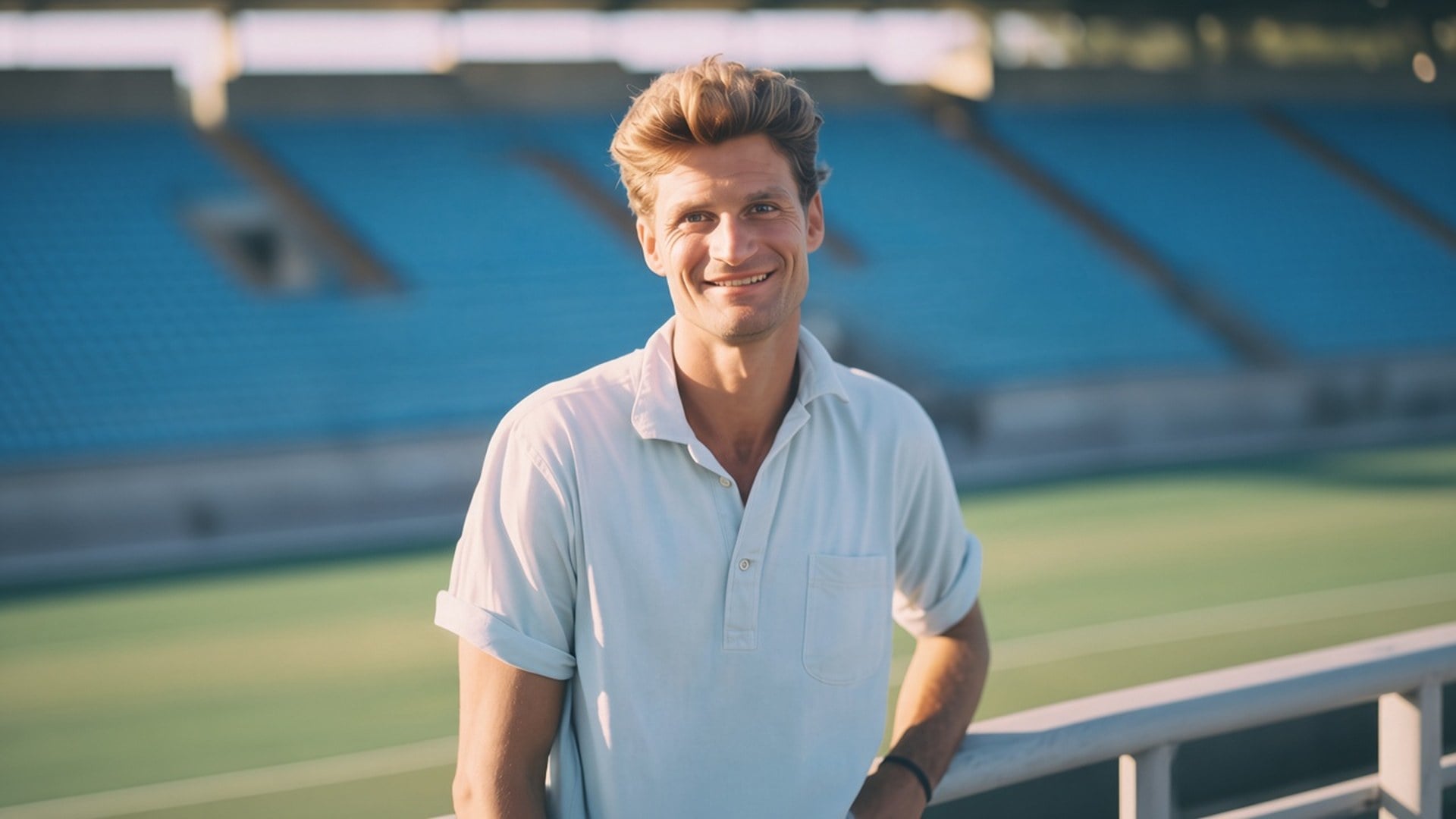
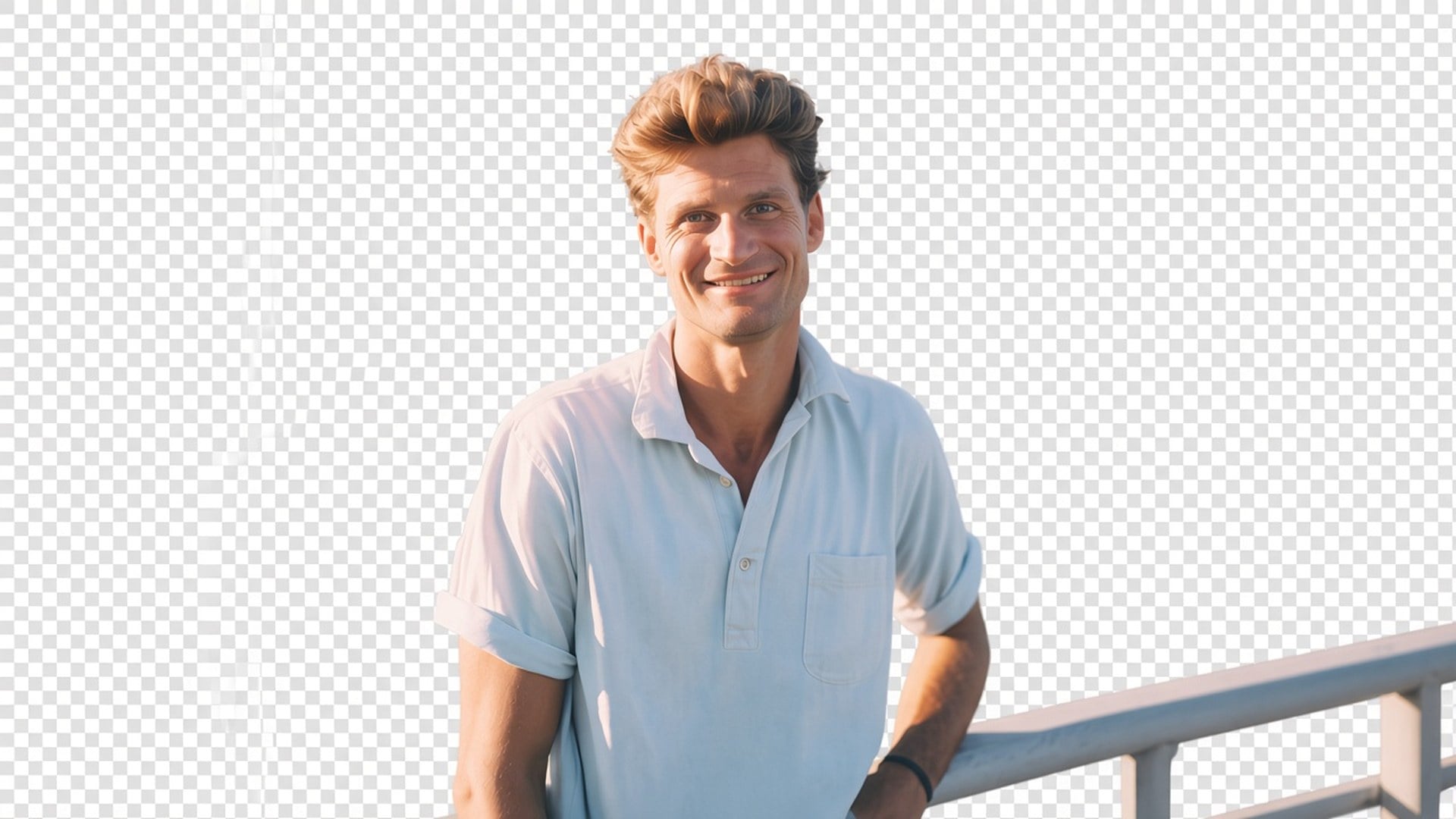
Precisa da pessoa ou do produto sobre alfa, não de um fundo novo? O Background Remover do Viralkey recorta o assunto sobre um fundo transparente de verdade — sem preenchimento branco, sem varredura de estúdio, sem cômodo inventado.
A maioria das páginas de «background remover» cola em silêncio um estúdio branco ou gera um cômodo mais bonito. Esta devolve transparência: o assunto isolado, o fundo fora, o arquivo pronto para soltar numa miniatura, num slide ou num anúncio. É um recorte dedicado, não o motor do Image Enhancer e não uma troca de cena. Envie um still. Baixe um assunto que você mesmo posiciona.
O depois deve compositar. Tabuleiro na prévia, ou a camada em que você soltar o PNG em seguida — não um branco, cinza ou varredura seamless assada. Se você queria um fundo real novo, está na página errada. Esta ferramenta só isola. Esse é o produto inteiro, e é por isso que um designer leva o arquivo para o layout que já tem em vez de brigar com um preenchimento que nunca pediu.
Experimente agora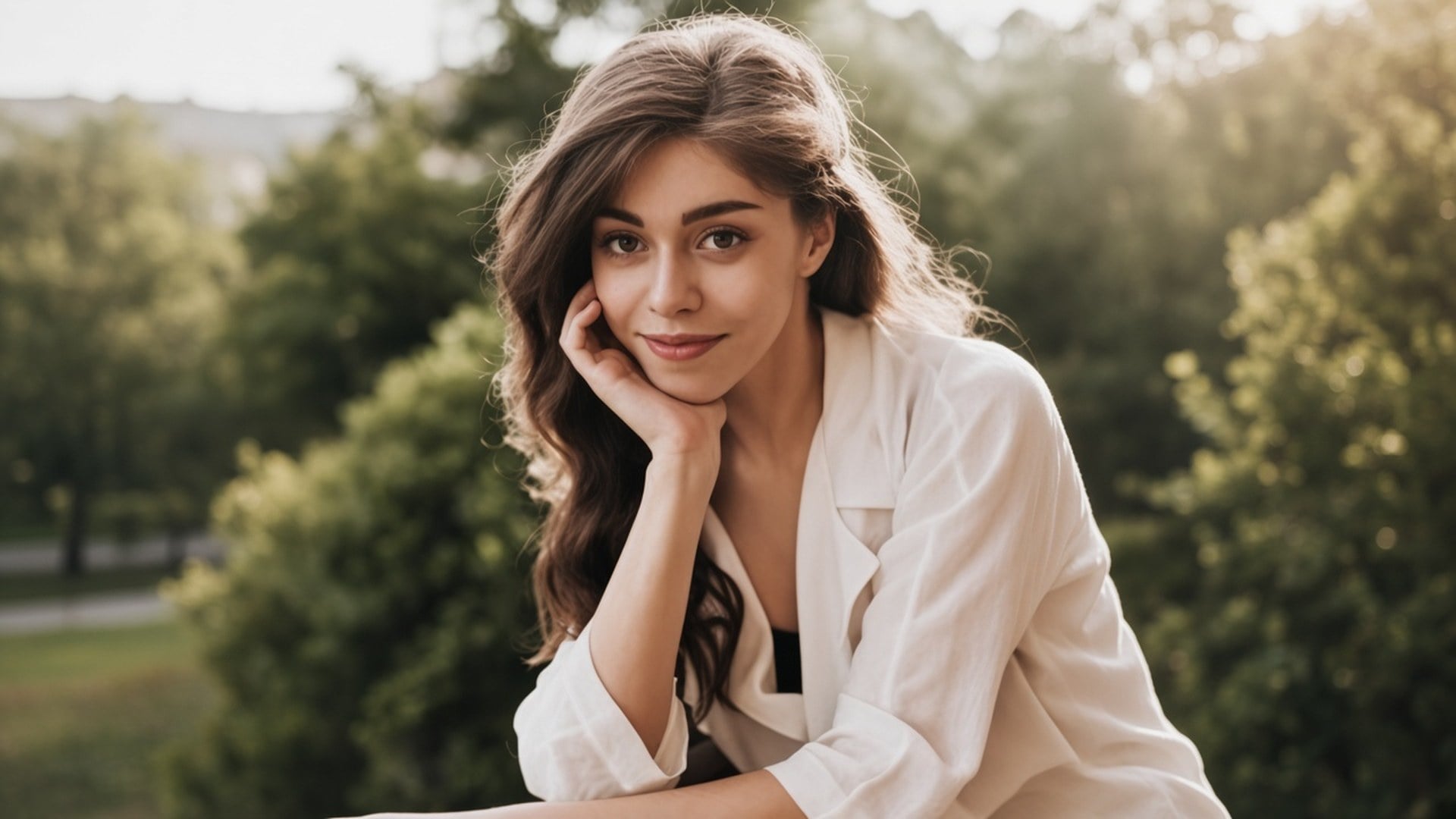
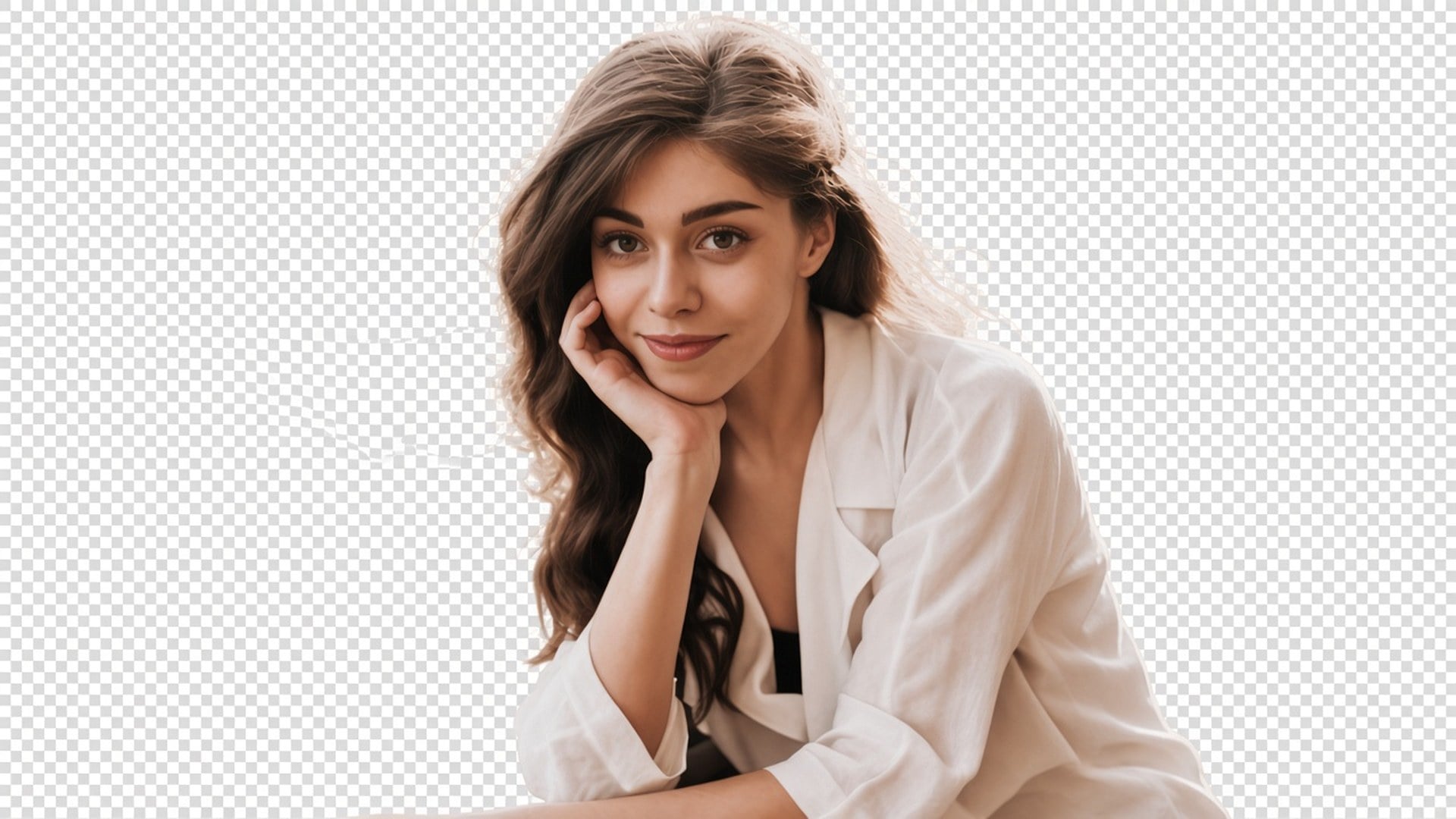
Um recorte não serve se a pessoa volta com outro rosto. Este passe foi feito para manter pose, roupa e identidade, e gastar-se no matte. Cabelo e outras bordas suaves fazem parte desse trabalho. Você deve conseguir emparelhar antes e depois e ainda reconhecer o mesmo still. Se precisa de um look novo ou de uma expressão nova, isso é outra página do estúdio.
Experimente agora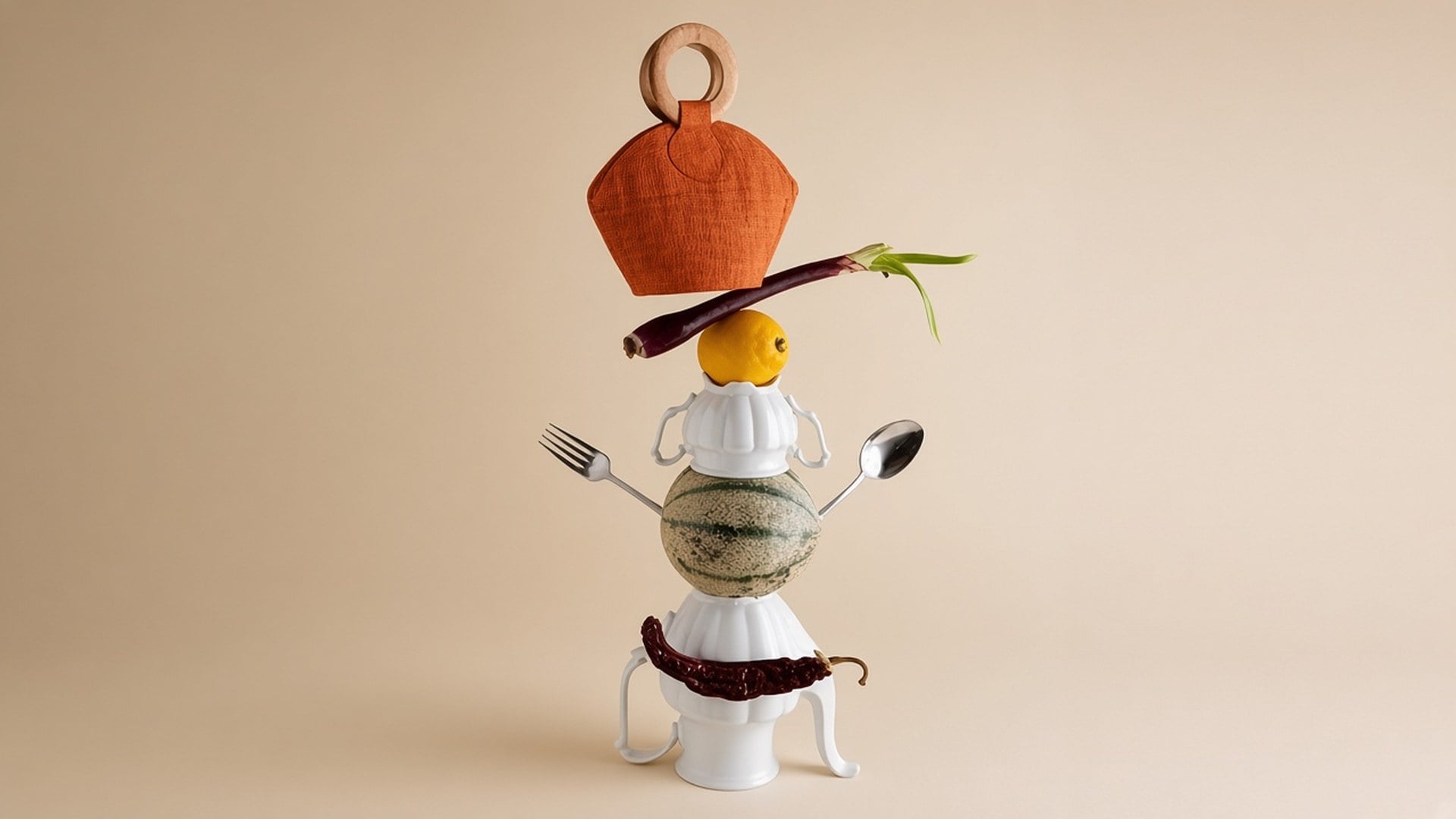
Não há nada para escrever nem um chip de cor de preenchimento. A foto de origem é o brief. Um prompt convidaria um fundo generativo que esta página não faz, então o campo fica oculto. Envie, gere, baixe o resultado transparente. Se a origem também está mole, rode o Image Enhancer primeiro como uma geração à parte — são dois passes, não um botão.
Experimente agoraUm background remover serve quando o próximo layout já existe e você só precisa do assunto. Cada ponto abaixo é essa promessa: transparência real, um assunto que continua a fotografia e um arquivo que você solta sem brigar com um preenchimento assado.
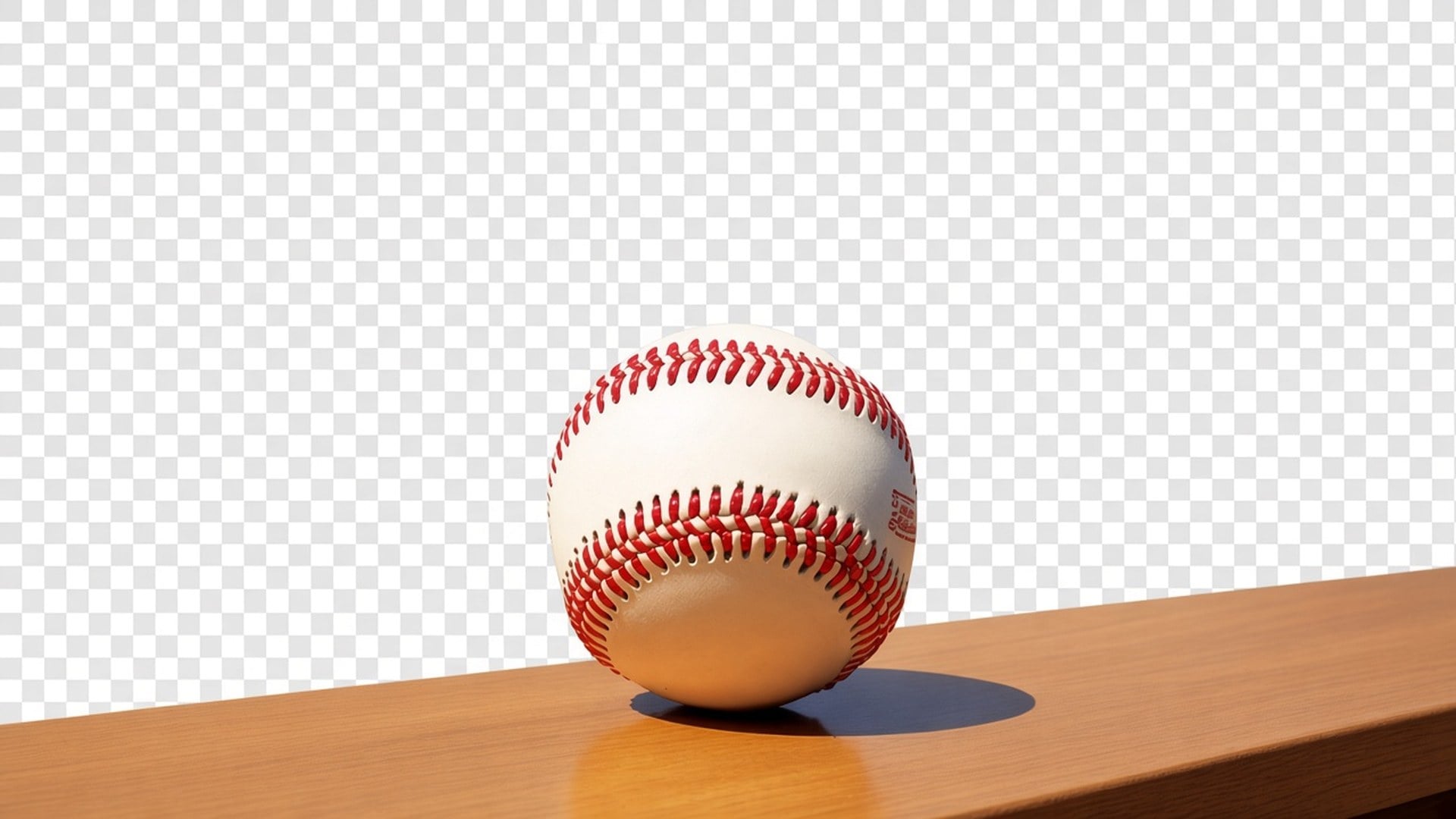
A saída é um recorte com alfa, não um retângulo branco fingindo que foi «removido». Solte numa miniatura preta, num slide de marca ou num tile de marketplace. Não há promessa de uma cena nova atrás da pessoa. Se uma página concorrente te entrega uma varredura de estúdio, esse é outro produto. Este para no isolamento para você manter o controle da próxima camada.
Experimente agora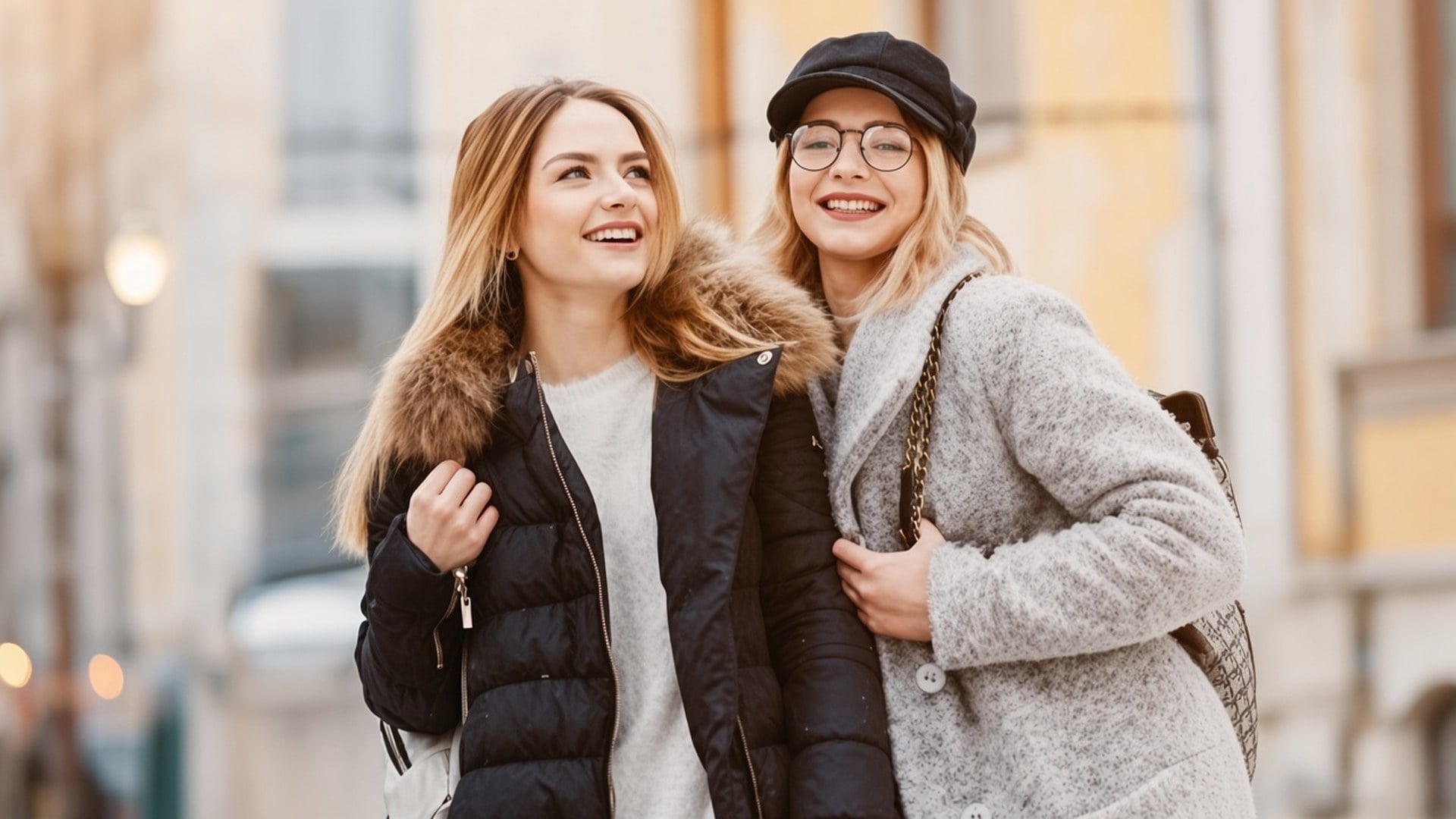
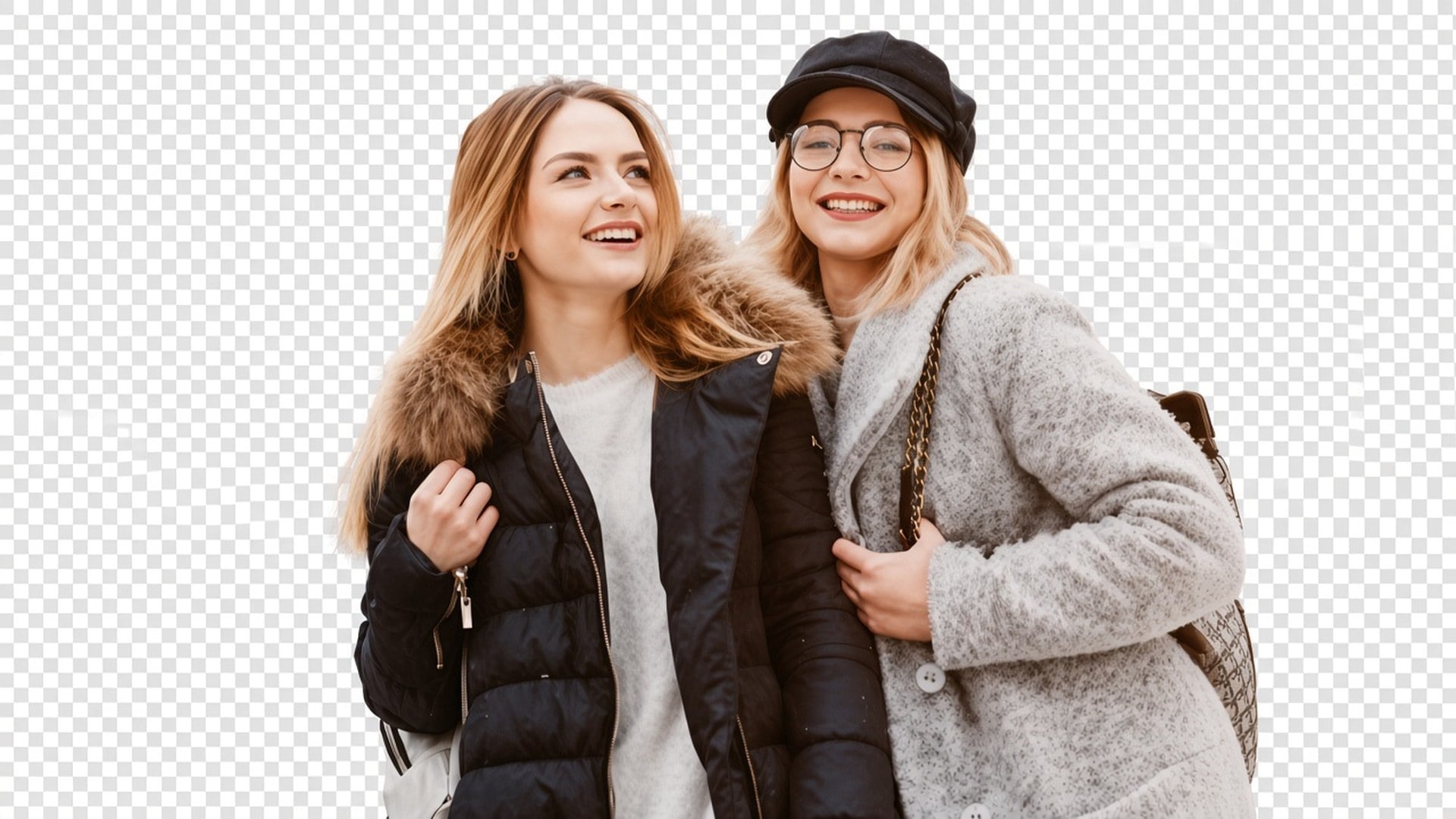
O passe é afinado para um matte limpo do assunto, inclusive fios soltos e outras bordas suaves, sem redesenhar o rosto. Os resultados ainda dependem do contraste da origem. Um selfie em contraluz com o cabelo perdido no céu é mais difícil do que um produto numa mesa lisa. A ferramenta não inventa fios que o arquivo nunca capturou. Comece pela separação mais limpa que você tem.
Experimente agora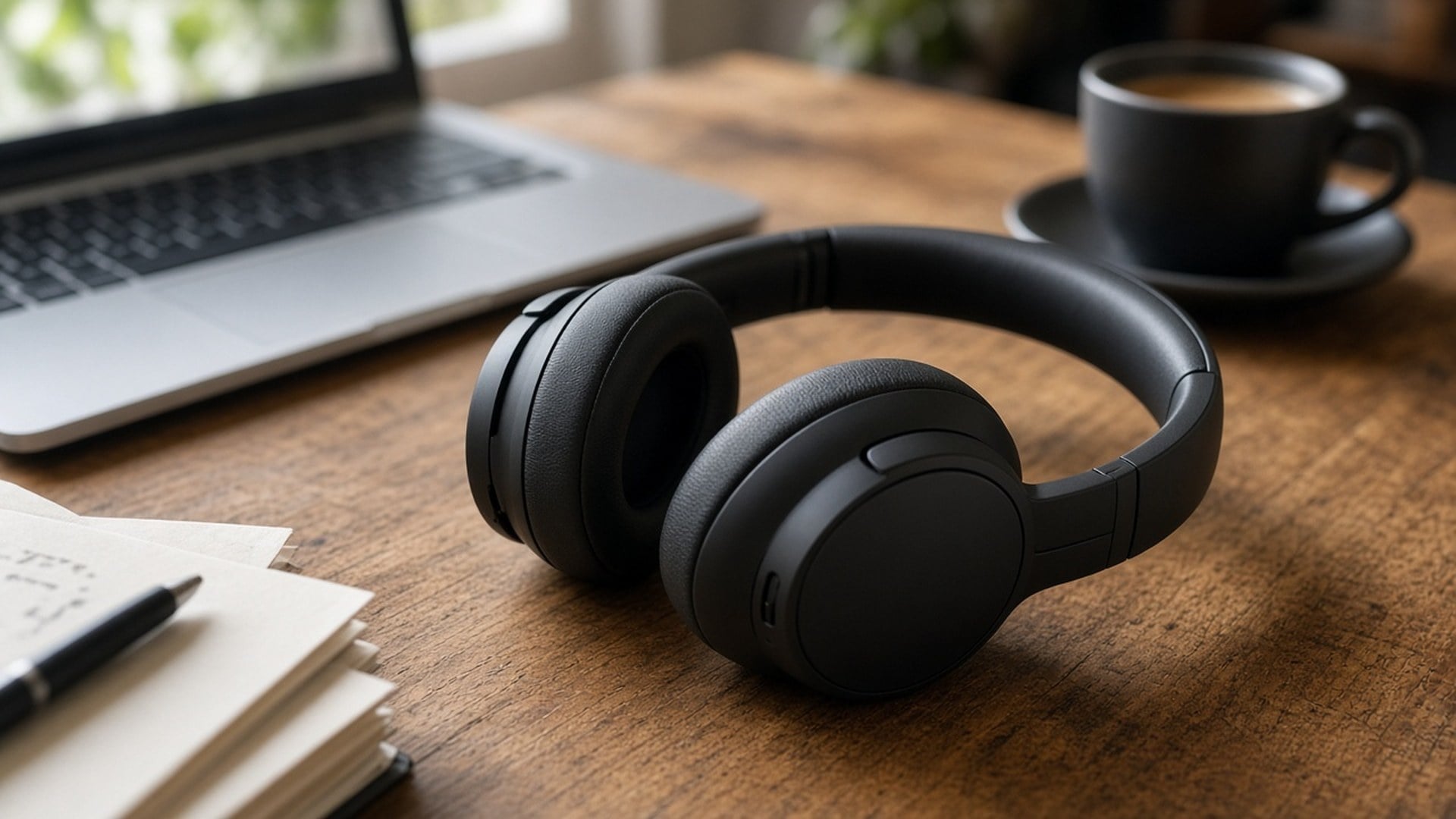
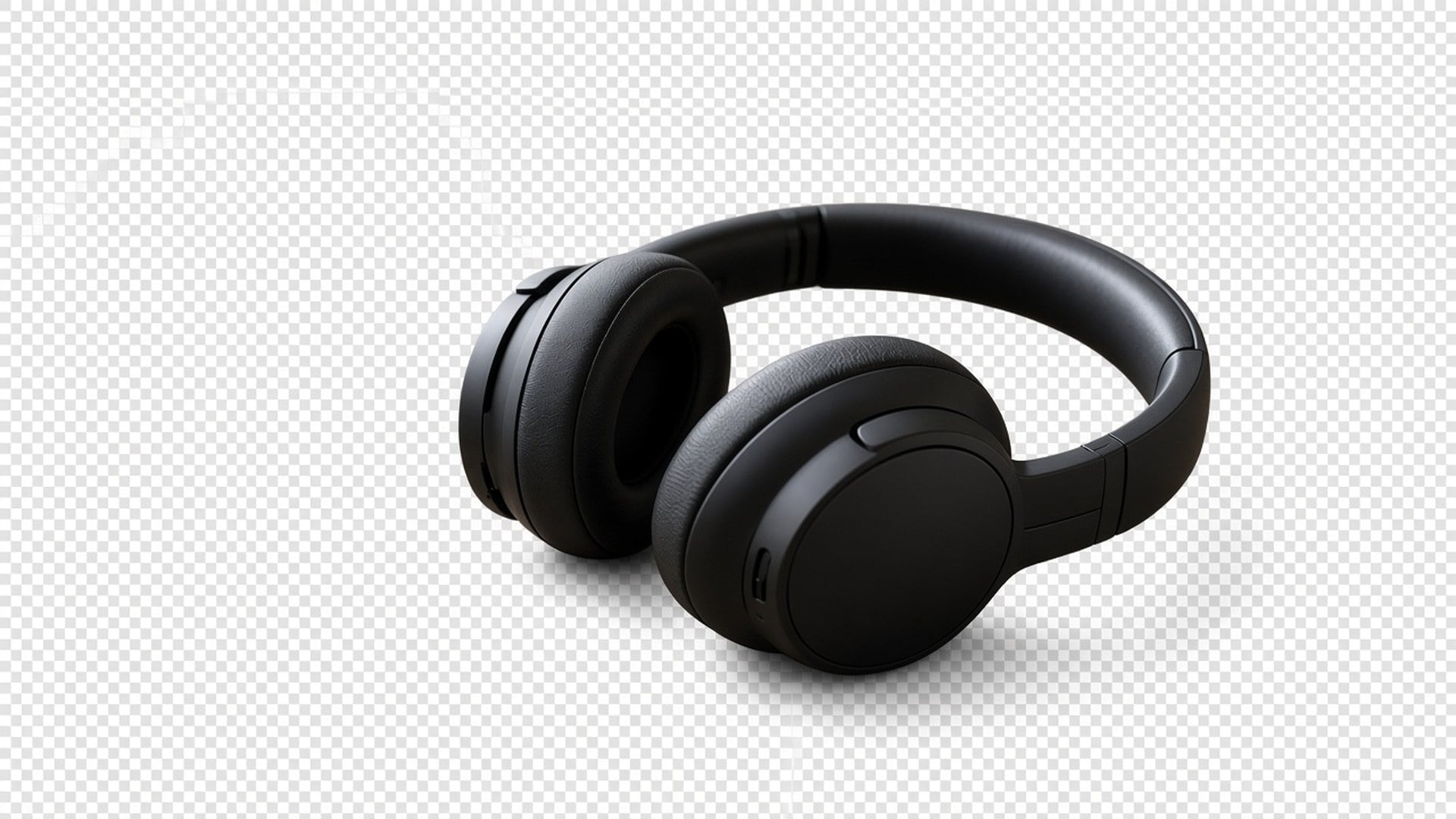
Image Enhancer, Image Upscaler, Unblur Images e Denoise AI compartilham um passe de qualidade. Esta página não. É um recorte à parte. Você pode usar os dois em sequência — nítida, depois isole —, mas cada geração é o seu próprio gasto e o seu próprio resultado. Dizemos isso abertamente para uma tabela de recursos não fingir que cinco URLs são um algoritmo.
Experimente agora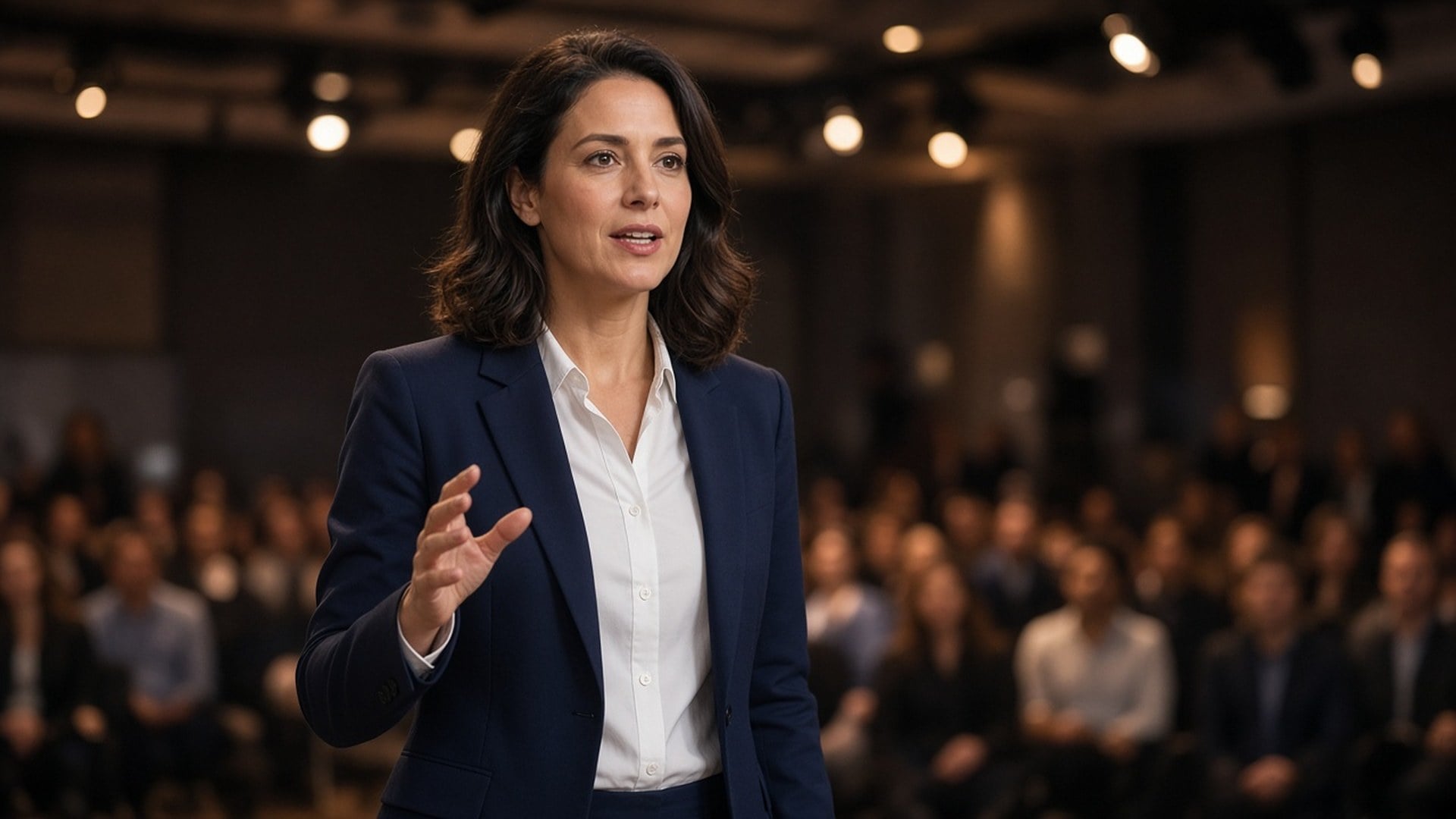
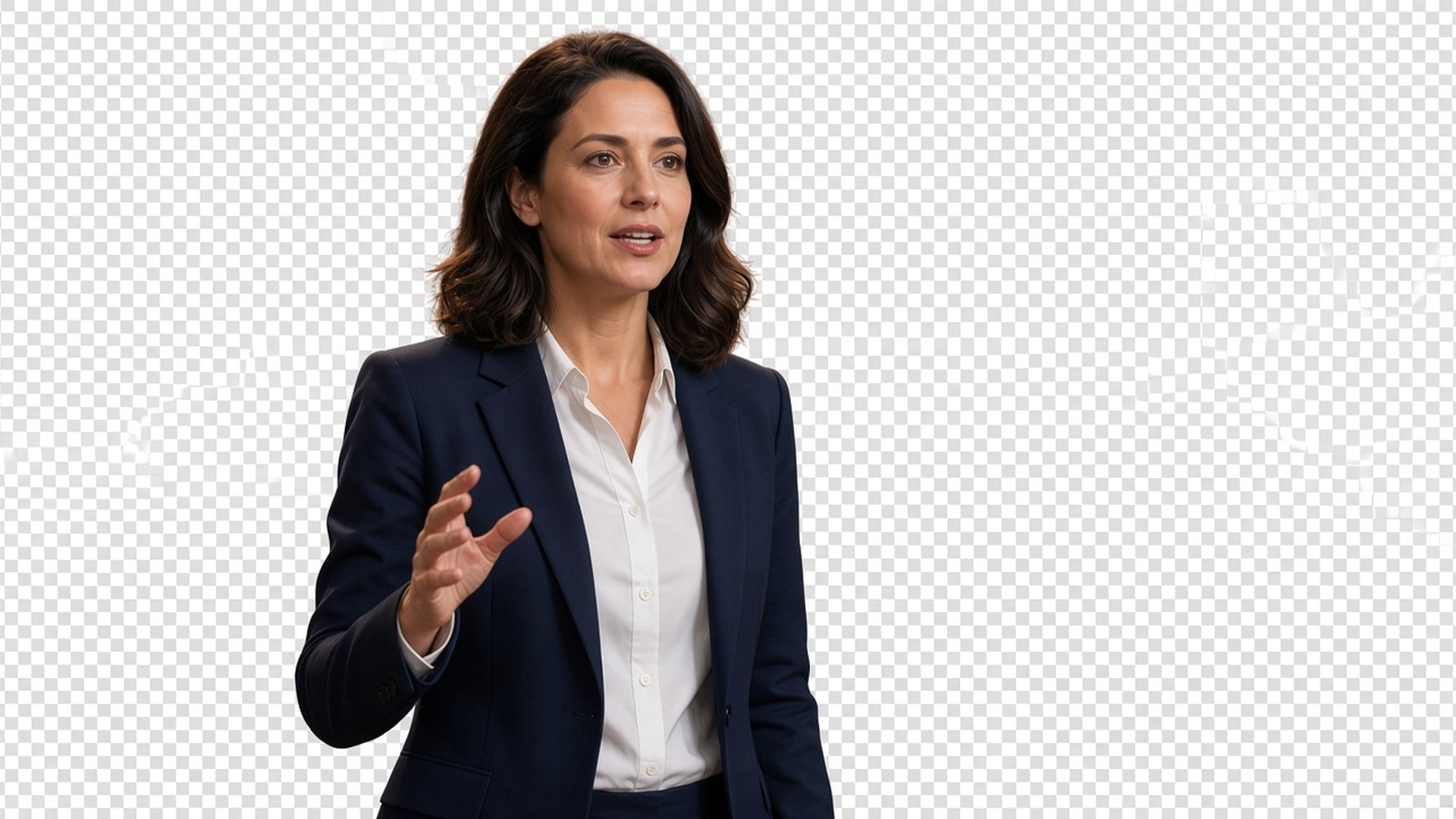
Os resultados são stills que você baixa e posiciona: um criador numa miniatura, um pack num anúncio, um palestrante numa placa de keynote. Não há promessa de fotografia de catálogo sem retoque nem o resgate de uma foto de multidão com cinco pessoas sobrepostas. Se dois assuntos se emaranham, recorte mais fechado primeiro. A clareza da silhueta é o brief.
Experimente agoraRecortes limpos de produto deixam suas fotos de produto mais fáceis de entender, ajudam quem compra a focar no detalhe-chave e a comprar com mais confiança.
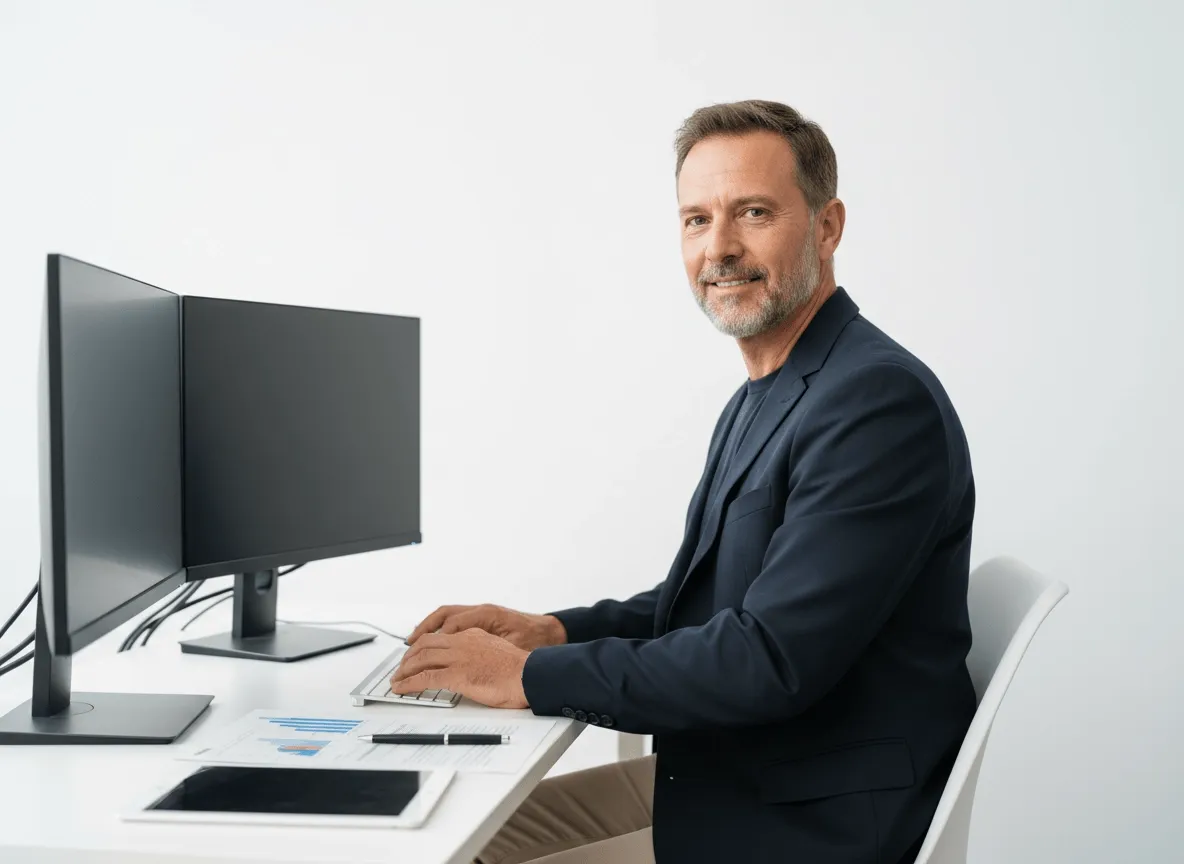
Isole seus produtos, modelos ou visuais-chave para banners, landing pages e gráficos promo. Suas equipes criam assets mais polidos com menos edição manual.

Remova fundos de fotos de atores ou imagens de personagens para seus pôsteres de filme, teasers e designs promo. Faça o assunto se destacar com mais impacto.
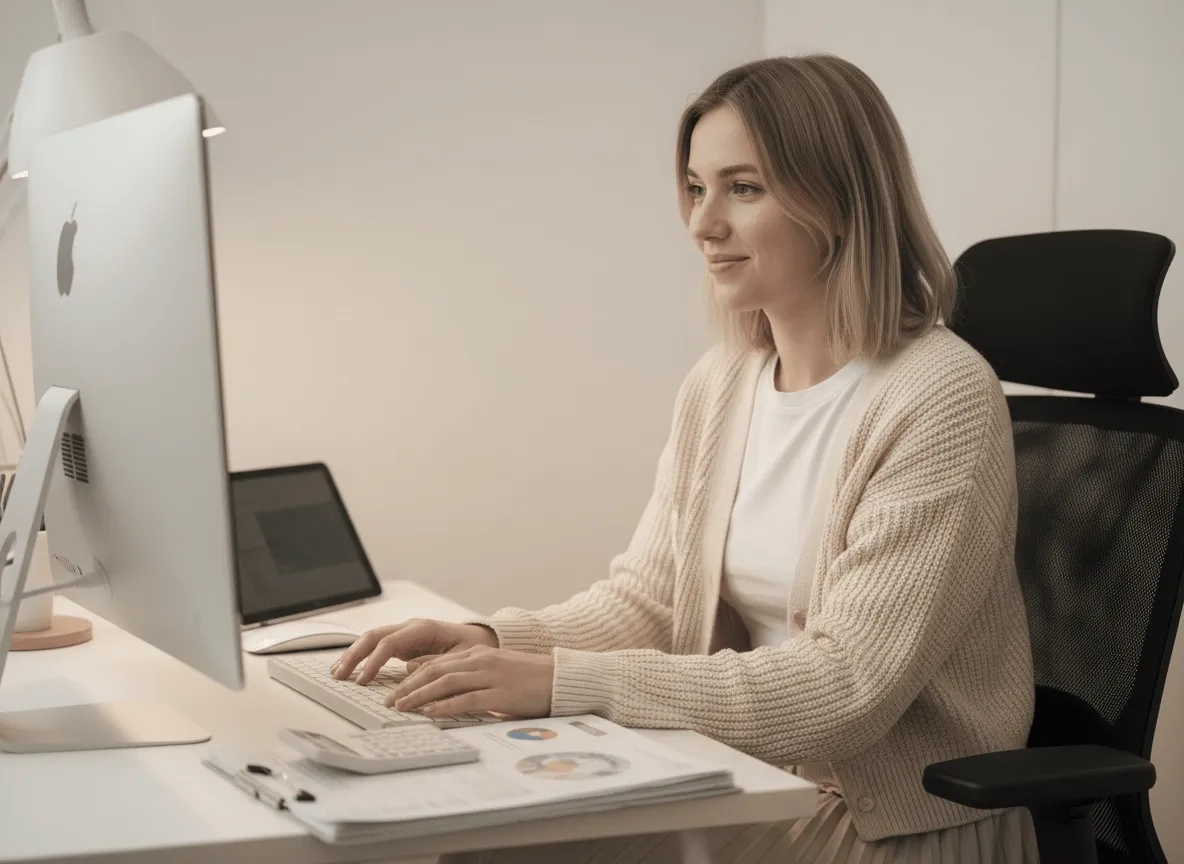
Prepare quadros de personagens, objetos ou assets de motion para suas sprite sheets com recortes limpos. Acelere a prep de assets e deixe os visuais do jogo mais limpos.
Recortes limpos de produto deixam suas fotos de produto mais fáceis de entender, ajudam quem compra a focar no detalhe-chave e a comprar com mais confiança.
Isole seus produtos, modelos ou visuais-chave para banners, landing pages e gráficos promo. Suas equipes criam assets mais polidos com menos edição manual.
Remova fundos de fotos de atores ou imagens de personagens para seus pôsteres de filme, teasers e designs promo. Faça o assunto se destacar com mais impacto.
Prepare quadros de personagens, objetos ou assets de motion para suas sprite sheets com recortes limpos. Acelere a prep de assets e deixe os visuais do jogo mais limpos.
Um recorte raramente é a única pergunta. Fique no Viralkey Studio para melhorar o mesmo still, ampliá-lo 2× ou tentar um acabamento de retrato no mesmo rosto antes de isolar de novo.
Isole um logo em fundo transparente — a marca fica, a mesa sai.

Recupere nitidez no mesmo tamanho, ou amplie 2× / 4×.

Amplie uma foto 2× ou 4× e recupere as bordas, sem esticar pixels.

Recupere nitidez de uma foto mole ou tremida sem redesenhar a cena.
Explore modelos líderes para vídeo com IA, geração de imagens, edição e storytelling cinematográfico.

Create Wan 3.0 clips on Viralkey: native 1080p, 2–30 seconds, start/end frames, up to 20 mixed references, and audio generated with the picture.

Crie clips cinematográficos MiniMax H3 no Viralkey: 2K nativo, até 15 segundos, Text to Video, Start/End Frame e até nove imagens de referência.

Gere clipes HD curtos na Viralkey com direção de frame inicial/final e até 50 imagens de referência. Feito para cenas de videoclipe e takes de performance.

Create cinematic Seedance 2.0 clips on Viralkey: native 4K, start/end frames, up to nine reference images, and built-in audio with lip-sync.
Notas de criadores que usaram esta ferramenta em trabalho de verdade.
Lark Ames
CriadorEu precisava do produto mais nítido, não de uma foto nova.
O 1× manteve o recorte e limpou as bordas.
Ned Hollis
Product managerRodei o mesmo selfie em 2× para um pôster.
Ficou maior sem virar pele de plástico.
Oona Pell
FotógrafoUnblur foi a busca que usei, mas o chip 1× era o que eu de fato precisava.
Penn Crowe
Criador no YouTubeO Denoise limpou o grão da noite e deixou a textura do tijolo.
Esse era o brief inteiro.
Rory Blake
Responsável por redesO PNG transparente do remover caiu direto numa miniatura preta.
Shea Quinn
Designer4× num scan de arquivo pequeno.
Os rostos continuaram as mesmas pessoas. Eu só ganhei pixels.
Una Marsh
IlustradorParei de pagar um retocador para «deixar menos borroso».
Este é esse trabalho.
Vaughn Kitts
ConsultorTroquei o chip de 1× para 2× na página do enhancer.
Mesmo motor, arquivo maior.
Wren Sol
InfluencerO fundo saiu limpo em volta do cabelo.
Sem halo branco para mascarar na mão.
O Background Remover do Viralkey recorta o assunto principal sobre um fundo transparente de verdade. Você envia um still e recebe um recorte estilo PNG, sem cena nova e sem preenchimento de cor sólida. Não é uma troca generativa de fundo e não é o mesmo motor das páginas do Image Enhancer. Use quando precisa da pessoa ou do produto sobre alfa, pronto para soltar numa miniatura, num slide ou num anúncio.
Precisa da pessoa ou do produto sobre alfa, não de um fundo novo? O Background Remover do Viralkey recorta o assunto sobre um fundo transparente de verdade — sem preenchimento branco, sem varredura de estúdio, sem cômodo inventado.