HC
Harrison Cromwell
Independent artistThe loop readout is the part I did not know I needed.
I can see whether it actually closes instead of watching it twelve times and guessing.
A Canvas plays on repeat under every listener's thumb, so the loop point is the whole job. Upload your cover, choose how the loop should close, and get back a 9:16 clip built for the Now Playing screen.
Spotify Canvas Maker
Spotify Canvas Maker
A Canvas plays on repeat under every listener's thumb, so the loop point is the whole job. Upload your cover, choose how the loop should close, and get back a 9:16 clip built for the Now Playing screen.

Bring your cover art
Upload the artwork the release already uses. It becomes the opening frame, so the Canvas stays recognisably tied to the single.

Choose how the loop closes
Choose how the loop should close — a seamless cycle or a deliberate cut. Add a line describing the motion, then pick the genre and mood that match the track.

Check the readout, then download
The panel reports real dimensions, duration and whether the loop closes cleanly. Upload the file in Spotify for Artists.
Spotify's own guidance splits Canvas loops into three kinds, but almost every generator online offers exactly one kind of motion and hopes you don't notice the seam.
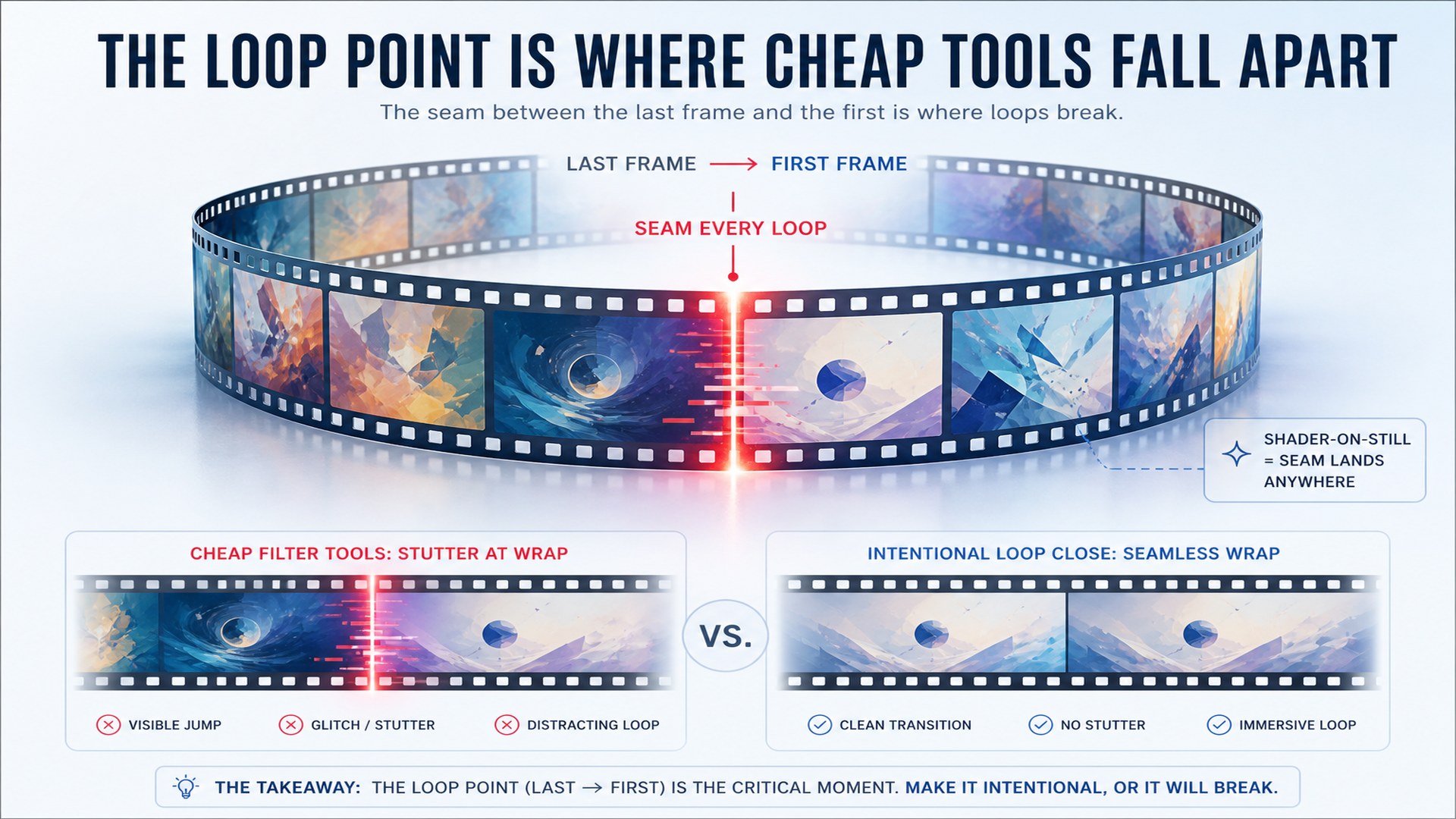
A Canvas repeats for as long as someone listens, which means the join between the last frame and the first frame is on screen every few seconds. Filter-style generators animate a still image with a shader and let the cycle land wherever it lands, so listeners see a stutter each time it wraps. Closing that gap is not a finishing touch on a Canvas — it is the entire difference between a loop that reads as intentional and one that reads as a glitch.
Try it now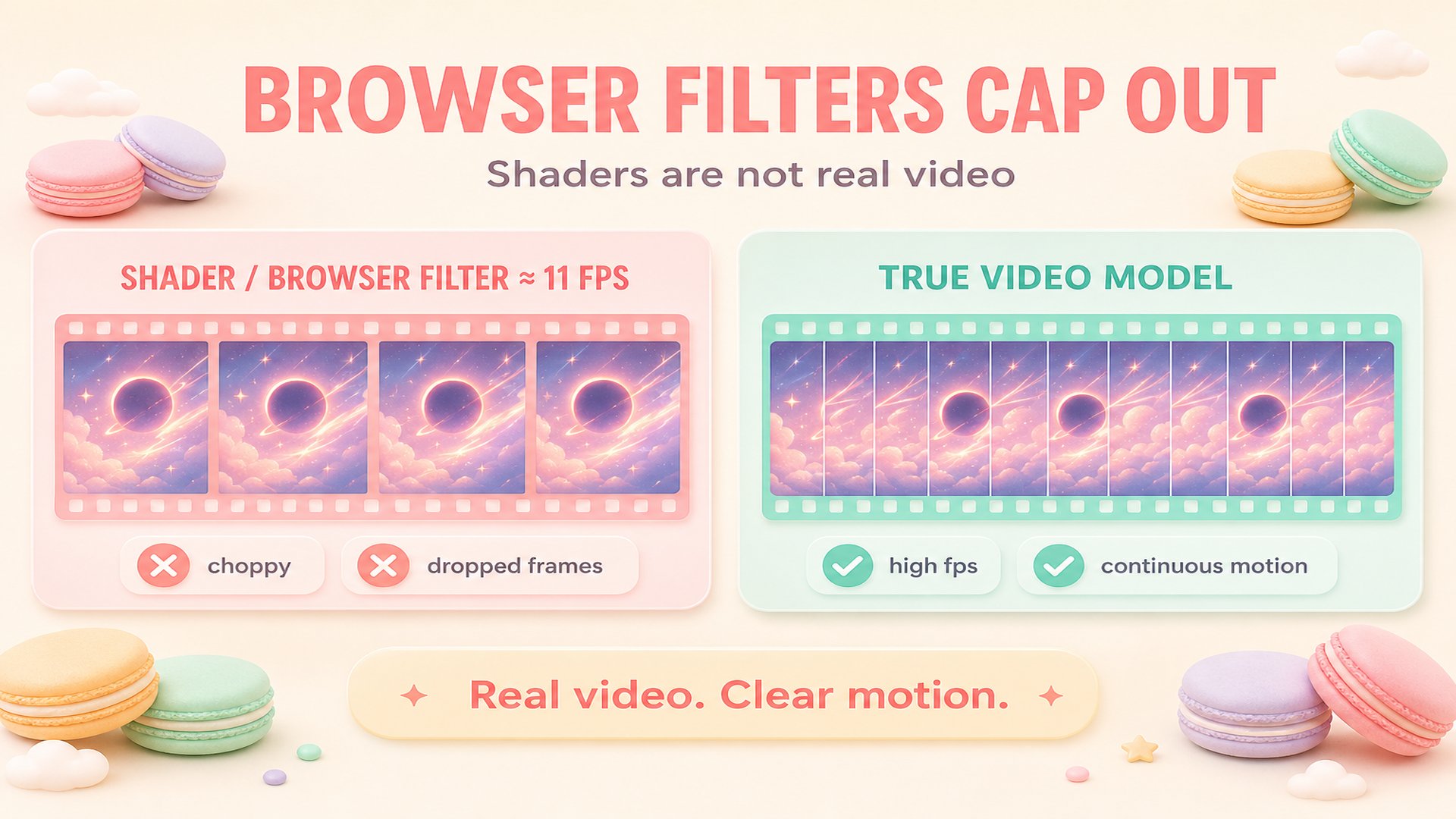
Tools that render in the browser have to encode frames one at a time, so they trade frame rate for speed. We measured one popular free Canvas generator exporting at roughly eleven frames per second — fine for an abstract wash, visibly choppy on anything with a moving subject. Generating an actual video clip instead of animating a filter removes that ceiling, which matters most on the slow camera moves artists reach for first.
Try it nowEverything here comes from Spotify's Canvas guidelines and content policy, and anything they don't publish, we don't invent.
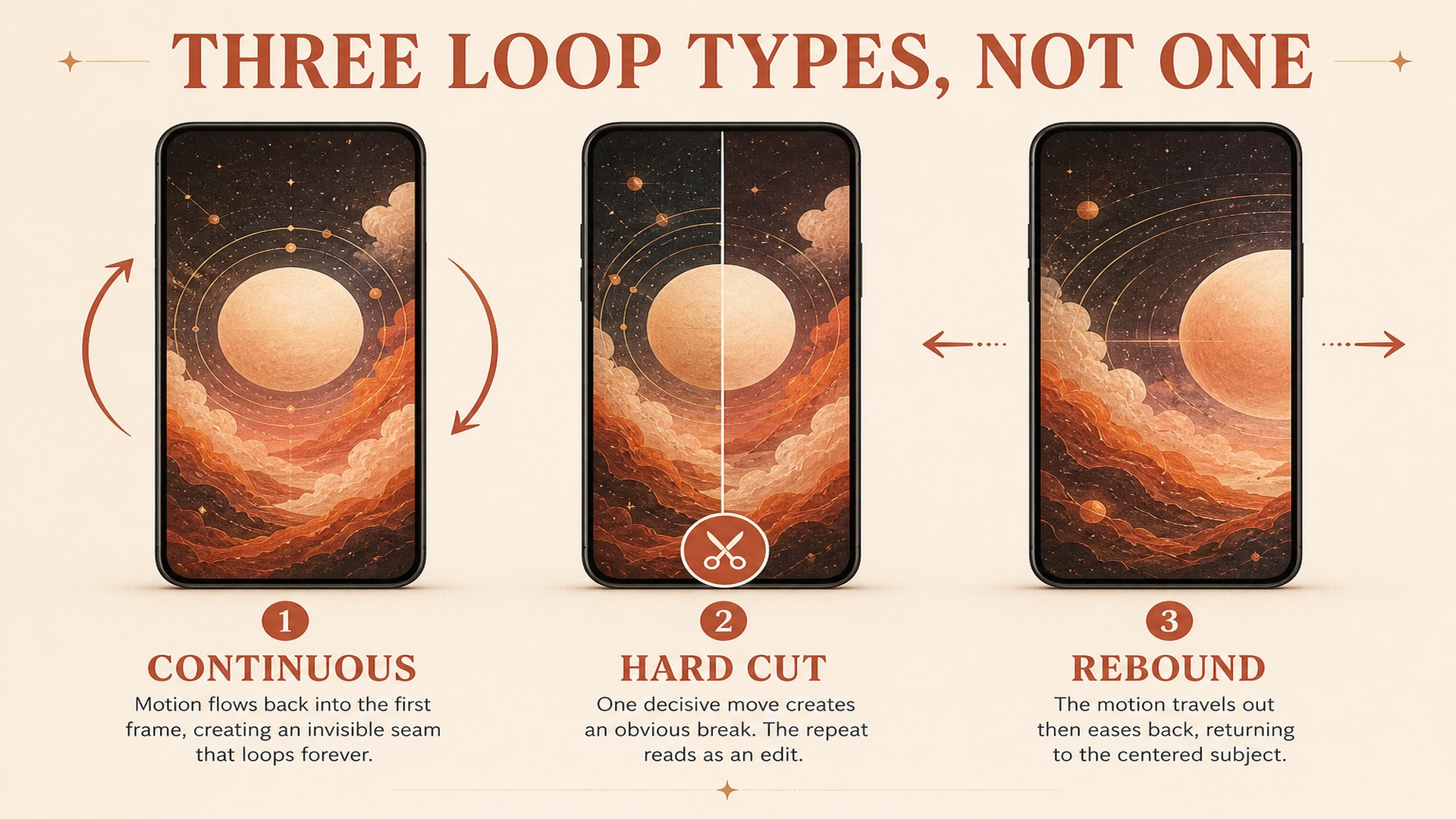
Continuous flows straight back into its opening frame so the wrap is invisible. Hard cut commits to a single decisive move and lets the repeat read as a deliberate edit. Rebound travels out and eases back to the starting composition, which suits artwork with a strong centred subject. Each one changes how the clip is generated, not just how it is trimmed afterwards, so the motion is designed for the loop from the first frame.
Try it now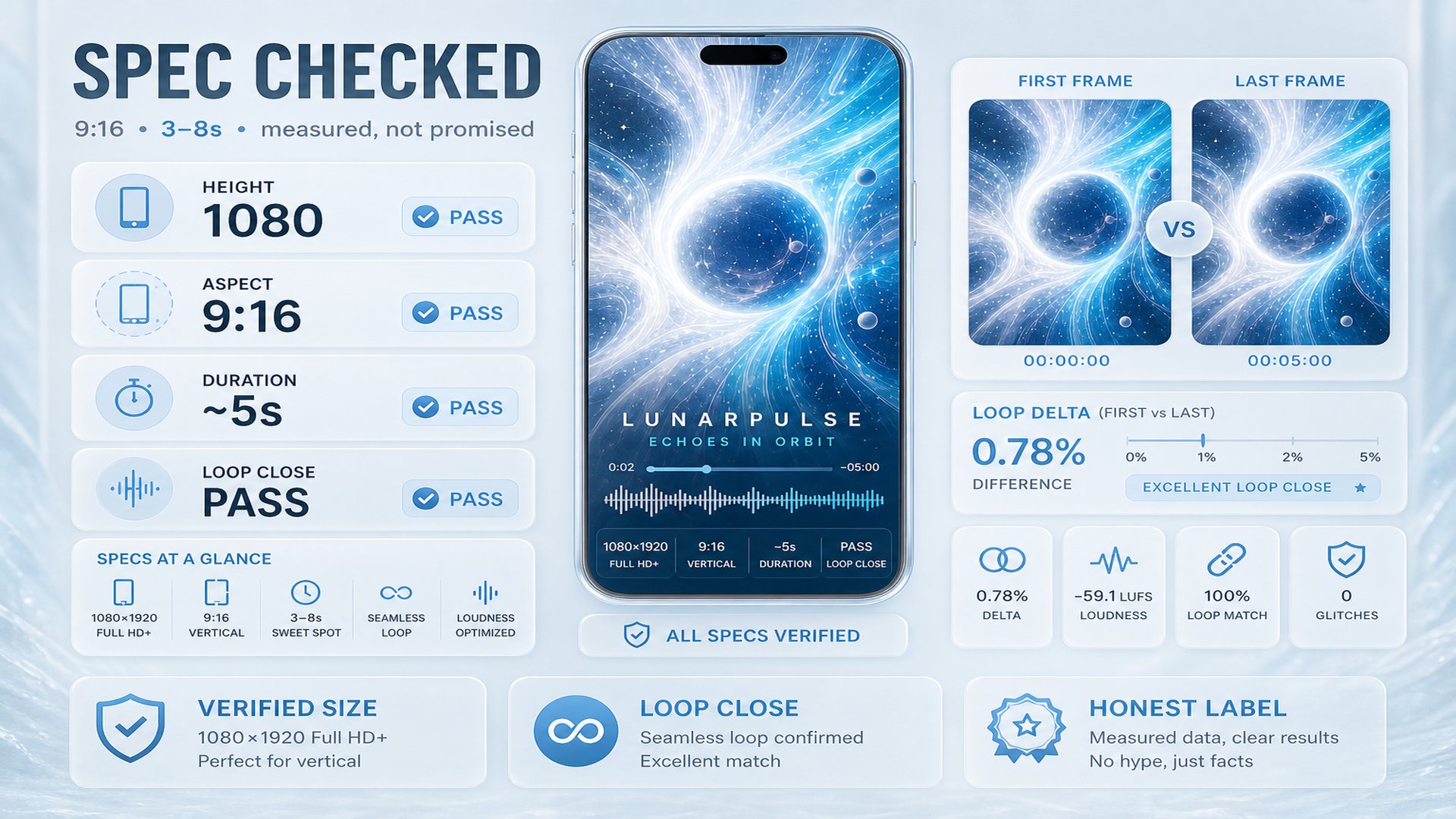
Every clip is decoded again after it comes back, and the real width, height and duration are compared against the published requirements: 9:16, 720 to 1080 pixels tall, three to eight seconds. When the loop is meant to close, the first and last frames are compared directly and the result is reported as a measurement rather than a promise. Spotify publishes no file size cap, so no size limit is invented here either.
Try it nowCanvas is one surface. The same workspace covers cover art, artist names, logos and lyrics.
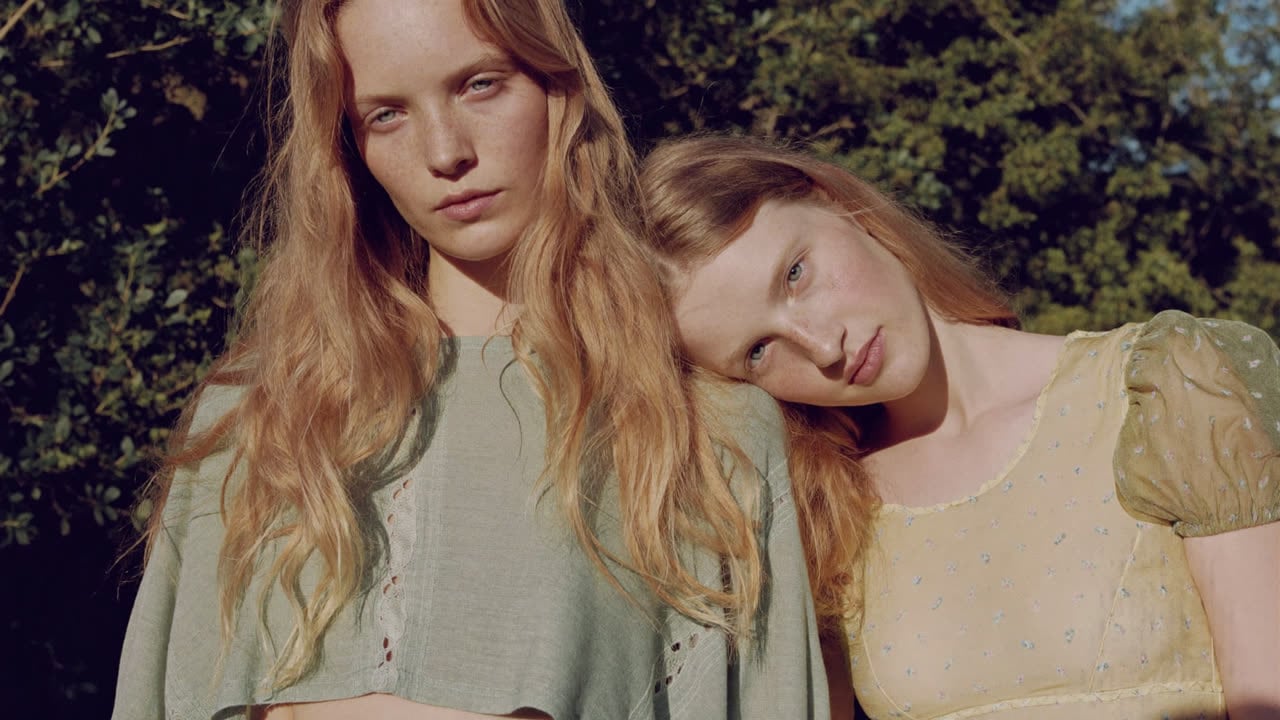
Keep one character consistent across portraits, full-body shots and a four-view sheet.
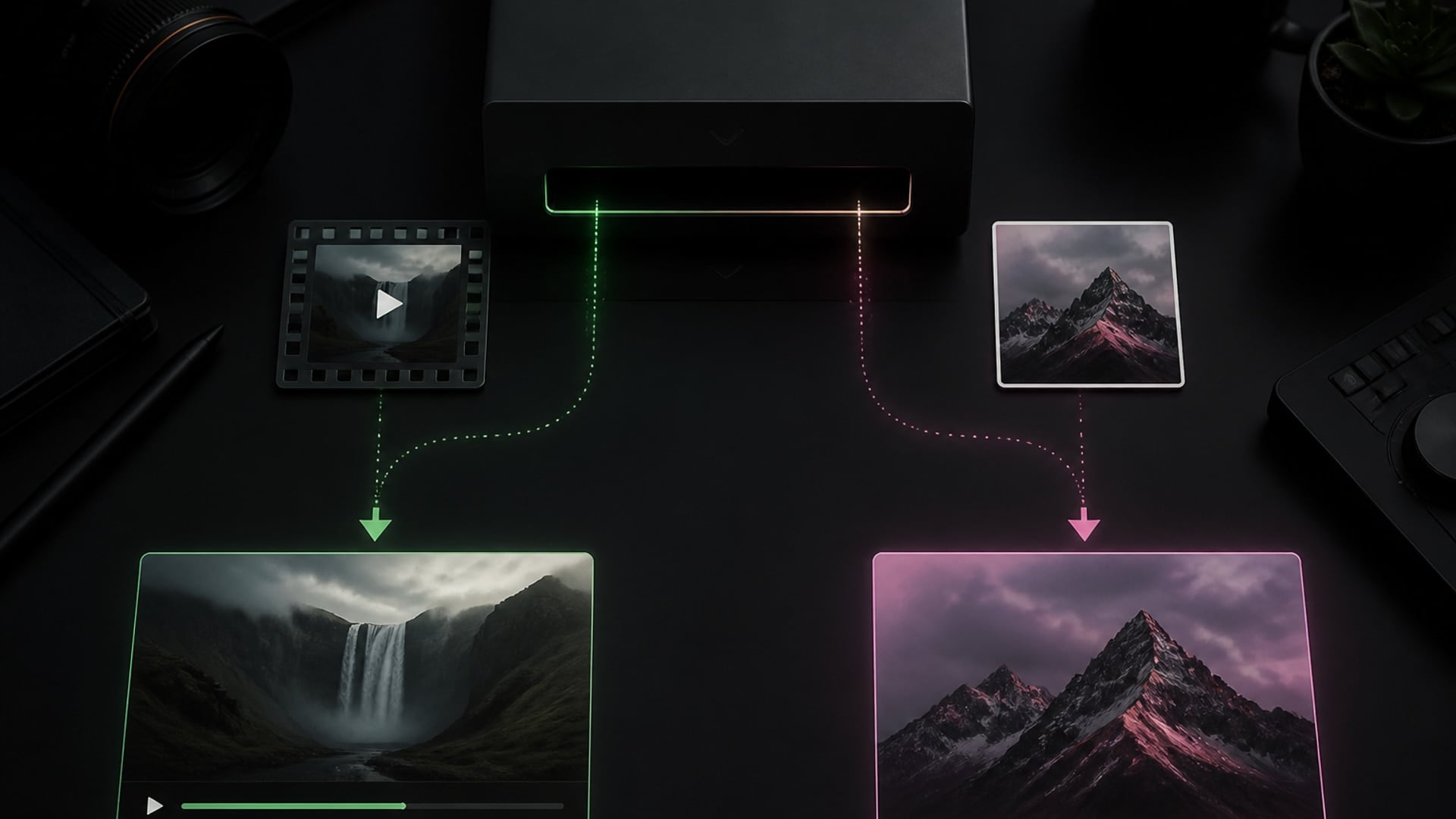
Replace the character in your video — the shot, camera move and motion stay put.

Remove clothes from photos — pose and background stay put.
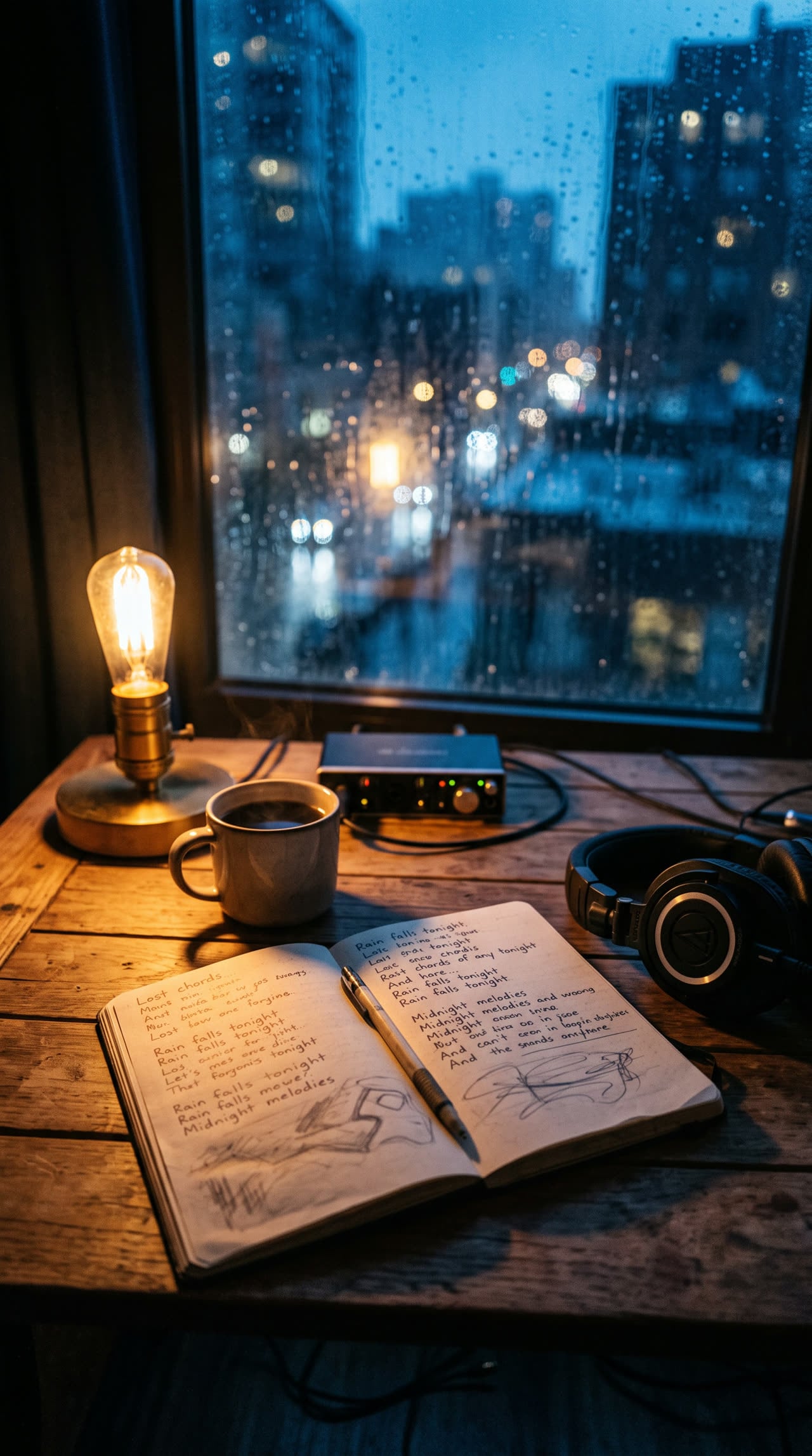
Write complete, structured song lyrics in any genre — verses, hooks and bridges included.
Explore leading models for AI video, image generation, editing, and cinematic storytelling.

Create Wan 3.0 clips on Viralkey: native 1080p, 2–30 seconds, start/end frames, up to 20 mixed references, and audio generated with the picture.

Create cinematic MiniMax H3 clips on Viralkey: native 2K, up to 15 seconds, text-to-video, start/end frames, and up to nine reference images.

Generate short HD clips on Viralkey with start/end frame direction and up to 50 reference images. Built for music video scenes and performer shots.

Create cinematic Seedance 2.0 clips on Viralkey: native 4K, start/end frames, up to nine reference images, and built-in audio with lip-sync.
Canvas is one of the few surfaces where a listener is already looking at your artwork with nothing else competing for attention.
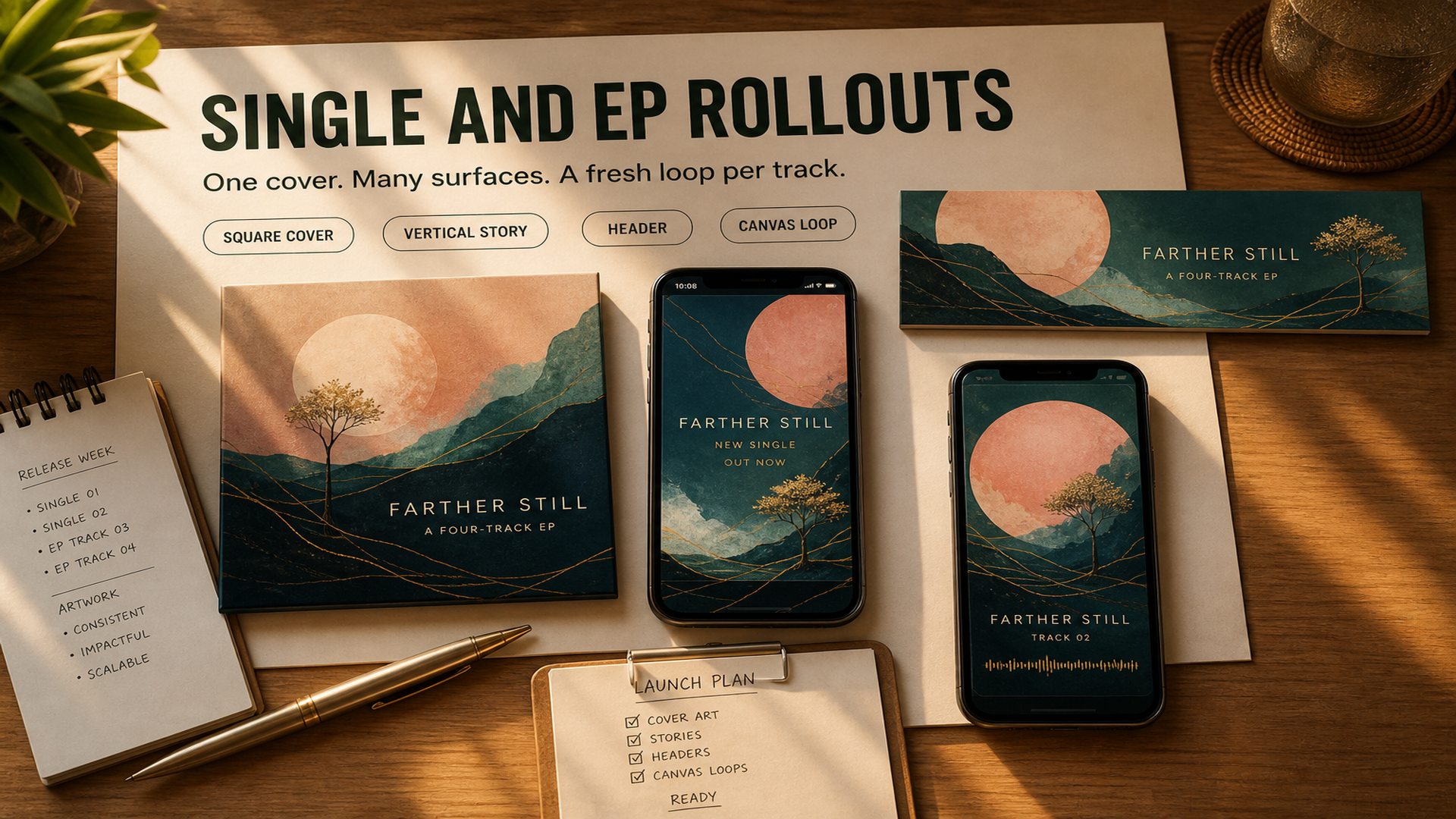
Release week is when the same artwork has to work as a square cover, a vertical story, a profile header and a Canvas. Starting from the cover keeps all of them recognisably related, and generating a fresh loop per track gives a body of work its own visual rhythm without commissioning a motion designer for every song.
Try it now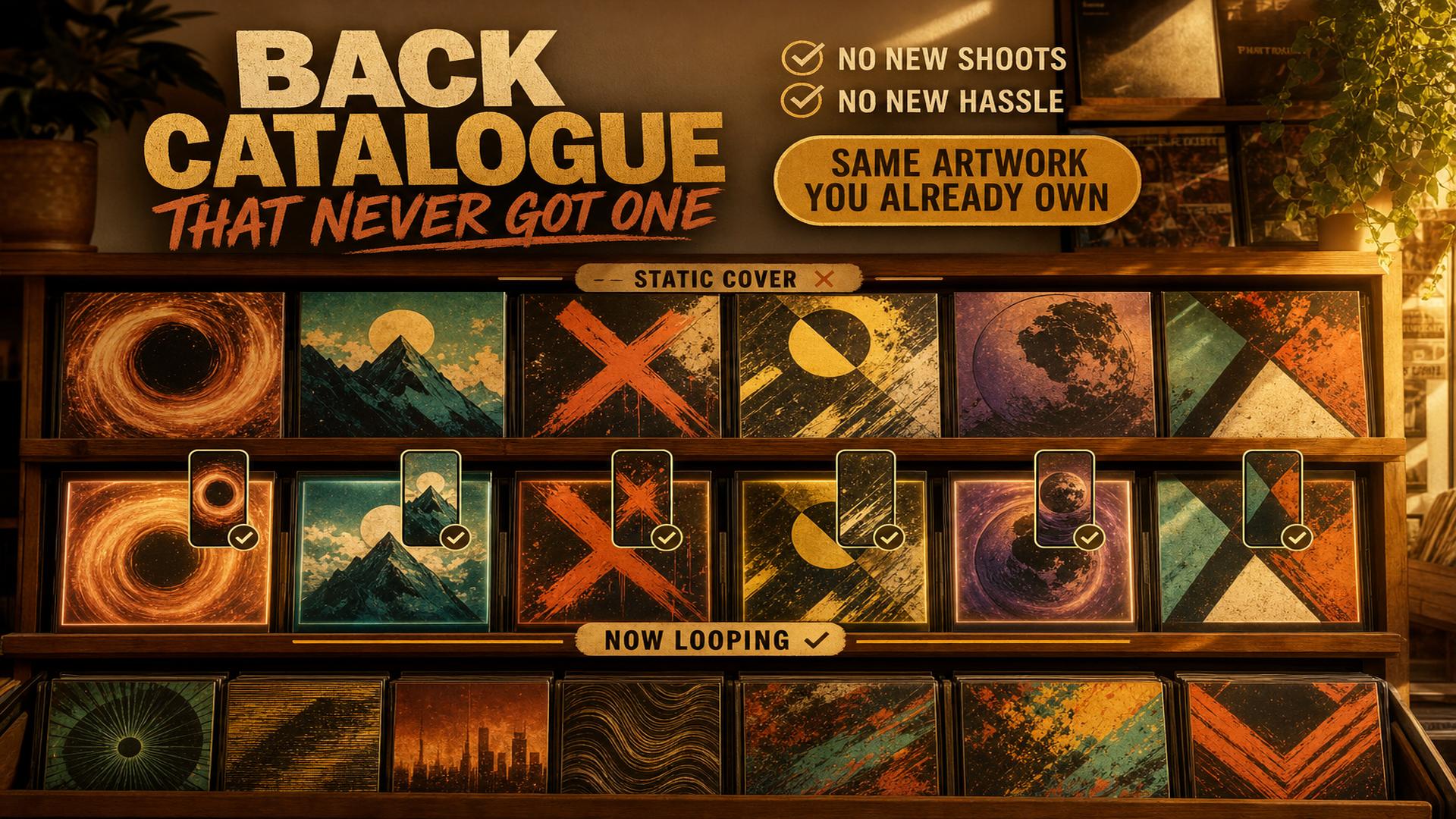
Most independent catalogues have a long tail of tracks that shipped with a static cover and nothing else. Those songs still get played, and a Canvas is the cheapest thing that makes an older release feel maintained. Working from artwork you already own means the whole back catalogue can be worked through without new photography or a new brief.
Try it nowNotes from creators who used this tool on real work.
Harrison Cromwell
Independent artistThe loop readout is the part I did not know I needed.
I can see whether it actually closes instead of watching it twelve times and guessing.
Mateo Navarro
ProducerRebound on a centred cover looks far better than the drifting filter thing I was using before.
Took one try to work that out.
Laurel Rockwell
Label managerWe went through eleven back catalogue singles in an afternoon.
Every one of them started from artwork we already owned.
Nuria Vega
Afrobeats artistBeing told the height and duration in plain numbers before I upload has saved me two rejected files already.
Kiyoshi Endo
Singer-songwriterIt does not pretend to know a file size limit that Spotify never published.
Small thing, but it made me trust the rest.
Hideo Maeda
Electronic producerContinuous loops on ambient artwork are genuinely seamless now.
The old tool always had a visible hitch.
Paisley Carmichael
Artist managerGetting to choose how the loop closes sounds like a small thing until you realise every other generator only has one and never says so.
Blaine Ingersoll
Indie rock artistHard cut suits our stuff better than a smooth drift.
Good to have the option instead of fighting the default.
Cooper Norwood
Release coordinatorThe Now Playing overlay in the preview stopped us putting the subject where the controls cover it.
Spotify asks for a vertical 9:16 visual between 720 and 1080 pixels tall, supplied as an MP4 or JPG, running three to eight seconds. The guidelines recommend avoiding rapid cuts or intense flashing. Spotify does not publish a maximum file size in its Canvas guidelines, so any tool quoting one is guessing.
Turn your ideas into reality with AI. Generate, refine, and innovate — creation starts here.