BL
Bess Lang
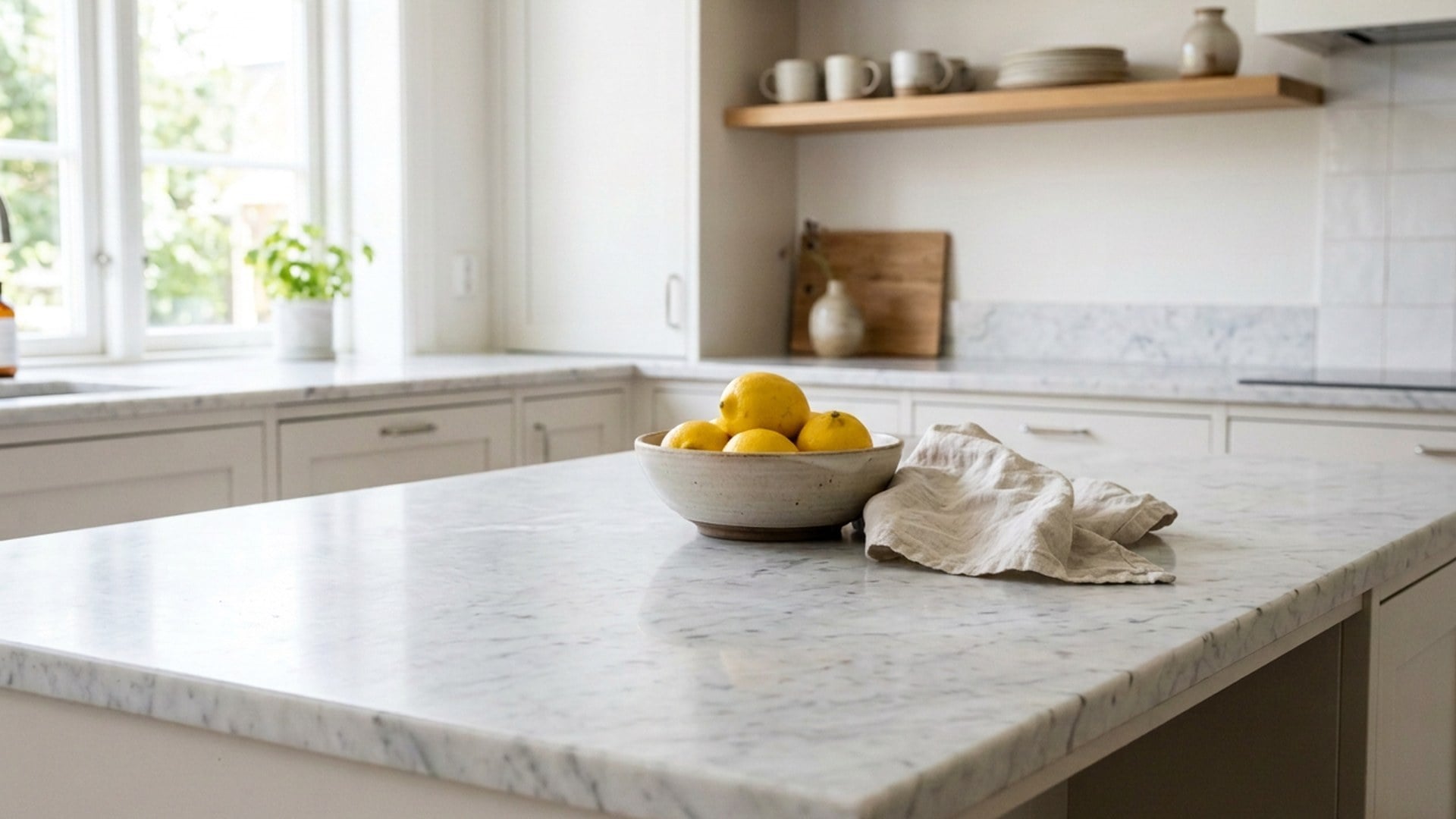
크리에이터'워터마크' 칩, 같은 탁자, 스탬프만 사라졌다.
새 카탈로그 장면은 없었다.
스틸을 올리고 사라질 것을 지정하세요. Viralkey Magic Eraser는 그 사물, 워터마크, 자막, 여분의 사람을 지우고 같은 사진으로 그 자리를 채웁니다. 새 배경도 투명 누끼도 아닙니다.


Magic Eraser
온라인 Magic Eraser
스틸을 올리고 사라질 것을 지정하세요. Viralkey Magic Eraser는 그 사물, 워터마크, 자막, 여분의 사람을 지우고 같은 사진으로 그 자리를 채웁니다. 새 배경도 투명 누끼도 아닙니다.
마음에 드는 사진에서 워터마크, 포토밤버, 불필요한 사물만 지웁니다. 빈자리는 같은 화면으로 채우고 새 방은 만들지 않습니다. 브러시는 없습니다. '사물', '워터마크', '텍스트', '여분의 사람', '로고' 칩으로 종류를 지정합니다. 피사체를 투명하게 분리하려면 Background Remover입니다.
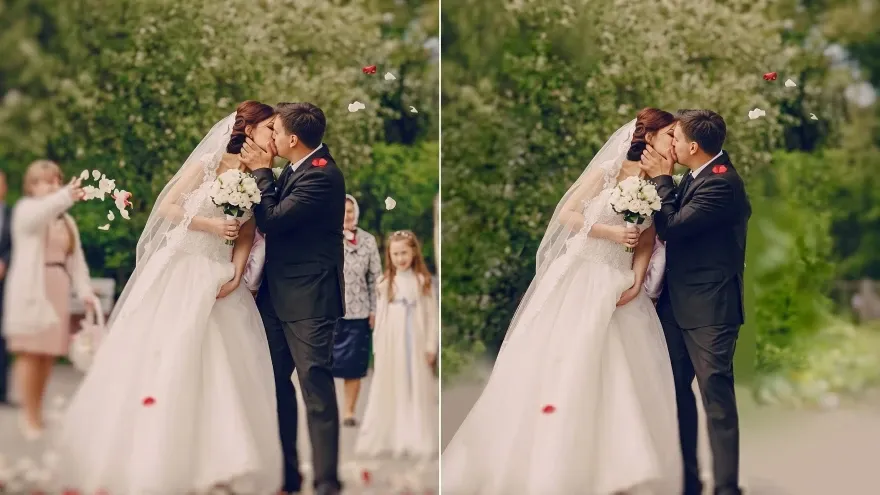
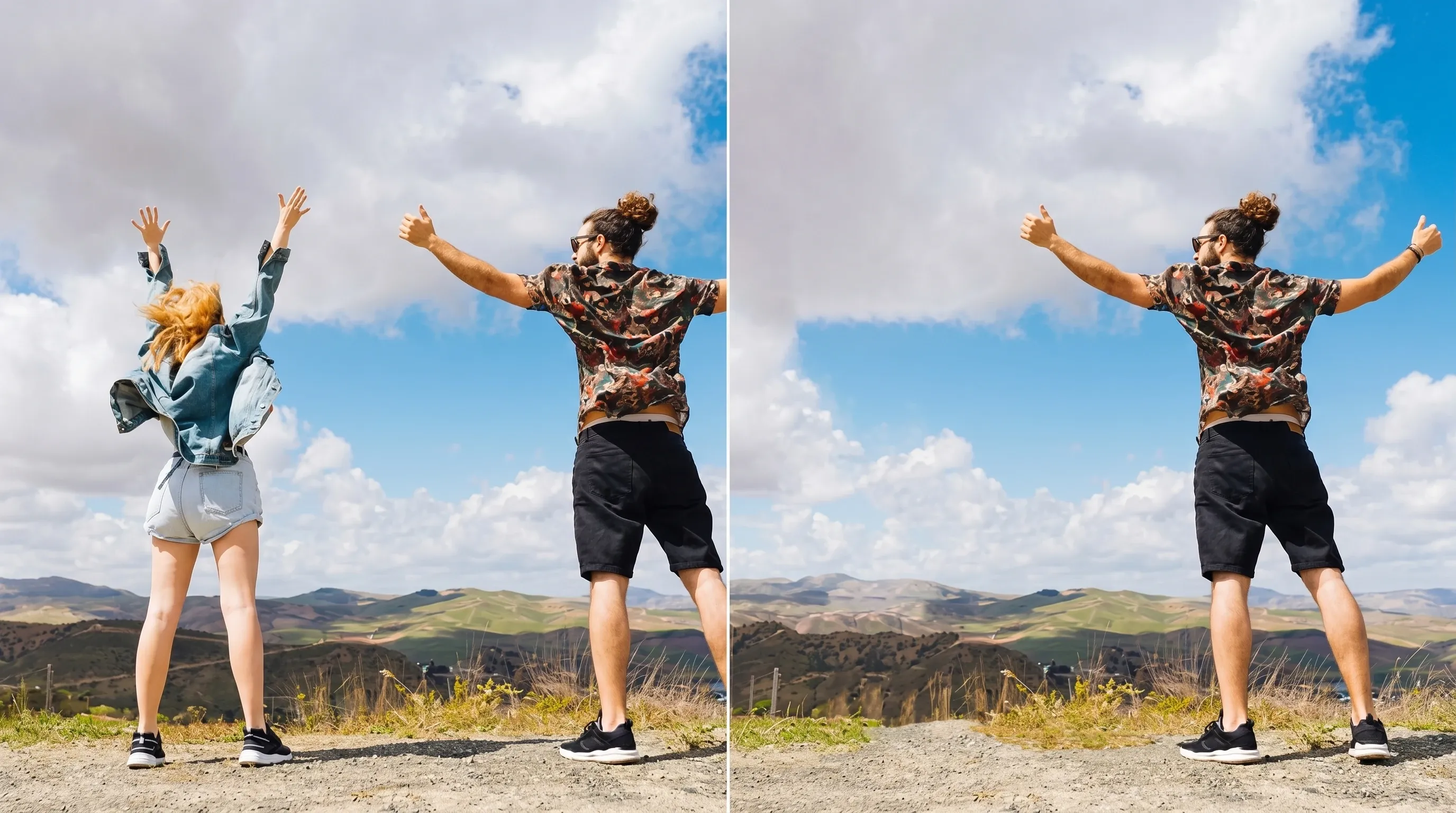
가장자리에 들어온 행인이나 관광객을 지정하고 남길 사람과 길을 지키세요. '여분의 사람' 칩입니다. 붐비는 공연장에서 흔적 없는 제거는 보장하지 않습니다. 대상이 봉지라면 '사물'로 바꾸세요.
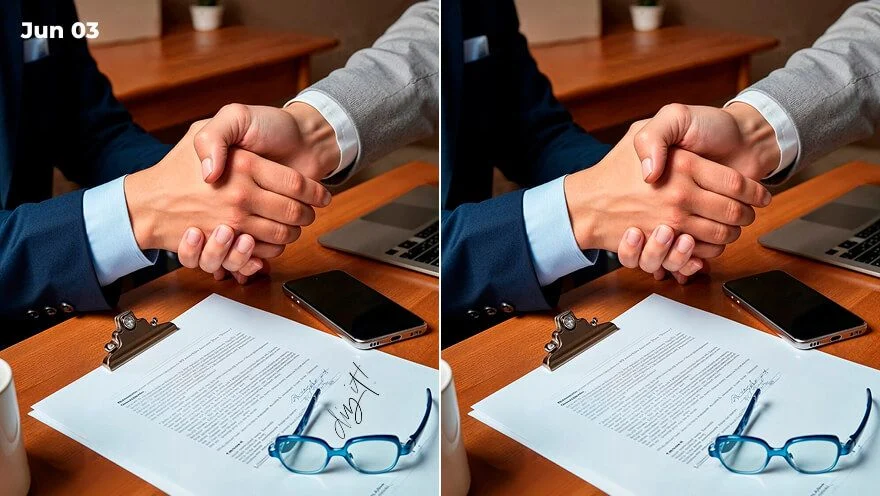
새겨진 자막이나 머그 배지를 지우고 하늘이나 도자기로 채웁니다. '텍스트'와 '로고'입니다. 사진에 우연히 앉은 모든 활자를 다시 쓰는 처리가 아닙니다. 대상을 한 문장으로 지정하세요.
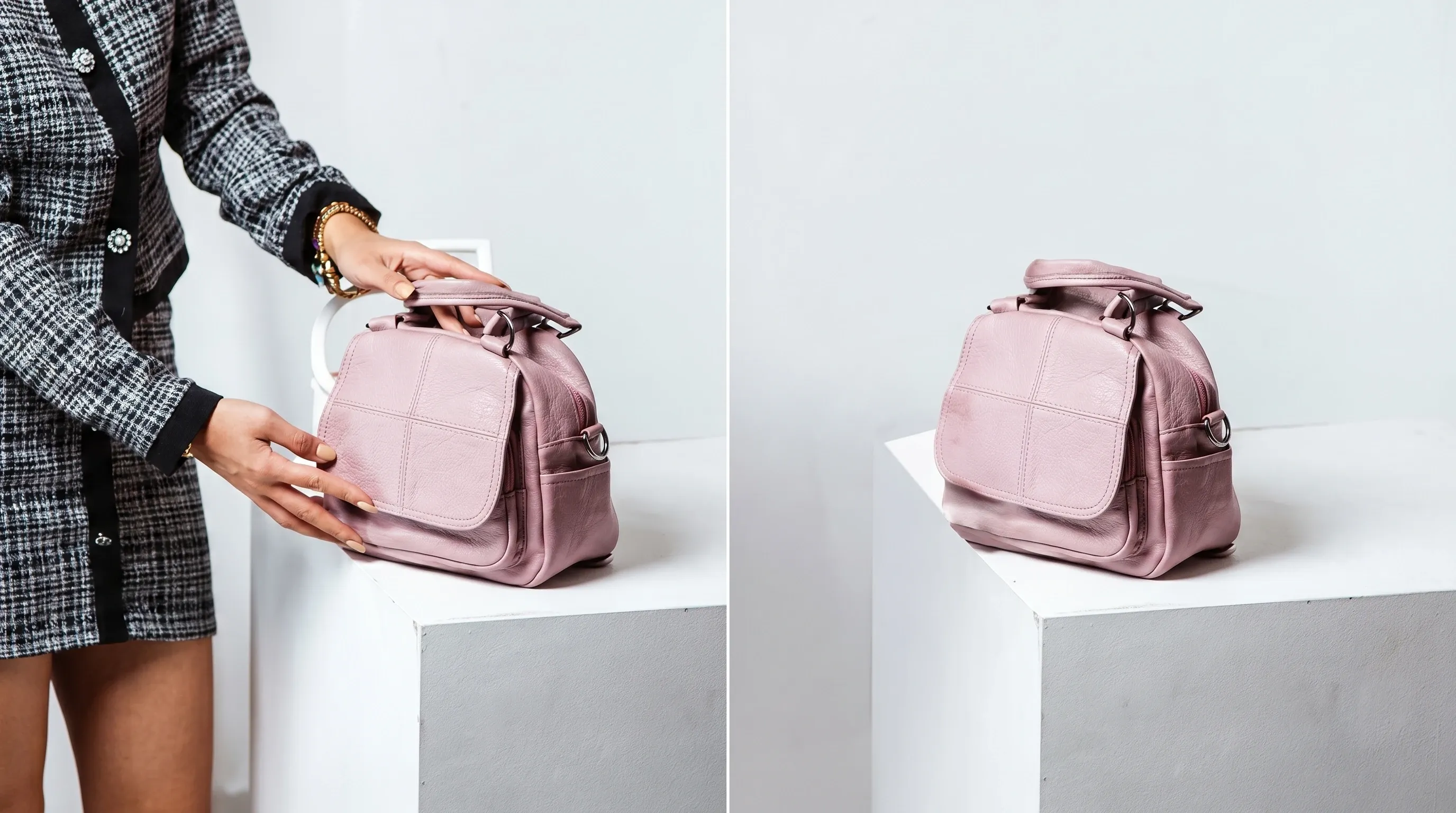
탁자 컵이나 벽 표지판처럼 한 줄로 가리킬 물건에는 '사물'을 쓰세요. 배경 전체를 다시 그리는 편집기가 아닙니다. 후보가 둘이면 어느 것인지 적으세요.
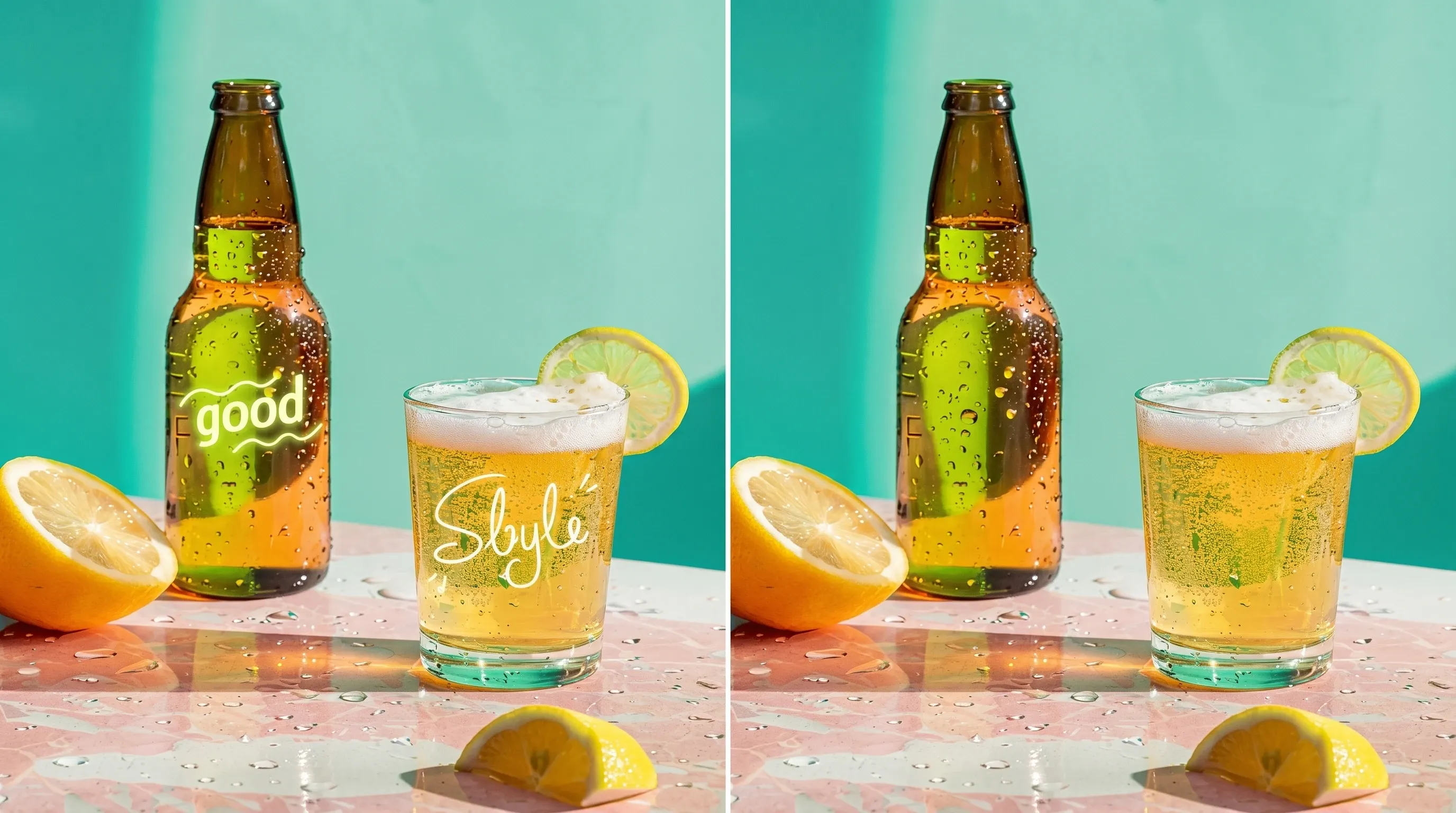
스톡 표시나 날짜 스탬프에는 '워터마크'를 쓰세요. 소유하지 않은 표시나 공식 문서 도장은 대상이 아닙니다. 결과는 같은 탁자의 같은 상품이어야 합니다.
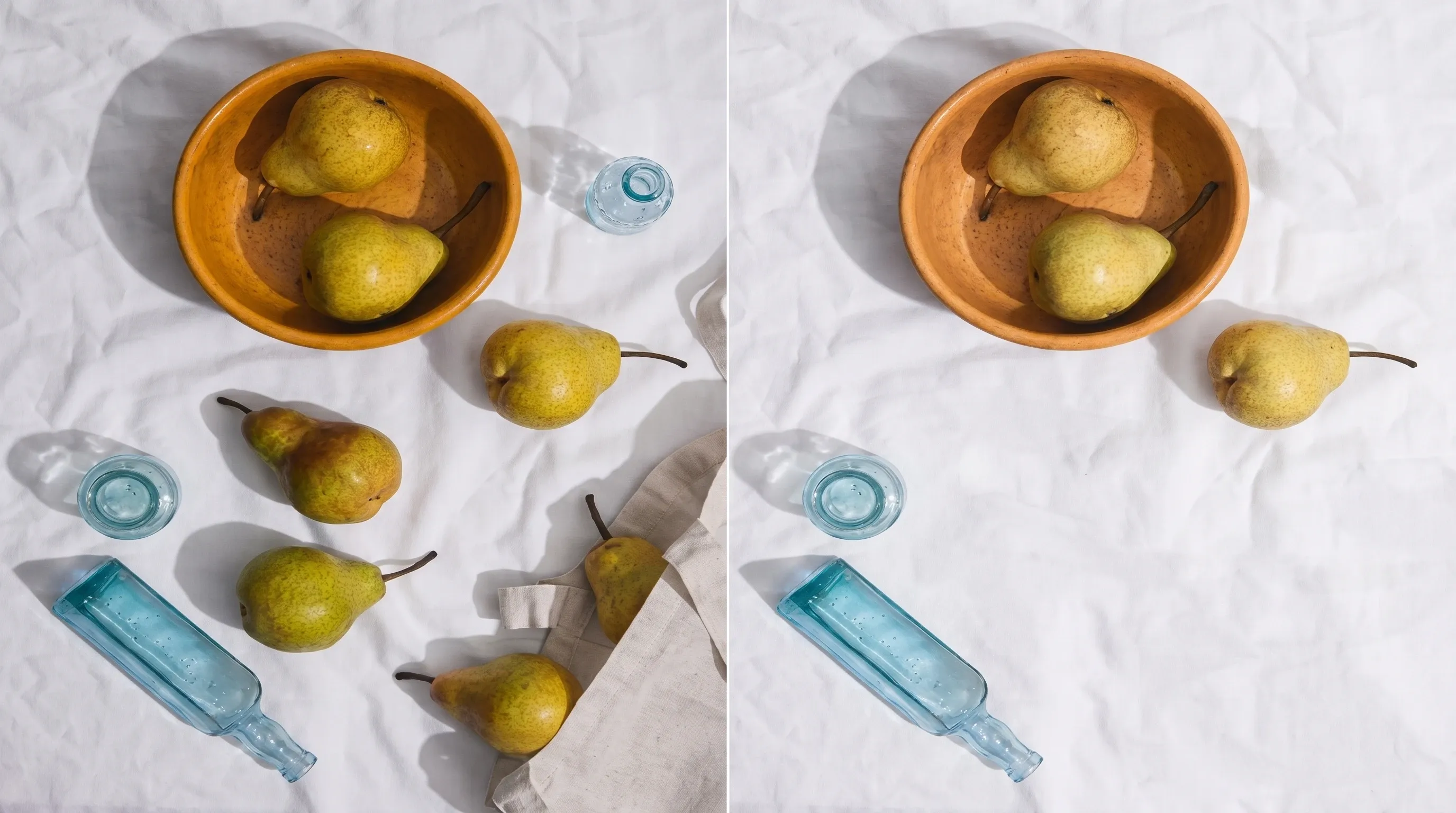
쓰레기, 표지판, 의도하지 않은 그림자처럼 짧은 설명으로 가리킬 수 있는 것을 지웁니다. 군중 전체 리터칭 공방이 아닙니다. 대상이 모호하면 먼저 자르세요.
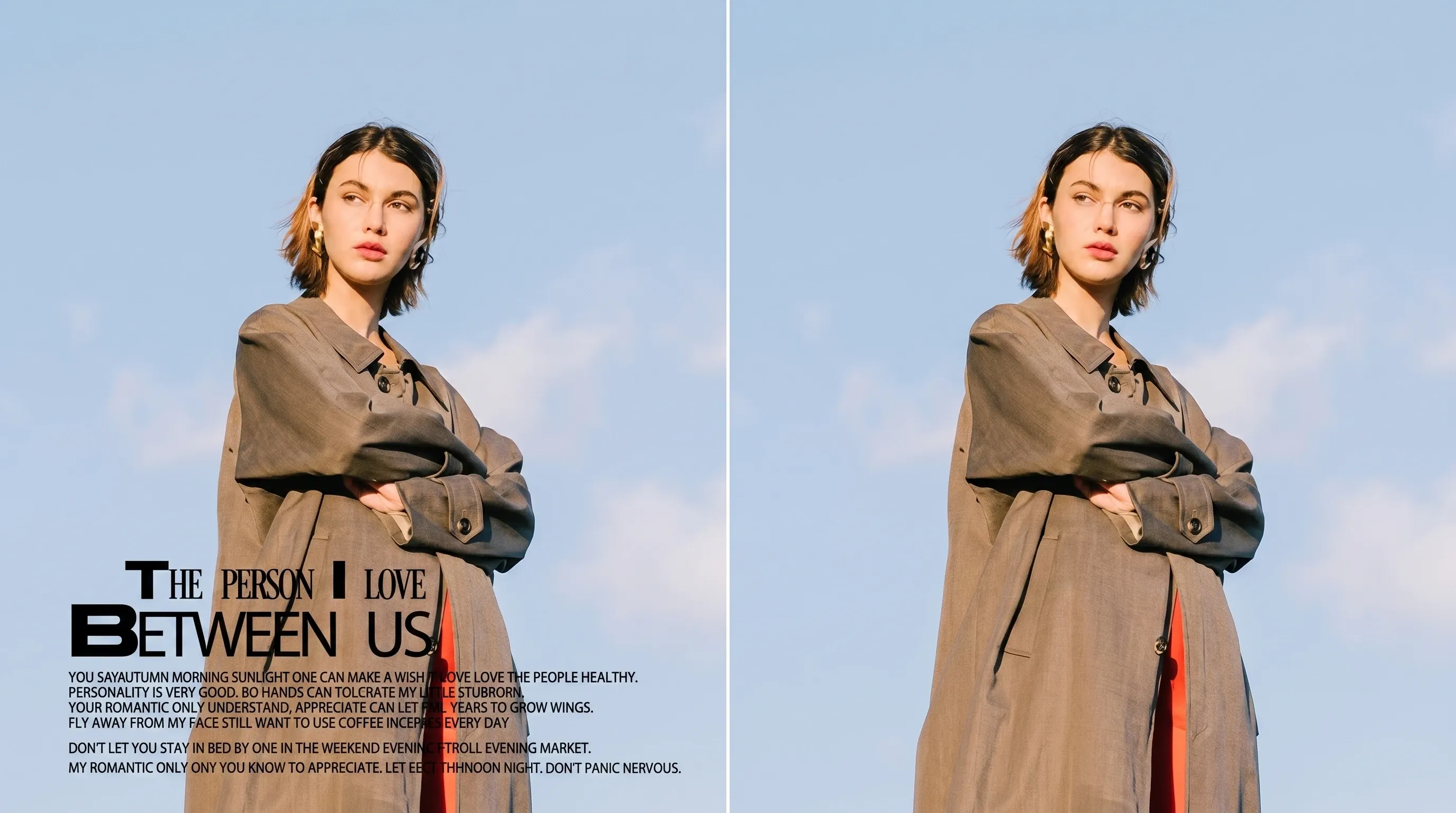
먼지와 흠집도 칩과 한 문장으로 특정할 수 있으면 대상이 됩니다. 전용 복원 브러시는 없습니다. 찢긴 종이나 빠진 모서리 재조립은 이 페이지 일이 아닙니다.
지울 것이 분명한 JPEG, PNG, WebP를 올리세요.
'사물', '워터마크', '텍스트', '여분의 사람', '로고' 중 고르고, 후보가 둘이면 설명한 뒤 생성하세요.
원본과 경계를 비교하고, 대상을 잘못 지웠으면 더 좁게 잘라 원본에서 재생성하세요.
표시 하나를 지우는 일이 유일한 질문은 거의 없습니다. Viralkey Studio에 머물며 같은 스틸을 선명하게 하거나, 투명 배경으로 오르거나, 남긴 파일을 키우세요.
실제 작업에서 이 도구를 쓴 크리에이터들의 후기입니다.
Bess Lang
크리에이터'워터마크' 칩, 같은 탁자, 스탬프만 사라졌다.
새 카탈로그 장면은 없었다.
Cyra Holt
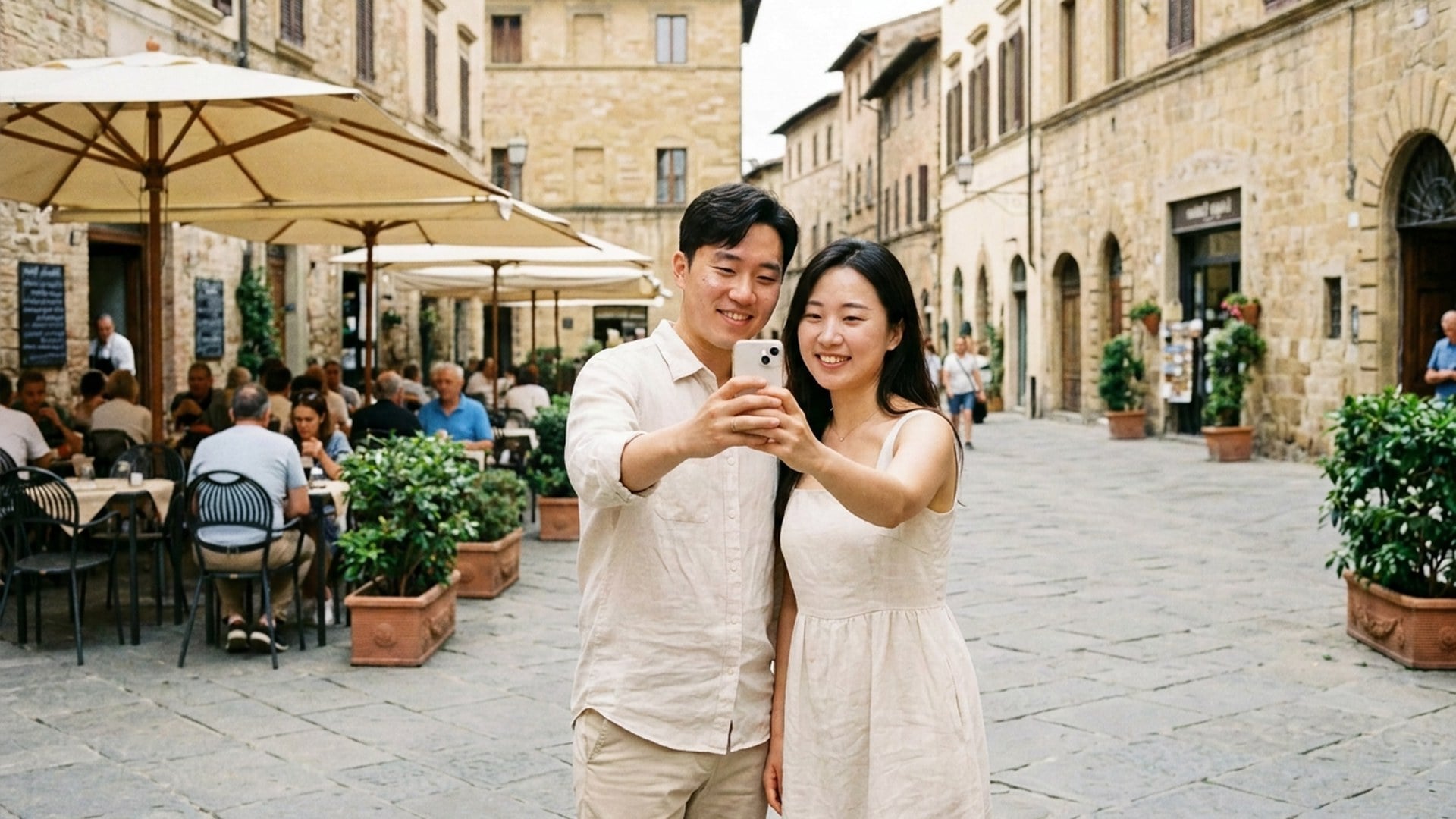
프로덕트 매니저'왼쪽 사람'이라고 썼다.
거리는 찍은 거리 그대로였다. 그게 브리프 전부였다.
Dell Ames
사진가구석 타임스탬프가 사라졌다.
하늘 채움이 같은 오후처럼 보였다.
Etta Voss
유튜버머그 로고가 사라졌다.
도자기는 옆 손잡이와 맞았다.
Gia Pell
소셜 미디어 책임자누끼는 remover, 스탬프는 eraser.
일 두 가지, 페이지 두 개였다.
Hope Crowe
디자이너배울 브러시가 없다.
칩과 한 문장. 포토밤버가 문제 전부였다.
Ivy Quinn
일러스트레이터처음에 Enhancer를 잘못 열었다.
지우는 페이지가 여기고, 선명하게 하는 페이지가 아니었다.
Joy Calder
컨설턴트더 좁게 자른 뒤 '여분의 사람'.
두 번째에 친구만 프레임에 남았다.
Kade Whitlock
인플루언서스토리 스틸에 '텍스트'.
날짜는 사라지고 벽돌 벽은 같은 벽이었다.
Viralkey Magic Eraser는 이미 가진 사진에서 지정한 요소 하나를 지우고 주변 화면으로 빈자리를 채웁니다. 스틸 한 장을 올리고 '사물', '워터마크', '텍스트', '여분의 사람', '로고'를 고른 뒤 필요하면 어느 개체인지 적으세요. 나머지 프레임, 포즈, 크롭, 빛, 남길 사람은 유지되어야 합니다. 투명 누끼가 아니며 Image Enhancer 품질 패스도 아닙니다.
스틸을 올리고 사라질 것을 지정하세요. Viralkey Magic Eraser는 그 사물, 워터마크, 자막, 여분의 사람을 지우고 같은 사진으로 그 자리를 채웁니다. 새 배경도 투명 누끼도 아닙니다.