Wan 3.0
Wan 3.0 on Viralkey turns a prompt, start and end frames, or mixed references into a finished clip. Pick 480p, 720p, or 1080p, then iterate in the same workspace.

Wan 3.0
Wan 3.0 on Viralkey turns a prompt, start and end frames, or mixed references into a finished clip. Pick 480p, 720p, or 1080p, then iterate in the same workspace.
Key Features of Wan 3.0
Wan 3.0 is built for clips that need length, mixed references, and sound in one pass — without leaving the Viralkey workspace.
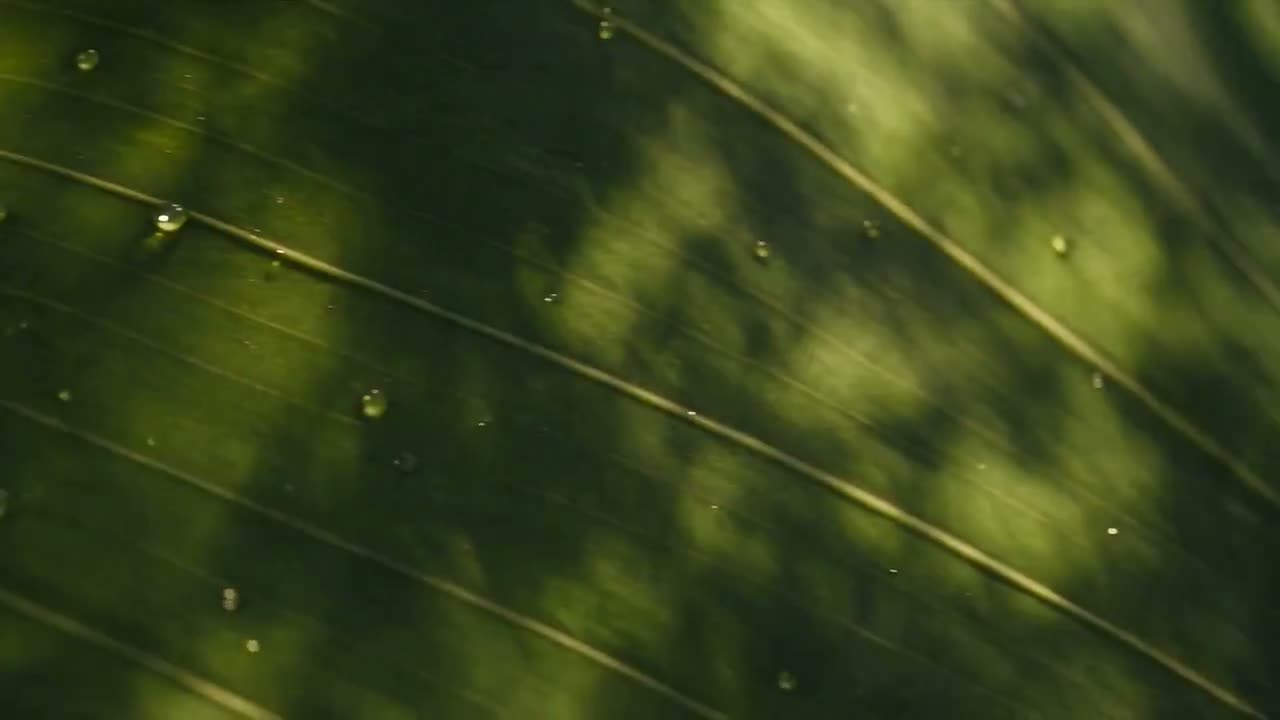
Generate Native 1080p, Up to 30 Seconds
Each run can land between 2 and 30 whole seconds at 480p, 720p, or 1080p, so an opening, a product beat, and a close can live in one clip. You review one file instead of matching short fragments.
Jetzt ausprobieren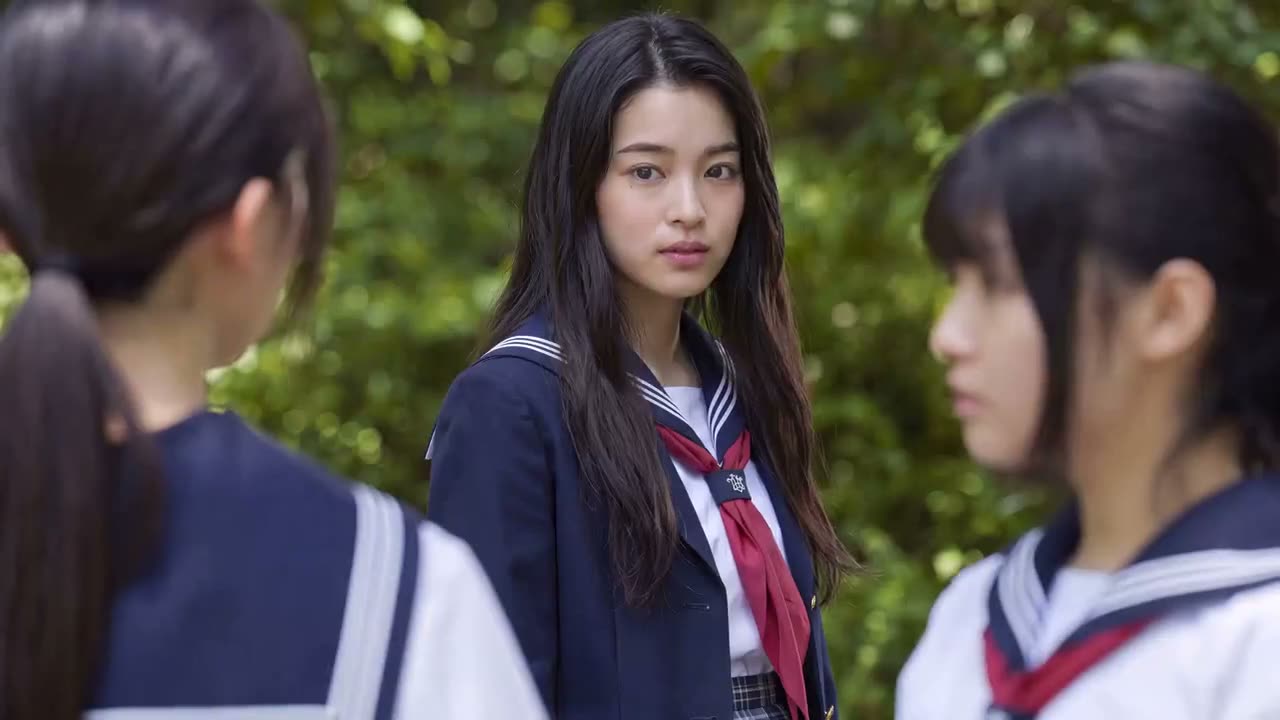
Use Up to 20 Mixed References
Attach up to 10 images, 5 video clips, and 5 audio files to hold a face, product, gesture, or voice. Name each reference in the prompt so the look stays on brief.
Jetzt ausprobieren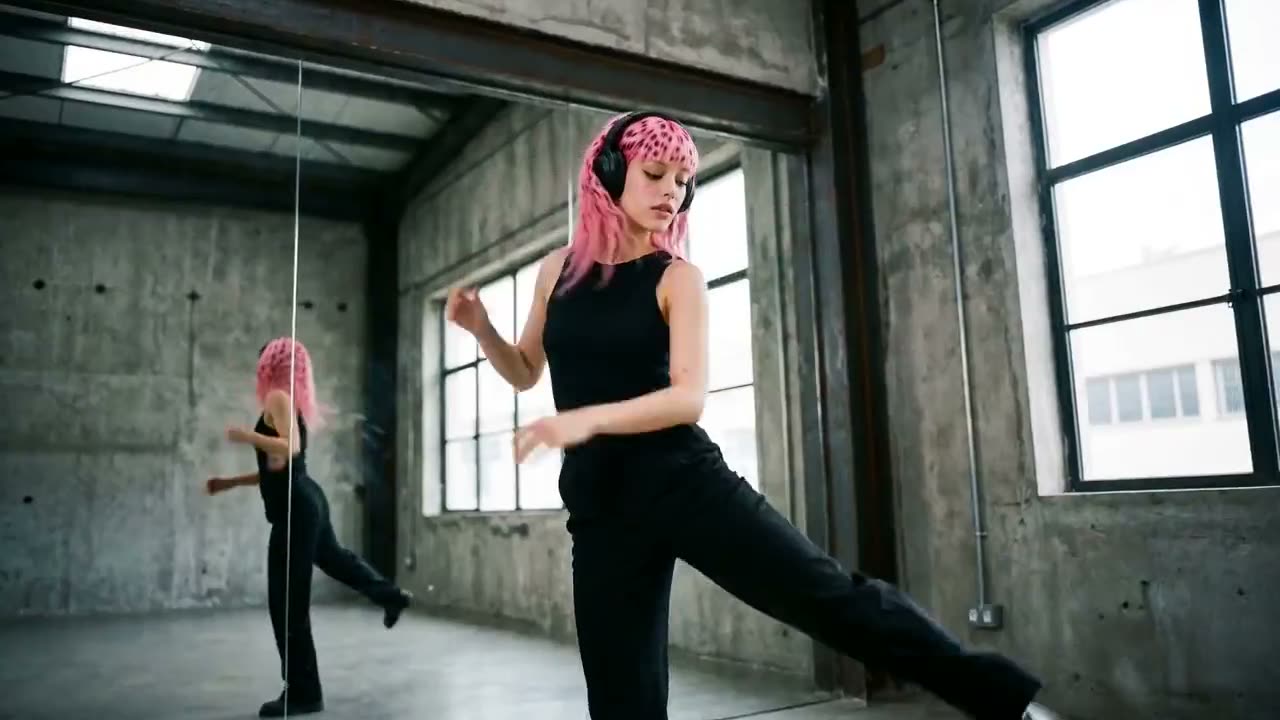
Get Synced Audio in the Same Clip
Turn audio on and Wan 3.0 makes sound with the picture instead of handing you a silent file. Add a voice or music clip as a reference when speech or a track should guide the take.
Jetzt ausprobieren
Lock the Start and End Frames
Use Start/End Frame to fix the opening and closing look, then let the prompt drive action and camera between them. An optional last frame keeps the close as intentional as the first shot.
Jetzt ausprobierenHow to Generate Video with Wan 3.0 on Viralkey
Three steps from a blank prompt to a reviewable clip.
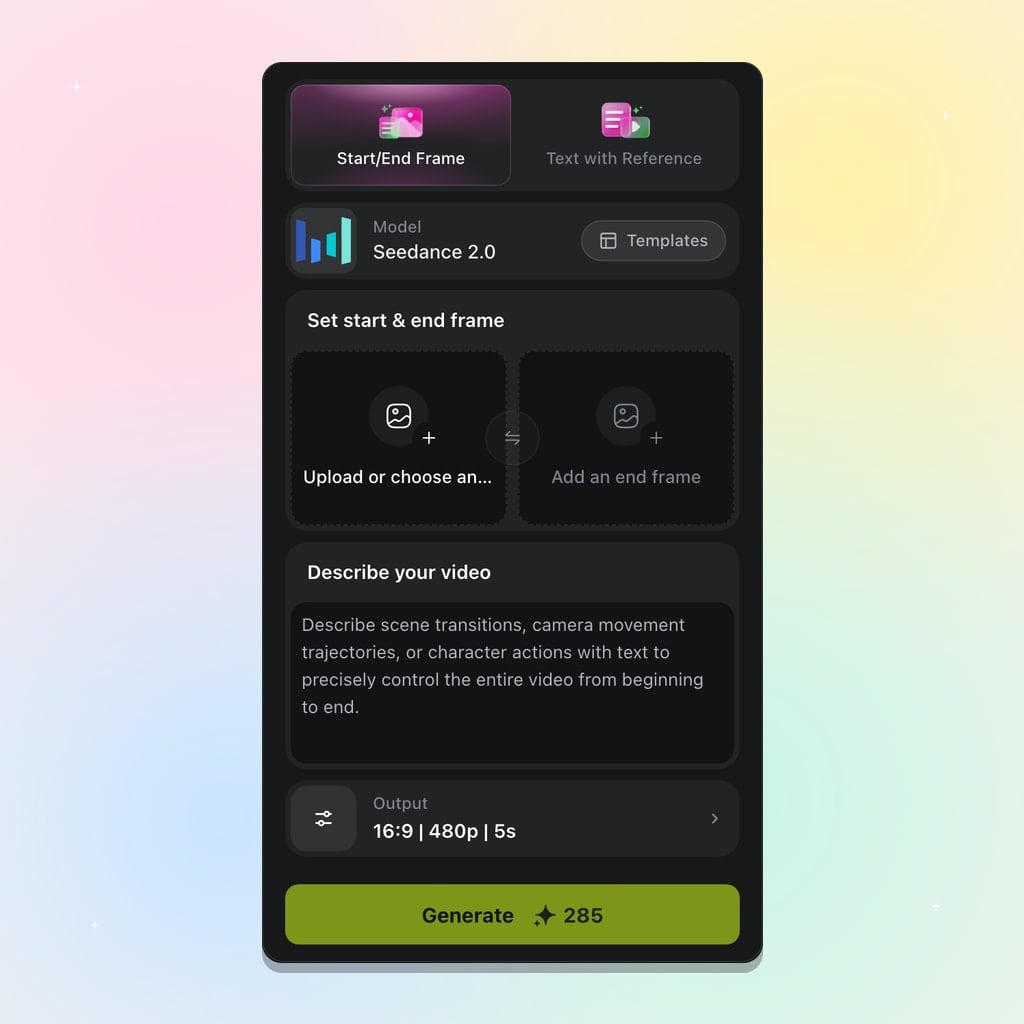
Pick Your Generation Mode
Pick Text to Video for a free canvas, or Start/End Frame when the opening and closing looks must lock.
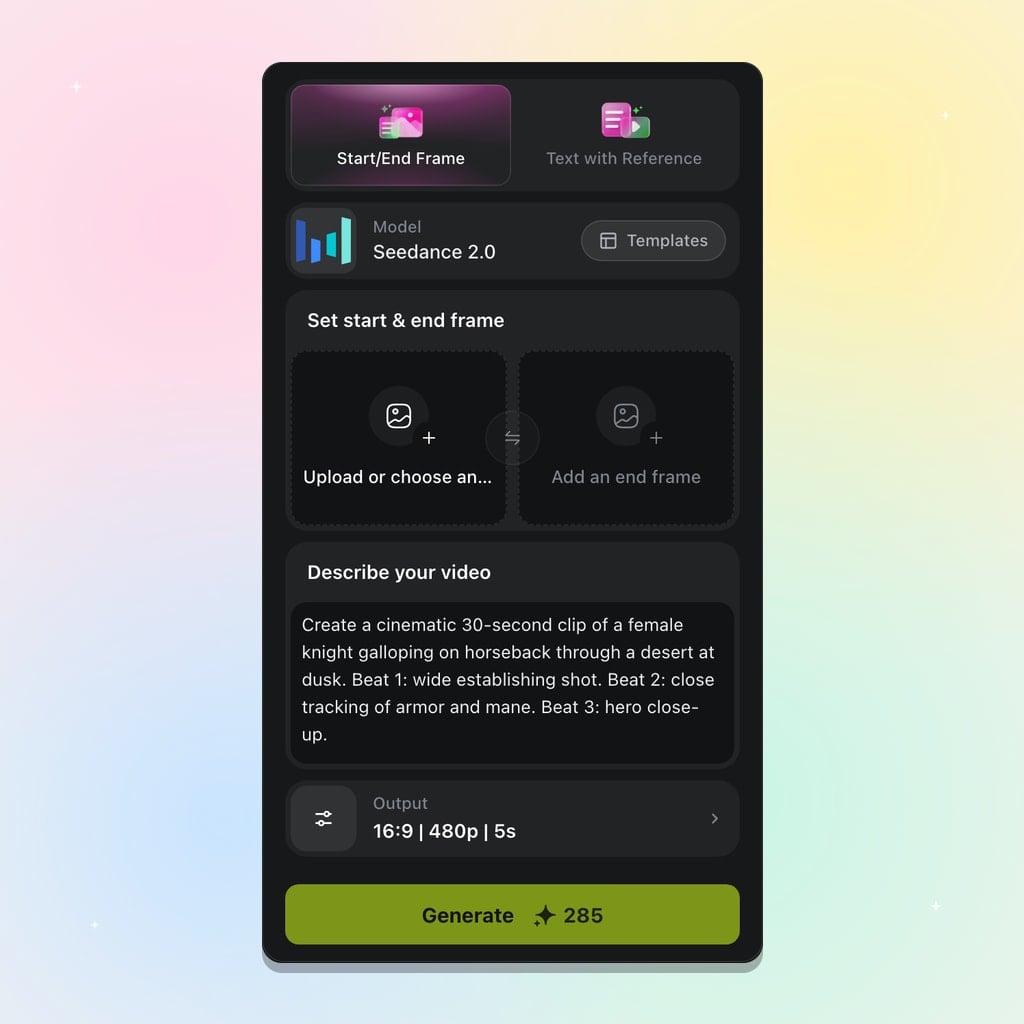
Prompt and Add References
Describe the scene, camera, and sound, then add images, clips, or audio for a face, product, or voice.
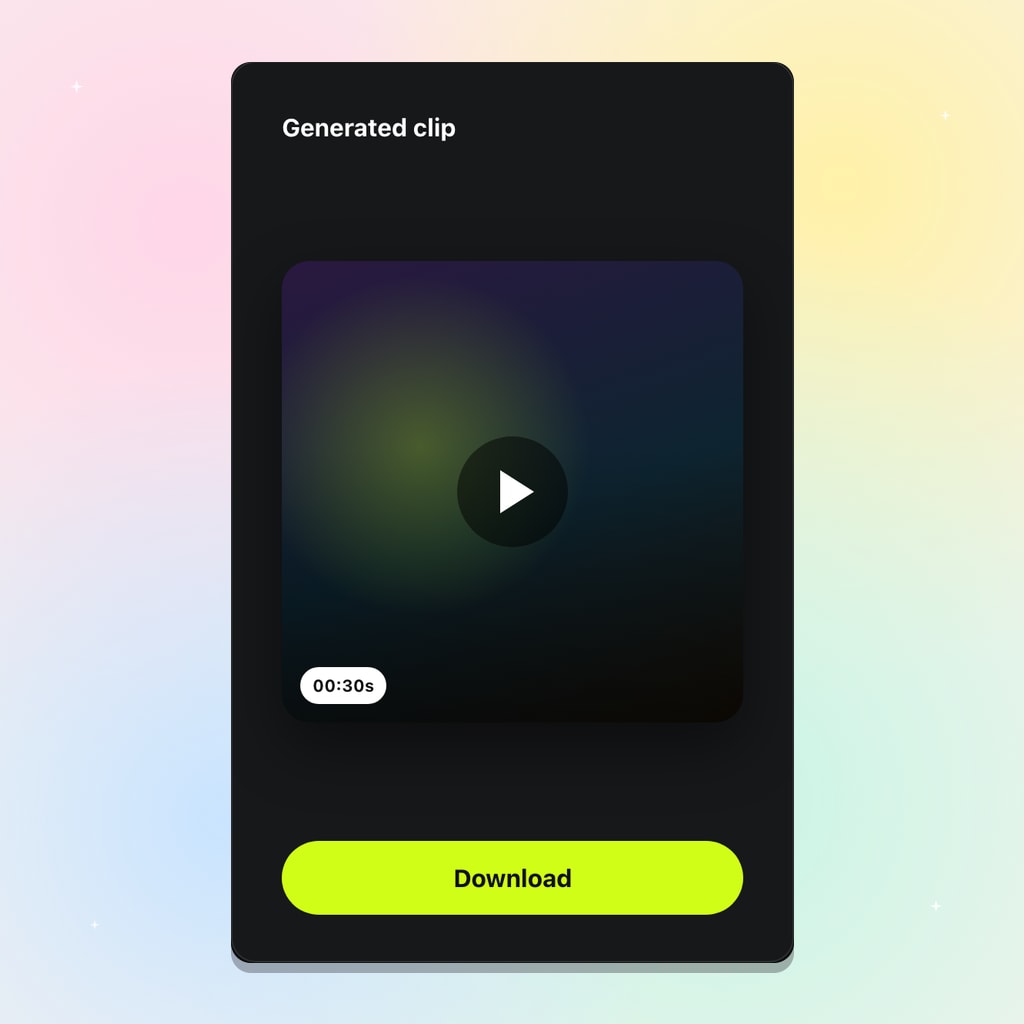
Generate and Export
Set 2 to 30 seconds, pick an aspect and 480p, 720p, or 1080p, then generate and keep the strongest take.
Built for Longer Sound-On Video Clips
Use Wan 3.0 when a short campaign, product, or music-video beat needs length, mixed references, and audio in one pass.
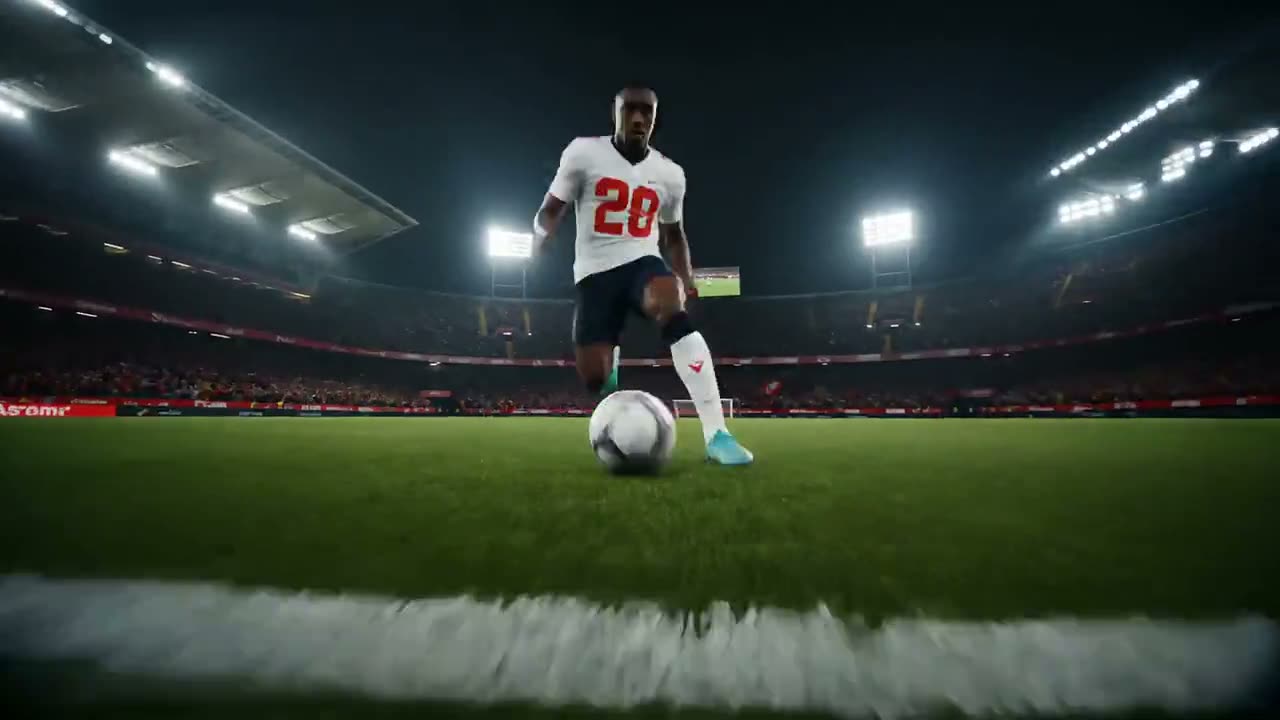
Campaign Spots That Need a Full Beat
A complete spot needs an opening, a product moment, and a close. At up to 30 seconds with a consistent look, you review one clip instead of matching three separate generations.
Jetzt ausprobieren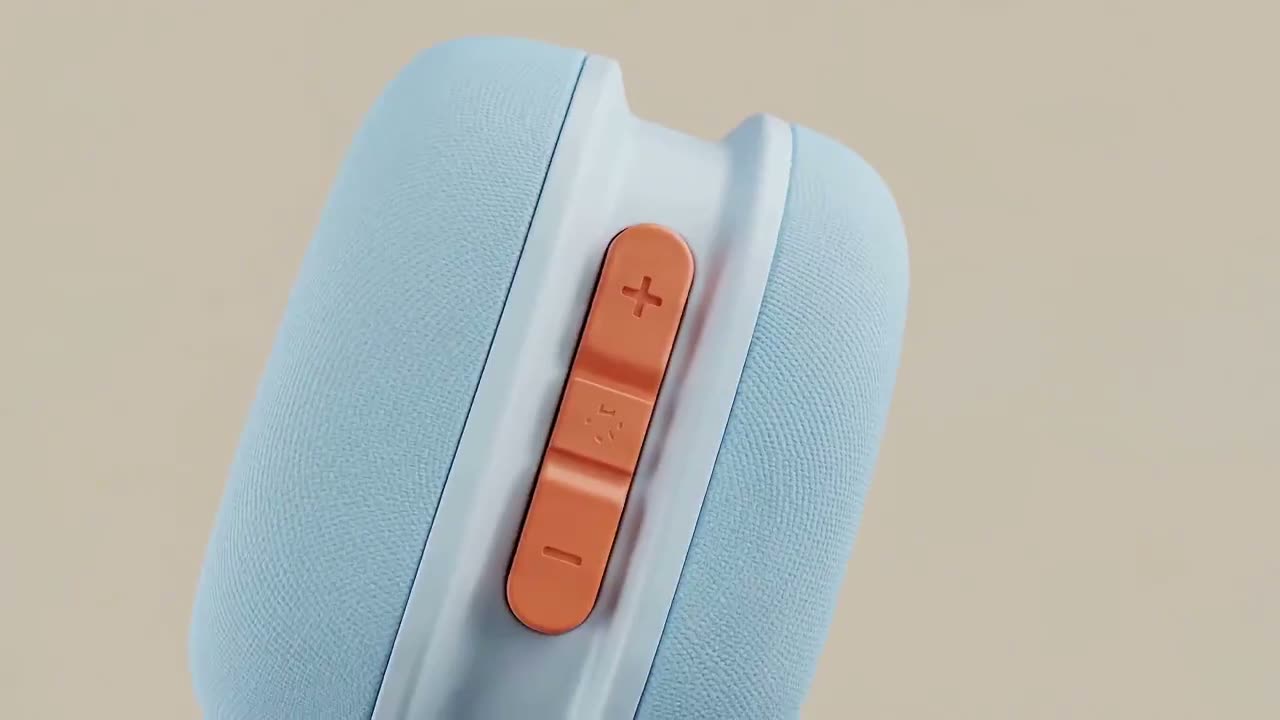
Product and E-Commerce Video
Upload pack shots as references so color, label, and shape stay recognizable. Start and end frames keep the first and last stills you already approved.
Jetzt ausprobieren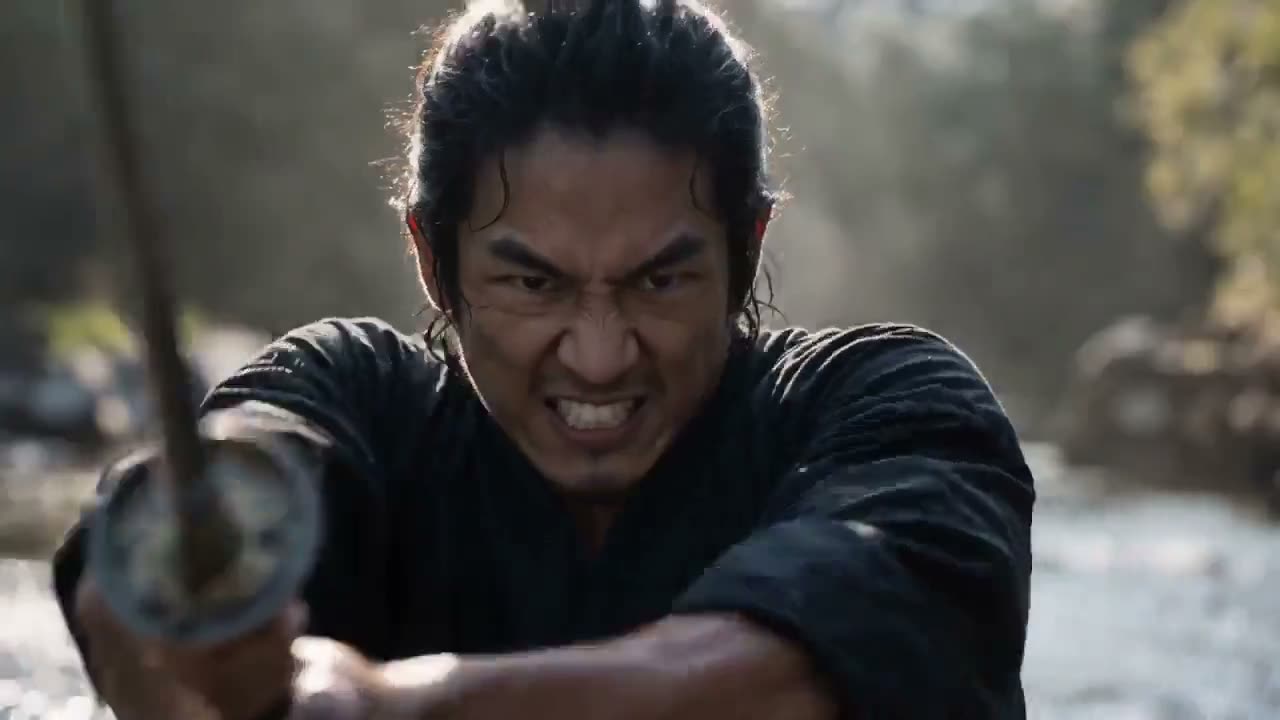
Character-Led Short Scenes
A short scene needs the same person in more than one angle without the face drifting. Reference images hold identity while the prompt stages camera and a clear ending.
Jetzt ausprobieren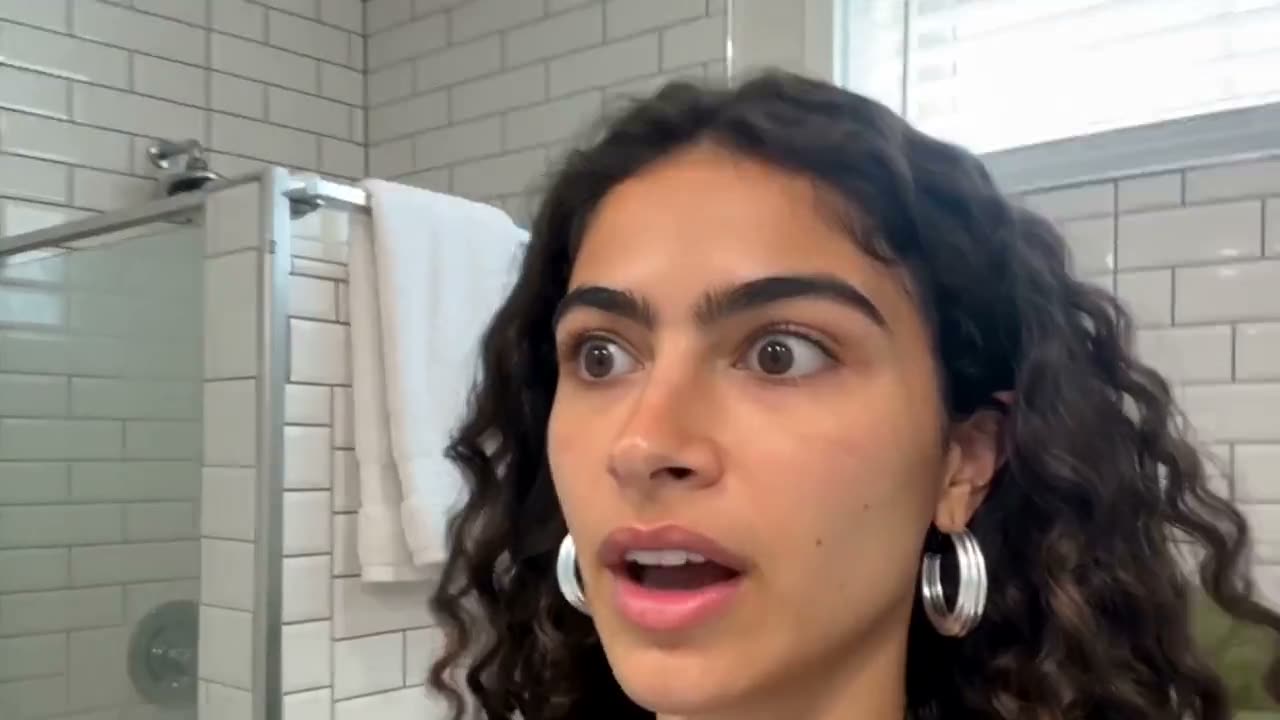
Social Cuts That Ship With Sound
Turn audio on so the clip leaves Viralkey watchable, then reuse the same prompt across 9:16 and 16:9 for a vertical cut and a landscape cut.
Jetzt ausprobierenChoosing a Wan or Seedance Clip
| Model | Best For |
|---|---|
| Wan 3.0 | 2–30s at 1080p with mixed refs and native audio. |
| Wan 3.0 Prime | The same controls at a higher credit rate. |
| Wan 2.7 | Shorter 4–15s clips without mixed references. |
| Seedance 2.0 | 4–15s clips with native 4K and nine image refs. |
Loved by Creators
“I set a start frame for the verse look and let Wan 3.0 run the motion out to thirty seconds.”
“Ten image refs plus a couple of clips is enough to keep the product recognizable in one take.”
“I turn audio on so the draft ships with sound instead of a silent file.”
“I set a start frame for the verse look and let Wan 3.0 run the motion out to thirty seconds.”
“Ten image refs plus a couple of clips is enough to keep the product recognizable in one take.”
“I turn audio on so the draft ships with sound instead of a silent file.”
“I set a start frame for the verse look and let Wan 3.0 run the motion out to thirty seconds.”
“Ten image refs plus a couple of clips is enough to keep the product recognizable in one take.”
“I turn audio on so the draft ships with sound instead of a silent file.”
“I set a start frame for the verse look and let Wan 3.0 run the motion out to thirty seconds.”
“Ten image refs plus a couple of clips is enough to keep the product recognizable in one take.”
“I turn audio on so the draft ships with sound instead of a silent file.”
“Switching 9:16 and 16:9 on the same prompt covers the vertical cut and the landscape cut.”
“Start and end frames lock the open and close; the prompt handles camera between them.”
“I attach pack shots as references so the label does not drift mid-clip.”
“Switching 9:16 and 16:9 on the same prompt covers the vertical cut and the landscape cut.”
“Start and end frames lock the open and close; the prompt handles camera between them.”
“I attach pack shots as references so the label does not drift mid-clip.”
“Switching 9:16 and 16:9 on the same prompt covers the vertical cut and the landscape cut.”
“Start and end frames lock the open and close; the prompt handles camera between them.”
“I attach pack shots as references so the label does not drift mid-clip.”
“Switching 9:16 and 16:9 on the same prompt covers the vertical cut and the landscape cut.”
“Start and end frames lock the open and close; the prompt handles camera between them.”
“I attach pack shots as references so the label does not drift mid-clip.”
“Two-second tests at 480p let me check the prompt before I spend a longer 1080p run.”
“A voice reference plus the audio toggle keeps speech timing with the picture.”
“Thirty seconds is enough for an opening, a product beat, and a close in one file.”
“Two-second tests at 480p let me check the prompt before I spend a longer 1080p run.”
“A voice reference plus the audio toggle keeps speech timing with the picture.”
“Thirty seconds is enough for an opening, a product beat, and a close in one file.”
“Two-second tests at 480p let me check the prompt before I spend a longer 1080p run.”
“A voice reference plus the audio toggle keeps speech timing with the picture.”
“Thirty seconds is enough for an opening, a product beat, and a close in one file.”
“Two-second tests at 480p let me check the prompt before I spend a longer 1080p run.”
“A voice reference plus the audio toggle keeps speech timing with the picture.”
“Thirty seconds is enough for an opening, a product beat, and a close in one file.”
Frequently Asked Questions
Wan 3.0 is Alibaba's current video model on Viralkey. It generates 480p, 720p, or 1080p clips from 2 to 30 seconds, with text-to-video, start/end frames, up to 20 mixed references, and an audio toggle so sound can ship with the picture.
Erwecke deine nächste Szene mit Wan 3.0 zum Leben
Verwandle Prompts, Einzelbilder oder gemischte Referenzen in kurze Videos mit Ton. Öffne den Arbeitsbereich mit Wan 3.0 für deine nächste Kreation.