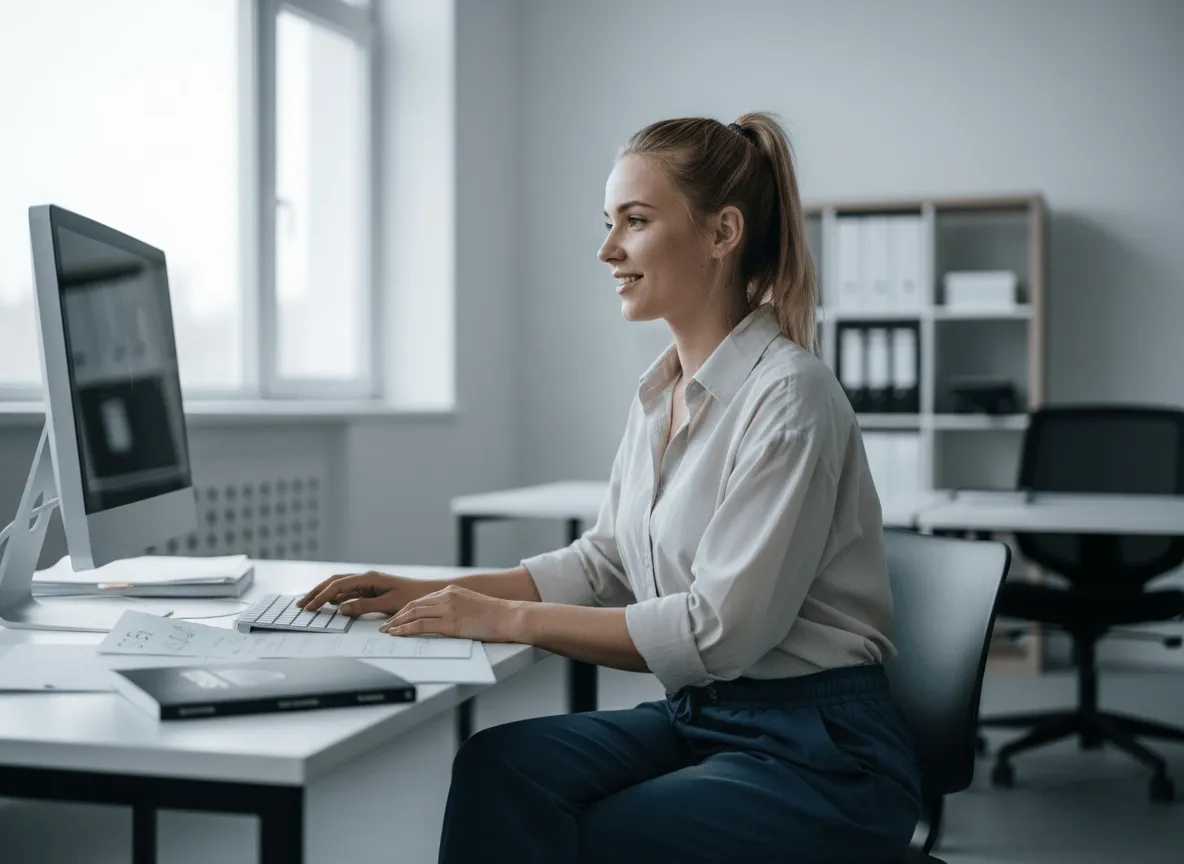
Rendre les produits plus faciles à acheter
Des détourages produit propres rendent vos photos produit plus lisibles, pour que les acheteurs se concentrent sur l’essentiel et achètent plus sereinement.
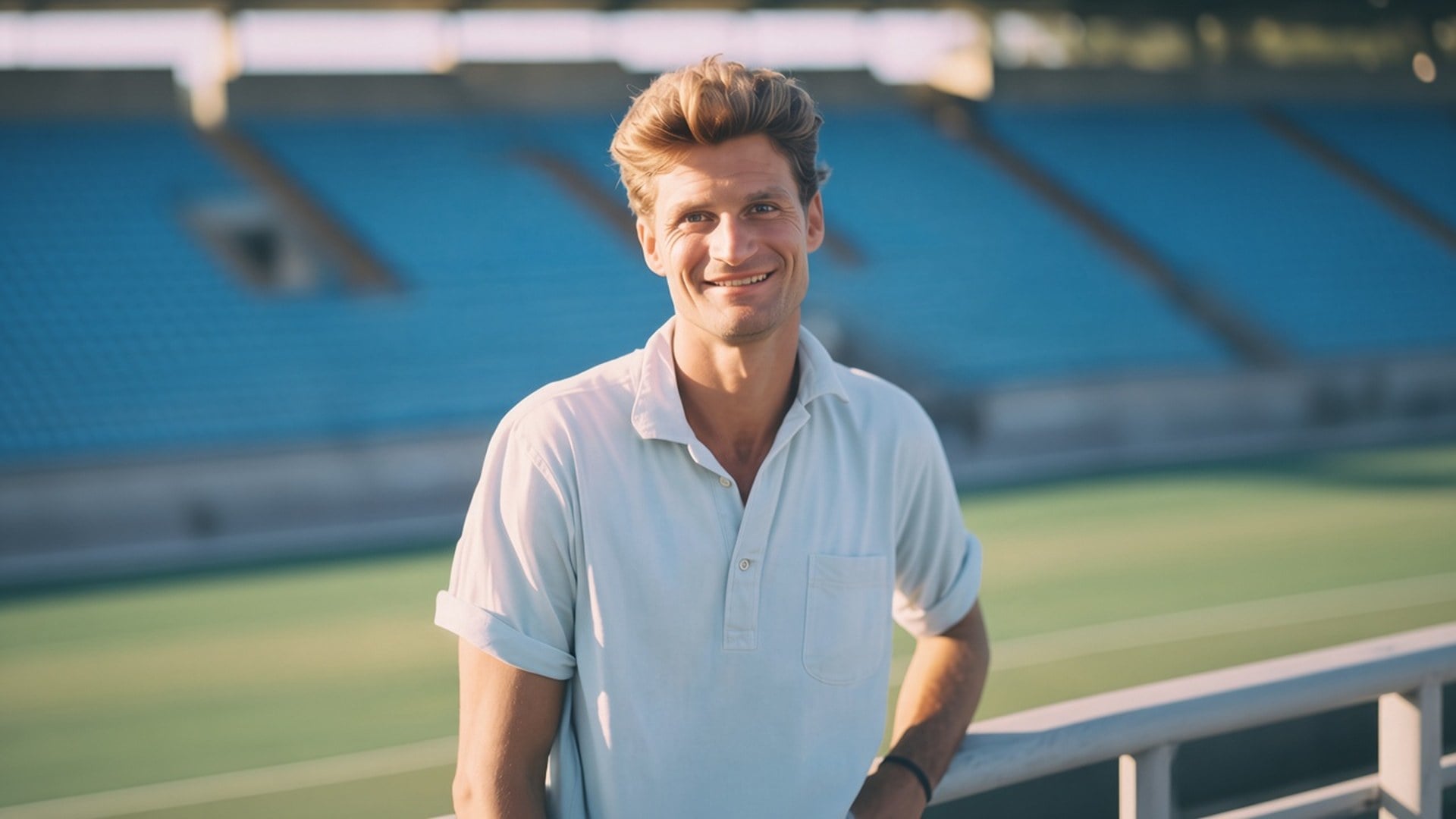
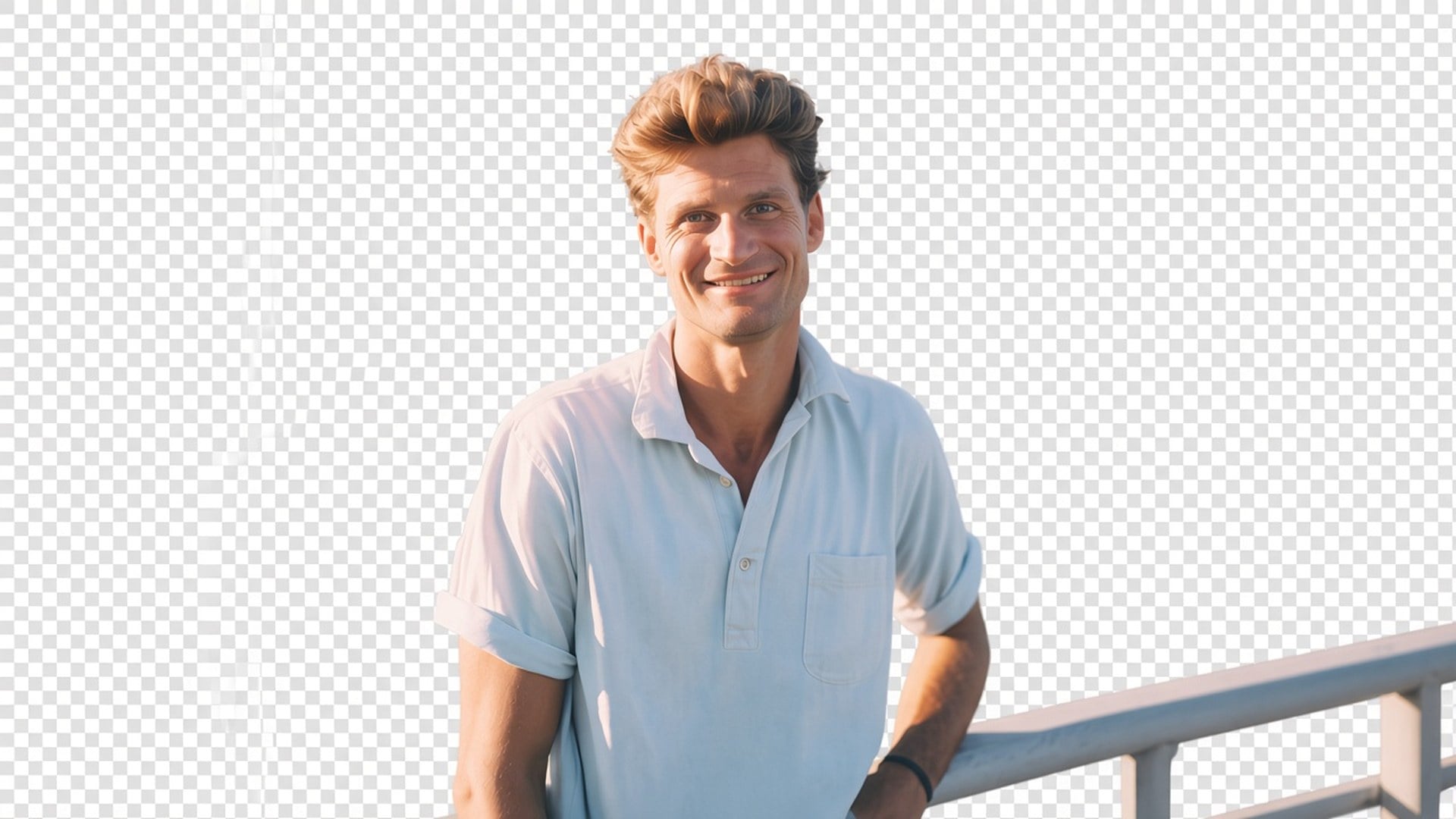
Il vous faut la personne ou le produit sur alpha, pas un nouveau décor ? Le Background Remover Viralkey détoure le sujet sur un vrai fond transparent — pas de blanc, pas de cyclorama, pas de pièce inventée.
Background Remover
Background Remover en ligne
Il vous faut la personne ou le produit sur alpha, pas un nouveau décor ? Le Background Remover Viralkey détoure le sujet sur un vrai fond transparent — pas de blanc, pas de cyclorama, pas de pièce inventée.
La plupart des pages « background remover » collent un studio blanc ou génèrent une pièce plus jolie. Celle-ci rend de la transparence : le sujet isolé, le fond parti, le fichier prêt à poser sur une miniature, une slide ou une tuile de fiche. C’est un détourage dédié, pas le moteur Image Enhancer, et pas un échange de scène. Importez un still. Téléchargez un sujet que vous placez vous-même.
L’après doit se composer. Damier en aperçu, ou la couche sur laquelle vous posez ensuite le PNG — pas un blanc, un gris ou un cyclorama figé. Si vous vouliez un vrai nouveau fond, vous n’êtes pas sur la bonne page. Cet outil n’isole que. C’est tout le produit, et c’est pourquoi un designer peut emmener le fichier dans la mise en page déjà prête au lieu de se battre contre un remplissage jamais demandé.
Essayer maintenant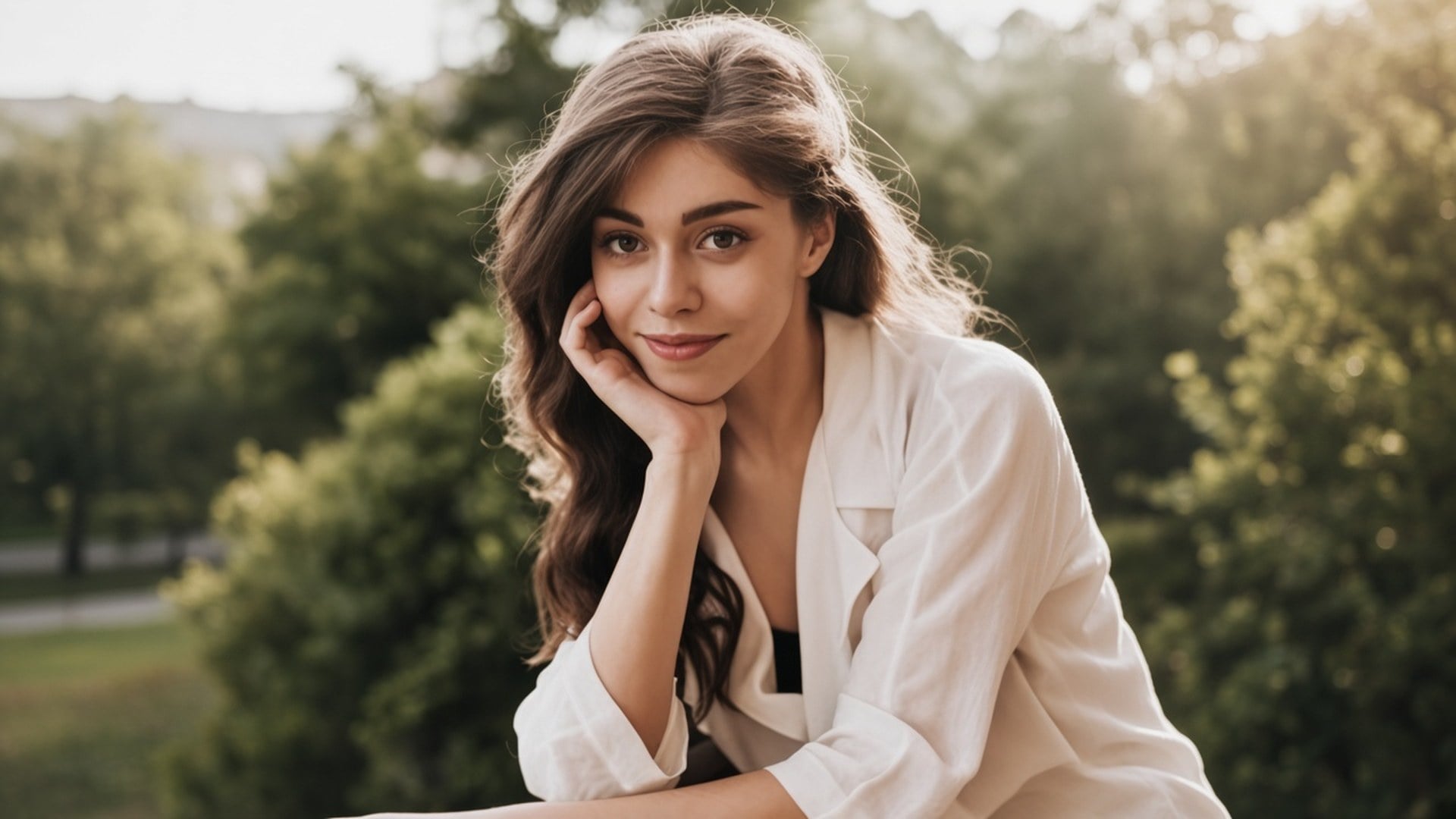
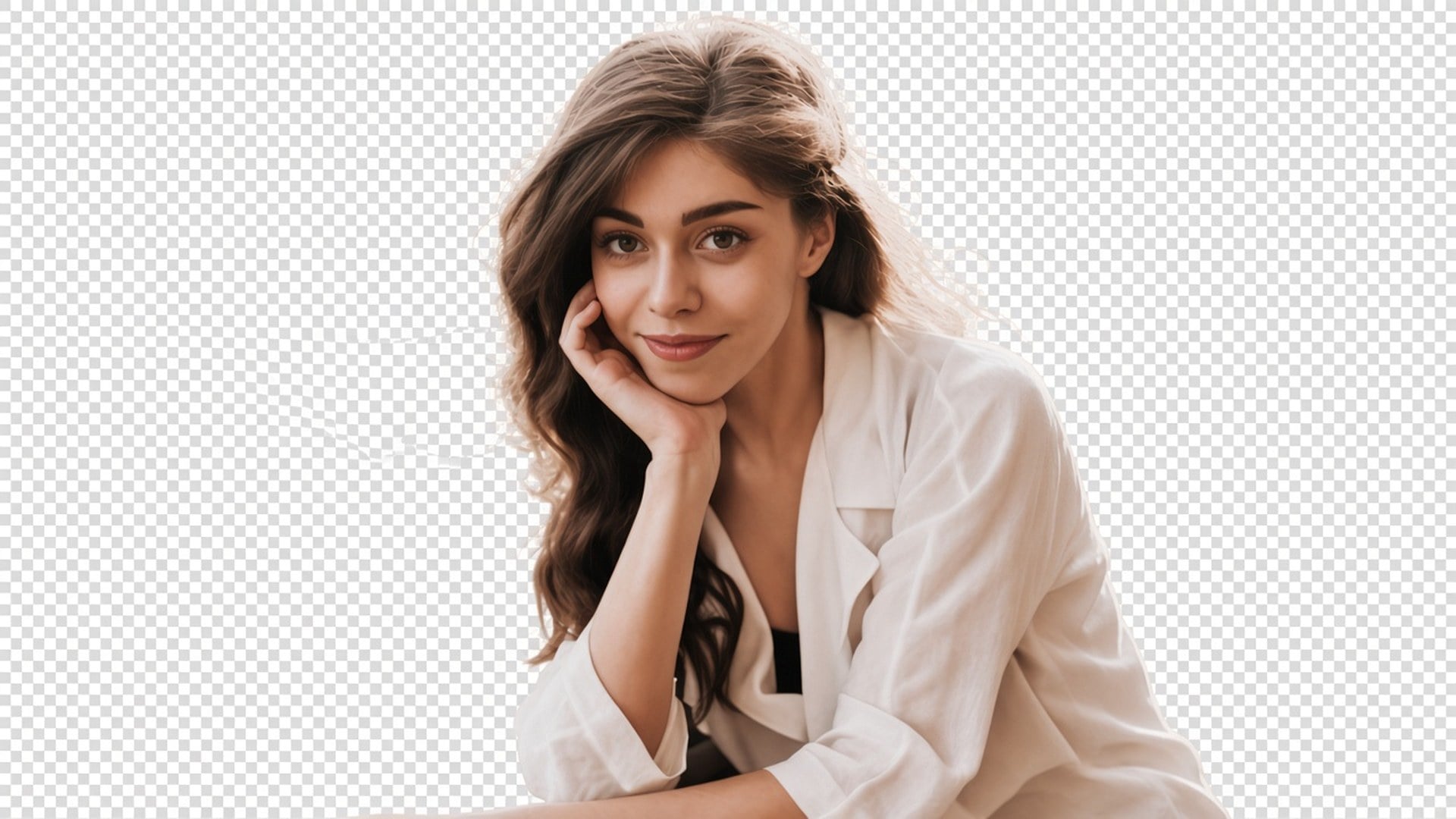
Un détourage ne sert à rien si la personne revient avec un autre visage. Cette passe est faite pour garder pose, vêtements et identité, et pour se concentrer sur le cache. Cheveux et autres contours doux font partie du job. Vous devez pouvoir comparer avant et après et reconnaître encore le même still. S’il vous faut une nouvelle tenue ou une nouvelle expression, c’est une autre page studio.
Essayer maintenant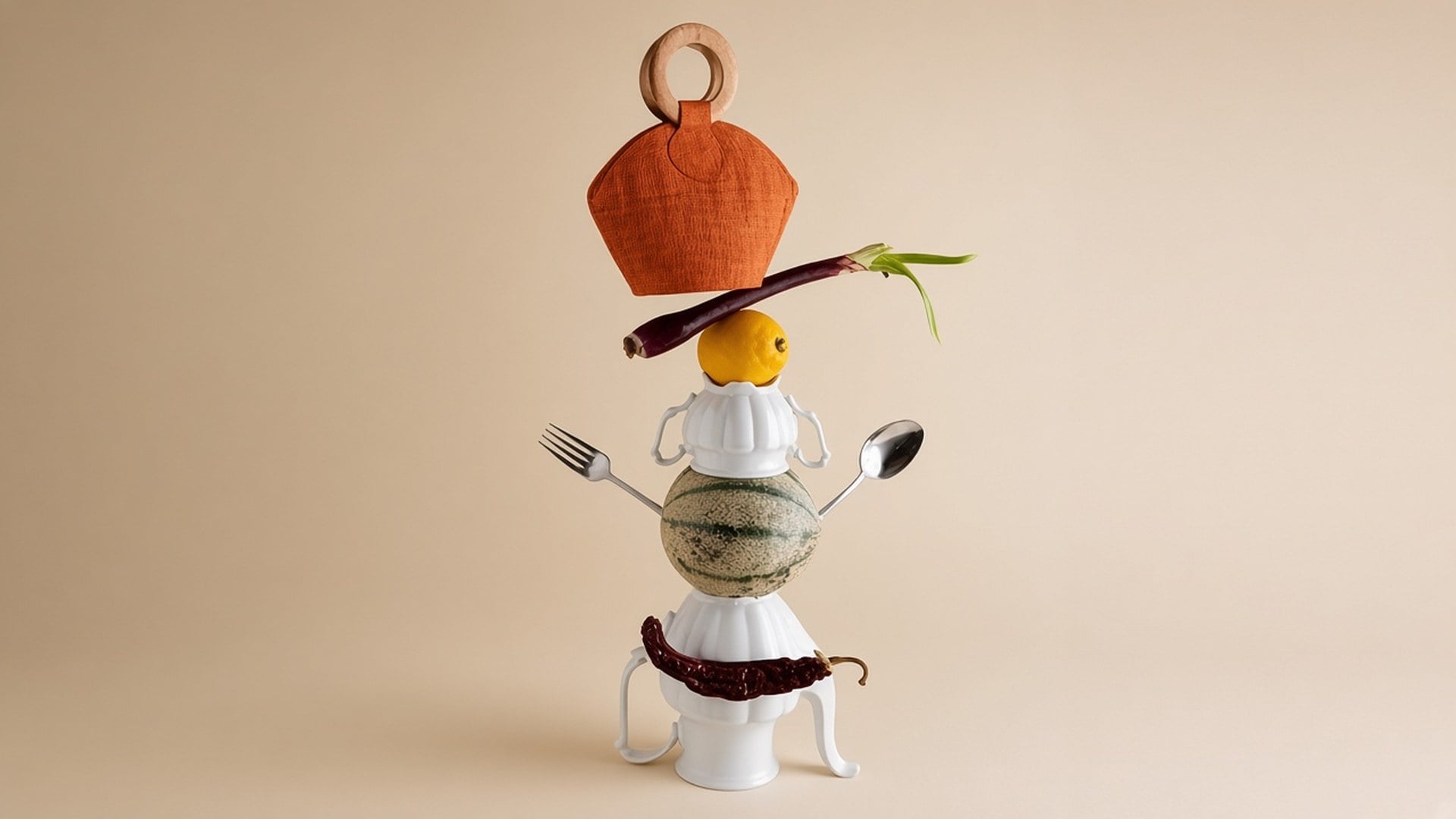
Rien à écrire et pas de puce de couleur de fond. La photo source est le brief. Un prompt inviterait un décor génératif que cette page ne fait pas, donc le champ est masqué. Importez, générez, téléchargez le résultat transparent. Si la source est aussi molle, lancez d’abord Image Enhancer en génération séparée — ce sont deux passes, pas un seul bouton.
Essayer maintenantUn background remover est utile quand la mise en page suivante existe déjà et qu’il vous faut seulement le sujet. Chaque point ci-dessous tient cette promesse : une vraie transparence, un sujet qui reste la photographie, et un fichier à poser sans combattre un remplissage figé.
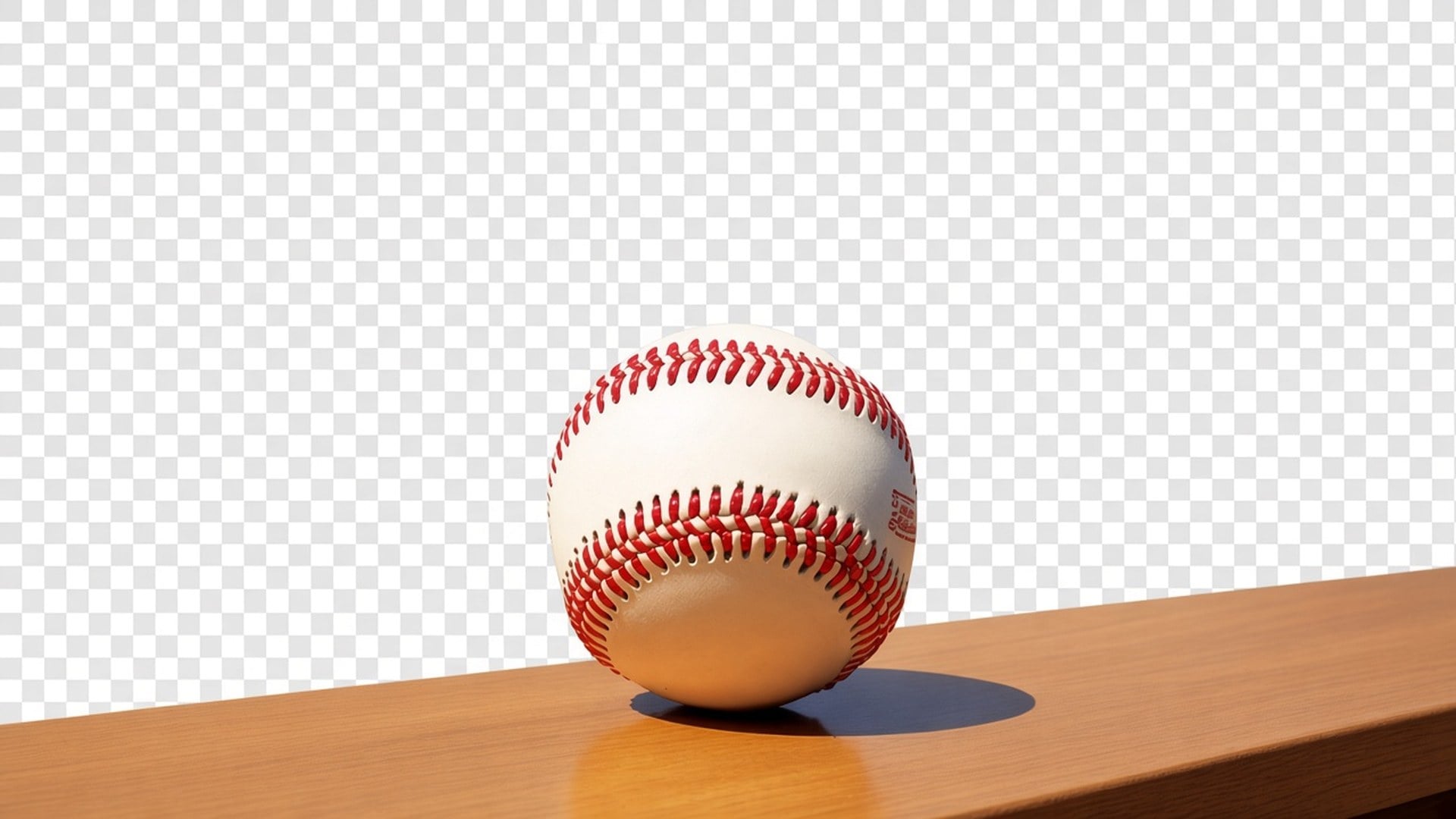
La sortie est un détourage avec alpha, pas un rectangle blanc qui prétend être « retiré ». Posez-le sur une miniature noire, une slide de marque ou une tuile marketplace. On ne promet pas une nouvelle scène derrière la personne. Si une page concurrente vous tend un cyclorama, c’est un autre produit. Celui-ci s’arrête à l’isolation pour que vous gardiez le contrôle de la couche suivante.
Essayer maintenant
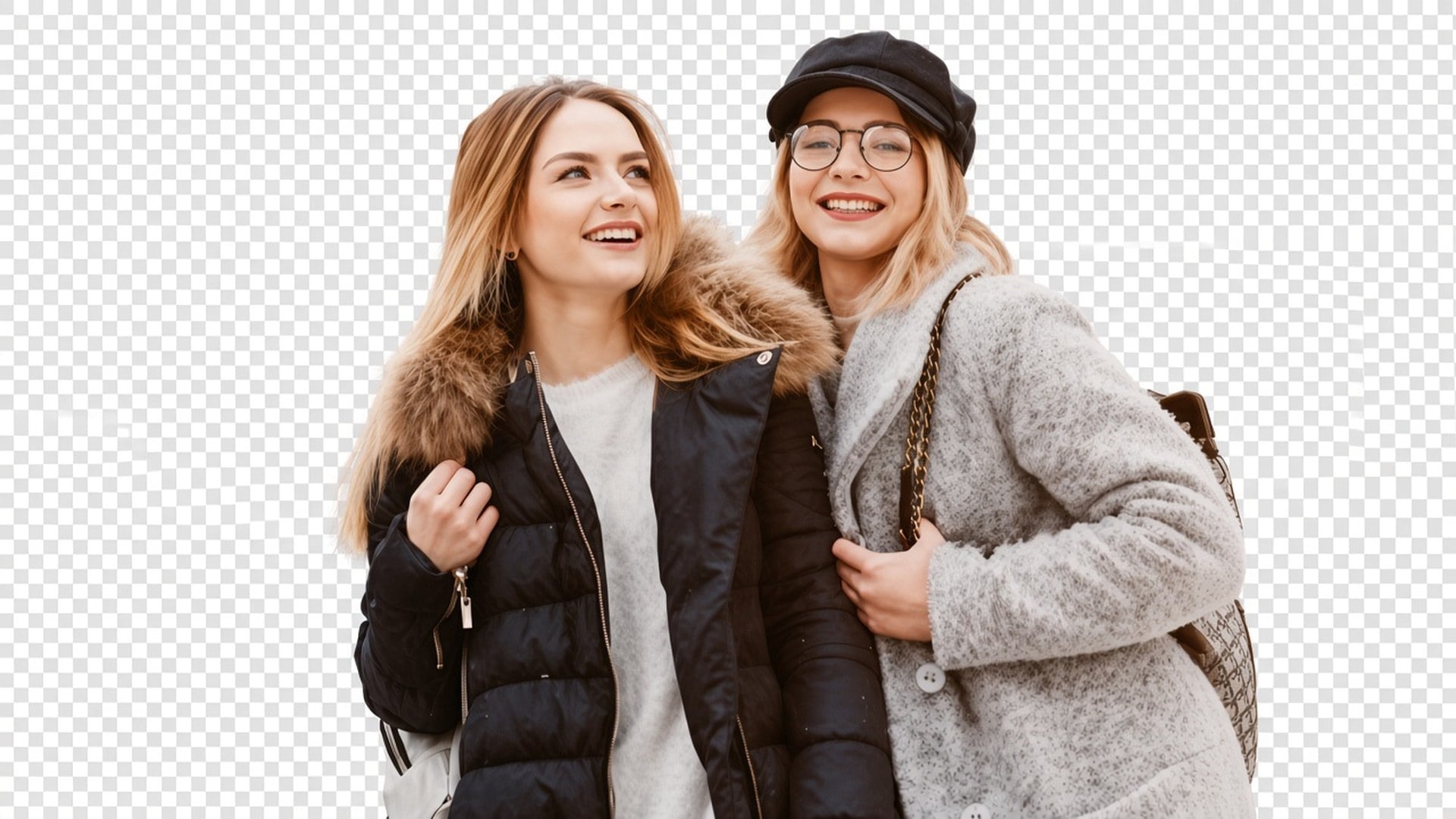
La passe est réglée pour un cache sujet propre, y compris cheveux volants et autres contours doux, sans redessiner le visage. Les résultats dépendent encore du contraste dans la source. Un selfie contre-jour avec les cheveux perdus dans le ciel est plus dur qu’un produit sur une table unie. L’outil n’inventera pas des mèches que le fichier n’a jamais capturées. Partez de la séparation la plus propre que vous avez.
Essayer maintenant
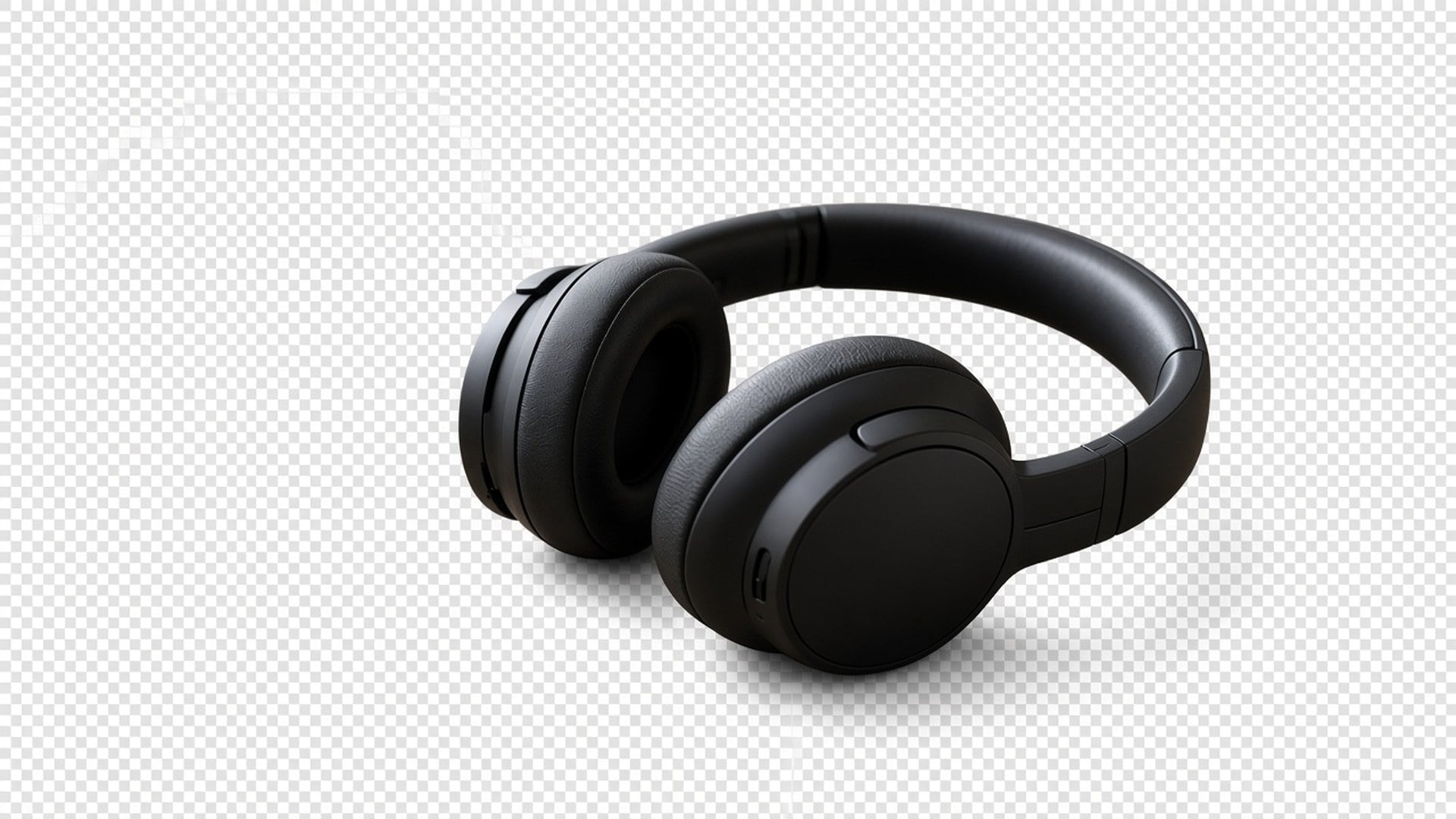
Image Enhancer, Image Upscaler, Unblur Images et Denoise AI partagent une passe de qualité. Cette page non. C’est un détourage séparé. Vous pouvez les enchaîner — affiner, puis isoler — mais chaque génération a son propre coût et son propre résultat. On le dit clairement pour qu’un tableau de fonctionnalités ne prétende pas que cinq URL sont un algorithme.
Essayer maintenant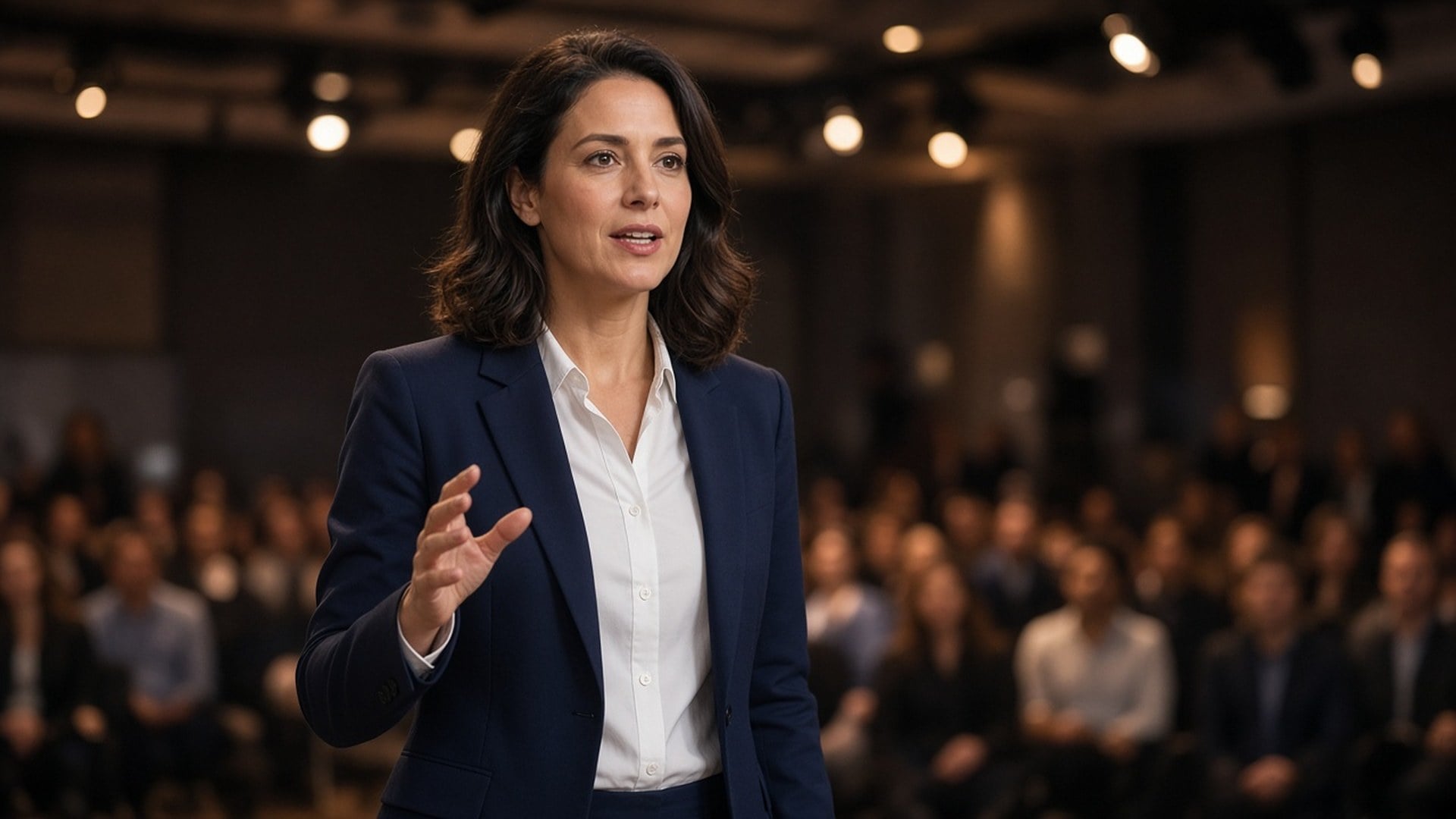
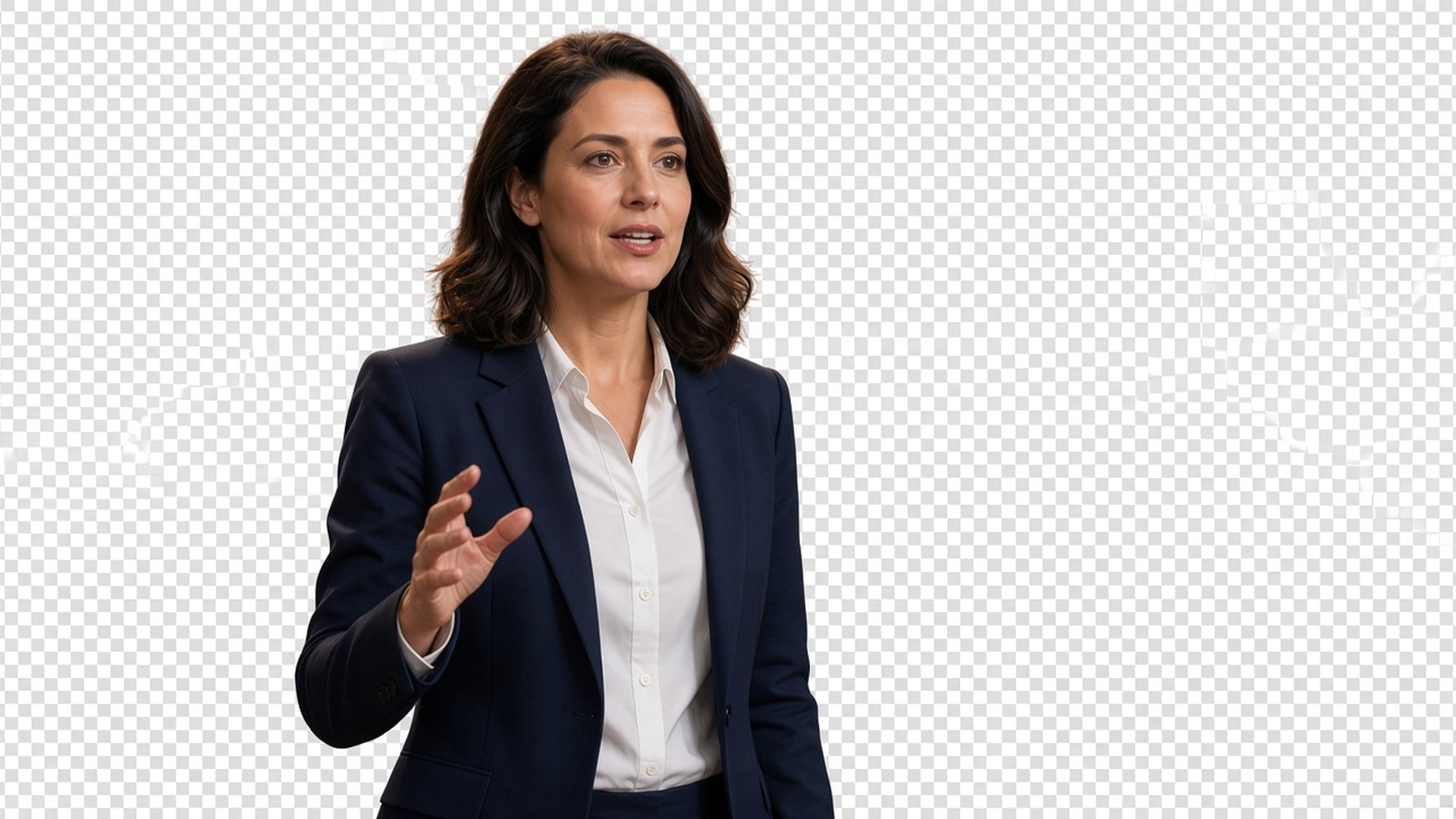
Les résultats sont des stills à télécharger et placer : un créateur sur une miniature, un pack sur une fiche, un intervenant sur une plaque keynote. On ne promet pas une photo catalogue sans retouche ni le sauvetage d’une foule avec cinq personnes qui se chevauchent. Si deux sujets s’emmêlent, recadrez plus serré d’abord. La clarté de la silhouette est le brief.
Essayer maintenantDes détourages produit propres rendent vos photos produit plus lisibles, pour que les acheteurs se concentrent sur l’essentiel et achètent plus sereinement.
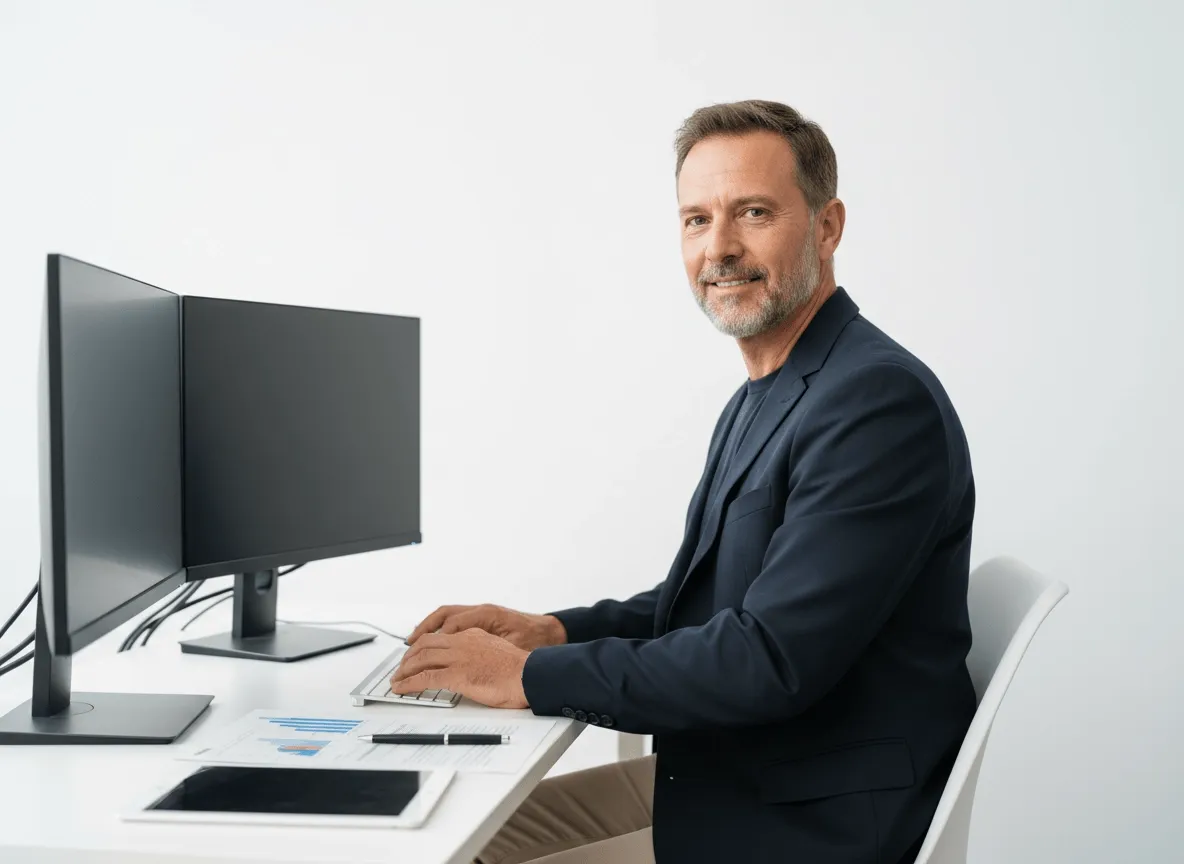
Isolez produits, modèles ou visuels clés pour bannières, pages d’atterrissage et graphismes promo. Les équipes créent des assets plus aboutis avec moins de retouche manuelle.

Retirez les fonds de photos d’acteurs ou de personnages pour vos affiches de film, teasers et designs promo. Le sujet se démarque avec plus d’impact.
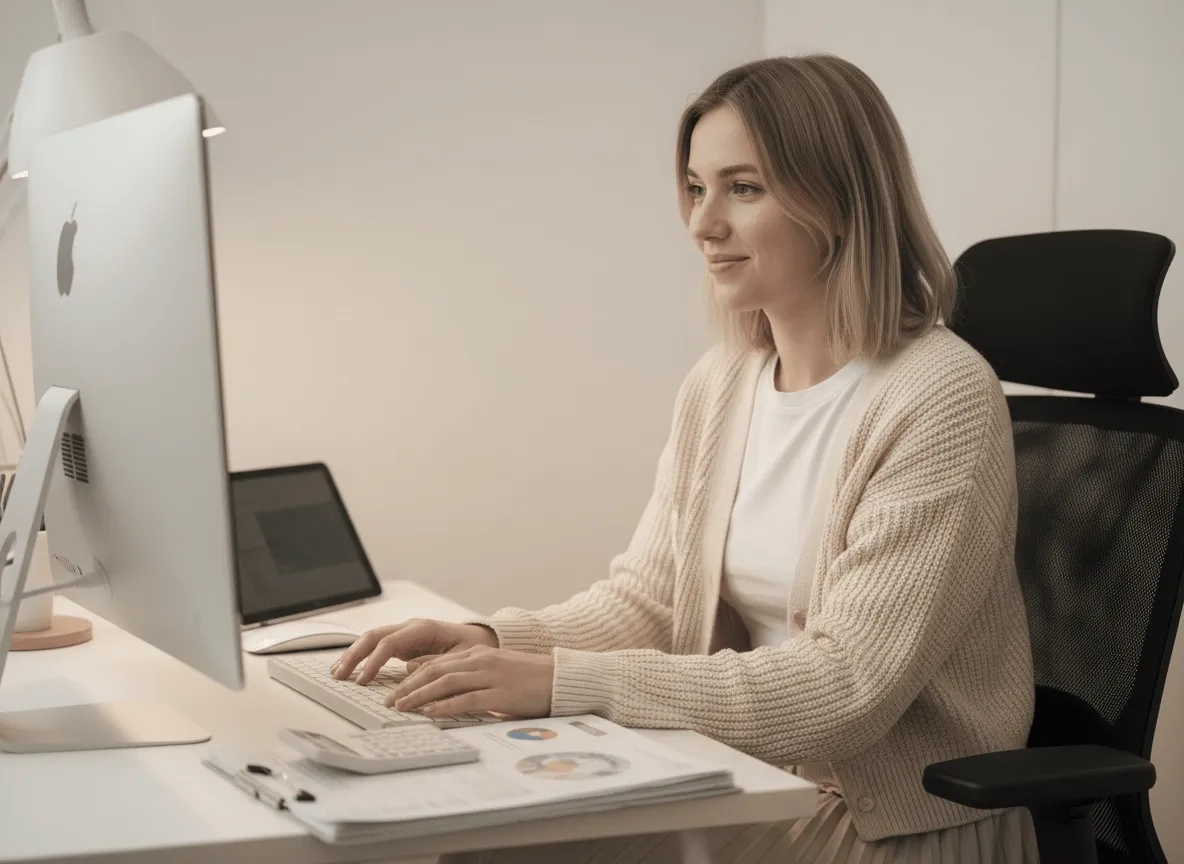
Préparez cadres de personnages, objets ou assets de mouvement pour vos sprite sheets avec des détourages propres. Accélérez la prépa et gardez des visuels plus nets.
Des détourages produit propres rendent vos photos produit plus lisibles, pour que les acheteurs se concentrent sur l’essentiel et achètent plus sereinement.
Isolez produits, modèles ou visuels clés pour bannières, pages d’atterrissage et graphismes promo. Les équipes créent des assets plus aboutis avec moins de retouche manuelle.
Retirez les fonds de photos d’acteurs ou de personnages pour vos affiches de film, teasers et designs promo. Le sujet se démarque avec plus d’impact.
Préparez cadres de personnages, objets ou assets de mouvement pour vos sprite sheets avec des détourages propres. Accélérez la prépa et gardez des visuels plus nets.
Un détourage est rarement la seule question. Restez dans Viralkey Studio pour améliorer le même still, l’agrandir 2×, ou essayer une finition portrait sur le même visage avant d’isoler à nouveau.
Isolez un logo sur fond transparent — la marque reste, le bureau part.

Retrouve de la netteté à la même taille, ou agrandis 2× / 4×.

Agrandis une photo 2× ou 4× et récupère les contours, sans étirer les pixels.

Récupère les contours d’une photo molle ou bougée sans redessiner la scène.
Explorez les modèles leaders pour la vidéo IA, la génération d’images, l’édition et le storytelling cinématographique.

Create Wan 3.0 clips on Viralkey: native 1080p, 2–30 seconds, start/end frames, up to 20 mixed references, and audio generated with the picture.

Créez des clips cinématographiques MiniMax H3 sur Viralkey : 2K natif, jusqu'à 15 secondes, Text to Video, Start/End Frame et jusqu'à neuf images de référence.

Générez de courts clips HD sur Viralkey avec direction début/fin de plan et jusqu'à 50 images de référence. Pensé pour les scènes de clip et les plans de performance.

Create cinematic Seedance 2.0 clips on Viralkey: native 4K, start/end frames, up to nine reference images, and built-in audio with lip-sync.
Notes de créateurs qui ont utilisé cet outil sur de vrais jobs.
Lark Ames
CréateurIl me fallait le pack plus net, pas une nouvelle photo.
1× a gardé le cadrage et nettoyé les contours.
Ned Hollis
Chef de produitMême selfie en 2× pour une affiche.
Plus grand, sans peau plastique.
Oona Pell
PhotographeJ’ai cherché unblur, mais la puce 1× était ce dont j’avais vraiment besoin.
Penn Crowe
YouTubeurDenoise a nettoyé le grain de nuit et gardé la brique.
C’était tout le brief.
Rory Blake
Responsable des réseaux sociauxLe PNG transparent du remover est tombé direct sur une miniature noire.
Shea Quinn
Graphiste4× sur un petit scan d’archive.
Les visages sont restés les mêmes. J’ai juste eu plus de pixels.
Una Marsh
IllustrateurJ’ai arrêté de payer un retoucheur pour « moins mou ».
C’est exactement ce job.
Vaughn Kitts
ConsultantJ’ai passé la puce de 1× à 2× sur la page enhancer.
Même moteur, fichier plus grand.
Wren Sol
InfluenceurLe fond est parti propre autour des cheveux.
Pas d’auréole blanche à masquer à la main.
Le Background Remover Viralkey détoure le sujet principal sur un vrai fond transparent. Vous importez un still et obtenez un détourage type PNG, sans nouvelle scène ni remplissage de couleur unie. Ce n’est pas un échange de décor génératif et ce n’est pas le même moteur que les pages Image Enhancer. Utilisez-le quand il vous faut la personne ou le produit sur alpha, prêt à poser sur une miniature, une slide ou une tuile de fiche.
Il vous faut la personne ou le produit sur alpha, pas un nouveau décor ? Le Background Remover Viralkey détoure le sujet sur un vrai fond transparent — pas de blanc, pas de cyclorama, pas de pièce inventée.