Débruiter basse lumière et photos pro
Affinez photos en basse lumière, poses longues et images à ISO élevé tout en gardant l’essentiel. Soulevez le grain sans aplatir le rendu déjà pris.
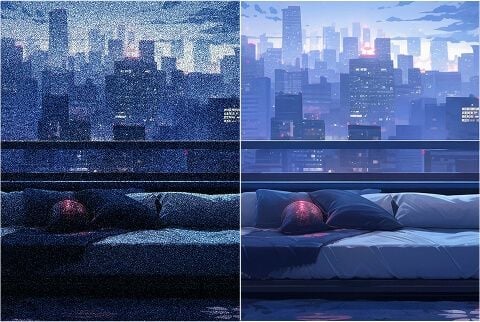
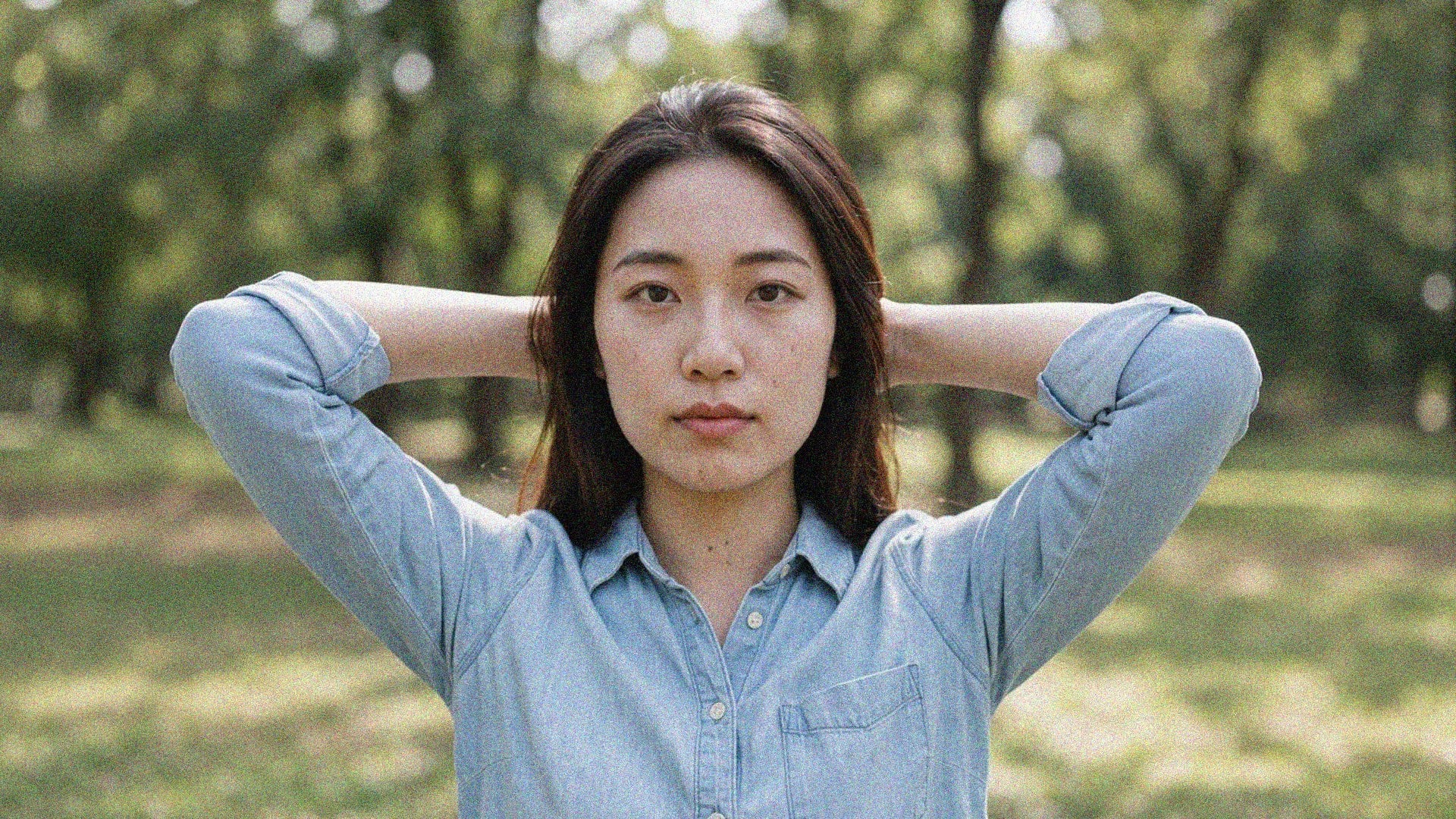
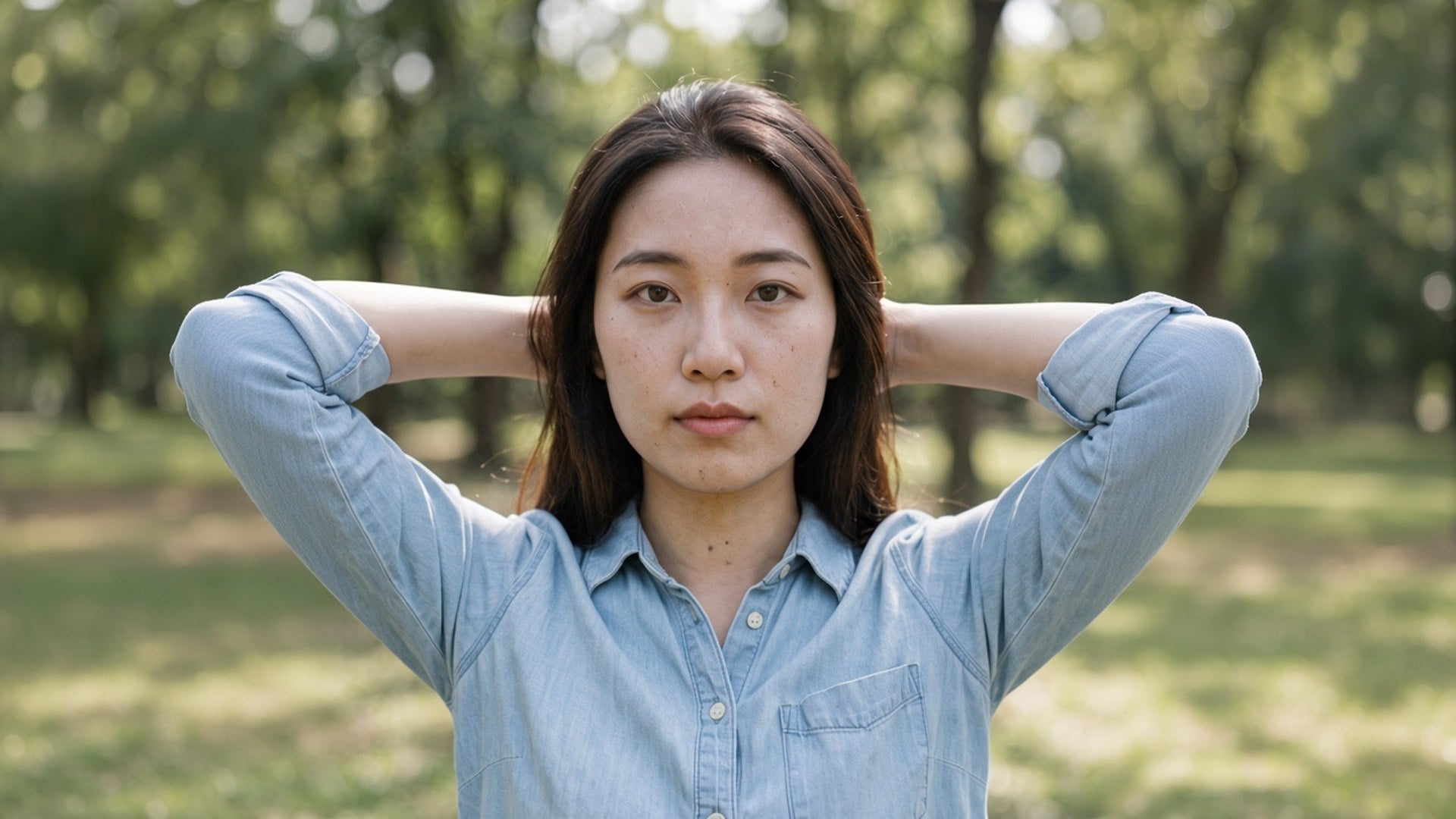
Le grain de nuit et les blocs de compression peuvent encore reposer sur la bonne photographie. La passe Denoise AI de Viralkey nettoie ce bruit en 1×, ou agrandit 2× et 4×, sans inventer un nouveau visage ni une finition plastique.
Denoise AI
Denoise AI en ligne
Le grain de nuit et les blocs de compression peuvent encore reposer sur la bonne photographie. La passe Denoise AI de Viralkey nettoie ce bruit en 1×, ou agrandit 2× et 4×, sans inventer un nouveau visage ni une finition plastique.
Chercher denoise ai veut souvent dire : le plan est juste et le bruit ne l’est pas. Cette page démarre sur « 1× améliorer » pour un nettoyage à la même taille d’abord. « 2× agrandir » et « 4× agrandir » restent sur la puce si vous avez aussi besoin d’un master plus grand. Image Enhancer, Image Upscaler et Unblur Images lancent la même passe — il n’y a pas de réseau denoise séparé derrière cette URL. Changez la puce si la taille était le vrai problème.
Une passe denoise ne sert à rien si l’après est de la cire. Cet outil est fait pour garder brique, tissu, taches de rousseur et typo, et pour se concentrer sur le grain et les blocs de compression qui n’ont rien à y faire. Vous devez pouvoir comparer avant et après. Un fichier déjà en troisième génération de capture ne fera pas pousser une vraie texture jamais capturée. Partez de l’original le plus propre qu’il vous reste.
Essayer maintenant
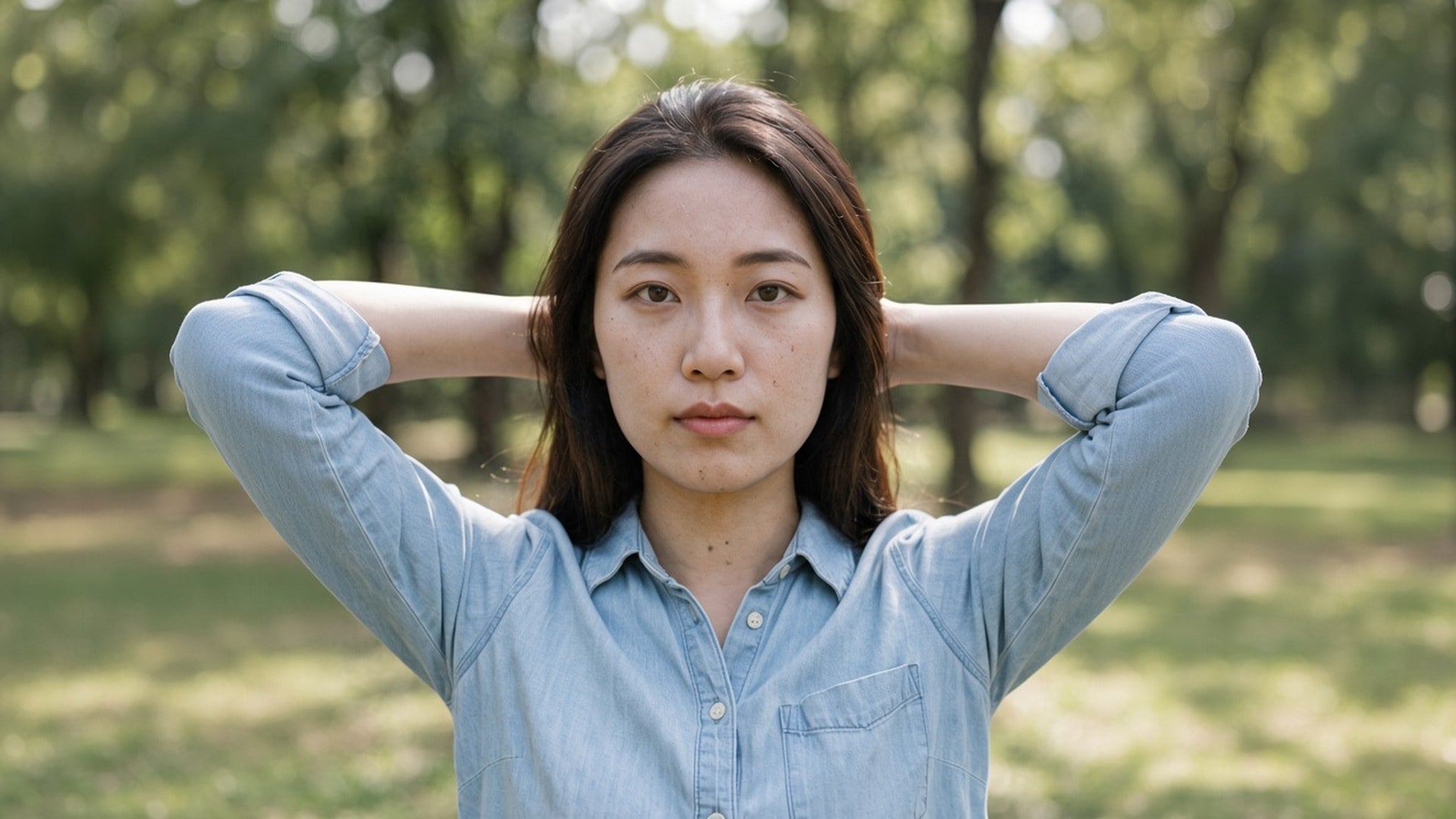
Atterrir ici présélectionne « 1× améliorer » parce que la plupart des recherches denoise portent sur la propreté, pas sur les affiches. Vous pouvez encore tapoter 2× ou 4× quand le fichier est aussi trop petit. Ces trois valeurs sont le même set fermé que la page Image Enhancer. Quatre URL marketing, un moteur. N’attendez pas un modèle de bruit privé derrière ce slug — la vraie différence, c’est la puce par défaut et le wording de la page.
Essayer maintenant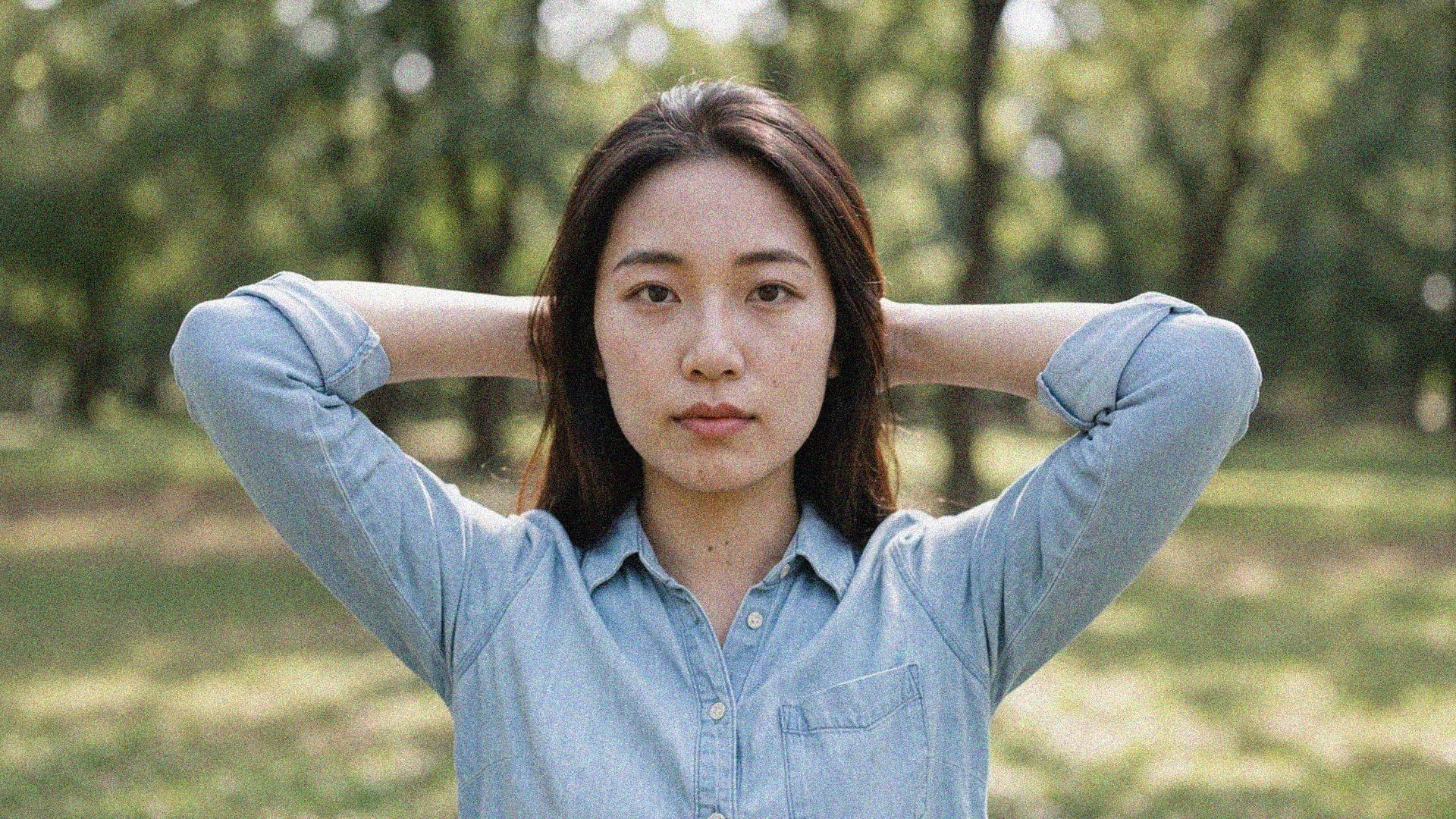
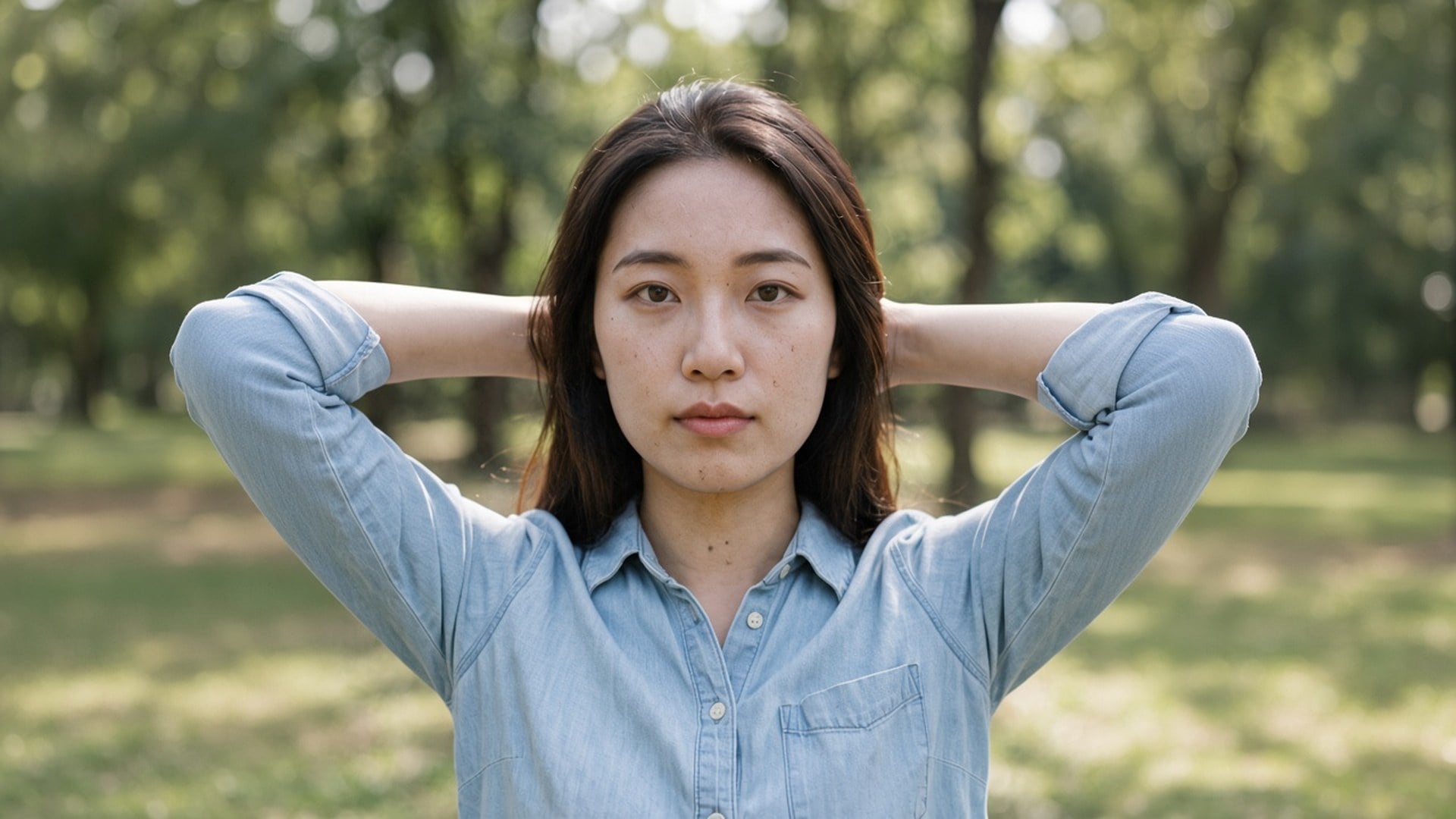
Rien à écrire. La photo source est le brief, et la puce d’échelle est la seule décision. Un prompt inviterait une réécriture générative que cette page ne fait pas, donc le champ est masqué. Importez, laissez 1× ou changez, générez, comparez. Relancez le même fichier en 2× quand le still nettoyé doit aussi remplir un emplacement plus grand.
Essayer maintenantUn outil denoise est utile quand la photographie peut rester elle-même et que seul le grain doit partir. Chaque point ci-dessous tient cette promesse : un défaut à la même taille, un moteur partagé, et un fichier que vous pouvez poser à côté de l’original sans expliquer un visage plastique.
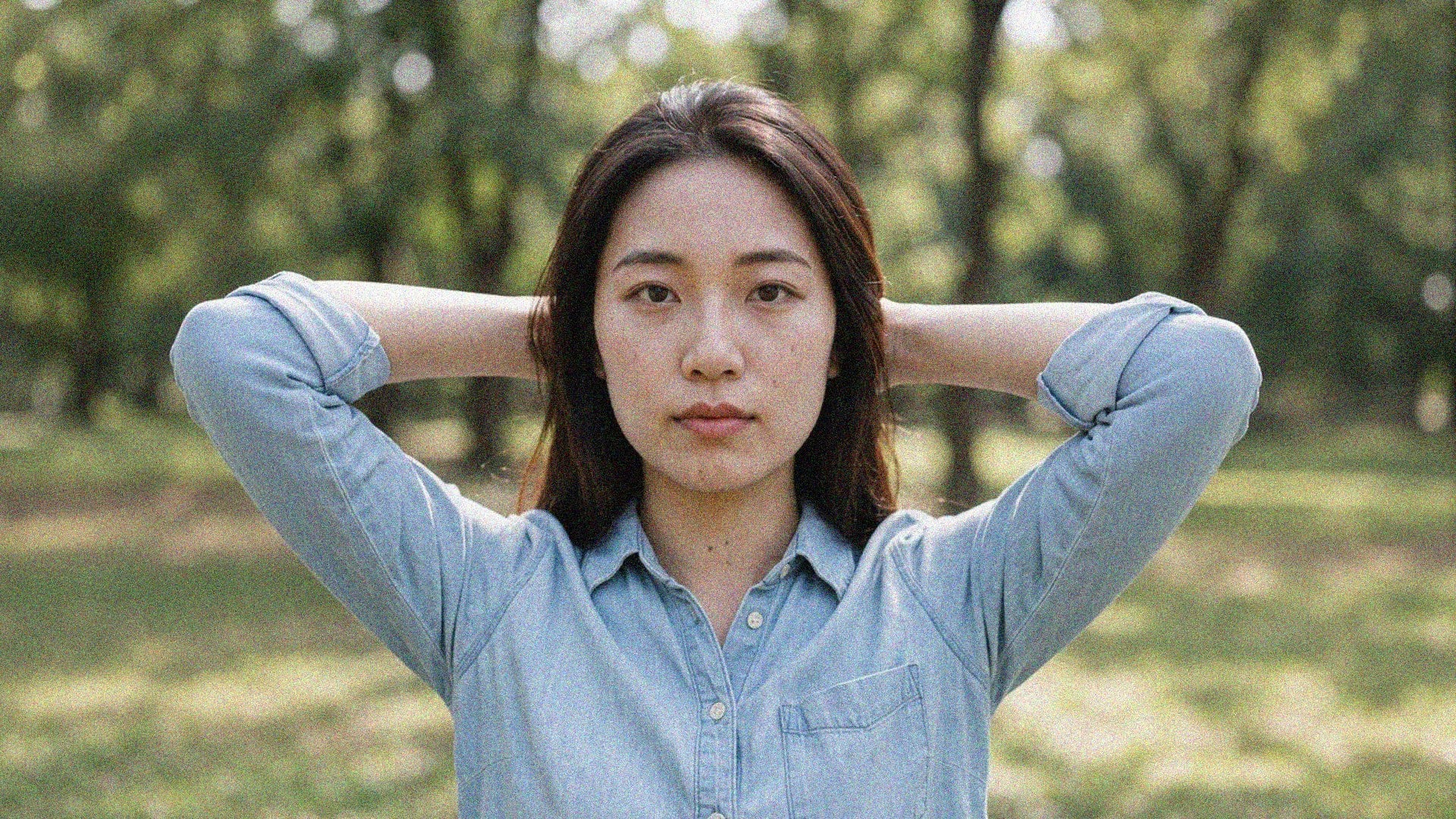
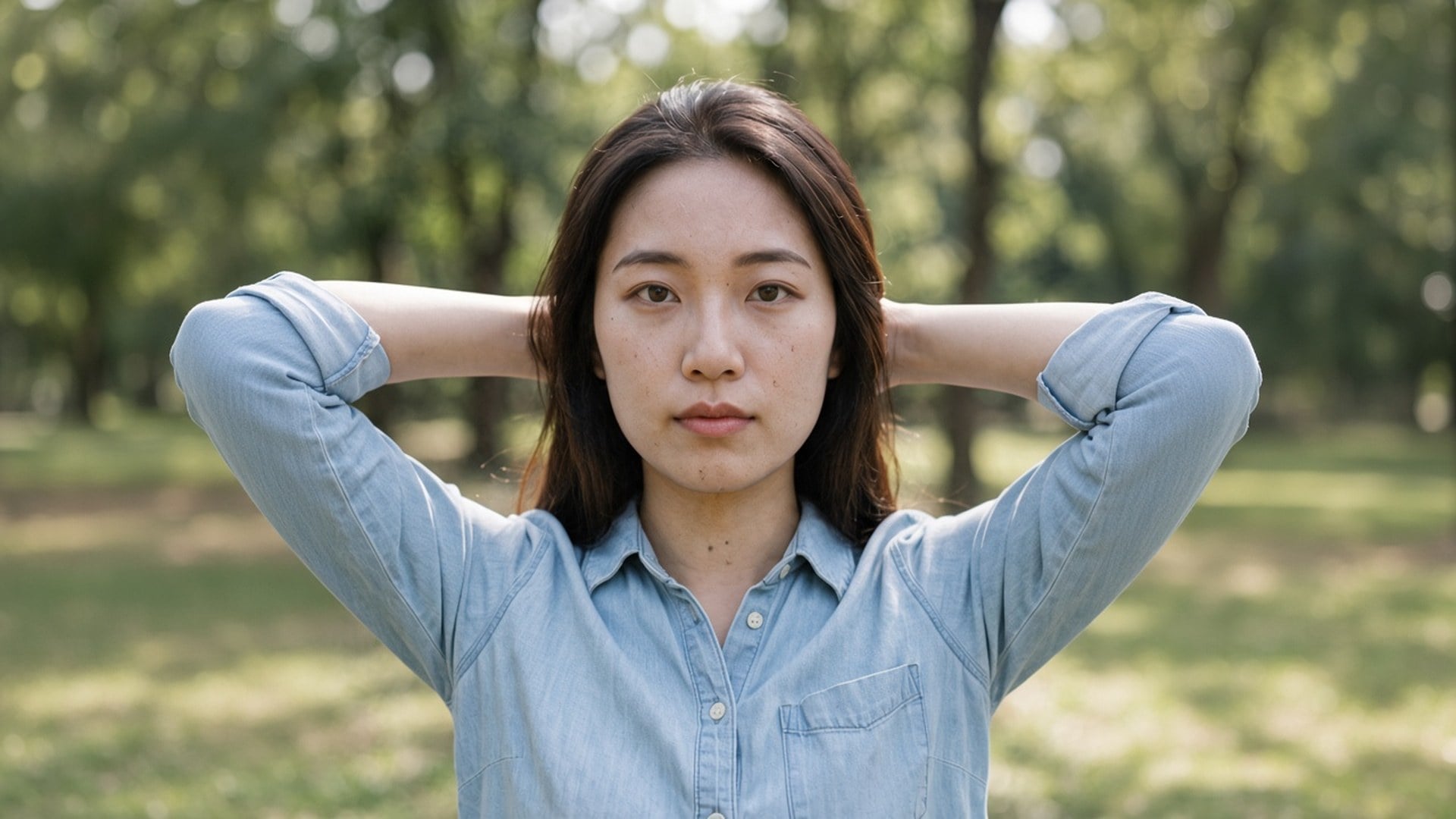
« 1× améliorer » dépense la passe sur le grain et la compression dans le cadre de pixels d’origine. « 2× agrandir » et « 4× agrandir » font le même travail et agrandissent aussi le plus long côté. Pas de curseur d’intensité ni de split « couleur contre luminance », parce que c’est une seule passe de qualité, pas un rayon de modes denoise. Si le bruit est léger, 1× est tout le produit. S’il vous faut aussi une affiche, changez la puce.
Essayer maintenant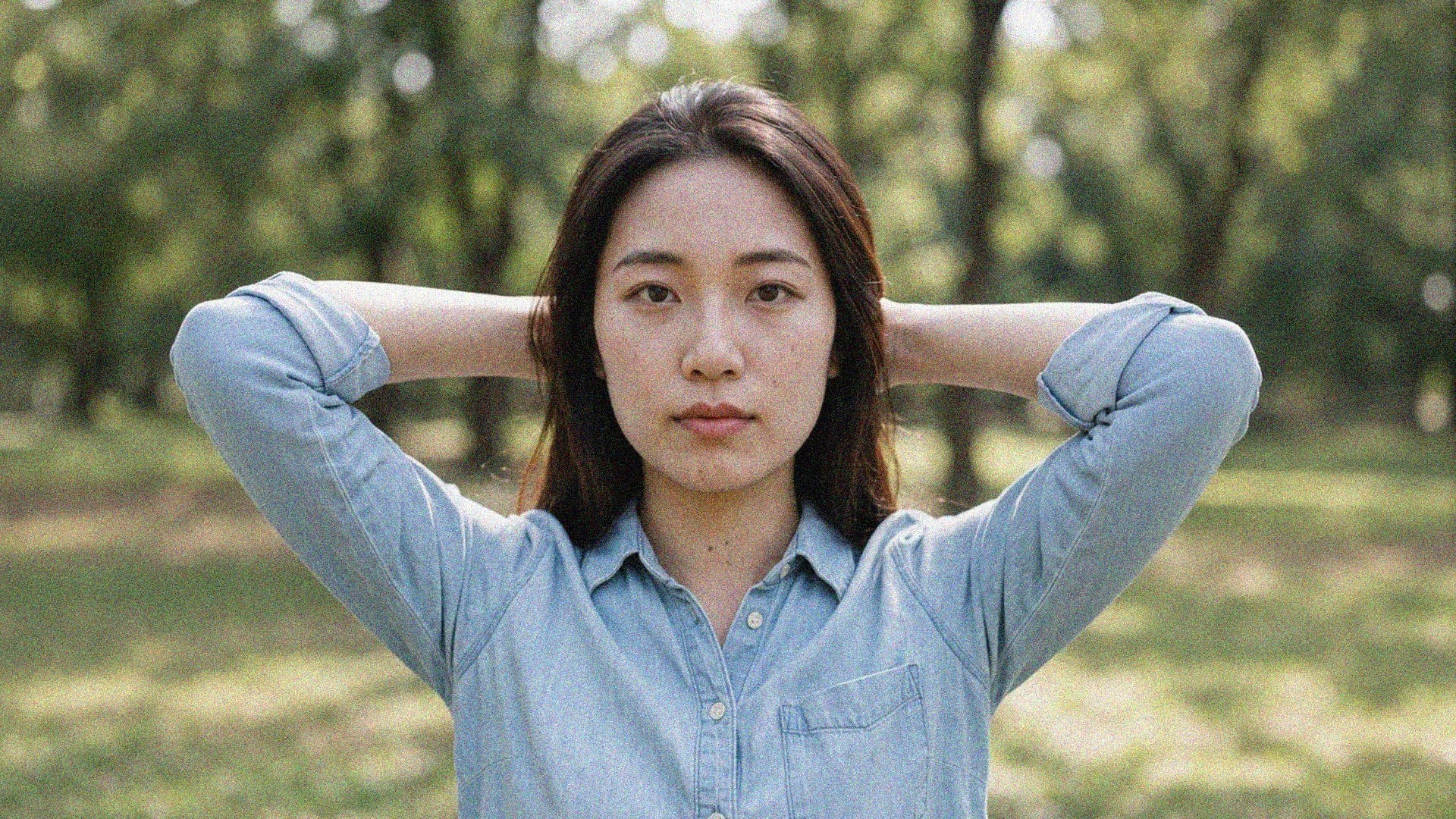
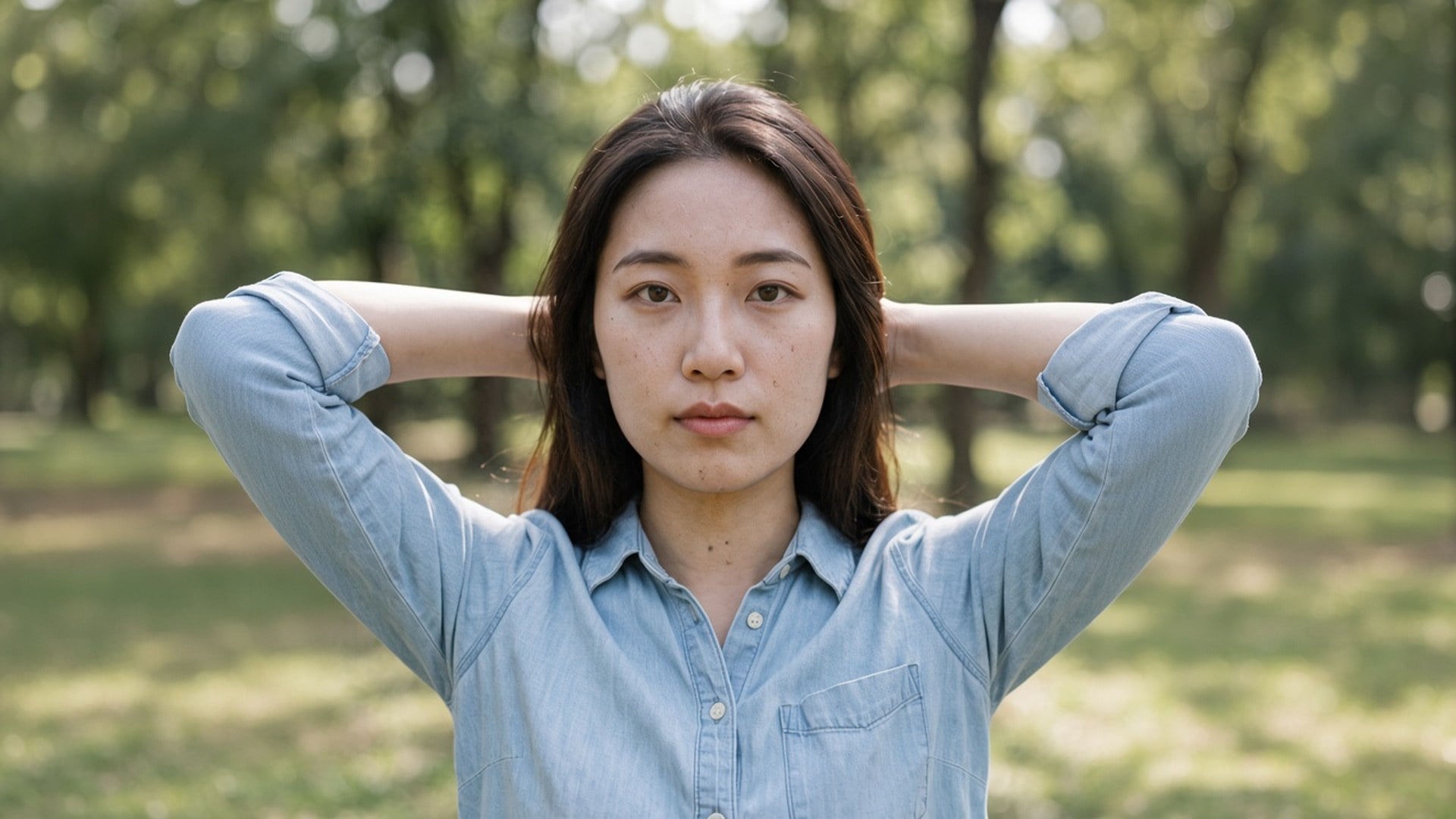
Ce n’est pas un restyle texte-vers-image. La source passe par une passe de qualité et revient comme les mêmes personnes dans la même pièce, avec une lecture plus propre des surfaces. C’est la différence entre « débruite cette photo » et « fais-moi une photo plus lisse de quelqu’un d’autre ». Utilisez un cliché de nuit, un export compressé ou un scan d’archive que vous voulez déjà garder.
Essayer maintenant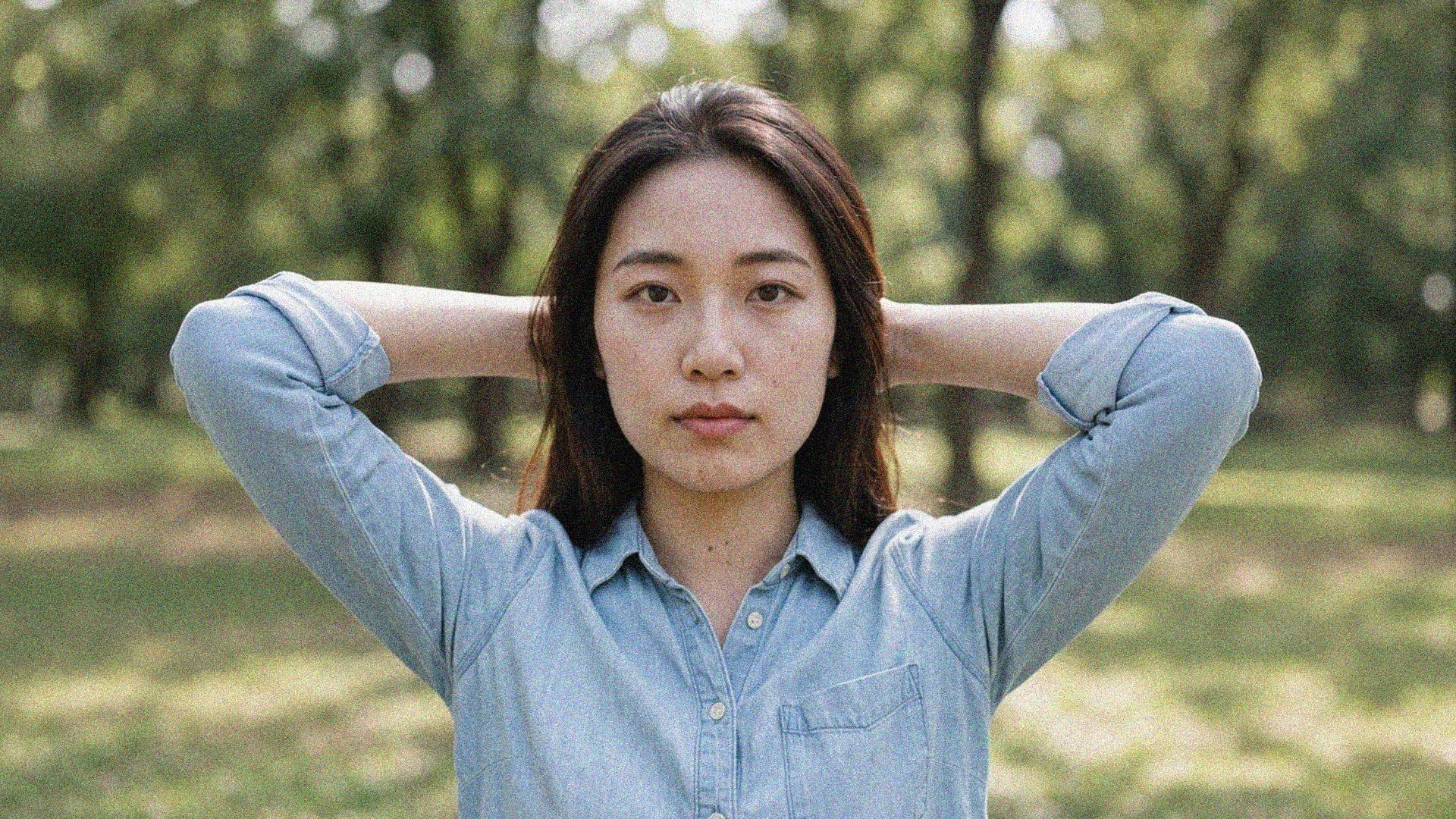
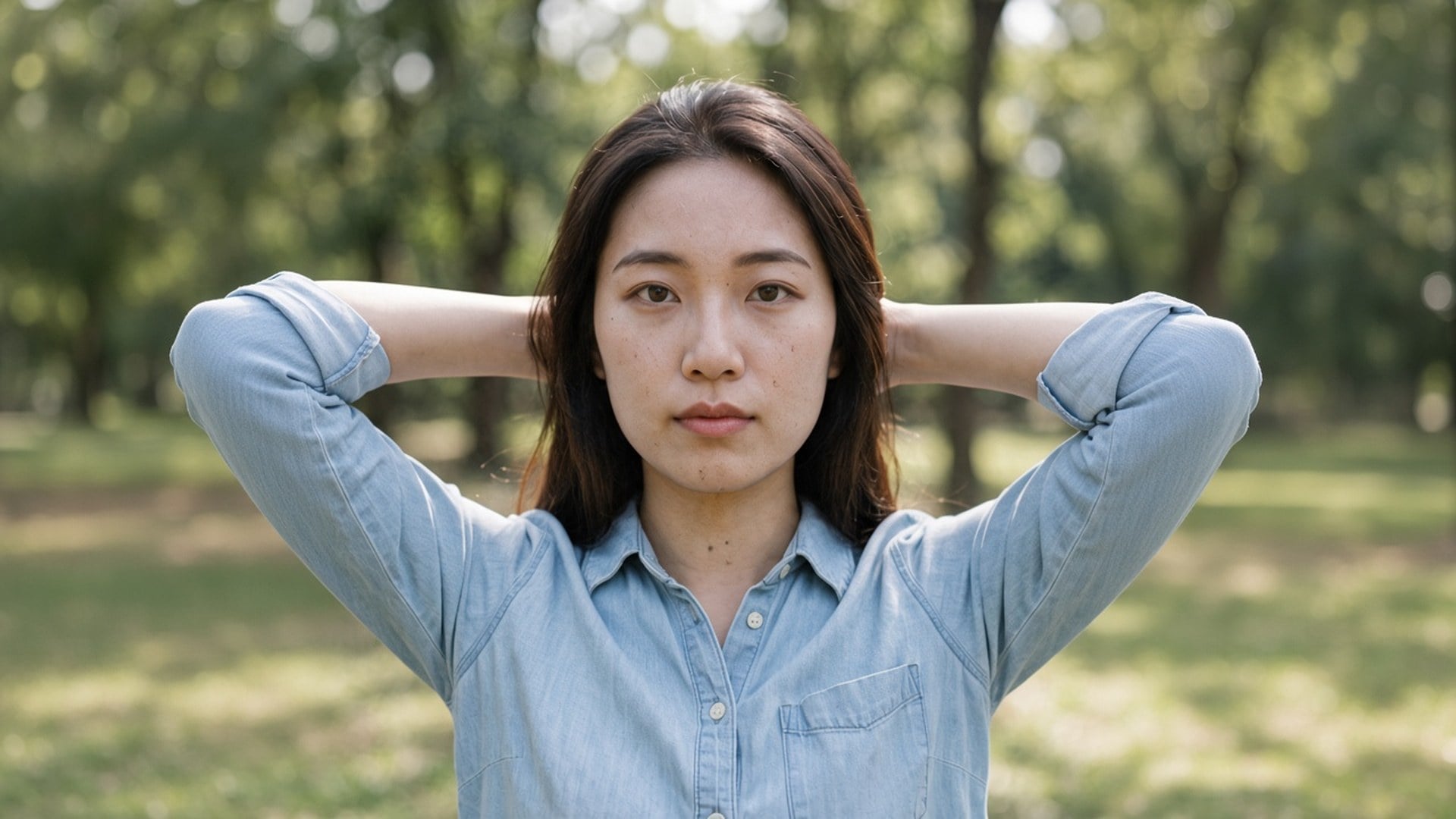
Image Enhancer, Image Upscaler et Unblur Images ne sont pas quatre algorithmes secrets. Ce sont quatre portes vers cette passe, avec des puces par défaut et des titres de recherche différents. Vous pouvez commencer ici en 1× et passer à 2× vous-même. On le dit clairement pour qu’une capture de comparaison ne ressemble pas à quatre produits. Un moteur. Quatre URL. Une échelle honnête.
Essayer maintenant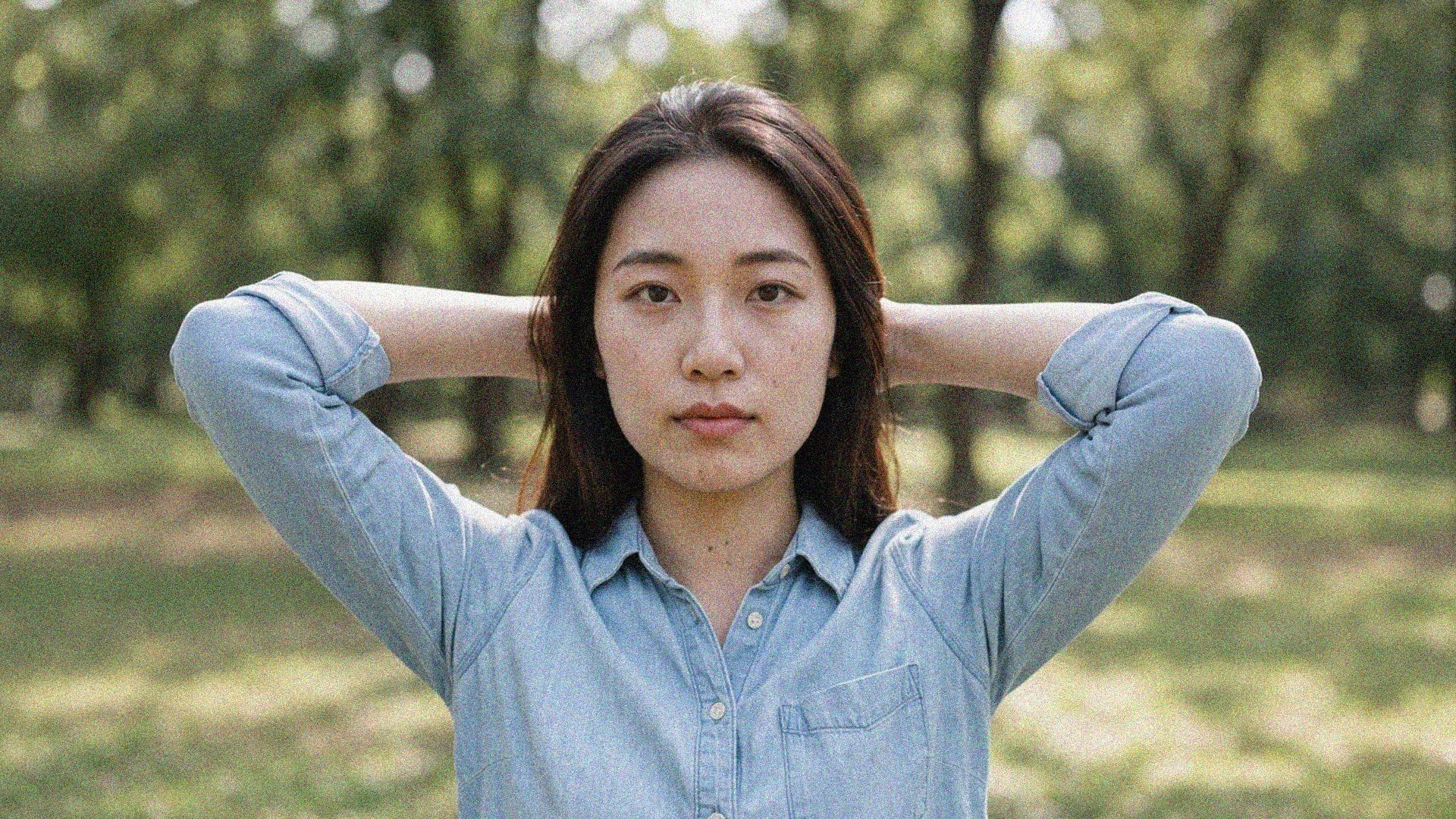
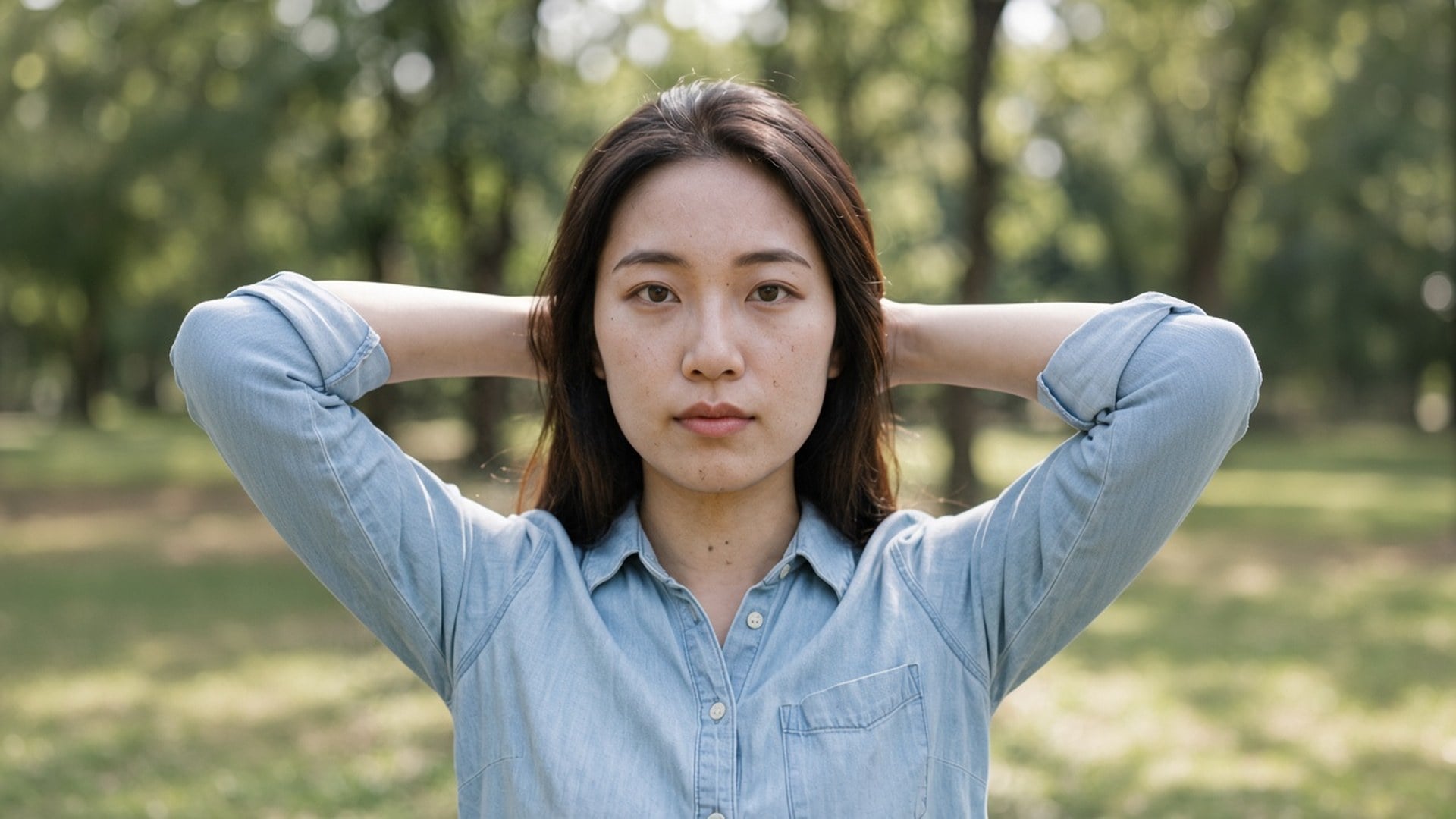
Les résultats sont des fichiers à télécharger : une photo de nuit qui ne rampe plus, une plaque de fiche sans blocs JPEG, un cadre de story qui garde la brique. On ne promet pas de sauver un fichier qui n’est que du bruit. S’il ne reste plus de texture à garder, une deuxième passe n’en inventera pas. Partez de l’original le plus propre, puis choisissez l’échelle dont la destination a besoin.
Essayer maintenantAffinez photos en basse lumière, poses longues et images à ISO élevé tout en gardant l’essentiel. Soulevez le grain sans aplatir le rendu déjà pris.
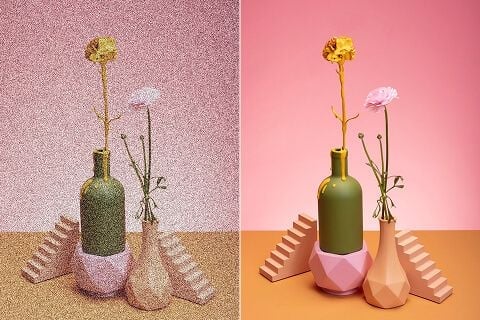
Une photo de fiche bruitée peut faire fuir les acheteurs. Débruitez les photos produit pour que les clients fassent plus confiance à ce qu’ils voient.
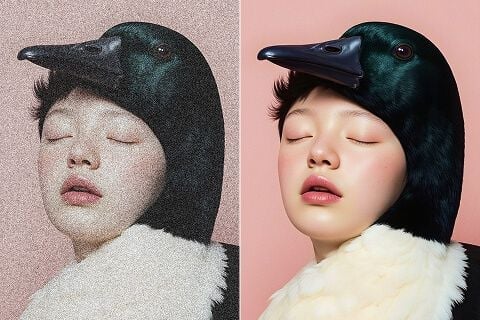
Que vous publiiez, imprimiez des affiches ou conceviez des supports, retirez le grain tout en gardant les textures qui finissent le cadre.
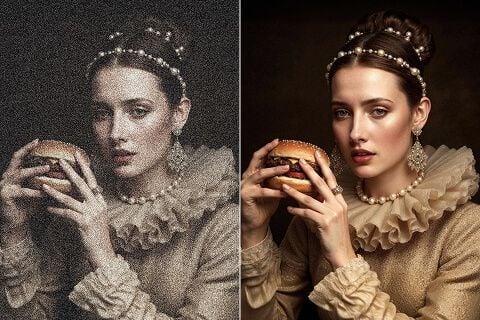
Nettoyez images scannées, photos argentiques et clichés vintage. Éliminez grain et artefacts accumulés tout en gardant les détails qui comptent.
Affinez photos en basse lumière, poses longues et images à ISO élevé tout en gardant l’essentiel. Soulevez le grain sans aplatir le rendu déjà pris.
Une photo de fiche bruitée peut faire fuir les acheteurs. Débruitez les photos produit pour que les clients fassent plus confiance à ce qu’ils voient.
Que vous publiiez, imprimiez des affiches ou conceviez des supports, retirez le grain tout en gardant les textures qui finissent le cadre.
Nettoyez images scannées, photos argentiques et clichés vintage. Éliminez grain et artefacts accumulés tout en gardant les détails qui comptent.
Une passe denoise est rarement la seule question. Restez dans Viralkey Studio pour agrandir le même still, le détourer sur un fond transparent, ou essayer une finition portrait sur le même visage.

Retrouve de la netteté à la même taille, ou agrandis 2× / 4×.

Agrandis une photo 2× ou 4× et récupère les contours, sans étirer les pixels.

Récupère les contours d’une photo molle ou bougée sans redessiner la scène.
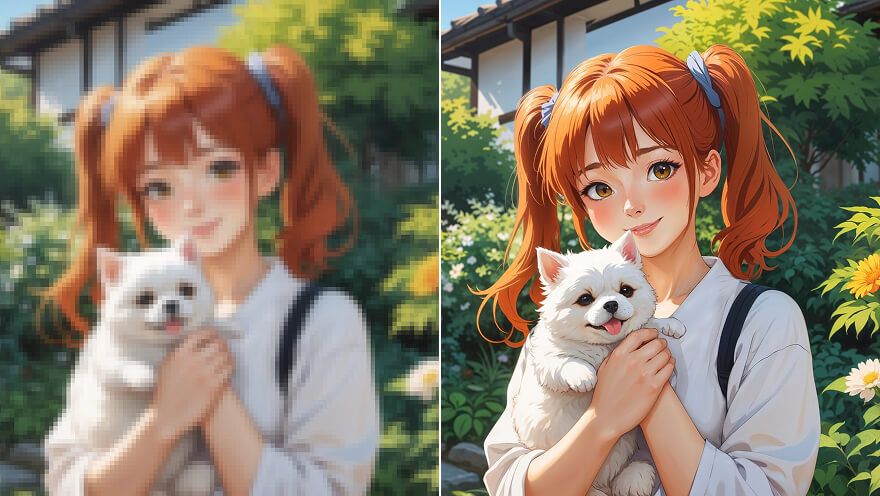
Agrandir un still anime 2× ou 4× et retrouver le trait — même passe que Image Upscaler.
Explorez les modèles leaders pour la vidéo IA, la génération d’images, l’édition et le storytelling cinématographique.

Create Wan 3.0 clips on Viralkey: native 1080p, 2–30 seconds, start/end frames, up to 20 mixed references, and audio generated with the picture.

Créez des clips cinématographiques MiniMax H3 sur Viralkey : 2K natif, jusqu'à 15 secondes, Text to Video, Start/End Frame et jusqu'à neuf images de référence.

Générez de courts clips HD sur Viralkey avec direction début/fin de plan et jusqu'à 50 images de référence. Pensé pour les scènes de clip et les plans de performance.

Create cinematic Seedance 2.0 clips on Viralkey: native 4K, start/end frames, up to nine reference images, and built-in audio with lip-sync.
Notes de créateurs qui ont utilisé cet outil sur de vrais jobs.
Tessa Carr
CréateurIl me fallait le pack plus net, pas une nouvelle photo.
1× a gardé le cadrage et nettoyé les contours.
Cora Pratt
Chef de produitMême selfie en 2× pour une affiche.
Plus grand, sans peau plastique.
Dove Lane
PhotographeJ’ai cherché unblur, mais la puce 1× était ce dont j’avais vraiment besoin.
Eden Shaw
YouTubeurDenoise a nettoyé le grain de nuit et gardé la brique.
C’était tout le brief.
Aurelia Keene
Responsable des réseaux sociauxLe PNG transparent du remover est tombé direct sur une miniature noire.
Haven Bly
Graphiste4× sur un petit scan d’archive.
Les visages sont restés les mêmes. J’ai juste eu plus de pixels.
Indie Ross
IllustrateurJ’ai arrêté de payer un retoucheur pour « moins mou ».
C’est exactement ce job.
Jules Kemp
ConsultantJ’ai passé la puce de 1× à 2× sur la page enhancer.
Même moteur, fichier plus grand.
Kit Navarro
InfluenceurLe fond est parti propre autour des cheveux.
Pas d’auréole blanche à masquer à la main.
Denoise AI est une porte de recherche vers la passe de qualité dédiée de Viralkey. Vous importez un cliché grainé ou compressé, laissez « 1× améliorer » pour nettoyer le bruit à la taille d’origine, ou choisissez « 2× agrandir » / « 4× agrandir » pour agrandir aussi. Ce n’est pas une réécriture générative et ce n’est pas un réseau denoise séparé : Image Enhancer, Image Upscaler et Unblur Images tournent sur le même moteur. Utilisez-le quand le cadre est déjà juste et que seul le bruit est faux.
Le grain de nuit et les blocs de compression peuvent encore reposer sur la bonne photographie. La passe Denoise AI de Viralkey nettoie ce bruit en 1×, ou agrandit 2× et 4×, sans inventer un nouveau visage ni une finition plastique.