Restaurer des souvenirs à partager
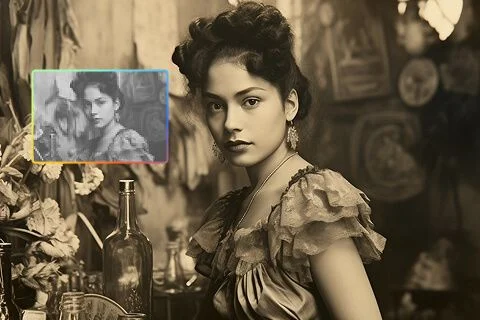
Ramenez d’anciens portraits de famille, photos de voyage et clichés perso avec des visages plus lisibles et plus de détail. Les souvenirs deviennent plus faciles à sauver, imprimer ou partager.
Il vous faut un master plus grand, pas une nouvelle image ? L’Image Upscaler Viralkey agrandit le plus long côté 2× ou 4×, ou restaure la netteté en 1×, sans inventer un nouveau cadrage, visage ou pièce.


Image Upscaler
Image Upscaler en ligne
Il vous faut un master plus grand, pas une nouvelle image ? L’Image Upscaler Viralkey agrandit le plus long côté 2× ou 4×, ou restaure la netteté en 1×, sans inventer un nouveau cadrage, visage ou pièce.
La plupart des upscalers soit bavent les pixels, soit redessinent le plan en silence. Cette page agrandit pour de vrai : « 2× agrandir » double le plus long côté, « 4× agrandir » le quadruple, et « 1× améliorer » garde la boîte et restaure seulement l’acuité. Image Enhancer, Unblur Images et Denoise AI partagent ce moteur — cette URL démarre juste sur 2×. Changez la puce si vous n’aviez besoin que d’un rafraîchissement à la même taille.
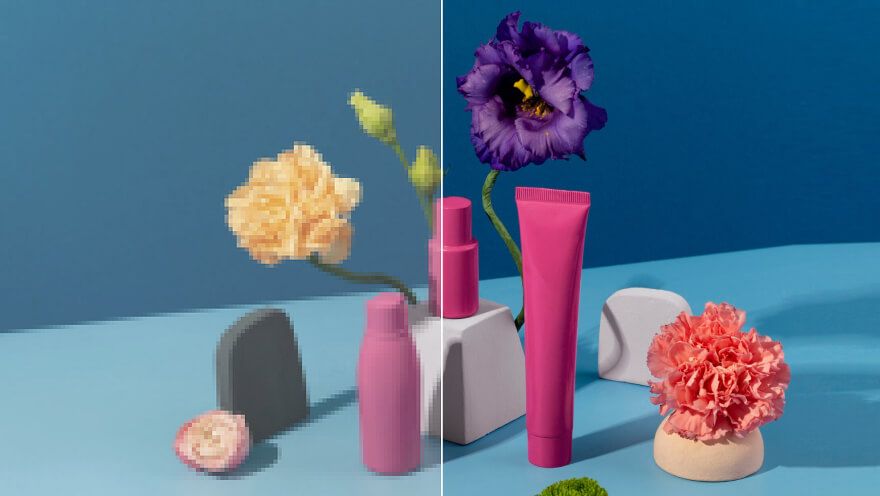
Un agrandissement ne sert à rien si l’après est une autre personne dans une autre pièce. Cette passe est faite pour garder mobilier, typo et visages où ils étaient, et pour dépenser les pixels en plus sur les contours et la texture. Vous devez pouvoir poser avant et après sur une slide. Si vous vouliez une nouvelle composition, vous n’êtes pas sur le bon outil. Celui-ci est pour le still déjà cadré dont vous avez maintenant besoin en plus grand.
Essayer maintenant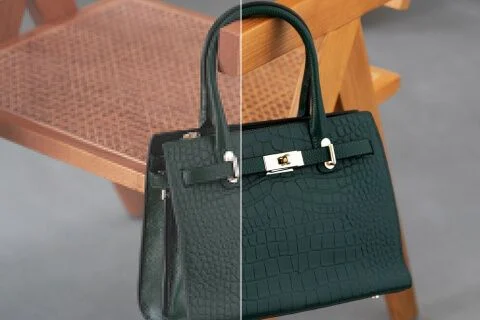
Atterrir ici présélectionne « 2× agrandir » pour qu’une recherche image upscaler ne vous dépose pas sur une puce à la même taille. Vous pouvez encore tapoter « 1× améliorer » quand le fichier est déjà énorme, ou « 4× agrandir » quand un petit still d’archive doit remplir une affiche. Ces trois valeurs sont le même set fermé que la page Image Enhancer. Il n’y a pas de « modèle upscaler » caché contre un « modèle enhancer ». Une passe. Trois tailles.
Essayer maintenant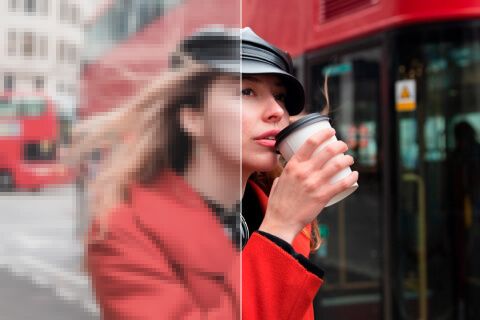
Rien à écrire. La photo source est le brief, et la puce d’échelle est la seule décision. Un champ prompt inviterait une réécriture générative que cette page ne fait pas, donc le champ est masqué. Importez, confirmez 2× ou changez, générez, comparez. Relancez le même fichier en 4× quand le premier agrandissement reste trop court pour l’emplacement où vous publiez.
Essayer maintenantUn image upscaler est utile quand la destination a besoin de plus de pixels et que la photographie doit rester elle-même. Chaque point ci-dessous tient cette promesse : un vrai agrandissement, un moteur partagé avec les pages sœurs, et un fichier que vous pouvez poser à côté de l’original.
« 2× agrandir » et « 4× agrandir » changent la boîte de pixels. Ils ne zooment pas un aperçu et n’inventent pas un cadrage plus serré. « 1× améliorer » est encore là le jour où la source est déjà grande et où vous voulez seulement une lecture plus propre. Si le plus long côté après échelle dépasserait le plafond de taille, restez sur une puce plus petite. La limite est sur le formulaire ; l’outil ne réduira pas en silence un 4× que vous ne pouvez pas avoir.
Essayer maintenant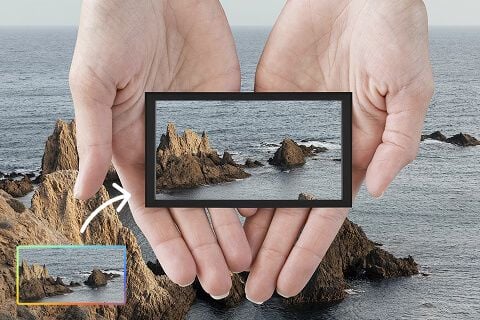
Ce n’est pas un restyle texte-vers-image. La source passe par une passe de qualité et revient comme les mêmes personnes dans la même pièce, avec plus de pixels à dépenser. C’est la différence entre « agrandis cette photo » et « fais-moi une meilleure photo ». Utilisez un portrait, une plaque produit ou un scan que vous voulez déjà garder. Nouveaux fonds et nouvelles poses vivent sur d’autres pages studio.
Essayer maintenant
Quatre URL, une passe. On le dit clairement pour qu’un tableau de fonctionnalités ne prétende pas que vous avez acheté quatre algorithmes. Unblur et Denoise démarrent sur 1× parce que ces recherches portent sur l’acuité, pas la taille. Cette page démarre sur 2× parce que vous avez demandé un agrandissement. Vous pouvez croiser les puces vous-même. L’après à une échelle donnée doit correspondre, quelle que soit la page sœur de départ.
Essayer maintenant
Les résultats sont des stills à télécharger : une plaque de fiche plus grande, un fichier affiche, un master de story qui survit à un recadrage. On ne promet pas la perfection labo ni le sauvetage d’un fichier sans détail restant. Si la source est une capture lourde d’une capture, un second 4× n’inventera pas une typo jamais là. Partez de l’original le plus propre, puis choisissez l’échelle dont l’emplacement a besoin.
Essayer maintenantRamenez d’anciens portraits de famille, photos de voyage et clichés perso avec des visages plus lisibles et plus de détail. Les souvenirs deviennent plus faciles à sauver, imprimer ou partager.

Transformez vos photos produit trop petites en visuels plus fiables pour pubs, fiches et promotions. Les acheteurs voient les détails plus vite et achètent plus sereinement.
Améliorez photos de graffiti, street art, affiches et autres visuels créatifs avec des lignes plus nettes et des textures plus propres. Votre travail se démarque mieux dans un flux chargé.
Affinez clipart, icônes et graphismes simples en assets plus propres pour le vrai travail de design. Présentations, contenus sociaux et supports marketing sans tout recommencer.
Ramenez d’anciens portraits de famille, photos de voyage et clichés perso avec des visages plus lisibles et plus de détail. Les souvenirs deviennent plus faciles à sauver, imprimer ou partager.
Transformez vos photos produit trop petites en visuels plus fiables pour pubs, fiches et promotions. Les acheteurs voient les détails plus vite et achètent plus sereinement.
Améliorez photos de graffiti, street art, affiches et autres visuels créatifs avec des lignes plus nettes et des textures plus propres. Votre travail se démarque mieux dans un flux chargé.
Affinez clipart, icônes et graphismes simples en assets plus propres pour le vrai travail de design. Présentations, contenus sociaux et supports marketing sans tout recommencer.
Un agrandissement est rarement la seule question. Restez dans Viralkey Studio pour restaurer le même still en 1×, le détourer sur un fond transparent, ou essayer une finition portrait sur le même visage.

Retrouve de la netteté à la même taille, ou agrandis 2× / 4×.

Récupère les contours d’une photo molle ou bougée sans redessiner la scène.
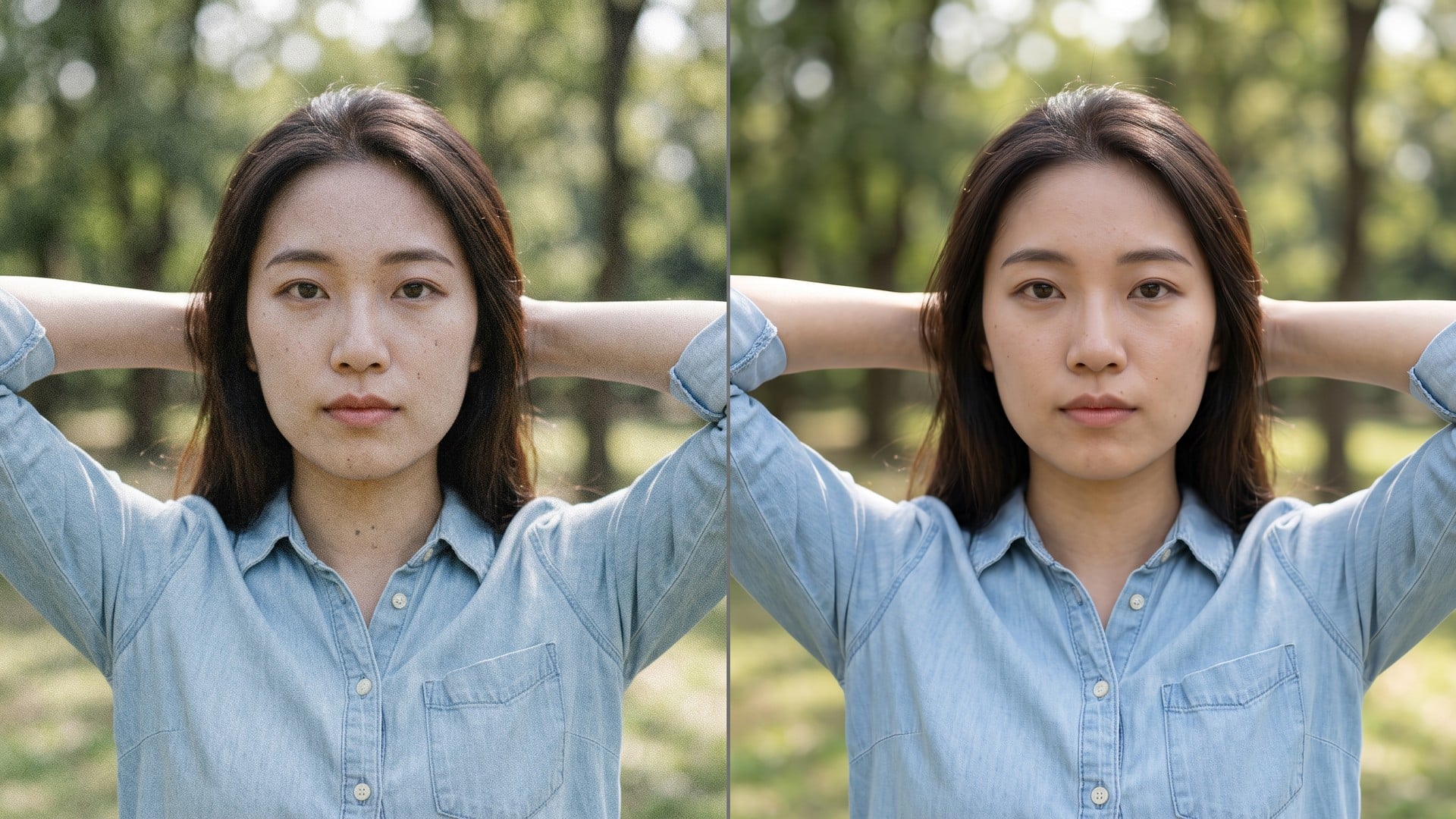
Nettoie grain et compression tout en gardant la vraie texture du cadre.
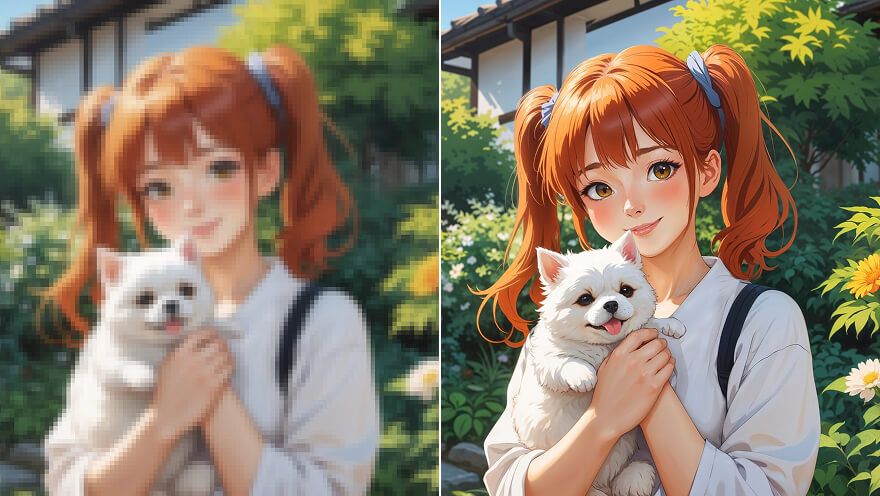
Agrandir un still anime 2× ou 4× et retrouver le trait — même passe que Image Upscaler.
Explorez les modèles leaders pour la vidéo IA, la génération d’images, l’édition et le storytelling cinématographique.

Create Wan 3.0 clips on Viralkey: native 1080p, 2–30 seconds, start/end frames, up to 20 mixed references, and audio generated with the picture.

Créez des clips cinématographiques MiniMax H3 sur Viralkey : 2K natif, jusqu'à 15 secondes, Text to Video, Start/End Frame et jusqu'à neuf images de référence.

Générez de courts clips HD sur Viralkey avec direction début/fin de plan et jusqu'à 50 images de référence. Pensé pour les scènes de clip et les plans de performance.

Create cinematic Seedance 2.0 clips on Viralkey: native 4K, start/end frames, up to nine reference images, and built-in audio with lip-sync.
Notes de créateurs qui ont utilisé cet outil sur de vrais jobs.
Zane Pell
CréateurIl me fallait le pack plus net, pas une nouvelle photo.
1× a gardé le cadrage et nettoyé les contours.
Briar Holt
Chef de produitMême selfie en 2× pour une affiche.
Plus grand, sans peau plastique.
Cleo Marsh
PhotographeJ’ai cherché unblur, mais la puce 1× était ce dont j’avais vraiment besoin.
Dax Keane
YouTubeurDenoise a nettoyé le grain de nuit et gardé la brique.
C’était tout le brief.
Hadrian Pike
Responsable des réseaux sociauxLe PNG transparent du remover est tombé direct sur une miniature noire.
Frost Renn
Graphiste4× sur un petit scan d’archive.
Les visages sont restés les mêmes. J’ai juste eu plus de pixels.
Gwyneth Blair
IllustrateurJ’ai arrêté de payer un retoucheur pour « moins mou ».
C’est exactement ce job.
Ivo Stern
ConsultantJ’ai passé la puce de 1× à 2× sur la page enhancer.
Même moteur, fichier plus grand.
Joss Vale
InfluenceurLe fond est parti propre autour des cheveux.
Pas d’auréole blanche à masquer à la main.
L’Image Upscaler Viralkey est une passe d’agrandissement dédiée pour une photo que vous avez déjà. Vous importez un still, choisissez « 2× agrandir » ou « 4× agrandir » pour allonger le plus long côté, ou « 1× améliorer » pour restaurer la netteté à la taille d’origine. Ce n’est pas une réécriture générative : scène, pose et identité restent celles de la source. Utilisez-le quand un cadre est trop petit pour un post, un tirage ou un deck — pas quand vous voulez une nouvelle image inventée depuis un prompt.
Il vous faut un master plus grand, pas une nouvelle image ? L’Image Upscaler Viralkey agrandit le plus long côté 2× ou 4×, ou restaure la netteté en 1×, sans inventer un nouveau cadrage, visage ou pièce.