Produire des visuels de campagne plus vite
Améliorez vos images brutes pour bannières, pubs, e-mails et pages d’atterrissage, pour que les campagnes se lisent plus nettes et retiennent plus l’attention.
Importez un still mou, bruité ou trop petit. L’Image Enhancer Viralkey restaure la netteté à la même taille, ou agrandit le plus long côté 2× ou 4×, sans inventer une nouvelle scène ni un nouveau visage.


Image Enhancer
Image Enhancer en ligne
Importez un still mou, bruité ou trop petit. L’Image Enhancer Viralkey restaure la netteté à la même taille, ou agrandit le plus long côté 2× ou 4×, sans inventer une nouvelle scène ni un nouveau visage.
Ramenez un still mou ou trop petit vers un fichier plus lisible. L’Image Enhancer Viralkey récupère contours et contraste local en quelques secondes. C’est une passe de qualité sur la photo que vous avez déjà — pas une réécriture générative, et pas un nouveau visage.
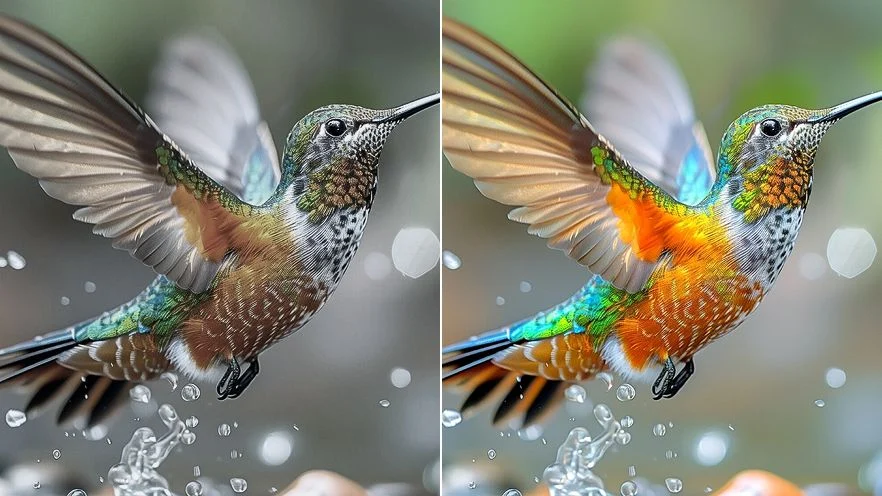
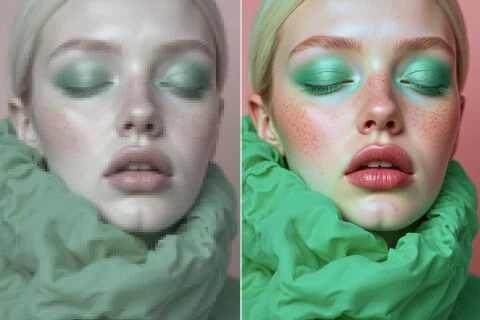
Améliorez la lecture d’une photo trop molle ou trop petite pour un deck, une fiche ou une story. « 1× améliorer » garde le cadre de pixels. « 2× agrandir » et « 4× agrandir » allongent vraiment le plus long côté. Vous partez du still déjà cadré, pas d’une image inventée.
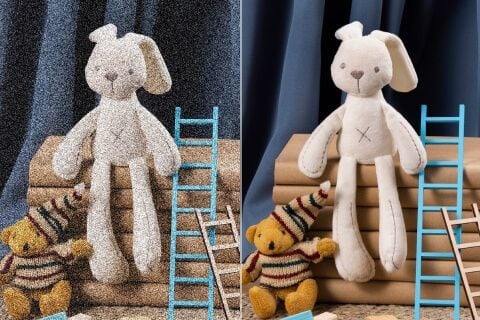
La passe se concentre sur l’acuité et le contraste local. Un still un peu mou ou bruité peut se lire plus proprement, sans éditeur complexe. Une photo de nuit totalement détruite ne fera pas pousser un détail jamais capturé. Partez de l’original le plus propre.
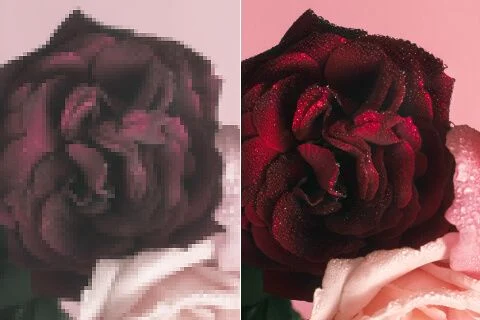
Un contraste local plus propre rend souvent les couleurs plus faciles à lire — ce n’est pas un sélecteur teinte ou saturation. L’Image Enhancer ne propose que l’échelle 1× / 2× / 4×. Comparez avant et après : la pièce doit rester la vôtre.
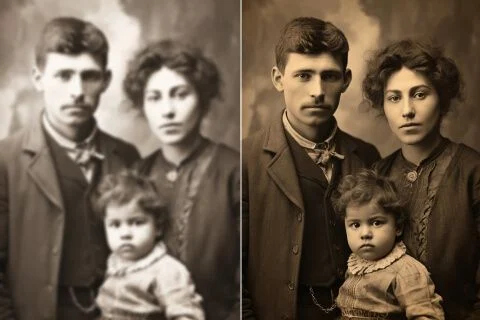
Scans de famille et stills de premier téléphone ont souvent le bon souvenir et les mauvais pixels. « 2× agrandir » ou « 4× agrandir » peuvent donner un fichier qui tient sur un écran moderne. Les personnes restent celles photographiées, pas des sosies générés.
Améliorez vos images brutes pour bannières, pubs, e-mails et pages d’atterrissage, pour que les campagnes se lisent plus nettes et retiennent plus l’attention.
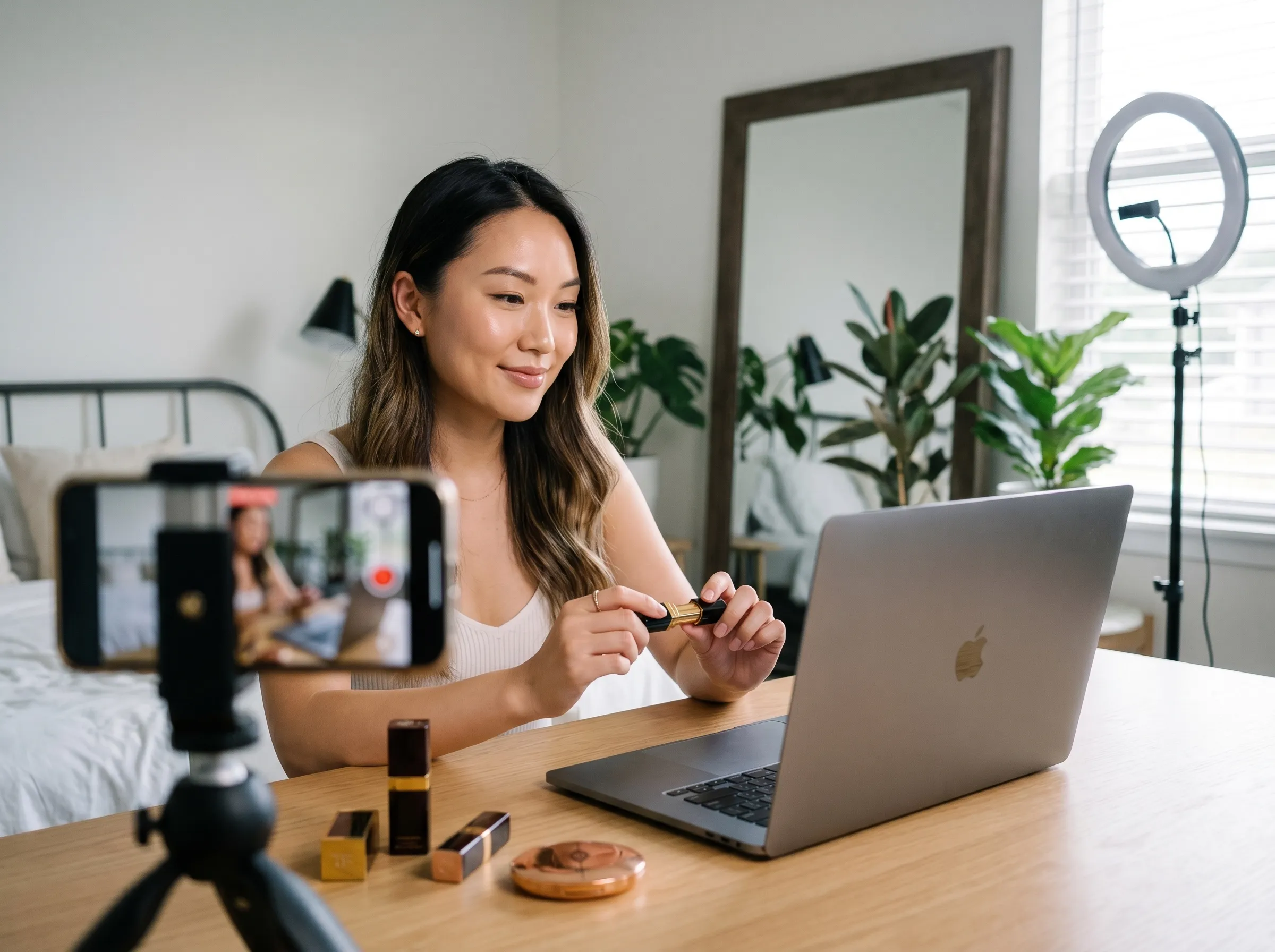
Récupérez flou, lecture et détail dans les affiches de film, affiches de fans, concepts et visuels promo, pour un rendu plus cinématographique et plus prêt à diffuser.
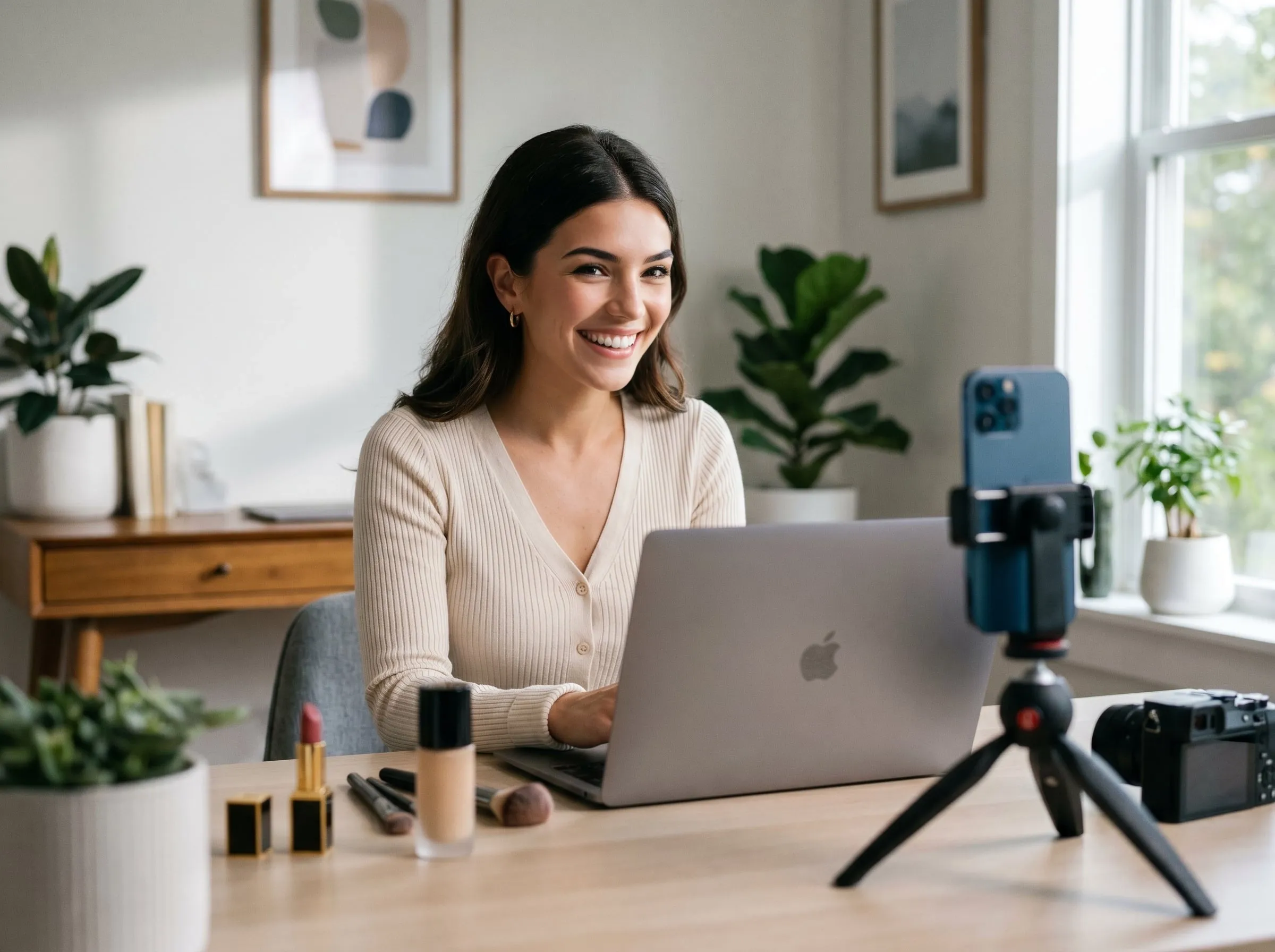
Nettoyez vos photos produit avec des contours plus nets et des textures plus lisibles, pour que les acheteurs jugent la qualité plus vite avant le paiement.
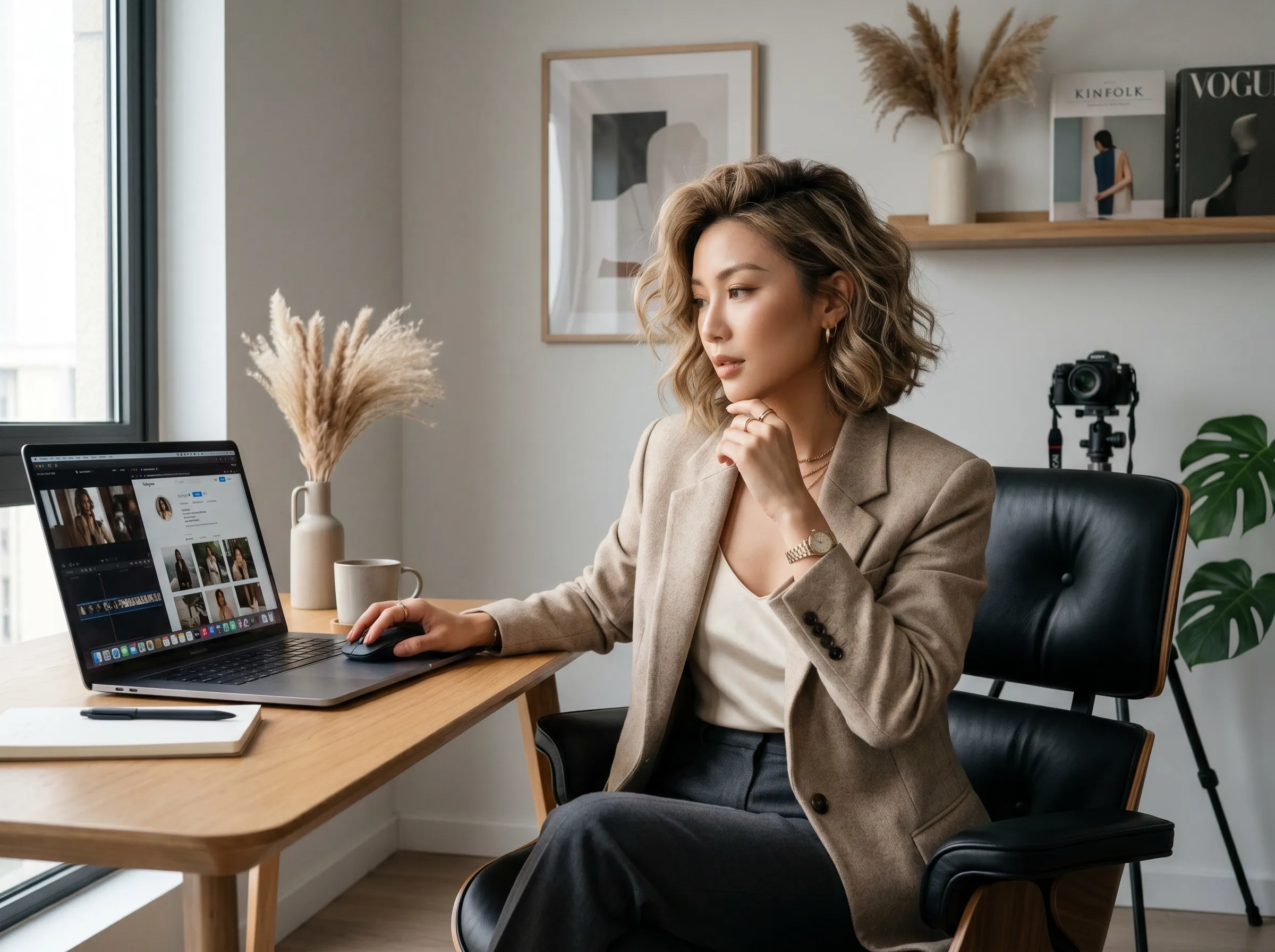
Améliorez croquis de tatouage, images de référence et aperçus avec plus de netteté. Préparez plus vite des visuels plus propres pour validation, portfolio ou pochoir.
Améliorez vos images brutes pour bannières, pubs, e-mails et pages d’atterrissage, pour que les campagnes se lisent plus nettes et retiennent plus l’attention.
Récupérez flou, lecture et détail dans les affiches de film, affiches de fans, concepts et visuels promo, pour un rendu plus cinématographique et plus prêt à diffuser.
Nettoyez vos photos produit avec des contours plus nets et des textures plus lisibles, pour que les acheteurs jugent la qualité plus vite avant le paiement.
Améliorez croquis de tatouage, images de référence et aperçus avec plus de netteté. Préparez plus vite des visuels plus propres pour validation, portfolio ou pochoir.
Importez l’image trop molle ou trop petite dans l’interface Viralkey.
Choisissez « 1× améliorer », « 2× agrandir » ou « 4× agrandir ». La passe s’exécute en quelques secondes.
Téléchargez le fichier plus net, ou relancez le même still à une autre échelle.
Une passe de qualité est rarement la seule question. Restez dans Viralkey Studio pour agrandir le même still, le détourer sur un fond transparent, ou essayer une finition portrait sur le même visage.

Agrandis une photo 2× ou 4× et récupère les contours, sans étirer les pixels.

Récupère les contours d’une photo molle ou bougée sans redessiner la scène.
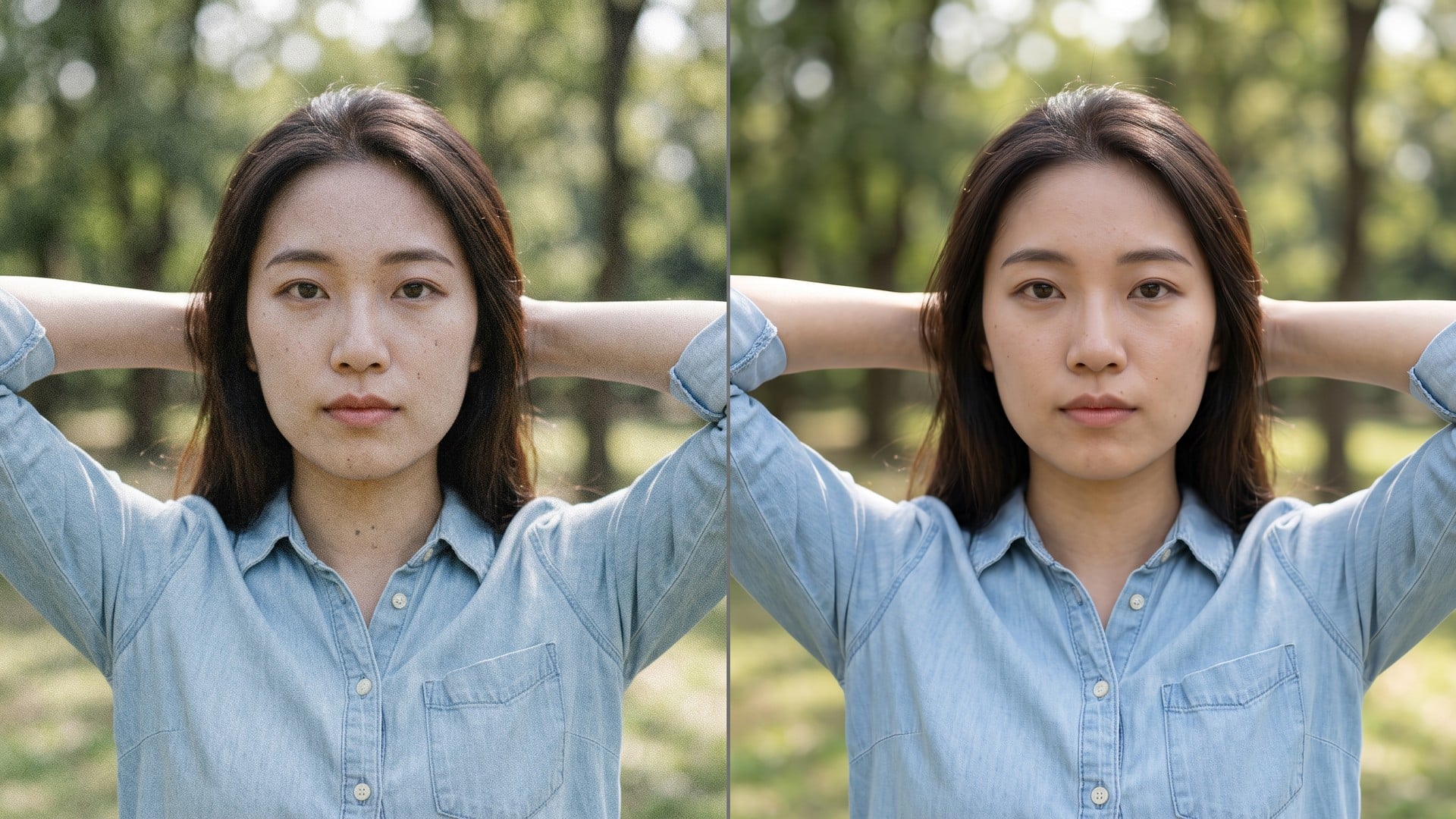
Nettoie grain et compression tout en gardant la vraie texture du cadre.
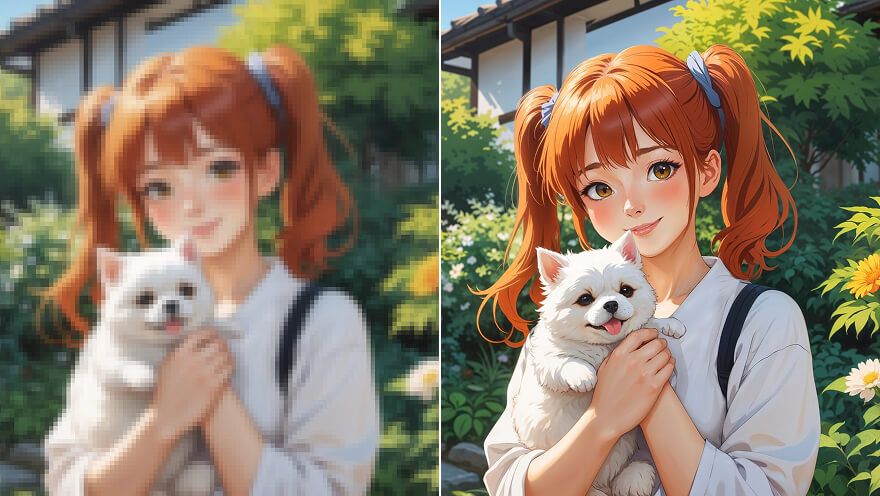
Agrandir un still anime 2× ou 4× et retrouver le trait — même passe que Image Upscaler.
Explorez les modèles leaders pour la vidéo IA, la génération d’images, l’édition et le storytelling cinématographique.

Create Wan 3.0 clips on Viralkey: native 1080p, 2–30 seconds, start/end frames, up to 20 mixed references, and audio generated with the picture.

Créez des clips cinématographiques MiniMax H3 sur Viralkey : 2K natif, jusqu'à 15 secondes, Text to Video, Start/End Frame et jusqu'à neuf images de référence.

Générez de courts clips HD sur Viralkey avec direction début/fin de plan et jusqu'à 50 images de référence. Pensé pour les scènes de clip et les plans de performance.

Create cinematic Seedance 2.0 clips on Viralkey: native 4K, start/end frames, up to nine reference images, and built-in audio with lip-sync.
Notes de créateurs qui ont utilisé cet outil sur de vrais jobs.
Nyla Voss
CréateurIl me fallait le pack plus net, pas une nouvelle photo.
1× a gardé le cadrage et nettoyé les contours.
Orin Hale
Chef de produitMême selfie en 2× pour une affiche.
Plus grand, sans peau plastique.
Paget Crowe
PhotographeJ’ai cherché unblur, mais la puce 1× était ce dont j’avais vraiment besoin.
Remy Calder
YouTubeurDenoise a nettoyé le grain de nuit et gardé la brique.
C’était tout le brief.
Sena Whitlock
Responsable des réseaux sociauxLe PNG transparent du remover est tombé direct sur une miniature noire.
Taryn Moss
Graphiste4× sur un petit scan d’archive.
Les visages sont restés les mêmes. J’ai juste eu plus de pixels.
Udo Kessler
IllustrateurJ’ai arrêté de payer un retoucheur pour « moins mou ».
C’est exactement ce job.
Veda Lang
ConsultantJ’ai passé la puce de 1× à 2× sur la page enhancer.
Même moteur, fichier plus grand.
Wynn Adler
InfluenceurLe fond est parti propre autour des cheveux.
Pas d’auréole blanche à masquer à la main.
L’Image Enhancer Viralkey est une passe de qualité dédiée pour une photo que vous avez déjà. Vous importez un still, choisissez « 1× améliorer » pour garder la même taille de pixels, ou « 2× agrandir » / « 4× agrandir » pour allonger le plus long côté, et récupérez un fichier plus net. Ce n’est pas une réécriture générative : scène, pose et identité restent celles de la source. Utilisez-le quand un cadre est mou, bruité ou trop petit pour un post, un tirage ou un deck — pas quand vous voulez une nouvelle image inventée depuis un prompt.
Importez un still mou, bruité ou trop petit. L’Image Enhancer Viralkey restaure la netteté à la même taille, ou agrandit le plus long côté 2× ou 4×, sans inventer une nouvelle scène ni un nouveau visage.