Background Remover Online

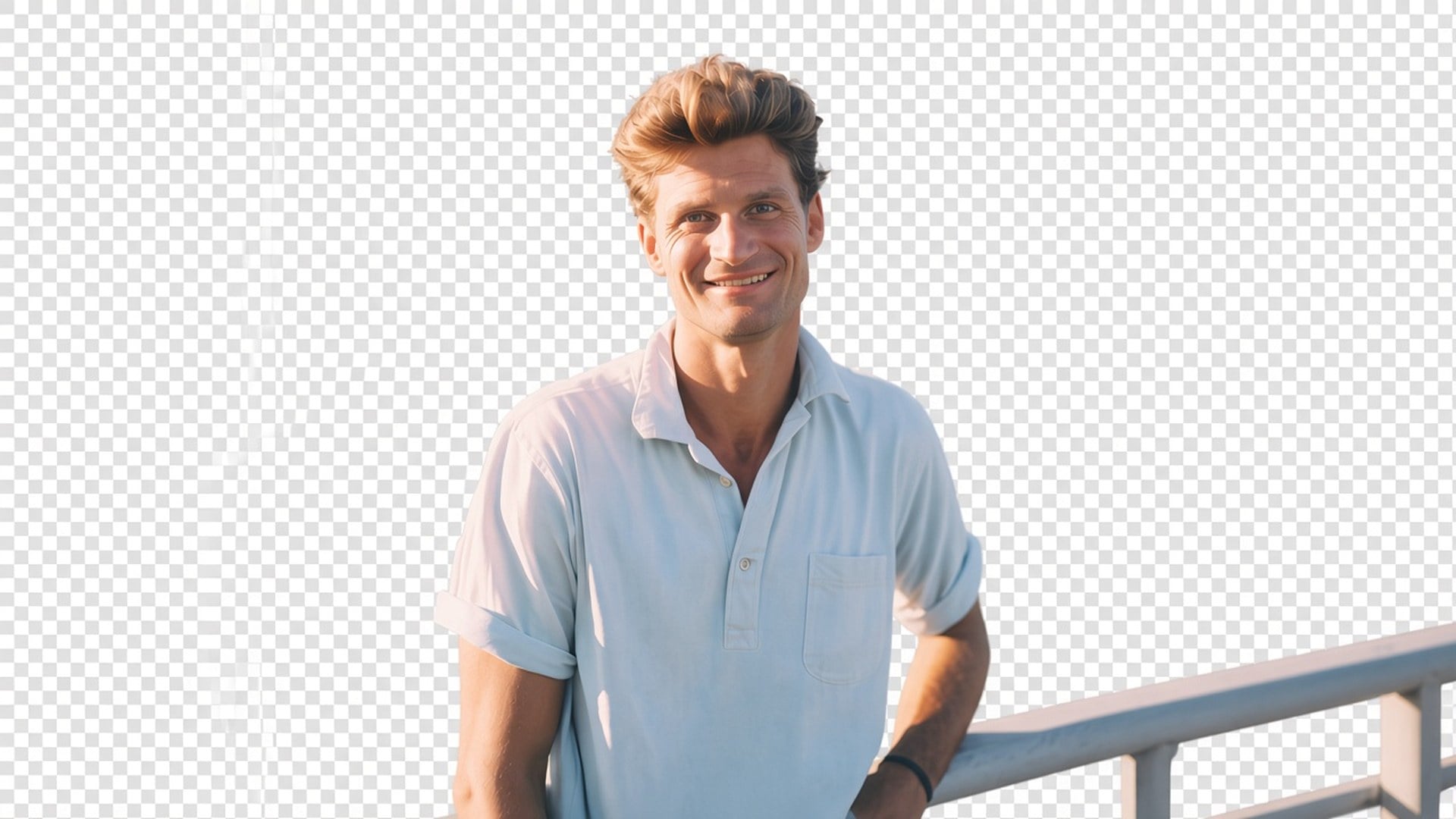
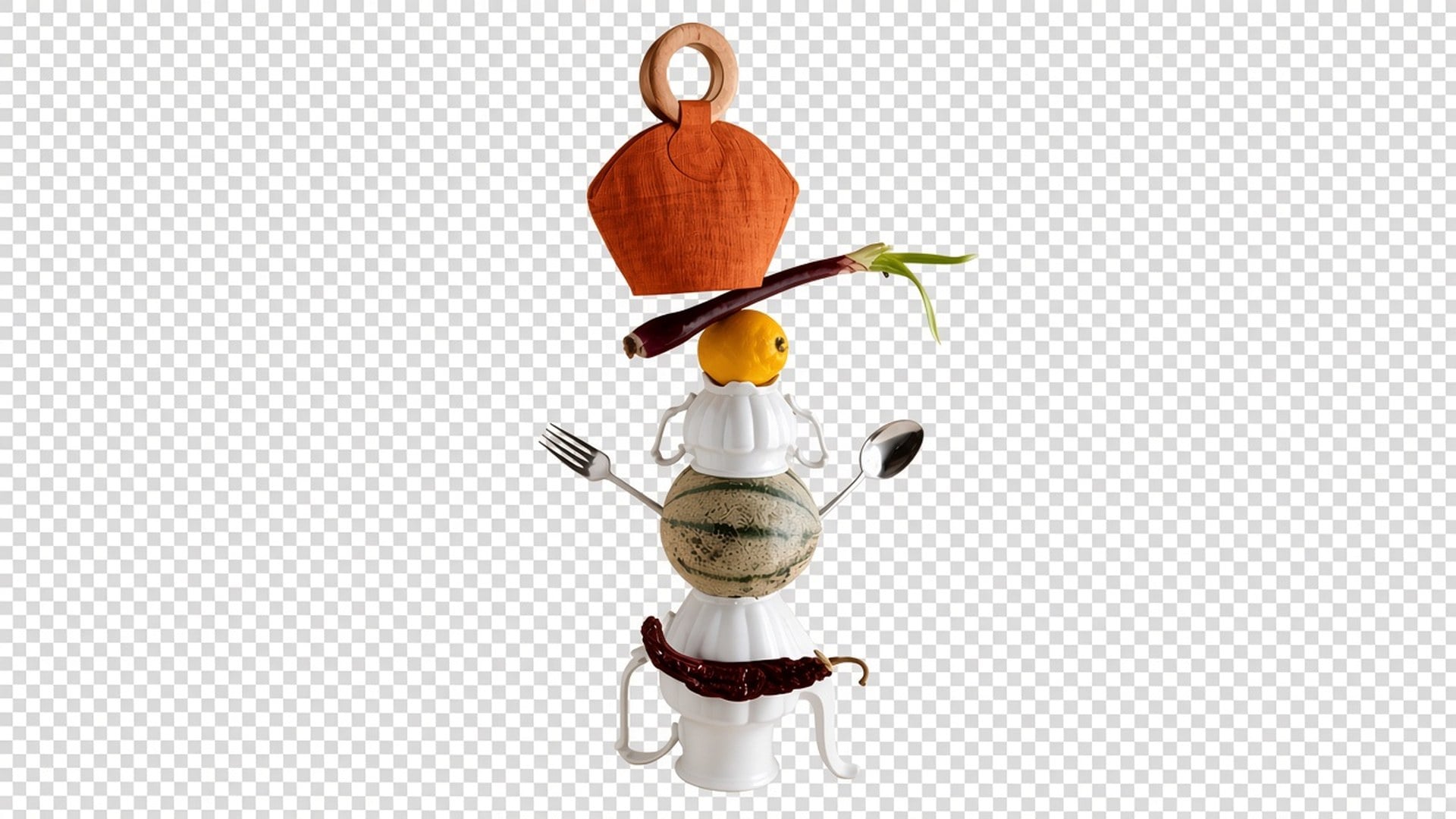
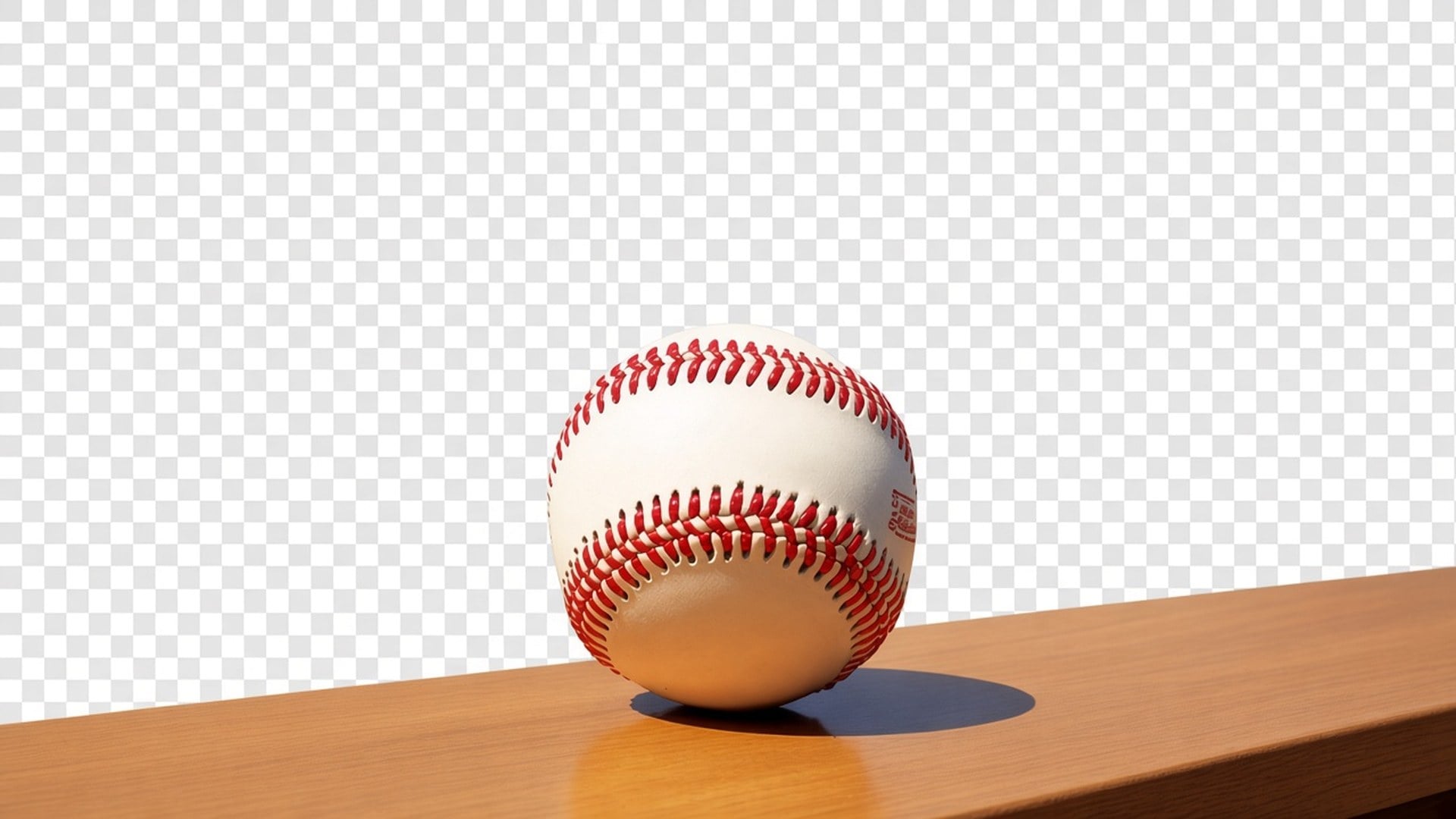
Need the person or the product on alpha, not a new backdrop? Viralkey's background remover cuts the subject onto a true transparent background — no white fill, no studio sweep, no invented room.

Background Remover Online
ビフォーアフター

Background Remover

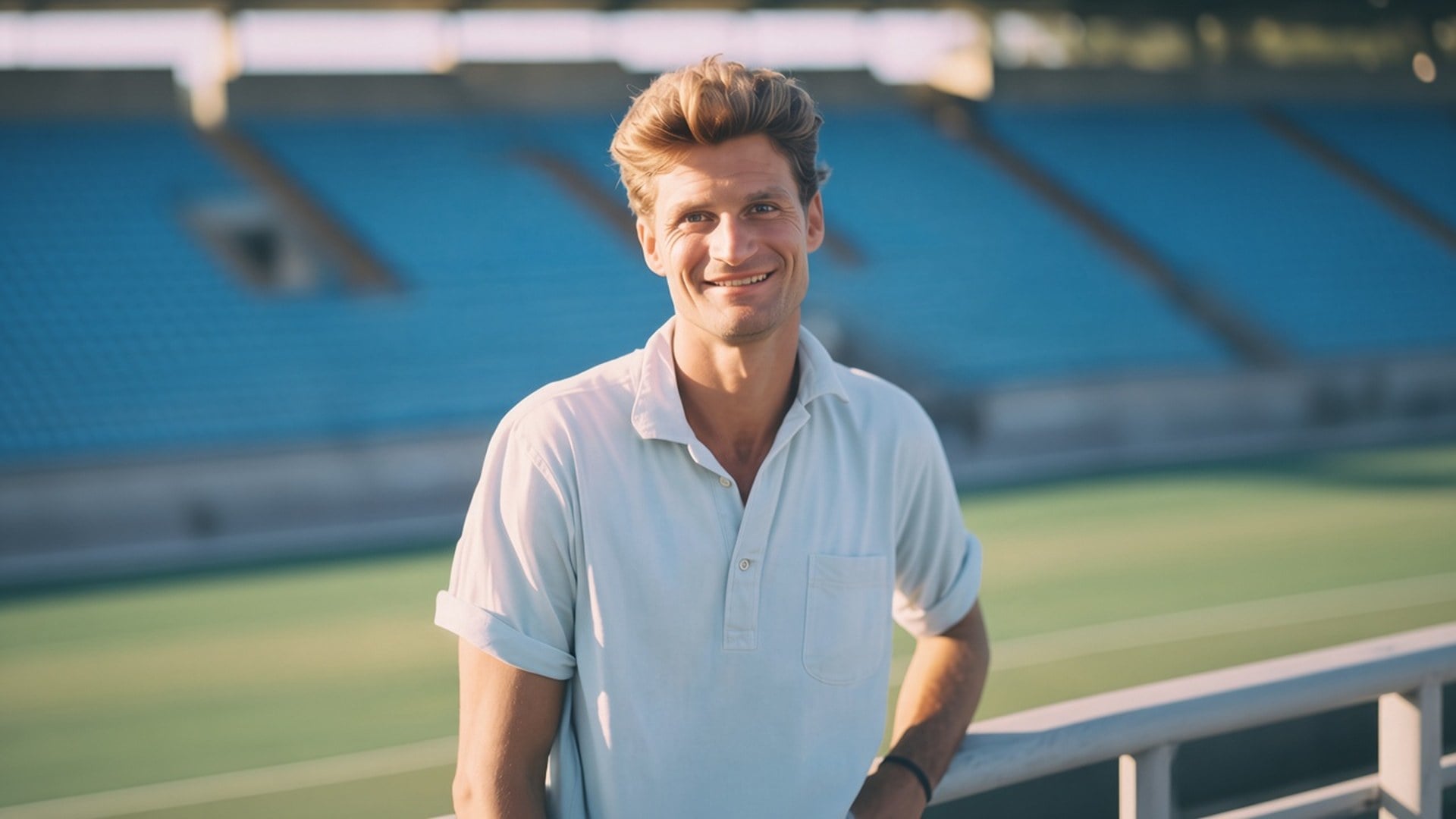
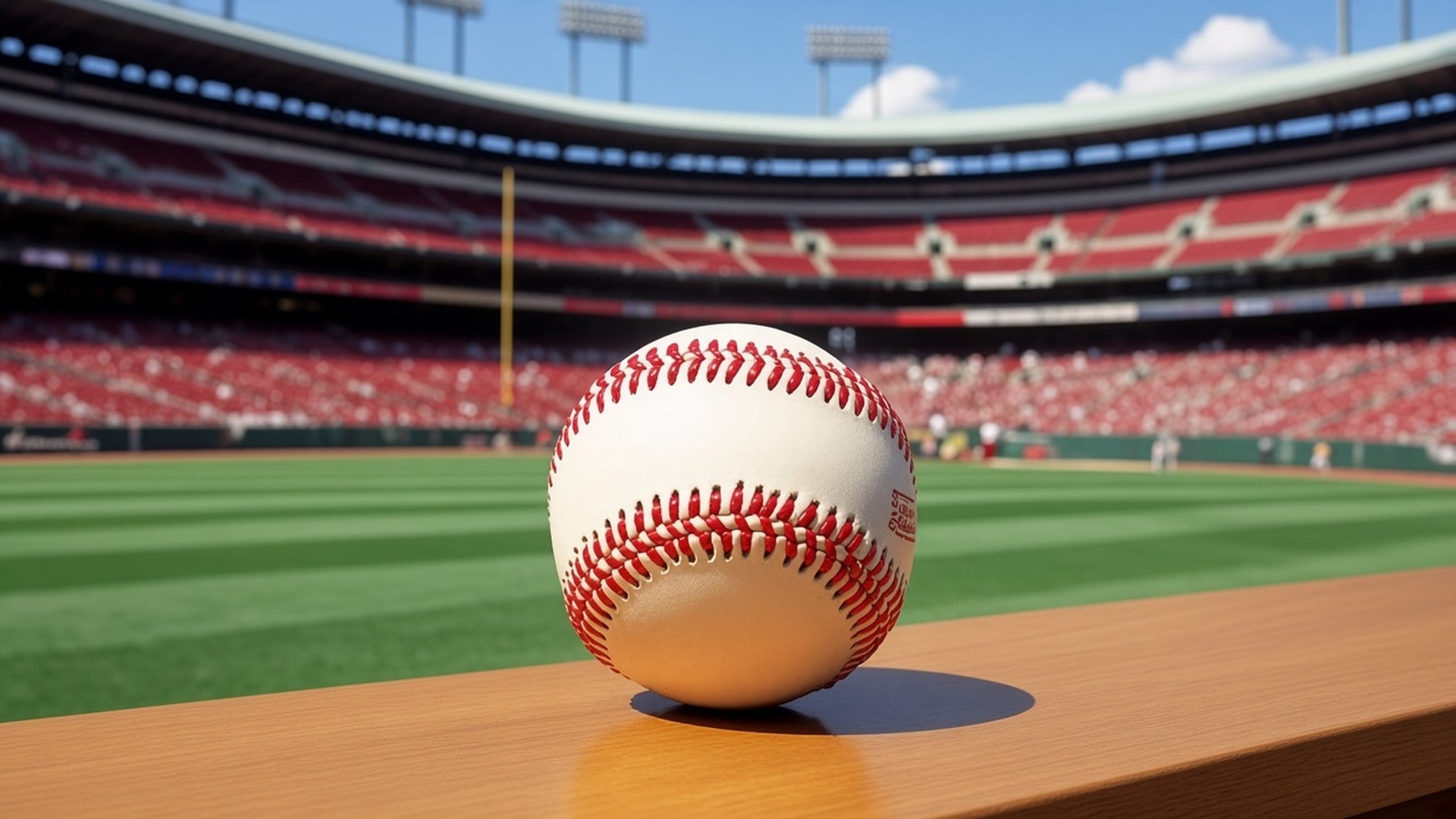
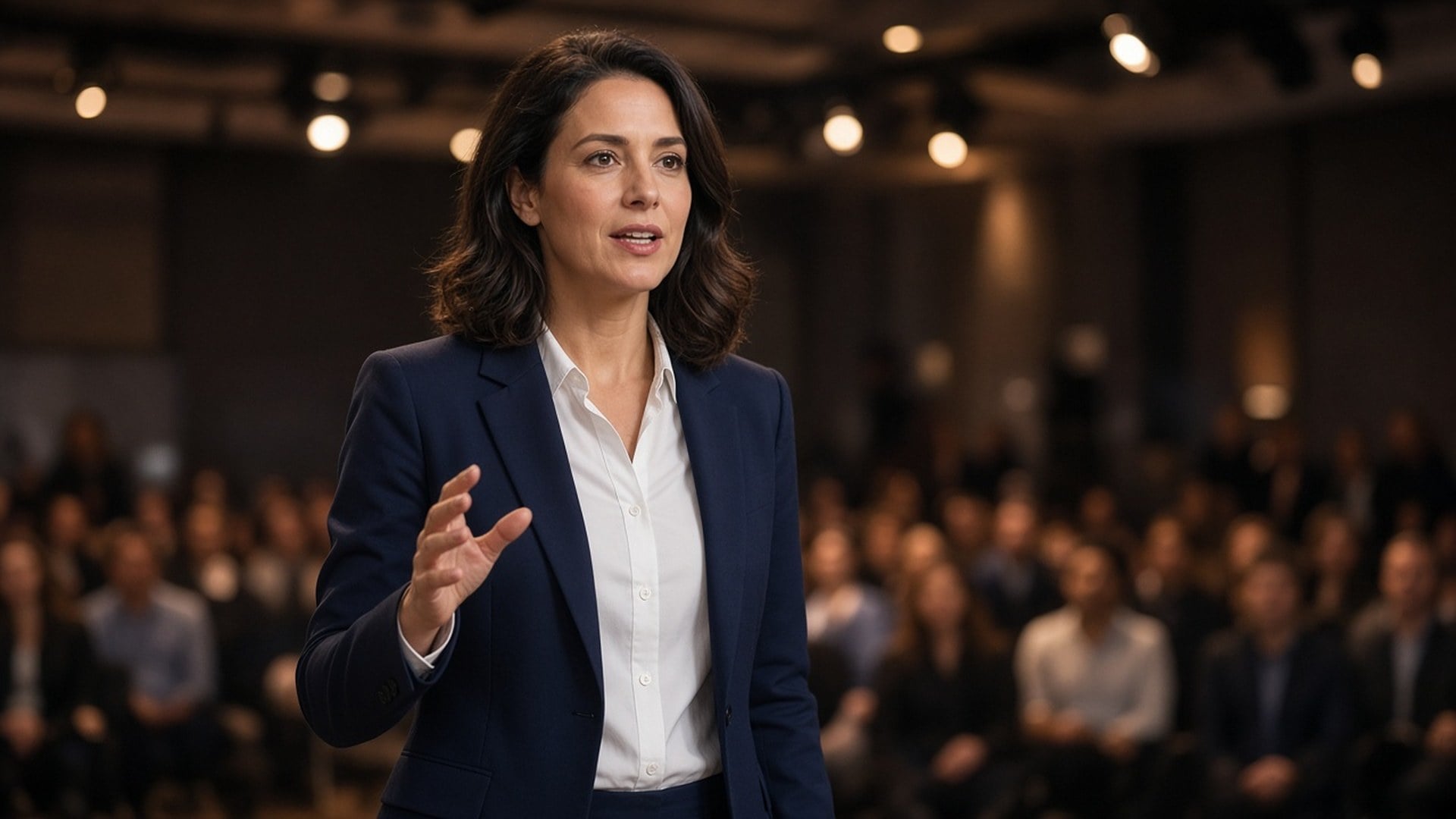
Source photo

Upload one photo to cut out. The subject stays as shot; only the background becomes transparent.

Background Remover Online
ビフォーアフター

Background Remover Online

Need the person or the product on alpha, not a new backdrop? Viralkey's background remover cuts the subject onto a true transparent background — no white fill, no studio sweep, no invented room.

A True Transparent Cutout, Not a New Backdrop

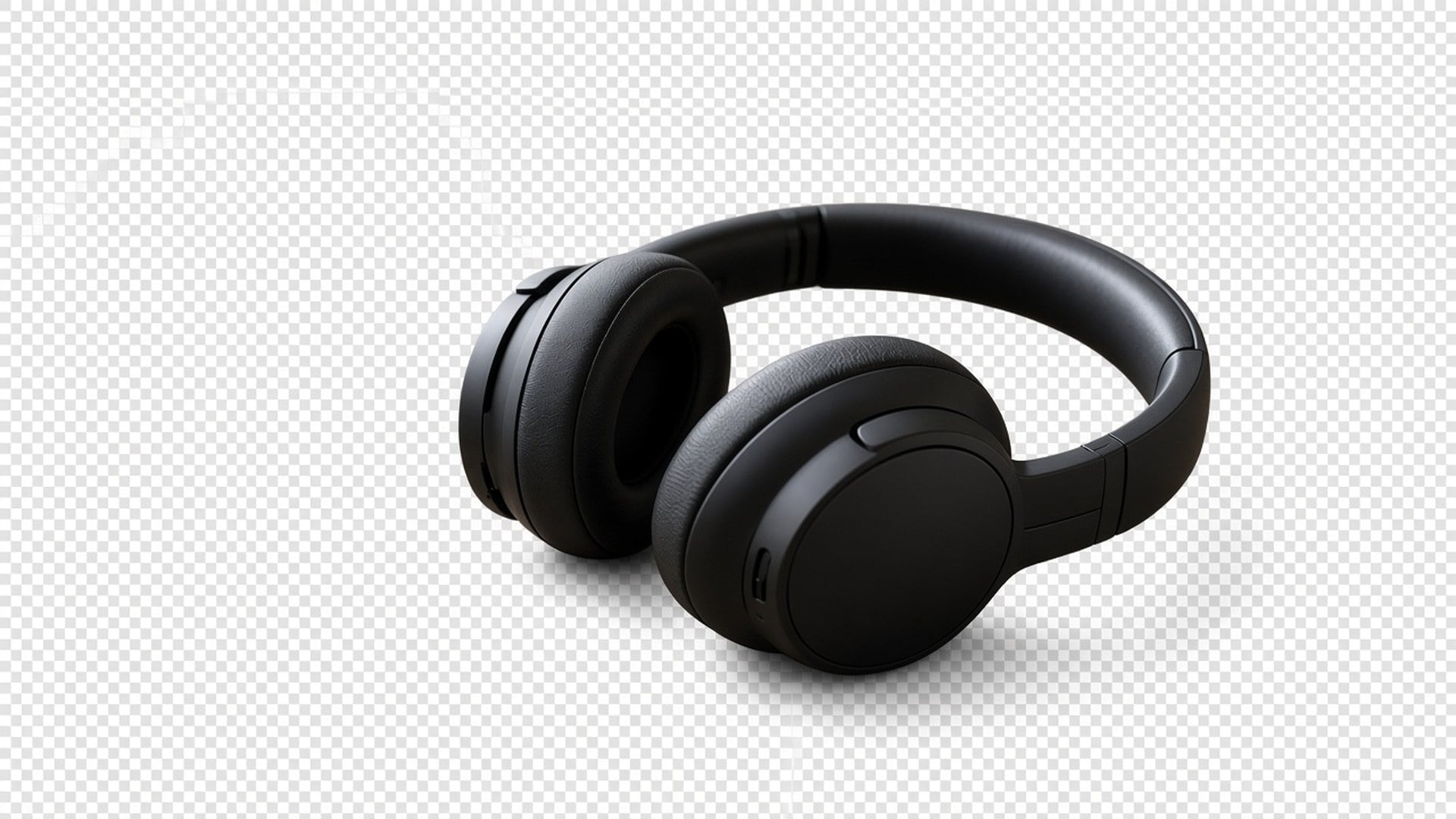
Most 'background remover' pages quietly paste a white studio or generate a prettier room. This one returns transparency: the subject isolated, the backdrop gone, the file ready to drop onto a thumbnail, a slide, or a listing tile. It is a dedicated cutout, not the Image Enhancer engine, and not a scene swap. Upload one still. Download a subject you can place yourself.

Alpha, Not a Painted Floor
ビフォーアフター

Alpha, Not a Painted Floor

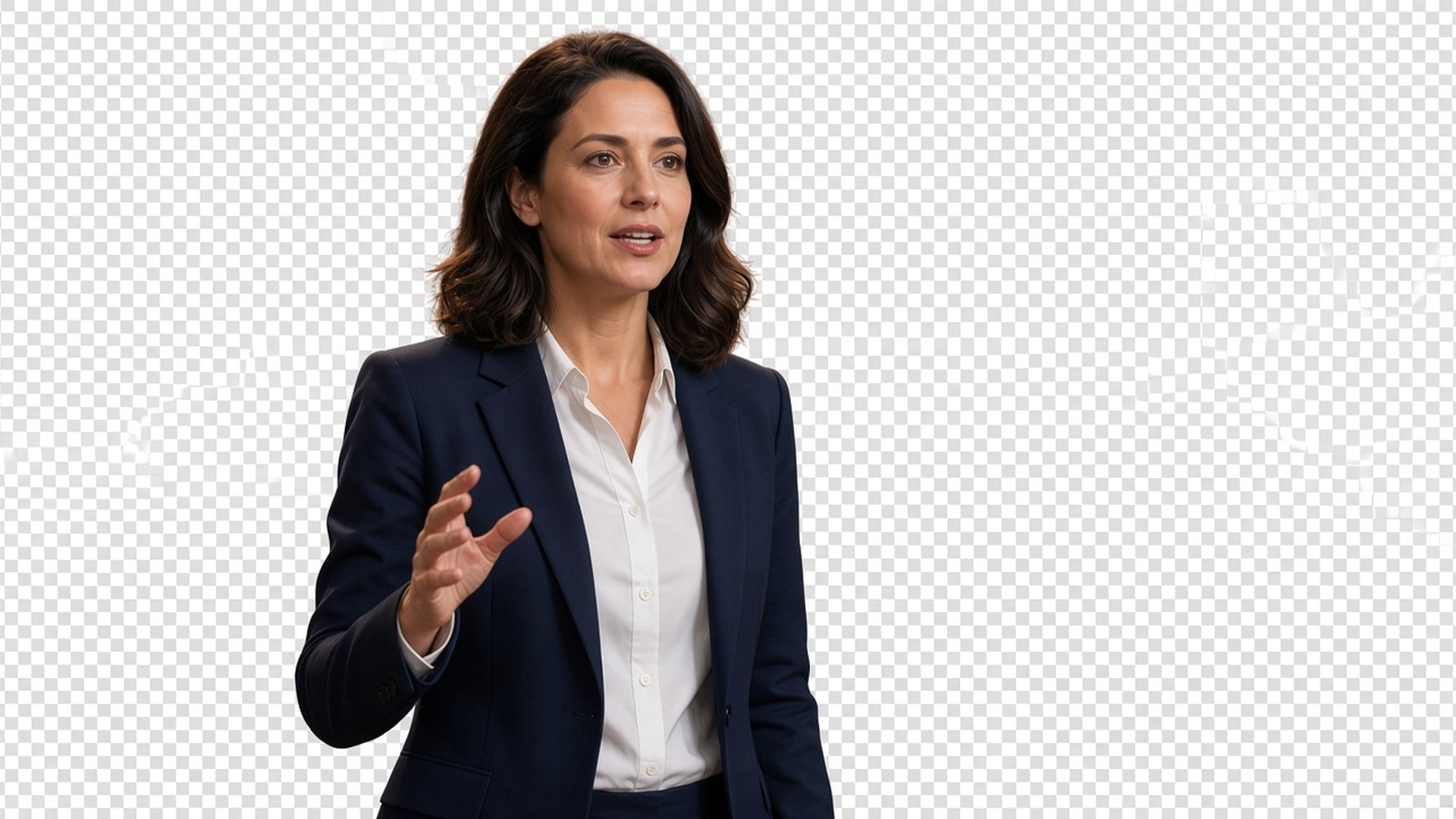
The after should composite. Checkerboard in a preview, or whatever layer you drop the PNG onto next — not a baked white, grey, or seamless sweep. If you wanted a new real background, you are on the wrong page. This tool only isolates. That is the whole product, and it is why a designer can take the file into the layout they already have instead of fighting a fill they never asked for.

今すぐ試す
The Subject Stays the Photograph
ビフォーアフター

The Subject Stays the Photograph

A cutout is useless if the person comes back as a different face. This pass is built to keep pose, clothes, and identity, and to spend itself on the matte. Hair and other soft edges are part of that job. You should be able to pair before and after and still recognise the same still. If you need a new outfit or a new expression, that is a different studio page.

今すぐ試す
One Upload, No Prompt Box
ビフォーアフター

One Upload, No Prompt Box

There is nothing to write and no fill-color chip. The source photo is the brief. A prompt would invite a generative backdrop this page is not doing, so the field is hidden. Upload, generate, download the transparent result. If the source is also soft, run the Image Enhancer first as a separate generate — these are two passes, not one button.

今すぐ試す

What This Background Remover Actually Holds

A background remover is useful when the next layout already exists and you only need the subject. Each point below is that promise: real transparency, a subject that stays the photograph, and a file you can drop without fighting a baked fill.

Transparency You Can Composite
ビフォーアフター

Transparency You Can Composite

The output is a cutout with alpha, not a white rectangle pretending to be 'removed'. Drop it on a black thumbnail, a branded slide, or a marketplace tile. You are not promised a new scene behind the person. If a competitor page hands you a studio sweep, that is a different product. This one stops at isolation so you keep control of the next layer.

今すぐ試す
Hair and Soft Edges, Same Person
ビフォーアフター

Hair and Soft Edges, Same Person

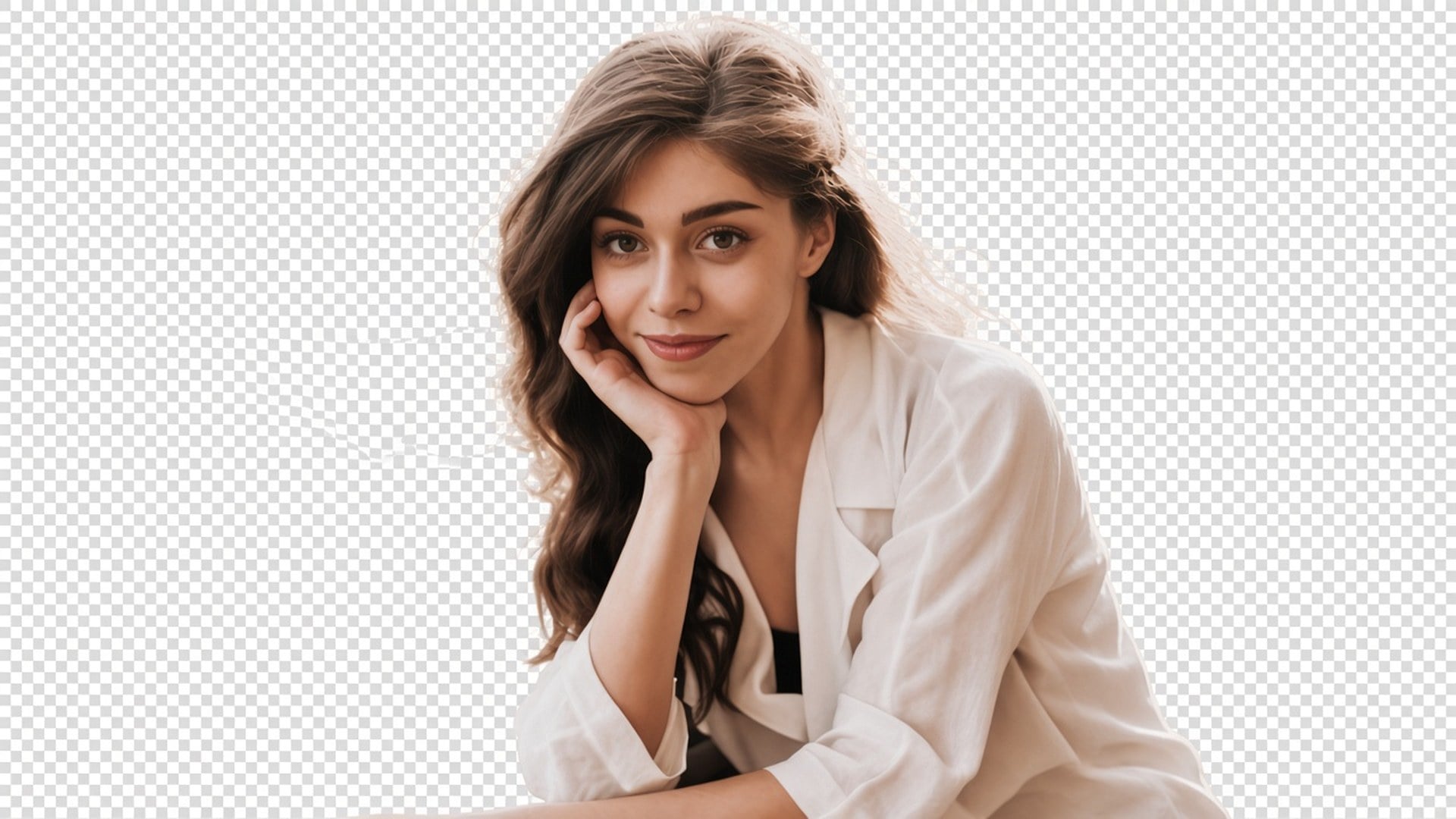
The pass is tuned for a clean subject matte, including flyaway hair and other soft edges, without redrawing the face. Results still depend on contrast in the source. A backlit selfie with hair lost in the sky is harder than a product on a plain table. The tool will not invent strands the file never captured. Start from the cleanest separation you have.

今すぐ試す
Not the Enhancer Engine
ビフォーアフター

Not the Enhancer Engine

Image Enhancer, Image Upscaler, Unblur Images and Denoise AI share one quality pass. This page does not. It is a separate cutout. You can use both in sequence — sharpen, then isolate — but each generate is its own spend and its own result. We say that in the open so a feature table does not pretend five URLs are one algorithm.

今すぐ試す
A File You Can Drop on a Slide
ビフォーアフター

A File You Can Drop on a Slide

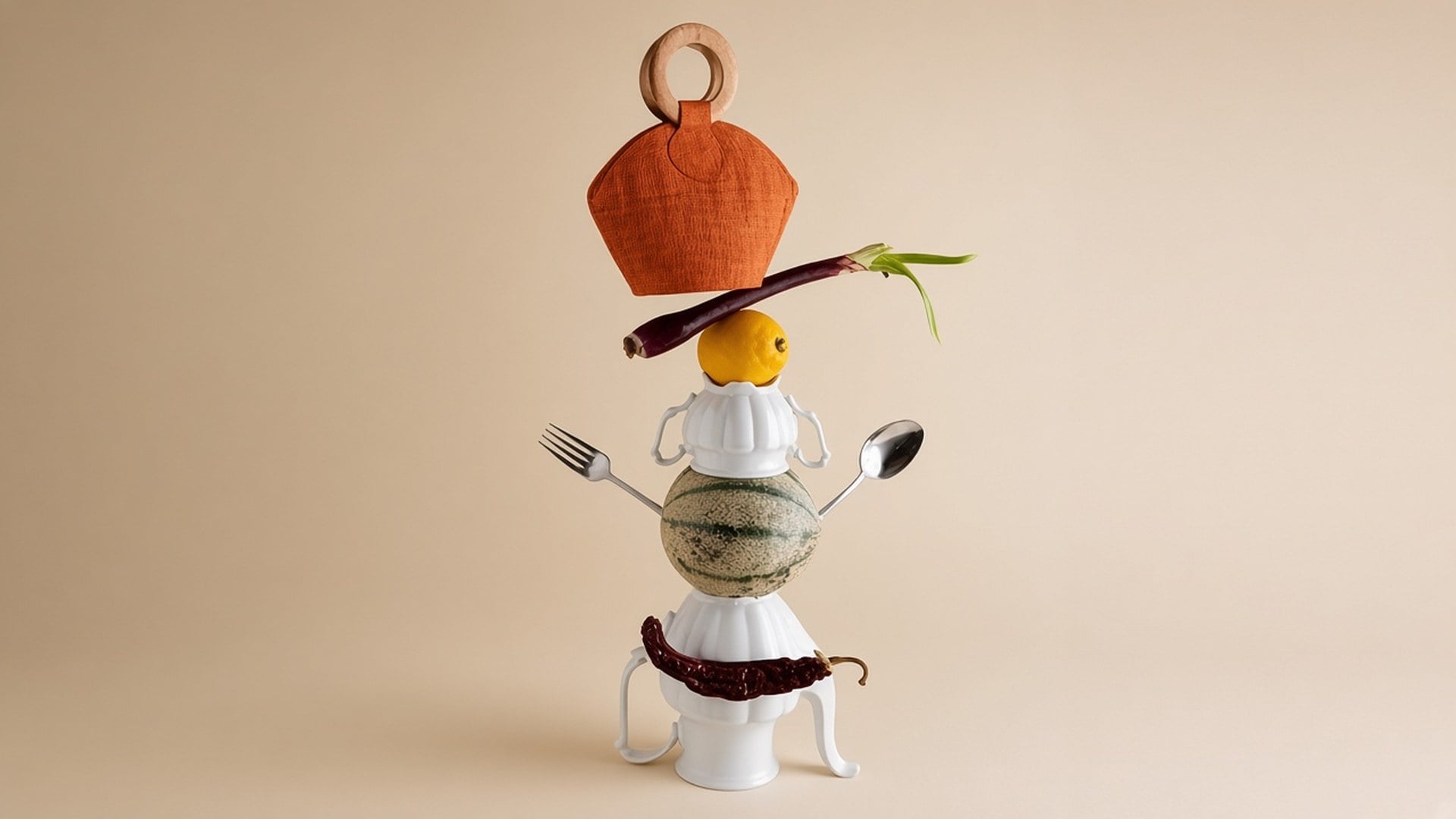
Results are stills you can download and place: a creator on a thumbnail, a pack on a listing, a speaker on a keynote plate. You are not promised retouch-free catalog photography or a rescue of a crowd shot with five overlapping people. If two subjects tangle, crop tighter first. Clarity of the silhouette is the brief.

今すぐ試す

背景リムーバーのベストな使い方

商品を買いやすくする

商品を買いやすくする

きれいな切り抜きで商品写真が読みやすくなり、買い物客は要点に集中して、より確信を持って買えます。

キャンペーン素材をより速く出す

キャンペーン素材をより速く出す

商品、モデル、キービジュアルを切り出してバナー、LP、販促グラフィックへ。手作業を減らし、きれいな素材を出せます。

より強いポスタービジュアルを作る

より強いポスタービジュアルを作る

俳優やキャラの写真から背景を外し、映画ポスター、ティザー、販促デザインへ。被写体がより強く立ちます。

フレームをゲーム用素材にする

フレームをゲーム用素材にする

きれいな切り抜きでスプライトシート向けのキャラフレーム、オブジェクト、モーション素材を用意。準備が速く、ゲーム画面もきれいに。

背景リムーバーを無料で試す

Loved by Creators Worldwide

実際の仕事でこのツールを使ったクリエイターの声です。

LA

Lark Ames

Creator

I needed the product shot sharper, not a new photo.

1× kept the crop and cleaned the edges.

NH

Ned Hollis

Product manager

Ran the same selfie at 2× for a poster.

It got larger without turning into plastic skin.

OP

Oona Pell

Photographer

Unblur was the search I used, but the 1× chip is what I actually needed.

PC

Penn Crowe

YouTuber

Denoise cleaned the night grain and left the brick texture.

That was the whole brief.

RB

Rory Blake

Social lead

Transparent PNG from the remover dropped straight onto a black thumbnail.

SQ

Shea Quinn

Designer

4× on a small archive scan.

Faces stayed the same people. I just got more pixels.

UM

Una Marsh

Illustrator

I stopped paying a retoucher for 'make this less mushy'.

This is that job.

VK

Vaughn Kitts

Consultant

Changed the chip from 1× to 2× on the enhancer page.

Same engine, bigger file.

WS

Wren Sol

Influencer

Background came off clean around hair.

No white halo I had to mask by hand.

Frequently Asked Questions

Viralkey's background remover cuts the main subject onto a true transparent background. You upload one still and get a PNG-style cutout with no new scene and no solid-color fill. It is not a generative backdrop swap and it is not the same engine as the Image Enhancer pages. Use it when you need the person or the product on alpha, ready to drop onto a thumbnail, a slide, or a listing tile.

どうしますか 作成する 今日?

AI でアイデアを現実に。生成、磨き、さらに新しく——創作はここから。

今すぐ作成