低光と高 ISO のノイズを整える
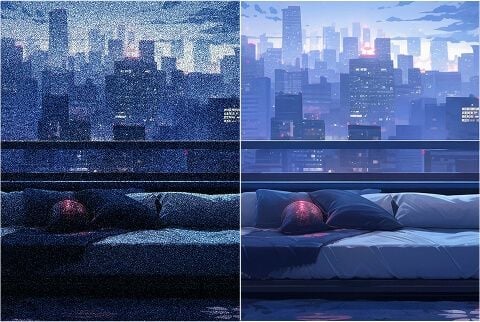
低光、長秒、高 ISO の写真を、必要な細部を残したまま整えます。すでに撮った見た目を平らにせず、粒子だけを落とします。
夜の粒子や圧縮ブロックでも、その写真が正しいことがあります。Viralkey のノイズ除去は 1× でそのノイズを整え、2× と 4× で拡大し、新しい顔やプラスチック仕上げは作りません。
Denoise AI
オンライン AI ノイズ除去
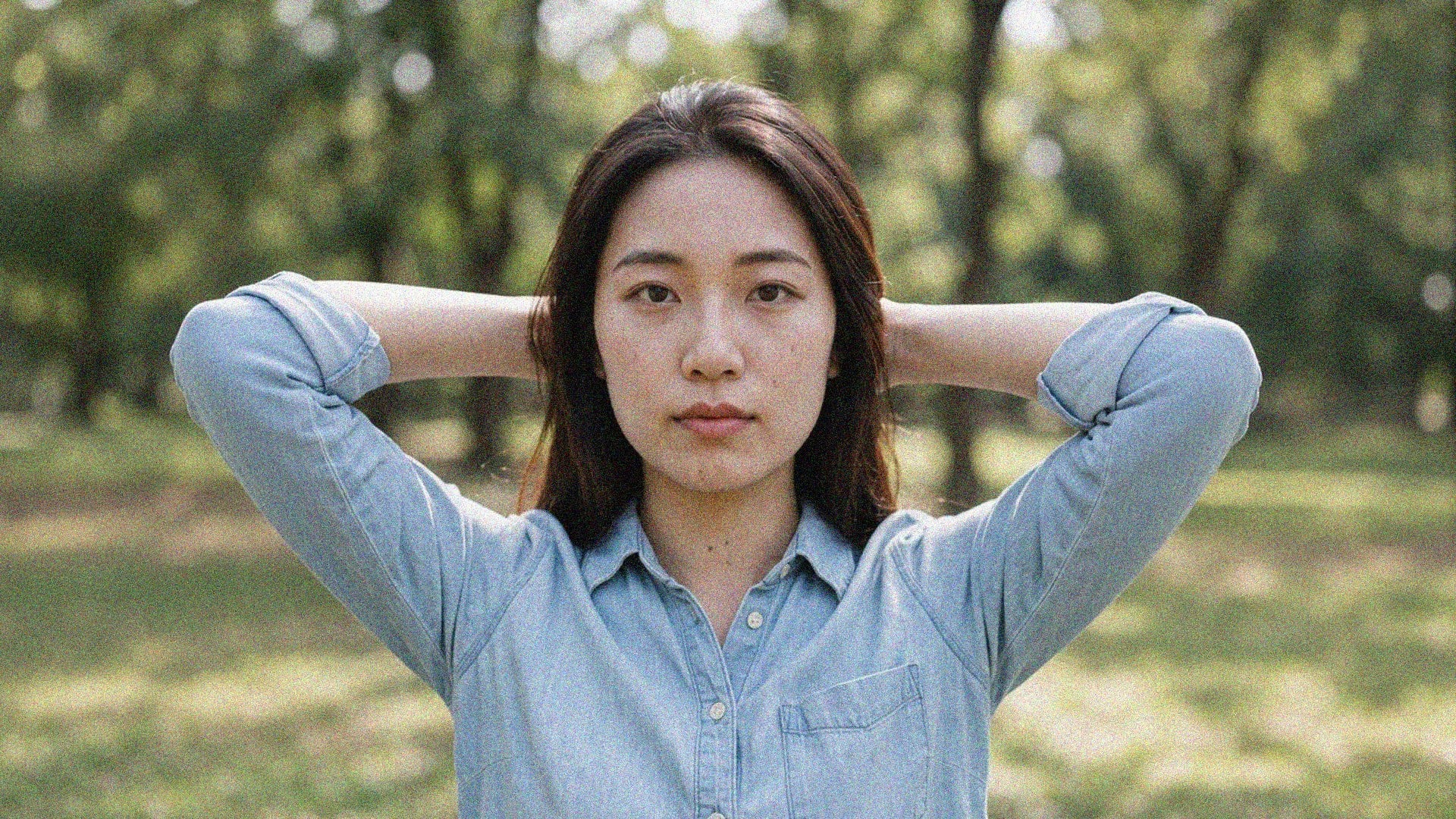
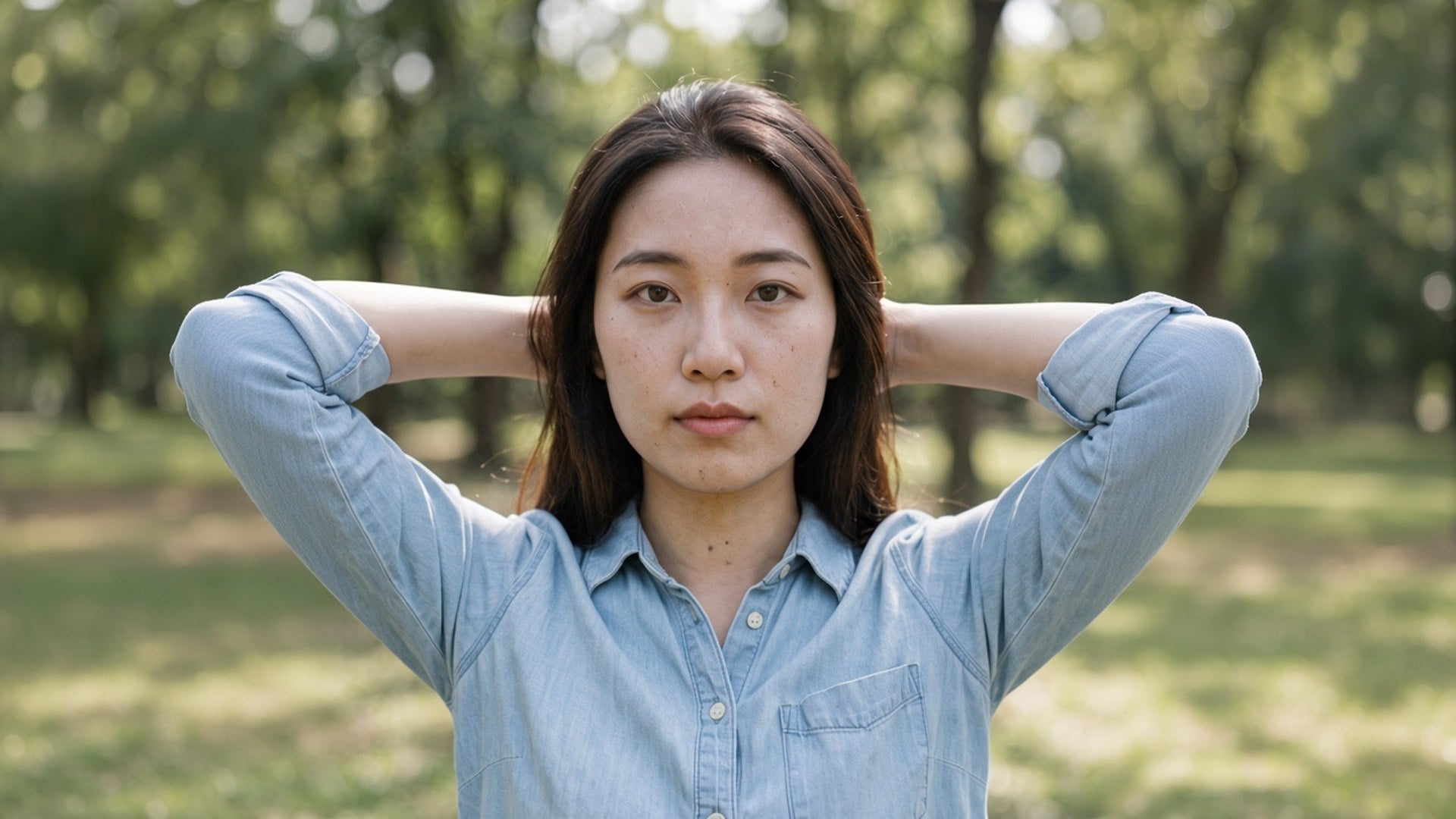
夜の粒子や圧縮ブロックでも、その写真が正しいことがあります。Viralkey のノイズ除去は 1× でそのノイズを整え、2× と 4× で拡大し、新しい顔やプラスチック仕上げは作りません。
Denoise AI 検索の多くは、ショットは正しく、ノイズだけが違うときです。このページの既定は 1× 補正で、まず同じサイズの掃除が来ます。大きなマスターも要るなら 2× 拡大と 4× 拡大はチップに残しています。Image Enhancer、Image Upscaler、Unblur Images は同じ処理です。この URL の裏に専用のノイズ網はありません。本当の問題がサイズなら、チップを変えてください。
アフターが蝋のような面なら、ノイズ除去は役に立ちません。このツールはレンガ、布、そばかす、活字を残し、そこに属さない粒子と圧縮ブロックに力を使います。ビフォーとアフターを並べられるはずです。三代目のスクリーンショットから、撮っていない本物の質感は育ちません。手元に残るいちばんきれいな原画から始めてください。
今すぐ試す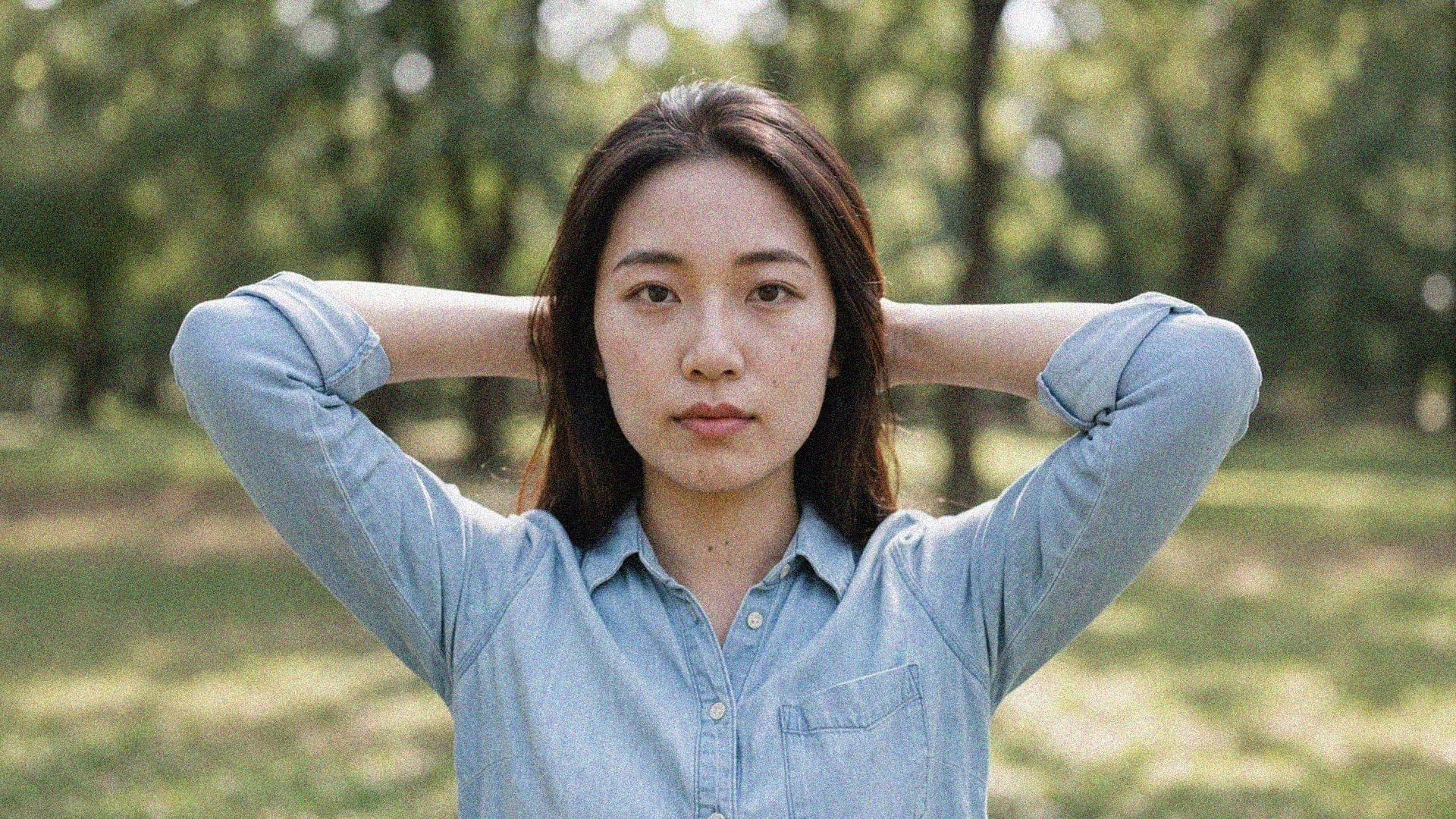
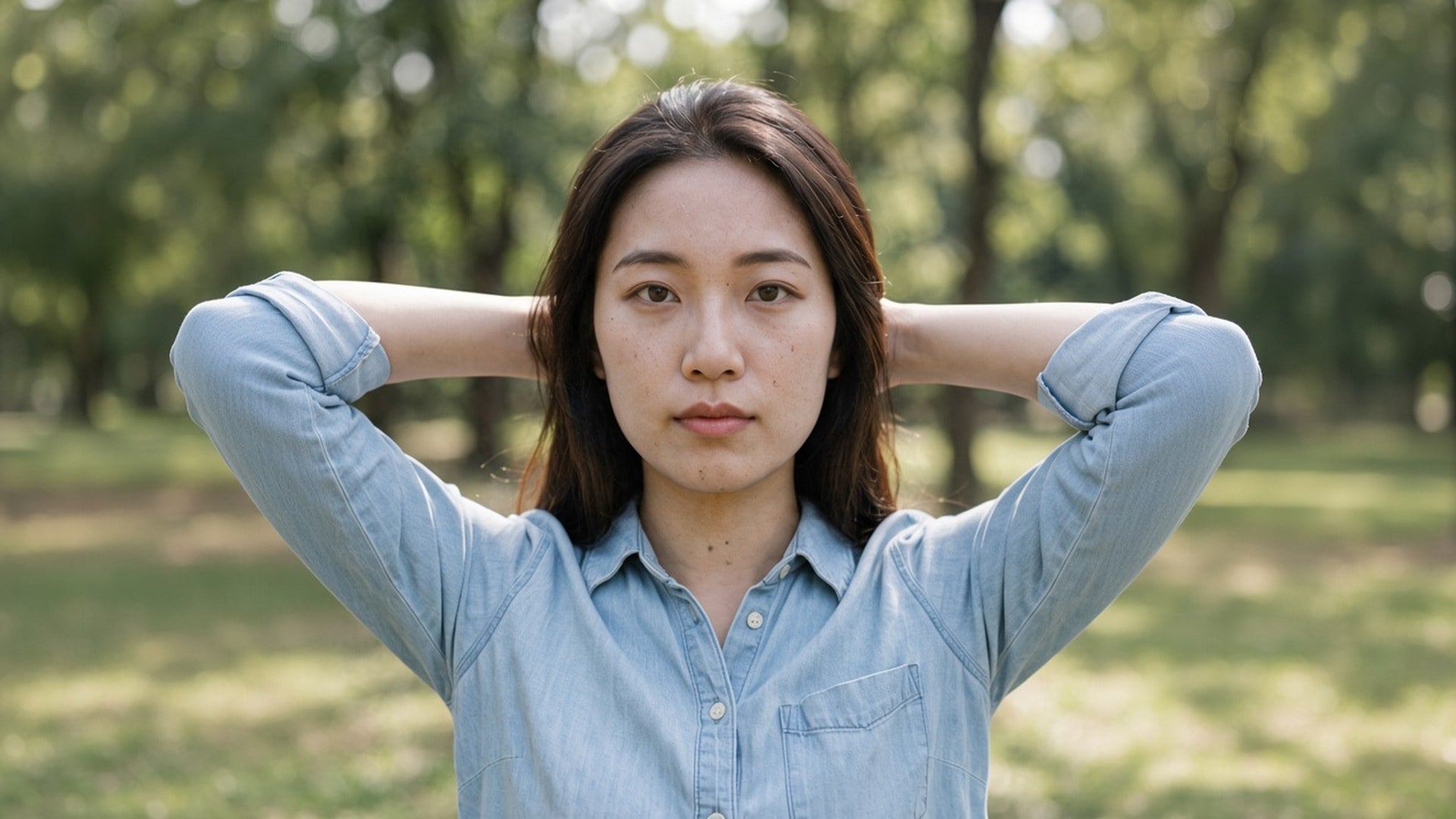
ここに着くと 1× 補正が選ばれます。多くのノイズ除去検索がポスターではなく清潔さだからです。ファイルが小さすぎるときは 2× 拡大や 4× 拡大も押せます。この三値は Image Enhancer ページと同じ閉じた集合です。マーケティング用 URL は 4 つ、エンジンは 1 つです。このスラッグの裏に専用のノイズモデルは想定しないでください。正直な違いは、既定チップとページの言い回しです。
今すぐ試す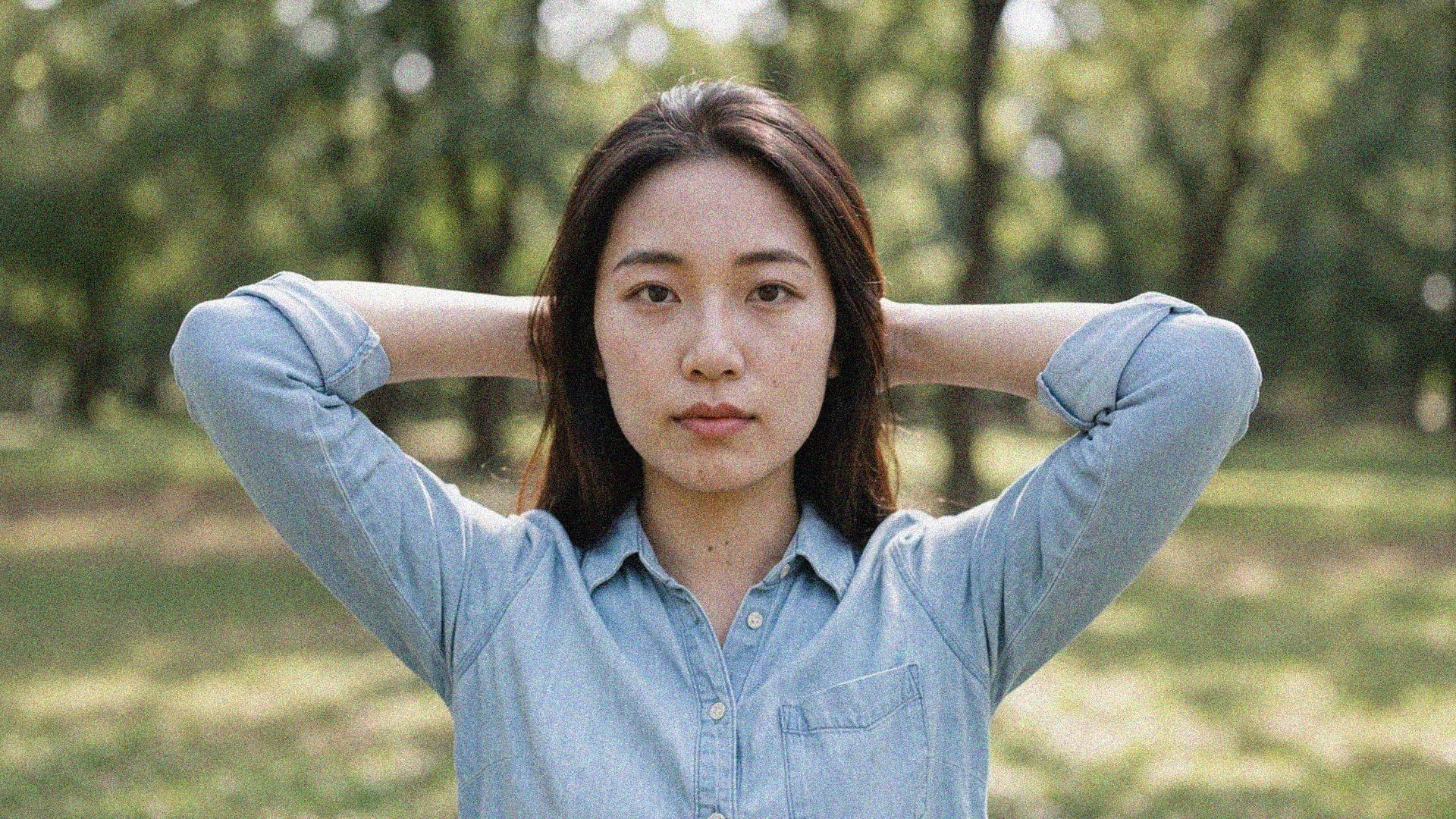
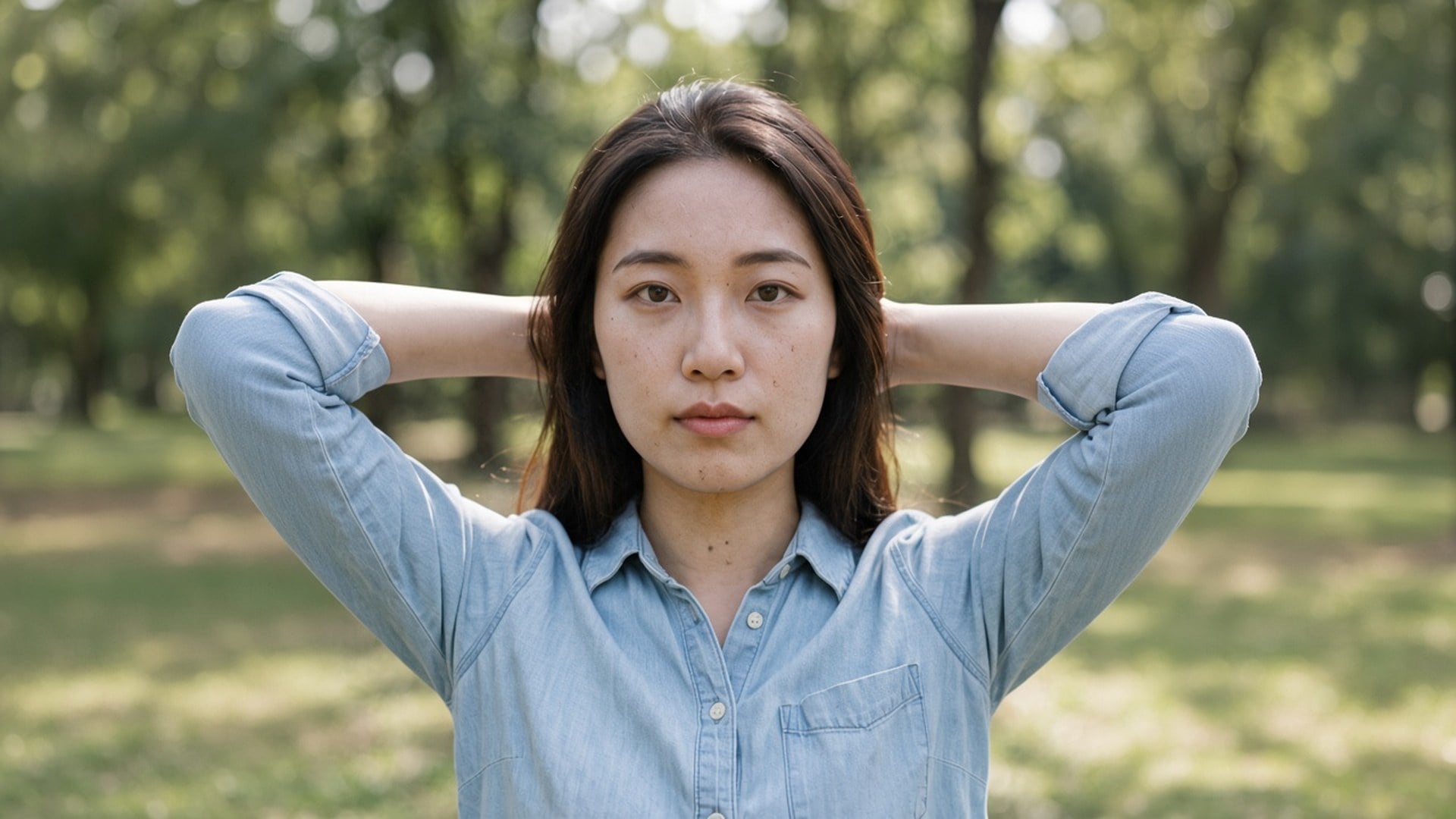
書くものはありません。元写真がブリーフで、決めるのは倍率チップだけです。プロンプトは生成的な描き直しを招き、このページはそれをしないので欄は隠しています。アップロードし、1× のままか切り替え、生成し、比べます。整えた静止画を大きな枠にも載せるなら、同じファイルを 2× で再実行してください。
今すぐ試すノイズ除去が役立つのは、写真がそのままでいられ、粒子だけが去るべきときです。下の各点はその約束です。同じサイズが既定、エンジンは共有、元の横に置いてもプラスチック顔を説明しなくてよいファイルです。
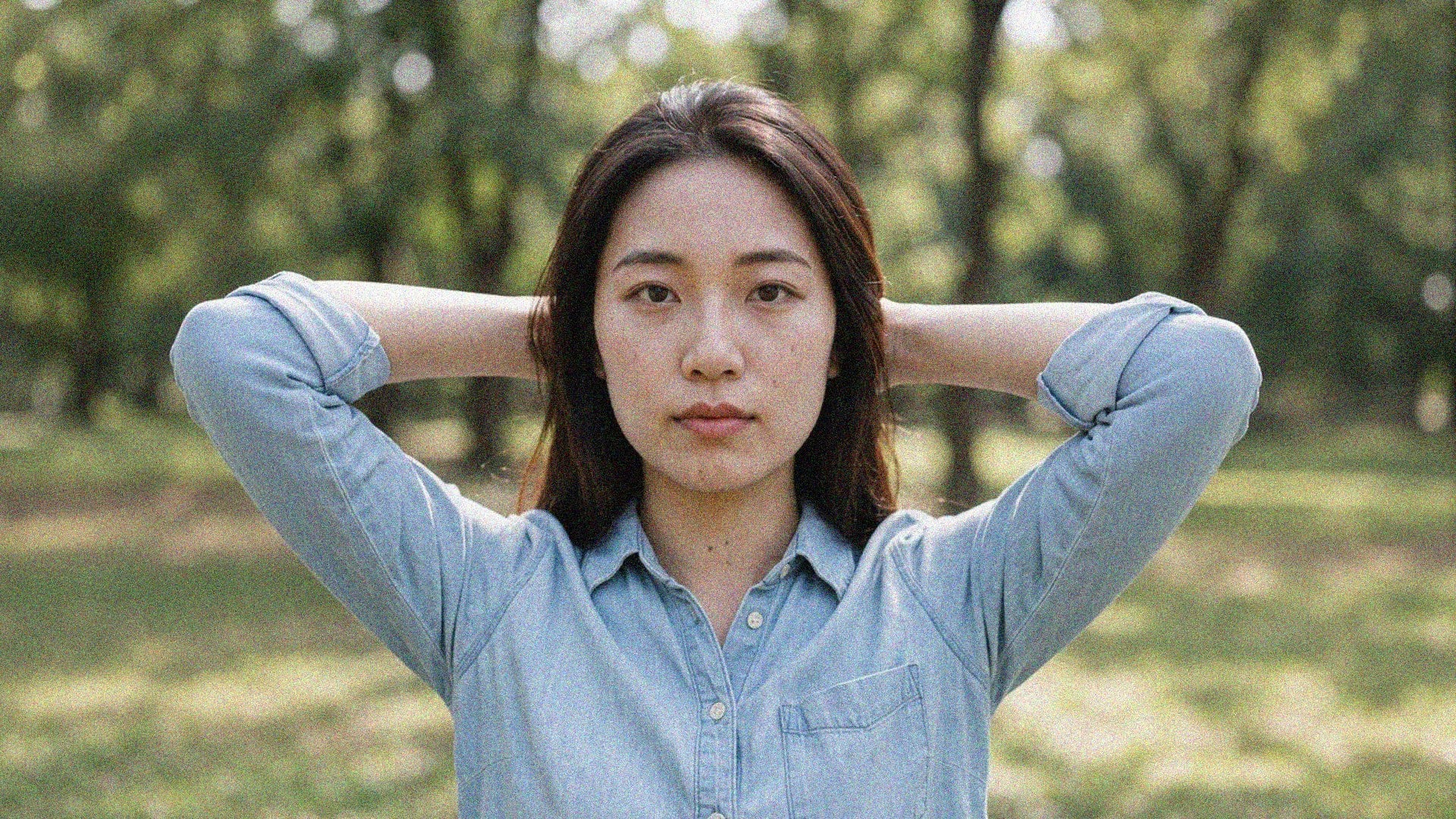
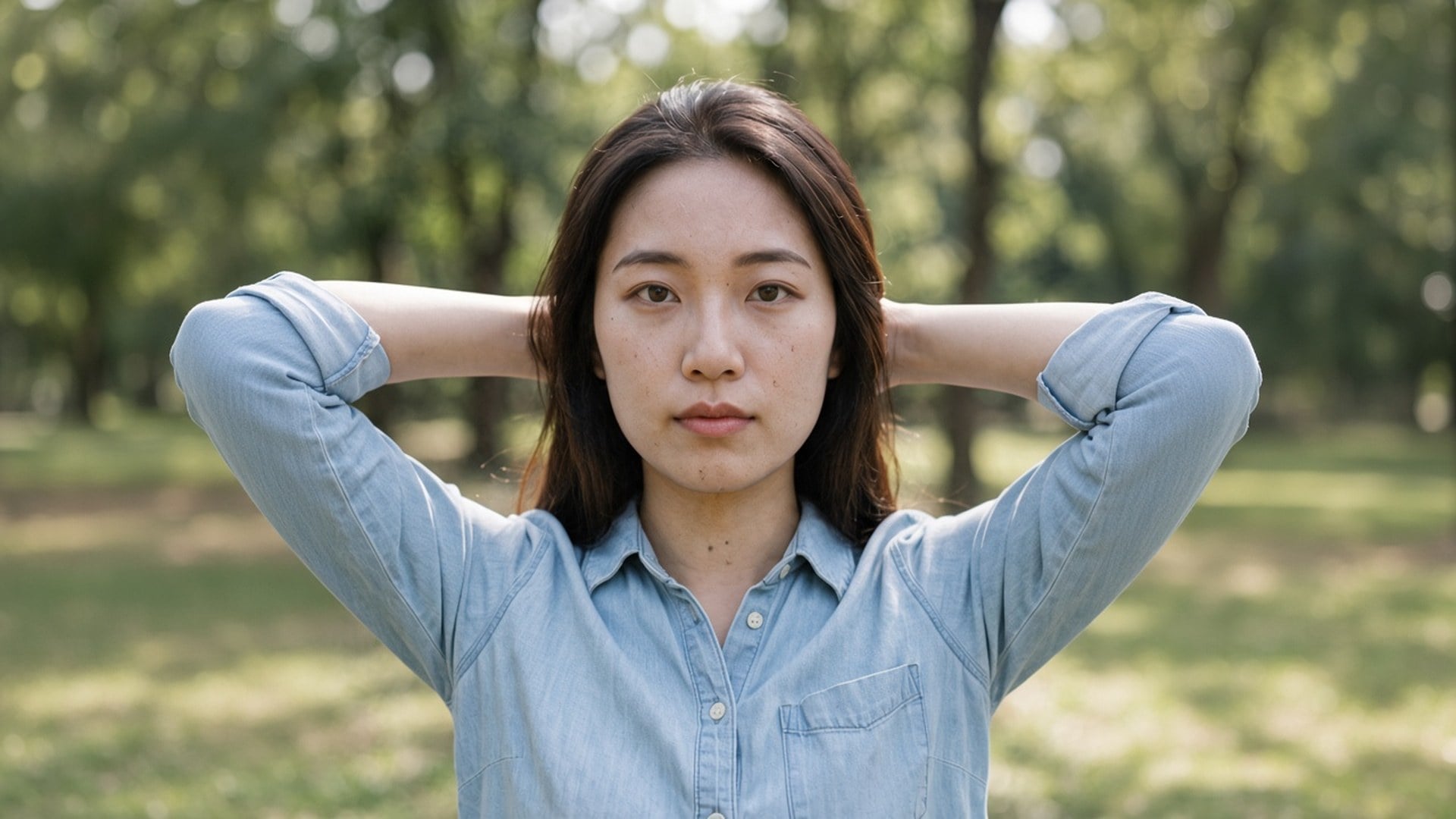
1× 補正は元の画素枠の中で、粒子と圧縮に処理を使います。2× 拡大と 4× 拡大は同じ仕事をし、最長辺も伸ばします。強度スライダーも、色対輝度の分割もありません。これは 1 つの画質処理であり、ノイズ除去モードの棚ではありません。ノイズが軽ければ、1× が商品そのものです。ポスターも要るなら、チップを変えてください。
今すぐ試す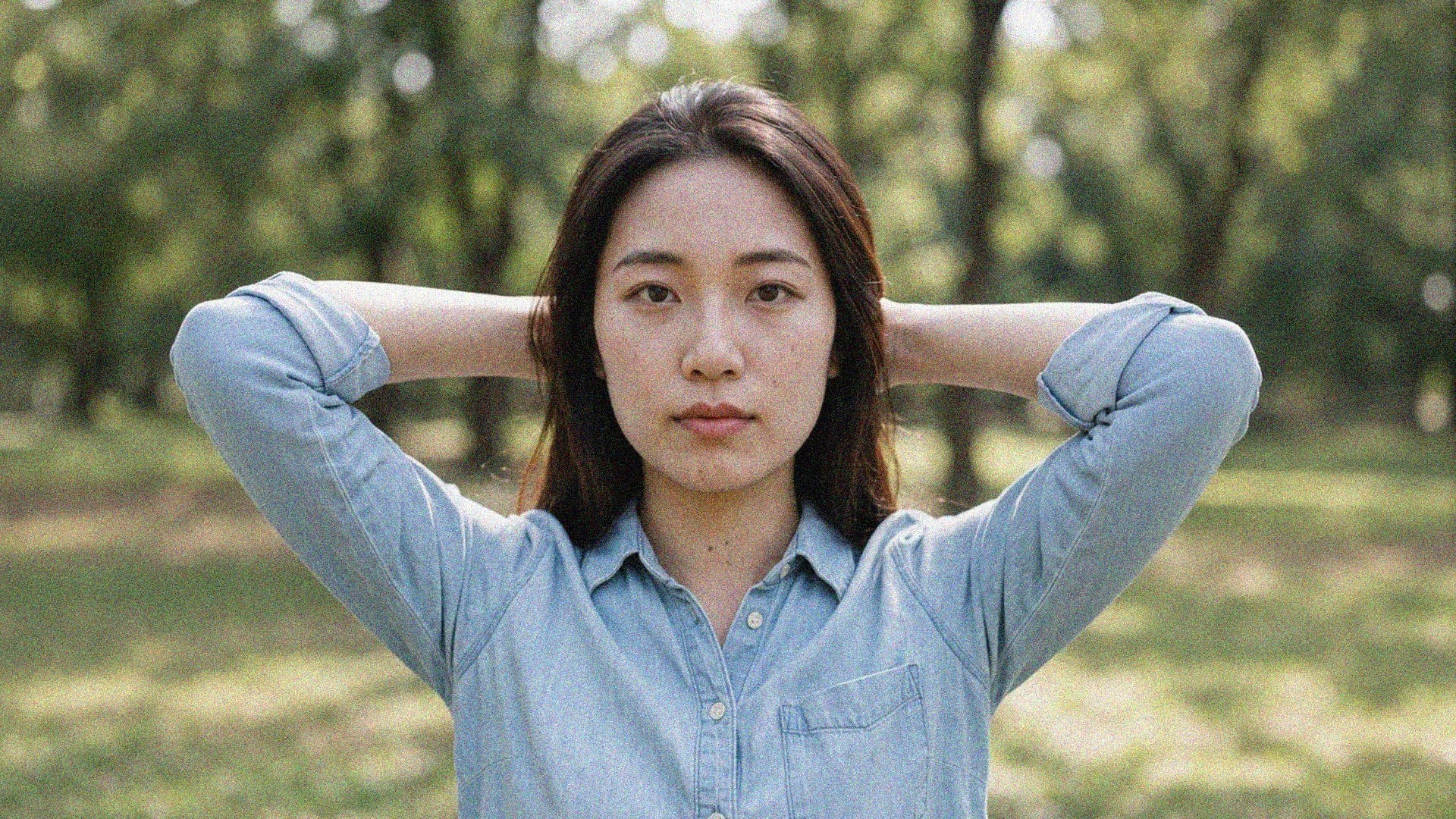
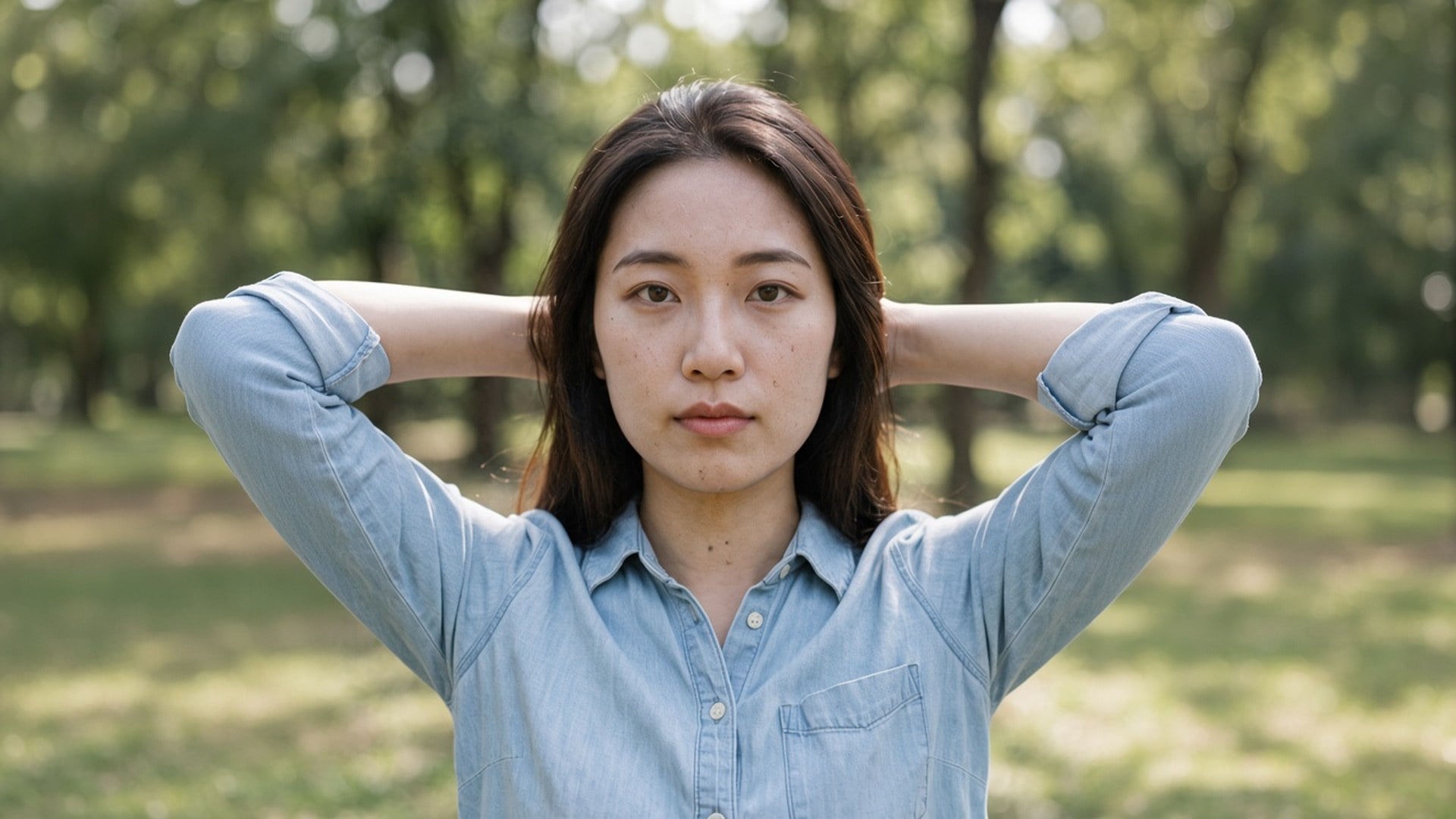
テキストから絵を描き直す道具ではありません。元は画質処理を通り、同じ部屋の同じ人として返り、面が読みやすくなります。それが「この写真のノイズを取って」と「別人の、より滑らかに見える写真を作って」の違いです。残したい夜の静止画、圧縮された書き出し、アーカイブスキャンを使ってください。
今すぐ試す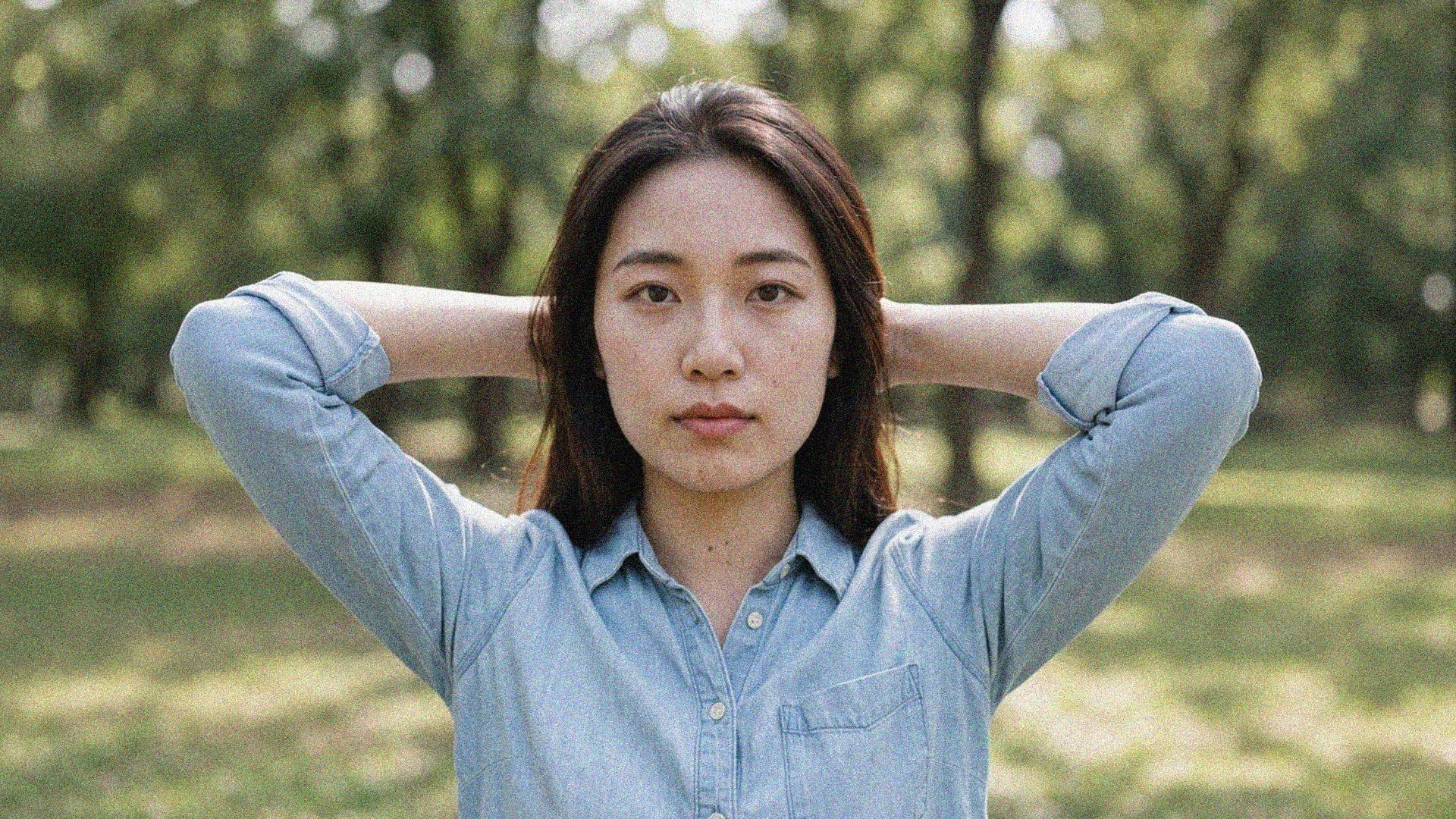
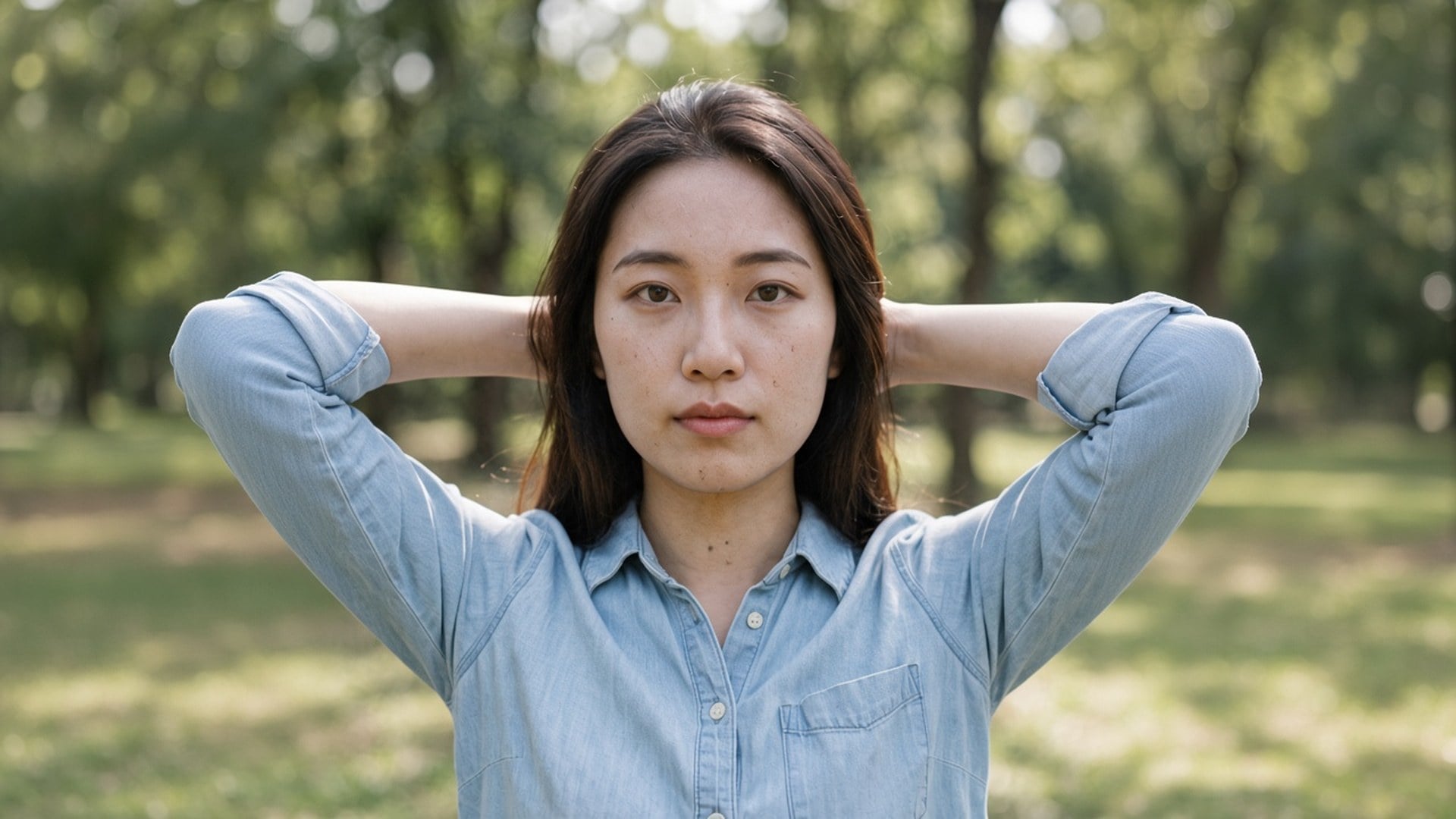
Image Enhancer、Image Upscaler、Unblur Images は 4 つの秘密の算法ではありません。同じ処理への 4 つの入口で、既定チップと検索タイトルが違うだけです。ここで 1× から始め、自分で 2× に切り替えられます。比較スクリーンショットが 4 つの商品に見えないよう、最初からそう言います。エンジンは 1 つ。URL は 4 つ。倍率は正直です。
今すぐ試す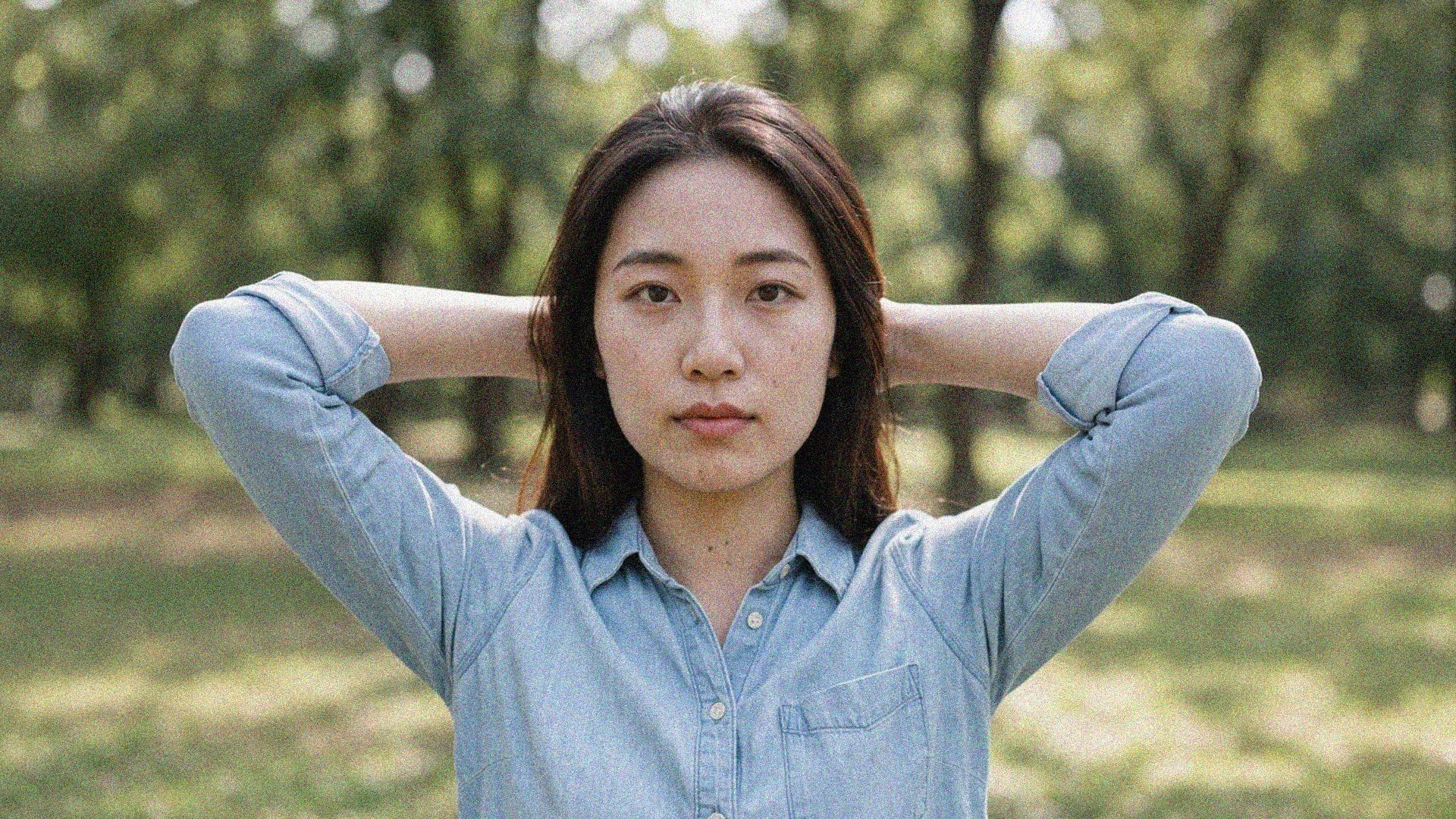
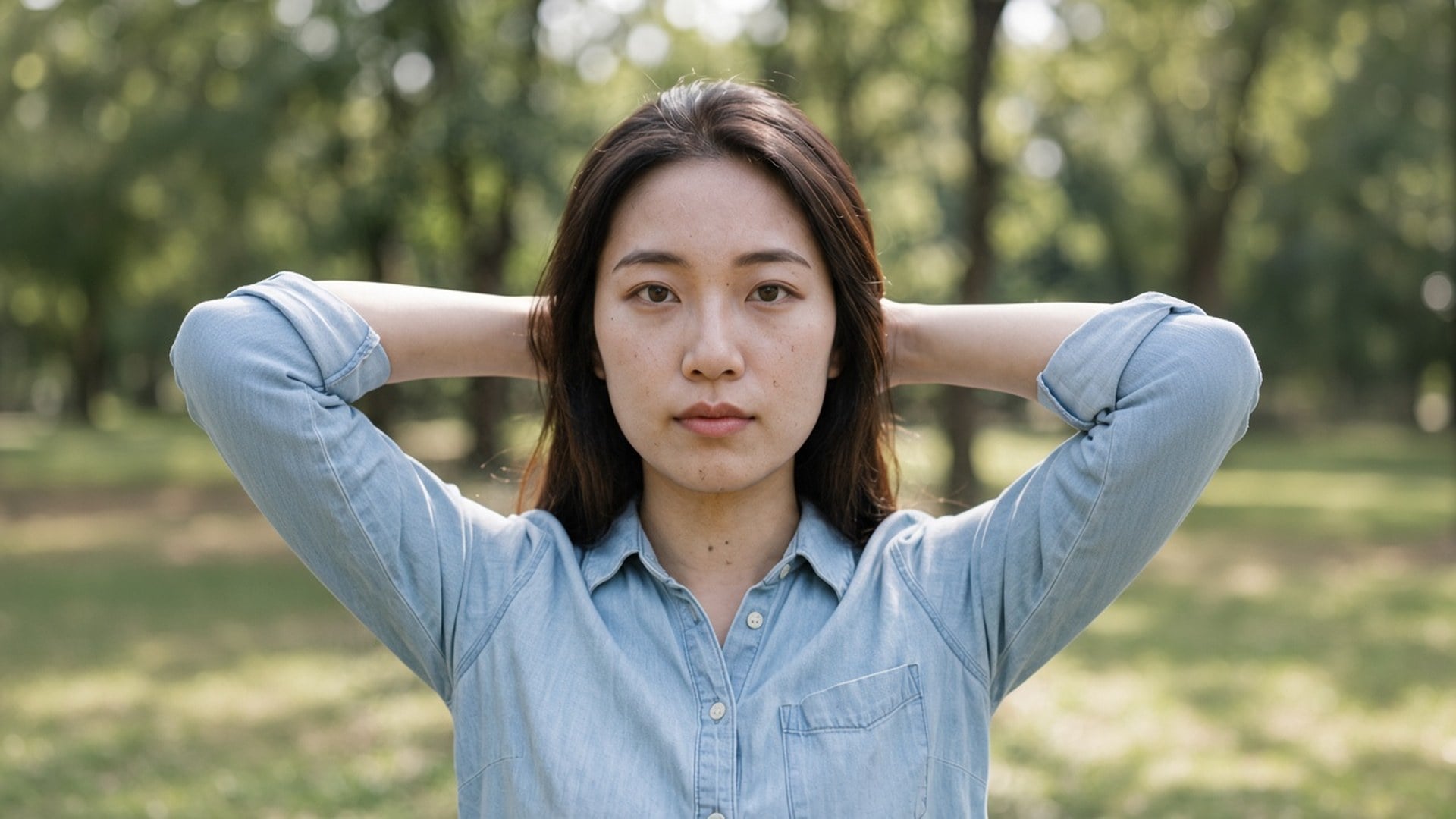
結果はダウンロードできるファイルです。這わなくなった夜景、JPEG ブロックの少ない出品プレート、レンガが残るストーリー枠。ノイズだけのファイルの救出は約束しません。残す質感が元になければ、二度目の処理も質感を発明しません。いちばんきれいな原画から始め、行き先が要る倍率を選んでください。
今すぐ試す低光、長秒、高 ISO の写真を、必要な細部を残したまま整えます。すでに撮った見た目を平らにせず、粒子だけを落とします。
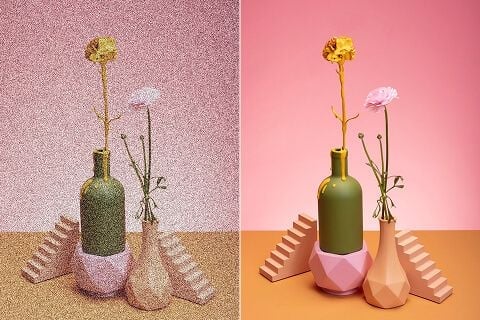
ノイズの多い出品写真は買い物客を遠ざけることがあります。商品写真 の粒子を整え、見えるものを信じやすくします。
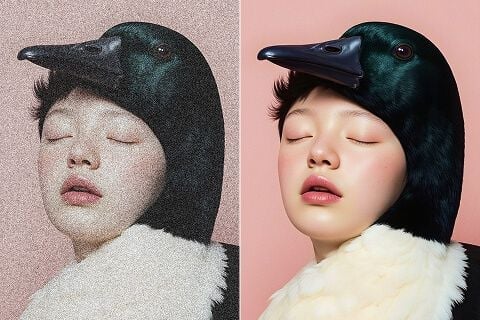
SNS 投稿、ポスター印刷、販促物でも、仕上げに見える質感は残し、粒子だけを落とします。
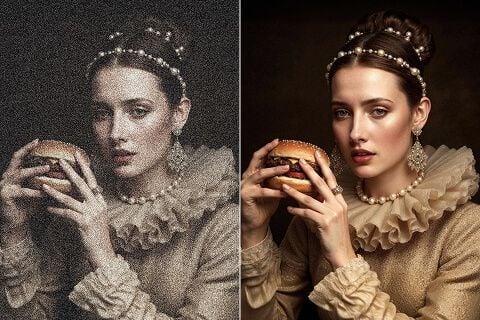
スキャン、古いフィルム写真、ヴィンテージ画像の溜まった粒子とアーティファクトを整え、残したい細部は保ちます。
低光、長秒、高 ISO の写真を、必要な細部を残したまま整えます。すでに撮った見た目を平らにせず、粒子だけを落とします。
ノイズの多い出品写真は買い物客を遠ざけることがあります。商品写真 の粒子を整え、見えるものを信じやすくします。
SNS 投稿、ポスター印刷、販促物でも、仕上げに見える質感は残し、粒子だけを落とします。
スキャン、古いフィルム写真、ヴィンテージ画像の溜まった粒子とアーティファクトを整え、残したい細部は保ちます。
ノイズ除去が唯一の問いになることは稀です。Viralkey Studio に残り、同じ静止画を拡大する、透明背景に切り抜く、同じ顔のポートレート仕上げを試す、といった続きができます。
AI動画・画像生成・編集・シネマティックなストーリーテリング向けの主要モデルを探せます。

Create Wan 3.0 clips on Viralkey: native 1080p, 2–30 seconds, start/end frames, up to 20 mixed references, and audio generated with the picture.

ViralkeyでシネマティックなMiniMax H3クリップを作成:ネイティブ2K、最長15秒、Text to Video、Start/End Frame、最大9枚の参照画像。

Viralkey で先頭・末尾フレームと最大 50 枚の参照画像から短い HD クリップを生成。ミュージックビデオのシーンやパフォーマンスショット向け。

Create cinematic Seedance 2.0 clips on Viralkey: native 4K, start/end frames, up to nine reference images, and built-in audio with lip-sync.
実際の仕事でこのツールを使ったクリエイターの声です。
Tessa Carr
クリエイター新しい写真ではなく、商品ショットをシャープにしたかった。
1× は切り取りを残し、輪郭を整えてくれました。
Cora Pratt
プロダクトマネージャー同じ自撮りをポスター用に 2×。
大きくなっても、プラスチック肌にはなりませんでした。
Dove Lane
写真家検索は Unblur でした。
実際に要ったのは 1× チップでした。
Eden Shaw
動画投稿者Denoise で夜の粒子が落ち、レンガの質感は残りました。
それが全部の要望でした。
Aurelia Keene
SNS 担当責任者切り抜きの透明 PNG を、黒いサムネイルにそのまま置けました。
Haven Bly
デザイナー小さなアーカイブスキャンを 4×。
顔は同じ人のまま、画素が増えただけでした。
Indie Ross
イラストレーター「もう少し潰れて見えないように」とレタッチャーに頼むのをやめました。それがこの仕事です。
Jules Kemp
コンサルタント補正ページでチップを 1× から 2× に変えただけ。
同じエンジン、より大きなファイルでした。
Kit Navarro
インフルエンサー髪のまわりの背景がきれいに取れました。
手でマスクする白いハロはありませんでした。
Denoise AI は、Viralkey の専用画質処理への検索入口です。粒子の多い、または圧縮された静止画を 1 枚上げ、元サイズでノイズを整えるなら 1× 補正のまま、拡大もするなら 2× 拡大 / 4× 拡大を選びます。生成的な描き直しでも、専用のノイズ網でもありません。Image Enhancer、Image Upscaler、Unblur Images は同じエンジンです。コマはすでに正しく、ノイズだけが違うときに使ってください。
夜の粒子や圧縮ブロックでも、その写真が正しいことがあります。Viralkey のノイズ除去は 1× でそのノイズを整え、2× と 4× で拡大し、新しい顔やプラスチック仕上げは作りません。