共有できる記憶に戻す
古い 家族のポートレート、旅行写真、個人写真の顔と細部を読みやすくし、保存、印刷、家族との共有をしやすくします。
必要なのは新しい絵ではなく、より大きなマスターですか。Viralkey の Image Upscaler は最長辺を 2× または 4× で拡大するか、1× で鮮明さだけを戻し、新しい切り取り、顔、部屋は作りません。


Image Upscaler
オンライン画像拡大
必要なのは新しい絵ではなく、より大きなマスターですか。Viralkey の Image Upscaler は最長辺を 2× または 4× で拡大するか、1× で鮮明さだけを戻し、新しい切り取り、顔、部屋は作りません。
多くの拡大ツールは画素をにじませるか、静かにショットを描き直します。このページは本当に拡大します。2× 拡大は最長辺を 2 倍、4× 拡大は 4 倍、1× 補正は枠を保ったまま鋭さだけを戻します。Image Enhancer、Unblur Images、Denoise AI はこのエンジンを共有し、この URL は 2× から始まるだけです。同じサイズの再処理だけでよければ、チップを変えてください。
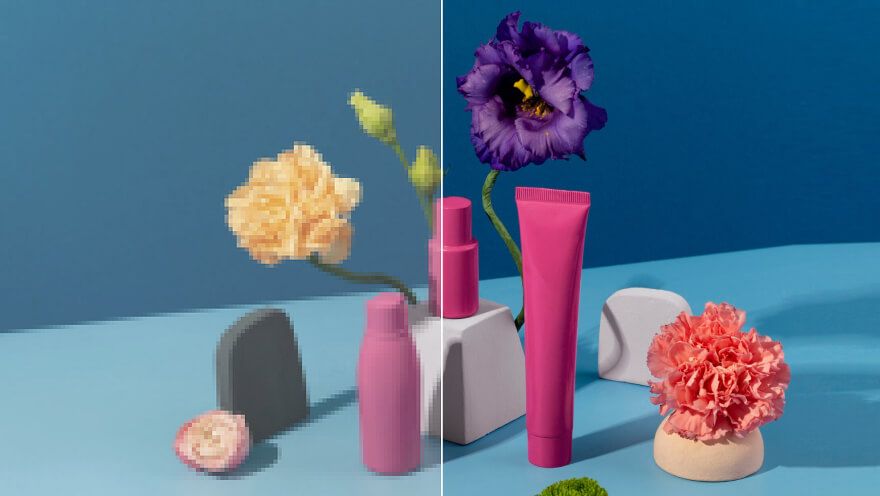
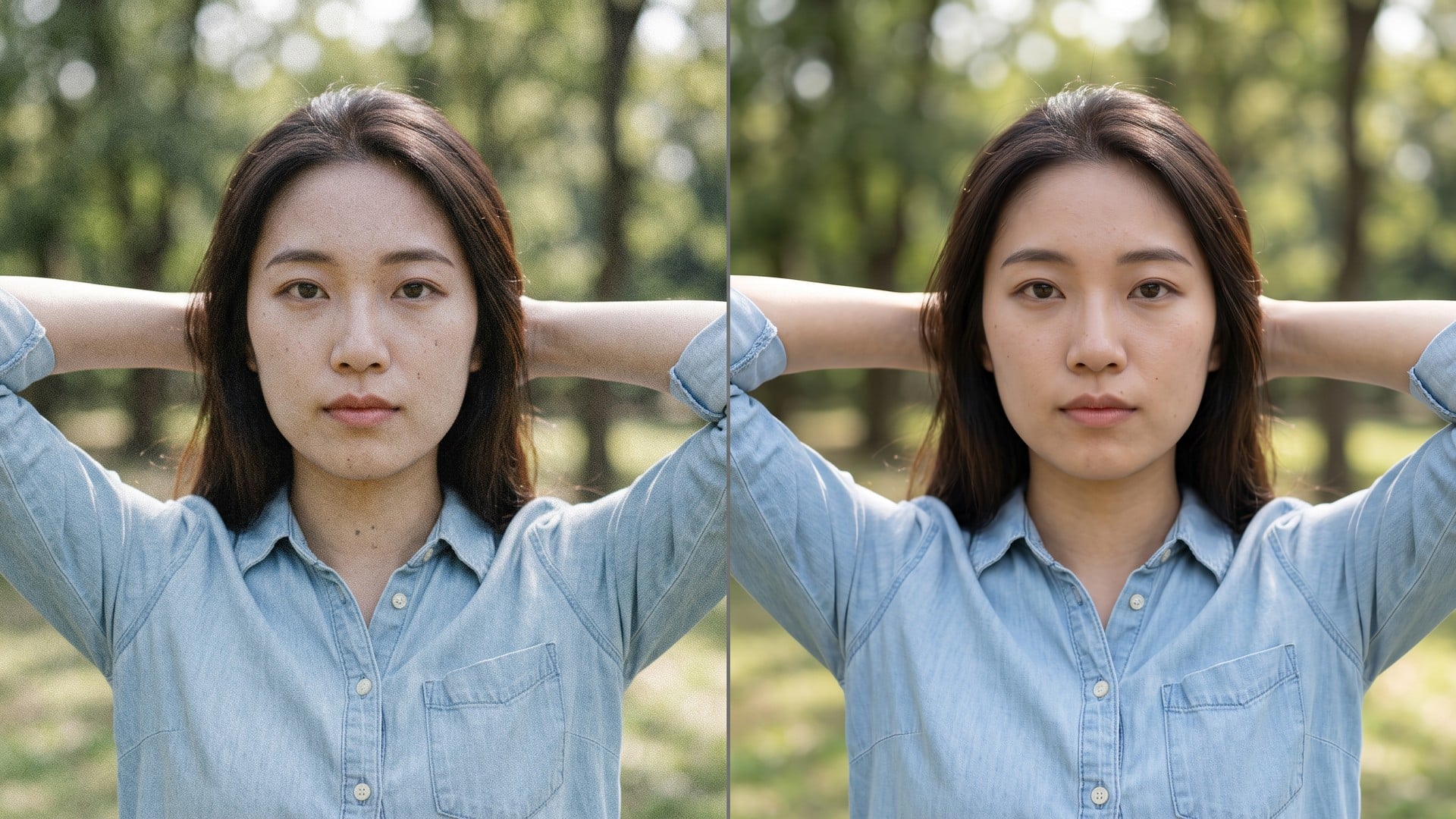
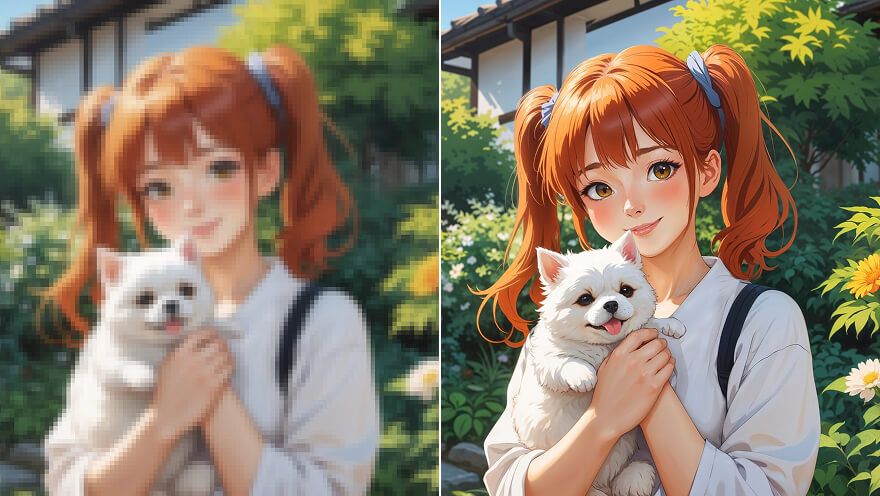
アフターが別の部屋の別の人なら、拡大は役に立ちません。この処理は家具、活字、顔をその位置に残し、増えた画素を輪郭と質感に使います。ビフォーとアフターを 1 枚のスライドに並べられるはずです。新しい構図が欲しかったなら、道具が違います。ここは、すでに構図を決めた静止画を大きくするためのページです。
今すぐ試す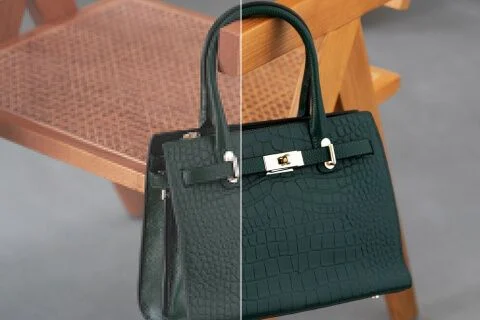
ここに着くと 2× 拡大が選ばれます。Image Upscaler 検索で同じサイズのチップに落とさないためです。元がすでに巨大なら 1× 補正、小さなアーカイブ静止画をポスターに載せるなら 4× 拡大も押せます。この三値は Image Enhancer ページと同じ閉じた集合です。隠れた「拡大モデル」対「補正モデル」はありません。処理は 1 つ。サイズは 3 つです。
今すぐ試す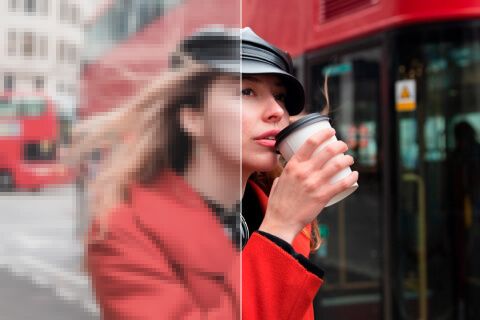
書くものはありません。元写真がブリーフで、決めるのは倍率チップだけです。プロンプトは生成的な描き直しを招き、このページはそれをしないので欄は隠しています。アップロードし、2× を確認するか切り替え、生成し、比べます。最初の拡大が投稿枠に足りなければ、同じファイルを 4× で再実行してください。
今すぐ試すImage Upscaler が役立つのは、行き先がより多くの画素を求め、写真がそのままでいられるときです。下の各点はその約束です。本物の拡大、姉妹ページと共有するエンジン、元の横に置けるファイルです。
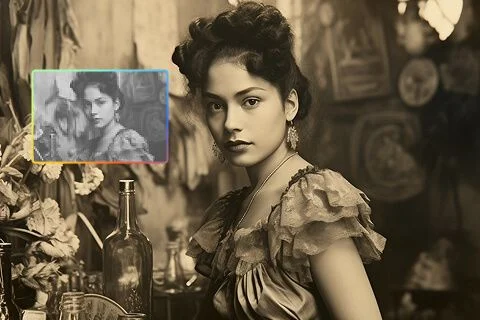
2× 拡大と 4× 拡大は画素枠を変えます。プレビューをズームするのではなく、より狭い切り取りを発明するのでもありません。元がすでに大きく、読みやすさだけ要る日のために 1× 補正も残しています。拡大後の最長辺がサイズ上限を超えるなら、小さいチップのままにしてください。上限はフォームにあり、持てない 4× を黙って縮小することはありません。
今すぐ試す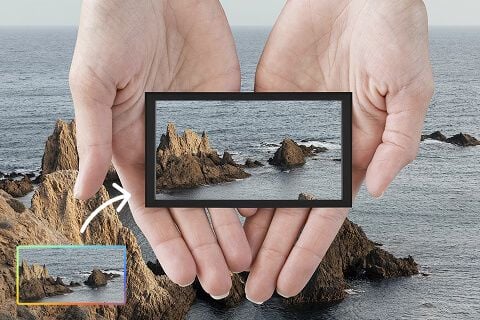
テキストから絵を描き直す道具ではありません。元は画質処理を通り、同じ部屋の同じ人として返り、使える画素が増えます。それが「この写真を拡大して」と「もっと良い写真を作って」の違いです。残したいポートレート、商品プレート、スキャンを使ってください。新しい背景と新しいポーズは、別のスタジオページにあります。
今すぐ試す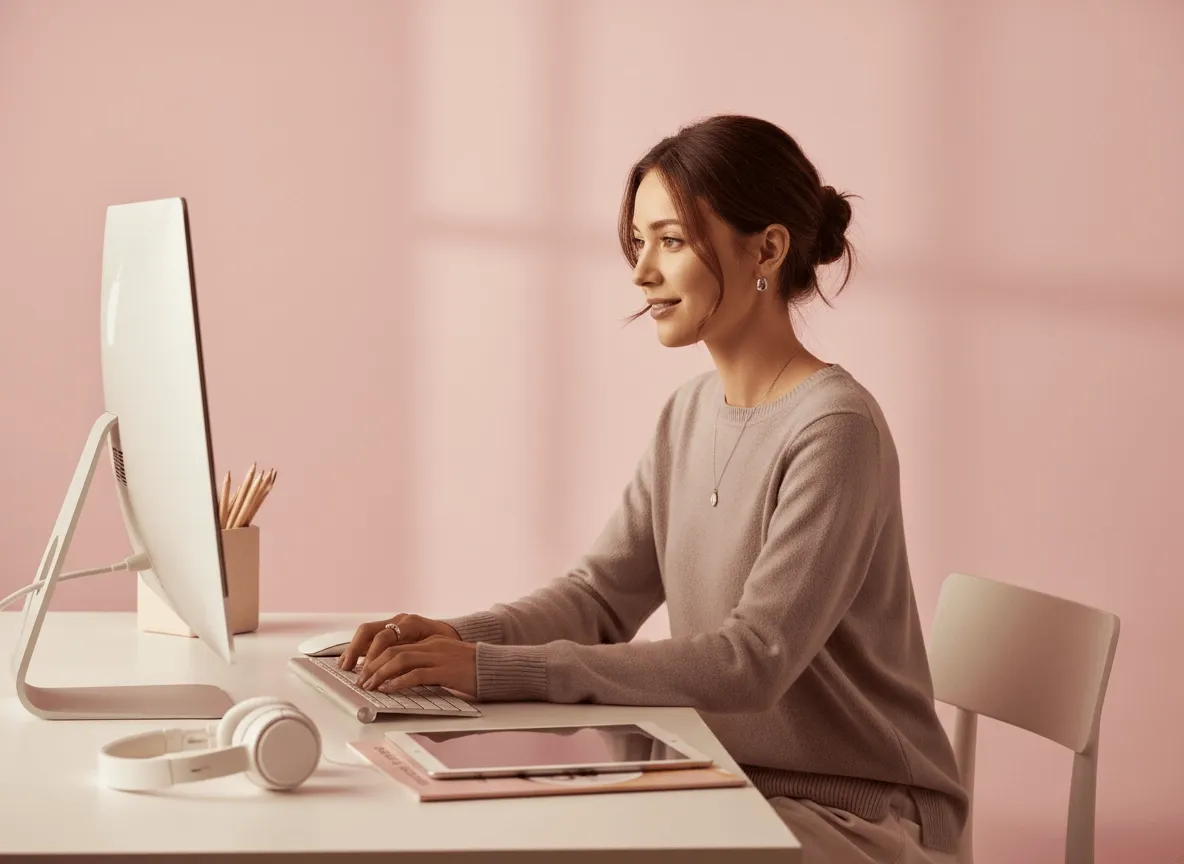
URL は 4 つ、処理は 1 つです。機能表が 4 つの算法を買ったように見せないよう、最初からそう言います。Unblur と Denoise の既定が 1× なのは、それらの検索がサイズではなく鋭さだからです。このページの既定が 2× なのは、拡大を求めたからです。チップは自分で横断できます。同じ倍率のアフターは、どの姉妹ページから始めても揃うべきです。
今すぐ試す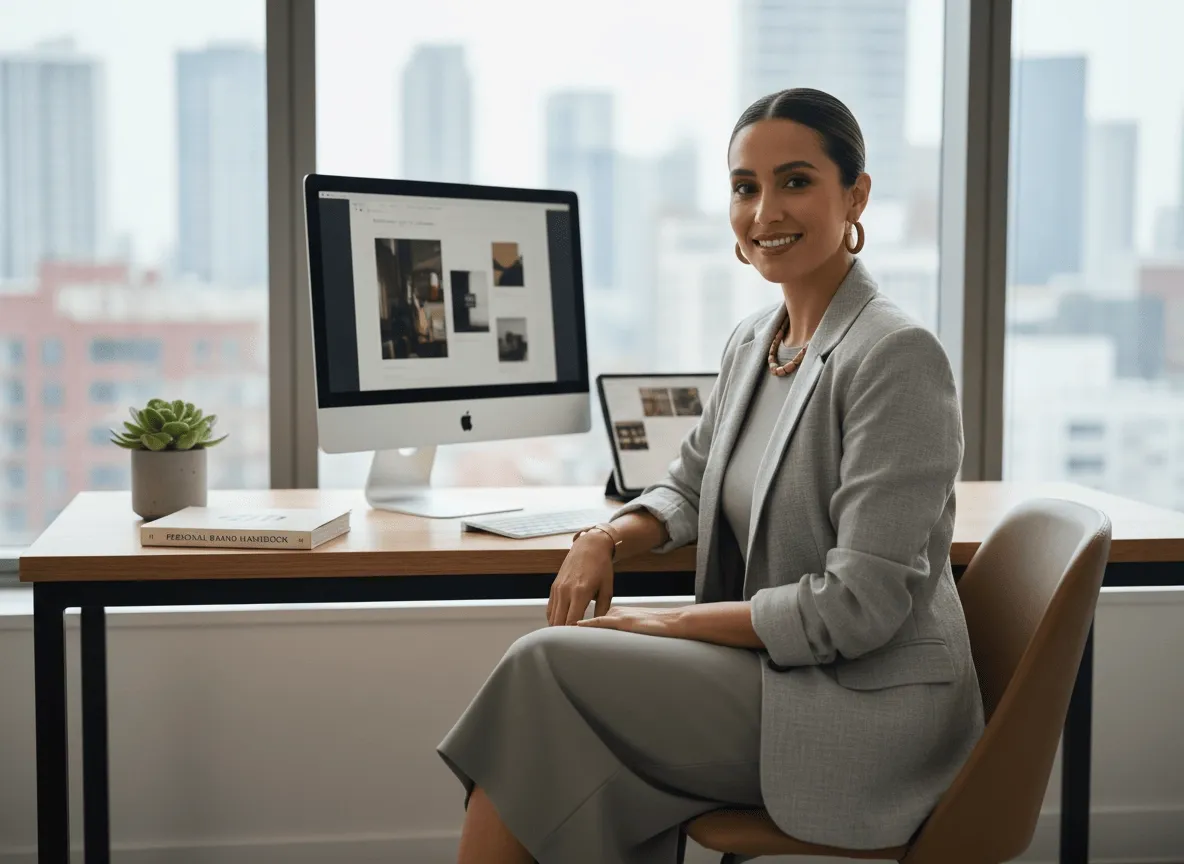
結果はダウンロードできる静止画です。より大きい出品プレート、ポスターファイル、トリミングに耐えるストーリーマスター。印刷工房並みの完成度や、細部が残っていないファイルの救出は約束しません。スクリーンショットのスクリーンショットなら、二度目の 4× も存在しない活字を発明しません。いちばんきれいな原画から始め、枠が要る倍率を選んでください。
今すぐ試す拡大が唯一の問いになることは稀です。Viralkey Studio に残り、同じ静止画を 1× で補正する、透明背景に切り抜く、同じ顔のポートレート仕上げを試す、といった続きができます。
AI動画・画像生成・編集・シネマティックなストーリーテリング向けの主要モデルを探せます。

Create Wan 3.0 clips on Viralkey: native 1080p, 2–30 seconds, start/end frames, up to 20 mixed references, and audio generated with the picture.

ViralkeyでシネマティックなMiniMax H3クリップを作成:ネイティブ2K、最長15秒、Text to Video、Start/End Frame、最大9枚の参照画像。

Viralkey で先頭・末尾フレームと最大 50 枚の参照画像から短い HD クリップを生成。ミュージックビデオのシーンやパフォーマンスショット向け。

Create cinematic Seedance 2.0 clips on Viralkey: native 4K, start/end frames, up to nine reference images, and built-in audio with lip-sync.
実際の仕事でこのツールを使ったクリエイターの声です。
Zane Pell
クリエイター新しい写真ではなく、商品ショットをシャープにしたかった。
1× は切り取りを残し、輪郭を整えてくれました。
Briar Holt
プロダクトマネージャー同じ自撮りをポスター用に 2×。
大きくなっても、プラスチック肌にはなりませんでした。
Cleo Marsh
写真家検索は Unblur でした。
実際に要ったのは 1× チップでした。
Dax Keane
動画投稿者Denoise で夜の粒子が落ち、レンガの質感は残りました。
それが全部の要望でした。
Hadrian Pike
SNS 担当責任者切り抜きの透明 PNG を、黒いサムネイルにそのまま置けました。
Frost Renn
デザイナー小さなアーカイブスキャンを 4×。
顔は同じ人のまま、画素が増えただけでした。
Gwyneth Blair
イラストレーター「もう少し潰れて見えないように」とレタッチャーに頼むのをやめました。それがこの仕事です。
Ivo Stern
コンサルタント補正ページでチップを 1× から 2× に変えただけ。
同じエンジン、より大きなファイルでした。
Joss Vale
インフルエンサー髪のまわりの背景がきれいに取れました。
手でマスクする白いハロはありませんでした。
Viralkey の Image Upscaler は、すでに持っている写真への専用拡大処理です。静止画を 1 枚上げ、最長辺を伸ばすなら 2× 拡大または 4× 拡大、元サイズで鮮明さだけ戻すなら 1× 補正を選びます。生成的な描き直しではありません。場面、ポーズ、身元は元のままです。投稿、印刷、資料には小さすぎるコマに使い、プロンプトから新しい絵が欲しいときには使わないでください。
必要なのは新しい絵ではなく、より大きなマスターですか。Viralkey の Image Upscaler は最長辺を 2× または 4× で拡大するか、1× で鮮明さだけを戻し、新しい切り取り、顔、部屋は作りません。