让产品更容易购买
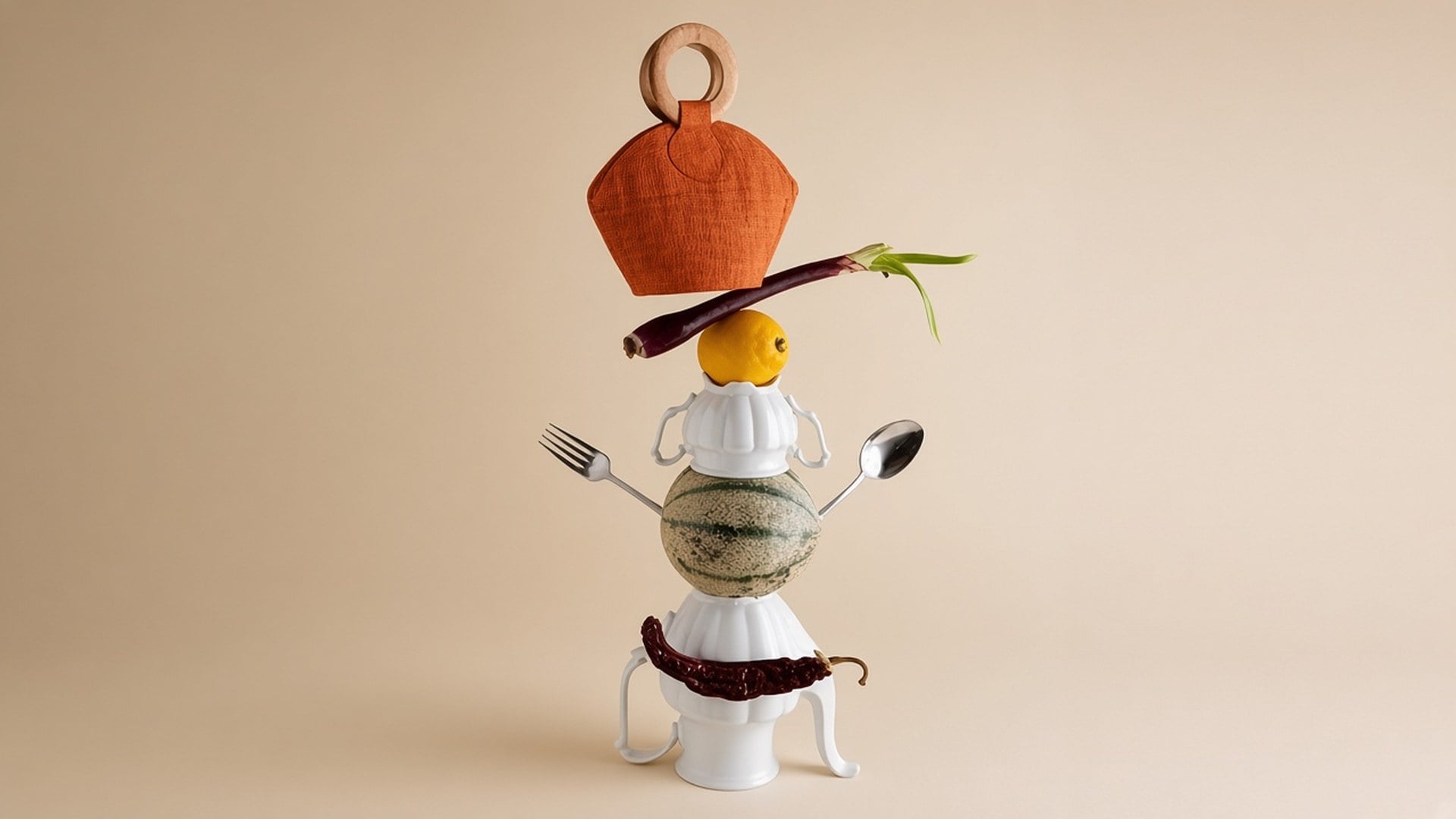
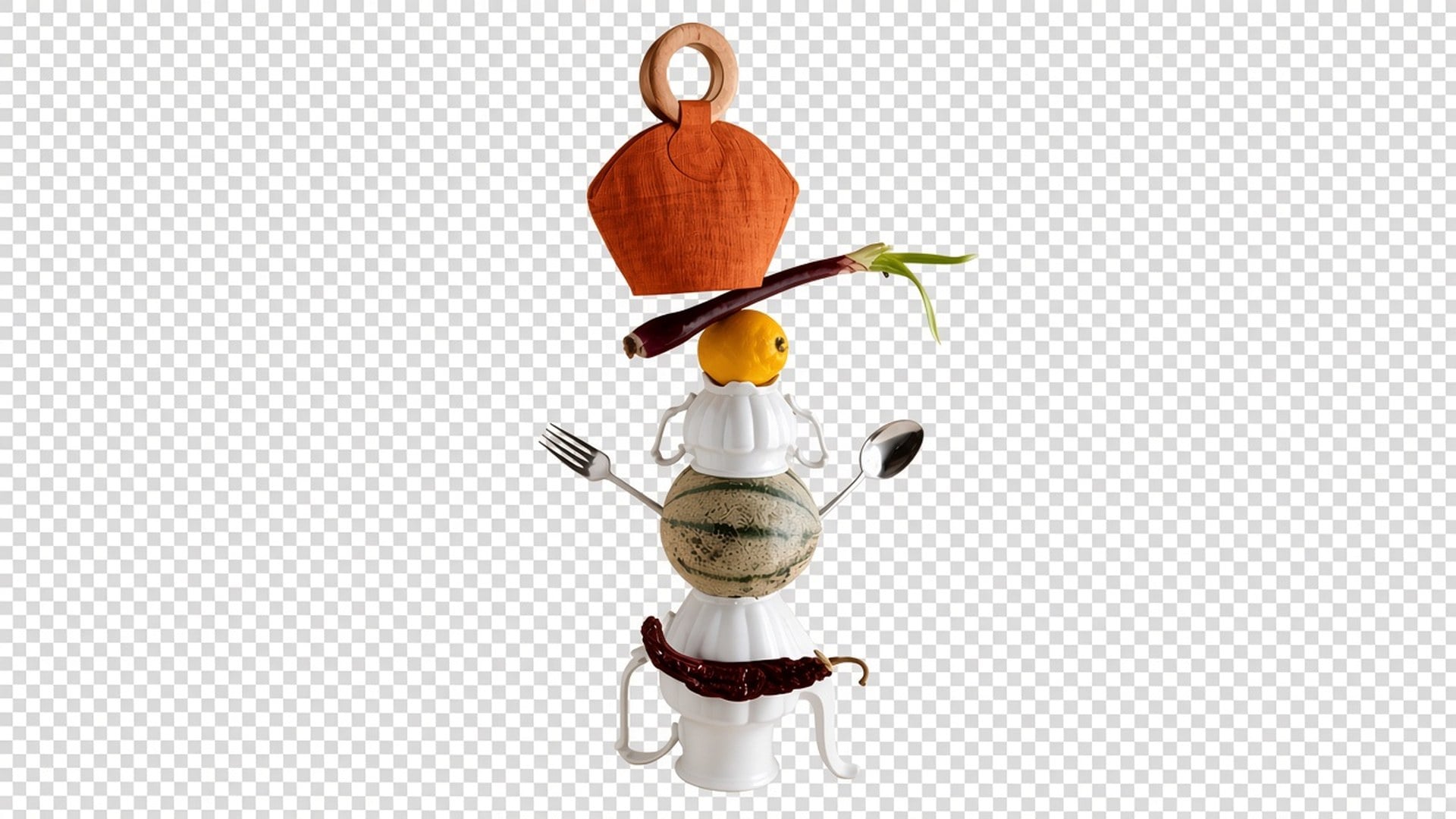
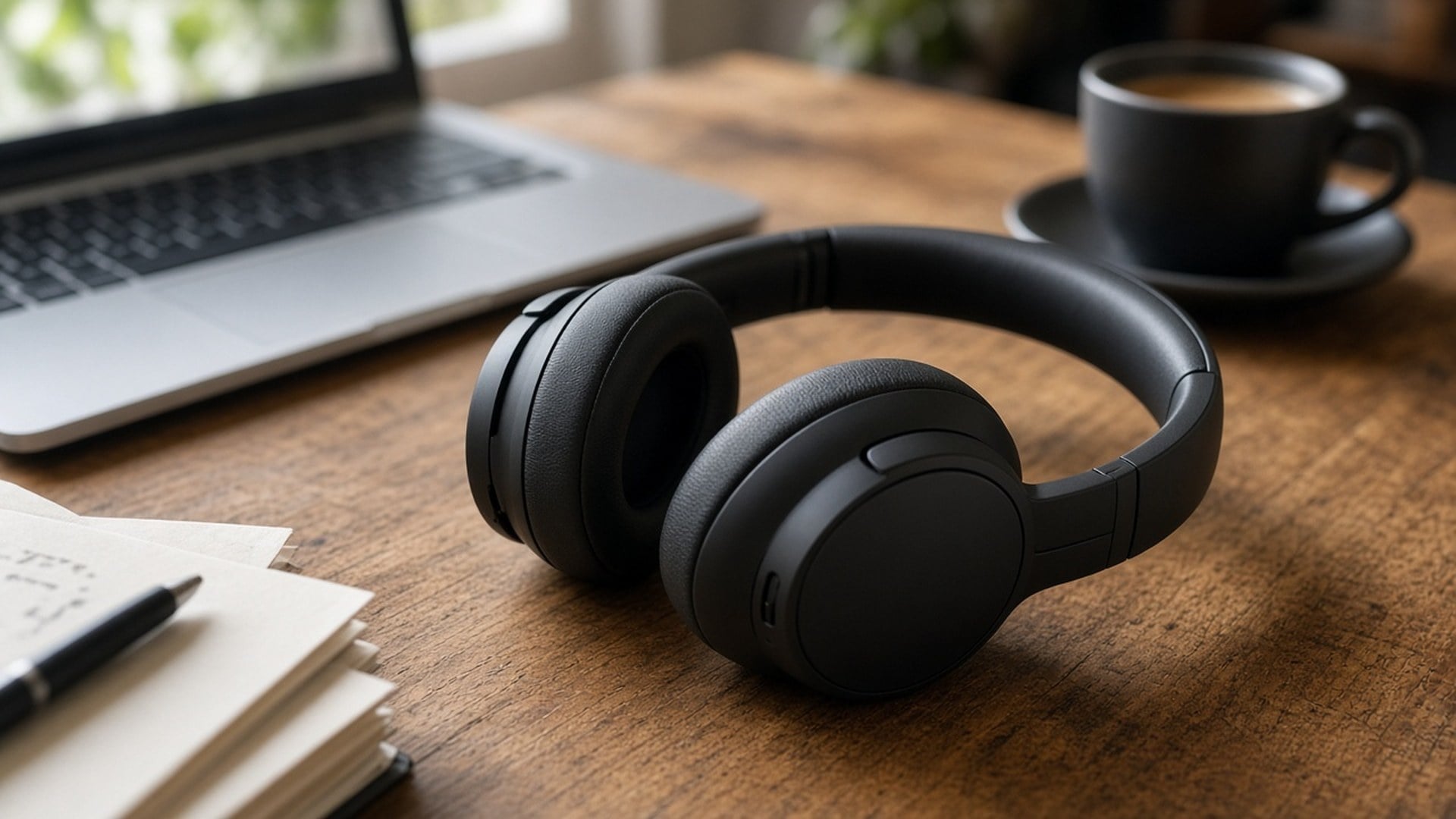
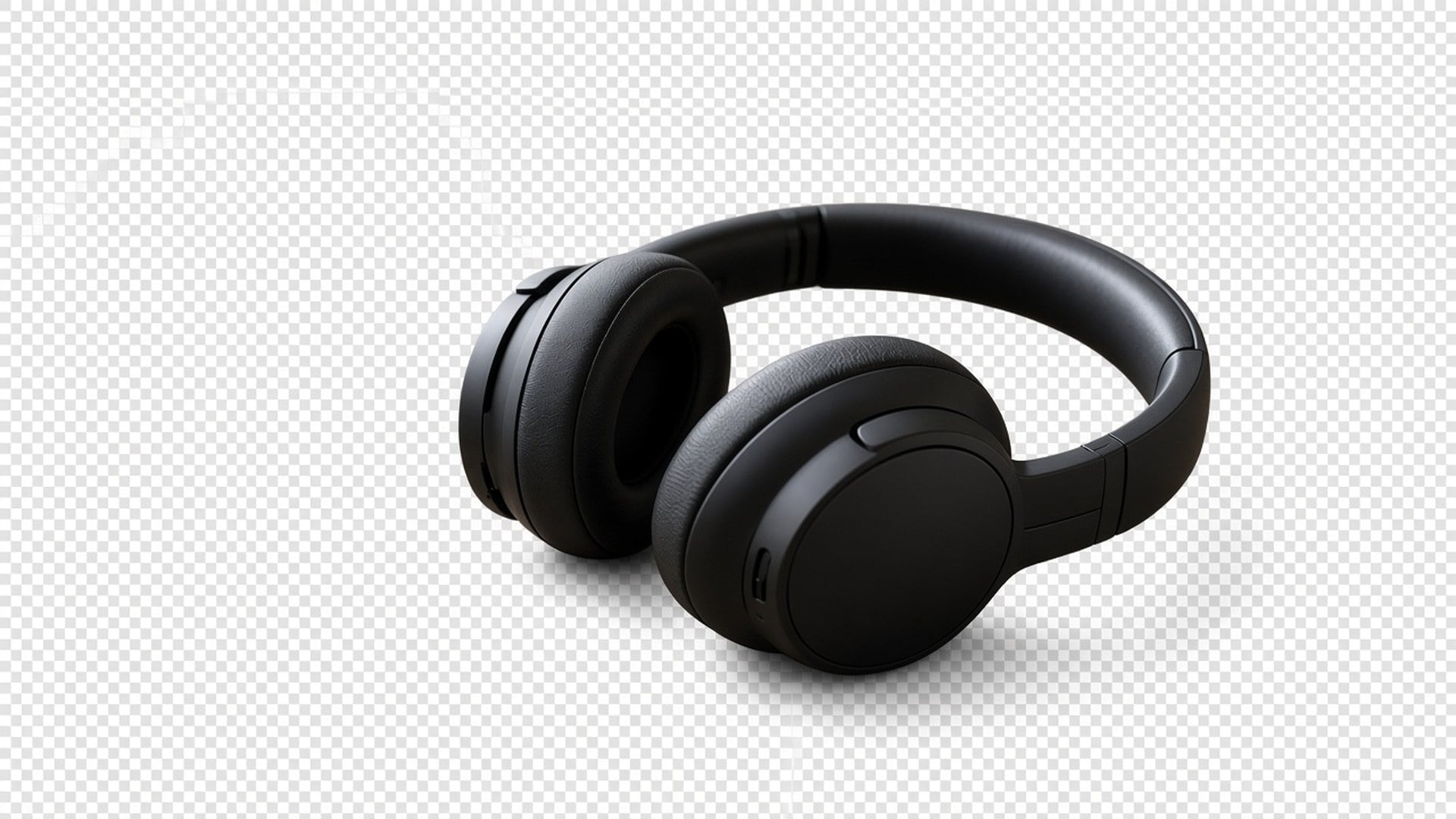
干净的产品抠图让 产品照片 更好读,购物者能盯住关键细节,下单也更有把握。
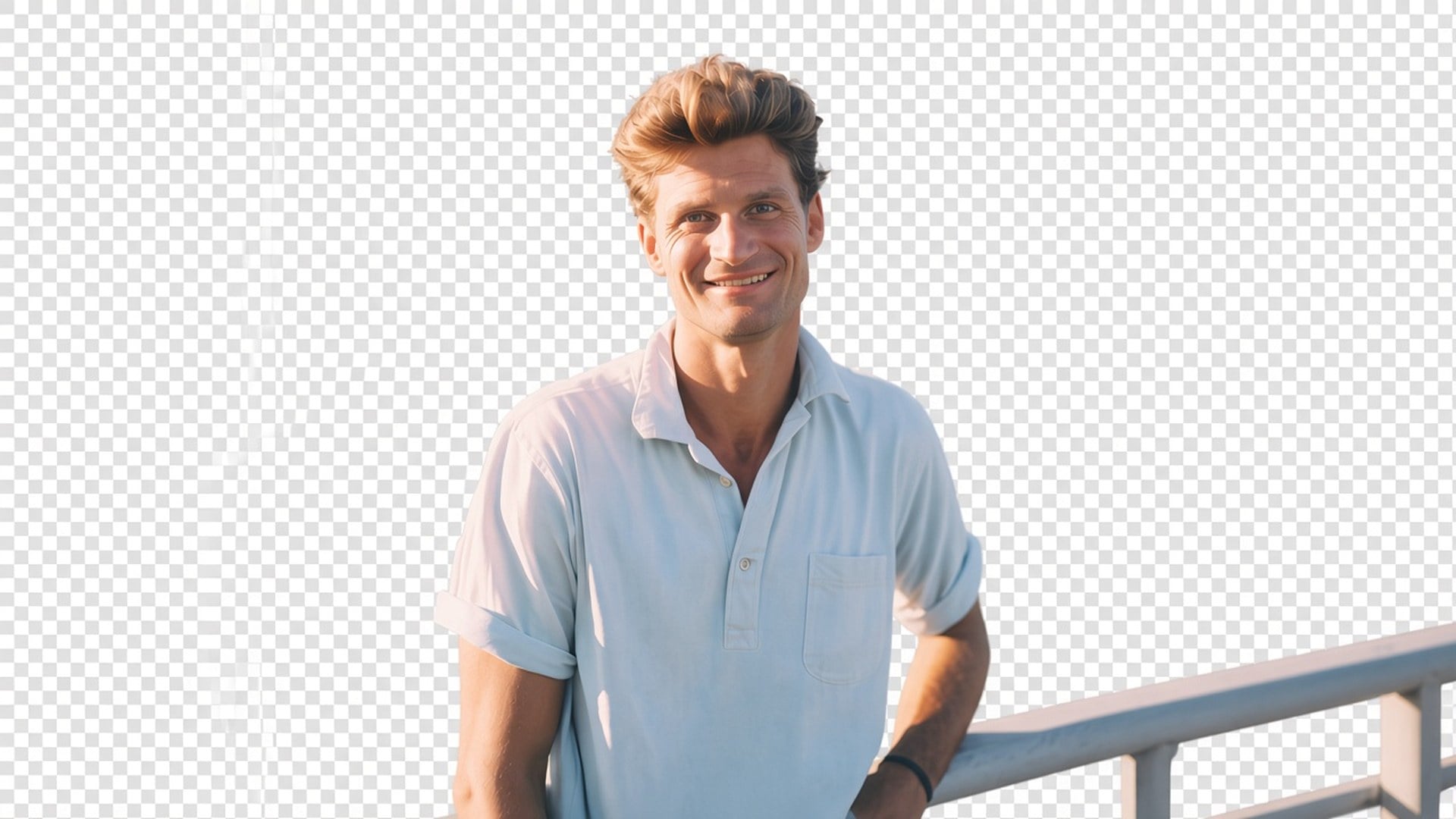
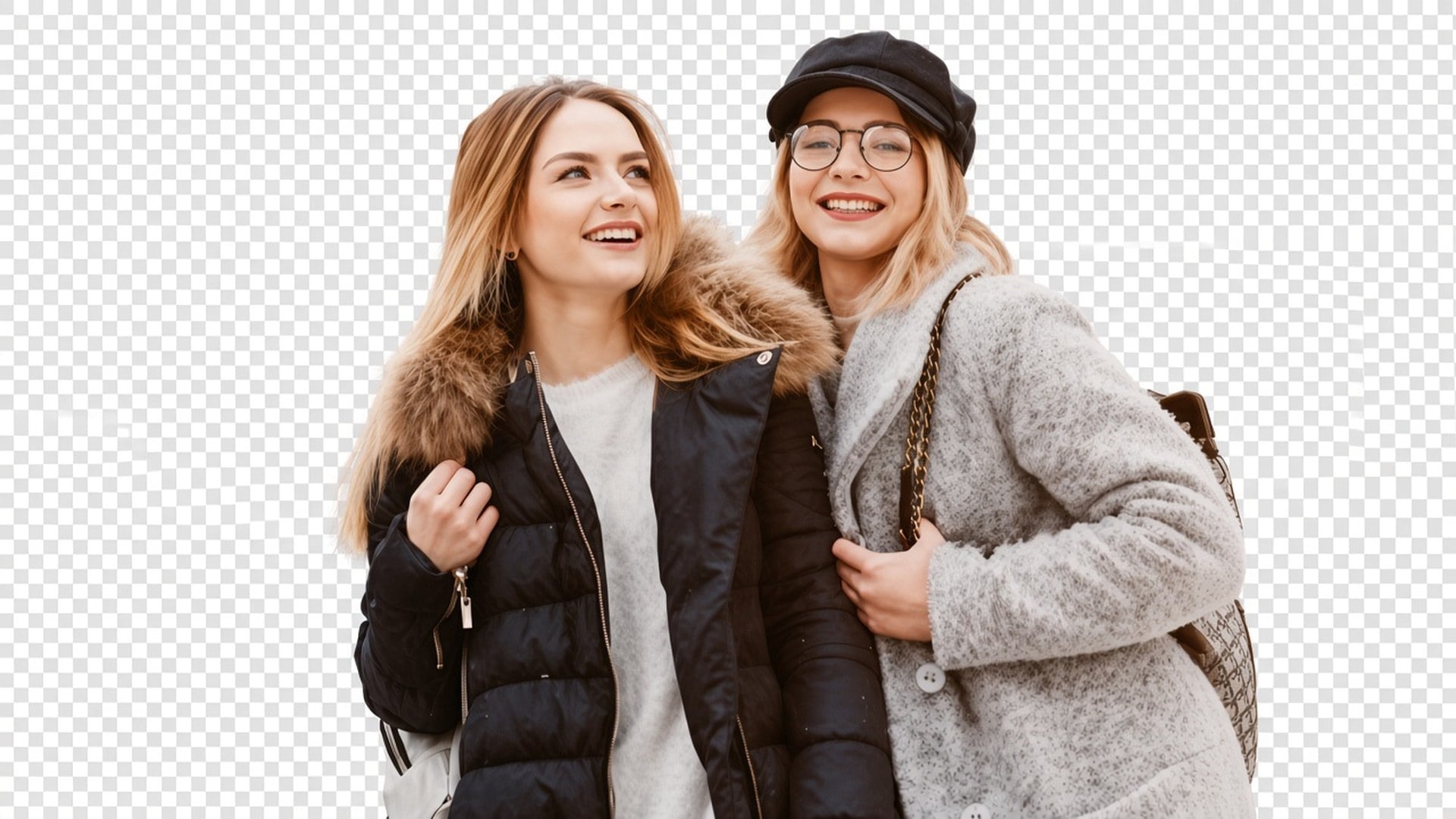
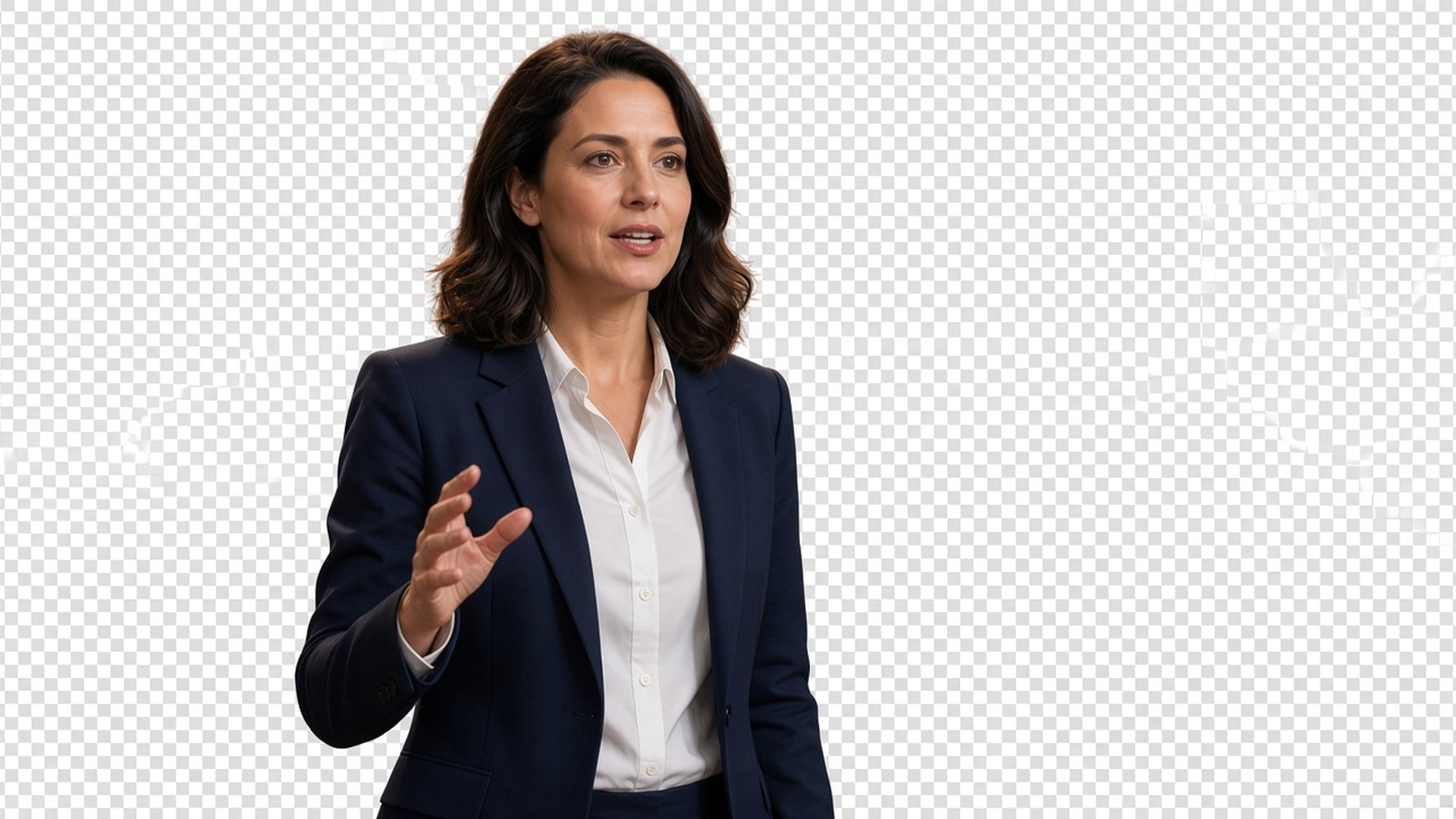
需要人物或产品落在透明底上,而不是一张新背景?Viralkey 抠图把主体切到真正的透明背景——没有白底、没有影棚sweep、没有虚构房间。
Background Remover
Most 'background remover' pages quietly paste a white studio or generate a prettier room. This one returns transparency: the subject isolated, the backdrop gone, the file ready to drop onto a thumbnail, a slide, or a listing tile. It is a dedicated cutout, not the Image Enhancer engine, and not a scene swap. Upload one still. Download a subject you can place yourself.


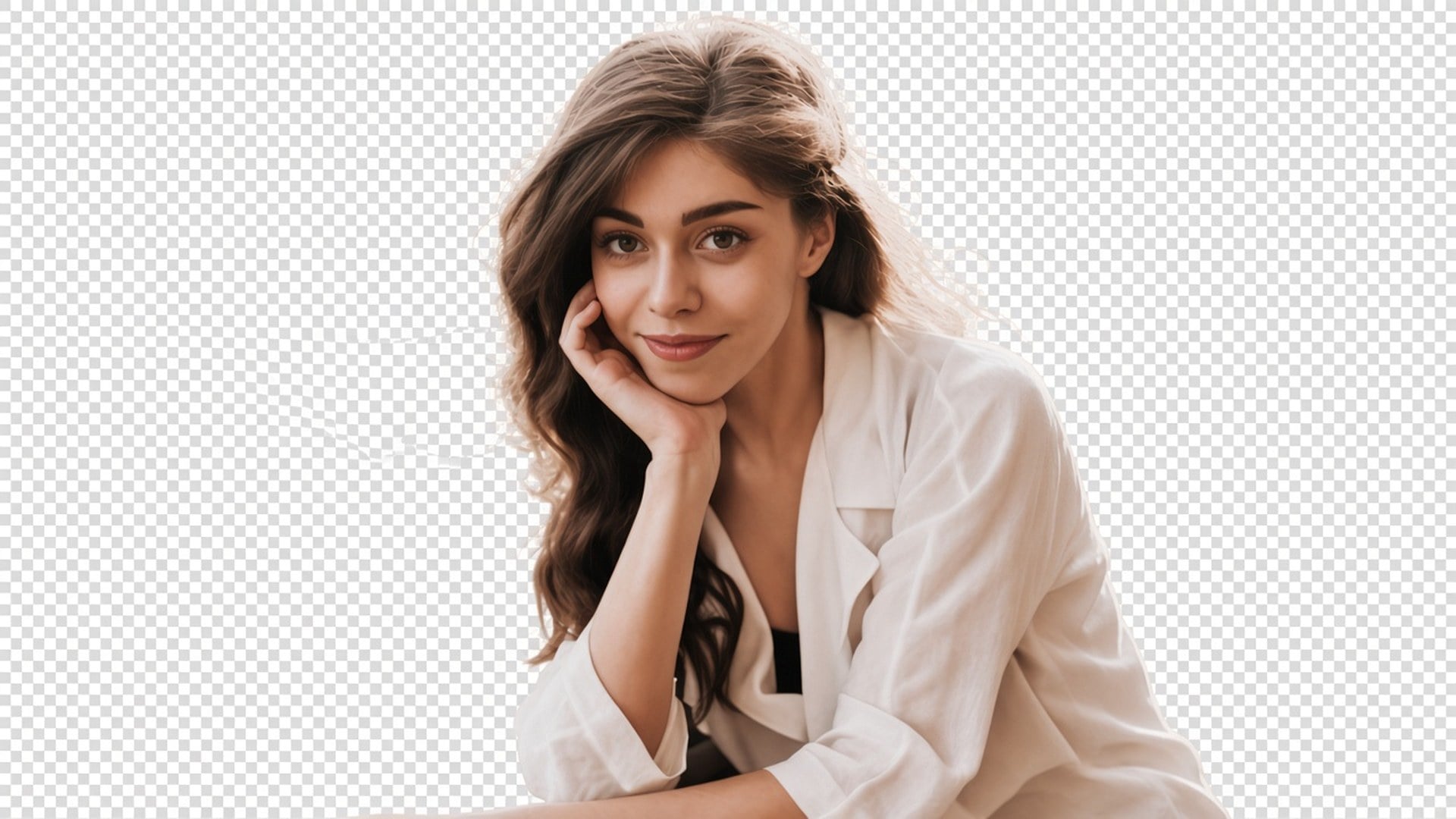
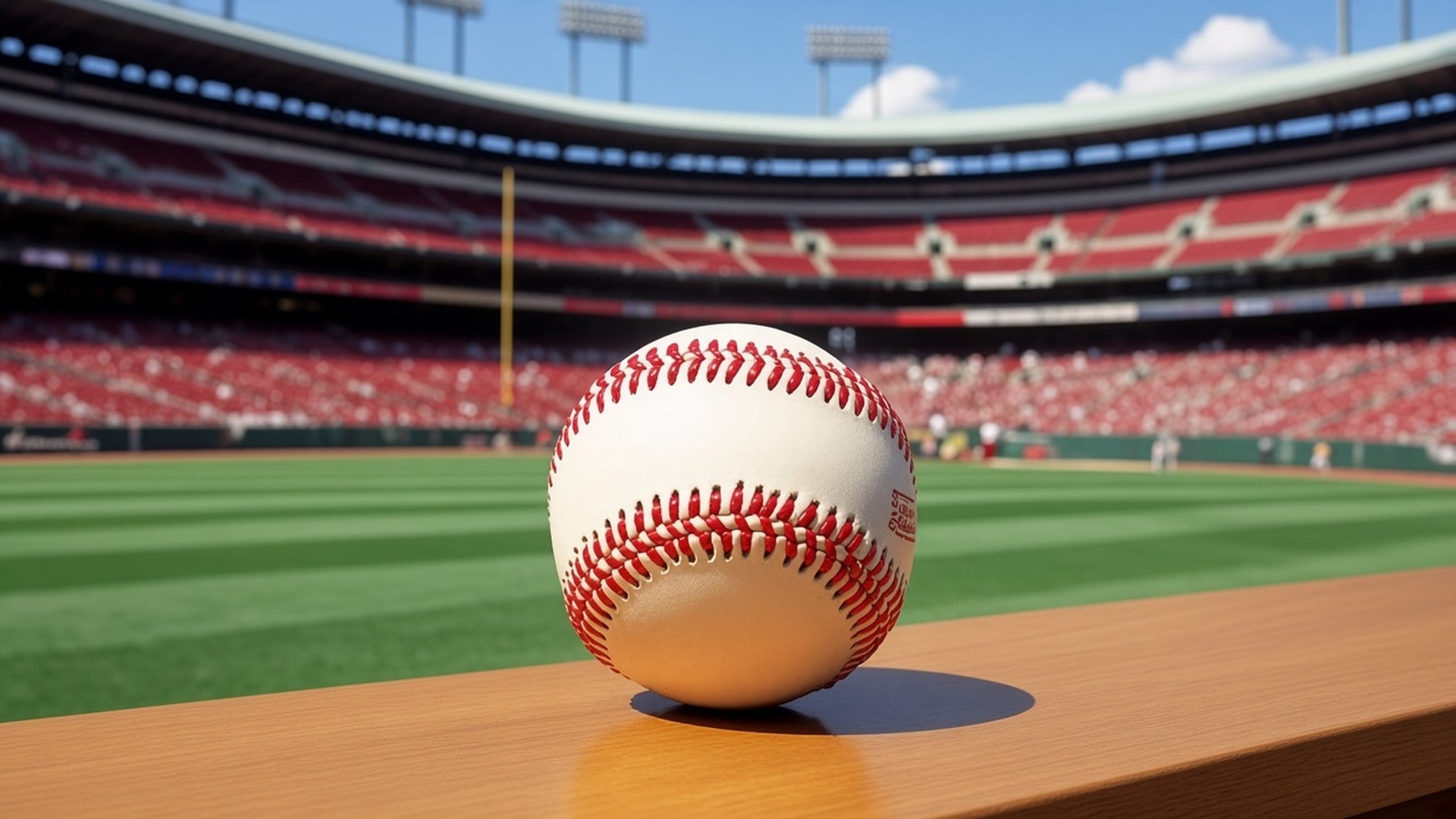
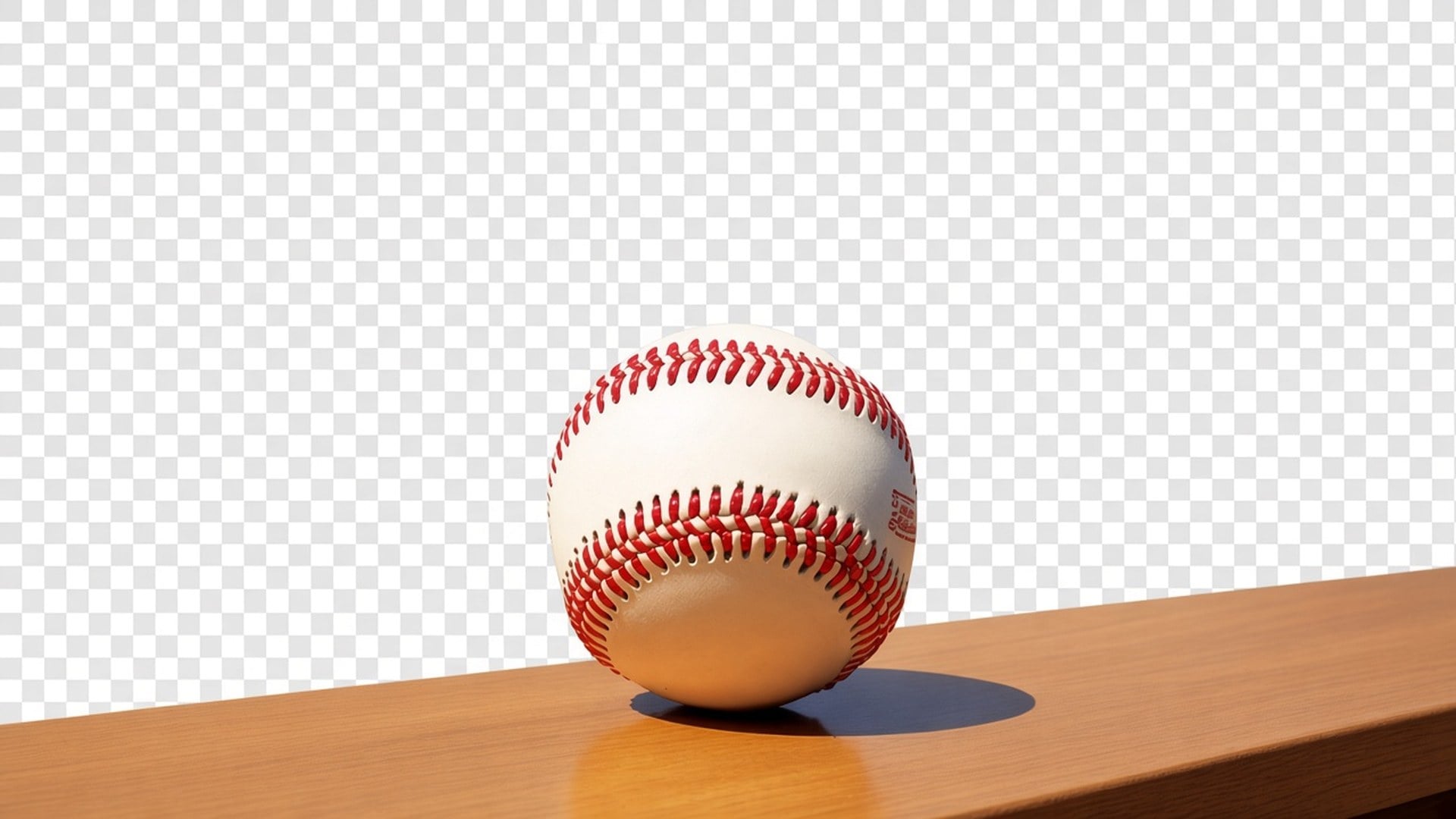
The after should composite. Checkerboard in a preview, or whatever layer you drop the PNG onto next — not a baked white, grey, or seamless sweep. If you wanted a new real background, you are on the wrong page. This tool only isolates. That is the whole product, and it is why a designer can take the file into the layout they already have instead of fighting a fill they never asked for.
立即试用

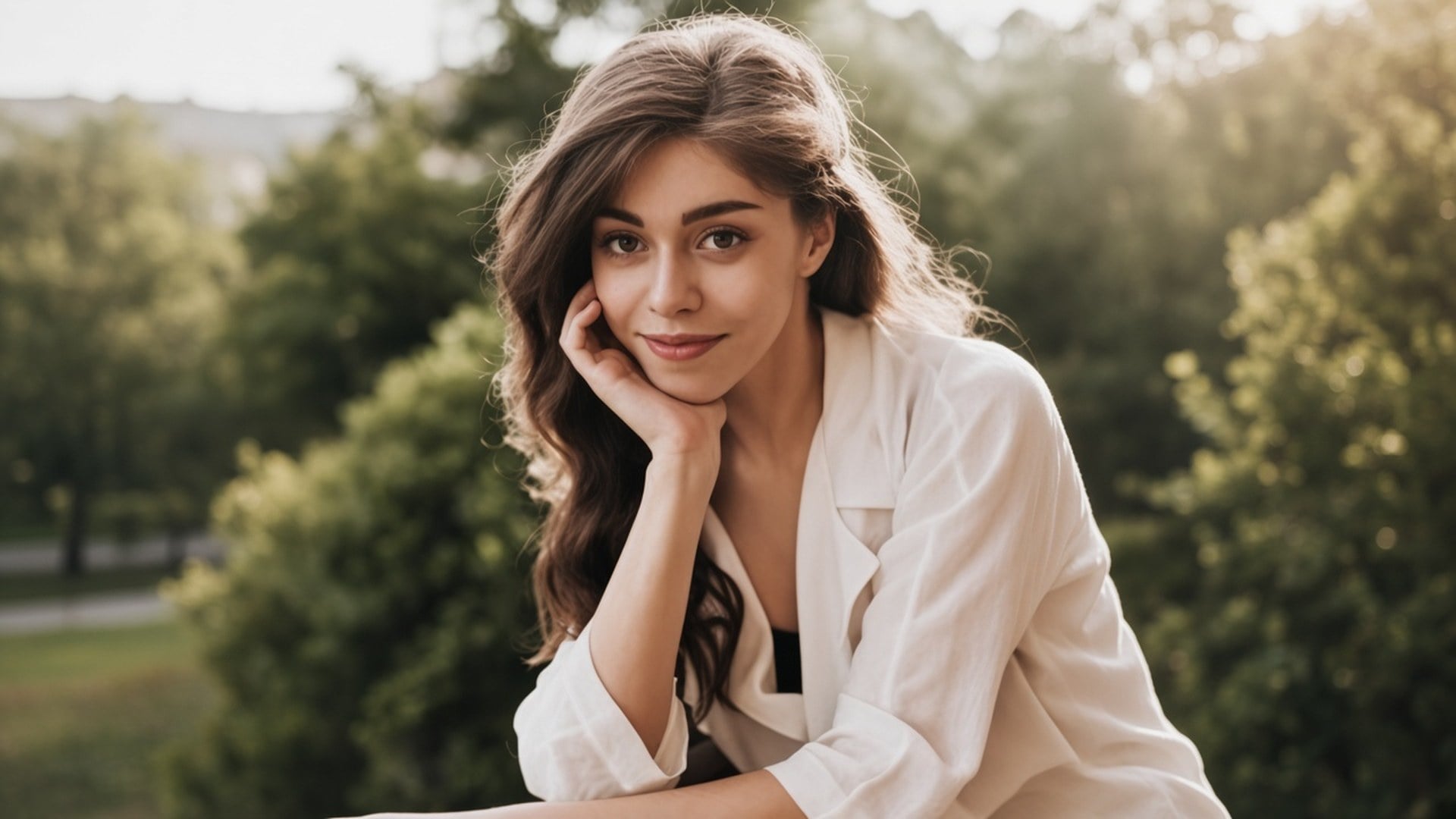
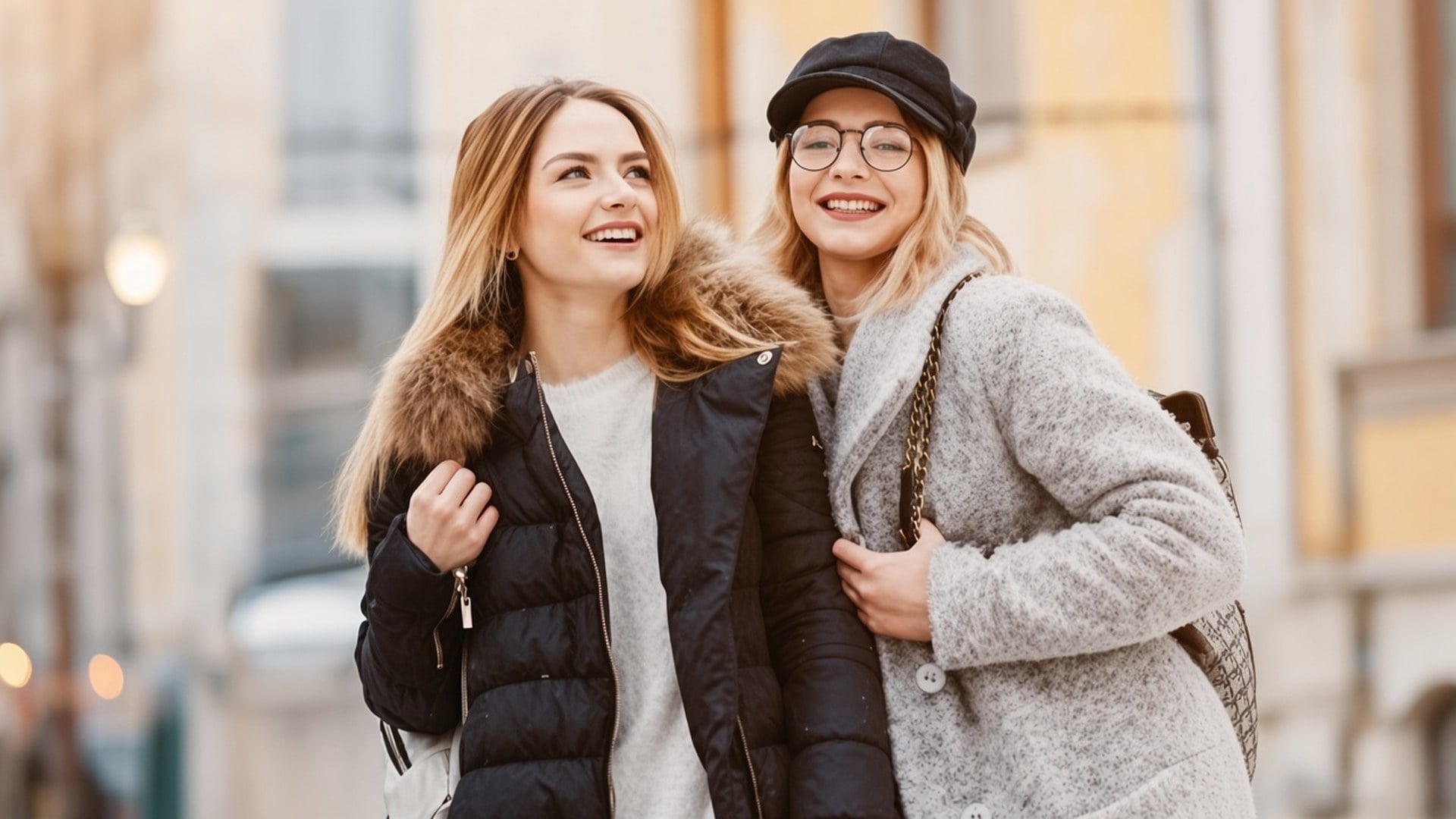
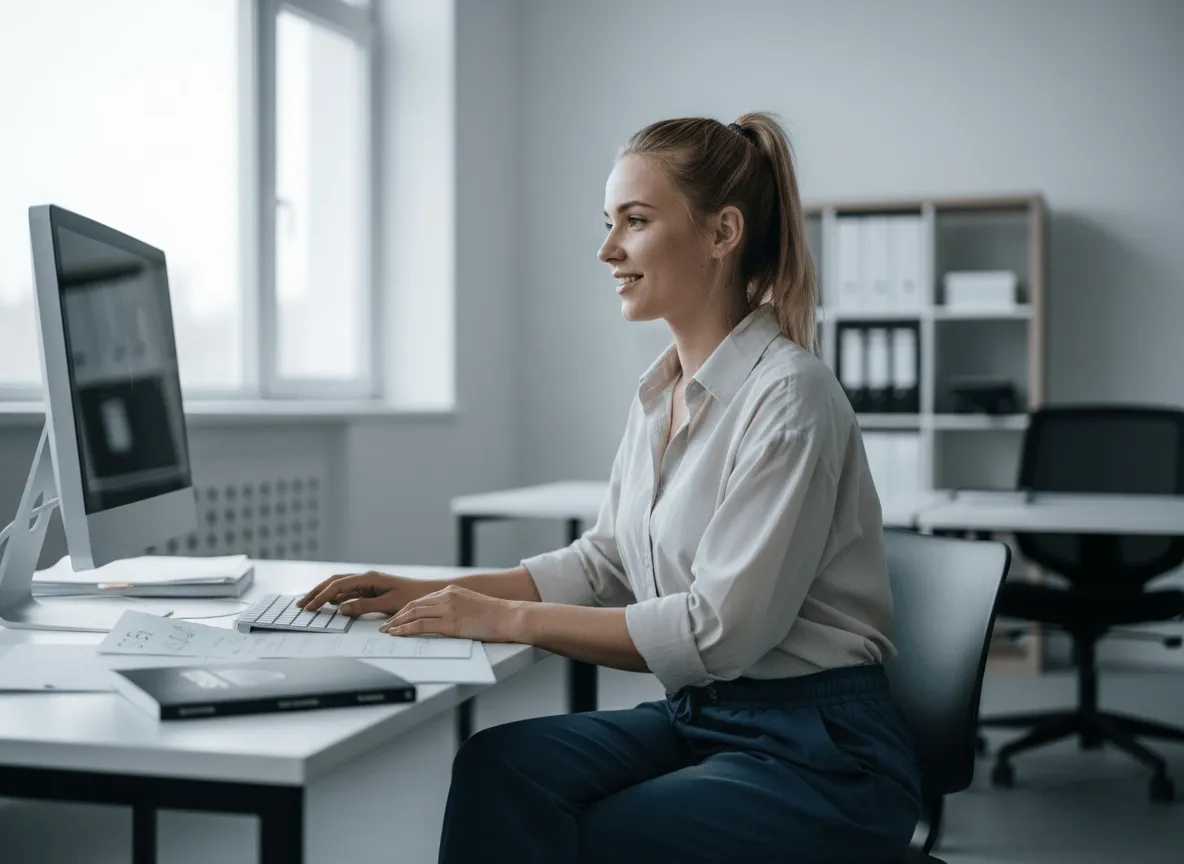
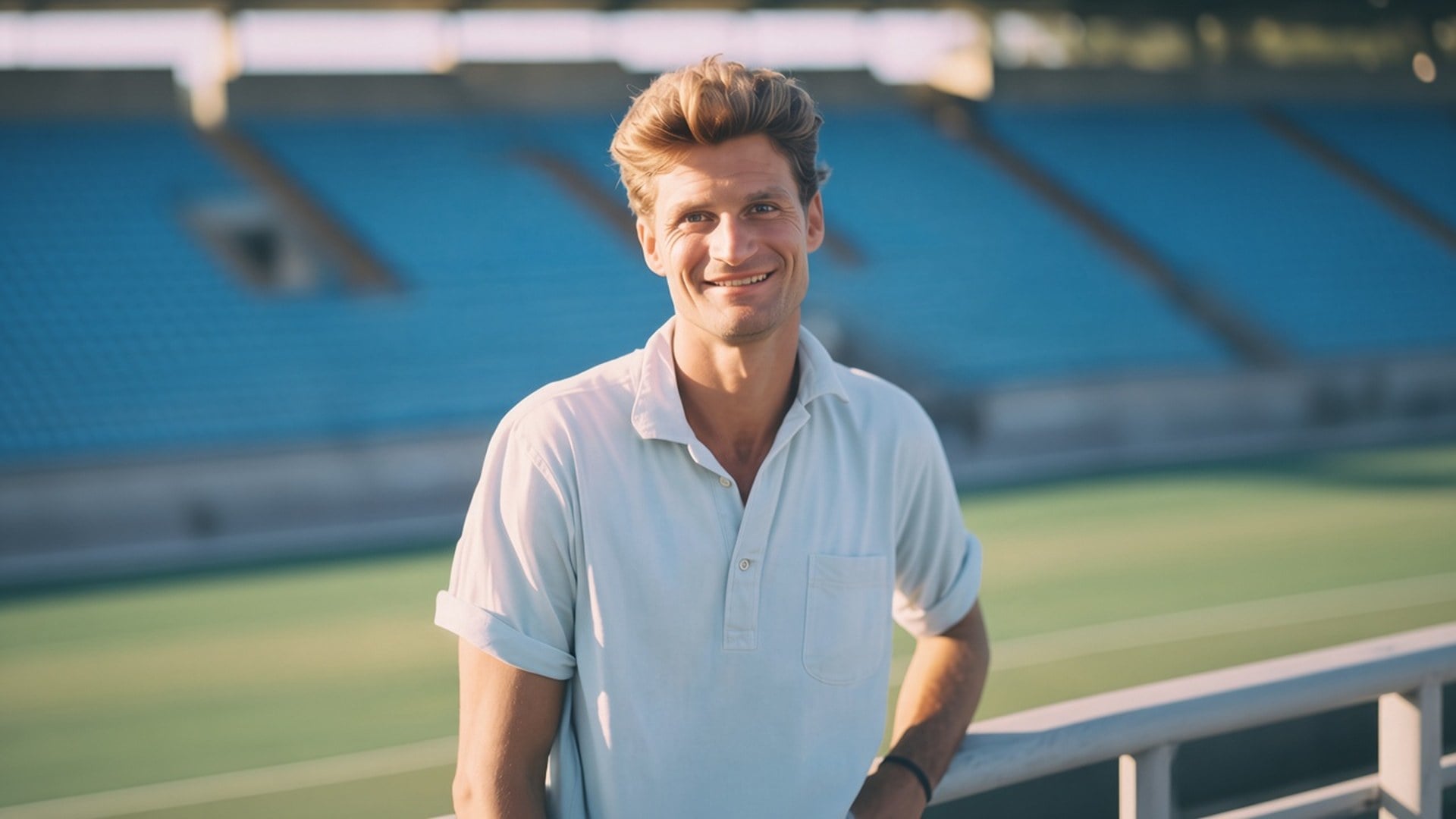
A cutout is useless if the person comes back as a different face. This pass is built to keep pose, clothes, and identity, and to spend itself on the matte. Hair and other soft edges are part of that job. You should be able to pair before and after and still recognise the same still. If you need a new outfit or a new expression, that is a different studio page.
立即试用

There is nothing to write and no fill-color chip. The source photo is the brief. A prompt would invite a generative backdrop this page is not doing, so the field is hidden. Upload, generate, download the transparent result. If the source is also soft, run the Image Enhancer first as a separate generate — these are two passes, not one button.
立即试用A background remover is useful when the next layout already exists and you only need the subject. Each point below is that promise: real transparency, a subject that stays the photograph, and a file you can drop without fighting a baked fill.


The output is a cutout with alpha, not a white rectangle pretending to be 'removed'. Drop it on a black thumbnail, a branded slide, or a marketplace tile. You are not promised a new scene behind the person. If a competitor page hands you a studio sweep, that is a different product. This one stops at isolation so you keep control of the next layer.
立即试用

The pass is tuned for a clean subject matte, including flyaway hair and other soft edges, without redrawing the face. Results still depend on contrast in the source. A backlit selfie with hair lost in the sky is harder than a product on a plain table. The tool will not invent strands the file never captured. Start from the cleanest separation you have.
立即试用

Image Enhancer, Image Upscaler, Unblur Images and Denoise AI share one quality pass. This page does not. It is a separate cutout. You can use both in sequence — sharpen, then isolate — but each generate is its own spend and its own result. We say that in the open so a feature table does not pretend five URLs are one algorithm.
立即试用

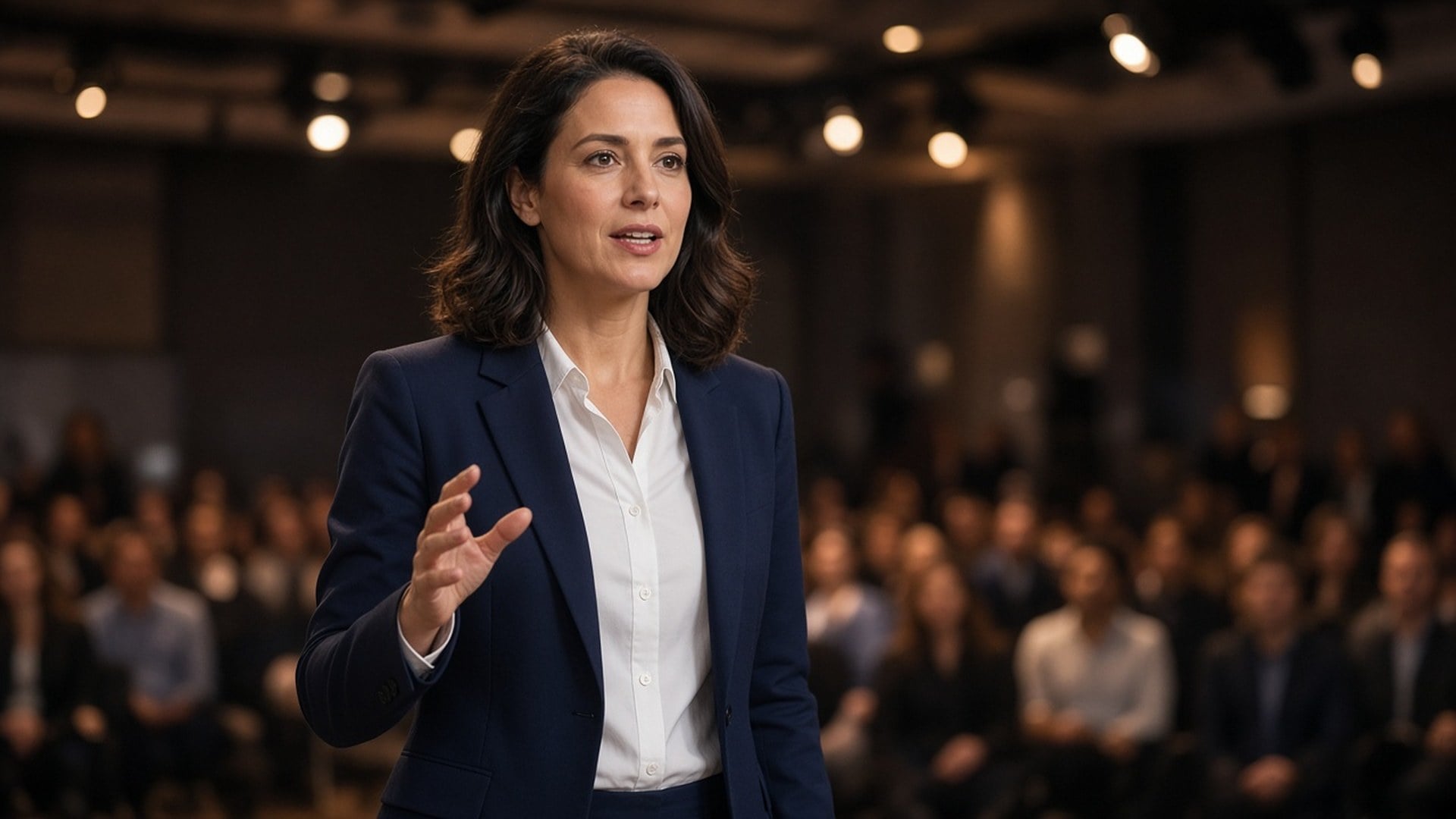
Results are stills you can download and place: a creator on a thumbnail, a pack on a listing, a speaker on a keynote plate. You are not promised retouch-free catalog photography or a rescue of a crowd shot with five overlapping people. If two subjects tangle, crop tighter first. Clarity of the silhouette is the brief.
立即试用A cutout is rarely the only question. Stay in Viralkey Studio to enhance the same still, enlarge it 2×, or try a portrait finish on the same face before you isolate again.
探索领先的 AI 视频、图像生成、编辑与电影级叙事模型。

在 Viralkey 用 Wan 3.0 生成短片:原生 1080p、2–30 秒、首尾帧、最多 20 个混合参考,以及与画面同期生成的音频。

在 Viralkey 用 MiniMax H3 生成电影感短片:原生 2K、最长 15 秒,支持文生视频、首尾帧与最多 9 张参考图。

在 Viralkey 用首尾帧与最多 50 张参考图生成短时高清片段,适合音乐视频场景与演出镜头。

在 Viralkey 用 Seedance 2.0 生成电影感短片:原生 4K、首尾帧、最多九张参考图,以及原生音频与口型同步。
用过这个工具的创作者,留下的就是这类评价。
Lark Ames
CreatorI needed the product shot sharper, not a new photo.
1× kept the crop and cleaned the edges.
Ned Hollis
Product managerRan the same selfie at 2× for a poster.
It got larger without turning into plastic skin.
Oona Pell
PhotographerUnblur was the search I used, but the 1× chip is what I actually needed.
Penn Crowe
YouTuberDenoise cleaned the night grain and left the brick texture.
That was the whole brief.
Rory Blake
Social leadTransparent PNG from the remover dropped straight onto a black thumbnail.
Shea Quinn
Designer4× on a small archive scan.
Faces stayed the same people. I just got more pixels.
Una Marsh
IllustratorI stopped paying a retoucher for 'make this less mushy'.
This is that job.
Vaughn Kitts
ConsultantChanged the chip from 1× to 2× on the enhancer page.
Same engine, bigger file.
Wren Sol
InfluencerBackground came off clean around hair.
No white halo I had to mask by hand.
Viralkey's background remover cuts the main subject onto a true transparent background. You upload one still and get a PNG-style cutout with no new scene and no solid-color fill. It is not a generative backdrop swap and it is not the same engine as the Image Enhancer pages. Use it when you need the person or the product on alpha, ready to drop onto a thumbnail, a slide, or a listing tile.
用 AI 把想法变成现实。生成、打磨、再创新——创作从这里开始。