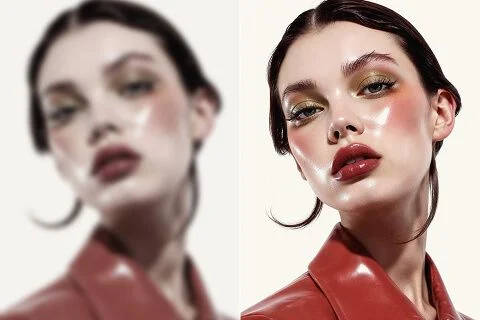
在线图像去模糊

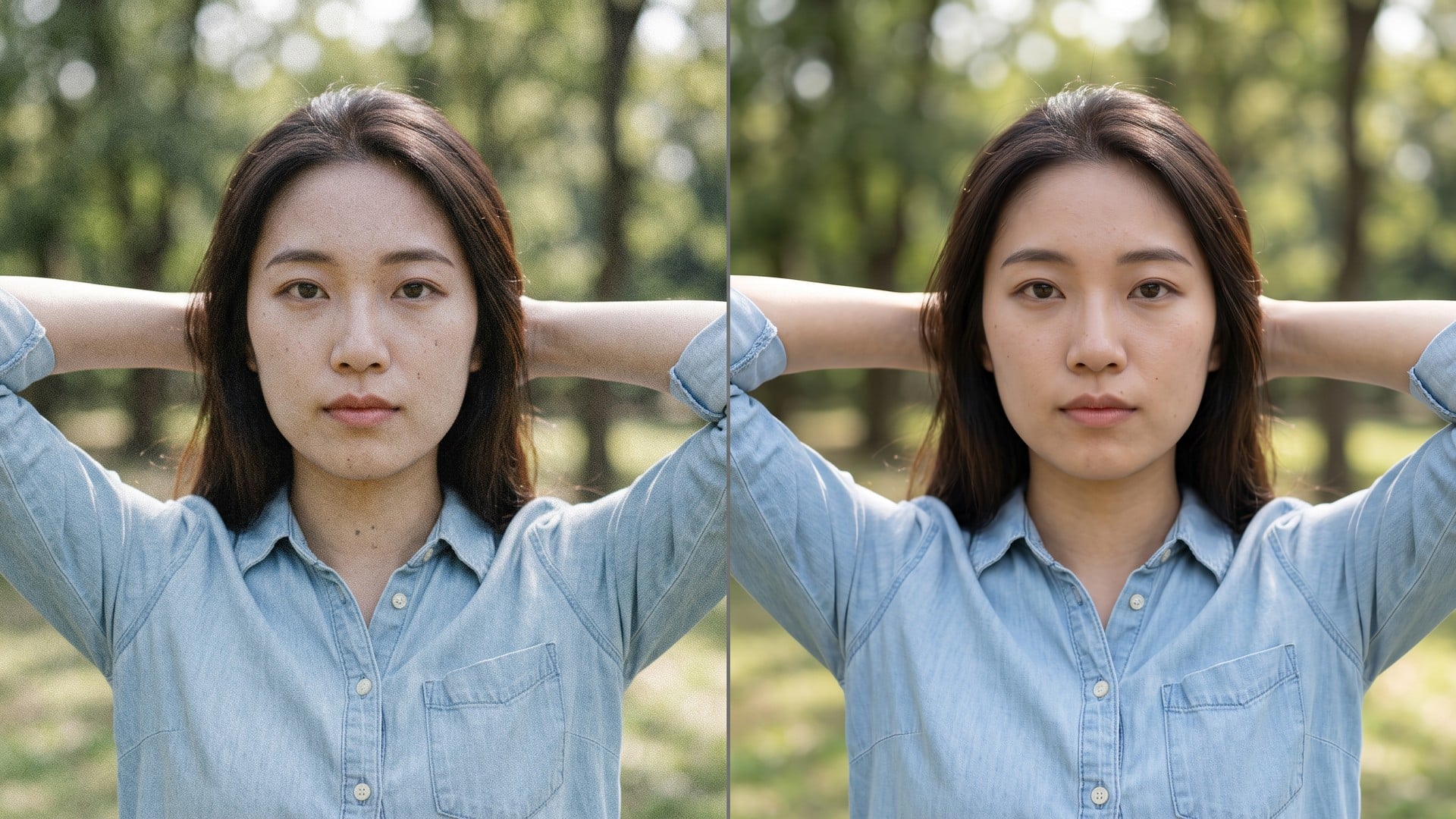
发虚自拍或轻微抖动的产品图仍可能是对的画面。Viralkey 去模糊在 1× 恢复边缘,也可 2×、4× 放大,不会另造面孔或房间。

在线图像去模糊
在线图像去模糊
处理前处理后

Unblur Images

原图

上传一张发虚或微抖的照片。场景保持原样,这一趟只花在边缘清晰度和可选倍率上。

倍率

在线图像去模糊
在线图像去模糊
处理前处理后

在线图像去模糊

发虚自拍或轻微抖动的产品图仍可能是对的画面。Viralkey 去模糊在 1× 恢复边缘,也可 2×、4× 放大,不会另造面孔或房间。

Recover Edges on the Photo You Already Have

Searches for unblur images usually mean the shot is almost right and the edges went soft. This page defaults to 1× so you get a same-size recovery first. 2× and 4× are still on the chip if you also need a larger master. Image Enhancer, Image Upscaler and Denoise AI share this pass — change the chip if size was the real problem.

Acuity Without a New Face

Acuity Without a New Face

Unblur is useless if the after is a different person. This pass is built to keep the pose, the room and the identity, and to spend itself on edges that motion or defocus smeared. You should be able to pair before and after. A totally wrecked night shot with no structure left will not grow detail that was never captured. Start from the cleanest original you still have.

立即试用
1× Is the Unblur Default

1× Is the Unblur Default

Landing here preselects 1× because most unblur searches are about sharpness, not posters. You can still tap 2× or 4× when the file is also too small. Those three values are the same closed set as the Image Enhancer page. Four marketing URLs, one engine. Do not expect a private deblur network hiding behind this slug — the honest difference is the default chip and the wording on the page.

立即试用
One Upload, No Prompt Box

One Upload, No Prompt Box

There is nothing to write. The source photo is the brief, and the scale chip is the only decision. A prompt would invite a generative rewrite this page is not doing, so the field is hidden. Upload, leave 1× or switch, generate, compare. Rerun the same file at 2× when the recovered still also has to fill a larger slot.

立即试用

What This Unblur Tool Actually Does

An unblur tool is useful when the photograph can stay itself and only the edges need help. Each point below is that promise: a same-size default, a shared engine, and a file you can put next to the original without explaining a new face.

Edges First, Size Optional

Edges First, Size Optional

1× spends the pass on acuity and local contrast inside the original pixel box. 2× and 4× do the same work and also enlarge the longest edge. There is no separate 'motion' versus 'defocus' picker, because this is one quality pass, not a rack of deblur modes. If the blur is mild, 1× is the whole product. If you also need a poster, change the chip.

立即试用
The Scene You Shot Stays Put

The Scene You Shot Stays Put

This is not a text-to-image restyle. The source is sent through a quality pass and comes back as the same people in the same room, with a cleaner read of edges. That is the difference between 'unblur this photo' and 'make me a sharper-looking photo of someone else'. Use a portrait, product, or handheld still you already want to keep.

立即试用
Same Engine as the Sister Pages

Same Engine as the Sister Pages

Image Enhancer, Image Upscaler and Denoise AI are not four secret algorithms. They are four doors onto this pass, with different default chips and different search titles. You can start here on 1× and switch to 2× yourself. We say that in the open so a comparison screenshot does not look like four products. One engine. Four URLs. Honest scale.

立即试用
A Still You Can Drop on a Slide

A Still You Can Drop on a Slide

Results are files you can download: a less mushy listing photo, a recovered selfie, a story frame that no longer looks accidentally shaken. You are not promised a rescue of a totally smeared night shot. If the source has no edge left to find, a second pass will not invent one. Start from the cleanest original, then pick the scale the destination needs.

立即试用

用去模糊工具修好日常照片

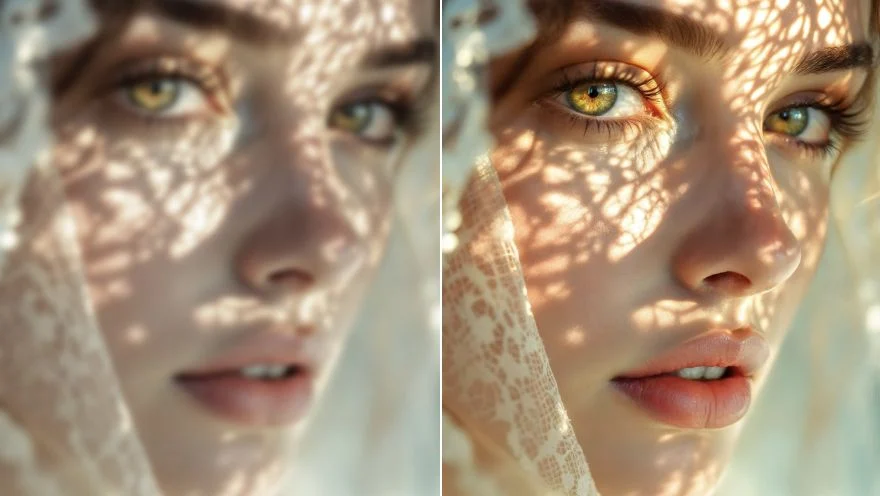
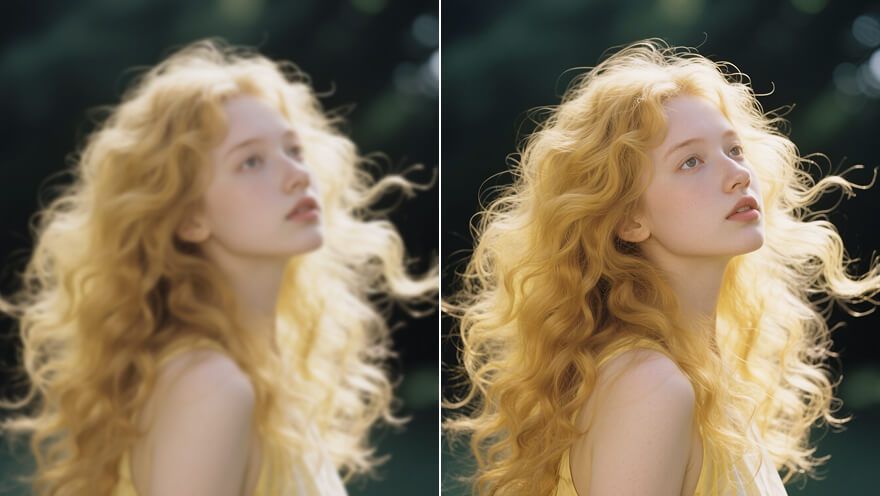
修复模糊肖像

修复模糊肖像

对各种肖像照片去模糊,让画面更专业。不必再忍受细节糊成一团,把原先看不清的面部特征重新拉出来。

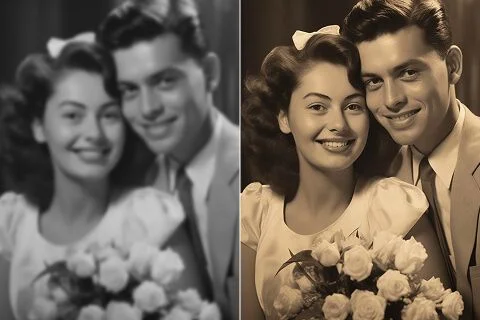
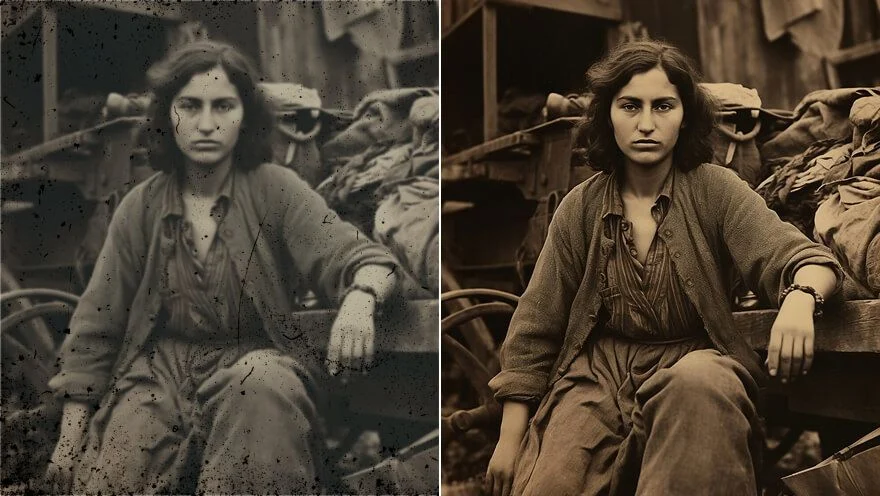
修复旧照片

修复旧照片

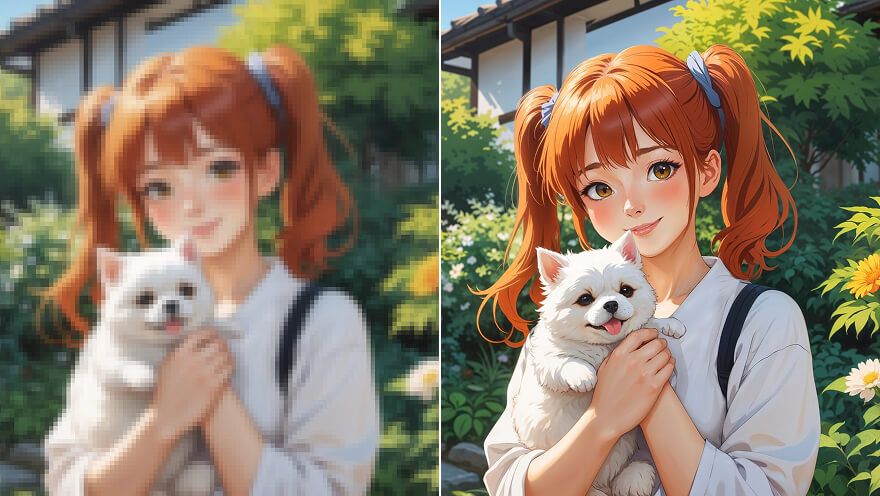
修复像素化和低分辨率的旧照,让珍贵回忆重新清晰。把一开始看不清或被糊掉的细节找回来。

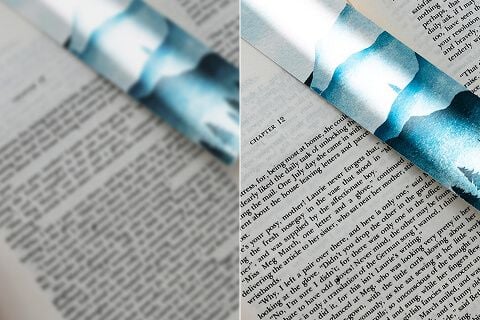
复原文本详细信息

复原文本详细信息

锐化照片里的模糊文字,提高可读性。无论是扫描件、截图还是相机照片,都能立刻把字认回来。

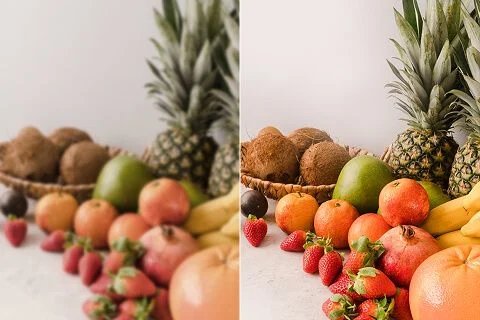
优化产品图片

优化产品图片

把不清晰、发糊的 产品照片 提到更高分辨率,吸引进店的人看清细节,也更愿意下单。

立即修复模糊图像

Loved by Creators Worldwide

用过这个工具的创作者,留下的就是这类评价。

KS

Kendra Shaw

Creator

I needed the product shot sharper, not a new photo.

1× kept the crop and cleaned the edges.

NQ

Nessa Quill

Product manager

Ran the same selfie at 2× for a poster.

It got larger without turning into plastic skin.

OB

Otis Bray

Photographer

Unblur was the search I used, but the 1× chip is what I actually needed.

PD

Piper Dunn

YouTuber

Denoise cleaned the night grain and left the brick texture.

That was the whole brief.

CF

Celeste Frost

Social lead

Transparent PNG from the remover dropped straight onto a black thumbnail.

RA

Reeve Ames

Designer

4× on a small archive scan.

Faces stayed the same people. I just got more pixels.

SG

Shiloh Grant

Illustrator

I stopped paying a retoucher for 'make this less mushy'.

This is that job.

TL

Tove Lind

Consultant

Changed the chip from 1× to 2× on the enhancer page.

Same engine, bigger file.

UB

Ula Barnes

Influencer

Background came off clean around hair.

No white halo I had to mask by hand.

Frequently Asked Questions

Unblur Images is a search door onto Viralkey's dedicated quality pass. You upload one soft or slightly shaken still, leave 1× to recover edges at the original size, or pick 2× / 4× to enlarge as well. It is not a generative rewrite and it is not a separate deblur network: Image Enhancer, Image Upscaler and Denoise AI run the same engine. Use it when the frame is already right and only the acuity failed.

今天你想 创作 什么?

用 AI 把想法变成现实。生成、打磨、再创新——创作从这里开始。

立即创建