弱光摄影救星
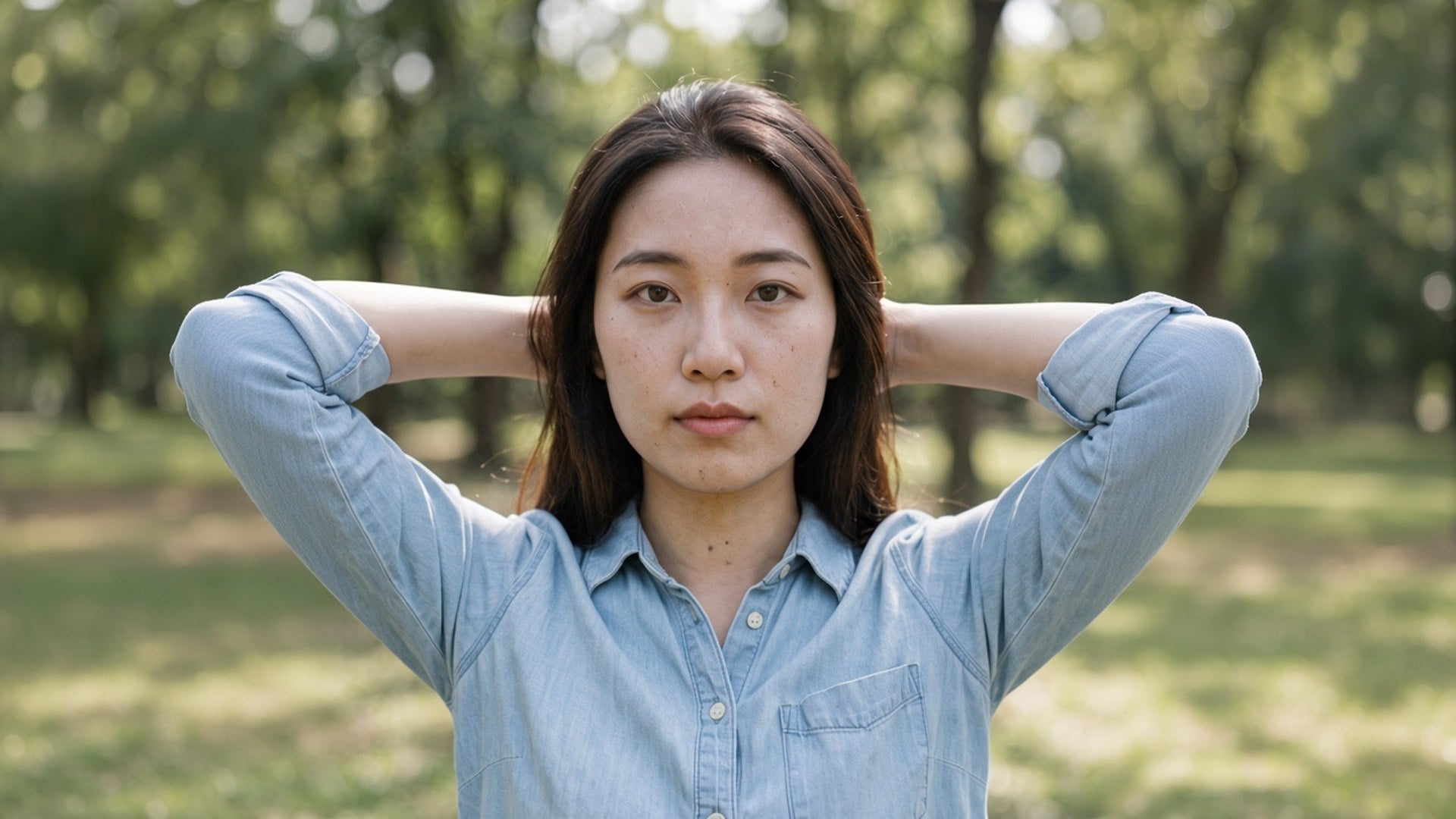
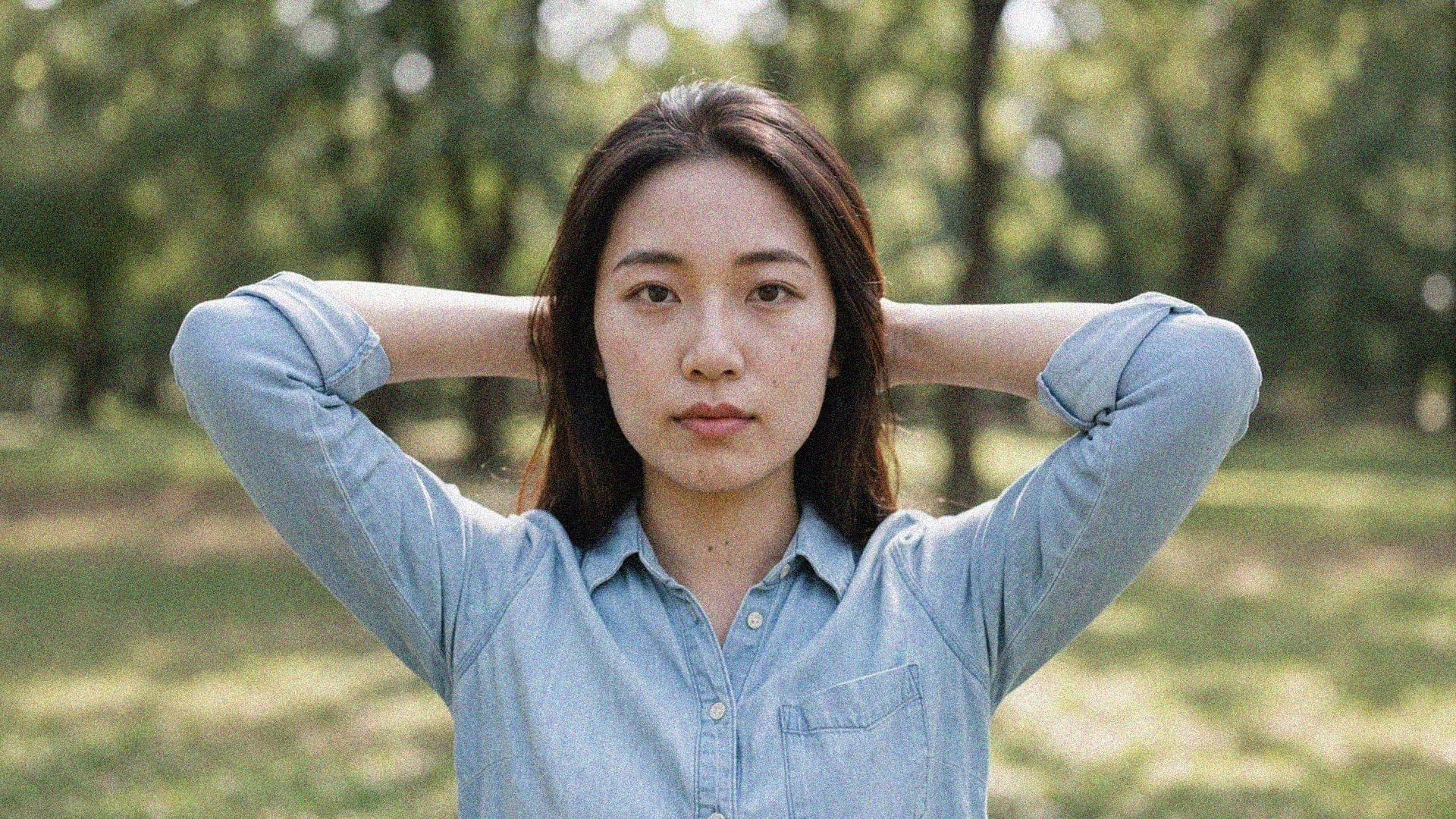
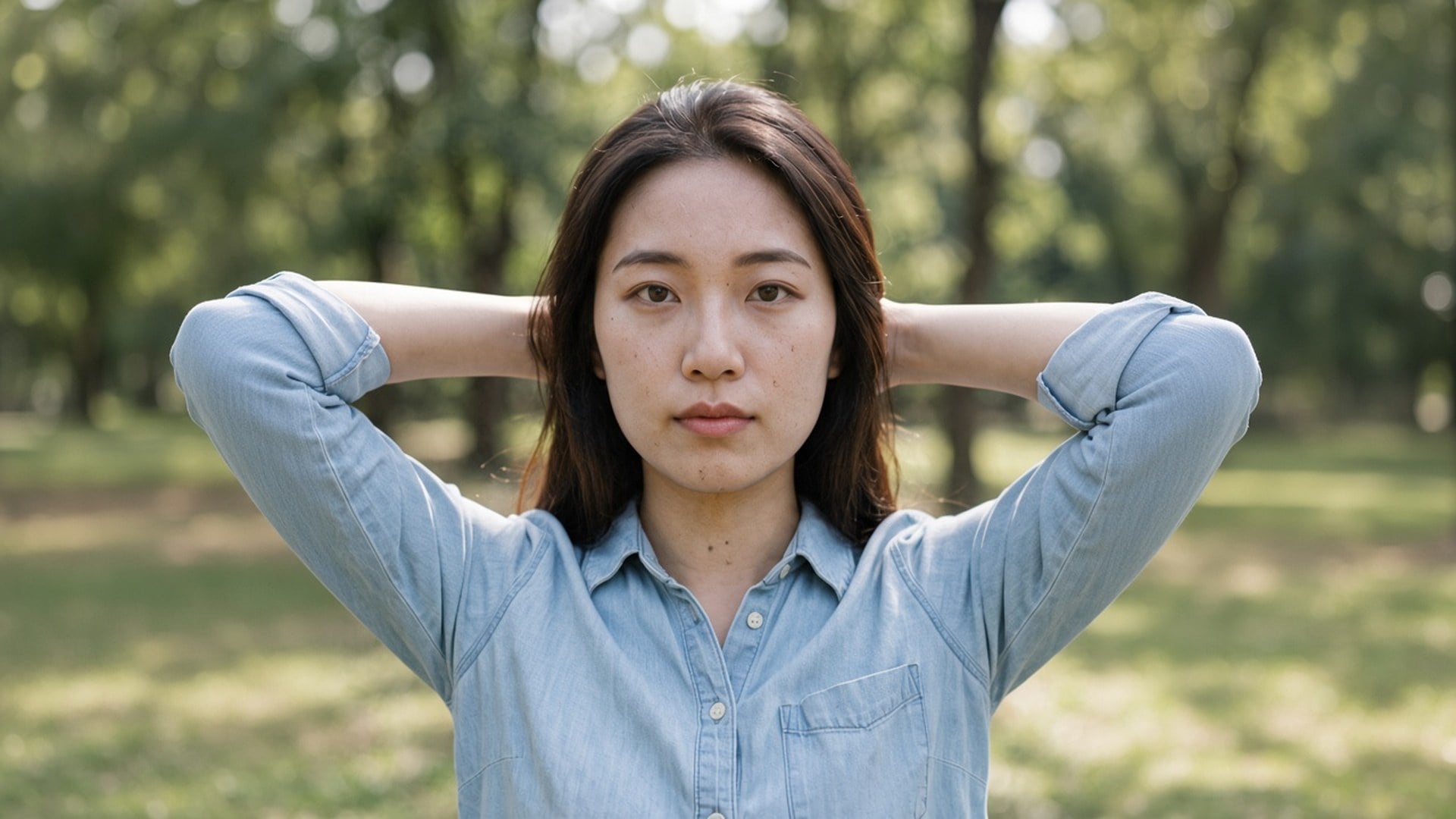
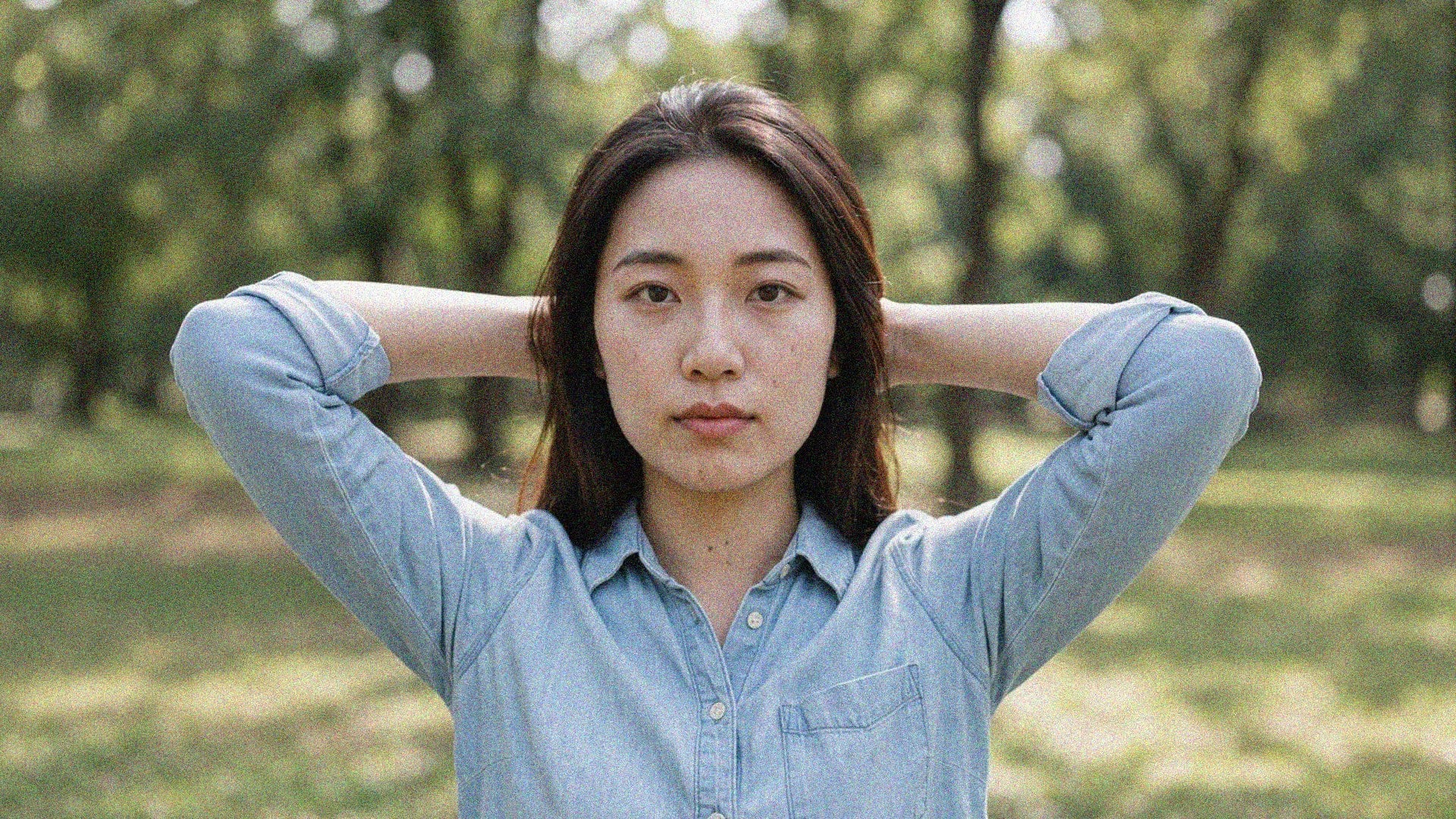
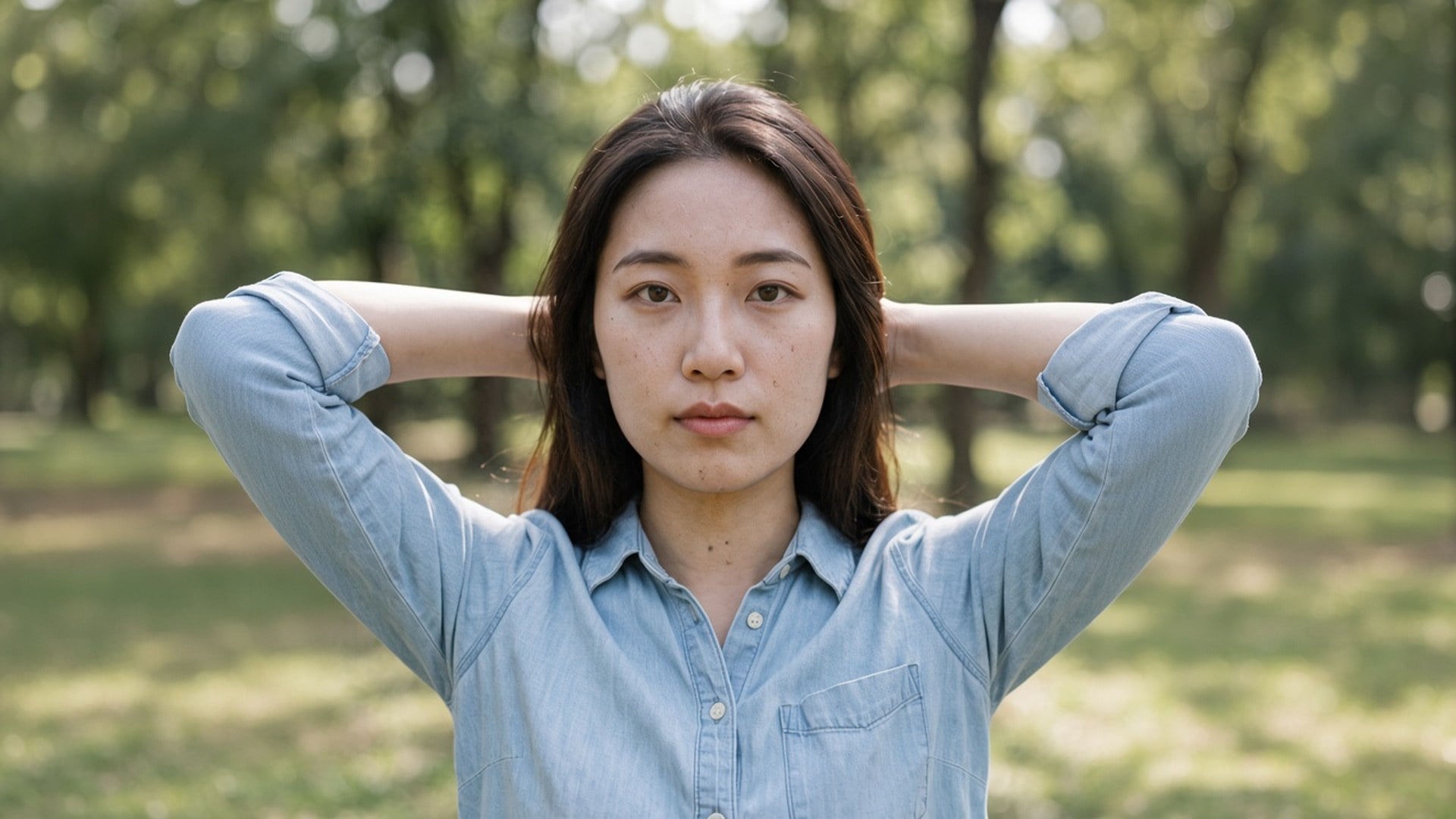
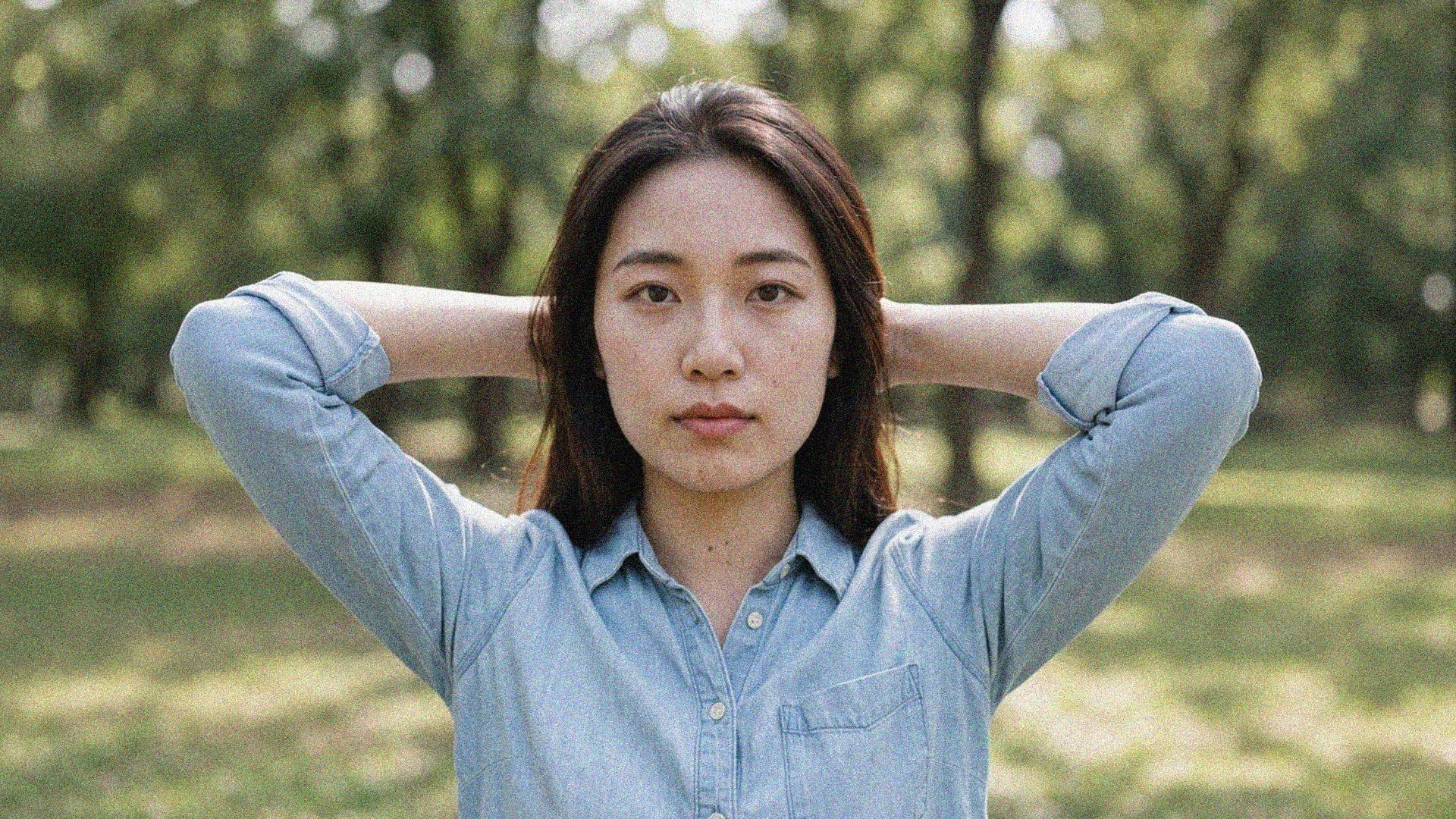
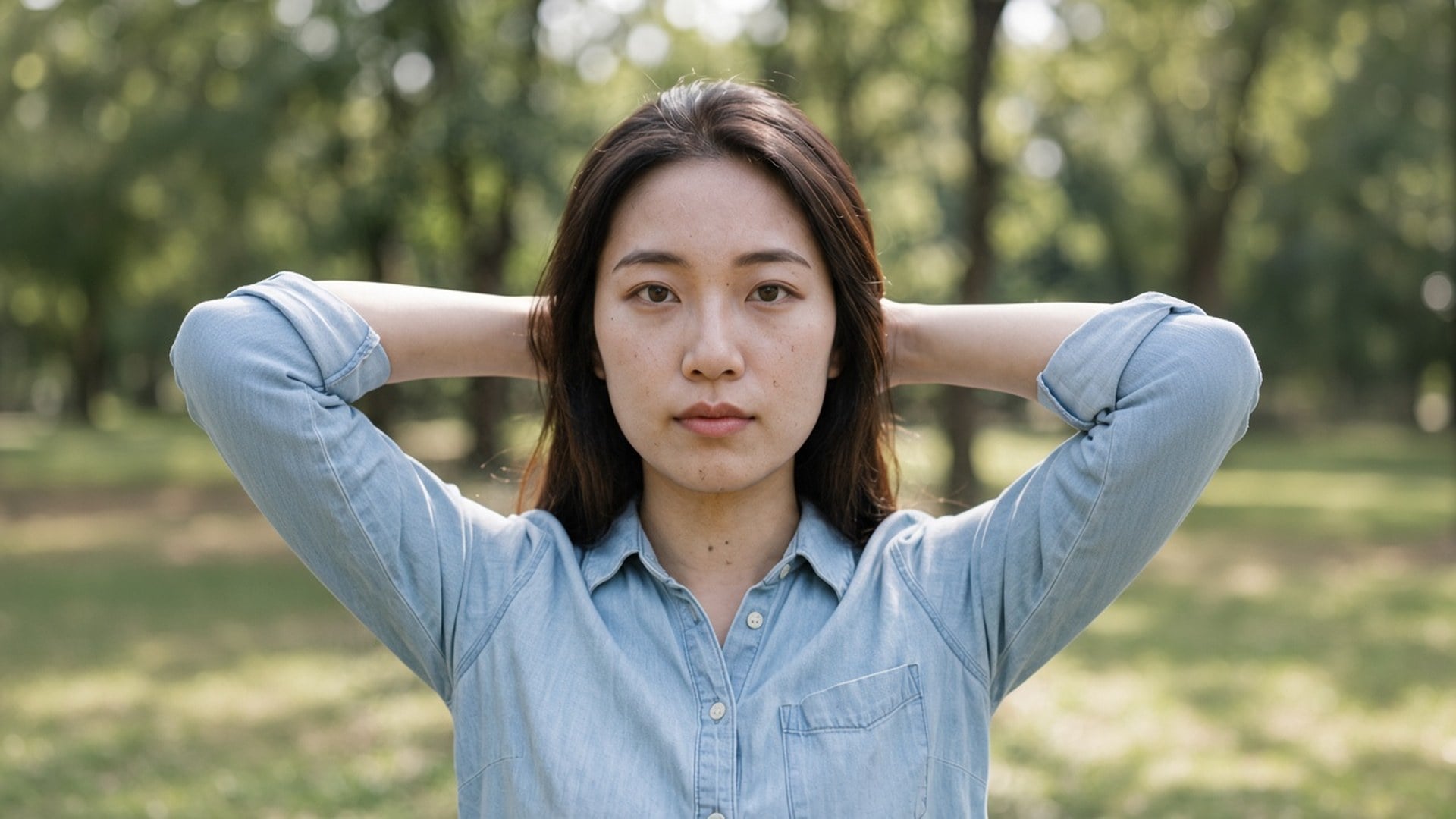
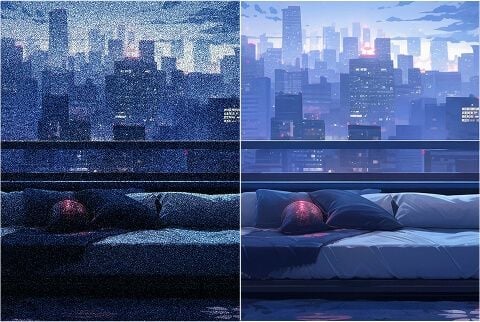
专为专业摄影准备:优化夜景、长曝光和高 ISO 照片,去掉暗部颗粒,关键细节尽量留住。
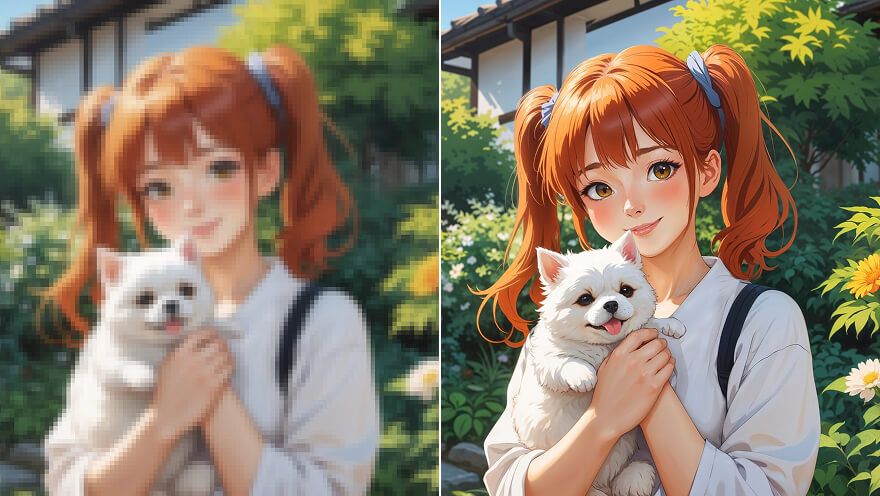
夜景颗粒和压缩块仍可能叠在对的照片上。Viralkey 降噪在 1× 清理这些噪声,也可 2×、4× 放大,不会另造面孔或塑料质感。
Denoise AI
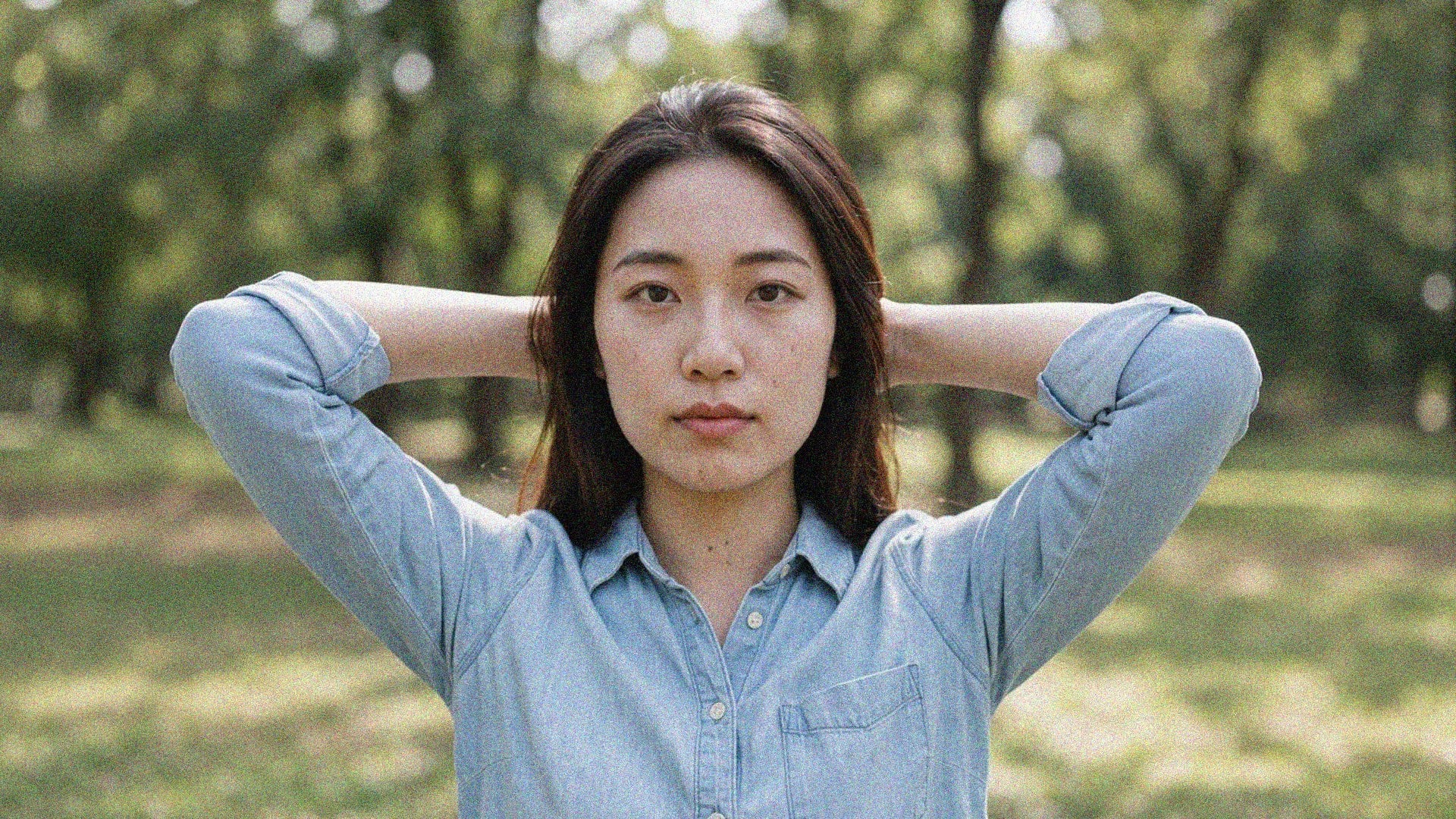
Searches for denoise ai usually mean the shot is right and the noise is not. This page defaults to 1× so you get a same-size cleanup first. 2× and 4× are still on the chip if you also need a larger master. Image Enhancer, Image Upscaler and Unblur Images run the same pass — there is no separate denoise network behind this URL. Change the chip if size was the real problem.


A denoise pass is useless if the after is wax. This tool is built to keep brick, fabric, freckles and type, and to spend itself on grain and compression blocks that do not belong there. You should be able to pair before and after. A file that is already a third-generation screenshot will not grow real texture that was never captured. Start from the cleanest original you still have.
立即试用

Landing here preselects 1× because most denoise searches are about cleanliness, not posters. You can still tap 2× or 4× when the file is also too small. Those three values are the same closed set as the Image Enhancer page. Four marketing URLs, one engine. Do not expect a private noise model hiding behind this slug — the honest difference is the default chip and the wording on the page.
立即试用

There is nothing to write. The source photo is the brief, and the scale chip is the only decision. A prompt would invite a generative rewrite this page is not doing, so the field is hidden. Upload, leave 1× or switch, generate, compare. Rerun the same file at 2× when the cleaned still also has to fill a larger slot.
立即试用A denoise tool is useful when the photograph can stay itself and only the grain needs to leave. Each point below is that promise: a same-size default, a shared engine, and a file you can put next to the original without explaining a plastic face.


1× spends the pass on grain and compression inside the original pixel box. 2× and 4× do the same work and also enlarge the longest edge. There is no strength slider and no 'color versus luminance' split, because this is one quality pass, not a rack of denoise modes. If the noise is mild, 1× is the whole product. If you also need a poster, change the chip.
立即试用

This is not a text-to-image restyle. The source is sent through a quality pass and comes back as the same people in the same room, with a cleaner read of the surfaces. That is the difference between 'denoise this photo' and 'make me a smoother-looking photo of someone else'. Use a night still, a compressed export, or an archive scan you already want to keep.
立即试用

Image Enhancer, Image Upscaler and Unblur Images are not four secret algorithms. They are four doors onto this pass, with different default chips and different search titles. You can start here on 1× and switch to 2× yourself. We say that in the open so a comparison screenshot does not look like four products. One engine. Four URLs. Honest scale.
立即试用

Results are files you can download: a night photo that no longer crawls, a listing plate free of JPEG blocks, a story frame that keeps the brick. You are not promised a rescue of a file that is only noise. If the source has no texture left to keep, a second pass will not invent one. Start from the cleanest original, then pick the scale the destination needs.
立即试用
专为专业摄影准备:优化夜景、长曝光和高 ISO 照片,去掉暗部颗粒,关键细节尽量留住。
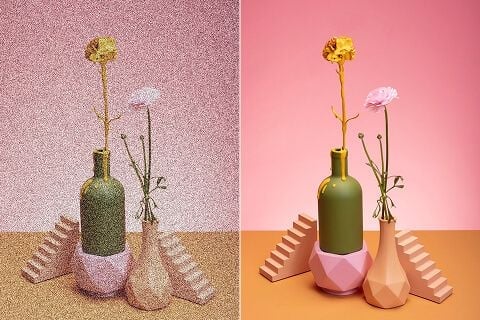
带噪点的图会把买家吓走。用降噪清理 产品照片,让人更信任眼前看到的东西,也更容易转化。
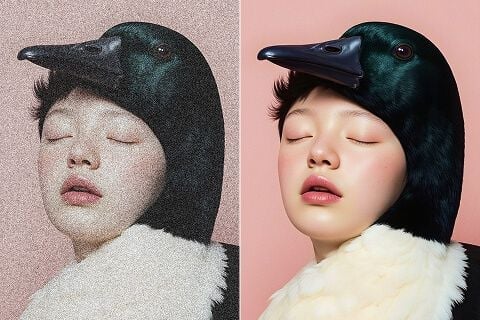
无论发社媒、印海报还是做营销物料,先把颗粒去掉,同时留住让画面看起来完成的纹理。
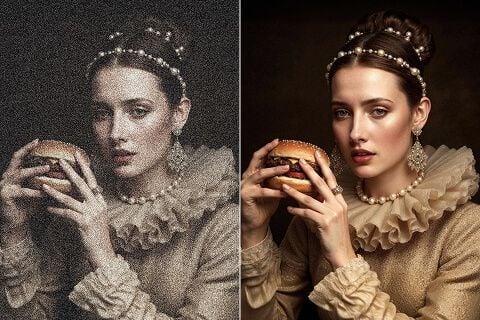
清理扫描件、胶片老照和复古照片上的颗粒与伪影,去掉噪点的同时保住重要层次。

专为专业摄影准备:优化夜景、长曝光和高 ISO 照片,去掉暗部颗粒,关键细节尽量留住。

带噪点的图会把买家吓走。用降噪清理 产品照片,让人更信任眼前看到的东西,也更容易转化。

无论发社媒、印海报还是做营销物料,先把颗粒去掉,同时留住让画面看起来完成的纹理。

清理扫描件、胶片老照和复古照片上的颗粒与伪影,去掉噪点的同时保住重要层次。
A denoise pass is rarely the only question. Stay in Viralkey Studio to enlarge the same still, cut it onto a transparent background, or try a portrait finish on the same face.
探索领先的 AI 视频、图像生成、编辑与电影级叙事模型。

在 Viralkey 用 Wan 3.0 生成短片:原生 1080p、2–30 秒、首尾帧、最多 20 个混合参考,以及与画面同期生成的音频。

在 Viralkey 用 MiniMax H3 生成电影感短片:原生 2K、最长 15 秒,支持文生视频、首尾帧与最多 9 张参考图。

在 Viralkey 用首尾帧与最多 50 张参考图生成短时高清片段,适合音乐视频场景与演出镜头。

在 Viralkey 用 Seedance 2.0 生成电影感短片:原生 4K、首尾帧、最多九张参考图,以及原生音频与口型同步。
用过这个工具的创作者,留下的就是这类评价。
Tessa Carr
CreatorI needed the product shot sharper, not a new photo.
1× kept the crop and cleaned the edges.
Cora Pratt
Product managerRan the same selfie at 2× for a poster.
It got larger without turning into plastic skin.
Dove Lane
PhotographerUnblur was the search I used, but the 1× chip is what I actually needed.
Eden Shaw
YouTuberDenoise cleaned the night grain and left the brick texture.
That was the whole brief.
Aurelia Keene
Social leadTransparent PNG from the remover dropped straight onto a black thumbnail.
Haven Bly
Designer4× on a small archive scan.
Faces stayed the same people. I just got more pixels.
Indie Ross
IllustratorI stopped paying a retoucher for 'make this less mushy'.
This is that job.
Jules Kemp
ConsultantChanged the chip from 1× to 2× on the enhancer page.
Same engine, bigger file.
Kit Navarro
InfluencerBackground came off clean around hair.
No white halo I had to mask by hand.
Denoise AI is a search door onto Viralkey's dedicated quality pass. You upload one grainy or compressed still, leave 1× to clean noise at the original size, or pick 2× / 4× to enlarge as well. It is not a generative rewrite and it is not a separate denoise network: Image Enhancer, Image Upscaler and Unblur Images run the same engine. Use it when the frame is already right and only the noise is wrong.
用 AI 把想法变成现实。生成、打磨、再创新——创作从这里开始。