恢复共享记忆
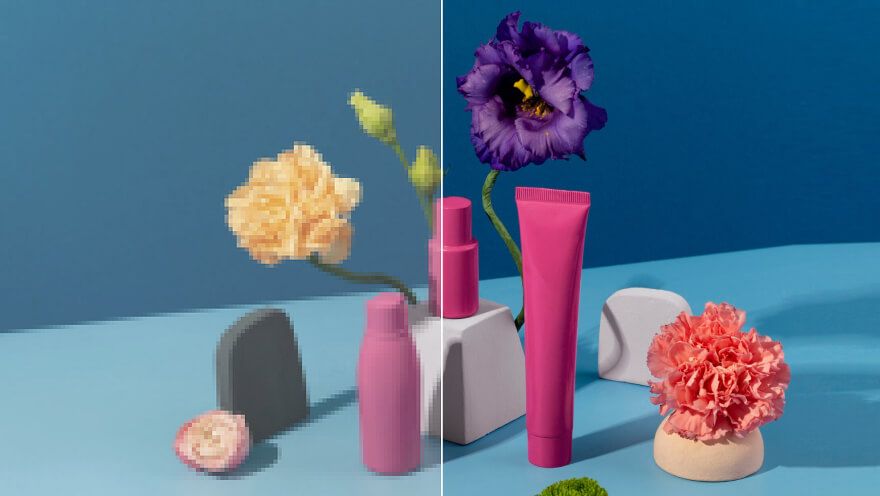
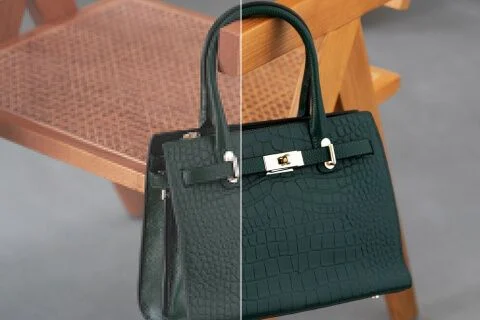
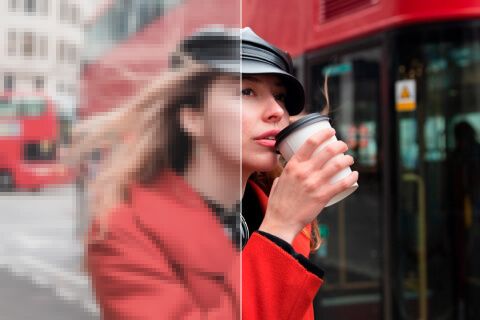
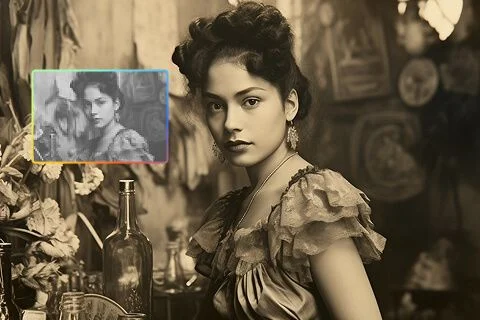
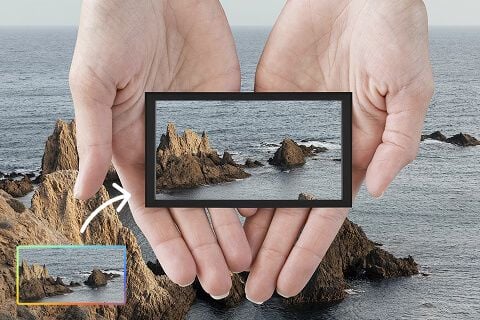
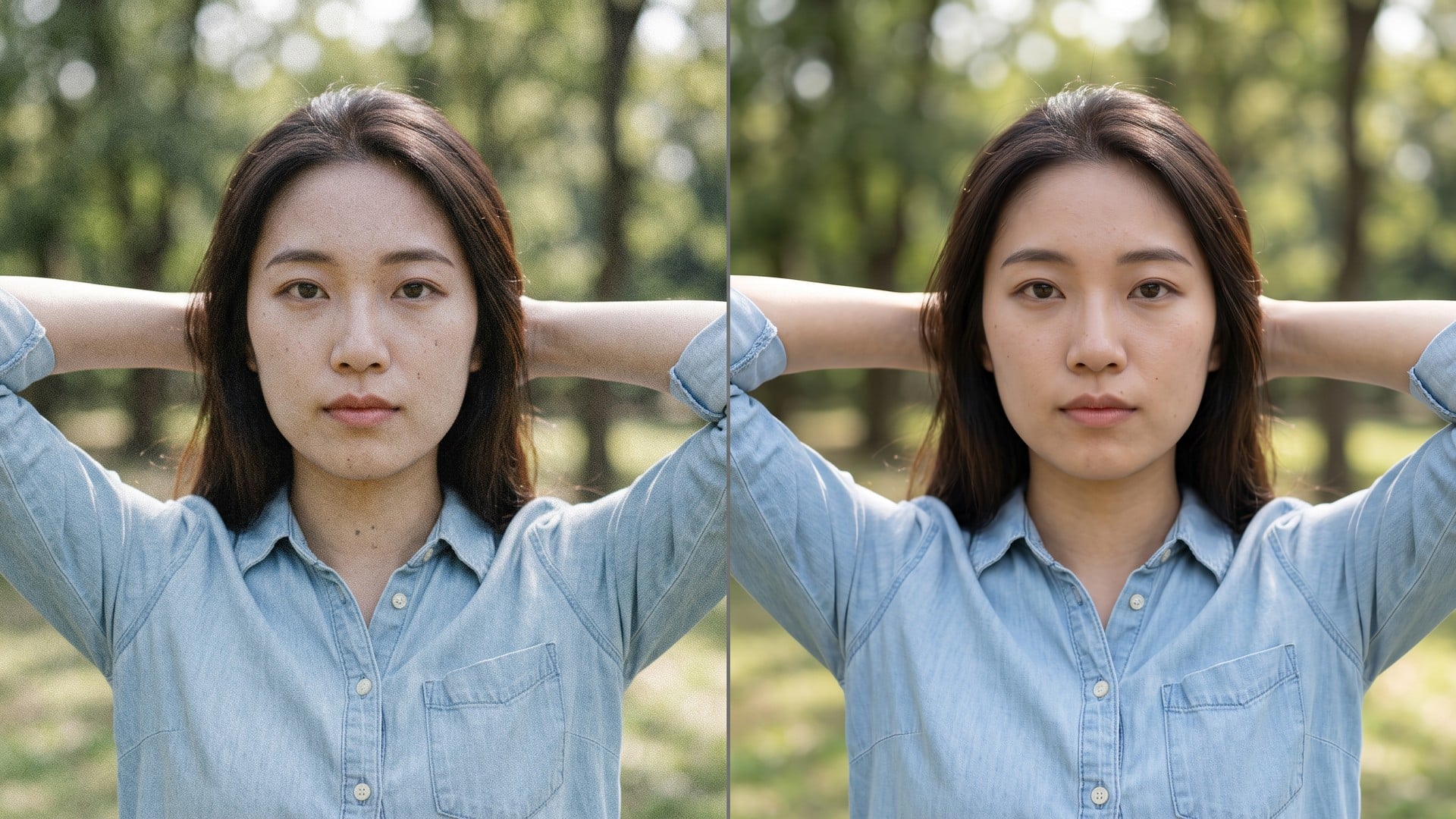
上传一些老照片,比如 全家福、旅行照和个人照片,让面孔更清晰、细节更锐利、画质更好。这样保存、打印或与家人分享回忆会更方便。
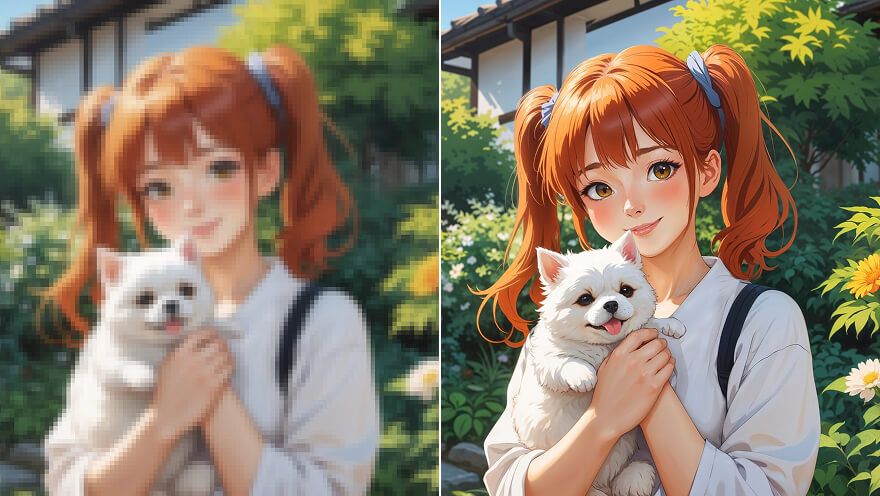
需要更大的母图,而不是一张新图?Viralkey 图像放大按最长边 2× 或 4× 放大,也可在 1× 只做清晰化,不会另造裁切、面孔或房间。
Image Upscaler
Most upscalers either smear pixels or quietly redraw the shot. This page enlarges for real: 2× doubles the longest edge, 4× quadruples it, and 1× keeps the box and only restores acuity. Image Enhancer, Unblur Images and Denoise AI share this engine — this URL just starts on 2×. Change the chip if you only needed a same-size refresh.

An upscale is useless if the after is a different person in a different room. This pass is built to keep furniture, type, and faces where they were, and to spend the extra pixels on edges and texture. You should be able to put before and after on one slide. If you wanted a new composition, you are on the wrong tool. This one is for the still you already framed and now need larger.
立即试用
Landing here preselects 2× so a search for image upscaler does not dump you on a same-size chip. You can still tap 1× when the file is already huge, or 4× when a small archive still has to fill a poster. Those three values are the same closed set as the Image Enhancer page. There is no hidden 'upscaler model' versus 'enhancer model'. One pass. Three sizes.
立即试用
There is nothing to write. The source photo is the brief, and the scale chip is the only decision. A prompt box would invite a generative rewrite this page is not doing, so the field is hidden. Upload, confirm 2× or switch, generate, compare. Rerun the same file at 4× when the first enlarge is still short of the slot you are posting into.
立即试用An image upscaler is useful when the destination needs more pixels and the photograph must stay itself. Each point below is that promise: a real enlarge, a shared engine with the sister pages, and a file you can put next to the original.

2× and 4× change the pixel box. They do not zoom a preview and they do not invent a tighter crop. 1× is still here for the day the source is already large and you only want a cleaner read. If the longest edge after scale would blow the size cap, stay on a smaller chip. The limit is on the form; the tool will not silently shrink a 4× you cannot have.
立即试用
This is not a text-to-image restyle. The source is sent through a quality pass and comes back as the same people in the same room, with more pixels to spend. That is the difference between 'upscale this photo' and 'make me a better photo'. Use a portrait, product plate, or scan you already want to keep. New backgrounds and new poses live on other studio pages.
立即试用
Four URLs, one pass. We say it in the open so a feature table does not pretend you bought four algorithms. Unblur and Denoise default to 1× because those searches are about acuity, not size. This page defaults to 2× because you asked to enlarge. You can cross the chips yourself. The after at a given scale should match whichever sister page you started on.
立即试用
Results are stills you can download: a larger listing plate, a poster file, a story master that survives a crop. You are not promised print-lab perfection or a rescue of a file that has no detail left. If the source is a heavy screenshot of a screenshot, a second 4× will not invent type that was never there. Start from the cleanest original, then pick the scale the slot needs.
立即试用An enlarge is rarely the only question. Stay in Viralkey Studio to restore the same still at 1×, cut it onto a transparent background, or try a portrait finish on the same face.
探索领先的 AI 视频、图像生成、编辑与电影级叙事模型。

在 Viralkey 用 Wan 3.0 生成短片:原生 1080p、2–30 秒、首尾帧、最多 20 个混合参考,以及与画面同期生成的音频。

在 Viralkey 用 MiniMax H3 生成电影感短片:原生 2K、最长 15 秒,支持文生视频、首尾帧与最多 9 张参考图。

在 Viralkey 用首尾帧与最多 50 张参考图生成短时高清片段,适合音乐视频场景与演出镜头。

在 Viralkey 用 Seedance 2.0 生成电影感短片:原生 4K、首尾帧、最多九张参考图,以及原生音频与口型同步。
用过这个工具的创作者,留下的就是这类评价。
Zane Pell
CreatorI needed the product shot sharper, not a new photo.
1× kept the crop and cleaned the edges.
Briar Holt
Product managerRan the same selfie at 2× for a poster.
It got larger without turning into plastic skin.
Cleo Marsh
PhotographerUnblur was the search I used, but the 1× chip is what I actually needed.
Dax Keane
YouTuberDenoise cleaned the night grain and left the brick texture.
That was the whole brief.
Hadrian Pike
Social leadTransparent PNG from the remover dropped straight onto a black thumbnail.
Frost Renn
Designer4× on a small archive scan.
Faces stayed the same people. I just got more pixels.
Gwyneth Blair
IllustratorI stopped paying a retoucher for 'make this less mushy'.
This is that job.
Ivo Stern
ConsultantChanged the chip from 1× to 2× on the enhancer page.
Same engine, bigger file.
Joss Vale
InfluencerBackground came off clean around hair.
No white halo I had to mask by hand.
Viralkey's image upscaler is a dedicated enlarge pass for a photo you already have. You upload one still, pick 2× or 4× to grow the longest edge, or 1× to restore clarity at the original size. It is not a generative rewrite: the scene, pose and identity stay the ones in the source. Use it when a frame is too small for a post, a print, or a deck — not when you want a new picture invented from a prompt.
用 AI 把想法变成现实。生成、打磨、再创新——创作从这里开始。