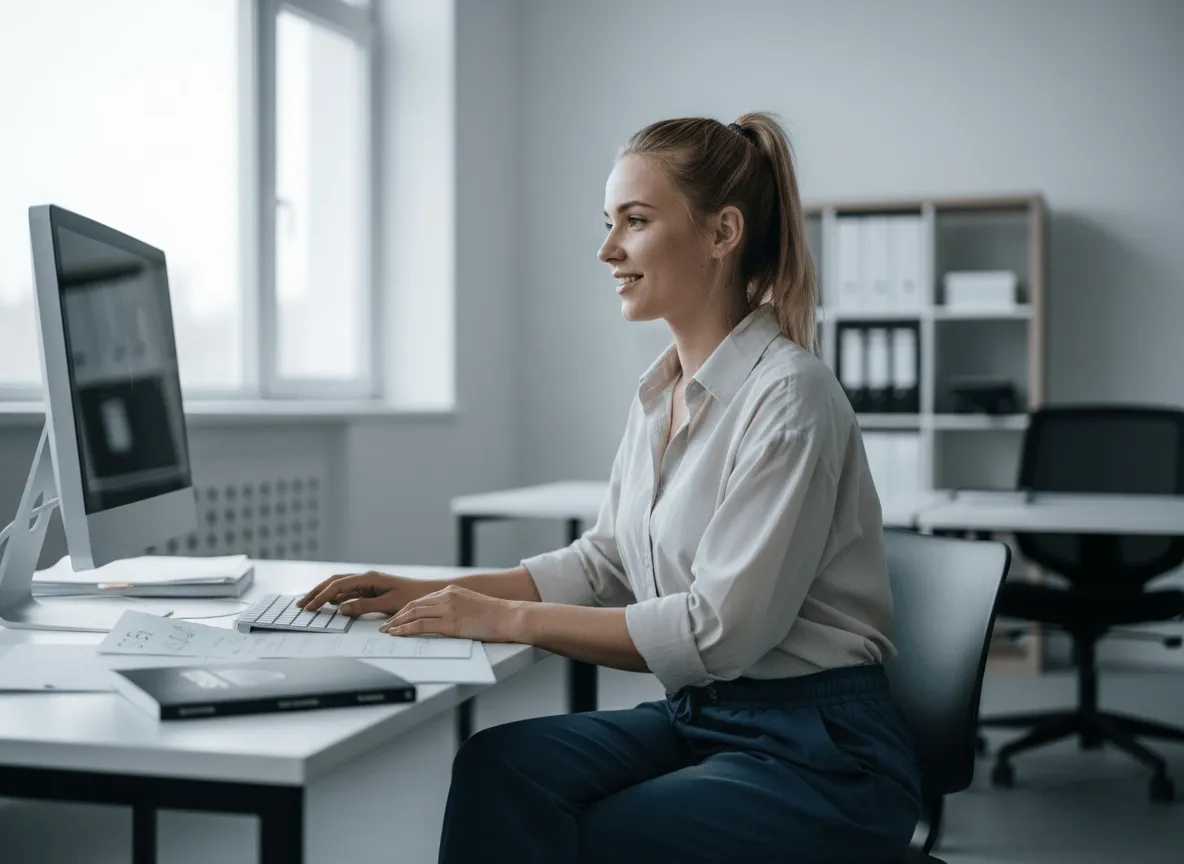
Gör produkter lättare att köpa
Rena friläggningar gör produktfoton lättare att förstå så att kunder ser detaljer och köper tryggare — samma förpackning, din layout.
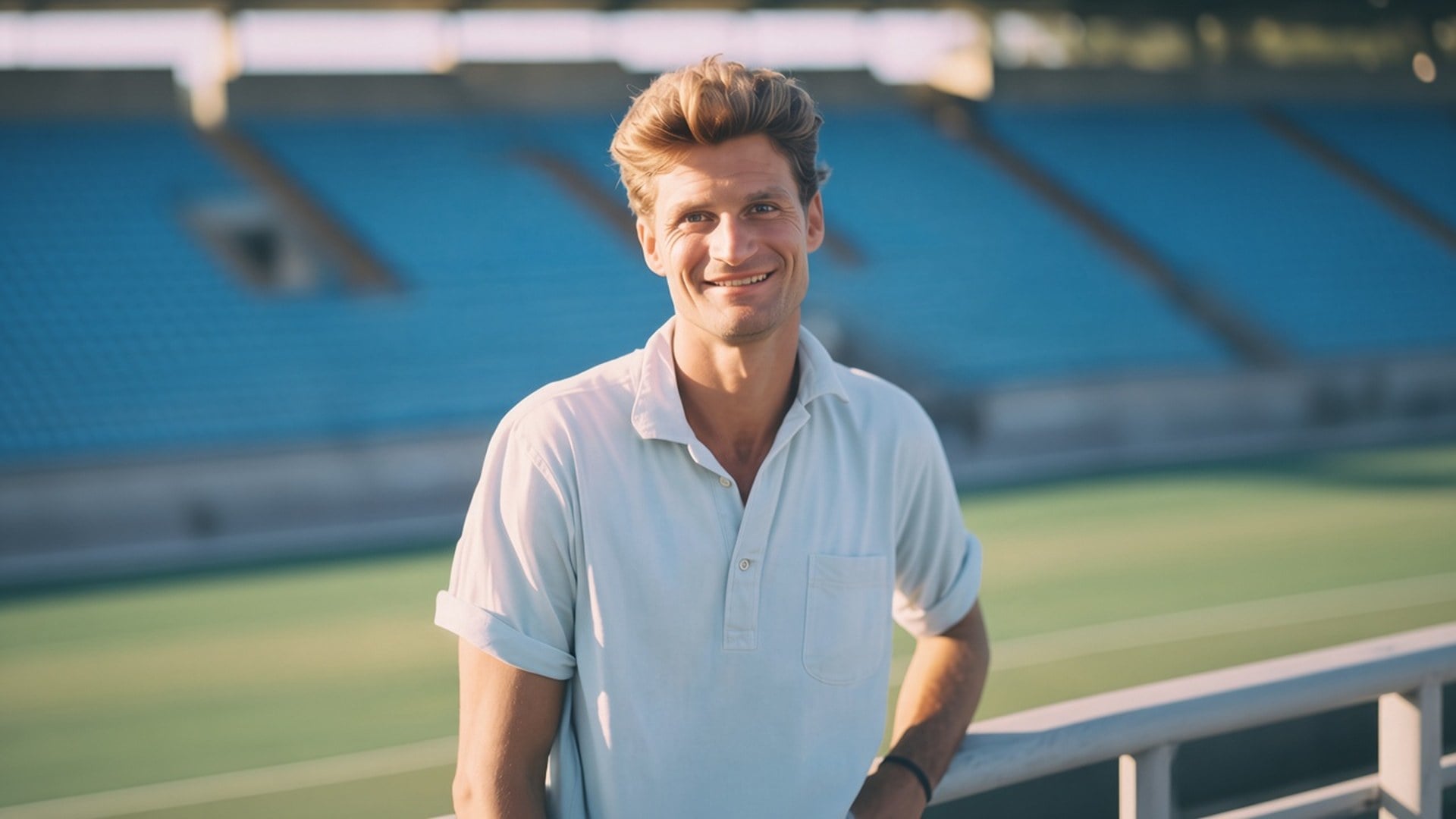
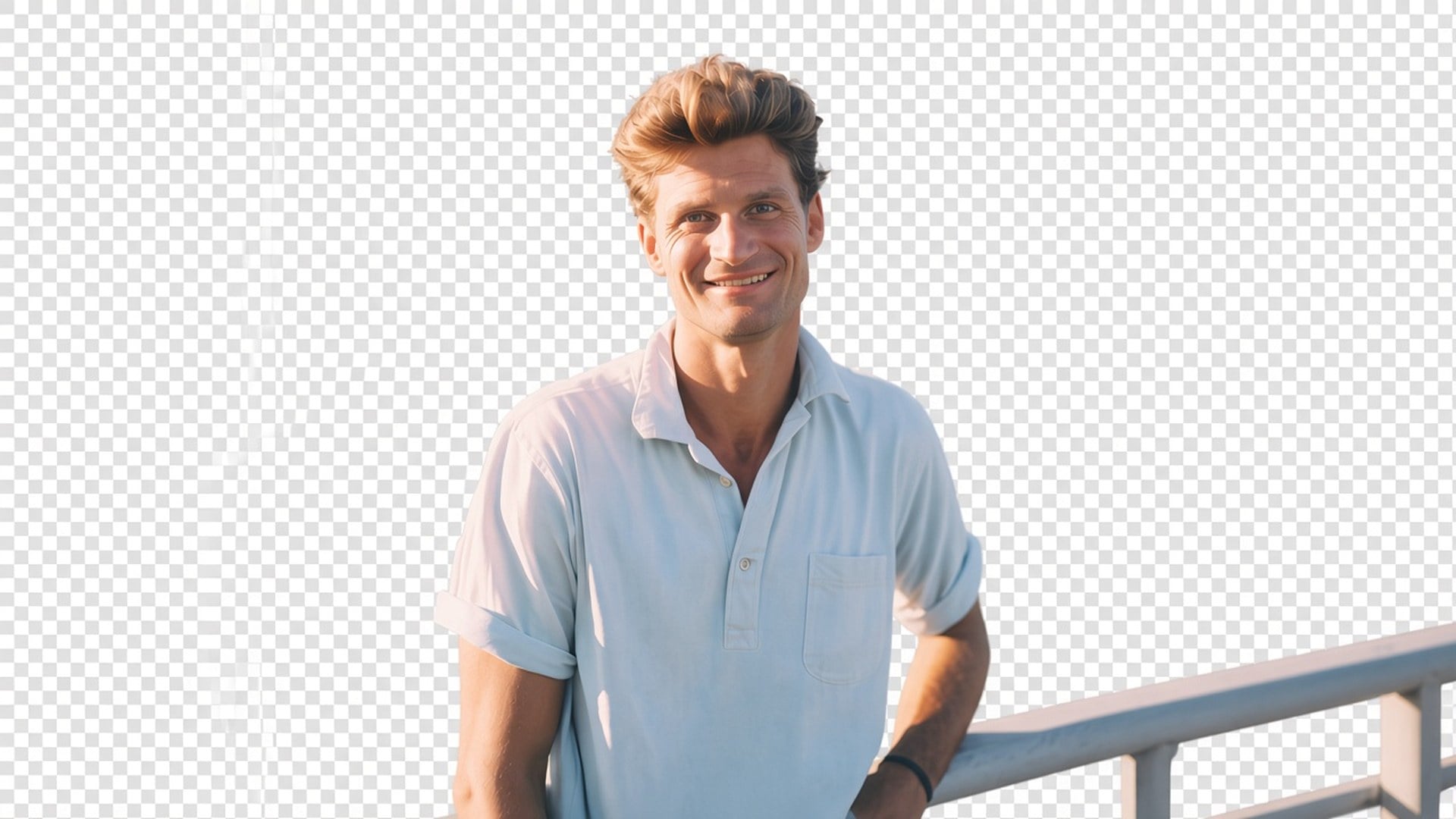
Behöver du personen eller produkten på transparent bakgrund, inte en ny miljö? Viralkeys Background Remover frilägger motivet på riktig transparens — ingen vit fyllning, ingen studiosvepning, inget påhittat rum.
Background Remover
Background Remover
Behöver du personen eller produkten på transparent bakgrund, inte en ny miljö? Viralkeys Background Remover frilägger motivet på riktig transparens — ingen vit fyllning, ingen studiosvepning, inget påhittat rum.
De flesta sidor som kallas background remover klistrar tyst på en vit studio eller genererar ett snyggare rum. Den här returnerar transparens: motivet isolerat, bakgrunden borta, filen redo att läggas på en miniatyr, en presentationsbild eller en annonsruta. Det är en egen friläggning, inte Image Enhancer-motorn och inte ett scenbyte. Ladda upp en stillbild. Ladda ner ett motiv du själv kan placera.
Efteråt ska resultatet gå att komposita. Schackruta i förhandsvisningen, eller vilket lager du än lägger PNG-filen på härnäst — inte ett inbränt vitt, grått eller sömlöst svep. Ville du ha en ny riktig bakgrund är du på fel sida. Det här verktyget isolerar bara. Det är hela produkten, och därför kan en designer ta filen in i layouten som redan finns i stället för att slåss mot en fyllning ingen bad om.
Prova nu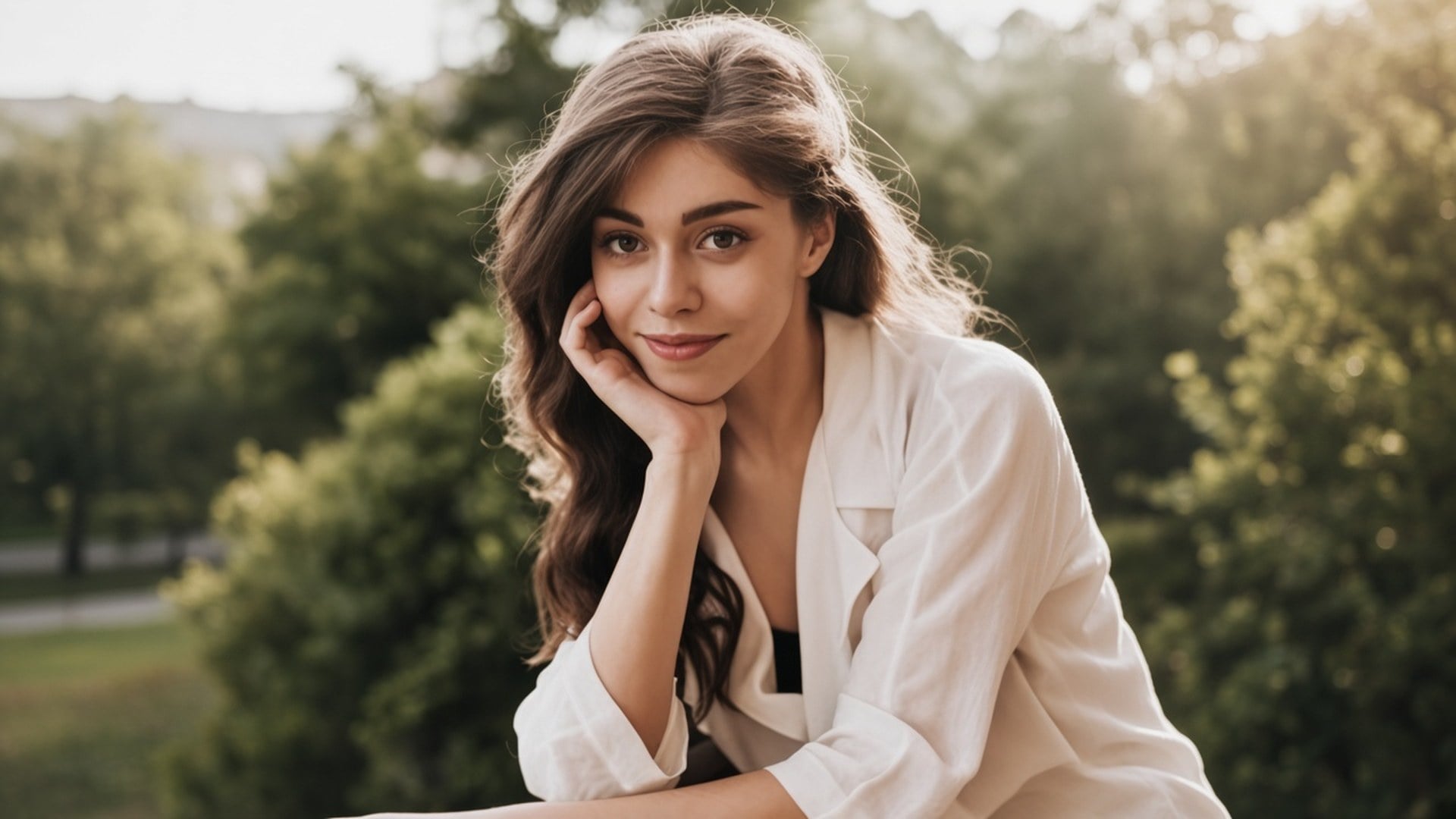
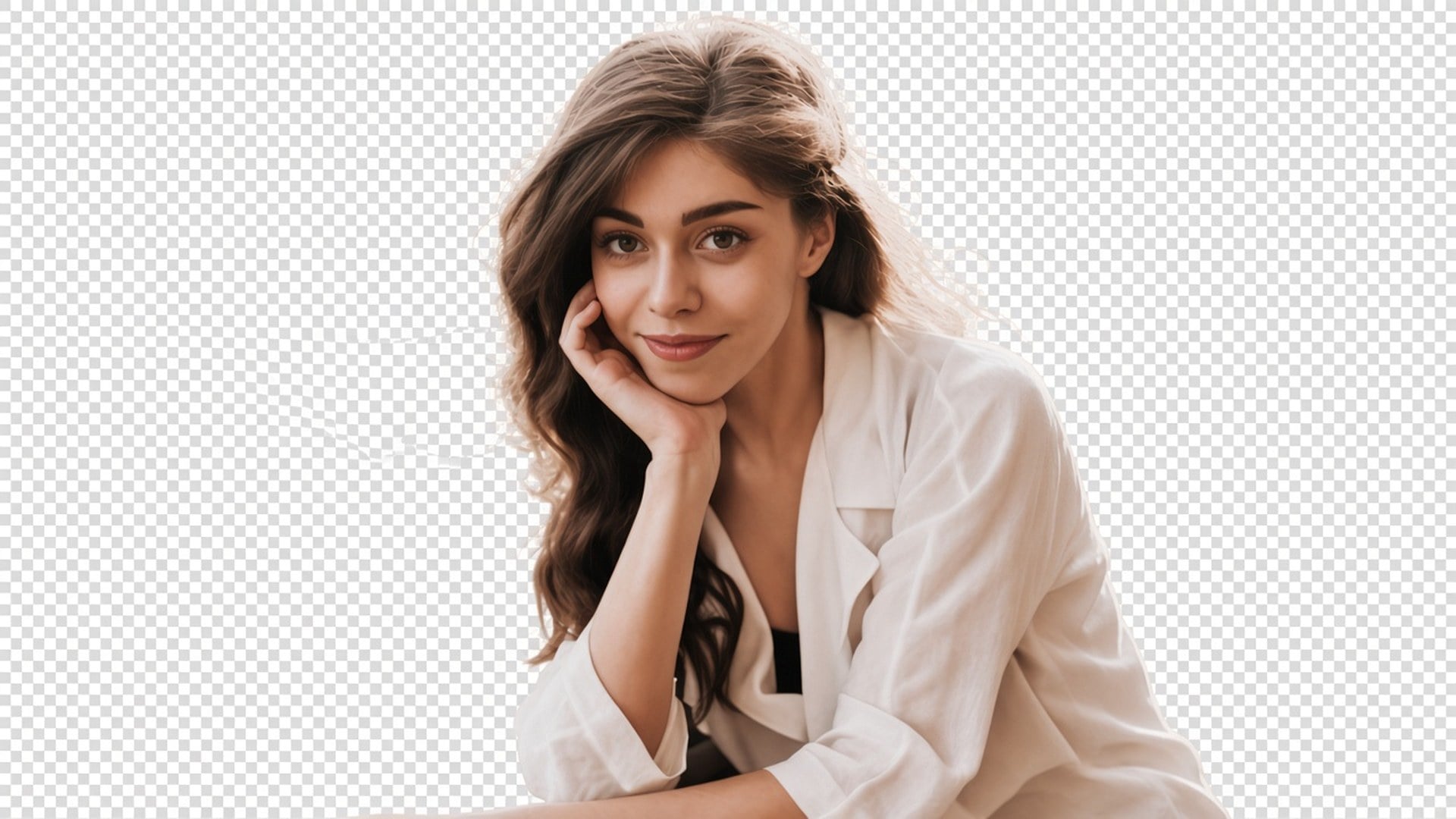
En friläggning är meningslös om personen kommer tillbaka som ett annat ansikte. Den här processen är byggd för att behålla pose, kläder och identitet och lägga sig på mattan. Hår och andra mjuka kanter hör till den uppgiften. Du ska kunna para före och efter och fortfarande känna igen samma stillbild. Behöver du en ny outfit eller ett nytt uttryck är det en annan studiosida.
Prova nu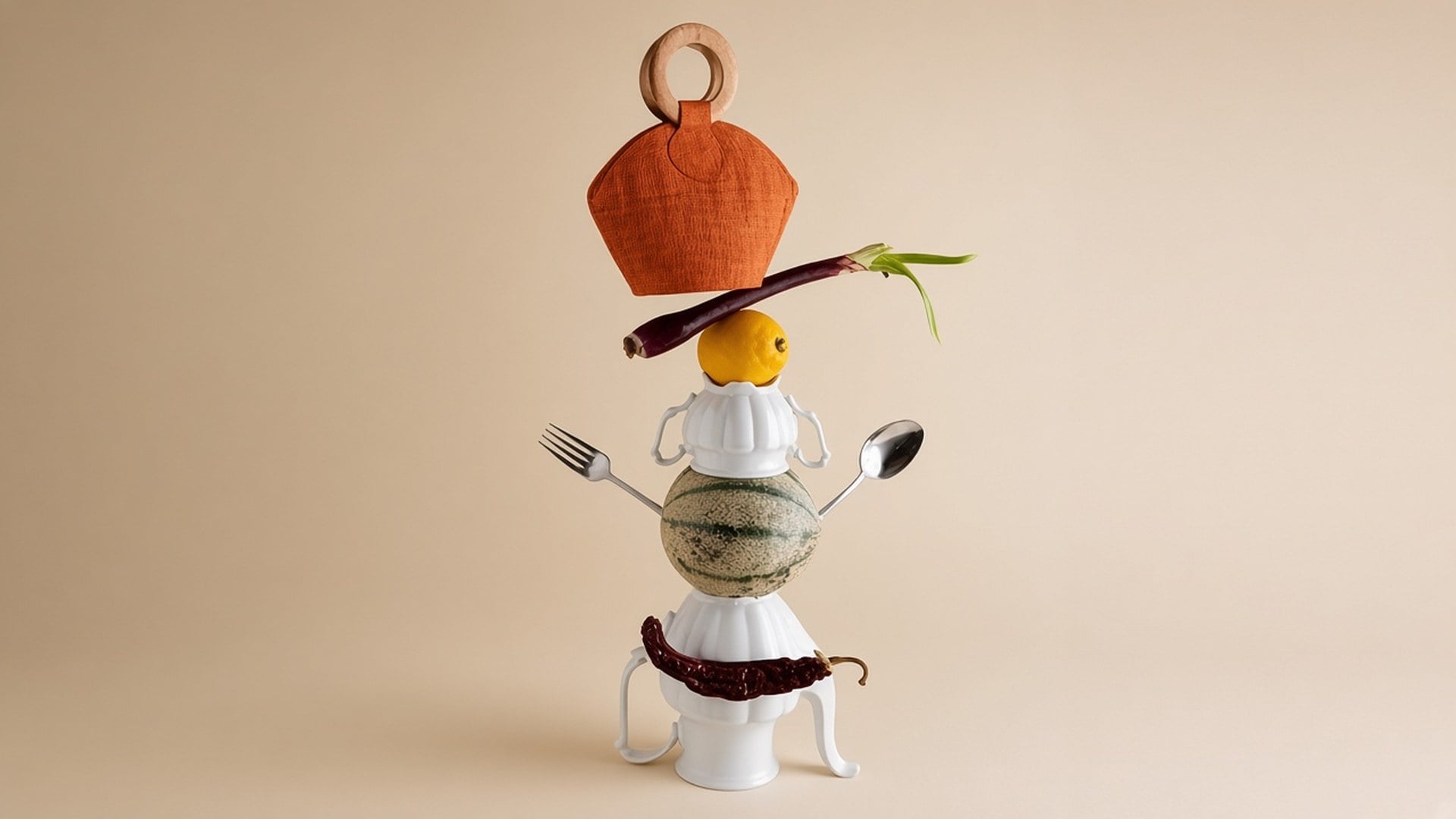
Det finns inget att skriva och inget fyllnadsfärgsalternativ. Originalfotot är underlaget. En prompt skulle bjuda in en generativ bakgrund som den här sidan inte gör, så fältet är dolt. Ladda upp, generera, ladda ner det transparenta resultatet. Om källan också är mjuk, kör Image Enhancer först som en separat generering — två processer, inte en knapp.
Prova nuEn background remover är användbar när nästa layout redan finns och du bara behöver motivet. Varje punkt nedan är det löftet: riktig transparens, ett motiv som stannar fotografiet och en fil du kan släppa utan att slåss mot en inbränd fyllning.
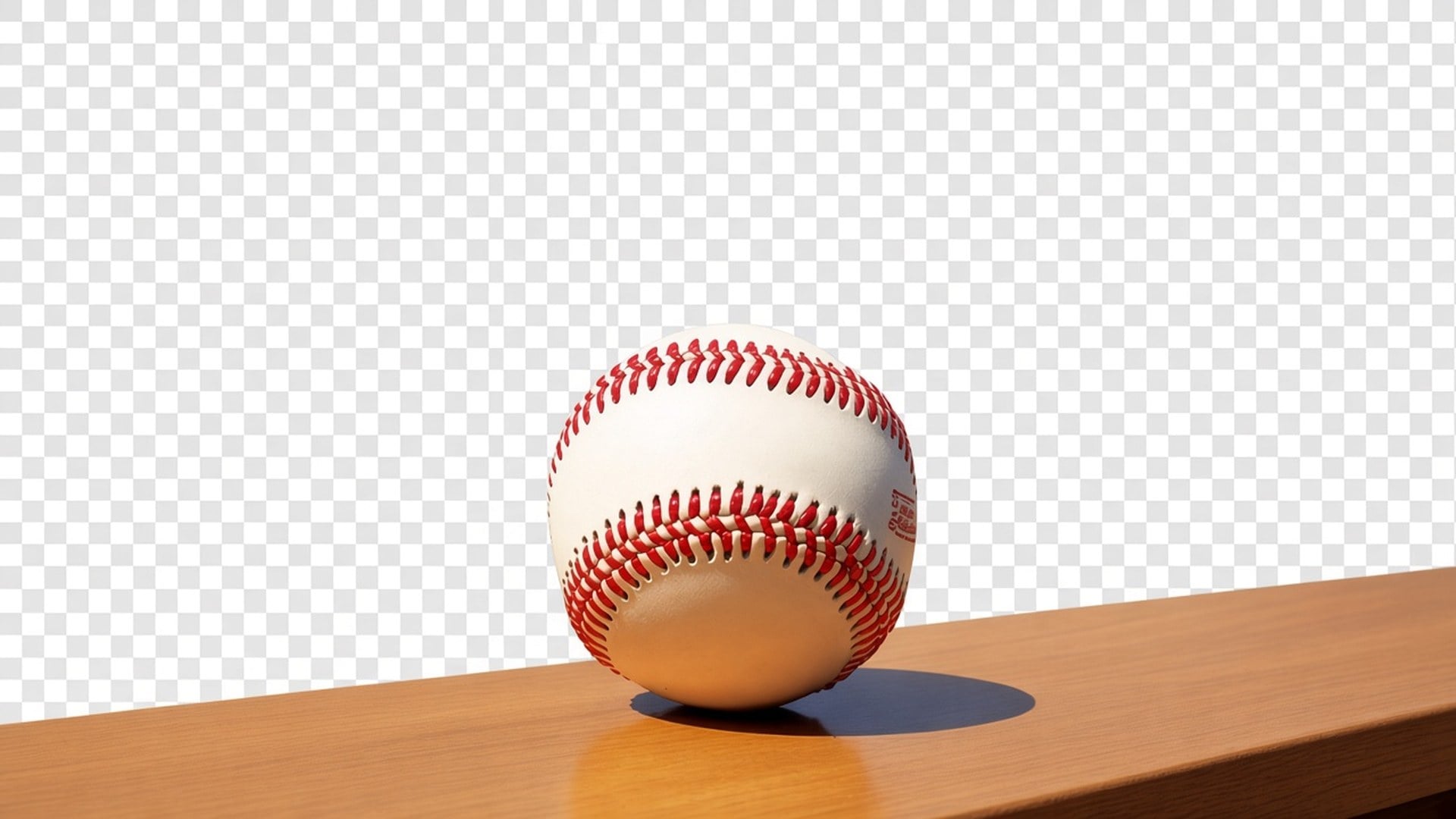
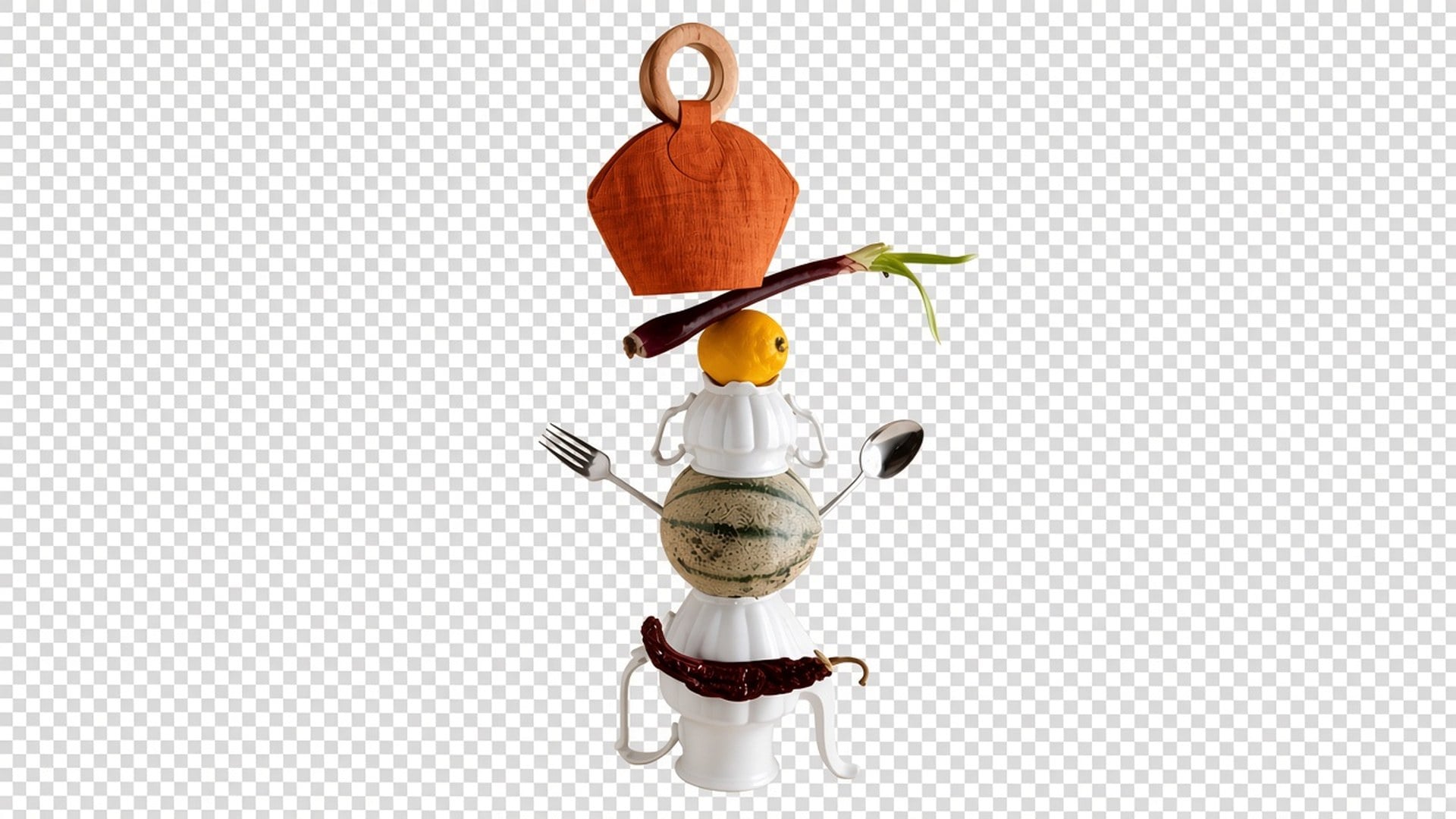
Utdata är en friläggning med alfa, inte en vit rektangel som låtsas vara ”borttagen”. Lägg den på en svart miniatyr, en varumärkesbild eller en marknadsplatsruta. En ny scen bakom personen utlovas inte. Om en konkurrentsida ger dig ett studiosvep är det en annan produkt. Den här stannar vid isoleringen så att du behåller nästa lager.
Prova nu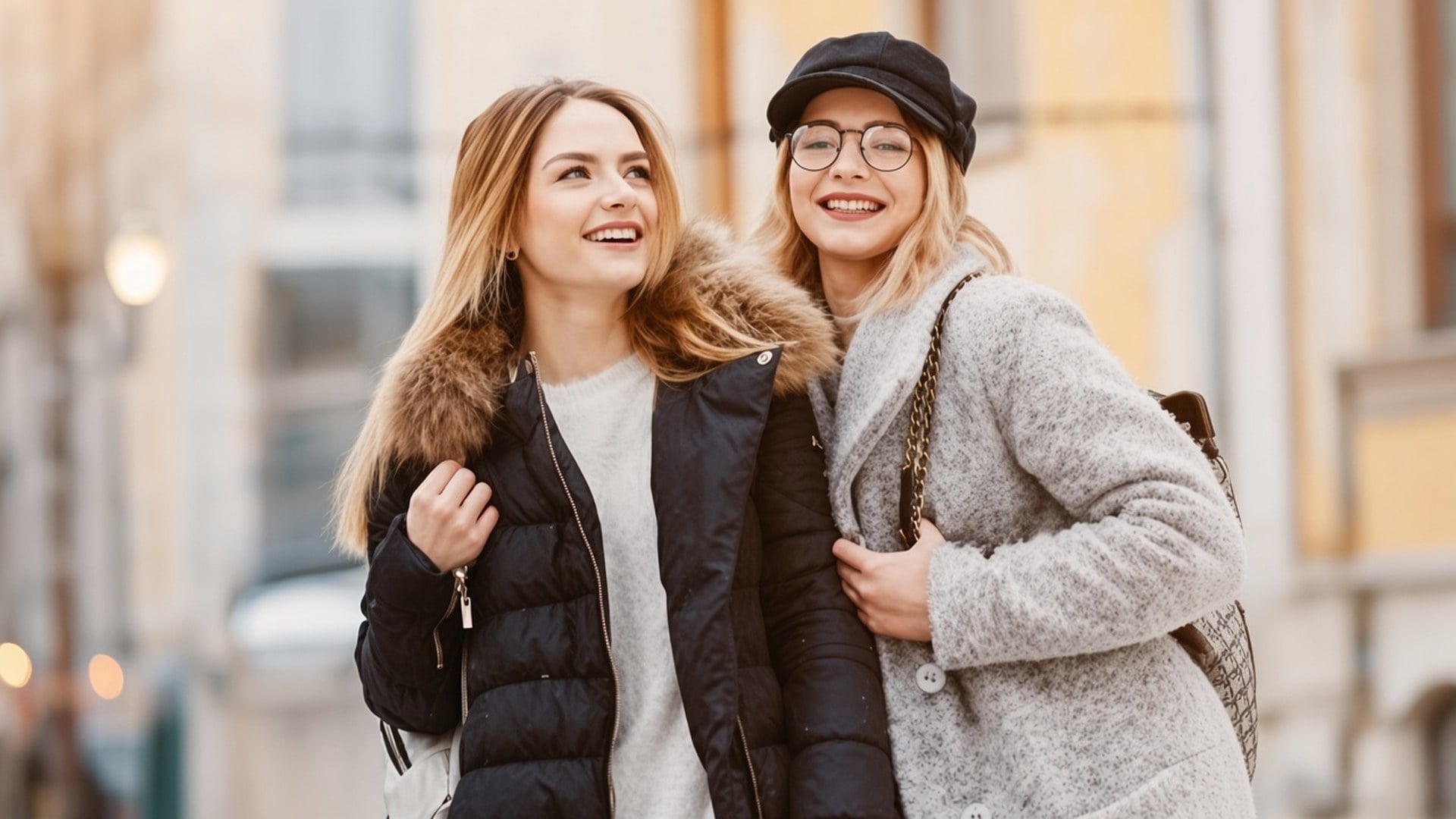
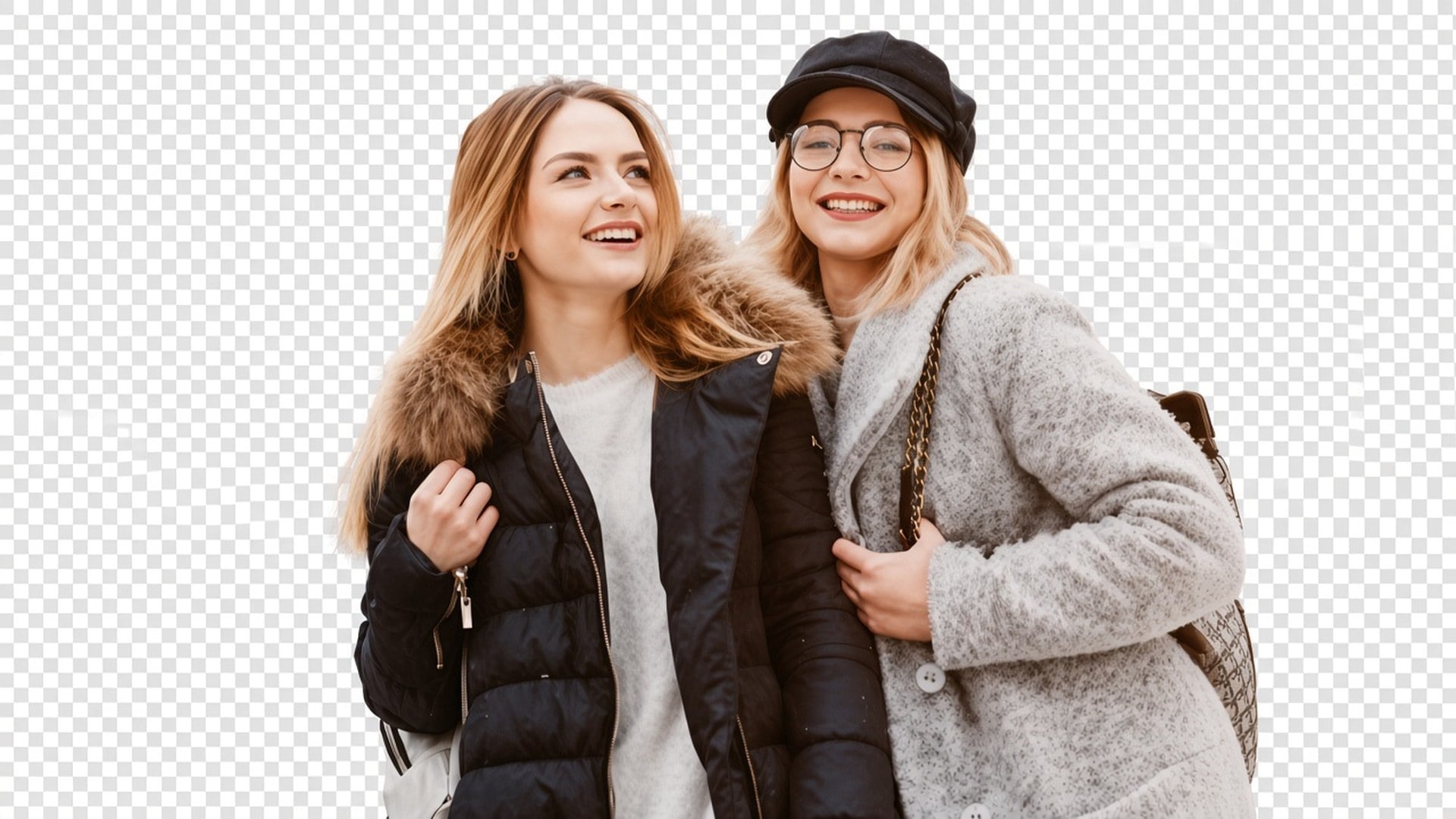
Processen är inställd på en ren motivmatta, inklusive löst hår och andra mjuka kanter, utan att rita om ansiktet. Resultaten beror ändå på kontrasten i källan. En motljussjälvbild med hår som försvinner i himlen är svårare än en produkt på ett enkelt bord. Verktyget hittar inte på slingor som filen aldrig fångade. Börja från den renaste separationen du har.
Prova nu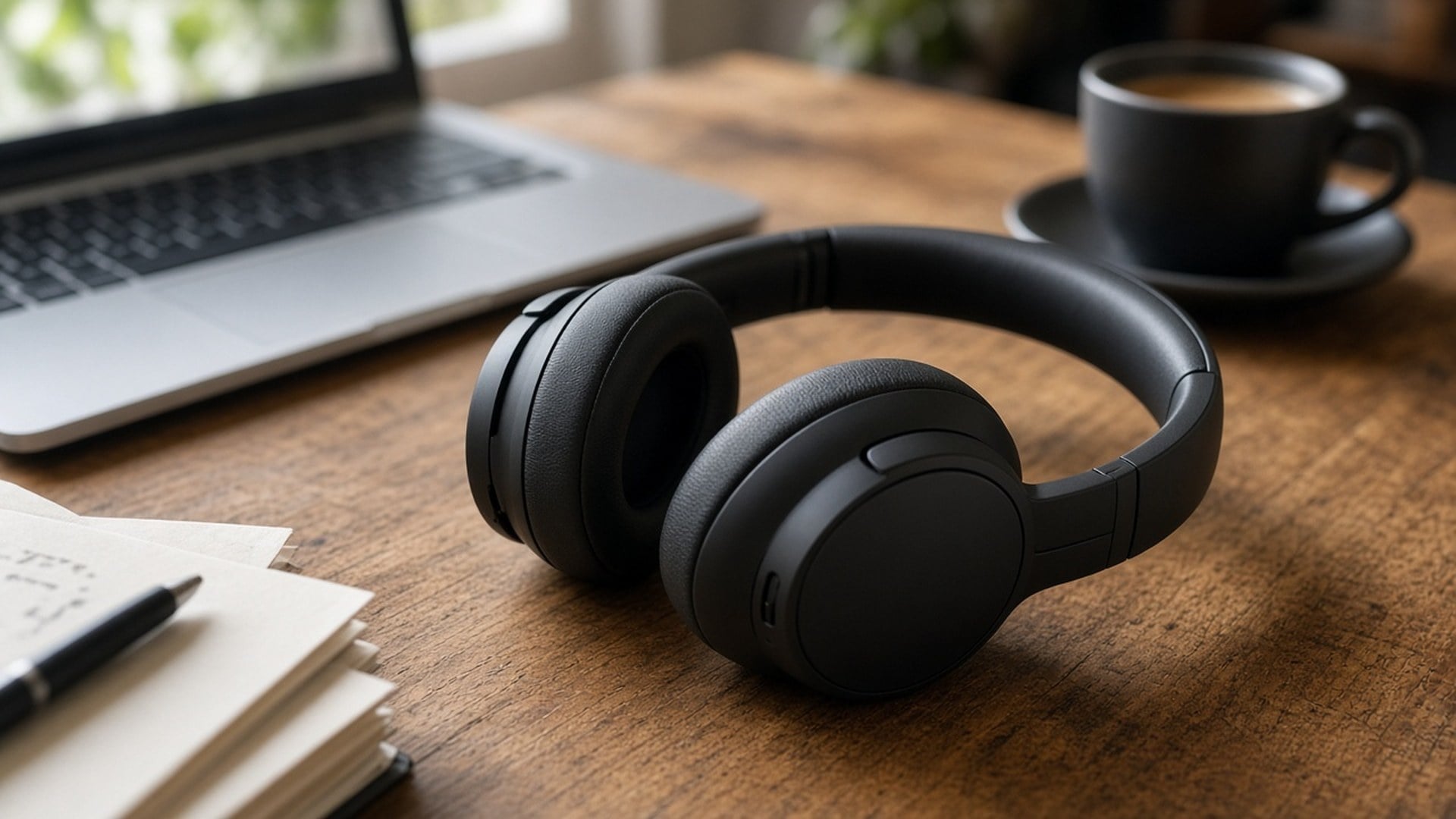
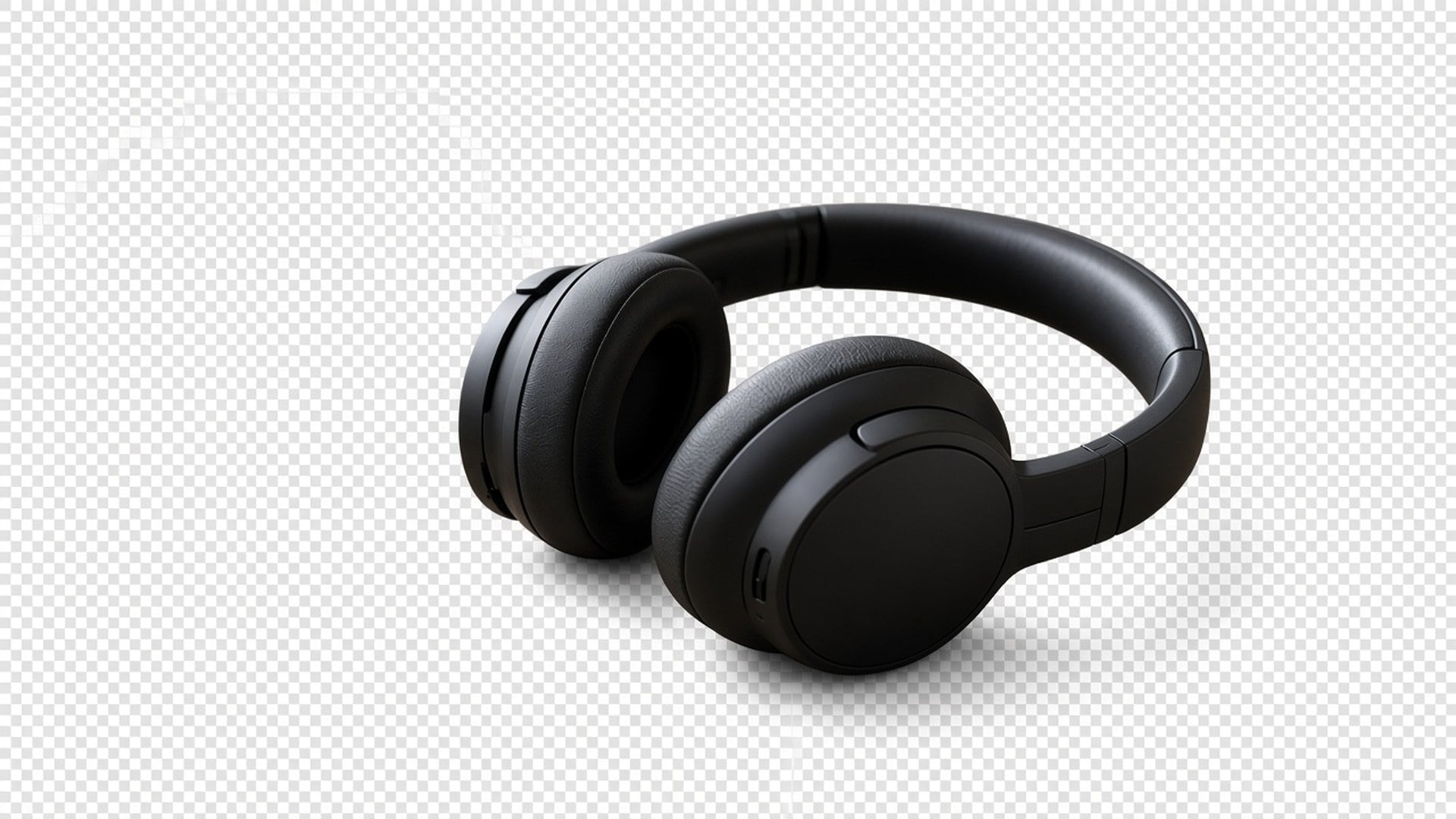
Image Enhancer, Image Upscaler, Unblur Images och Denoise AI delar en kvalitetsprocess. Den här sidan gör det inte. Det är en separat friläggning. Du kan använda båda i följd — skärpa, sedan isolera — men varje generering är en egen kostnad och ett eget resultat. Vi säger det öppet så att en funktionstabell inte låtsas att fem adresser är en algoritm.
Prova nu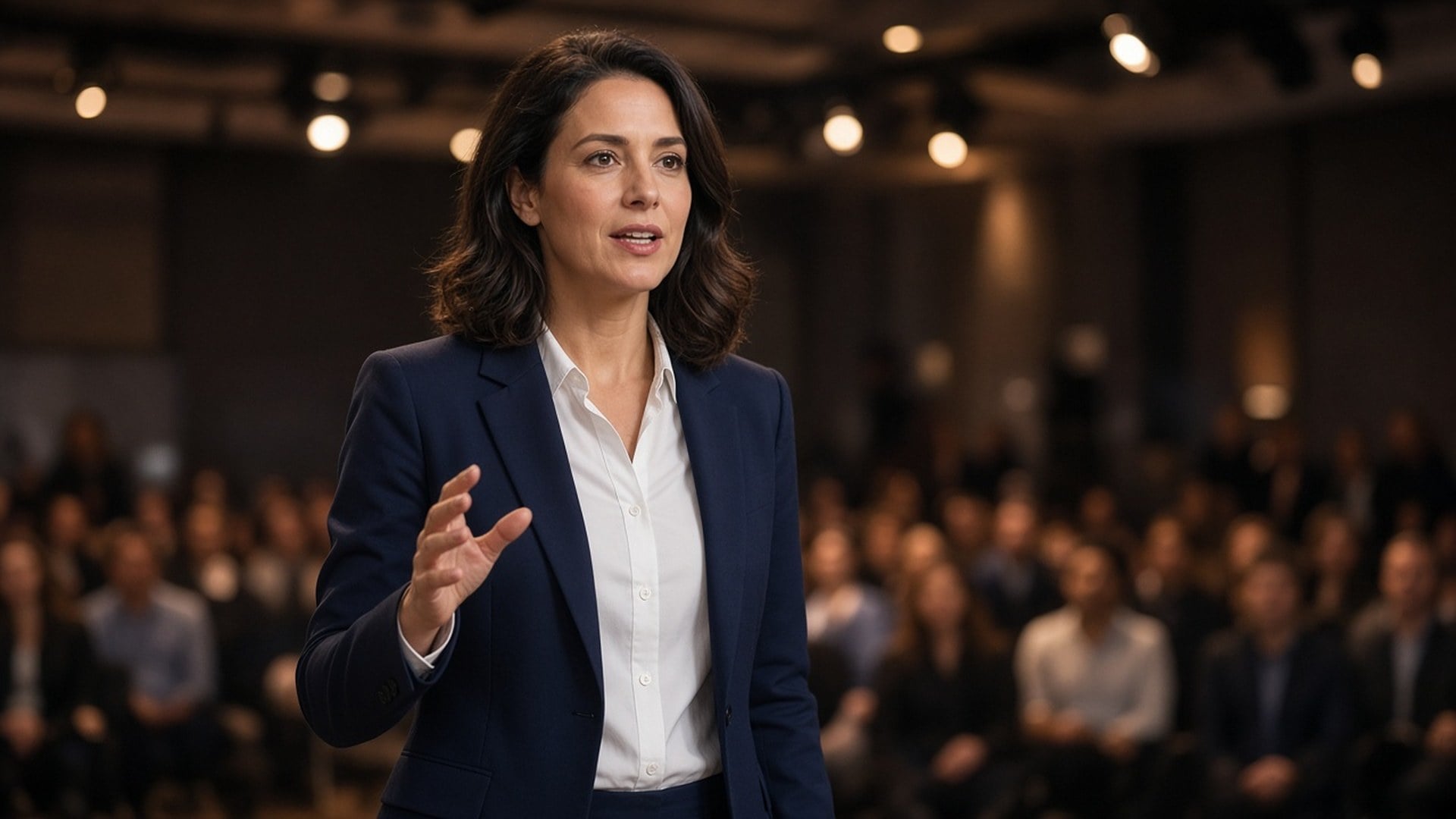
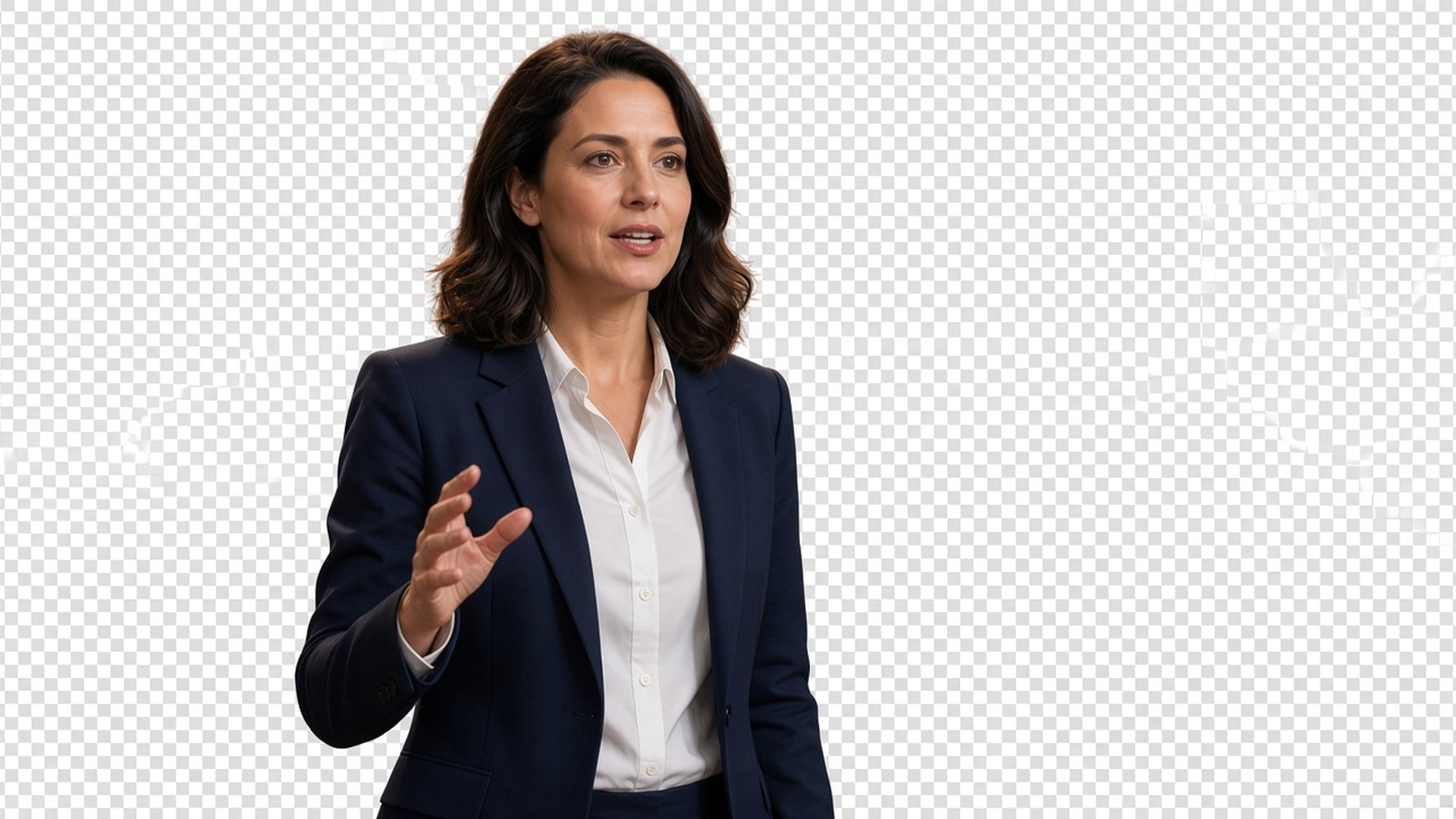
Resultaten är stillbilder du kan ladda ner och placera: en skapare på en miniatyr, en förpackning på en annons, en talare på en keynote-platta. Retuschfri katalogfotografering eller räddning av en folksamling med fem överlappande personer utlovas inte. Om två motiv trasslar ihop sig, beskära tajtare först. Silhuettens tydlighet är uppdraget.
Prova nuRena friläggningar gör produktfoton lättare att förstå så att kunder ser detaljer och köper tryggare — samma förpackning, din layout.
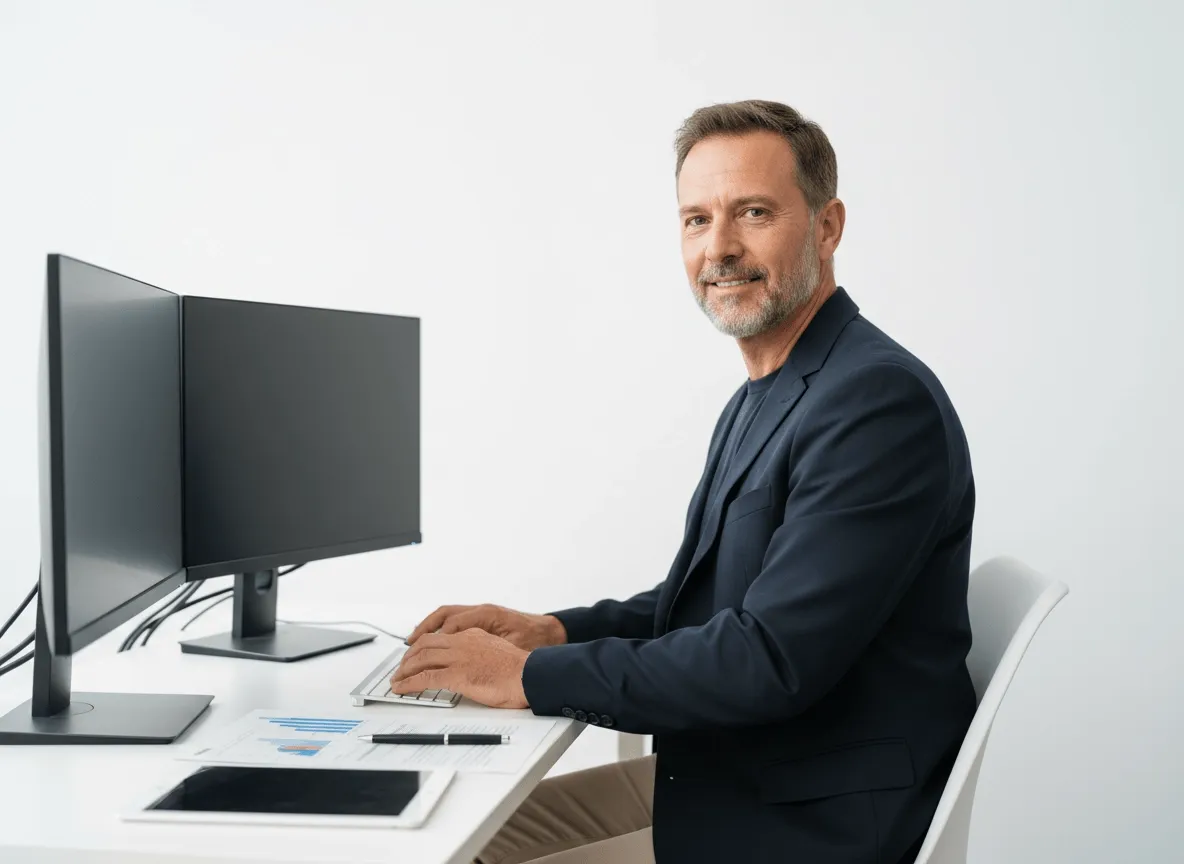
Isolera produkter, modeller eller nyckelmotiv för banners, landningssidor och promografik. Färre manuella masker, befintlig layout.
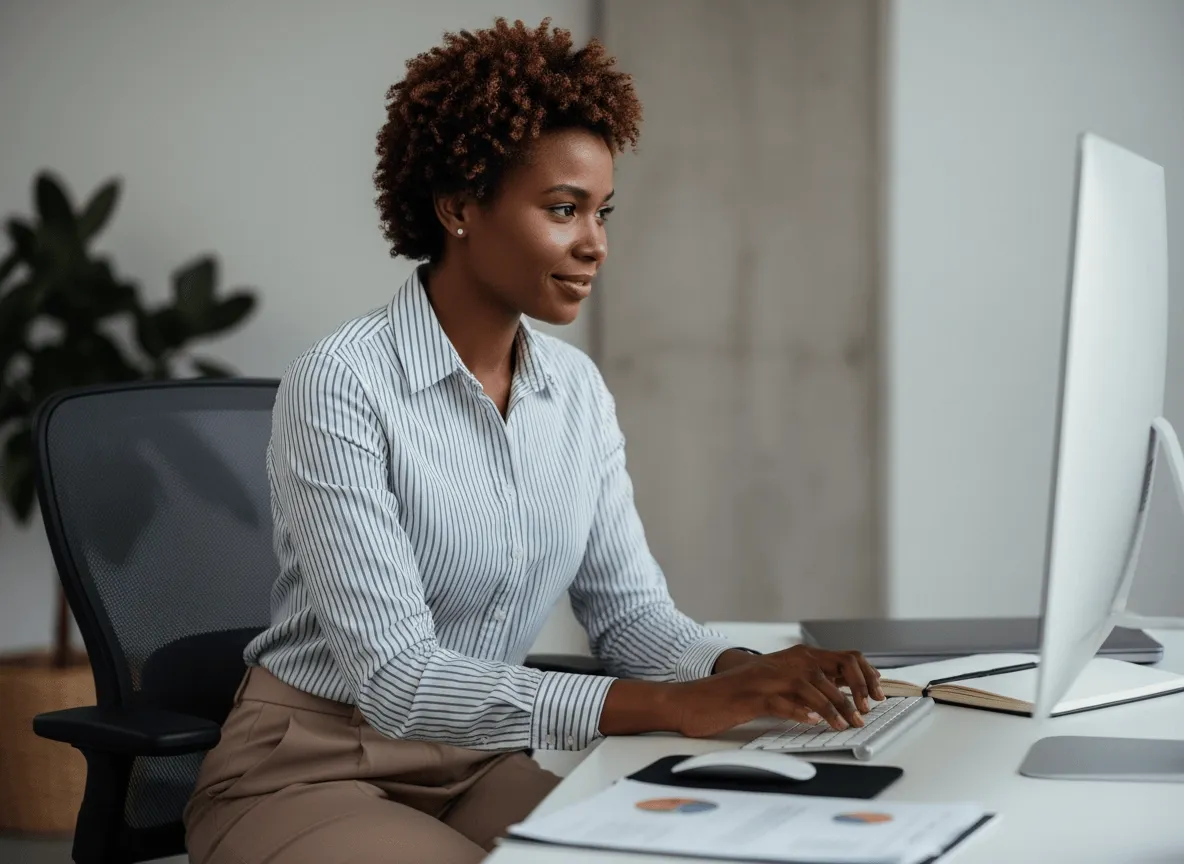
Frilägg skådespelar- eller karaktärsfoton för filmaffischer, teasers och promo. Motivet stannar bilden; bakgrunden blir din.
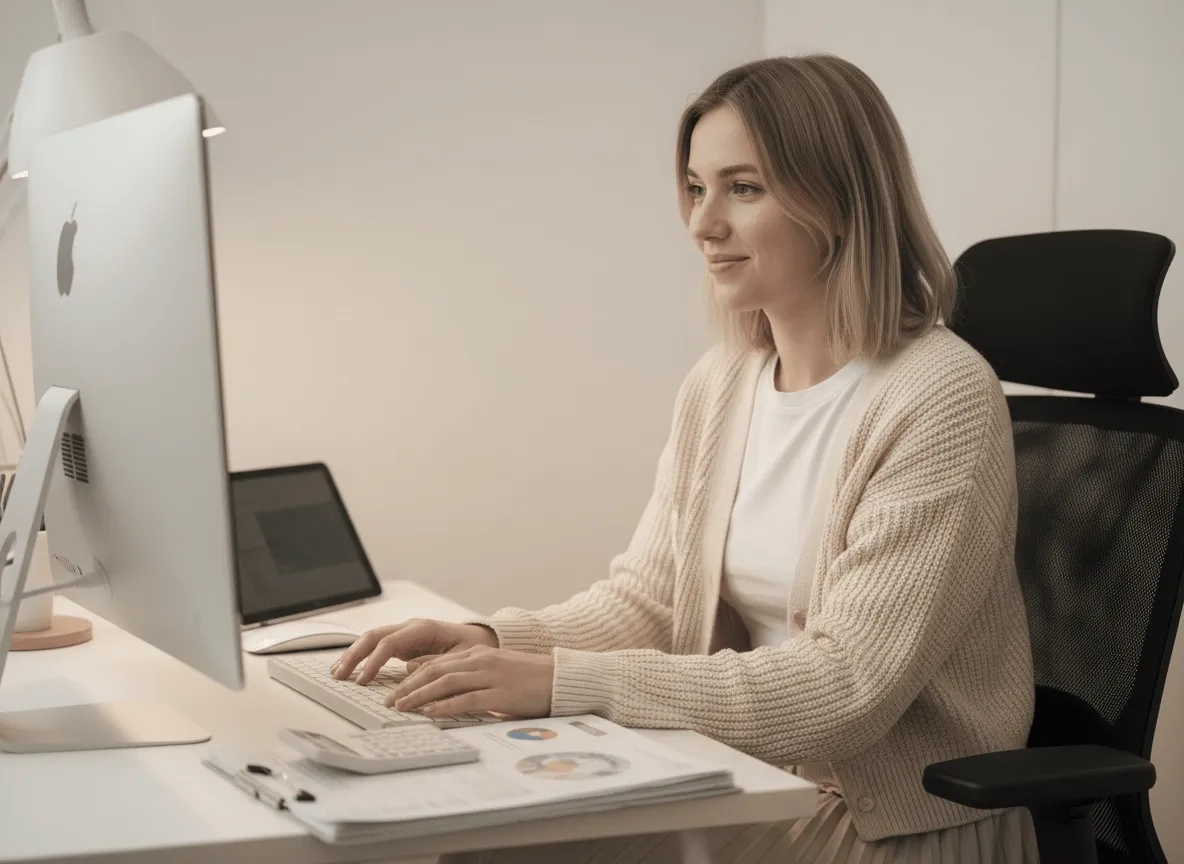
Förbered karaktärsrutor eller objekt för sprite sheets med ren friläggning. Isoleringen är uppgiften, inte leveldesignen.
Rena friläggningar gör produktfoton lättare att förstå så att kunder ser detaljer och köper tryggare — samma förpackning, din layout.
Isolera produkter, modeller eller nyckelmotiv för banners, landningssidor och promografik. Färre manuella masker, befintlig layout.
Frilägg skådespelar- eller karaktärsfoton för filmaffischer, teasers och promo. Motivet stannar bilden; bakgrunden blir din.
Förbered karaktärsrutor eller objekt för sprite sheets med ren friläggning. Isoleringen är uppgiften, inte leveldesignen.
En friläggning är sällan den enda frågan. I Viralkey Studio kan du förbättra samma stillbild, förstora den 2× eller fortsätta med ett porträtt av samma ansikte innan du isolerar igen.
Isolera en logotyp på genomskinlig botten — märket stannar, skrivbordet går.

Återställ skärpa i samma storlek, eller förstora 2× / 4×.

Förstora ett foto 2× eller 4× och återfå kanter, utan att stretcha pixlar.

Återfå skärpa från ett mjukt eller skakigt foto utan att rita om scenen.
Utforska ledande modeller för AI-video, bildgenerering, redigering och filmiskt storytelling.

Create Wan 3.0 clips on Viralkey: native 1080p, 2–30 seconds, start/end frames, up to 20 mixed references, and audio generated with the picture.

Skapa filmiska MiniMax H3-klipp på Viralkey: nativ 2K, upp till 15 sekunder, Text to Video, Start/End Frame och upp till nio referensbilder.

Skapa korta HD-klipp i Viralkey med start-/slutbildsstyrning och upp till 50 referensbilder. För musikvideoscener och performanceshots.

Create cinematic Seedance 2.0 clips on Viralkey: native 4K, start/end frames, up to nine reference images, and built-in audio with lip-sync.
Röster från skapare som använt det här verktyget i riktigt arbete.
Lark Ames
InnehållsskapareJag behövde produktfotot skarpare, inte ett nytt foto.
1× förbättra behöll beskärningen och rensade kanterna.
Ned Hollis
ProduktchefSamma selfie med 2× förstora till en affisch.
Den blev större utan plastig hud.
Oona Pell
FotografJag sökte på Unblur, men 1× förbättra var det jag faktiskt behövde.
Penn Crowe
YouTuberDenoise tog bort nattbruset och lämnade tegeltexturen.
Det var hela uppgiften.
Rory Blake
Ansvarig för sociala medierDen transparenta PNG-filen från remover hamnade direkt på en svart miniatyr.
Shea Quinn
Designer4× förstora på en liten arkivskanning.
Ansiktena var samma personer. Jag fick bara fler pixlar.
Una Marsh
IllustratörJag slutade betala en retuschör för att göra bilden mindre grötig.
Det är den här uppgiften.
Vaughn Kitts
KonsultBytte från 1× förbättra till 2× förstora på enhancer-sidan.
Samma motor, större fil.
Wren Sol
InfluencerBakgrunden släppte rent runt håret.
Ingen vit halo som jag behövde maskera för hand.
Viralkeys Background Remover frilägger huvudmotivet på riktig transparent bakgrund. Du laddar upp en stillbild och får en PNG-liknande friläggning utan ny scen och utan enfärgad fyllning. Det är inte ett generativt bakgrundsbyte och inte samma motor som Image Enhancer-sidorna. Använd den när du behöver personen eller produkten på transparens, redo att läggas på en miniatyr, en presentationsbild eller en annonsruta.
Behöver du personen eller produkten på transparent bakgrund, inte en ny miljö? Viralkeys Background Remover frilägger motivet på riktig transparens — ingen vit fyllning, ingen studiosvepning, inget påhittat rum.