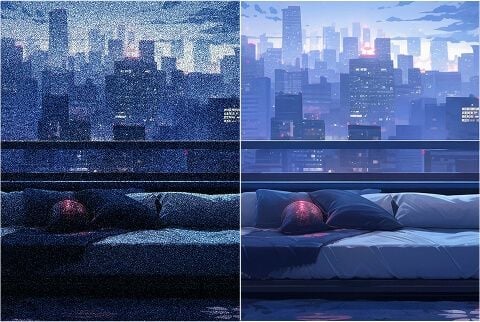
Rensa natt- och high-ISO-foton
Hämta korn ur low-light- och high-ISO-stillbilder utan att släta ut tegel, tyg och hud. Bilden stannar den du redan tog.
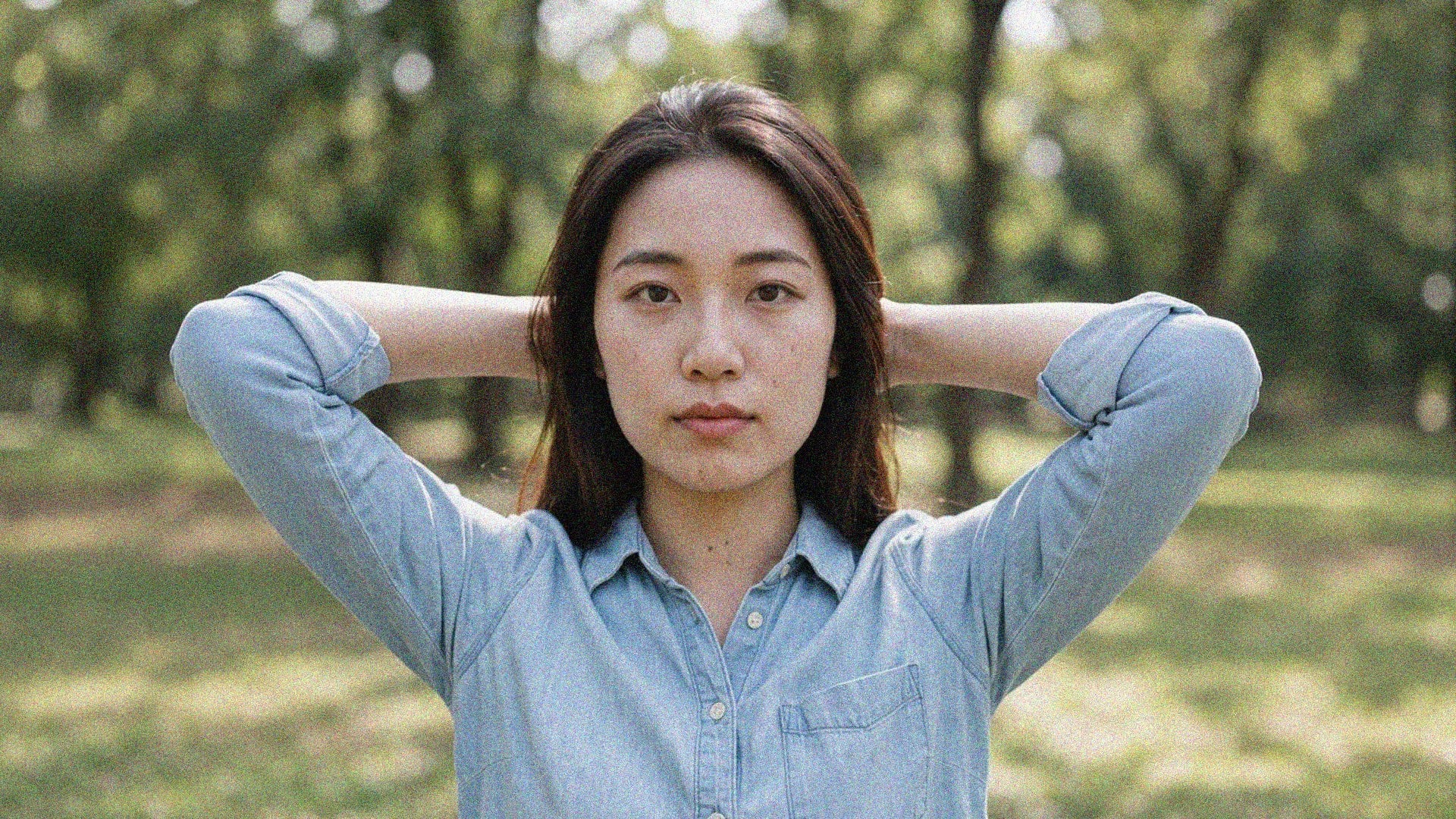
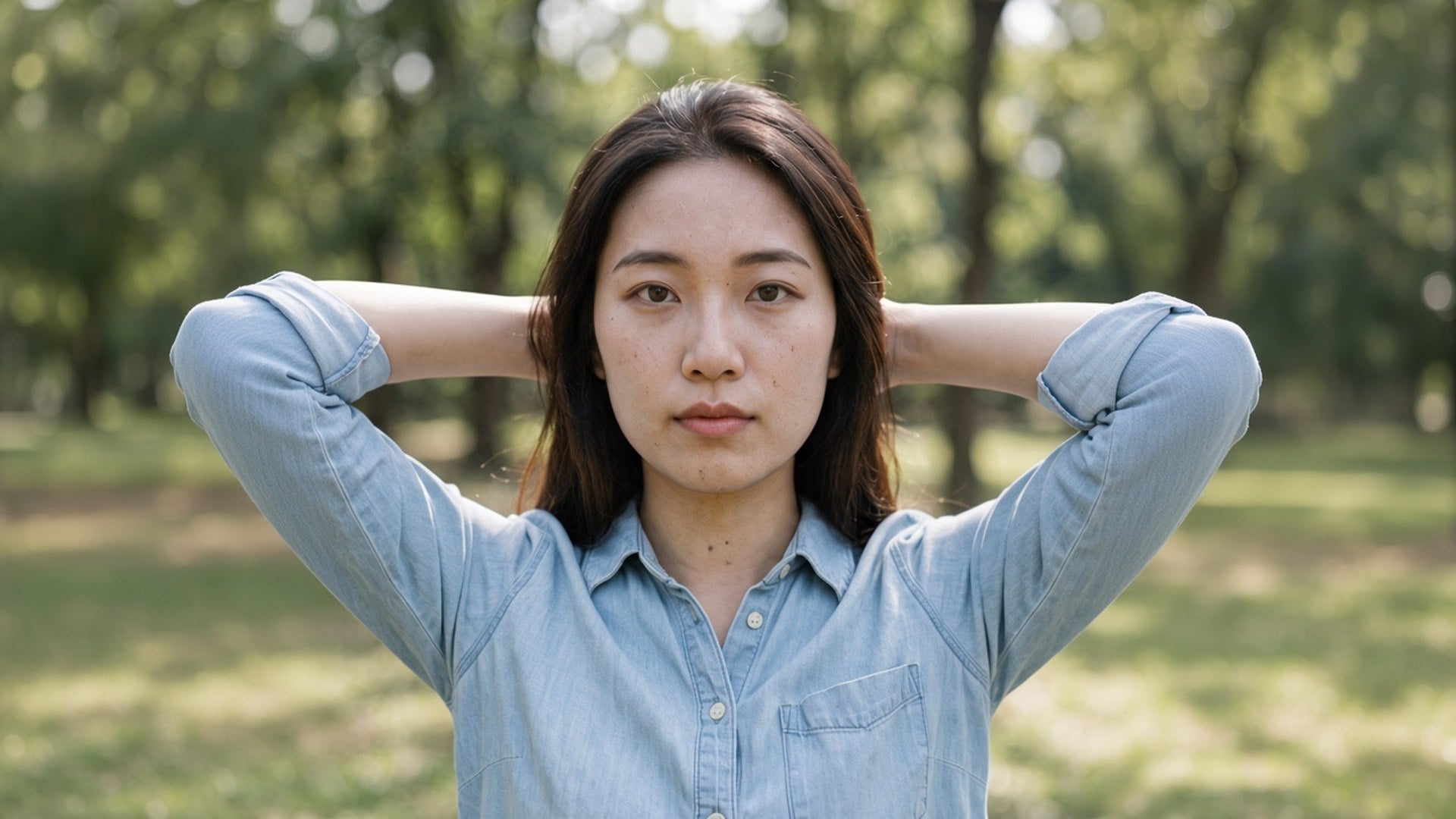
Nattkorn och kompressionsblock kan ändå sitta på rätt fotografi. Viralkeys denoise-process rensar det bruset med 1× förbättra eller förstorar med 2× förstora och 4× förstora — utan att hitta på ett nytt ansikte eller en plastig finish.
Denoise AI
Ta bort brus
Nattkorn och kompressionsblock kan ändå sitta på rätt fotografi. Viralkeys denoise-process rensar det bruset med 1× förbättra eller förstorar med 2× förstora och 4× förstora — utan att hitta på ett nytt ansikte eller en plastig finish.
Sökningar på denoise ai betyder oftast att bilden stämmer och bruset inte gör det. Den här sidan börjar på 1× förbättra så att du först får en rensning i samma storlek. 2× förstora och 4× förstora finns kvar på alternativet om du också behöver ett större master. Image Enhancer, Image Upscaler och Unblur Images kör samma process — det finns inget separat brusnät bakom den här adressen. Byt alternativ om storlek var det egentliga problemet.
En denoise-process är meningslös om efterbilden är vax. Det här verktyget är byggt för att behålla tegel, tyg, fräknar och text och lägga sig på korn och kompressionsblock som inte hör hemma där. Du ska kunna para före och efter. En fil som redan är en skärmdump i tredje generationen växer inte fram riktig textur som aldrig fångades. Börja från det renaste originalet du fortfarande har.
Prova nu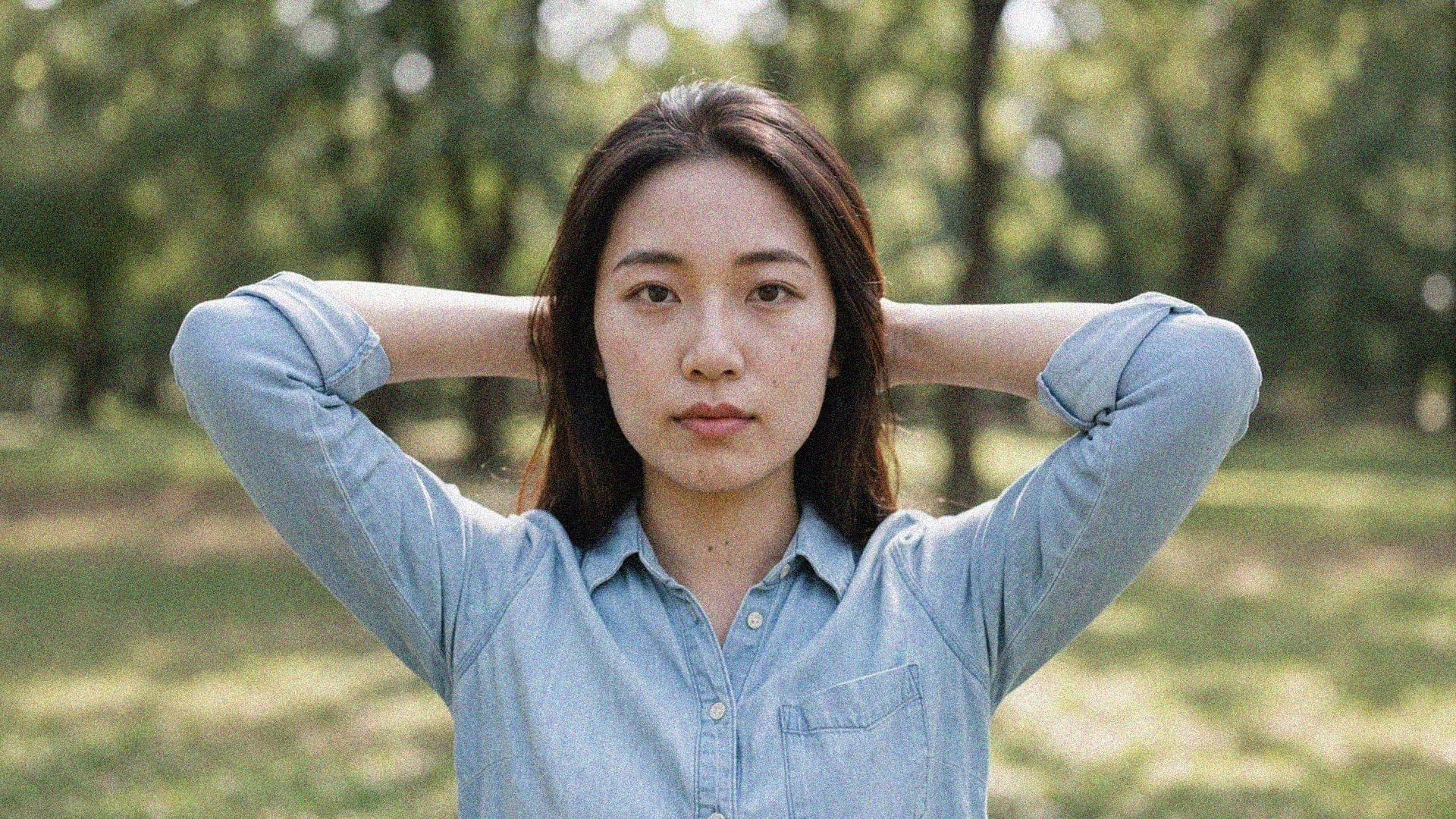
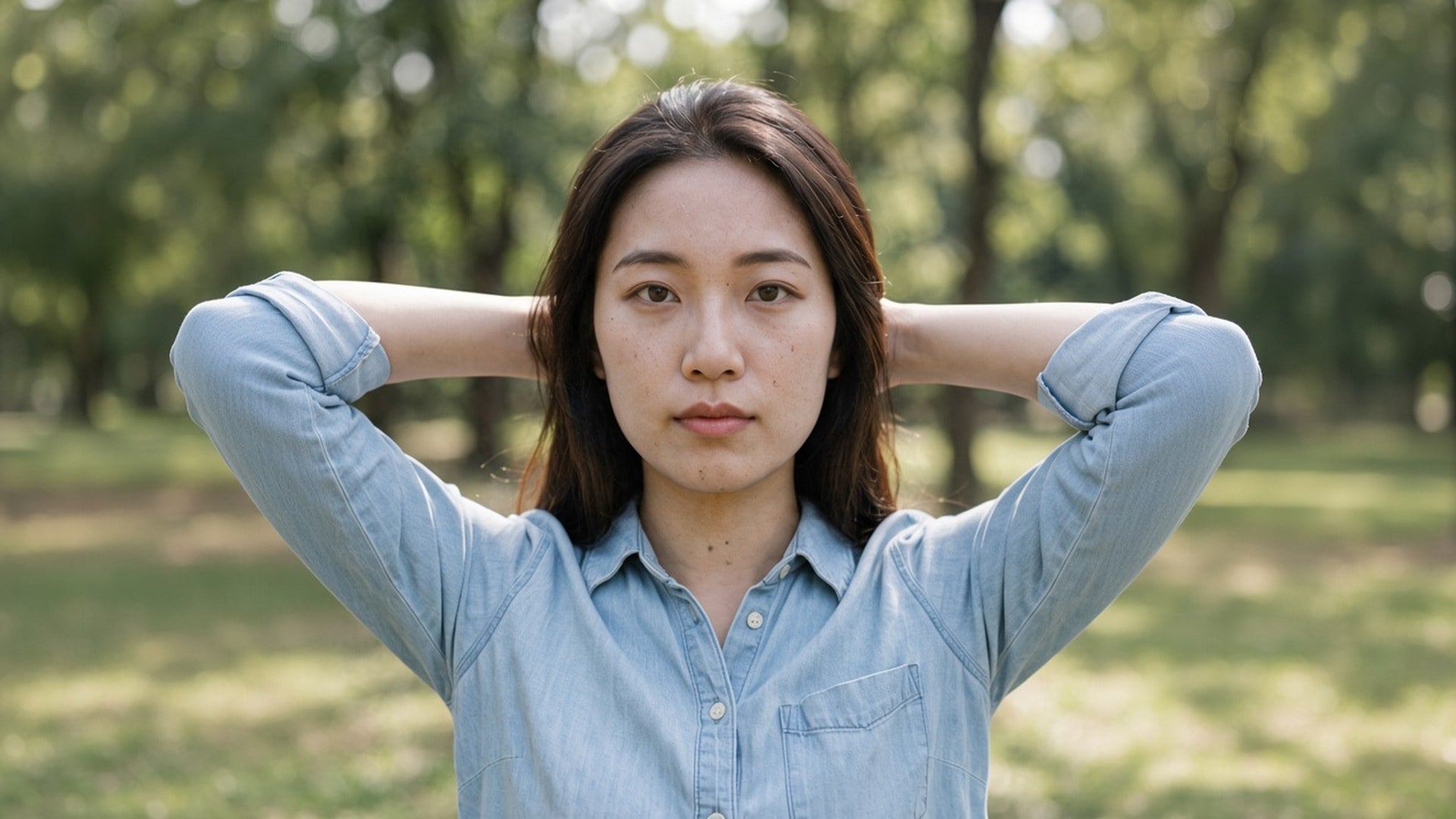
När du landar här är 1× förbättra förvalt för att de flesta denoise-sökningar handlar om renhet, inte affischer. Du kan ändå trycka 2× förstora eller 4× förstora när filen också är för liten. De tre värdena är samma slutna set som på Image Enhancer-sidan. Fyra sökadresser, en motor. Räkna inte med en privat brusmodell bakom den här sidan — den ärliga skillnaden är standardalternativet och formuleringen.
Prova nu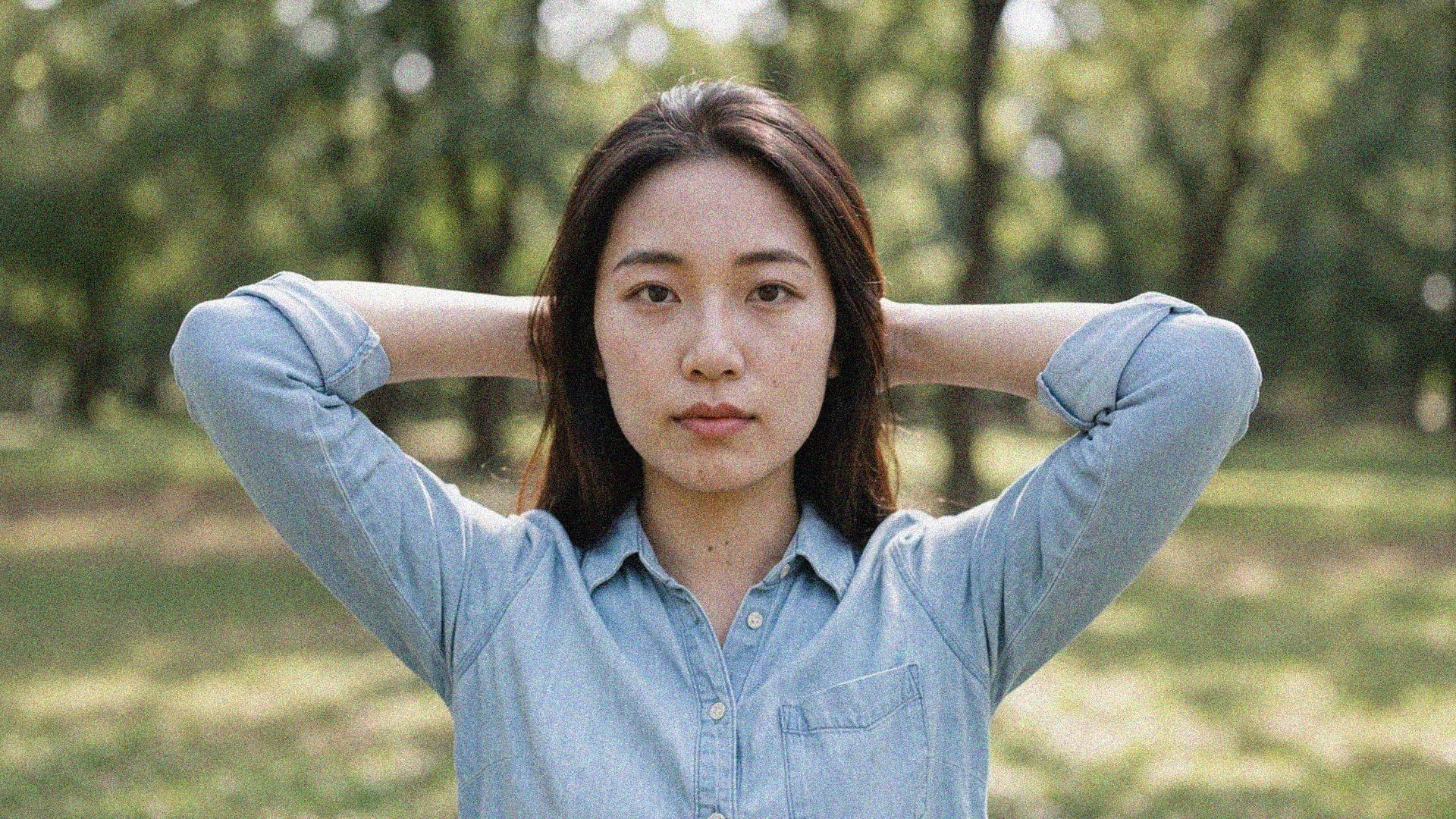
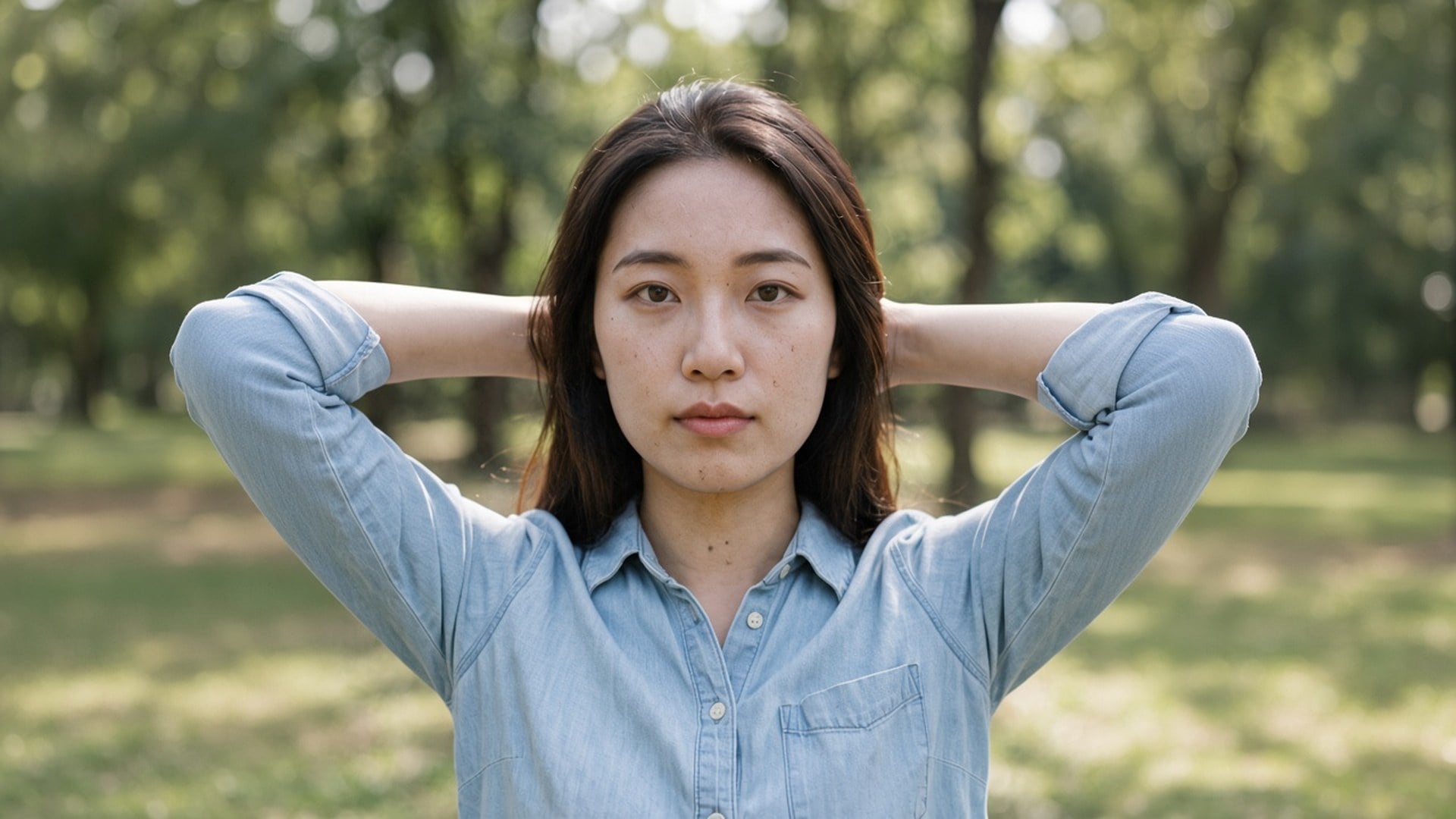
Det finns inget att skriva. Originalfotot är underlaget och skalningsalternativet är det enda valet. En prompt skulle bjuda in en generativ omskrivning som den här sidan inte gör, så fältet är dolt. Ladda upp, lämna 1× förbättra eller byt, generera, jämför. Kör samma fil med 2× förstora när den rensade stillbilden också måste fylla en större plats.
Prova nuEtt denoise-verktyg är användbart när fotografiet kan förbli sig själv och bara kornet ska försvinna. Varje punkt nedan är det löftet: en standard i samma storlek, en delad motor och en fil du kan lägga bredvid originalet utan att förklara ett plastigt ansikte.
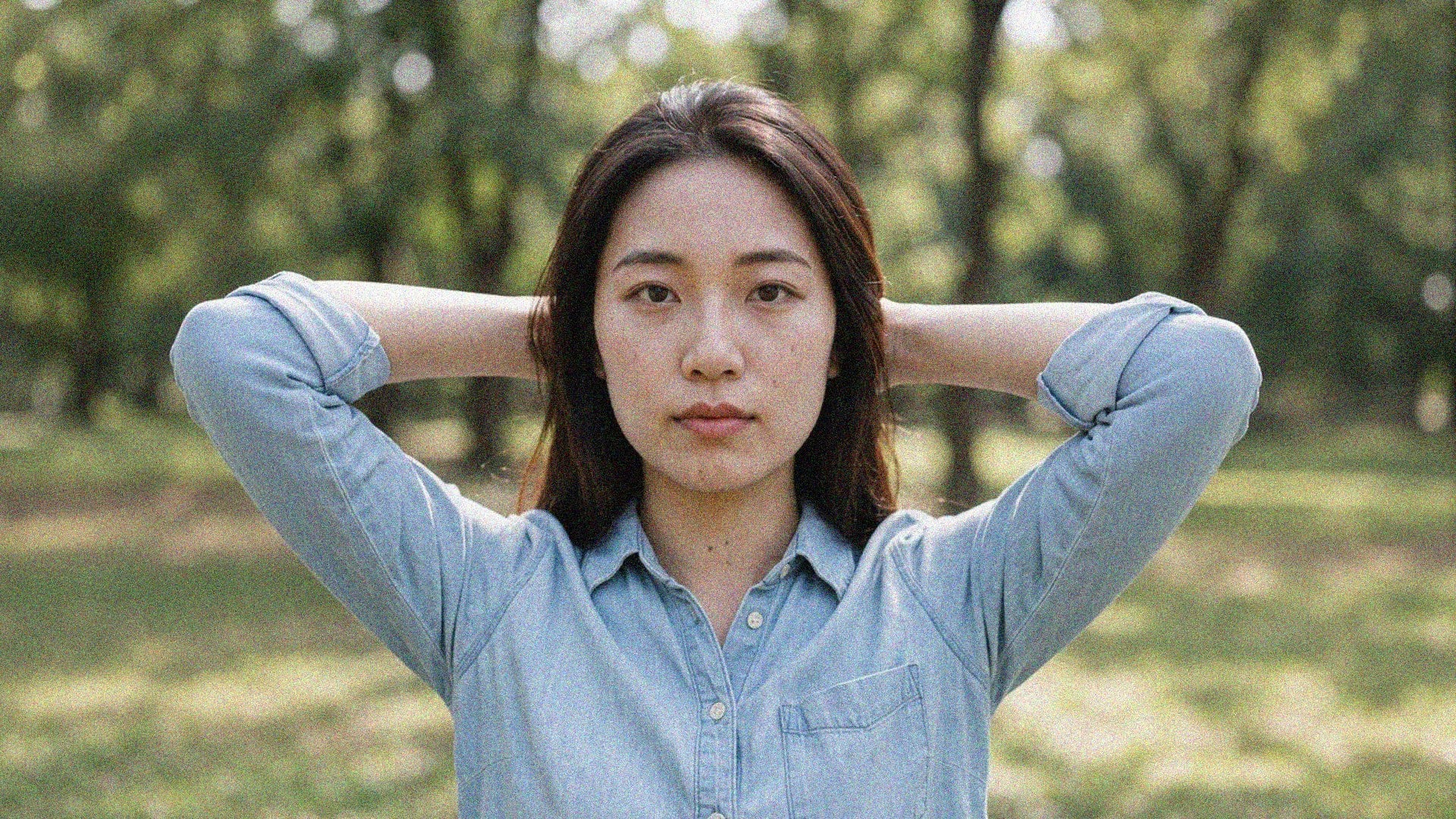
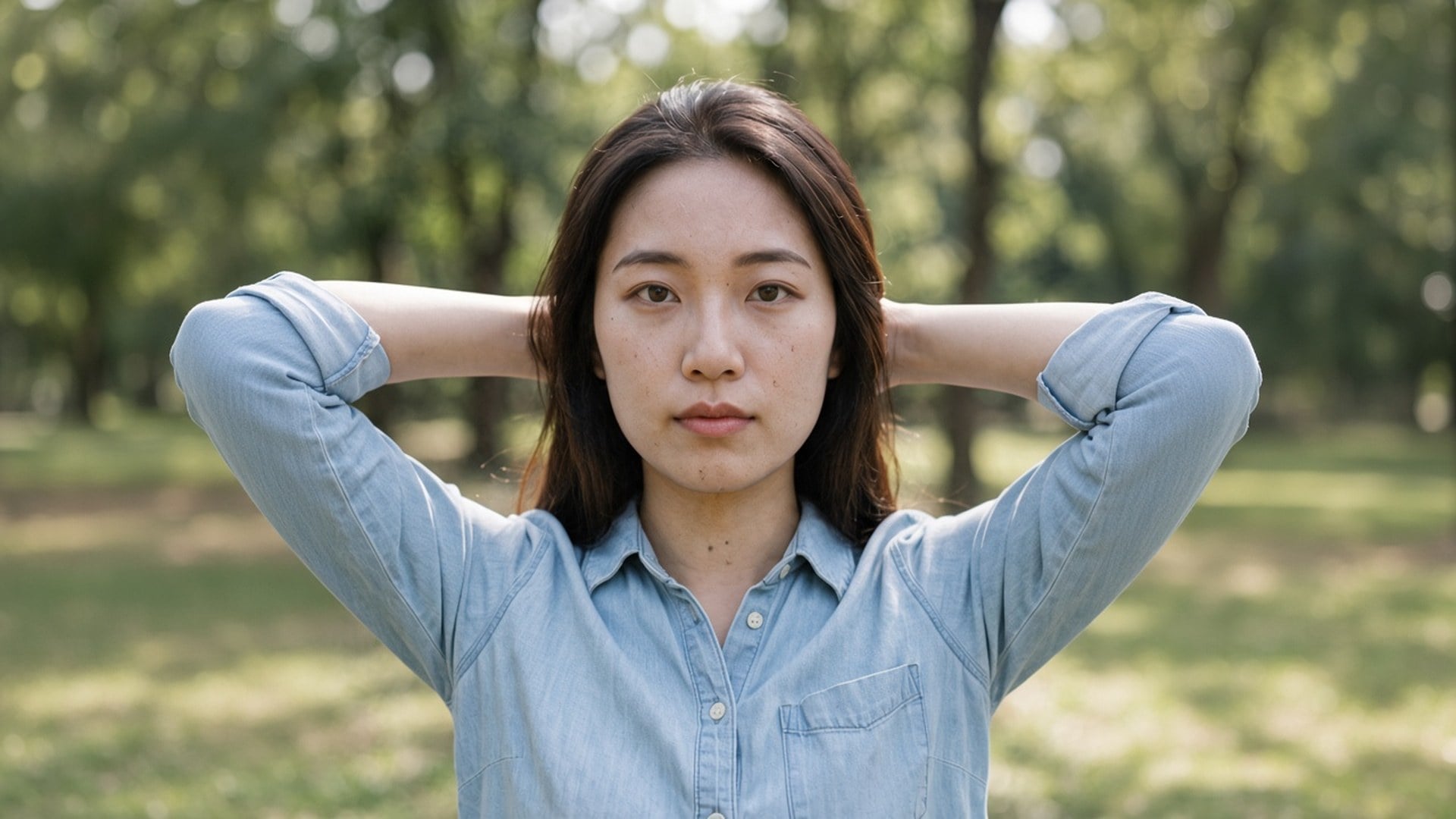
1× förbättra lägger processen på korn och kompression i den ursprungliga pixelrutan. 2× förstora och 4× förstora gör samma arbete och förstorar dessutom den längsta kanten. Det finns inget styrkereglage och ingen uppdelning mellan färg och ljusstyrka, för det här är en kvalitetsprocess, inte en hylla av denoise-lägen. Om bruset är lindrigt är 1× förbättra hela produkten. Behöver du också en affisch, byt alternativ.
Prova nu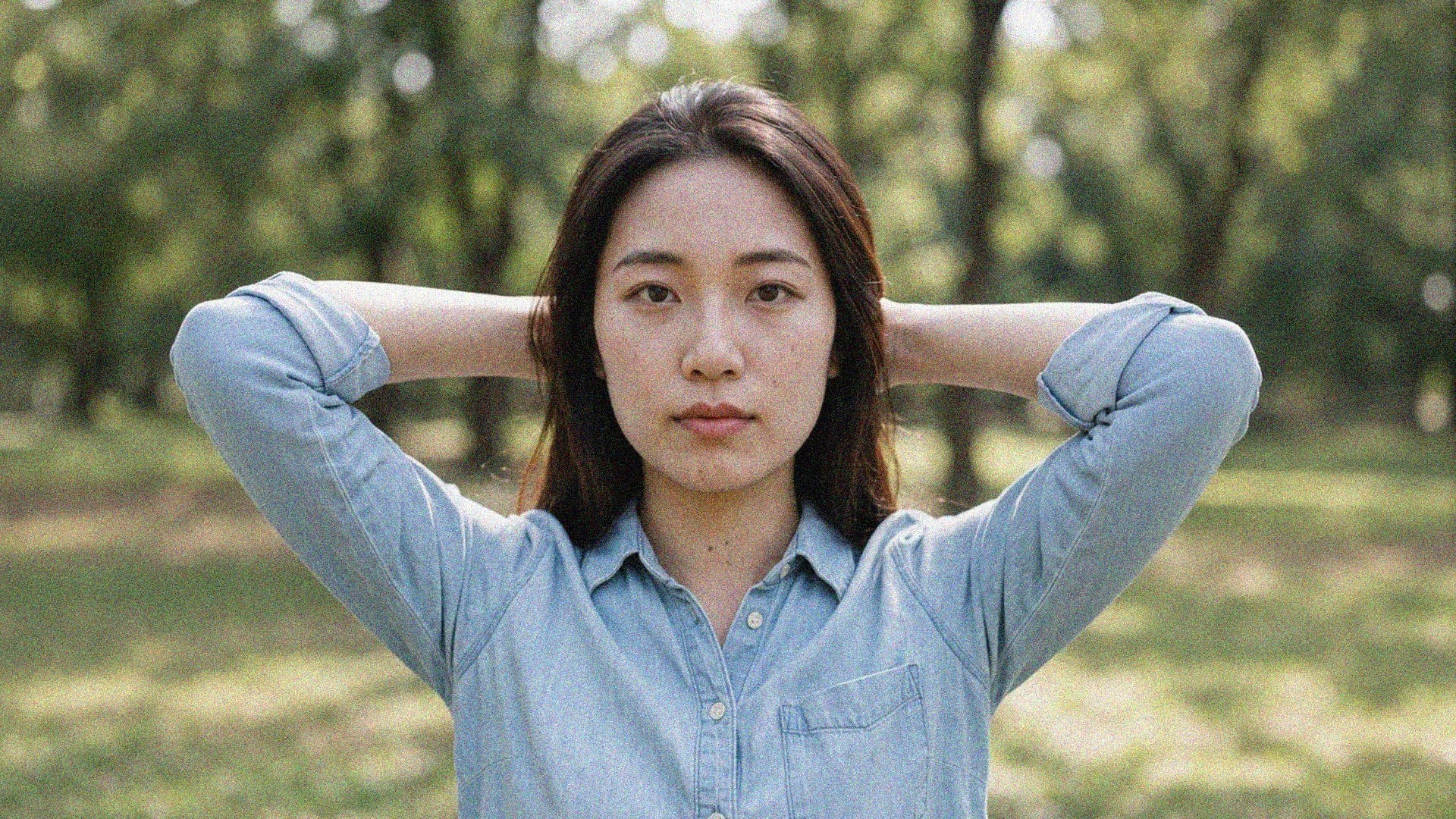
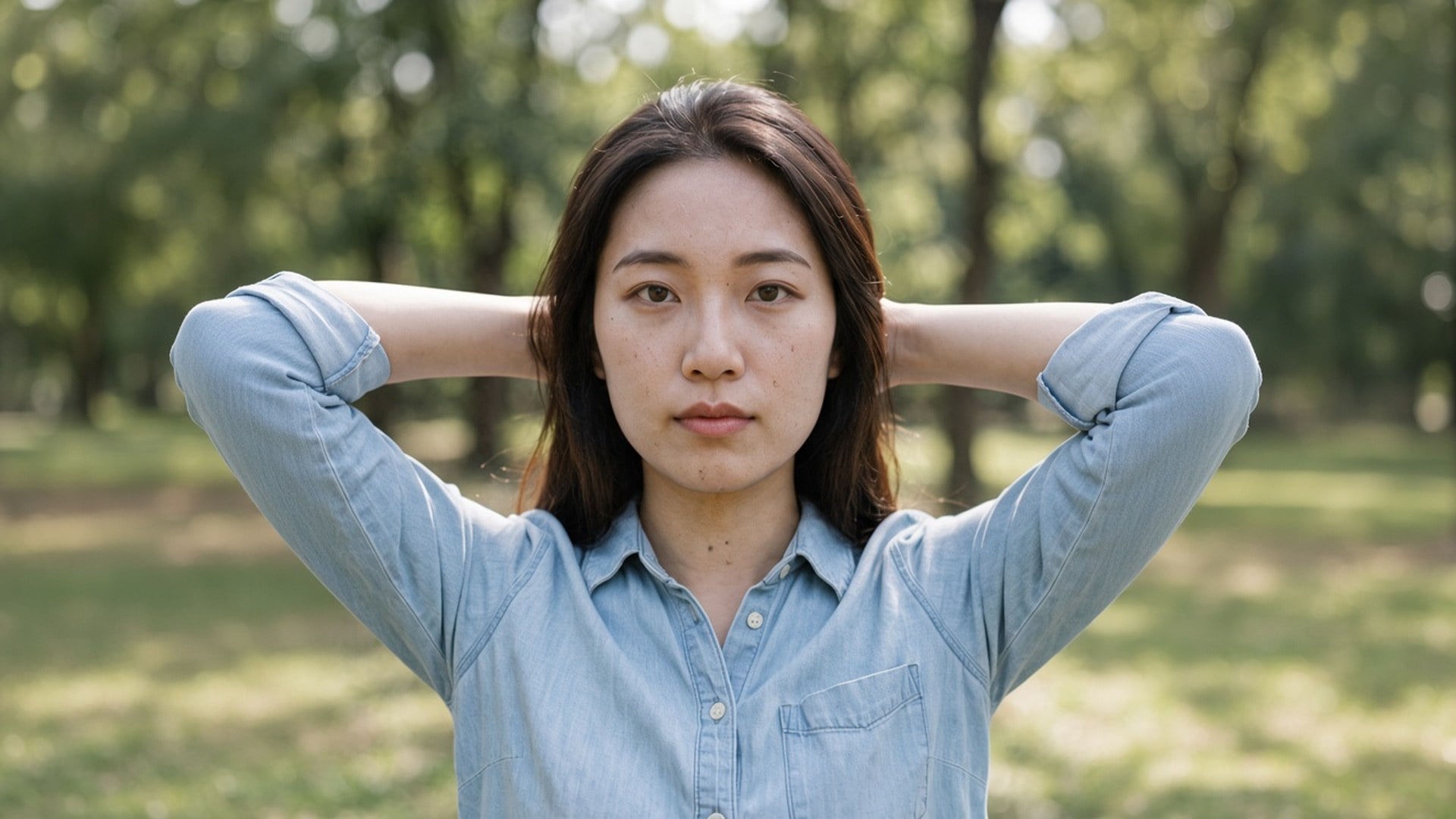
Det här är inte en text-till-bild-omstyling. Källan går genom en kvalitetsprocess och kommer tillbaka som samma personer i samma rum, med en renare läsning av ytorna. Det är skillnaden mellan ”ta bort brus i det här fotot” och ”gör mig ett slätare foto av någon annan”. Använd en nattbild, en komprimerad export eller en arkivskanning som du redan vill behålla.
Prova nu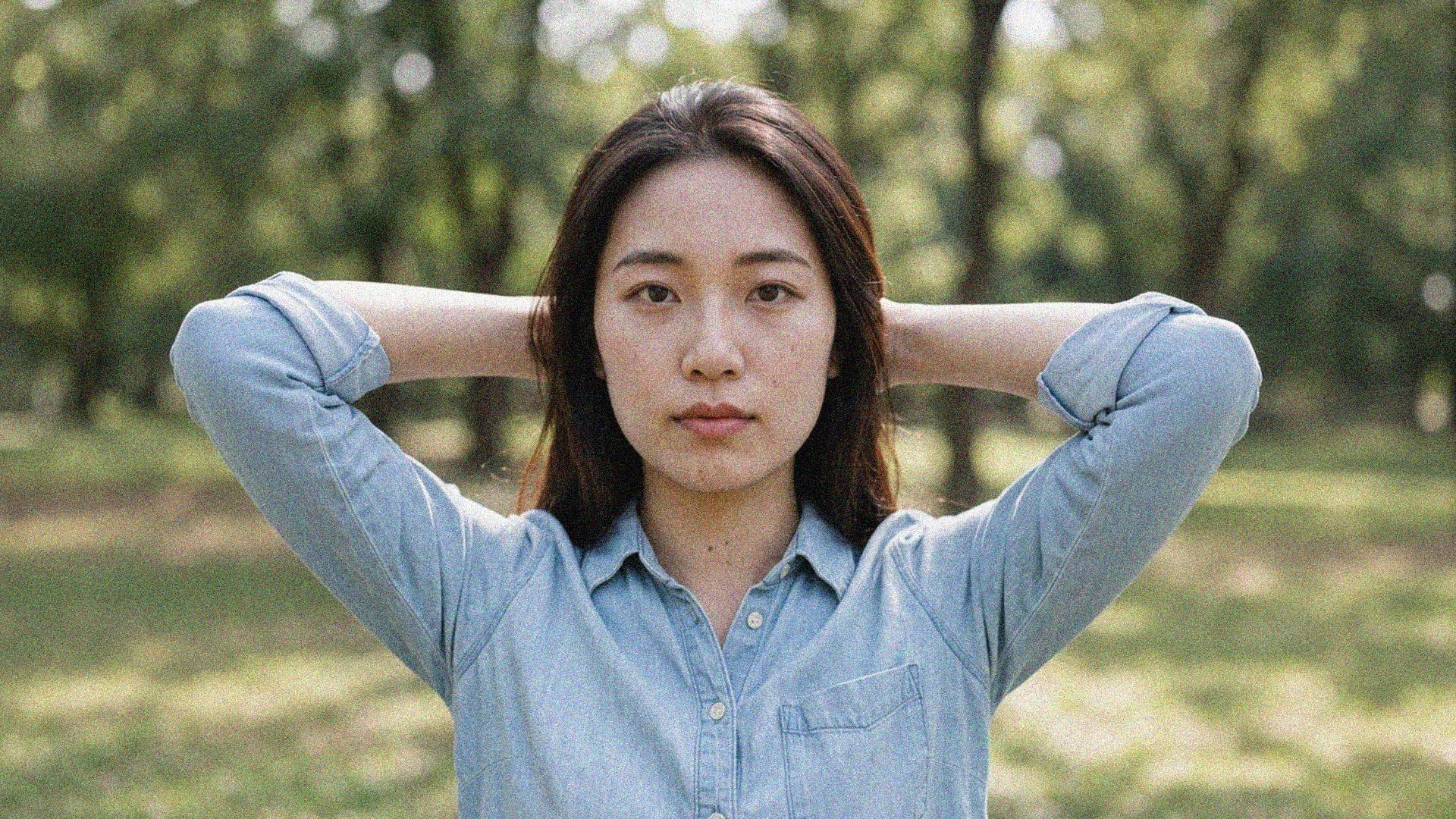
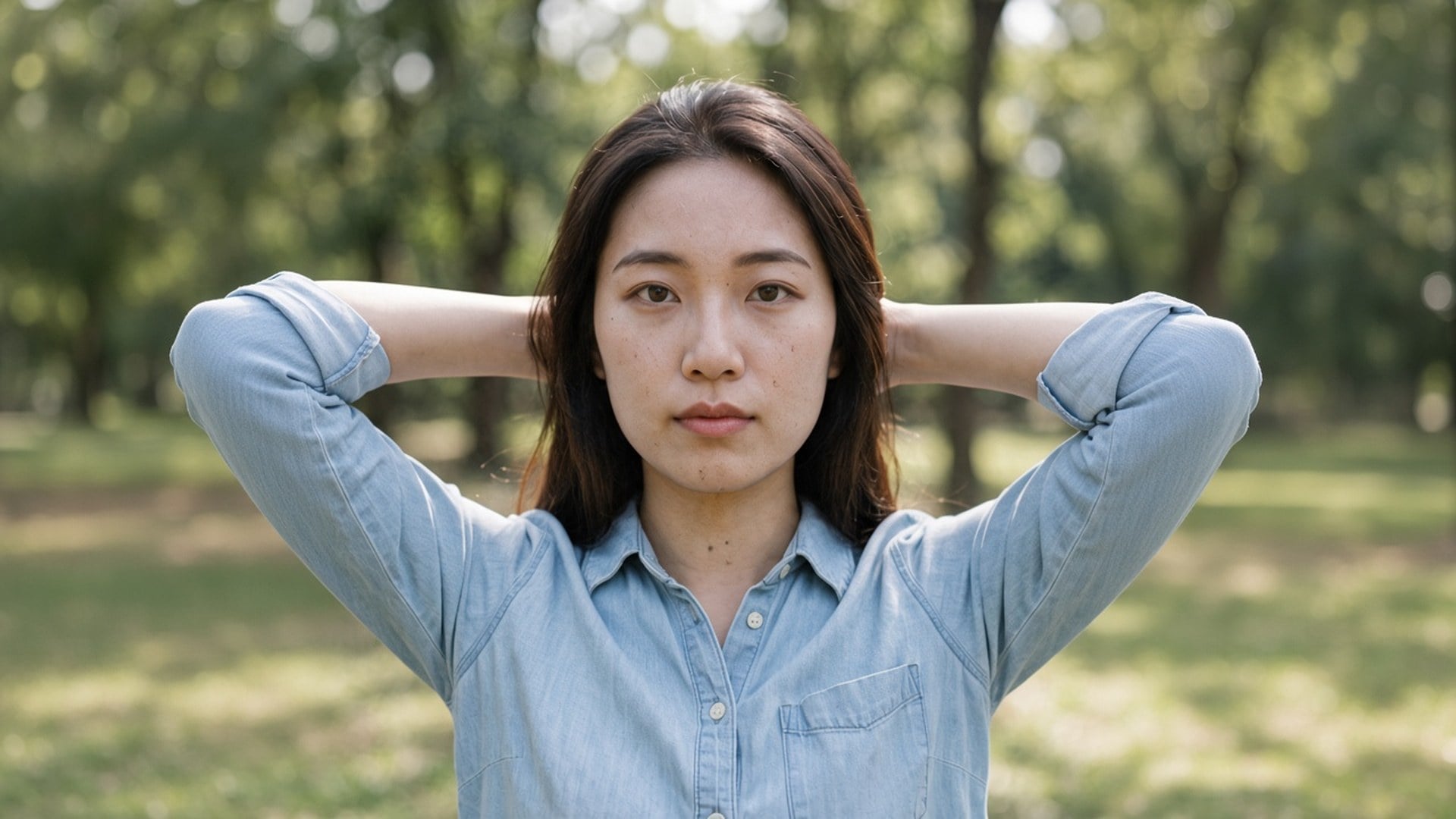
Image Enhancer, Image Upscaler och Unblur Images är inte fyra hemliga algoritmer. De är fyra dörrar till den här processen, med olika standardalternativ och olika sökrubriker. Du kan börja här på 1× förbättra och själv byta till 2× förstora. Vi säger det öppet så att en jämförelseskärm inte ser ut som fyra produkter. En motor. Fyra adresser. Ärlig skala.
Prova nu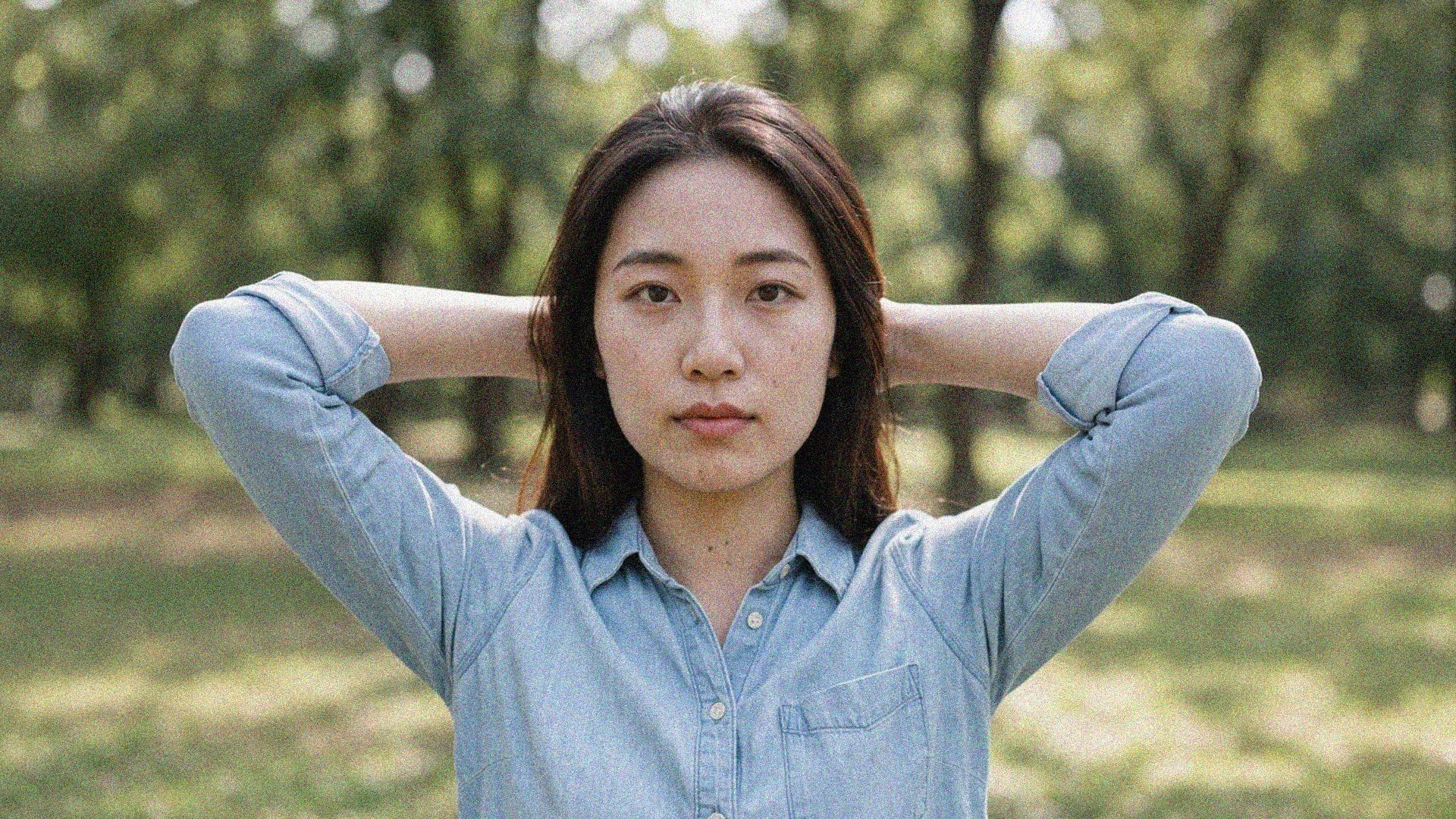
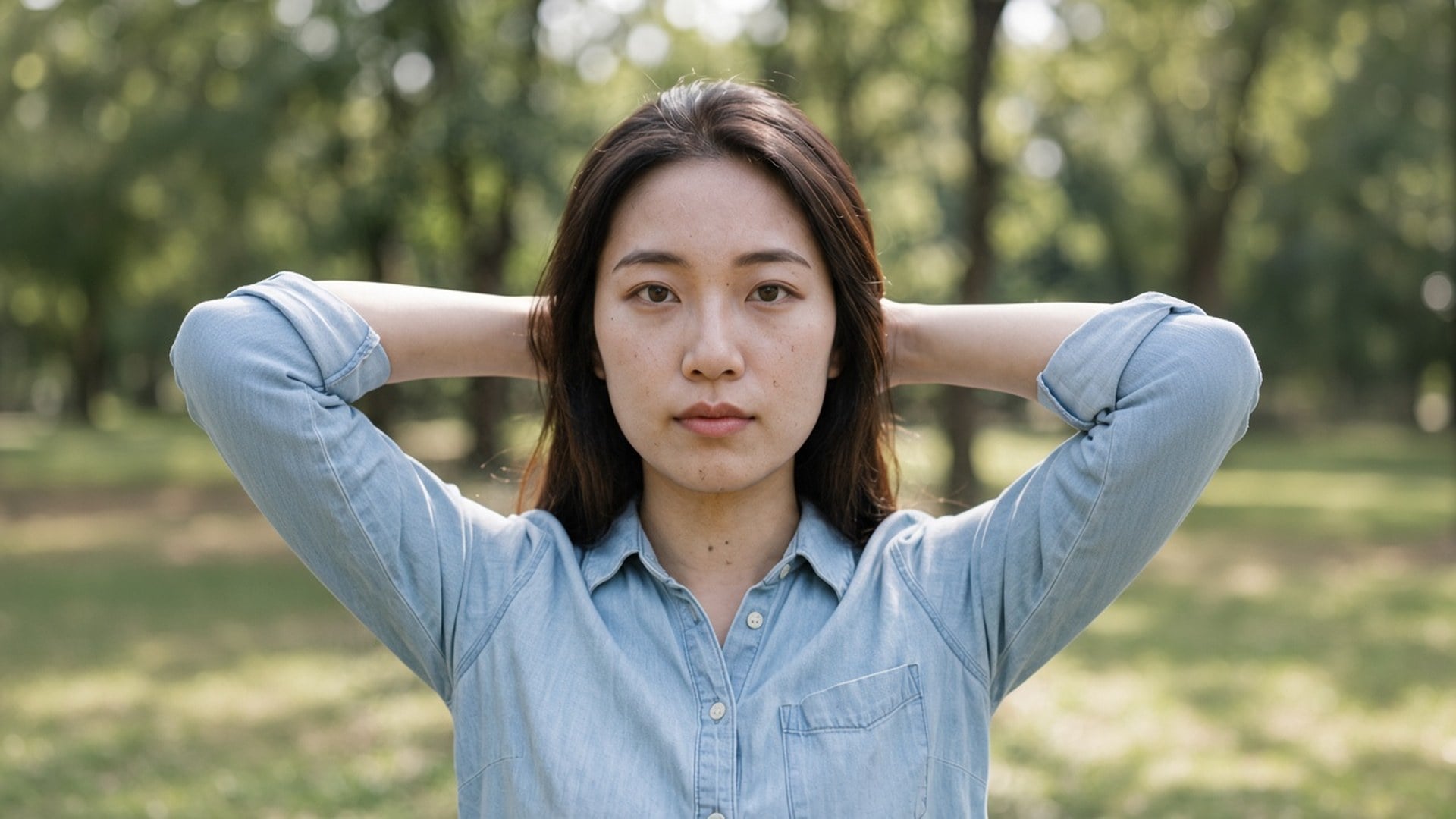
Resultaten är filer du kan ladda ner: ett nattfoto som inte längre krälar, en annonsplatta utan JPEG-block, en storyruta som behåller teglet. Räddning av en fil som bara är brus utlovas inte. Om källan inte har någon textur kvar hittar en andra körning inte på en. Börja från det renaste originalet och välj skalan målet behöver.
Prova nuHämta korn ur low-light- och high-ISO-stillbilder utan att släta ut tegel, tyg och hud. Bilden stannar den du redan tog.
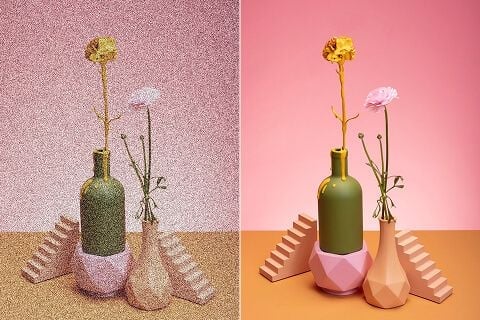
Ett brusigt annonsfoto skrämmer bort köpare. Ta bort brus i produktfoton så att förpackningen på samma bord förblir läsbar.
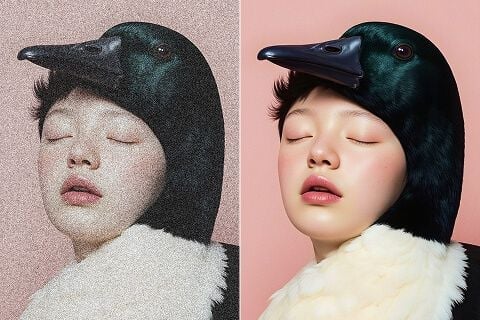
Oavsett om du publicerar, trycker affischer eller gör kampanjmaterial: ta bort krälandet och behåll texturen som gör rutan färdig.
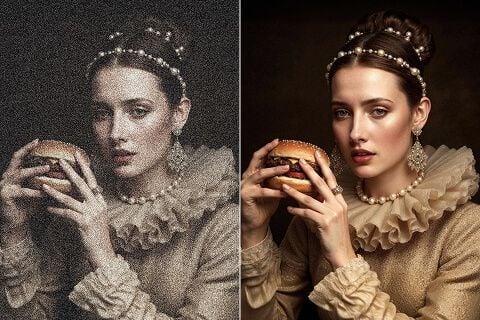
Rensa skannade bilder och vintagefoton. Digitalt korn och artefakter ovanpå ska bort; detaljerna som räknas stannar.
Hämta korn ur low-light- och high-ISO-stillbilder utan att släta ut tegel, tyg och hud. Bilden stannar den du redan tog.
Ett brusigt annonsfoto skrämmer bort köpare. Ta bort brus i produktfoton så att förpackningen på samma bord förblir läsbar.
Oavsett om du publicerar, trycker affischer eller gör kampanjmaterial: ta bort krälandet och behåll texturen som gör rutan färdig.
Rensa skannade bilder och vintagefoton. Digitalt korn och artefakter ovanpå ska bort; detaljerna som räknas stannar.
En denoise-process är sällan den enda frågan. I Viralkey Studio kan du förstora samma stillbild, frilägga den på transparent bakgrund eller fortsätta med ett porträtt av samma ansikte.

Återställ skärpa i samma storlek, eller förstora 2× / 4×.

Förstora ett foto 2× eller 4× och återfå kanter, utan att stretcha pixlar.

Återfå skärpa från ett mjukt eller skakigt foto utan att rita om scenen.
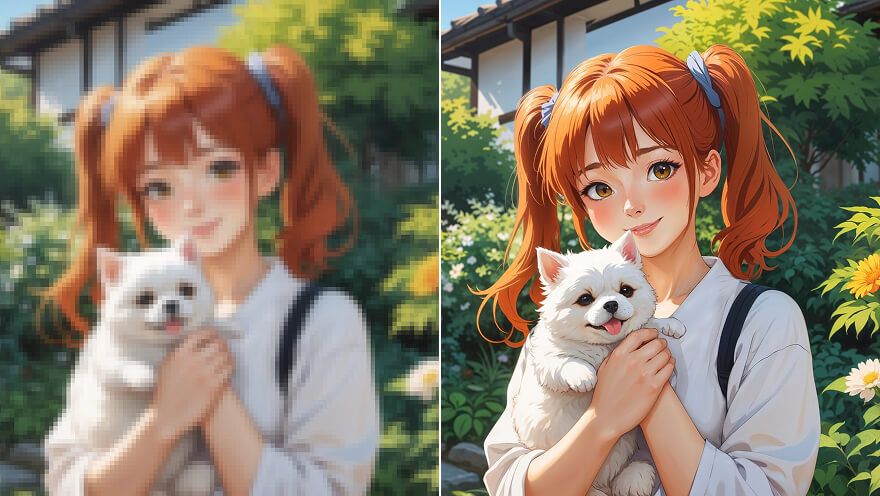
Förstora en anime-still 2× eller 4× och hämta linjerna — samma pass som Image Upscaler.
Utforska ledande modeller för AI-video, bildgenerering, redigering och filmiskt storytelling.

Create Wan 3.0 clips on Viralkey: native 1080p, 2–30 seconds, start/end frames, up to 20 mixed references, and audio generated with the picture.

Skapa filmiska MiniMax H3-klipp på Viralkey: nativ 2K, upp till 15 sekunder, Text to Video, Start/End Frame och upp till nio referensbilder.

Skapa korta HD-klipp i Viralkey med start-/slutbildsstyrning och upp till 50 referensbilder. För musikvideoscener och performanceshots.

Create cinematic Seedance 2.0 clips on Viralkey: native 4K, start/end frames, up to nine reference images, and built-in audio with lip-sync.
Röster från skapare som använt det här verktyget i riktigt arbete.
Tessa Carr
InnehållsskapareJag behövde produktfotot skarpare, inte ett nytt foto.
1× förbättra behöll beskärningen och rensade kanterna.
Cora Pratt
ProduktchefSamma selfie med 2× förstora till en affisch.
Den blev större utan plastig hud.
Dove Lane
FotografJag sökte på Unblur, men 1× förbättra var det jag faktiskt behövde.
Eden Shaw
YouTuberDenoise tog bort nattbruset och lämnade tegeltexturen.
Det var hela uppgiften.
Aurelia Keene
Ansvarig för sociala medierDen transparenta PNG-filen från remover hamnade direkt på en svart miniatyr.
Haven Bly
Designer4× förstora på en liten arkivskanning.
Ansiktena var samma personer. Jag fick bara fler pixlar.
Indie Ross
IllustratörJag slutade betala en retuschör för att göra bilden mindre grötig.
Det är den här uppgiften.
Jules Kemp
KonsultBytte från 1× förbättra till 2× förstora på enhancer-sidan.
Samma motor, större fil.
Kit Navarro
InfluencerBakgrunden släppte rent runt håret.
Ingen vit halo som jag behövde maskera för hand.
Denoise AI är en sökingång till Viralkeys kvalitetsprocess. Du laddar upp en kornig eller komprimerad stillbild, lämnar 1× förbättra för att rensa brus i originalstorleken eller väljer 2× förstora / 4× förstora för att förstora samtidigt. Det är inte en generativ omskrivning och inte ett separat brusnät: Image Enhancer, Image Upscaler och Unblur Images kör samma motor. Använd den när rutan redan stämmer och bara bruset är fel.
Nattkorn och kompressionsblock kan ändå sitta på rätt fotografi. Viralkeys denoise-process rensar det bruset med 1× förbättra eller förstorar med 2× förstora och 4× förstora — utan att hitta på ett nytt ansikte eller en plastig finish.