Skarpare kampanjbilder snabbare
Lyft grova filer till banners, annonser, mejl och landningssidor — utan att rita om scenen.
Ladda upp en stillbild som är mjuk, brusig eller för liten. Viralkeys Image Enhancer återställer skärpa i samma storlek eller förstorar den längsta kanten med 2× förstora eller 4× förstora — utan att hitta på en ny scen eller ett nytt ansikte.


Image Enhancer
Image Enhancer
Ladda upp en stillbild som är mjuk, brusig eller för liten. Viralkeys Image Enhancer återställer skärpa i samma storlek eller förstorar den längsta kanten med 2× förstora eller 4× förstora — utan att hitta på en ny scen eller ett nytt ansikte.
Ta tillbaka mjuka eller små stillbilder till en läsbar fil. Viralkeys Image Enhancer arbetar med kanter och kontrast — med 1× förbättra i samma storlek eller med 2× förstora och 4× förstora som en riktig förstoring. Ingen prompt, inget beautyfilter, ingen ny scen.
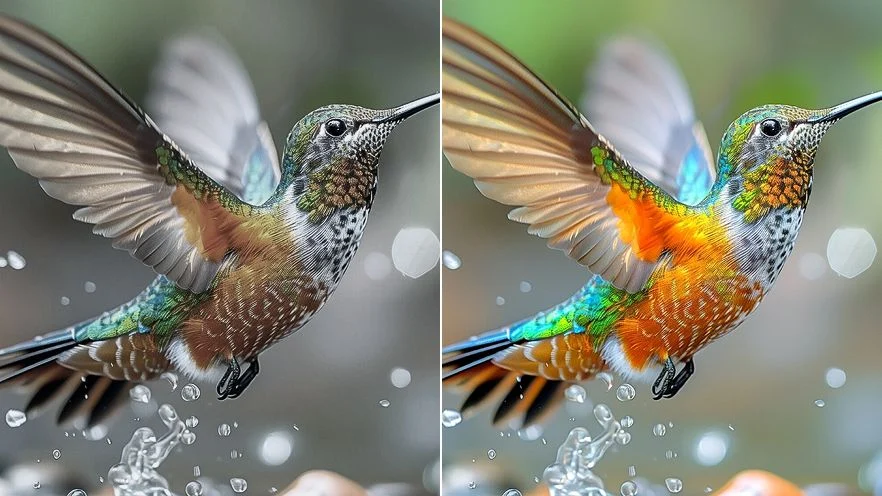
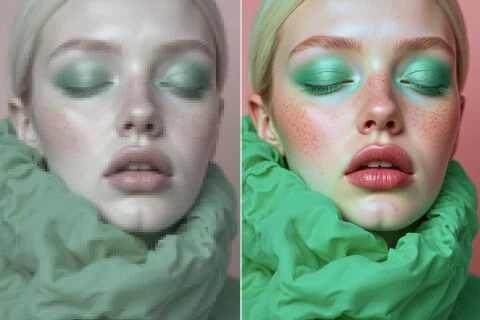
1× förbättra behåller pixelmåtten och hämtar skärpa. 2× förstora och 4× förstora förstorar verkligen den längsta kanten — inte en utdragen förhandsvisning. För annonser och presentationer som behöver samma förpackning på samma bord, inte ett omritat hero-motiv.
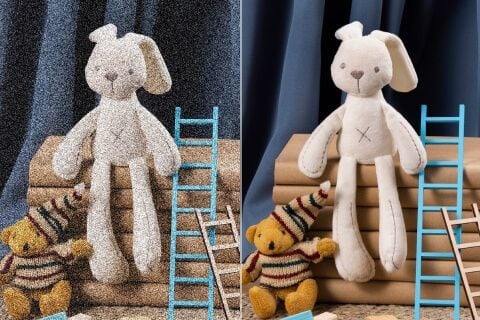
Processen lägger sig på oskärpa och korn i filen du redan har. Möbler, ansikten och text ska finnas kvar. En helt förstörd nattbild växer inte fram detaljer som aldrig fanns. Börja från det renaste originalet.
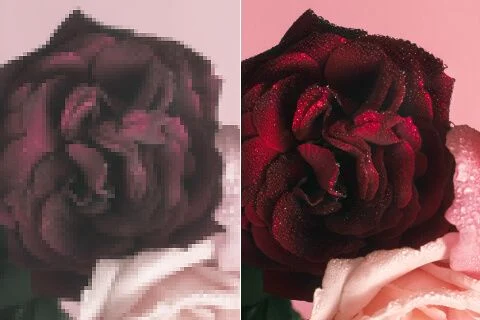
Det finns inget mättnads- eller ljusstyrkereglage. Det du ser är en renare kontrast i samma bild. Om första resultatet ser ut som ett annat rum är du i fel verktyg — här stannar beskärningen du redan gillar.
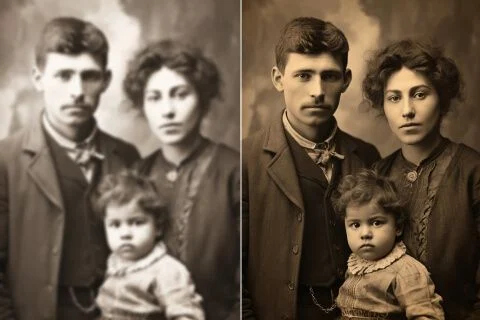
Familjeskanningar och tidiga telefonfoton har ofta rätt minne och fel pixlar. 2× förstora eller 4× förstora kan ge en fil som håller på en modern skärm utan att släktingar blir en genererad dubbelgångare.
Lyft grova filer till banners, annonser, mejl och landningssidor — utan att rita om scenen.
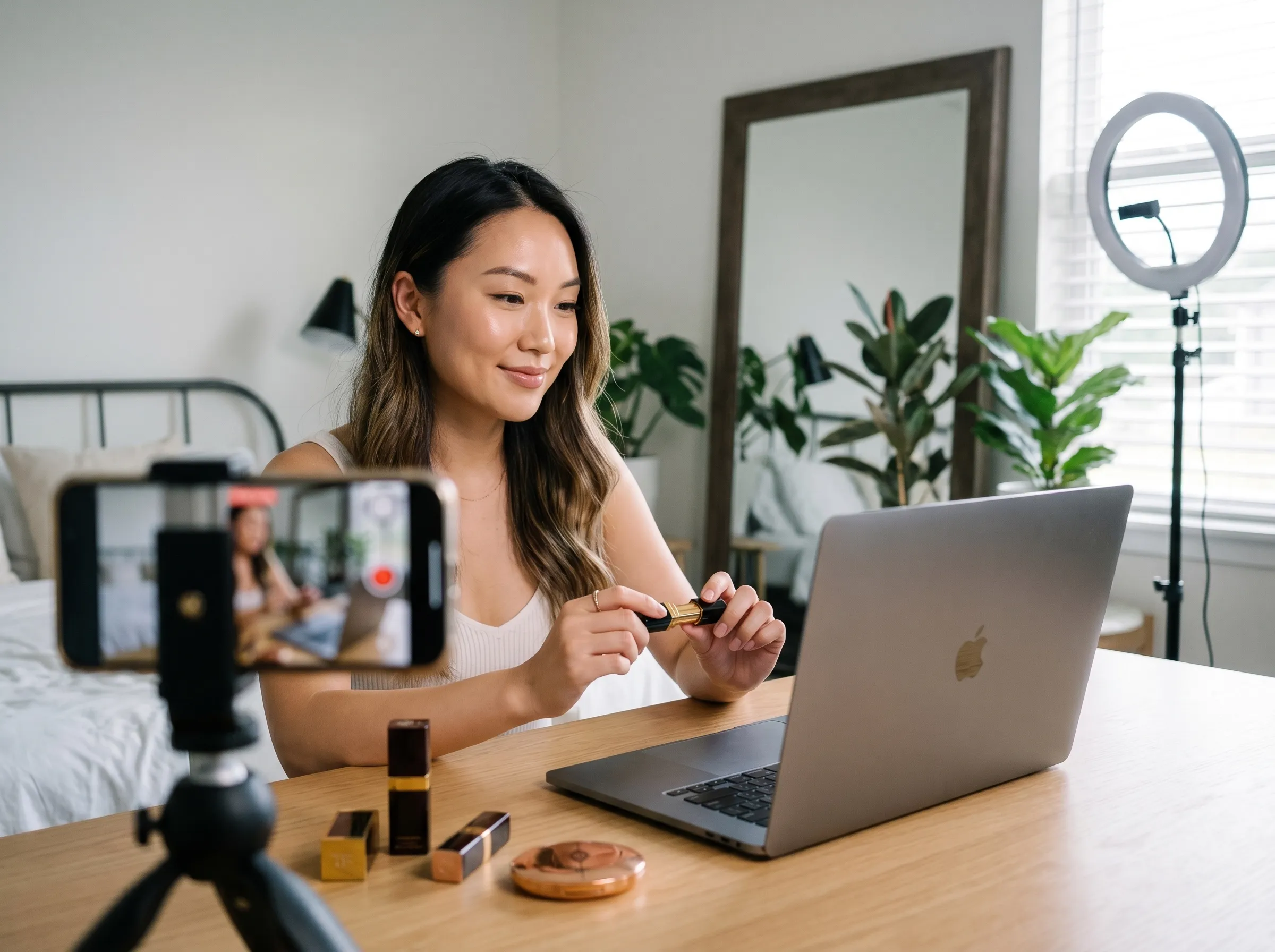
Hämta kant och kontrast i filmaffischer, fanaffischer och promo-stillbilder. Beskärningen stannar; filen blir bara mer användbar.
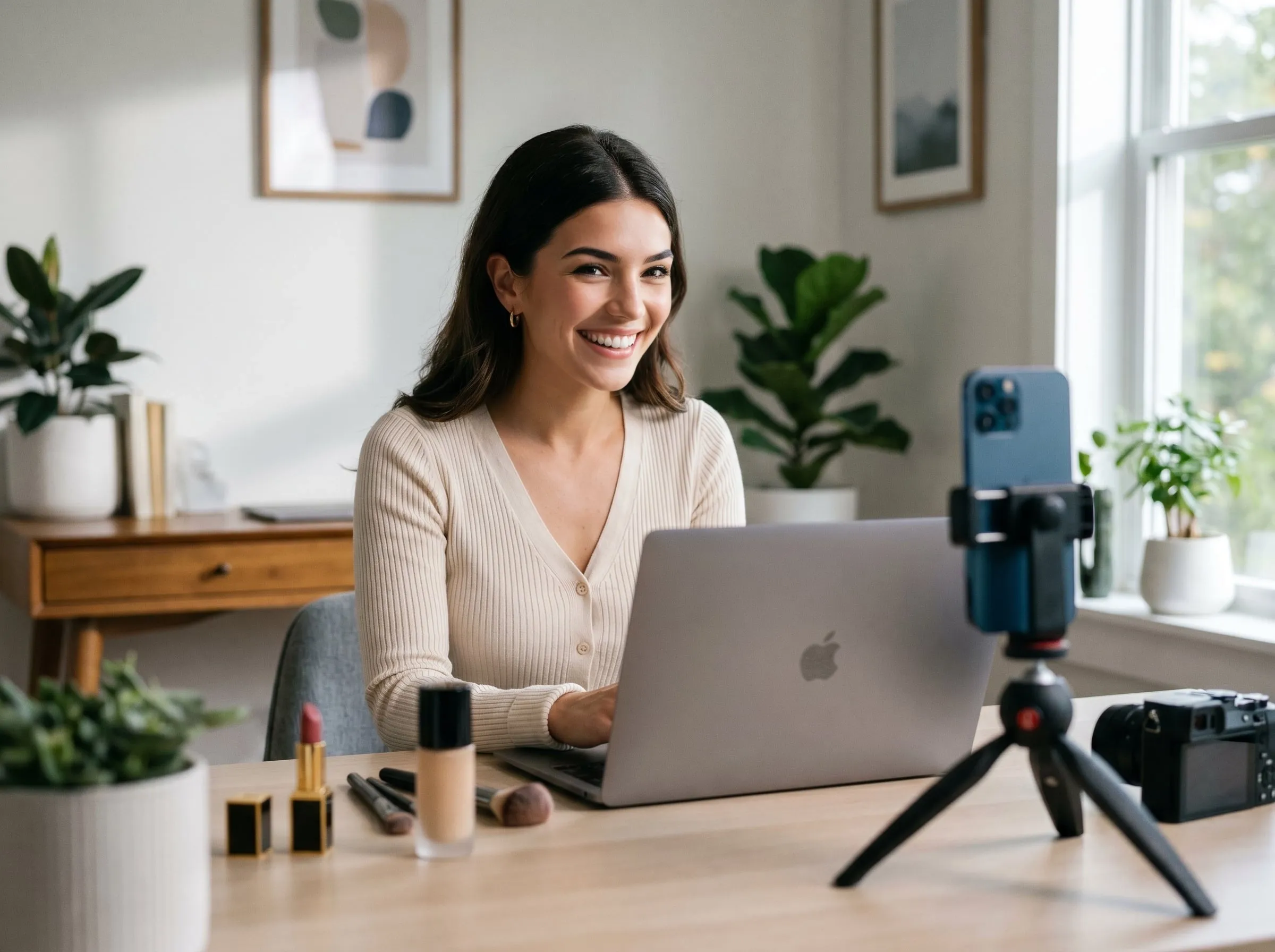
Rensa produktfoton i kanter och textur så att kunder bedömer kvaliteten snabbare — samma förpackning, samma bord.
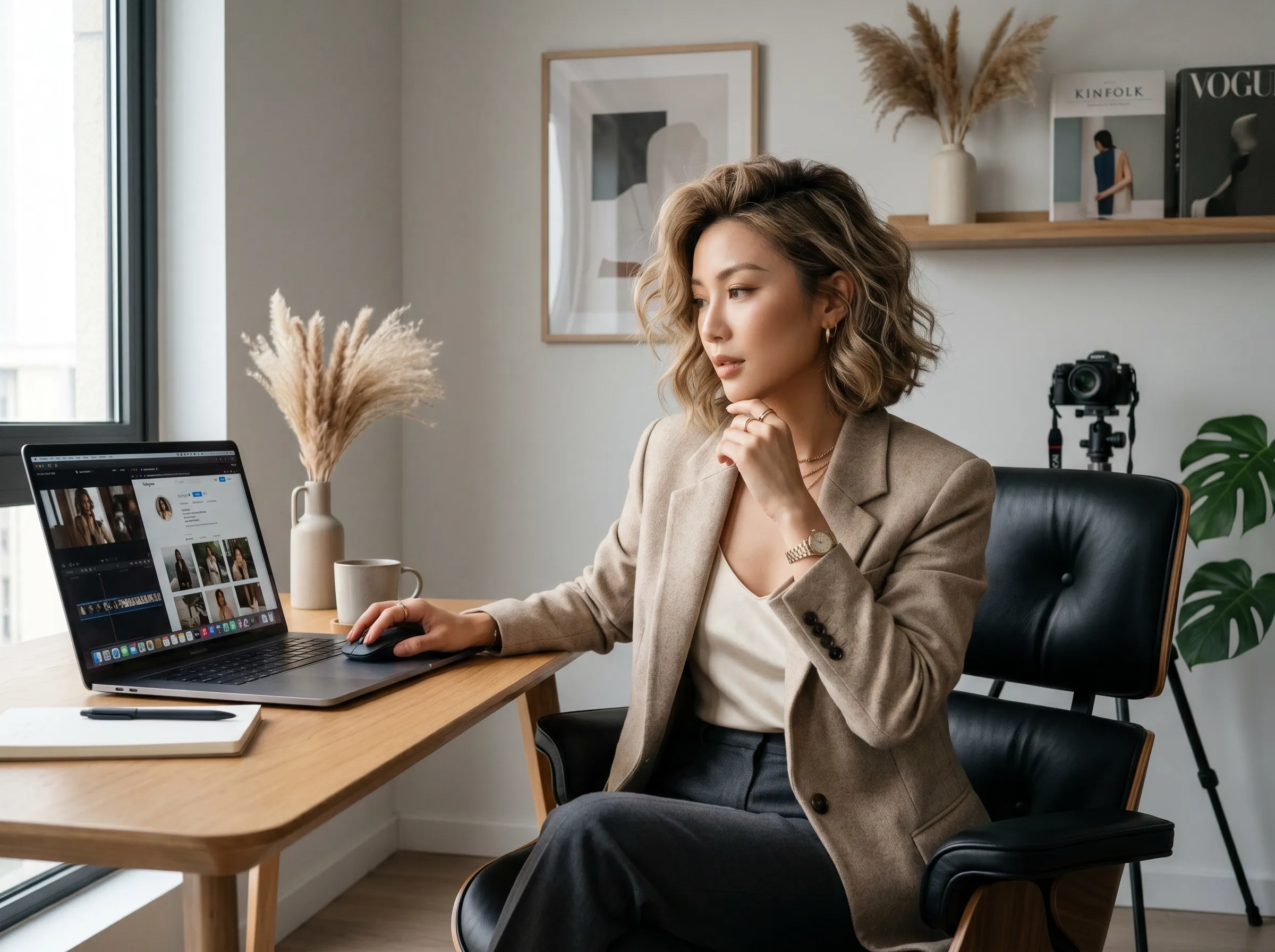
Skärp tatueringsskitser och referensbilder för godkännande eller schablon. Ingen prompt ritar om motivet.
Lyft grova filer till banners, annonser, mejl och landningssidor — utan att rita om scenen.
Hämta kant och kontrast i filmaffischer, fanaffischer och promo-stillbilder. Beskärningen stannar; filen blir bara mer användbar.
Rensa produktfoton i kanter och textur så att kunder bedömer kvaliteten snabbare — samma förpackning, samma bord.
Skärp tatueringsskitser och referensbilder för godkännande eller schablon. Ingen prompt ritar om motivet.
Ladda upp JPEG, PNG eller WebP som du redan vill behålla. Posering och ljus i den här bilden ska finnas kvar.
Välj 1× förbättra, 2× förstora eller 4× förstora. Det är den enda inställningen — ingen prompt.
Jämför resultatet med originalet och ladda ner. Att köra samma fil i en annan skala debiteras separat.
En kvalitetsprocess är sällan den enda frågan. I Viralkey Studio kan du förstora samma stillbild, frilägga den på transparent bakgrund eller fortsätta med ett porträtt av samma ansikte.

Förstora ett foto 2× eller 4× och återfå kanter, utan att stretcha pixlar.

Återfå skärpa från ett mjukt eller skakigt foto utan att rita om scenen.
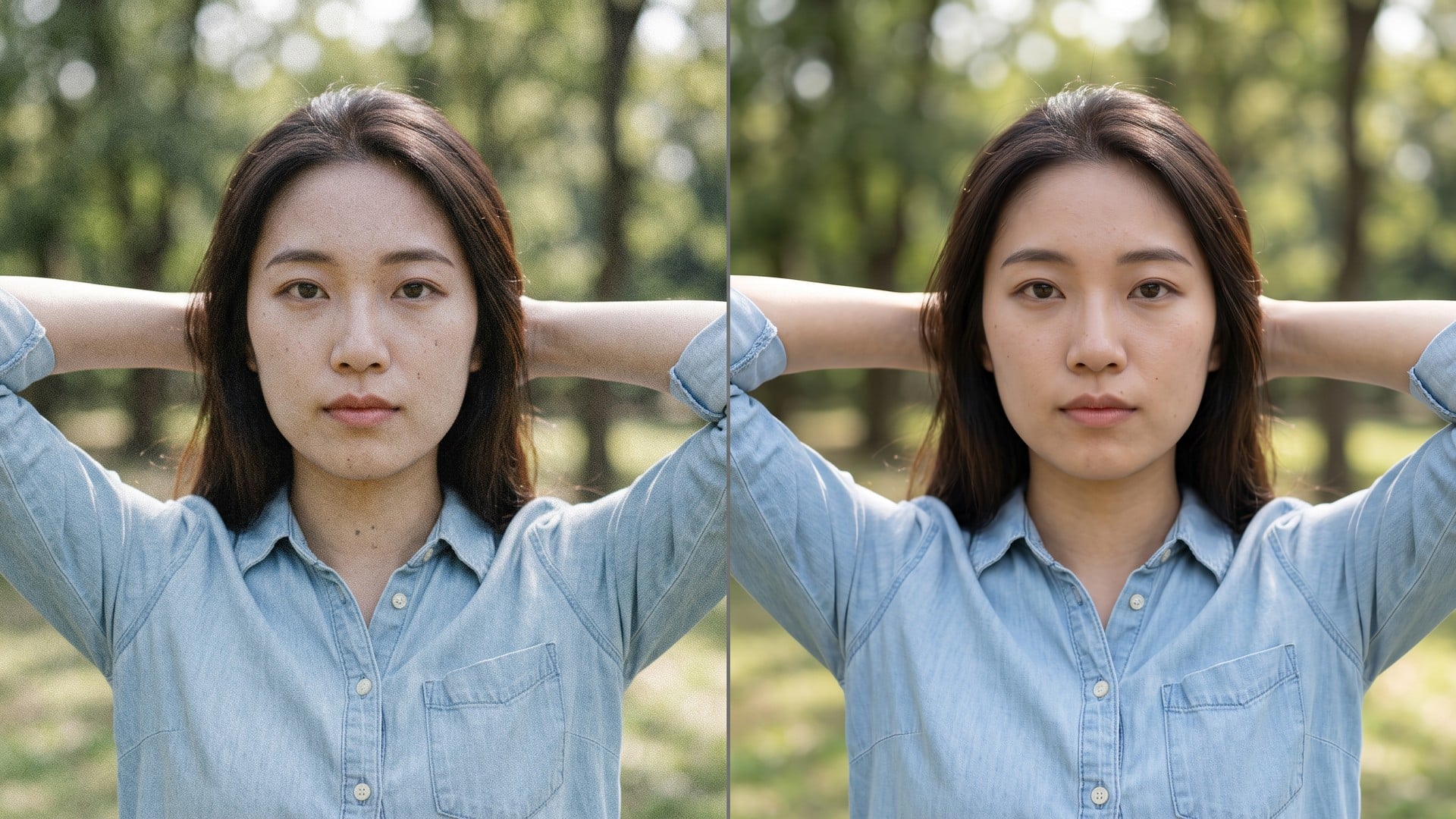
Rensa korn och kompression och behåll den riktiga texturen i bilden.
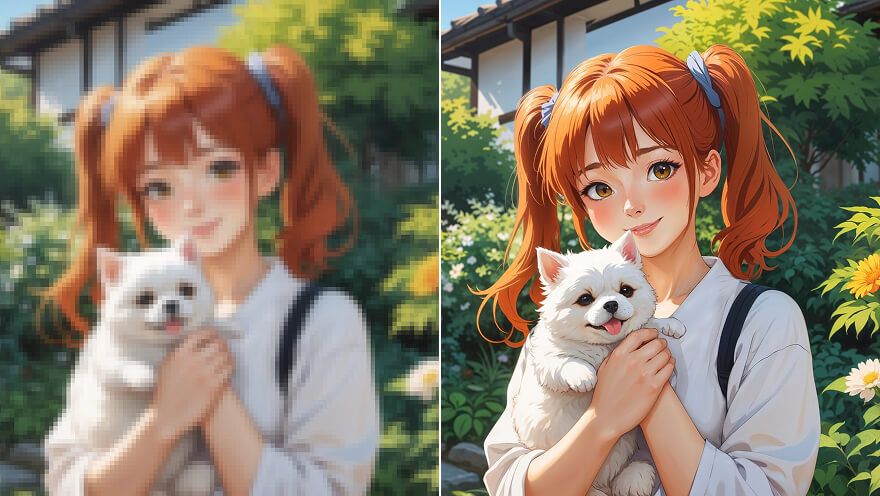
Förstora en anime-still 2× eller 4× och hämta linjerna — samma pass som Image Upscaler.
Utforska ledande modeller för AI-video, bildgenerering, redigering och filmiskt storytelling.

Create Wan 3.0 clips on Viralkey: native 1080p, 2–30 seconds, start/end frames, up to 20 mixed references, and audio generated with the picture.

Skapa filmiska MiniMax H3-klipp på Viralkey: nativ 2K, upp till 15 sekunder, Text to Video, Start/End Frame och upp till nio referensbilder.

Skapa korta HD-klipp i Viralkey med start-/slutbildsstyrning och upp till 50 referensbilder. För musikvideoscener och performanceshots.

Create cinematic Seedance 2.0 clips on Viralkey: native 4K, start/end frames, up to nine reference images, and built-in audio with lip-sync.
Röster från skapare som använt det här verktyget i riktigt arbete.
Nyla Voss
InnehållsskapareJag behövde produktfotot skarpare, inte ett nytt foto.
1× förbättra behöll beskärningen och rensade kanterna.
Orin Hale
ProduktchefSamma selfie med 2× förstora till en affisch.
Den blev större utan plastig hud.
Paget Crowe
FotografJag sökte på Unblur, men 1× förbättra var det jag faktiskt behövde.
Remy Calder
YouTuberDenoise tog bort nattbruset och lämnade tegeltexturen.
Det var hela uppgiften.
Sena Whitlock
Ansvarig för sociala medierDen transparenta PNG-filen från remover hamnade direkt på en svart miniatyr.
Taryn Moss
Designer4× förstora på en liten arkivskanning.
Ansiktena var samma personer. Jag fick bara fler pixlar.
Udo Kessler
IllustratörJag slutade betala en retuschör för att göra bilden mindre grötig.
Det är den här uppgiften.
Veda Lang
KonsultBytte från 1× förbättra till 2× förstora på enhancer-sidan.
Samma motor, större fil.
Wynn Adler
InfluencerBakgrunden släppte rent runt håret.
Ingen vit halo som jag behövde maskera för hand.
Viralkeys Image Enhancer är en kvalitetsprocess för ett foto du redan har. Du laddar upp en stillbild, väljer 1× förbättra för samma pixelstorlek eller 2× förstora / 4× förstora för att förstora den längsta kanten, och får tillbaka en tydligare fil. Det är inte en generativ omskrivning: scen, pose och identitet stannar som i källan. Använd den när en ruta är mjuk, brusig eller för liten för ett inlägg, ett tryck eller en presentation — inte när du vill ha en ny bild från en prompt.
Ladda upp en stillbild som är mjuk, brusig eller för liten. Viralkeys Image Enhancer återställer skärpa i samma storlek eller förstorar den längsta kanten med 2× förstora eller 4× förstora — utan att hitta på en ny scen eller ett nytt ansikte.