Nano Banana 2.1
Nano Banana 2.1 is the update to Nano Banana 2. Write the scene, add references when the subject should stay close, and render at 1K, 2K, or 4K.
Create Image
Nano Banana 2.1
Nano Banana 2.1 is the update to Nano Banana 2. Write the scene, add references when the subject should stay close, and render at 1K, 2K, or 4K.
What Nano Banana 2.1 is for
Use it when you want a fast Google image model for music visuals: one prompt, optional references, and an explicit aspect and resolution.
Prompt-led music stills
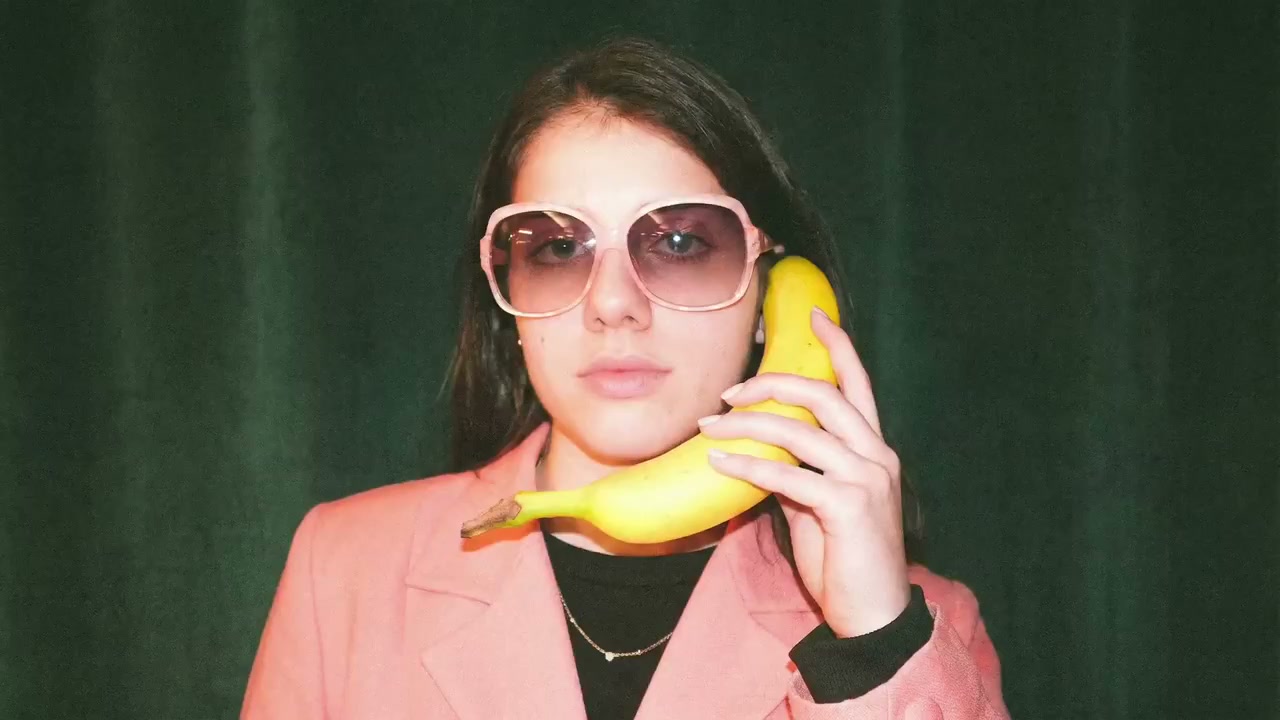
Describe the subject, setting, light, and mood in one brief. Nano Banana 2.1 turns that prompt into a still for a cover direction, a release post, or an early campaign frame.
Try it Now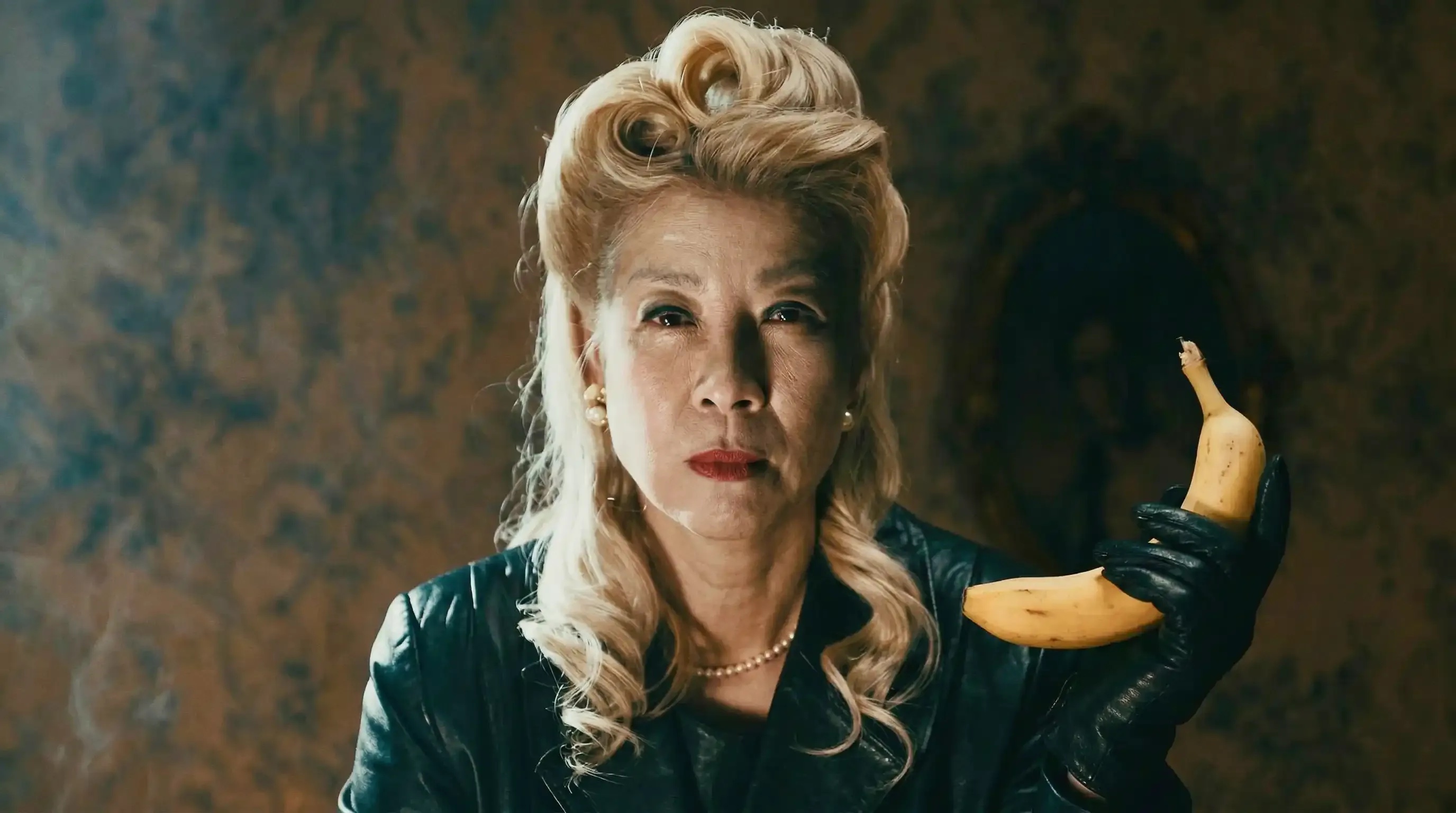
Up to fourteen references
Attach reference images when a face, product, or wardrobe should stay close to what you already have. Say in the prompt what must stay fixed. References guide the still; they are not a locked clone.
Try it Now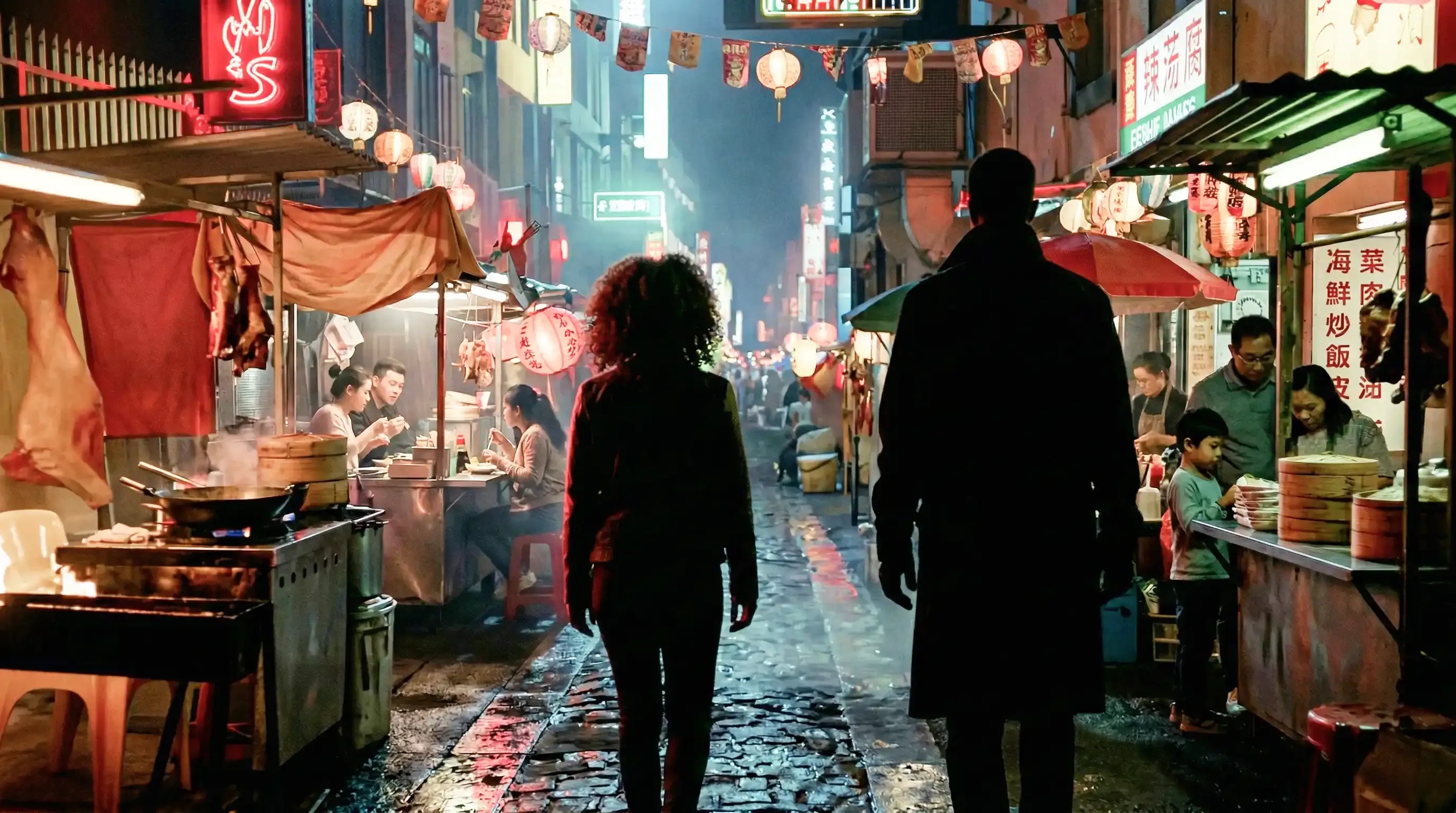
1K, 2K, or 4K
Pick the size for the surface you are making. 1K is the working size. Move to 2K or 4K when the still needs more detail. This model does not offer a 0.5K size.
Try it Now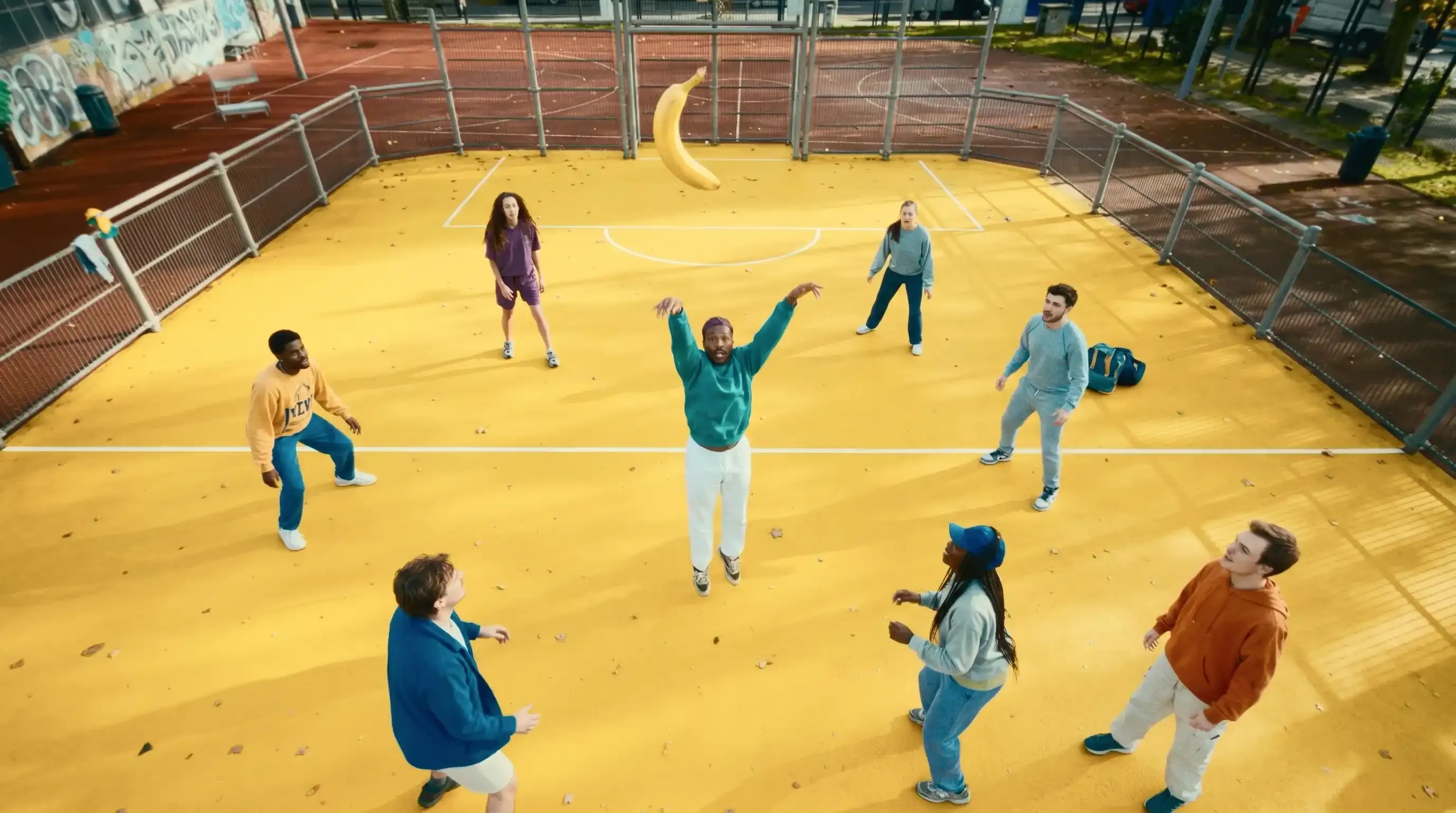
Name the frame first
Choose 1:1, 16:9, 9:16, 4:3, 3:4, or 21:9 before you generate. Match the frame to a cover, a banner, or a story so the crop is not an afterthought.
Try it Now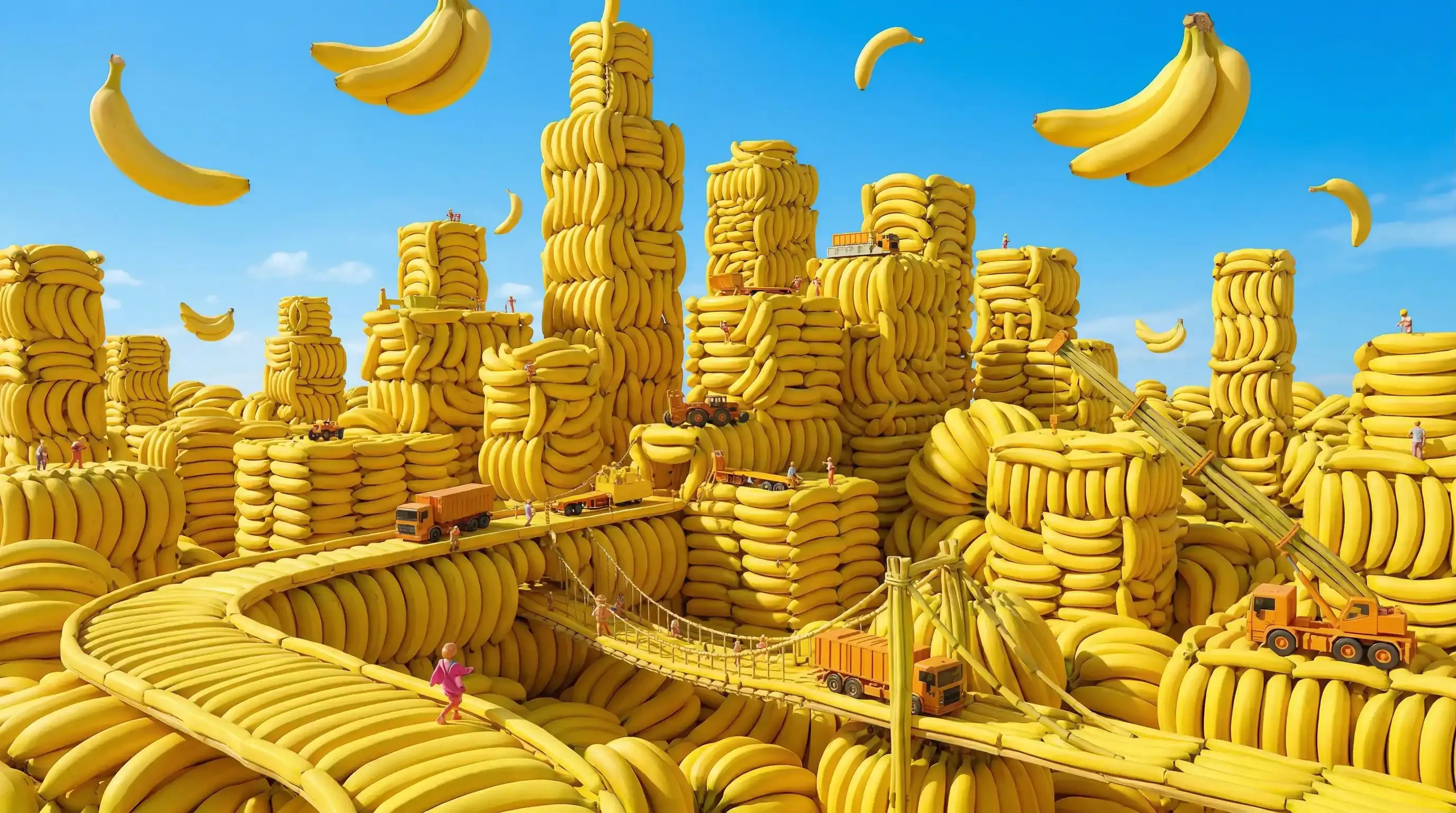
A new run, not a region edit
There is no brush and no masked rewrite on this page. If one part is wrong, adjust the prompt or the references and generate again. Each result is a new still.
Try it NowHow to use Nano Banana 2.1
Three steps from a brief to a still on Viralkey.
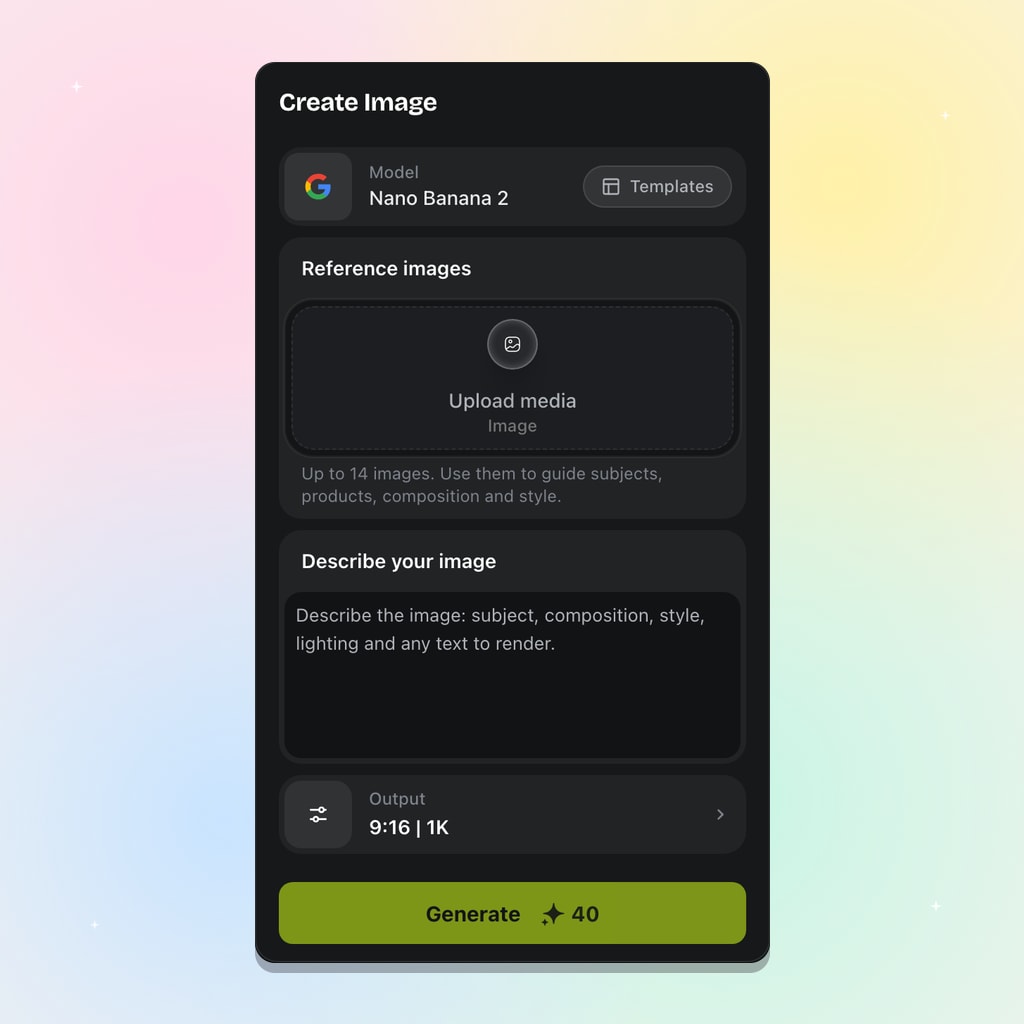
Pick Nano Banana 2.1
Open the image workspace and select Nano Banana 2.1. This is Google's newer fast image model, the update to Nano Banana 2.
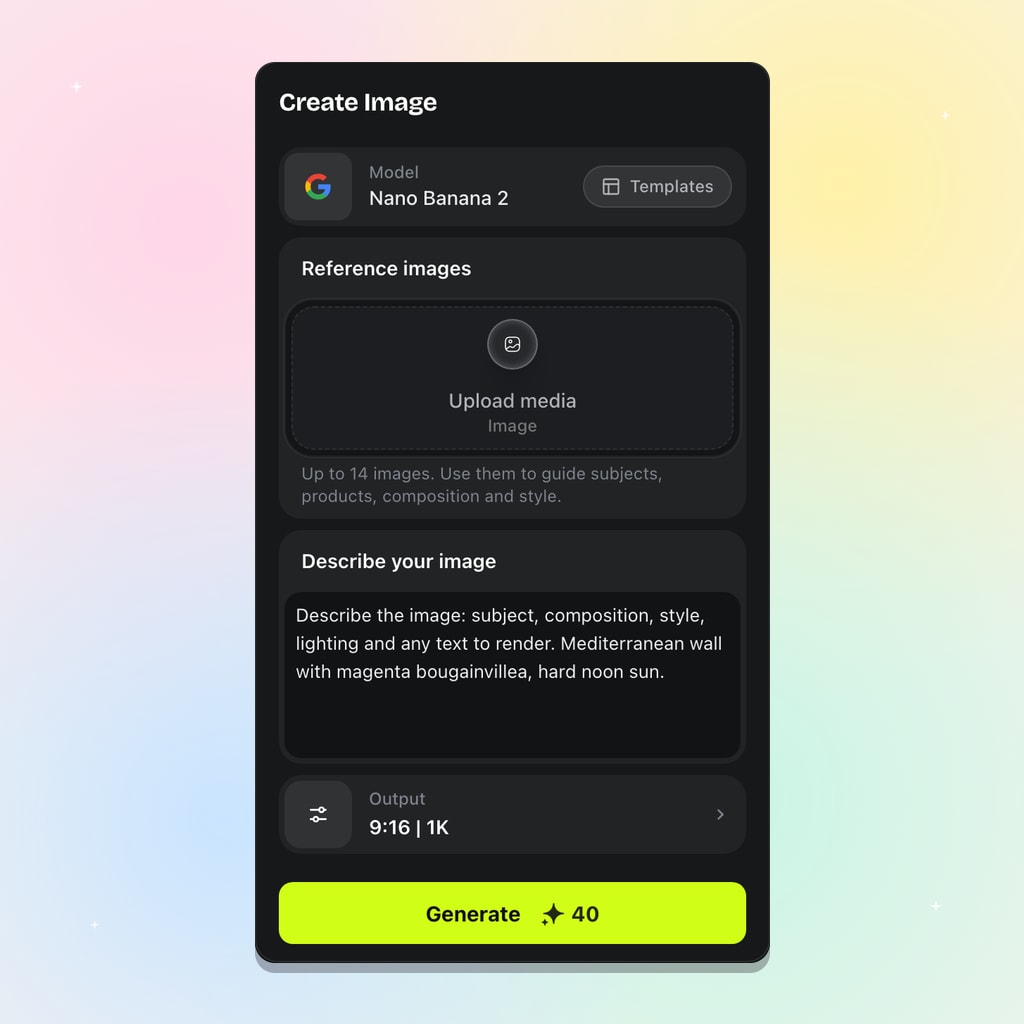
Write the prompt and add references
Name the subject, light, and mood. Add references only when you need them, up to fourteen.
Choose the frame and generate
Set the aspect and 1K, 2K, or 4K, then generate. Refine by changing the prompt or references and running again.
Where Nano Banana 2.1 fits
Use it for fast still options before you commit a hero image.
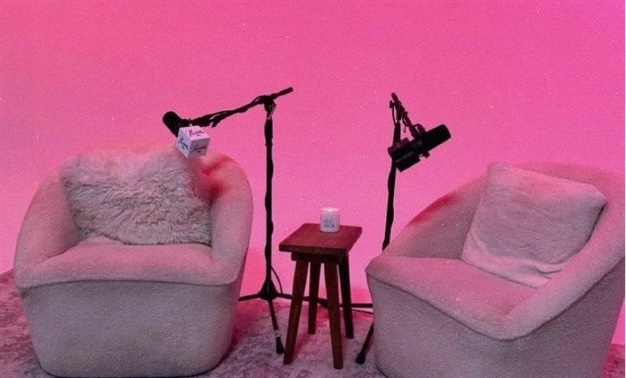
Cover direction
Try several cover moods from one song brief. Keep the strongest, then generate again if the crop or the light is off.
Try it Now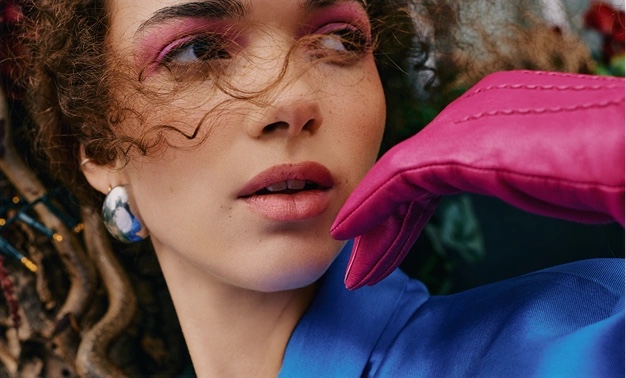
Release posts
Make a 1:1 or 9:16 still for a post or a story. The same prompt can be run again in another aspect.
Try it Now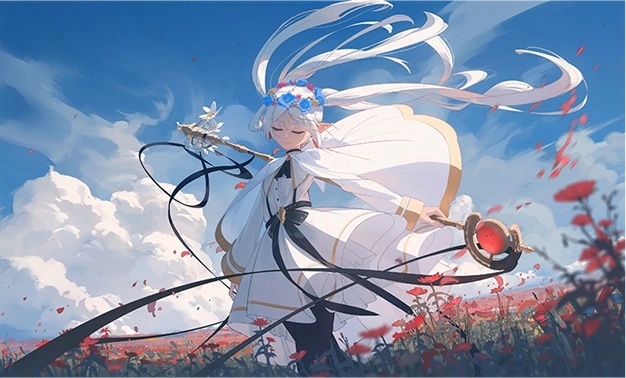
Campaign frames
Put the product or the artist in a named setting. Use references when the object has to stay recognizable.
Try it Now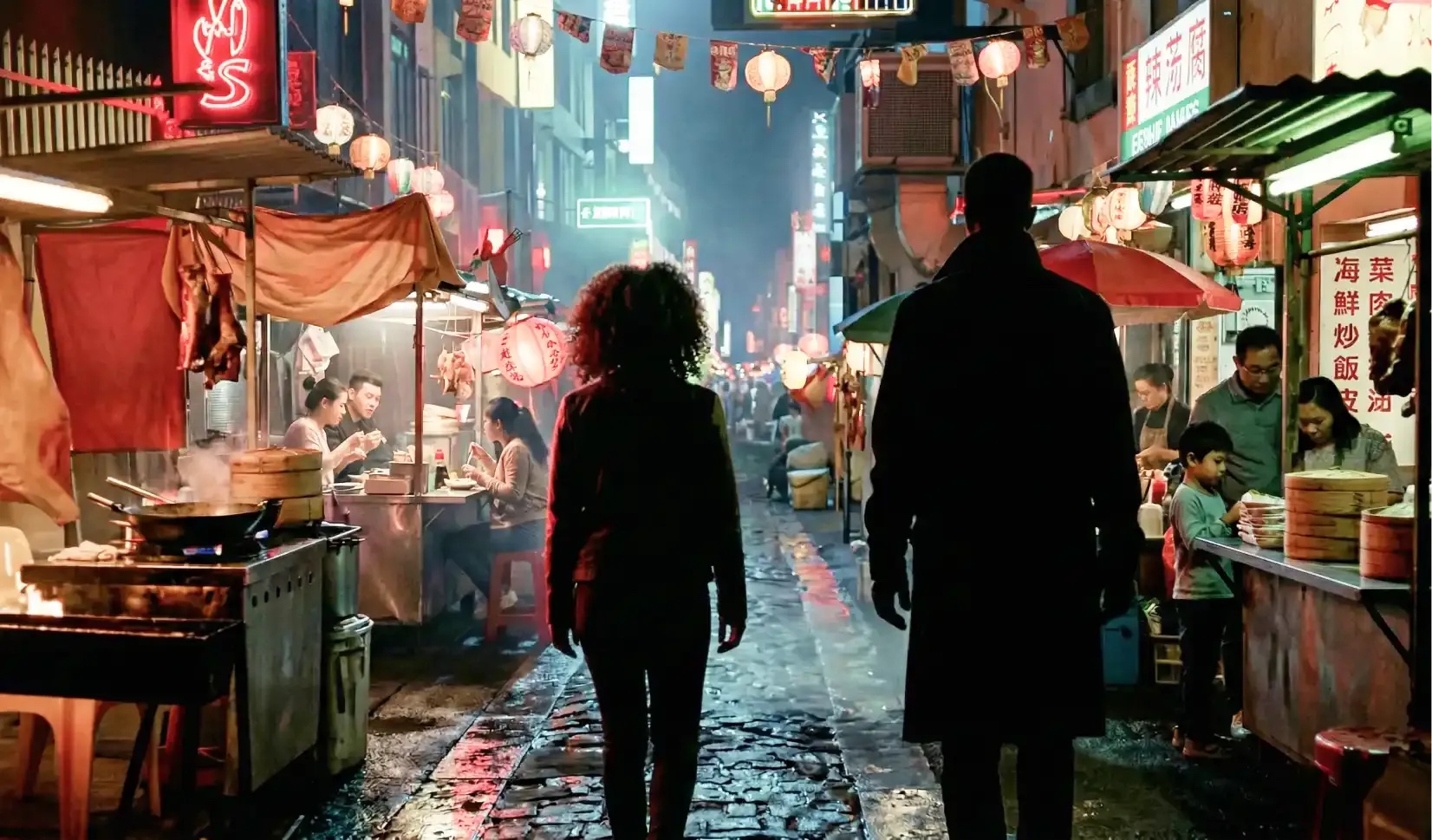
Look tests
Generate a stack of options for review. Nano Banana Pro stays the higher-fidelity choice when in-image text and likeness matter more.
Try it NowNotes from the workspace
“I run the same brief at 1:1 and 9:16 when the post and the story need different crops.”
“Fourteen references is enough when I need the jacket and the logo to stay put.”
“I run the same brief at 1:1 and 9:16 when the post and the story need different crops.”
“Fourteen references is enough when I need the jacket and the logo to stay put.”
“I run the same brief at 1:1 and 9:16 when the post and the story need different crops.”
“Fourteen references is enough when I need the jacket and the logo to stay put.”
“I run the same brief at 1:1 and 9:16 when the post and the story need different crops.”
“Fourteen references is enough when I need the jacket and the logo to stay put.”
“I run the same brief at 1:1 and 9:16 when the post and the story need different crops.”
“Fourteen references is enough when I need the jacket and the logo to stay put.”
“I run the same brief at 1:1 and 9:16 when the post and the story need different crops.”
“Fourteen references is enough when I need the jacket and the logo to stay put.”
“I use 2.1 for the option stack, then move the winner to Pro if the still has to carry a lot of type.”
“If a sign is wrong I change the sentence and generate again. There is no brush on this page.”
“I use 2.1 for the option stack, then move the winner to Pro if the still has to carry a lot of type.”
“If a sign is wrong I change the sentence and generate again. There is no brush on this page.”
“I use 2.1 for the option stack, then move the winner to Pro if the still has to carry a lot of type.”
“If a sign is wrong I change the sentence and generate again. There is no brush on this page.”
“I use 2.1 for the option stack, then move the winner to Pro if the still has to carry a lot of type.”
“If a sign is wrong I change the sentence and generate again. There is no brush on this page.”
“I use 2.1 for the option stack, then move the winner to Pro if the still has to carry a lot of type.”
“If a sign is wrong I change the sentence and generate again. There is no brush on this page.”
“I use 2.1 for the option stack, then move the winner to Pro if the still has to carry a lot of type.”
“If a sign is wrong I change the sentence and generate again. There is no brush on this page.”
Frequently Asked Questions
Nano Banana 2.1 is Google's newer fast image model, the update to Nano Banana 2. On Viralkey you write a prompt, optionally add up to fourteen references, choose an aspect and 1K, 2K, or 4K, then generate a still.
Create your next visual with Nano Banana 2.1
Explore fast visual drafts with deliberate composition and style. Open the Nano Banana 2.1 workspace to start your next creation.