Seedance 2.0 - Native 4K
Create cinematic AI videos with Seedance 2.0 on Viralkey — multi-modal control, director-level camera moves, and native audio generation for music-ready clips.

 ModelSeedance 2.0
Set start & end frame
Seedance 2.0 - Native 4K
Create cinematic AI videos with Seedance 2.0 on Viralkey — multi-modal control, director-level camera moves, and native audio generation for music-ready clips.
Music Video Scenes from Creators
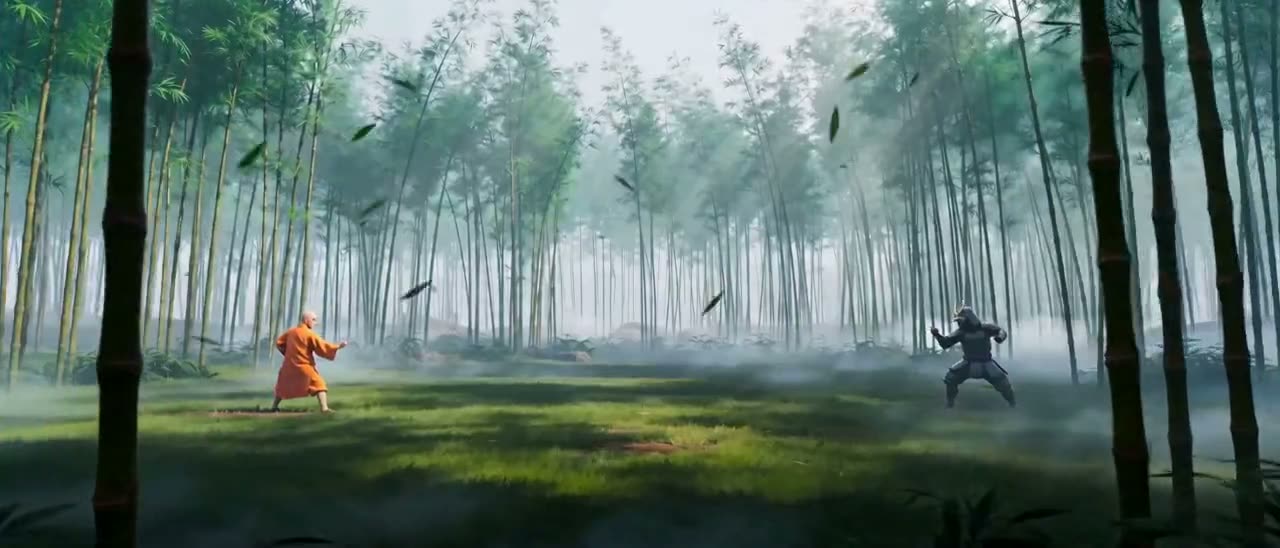
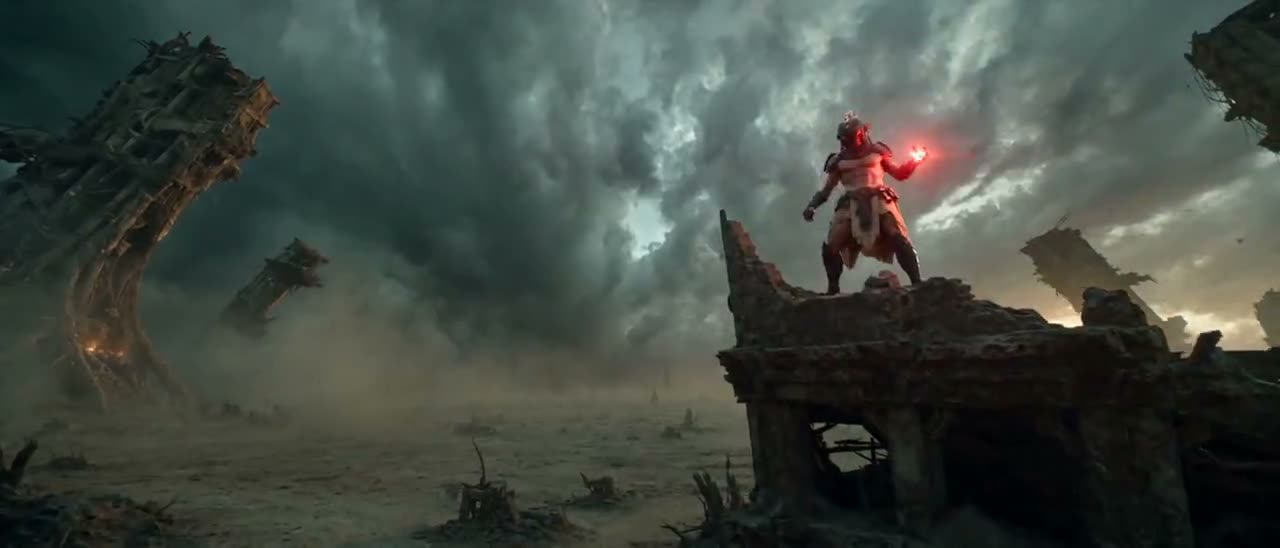
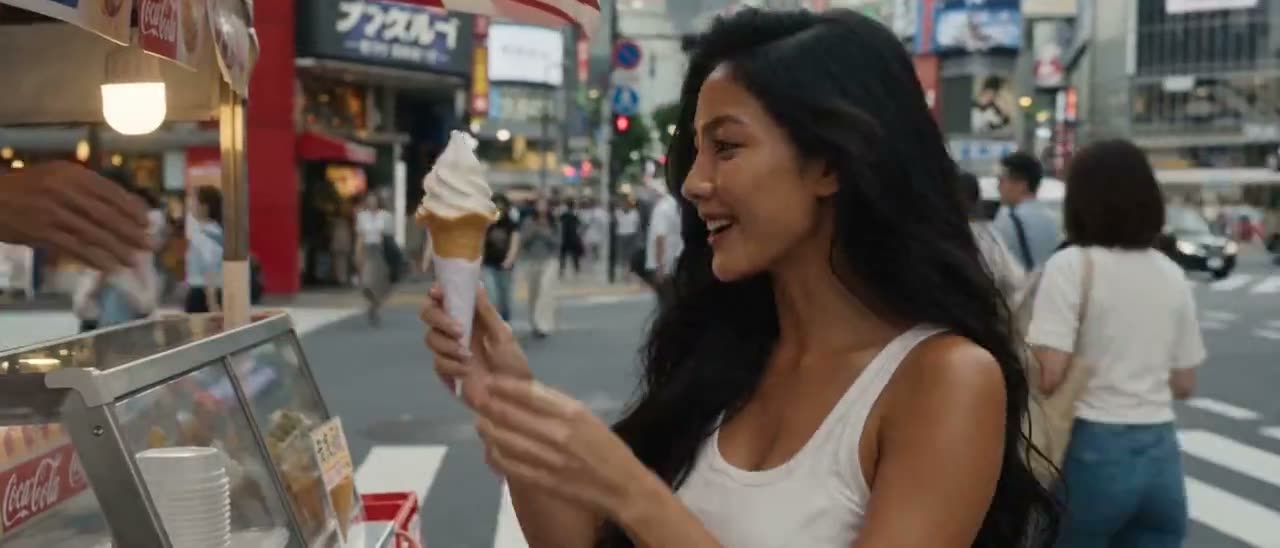
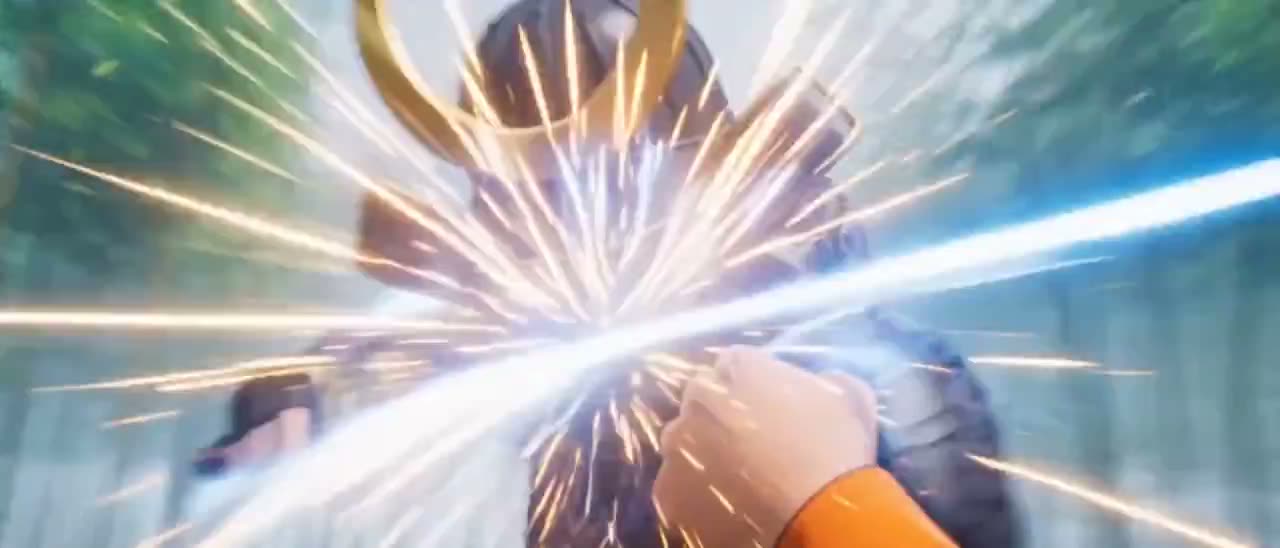
See how creators use Seedance 2.0 for performer shots, camera-led motion, product moments, and multi-character music video scenes.
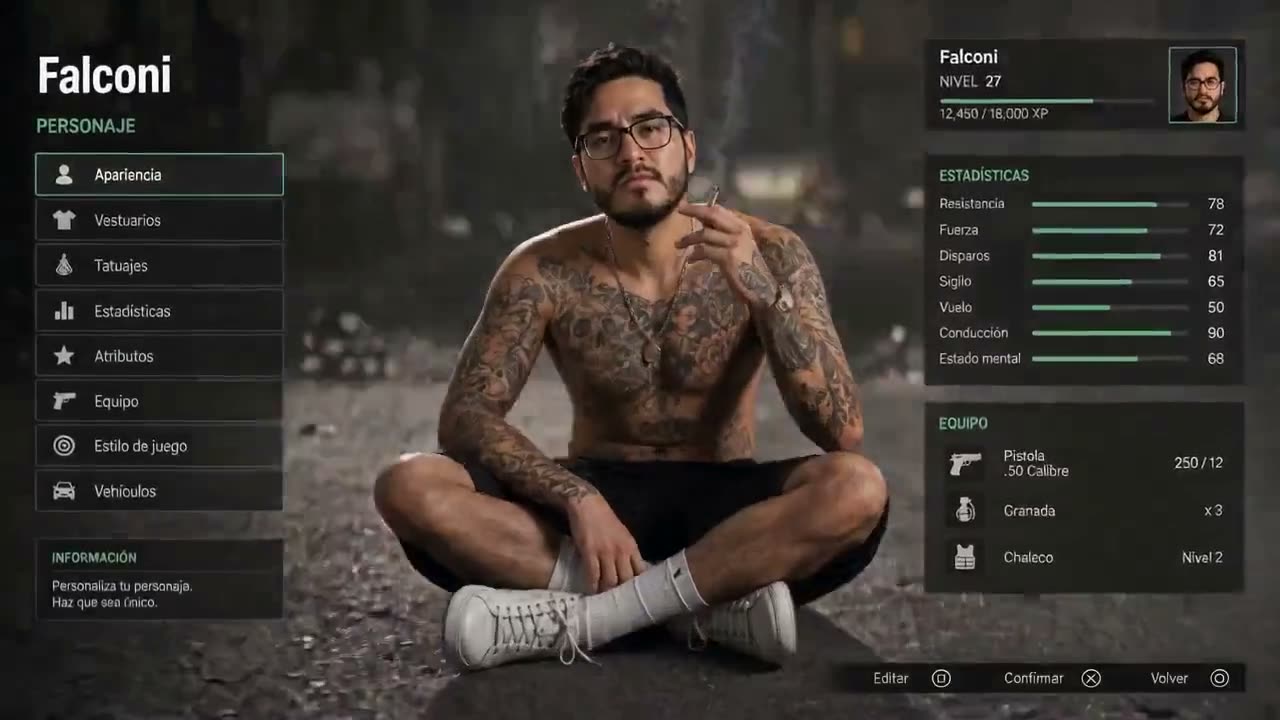
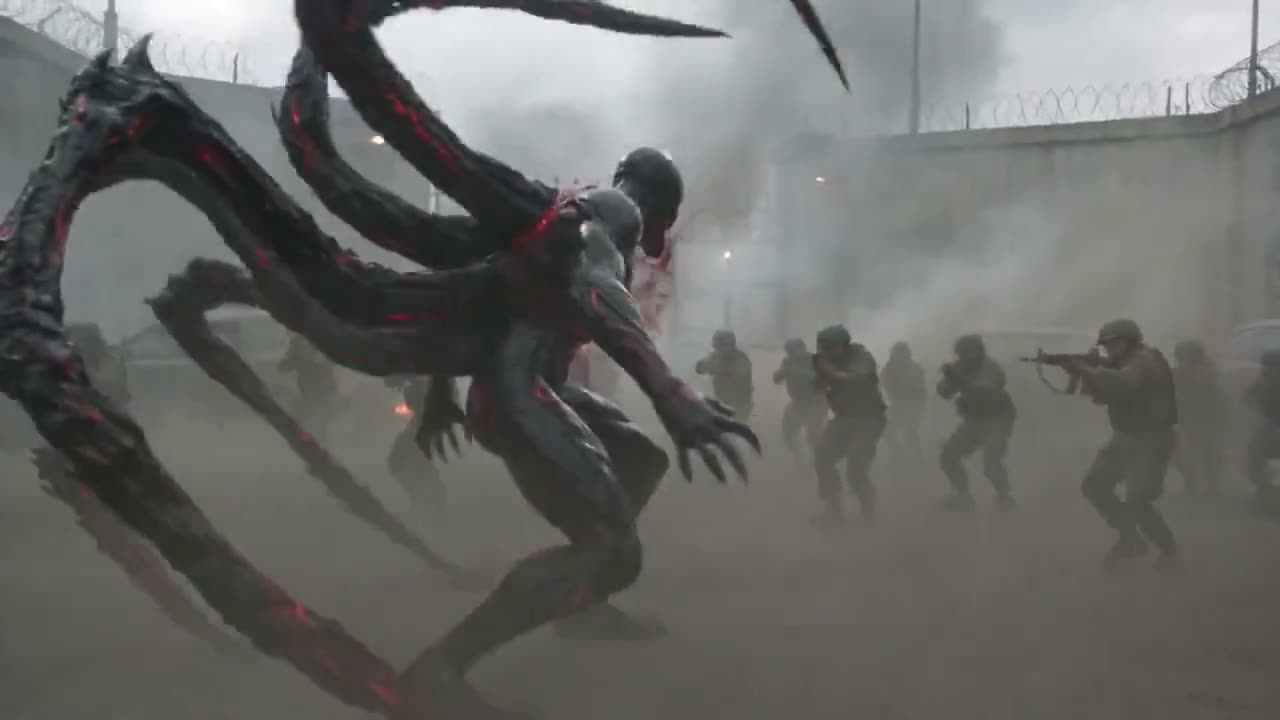
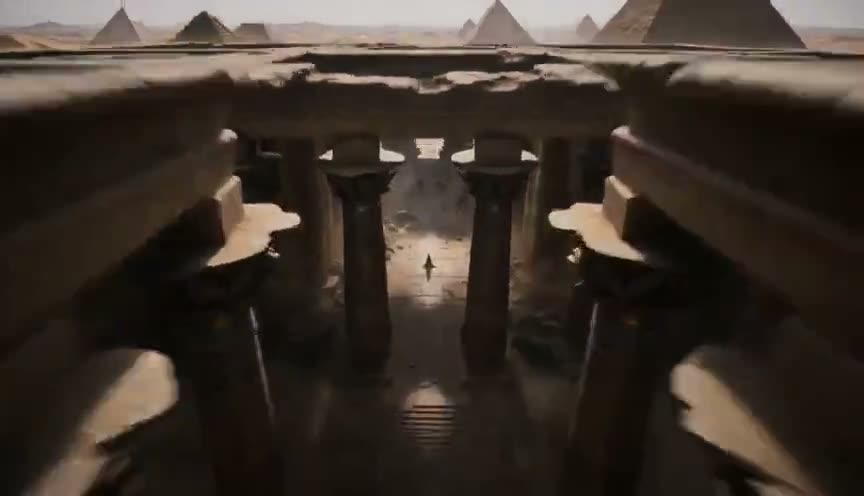
Key Features of Seedance 2.0
Seedance 2.0 on Viralkey combines text, images, and reference direction to create cinematic AI videos with consistent faces, scenes, styles, and motion — plus synchronized audio for music video drafts.
Multi-Modal Direction for Song-Ready Clips
Guide Seedance 2.0 with a prompt plus up to nine reference images, and lock the opening and closing look with start/end frames. Keep performer identity, wardrobe, and stage style consistent across a short music video beat.
Try it NowDirector-Level Camera Control
Describe tracking, dolly, orbit, POV, and rack-focus moves in the prompt. Seedance 2.0 follows cinematic camera language so your Viralkey clip feels directed — not like a random AI pan.
Try it Now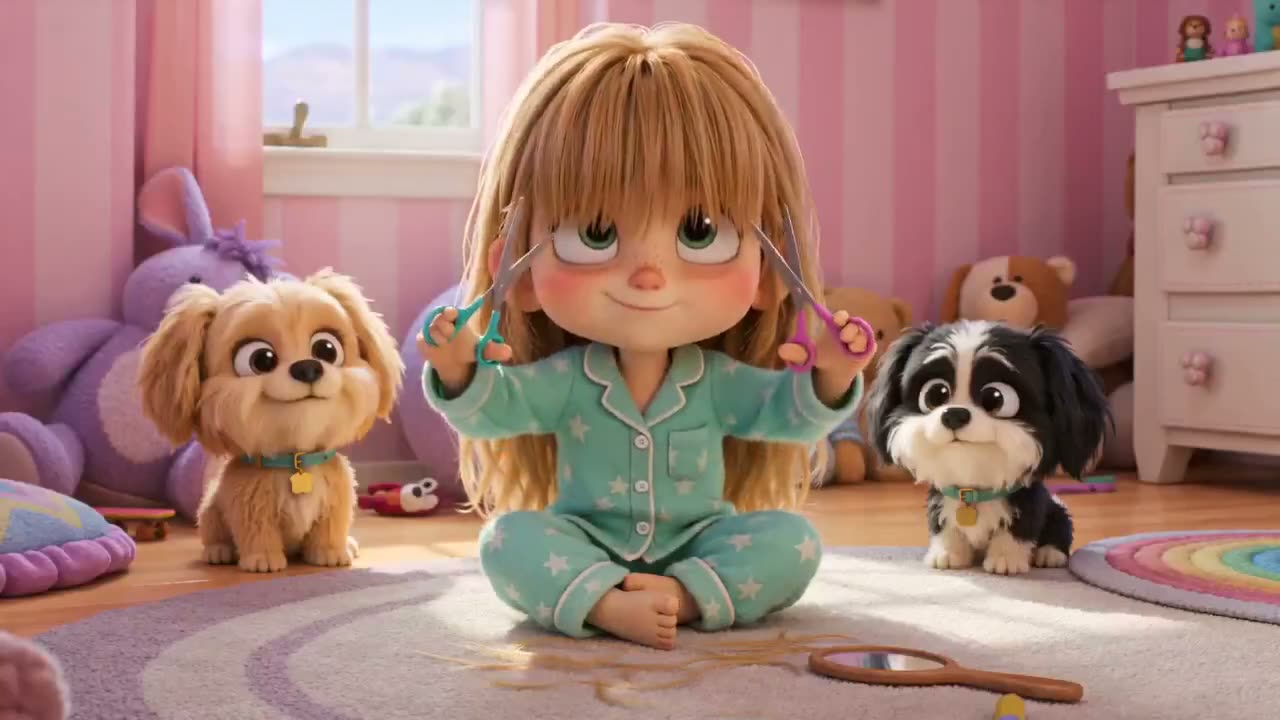
Native 4K Output for Campaign Cuts
Generate up to native 4K when the shot needs detail for covers, teasers, and social cutdowns. Choose 480p through 4K on Viralkey depending on draft speed versus final delivery.
Try it Now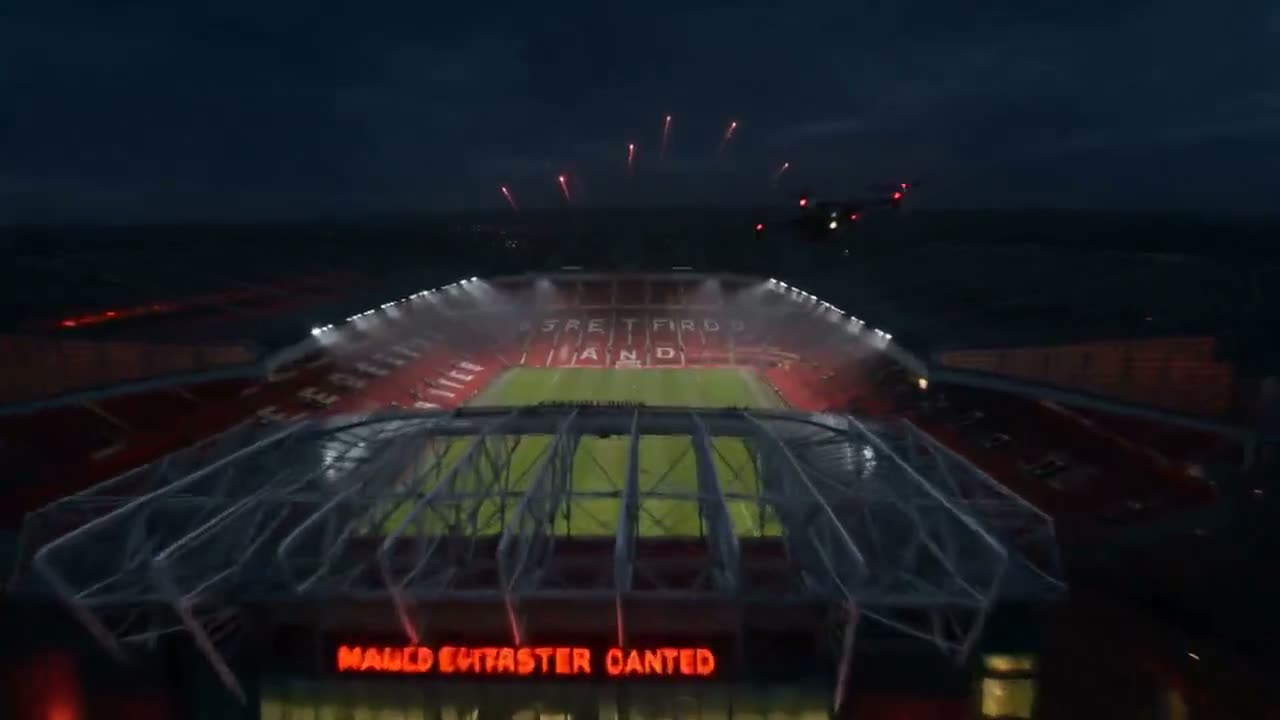
Built-in Audio Generation and Lip-Sync
Seedance 2.0 can generate audio with the picture — dialogue cues, material hits, ambience, and lip-sync that stay timed to the performance. Useful when a music video draft needs sound that travels with the take.
Try it NowHow to Use Seedance 2.0 on Viralkey
Three steps from a song idea to a cinematic AI video clip.
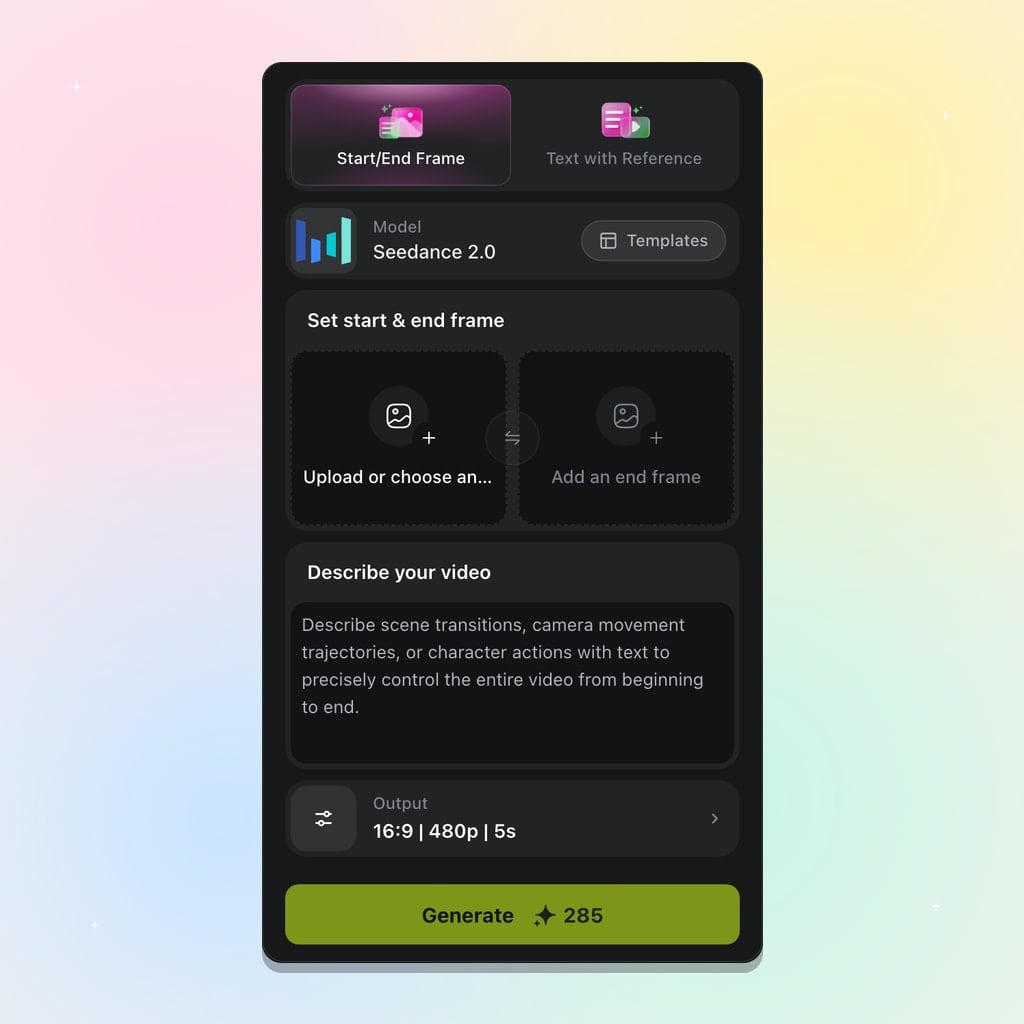
Pick Seedance 2.0
Open Seedance 2.0 in Viralkey's AI models. Choose start/end frame when the open and close matter, or text with references when likeness and style should lead.
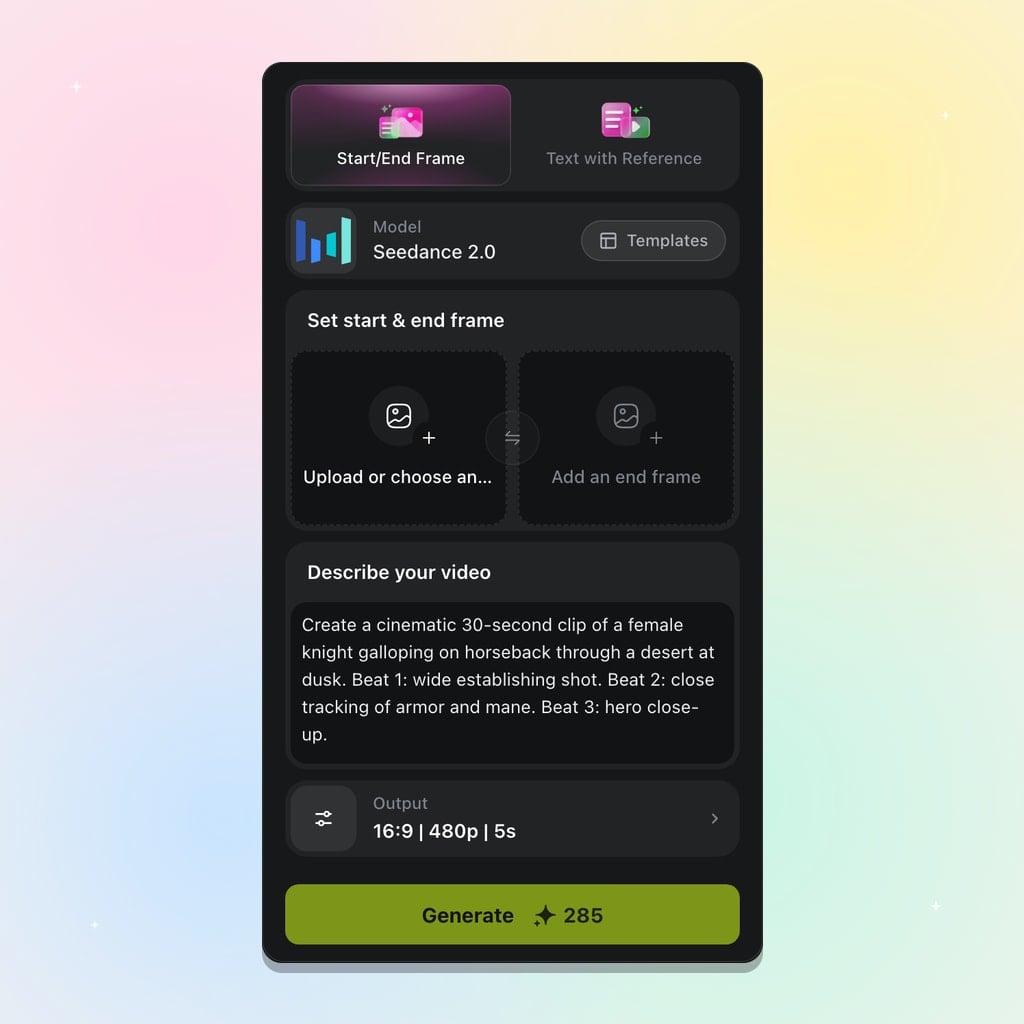
Prompt and Add References
Write a detailed prompt for mood, camera, and action. Upload reference images for recurring people or props, and set aspect, resolution, and duration between four and fifteen seconds.
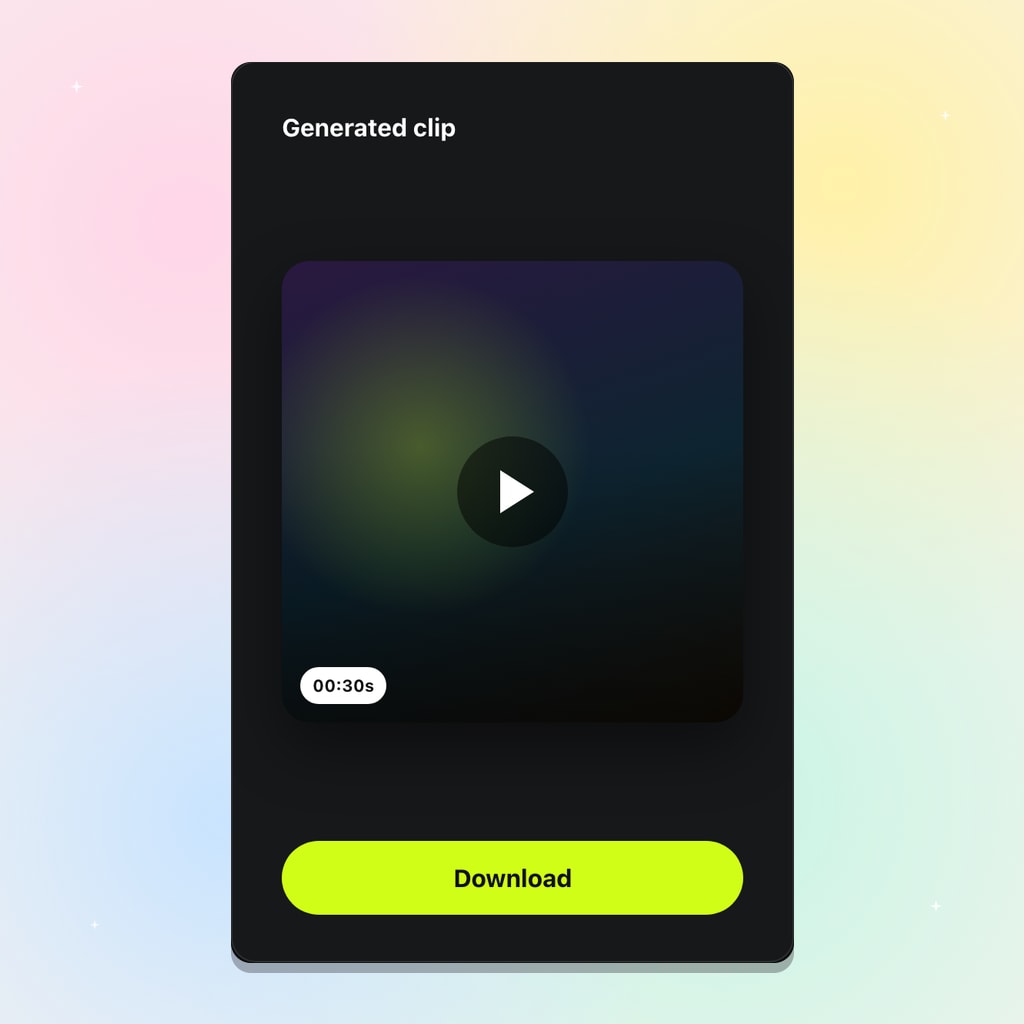
Generate and Adjust
Review the clip, then refine the prompt, frames, or references and run again. Export an MP4 ready for a larger music video edit or a short social cut.
Built for Music Video Production Moments
Use Seedance 2.0 on Viralkey when a track needs a controlled short scene, consistent performers, and camera language that matches the song energy.
Song Teasers and Hook Moments
Stage a verse-to-hook beat as a continuous short clip. Start and end frames keep the open and close intentional while Seedance 2.0 fills the motion between them.
Try it NowPerformer and Character Consistency
Attach face and wardrobe references so the singer or cast stays recognizable across regenerations — essential for music video drafts that iterate on the same look.
Try it NowProduct and Stage Previsualization
Lock camera height, prop scale, and stage depth with reference stills before committing a final look. Useful for concept pitches and set walkthroughs.
Try it NowSocial Cutdowns from One Brief
Reuse the same prompt and references across 9:16 and 16:9 to ship a vertical teaser and a landscape cut without rewriting the whole brief.
Try it NowLoved by Creators
“I set a start frame for the verse look and an end frame for the hook — Seedance 2.0 fills the motion between them.”
“Nine reference images is enough to keep our performers recognizable without rewriting the whole brief.”
“Four-to-fifteen-second clips fit the song sections I actually need for teasers.”
“I set a start frame for the verse look and an end frame for the hook — Seedance 2.0 fills the motion between them.”
“Nine reference images is enough to keep our performers recognizable without rewriting the whole brief.”
“Four-to-fifteen-second clips fit the song sections I actually need for teasers.”
“I set a start frame for the verse look and an end frame for the hook — Seedance 2.0 fills the motion between them.”
“Nine reference images is enough to keep our performers recognizable without rewriting the whole brief.”
“Four-to-fifteen-second clips fit the song sections I actually need for teasers.”
“I set a start frame for the verse look and an end frame for the hook — Seedance 2.0 fills the motion between them.”
“Nine reference images is enough to keep our performers recognizable without rewriting the whole brief.”
“Four-to-fifteen-second clips fit the song sections I actually need for teasers.”
“I switch between 9:16 and 16:9 on the same prompt when I need a vertical cut and a landscape cut.”
“Prompt plus references feels closer to art direction than hoping a text-only model guesses the wardrobe.”
“I dial duration around the drop, then regenerate with a tighter end frame when the close needs to land harder.”
“I switch between 9:16 and 16:9 on the same prompt when I need a vertical cut and a landscape cut.”
“Prompt plus references feels closer to art direction than hoping a text-only model guesses the wardrobe.”
“I dial duration around the drop, then regenerate with a tighter end frame when the close needs to land harder.”
“I switch between 9:16 and 16:9 on the same prompt when I need a vertical cut and a landscape cut.”
“Prompt plus references feels closer to art direction than hoping a text-only model guesses the wardrobe.”
“I dial duration around the drop, then regenerate with a tighter end frame when the close needs to land harder.”
“I switch between 9:16 and 16:9 on the same prompt when I need a vertical cut and a landscape cut.”
“Prompt plus references feels closer to art direction than hoping a text-only model guesses the wardrobe.”
“I dial duration around the drop, then regenerate with a tighter end frame when the close needs to land harder.”
“Start/end frame mode is how I sketch a scene before I commit the clip into a Viralkey template.”
“Reference stills keep stage lighting and outfit cues consistent when I iterate the same chorus idea.”
“When a take misses, I change one frame or one line of the prompt and run again — no fake edit chat required.”
“Start/end frame mode is how I sketch a scene before I commit the clip into a Viralkey template.”
“Reference stills keep stage lighting and outfit cues consistent when I iterate the same chorus idea.”
“When a take misses, I change one frame or one line of the prompt and run again — no fake edit chat required.”
“Start/end frame mode is how I sketch a scene before I commit the clip into a Viralkey template.”
“Reference stills keep stage lighting and outfit cues consistent when I iterate the same chorus idea.”
“When a take misses, I change one frame or one line of the prompt and run again — no fake edit chat required.”
“Start/end frame mode is how I sketch a scene before I commit the clip into a Viralkey template.”
“Reference stills keep stage lighting and outfit cues consistent when I iterate the same chorus idea.”
“When a take misses, I change one frame or one line of the prompt and run again — no fake edit chat required.”
Frequently Asked Questions
Seedance 2.0 is Viralkey's multi-modal AI video model for short cinematic clips. Direct a take with start and end frames, or write a prompt with up to nine reference images. Set aspect, resolution up to 4K, and a duration between four and fifteen seconds, then generate inside Viralkey.
What will you create today?
Turn your ideas into reality with AI. Generate, refine, and innovate — creation starts here.