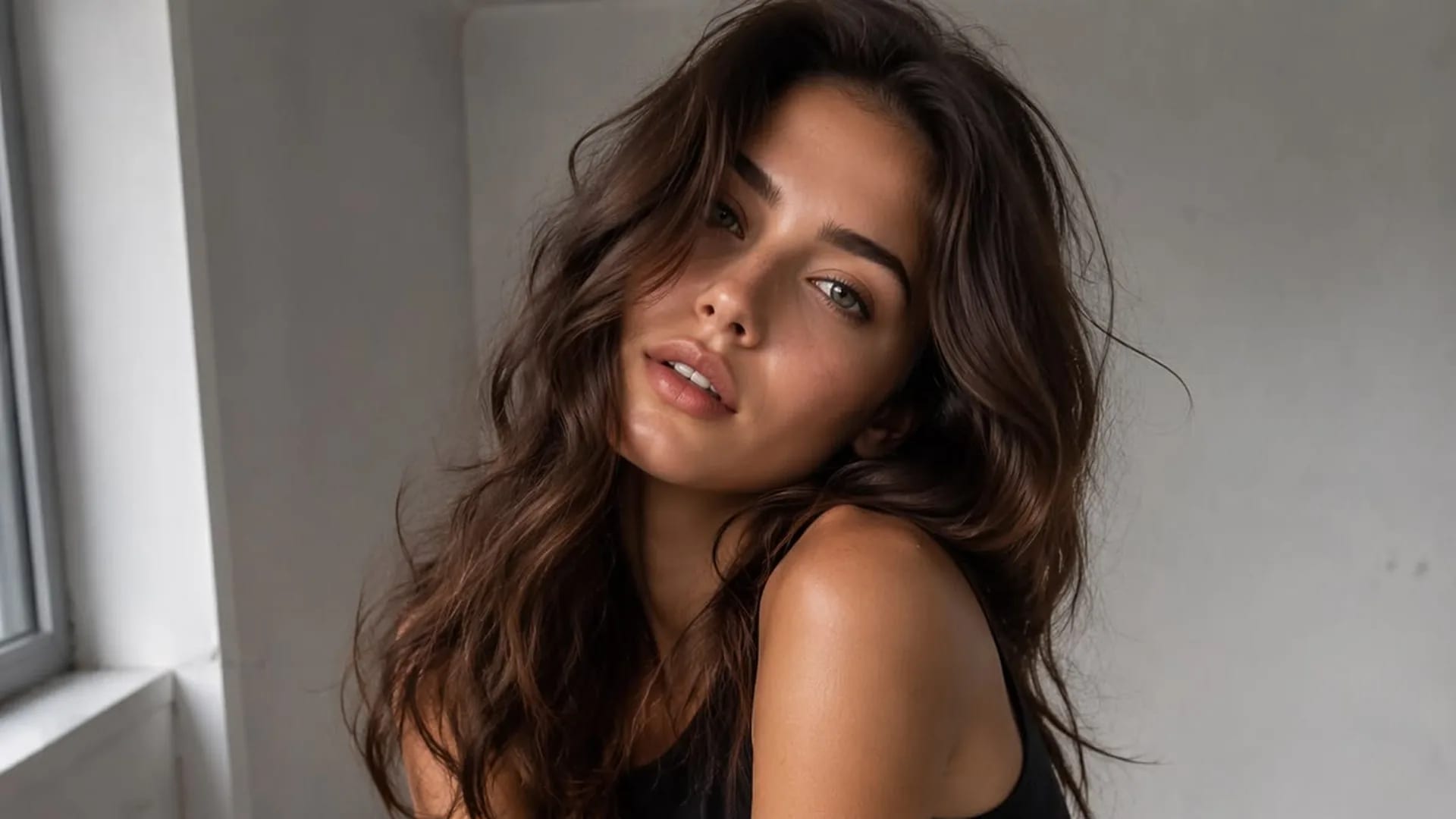
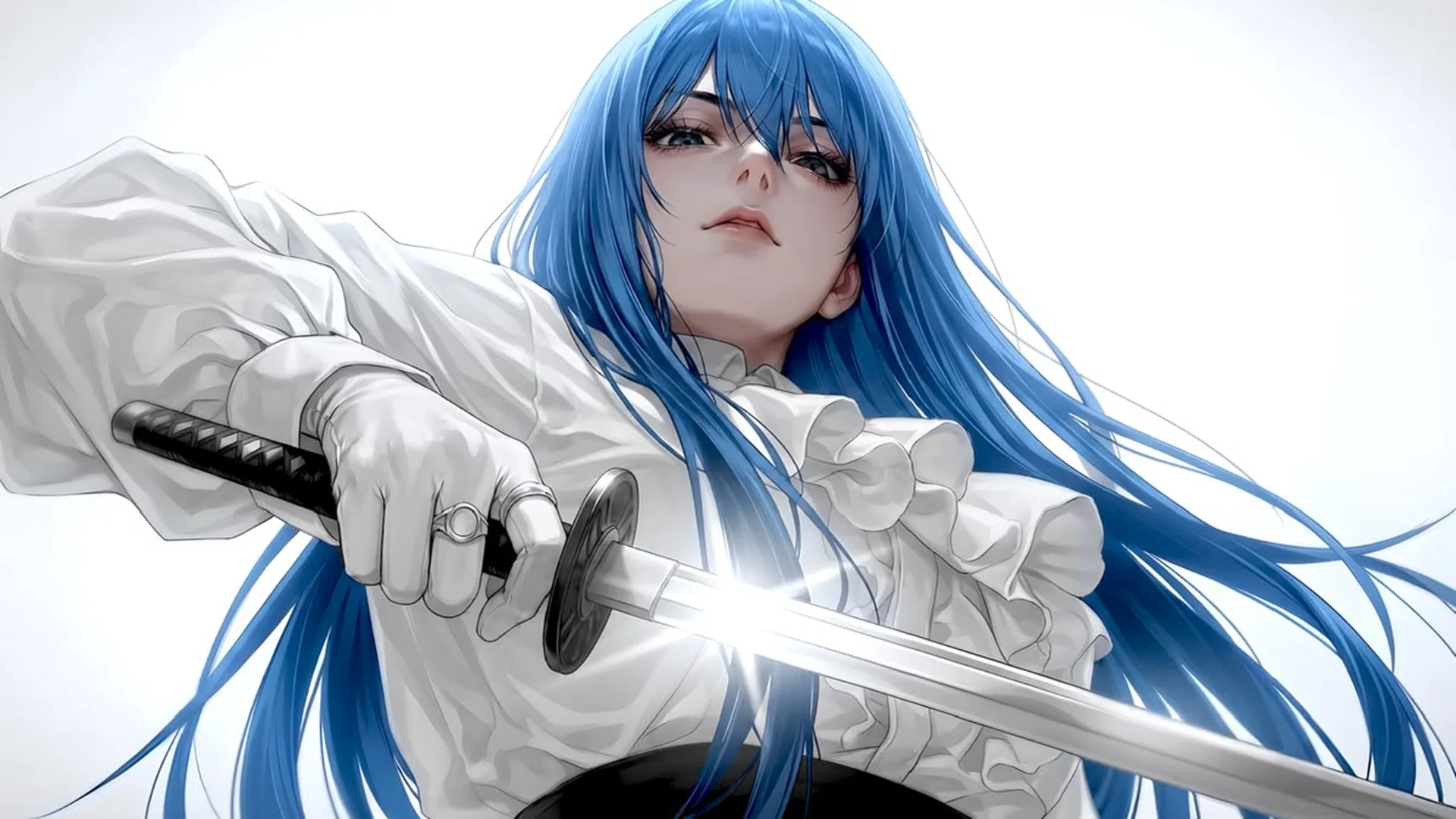
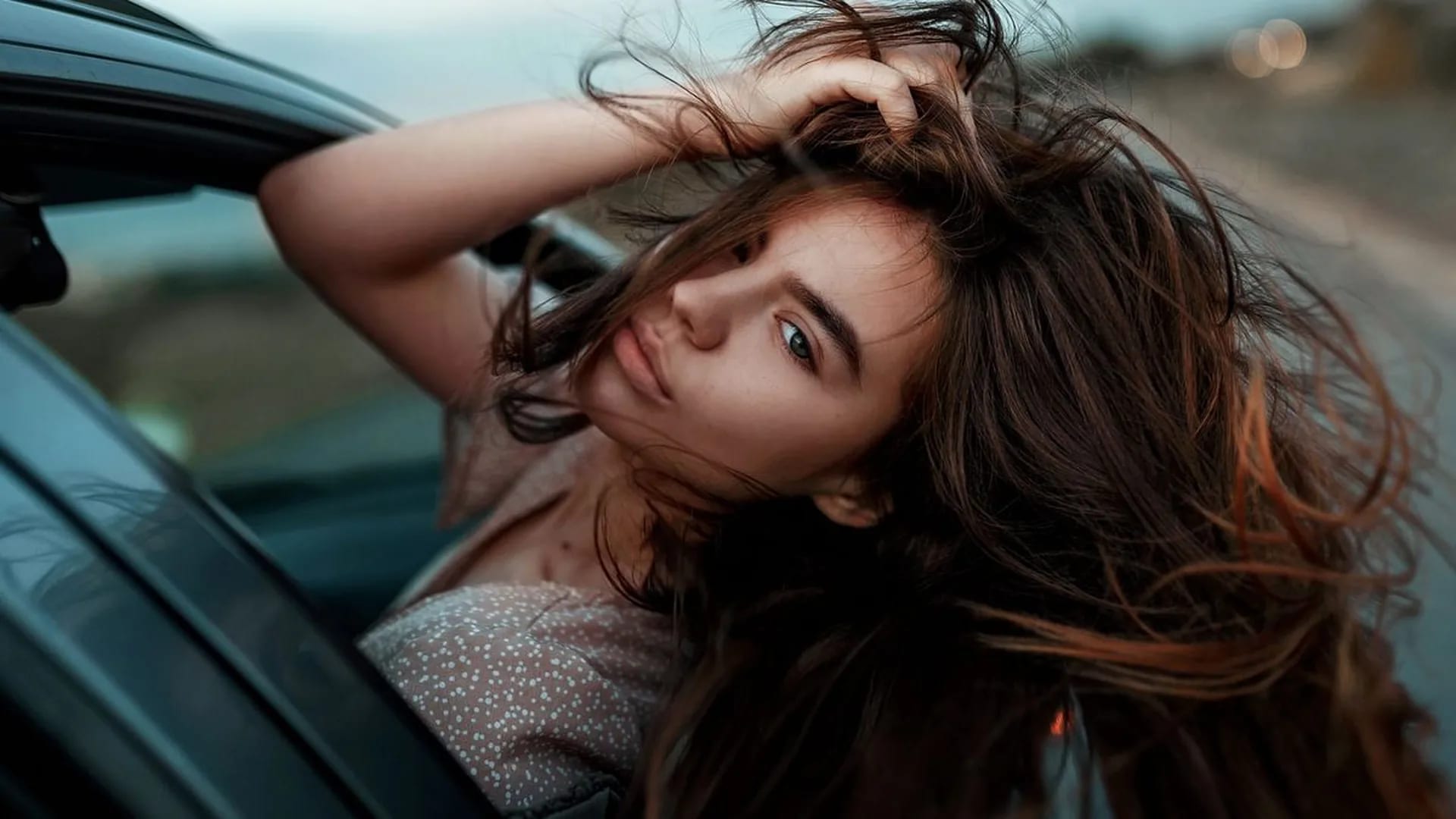
A portrait with a clear mood
New imageDescribe an adult fictional character, the camera distance and one light source. A plain background keeps the expression and silhouette easy to review.
Create adult fictional portraits and illustrations from text, with optional images to guide the result. You can also open NSFW Studio, or continue with NSFW AI Generator, AI NSFW Generator, and NSFW AI Image Editor.
Use the NSFW AI image generator to explore adult fictional character portraits, stylized illustrations, and scene studies. Describe the subject, framing, setting, and light in ordinary language. Start from text for a new composition, or add a permitted reference to show the image you want to work from. Generate in Viralkey NSFW Studio and review each candidate for the visual details that matter to your project. Text guided image creation starts with the subject and the result you want to see. Reference led portrait generation applies only to the part of a photo you actually want the new image to follow. Continue in NSFW Studio, or open NSFW AI Generator and AI NSFW Generator.
Create adult fictional portraits and illustrations from text, with optional images to guide the result.
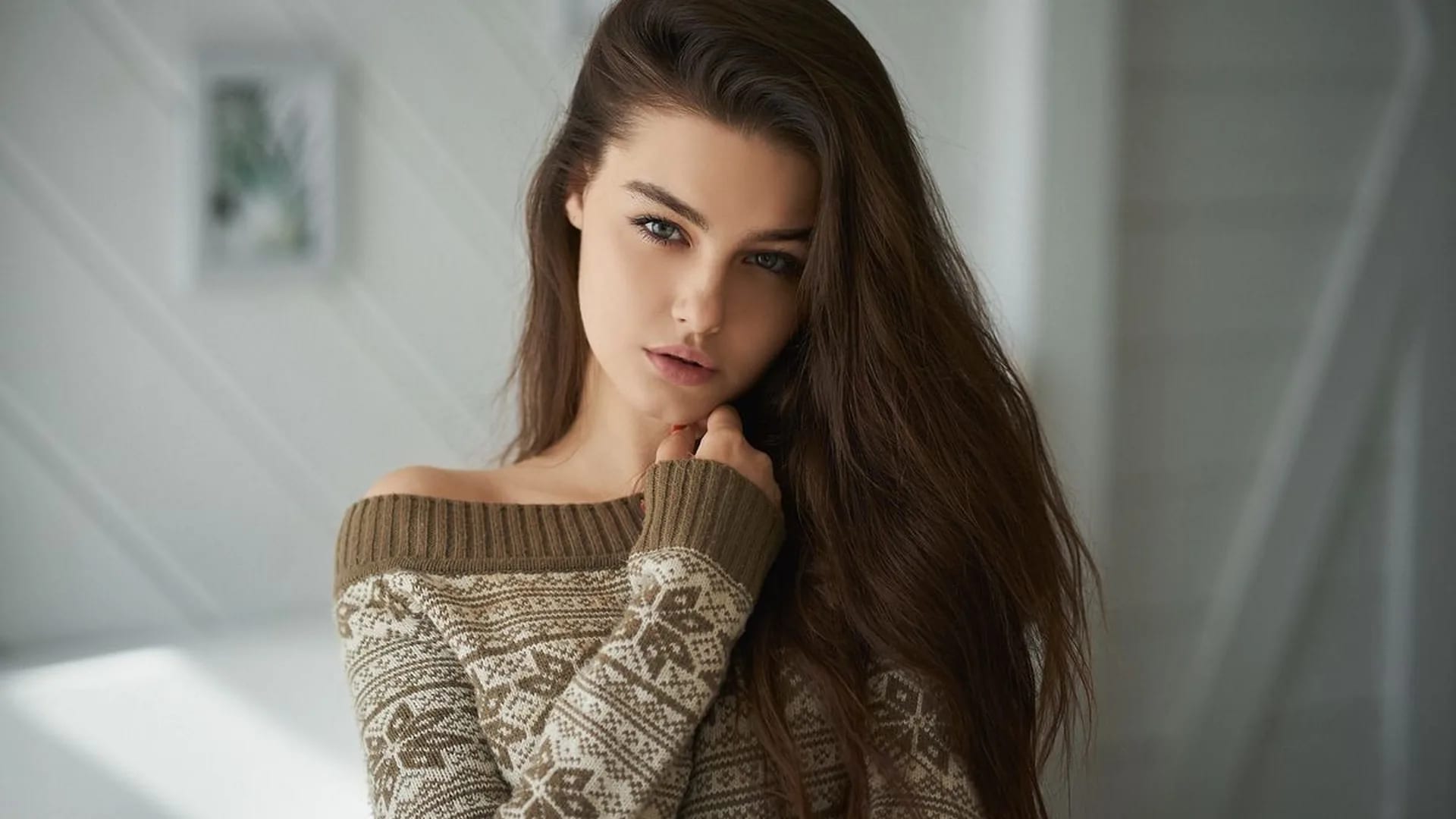
Specify a close portrait, a full-length figure, or a wide scene before listing small details. Camera distance affects which information can fit in the frame. A short, ordered brief is easier to inspect than a paragraph that asks for several incompatible compositions at once.
Generate Image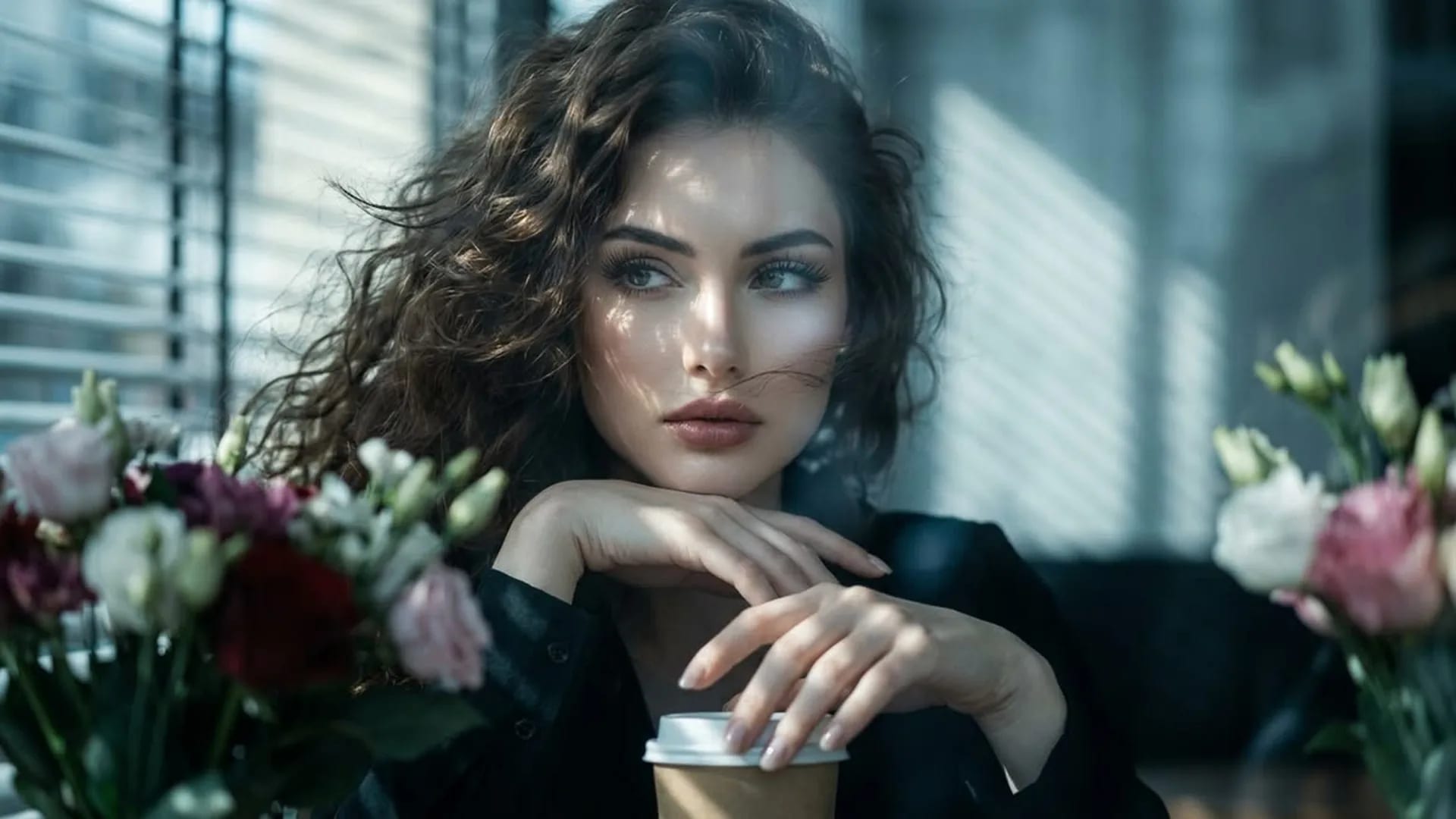
An optional image can help communicate the look you are working from. Decide whether it represents the subject, setting, or visual style, and say so in your prompt. Uploading a reference does not promise exact identity, proportions, or pose in the generated result.
Generate Image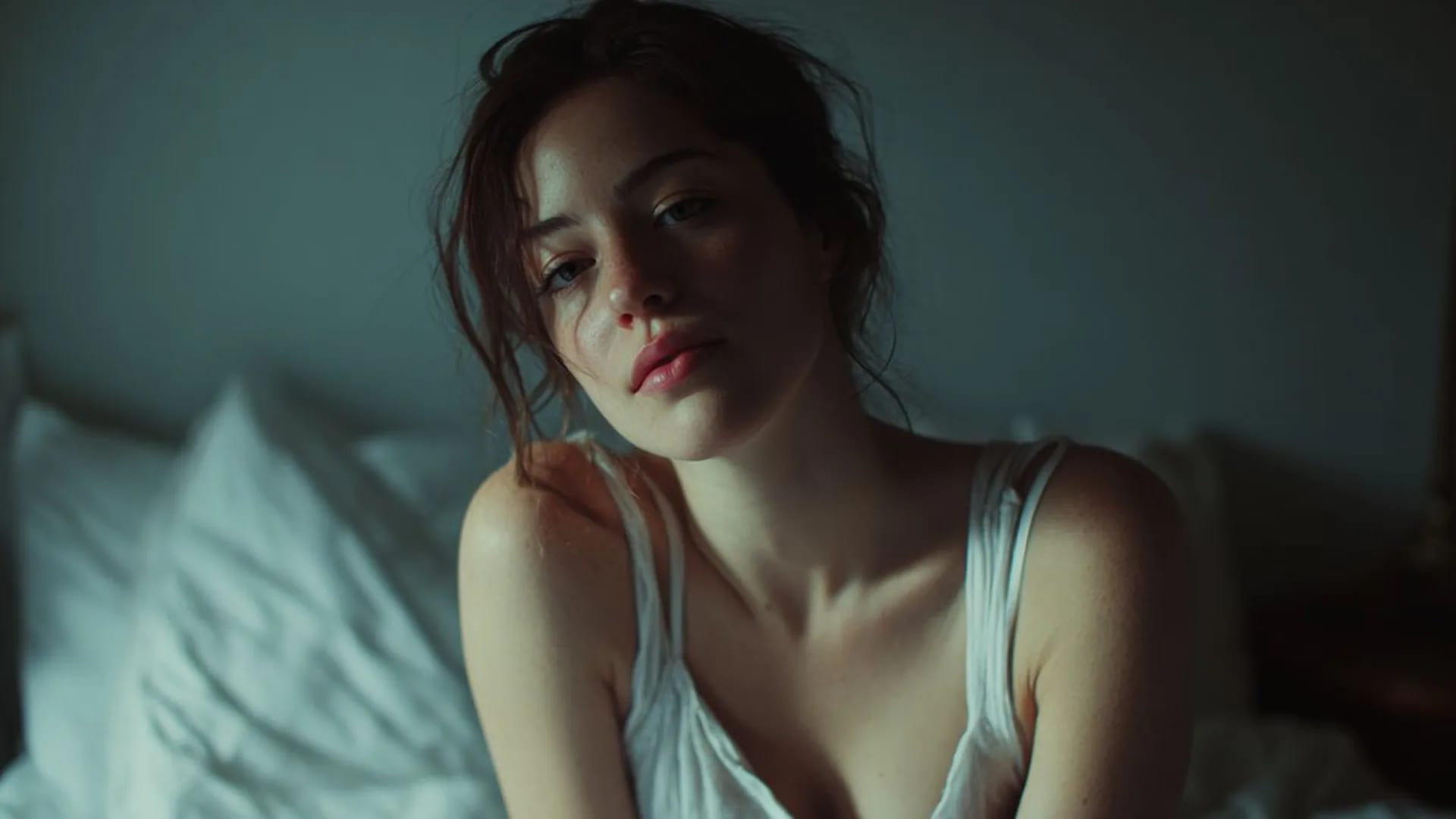
Use the studio’s current image options to submit your request, then review the generated candidate against the prompt and any source you supplied. Available access and credits depend on the information shown for your account. An input image guides the task without guaranteeing exact preservation.
Generate ImageCan I start with text when I have no reference photo? Yes. A prompt is enough for a new image. Describe an adult fictional subject, a setting, a lighting direction, and the composition. Start with the features you would notice in a thumbnail. If you have a relevant reference, add it and wait for the upload to finish.
Use the studio button to bring the prompt and optional uploaded image into NSFW Studio. You can write the upload before signing in. Generation requires an account, so complete sign-in when the workflow asks you to.
Read the restored prompt, confirm the reference, and review the current access and credit information. Choose the available settings, then submit when you are ready. Continuing from this page alone does not send a generation request.
Start a new adult fictional image online: describe the subject and scene, add a reference if you have one, then generate in the studio.
View page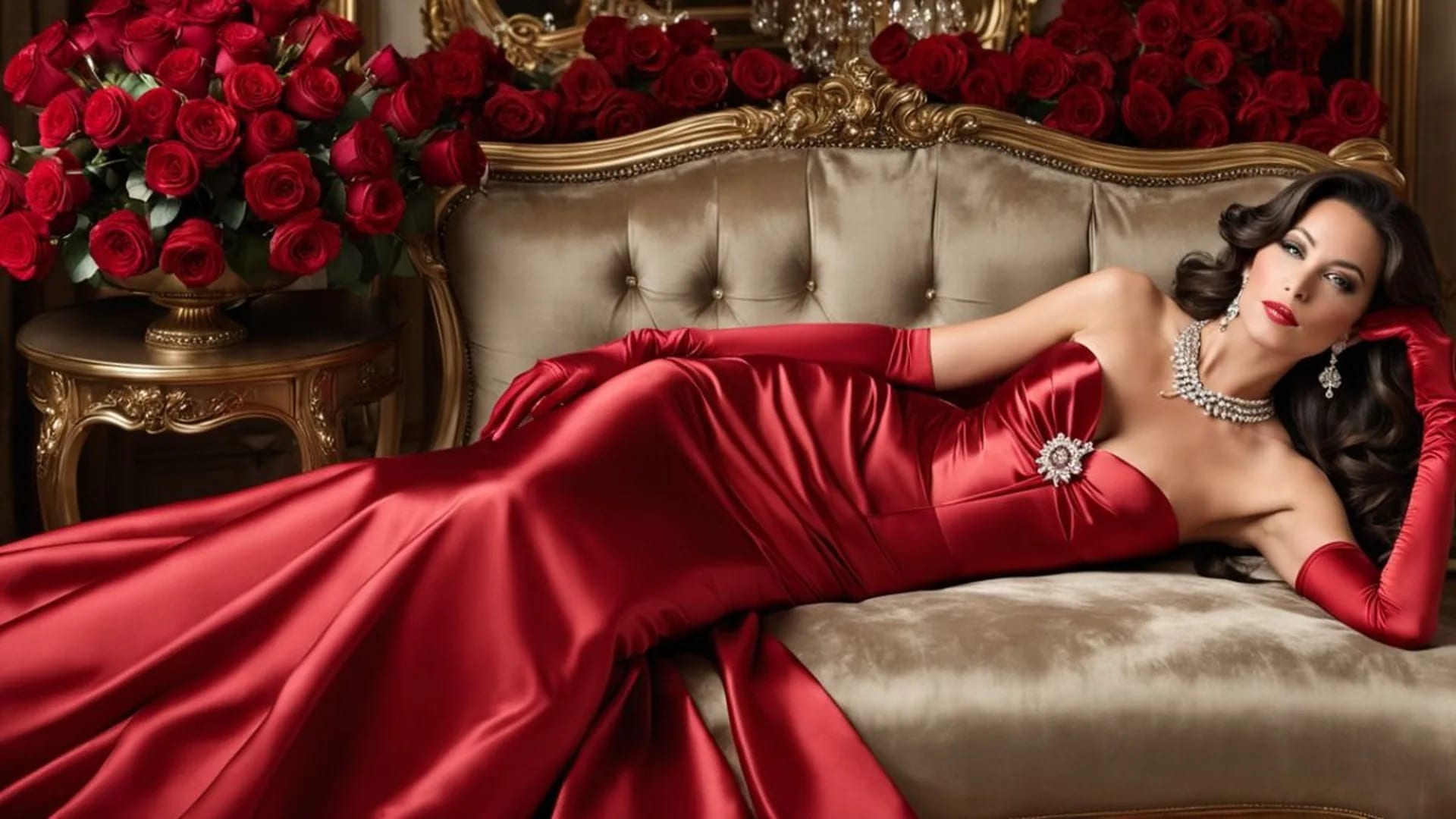
Create a still image from text or revise an existing adult fictional visual with a reference.
View page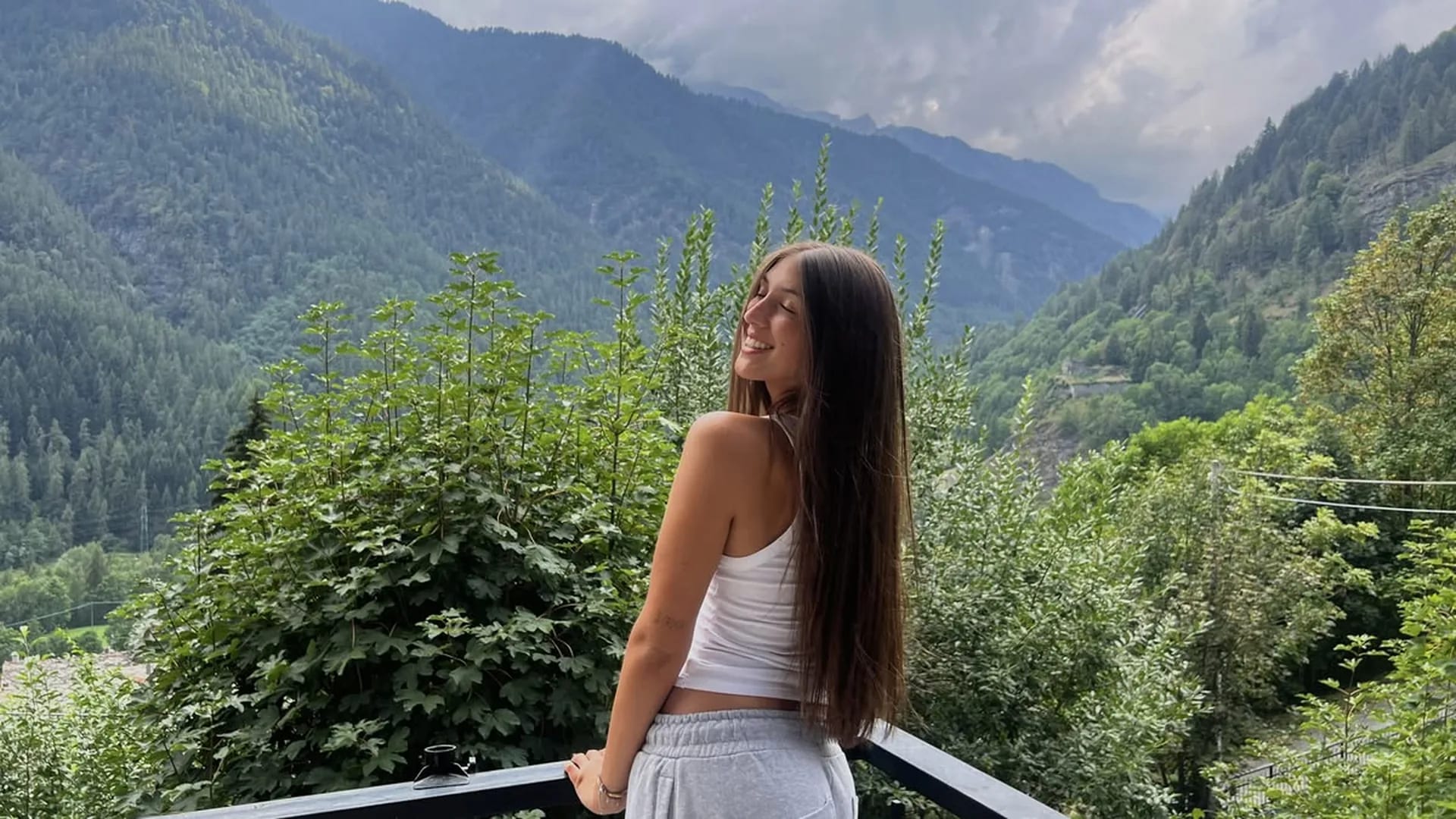
Edit a source image with clear instructions for scene, styling, or lighting changes.
View page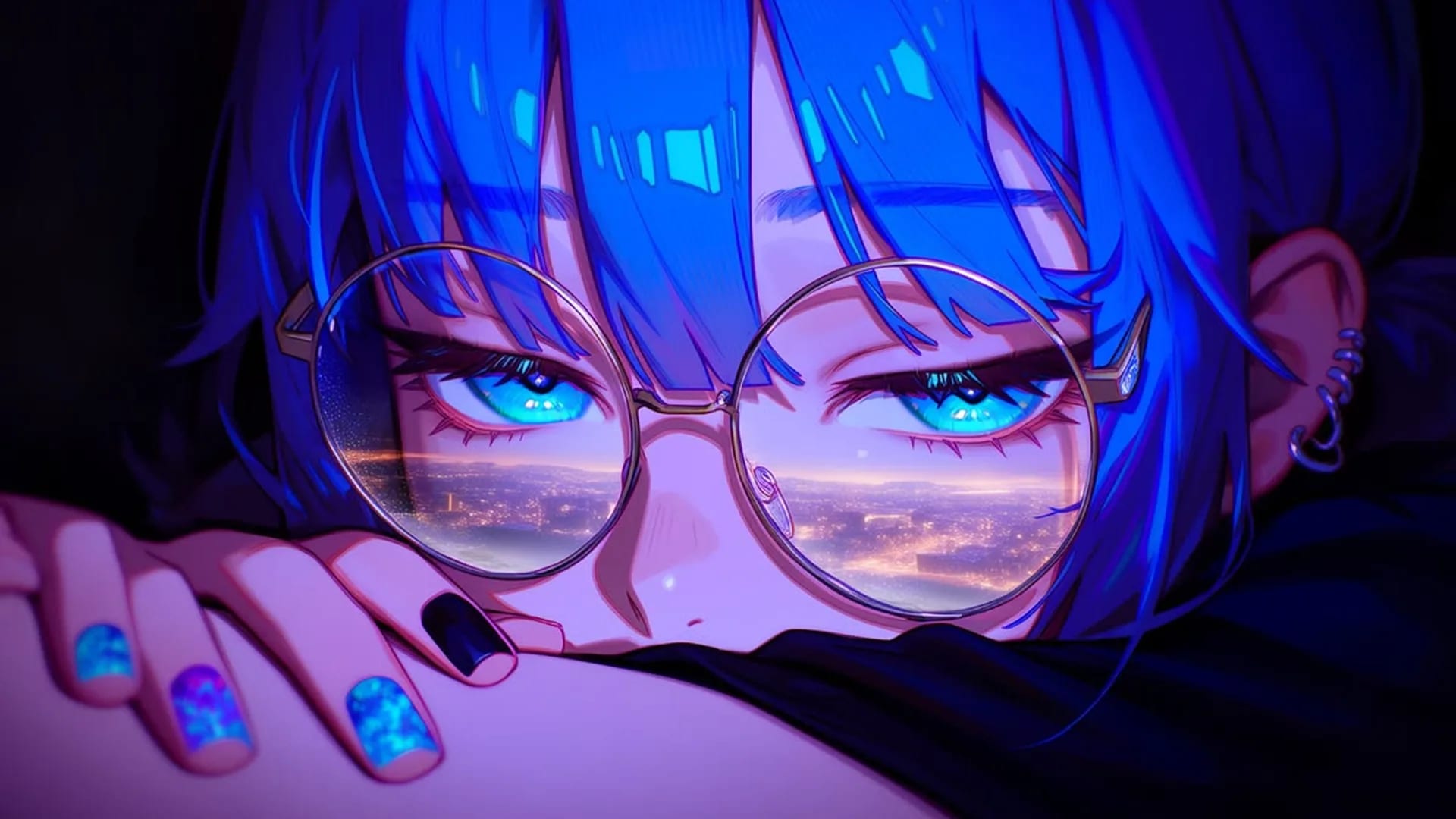
Choose an image generator by reference handling, visual control, costs, and output review.
View page
Explore the image workflow and check the current studio access and credits before generating.
View pageStart with a concrete image goal. These options connect what you describe or upload with what you should check in the result.
A portrait with a clear mood
New imageDescribe an adult fictional character, the camera distance and one light source. A plain background keeps the expression and silhouette easy to review.
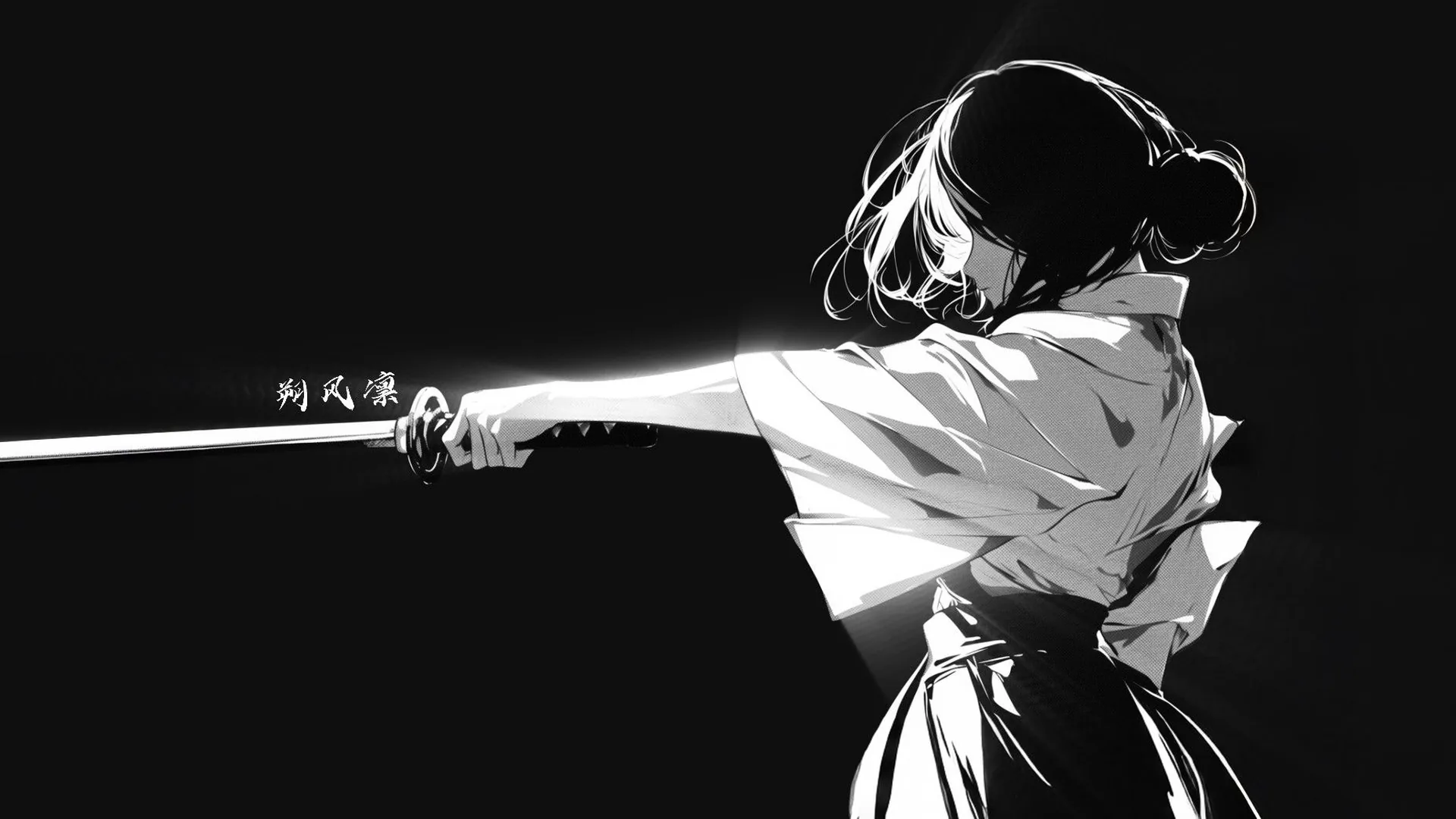
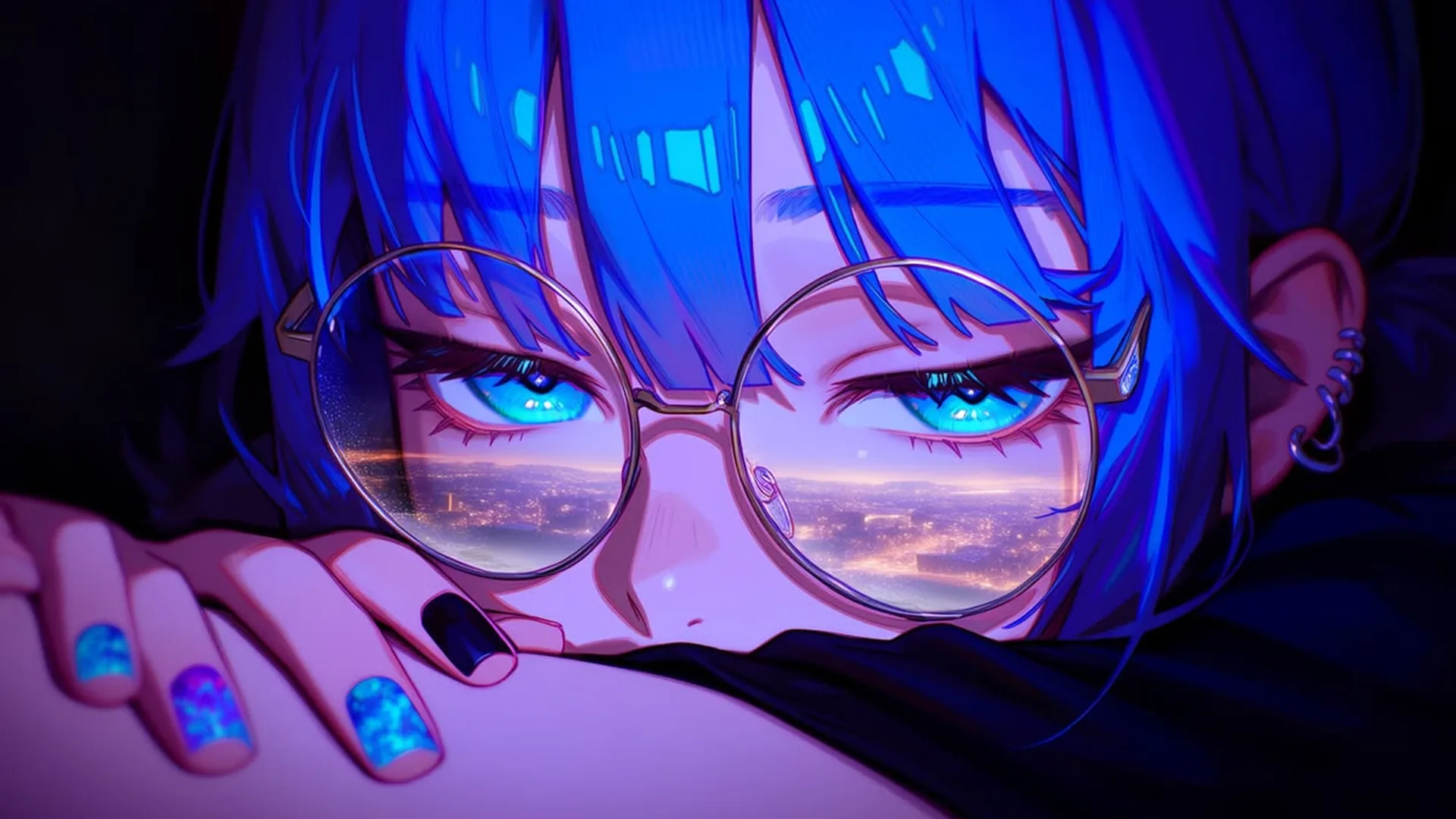
An illustrated character concept
IllustrationChoose an anime or drawn style, then describe the adult character’s outfit, colors and setting. Keep one pose per image so the silhouette stays readable.
A character in an environment
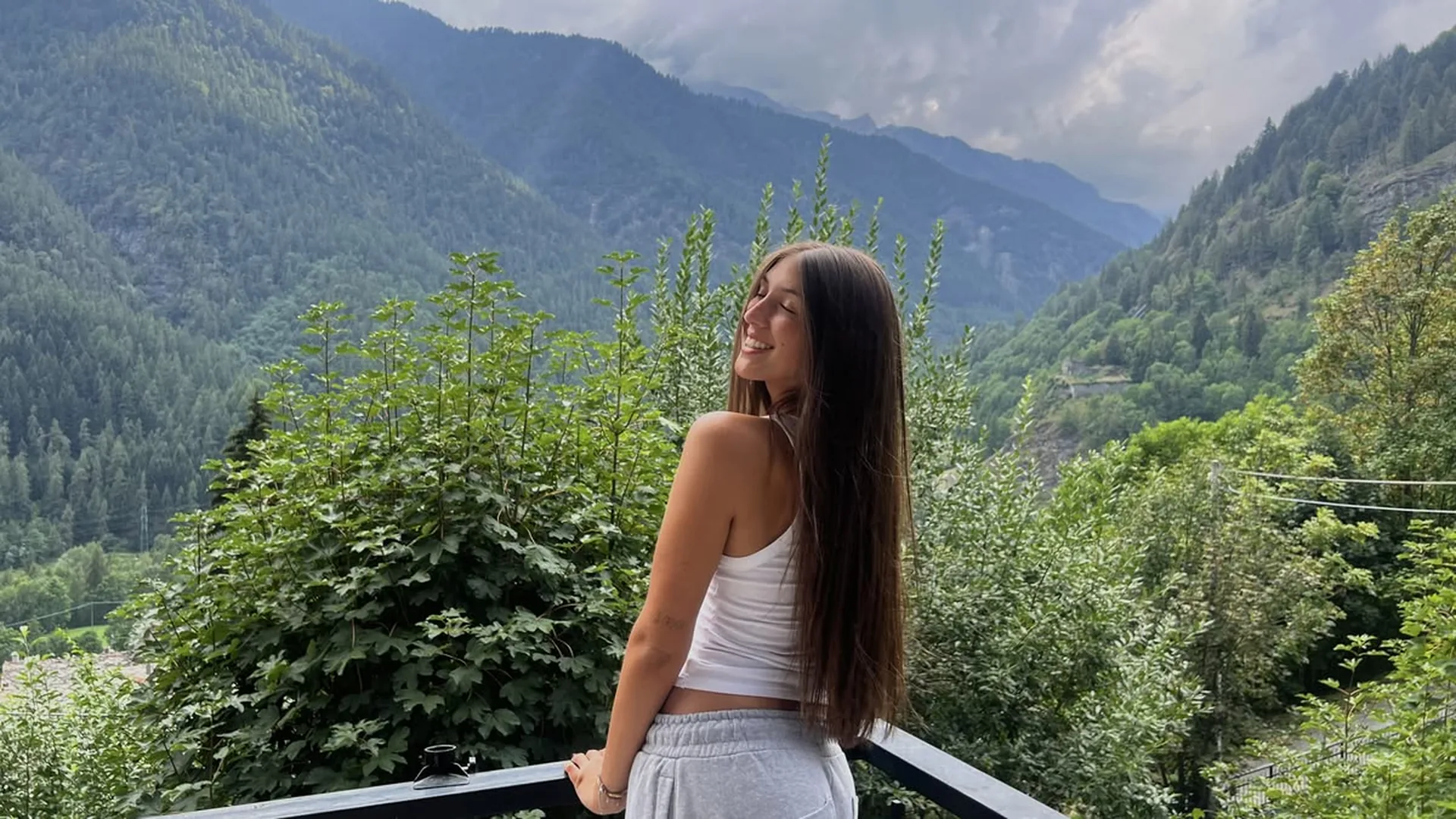
Scene compositionPlace the character in a room or outdoor setting and explain what should be visible around them. Decide whether the scene or the person is the main focus.
One useful reference
Reference inputState whether your image is there for the subject, the setting or the style. Include only references you may use, and avoid images that contradict the prompt.
A short prompt with priorities
Text inputStart with the subject and composition, then add the setting and light. Put the most important visible requirement before optional details.
A result you can judge
Result reviewCompare the candidate with your prompt and reference. Check framing, anatomy and unwanted changes before deciding to keep it or request another version.
Use a text prompt to create a new static image, such as an adult fictional portrait, illustration or scene. Add a permitted reference when it helps explain the subject or style. Your prompt and image continue into Viralkey NSFW Studio, where you review the available options and submit generation.
Use your prompt and optional reference to create or edit a still image. Check the current studio options and credits before submitting.