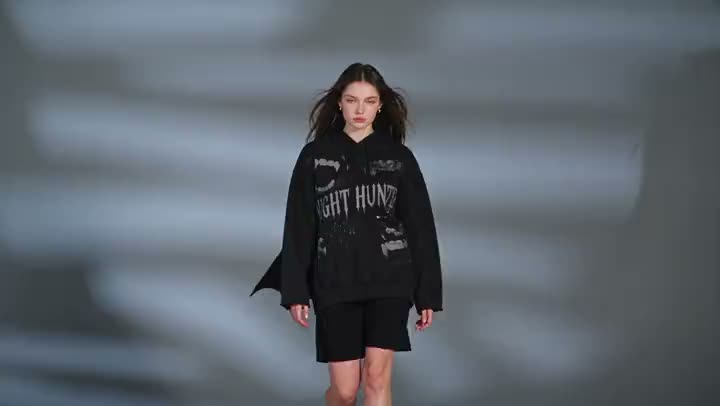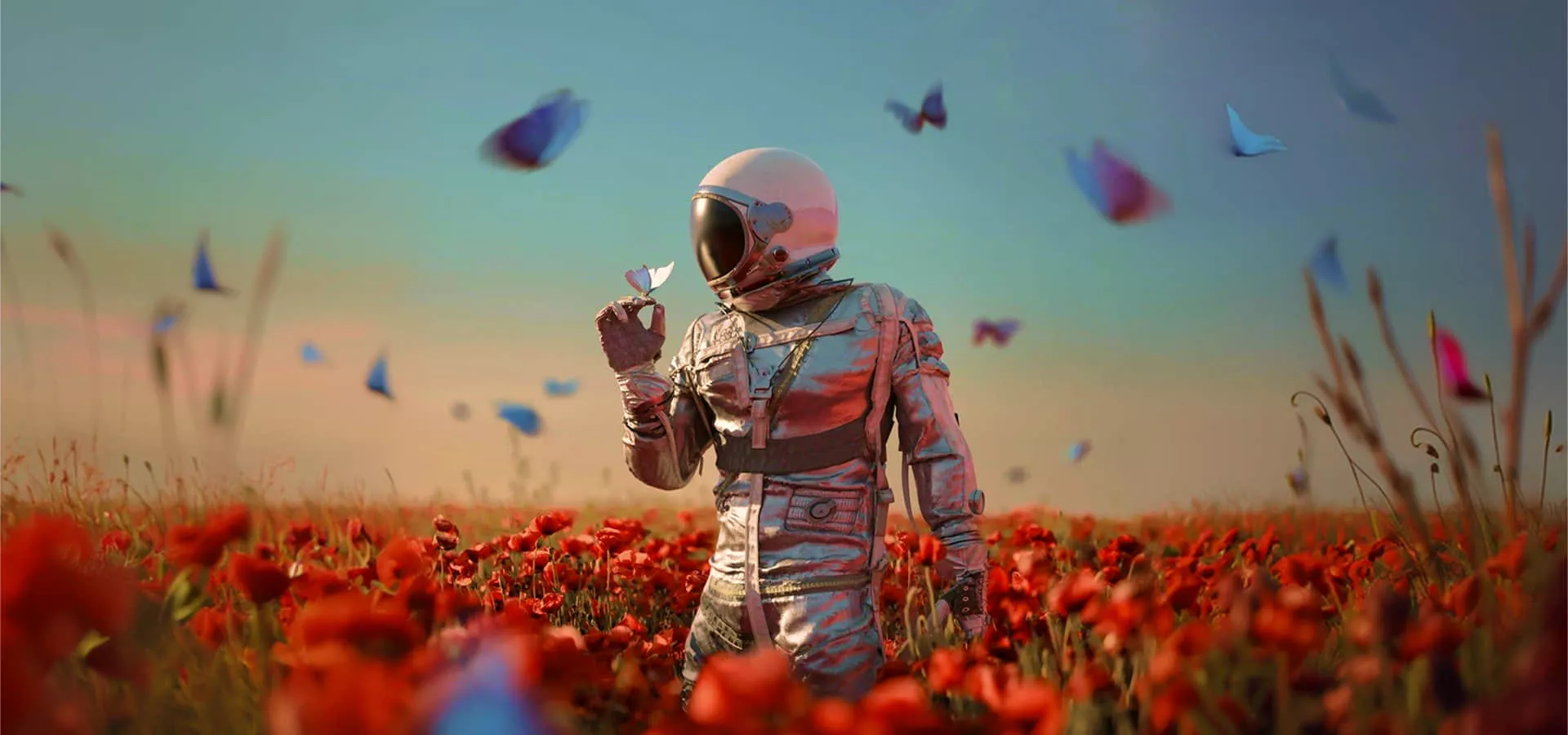
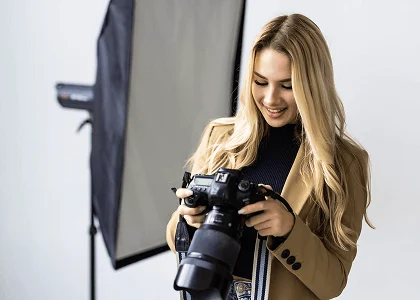
Restyle a keep without another shoot
Change grade or medium on a frame you already like. For a light retouch that must stay the same photo, use the AI photo editor instead.
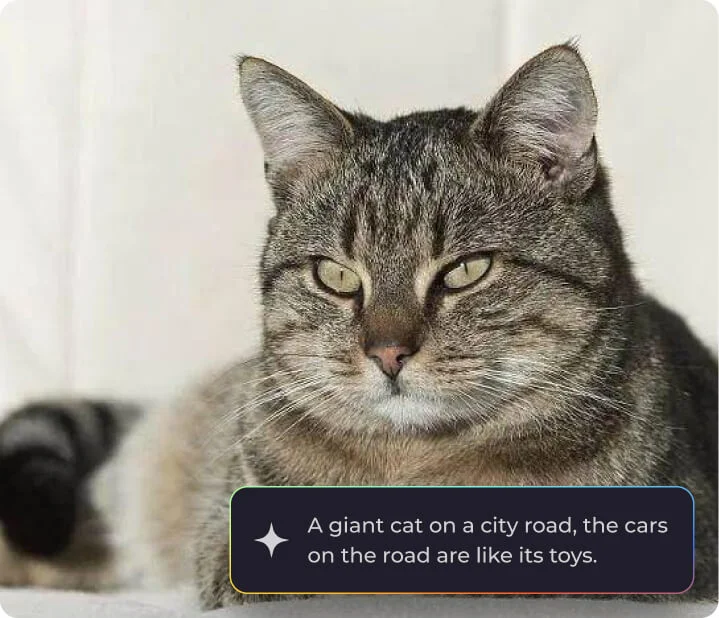
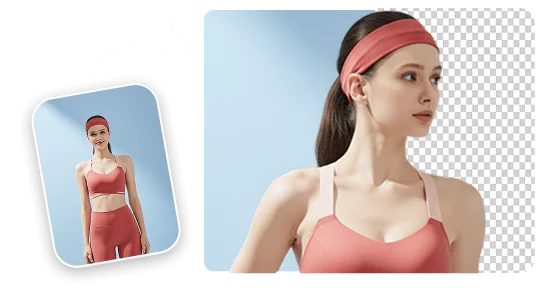
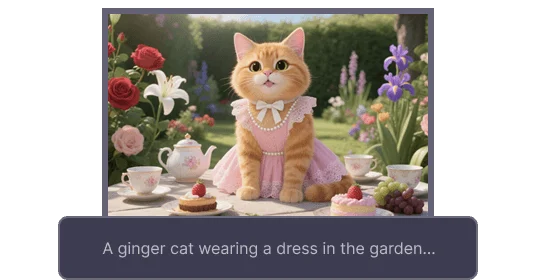
Transform any image into something new. Upload a still, describe the style, and this image to image AI reimagines the photo on GPT Image 2.5 Flare, Nano Banana Pro, Seedream 5.0 Pro, FLUX.2 Pro, and Wan 2.7 Image.
Restyle a photo without hopping between apps. Viralkey's image to image AI puts Nano Banana Pro, GPT Image 2.5 Flare, Seedream 5.0 Pro, FLUX.2 Pro, and Wan 2.7 Image, and more image models on one page so you can change art style, color, or scene from a single upload.
Upload the source and name the new look — a color grade, an illustration pass, or a different setting. The image to image generator keeps the subject you sent and rebuilds the frame around that brief.
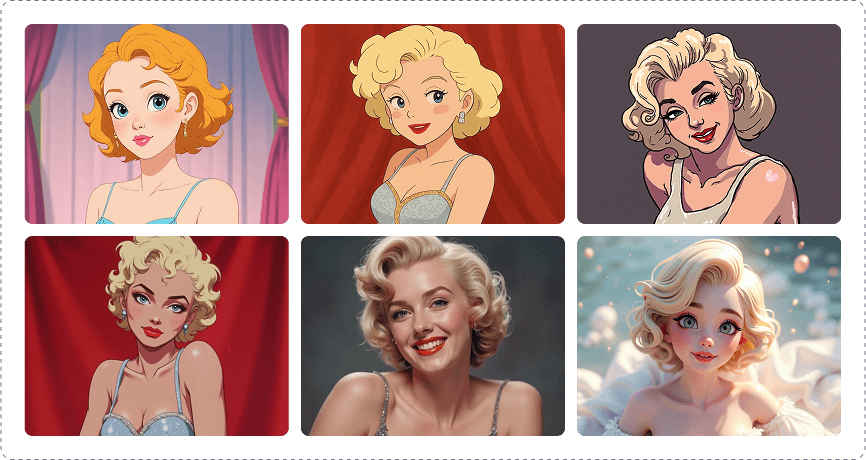
Switch image models on this image to image AI instead of hunting a private LoRA list. Photoreal, illustration, and campaign looks live in the same picker. Generate, then try another model if the first still misses.
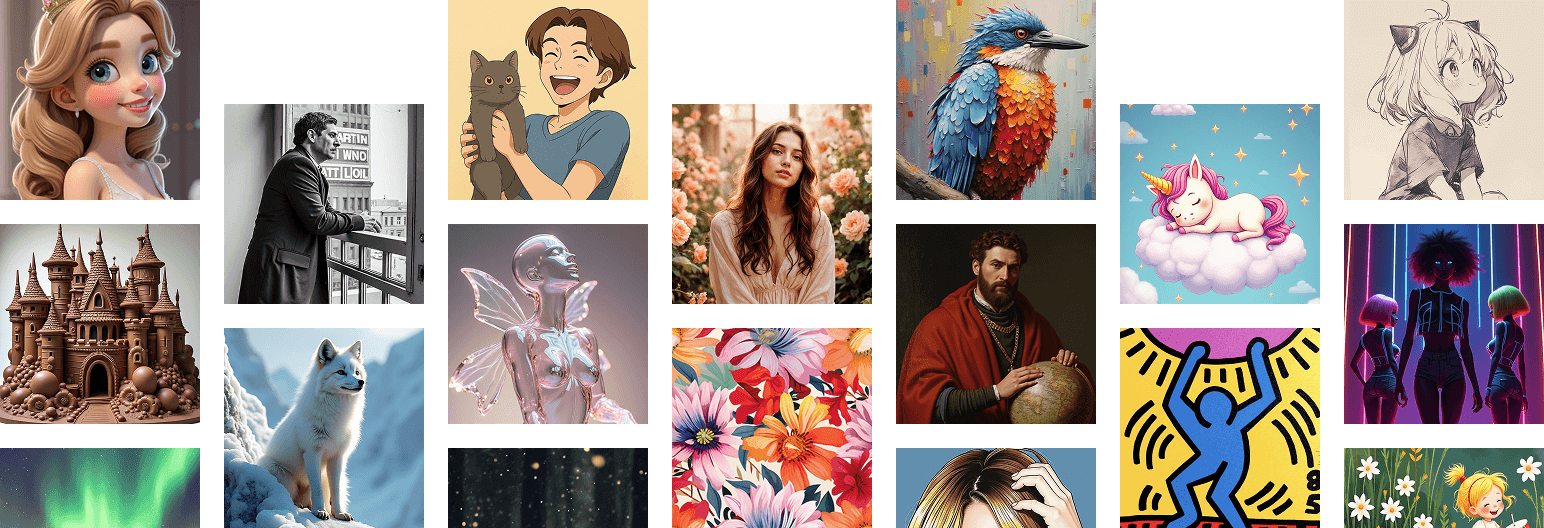
Describe how the picture should change. The AI image generator from image reads that sentence and returns a new still — not a slider stack, not a blank canvas from text alone.
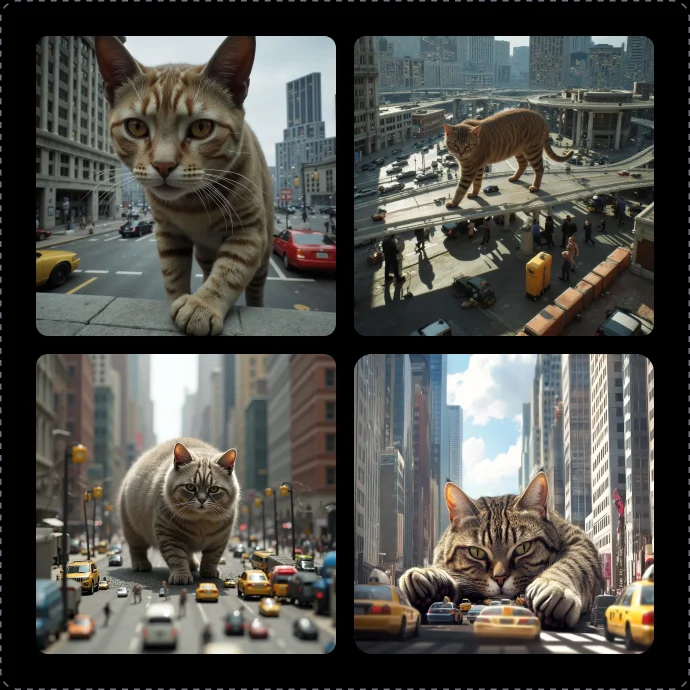
Use the main image to image AI for any restyle. When you need one locked theme — art, avatar, caricature, cartoon, apparel, or stickers — open the dedicated generator.
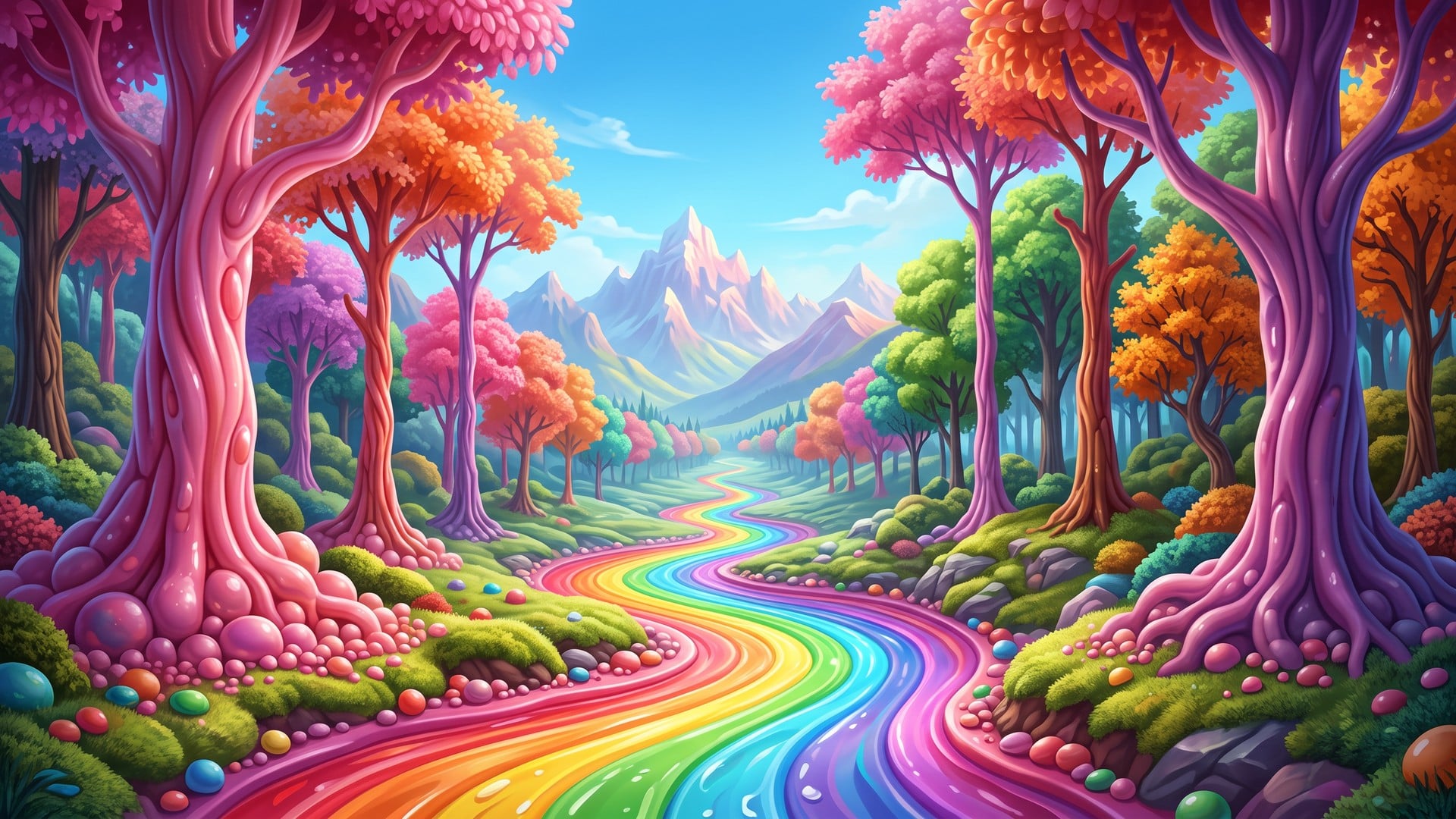
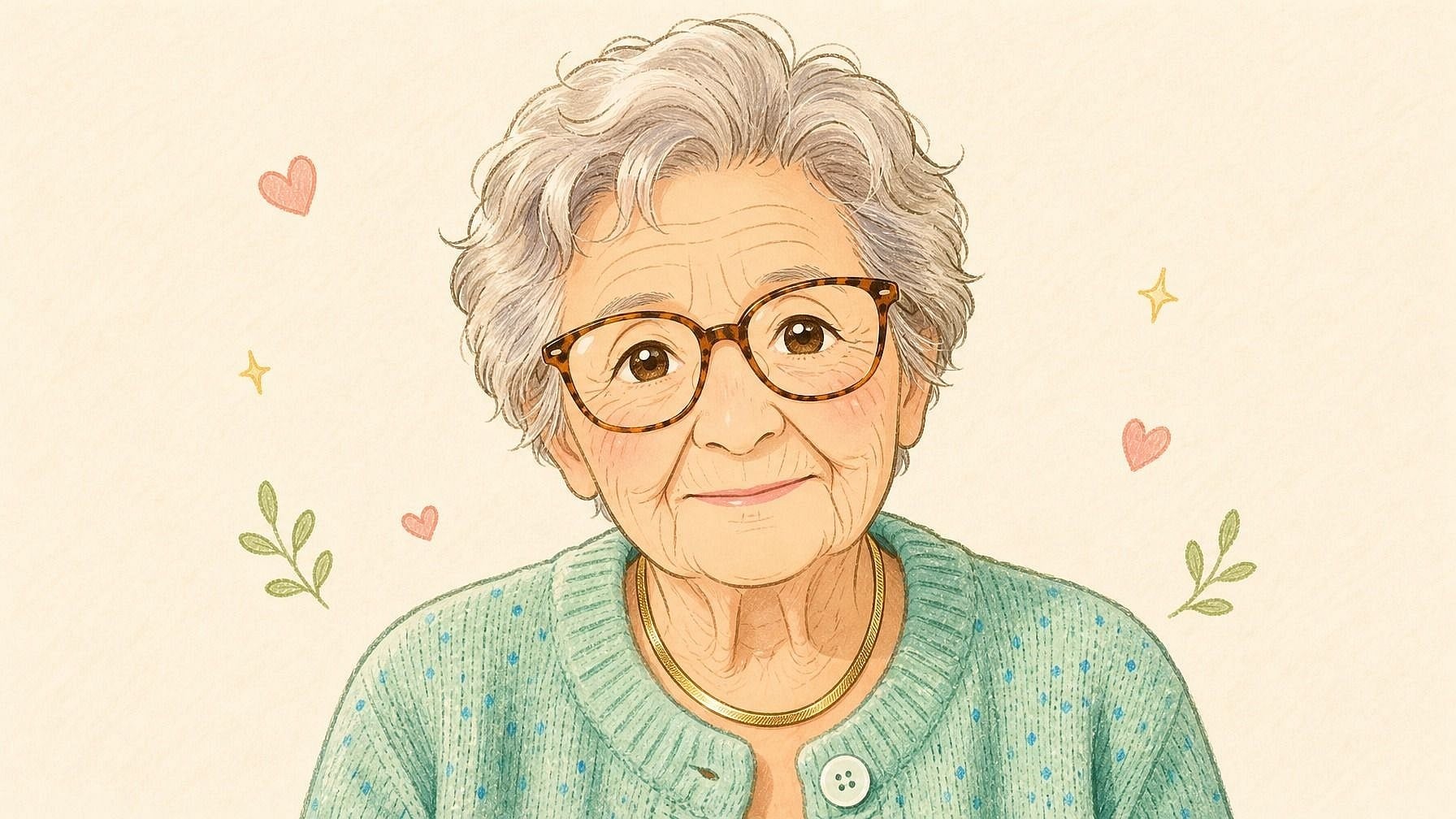
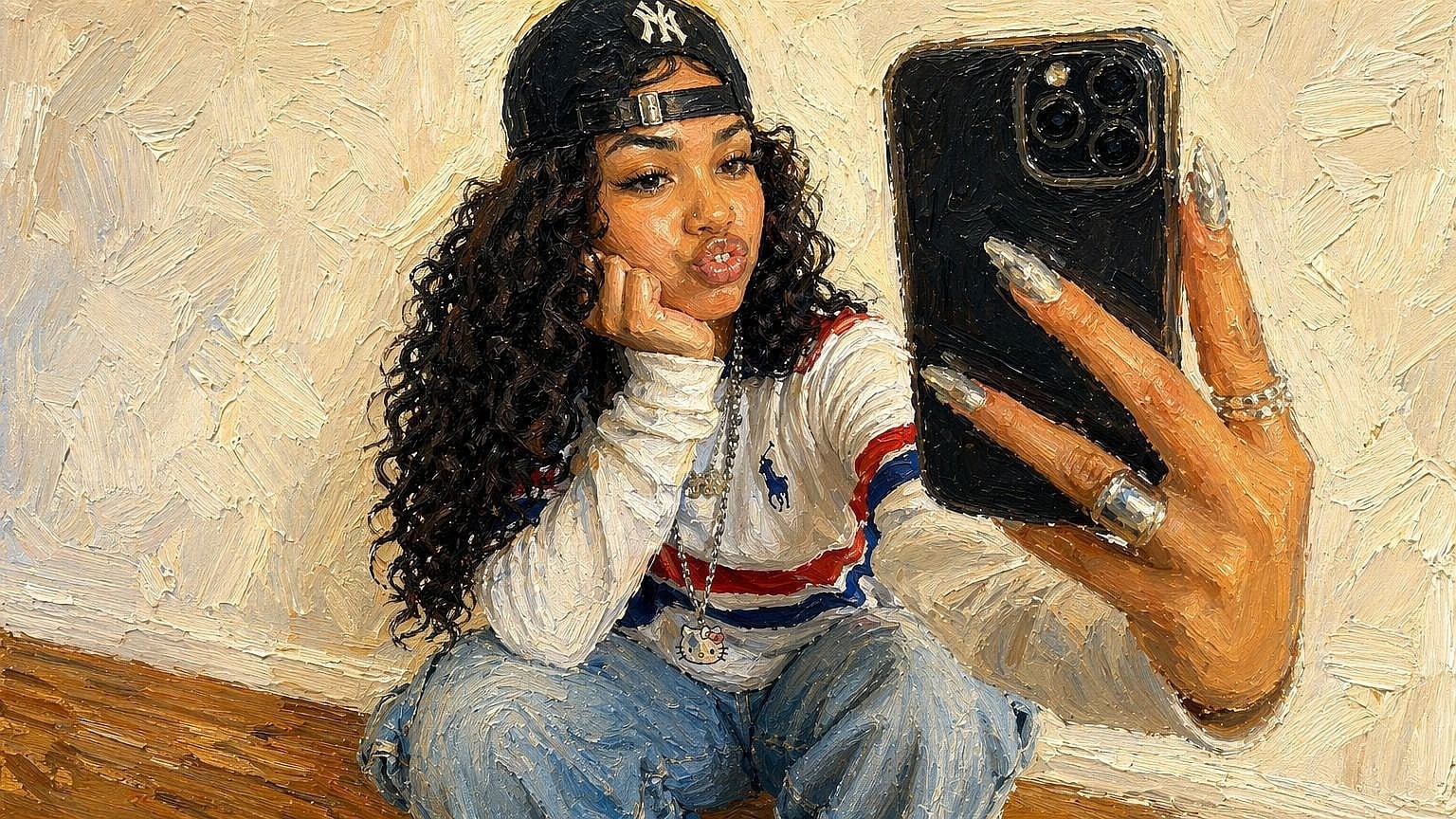
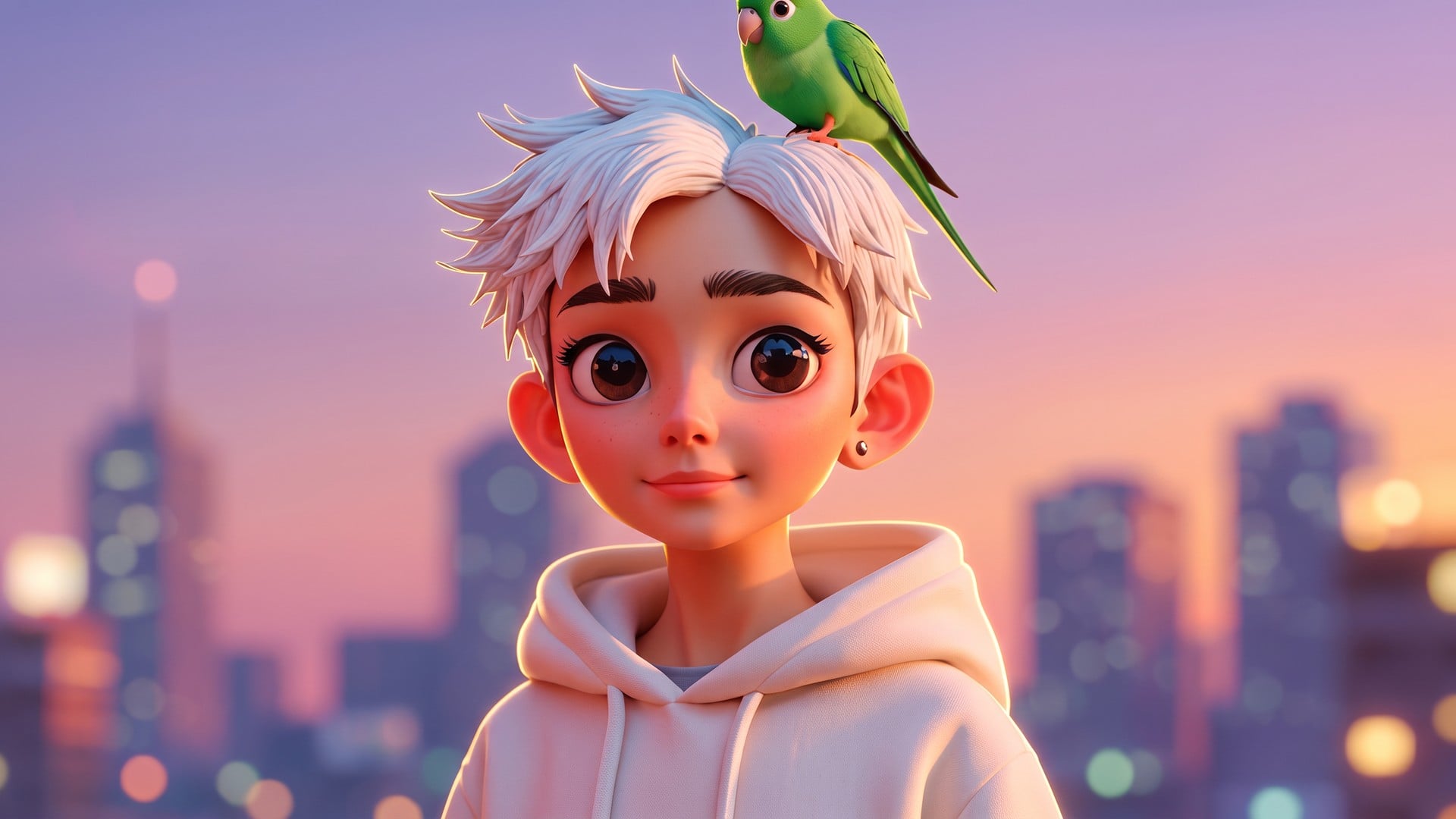
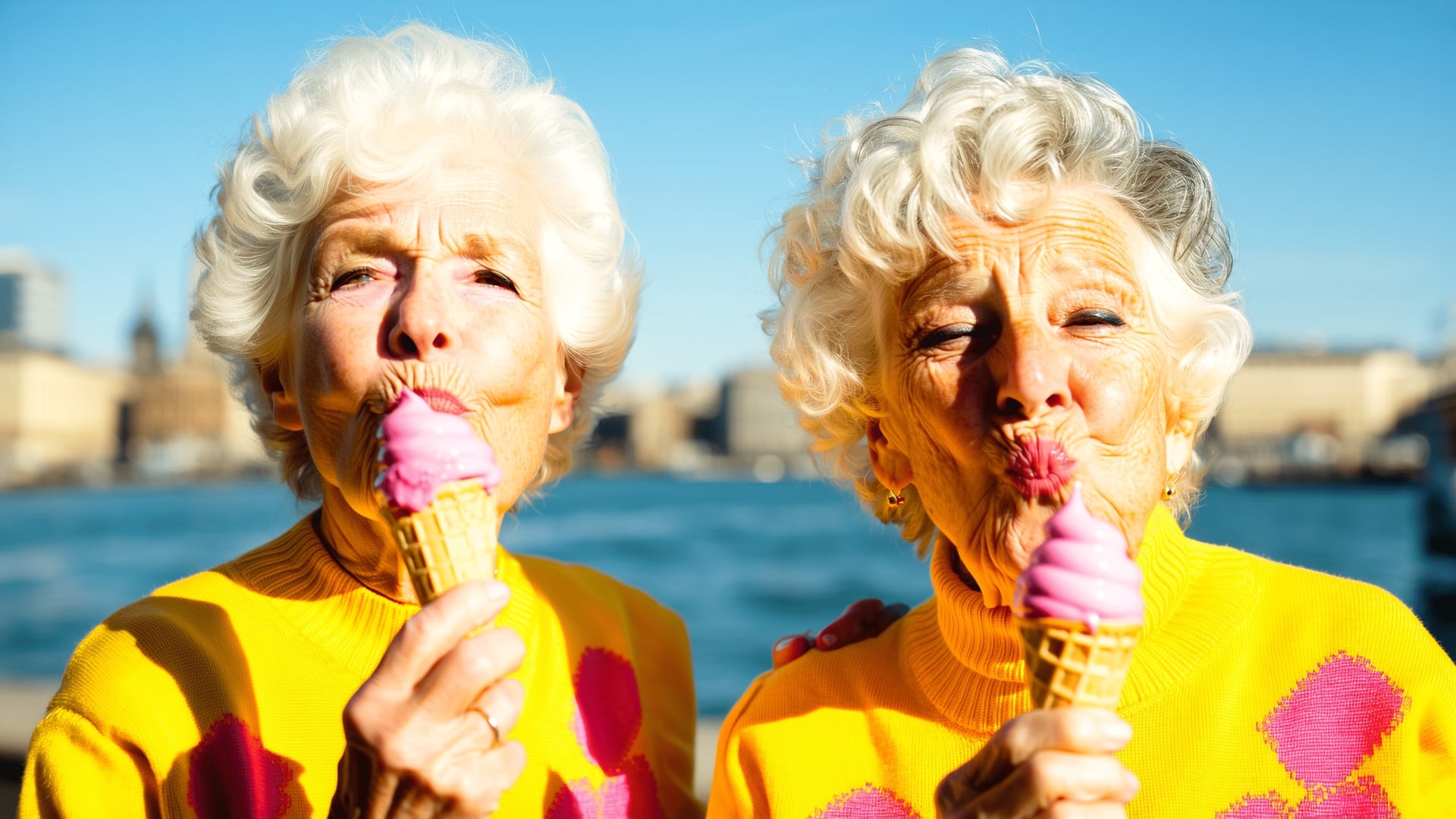
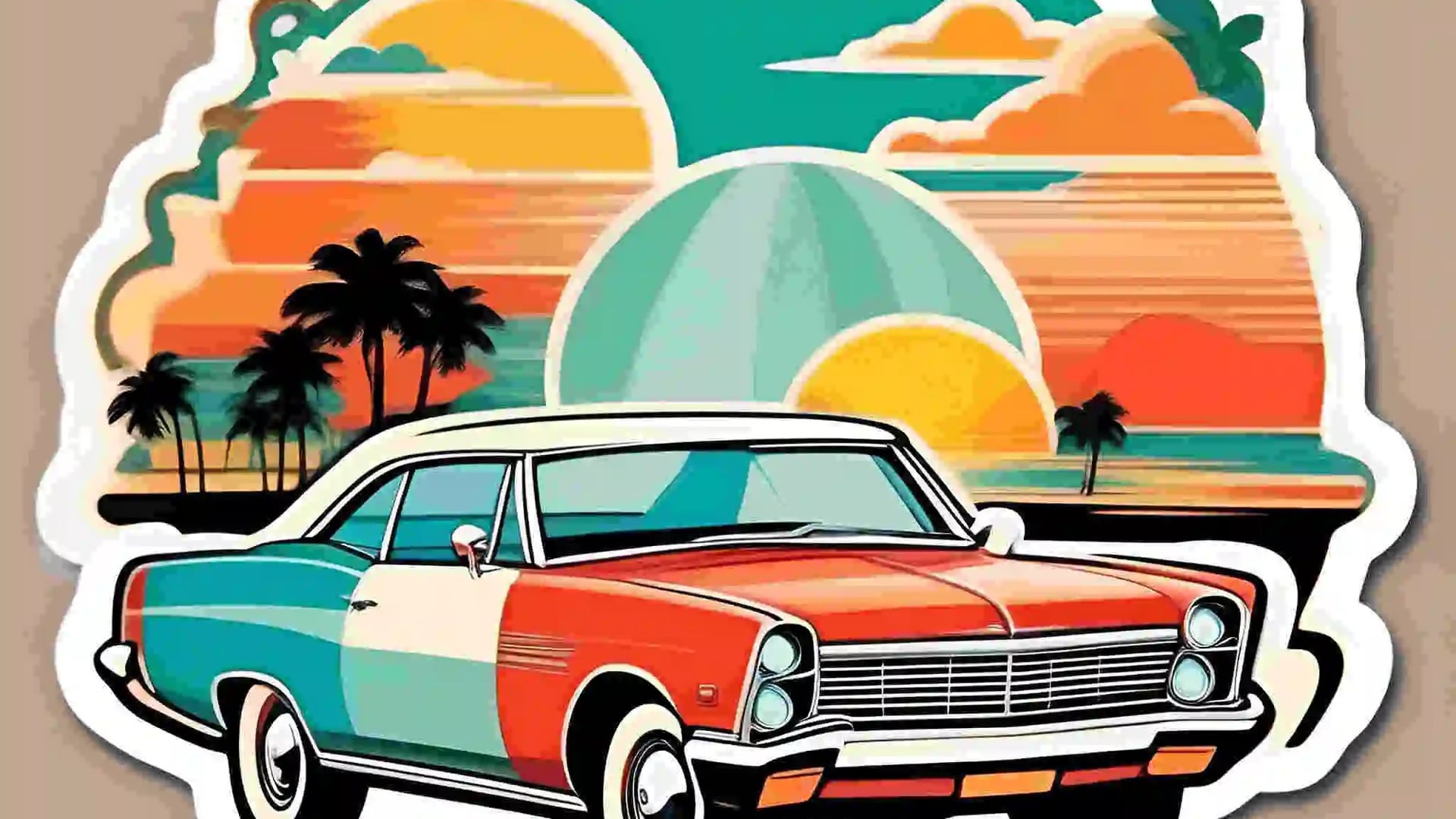
Change grade or medium on a frame you already like. For a light retouch that must stay the same photo, use the AI photo editor instead.
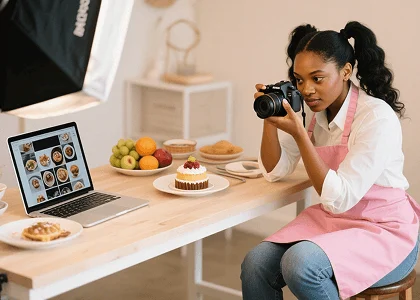
Upload the selfie or the product in hand, name the style, and generate a post still. For a locked filter, open photo effects.
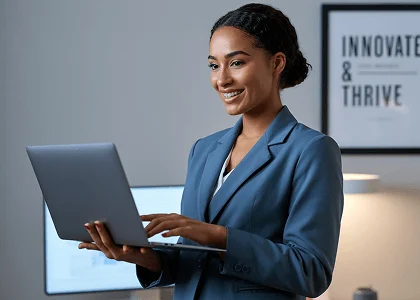
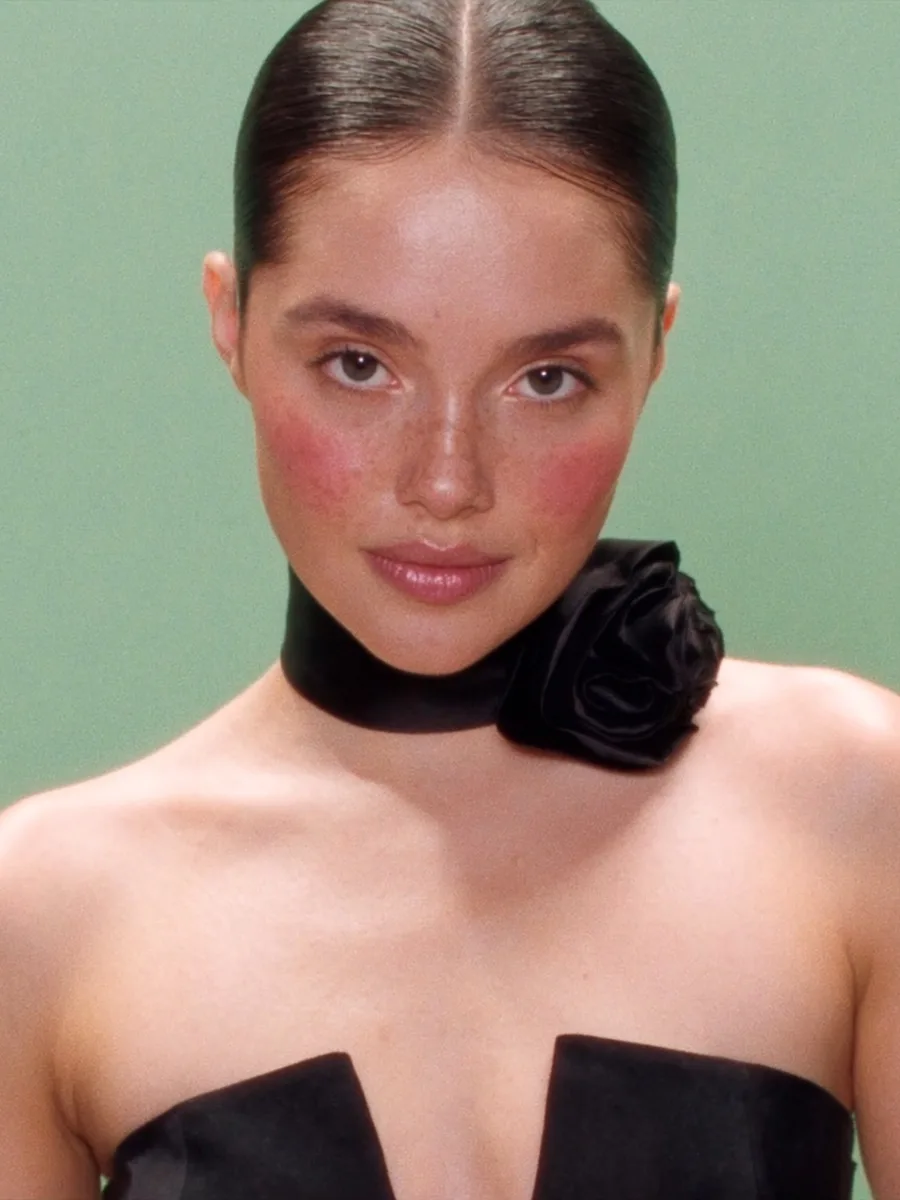
Restyle a hero still for a new audience without a reshoot. Campaign briefs start in Marketing Studio; fashion locks sit in AI photoshoot.
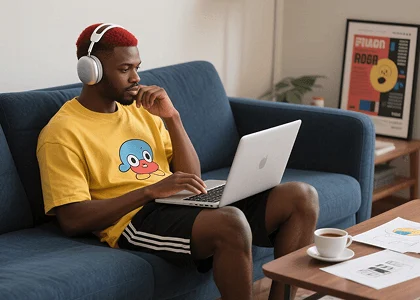
Upload a photo and ask for fantasy, illustration, or a cleaner scene. For a locked art style, open the AI art generator; to invent a picture from text, use the AI image generator.
Change grade or medium on a frame you already like. For a light retouch that must stay the same photo, use the AI photo editor instead.
Upload the selfie or the product in hand, name the style, and generate a post still. For a locked filter, open photo effects.
Restyle a hero still for a new audience without a reshoot. Campaign briefs start in Marketing Studio; fashion locks sit in AI photoshoot.
Upload a photo and ask for fantasy, illustration, or a cleaner scene. For a locked art style, open the AI art generator; to invent a picture from text, use the AI image generator.
Three steps from an upload to a new still.
Drop the photo you want to transform and type the new style, color, or scene.
Choose an image to image model. Name the look you want — illustration, a new backdrop, or a different grade.
Run image to image AI, compare versions, and save the still that matches the brief.
Photographers and marketers use this image to image AI when the subject already exists. Here is how they talk about restyle on Viralkey.
Kept the jacket, changed the medium
I uploaded a street portrait and asked for ink wash. The image to image generator kept the pose. That is what I needed.
One product, three looks
Same bottle, three styles for a test. Image to image AI beat booking another set.
Feed still from a messy phone shot
I described a cleaner cafe wall and warmer light. The still posted. I did not start from text.
Client picked the restyle, not the moodboard
We showed three image-to-image versions of their hero. They pointed. The meeting ended.
Illustration pass without a redraw
I asked for a comic ink version of my photo. Close enough to ink over. Faster than a blank canvas.
Text-to-image was the wrong page
I already had the face. Image to image AI was the tool. The other page wanted a sentence with no upload.
Image to image is an AI image generator that builds a new still from a photo you already have. You upload the source, describe the change, and the model returns a restyled version — not a picture invented from text alone.
Upload a reference image and describe a new style, color palette, or setting. Turn the image you have into the visual you want.