RP
Rosalie Prescott
Brand strategistI had been circling a big cut for months.
Seeing it on my own face finally made the appointment feel real.
Curious how short hair would look on you? Upload one portrait, run the short hair filter, and preview a cut that keeps your color and texture while restoring the neckline and ears underneath.
Short Hair Filter
Short Hair Filter
Curious how short hair would look on you? Upload one portrait, run the short hair filter, and preview a cut that keeps your color and texture while restoring the neckline and ears underneath.

Upload Your Portrait
Add a clear photo with even lighting and a visible face. This frame's pose, background and light are what the preview keeps, so start with a picture you already like of yourself.

Pick Your Shorter Look
Choose a shorter look such as a Pixie cut or Bob. Add a short note if curl pattern, fringe or parting must stay exact.

Generate and Compare
Generate, then open the new cut next to your original in the asset library. Keep the lengths that convince you and rerun the same portrait for another length when you are torn.
Cutting long hair short is hard to reverse, and most decisions start from someone else's face. The short hair filter puts the length change on a portrait you already like, so you can study the silhouette on your own features before anyone picks up scissors.
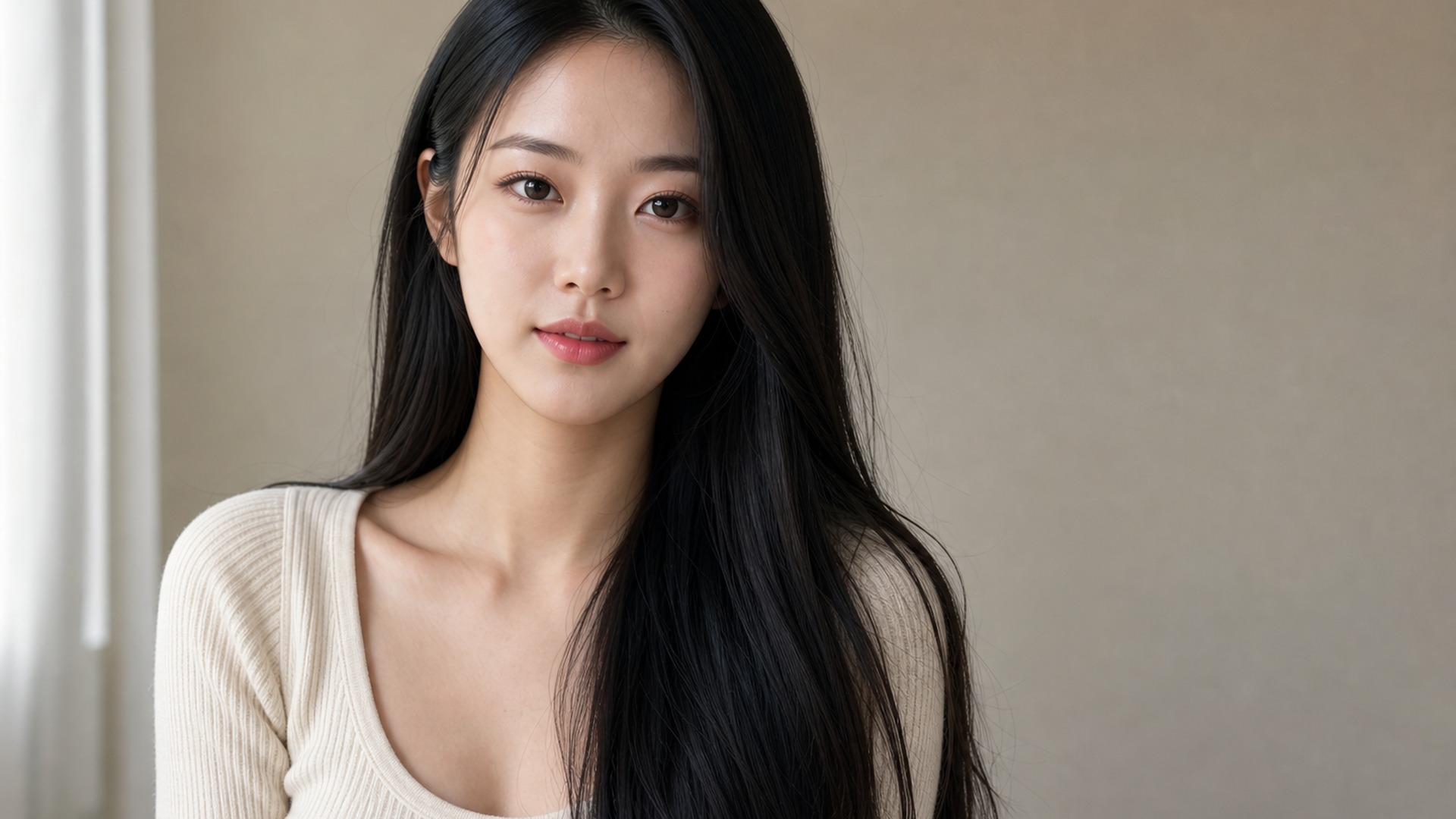
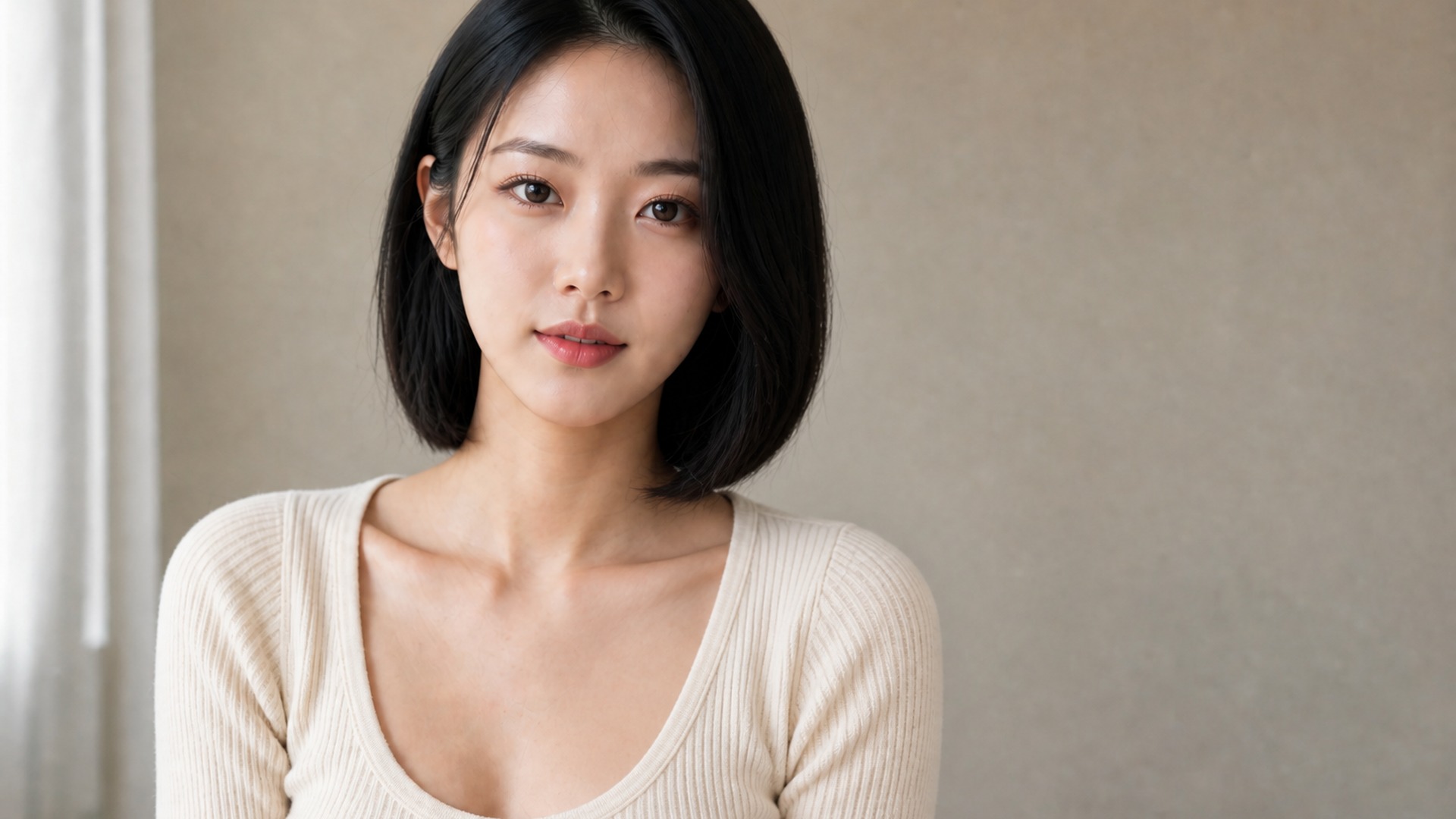
The cut changes; the hair stays recognizably yours. Color is preserved and the texture family carries over, so straight stays straight and curly stays curly. That matters because the same bob on straight hair and on curls are two different haircuts — only one of them is the one you would actually walk out with.
Try it now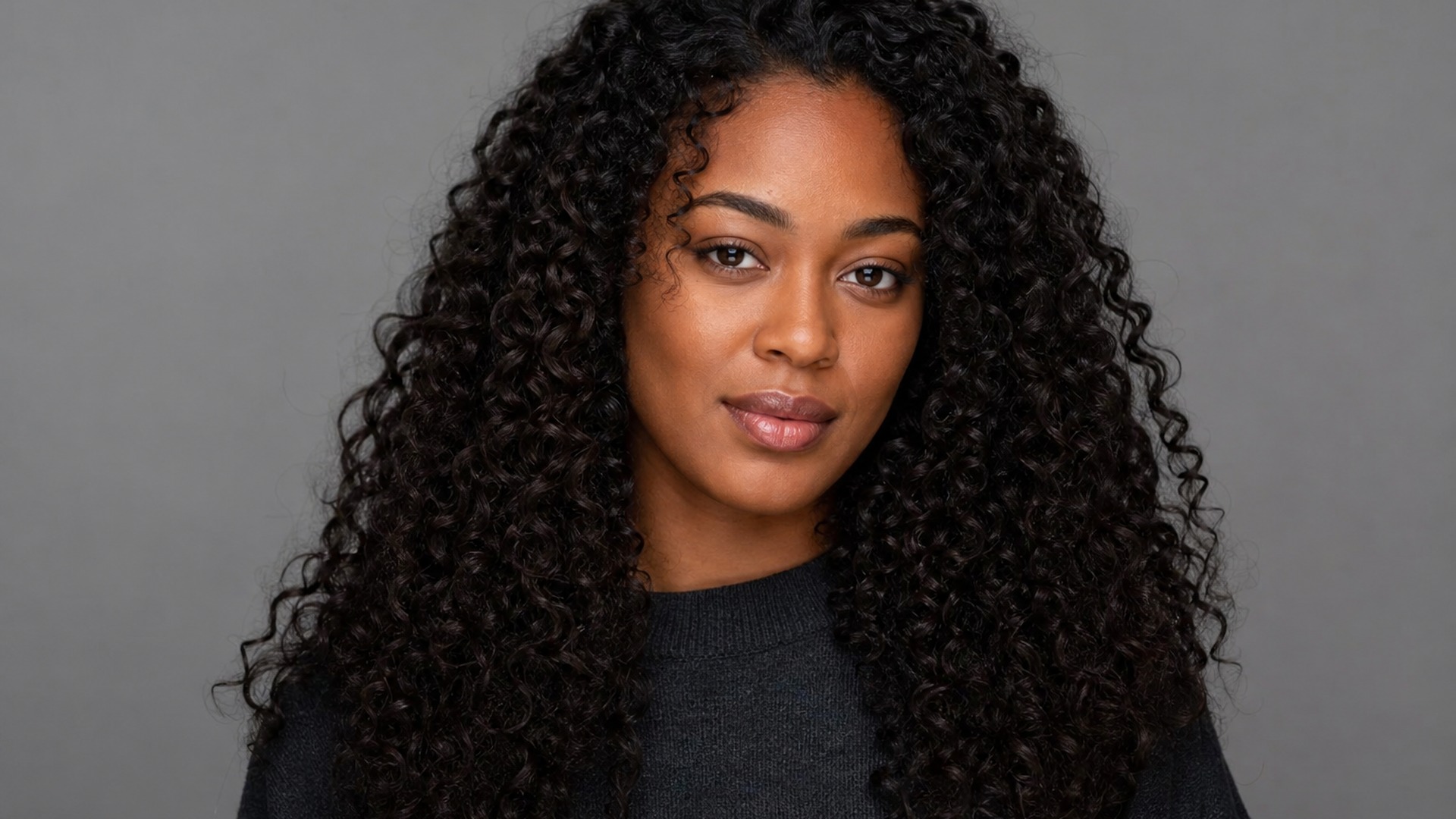
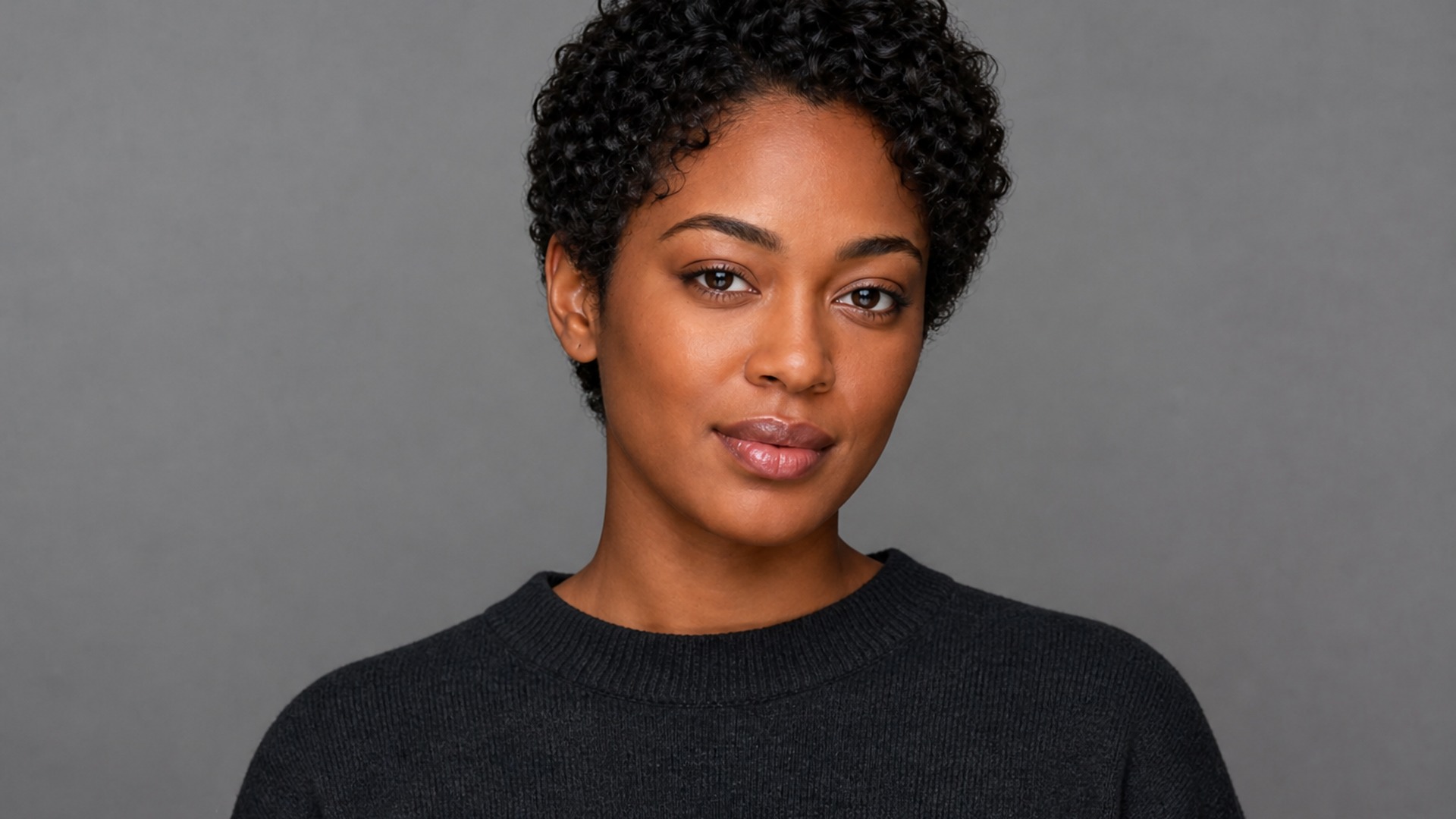
Long hair hides the real shape of the cut. This edit rebuilds the neckline, ears and shoulder line that sat underneath, so ends read as freshly cut rather than deleted. You get a head that belongs in the frame, not floating strands or a smeared patch where the old volume used to sit.
Try it now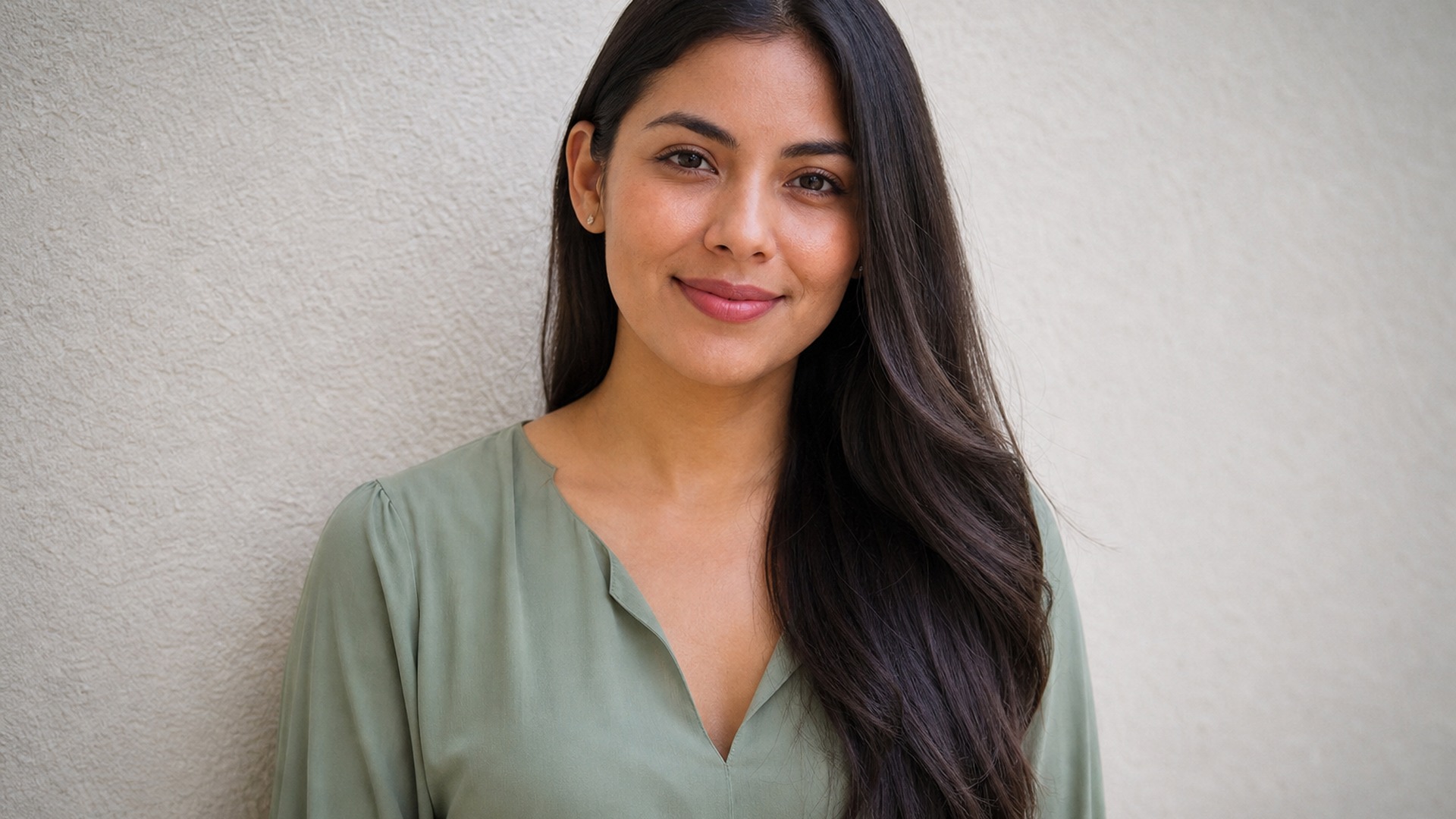
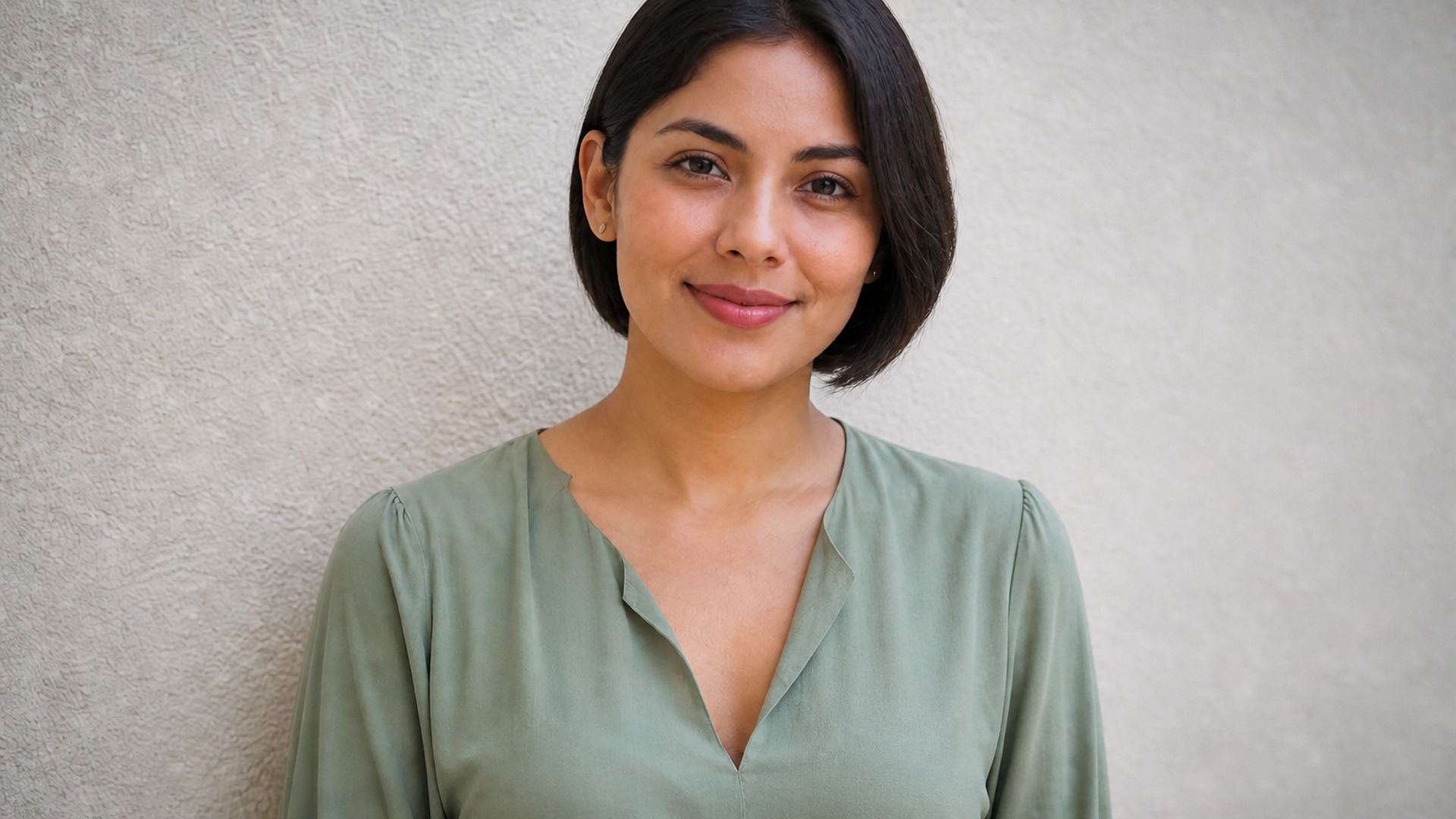
Start with a Pixie cut when you want the boldest shift, or a Bob when you still want some length around the jaw. A Buzz cut covers the shortest end. Run the same portrait through two looks and compare on your bone structure — that side-by-side is what turns a vague idea into a decision you can brief.
Try it nowThe short hair filter is built for one narrow job: take length off a portrait you already have, keep identity and scene intact, and leave a result you can show a stylist. Each capability below protects the parts of the photo that make the preview trustworthy.
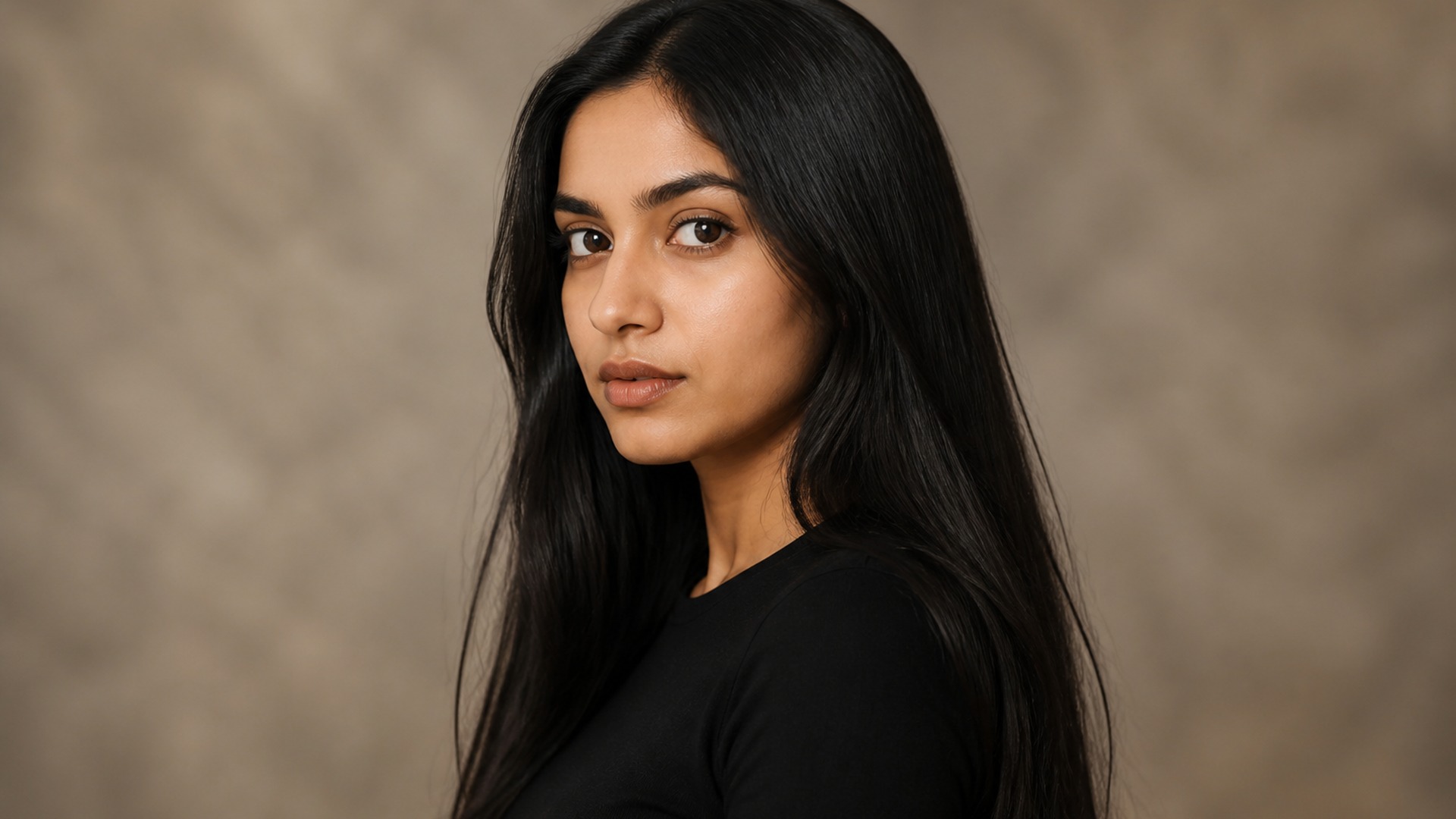
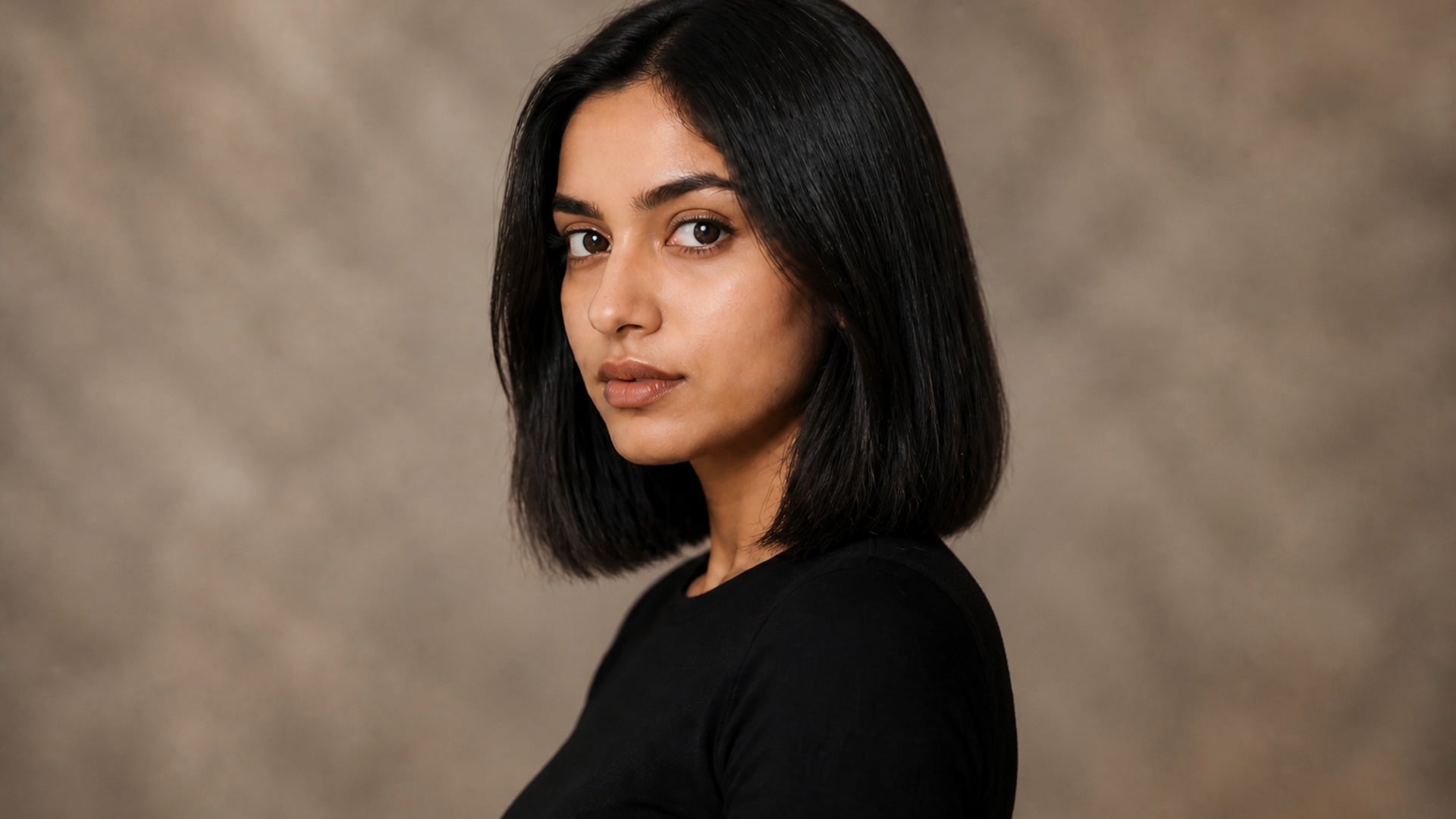
A short cut sits differently on every skull. Volume, part and hairline are placed to suit your proportions rather than stamped on as a generic wig. That is the difference between a preview you can act on and a picture that merely looks like short hair on an average mannequin head.
Try it now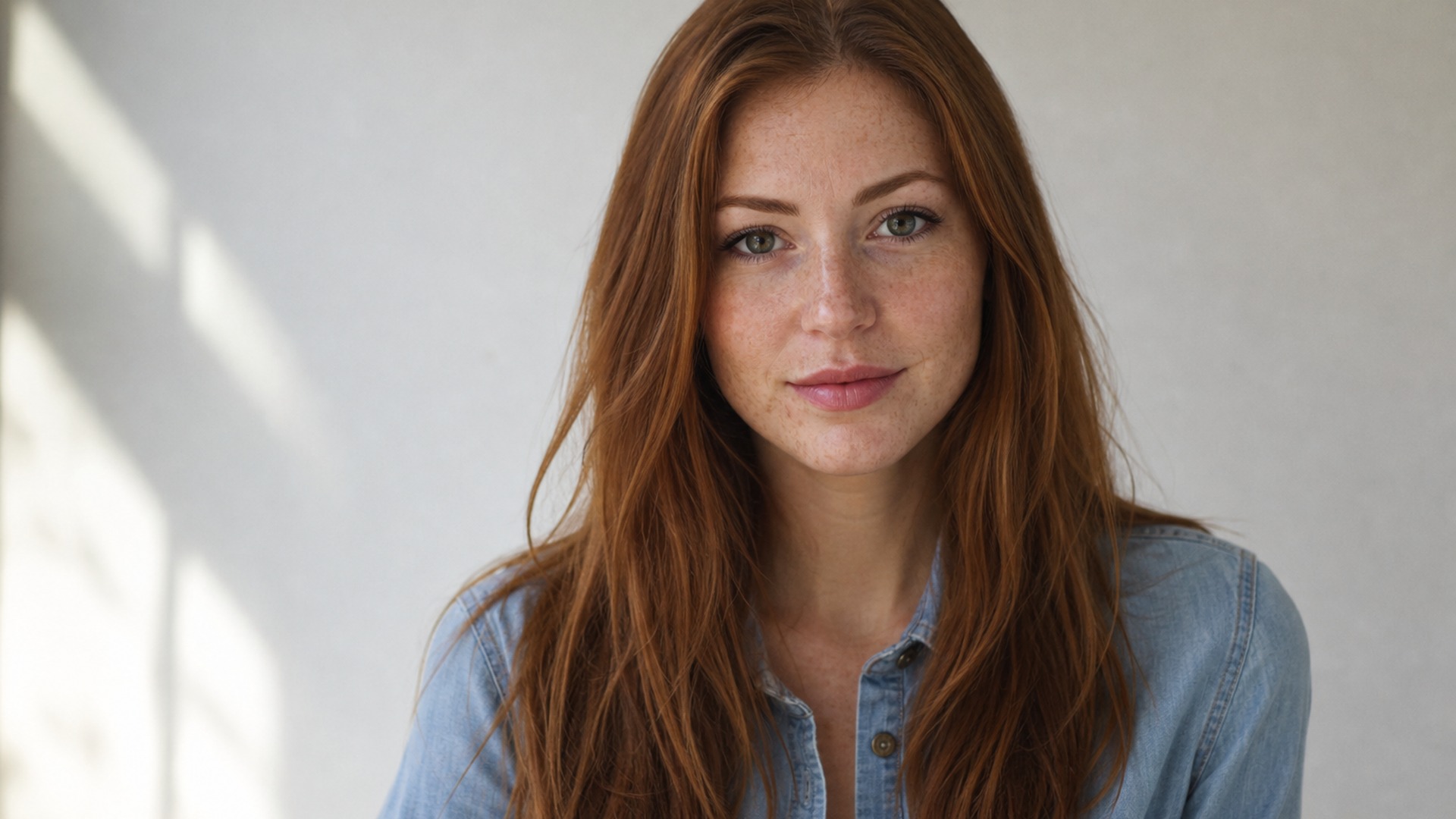
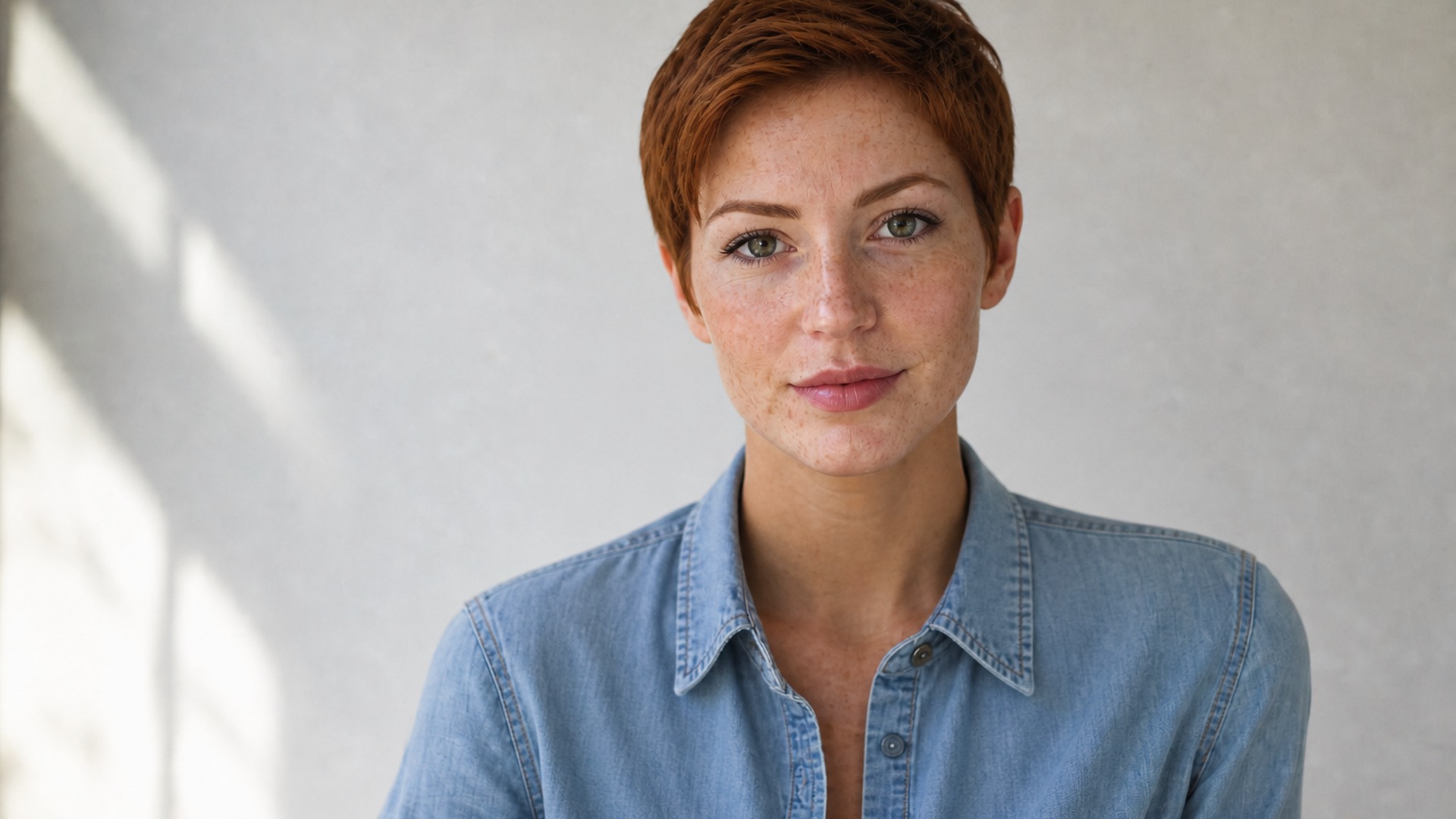
When you want the sharpest length drop, the pixie cut filter path keeps your face, expression and lighting while the silhouette goes short. Color and texture still come from the source, so the result answers how a pixie would sit on you — not how it looked on a stranger in a salon window.
Try it now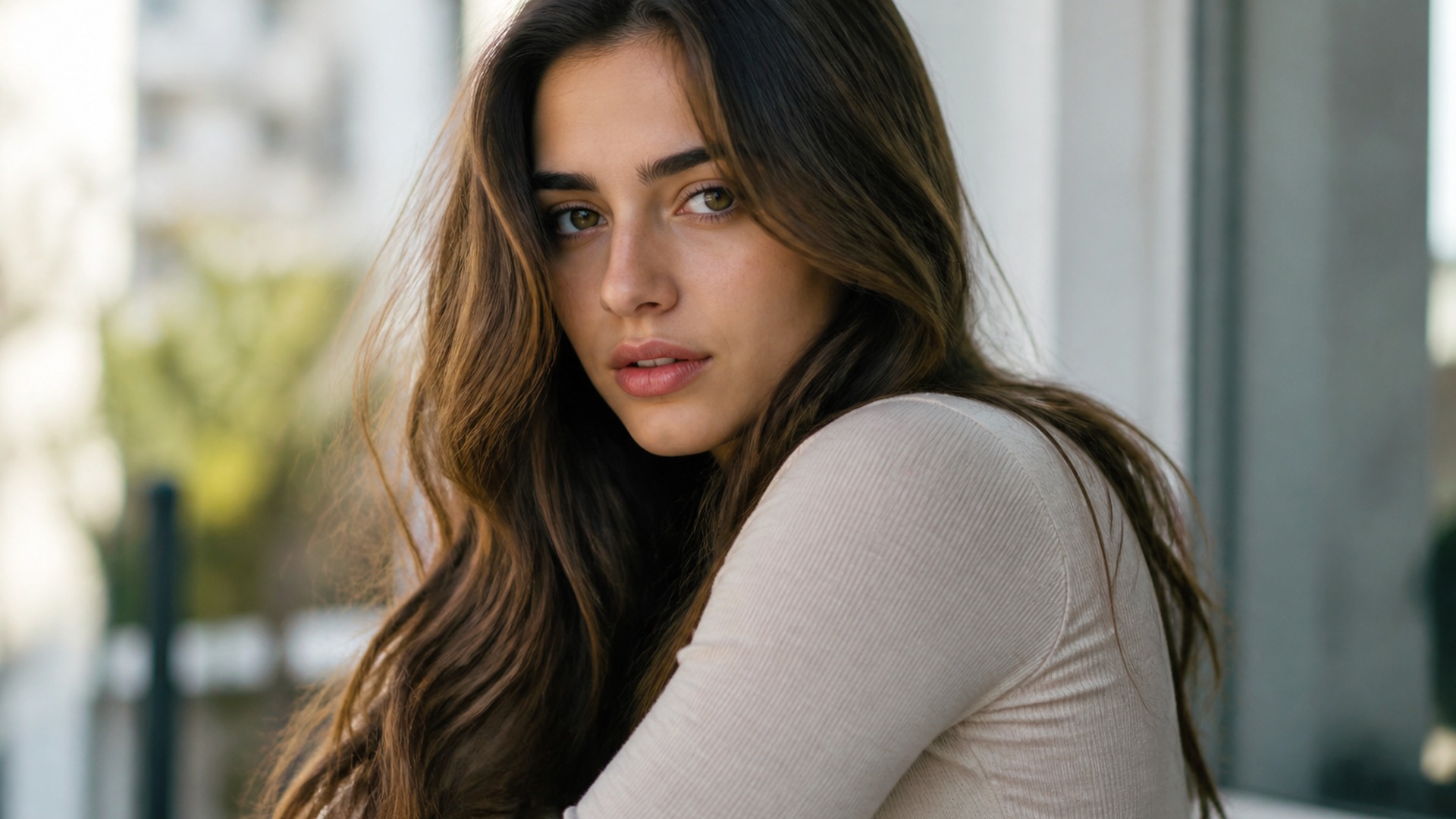
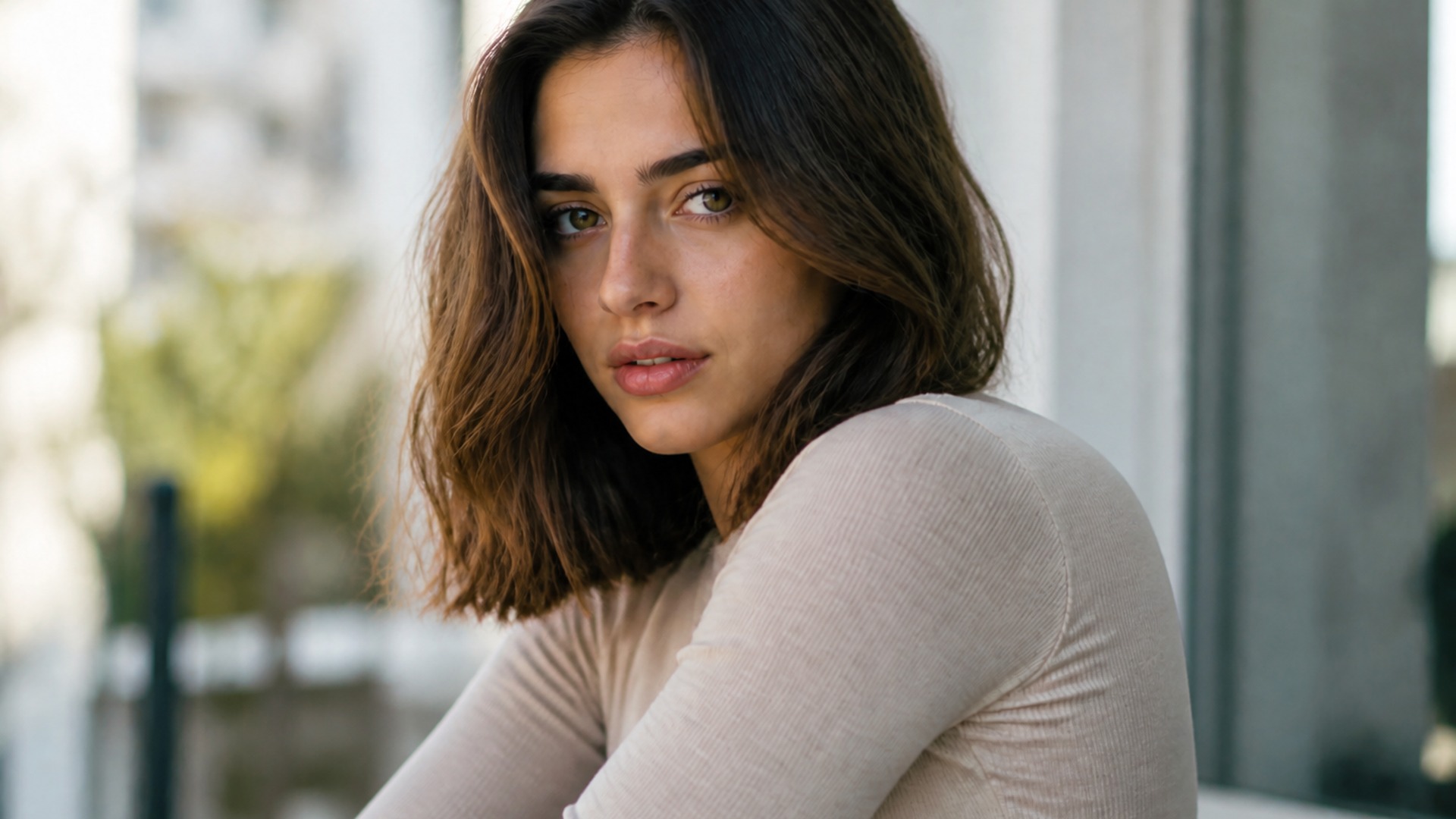
There is no render-style switch. The shorter cut comes back in the same visual language as your upload — the same lens character, lighting and colour grade — and your own hair colour and texture family carry over. Only the length changed, which is exactly what a stylist needs to see.
Try it now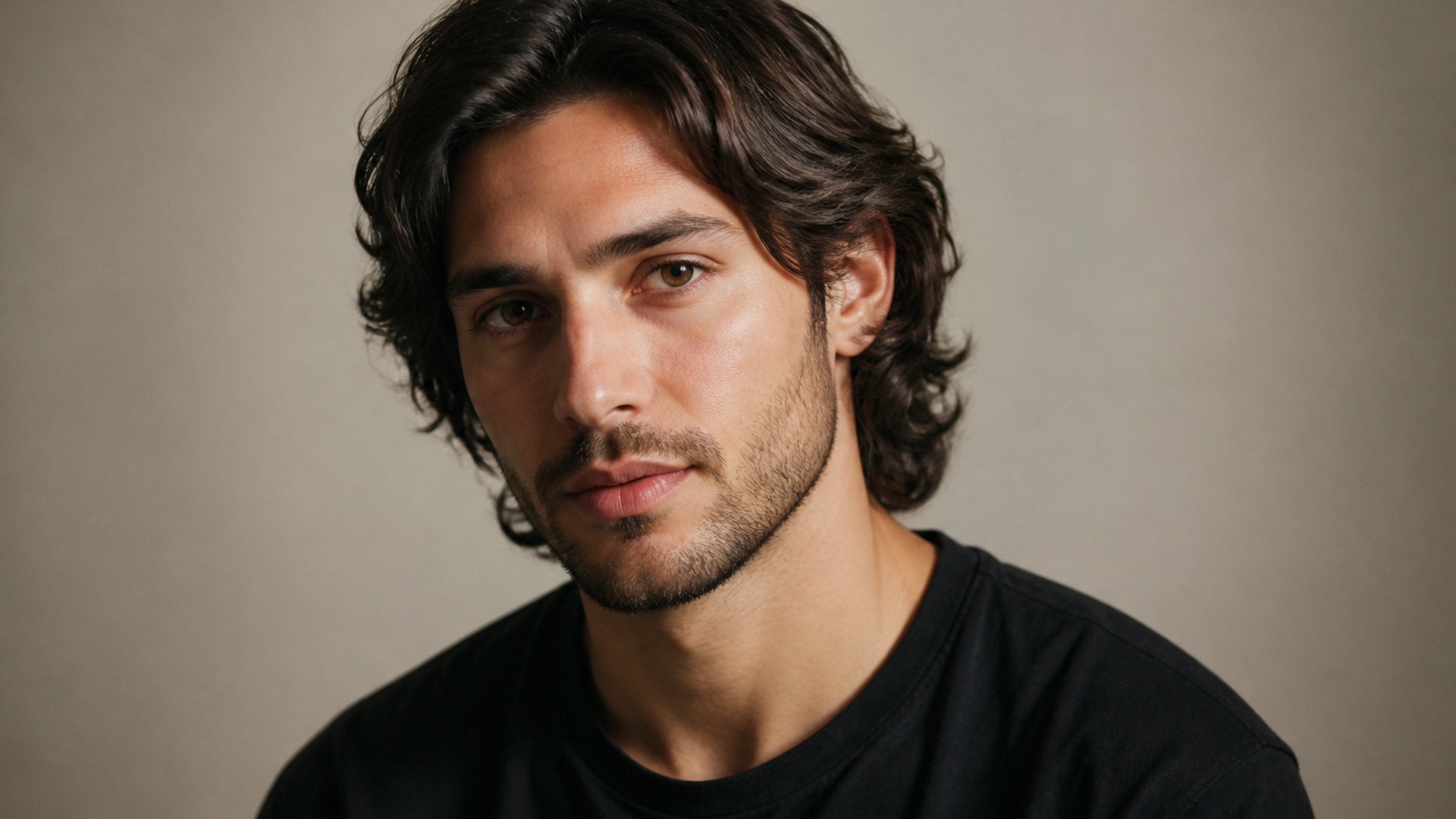
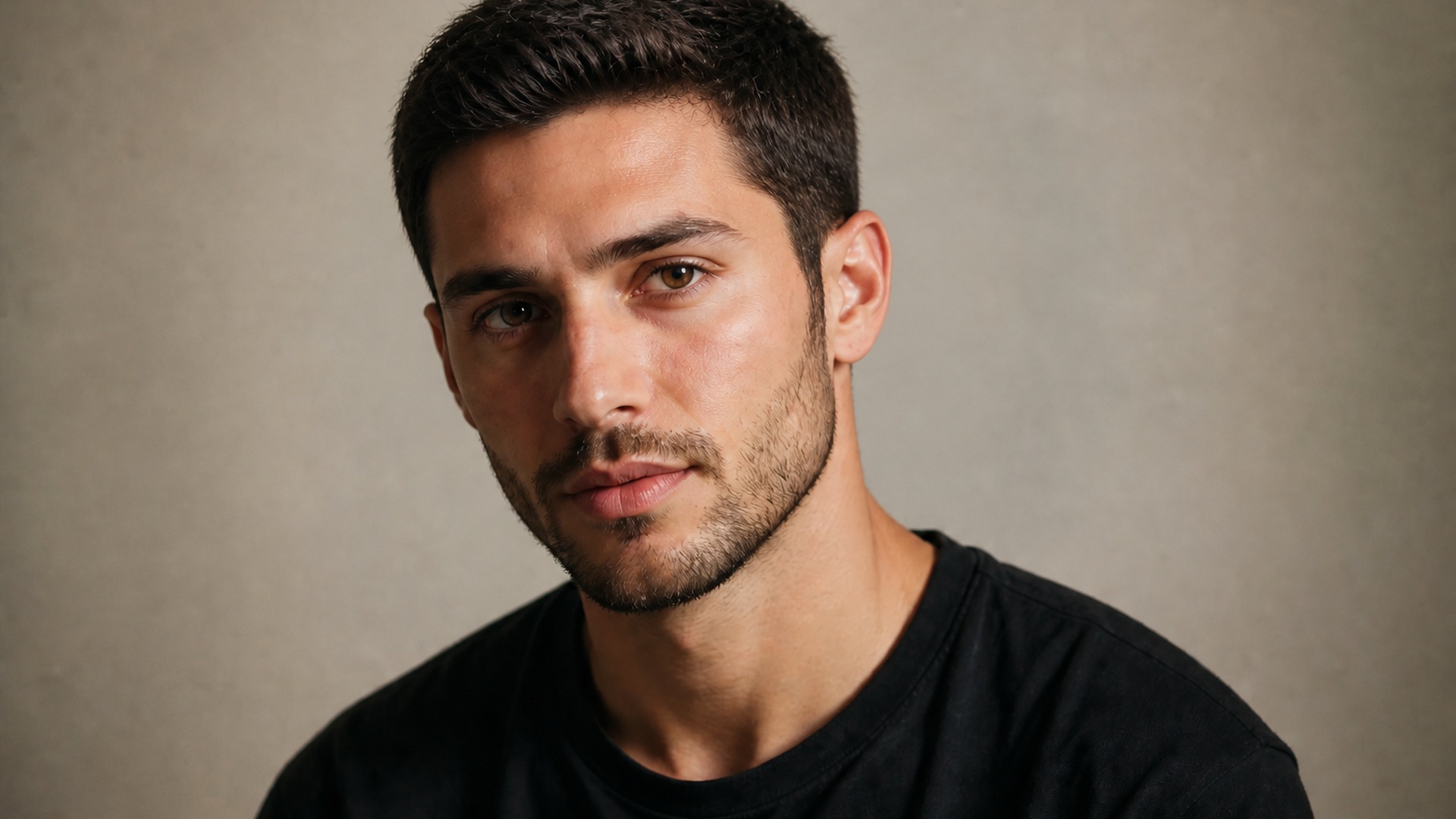
Every candidate cut lands in your asset library beside the untouched portrait, so a pixie, a bob and a crop from the same upload sit in one place for a side-by-side check. Download the contenders, discard the misses, and rerun whenever you want one more option — nothing overwrites an earlier result, and the original photo stays exactly as you uploaded it.
Try it nowLength is a decision you only get to make once. Stay in Viralkey Studio to line up a shaved finish, a beard or another portrait direction beside your crop before you book the chair.
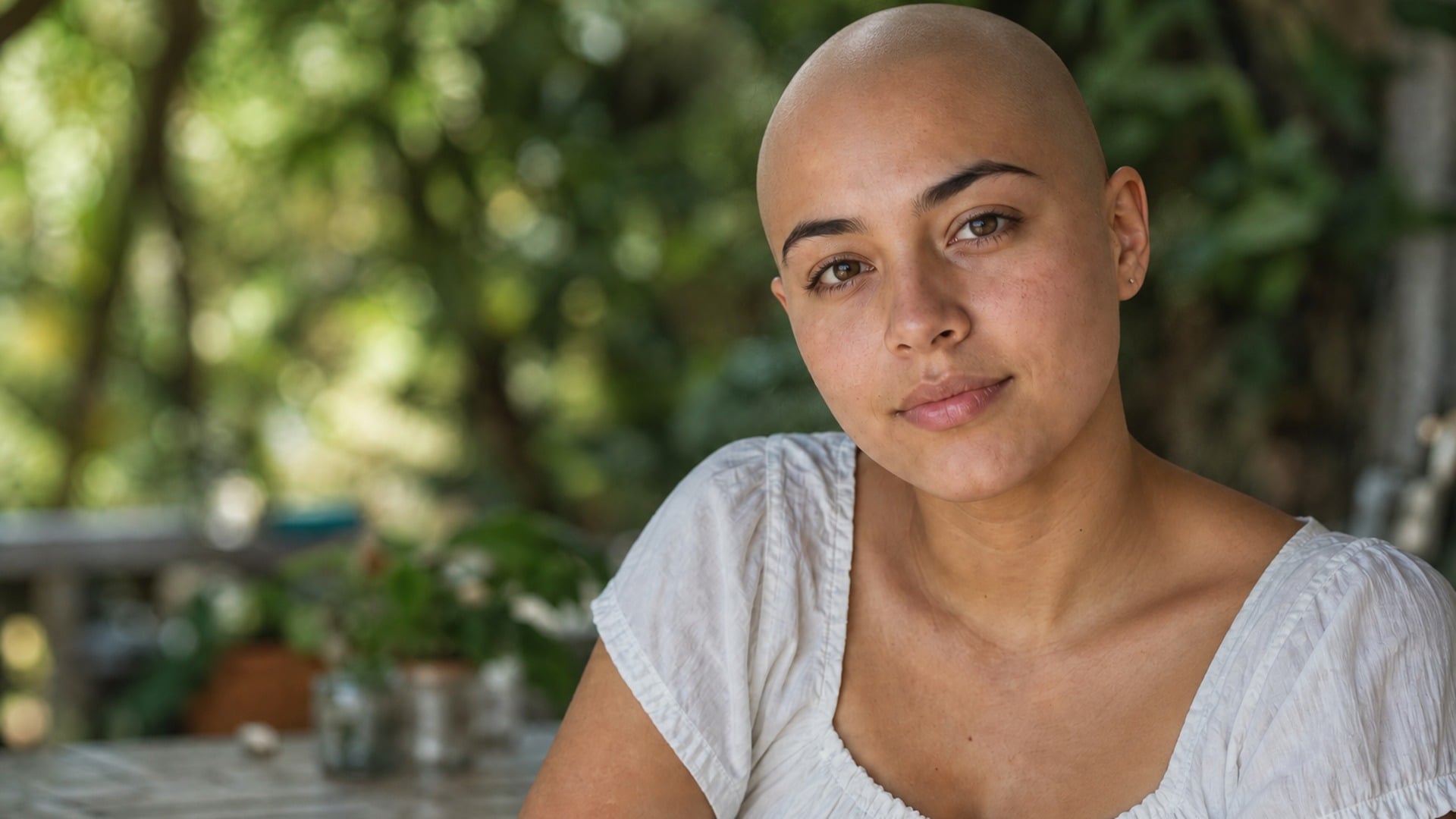
See yourself with a shaved head — face, pose and light stay put.
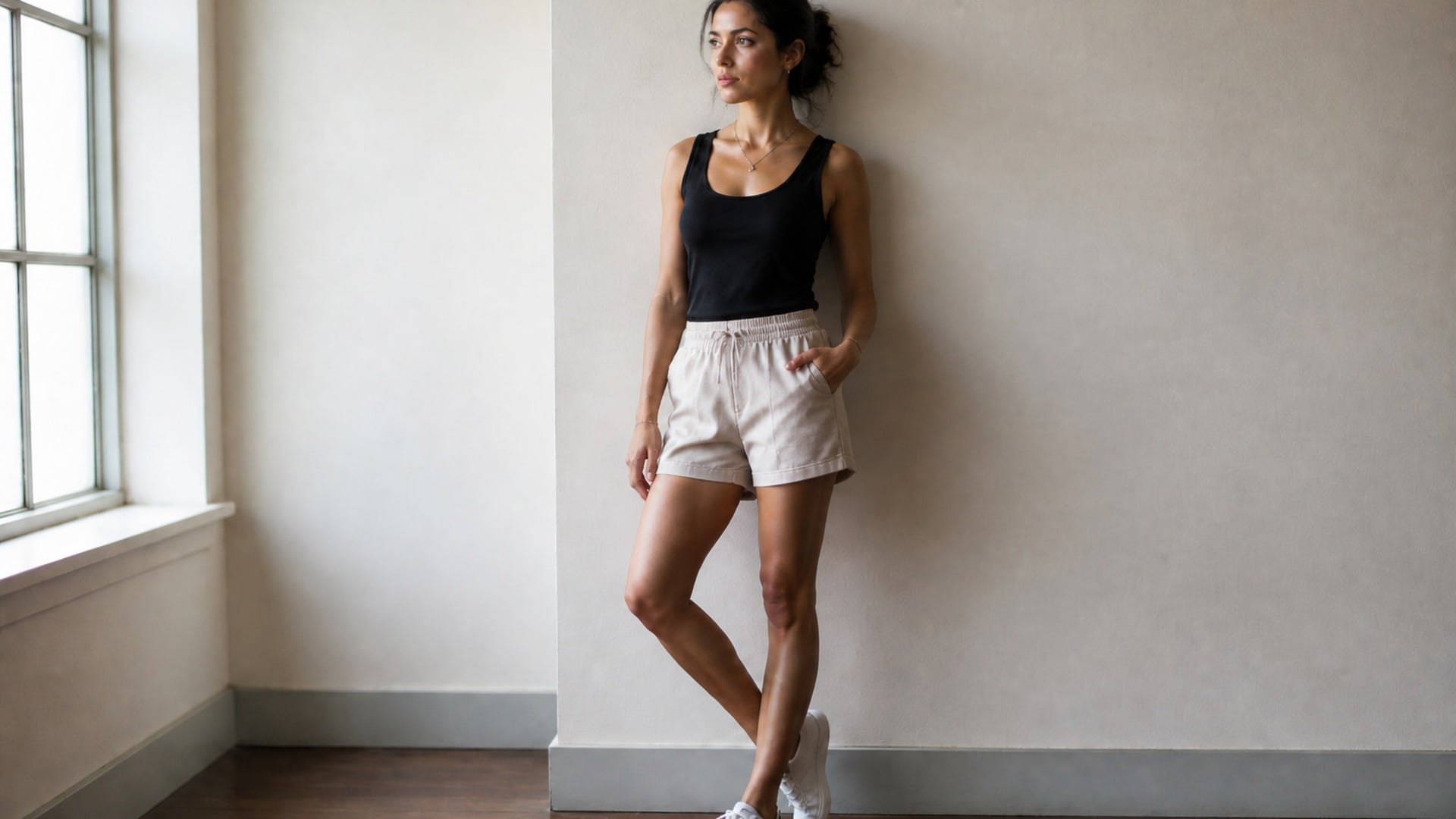
Slim the full body or just the face, with the background left straight.
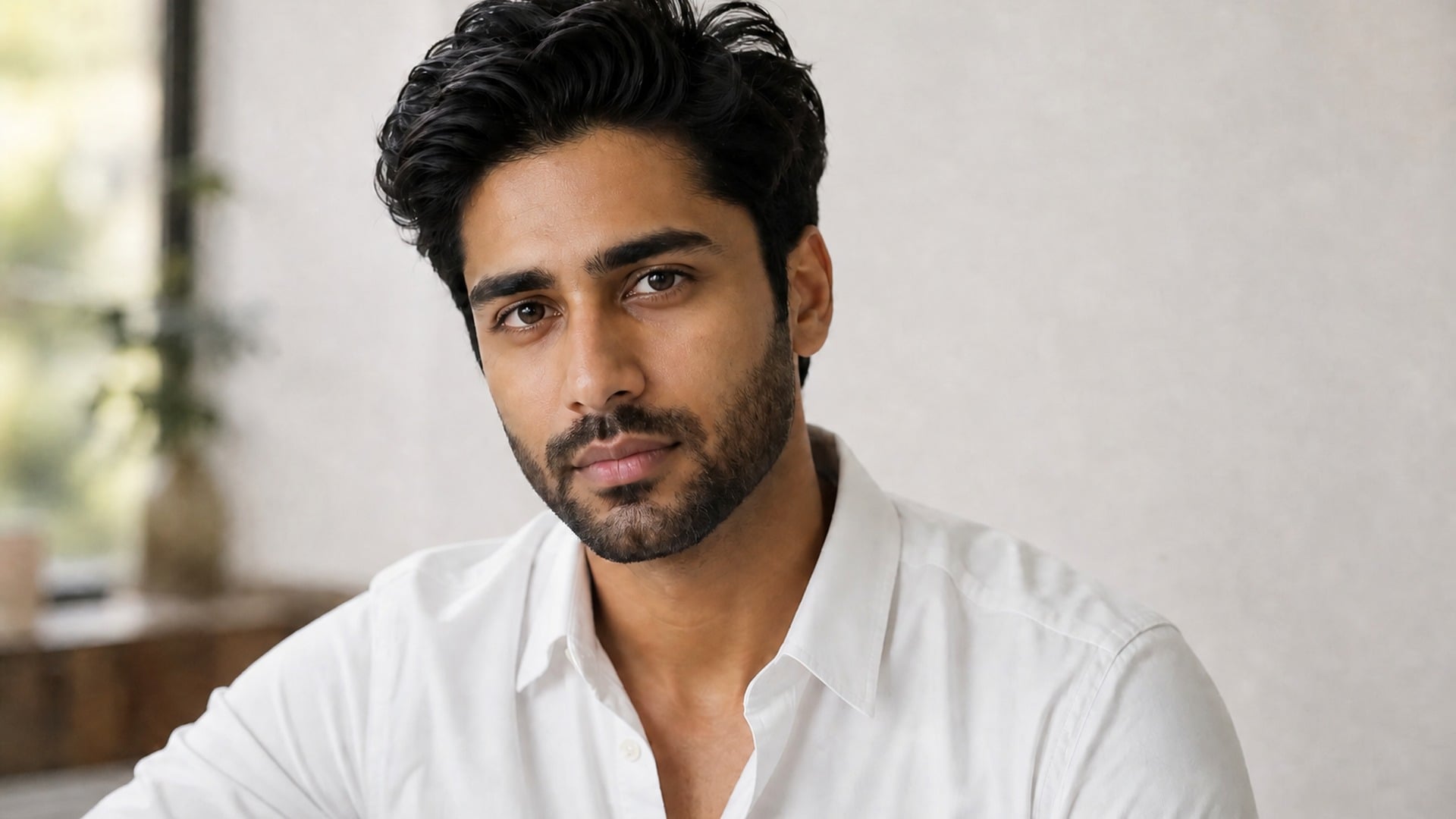
Try a full beard, stubble or goatee on your own jawline.
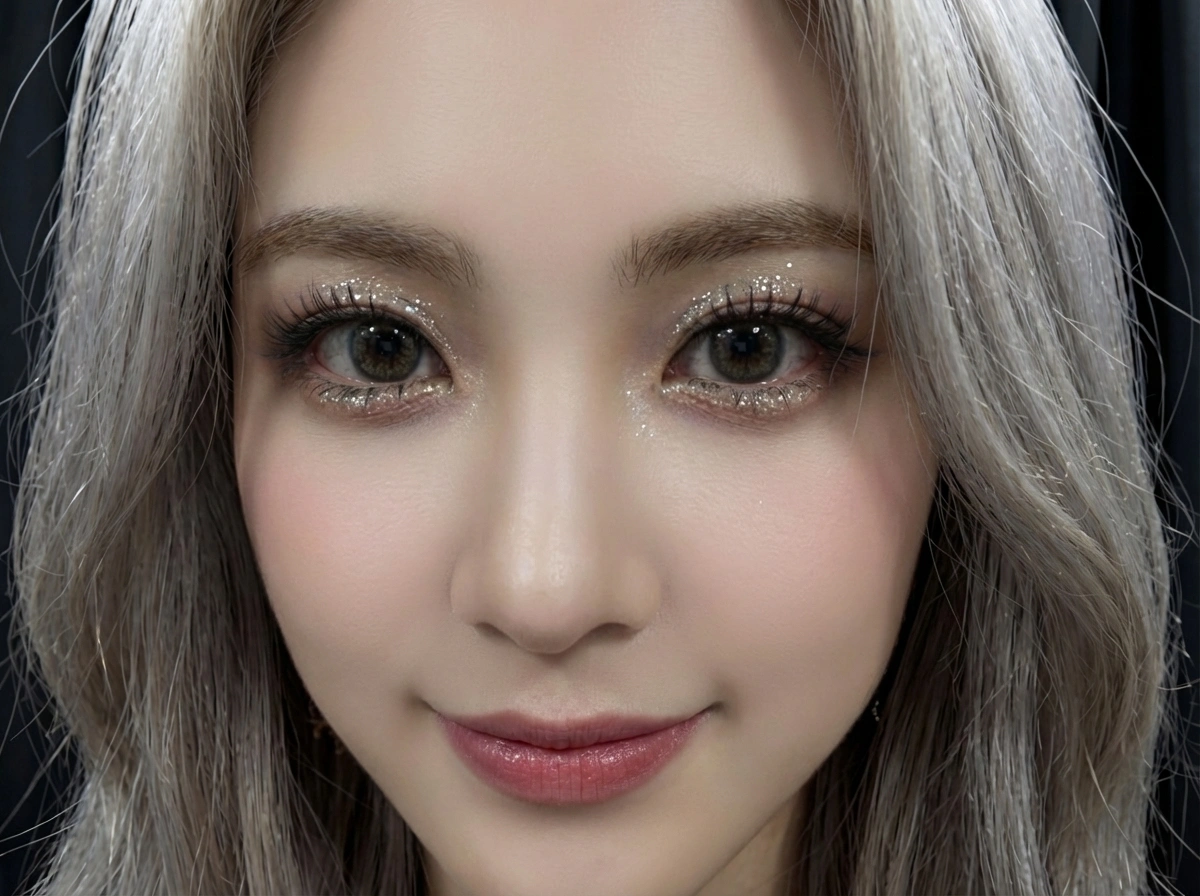
AI face smooth for any selfie — retouched in seconds, still looks like you.
Explore leading models for AI video, image generation, editing, and cinematic storytelling.

Create Wan 3.0 clips on Viralkey: native 1080p, 2–30 seconds, start/end frames, up to 20 mixed references, and audio generated with the picture.

Create cinematic MiniMax H3 clips on Viralkey: native 2K, up to 15 seconds, text-to-video, start/end frames, and up to nine reference images.

Generate short HD clips on Viralkey with start/end frame direction and up to 50 reference images. Built for music video scenes and performer shots.

Create cinematic Seedance 2.0 clips on Viralkey: native 4K, start/end frames, up to nine reference images, and built-in audio with lip-sync.
People open the short hair filter when imagination is not enough and a stock photo of someone else will not settle the question. Whether you need a personal decision, a salon brief, or a creative still, the value is seeing shorter length on the real face in the frame.
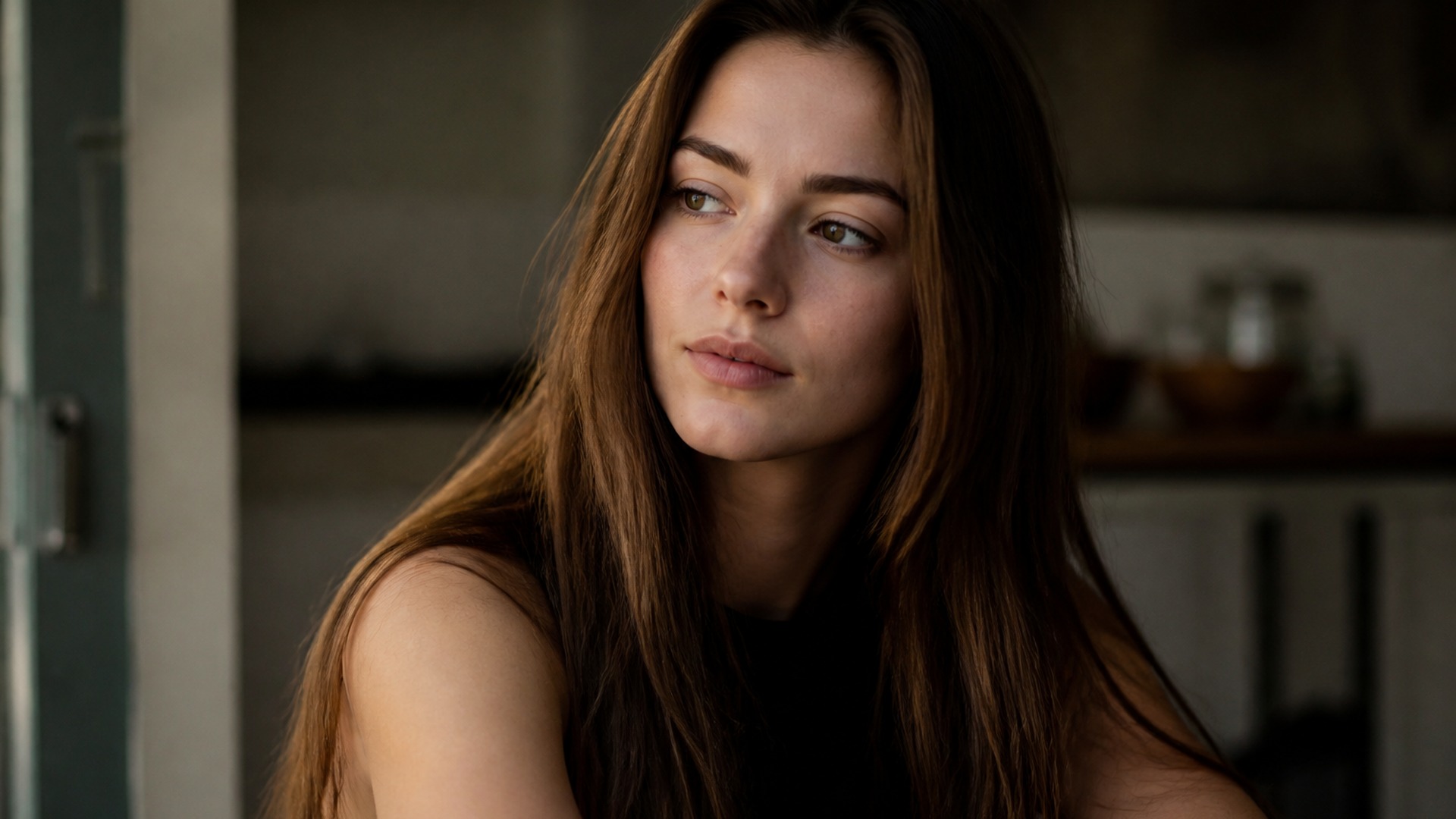
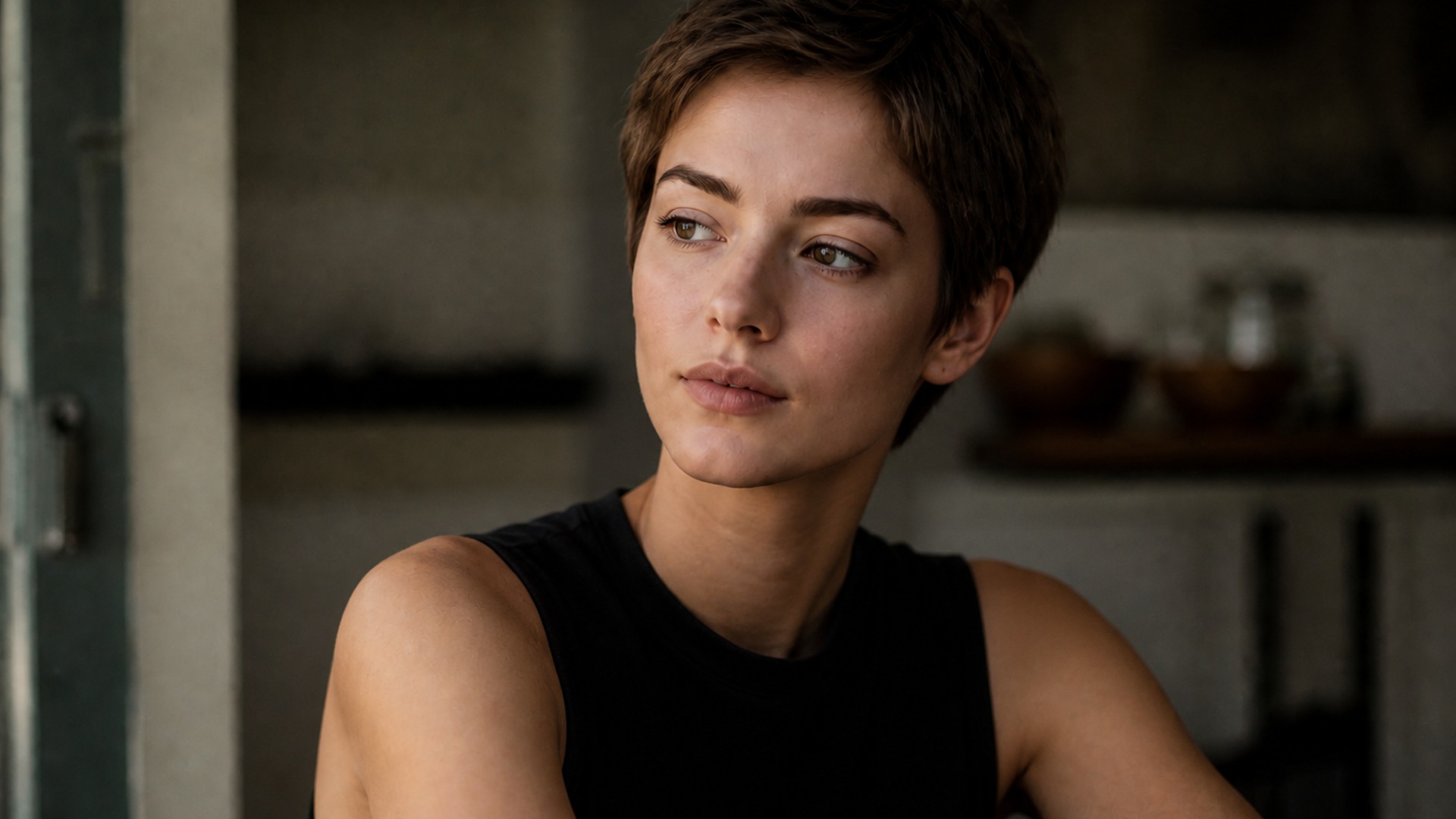
The most common path is simple: you are considering going short and want proof on your own features first. A calm preview answers what a magazine photo never will — whether the length suits your head shape, your everyday expression, and the way you actually look under normal light.
Try it now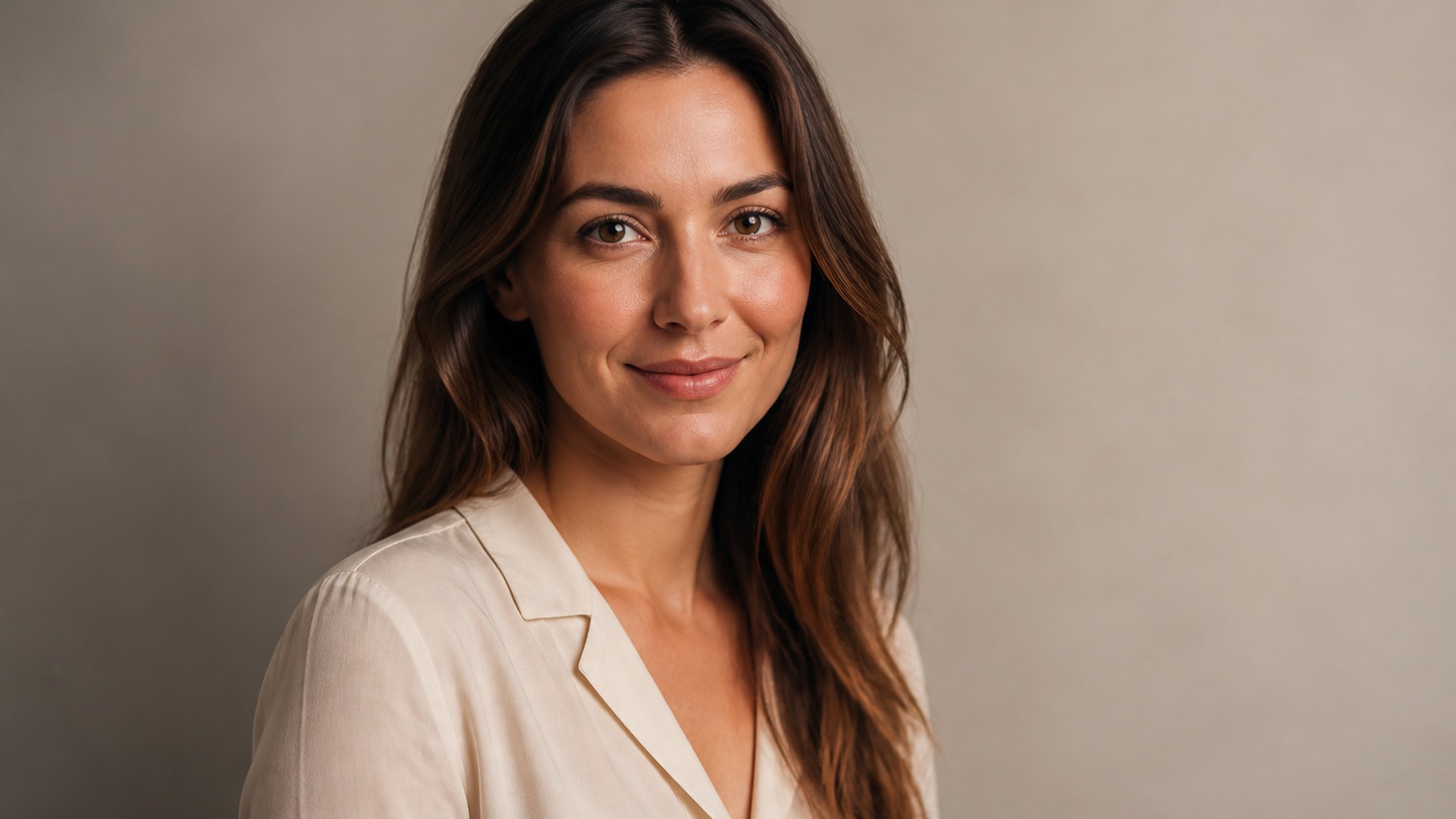

Bring the image to the appointment instead of negotiating with vague words like choppy, cropped or chin-length. A picture of the cut on your own head removes the translation gap, so you and your stylist are aiming at the same silhouette before the first section is carefully taken off.
Try it now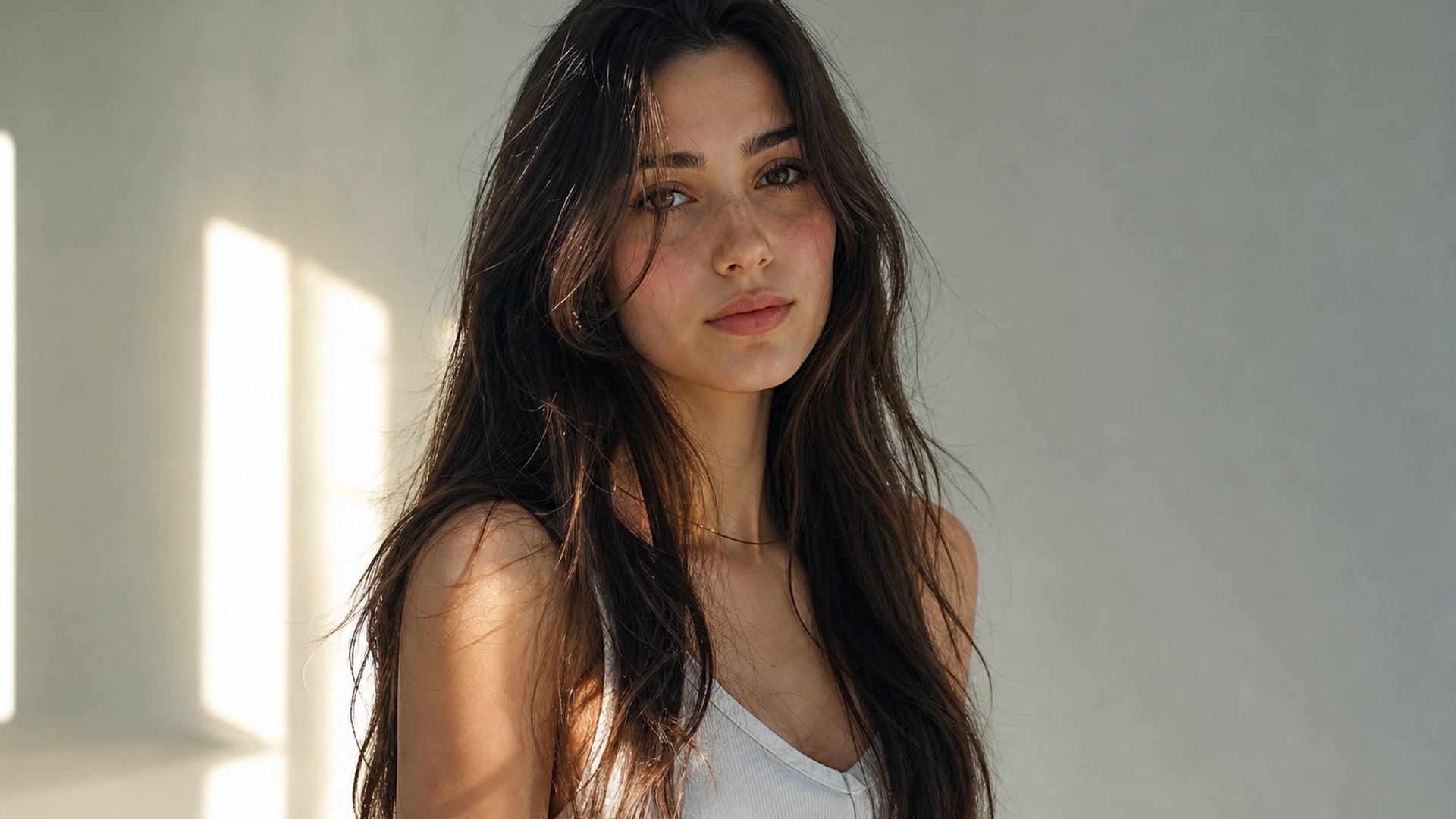
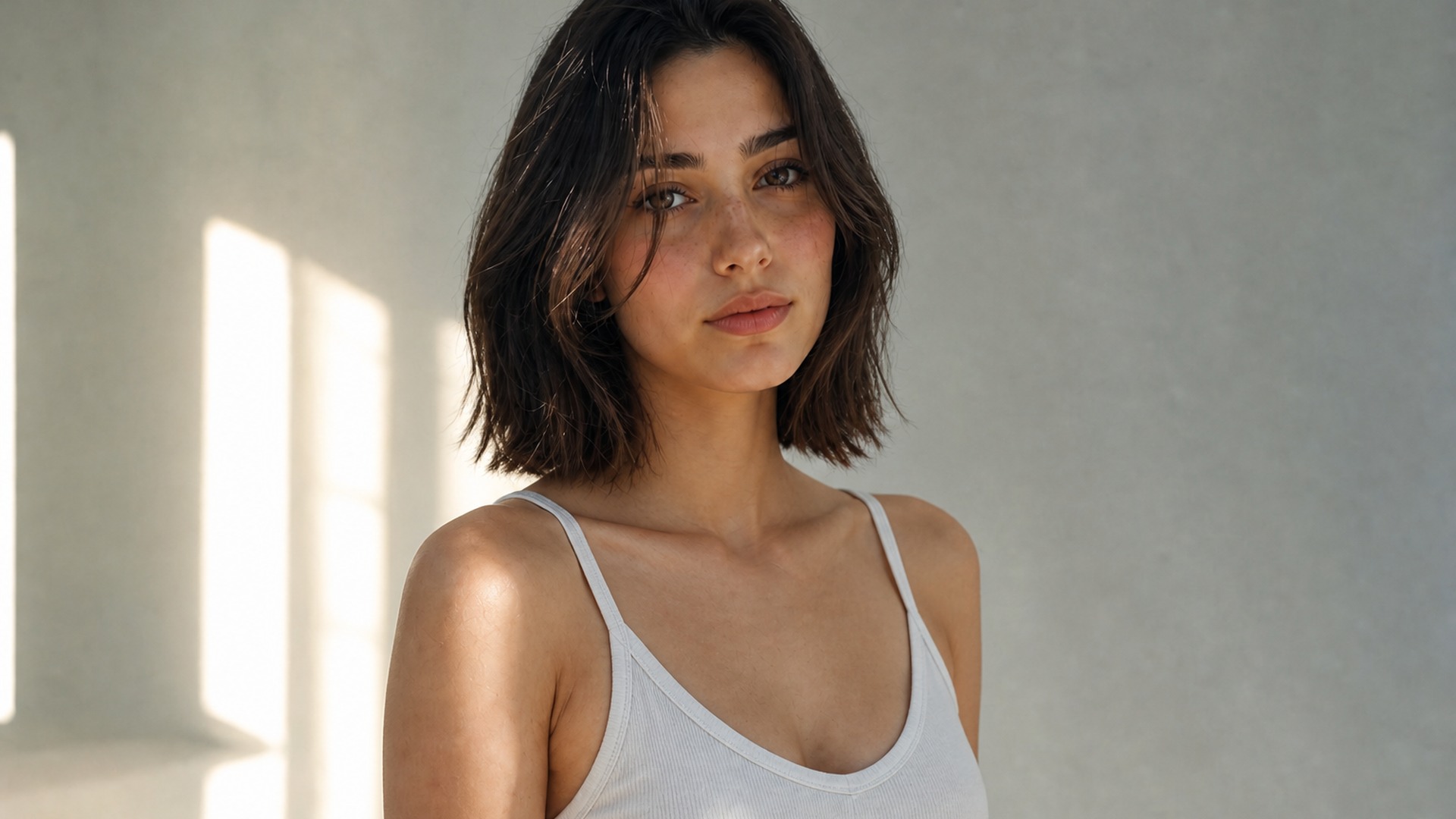
Going from long to short is a different emotional leap than a trim. Running the preview a few times turns an anxious hypothetical into something you can study more than once, share with someone you trust, and revisit without committing the scissors yet. That pause alone is often worth the run.
Try it now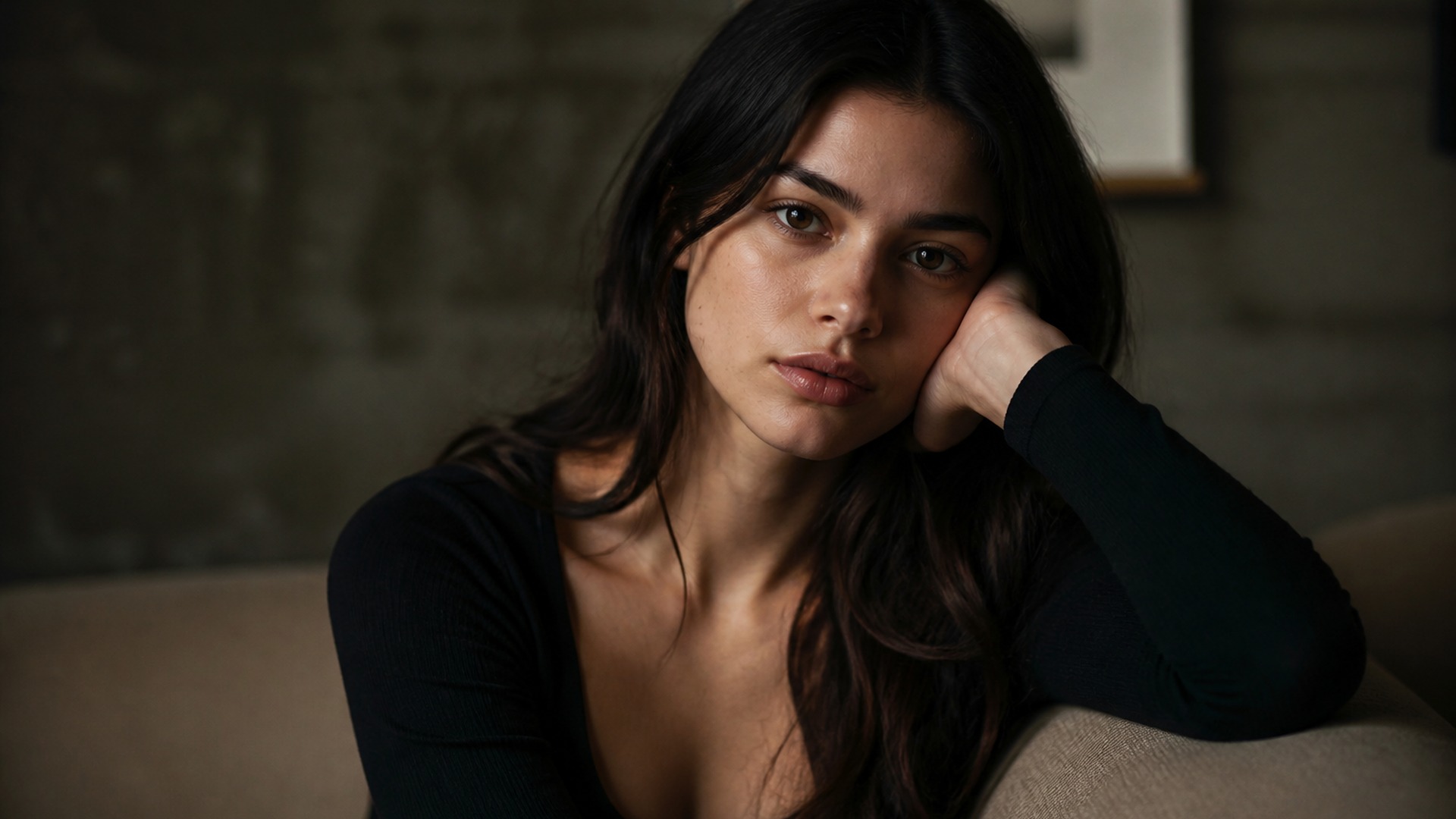
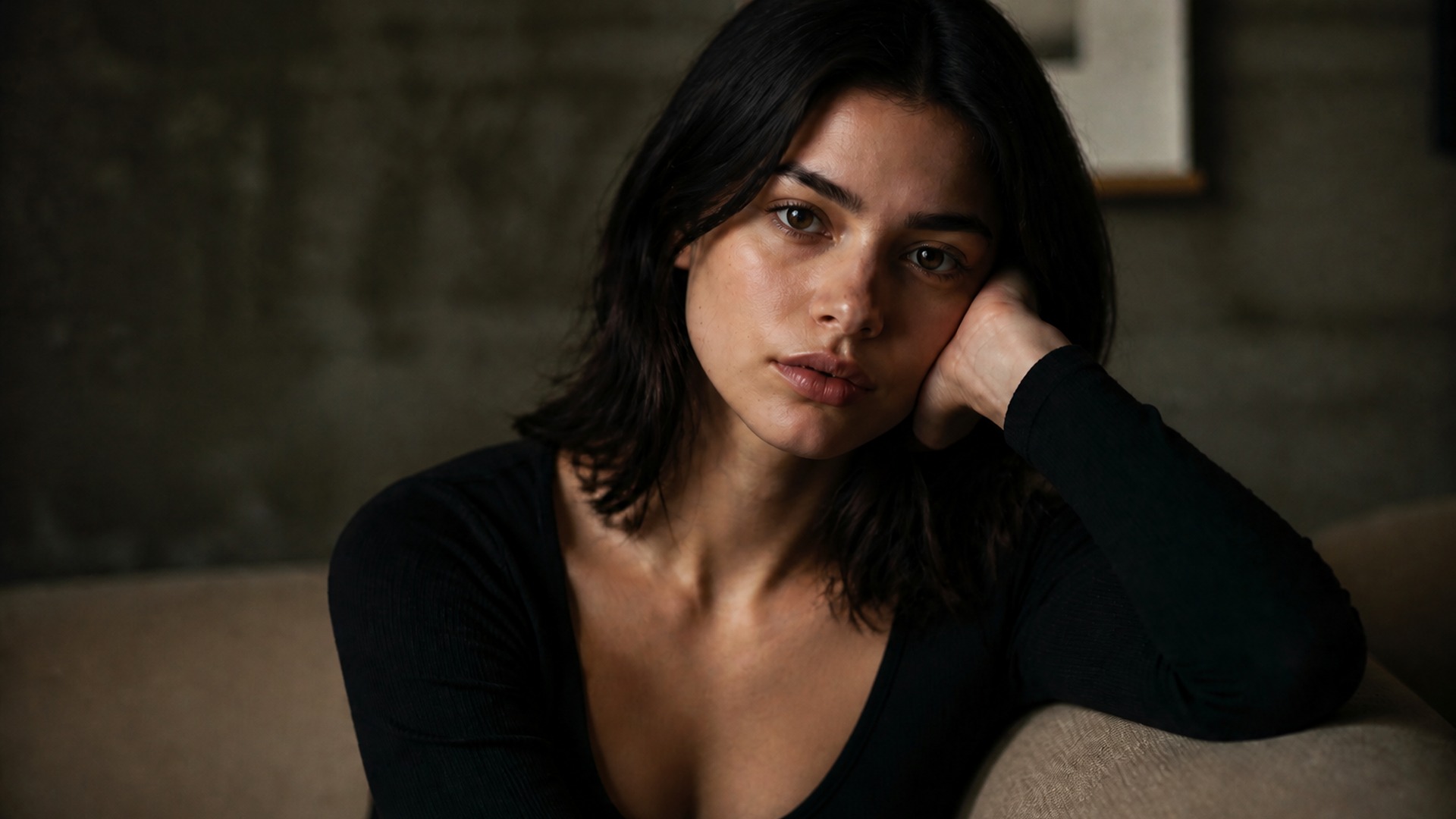
Creators use shorter looks for thumbnails, character variants and before-and-after posts without booking another shoot. Same subject, same setup, different length — useful when a brief asks for a cropped silhouette and you still need the original pose and lighting intact for continuity.
Try it nowNotes from creators who used this tool on real work.
Rosalie Prescott
Brand strategistI had been circling a big cut for months.
Seeing it on my own face finally made the appointment feel real.
Alonso Zamora
Makeup artistColor stayed exactly mine, which is the part other tools always invent wrong.
Fiona Danforth
Product managerCompared a pixie against a bob on the same photo.
That side-by-side settled the argument.
Hector Medina
ArchitectShowed my stylist the picture instead of waving my hands.
We matched before the first section.
Junko Watanabe
PhotographerThe neckline looked cut, not erased.
That detail is what made it feel like a real preview.
Oswin Yarrow
TeacherKept my curls, just shorter.
Turns out that was the whole question I needed answered.
Delilah Cromwell
Software engineerI wanted the shortest end without guessing.
The buzz preview on my head was enough.
Silas Larkspur
Content creatorUsed it for a thumbnail set.
Same shoot, shorter hair, no need to reschedule talent.
Clementine Kingsley
Art directorMy face was untouched, which is the part other filters always get wrong up close.
The short hair filter on Viralkey is a studio edit that shortens head hair on a portrait so you can preview a cut on the same face. You upload one source photo, choose a shorter look, and receive an image that keeps pose, clothing, background and lighting from the original while preserving hair color and texture. It is a length-only preview for decision-making and creative stills — not a face swap and not a brand-new person generated from scratch.
Turn your ideas into reality with AI. Generate, refine, and innovate — creation starts here.