One edit at a time
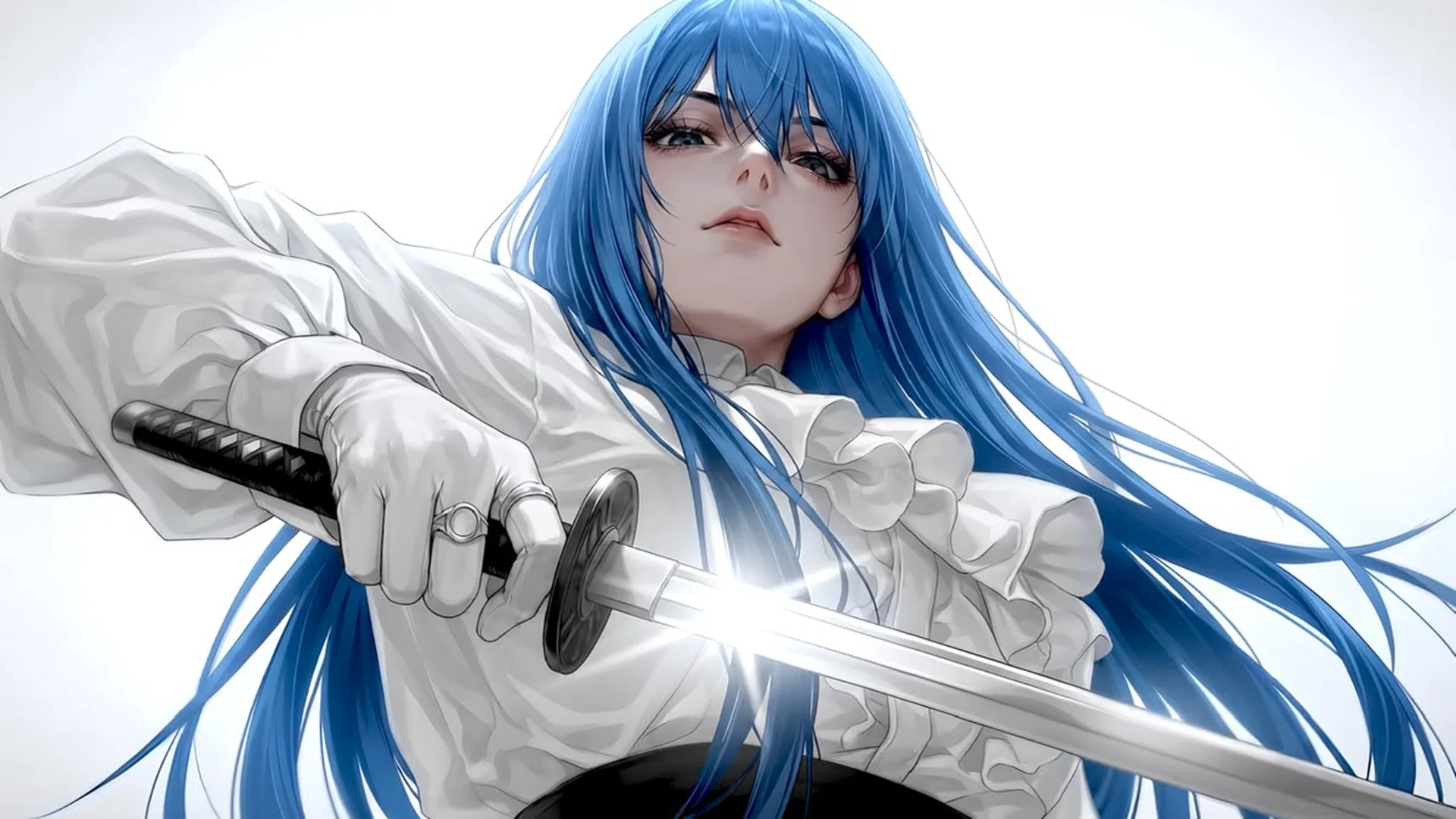
Focused revisionWrite one main change and separate it from the details you want to keep. Afterward, check both the requested edit and any unintended changes.
Edit a source image with clear instructions for scene, styling, or lighting changes. You can also open NSFW Studio, or continue with NSFW AI Photo Editor, AI NSFW Image Editor, and NSFW AI Image Generator.
The NSFW AI image editor workflow combines an uploaded source with a written change request. For adult fictional image work, describe a scene adjustment, a styling direction, or a lighting change and identify the original details that matter. Viralkey NSFW Studio generates a candidate from those inputs. Compare the result with the source, because image-led generation may change details beyond the requested edit and does not promise pixel-exact preservation. Reference based picture editing needs keep and change photo instructions: say what must remain and what should change. Continue in NSFW Studio, or open NSFW AI Photo Editor and AI NSFW Image Editor.
Edit a source image with clear instructions for scene, styling, or lighting changes.
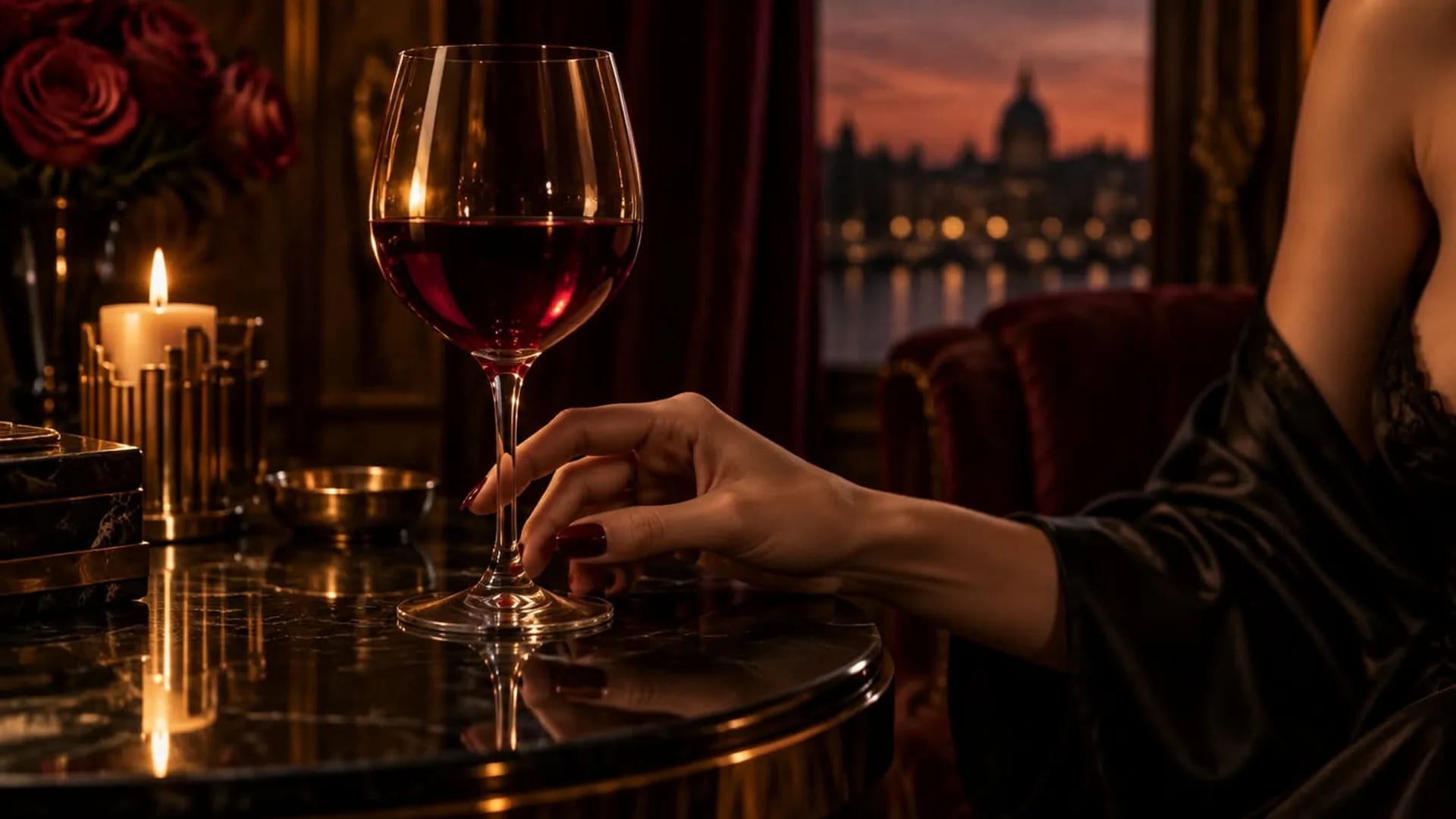
Choose one change you can recognize in the result. A background adjustment, different lighting, or a styling change is easier to assess than a request to improve everything. A precise brief also makes it clear which unexpected changes count as a problem.
Generate Image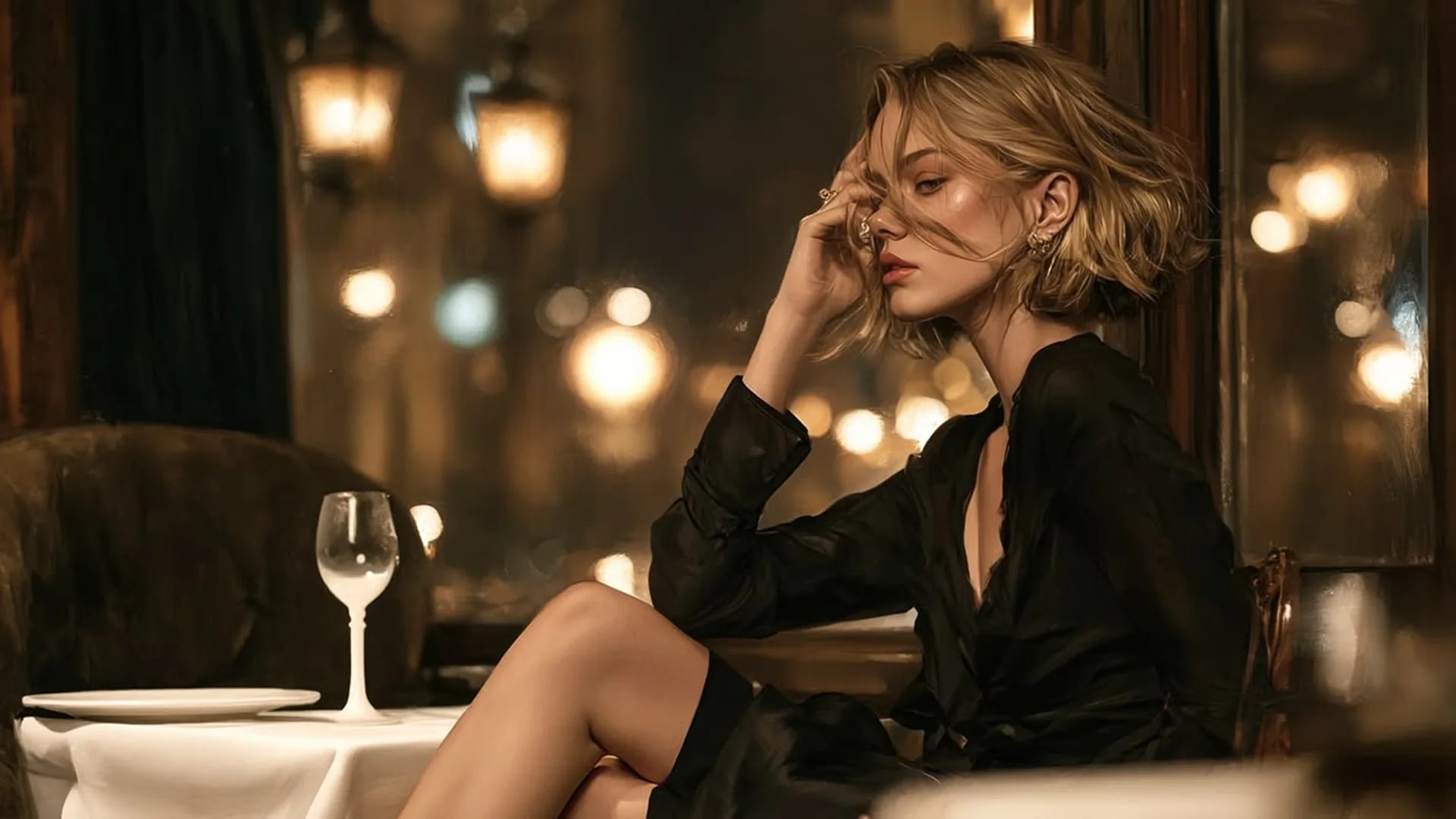
Mention the source details that matter to the task, such as crop or character appearance. Treat these as review priorities rather than guarantees. Image-led generation may change details beyond the requested edit, so inspect the whole frame after a task.
Generate Image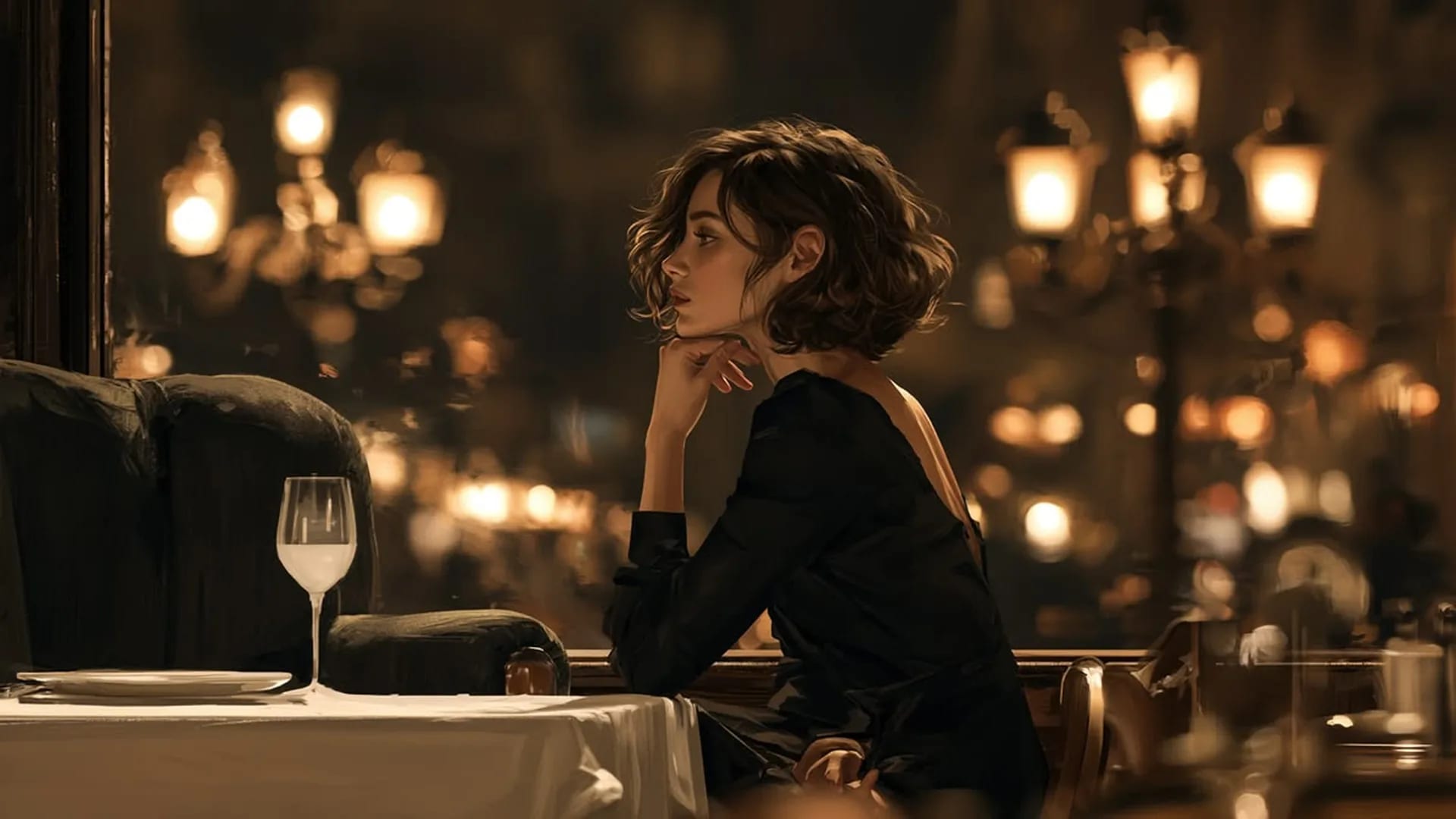
Use the studio’s current image options to submit your request, then review the generated candidate against the prompt and any source you supplied. Available access and credits depend on the information shown for your account. An input image guides the task without guaranteeing exact preservation.
Generate ImageDoes a reference guarantee identical identity or pixels? No. A source guides the edit and can still change identity, pose, or fine detail. Choose an image you have permission to use and inspect its preview. Write the specific change you want, then identify the visible details that should remain consistent. Avoid using a different reference accidentally.
Continue after the upload finishes. Complete sign-in if asked and review the restored image and prompt in NSFW Studio image mode. Continuing only transfers the prompt; it does not automatically generate an edit.
Check current settings and credits before submitting. Review the generated candidate beside your original source. Assess the requested change and any unwanted differences before deciding on another generation or publication.
Use a photo reference to explore lighting, background, and styling changes.
View page
Edit an existing adult fictional image with a reference and a clear revision prompt.
View page
Create adult fictional portraits and illustrations from text, with optional images to guide the result.
View page
Choose an image generator by reference handling, visual control, costs, and output review.
View page
Explore the image workflow and check the current studio access and credits before generating.
View pageChoose an edit that is easy to describe, then compare the requested change and the details you wanted to keep.
One edit at a time
Focused revisionWrite one main change and separate it from the details you want to keep. Afterward, check both the requested edit and any unintended changes.
A new background for an existing image
Image editingName the target setting and the visible elements you want to keep. Check edges, shadows and subject scale; a background change can also alter other parts of the image.
A character’s next look
Character stylingDescribe the clothing, fabric and color palette for an adult fictional character. Check the whole silhouette instead of assuming a clothing change preserves every detail.
One useful reference
Reference inputState whether your image is there for the subject, the setting or the style. Include only references you may use, and avoid images that contradict the prompt.
A reference with visible detail
Source qualityChoose a clear source where the important features are visible. Blur, dark areas and covered details leave less information for a reference-based task.
A result you can judge
Result reviewCompare the candidate with your prompt and reference. Check framing, anatomy and unwanted changes before deciding to keep it or request another version.
Start with an image you may use and describe the change you want in the setting, light, colors or character styling. The studio generates a candidate from that input. Review the whole image afterward; a requested edit does not guarantee that every other detail stays unchanged.
Use your prompt and optional reference to create or edit a still image. Check the current studio options and credits before submitting.