



People Remover

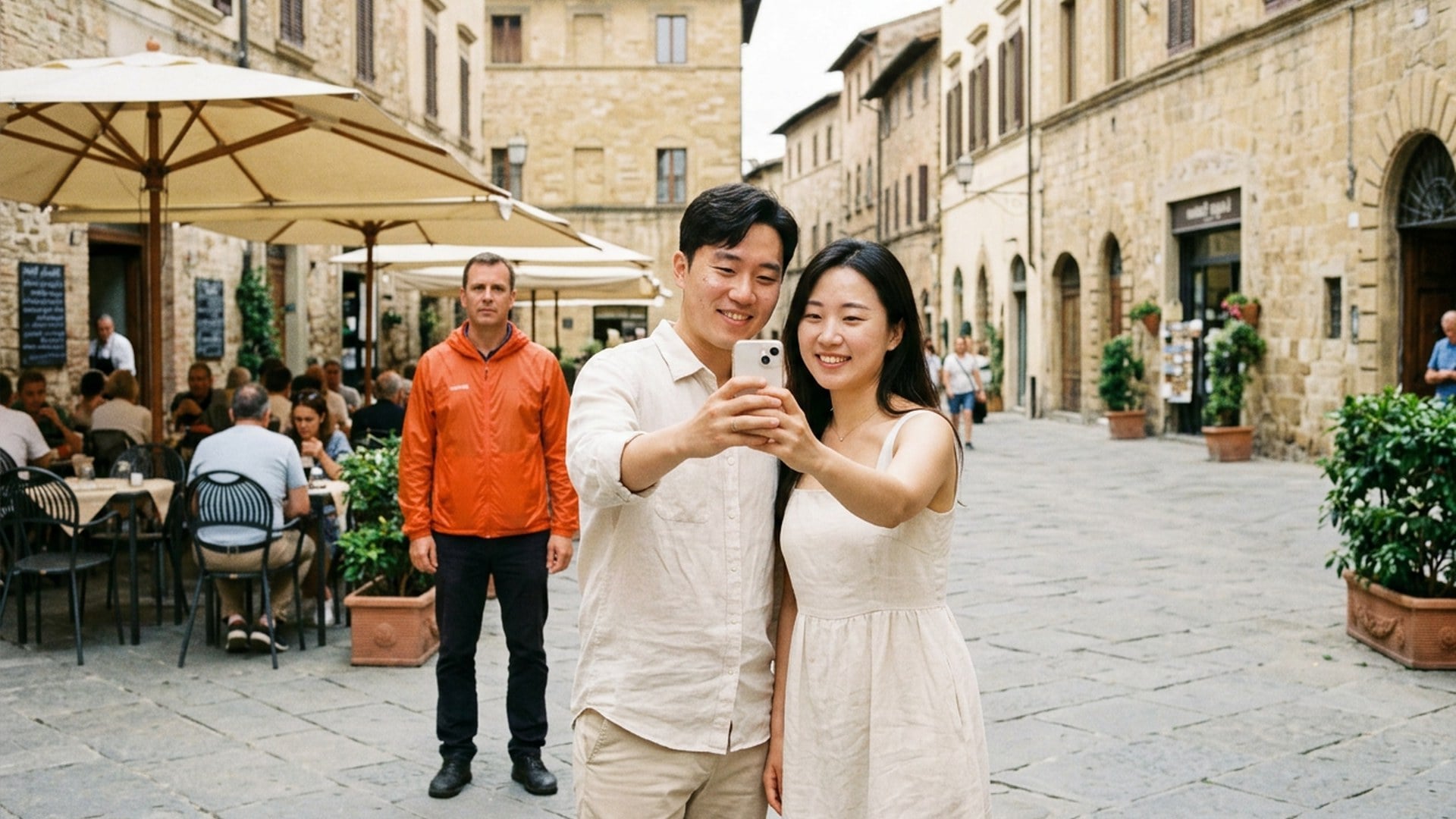
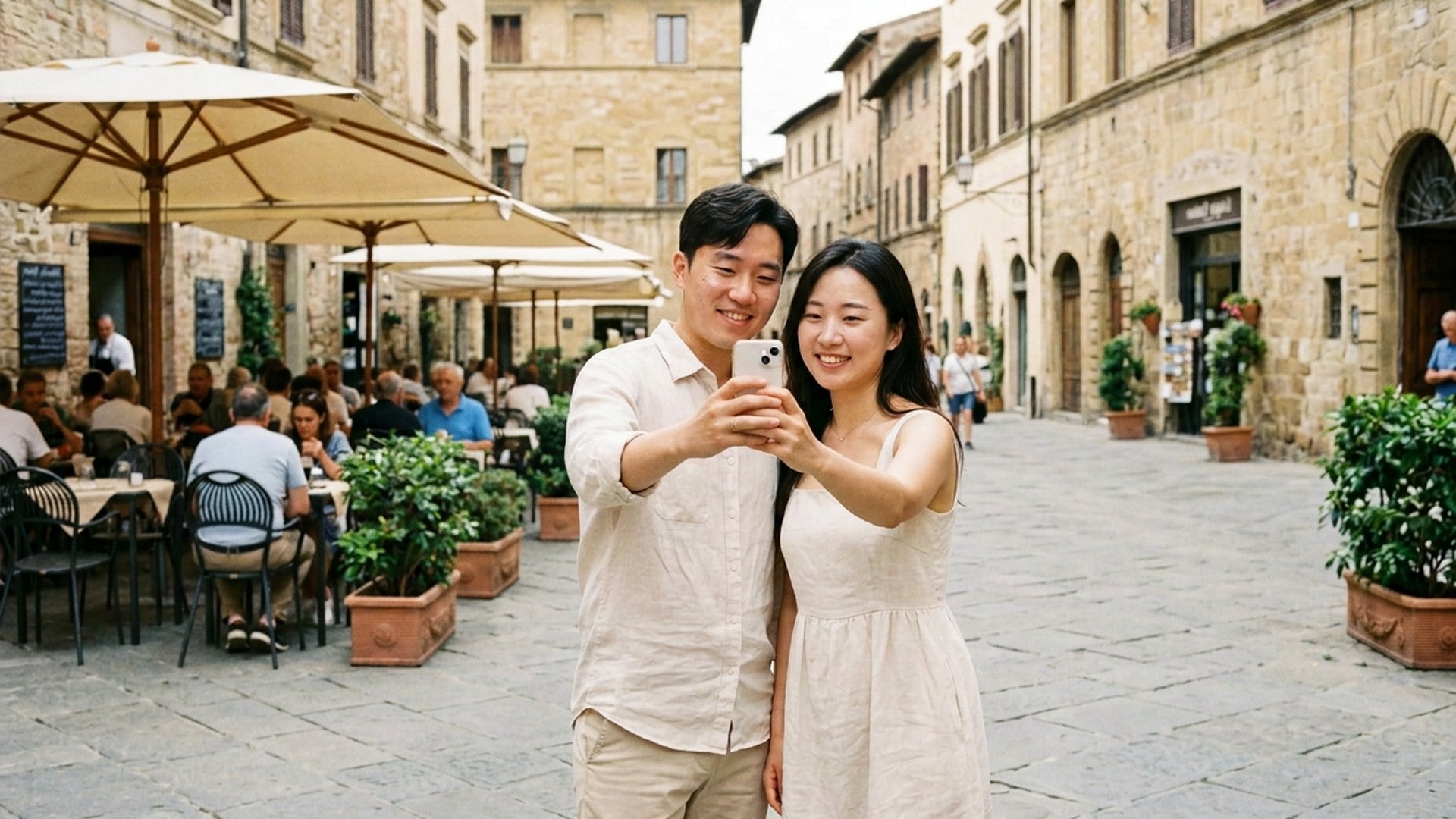
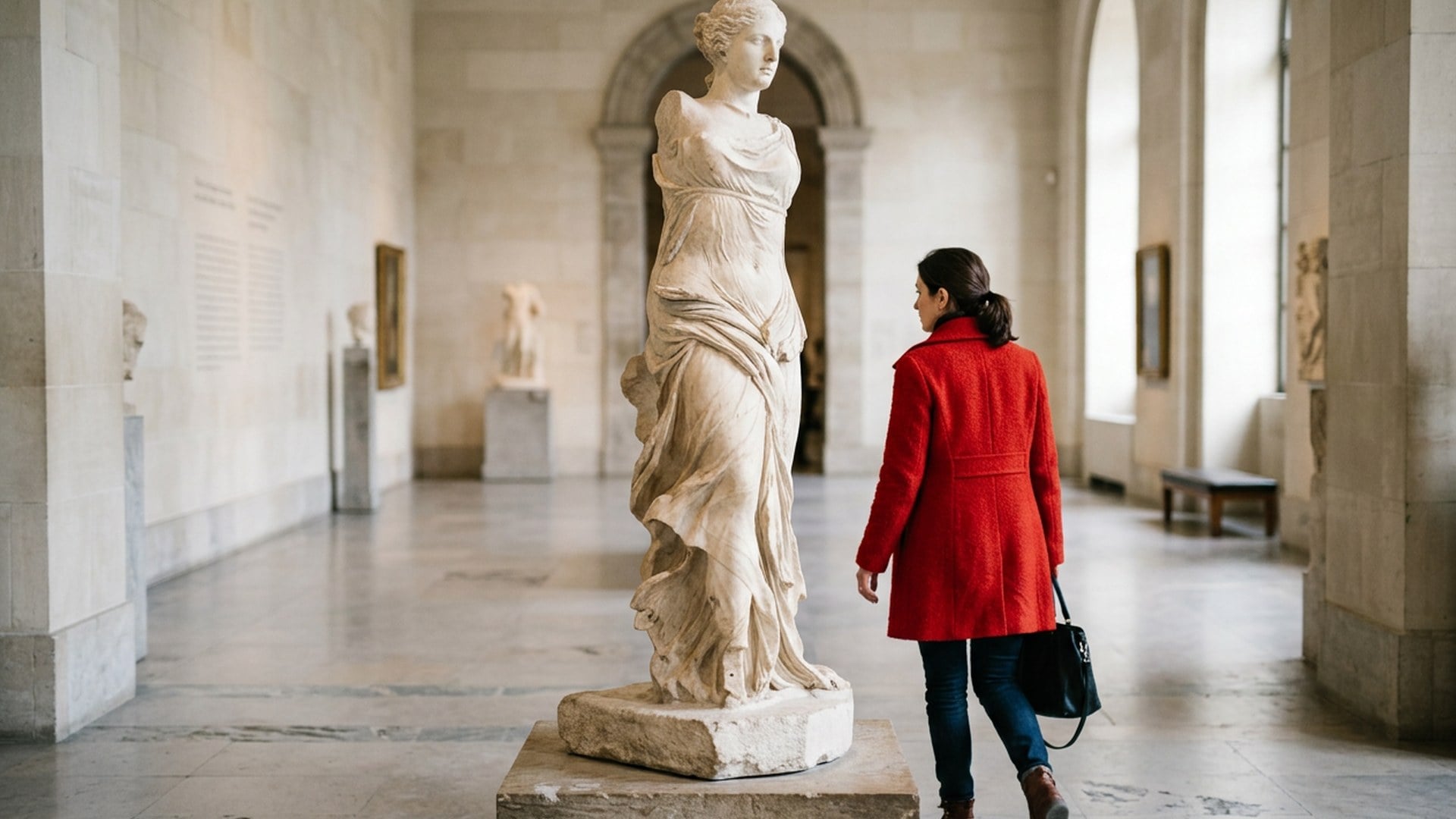
The trip photo is already right except for the stranger at the edge. Name who leaves. This page deletes that extra person and rebuilds the patch from the same street — not a new mural.

People Remover
People Remover
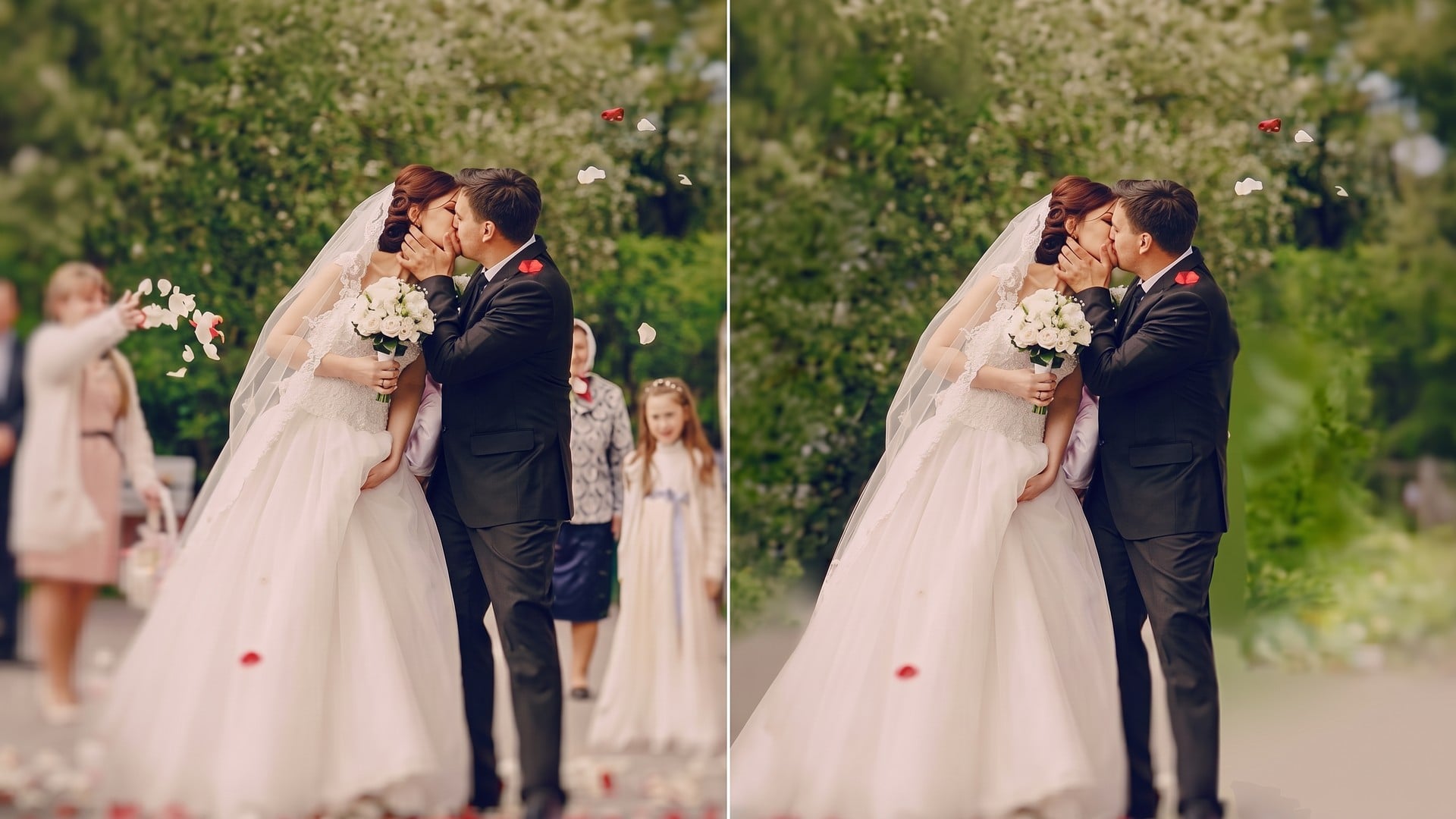
BeforeAfter

People Remover

Source photo

Upload one still. Write which extra person if two people could match. The subject you meant to keep stays.

Look

People Remover
People Remover
BeforeAfter

People Remover

The trip photo is already right except for the stranger at the edge. Name who leaves. This page deletes that extra person and rebuilds the patch from the same street — not a new mural.

Erase the Extra Person. Keep the Ones You Came With.

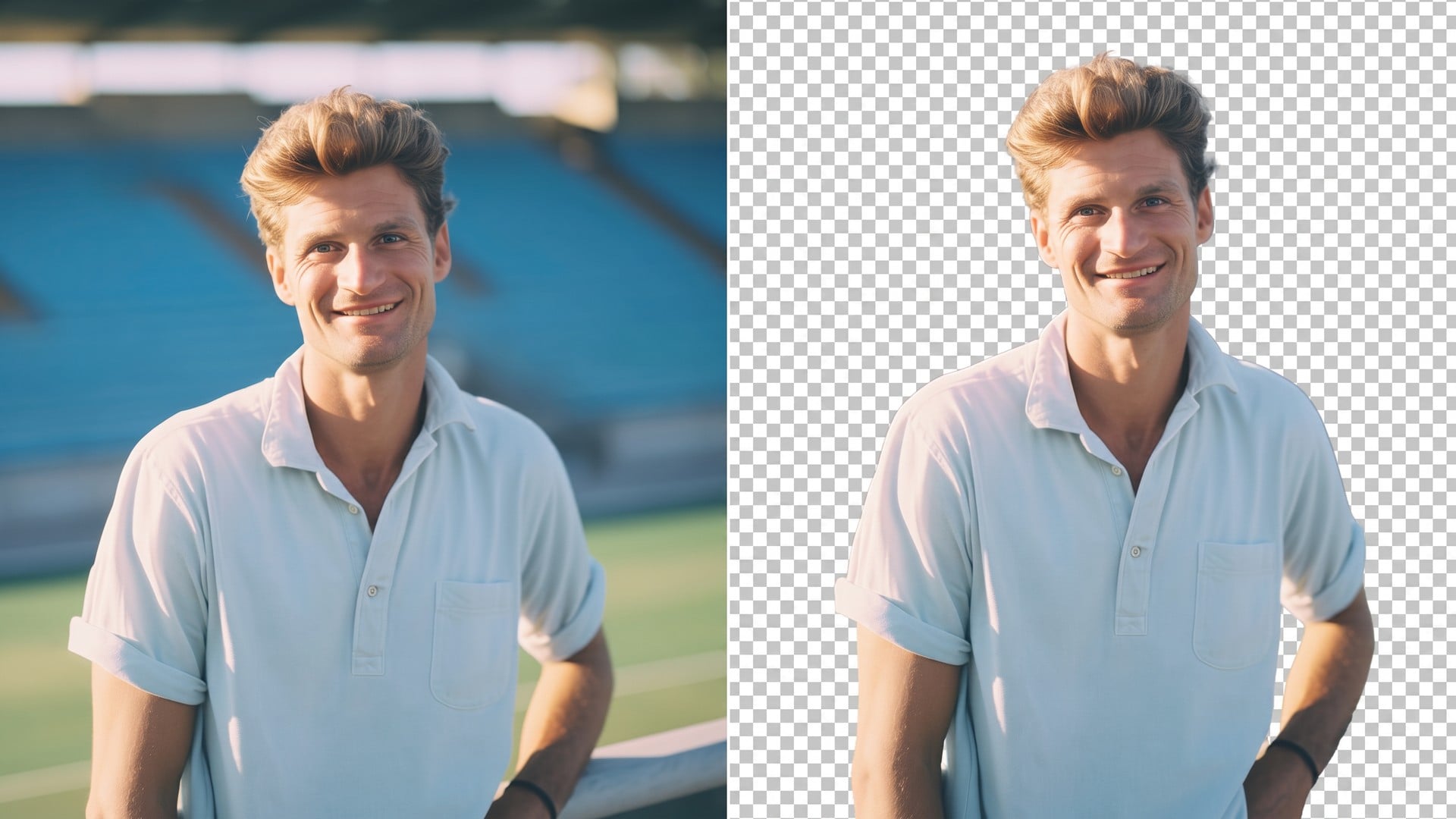
You would post this frame if that one stranger were gone. Name who leaves. The friend, the path, and the light should survive. This is the Extra person chip on the same pass as Magic Eraser. It is not a face swap, and it is not a cutout — isolation is Background Remover.

Free Remove This Person
Erase the Extra Person. Keep the Ones You Came With.
The leftover leaves. Your people stay.

The leftover leaves. Your people stay.

A couple shot with a jogger, a landmark with a tourist in the arch, a backyard with a neighbour at the fence — those are the briefs. Friends should still recognise everyone you meant to keep. If a bag is the problem, stay on Object in Magic Eraser. If you wanted a different face on the subject, leave this page.

Free Try the People Remover
A sentence is the mask.

A sentence is the mask.

There is no brush, lasso, or pin. Extra person is the class. The optional box is the instance: the person on the left, or the one behind the railing. Crop until the leftover is obvious. If you have not picked a class yet, open Magic Eraser. Official IDs, harassment, and edits involving minors stay out of scope.

Free Try the People Remover
The street should stay the street.

The street should stay the street.

The fill comes from the path, wall, or water already in frame. You should not get a generated postcard. A packed concert is a harder brief than one stranger on a quiet beach. If you actually wanted the talent on alpha, that is Background Remover — a cutout, not a fill.

Free Try the People Remover
After the stranger leaves, the next finish.

After the stranger leaves, the next finish.

Harsh noon on a landmark is a lighting problem. That is Relight Photo, another generate. Soft faces after a tight crop are Image Enhancer only if the whole still is mush — not a face swap. Keep the original if the first take nicks a shoulder.

Free Try the People Remover

How to Use This People Remover

  1. Step 1

    Upload a JPEG, PNG or WebP where the extra person is easy to tell apart from the people you meant to keep.

  2. Step 2

    This page starts on Extra person. Write which body when two people could match, then generate. There is no brush to paint.

  3. Step 3

    Put the after next to the source. If a hand you needed disappeared, crop tighter and rerun from the original. If the leftover was a bag, switch to Object on Magic Eraser.

Free Remove This Person

Who Opens a People Remover

The group you actually came with

The group you actually came with

The group is right except for a stranger at the edge. Write the person on the left. Friends should still recognise everyone you meant to keep. Soft faces after a tight crop are a later pass — start from Image Enhancer only if the whole still is mush, not to swap a face.


A landmark without the leftover

A landmark without the leftover

The view is the brief. One tourist is not. The fill should read as more stone or more path, not a painted skyline. A bag on the path is Object on the same Magic Eraser. Harsh noon after the stranger leaves is Relight Photo, another generate.

A street frame with one passerby

A street frame with one passerby

A neighbour or a passerby pulls the eye off the subject. Extra person is the chip. Reconstruct the fence or pavement from what is already around them. A van badge is Logo on Magic Eraser. Name the leftover human, not the whole street.

Talent, not the doorway stranger

Talent, not the doorway stranger

A testimonial frame with a stranger in the doorway makes the page feel sloppy. Delete that extra. Do not invent a solo hero from a crowd you do not have rights to edit, and do not replace the talent's face here. If you need the booking on alpha, that is Background Remover.

Free Remove This Person

Notes From People Who Needed the Stranger Gone

Notes from creators who used this tool on real work.

FE

Flannery Eastwick

Traveler

Wrote 'person on the left'.

The pier stayed the pier. My sister stayed my sister.

DH

Drew Hale

Creator

Object Remover left the jogger.

Extra person chip was the one that got him.

EQ

Elsa Quinn

Photographer

Couple frame, one stranger.

Group chat did not ask who we deleted. Good.

FA

Finn Adler

Blogger

Packed plaza failed.

Cropped to one leftover tourist, then it behaved.

WT

Winona Tarrant

Social lead

Magic Eraser is the same pass.

I just searched people remover and landed here.

YU

Yves Underwood

YouTuber

First take nicked a shoulder.

Reran from the original. Second take held.

UQ

Ursula Quimby

Home seller

Did not want a new face on her.

I wanted the neighbour off the fence. This was that.

SH

Septimus Havelock

Designer

Landmark still, same stone, no tourist in the arch.

That was the postcard.

KS

Kira Shaw

Producer

Campaign doorway.

Extra person gone. Talent still looked like the booking.

Frequently Asked Questions

It deletes one extra person from a photo you already have and fills the hole from the surrounding picture. You upload one still, stay on Extra person, and optionally write which body. The people you meant to keep should stay. It is the Extra person chip of Magic Eraser, not a face swap and not an object wipe.

What will you create today?

Turn your ideas into reality with AI. Generate, refine, and innovate — creation starts here.

Create Now