HT
Hazel Thornbury
Portrait photographerThe doorway behind me stayed perfectly straight.
That alone made the skinny filter feel trustworthy.
Want a slimmer silhouette without warping the room around you? Upload a photo, run the skinny filter, and preview a reshape that refits clothing while straight background lines stay straight.
Skinny Filter
Skinny Filter Online
Want a slimmer silhouette without warping the room around you? Upload a photo, run the skinny filter, and preview a reshape that refits clothing while straight background lines stay straight.

Upload Your Photo
Add a clear portrait or full-body shot. Even lighting and an uncluttered background help the silhouette edges stay clean and the room geometry stay readable.

Choose What to Slim
Pick slim full body, slim face or a subtle pass. Add a short note if clothing fit or a doorway line must stay exact.

Generate and Compare
Run the edit, then check the result beside your original — especially clothing folds and any straight lines behind the subject.
Most slimming edits announce themselves — a pinched doorframe, a jacket that looks squeezed, a head that no longer fits the body. The skinny filter is built around those failure modes, so you get a silhouette preview that still looks like your photograph rather than a stretch effect.
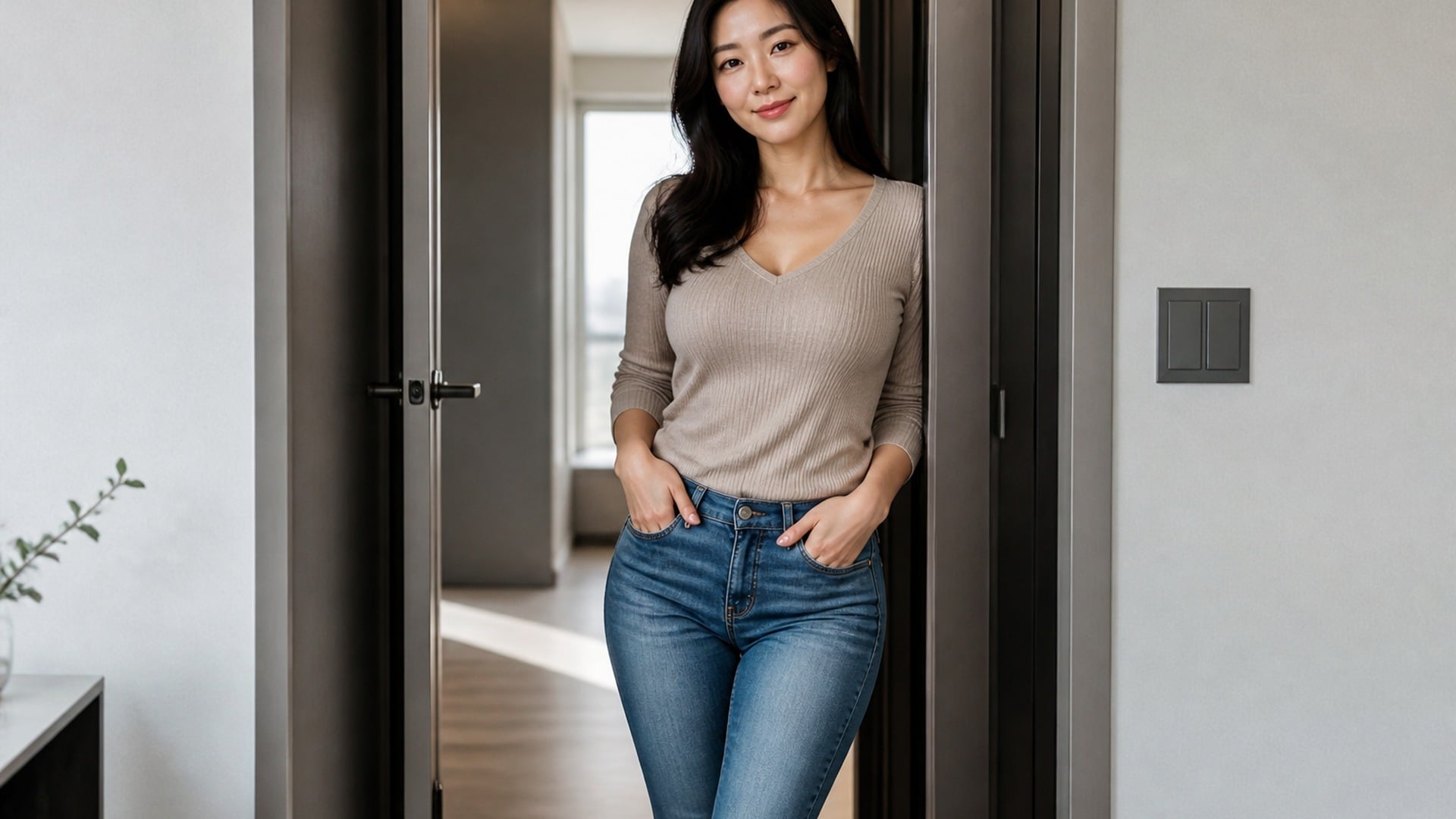
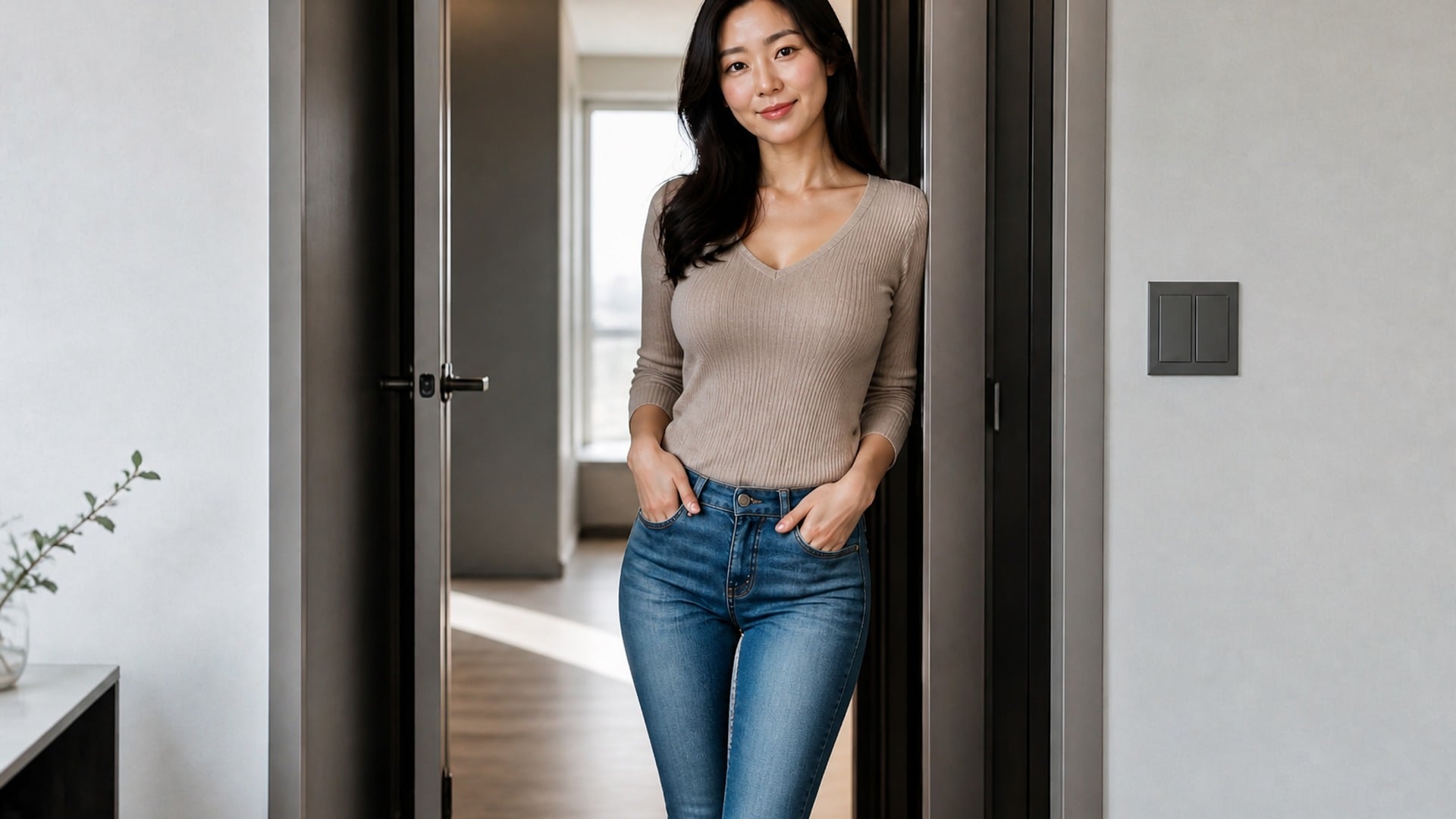
Slim the whole silhouette when you want a full-frame reshape, or switch to a slim face filter pass that softens jawline and cheeks while the body stays untouched. They are different edits for different photos, and choosing the right scope is what keeps the result feeling natural instead of oddly stretched.
Try it now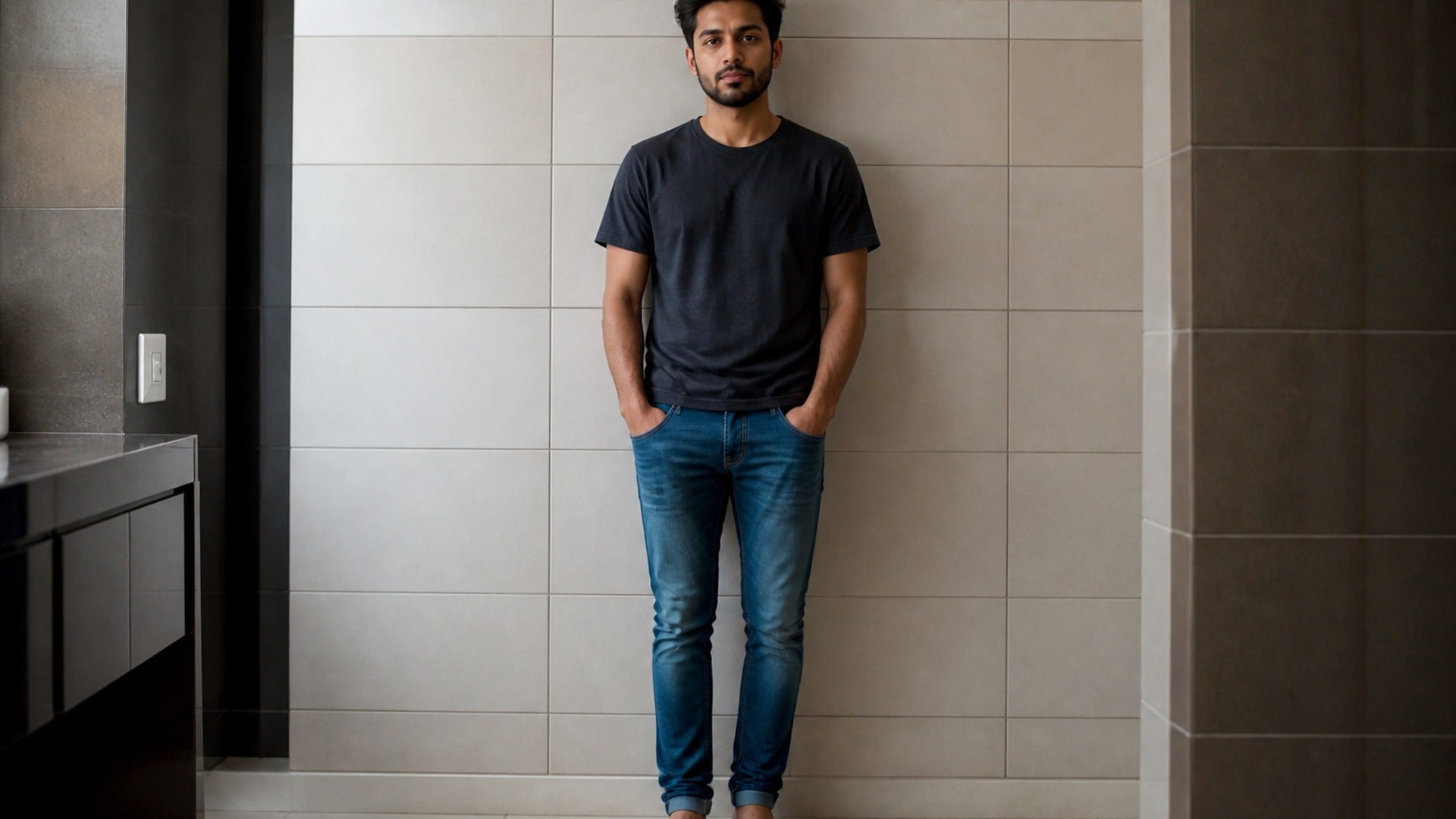
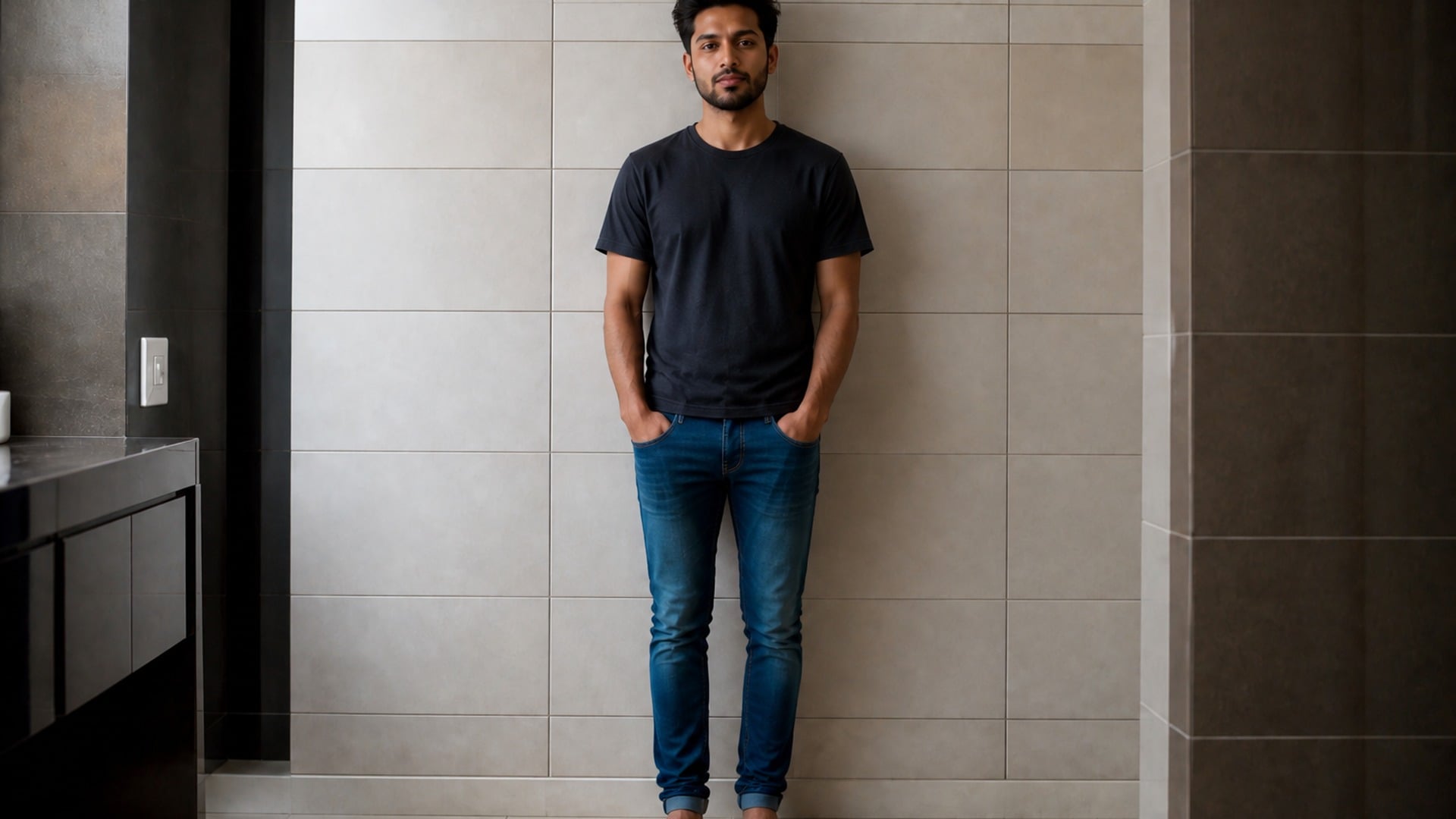
Doorframes, tiles, shelves and horizon lines are the giveaway when a slimming tool warps the room. This edit treats those straight edges as sacred: the subject silhouette shifts, but walls and architecture keep their geometry, so the result still reads as a photograph taken in a real place.
Try it now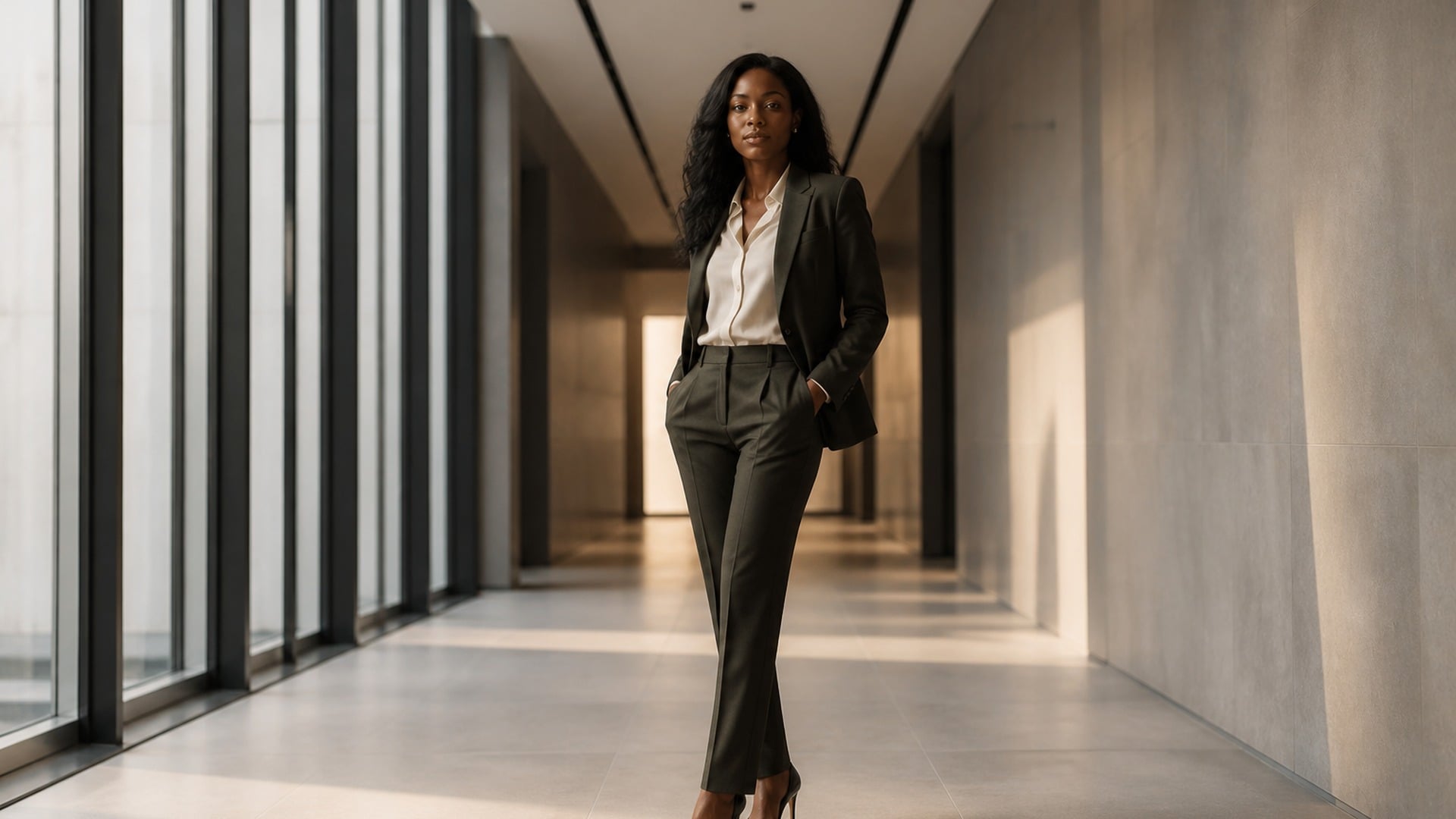

Folds, seams, lapels and fabric shadows are re-read against the new outline instead of being compressed with it. A jacket that has been squashed rather than refitted is the fastest way to spot a bad edit, which is why clothing is handled as structure that follows the silhouette — not as texture to crush.
Try it nowA narrow, conservative edit: reshape the silhouette you asked for, keep identity and scene intact, and leave the rest of the photograph alone. Every control below is there to keep the preview believable on a second look.
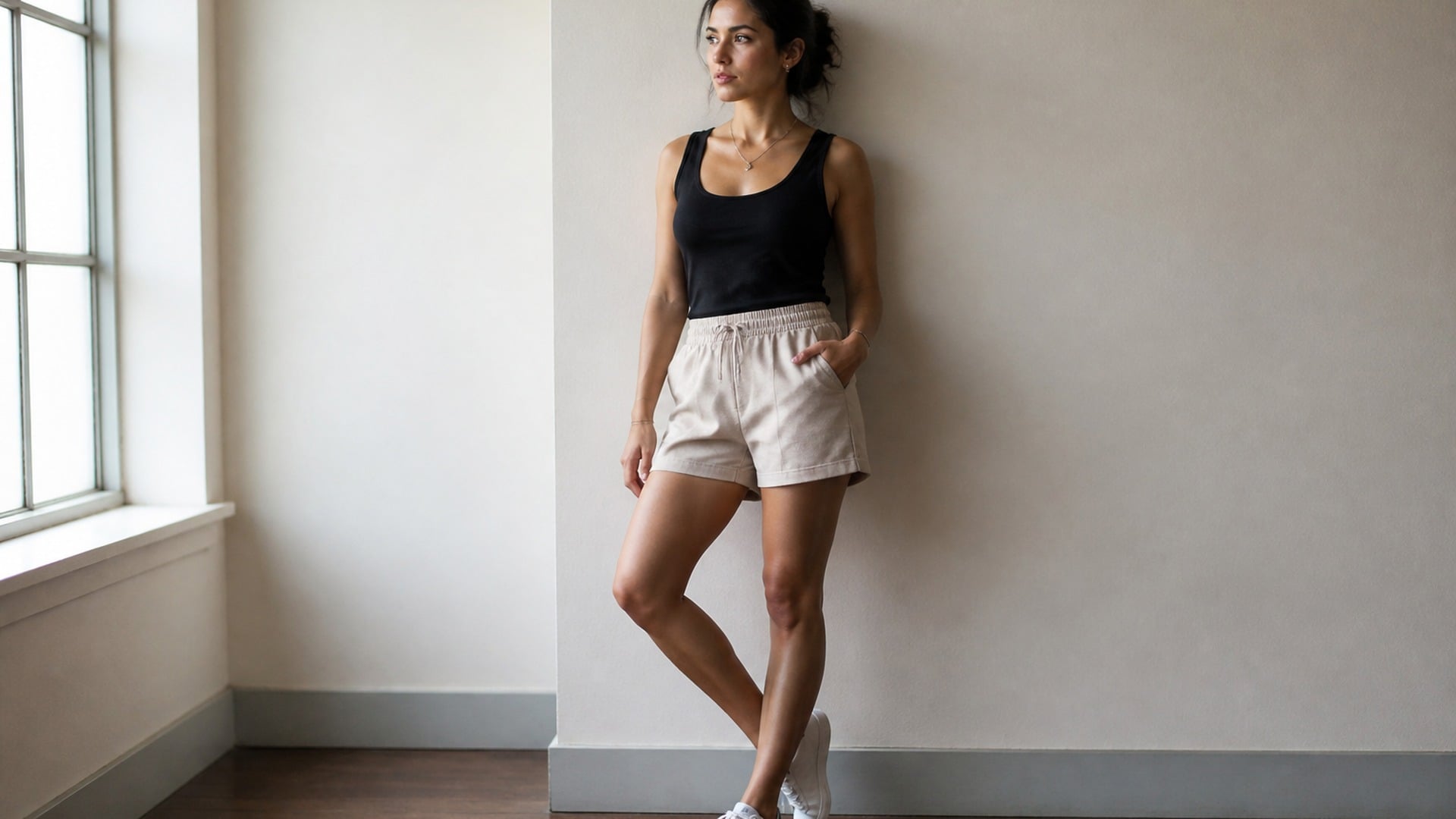
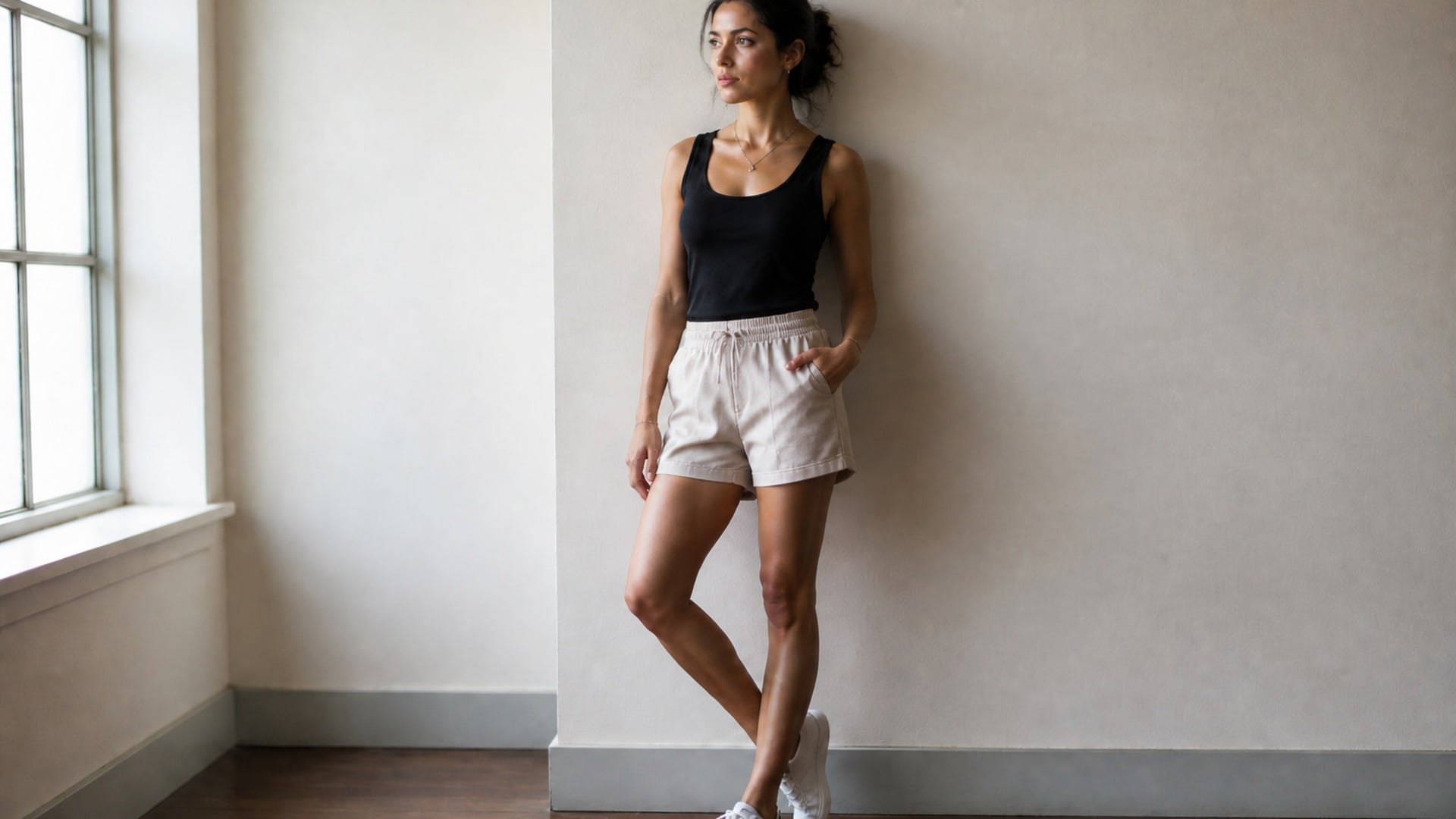
Head-to-body balance, limb length and overall skeleton stay plausible. Aggressive squeezes that break anatomy are exactly what make slimming edits look fake, so the tool stays on the conservative side when a request is ambiguous — you get a silhouette preview, not a cartoon stretch.
Try it now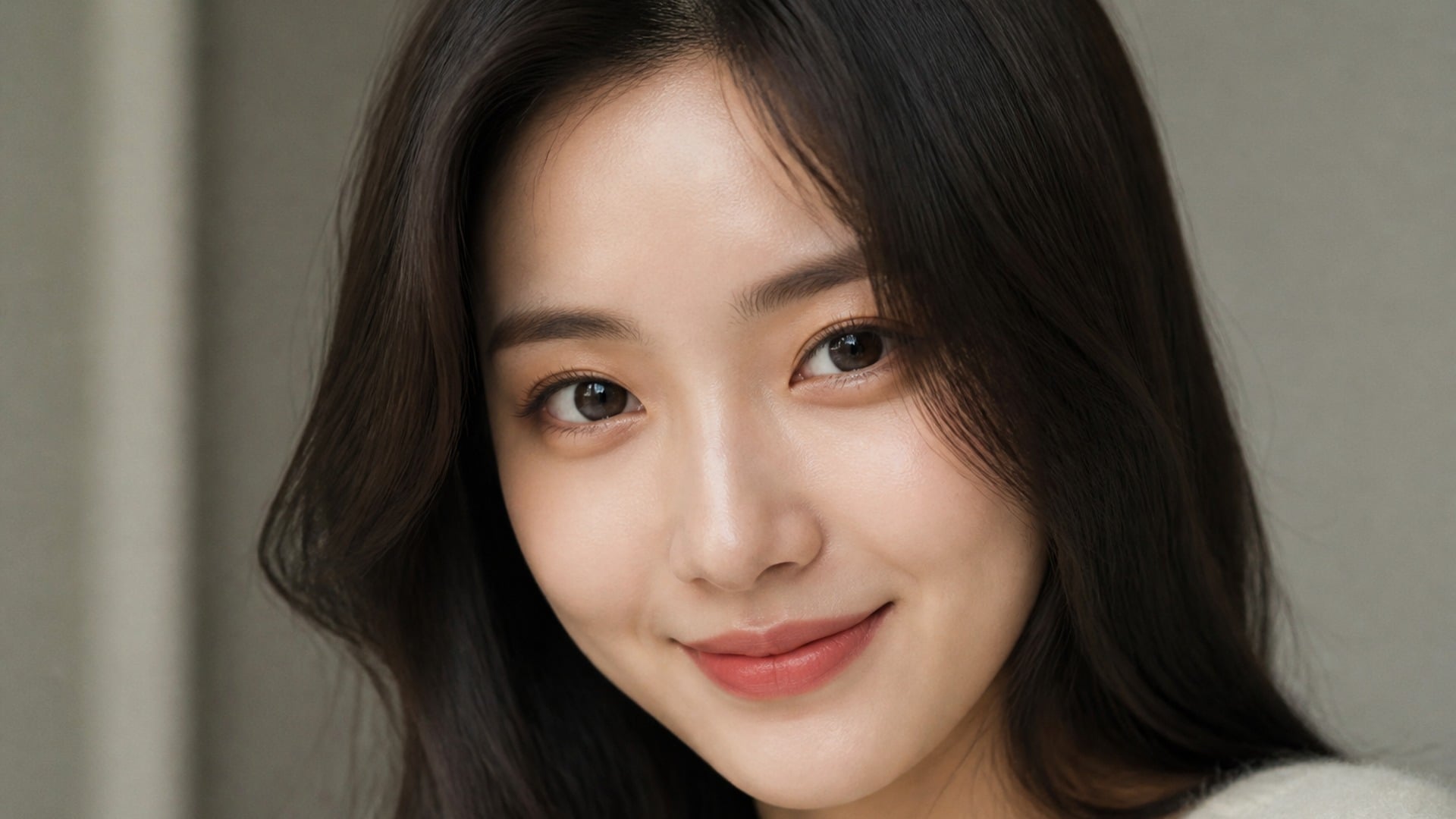
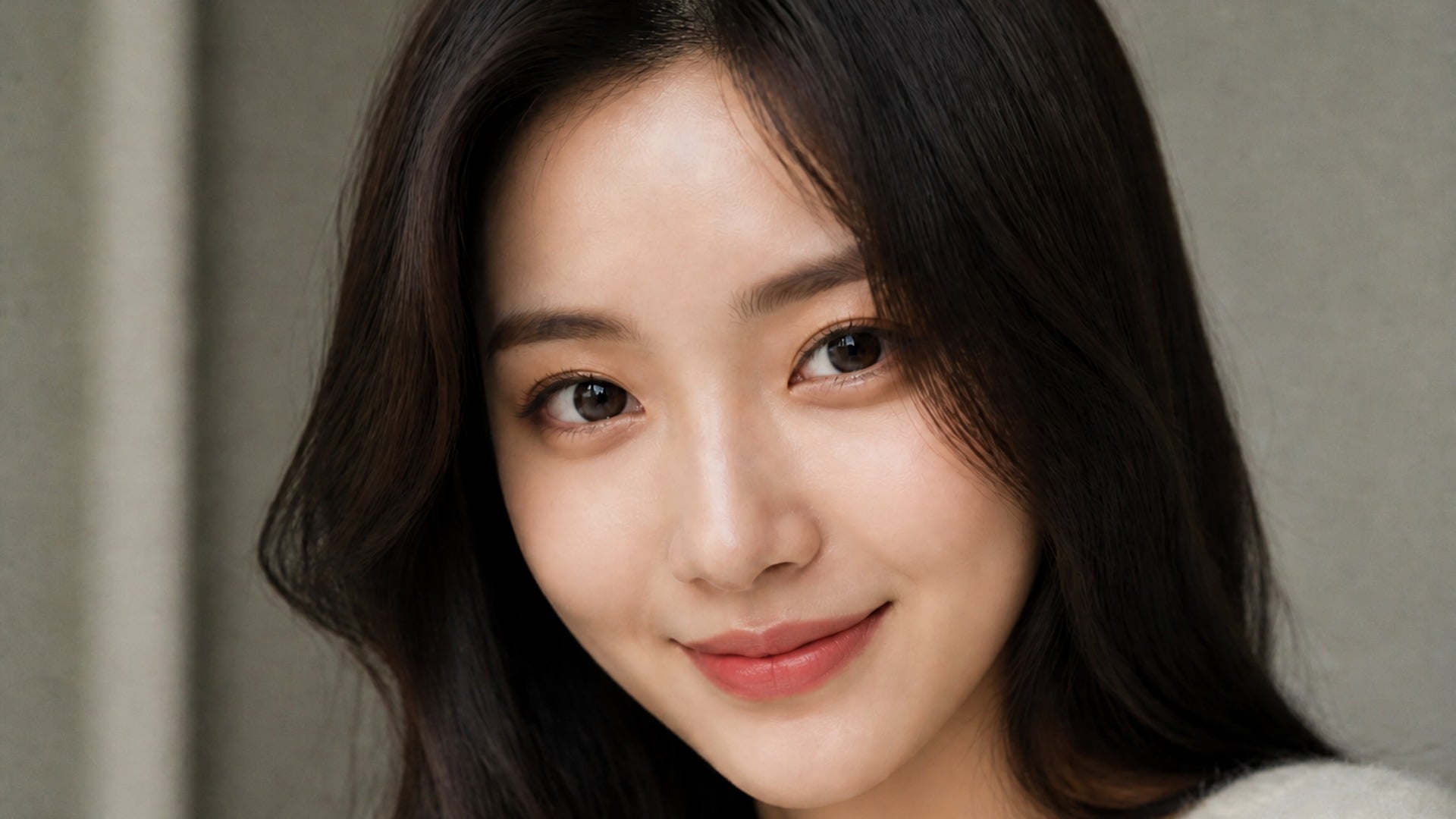
Pick a slim full body pass when the whole frame needs reshaping, or a slim face look when only the portrait area should change. A subtle option exists for small shifts that barely announce themselves. Each look is a starting point you can compare against the original side by side.
Try it now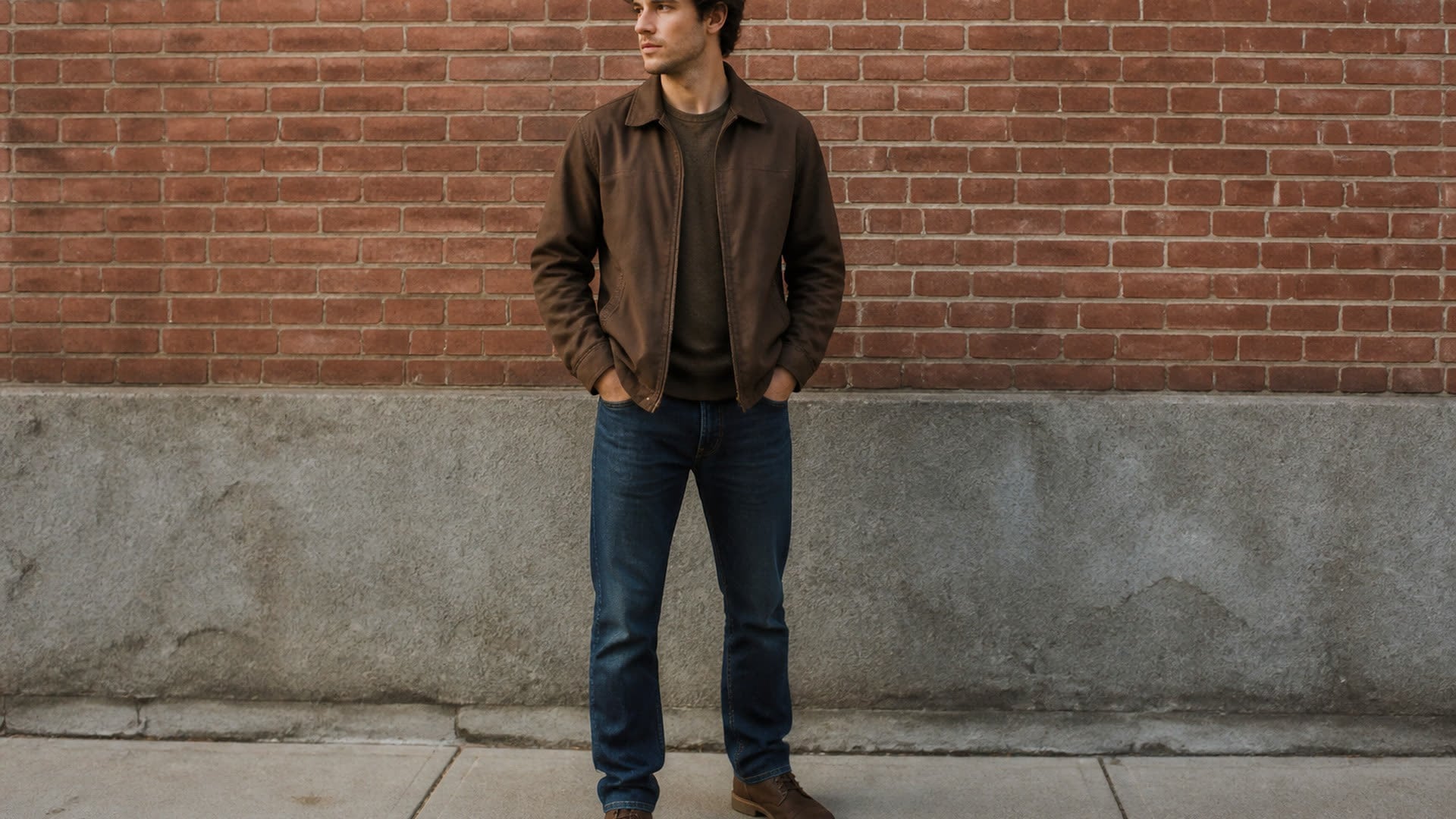
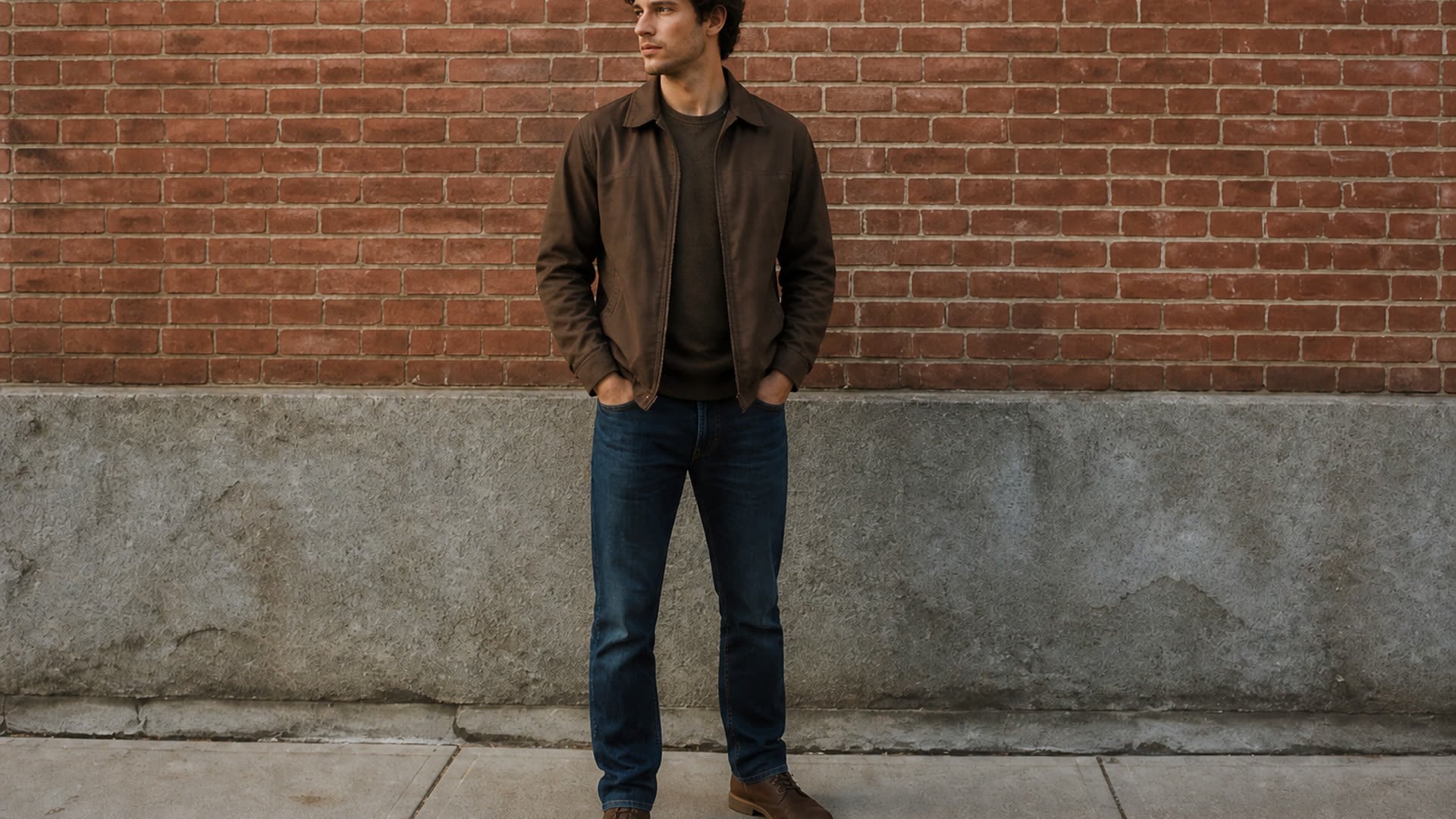
Facial features, expression, hairstyle, skin tone, clothing design, pose and lighting all come from the source. Reshaping proportions should not quietly turn you into someone else or invent a new room — this stays a silhouette preview on your own photo, not a new generated portrait.
Try it now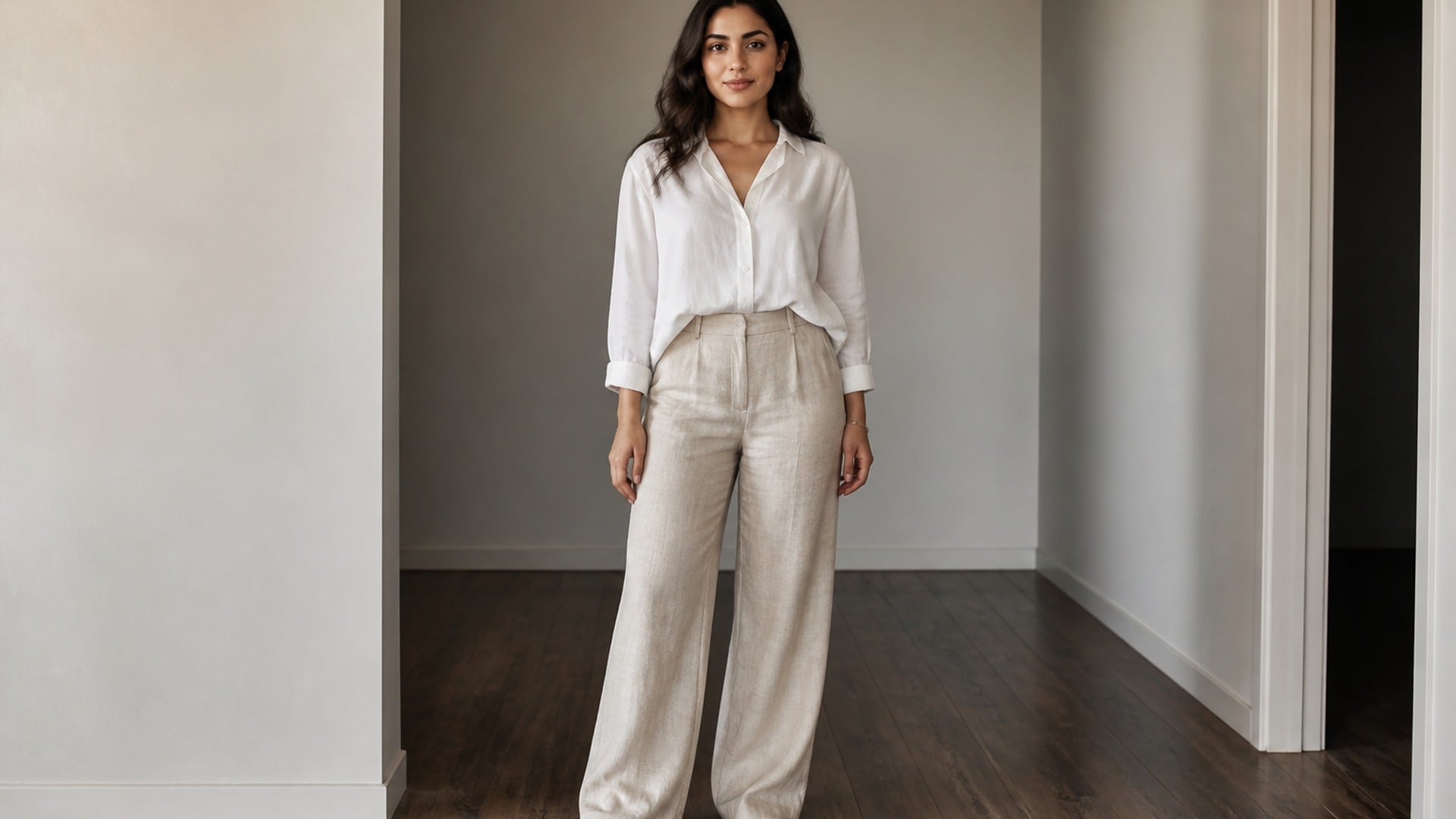
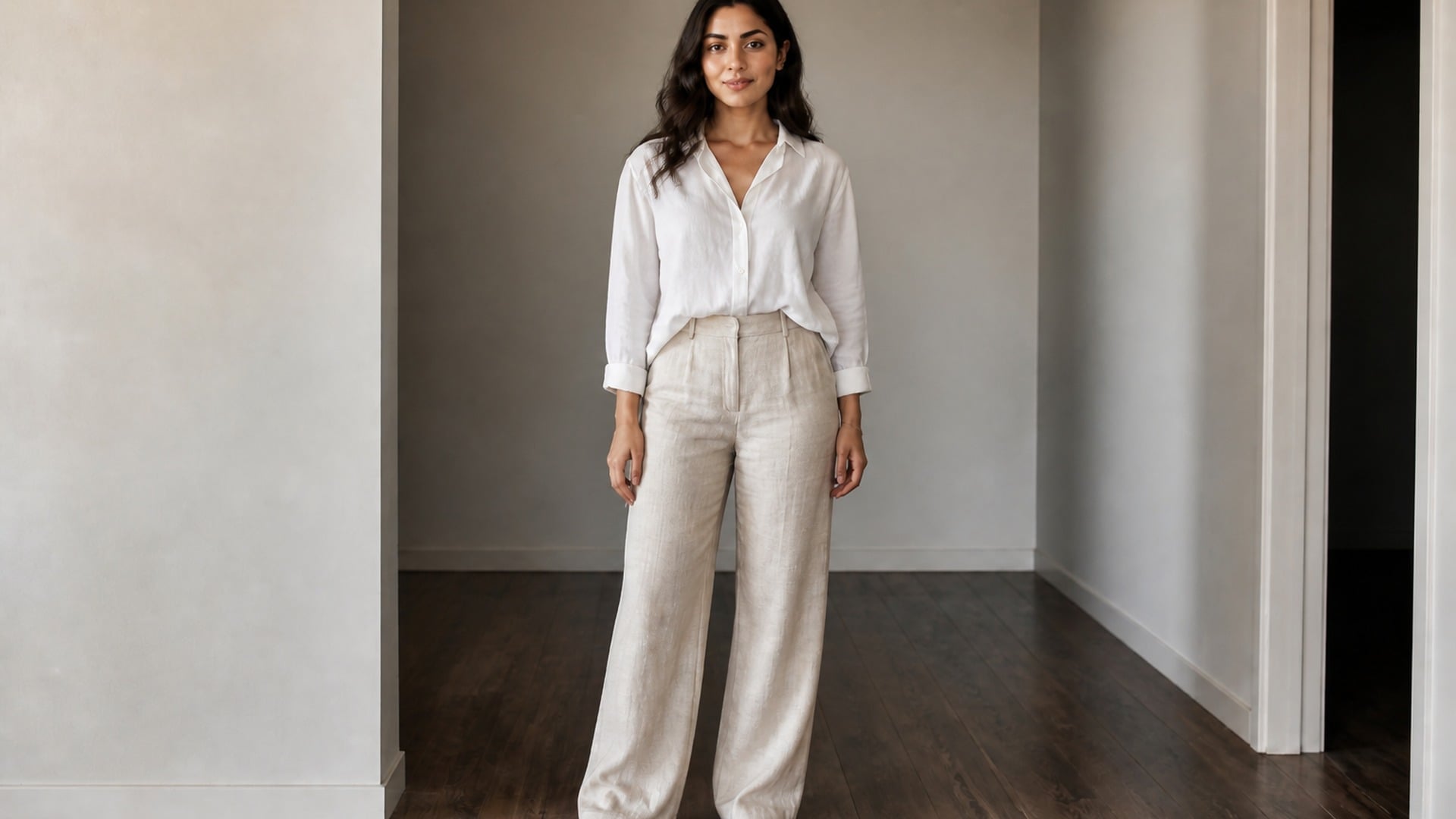
There is no render-style switch: the result comes back in the same visual language as the upload — the same lens character, lighting and colour grade. Only the silhouette moves. That is what keeps the comparison honest when you put the two files side by side. Nothing else in the frame is up for negotiation.
Try it nowKeep exploring portrait and silhouette edits in the same studio, then finish the rest of your visuals without leaving your workflow.
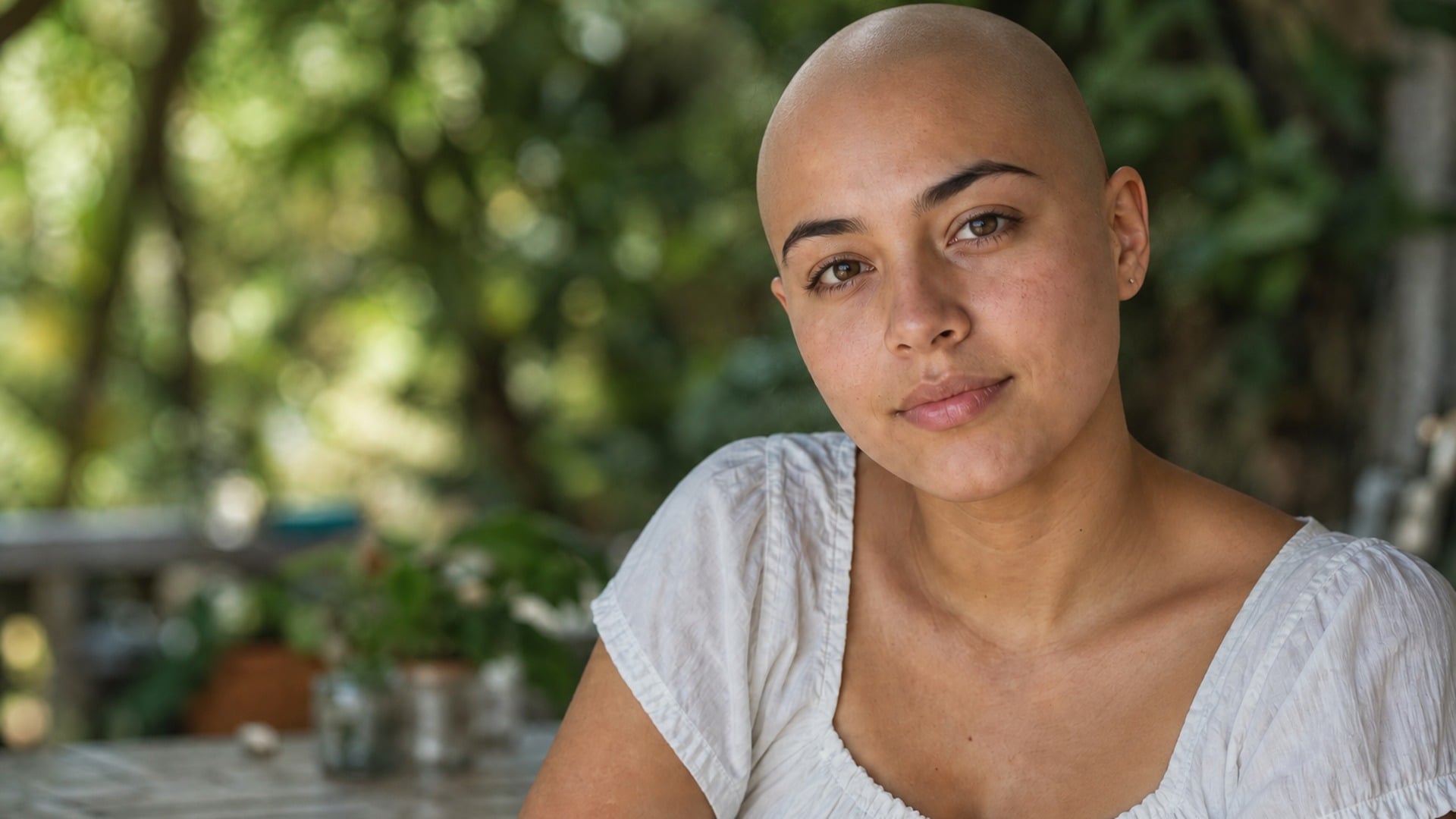
See yourself with a shaved head — face, pose and light stay put.
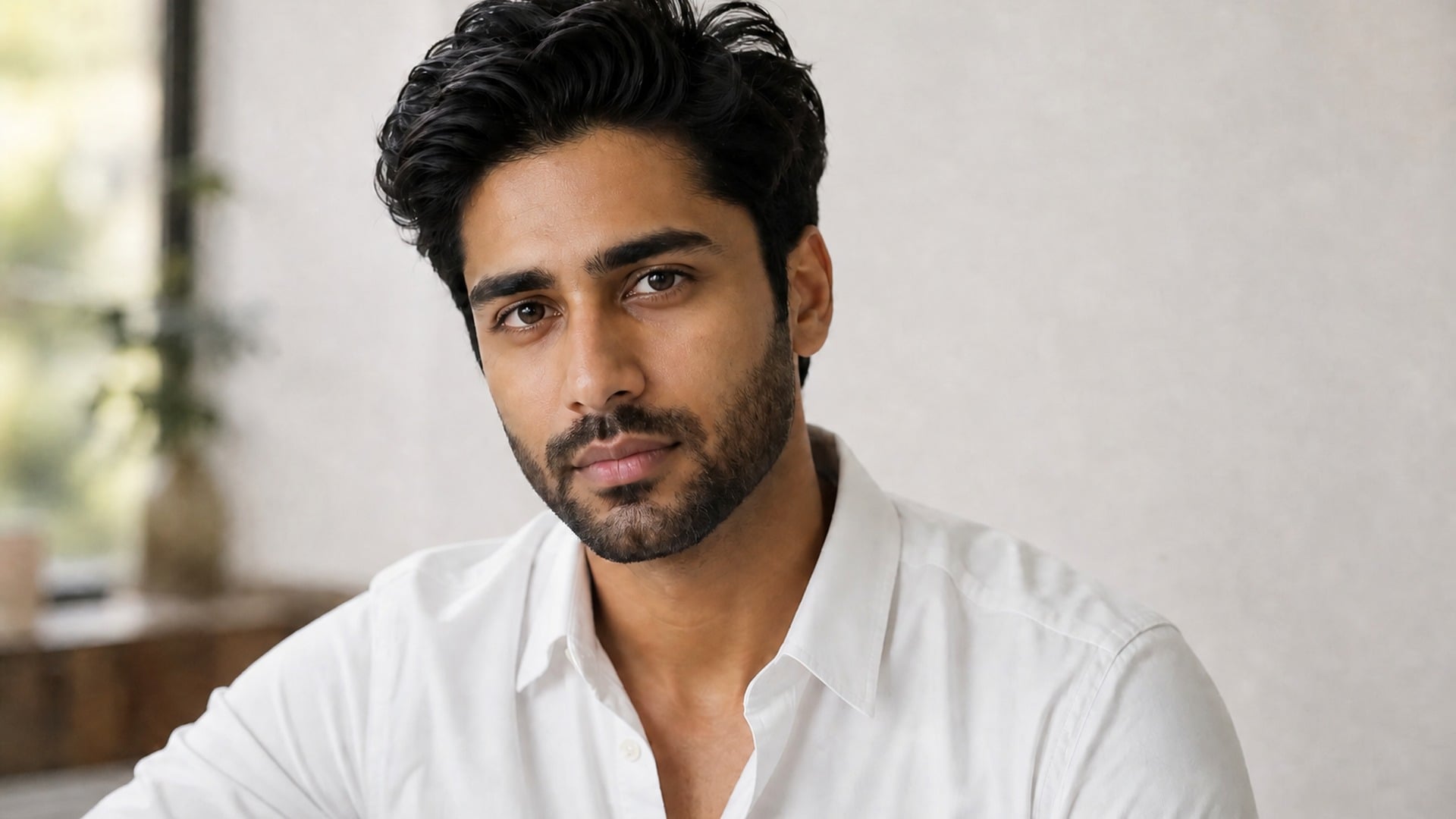
Try a full beard, stubble or goatee on your own jawline.
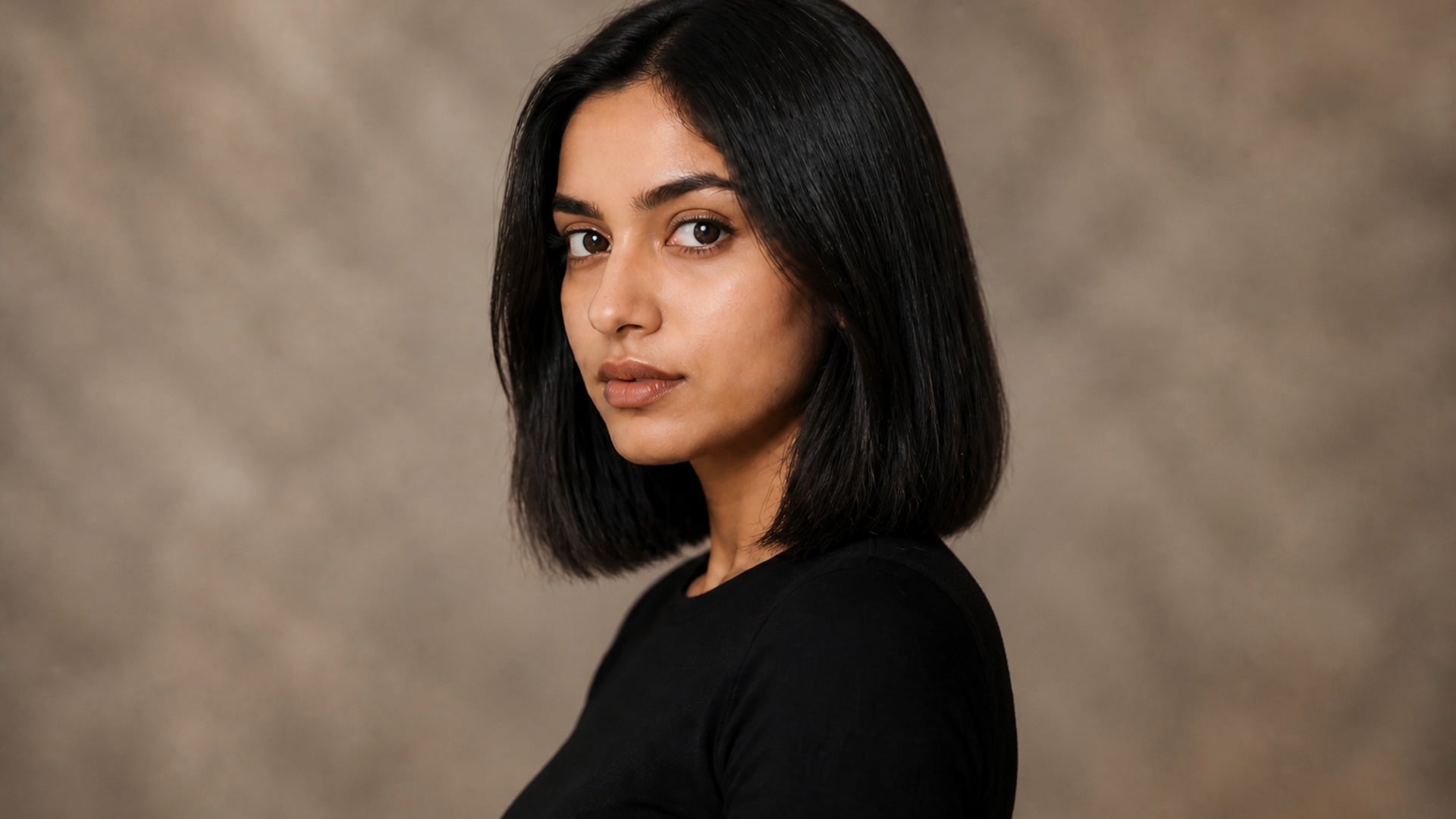
Preview a pixie, bob or crop before the scissors — your color, your texture.
AI face smooth for any selfie — retouched in seconds, still looks like you.
Explore leading models for AI video, image generation, editing, and cinematic storytelling.

Create Wan 3.0 clips on Viralkey: native 1080p, 2–30 seconds, start/end frames, up to 20 mixed references, and audio generated with the picture.

Create cinematic MiniMax H3 clips on Viralkey: native 2K, up to 15 seconds, text-to-video, start/end frames, and up to nine reference images.

Generate short HD clips on Viralkey with start/end frame direction and up to 50 reference images. Built for music video scenes and performer shots.

Create cinematic Seedance 2.0 clips on Viralkey: native 4K, start/end frames, up to nine reference images, and built-in audio with lip-sync.
People open this tool when a photo is already close, but the silhouette needs a careful preview before they share, print or pitch it. The goal is a believable frame you can trust on a second look — not a judgment about bodies.
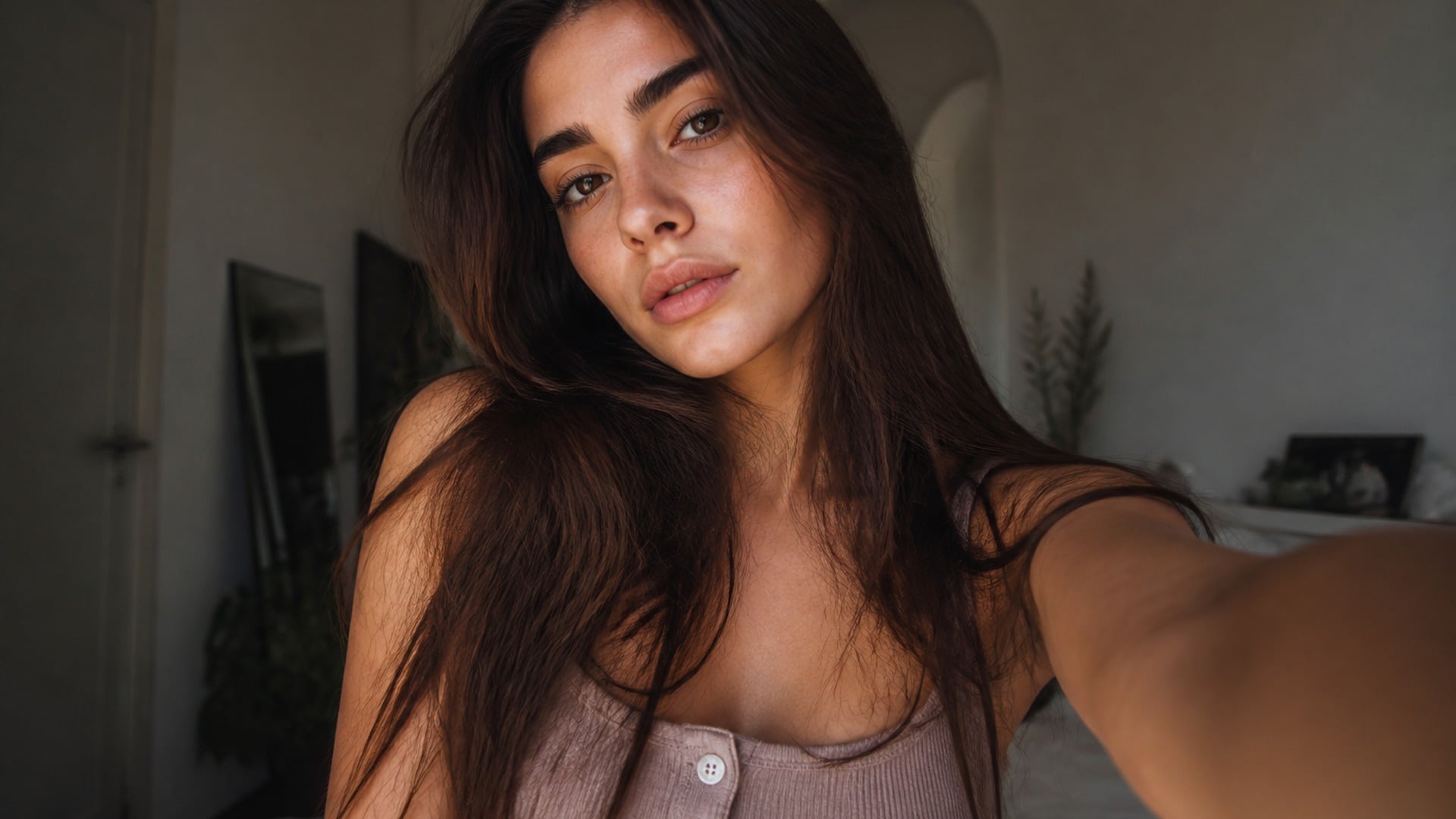
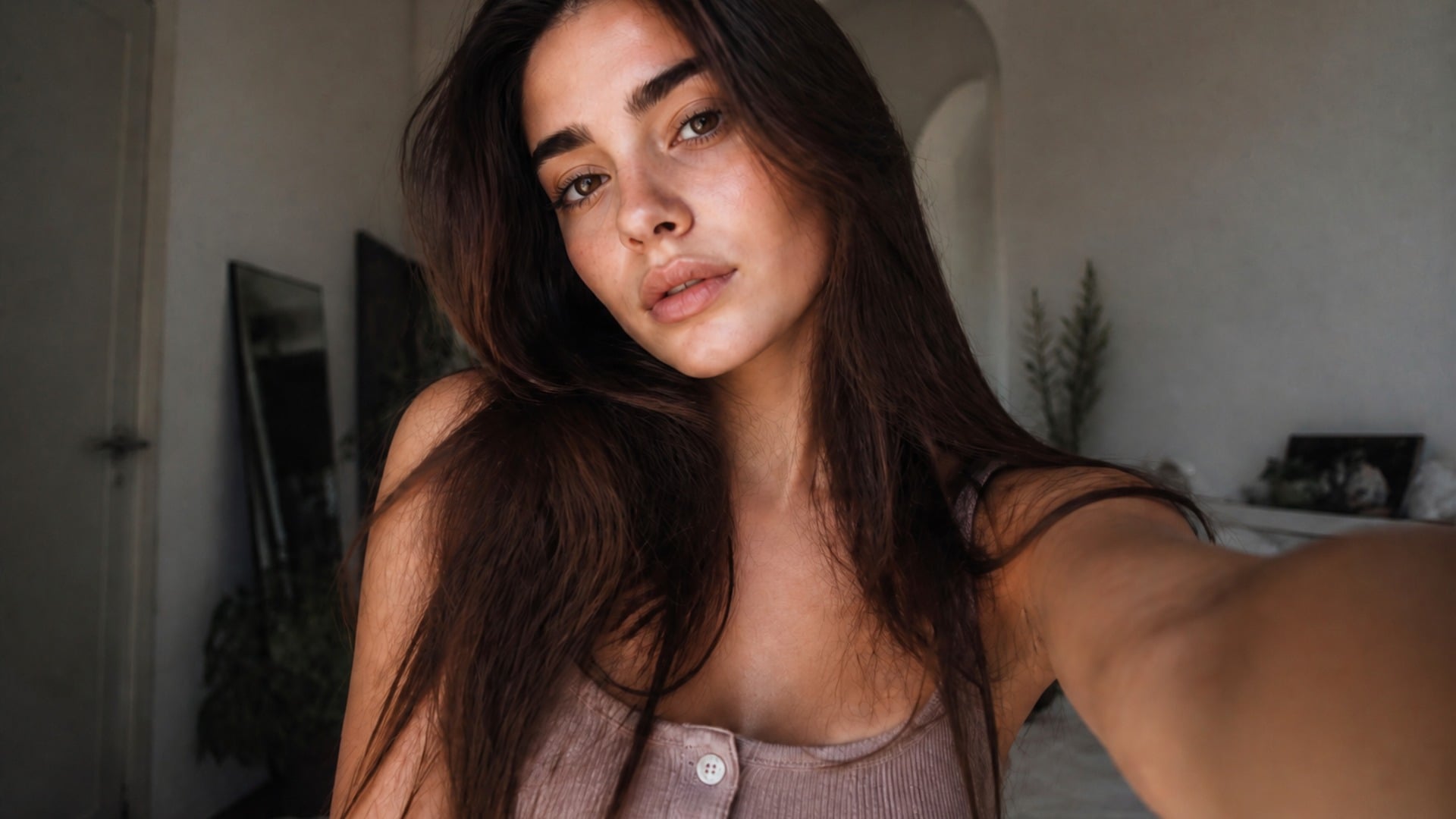
You already like the smile, light and outfit — you just want a gentler silhouette on the same shot. Face-focused and subtle looks exist for that case: a small reshape of a picture that is already good, without rebuilding the whole scene, warping the room or inventing a different person in the frame.
Try it now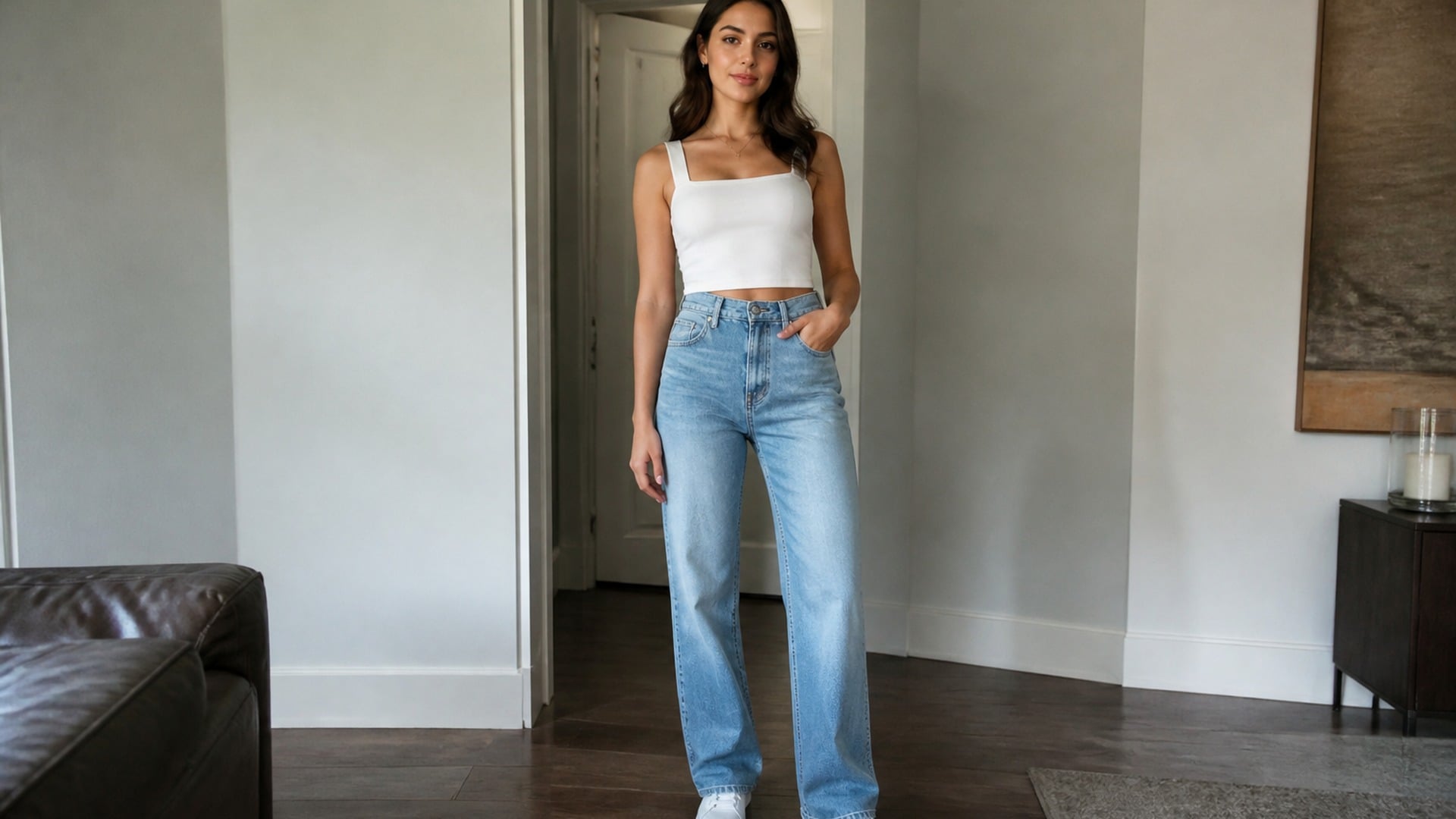
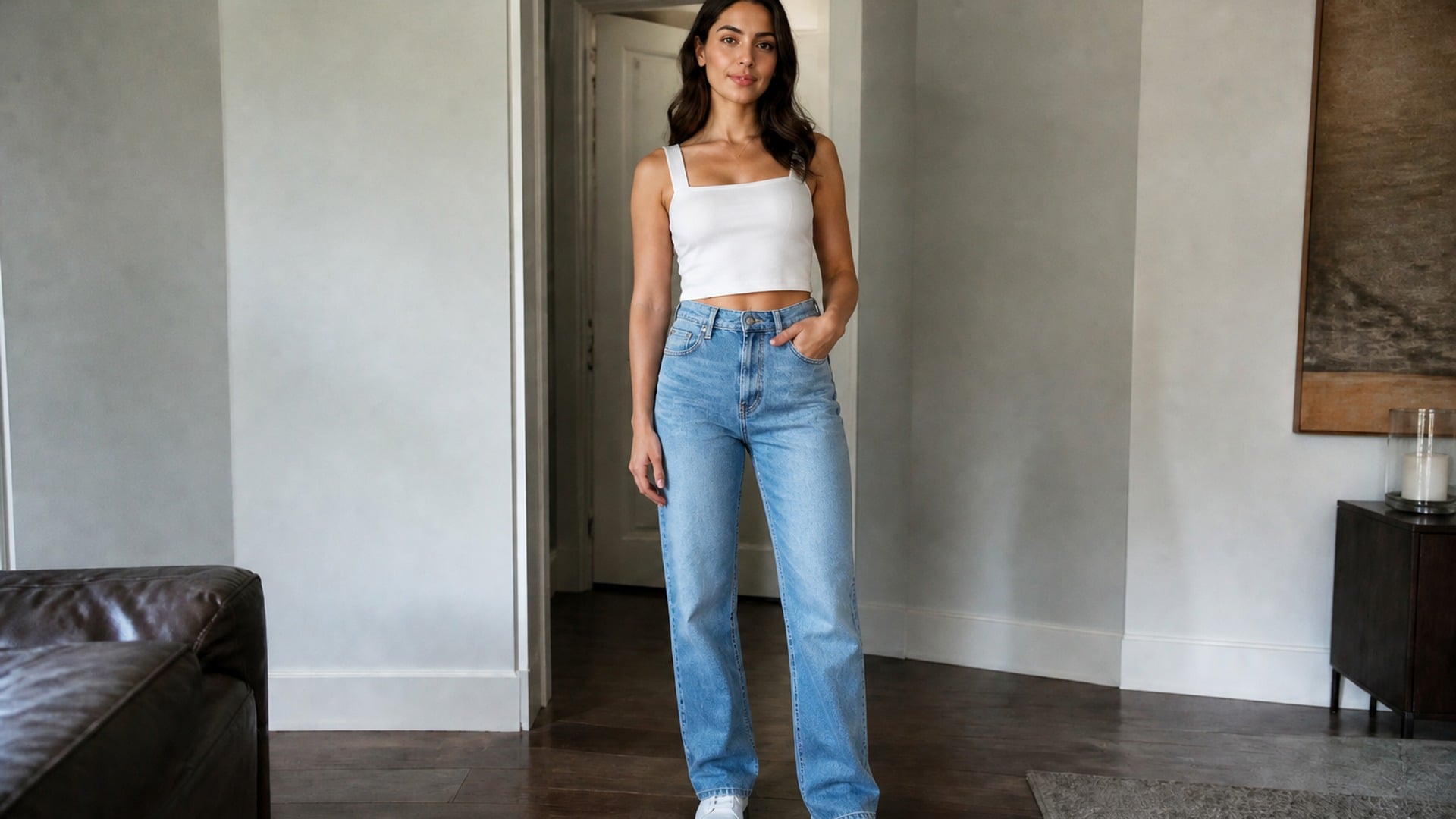
Fashion and personal styling work often needs to see how a garment sits on a slightly different outline. Because clothing refits with the silhouette and backgrounds stay geometric, you can preview fit ideas on a real photo without booking a reshoot or accepting a warped studio wall behind the subject.
Try it now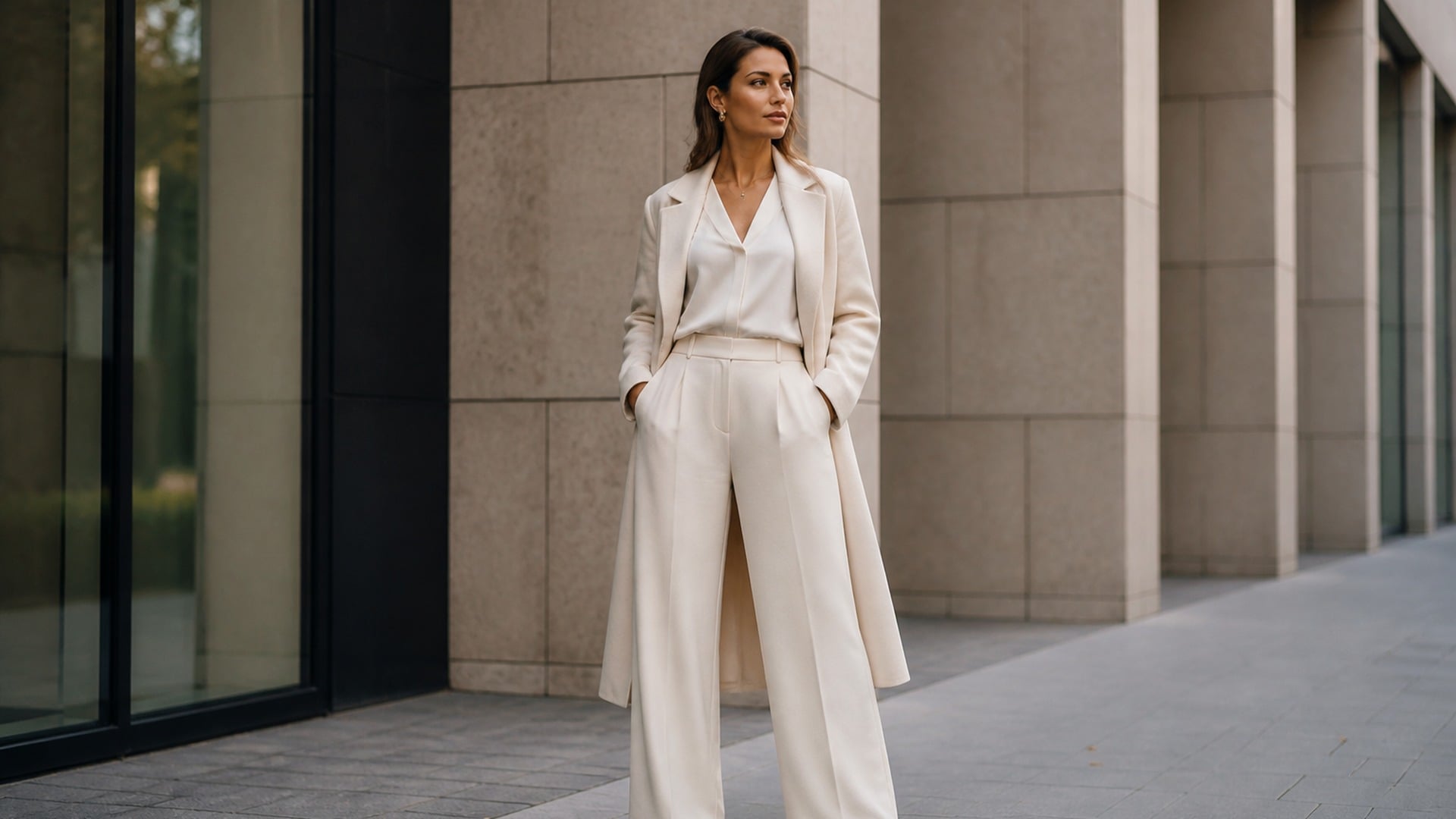
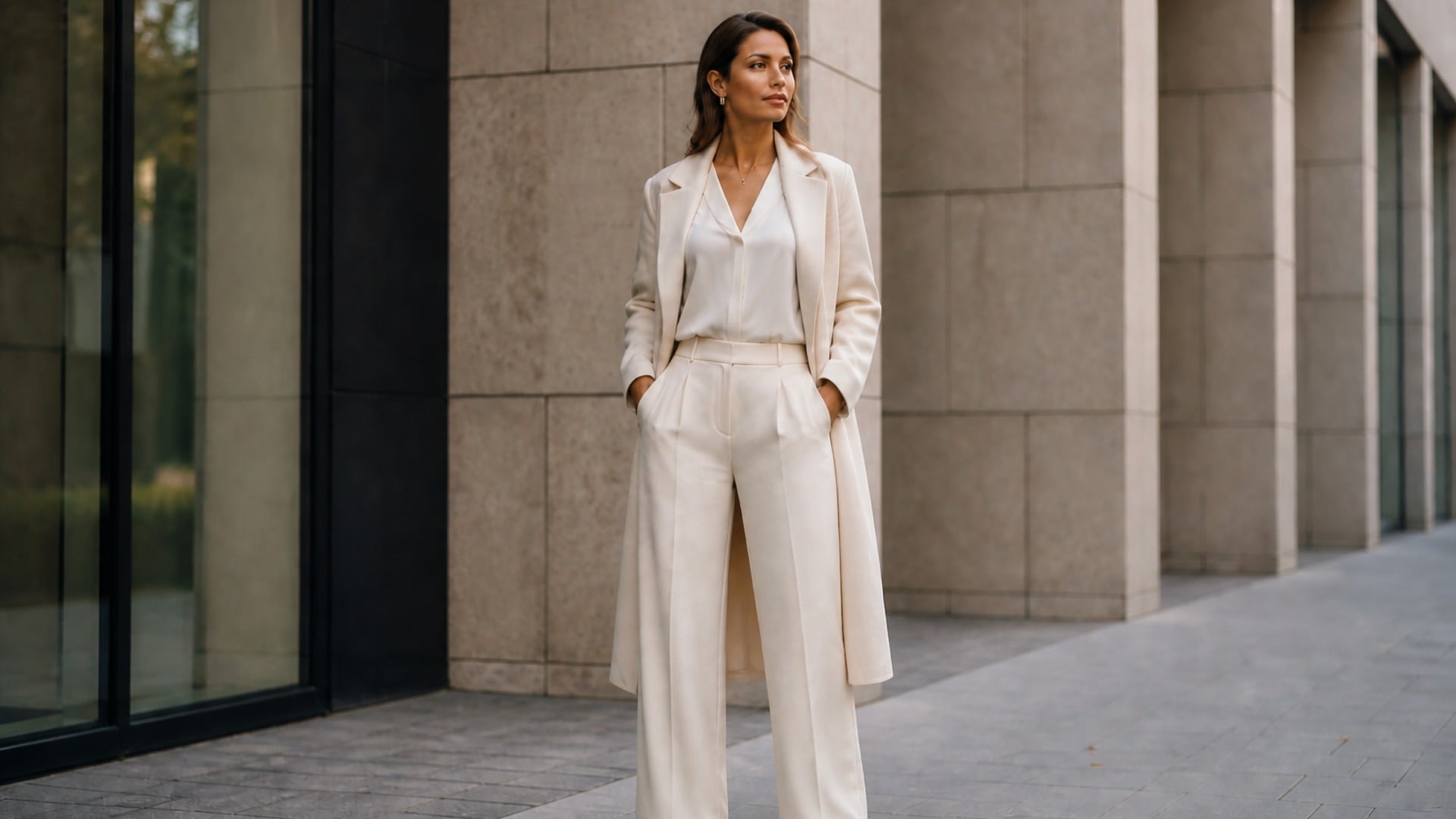
Creators sometimes need a cleaner silhouette for a cover, thumbnail or campaign still while keeping the original face and set. Identity, pose and lighting stay grounded in the source, so the edit stays usable next to other frames from the same shoot without looking like a different session.
Try it now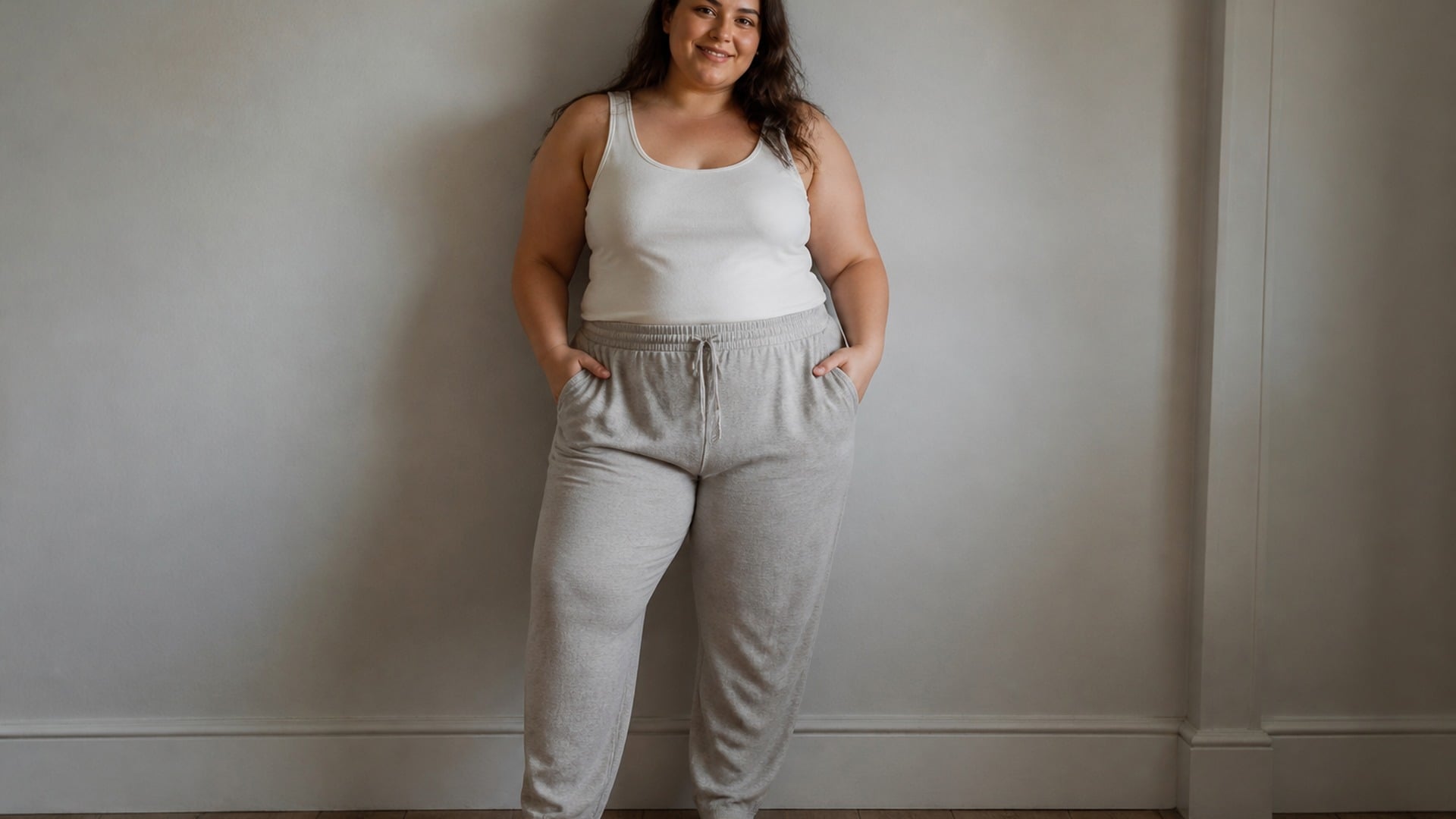
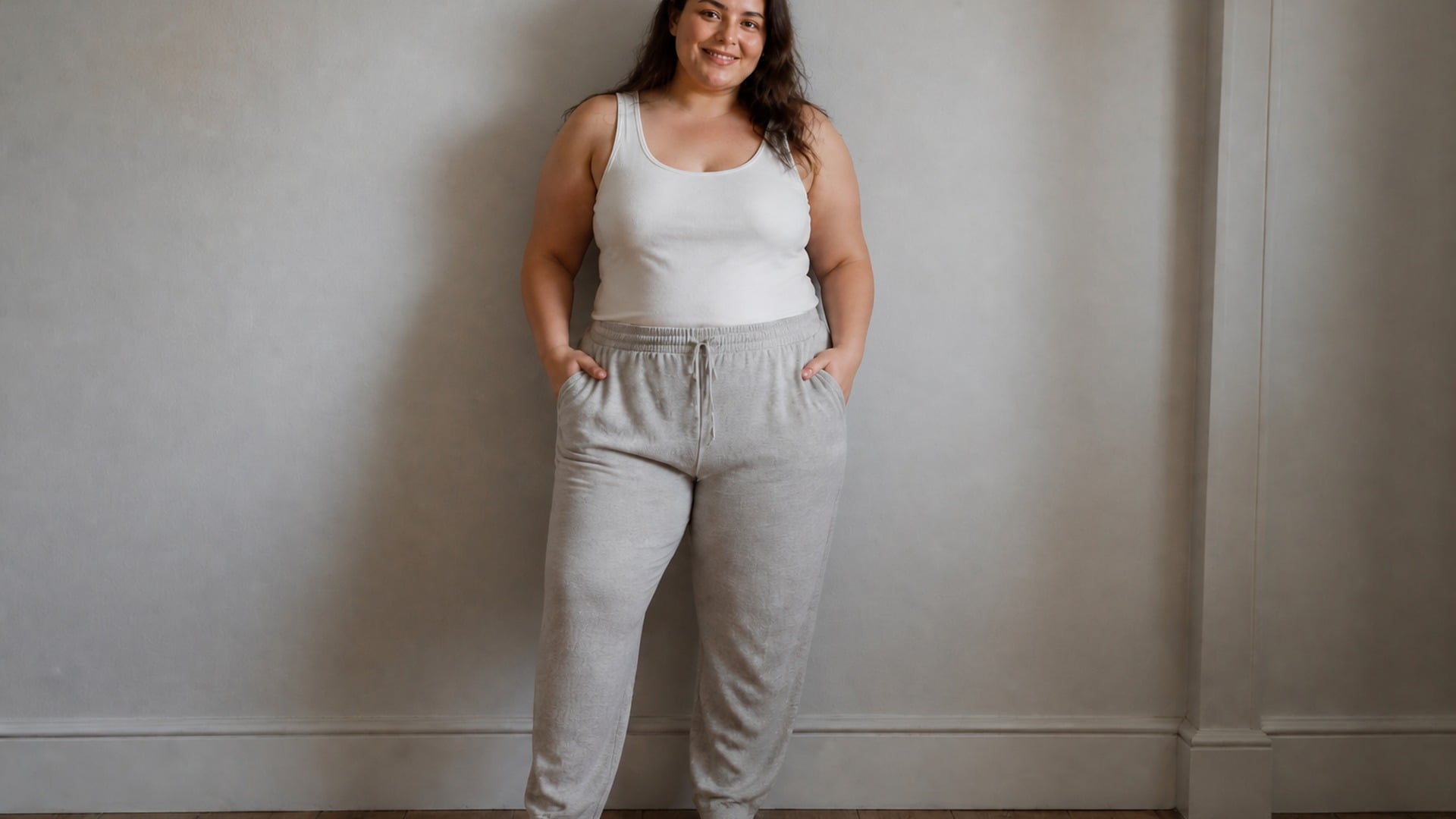
When the still is heading into a mood board or character sheet rather than a mirror check, run the same upload through more than one look and collect the proportion variants. Pose, wardrobe, framing and light stay identical across the set, so the board reads as one shoot instead of four unrelated images.
Try it nowNotes from creators who used this tool on real work.
Hazel Thornbury
Portrait photographerThe doorway behind me stayed perfectly straight.
That alone made the skinny filter feel trustworthy.
Alvaro Mendoza
Freelance writerI only needed a face pass for a profile shot.
Body stayed the same, jawline softened — exactly the scope I wanted.
Zelda Sheffield
StylistMy coat actually looked refitted instead of crushed.
Other tools always smear the fabric.
Belen Quintana
YouTube editorSubtle was enough for a thumbnail.
Viewers notice the cleaner outline without spotting an edit.
Natsuki Hasegawa
Social managerCompared full body against face-only on the same photo.
The comparison is the whole reason I keep coming back.
Verity Hartley
Brand designerIt still read like my camera file.
No plastic skin, no invented lighting.
Naoki Fujimoto
Fashion assistantUsed it on a lookbook still so the dress drape followed the new outline.
Saved us another studio hour.
Iris Langford
Podcast hostI was worried it would feel judgmental.
It just previews silhouette — calm, technical, useful.
Duncan Grimshaw
Indie game artistRan three looks for a character sheet.
Same pose, cleaner proportions, still recognizably me.
The skinny filter is a Viralkey Studio image edit that slims a silhouette on a photo you upload. You can reshape a full-body outline or focus on the face, while clothing is refitted to the new shape and straight background lines stay straight. It is a silhouette preview for photos — not medical advice, not a prediction of body change, and not a value judgment about thinness. Face, identity cues, pose and lighting stay grounded in your source image.
Turn your ideas into reality with AI. Generate, refine, and innovate — creation starts here.