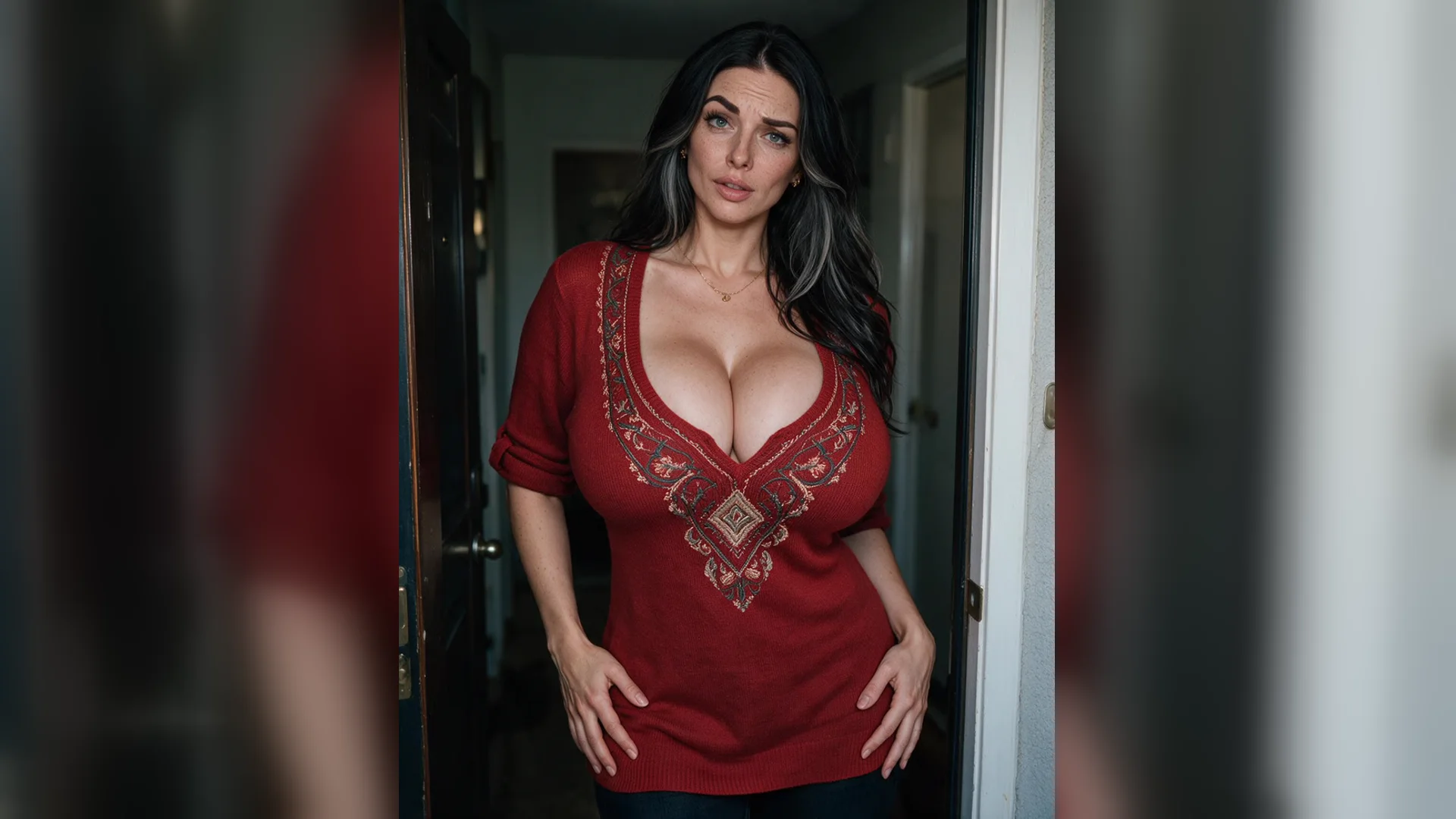
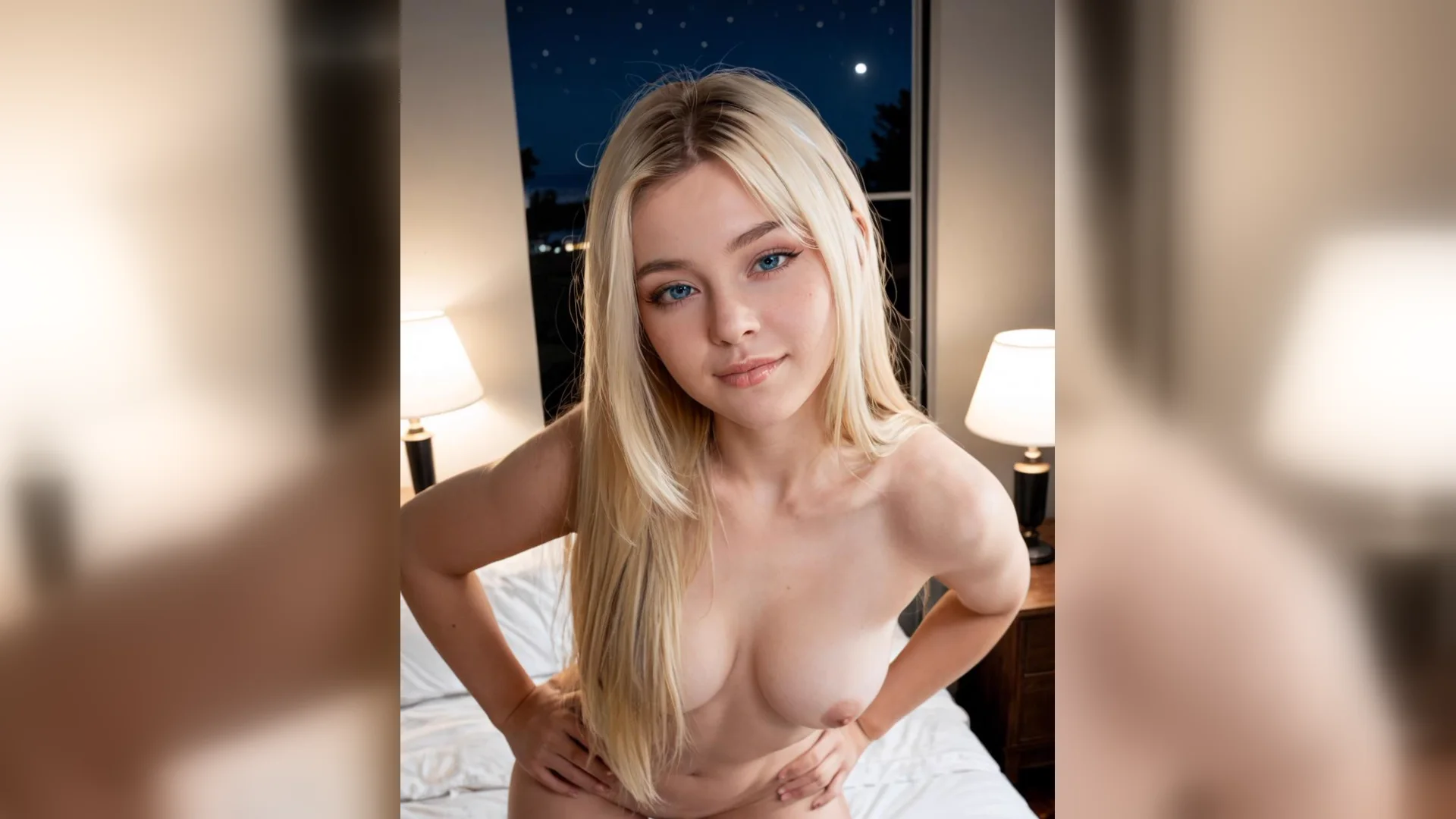
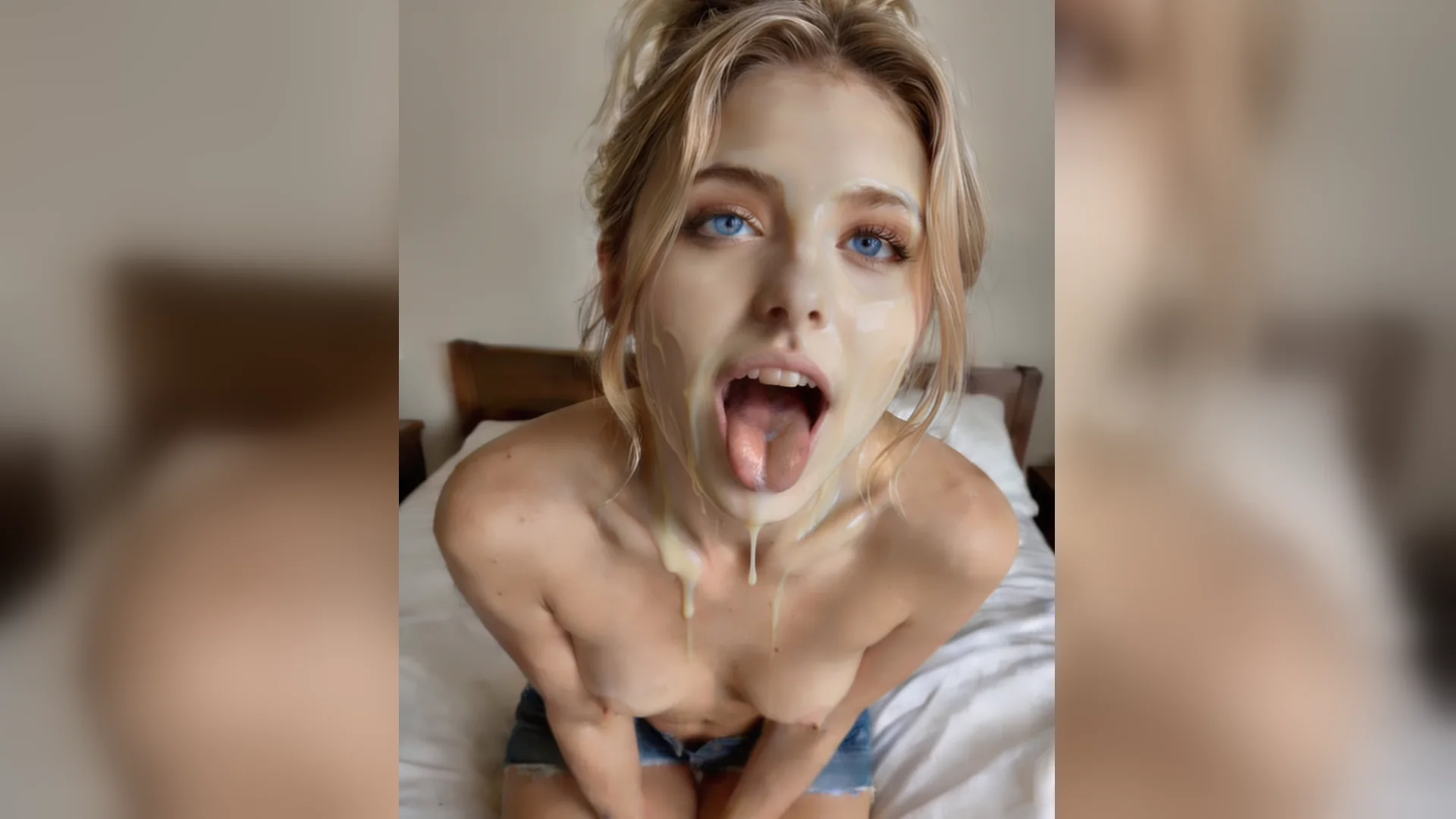
Boudoir portrait
PhotorealAdult woman in her late 20s, silk robe, sitting on the edge of a bed, soft window light from the left, 85mm portrait, shallow depth of field, warm film grain.
Copy a structured NSFW prompt, swap in your character, outfit, and lighting, and generate it in NSFW Studio. You can also open NSFW Studio, or continue with NSFW AI Image Generator, NSFW AI Image Editor, and Best NSFW AI Image Generator.
NSFW AI Prompts helps you write a clear adult image brief. Prepare a subject, wardrobe, composition, setting, lighting, and style. Then give every phrase a visual purpose and explain any reference image. Viralkey carries the editable draft into the current image workspace, where you review model controls, account access, and credit cost before submitting. Continue in NSFW Studio, or open NSFW AI Image Generator and NSFW AI Image Editor.
Copy a structured NSFW prompt, swap in your character, outfit, and lighting, and generate it in NSFW Studio.
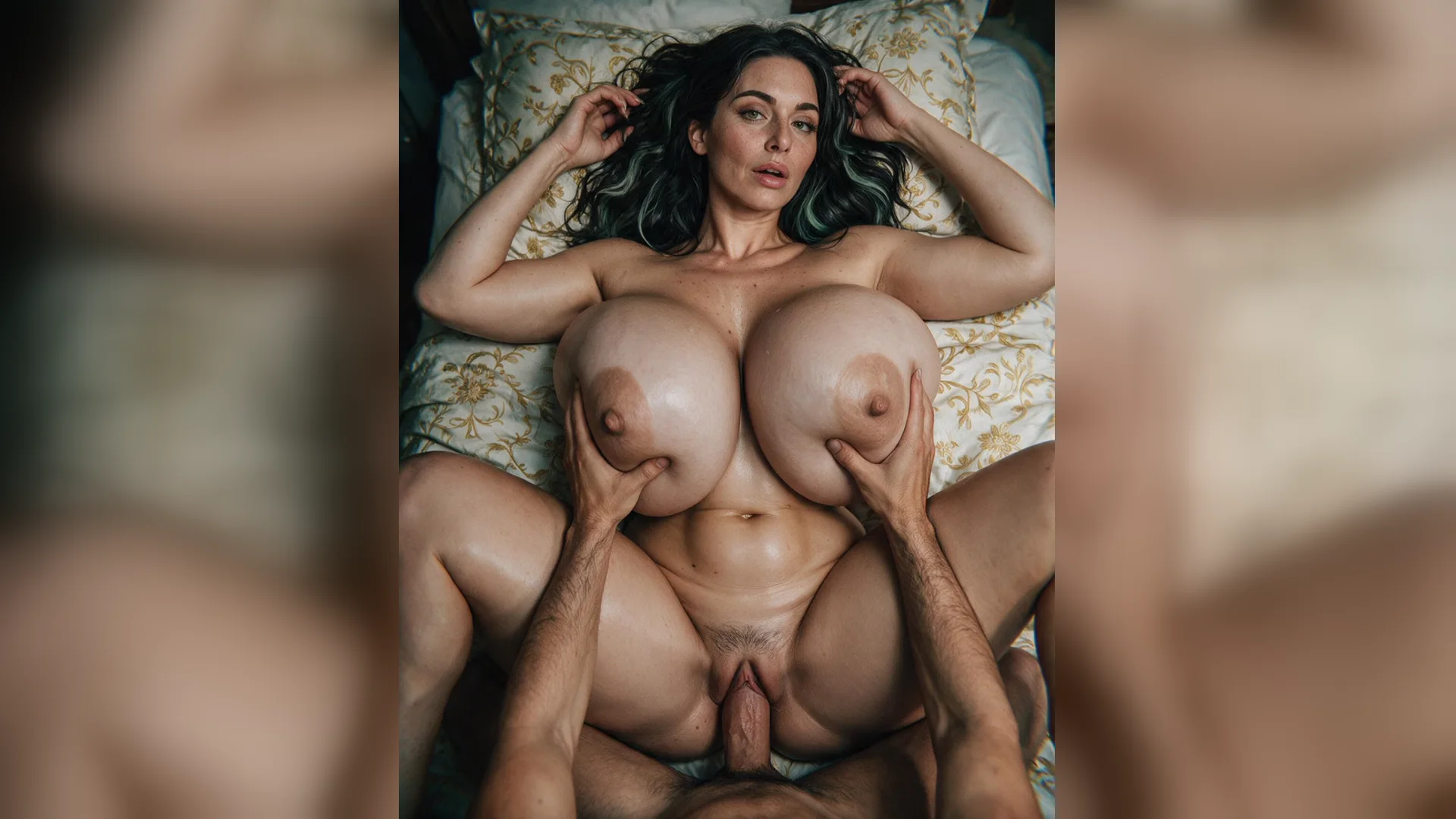
To write a clear adult image brief, prepare a subject, wardrobe, composition, setting, lighting, and style. Keep the source readable and use only adults and material you have permission to create or edit.
Generate Image
Give every phrase a visual purpose and explain any reference image. Separate subject, setting, framing, lighting, and style instructions so you can identify which choice shaped the result.
Generate Image
Check which prompt choice changed the subject, framing, light, or style. If the result needs work, revise one variable while keeping the useful parts of the prompt and reference stable.
Generate ImageAdd a subject, wardrobe, composition, setting, lighting, and style. Write the adult subject and intended result first, then include the composition, setting, lighting, camera, or movement details that matter.
Use the prompt to give every phrase a visual purpose and explain any reference image. Open the image workspace with the editable draft, then check the available controls, account access, and credit cost before submitting.
Submit only when the settings are correct. Review which prompt choice changed the subject, framing, light, or style, then download the completed result or revise the specific instruction that needs another version.
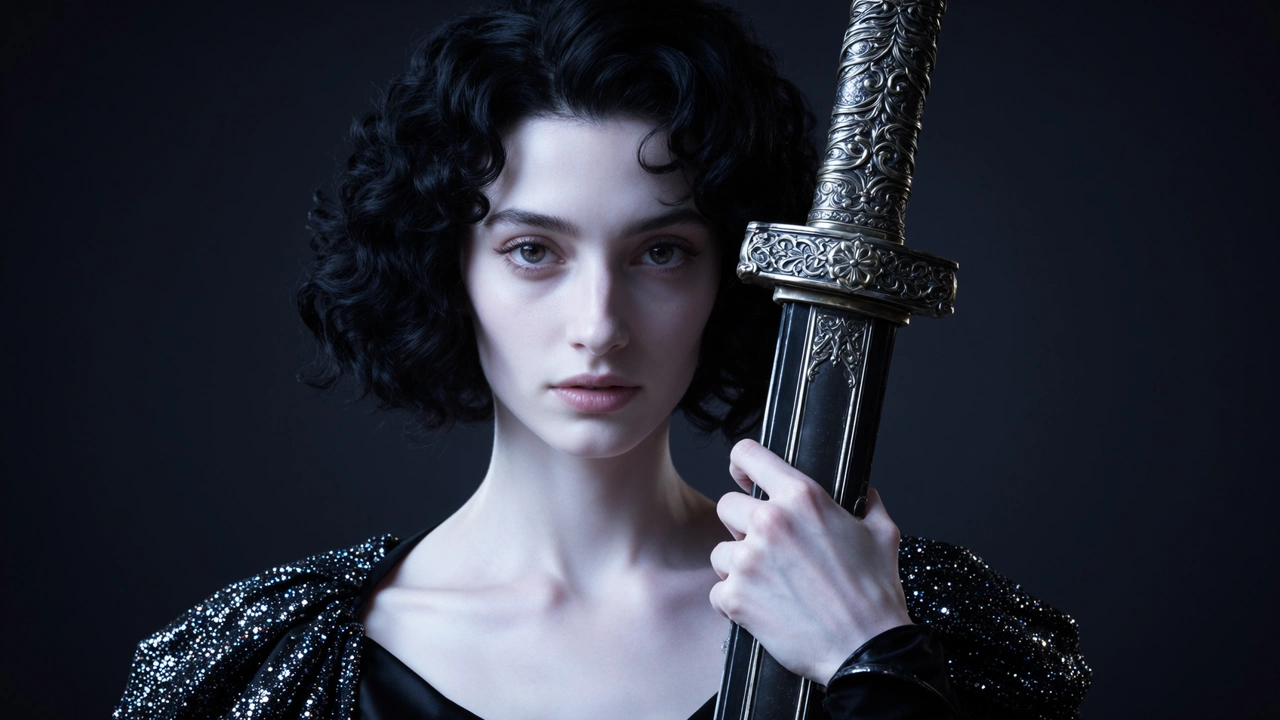
This page is designed for structured adult image prompts and controlled variations. Start with a subject, wardrobe, composition, setting, lighting, and style; a source that hides the important subject or composition details gives the model more information to invent.
Generate Image
First decide how to write a clear adult image brief. Then add supporting details. In practice, give every phrase a visual purpose and explain any reference image. Clear roles for each instruction make the output easier to evaluate and revise.
Generate Image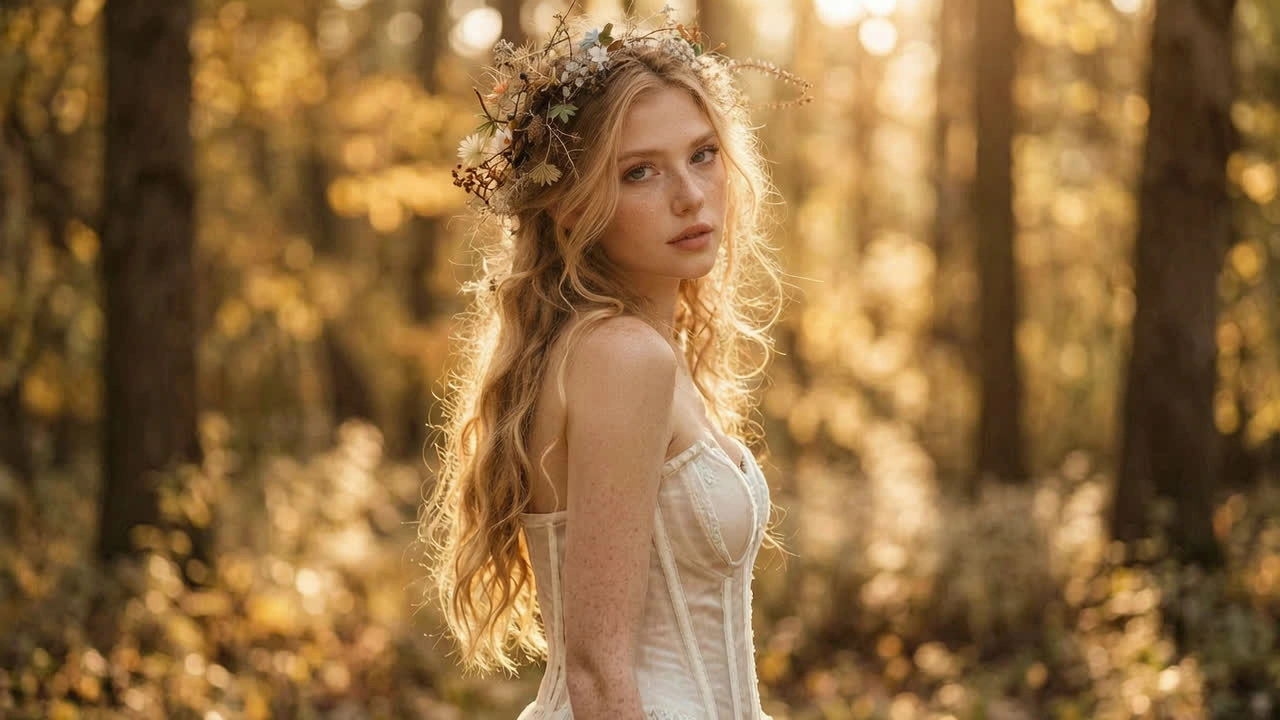
For structured adult image prompts and controlled variations, this page prepares the input and NSFW Studio handles the actual image run. Check which prompt choice changed the subject, framing, light, or style there before downloading the result or submitting another version.
Generate ImageEach example follows the same order: subject, outfit, setting, framing, light, style. Copy one, swap in your own character, and paste it into the prompt box above.
Boudoir portrait
PhotorealAdult woman in her late 20s, silk robe, sitting on the edge of a bed, soft window light from the left, 85mm portrait, shallow depth of field, warm film grain.
Anime heroine
AnimeAdult anime woman, long silver hair, black lace bodysuit under an open kimono, night city balcony, three-quarter view, cel shading, clean linework, pink and blue neon rim light.
Fantasy cosplay
CosplayAdult cosplayer as a fantasy knight, ornate armor with bare shoulders, plain studio backdrop, full-body shot, three-point lighting, sharp costume detail.
Painterly figure
ArtAdult elf sorceress in a sheer flowing gown, glowing runes, forest at dusk, low-angle medium shot, dramatic backlight, digital oil painting, teal and gold palette.
Male portrait
PhotorealAdult man with an athletic build, shirtless, towel over one shoulder, steamy bathroom mirror, waist-up framing, low-key moody light, photorealistic.
Couple scene
Two subjectsTwo adults embracing on a rooftop at golden hour, both faces visible, man on the left in a white shirt, woman on the right in a red dress, 35mm candid photo, warm tones.
NSFW AI prompts are structured descriptions for generating adult images. A useful prompt assigns visible details in order: subject, outfit, setting, framing, light, and style.
Use your prompt and optional reference to create or edit a still image. Check the current studio options and credits before submitting.