GA
Giles Ashworth
Sound designerSound that actually lines up with the cut.
Every other tool I tried dubbed it and you could tell.
Most AI clips come back silent, which is useless for ASMR. Upload an object photo, pick a trigger, and this ASMR video maker returns a macro clip whose contact sound is generated with the picture — no foley session, no stock bed.
AI ASMR Generator
AI ASMR Generator
Most AI clips come back silent, which is useless for ASMR. Upload an object photo, pick a trigger, and this ASMR video maker returns a macro clip whose contact sound is generated with the picture — no foley session, no stock bed.
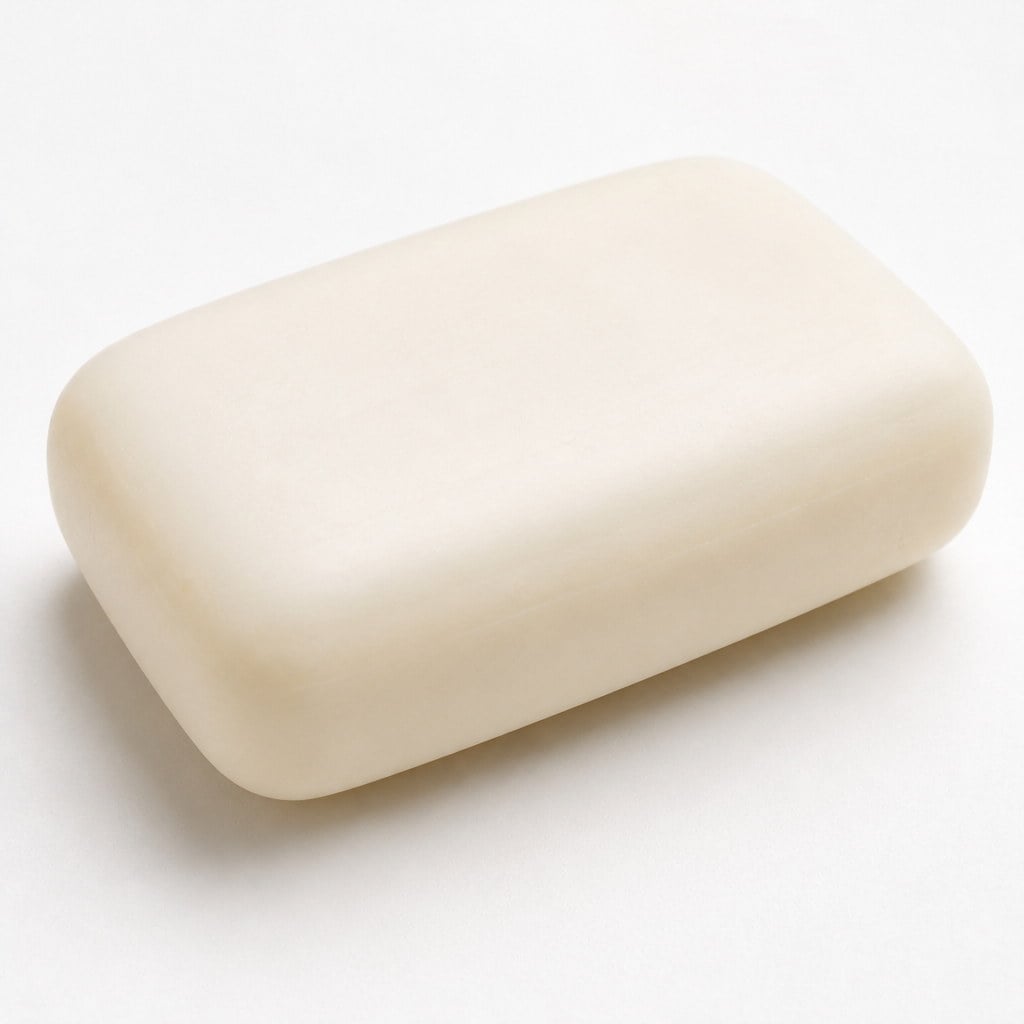
Upload an Object Photo
Anything with a clear shape and readable material works — fruit, a candle, a package, a gadget. Clean backgrounds help. This still's shape is what the clip follows, so pick a frame you would actually post.
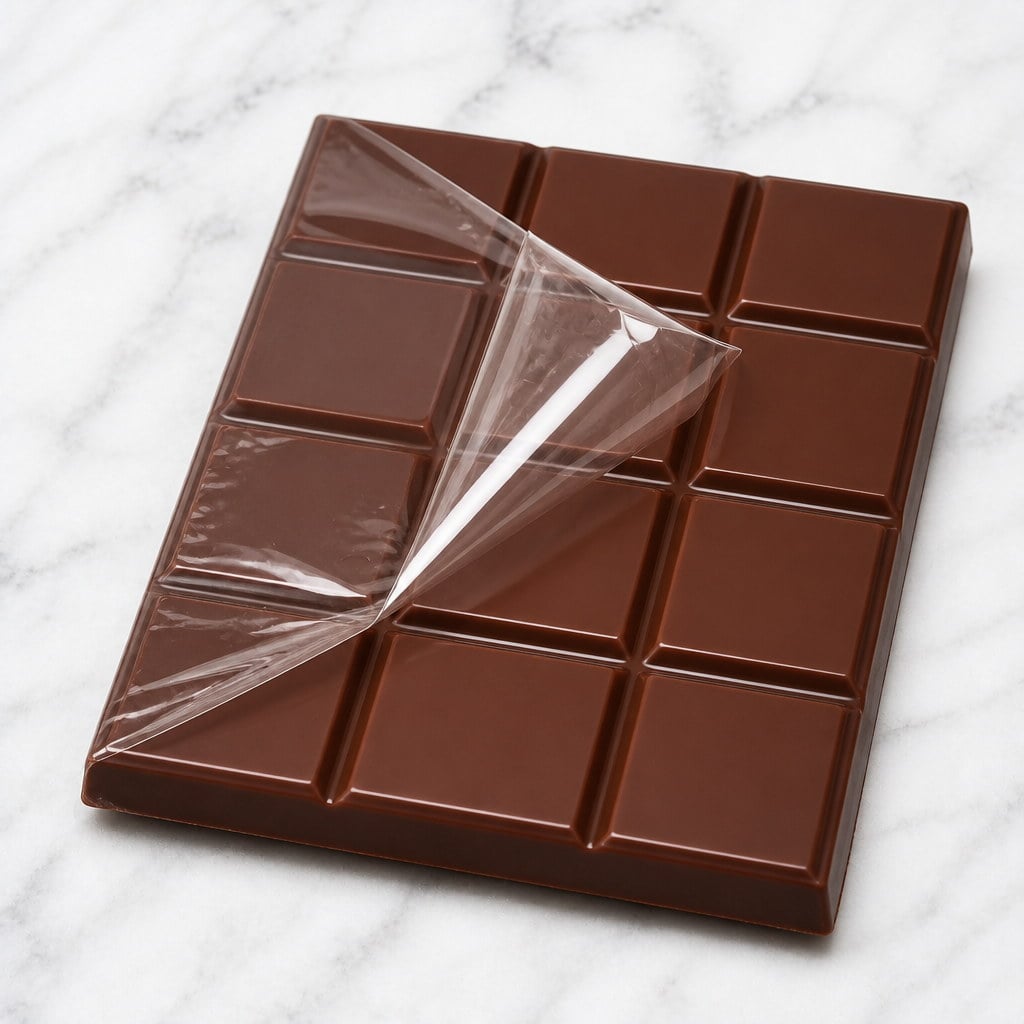
Choose a Trigger
Pick a trigger such as Glass fruit, Lava or Film peel. That choice sets both what happens on screen and what you hear. Add an optional note only if the material or the pace needs a constraint.
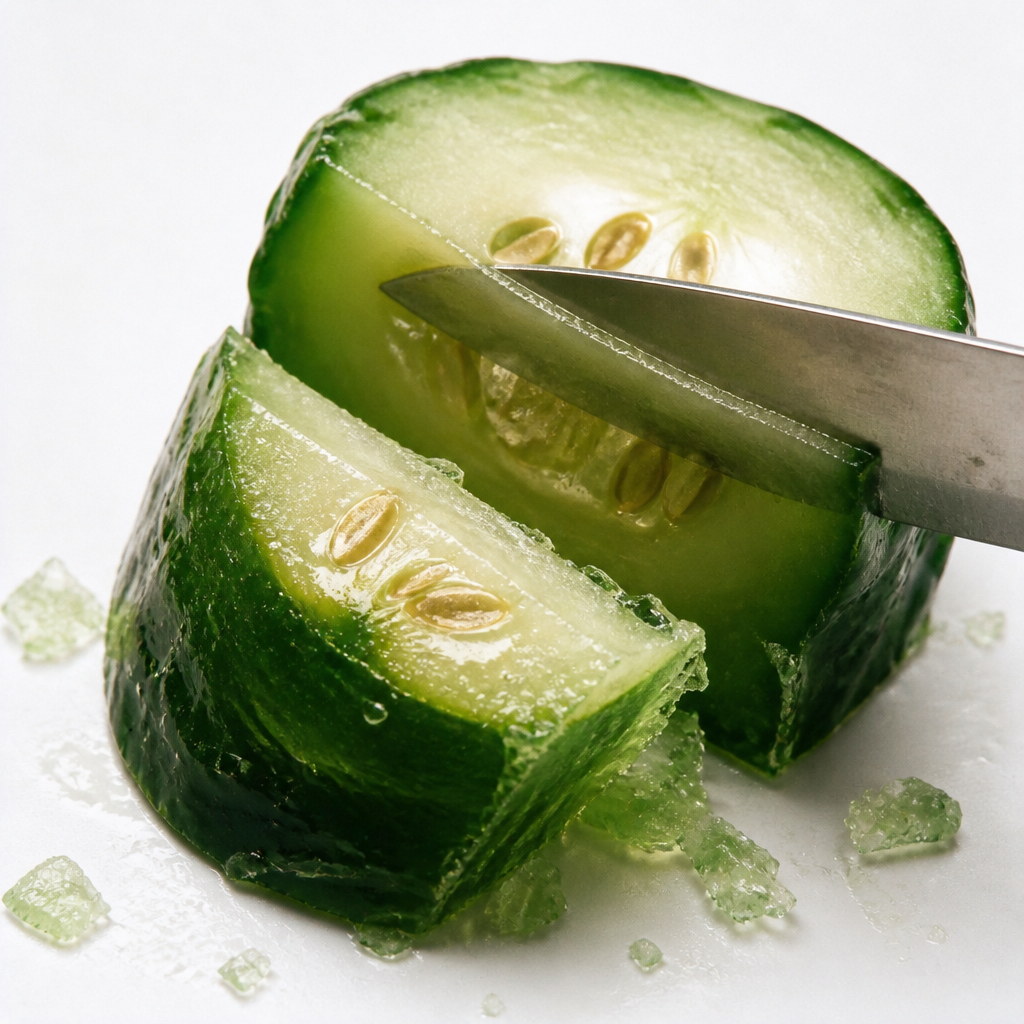
Generate and Play It Back
Run the generator, preview the clip with sound, and download what you want to keep. Try another trigger on the same still for a second texture. Credits for the run are shown on the button before you confirm.
Most AI video tools return silence, which is the one thing ASMR cannot survive. This ASMR video maker generates the picture and the track together, so the crack, the slice and the peel land on the frames where they happen. You bring an object photo and a trigger such as Lava or Film peel. You do not write a sound-design prompt, and you do not dub a library clip over mute.
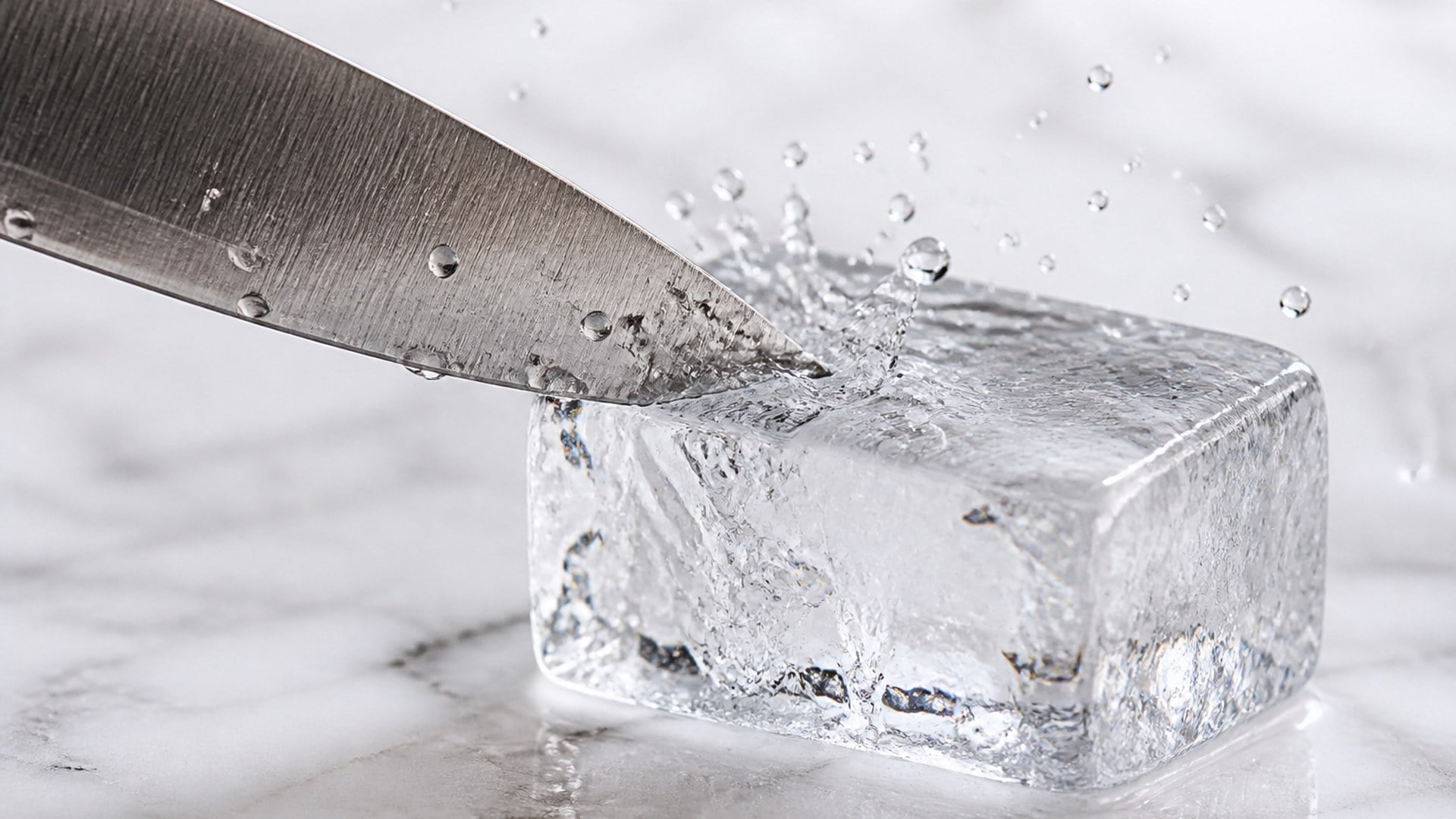
The audio comes out of the same generation as the picture, so contact sounds line up with contact. There is no library clip stretched over the top and no drift between what you see and what you hear. That is the difference between an AI ASMR video generator and a silent clip you would have to foley later. If the knife hits, the track hits with it — not a beat later, and not a stock crunch from another object.
Try it now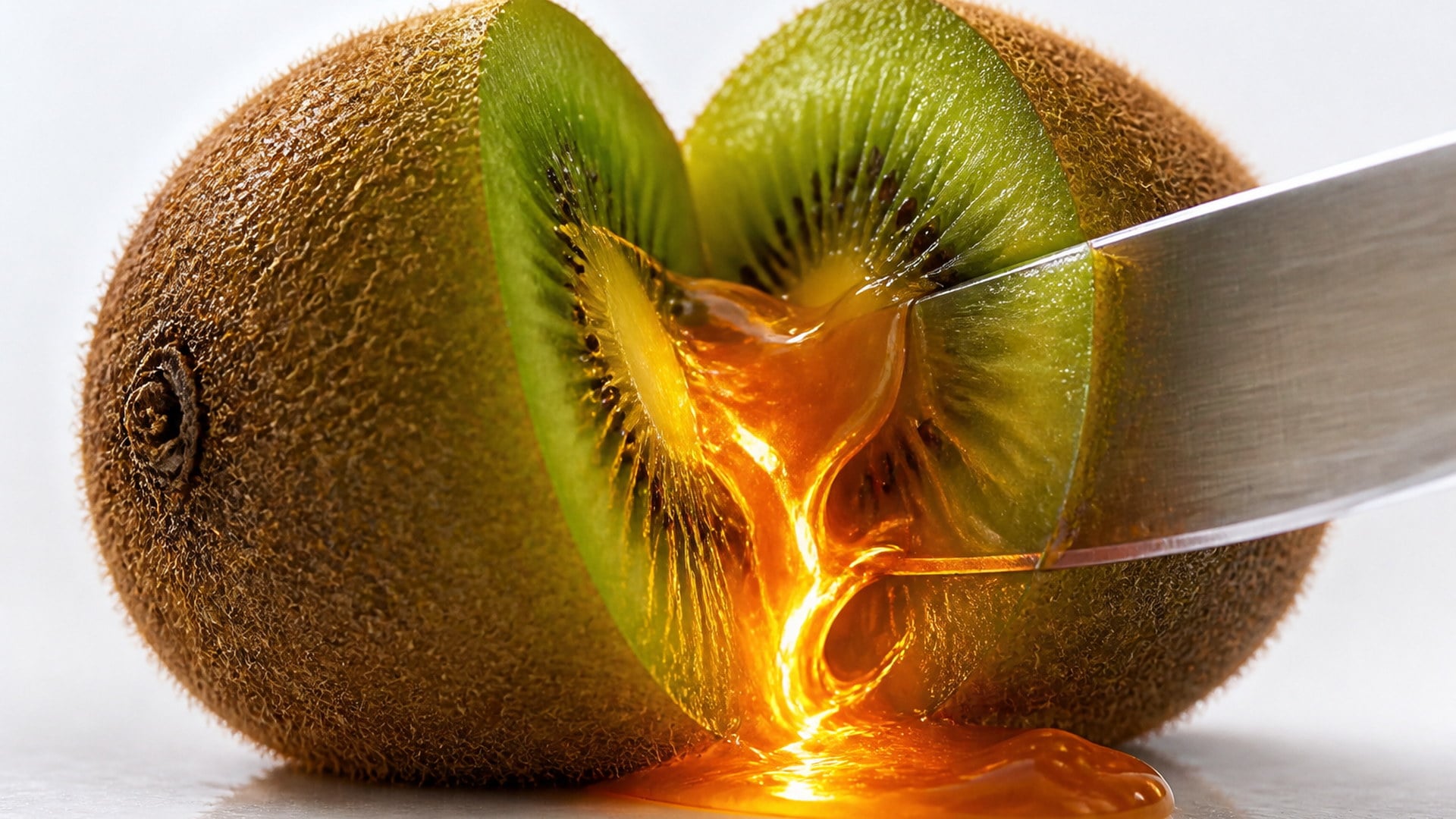
The subject stays the object in your photo — same shape, same colours, same setting. What changes is what happens to it. Pick a trigger such as Glass fruit, Lava or Film peel, and that choice sets both the visual treatment and the sound signature. You are not inventing a scene in prose. You are pointing the tool at an object you already shot and choosing how the action should feel.
Try it now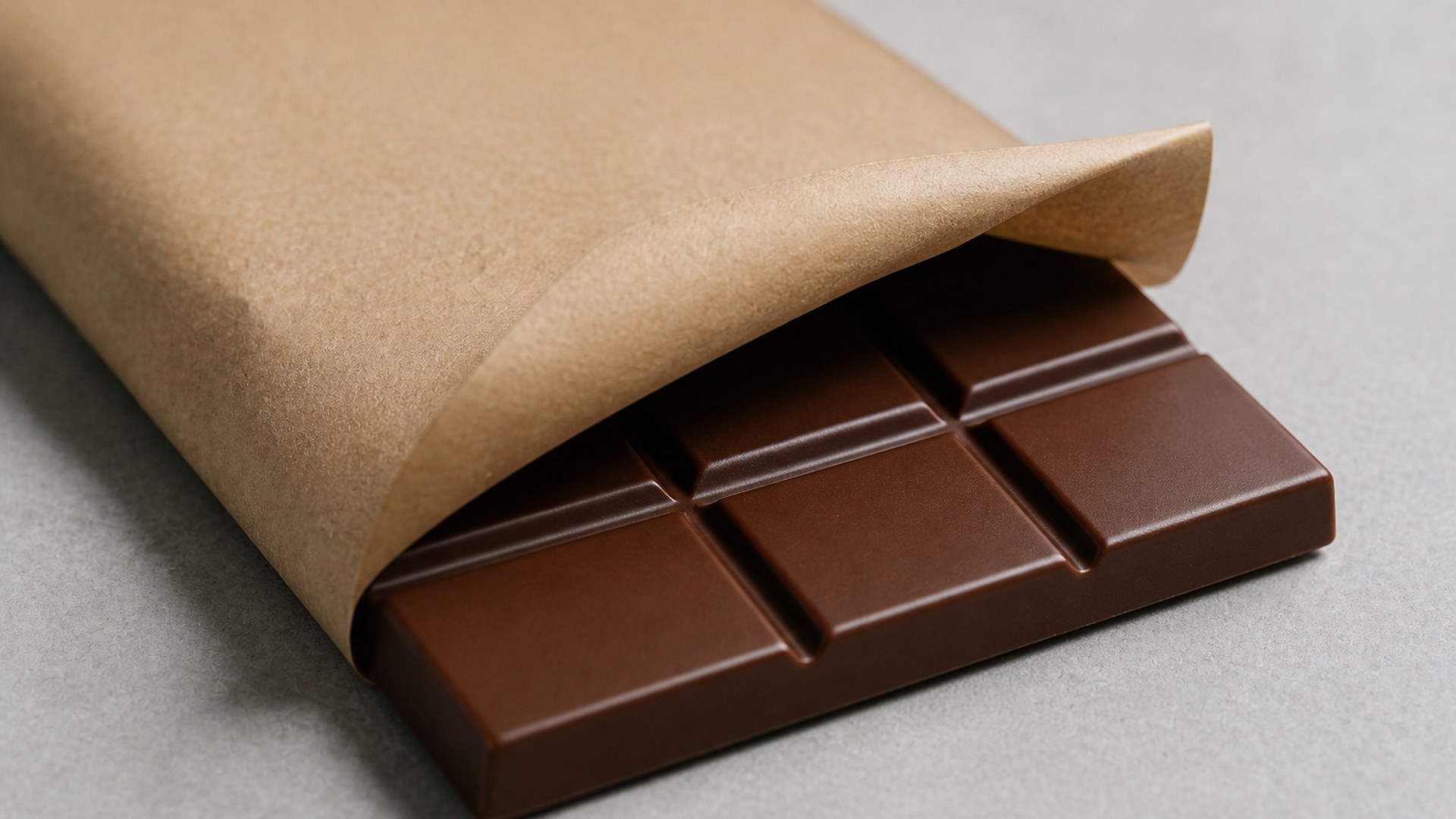
One complete action, shallow depth of field, and a settle at the end instead of a hard cut. That pacing is what makes a clip watchable twice rather than just once. ASMR lives in the wait before contact as much as in the contact itself; rushing the motion would turn the take into a product demo with noise on top. The still you uploaded remains the object. The motion is a close, unhurried pass across it.
Try it nowYou do not describe an ASMR scene from scratch. You bring an object and choose a trigger, which is both faster and more repeatable than writing contact sound in prose. Each capability below is there so the clip stays on your object, keeps a macro pace, and arrives with a native track instead of a music bed you would have to strip out later.
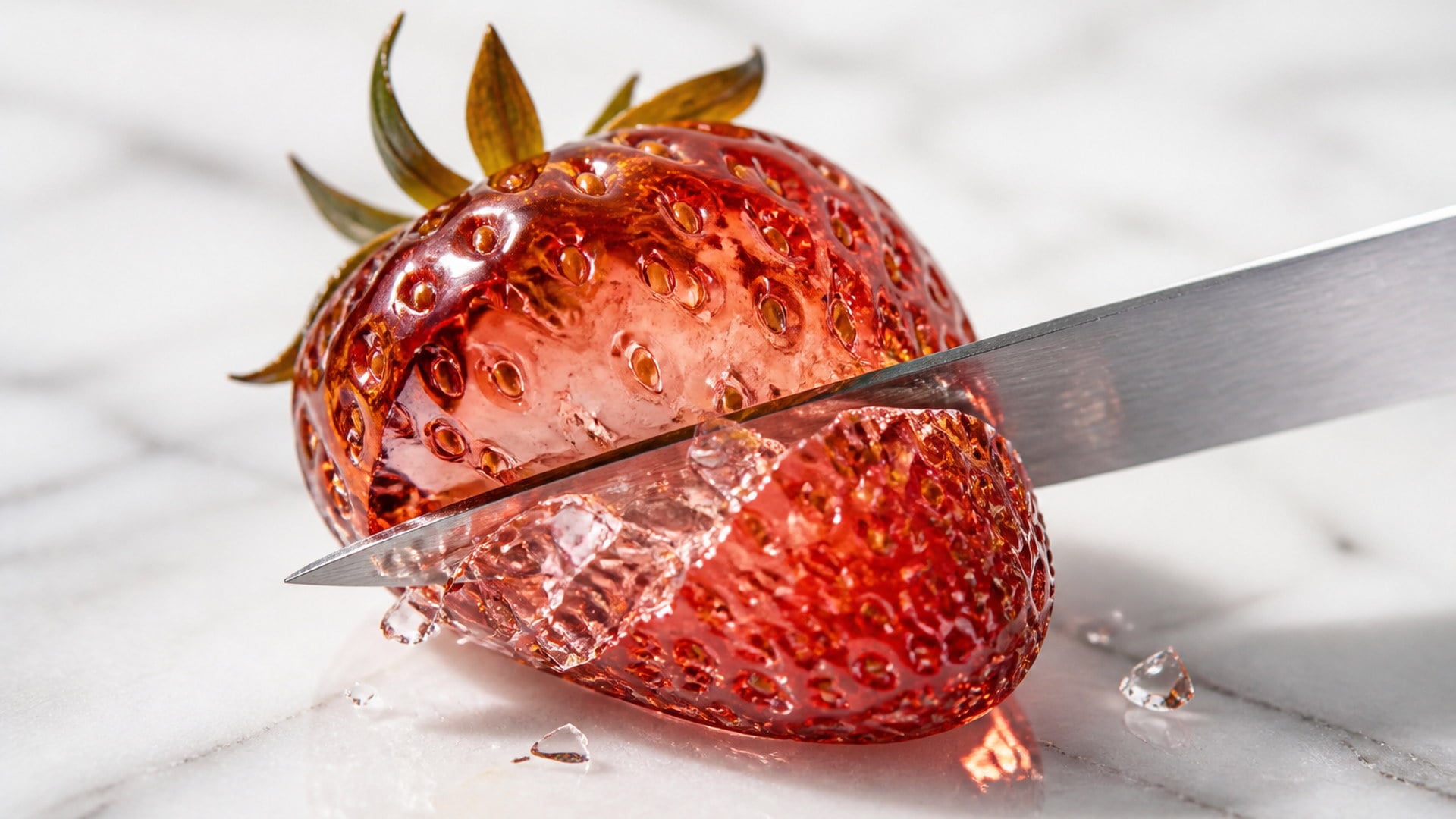
A trigger such as Glass fruit, Lava or Film peel carries its own visual treatment and its own sound signature. You pick one instead of writing a paragraph about knives, viscosity, or peel speed. That closed choice is what makes reruns comparable: same object, different trigger, a fair side-by-side. The description box stays optional for material notes; it is not where you have to invent the whole scene.
Try it now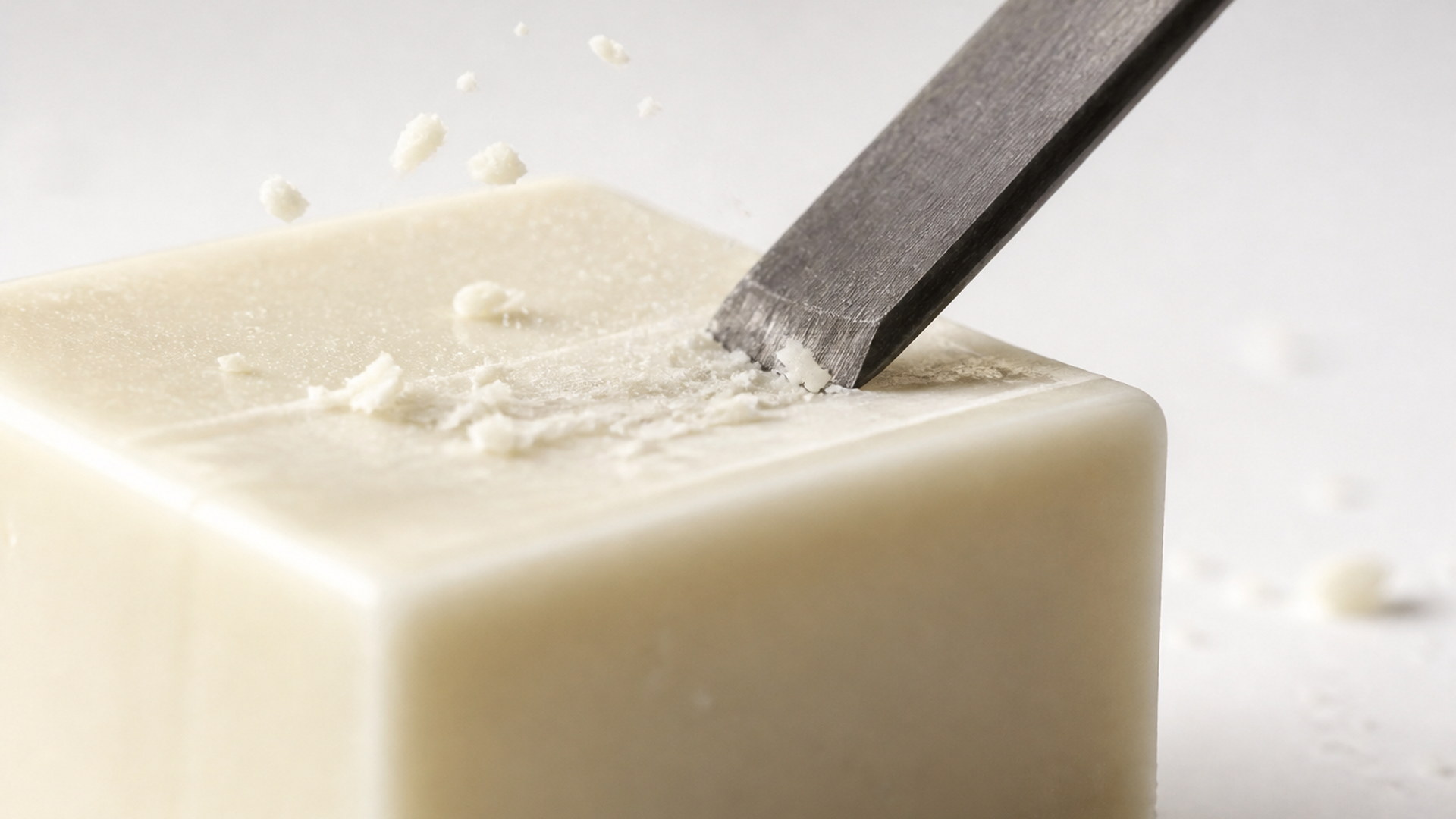
The track is contact sound and room tone only. There is no music bed and no whispered narration to strip out later when you drop the clip into an edit or a Short. That is the point of generating sound with the picture rather than laying a stock ASMR pack on a mute take. What you hear is what the action is doing, which is why the clip can stand alone or sit under a caption without fighting a song.
Try it now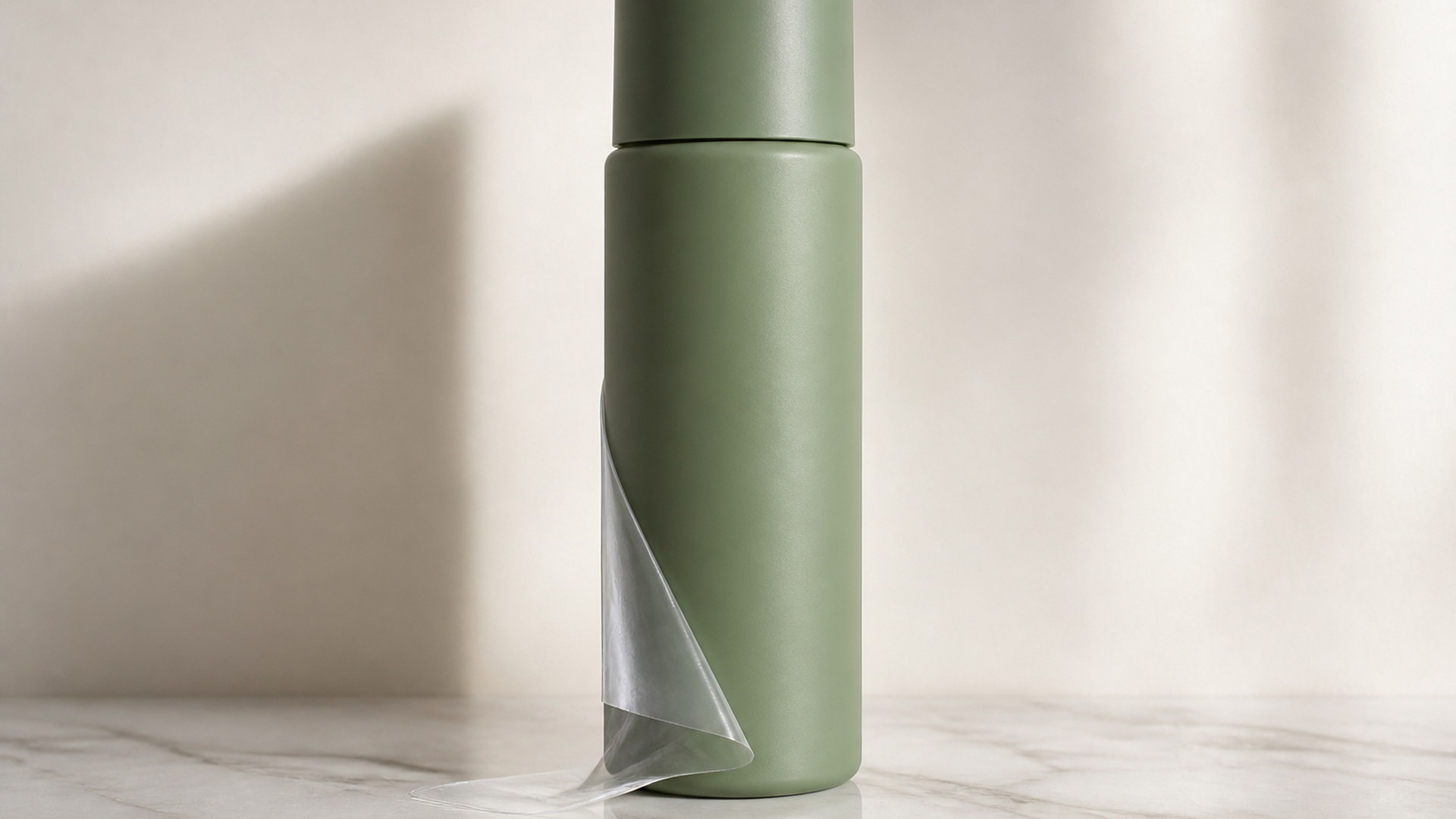
A vertical product shot stays vertical. A wide table still stays wide. Output follows the shape of the object photo you uploaded, matched to that still the moment you attach it, so you do not lose the composition that made it worth using. Macro ASMR is often shot tight already; keeping that crop is how the clip still reads as the same object on the same surface.
Try it now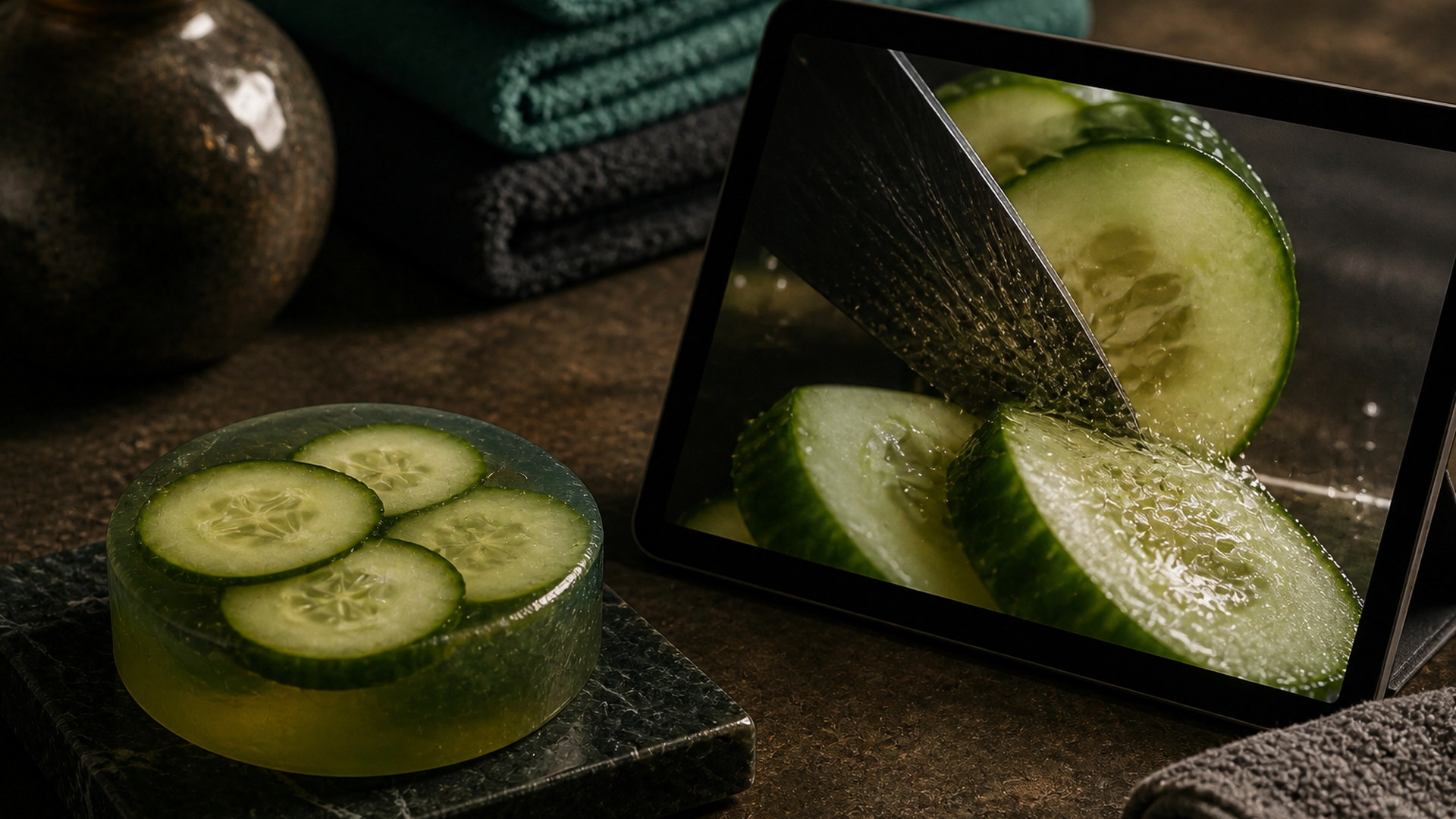
Finished clips land in your Viralkey library next to the still, with the generated track attached. Download, replay, or run the same object through another trigger without overwriting the take you liked. The library is shared with other studio work; this page does not promise a private ASMR-only history. Come back from another device and the clip is still there with sound.
Try it nowA still photo can become more than one kind of clip. Stay in Viralkey Studio to try another motion effect, or take the same object into a still edit.
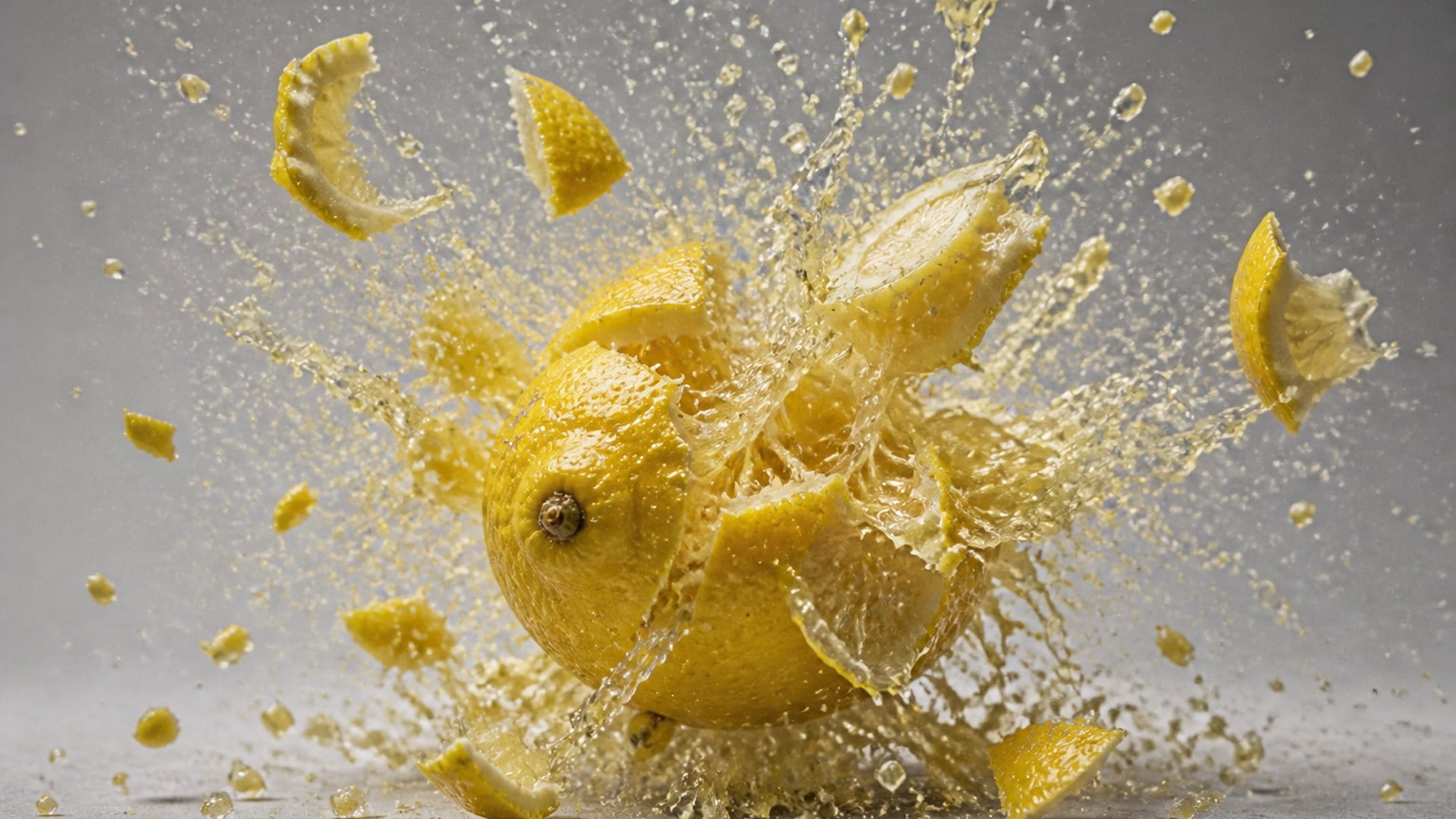
Blow any photo apart into flying particles — a harmless, cartoon-style explosion clip.
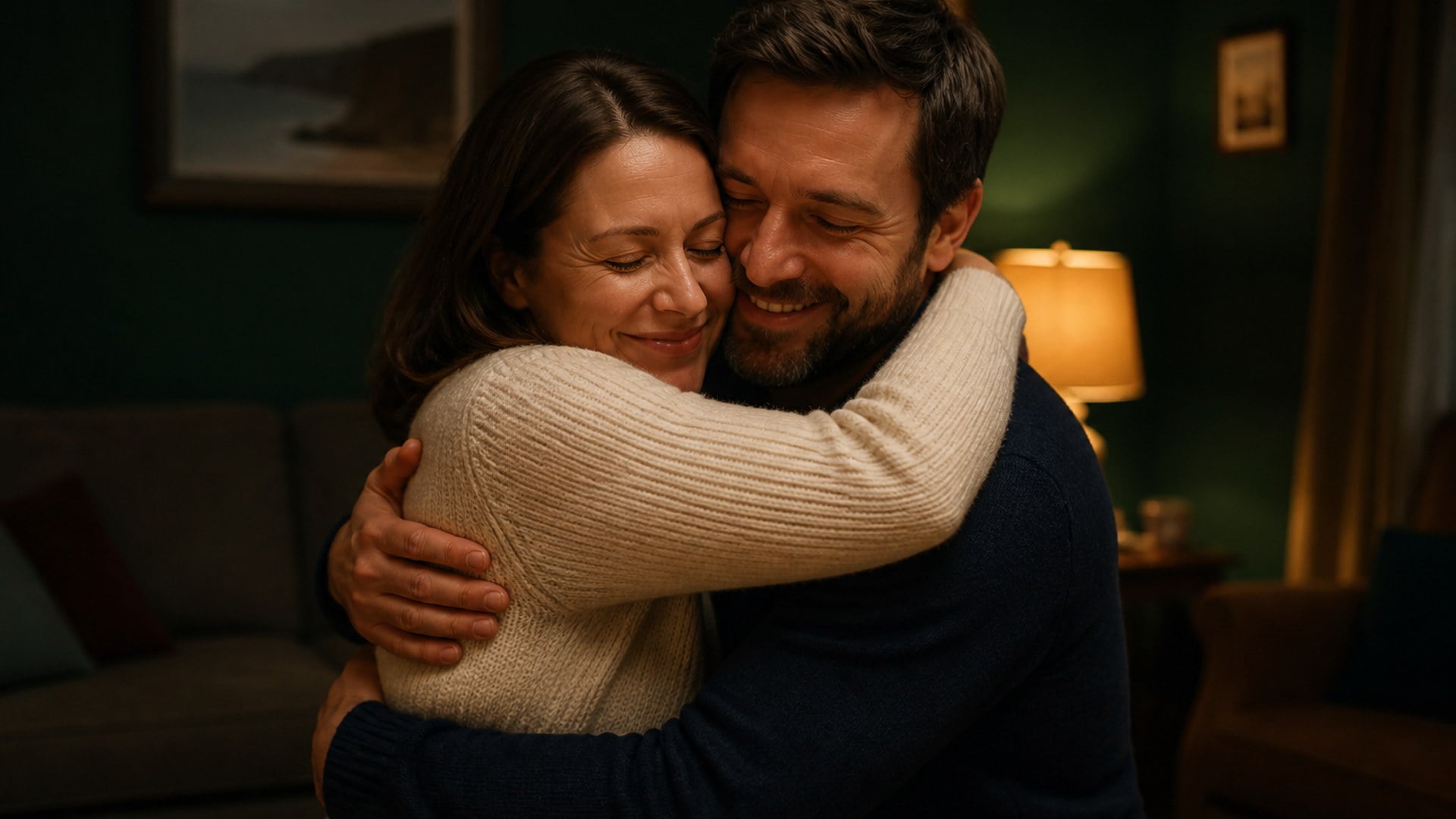
Upload two photos — you and the person you hug — and bring them together in one warm embrace.
Write complete, structured song lyrics in any genre — verses, hooks and bridges included.

Sixteen-bar verses, dense AABB rhymes, and hooks built to ride a beat.
Explore leading models for AI video, image generation, editing, and cinematic storytelling.

Create Wan 3.0 clips on Viralkey: native 1080p, 2–30 seconds, start/end frames, up to 20 mixed references, and audio generated with the picture.

Create cinematic MiniMax H3 clips on Viralkey: native 2K, up to 15 seconds, text-to-video, start/end frames, and up to nine reference images.

Generate short HD clips on Viralkey with start/end frame direction and up to 50 reference images. Built for music video scenes and performer shots.

Create cinematic Seedance 2.0 clips on Viralkey: native 4K, start/end frames, up to nine reference images, and built-in audio with lip-sync.
Filming ASMR properly takes props you are willing to destroy, a quiet room, and a microphone that can hear a peel. Creators open this page to skip that setup: one product still becomes a run of short clips with matching sound, useful as posts, texture demos, calm loops, or the opening beat of an ad before the pitch starts.
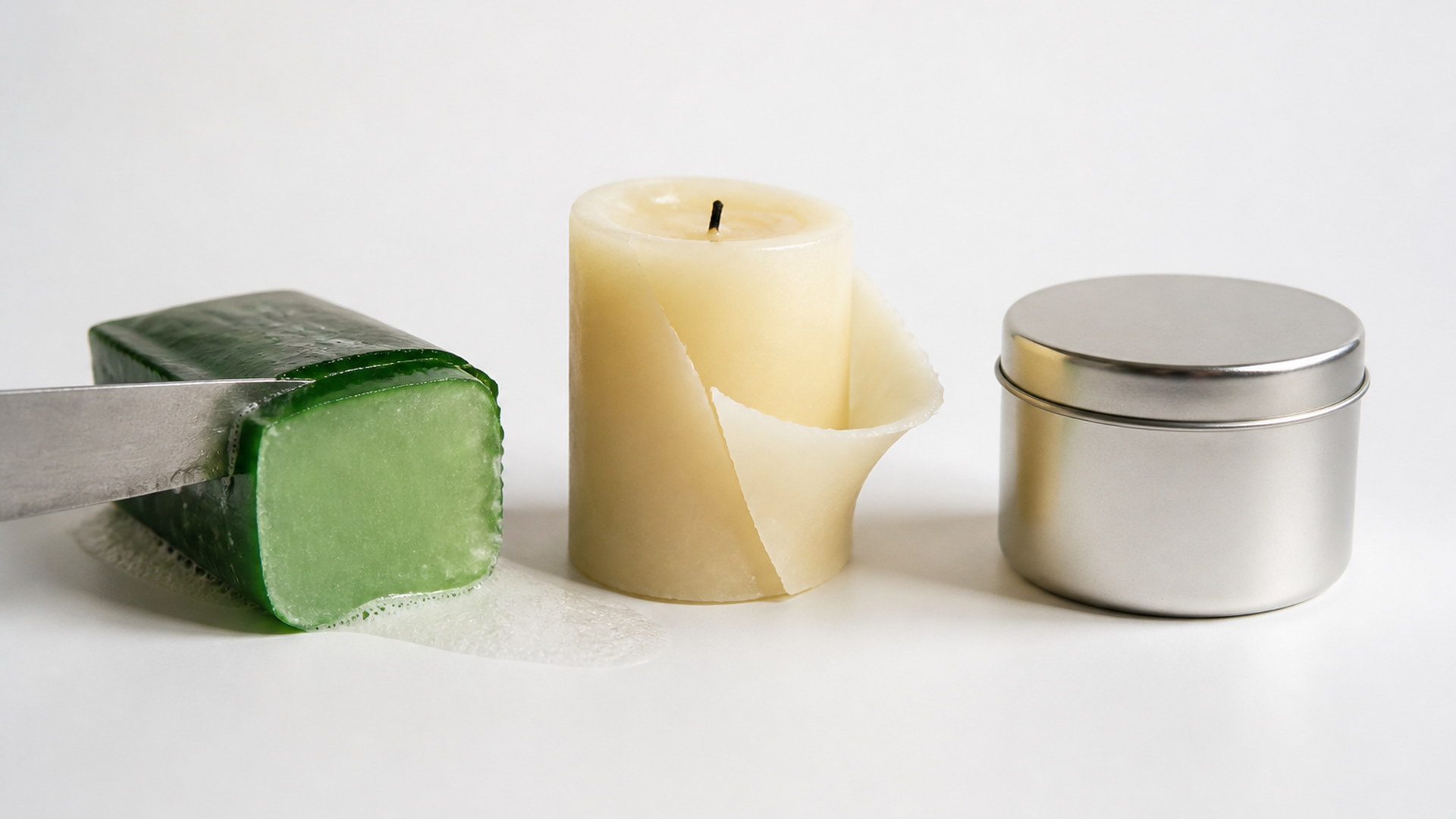
Produce a run of clips from a single product shoot and space them through the week without renting a studio or buying anything to destroy. Same object, different triggers, each with its own contact track. That is an ASMR video maker workflow built for people who already have stills and do not have a foley room. Keep the ones that loop, discard the rest, and you still have the original photo.
Try it now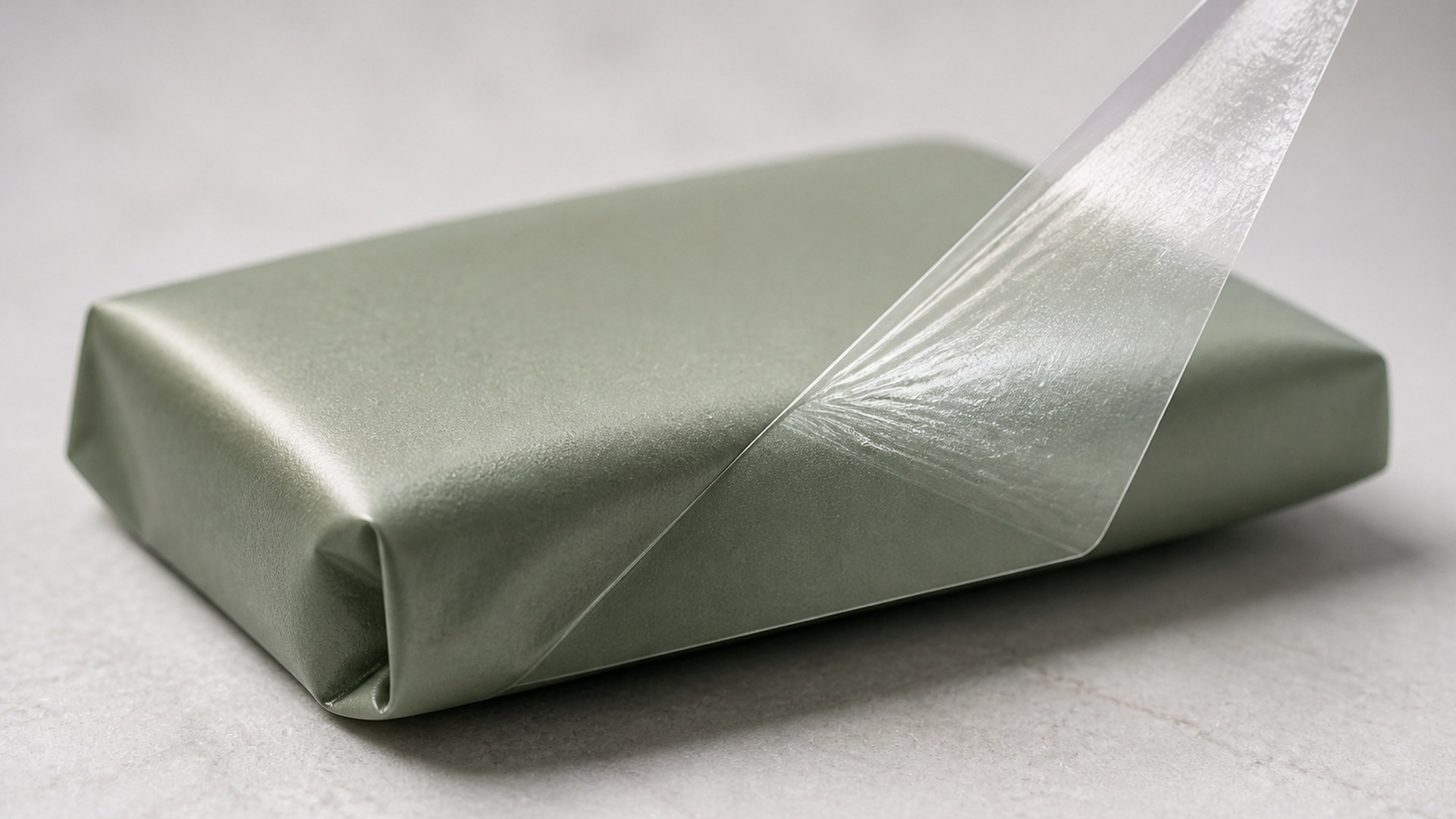
Show a material being cut or peeled so the finish is legible. A Film peel pass can explain a matte coating faster than a spec line; a Glass fruit cut can make a surface look brittle without smashing inventory. Marketing teams use it when the still already exists and the missing piece is sensation. The object stays the hero. The sound is there to make the surface obvious.
Try it now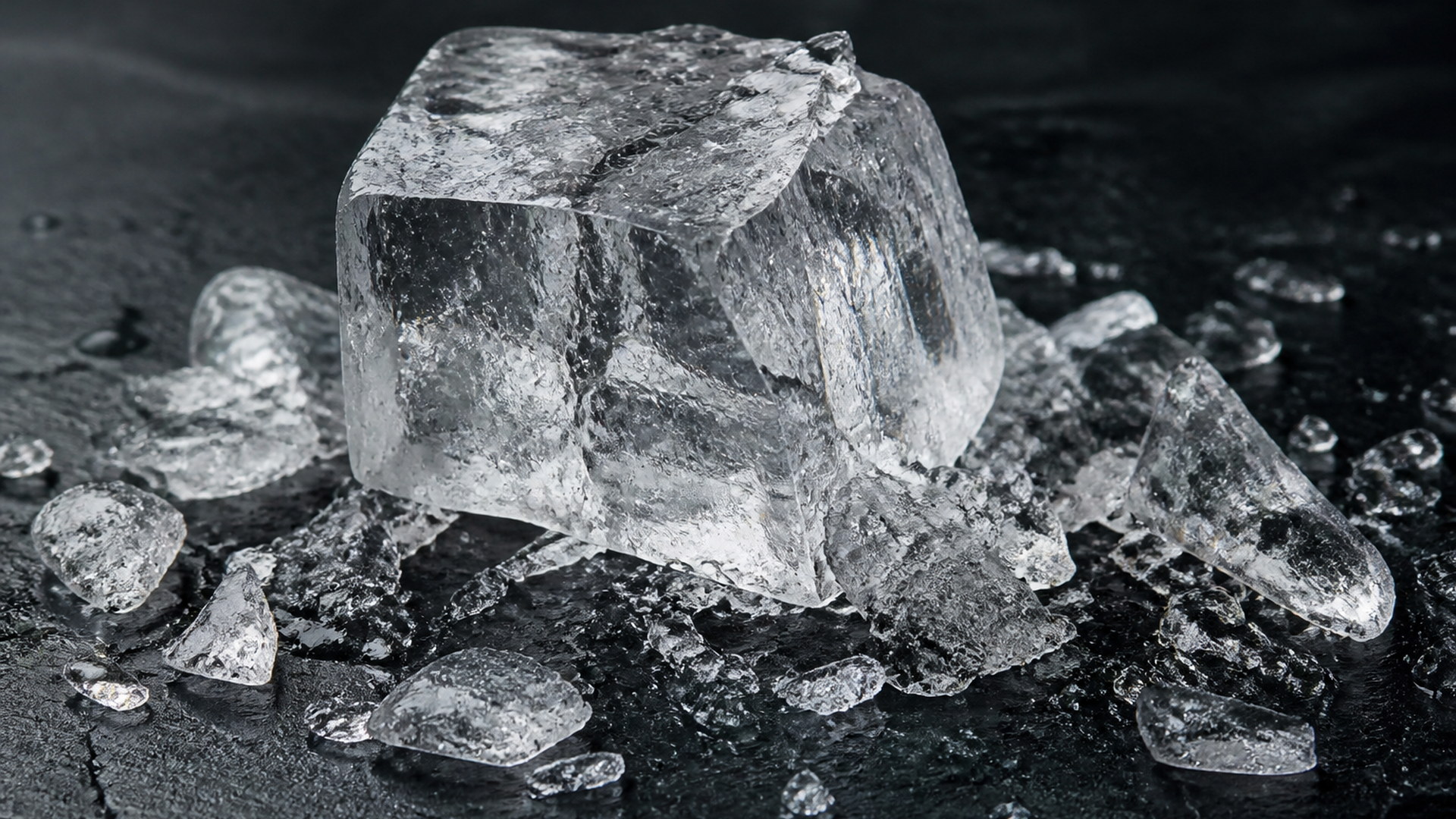
Generate a set of clips to string into a longer calm-down loop for a channel, a waiting screen, or a study mix. Because each take is one complete action with a settle, they join more cleanly than random silent snippets you would have to score. Keep music out of the generated track so you can add your own bed later, or let the contact sound sit alone.
Try it now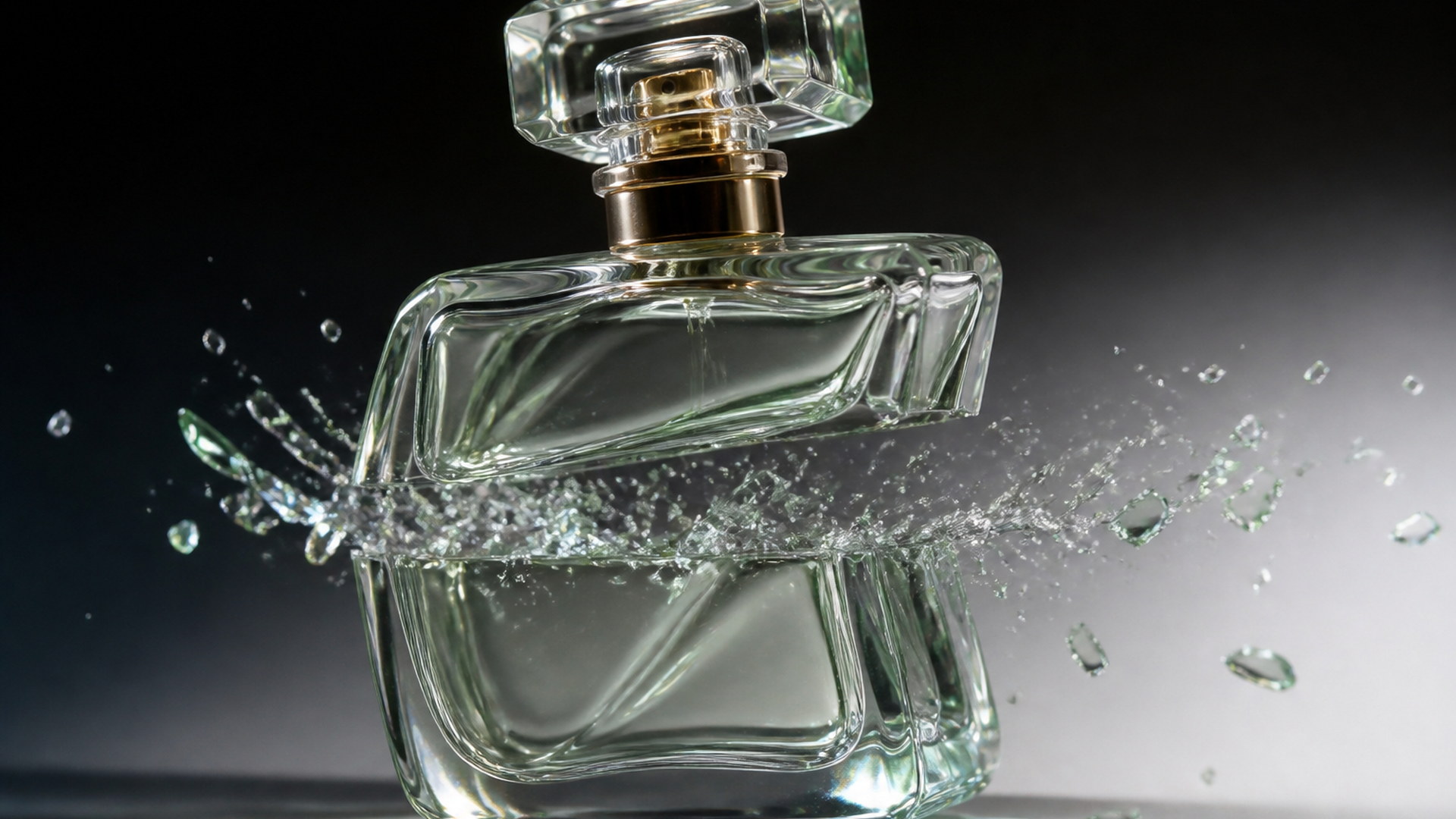
Open a spot with satisfying contact sound before the pitch starts. Two beats of a peel or a cut will hold attention in a way a logo sting often will not, especially on mute-autoplay feeds where the motion still reads. Generate from the product still you already approved, then drop the clip at the head of the edit. The rest of the ad can talk; the opening can just be the object doing one thing well.
Try it nowNotes from creators who used this tool on real work.
Giles Ashworth
Sound designerSound that actually lines up with the cut.
Every other tool I tried dubbed it and you could tell.
Hiroko Tanigawa
Content creatorI got a week of posts out of one product shoot.
Nothing on the table had to be destroyed.
Isandro Quiroga
Product marketerUsed Film peel to show a matte finish.
It explained the surface faster than the spec sheet.
Junia Adekunle
Video editorNo music bed to strip out later.
That saves me a step on every single clip I post.
Anselm Kirchner
Motion designerPicking a trigger instead of writing sound design in prose is so much faster for me.
Beatriu Sagarra
Social media managerThe Lava take is ridiculous and it still outperforms anything else I post that week.
Conall Delaney
StreamerI test Glass fruit and Lava first, then spend credits on the take I actually keep.
Dagny Solheim
ASMR creatorMacro pacing with a settle at the end.
Somebody who actually watches ASMR built this.
Eoin Nakashima
Creative directorVertical photo in, vertical clip out.
I never had to think about framing the object again.
This AI ASMR generator on Viralkey turns one object photo into a short ASMR video clip with its own generated soundtrack. You upload the object, choose a trigger such as Glass fruit, Lava or Film peel, and the tool produces a macro take where the action and the contact sounds are generated together rather than dubbed on afterwards. No required prompt. The object in your still stays the object; the trigger decides what happens to it and what you hear.
Most AI clips come back silent, which is useless for ASMR. Upload an object photo, pick a trigger, and this ASMR video maker returns a macro clip whose contact sound is generated with the picture — no foley session, no stock bed.