XO
Xanthe Oyelaran
TeacherMade one from a photo of my grandmother and one of me.
I did not expect to react like that.
Two people who were never in the same frame can still share a hug. Upload two photos — you and the person you hug — and AI hug places them together in a warm, fully-clothed embrace.
AI Hug Generator
AI Hug Generator
Two people who were never in the same frame can still share a hug. Upload two photos — you and the person you hug — and AI hug places them together in a warm, fully-clothed embrace.
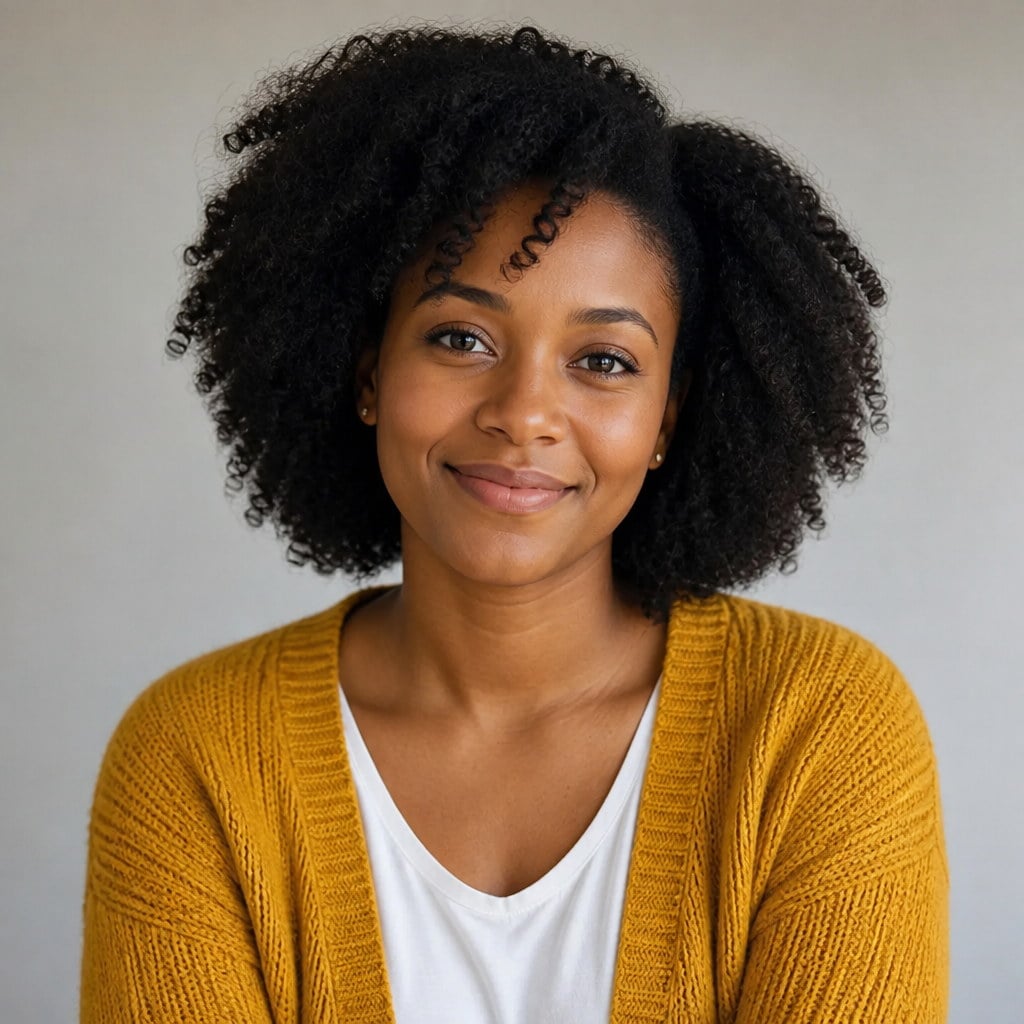
Upload Your Photo
Use a clear photo of one person. Face and clothing should be readable. This is the first of two required stills.
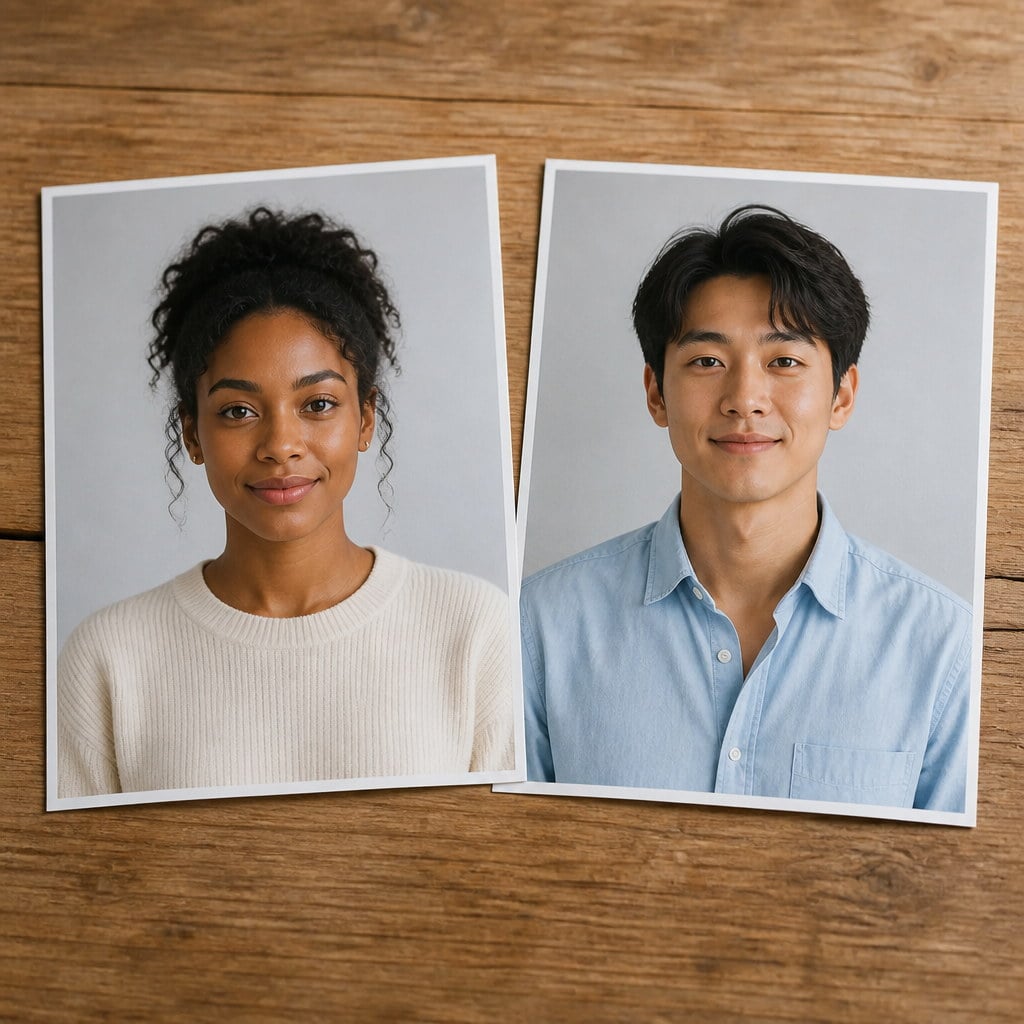
Upload the Other Person
Required. Upload a clear photo of the person you hug, with their face and clothing readable. Photos with a similar shape to the first one sit together most convincingly.
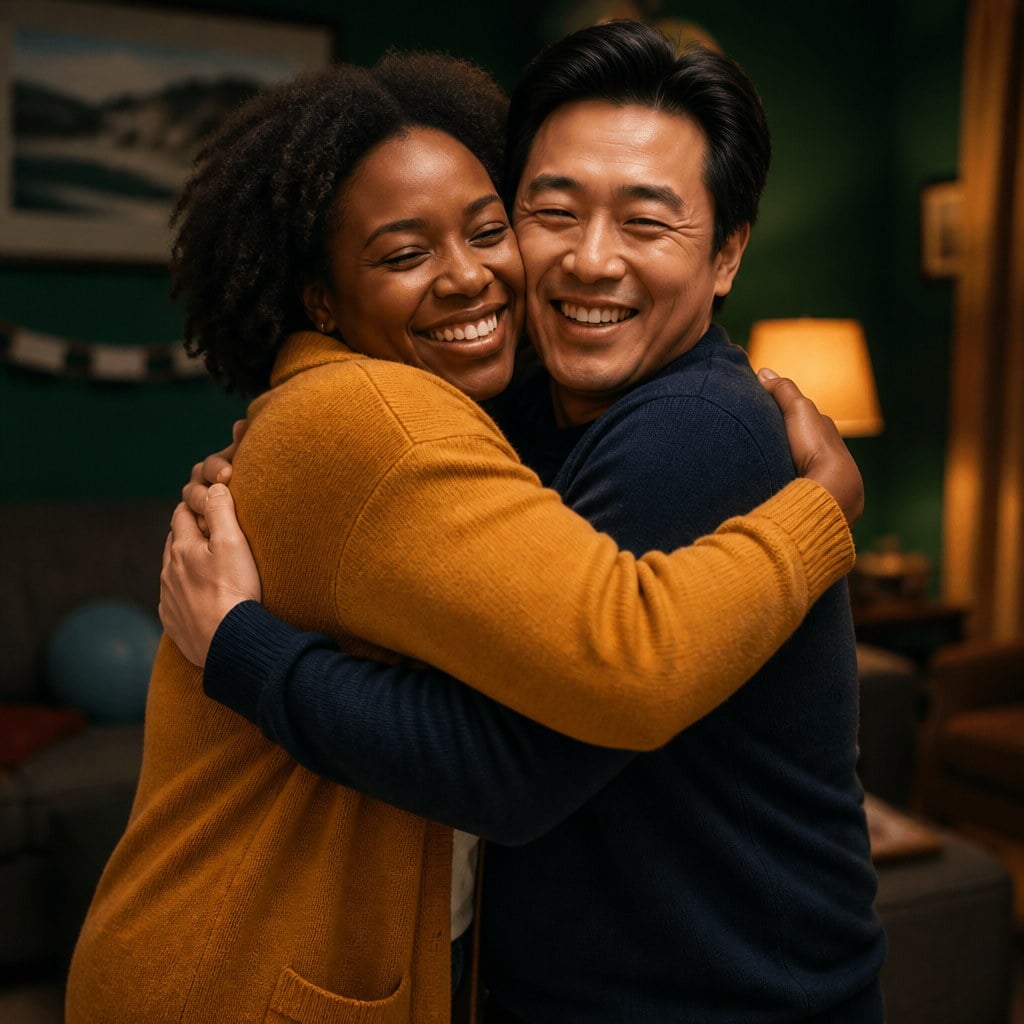
Generate and Send the Clip
Add an optional note for mood if you want, then generate. Preview the hug, download it, and put your own audio underneath if you need it. Credits for the run are shown on the button before you confirm.
AI hug takes two photos and places both people in one shared setting so they can meet and hug. Each person stays themselves, with the same face, hair and clothing they had in their own photo, in a warm, fully clothed clip you can send to family and friends.

You upload one photo of you and one of the person you hug. Both slots are required, and a single still that already shows two people is not enough, because each person needs their own clean reference. Photos with a similar shape and framing sit together most convincingly, so pick two stills that already agree on crop, distance and light before you generate.
Try it now
Each person keeps the face, hair, skin tone and clothing from their own photo. Faces are never merged, swapped, or averaged together, which is the failure mode that ruins most two-person effects. The point of an AI hug is that both people are still themselves in the same frame, not a blended extra wearing two outfits. If someone who knows them cannot name both, the clip has failed even if the arms look right.
Try it now
Arms come up, the distance closes, and there is a settle at the end. It reads as a moment between two people rather than two cut-outs sliding toward each other on a track. The default is affectionate and fully clothed — a reunion or a family embrace, not a kiss and not an intimate scene. You do not configure that boundary; it is how the hug is built, so the clip stays sendable.
Try it nowMost motion effects assume one subject. This page is built for two, which is why the second upload slot is a required person input rather than a reference image. The capabilities below exist to keep both identities intact and to keep the hug affectionate rather than staged.

The second photo is its own required input with its own role, not a style reference glued onto the first still. The tool treats each file as a person to keep, which is how a hug video AI run can name them separately instead of averaging a face. Leave it empty and the generate button stays off, so you never spend credits on a hug with one person missing.
Try it now
Output follows the shape of the photo you start from, so a vertical still stays vertical and a landscape still stays landscape. When you use two photos, similar aspect ratios help the two people sit together at a believable scale. The tool will still try if they differ, but matching shapes is the easiest way to keep one person from looking like a sticker on the other. The output shape is matched to the first photo you attach, so the real work is picking stills that already agree.
Try it now
Hug clips are generated without a soundtrack. A canned piano bed would fight the voice note, the speech, or the song you actually wanted underneath a reunion post. Silence lets you add your own audio after you download, or send the clip as a visual on its own. You are not stripping a track you never chose before the hug can go out.
Try it now
Finished clips land in your Viralkey library next to the stills you used, ready to preview, download, or reopen later. A second run does not overwrite the first, so you can keep a quieter take and a closer one. The library is shared with other studio generations; this page does not promise a hug-only history list.
Try it nowA still photo can become more than one kind of clip. Stay in Viralkey Studio to try another motion effect, or take the same portrait into a still edit.
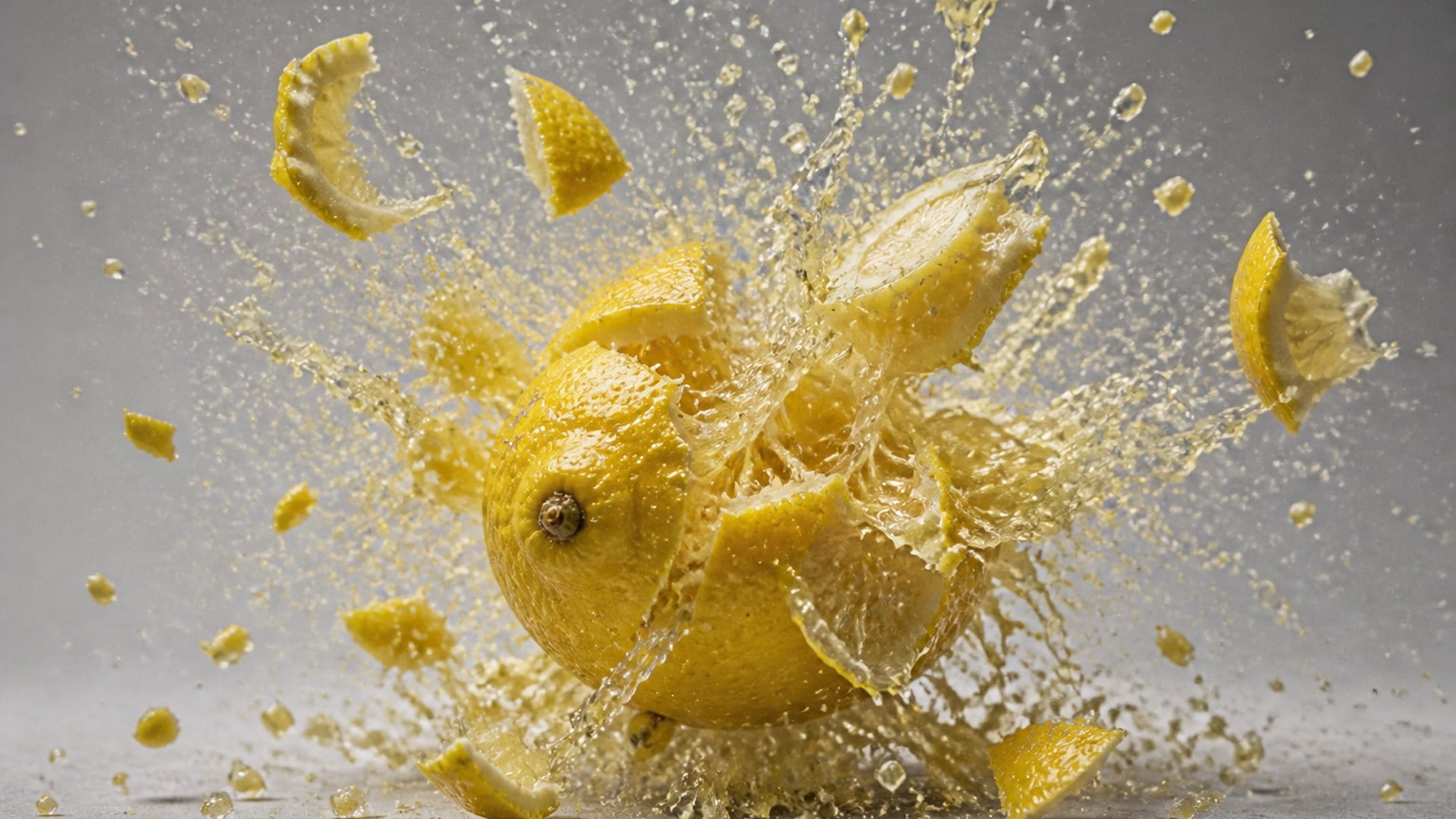
Blow any photo apart into flying particles — a harmless, cartoon-style explosion clip.
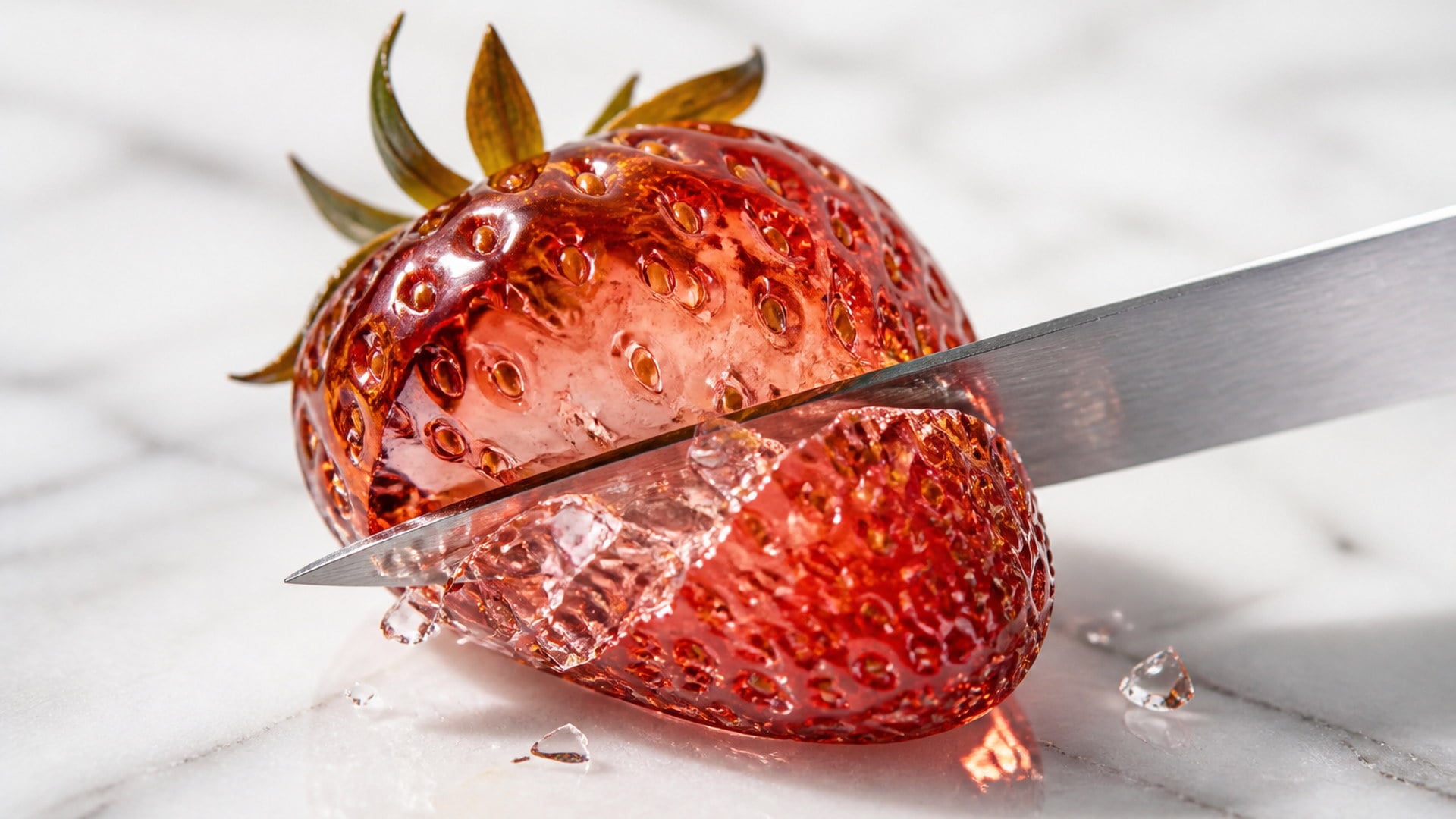
Turn an object photo into a macro ASMR clip with matching, generated sound.
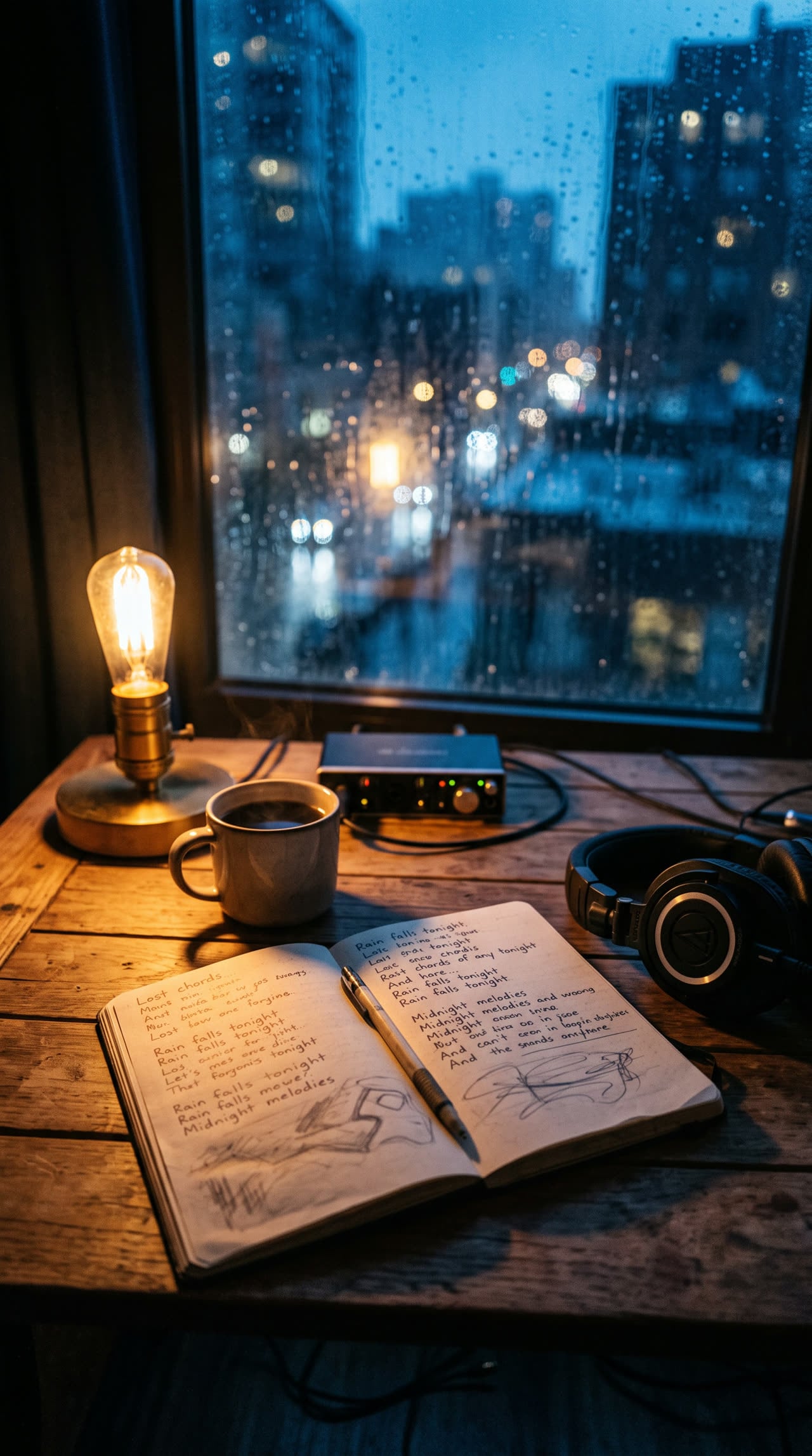
Write complete, structured song lyrics in any genre — verses, hooks and bridges included.

Sixteen-bar verses, dense AABB rhymes, and hooks built to ride a beat.
Explore leading models for AI video, image generation, editing, and cinematic storytelling.

Create Wan 3.0 clips on Viralkey: native 1080p, 2–30 seconds, start/end frames, up to 20 mixed references, and audio generated with the picture.

Create cinematic MiniMax H3 clips on Viralkey: native 2K, up to 15 seconds, text-to-video, start/end frames, and up to nine reference images.

Generate short HD clips on Viralkey with start/end frame direction and up to 50 reference images. Built for music video scenes and performer shots.

Create cinematic Seedance 2.0 clips on Viralkey: native 4K, start/end frames, up to nine reference images, and built-in audio with lip-sync.
The hug effect gets used for the sentimental cases more than the funny ones. Distance, memory, and two people who have never shared a frame are the jobs that keep coming back. The clip will not replace being in the same room; it gives you a small, sendable version of that meeting when the stills you have are all that exist.

Two people in different countries, one clip where they share a room. It is a small thing that often lands harder than a text. Use one photo each, keep clothing and hair from those stills, and send the result as a visual rather than as a claim that the meeting already happened. The hug is generated; the feeling you are pointing at is real. That distinction is what keeps the clip kind instead of deceptive.
Try it now
Bring two stills from different years into one clip for an anniversary or a memorial. Handle it gently: this is the use case people care most about, and it is the one where identity has to stay exact, because the person watching knows every line of that face. Generate, look once with someone who knew them, and only post what still feels like them rather than the first take that renders.
Try it now
Two photos from two different events, one clip for a group announcement, a birthday, or a campaign that needs both faces. The second slot exists for this: people who have never stood in the same room can still share a hug on a poster without a new shoot. Keep the tone friendly and fully clothed, which is the default. Pair stills with a similar crop so neither person shrinks into a sticker.
Try it now
Put two characters from separate reference images into one frame to test how a pairing reads before you draw it. Because each face stays attached to its own still, the test is about staging and costume, not about blending into an average. Artists use it as a blocking pass, then go back to illustration. It is a sketch in motion, not a finished ship poster unless you decide it is.
Try it nowNotes from creators who used this tool on real work.
Xanthe Oyelaran
TeacherMade one from a photo of my grandmother and one of me.
I did not expect to react like that.
Yannick Dubois
EngineerMy partner and I have not been in the same country in months.
This helped more than it should.
Isolde Antunes
PhotographerTwo separate photos and both faces stayed right.
That is the part I did not believe would work.
Adelheid Brauer
Community managerUsed it for a team announcement with two people who have never met in person.
Bodhi Ramanathan
Content creatorTwo slots, two faces, one clip.
That is the whole point, and it did exactly that on the first try.
Cillian Farrell
DesignerMade an anniversary post out of two old pictures.
My parents still talk about the clip.
Delphine Marchetti
IllustratorTested a character pairing from two reference sheets before committing to the illustration.
Emrys Llewellyn
Video editorThe settle at the end is what makes it read as a real hug and not a slide-together gag.
Fumika Arisawa
Social media managerI dropped two photos and hit Generate.
No prompt, no manual, nothing to figure out.
The AI hug generator on Viralkey is a studio tool that animates two people into a hug. You upload two photos — one person each — and get a short hug video AI clip of the two of them embracing in one shared scene. Each person keeps their own face, hair and clothing. The default is a warm, fully clothed reunion, not a kiss and not a new blended person.
Two people who were never in the same frame can still share a hug. Upload two photos — you and the person you hug — and AI hug places them together in a warm, fully-clothed embrace.