ME
Maya Ellison
CreatorI wanted a glow-up, not a new face.
The after still looked like me on a good day.
Transform any selfie into a retouched portrait in seconds. Viralkey's online beauty filter and AI face smooth tool refines the features you already have and keeps your real skin texture.
Beauty Filter
Beauty Filter Online
Transform any selfie into a retouched portrait in seconds. Viralkey's online beauty filter and AI face smooth tool refines the features you already have and keeps your real skin texture.
Most beauty filters over-smooth a face until it looks edited. This one is built for a one-tap retouch that still looks like you: upload a selfie, pick how light the finish should be, and get a portrait that looks refreshed instead of rewritten. Fast enough for a story. Careful enough for a profile.
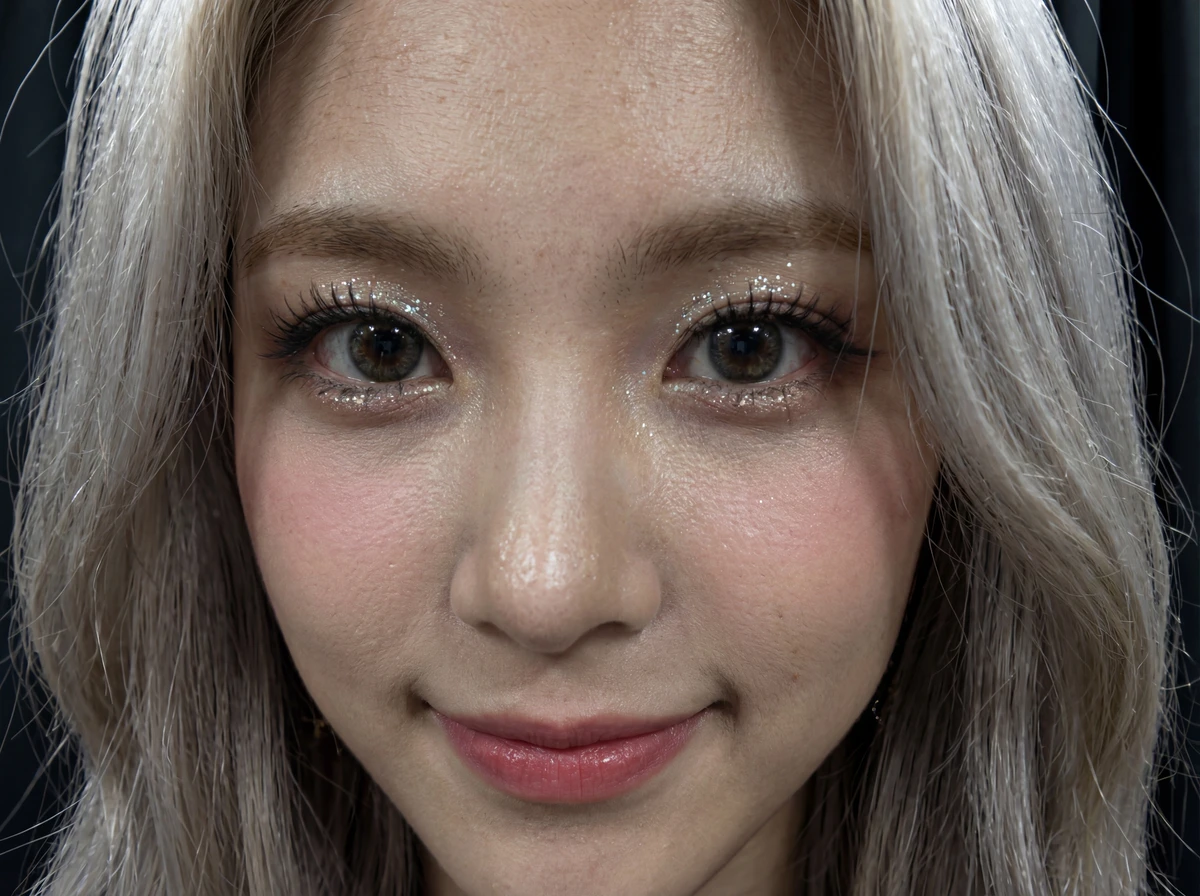
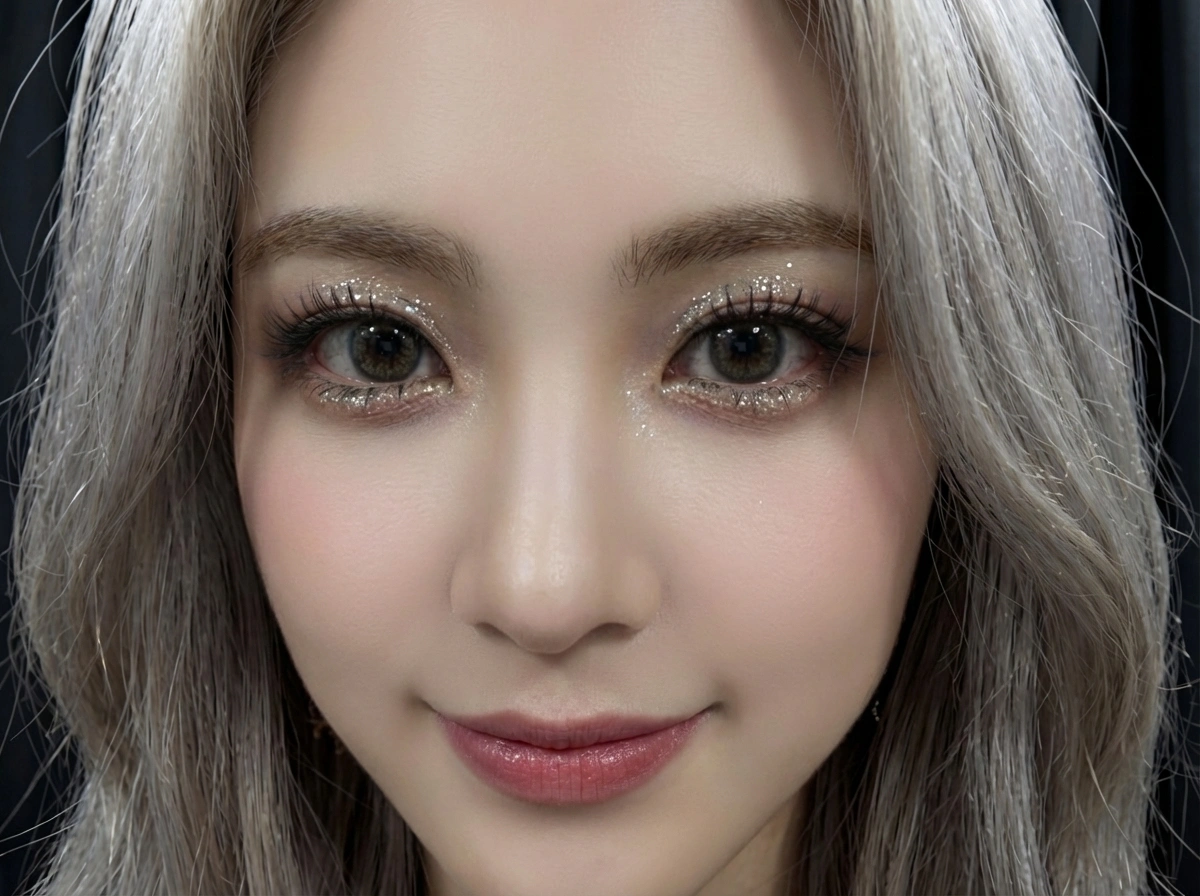
The tool finds the face in your photo and applies a natural-looking refinement in one click. No masks. No slider marathon. It reads the features you already have and lifts them by 10–15% — spacing, eyes, brows, nose and mouth — so the portrait still belongs to the same person under the same light. Your skin texture is left exactly as photographed. Polish the photo you already like, without opening desktop software.
Try it now
Most tools chase a glass-skin finish and hand back a wax figure. This beauty filter goes the other way: pores, freckles, spots and the fold beside your mouth all stay exactly as the camera saw them, because those are the details that make someone recognise the photo as you. What changes is the read of the features themselves — a little more even, a little more awake. A retouched portrait, not a different person.
Try it now
Skip hours of manual retouching in desktop software. Upload one portrait, choose Light touch-up, Refreshed, or Balanced, and get studio-quality polish without a prompt box or a reference board. Built for the moment you need a usable still now — a dating photo, a thumbnail, a profile frame — not a weekend in retouching software.
Try it nowMost AI tools or online photo filters make your skin look like plastic when you use them to smooth your facial skin or features. Viralkey's beauty filter is powered by the latest AI image models that excel at photorealism and high-fidelity, consistent visuals. So your images come out looking refreshed, not fake.
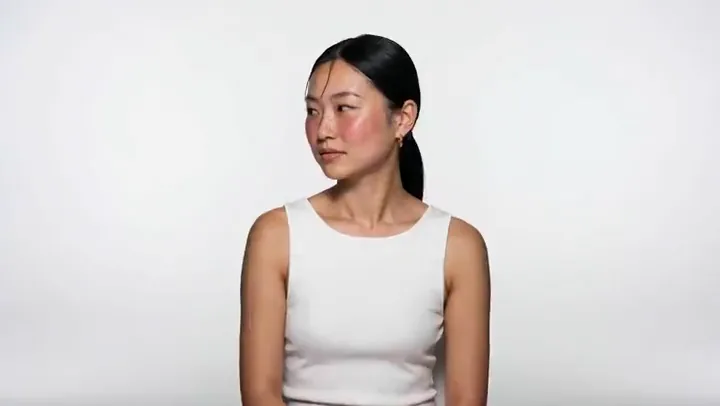
Most AI tools and online photo filters over-smooth skin the moment you ask them to refine a face. This beauty filter is tuned for a refreshed finish that still looks like you: a light attractiveness tweak on the same features, not a generic AI face. The after should still carry your eye shape, your nose, your mouth, and the light already in the room — just a cleaner version of the person who was already there.
Try it now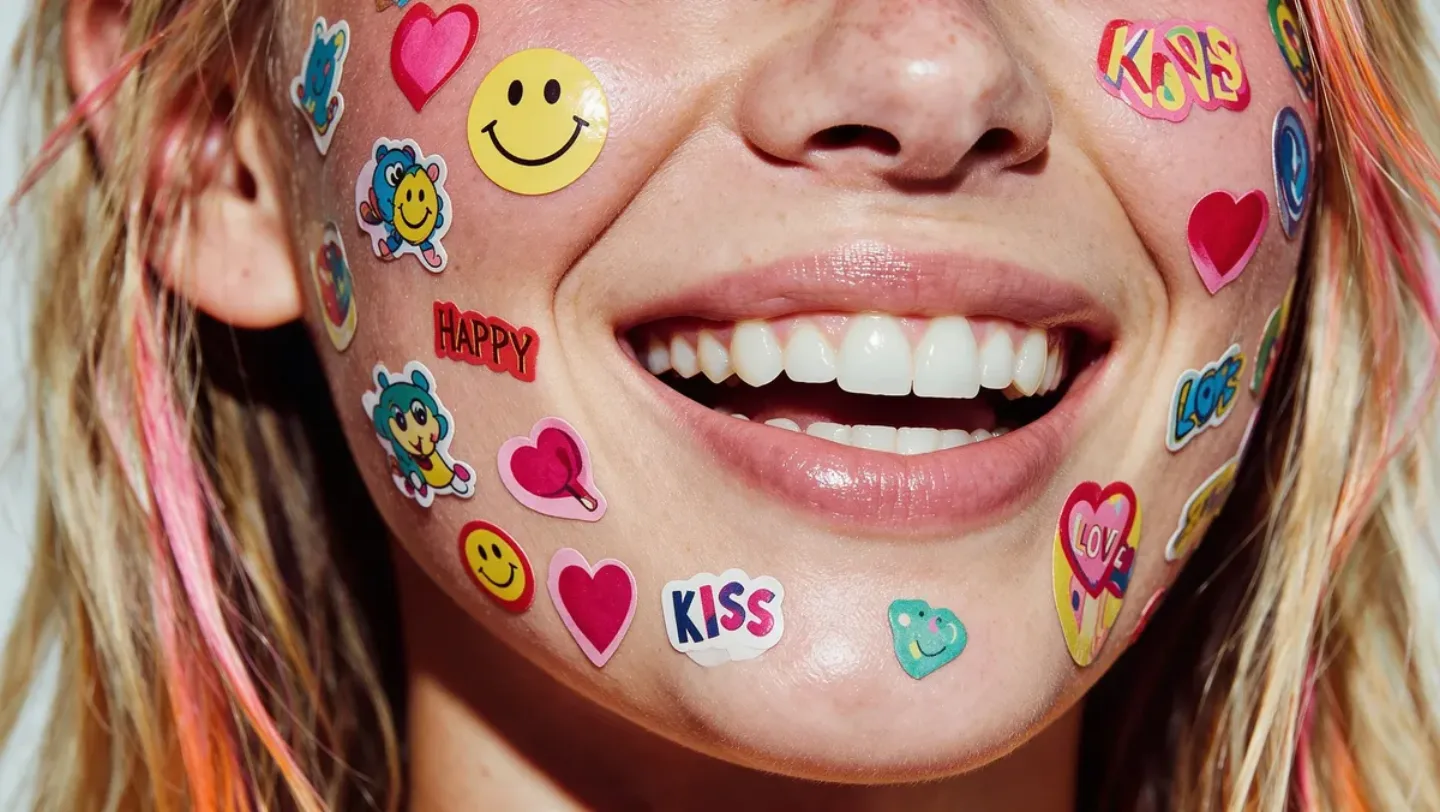
No smoothing pass, no airbrush, no glow layer. The face smooth tool leaves acne, scars and under-eye shadows exactly where they were and works on feature proportion instead — which is why the before-and-after is something you can post next to an unedited frame. If you want a filter that erases your skin, this is the wrong page; if you want the same face reading a little better, it is the right one.
Try it now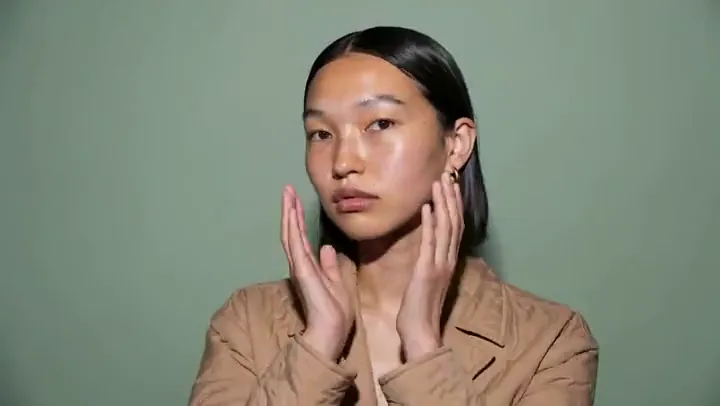
You do not type a prompt. Choose Light touch-up when you want a restrained 10–15% refine, Refreshed for a cleaner even finish, or Balanced when feature spacing should sit a little more evenly. Run the same selfie through more than one look until the polish feels right. The control is the look you tap, not a blank box you have to invent words for.
Try it now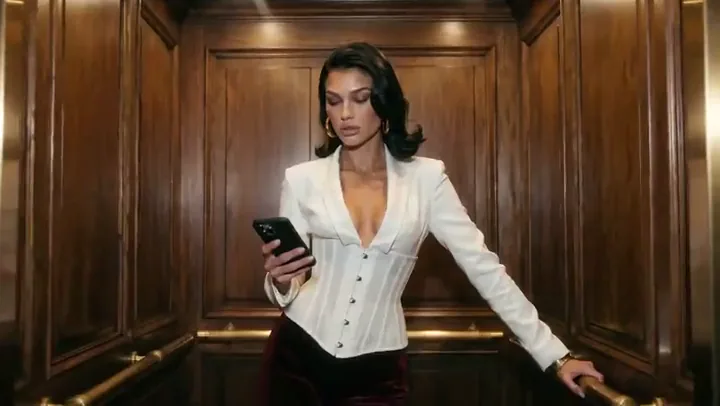
Skip the hours of manual retouching. With Viralkey's online beauty filter you get a usable still in under a minute: upload, pick a look, generate, download. There is no prompt to write, no reference board to assemble and no layer stack to manage — the whole console is one upload slot and three chips. Rerun the same photo on another look when you want a second option to compare.
Try it nowA face smooth pass is rarely the only question. Stay in Viralkey Studio to try the same portrait with a different finish — shorter hair, facial hair, or another look for the feed.
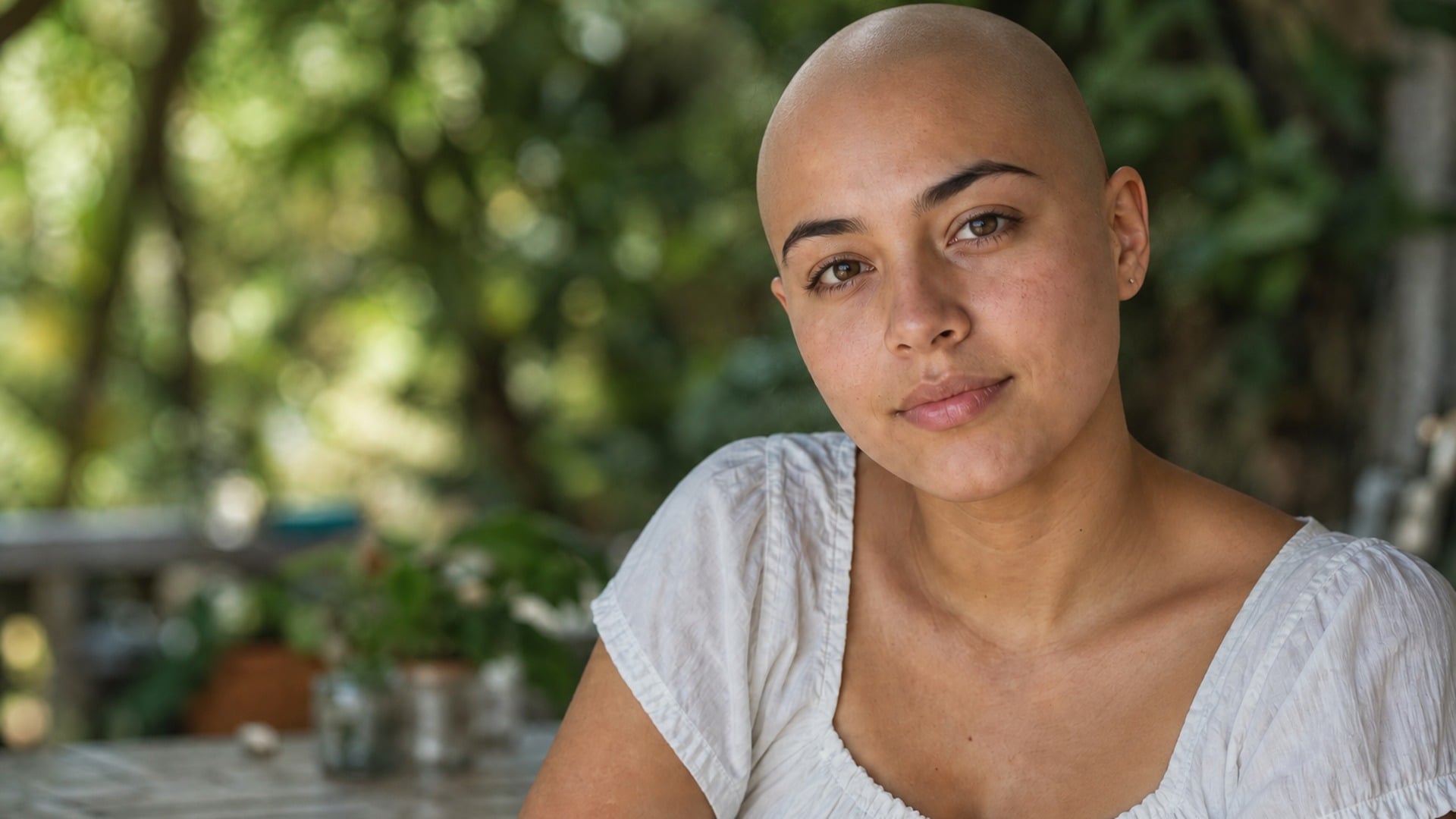
See yourself with a shaved head — face, pose and light stay put.
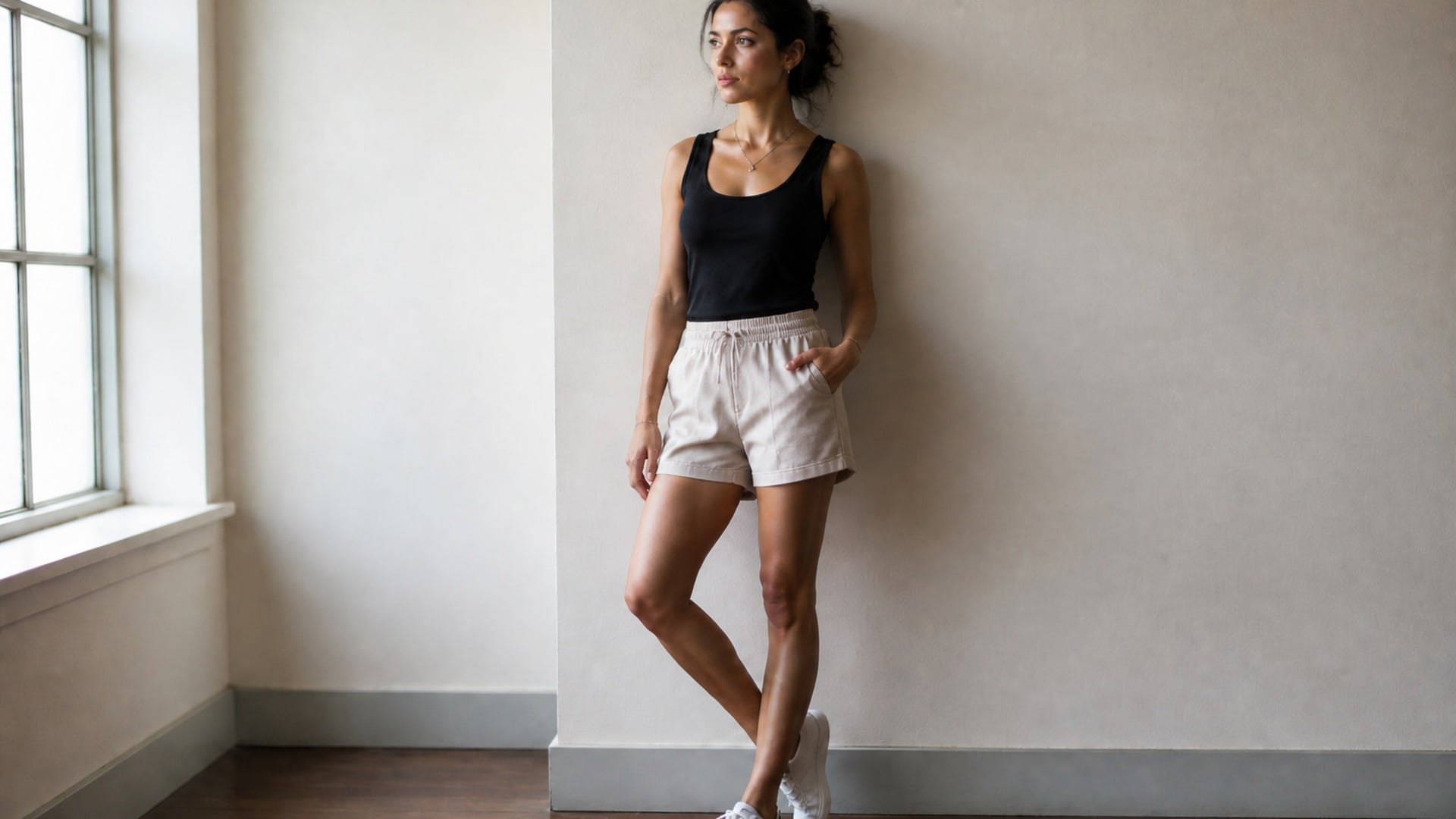
Slim the full body or just the face, with the background left straight.
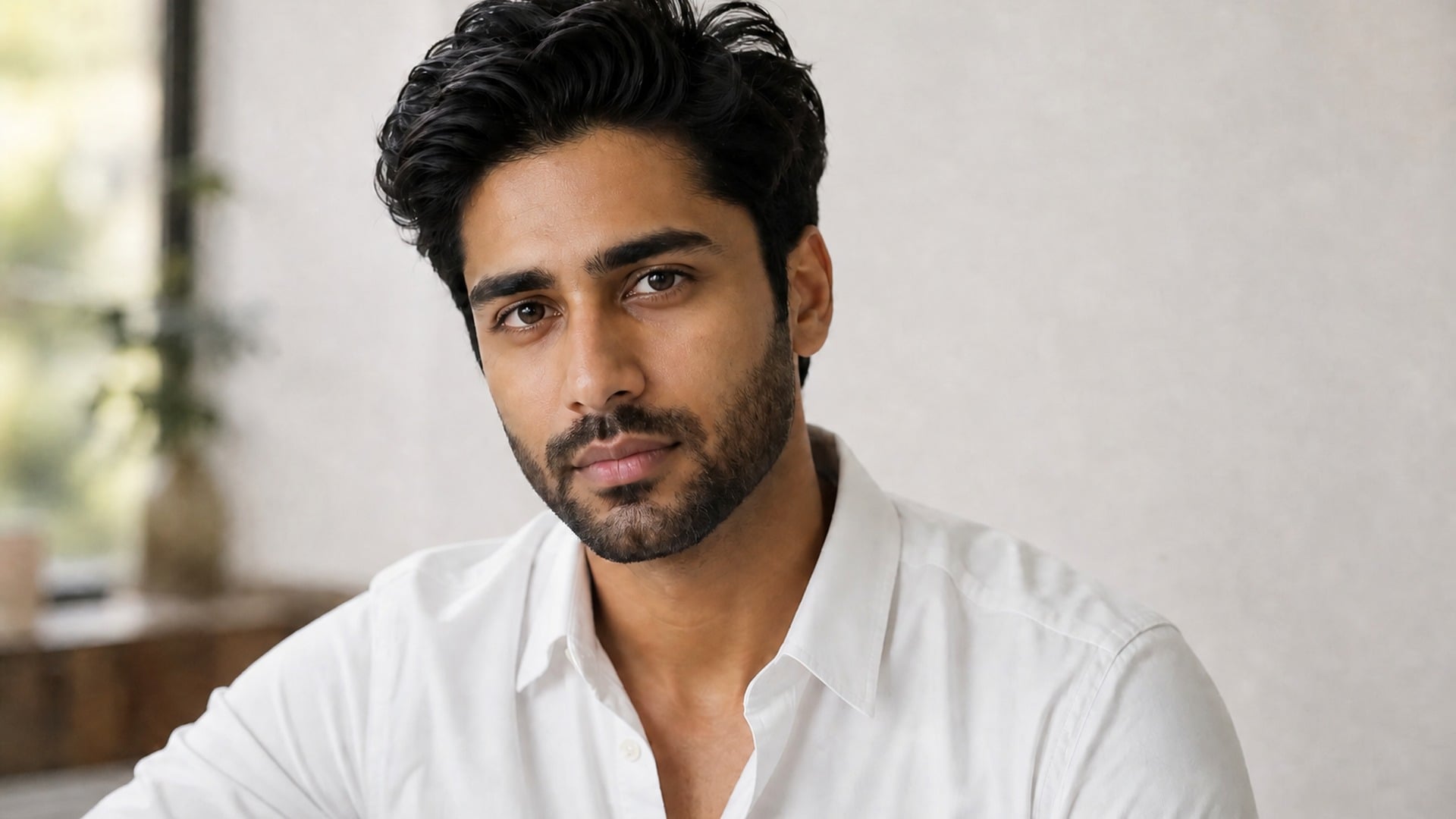
Try a full beard, stubble or goatee on your own jawline.
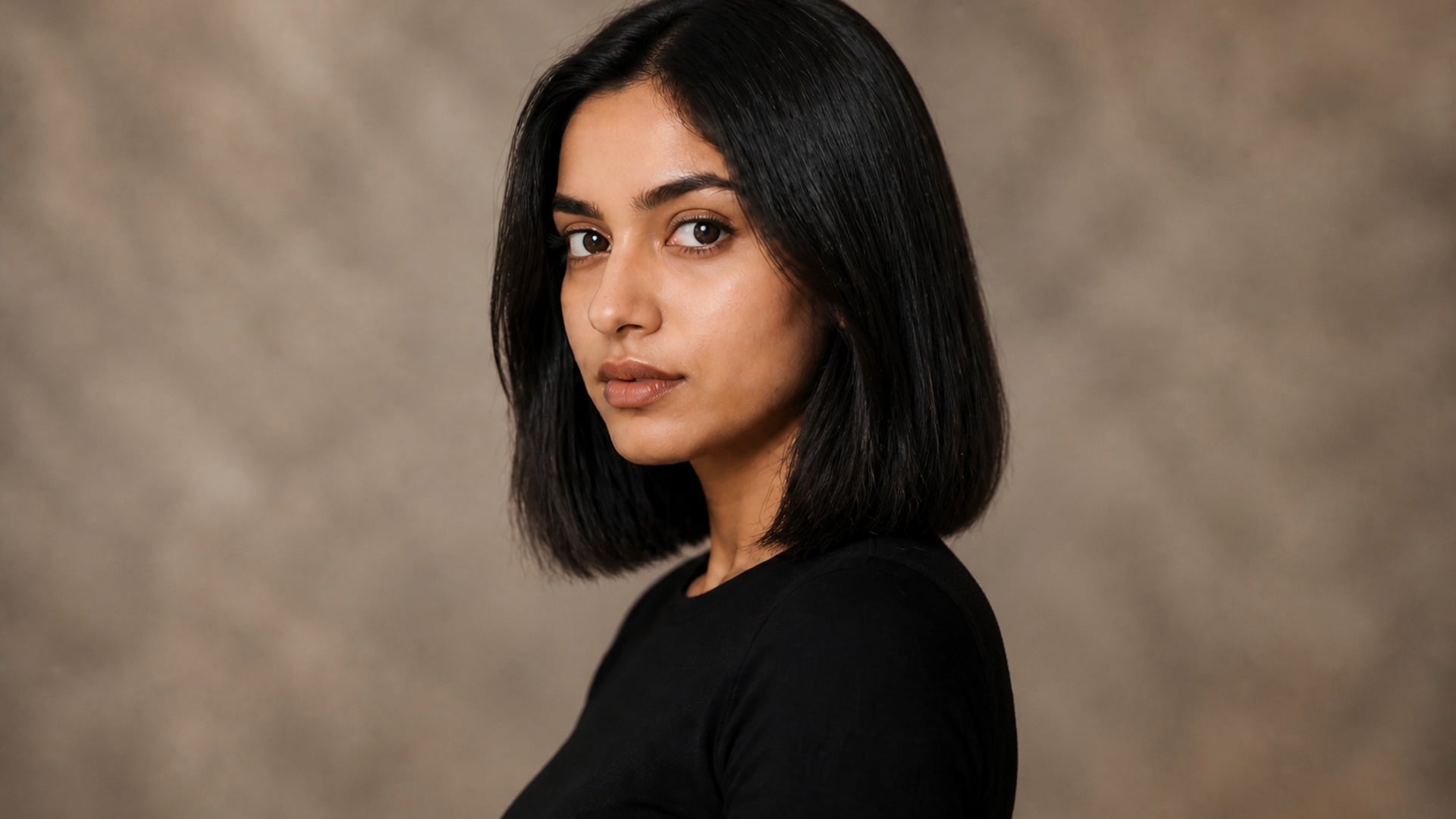
Preview a pixie, bob or crop before the scissors — your color, your texture.
Explore leading models for AI video, image generation, editing, and cinematic storytelling.

Create Wan 3.0 clips on Viralkey: native 1080p, 2–30 seconds, start/end frames, up to 20 mixed references, and audio generated with the picture.

Create cinematic MiniMax H3 clips on Viralkey: native 2K, up to 15 seconds, text-to-video, start/end frames, and up to nine reference images.

Generate short HD clips on Viralkey with start/end frame direction and up to 50 reference images. Built for music video scenes and performer shots.

Create cinematic Seedance 2.0 clips on Viralkey: native 4K, start/end frames, up to nine reference images, and built-in audio with lip-sync.
Whether it is social, professional, or personal, get the right level of polish without over-editing. People open this beauty filter when a selfie needs a face smooth pass and a heavy filter would make them look like someone else.
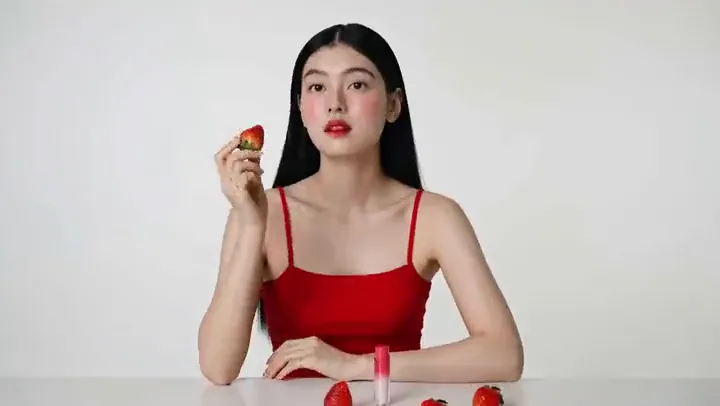
Your selfies do not need heavy filters or over-editing anymore. Even out how the features read, keep the skin the camera actually captured, and post a frame that survives a second look from people who already know your face. Built for Instagram, TikTok and any feed where a glow-up has to be deniable. If someone has to ask whether you used a filter, it already went too far — this one stays on the quiet side of that line.
Try it now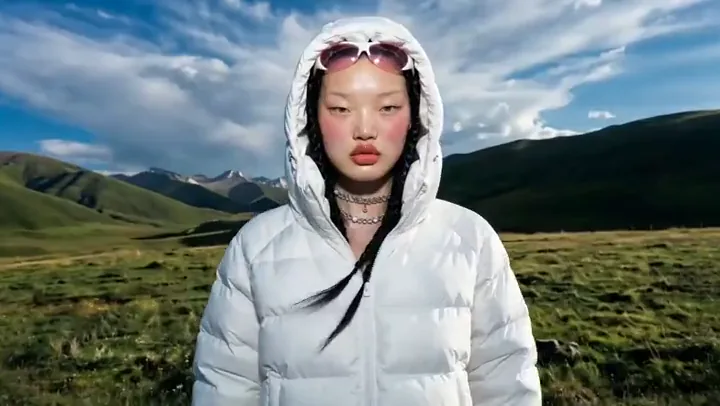
First impressions matter, but so does authenticity. Let the features sit a little more evenly, leave your skin as it is, and present your best self while still looking natural — not filtered beyond recognition. A dating photo that still looks like you is the one that does not create an awkward gap when you actually meet. Start with Light touch-up if the still has to sit next to you in real life.
Try it now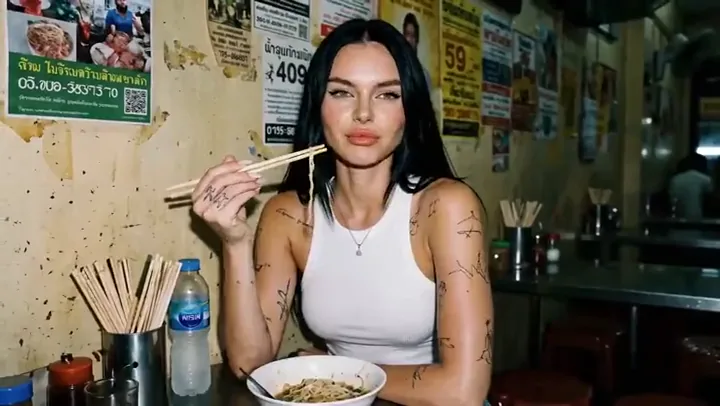
Whether you are shooting thumbnails, reels, or personal brand content, consistency matters. Quickly refine your look across images so your content feels cohesive, polished, and professional without spending a night in retouching software. Same person, same setup, a cleaner finish you can repeat. That is the difference between a one-off glow-up and a look your audience can recognize next week.
Try it now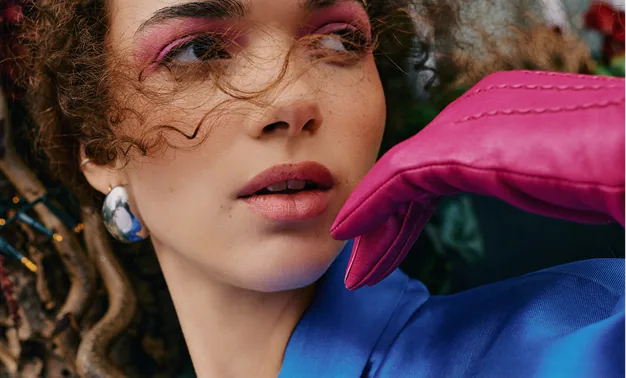
Run the same selfie through Light touch-up, Refreshed, and Balanced. One stays close to the source, one reads more awake, one evens the features. Whether subtle or a bit stronger, you stay in control of how far the retouch goes — the beauty filter still starts from your face, not from a celebrity likeness. The face is yours; the look is the part you get to play with.
Try it nowNotes from creators who used this tool on real work.
Maya Ellison
CreatorI wanted a glow-up, not a new face.
The after still looked like me on a good day.
Jonas Berg
Product managerUsed it for a dating photo.
Friends said I looked rested, not filtered.
Priya Nair
PhotographerLight touch-up is the whole product.
Anything heavier would have looked overdone.
Leo Hart
YouTuberRan the same selfie through two looks and picked one for the thumbnail set.
Sofia Alvarez
Social leadNo prompt box.
I uploaded, tapped Refreshed, and had a still I could post.
Haruto Sato
DesignerThe window light in my kitchen stayed put.
That is why it still looks like a photo.
Amina Diallo
IllustratorI keep freckles on purpose.
The beauty filter did not sand them off my face.
Owen Blake
ConsultantNeeded a headshot before a client call.
One tap, downloaded, and I was done.
Hana Choi
InfluencerIt did not touch my skin at all, just made the whole face read better.
Still my nose.
The beauty filter on Viralkey is an AI face smooth tool for portraits. You upload one selfie or headshot, pick a look such as Light touch-up or Refreshed, and receive a retouched still that keeps pose, clothing, background and lighting from the original. It is a one-tap portrait retouch for glow-ups, dating photos and creator stills — not a face swap and not a brand-new person generated from scratch.
Turn your ideas into reality with AI. Generate, refine, and innovate — creation starts here.