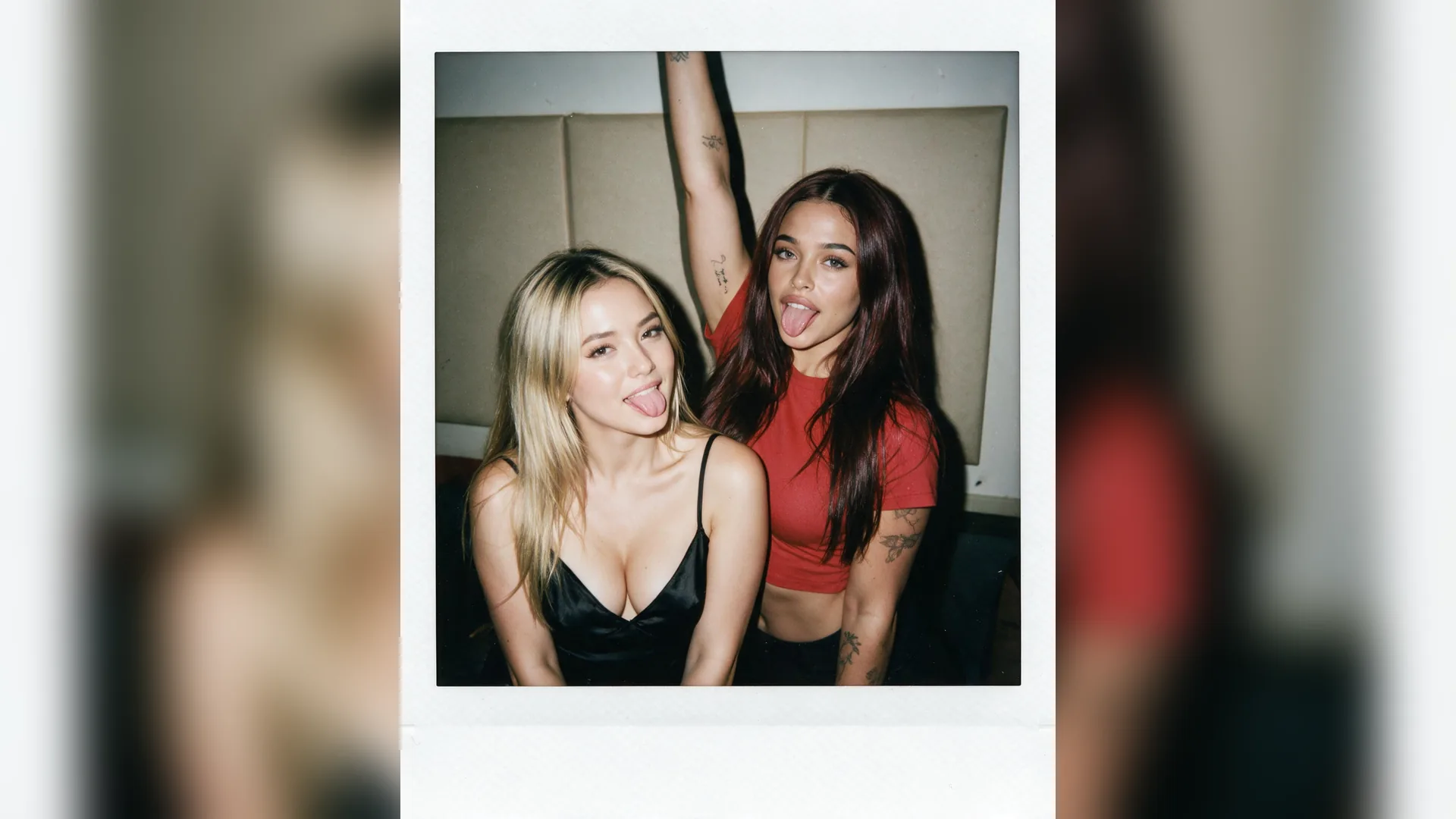
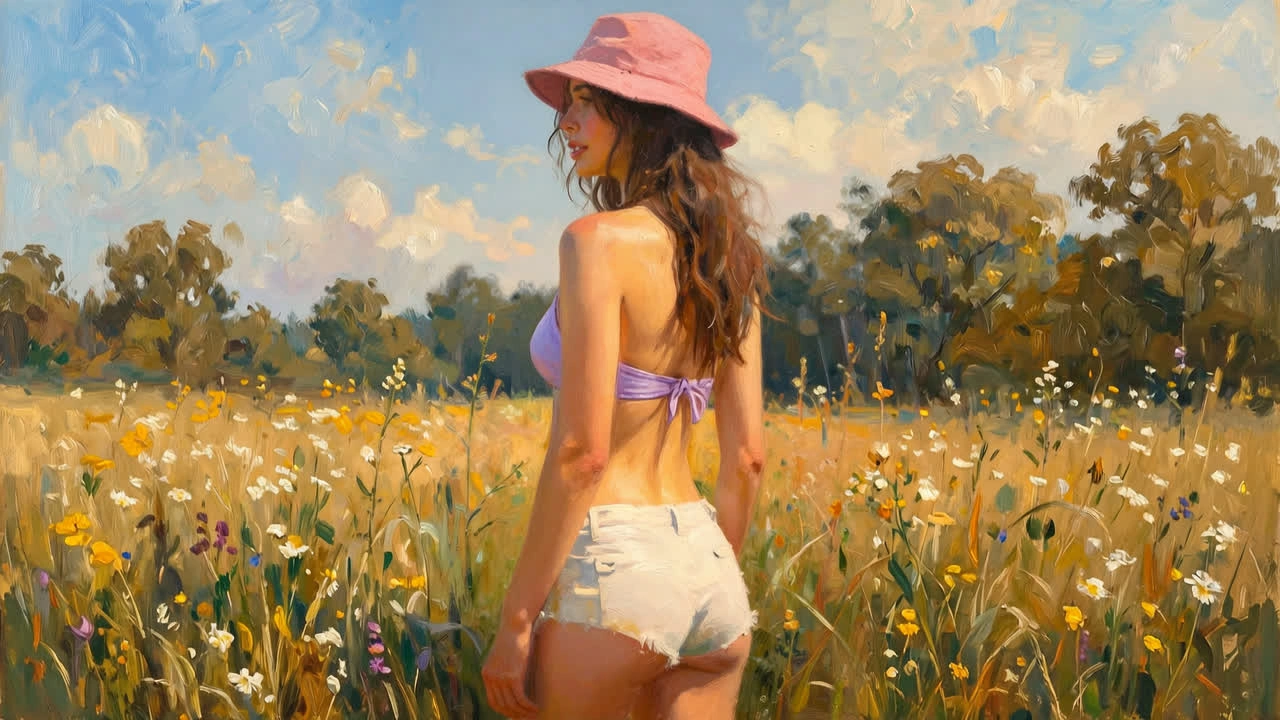
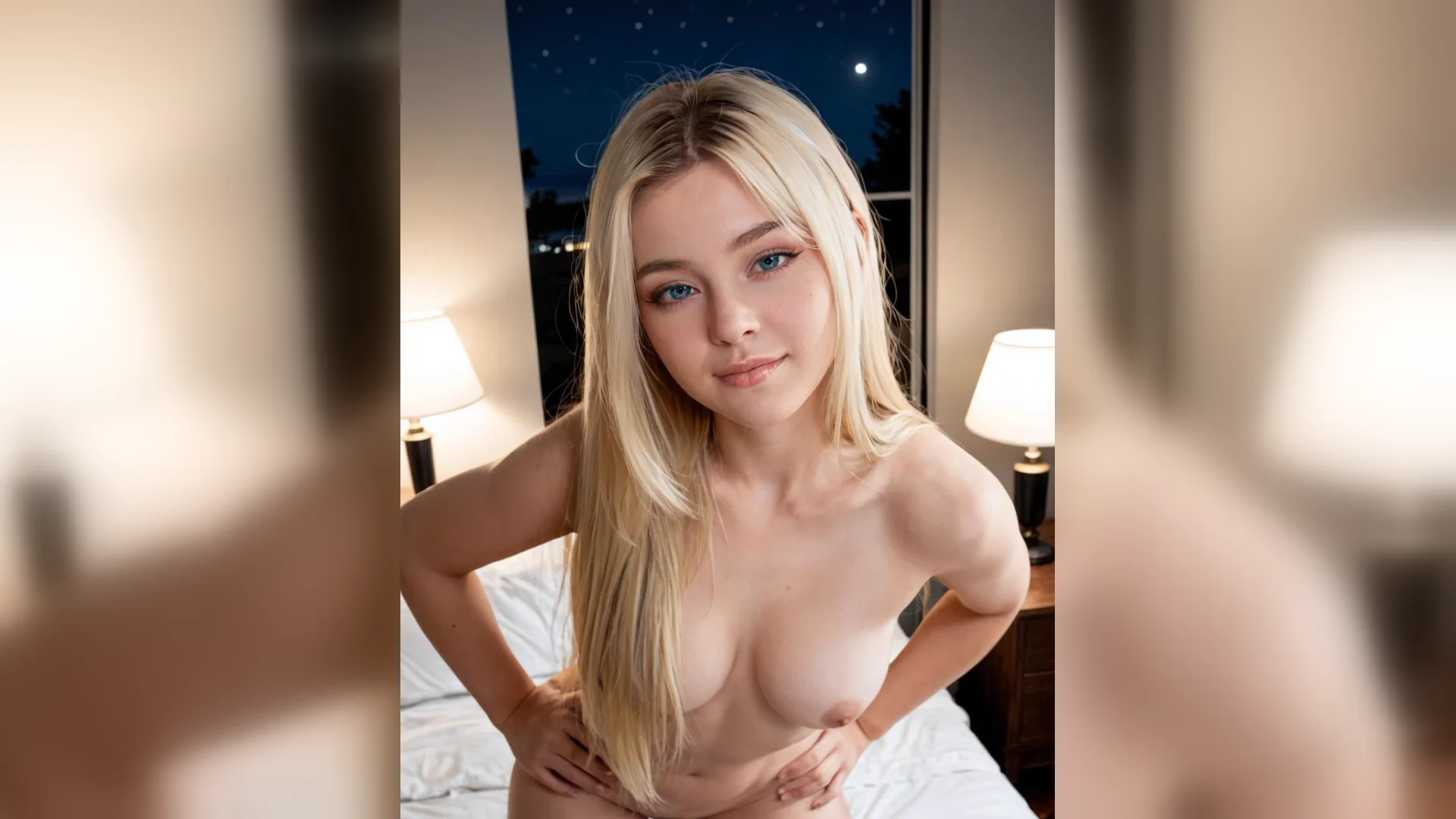
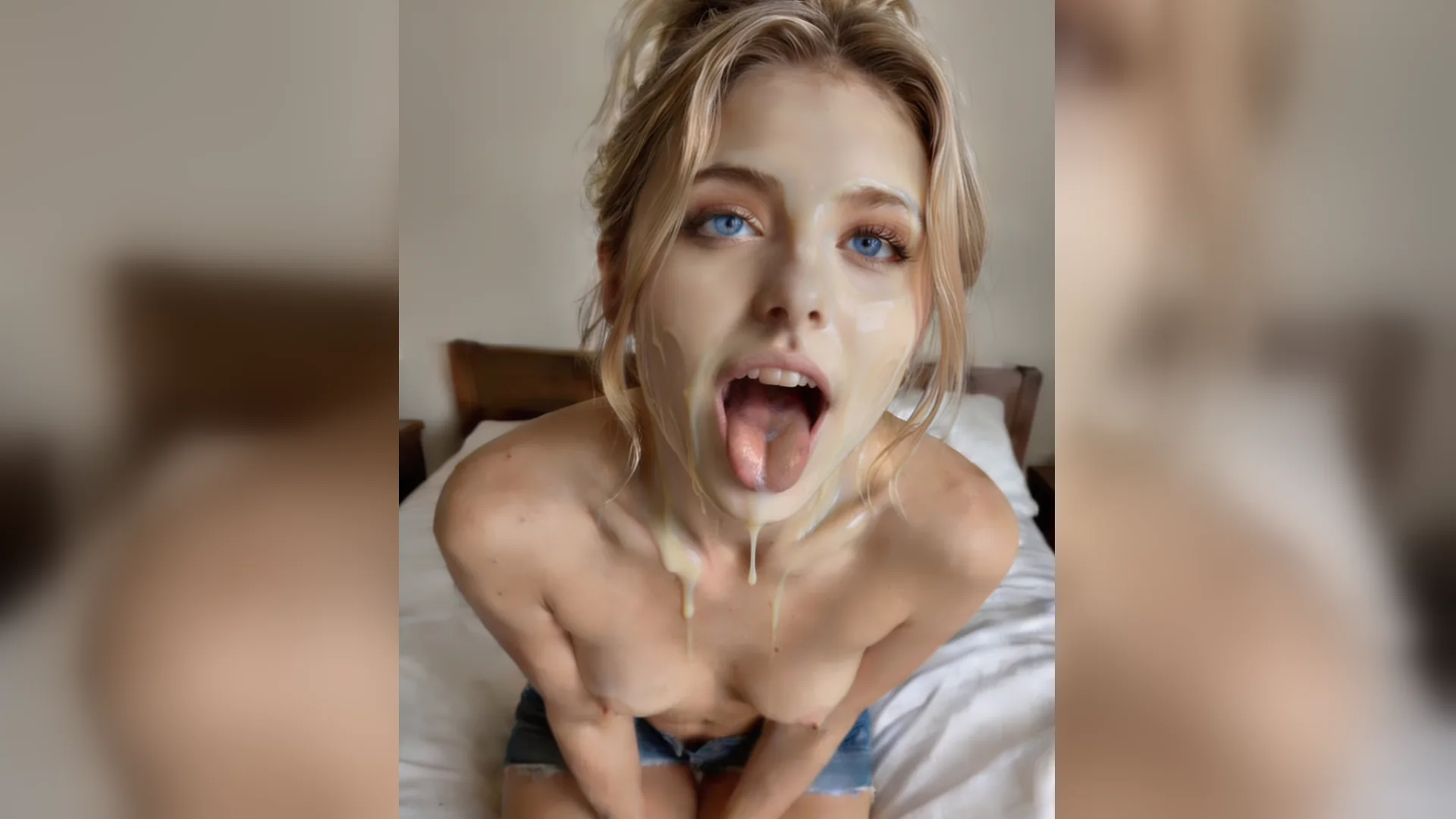
Plain-background base
BaseA fictional adult character in a simple outfit, plain studio background, front-facing camera view, balanced framing and clear subject separation.
Build an NSFW pose base from a simple adult-character brief, then use a clear silhouette and camera view as the starting point for your drawing study. You can also open NSFW Studio, or continue with NSFW Pose Refs, NSFW Pose Ideas, and NSFW AI Image Generator.
An NSFW pose base is useful when the starting image is easier to read than the finished illustration you have in mind. Describe a clothed fictional adult character, choose a straightforward camera view and keep the background plain. Generate a simple visual reference before adding a complex outfit, setting or rendering style. Viralkey prepares this brief for image mode in NSFW Studio. The result is a reference image you can review and work from, not an editable drawing layer, vector template or rigged character model. Continue in NSFW Studio, or open NSFW Pose Refs and NSFW Pose Ideas.
Build an NSFW pose base from a simple adult-character brief, then use a clear silhouette and camera view as the starting point for your drawing study.
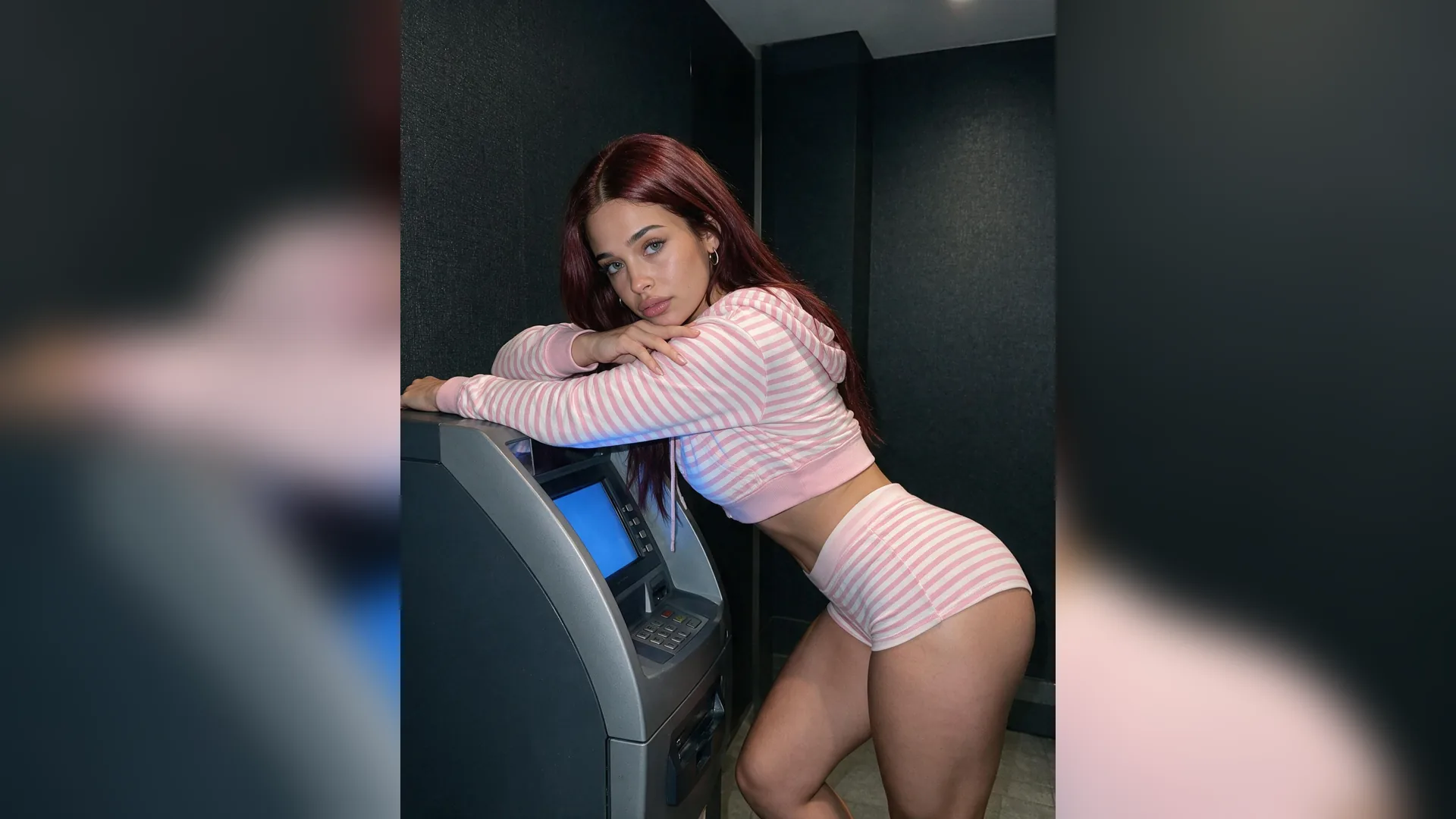
Ask for a simple composition with clear separation between the character and the background. A quiet starting image makes the overall shape easier to study before you add clothing detail, texture or a complicated setting.
Generate Image
Name the camera view and intended image crop before generating. A front-facing base and a side-view base answer different drawing questions, so avoid mixing several viewpoints into a single instruction.
Generate Image
Review the simple reference first. Keep the chosen composition and then add outfit, material or lighting detail in a focused new version rather than asking the initial base to solve every part of the final illustration.
Generate ImageDescribe a simple drawing base with one everyday adult-character scene and a clear visual goal. Keep appearance, setting and camera framing in separate sentences. Use a source image only when it helps communicate the specific information the written brief needs.
Continue in the existing image mode of NSFW Studio. Check the current model and the output options shown there, including format, resolution. Read the displayed cost and review the input before explicitly submitting the generation.
Review the silhouette, camera viewpoint and clarity of the starting composition in the complete image. Keep the parts that already work, then change one instruction for the next version. A focused revision makes it easier to judge whether the new output solves the actual composition question.
Start with the visual structure that your drawing needs: one subject, an uncomplicated setting and a camera view you can understand. Treat costume, surface detail and dramatic lighting as later decisions. This keeps the first result focused on a useful starting composition rather than a polished scene.
Generate Image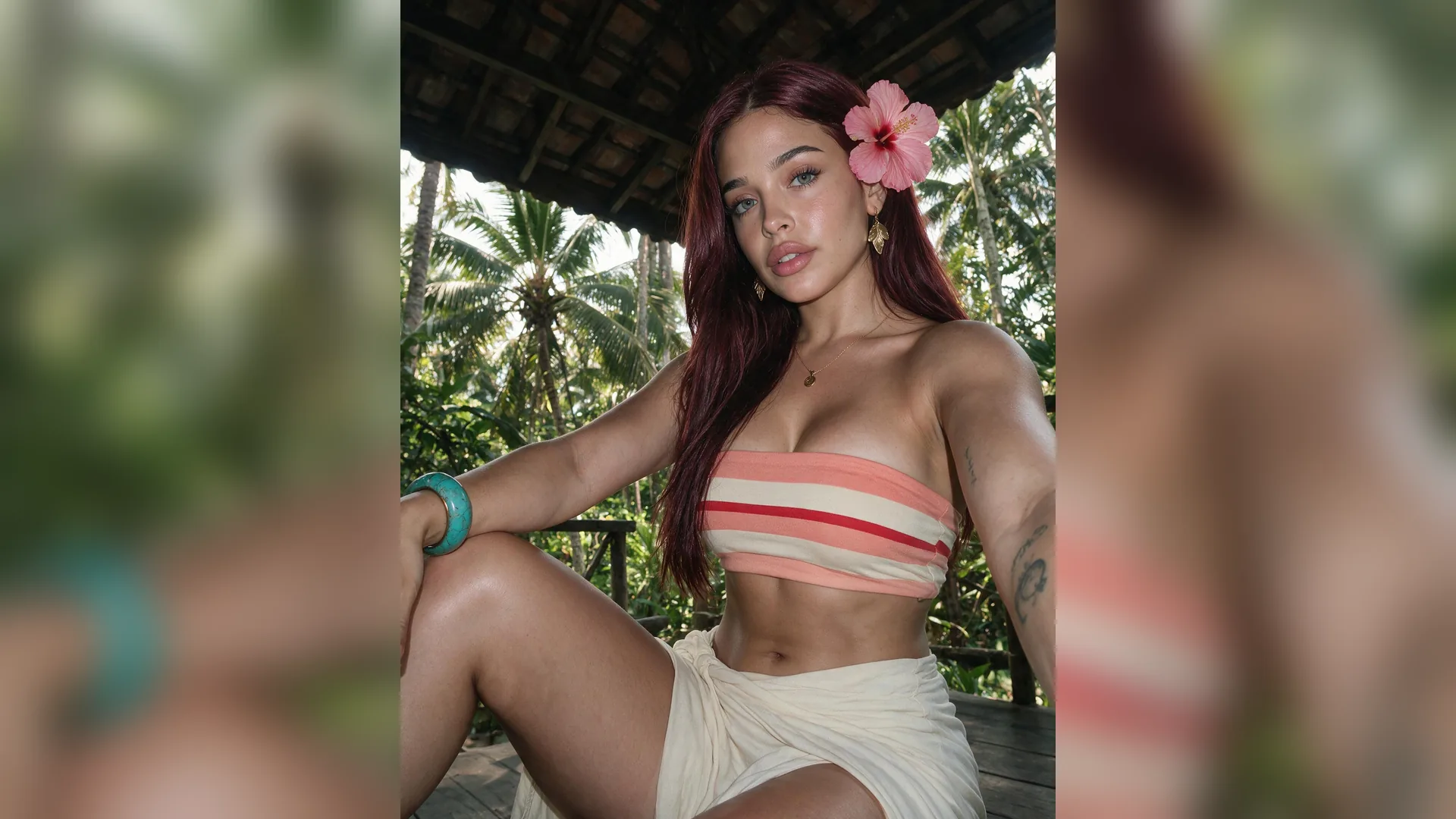
A reference can help communicate the overall arrangement or intended viewpoint. Describe which visible information should guide the result, and avoid asking the source to control every detail at once. Review the generated base independently because an AI image can reinterpret the source rather than preserve it exactly.
Generate Image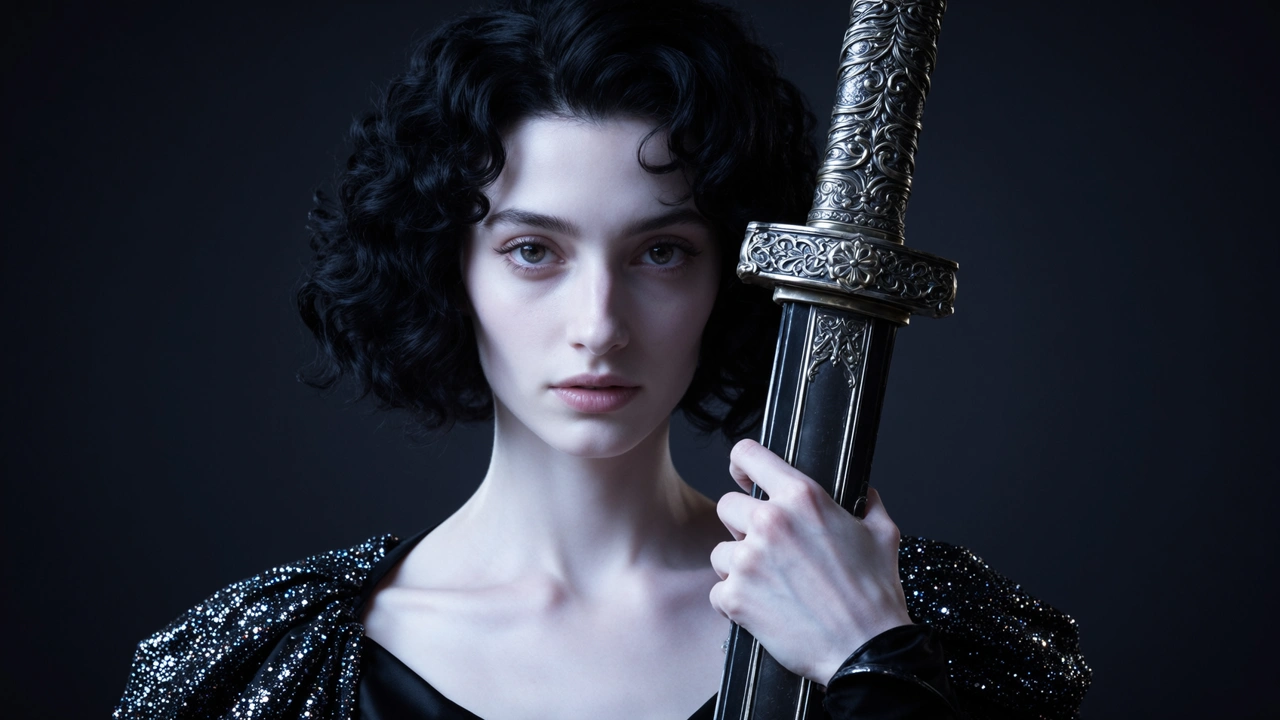
The workflow produces a rendered reference image. It does not create editable layers, a vector outline, a character rig or a reusable 3D mesh. If your next step needs those formats, use the image as a visual starting point in a separate drawing or modeling workflow.
Generate ImageUse these examples to prepare a simple drawing base. Adapt the fictional character and everyday setting to your intended composition, keep one clear visual direction, and review the generated result before choosing the next change.
Plain-background base
BaseA fictional adult character in a simple outfit, plain studio background, front-facing camera view, balanced framing and clear subject separation.
Single-view study
CameraChoose a front, side or three-quarter camera view for one reference. Create separate versions when you need another view instead of combining conflicting instructions.
Clothing kept simple
DetailUse an uncomplicated outfit while testing the starting composition. Add costume detail only after the silhouette and image crop are useful.
Reference role
SourceState that the source should guide the overall viewpoint and arrangement. Let the written brief supply any new style or setting decisions.
Read the entire shape
ReviewInspect the full character image and its separation from the background, not only the face or the most polished detail.
Base to illustration
Next stepKeep the selected arrangement and create a new version with a specific drawing style or outfit treatment. Compare it to the simpler base.
An NSFW pose base is a simple adult-character reference image used as a starting composition for a drawing or illustration. Here, base refers to the visual reference, not an editable vector or a rigged model.
Use your prompt and optional reference to create or edit a still image. Check the current studio options and credits before submitting.