







Object Remover

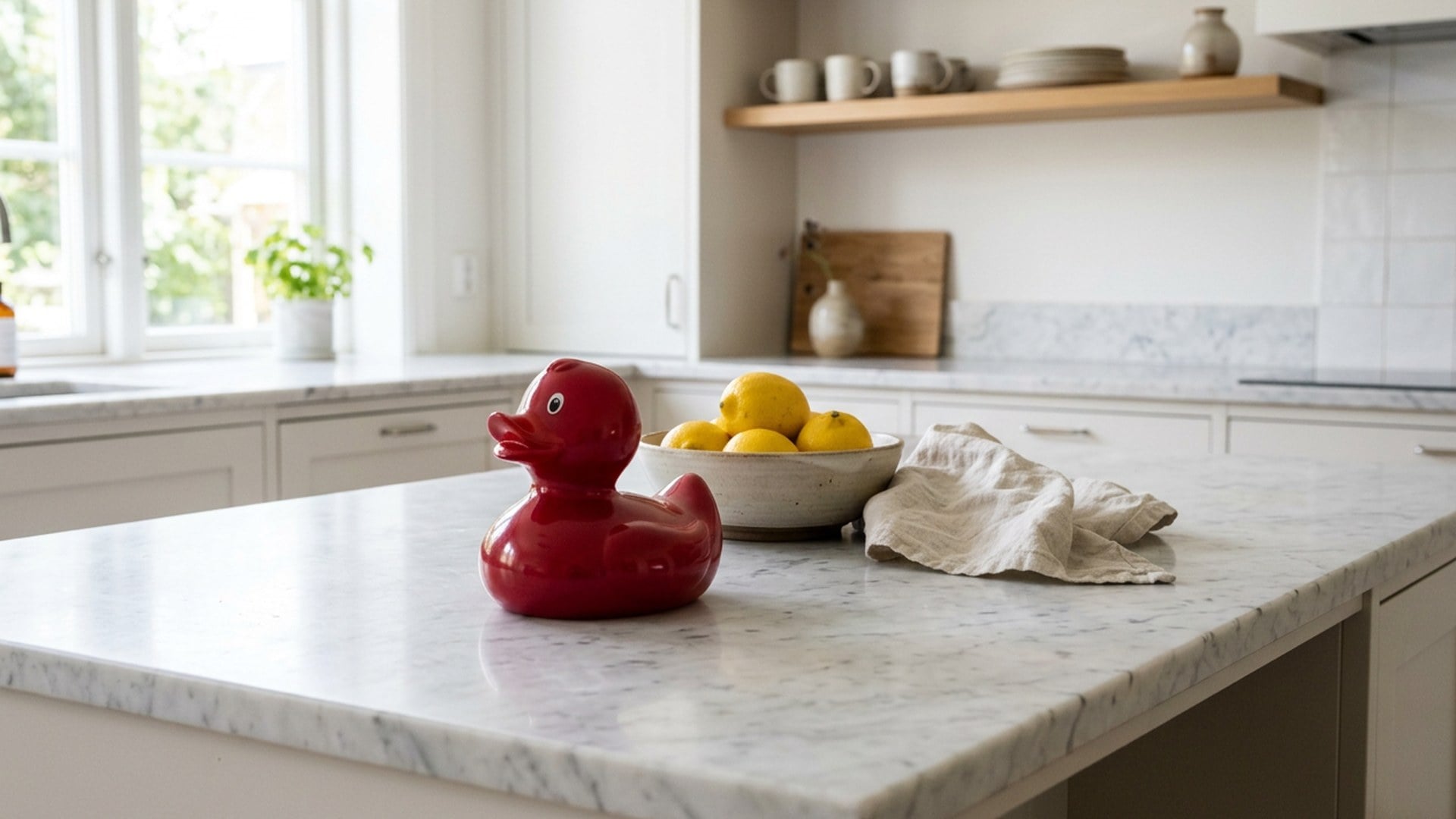
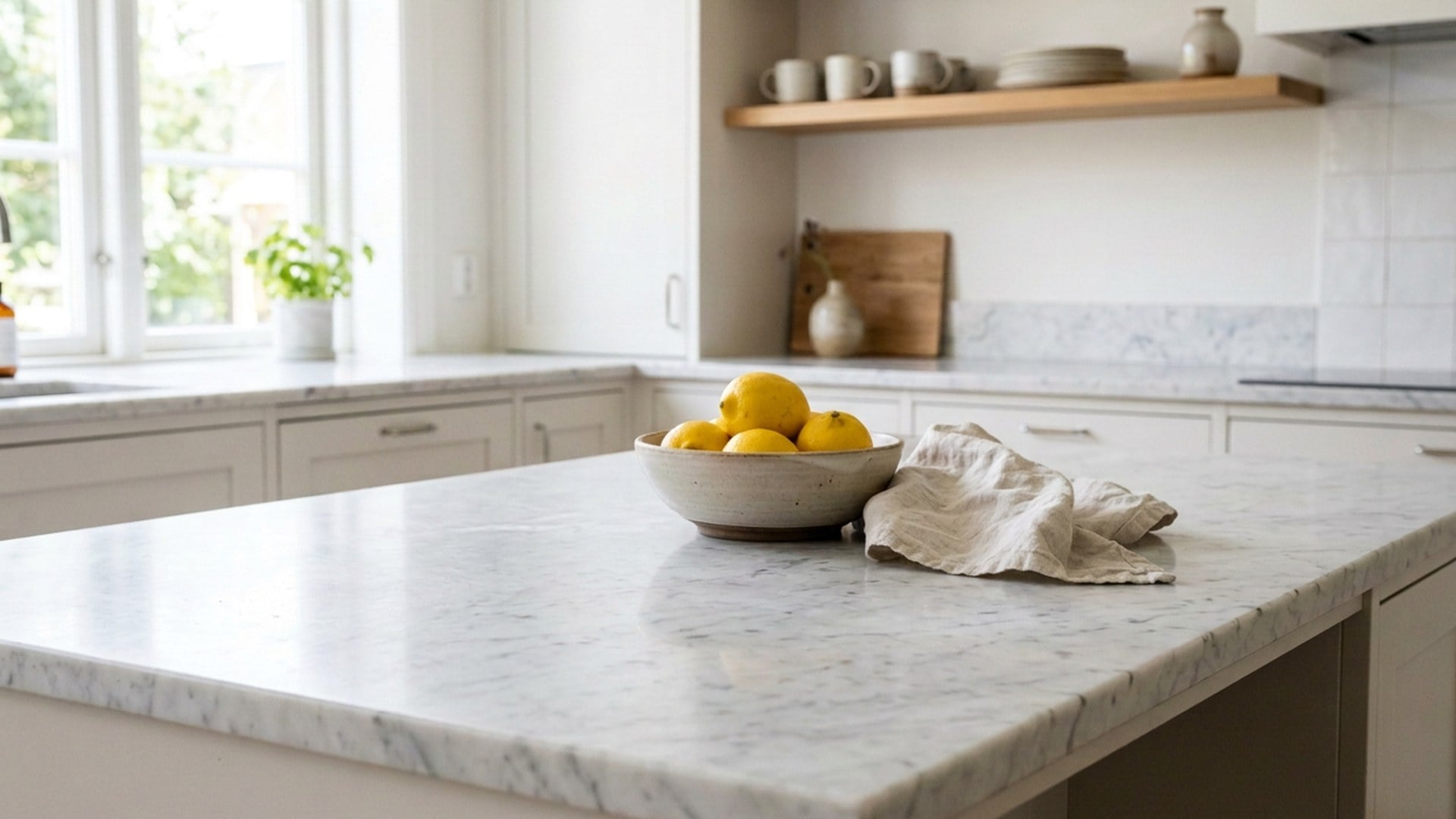
The photo is already the one you'd keep — except the cup, the cable, or the sign. Name that leftover. This page deletes it and rebuilds the hole from the same room, not a new studio.

Object Remover
Object Remover
BeforeAfter

Object Remover

Source photo

Upload one still. If two props could match, name the leftover. The rest of the frame stays.

Look

Object Remover
Object Remover
BeforeAfter

Object Remover

The photo is already the one you'd keep — except the cup, the cable, or the sign. Name that leftover. This page deletes it and rebuilds the hole from the same room, not a new studio.

Erase One Prop. Keep the Photograph.

You would post this still if that one leftover were gone. Name the clutter. The table, the wall, and the people you meant to keep should survive. This is the Object chip on the same pass as Magic Eraser. If you wanted the subject on alpha, that is Background Remover — a cutout, not a fill.

Free Remove This Object
Erase One Prop. Keep the Photograph.
One leftover. Same room.

One leftover. Same room.

A listing plate with a stray mug, a travel still with a bag on the path, a desk tour with a charger no one meant to feature — those are the briefs. The join should read as more of the same surface, not a generated studio. If the leftover is a person, stay on Extra person in Magic Eraser. A stock stamp is the Watermark chip there. This page is for clutter you can name in a short note.

Free Try the Object Remover
A sentence is the mask.

A sentence is the mask.

There is no brush, lasso, or pin. Object is the class. The optional box is the instance: the cup on the right, not the lamp. Crop until one leftover is obvious. If you have not picked a class yet, open Magic Eraser and read every chip. Official stamps and marks you do not own stay out of scope.

Free Try the Object Remover
A full photograph, not a cutout.

A full photograph, not a cutout.

Background Remover hands you alpha so you can place the subject. This page hands you the same room with one thing gone. If you wanted the subject isolated, leave. If the still is also mush, sharpen later on Image Enhancer — another generate, not a hidden slider here.

Free Try the Object Remover
After the delete, the next finish.

After the delete, the next finish.

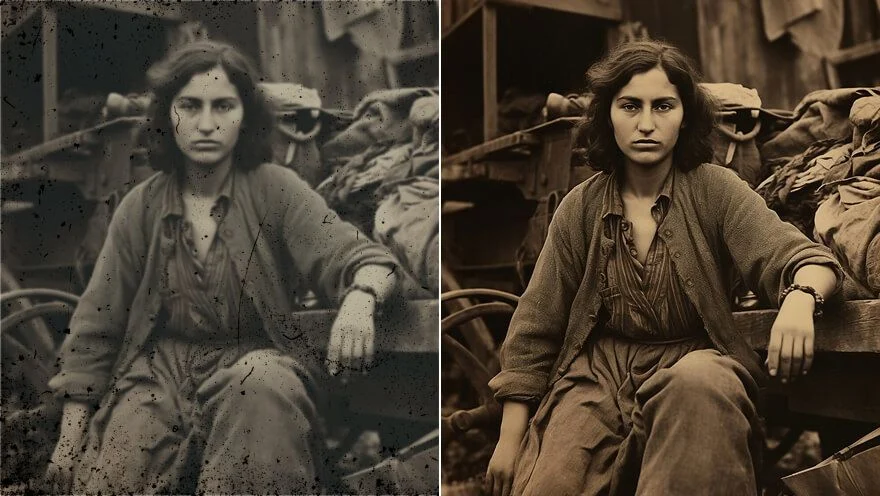
A torn print belongs on Photo Restoration first, then come back if a prop is still loud. Need the subject on a thumbnail field after the clutter is gone? Isolate on Background Remover. Each of those is its own spend. Keep the original if the first fill nicks a hand.

Free Try the Object Remover

How to Use This Object Remover

  1. Step 1

    Upload a JPEG, PNG or WebP where the clutter is obvious. A flea-market pile is a weak source — crop until one prop is the leftover.

  2. Step 2

    This page starts on Object. If two things could match, write which one: the cup on the right, not the lamp. Then generate. There is no brush to paint.

  3. Step 3

    Put the after next to the source and look at the join. If a hand you needed disappeared, crop tighter and rerun from the original. If you actually wanted a cutout, switch to Background Remover.

Free Remove This Object

Who Opens an Object Remover

A cleaner pack shot

A cleaner pack shot

A plate you already have the right to use still has a mug or a cable in the edge. Name that leftover. The table should stay the table, and the SKU should still read. If a stock overlay is the real insult, that is the Watermark chip on Magic Eraser — not this Object door. Do not expect this page to redesign the box.


A view without the bag

A view without the bag

The overlook is right except for trash on the path. The fill should read as more grass or more stone, not a generated mural. A stranger at the railing is Extra person on the same Magic Eraser. You are not promised a clean pull from a packed festival — crop until one leftover is obvious.

A desk without the cable

A desk without the cable

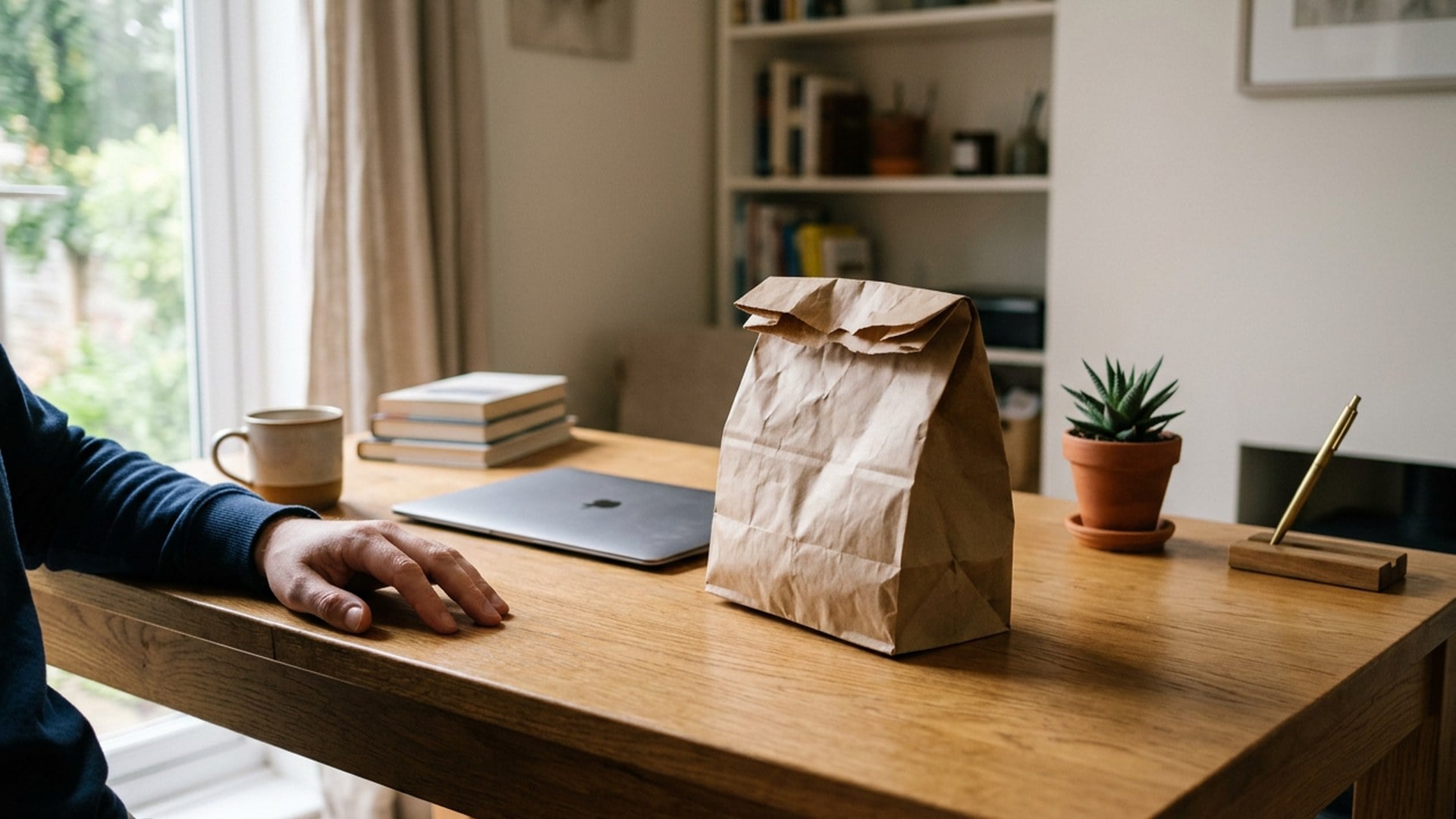
A product demo still picks up a charger no one meant to feature. Reconstruct the wood or cloth from what is already around it. A leftover cup can also go through Magic Eraser on Object. Two leftovers means two notes, or two generates, not one vague wipe.

Alpha after the delete

Alpha after the delete

After the clutter is gone you may still need the subject on a thumbnail field. That cutout is Background Remover. A larger listing file is Image Enhancer. Two jobs. Two spends. The after from this page should still be a full photograph.

Free Remove This Object

Notes From People Who Needed One Prop Gone

Notes from creators who used this tool on real work.

LA

Lysander Ashford

Seller

The mug left.

The table grain still matched the board beside it. That was the brief.

PN

Portia Northcott

Creator

Wrote 'cable on the left'.

Desk stayed the desk I shot. That was the whole brief.

NB

Nerissa Bramble

Traveler

Tried People Remover first.

Wrong leftover. The Object chip finally got the bag.

HV

Horatio Vexley

Photographer

No brush to learn.

One sentence. The sign behind her shoulder vanished.

GO

Guinevere Oakhurst

Social lead

Magic Eraser is the same pass.

I just wanted the URL to say object remover.

YL

Yorke Lin

YouTuber

Second take from the original after the first nicked a hand.

The join held.

ZH

Zia Holm

Shop owner

Listing plate, same lightbox, no charger in the corner anymore.

SKU still read.

AP

Arden Pell

Designer

I did not get a new kitchen.

Thank you for not inventing a studio I never shot.

BO

Blaise Orr

Marketer

Cropped tighter, then ran.

Busy stall, one leftover bottle. The wood still matched.

Frequently Asked Questions

It deletes one named prop from a photo you already have and fills the hole from the surrounding picture. You upload one still, stay on the Object chip, and optionally write which instance — the cup on the right, not the lamp. The rest of the frame should stay. It is the Object chip of Magic Eraser, not a cutout and not a people wipe.

What will you create today?

Turn your ideas into reality with AI. Generate, refine, and innovate — creation starts here.

Create Now