RA
Rafferty Ashford
Ecommerce producerI needed the coat gone for a summer cut.
Same pose, same light — finally looks like the original shoot.
Transform any outfit with Viralkey's AI Clothes Remover. Remove clothes in photos instantly and create realistic fashion images for ecommerce, fashion design, marketing, and creative projects.
AI Clothes Remover
AI Clothes Remover
Transform any outfit with Viralkey's AI Clothes Remover. Remove clothes in photos instantly and create realistic fashion images for ecommerce, fashion design, marketing, and creative projects.

Upload Your Image
Add the photo you want to edit. Clear subjects and visible garments give cleaner removals — this frame's pose, face and background are what the result keeps.

Describe What to Remove
Enter a prompt naming the garments to take off — dress, jacket, outer layer. The more precise the garment name, the tighter the edit stays.

Generate and Refine
Apply the edit, review the output in your library, and iterate with a tighter prompt when you need a more precise result.
Remove garments from a photo you already like — without reshooting the whole frame. The AI Clothes Remover keeps the person, pose and scene, and takes off only the clothes you name.
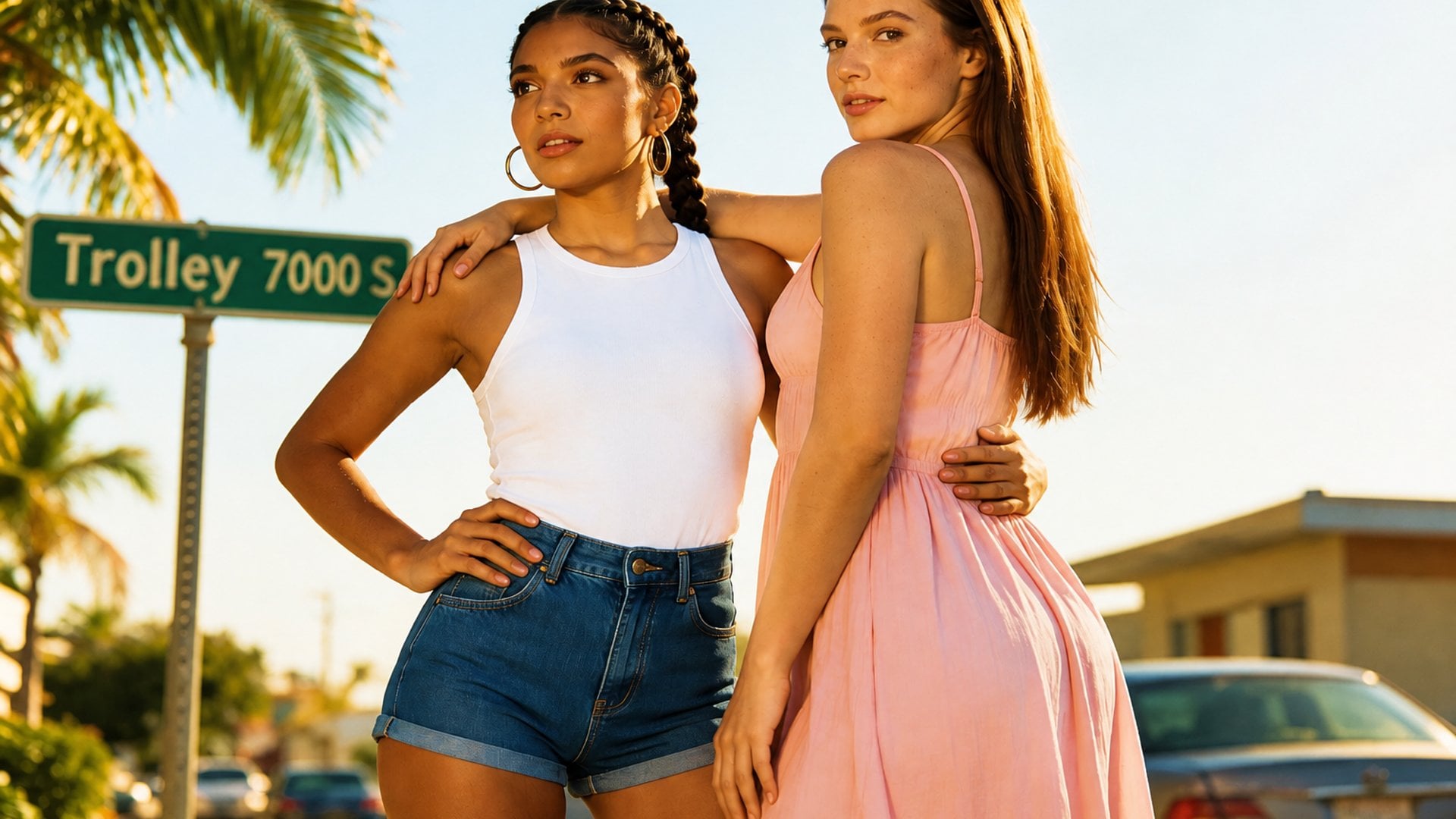
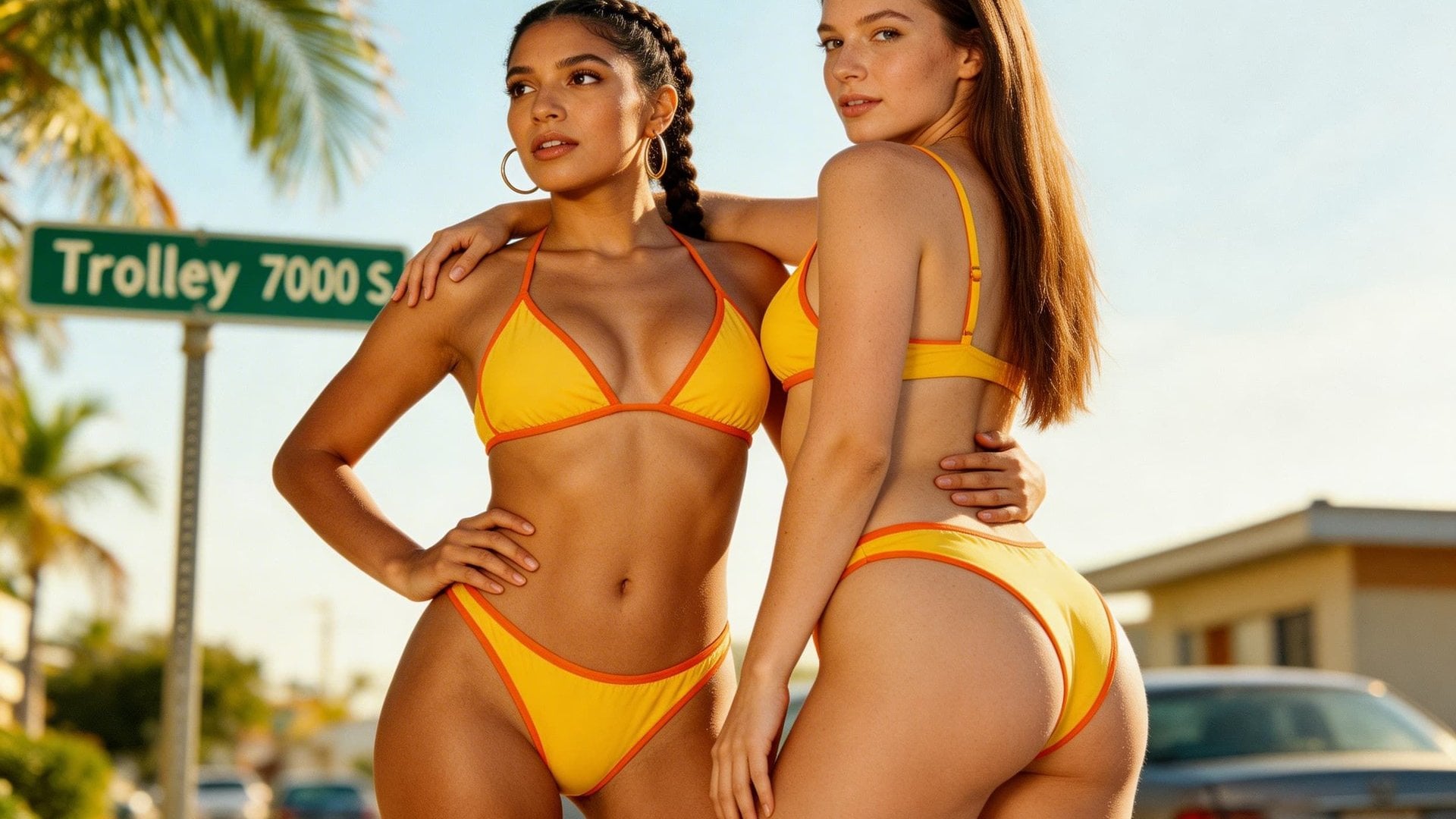
Name the clothing you want gone — dress, jacket, hoodie, outer layer — and the edit follows that instruction. There is no brush mask to draw. The rest of the composition stays put so you are editing a photograph, not inventing a new one.
Try it now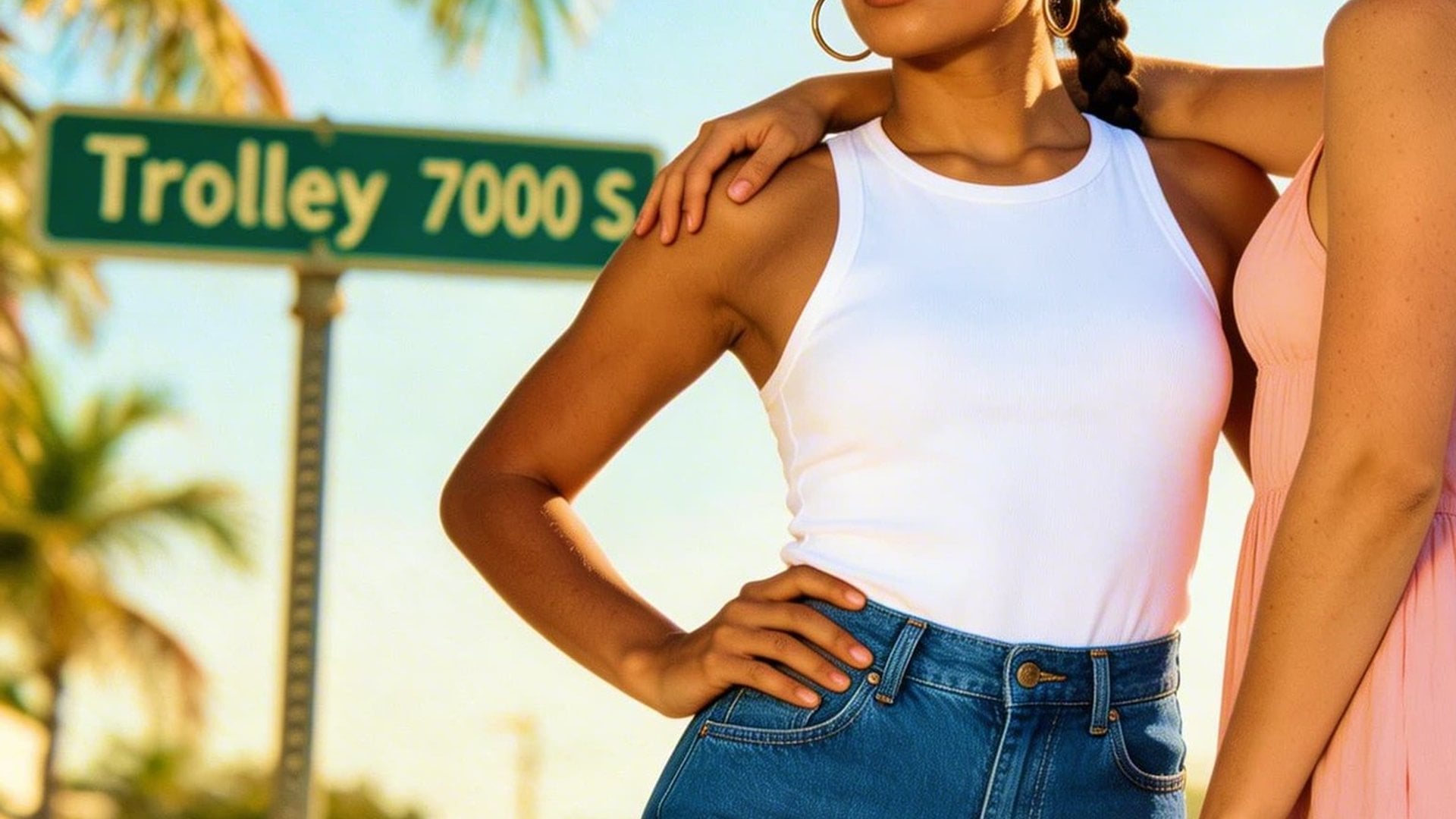
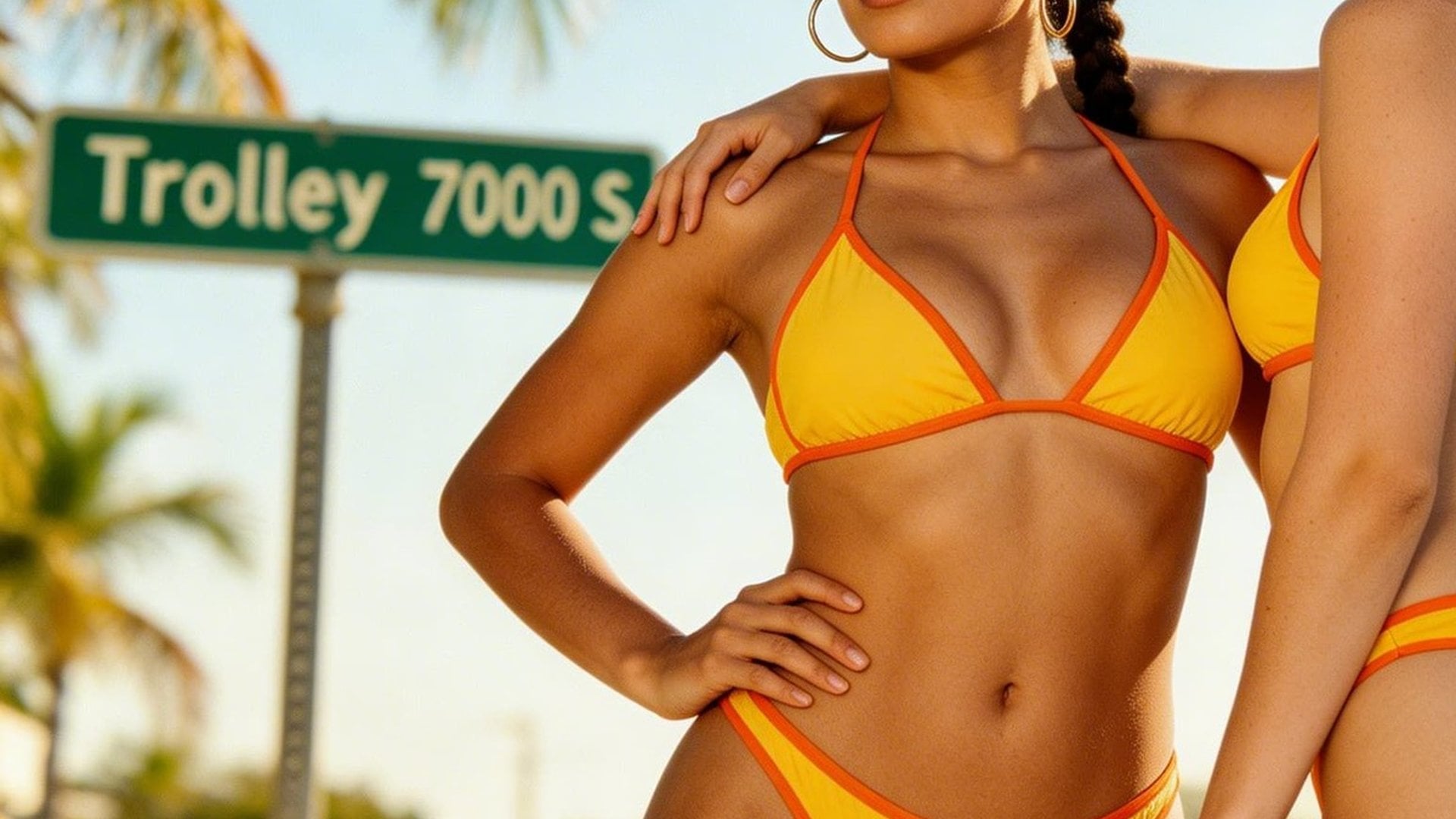
There is no render-style switch to set. The uncovered region comes back in the same visual language as the source — same lighting, same colour, same lens character — so the still reads as the photograph you uploaded rather than a restyled version of it.
Try it now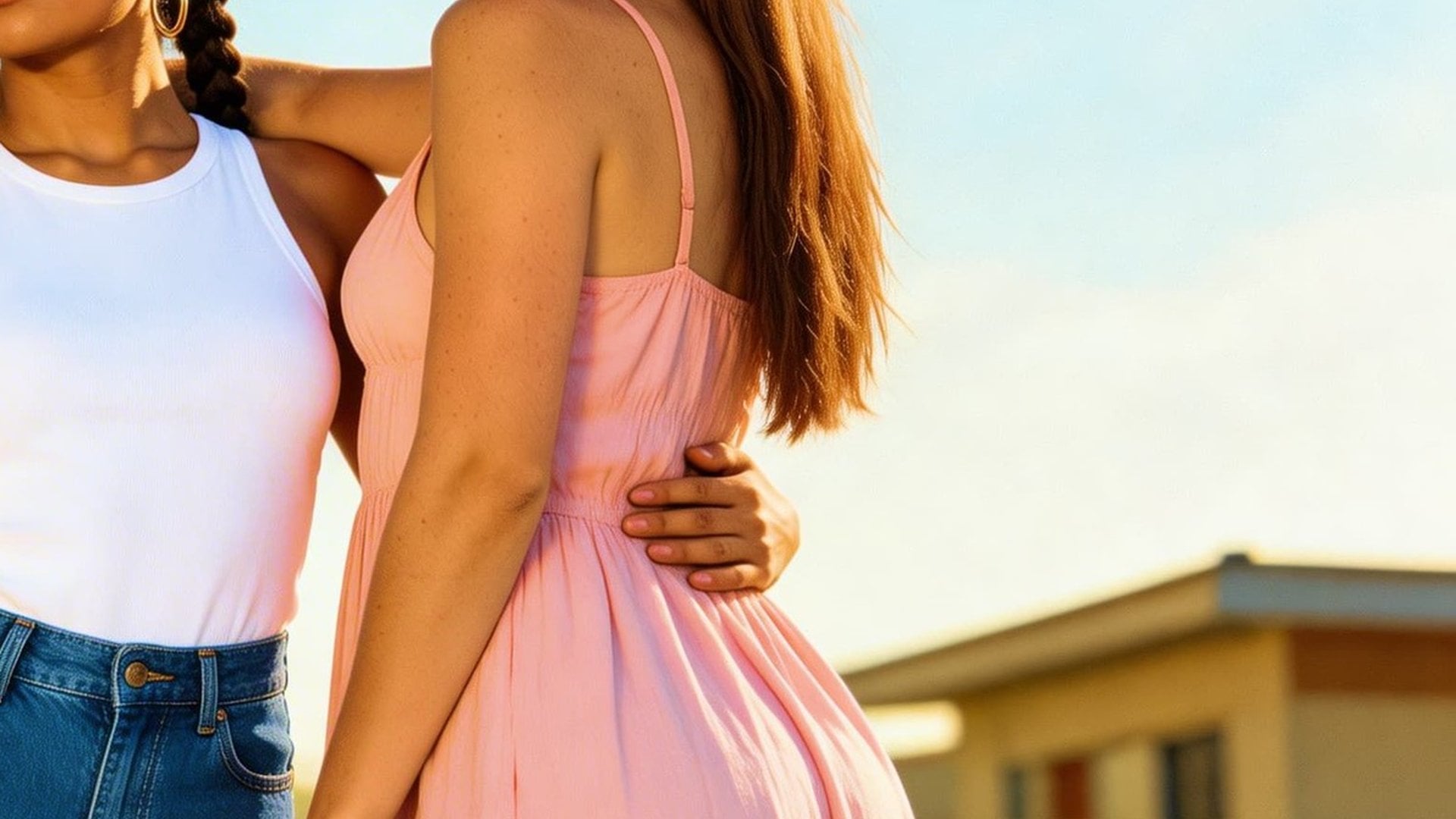
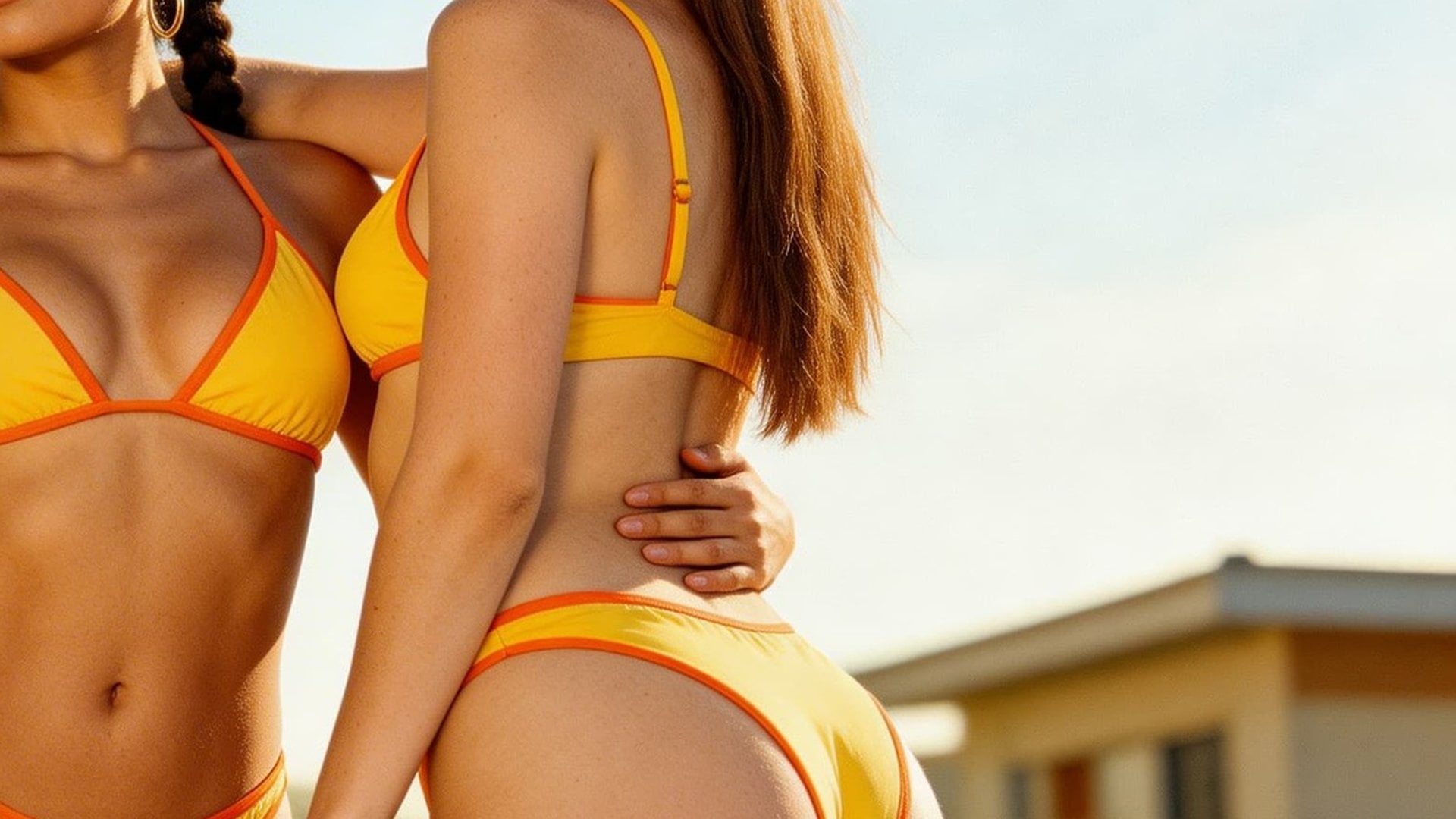
Edits blend into the original image. Lighting, shadows, face and pose stay locked so the result reads as a cohesive photo rather than a pasted composite. Iterate with a sharper removal request when a fold or edge needs another pass.
Try it nowRemove garments from prompts, keep body-aware framing, and land results that still match the original light and camera — built for fashion and creative removal jobs, not a full scene regen.
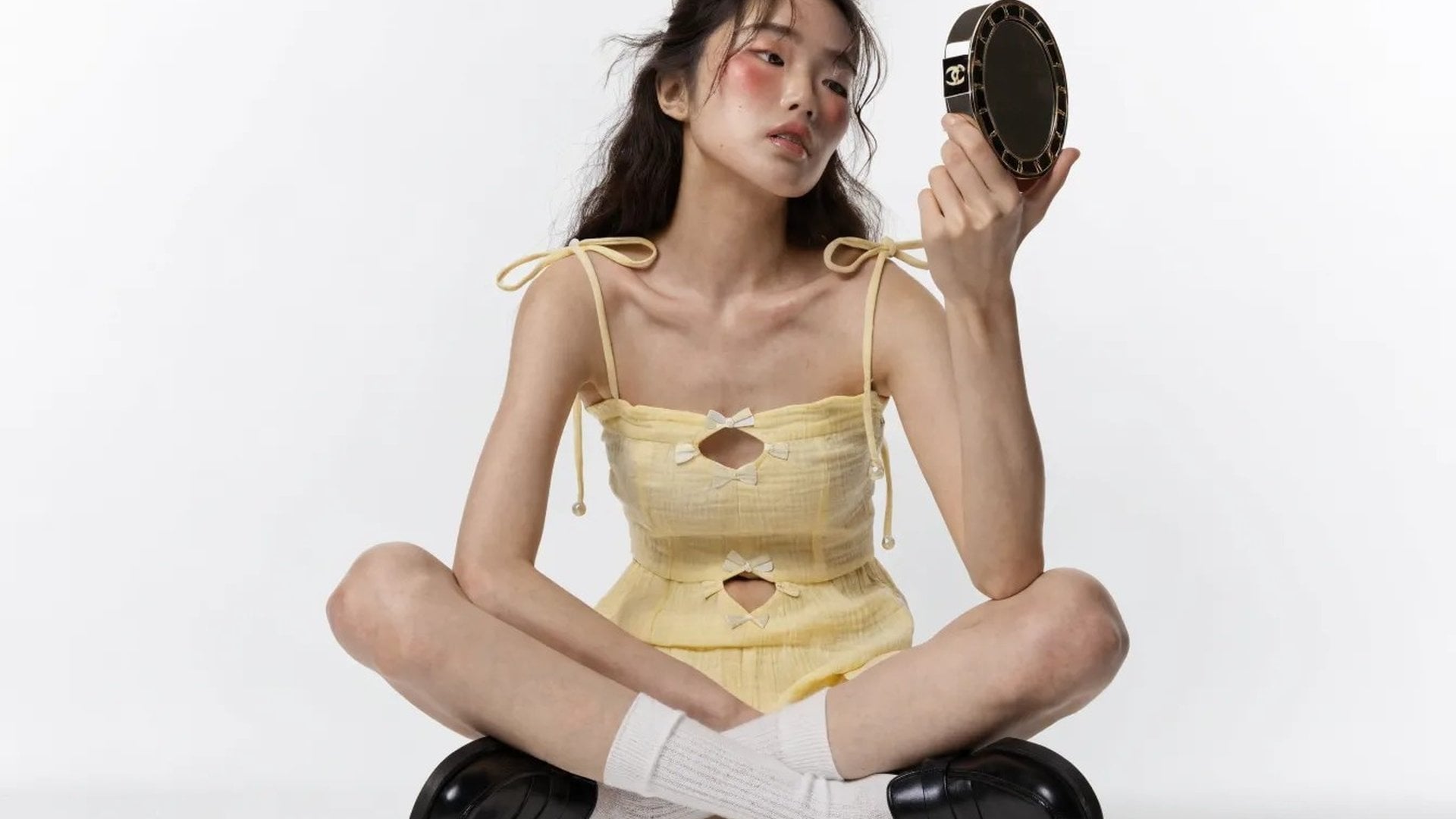
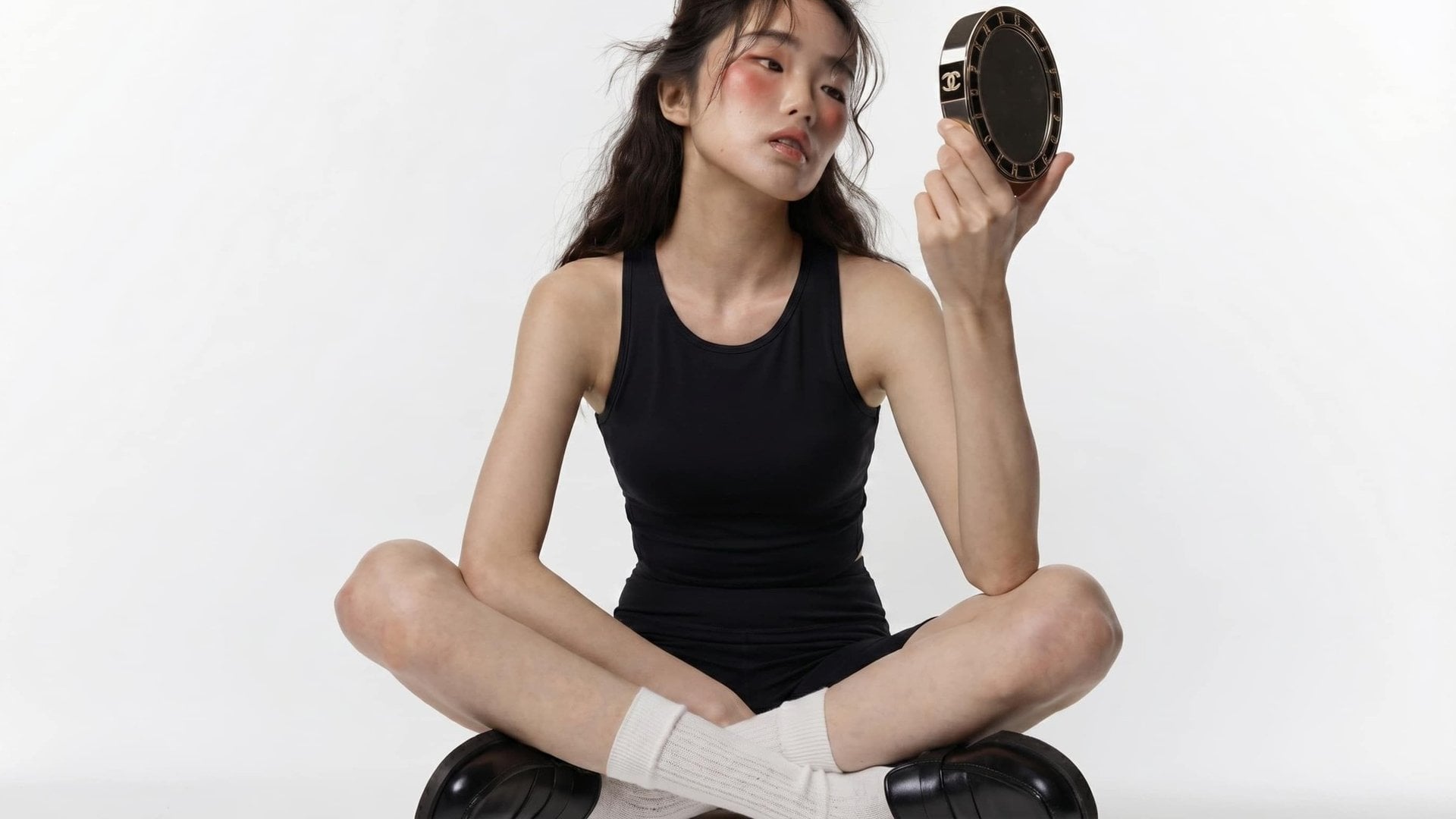
Take existing garments off a source photo while preserving body proportions, posture and perspective. The tool reconstructs the uncovered region so folds, contact shadows and skin transitions match the scene light — so the still still belongs to the same photograph.
Try it now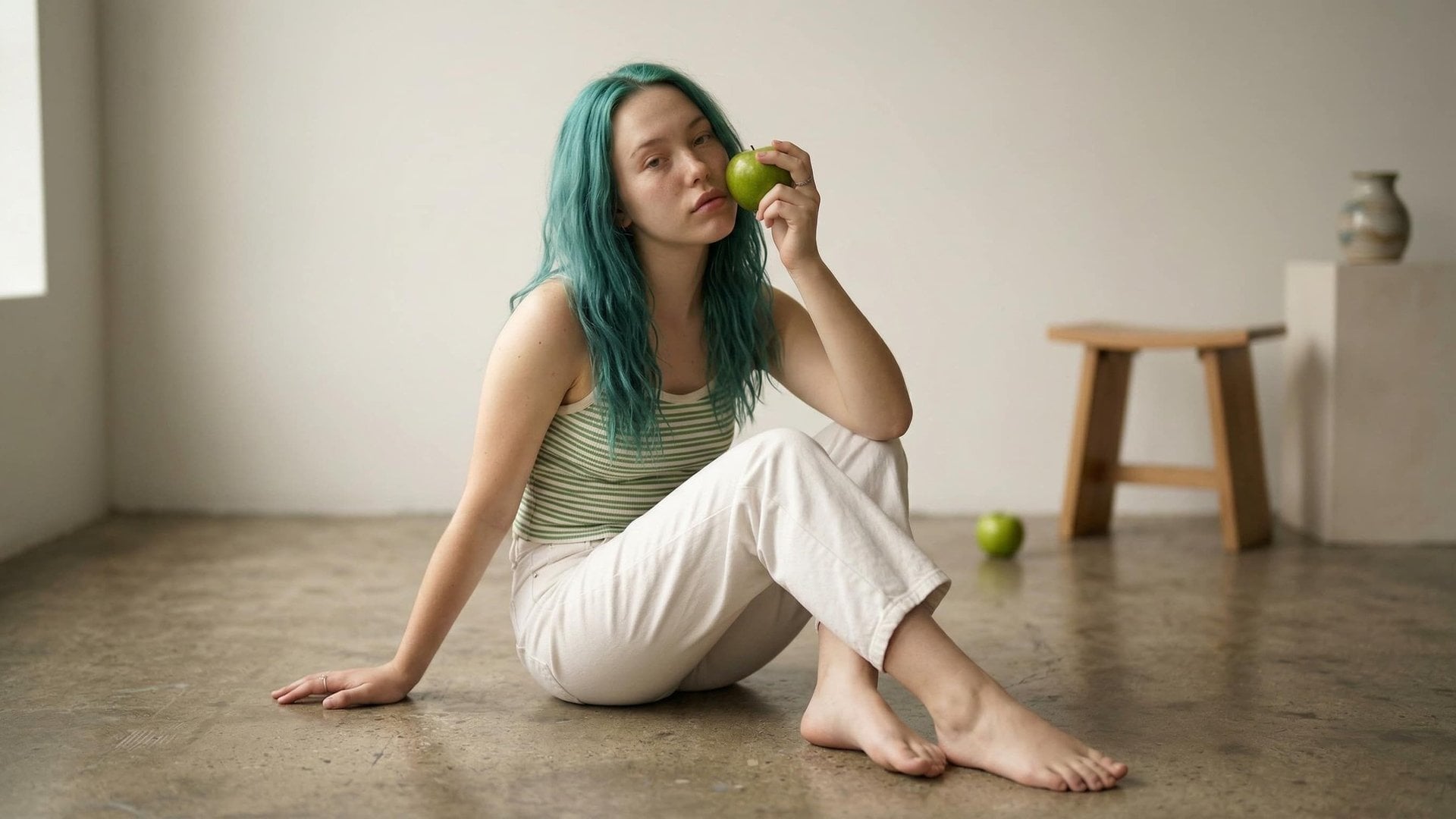
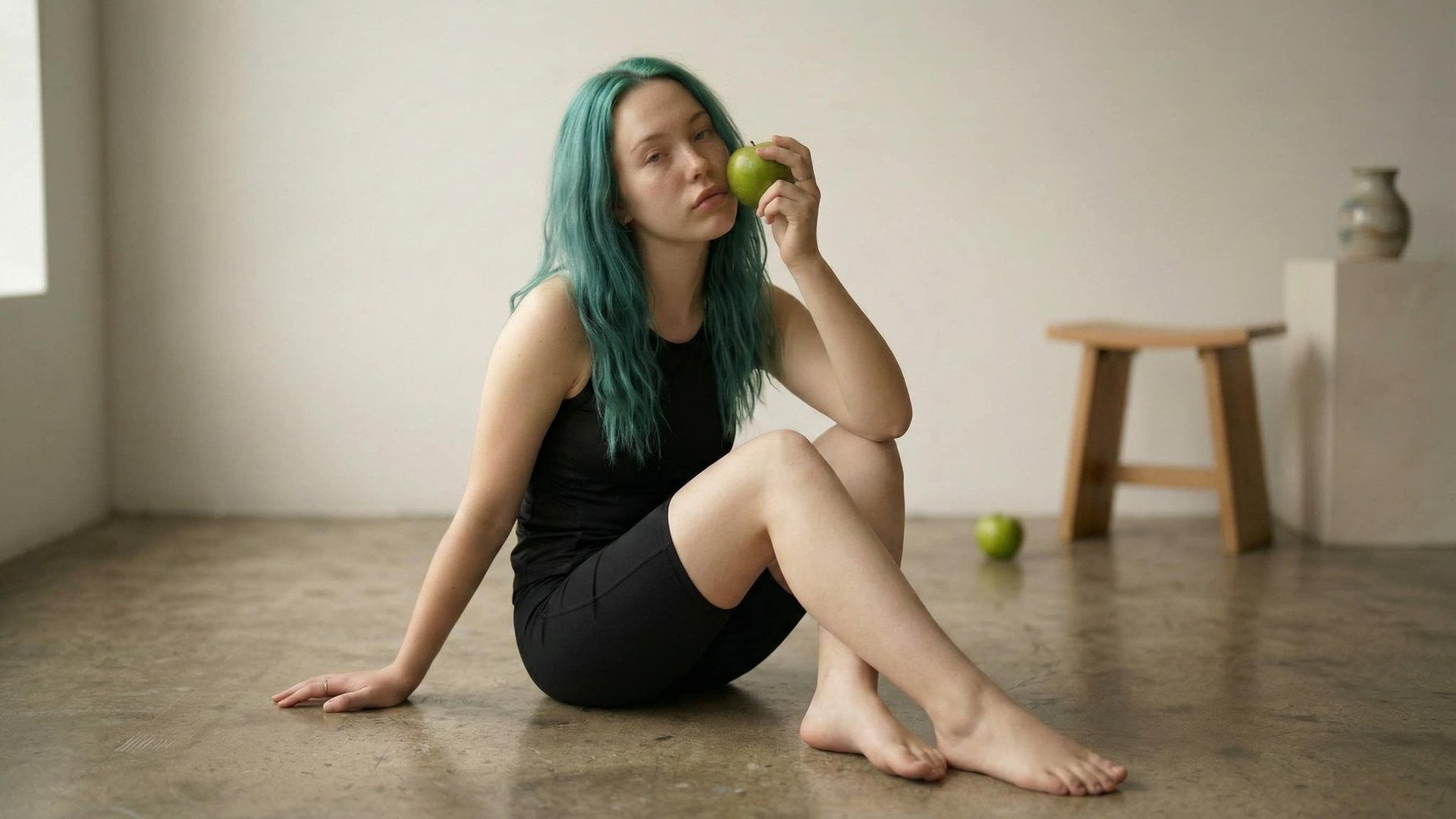
Describe what to remove in plain language. Call out the dress, coat or layer you want gone. The system applies the request to that clothing region so you can experiment quickly without manual retouching software.
Try it now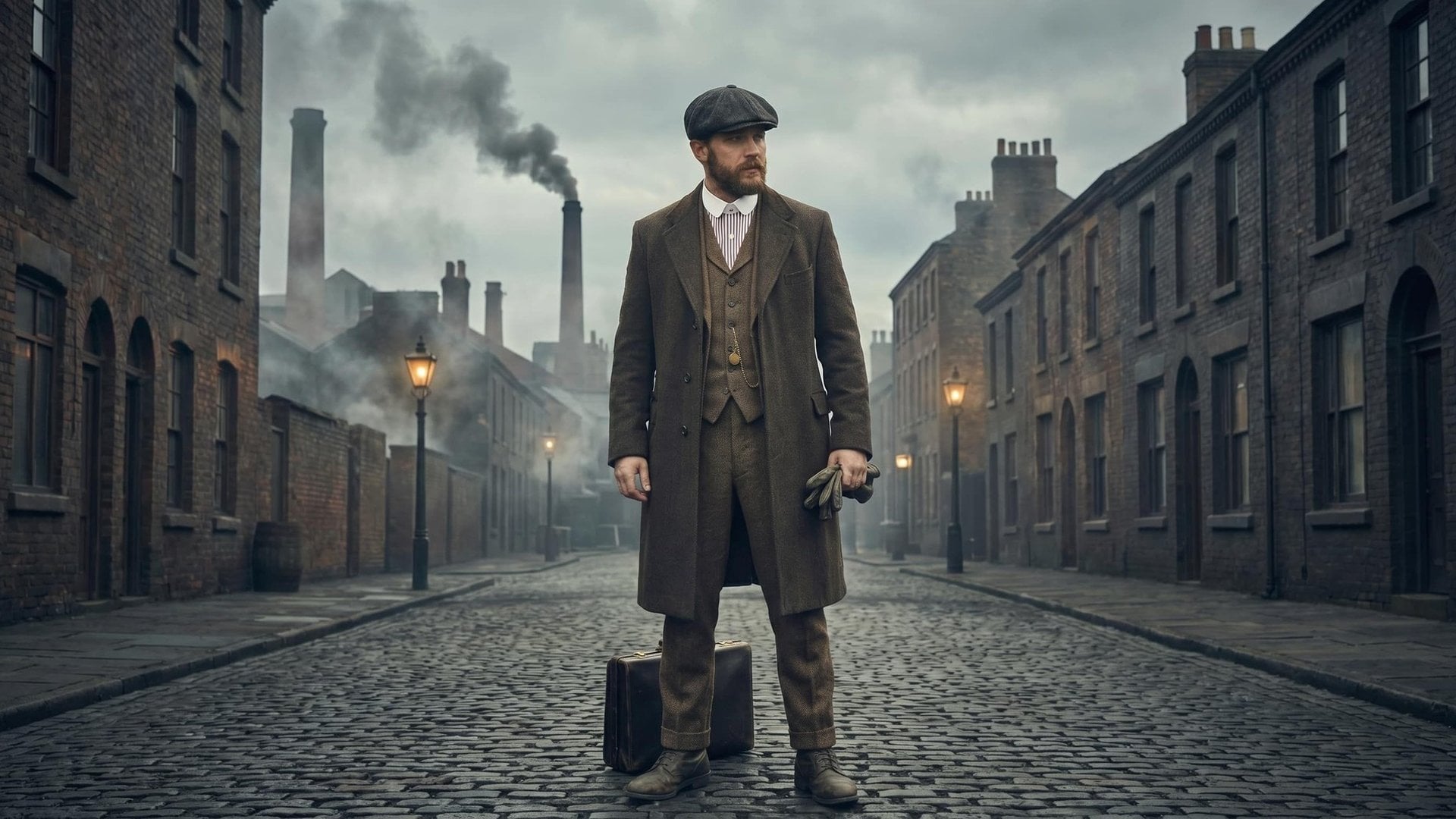
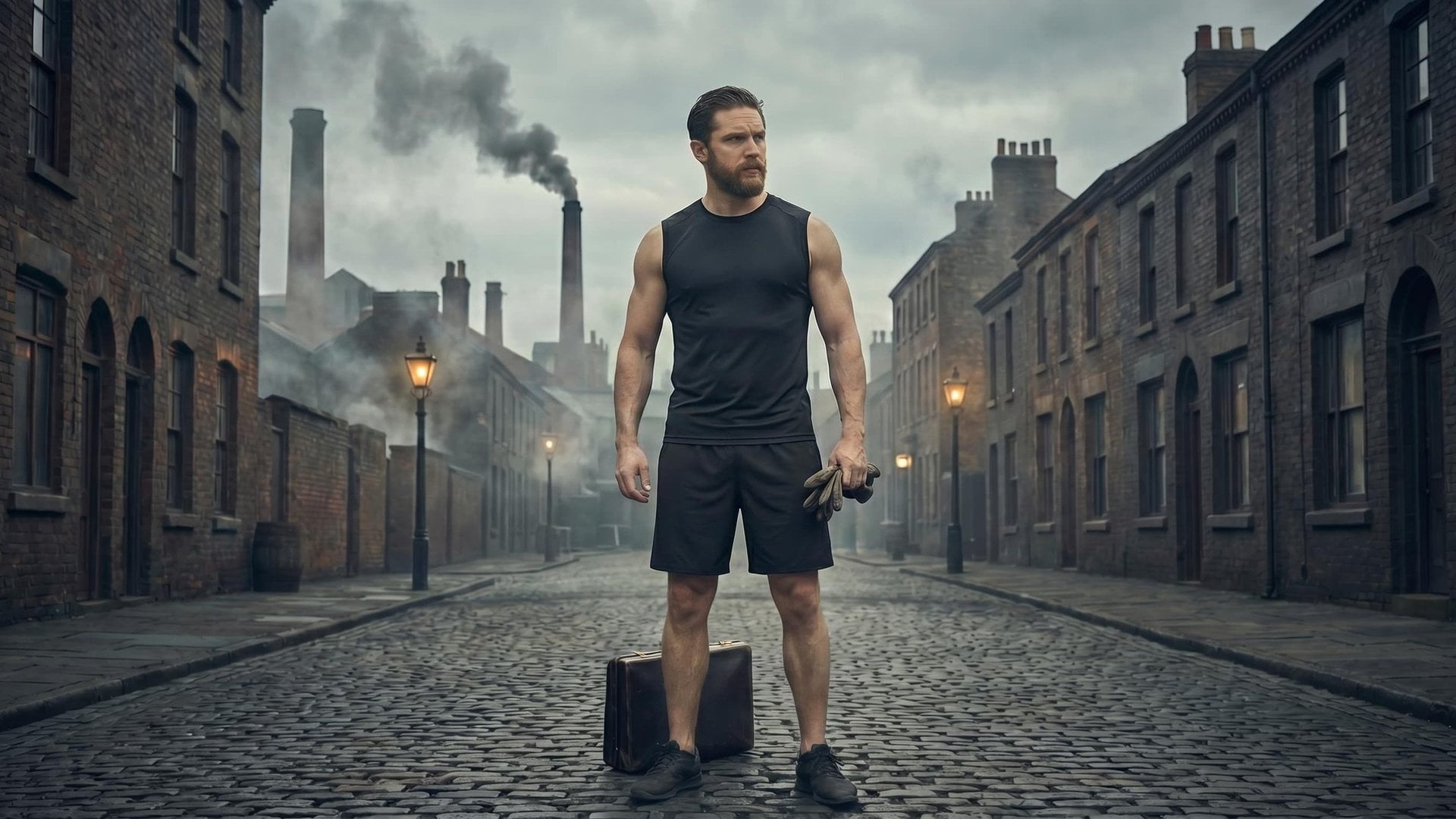
After removal, the uncovered region adapts to the source lighting, shadows and camera angle. Daylight, studio light or stylised scenes stay coherent, so the edit feels believable rather than cut-and-paste.
Try it now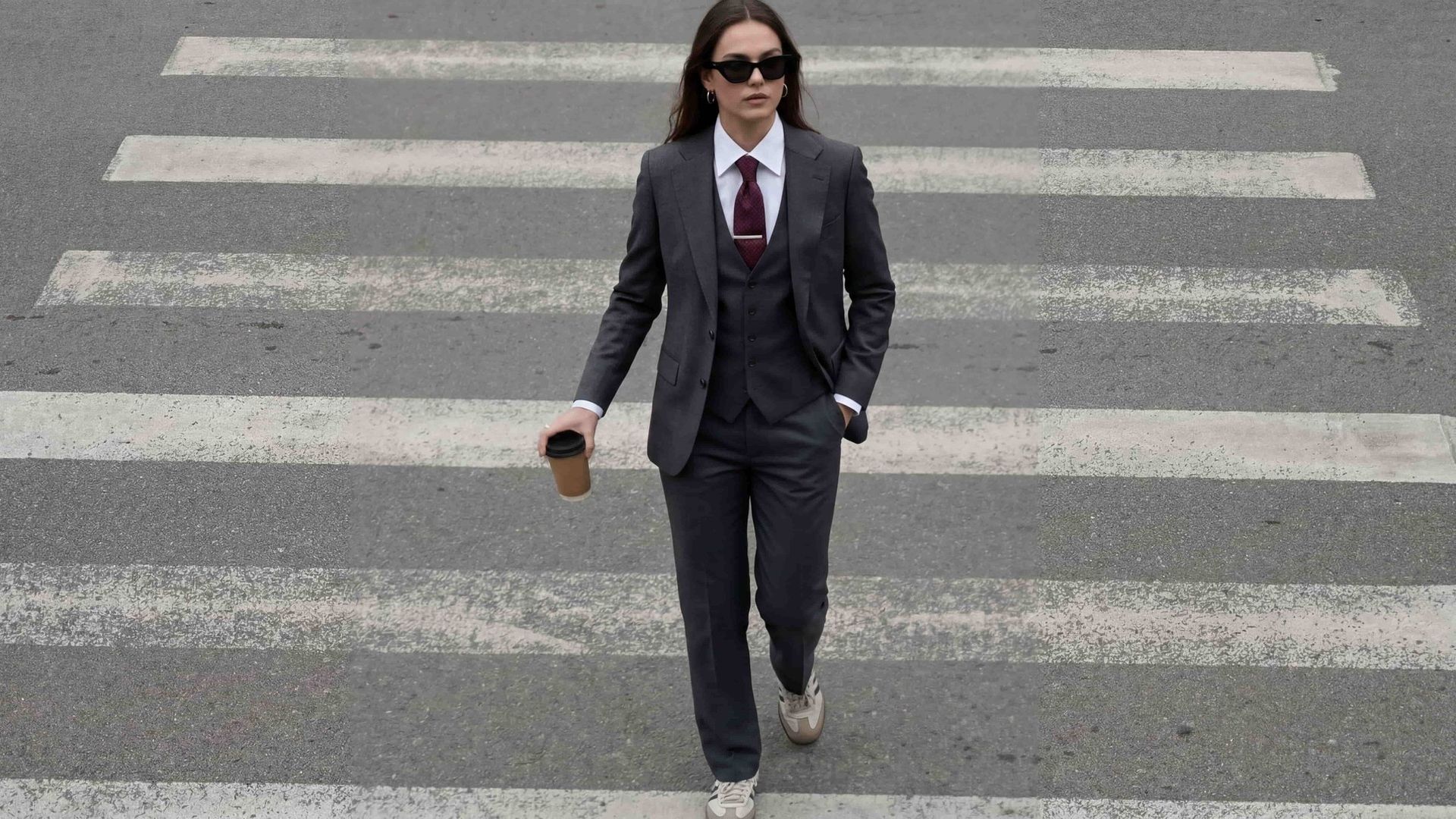
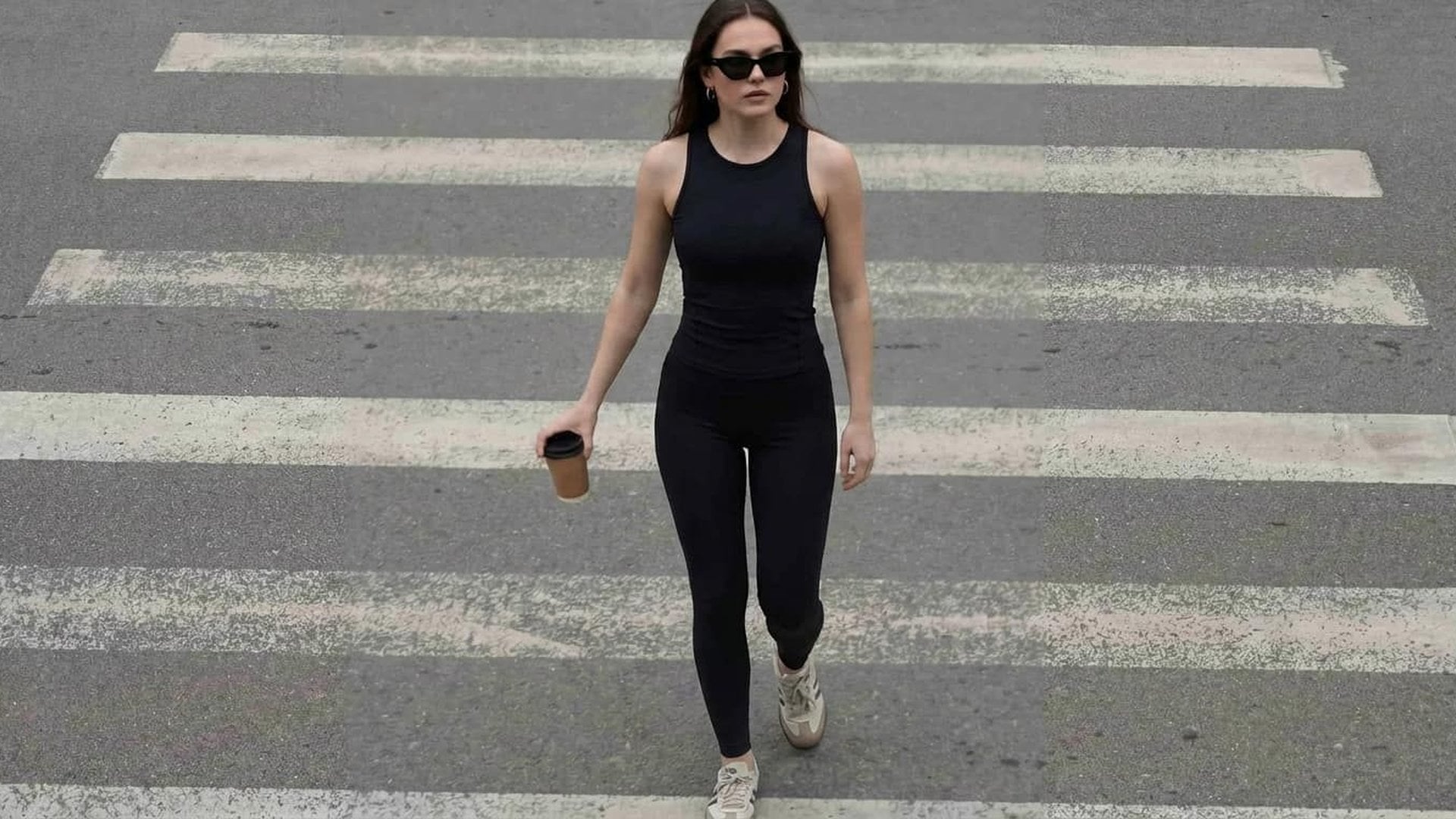
Finished stills land in your asset library beside other studio work. Preview, download and generate again from the same source when you need another pass — clothing removal stays one step in a wider creative workflow.
Try it nowBuild characters, edit stills, and finish release assets in the same studio without jumping tools mid-project.

Create looping Spotify Canvas videos.
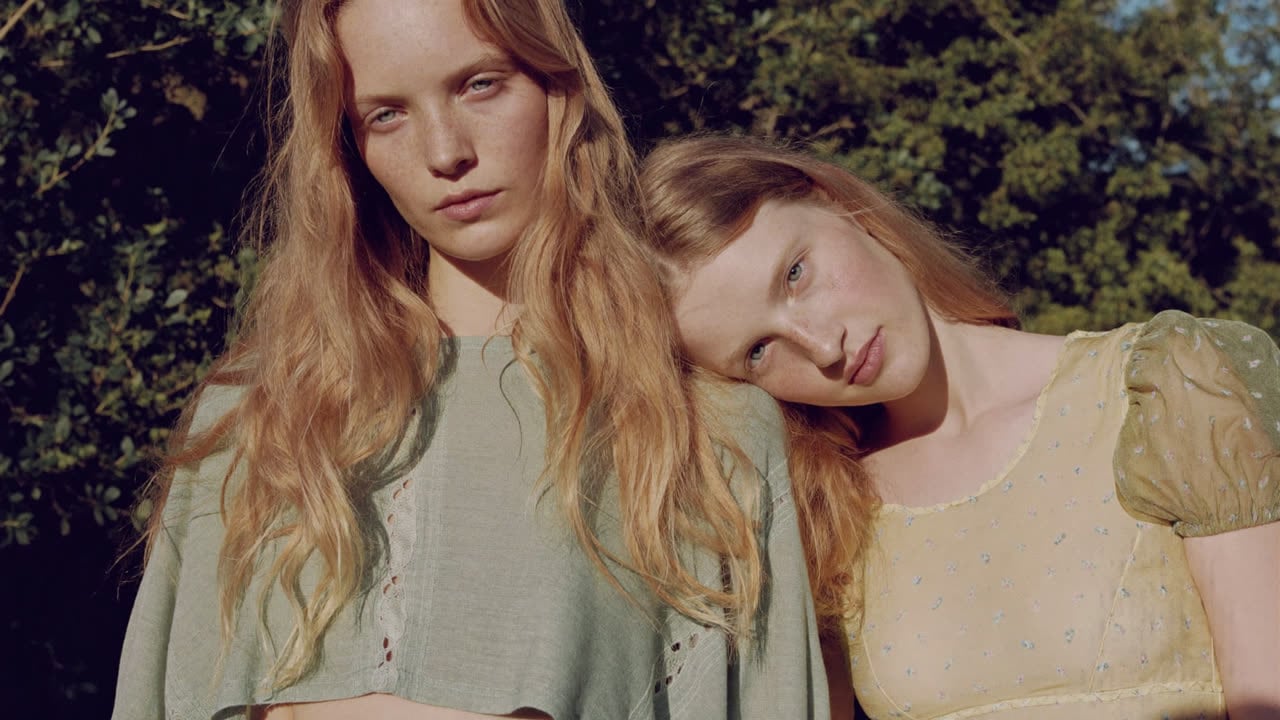
Keep one character consistent across portraits, full-body shots and a four-view sheet.
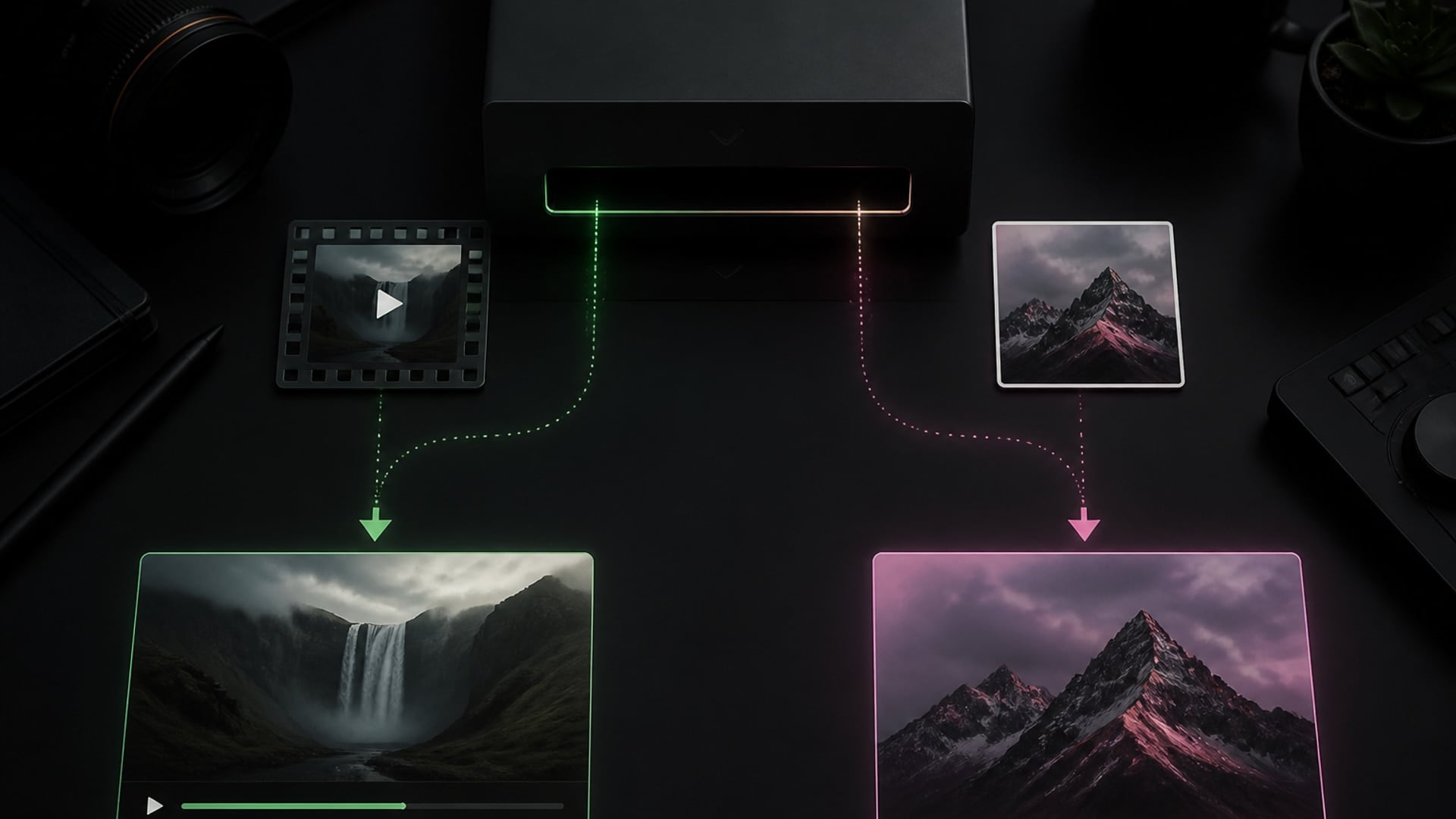
Replace the character in your video — the shot, camera move and motion stay put.
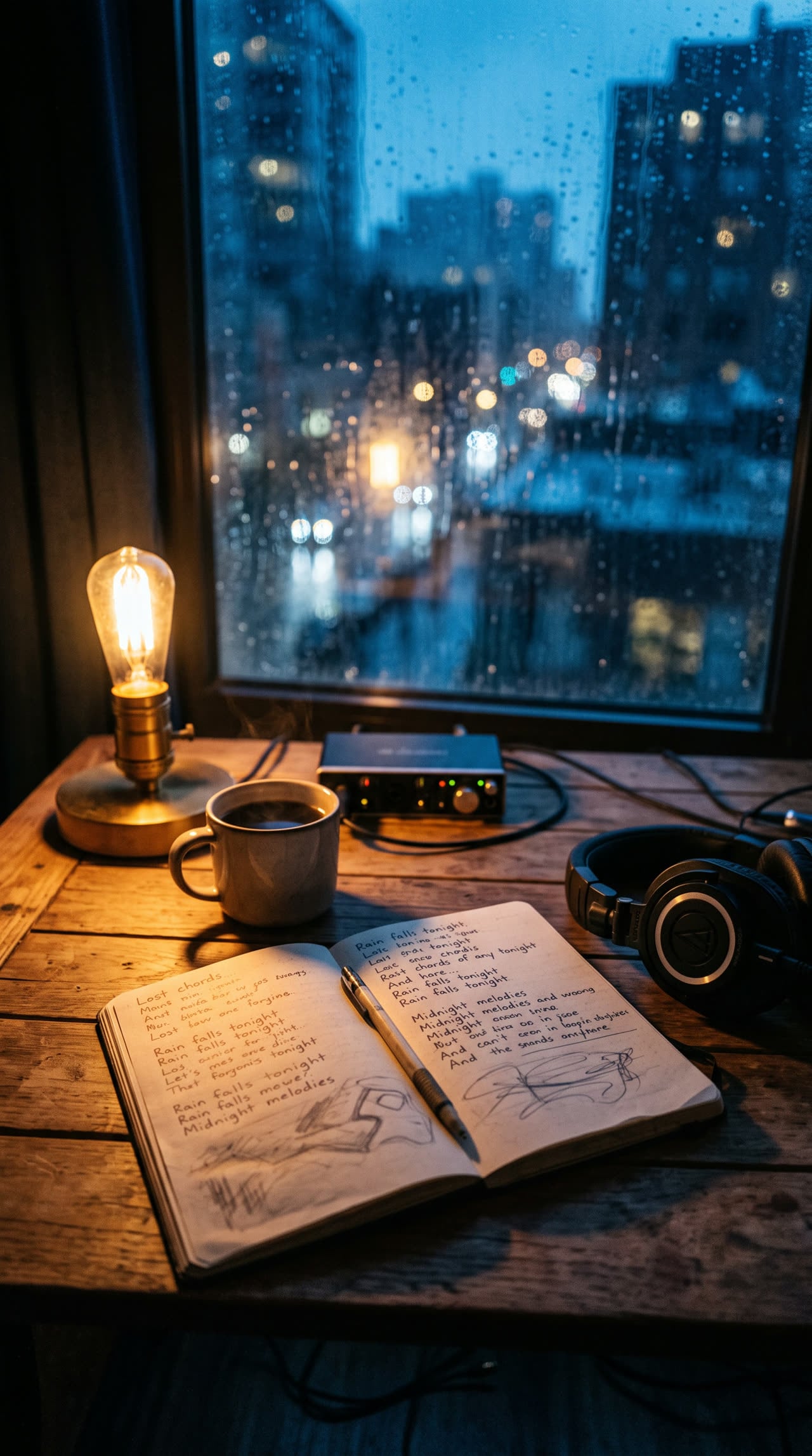
Write complete, structured song lyrics in any genre — verses, hooks and bridges included.
Explore leading models for AI video, image generation, editing, and cinematic storytelling.

Create Wan 3.0 clips on Viralkey: native 1080p, 2–30 seconds, start/end frames, up to 20 mixed references, and audio generated with the picture.

Create cinematic MiniMax H3 clips on Viralkey: native 2K, up to 15 seconds, text-to-video, start/end frames, and up to nine reference images.

Generate short HD clips on Viralkey with start/end frame direction and up to 50 reference images. Built for music video scenes and performer shots.

Create cinematic Seedance 2.0 clips on Viralkey: native 4K, start/end frames, up to nine reference images, and built-in audio with lip-sync.
Easily adapt clothing in your images for different styles, audiences and use cases. AI clothes remover helps you create more variations without reshooting or starting from scratch.
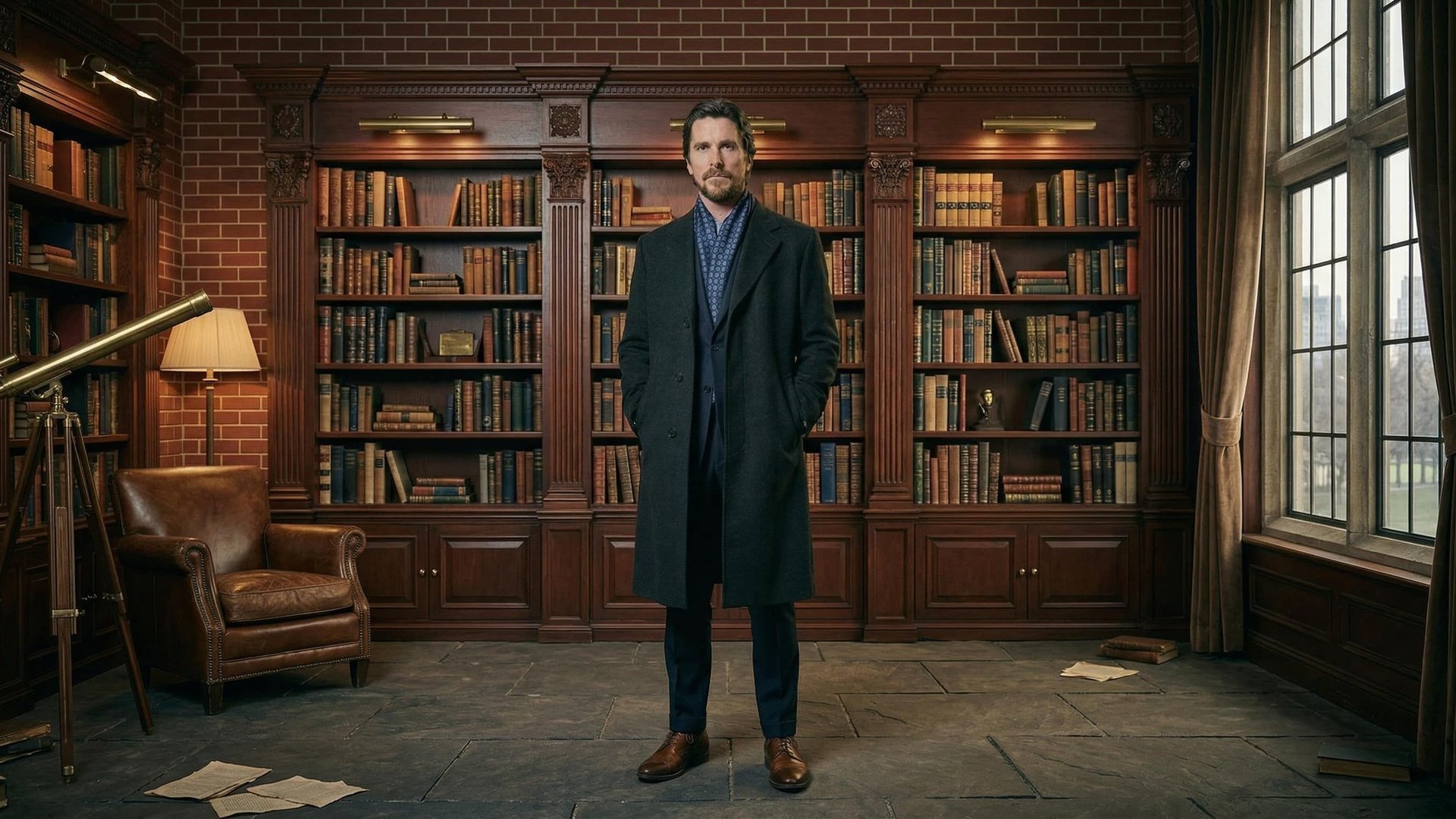
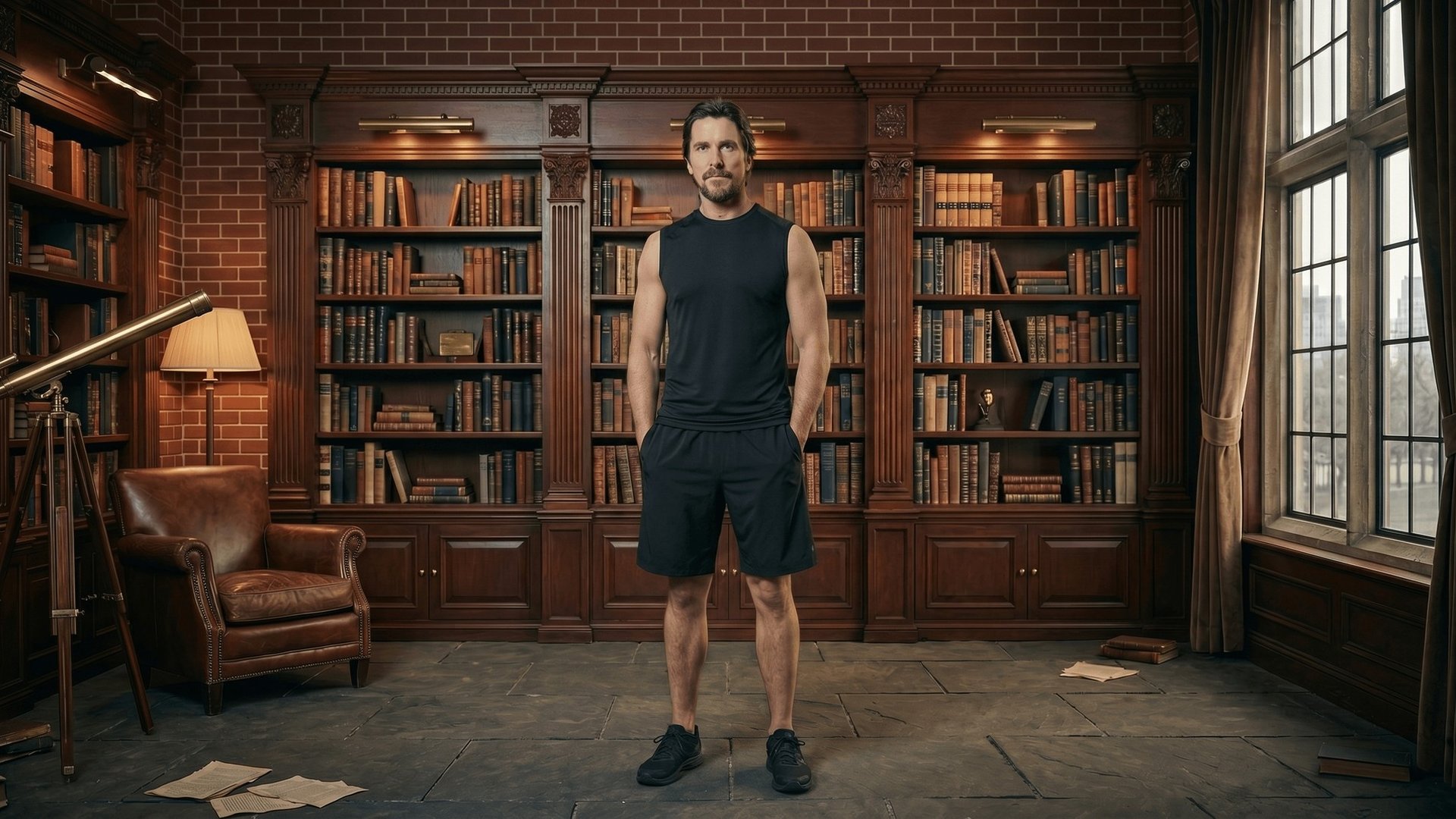
Test and visualize looks with fewer layers without organizing a new photoshoot. Take outerwear off an approved model frame to preview underlayers, swimwear looks or simpler silhouettes while keeping consistent model imagery.
Try it now
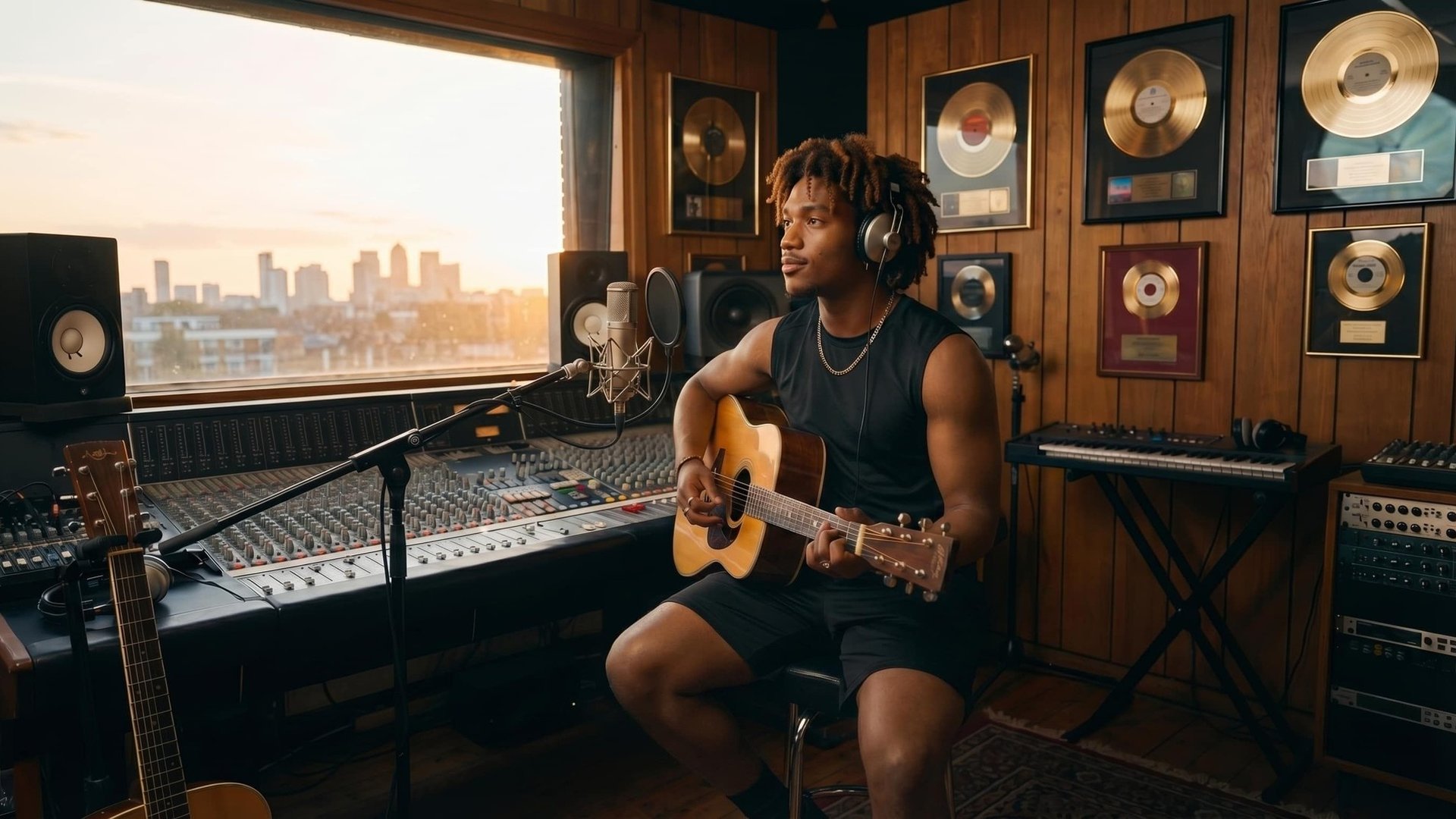
Produce campaign visuals by removing garments that fight the brief — heavy coats in a summer cut, distracting layers in a lifestyle still. One base image can support more creatives without rebuilding the whole scene.
Try it now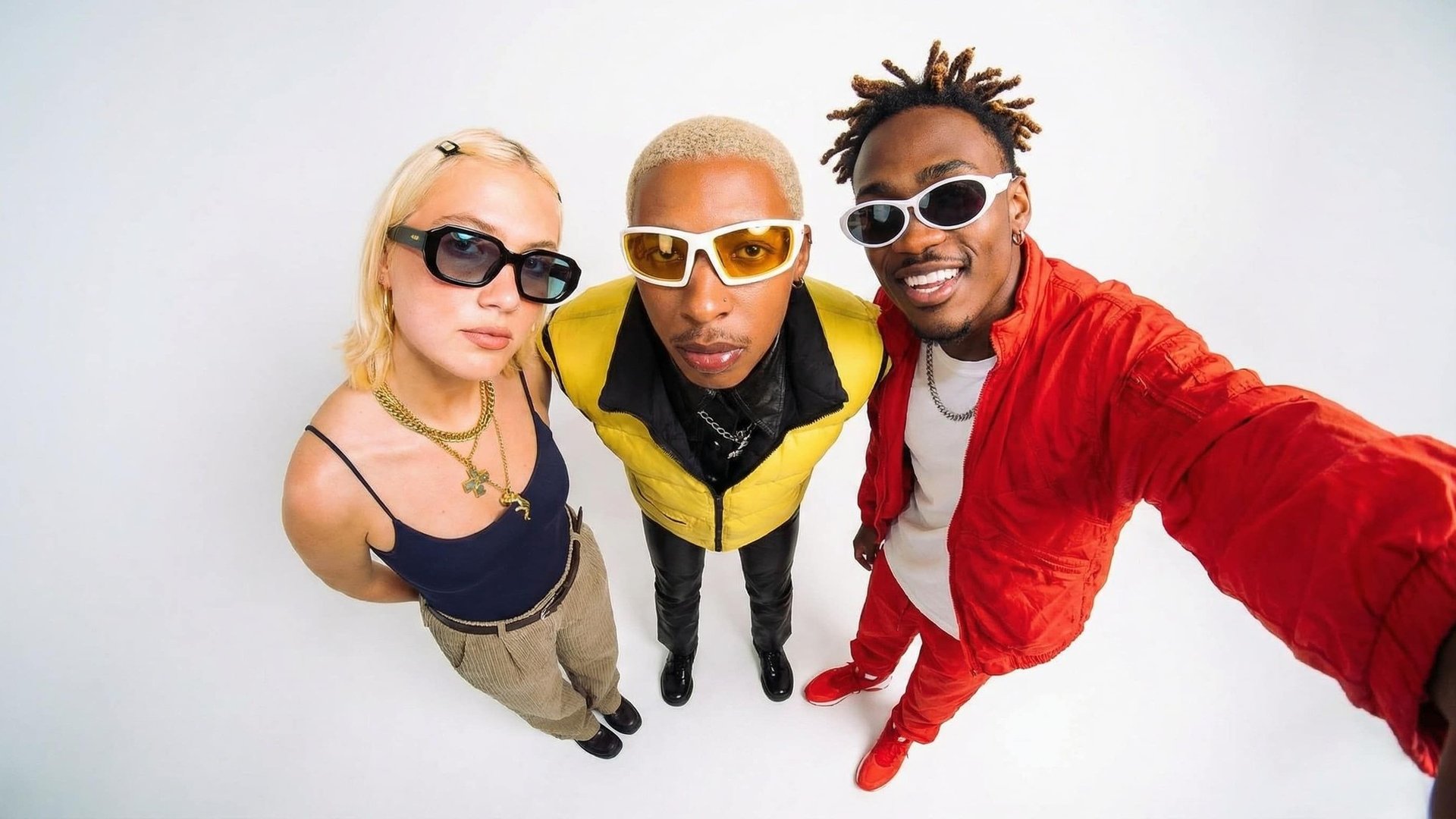
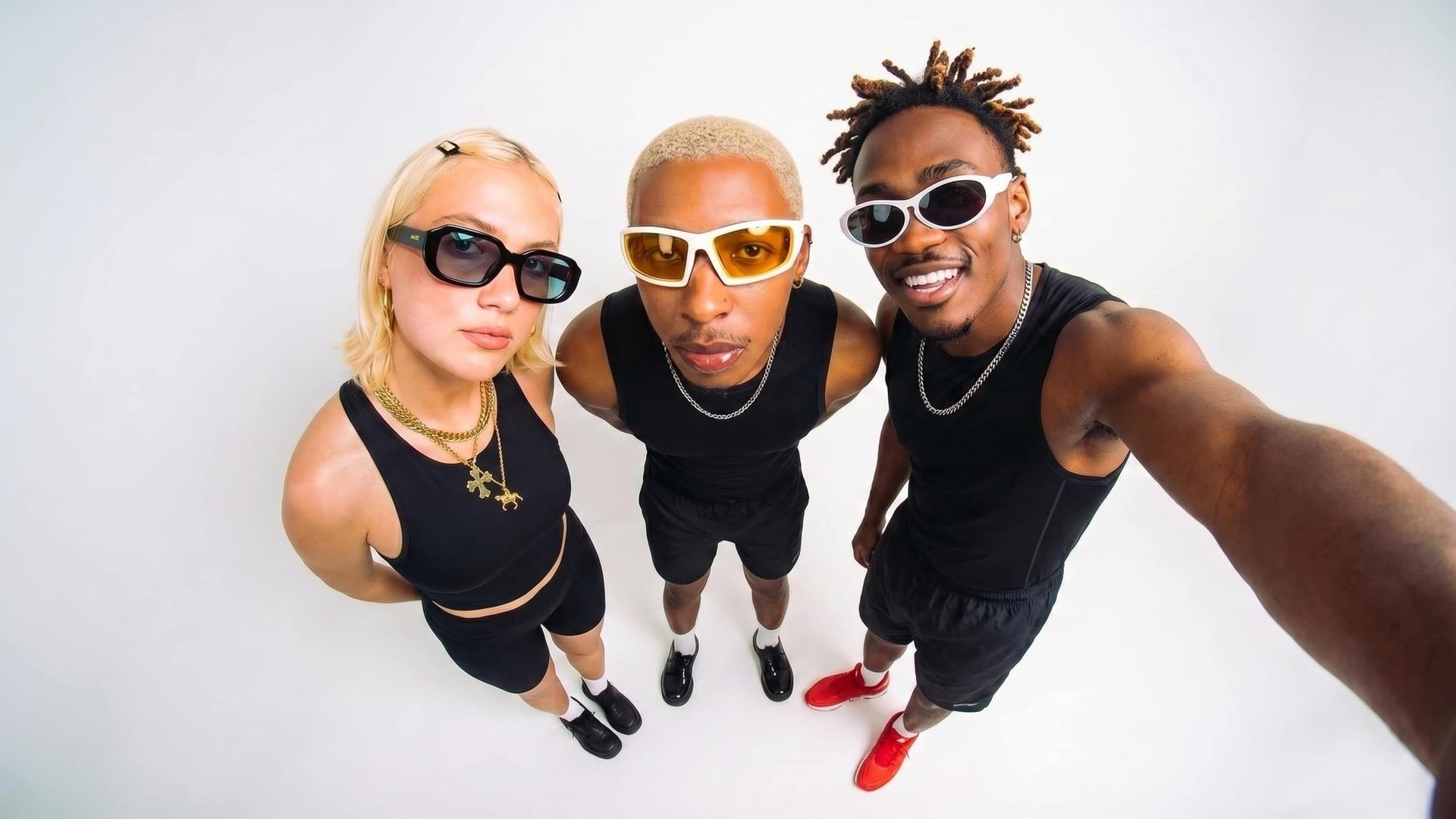
Experiment with cleaner silhouettes on a subject before you buy samples or book a fitting. Useful for look planning, character concepts and wardrobe previews when you need to see the body and pose in context.
Try it now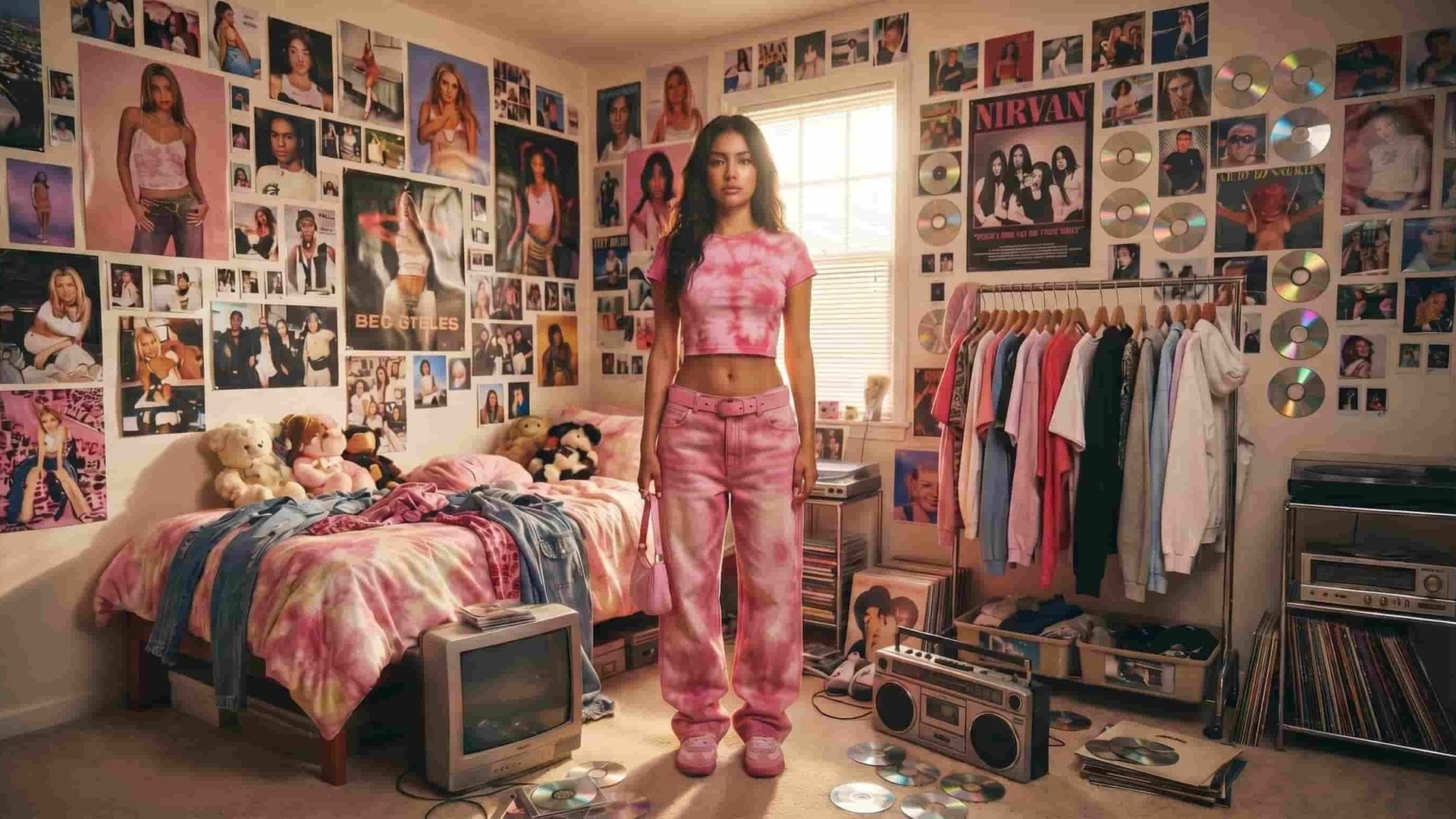
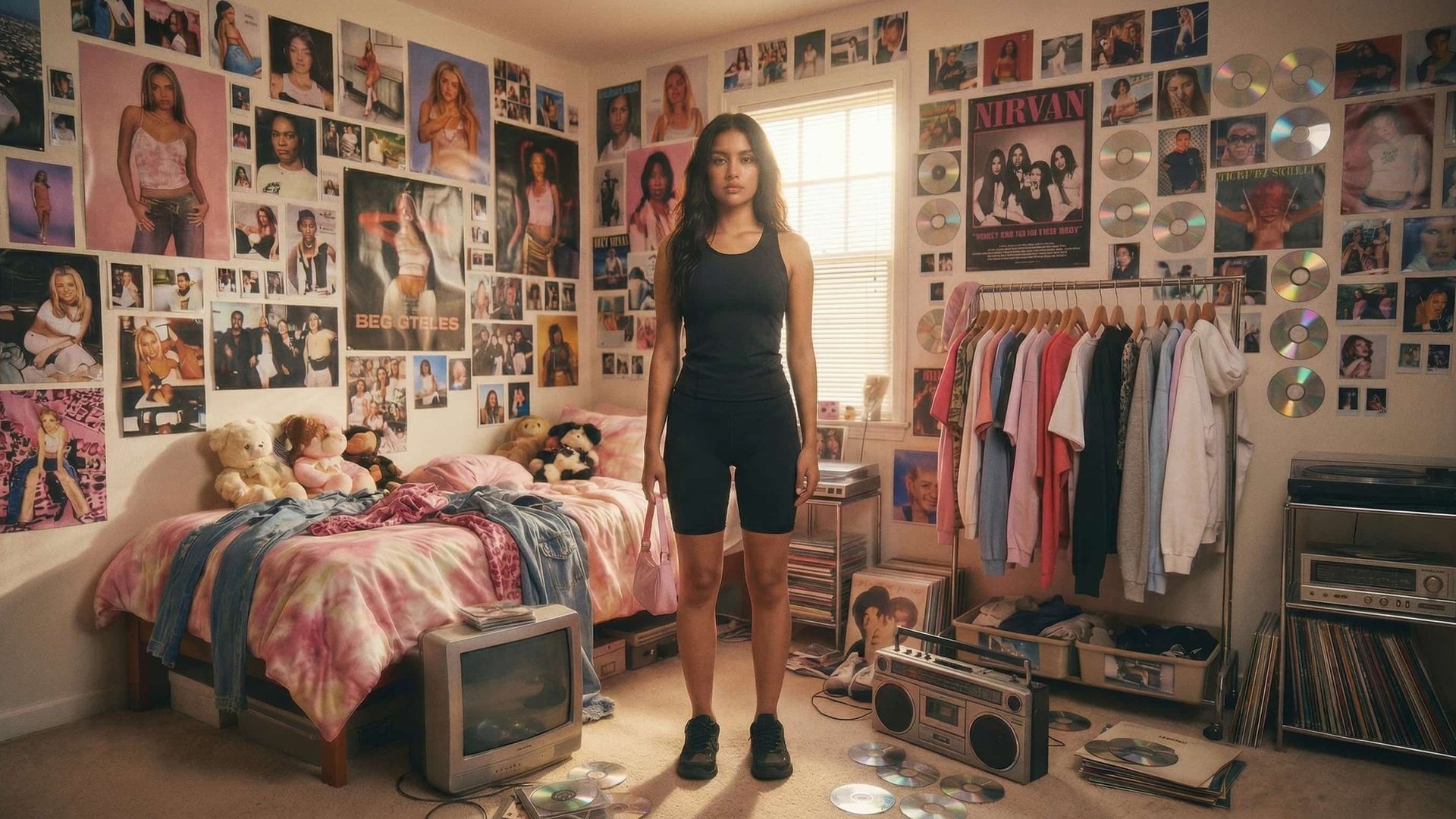
Fix images where clothing no longer matches the intended aesthetic — wrong season, outdated outerwear, a layer that distracts from the composition. Adapt the still instead of discarding or reshooting it.
Try it nowNotes from creators who used this tool on real work.
Rafferty Ashford
Ecommerce producerI needed the coat gone for a summer cut.
Same pose, same light — finally looks like the original shoot.
Esteban Sandoval
Catalog retoucherRemoval kept the window light on the arms.
Other tools left a hole where the jacket was.
Yuki Yamada
Fashion stylistI name the layer to take off and get a still I can show a buyer.
Lila Fairbanks
Art directorSame pose, garments gone, straight into the deck.
Vidal Cabrera
Brand marketerWe strip seasonal outerwear without reshooting the model.
Fumiko Tanaka
Concept illustratorCharacter sheets used to stall on layers.
Now I remove clothes separately.
Ashton Vexley
Photo editorRemove the coat, keep everything else — that used to be a half-day masking job.
Sterling Coleman
Fashion photographerThe uncovered region picks up the same sun.
Huge difference in client reviews.
Lenora Chandler
Wardrobe supervisorI test a cleaner silhouette before I buy samples.
AI Clothes Remover is a Viralkey Studio image tool that removes clothing from photos. Upload a source image, describe which garments to take off, and get a realistic edit that keeps pose, face and background. It is built for fashion, ecommerce and creative projects — not for non-consensual intimate imagery.
Keep generating in the studio. Your image and prompt come with you.