Restore Favorite Anime Images
Turn screenshots, wallpapers, and cartoon avatars into cleaner files you can save, post, or set as a profile without changing the character you already love.
A soft poster, a small comic panel, or a pixelated avatar can still be the right frame. Viralkey's anime upscaler enlarges the longest edge 2× or 4×, or restores 1× clarity, without inventing a new character.


Anime Upscaler
Anime Upscaler Online
A soft poster, a small comic panel, or a pixelated avatar can still be the right frame. Viralkey's anime upscaler enlarges the longest edge 2× or 4×, or restores 1× clarity, without inventing a new character.
Try our AI anime upscaler to restore clarity, sharpness, and detail in seconds. Upscale anime posters, wallpapers, and comic panels to cut blurriness, pixelation, and noise — the character you uploaded stays the character you get.
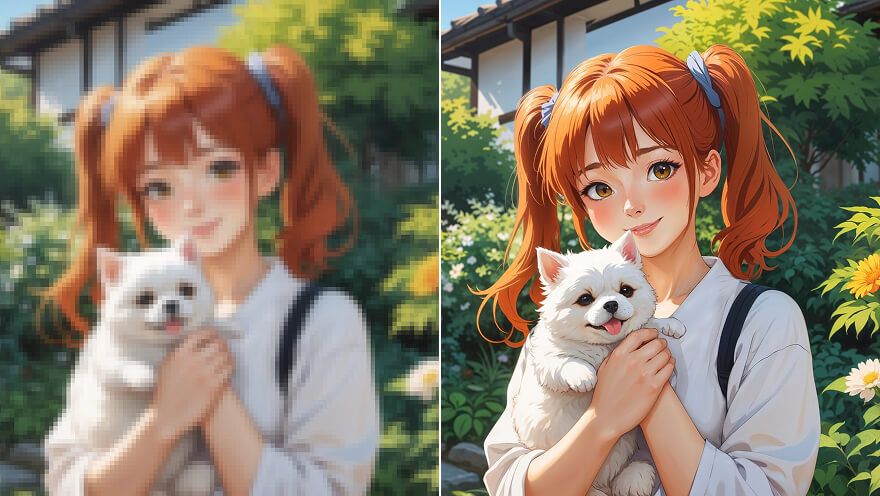
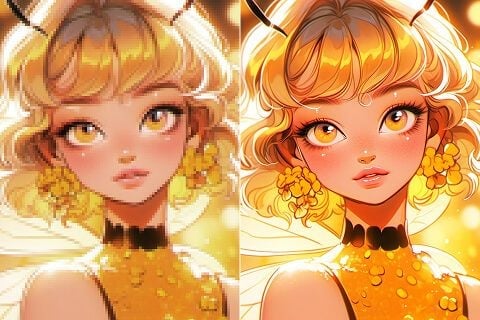
Instantly enlarge a low-res anime still 2× or 4× without stretching pixels. This AI photo editor spends the extra pixels on line work and flats so a favorite poster, wallpaper, or avatar can fill a larger screen and still look like the same drawing.
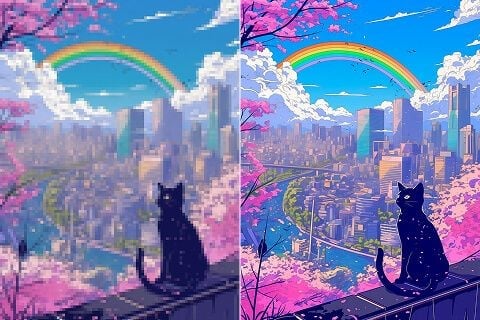
The anime upscaler also spends itself on color, brightness, and contrast so the still pops on a modern display. You are not commissioning a new illustration — you are giving the frame you already like a cleaner read.
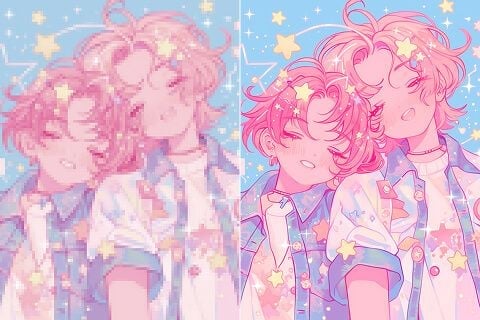
Compressed screenshots pick up artefacts that look sloppy next to a studio tile. Run this pass to clean soft edges and noise so the file is ready for a profile, a story, or a post — without inventing a new pose.
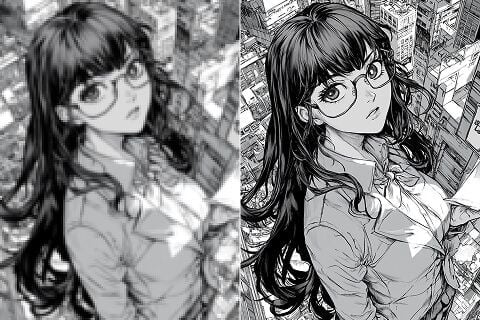
Bring more pixels to comic panels, lettering, and line work so the page is easier to read. The words stay the words that were drawn. Start from the cleanest scan you still have; a crushed screenshot will not grow ink that was never there.
Turn screenshots, wallpapers, and cartoon avatars into cleaner files you can save, post, or set as a profile without changing the character you already love.
Enlarge sketches, AI characters, illustrations, and portfolio frames so the lines hold up on a larger screen. Present the same drawing, just easier to read.
Bring more clarity to comic panels, comic pages, line art, or cartoon characters so you can follow the scene faster without a new scan of the book.
Upgrade anime-style product photos, posters, or merch previews so shoppers see the print, not the pixels, and trust the product they are about to buy.
Turn screenshots, wallpapers, and cartoon avatars into cleaner files you can save, post, or set as a profile without changing the character you already love.
Enlarge sketches, AI characters, illustrations, and portfolio frames so the lines hold up on a larger screen. Present the same drawing, just easier to read.
Bring more clarity to comic panels, comic pages, line art, or cartoon characters so you can follow the scene faster without a new scan of the book.
Upgrade anime-style product photos, posters, or merch previews so shoppers see the print, not the pixels, and trust the product they are about to buy.
Upload the low-res anime still you want to enlarge.
Leave 2×, or switch to 1× / 4×, and wait a few seconds for the pass.
Download the upscaled still, or rerun the same file at another scale.
An enlarge is rarely the only question. Stay in Viralkey Studio to sharpen the same file, cut it onto a transparent background, or try a portrait finish.

Restore clarity on a photo at the same size — or enlarge it 2× or 4×.

Enlarge a photo 2× or 4× and recover edge detail instead of stretching pixels.

Recover sharpness from a soft or motion-blurred photo without redrawing the scene.
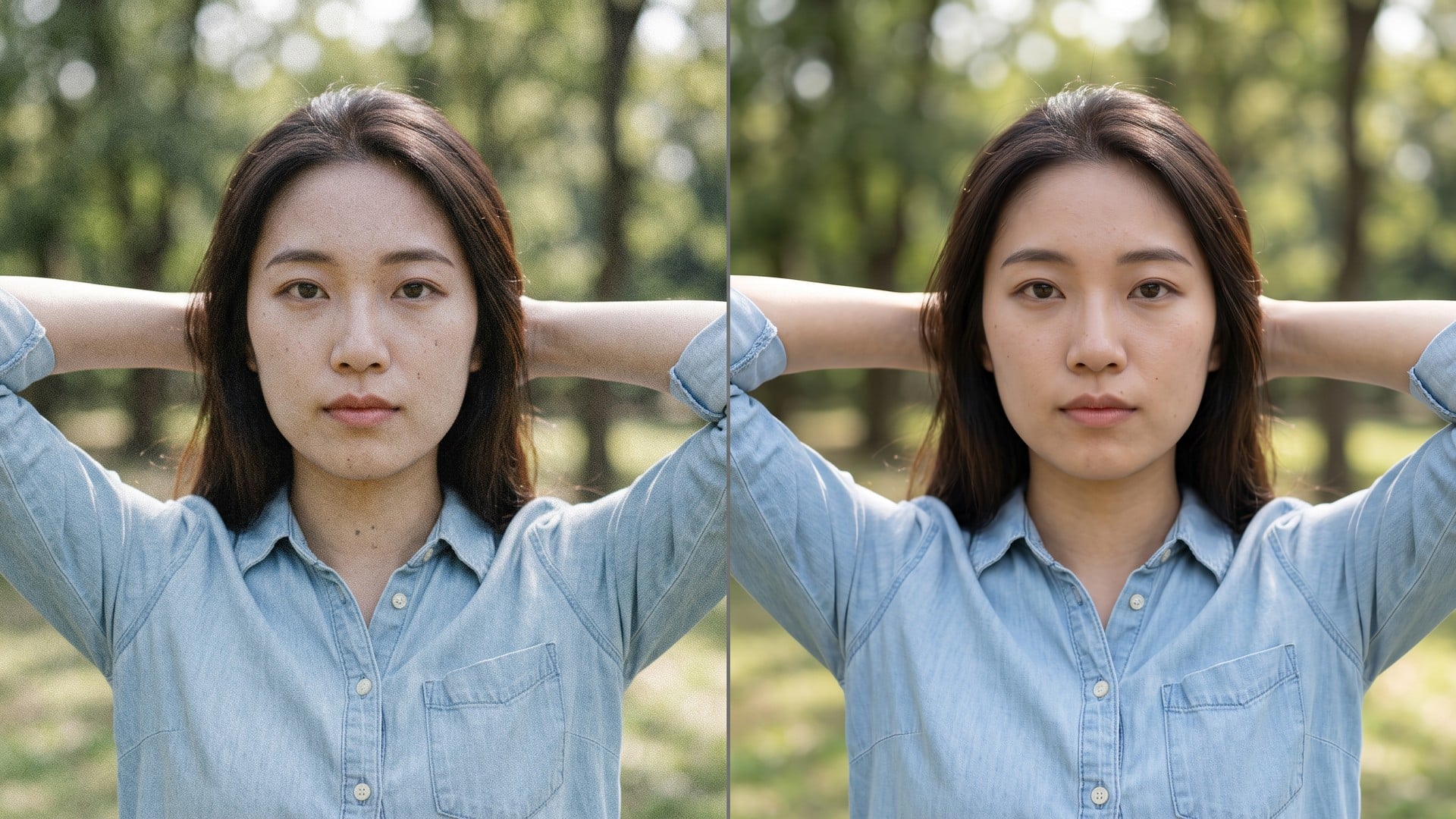
Clean grain and compression noise while keeping the real texture in the frame.
Explore leading models for AI video, image generation, editing, and cinematic storytelling.

Create Wan 3.0 clips on Viralkey: native 1080p, 2–30 seconds, start/end frames, up to 20 mixed references, and audio generated with the picture.

Create cinematic MiniMax H3 clips on Viralkey: native 2K, up to 15 seconds, text-to-video, start/end frames, and up to nine reference images.

Generate short HD clips on Viralkey with start/end frame direction and up to 50 reference images. Built for music video scenes and performer shots.

Create cinematic Seedance 2.0 clips on Viralkey: native 4K, start/end frames, up to nine reference images, and built-in audio with lip-sync.
Notes from creators who used this tool on real work.
Maelle Kade
CreatorNeeded the poster larger, not a new character.
2× kept the costume and cleaned the lines.
Noor Vale
ReaderRan a comic panel at 2×.
Lettering got easier to read without inventing new words.
Oren Finch
DesignerAvatar stopped looking pixelated on a 4K display.
Same face, more pixels.
Pia Shore
SellerMerch listing was mushy.
2× cleaned the print and left the shirt alone.
Quilla Holt
IllustratorI came from an 'anime upscaler' search.
The 2× chip was the whole product.
Rae Quinn
ArchivistSwitched to 1× on a large scan.
Edges got cleaner without a giant file.
Saoirse Orr
ConsultantSame engine as the upscaler page.
I just needed the anime search wording.
Thea Rowan
Artist4× on a tiny sticker.
Lines held, and the character stayed the one I drew.
Ulla Bright
FanWallpaper finally filled the monitor without turning into plastic skin.
The anime upscaler is a search door onto Viralkey's dedicated quality pass. You upload one anime, comic or cartoon still, leave 2× to enlarge the longest edge, or pick 1× / 4×. It is not a generative rewrite and it is not a private anime network: Image Enhancer and Image Upscaler run the same engine. Use it when the drawing is already right and only the pixels are wrong.
A soft poster, a small comic panel, or a pixelated avatar can still be the right frame. Viralkey's anime upscaler enlarges the longest edge 2× or 4×, or restores 1× clarity, without inventing a new character.