
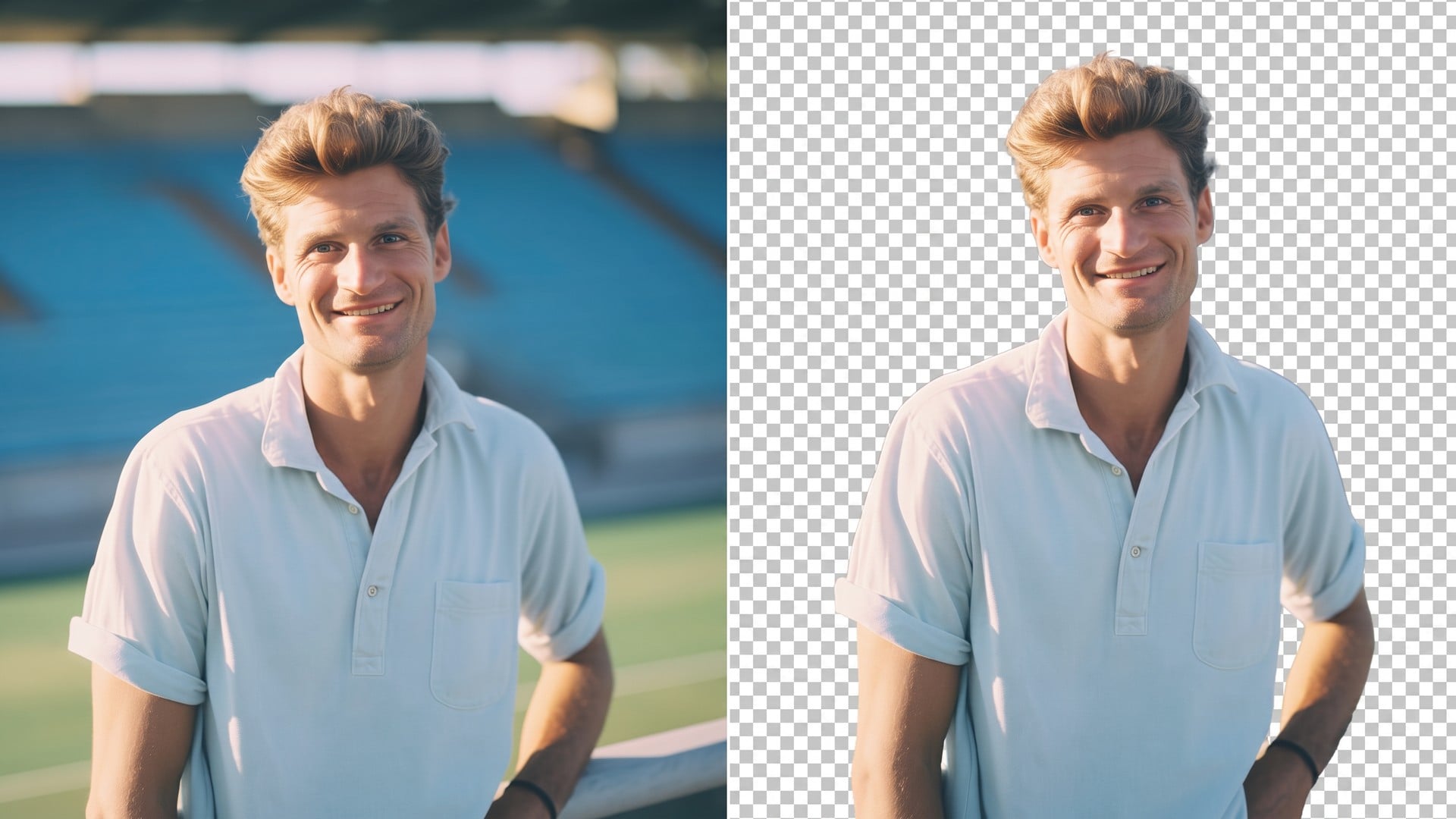


Logo Remover

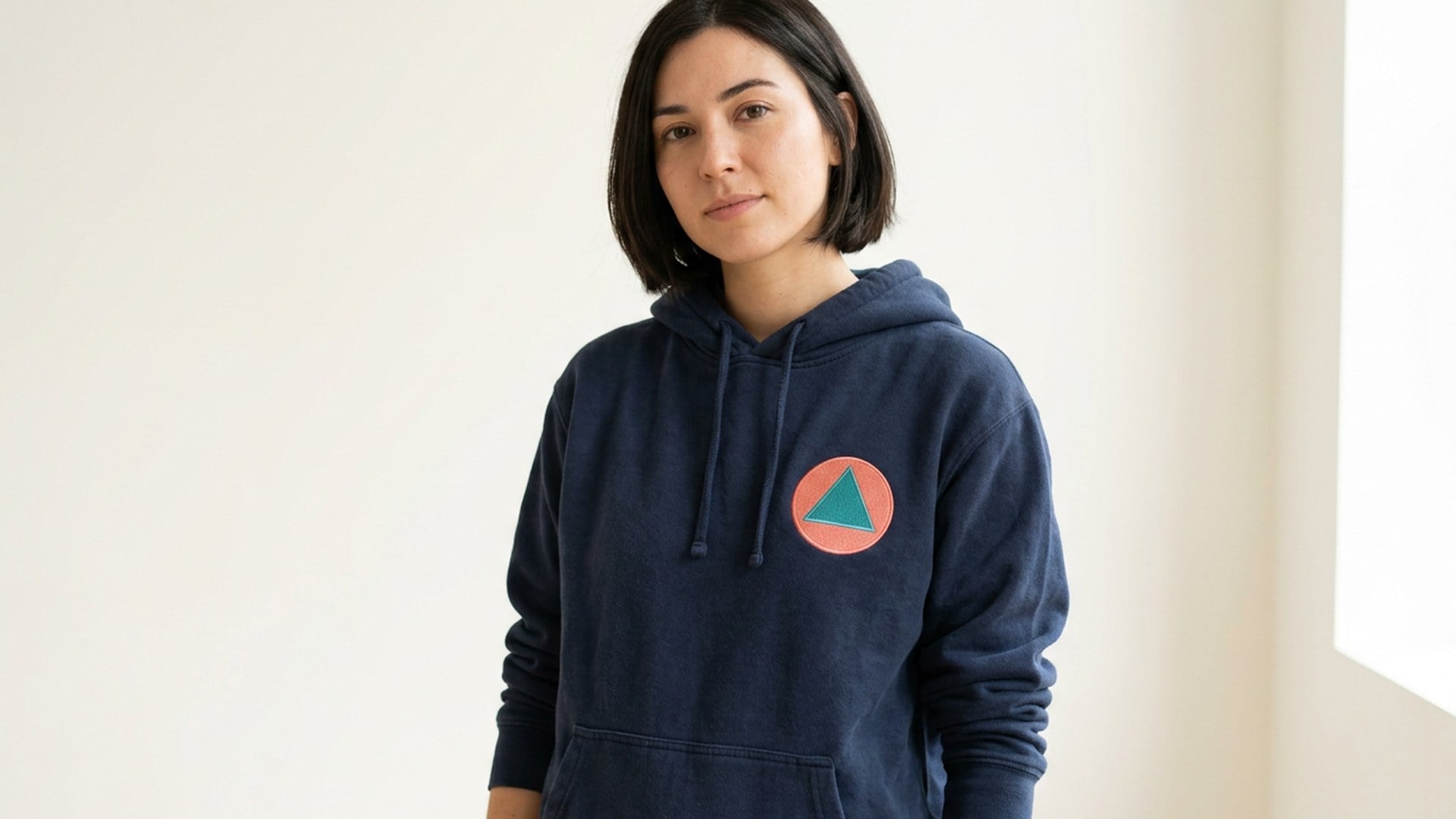
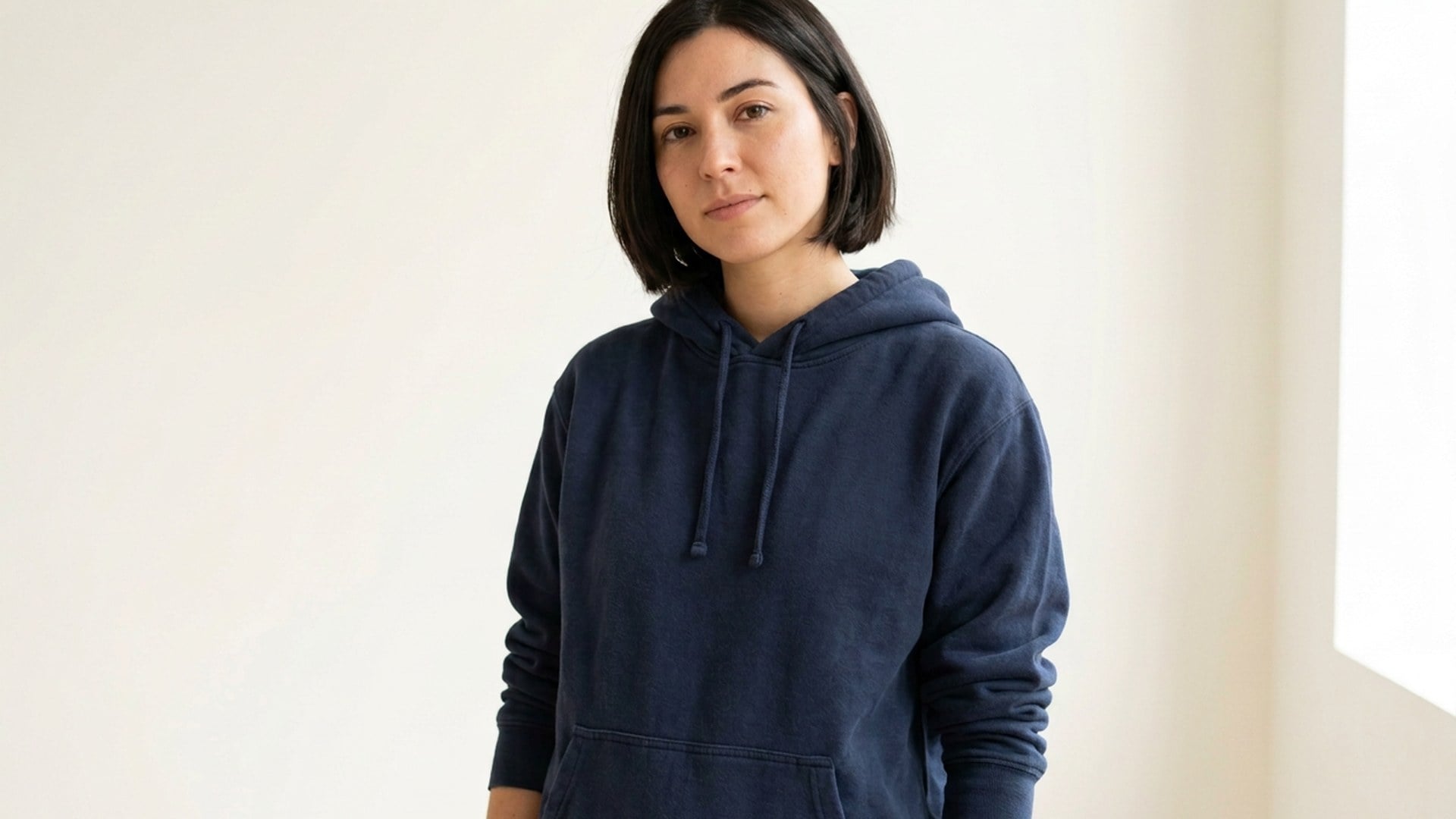
The portrait is already right except for the badge on the jacket. Name that mark. This page deletes it and rebuilds the patch from the same knit — not a new wardrobe.

Logo Remover
Logo Remover
BeforeAfter

Logo Remover

Source photo

Upload one still. Name the mark if two badges could match. The rest of the frame stays.

Look

Logo Remover
Logo Remover
BeforeAfter

Logo Remover

The portrait is already right except for the badge on the jacket. Name that mark. This page deletes it and rebuilds the patch from the same knit — not a new wardrobe.

Erase the Badge. Keep the Jacket You Shot.

You would post this frame if that one mark were gone. Name the decal. The fabric, the wall, and the face should survive. This is the Logo chip on the same pass as Magic Eraser. If you wanted the lockup as a file you can place, that keep-the-mark job is Background Remover — opposite of this delete.

Free Remove This Logo
Erase the Badge. Keep the Jacket You Shot.
The mark leaves. The jacket stays.

The mark leaves. The jacket stays.

The brief is a mark sitting on something — a sleeve badge, a mug decal, a wall sticker. The object under it should come back as more of the same material. If you wanted the lockup isolated on alpha, that is Background Remover. If the mark is a stock overlay, stay on Watermark in Magic Eraser.

Free Try the Logo Remover
A sentence is the mask.

A sentence is the mask.

There is no brush, lasso, or pin. Logo is the class. The optional box is the instance: the badge on the left sleeve, not the pocket mark. Crop until one leftover is obvious. If you have not picked a class yet, open Magic Eraser. Official marks you do not own, and edits meant to fake an endorsement, stay out of scope.

Free Try the Logo Remover
Fabric and ceramic, not a new pattern.

Fabric and ceramic, not a new pattern.

The fill comes from the knit, plaster, or glaze already in frame. You should not get a generated print. A busy patterned shirt is a harder brief than a plain wall decal. Crop so the badge is the obvious leftover. Soft pixels after a tight crop are Image Enhancer, another generate.

Free Try the Logo Remover
Want the mark, or want it gone?

Want the mark, or want it gone?

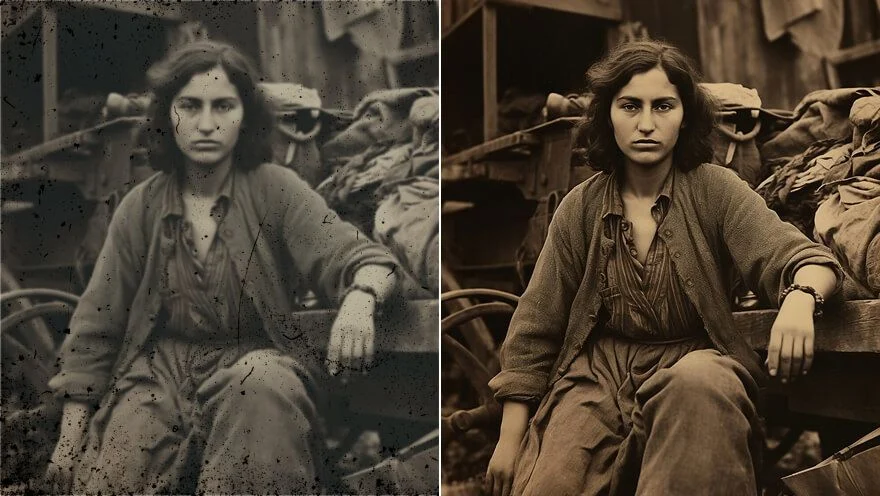
This page wants it gone and leaves a full photograph. Keeping the artwork on alpha is Background Remover. A torn scan of a badge belongs on Photo Restoration first. Two leftovers means two notes, or two generates, not one vague wipe.

Free Try the Logo Remover

How to Use This Logo Remover

  1. Step 1

    Upload a JPEG, PNG or WebP where the badge or decal is easy to name. A wrap that covers a whole bottle is a harder brief than a small sleeve mark.

  2. Step 2

    This page starts on Logo. If two marks could match, write which one, then generate. There is no brush to paint.

  3. Step 3

    Put the after next to the source. If the knit went invented, crop tighter and rerun from the original. If you actually wanted the lockup as a file, switch to Background Remover.

Free Remove This Logo

Who Opens a Logo Remover

A sleeve badge that is too loud

A sleeve badge that is too loud

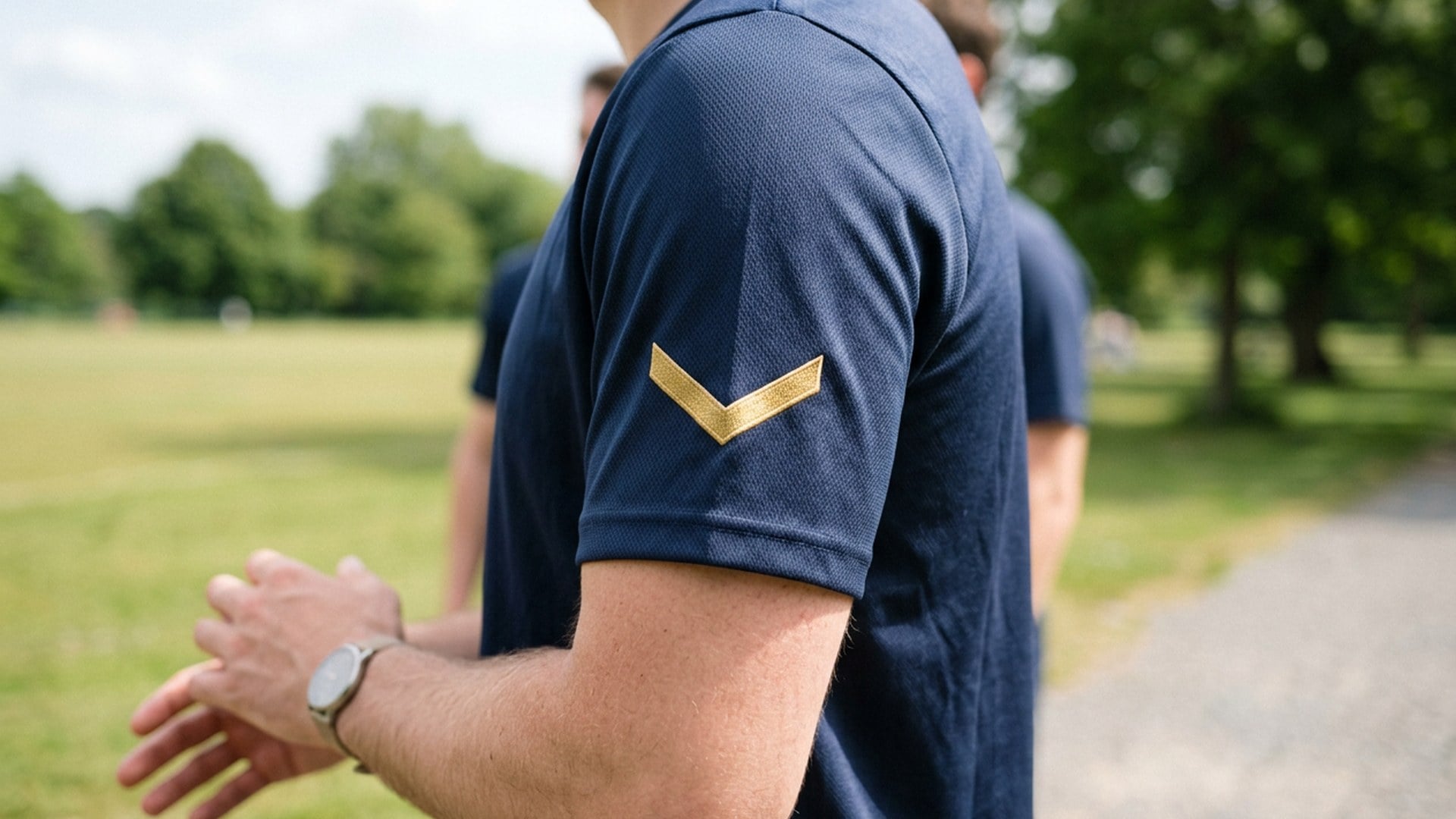
The face is right. The mark is loud. Name the left sleeve. The knit should stay the knit. Soft faces after a tight crop belong on a later pass, not this delete. If you wanted the logo as its own transparent asset, that keep-the-mark job is Background Remover.

A decal on the object

A decal on the object

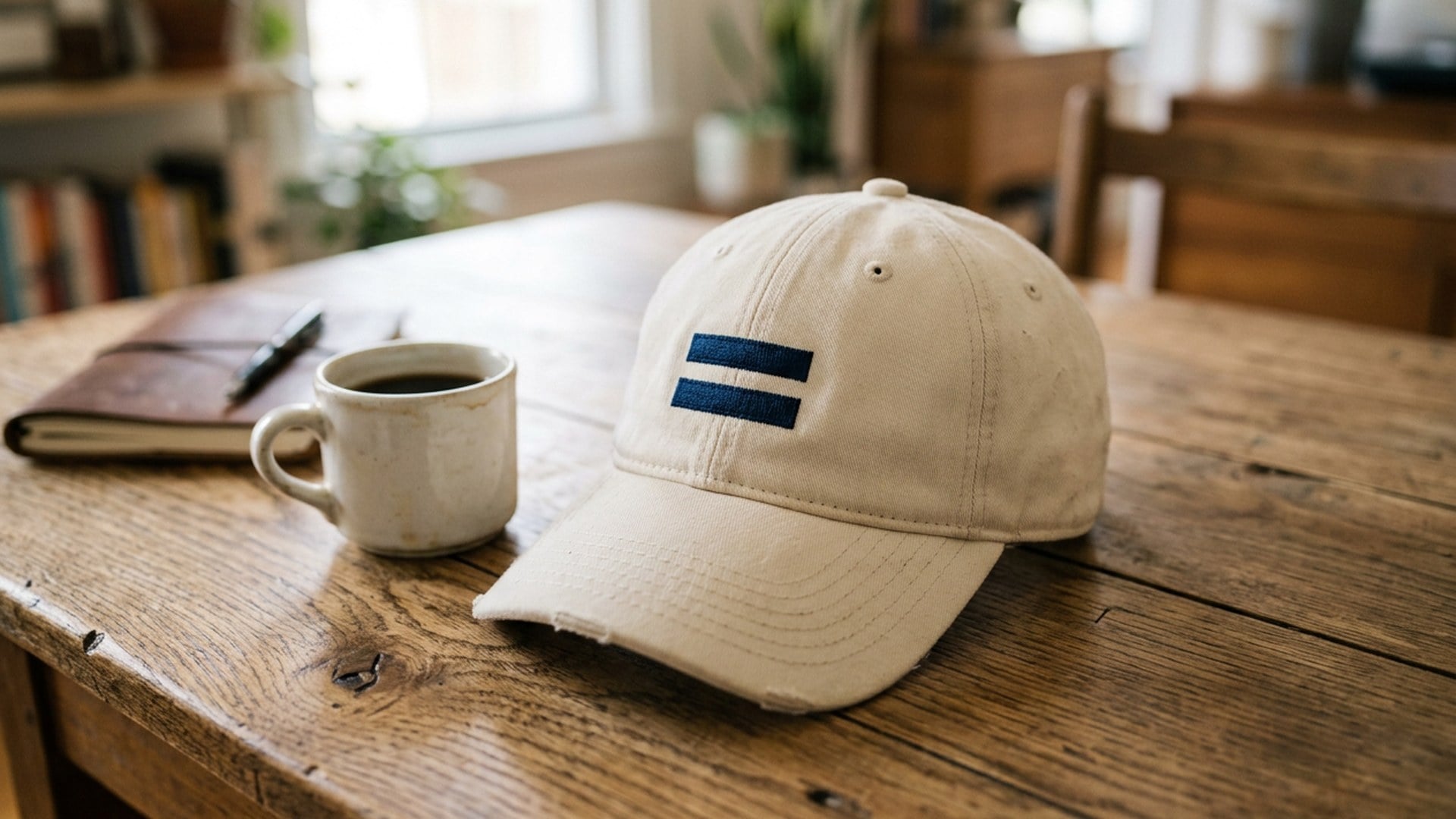
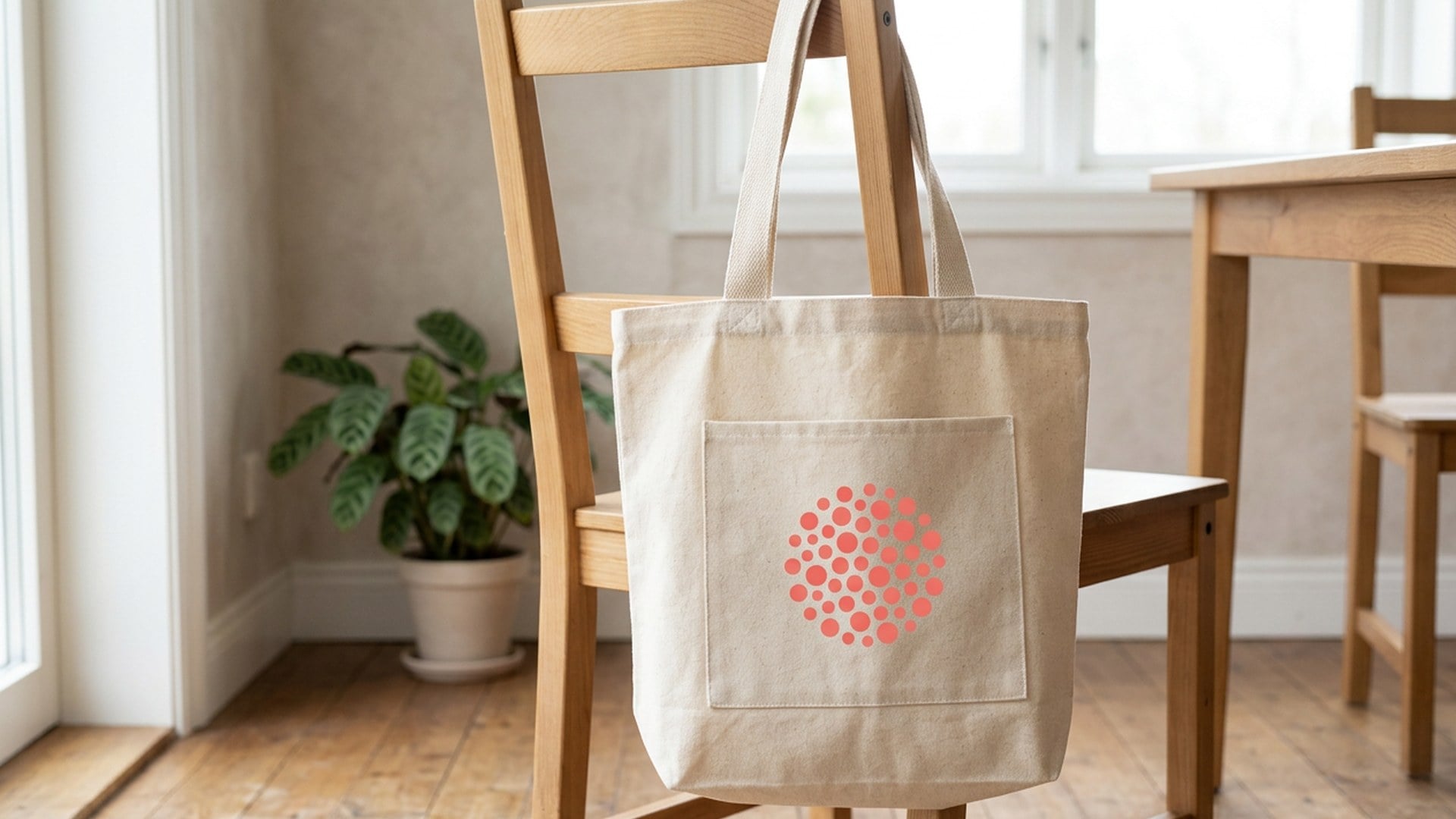
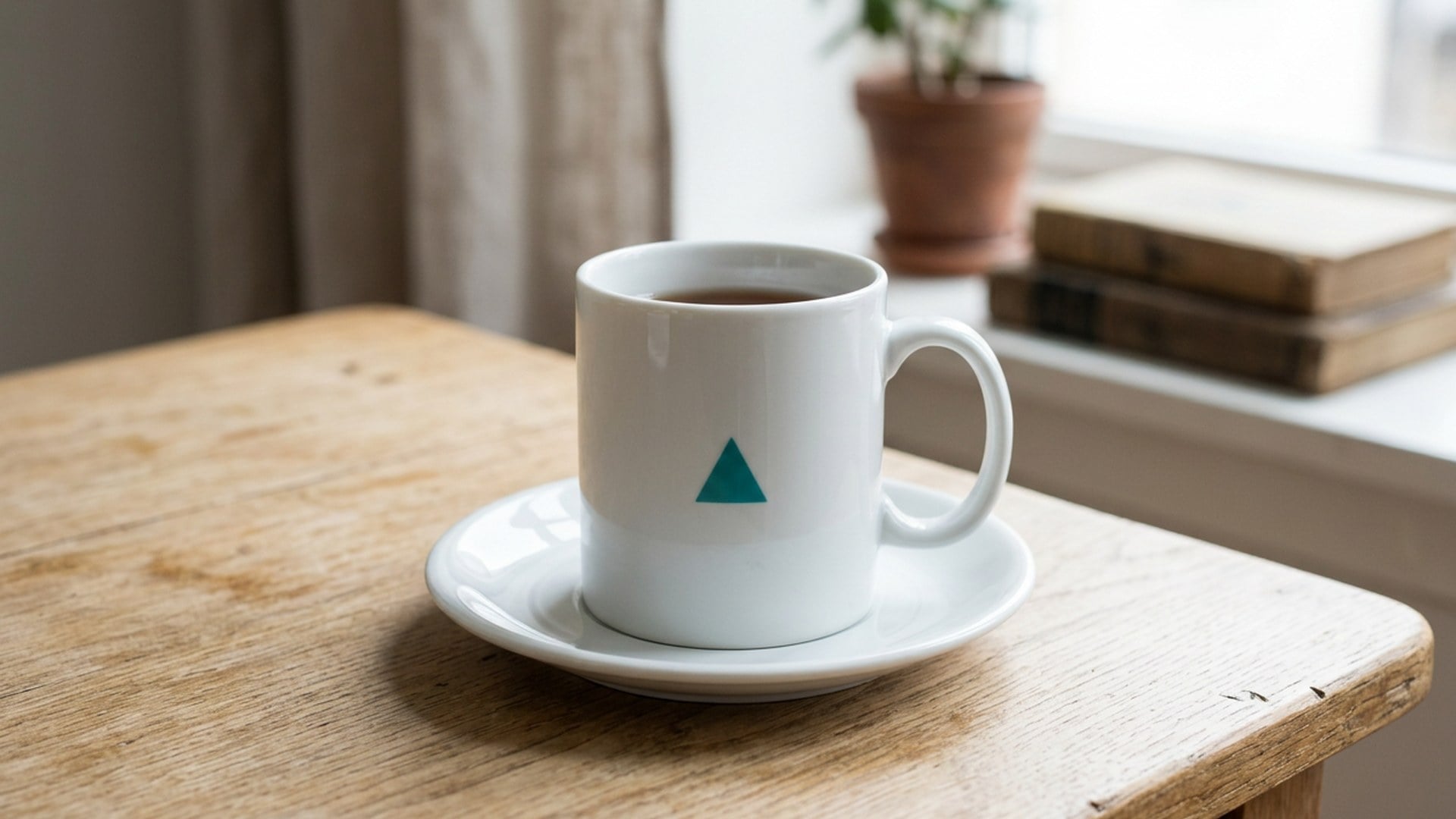
Reconstruct the glaze from neighbouring pixels. A site stamp across the frame is Watermark on Magic Eraser. A wrap that covers a whole bottle is a harder brief than a small face of the mark — crop or name that face, then run.

The logo as its own file

The logo as its own file

Opposite job. This page deletes the badge and leaves a photograph. Isolating a lockup onto alpha is Background Remover — that page keeps the artwork. Soft pixels on the scan are Image Enhancer first.

Every chip still visible

Every chip still visible

Open Magic Eraser when the class is still fuzzy. Logo, watermark, text, object, and extra person are chips on one pass. This page assumes you already know the leftover is a badge sitting on something, not a stamp sitting on top of the photo.

Free Remove This Logo

Notes From People Who Needed the Badge Gone

Notes from creators who used this tool on real work.

EM

Edie Marsh

Creator

Left sleeve badge gone.

Knit still matched the cuff. Face stayed mine.

FH

Ford Hale

Seller

Mug decal.

Glaze filled from the handle side. No new pattern invented.

GP

Gwen Pratt

Designer

Opened Logo Background Remover first.

Wrong job. This one deletes the mark.

HC

Hank Cole

Realtor

Wall sticker in a room tour.

Plaster matched the course beside it. Room stayed ours.

IV

Iona Vale

Social lead

Magic Eraser is the same pass.

I searched logo remover and stayed here.

JR

Jed Ruiz

Photographer

Busy print shirt failed.

Cropped to the badge, then the fill behaved like the knit.

KA

Kip Anders

Catalog lead

Site stamp needed Watermark Remover.

Ceramic mark needed this page. Honest split.

BK

Briony Kirkland

Producer

Campaign still.

Badge gone. Talent still looked like the booking we actually had.

CP

Cressida Pennington

YouTuber

No brush.

One sentence. I would have wrecked the knit with a lasso in two minutes.

Frequently Asked Questions

It deletes one named badge or decal from a photo you already have and fills the hole from the surrounding material. You upload one still, stay on Logo, and optionally write which mark. The person and the room should stay. It is the Logo chip of Magic Eraser, not a logo cutout and not a stock-stamp job.

What will you create today?

Turn your ideas into reality with AI. Generate, refine, and innovate — creation starts here.

Create Now