MA
Magnus Aldabe
Community managerUsed it on a screenshot instead of typing a reply.
Best decision in that entire thread.
Have a photo you want to blow apart for a punchline? Drop it in and explode AI turns the subject into flying particles, starting from your exact frame — no timeline, no VFX suite.
Explode AI
Explode AI From Any Photo
Have a photo you want to blow apart for a punchline? Drop it in and explode AI turns the subject into flying particles, starting from your exact frame — no timeline, no VFX suite.
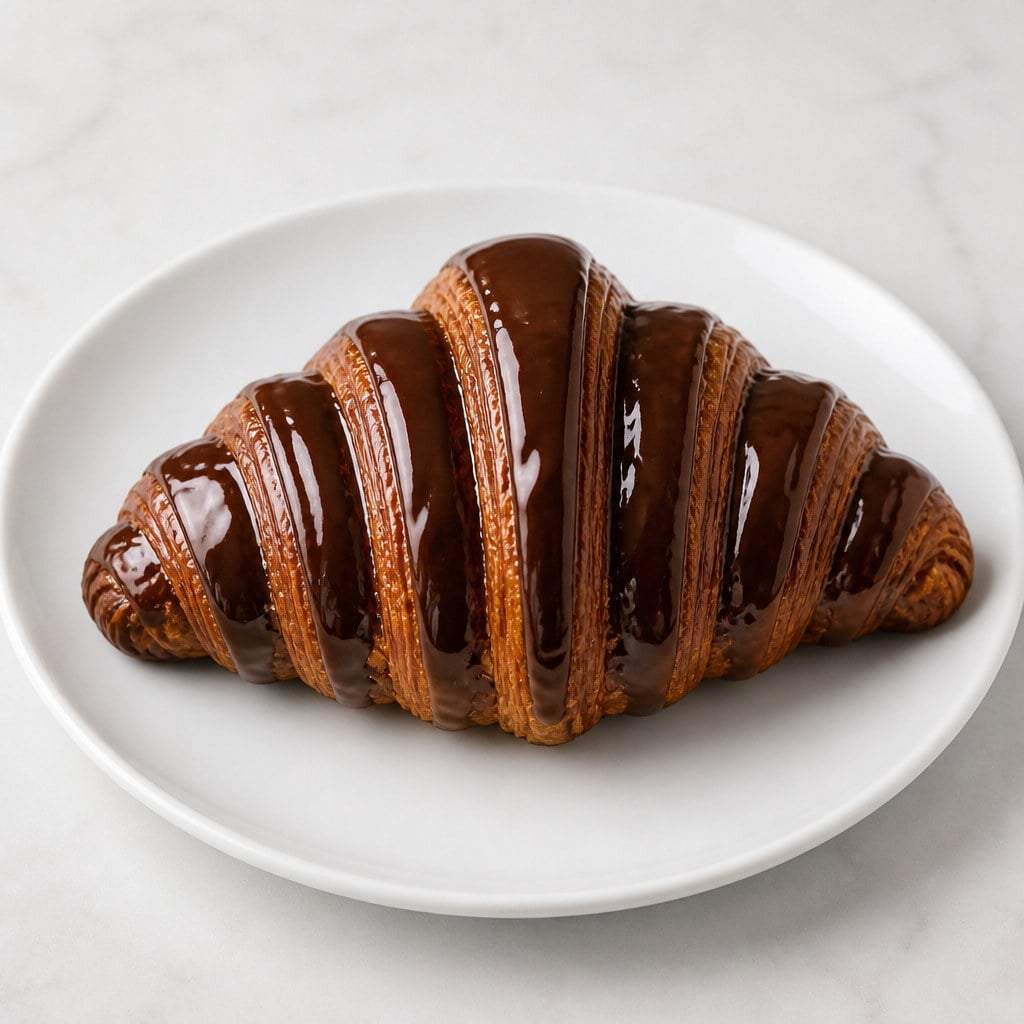
Upload a Clear Subject
Pick anything with a readable shape. Busy shots work, but a single obvious thing to blow up reads better as a punchline. This still is the first frame, so start with a picture people will recognise.
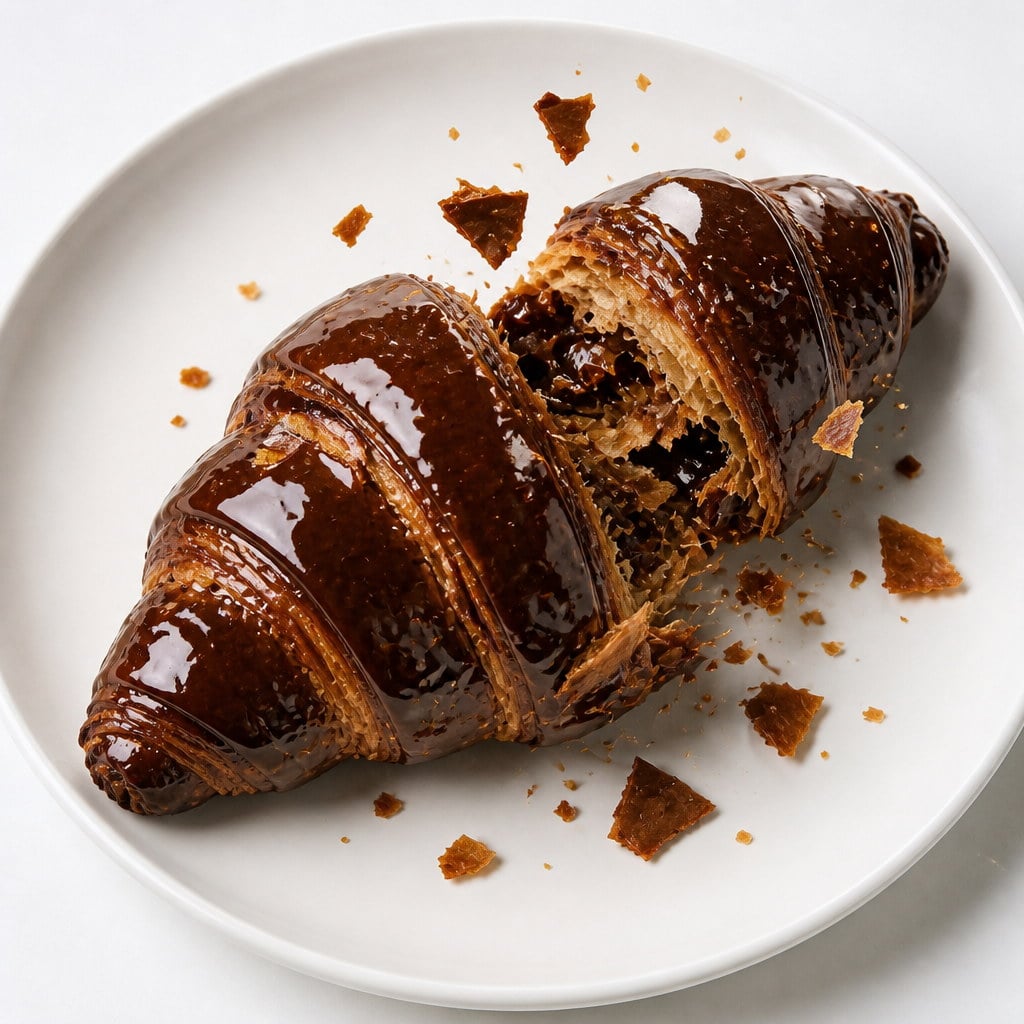
Add a Note Only If Needed
Nothing else is required. Use the optional description only if something should survive the blast, or if you want a particular kind of debris. Skip it when the photo already names the subject.
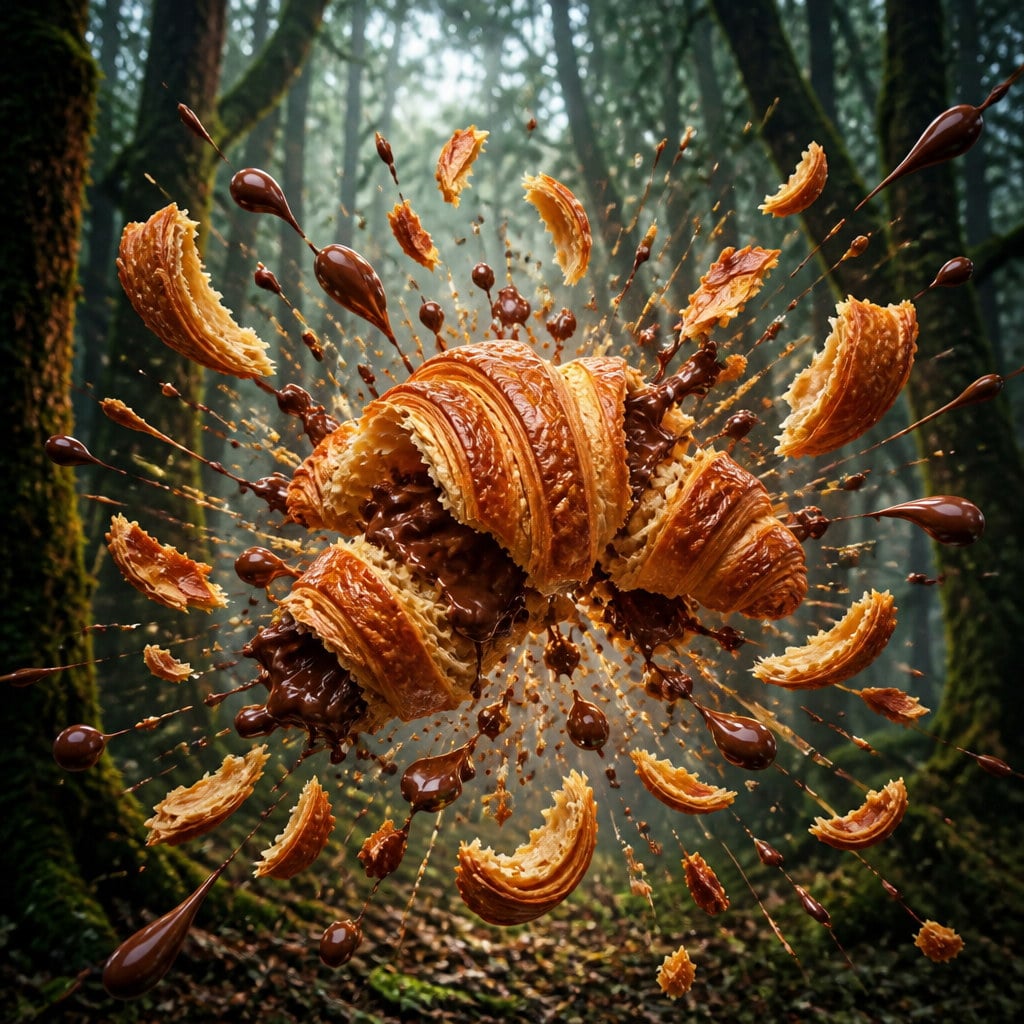
Generate and Use the Clip
Run explode AI, preview the burst, and download what you want to keep. Drop it on your own audio, or post it as a silent punchline. Each run spends credits shown on the button before you confirm.
A still of the subject, a beat to register it, then the whole thing comes apart. Explode AI holds your exact photo as the first frame, then bursts the subject into fragments and dust with weight and follow-through. The setting stays yours. The gag is a cartoon disintegration, not a depiction of harm, which is why it works on a person, a pet, a meal, or a product.

Your upload is the first frame, not a mood board. Framing, camera angle, lighting and colour of the original are what the viewer sees before the blast, which is what makes the moment land instead of looking like a stock clip. An AI explode effect that replaced the still first would lose the joke: people need to recognise the thing that is about to come apart. Hold, then burst — that order is the whole gag.
Try it now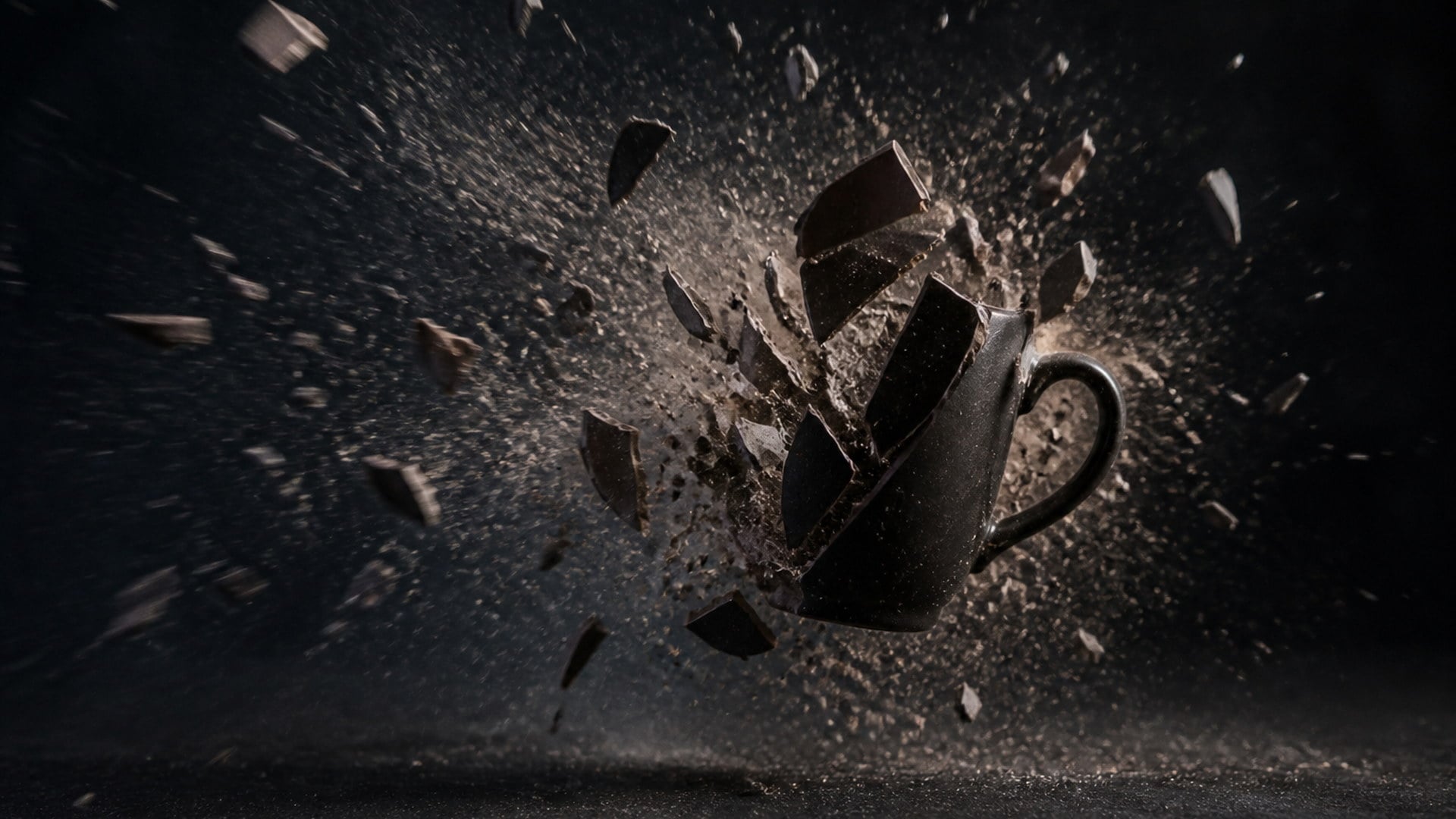
Fragments scatter outward and keep moving, dust drifts behind the main burst, and smaller pieces settle late. That follow-through is what separates a real-looking disintegration from a cross-fade into confetti. Weight in the debris is also why the clip loops cleanly in a feed: the eye can watch pieces travel, not just a flash. You get a burst with a tail, not a sticker slapped over the still.
Try it now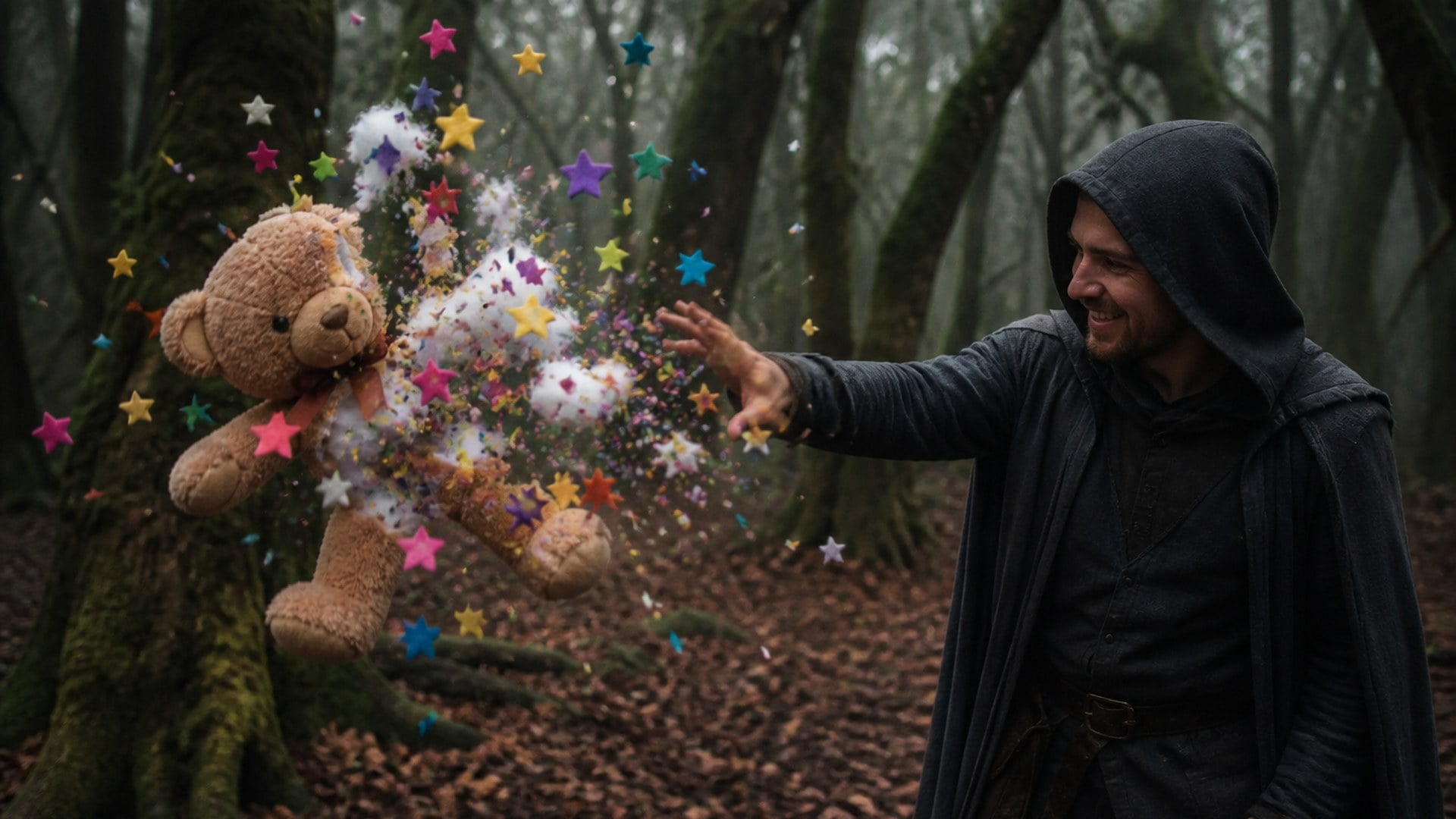
There is no fire damage to people, no injury, and no gore. This is a disintegration gag in the same spirit as a cartoon anvil — playful by design, not a depiction of an attack. That boundary is why the same tool can run on a friend's portrait, a pet, a cake, or a gadget on a desk. If you need destruction that looks like harm, this page is the wrong tool; the clip is built to stay shareable.
Try it nowThere is no prompt to write and nothing to configure before you generate. You bring a photo; the AI explode effect does the rest. The capabilities below are about keeping the blast attached to your image — your framing, your subject, your shape of frame — so the clip reads as something that happened to that picture, not as a stock explosion dropped on top.
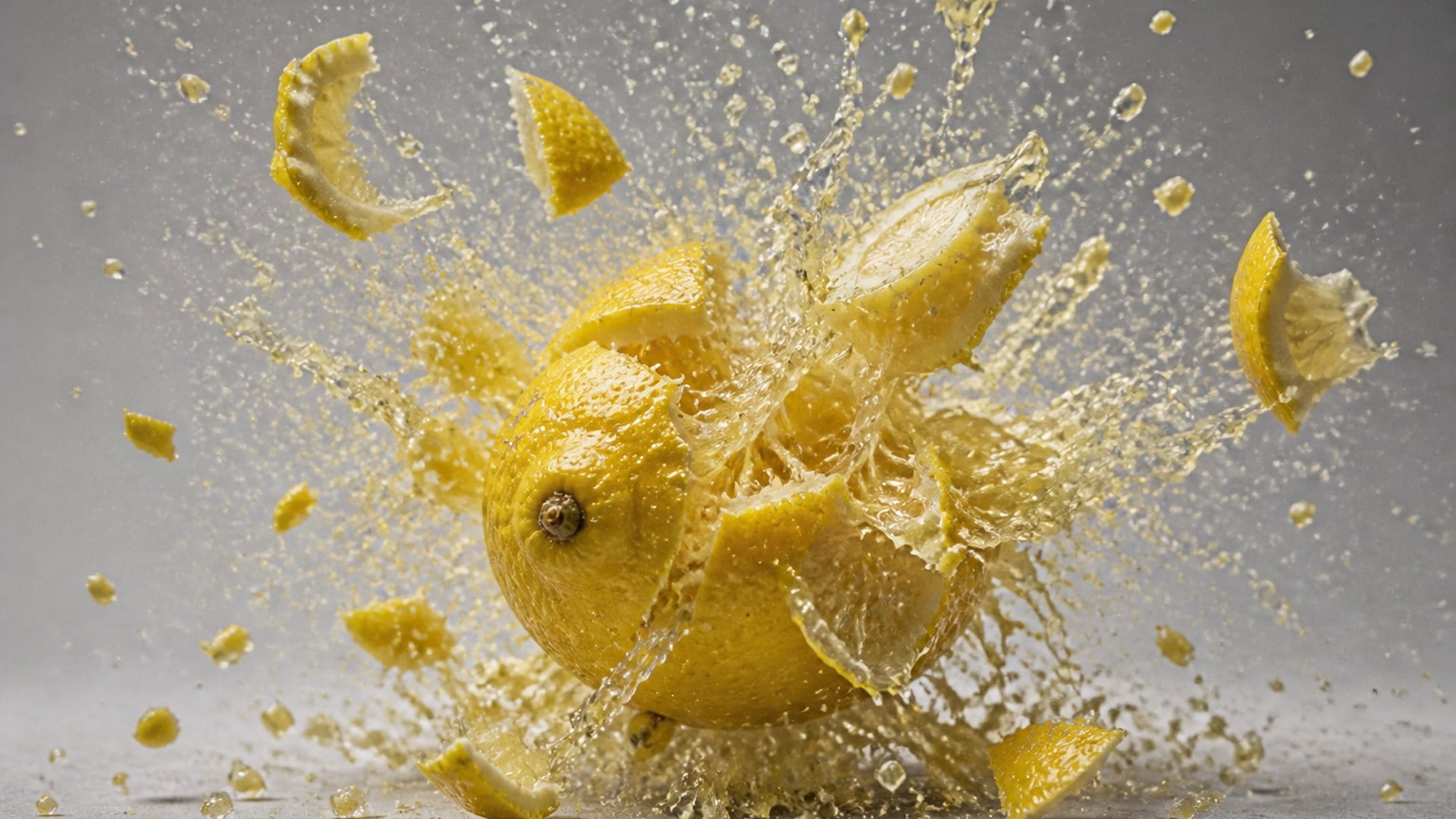
People, pets, snacks, a whiteboard, a car — if it is in the photo, it can come apart. There is no face-detection step you have to pass, and no requirement that a person be in the frame. That is the difference between an explode gag and a portrait filter: the subject can be anything with a readable shape. Food and product stills are as valid as a headshot, and often land harder as a punchline.
Try it now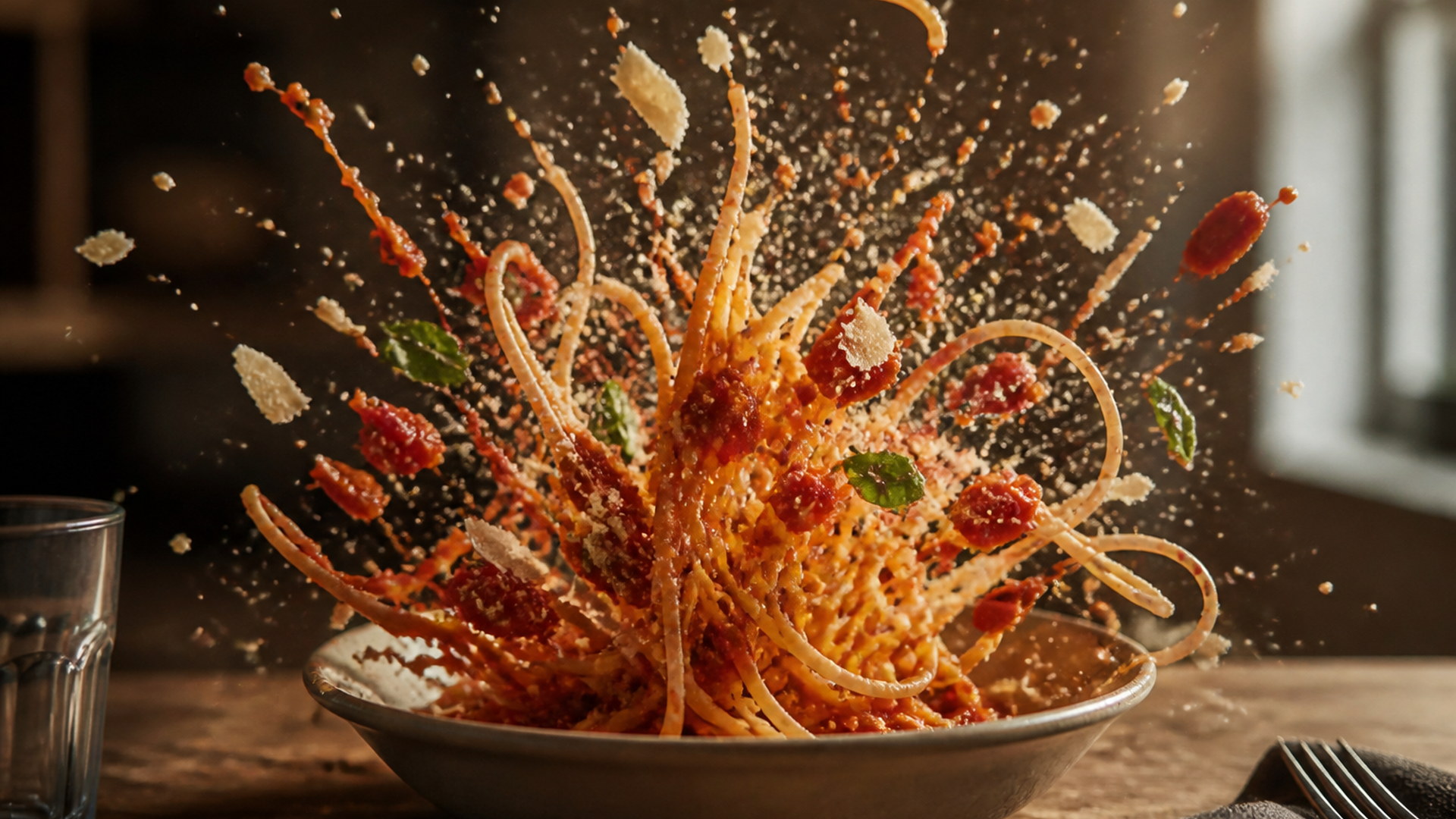
A wide shot stays wide. A phone photo stays vertical. A square product still stays square. Output follows the shape of the upload, matched to your still the moment you attach it, so the composition you already had survives into the clip. That matters when the still is the joke: cropping a table spread into a portrait would hide half the subject before it even bursts.
Try it now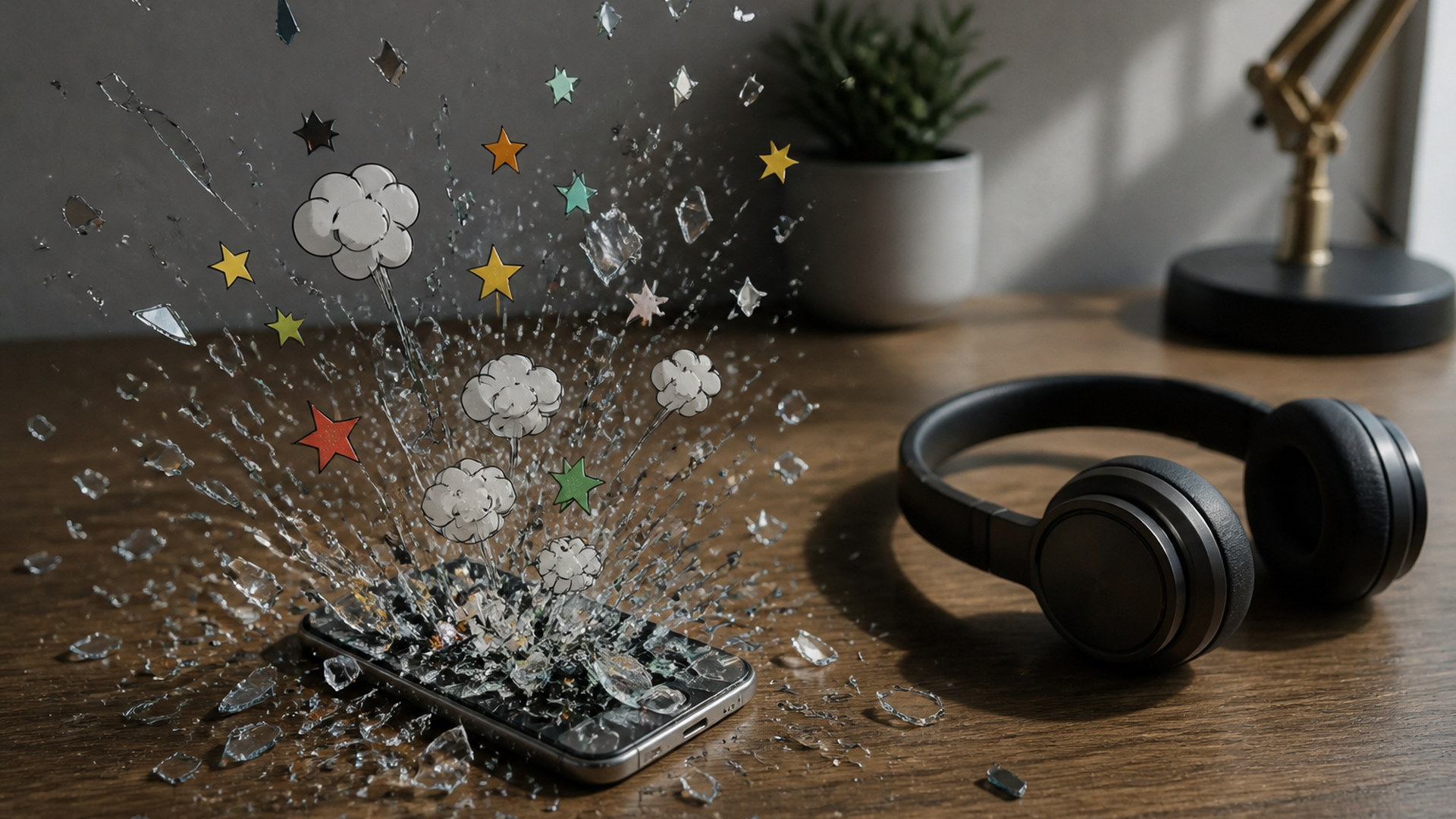
Explode clips are generated without a soundtrack. A canned boom would fight the music, the voiceover, or the stream alert you actually wanted underneath. Silence lets you drop the clip onto your own audio, or post it as a visual punchline with whatever the platform already plays. You are not stripping a blast sound you never asked for before the gag can ship.
Try it now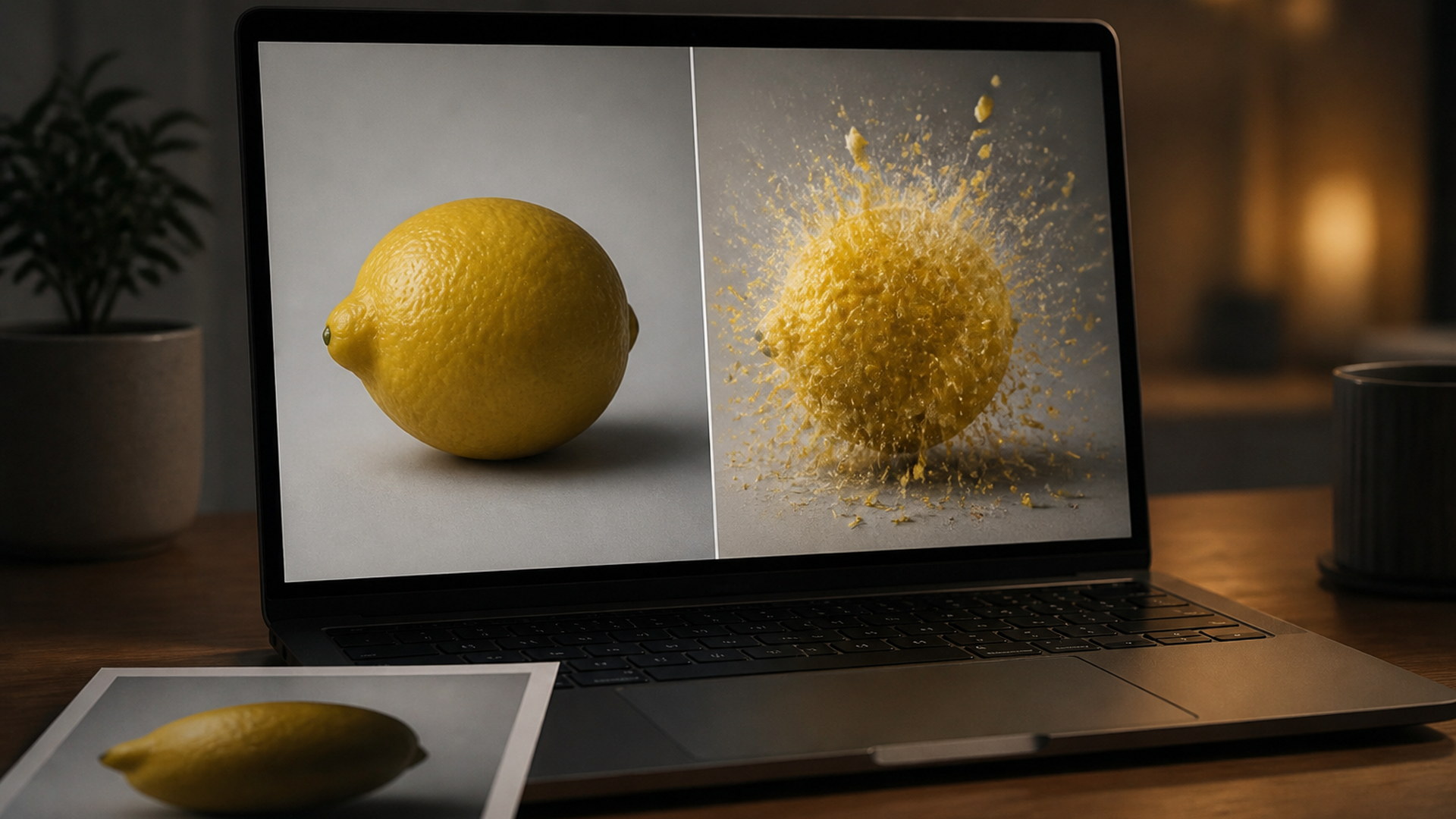
Every finished clip lands in your Viralkey library next to the source still, ready to download or reopen later. Regenerating does not overwrite a take you already liked, so you can burst the same photo twice and keep the better debris. The library is shared with other studio work; this page does not give you a private explode-only history.
Try it nowA still photo can become more than one kind of clip. Stay in Viralkey Studio to try another motion effect, or take the same frame into a still edit.

Upload two photos — you and the person you hug — and bring them together in one warm embrace.
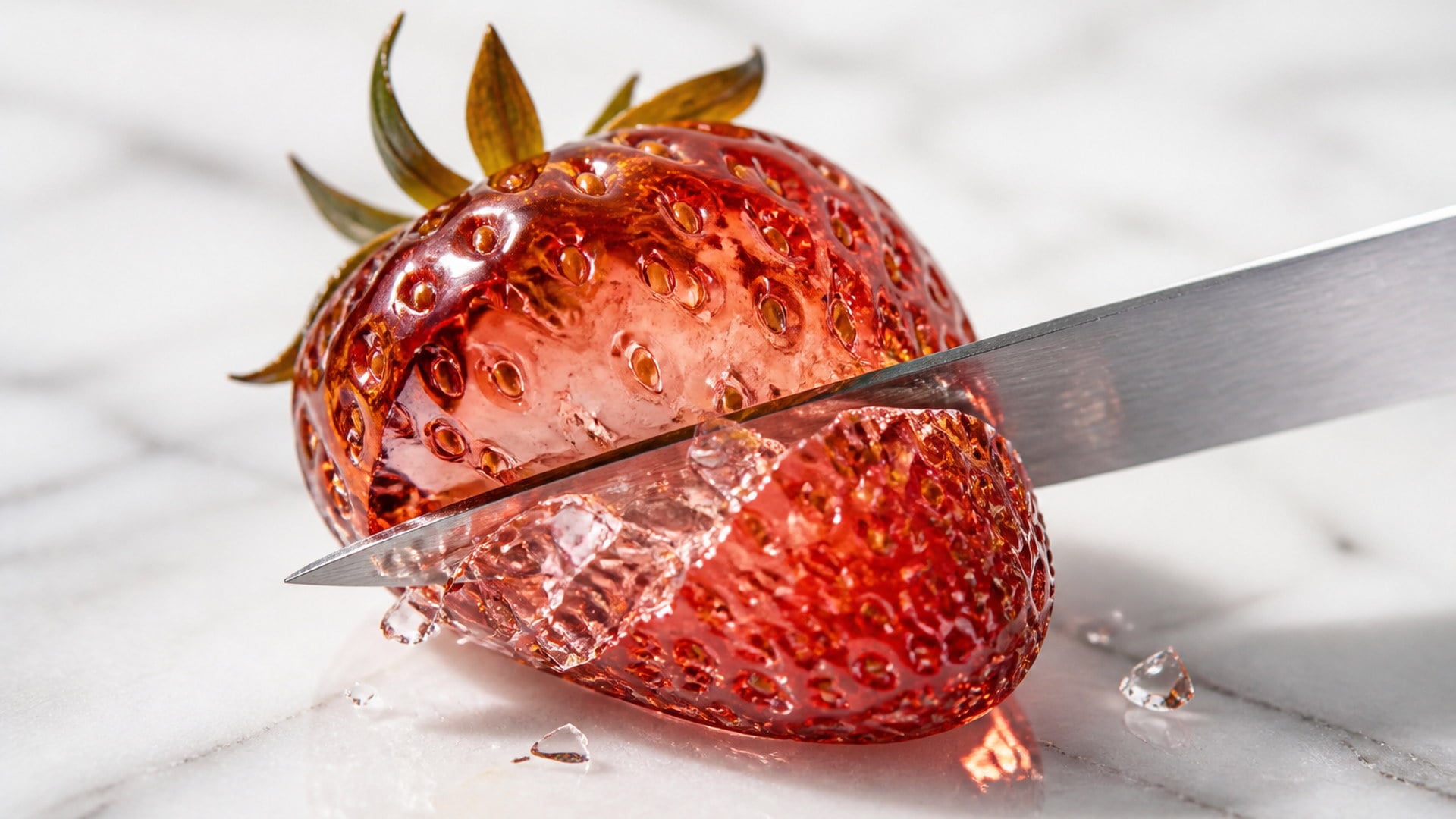
Turn an object photo into a macro ASMR clip with matching, generated sound.
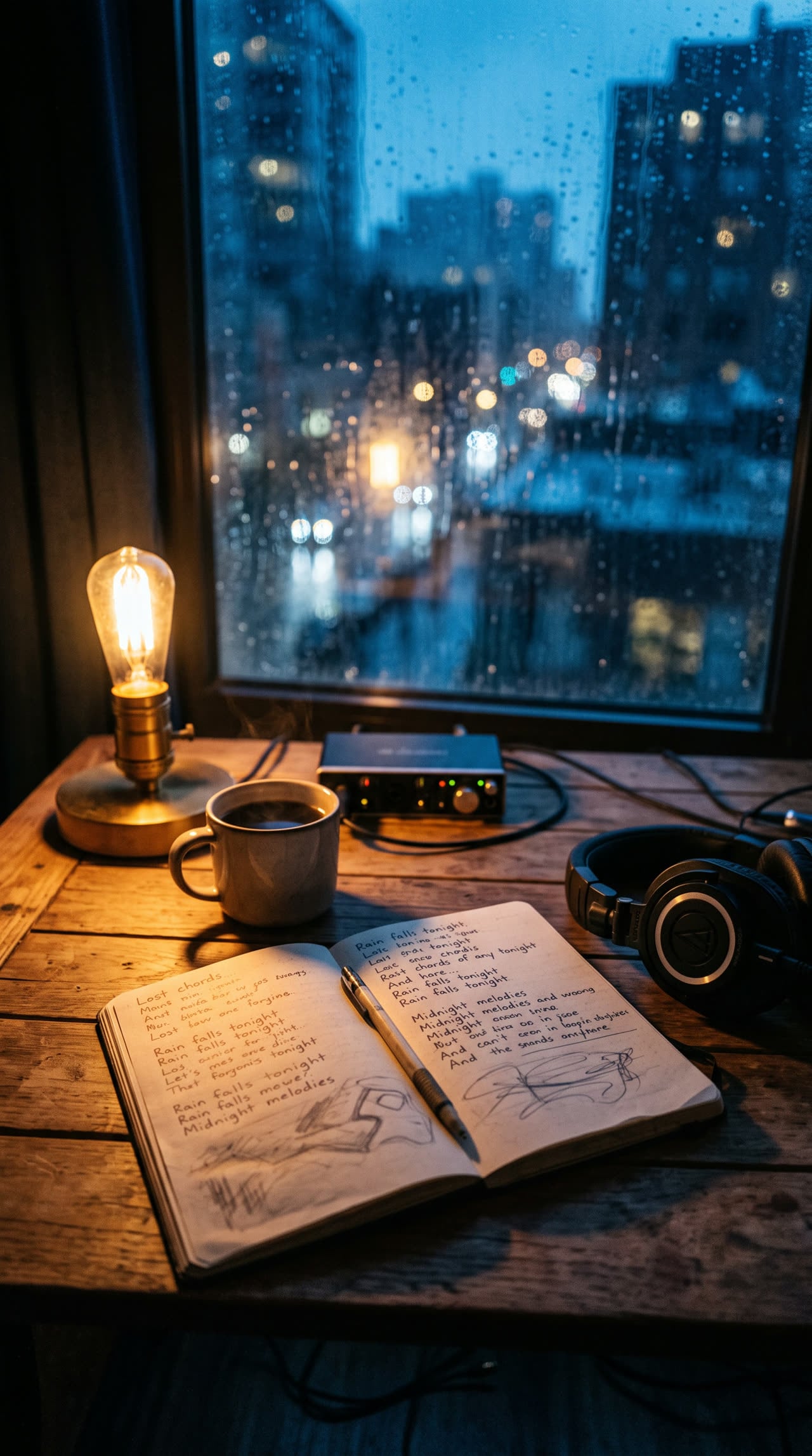
Write complete, structured song lyrics in any genre — verses, hooks and bridges included.

Sixteen-bar verses, dense AABB rhymes, and hooks built to ride a beat.
Explore leading models for AI video, image generation, editing, and cinematic storytelling.

Create Wan 3.0 clips on Viralkey: native 1080p, 2–30 seconds, start/end frames, up to 20 mixed references, and audio generated with the picture.

Create cinematic MiniMax H3 clips on Viralkey: native 2K, up to 15 seconds, text-to-video, start/end frames, and up to nine reference images.

Generate short HD clips on Viralkey with start/end frame direction and up to 50 reference images. Built for music video scenes and performer shots.

Create cinematic Seedance 2.0 clips on Viralkey: native 4K, start/end frames, up to nine reference images, and built-in audio with lip-sync.
The explode effect is a punchline you can run on almost any photo already on your camera roll. Creators use it to end a thread, to cut between shots, to tease a dish, or to drop a reusable bit on stream. The job is always the same: make the still do something loud without booking a VFX pass.
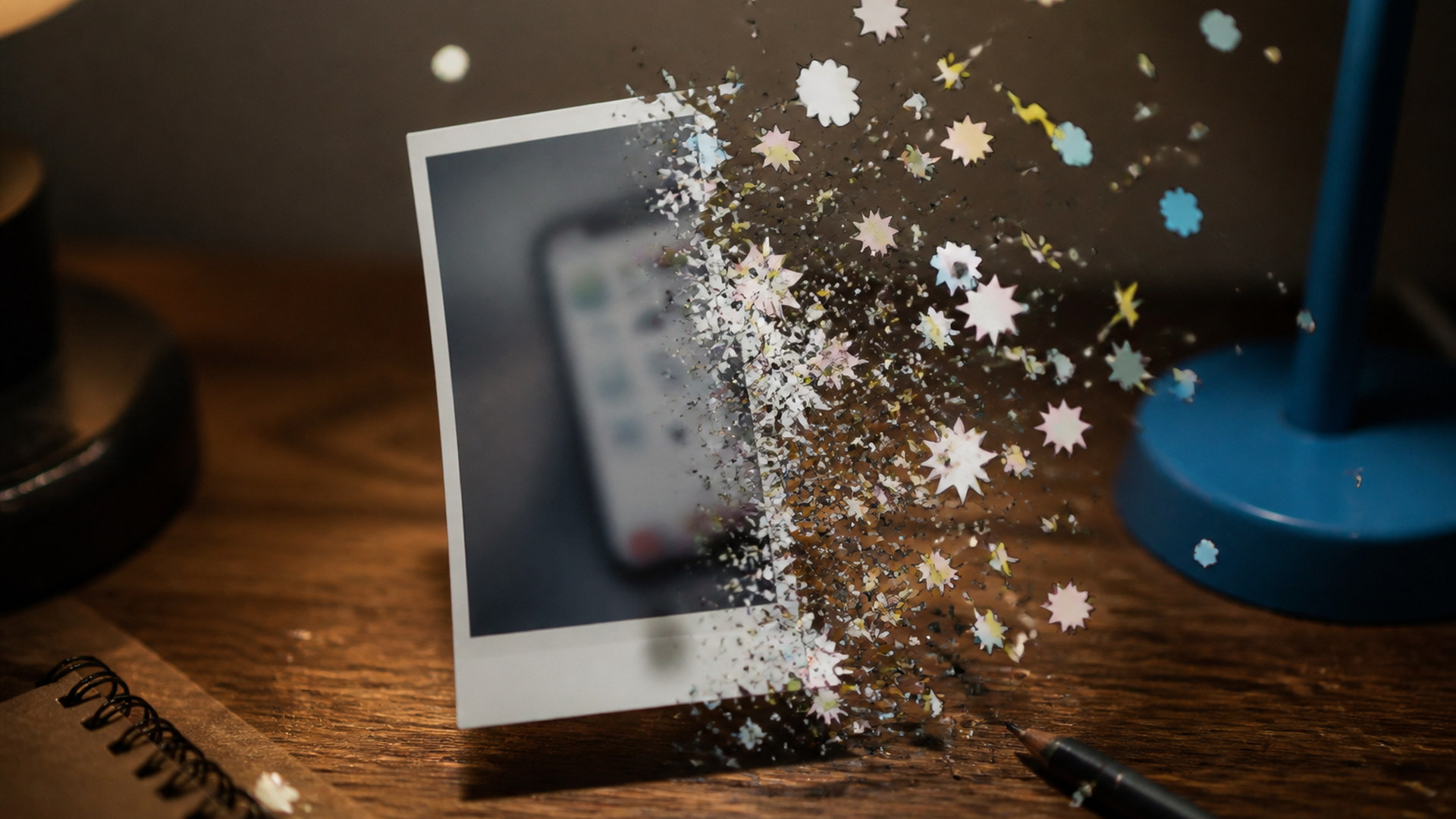
Explode a screenshot instead of typing a paragraph. It is the fastest way to say a take was too much without writing a ratio. The gag only works if the original still is still readable in the first beat, which is why the clip holds your exact frame before the burst. Save the take and reuse it whenever the same argument comes back around.
Try it now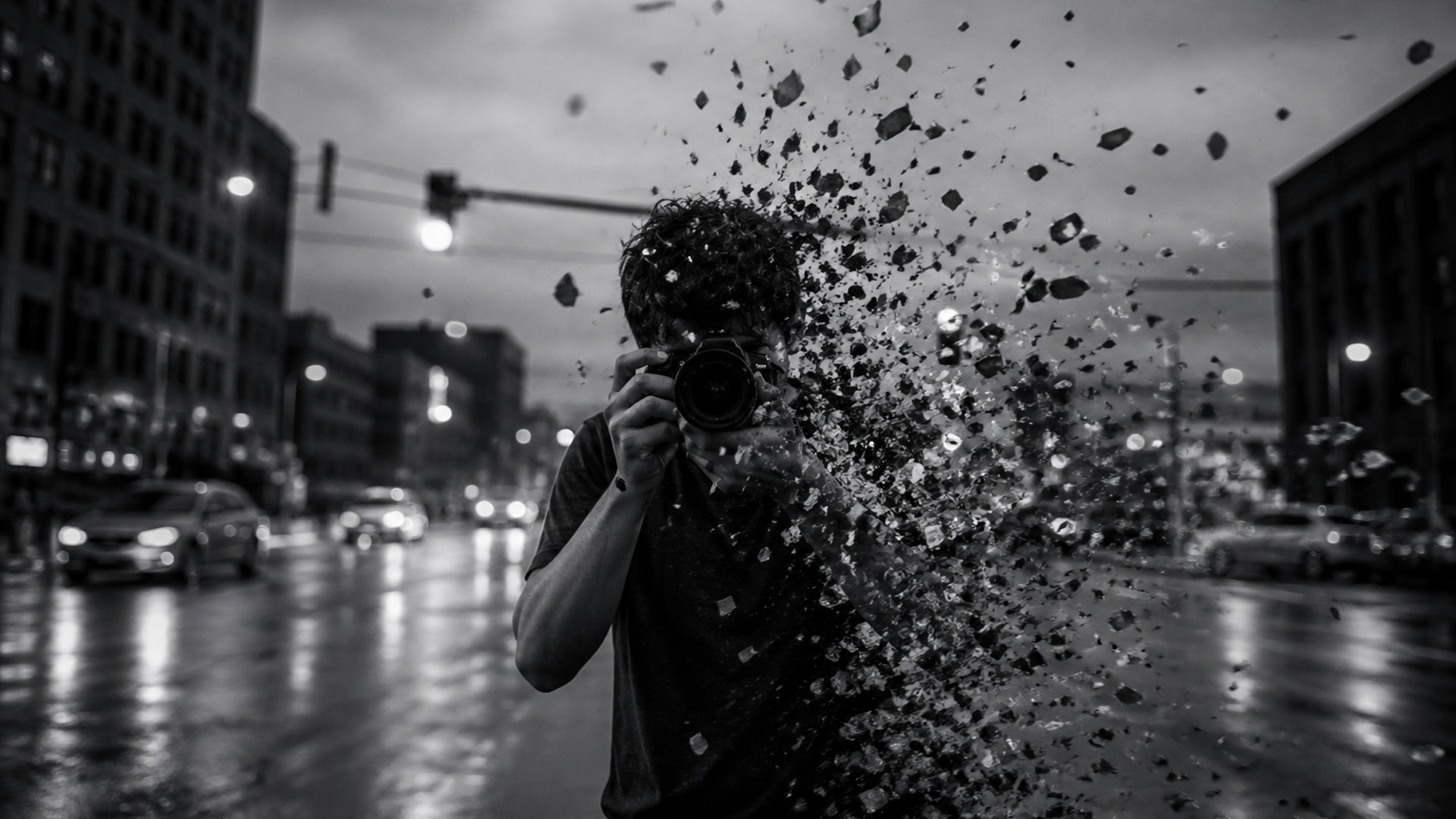
Blow up the last frame of one shot to cut into the next. You get a hard, readable beat without licensing a transition pack or building debris in an editor. Keep the still recognisable so the cut feels attached to the footage you already have, not like a generic blast sticker. This is a punchline between clips, not a replacement for a dedicated transitions workflow.
Try it now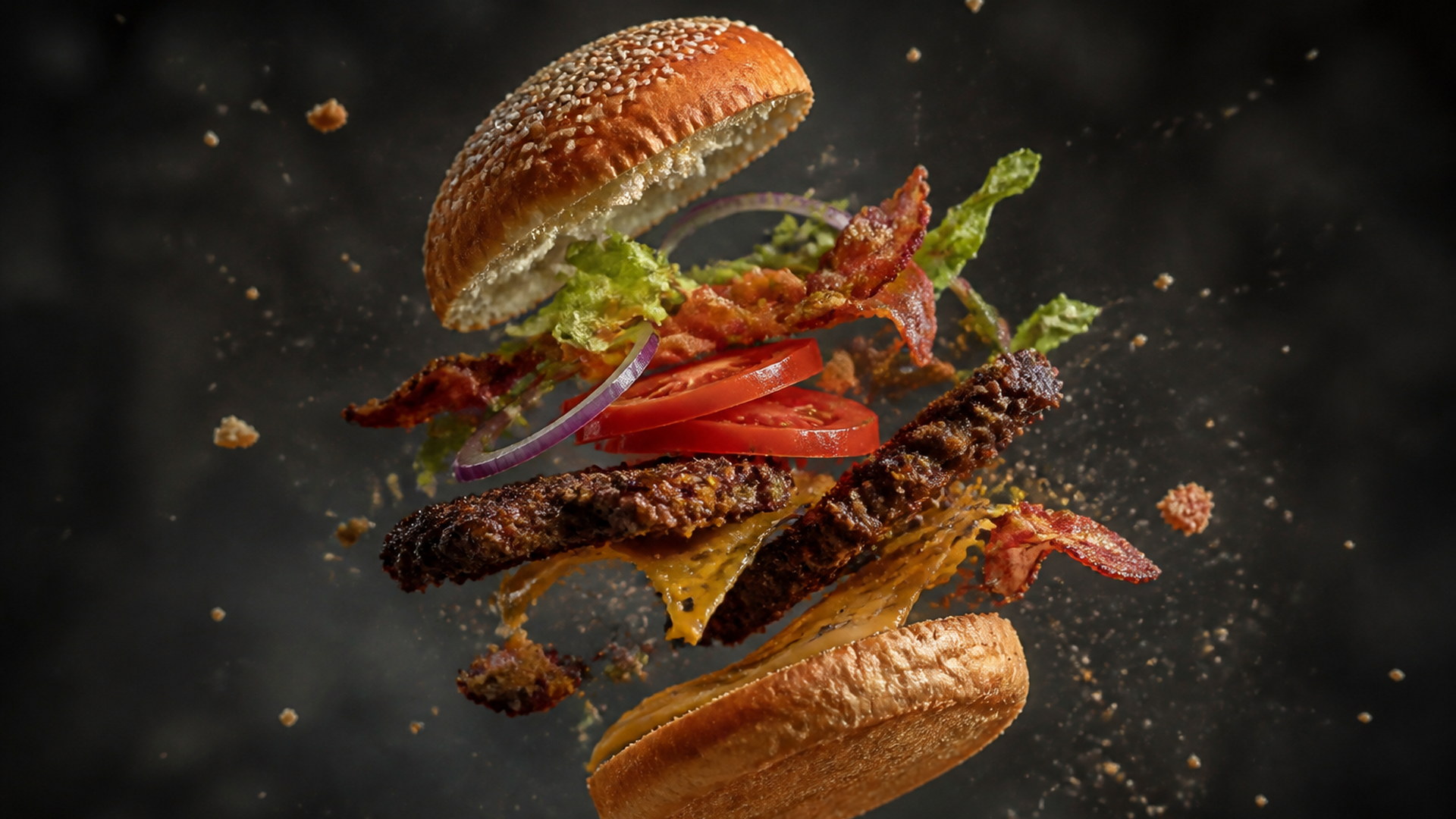
Burst a dish or a package apart into ingredients and pieces. It reads as energy rather than harm, and it loops well in a feed because fragments keep travelling after the main hit. Restaurants and product teams use it on stills they already shot, so there is no second kitchen day and no need to smash a real prop. The plate, the logo, the colour — those should still be yours in the first frame.
Try it now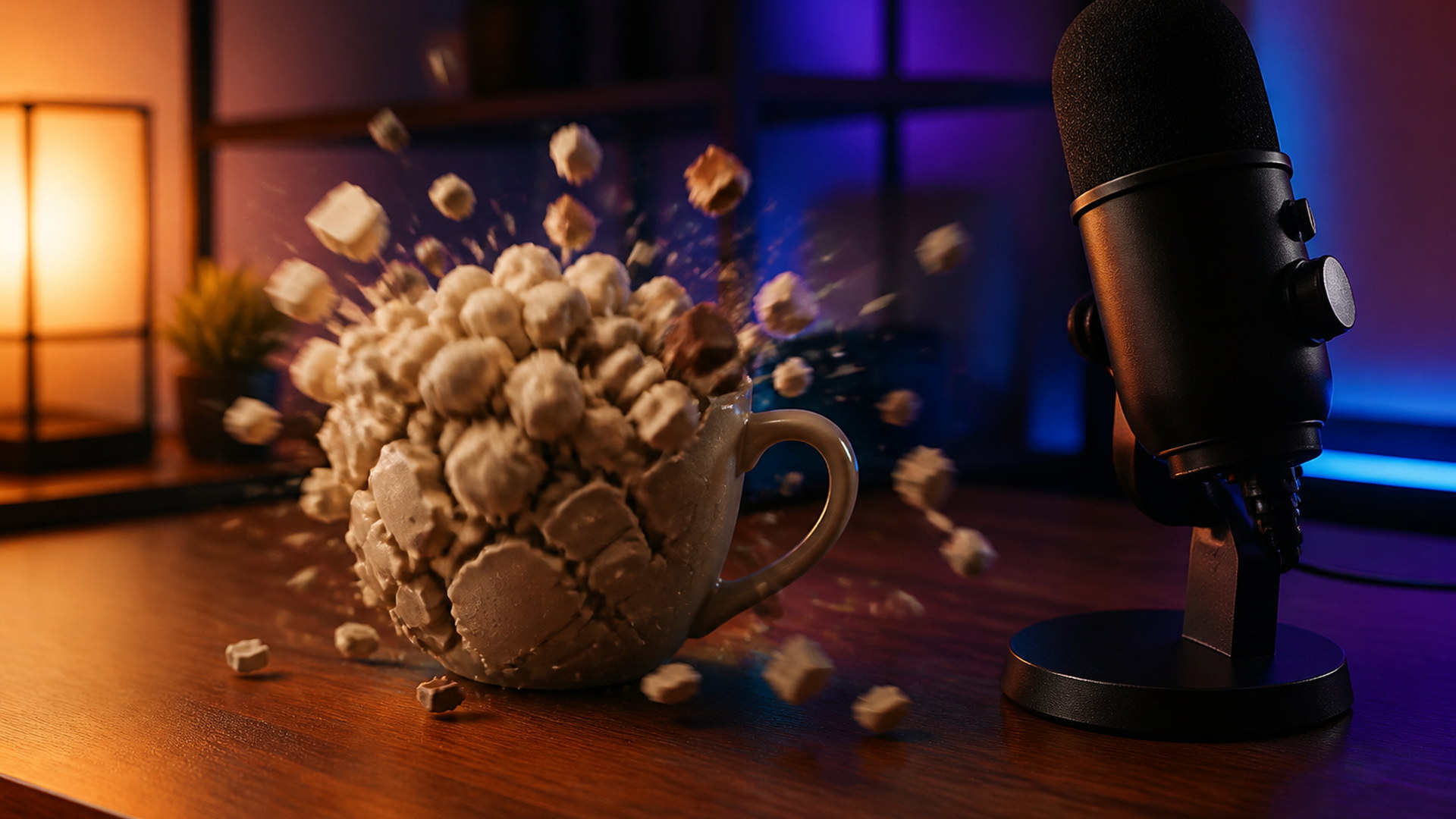
Drop a clip when something goes wrong on stream: a fail, a bad take, a raid that gets out of hand. Because almost anything in a camera roll can be the subject, you can build a small library of bursts without a new shoot. Keep the audio off the clip so it sits under your own alerts and voice. The bit stays reusable because the still is whatever just happened.
Try it nowNotes from creators who used this tool on real work.
Magnus Aldabe
Community managerUsed it on a screenshot instead of typing a reply.
Best decision in that entire thread.
Noemi Fassbinder
Video editorBlowing up the last frame to cut into the next shot has become my default punchline.
Ottilie Vance
Food photographerRan it on a plate of pasta for a restaurant reel.
The client asked for two more dishes.
Przemek Sadowski
Motion designerIt holds the photo for a beat first.
That pause is the whole joke and they got it right.
Casimir Mbeki
StreamerI keep a rough take for overlays and a cleaner take for anything on the channel page.
Evander Lindqvist
Social media managerNo prompt box to stare at.
Upload, generate, back to the rest of the work.
Ulrika Bengtsson
VFX artistThe dust drifting after the main burst is what makes it look expensive rather than cheap.
Vesper Adeyemi
Content creatorWorks on literally anything in my camera roll, which is more than I expected going in.
Wendell Okonkwo
FilmmakerDebris actually has weight.
Most explosion filters skip that follow-through entirely.
Explode AI on Viralkey is a studio tool that takes one photo and returns a short video where the subject bursts apart into flying particles and debris. The clip begins on your exact still, holds long enough for the viewer to recognise it, then blows the subject apart — so the AI explode effect reads as something happening to your image rather than a generic explosion stock clip. No prompt is required. People, pets, food and objects all work, and the gag is cartoon disintegration rather than depicted harm.
Have a photo you want to blow apart for a punchline? Drop it in and explode AI turns the subject into flying particles, starting from your exact frame — no timeline, no VFX suite.