CE
Cormac Everhart
Portrait photographerThe Golden hour look saved a noon shoot we mistimed.
Same faces, finally the right warmth.
The shot was good — the light was not. Relight photo frames in place: choose a direction, pick a look such as Soft daylight, and keep every face, pose and object exactly where you left them.
AI Relight
Relight Photo Online
The shot was good — the light was not. Relight photo frames in place: choose a direction, pick a look such as Soft daylight, and keep every face, pose and object exactly where you left them.
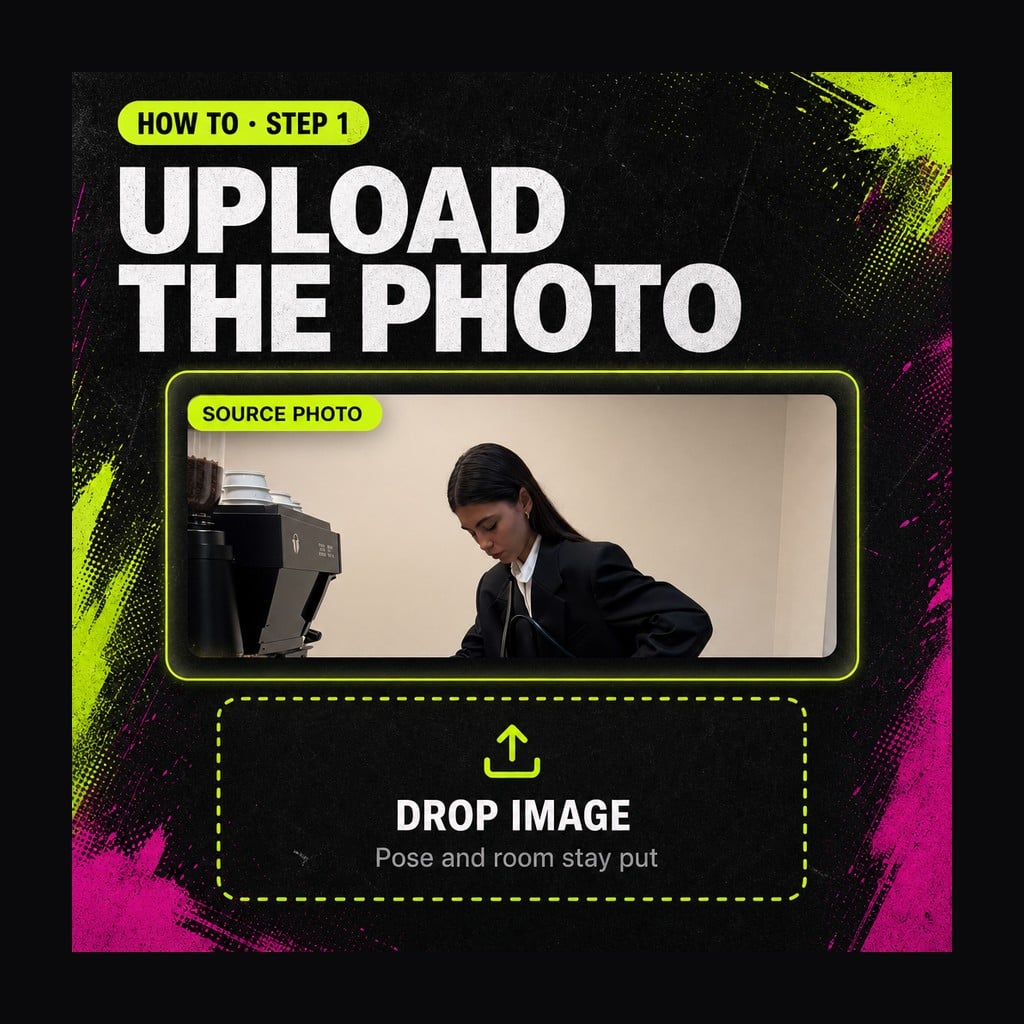
Upload the Photo
Drop in the frame whose lighting you want to change. Pose, background and objects in this file are what stay put, so start with a photo you already like besides the light.
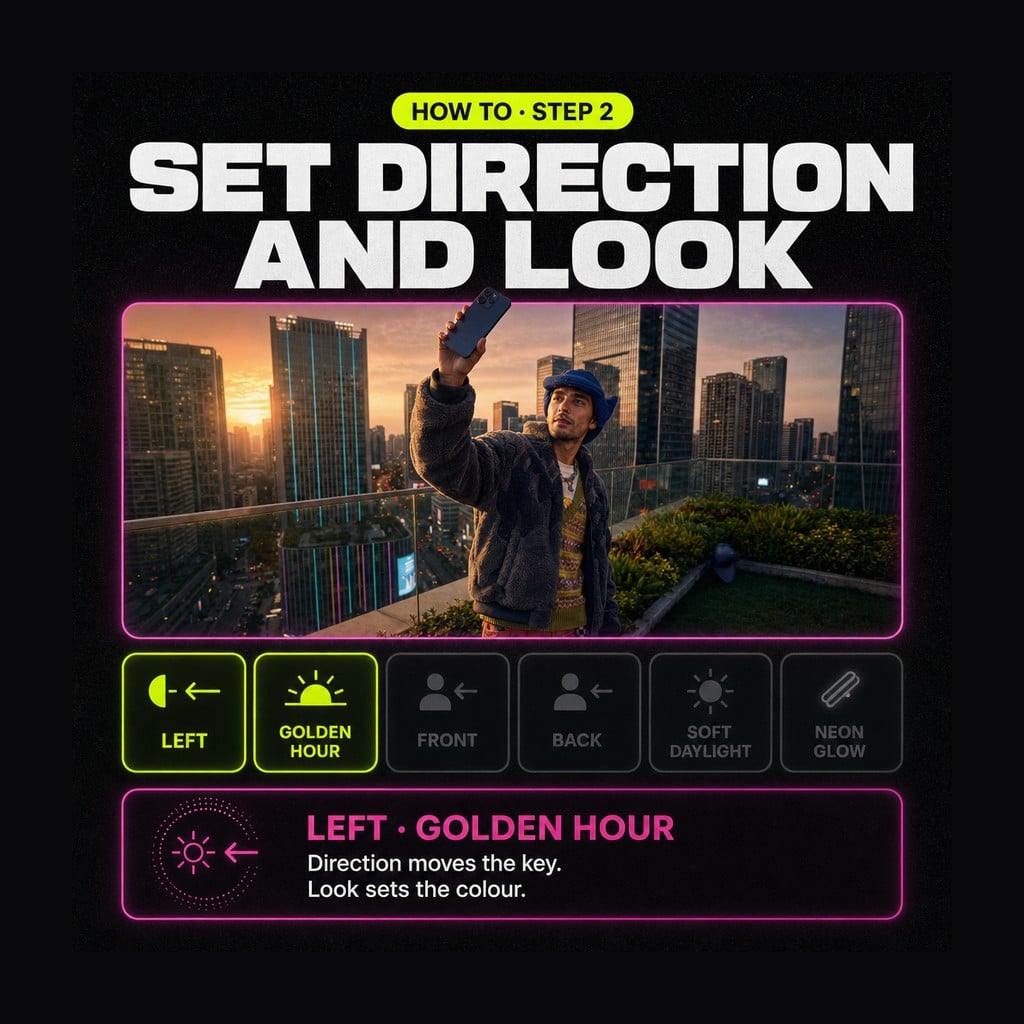
Set Direction and Look
Choose where the key comes from — Front or Left for readable faces, Back for a rim — then pick a look such as Soft daylight or Golden hour. Add a short note if a lamp or window must stay.
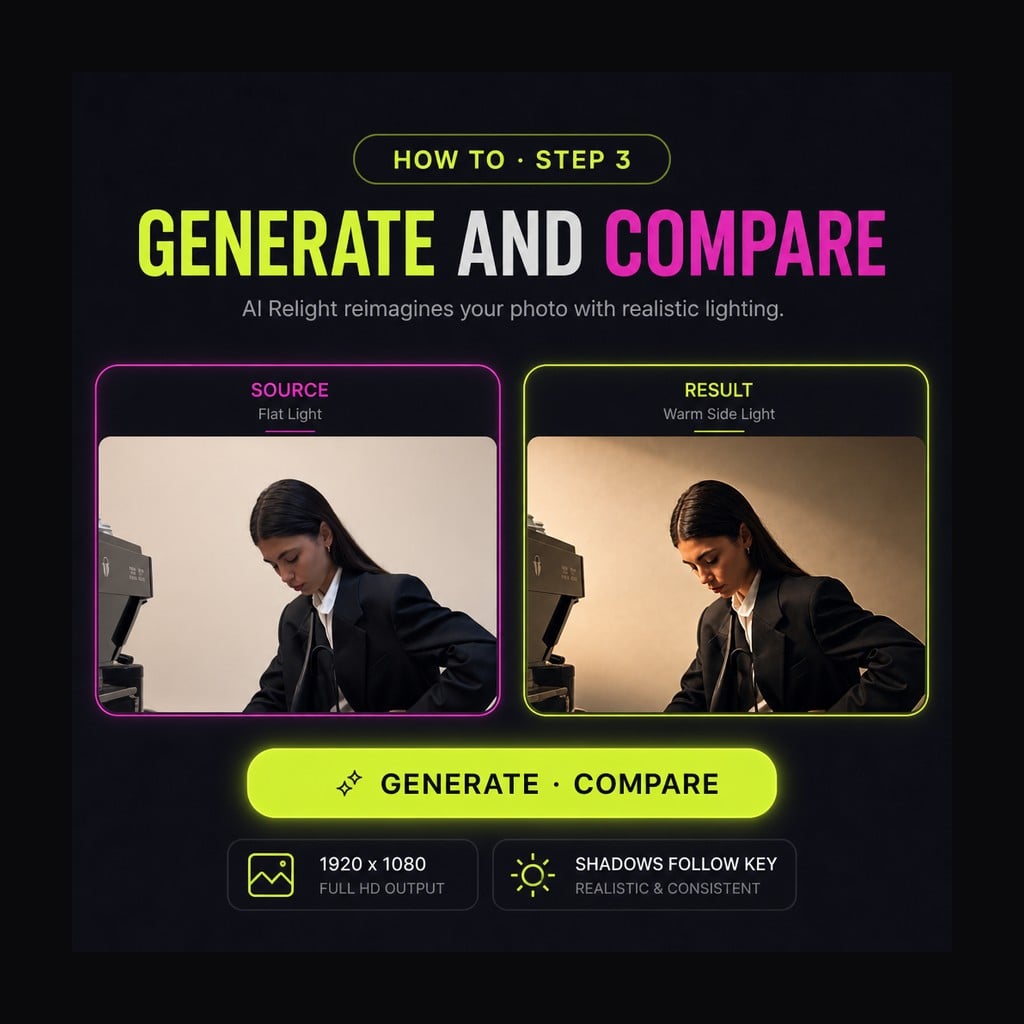
Generate and Compare
Run the edit, open the result beside the original, and check that shadows follow the new key. Download what you want to keep, or rerun the same file with a different direction.
A good face in bad light is still a wasted frame. This tool lets you change lighting in photo work after the fact: move the key light, rebuild the shadows, and keep the people and objects exactly where they sat. Photographers, sellers and anyone stuck with overhead office lamps can try a new mood on the same file instead of booking another shoot.
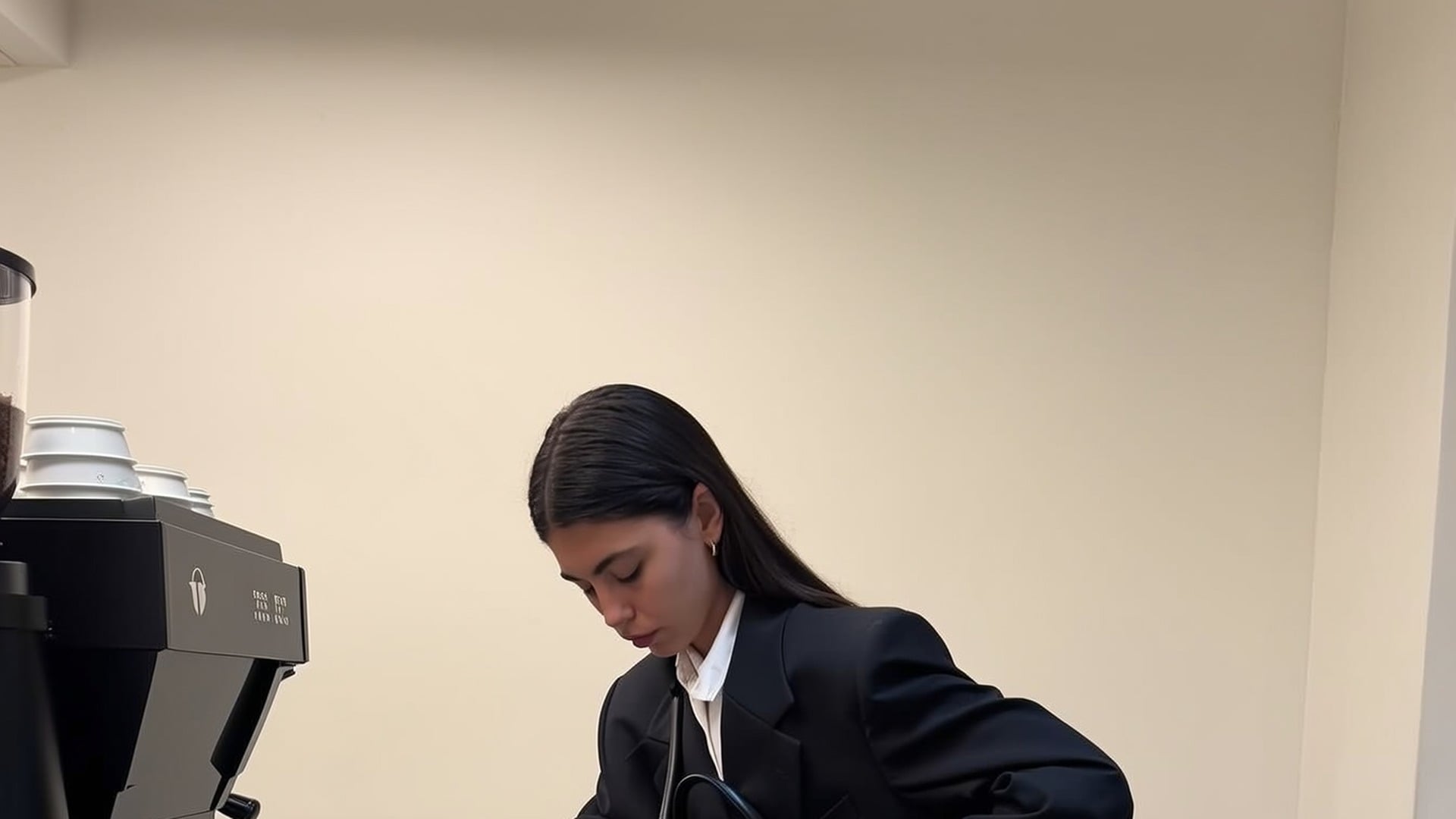
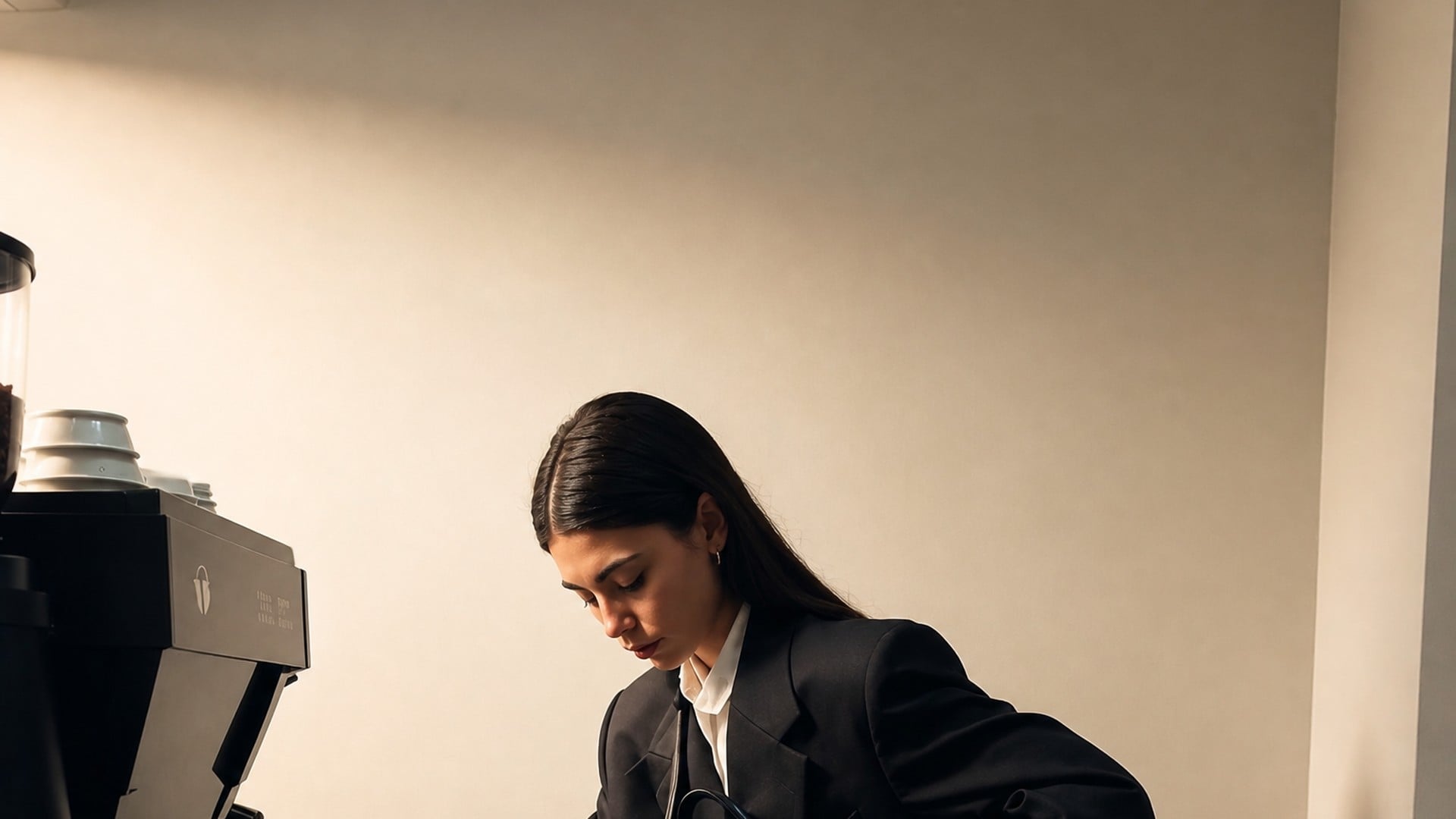
The key light moves to the side you choose, and the shade has to follow. Pick Front for even faces, or Back when you want a rim that lifts someone off a dark wall. Photo relighting is not a brightness slider: noses, collars and tabletops pick up new shade that matches the new direction. That is why a flat selfie can suddenly have depth without you changing the pose.
Try it now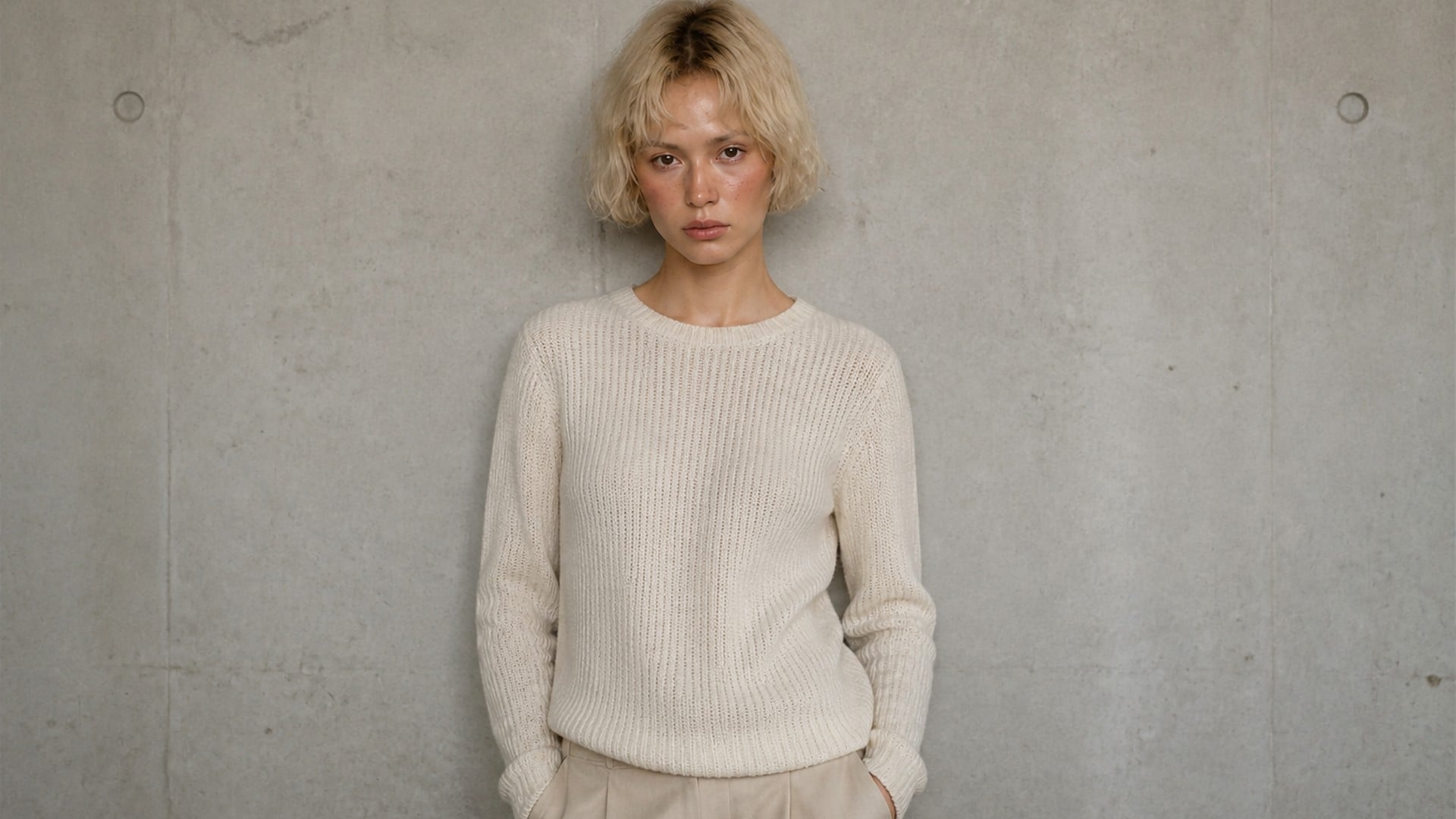
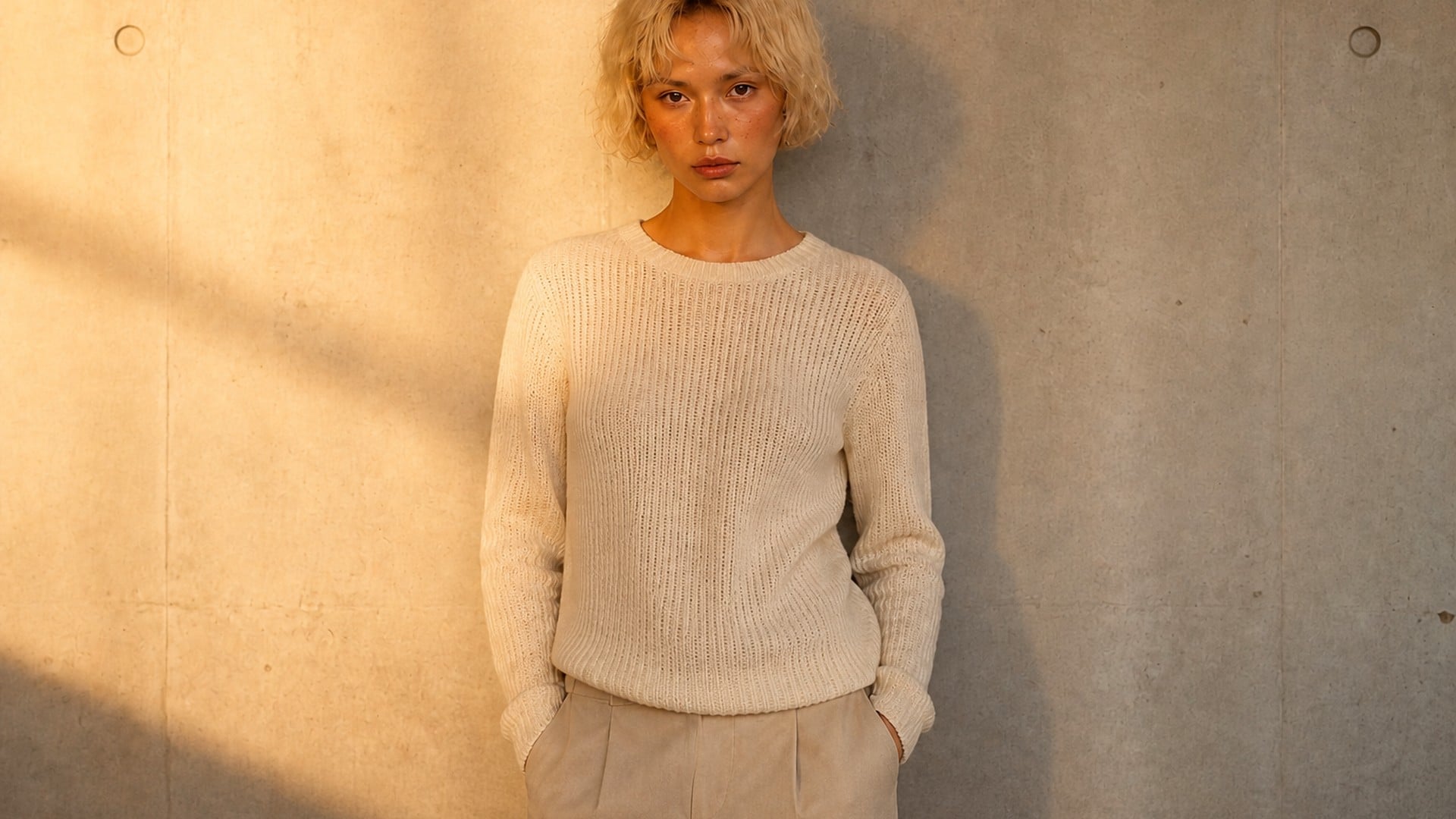
Each look carries its own colour temperature, not just a brighter or darker exposure. Soft daylight stays gentle and even; Golden hour leans warm; Neon glow pushes a cooler, staged colour. You are choosing a time of day and a kind of lamp, not dragging a slider until the file looks loud. The identity in the frame stays the same person under a different sky.
Try it now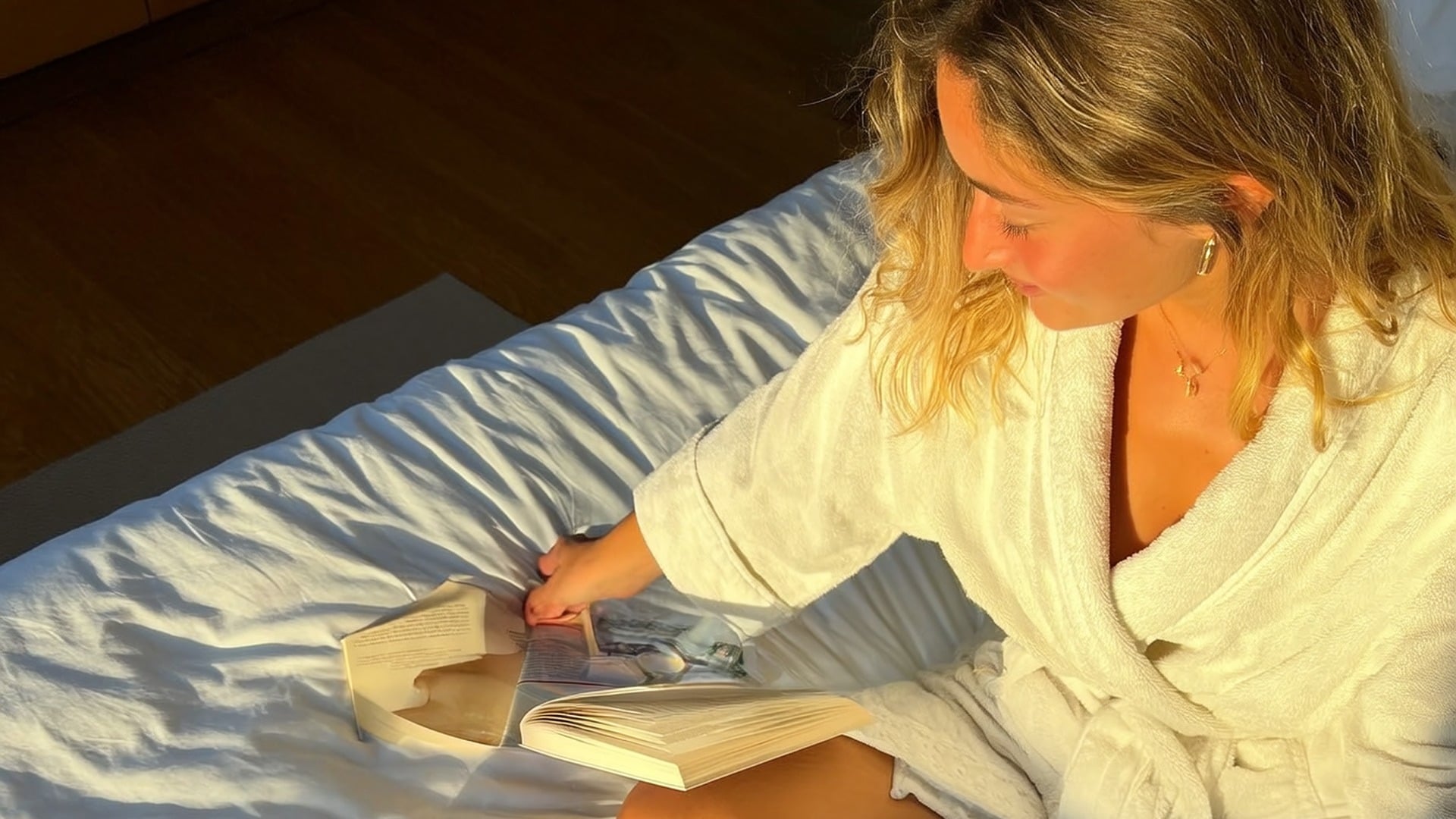
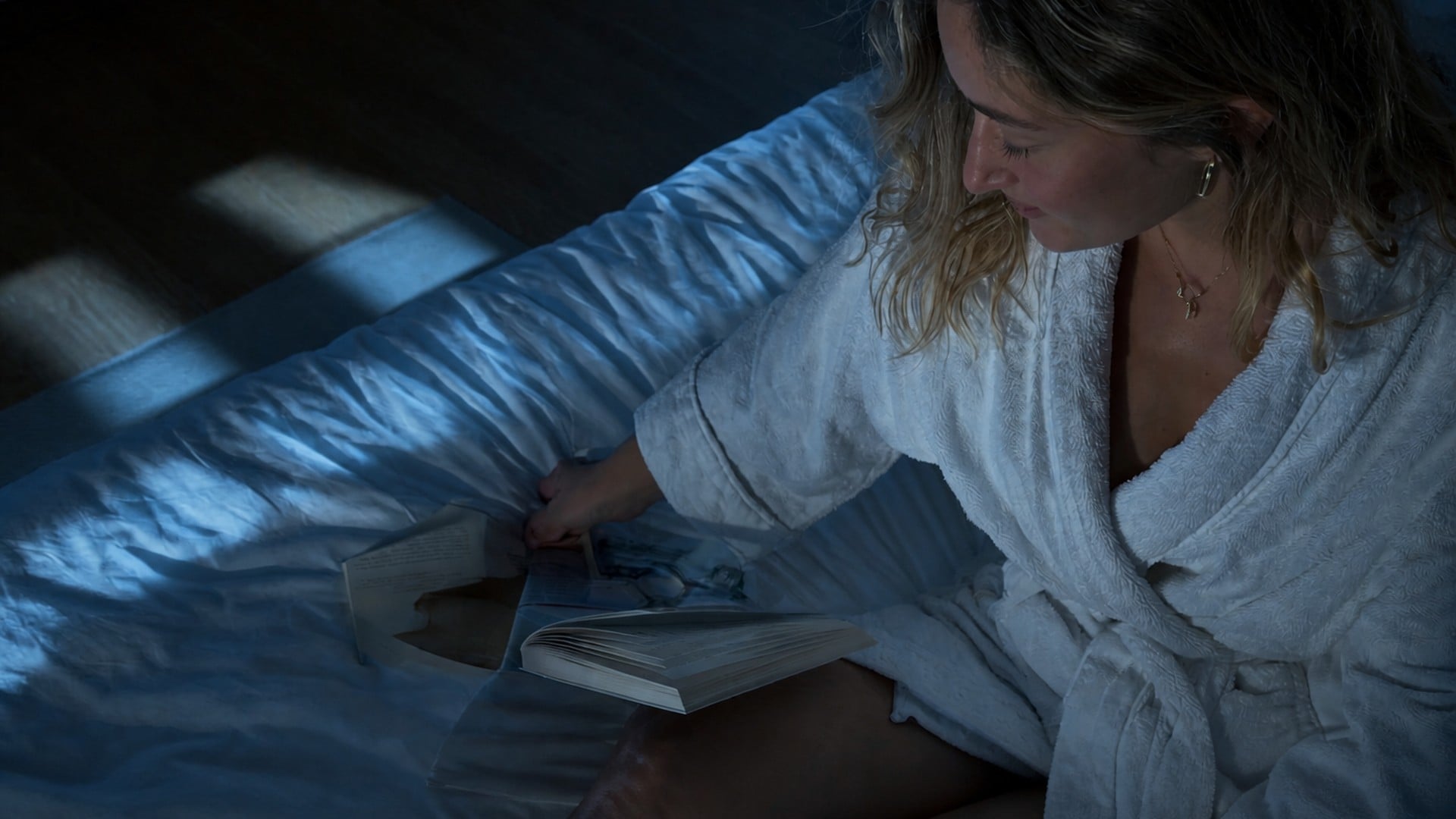
Relighting should not invent a new portrait. Faces, expressions, clothing, hands, furniture and background objects keep their place, scale and outline. What changes is how light falls across those surfaces. That continuity is the whole point: you can compare before and after on the same composition, instead of guessing whether a regenerated scene still matches the original moment.
Try it nowAI relight is built for one job: a new key light on a photo you already have, without rewriting the rest of the frame. Each capability below is aimed at shadows and colour that still read as photography, so the comparison against the original feels fair.
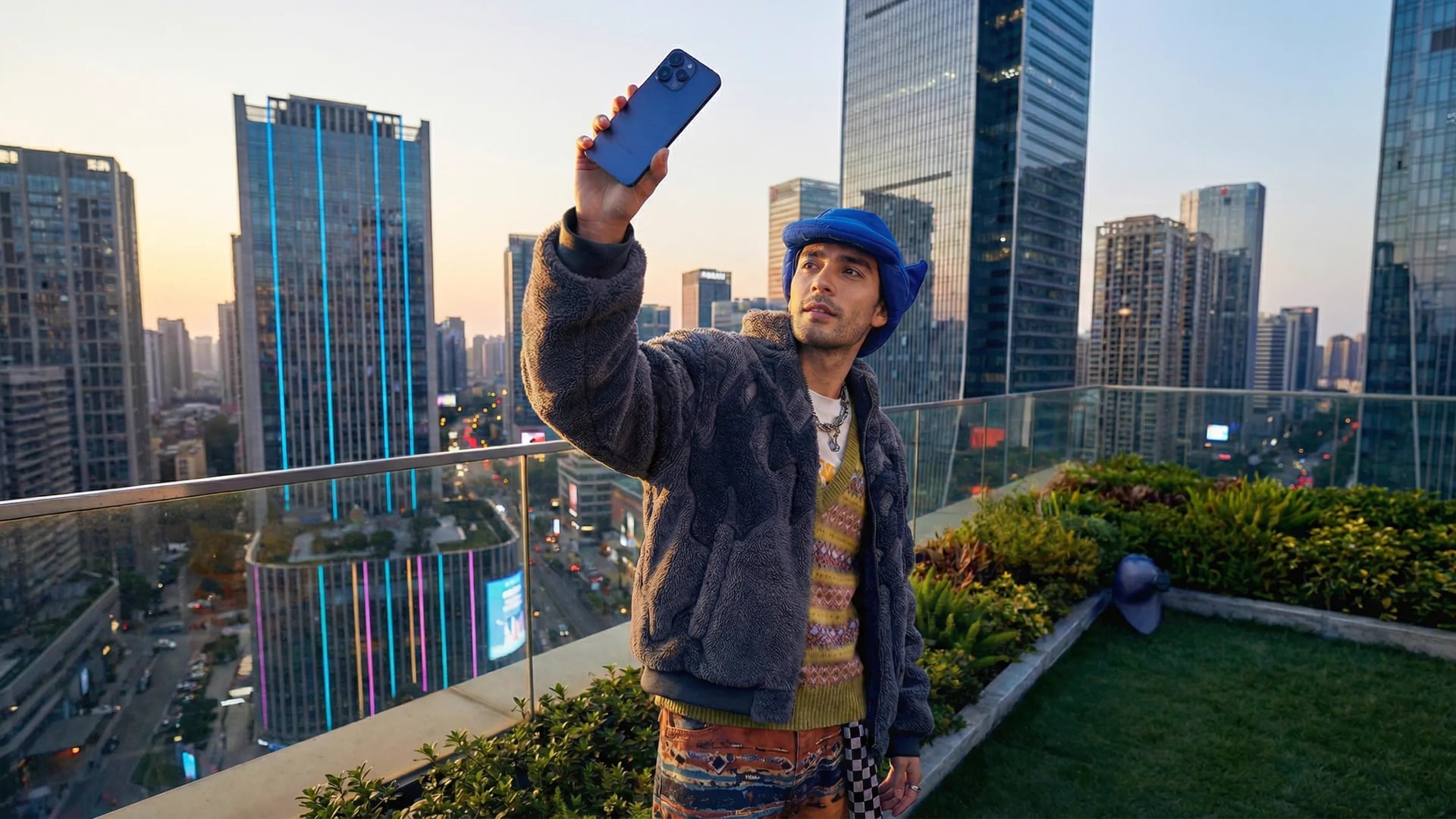
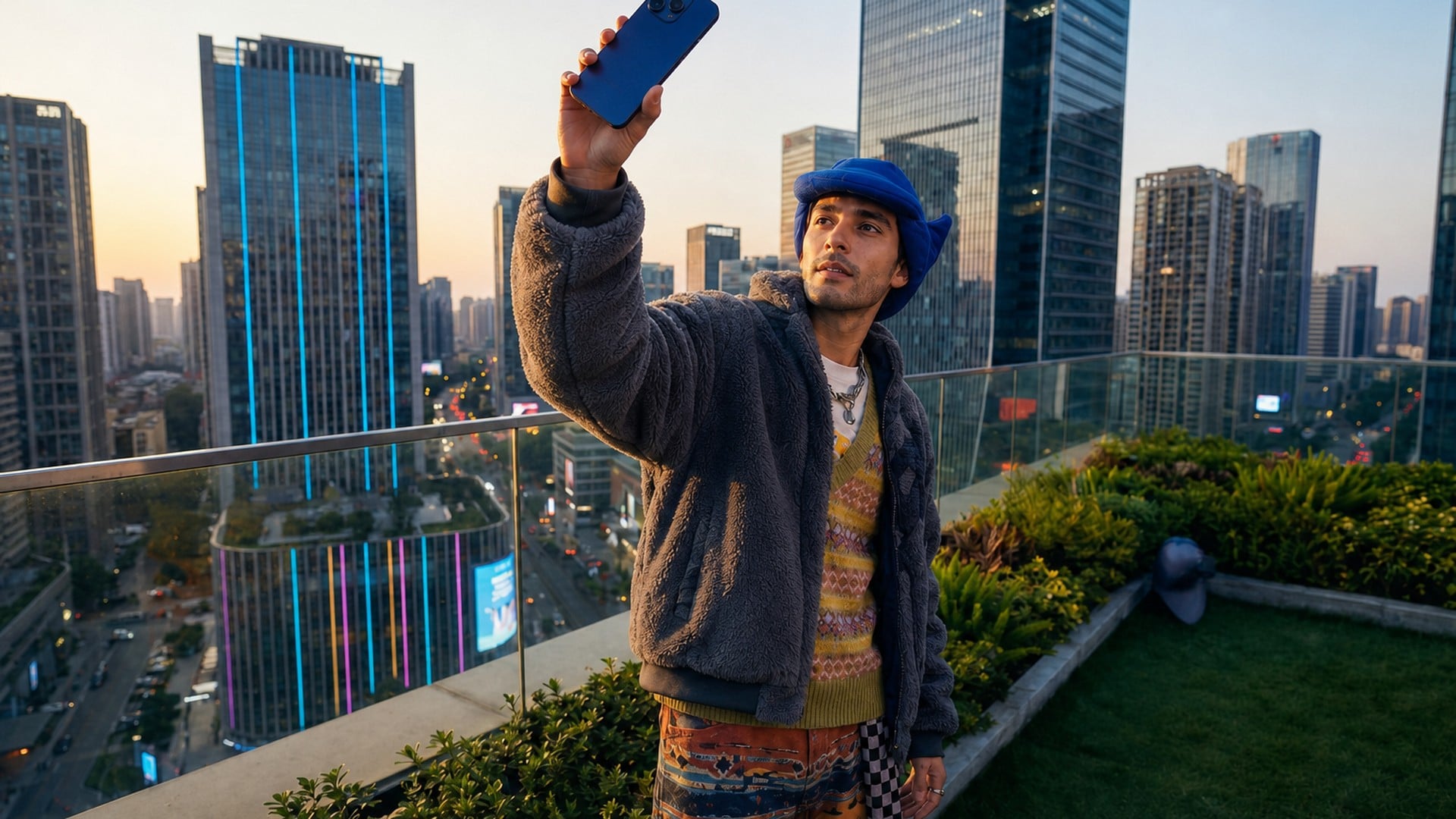
When the direction changes, highlights and shade have to move with it. A left key should throw shade to the right of a nose and a bottle, not just brighten the whole file. That directional rebuild is what makes a product shot pop and a selfie stop looking like overhead office light. If the shadows ignore the new key, the edit has failed — this tool is aiming at the case where they do not.
Try it now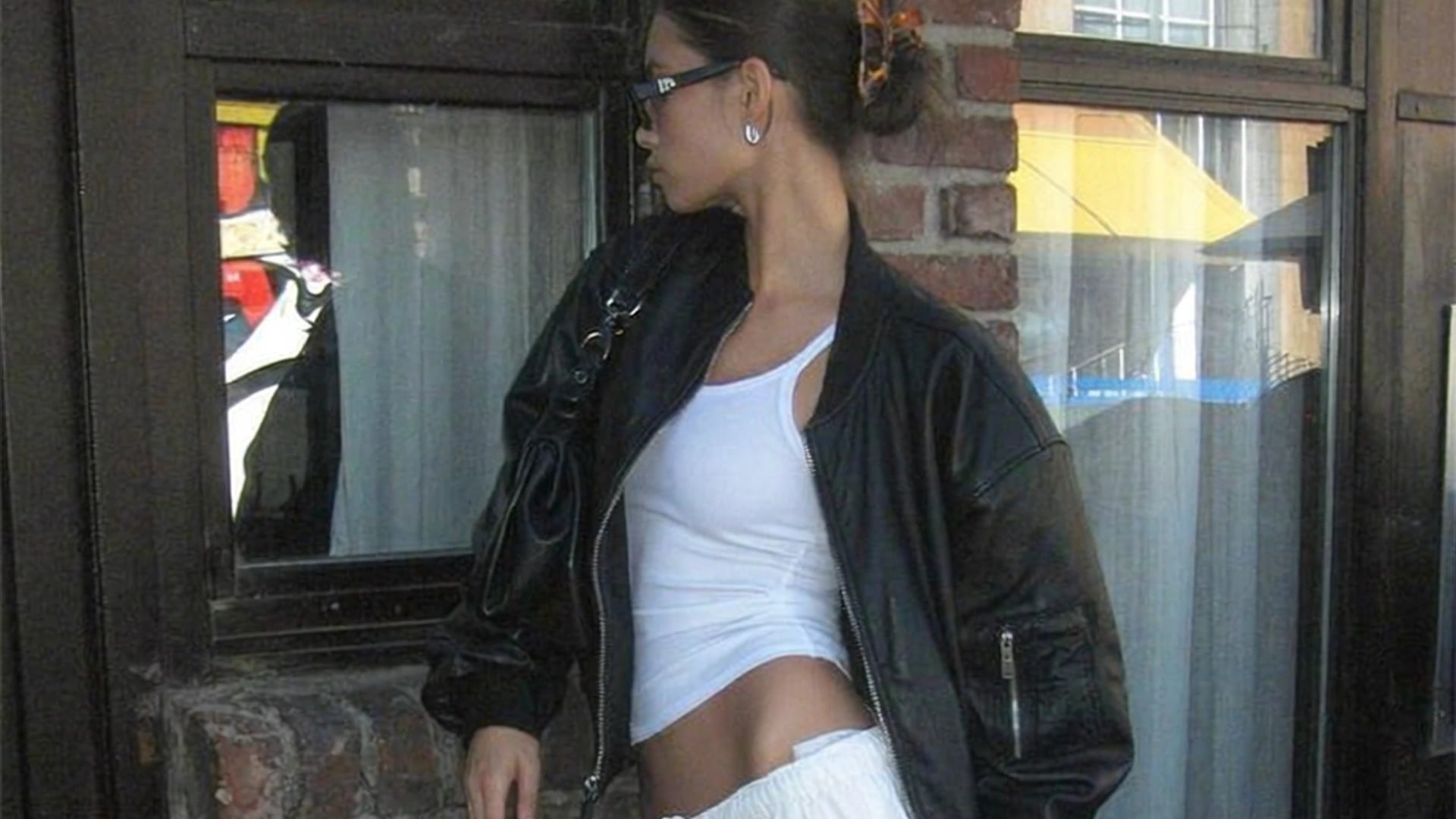
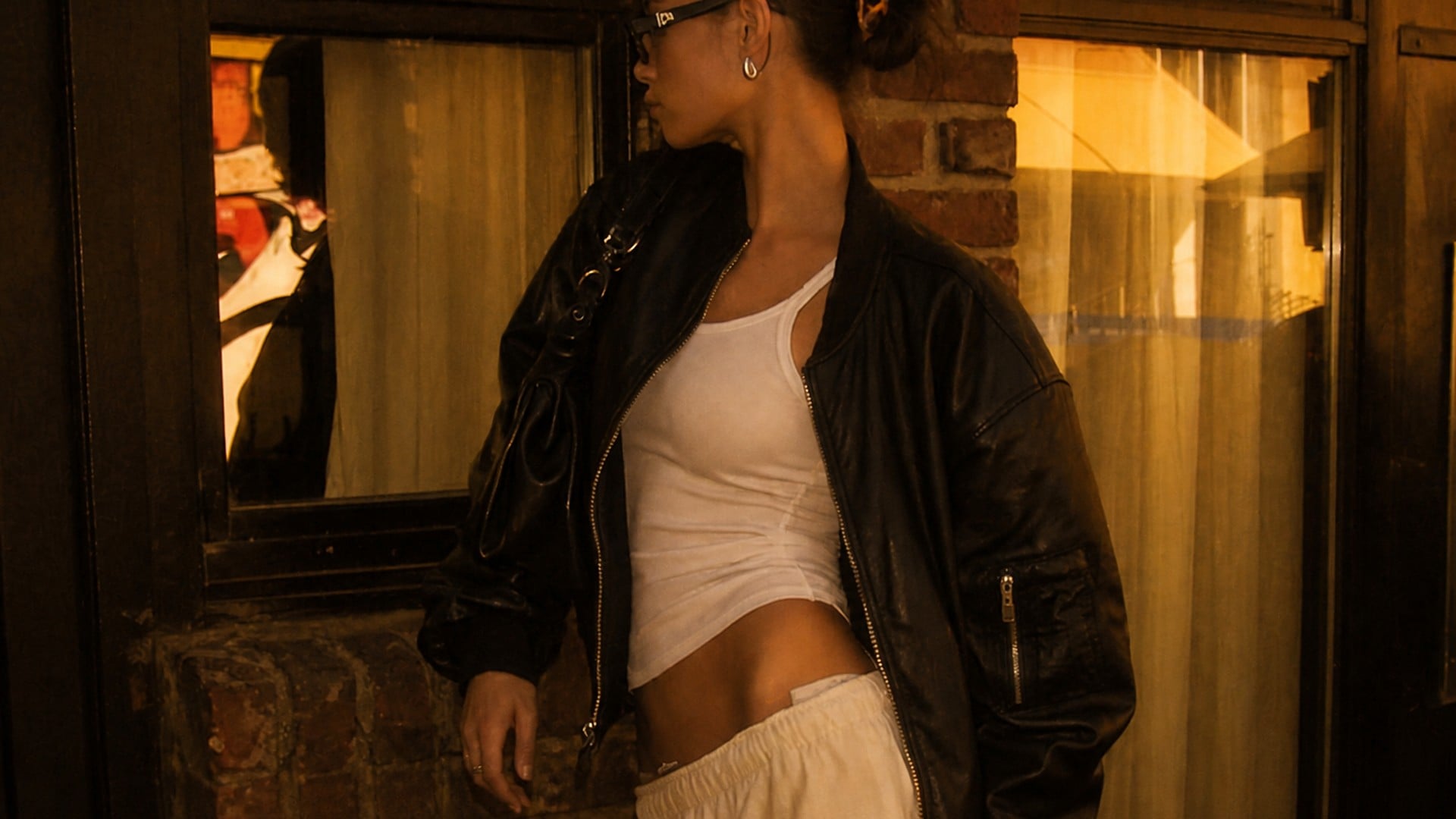
Colour temperature is folded into the look you pick, so you are not mixing a cold lamp with a sunset grade by accident. Soft daylight stays closer to window light; Golden hour brings amber along the edges; Neon glow is for staged colour, not a white-balance accident. The look and the direction stay independent, so a warm look can still sit on a side key without fighting itself.
Try it now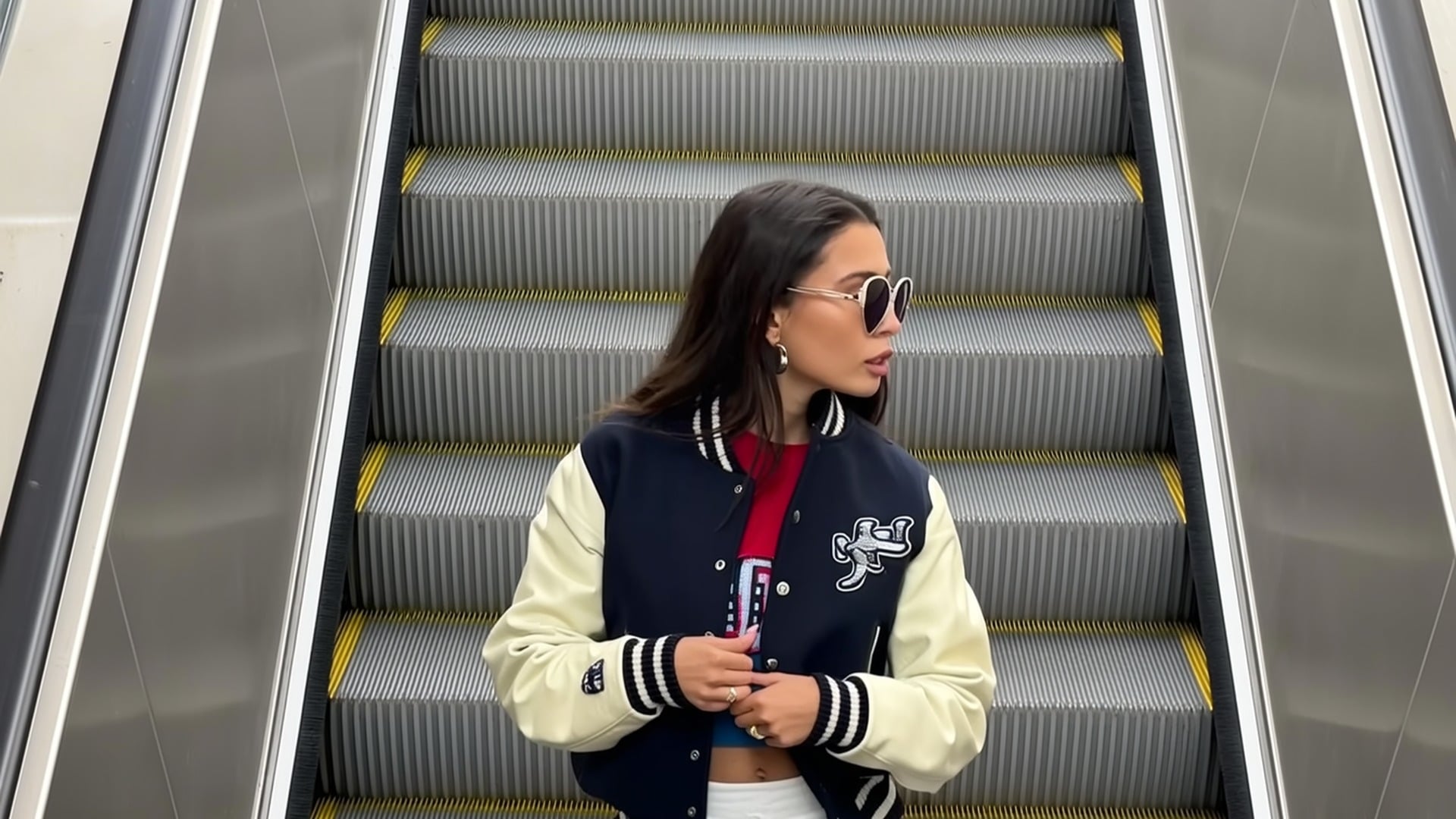
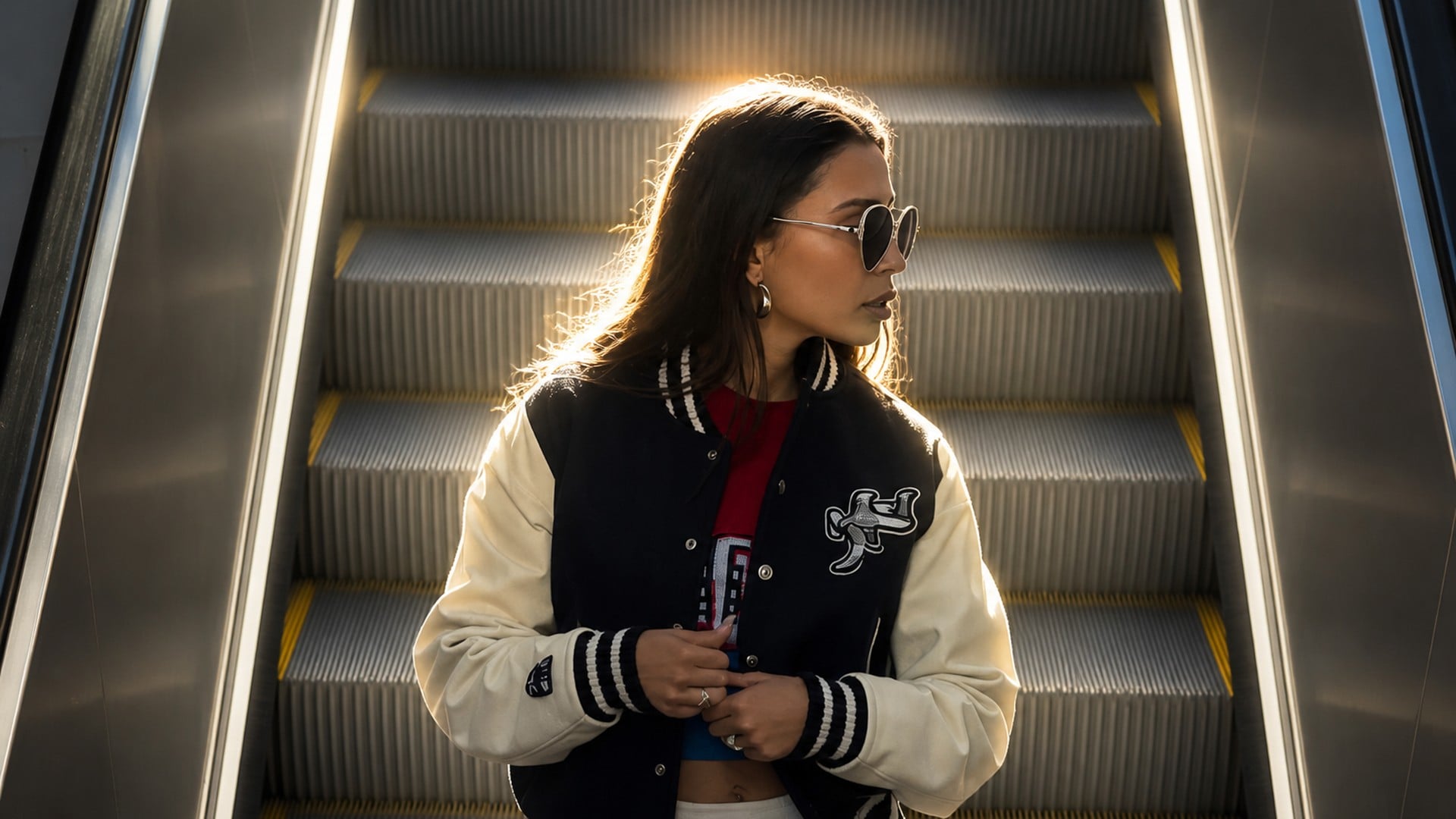
Back light is the direction people reach for when a frame feels pasted on a wall. A rim along hair and shoulders can separate a subject from a dark room without you rebuilding the set. It is still the same photo — same clothes, same room — with a key that arrives from behind. Use it when you want silhouette energy, not when you need to read every pore on the face.
Try it now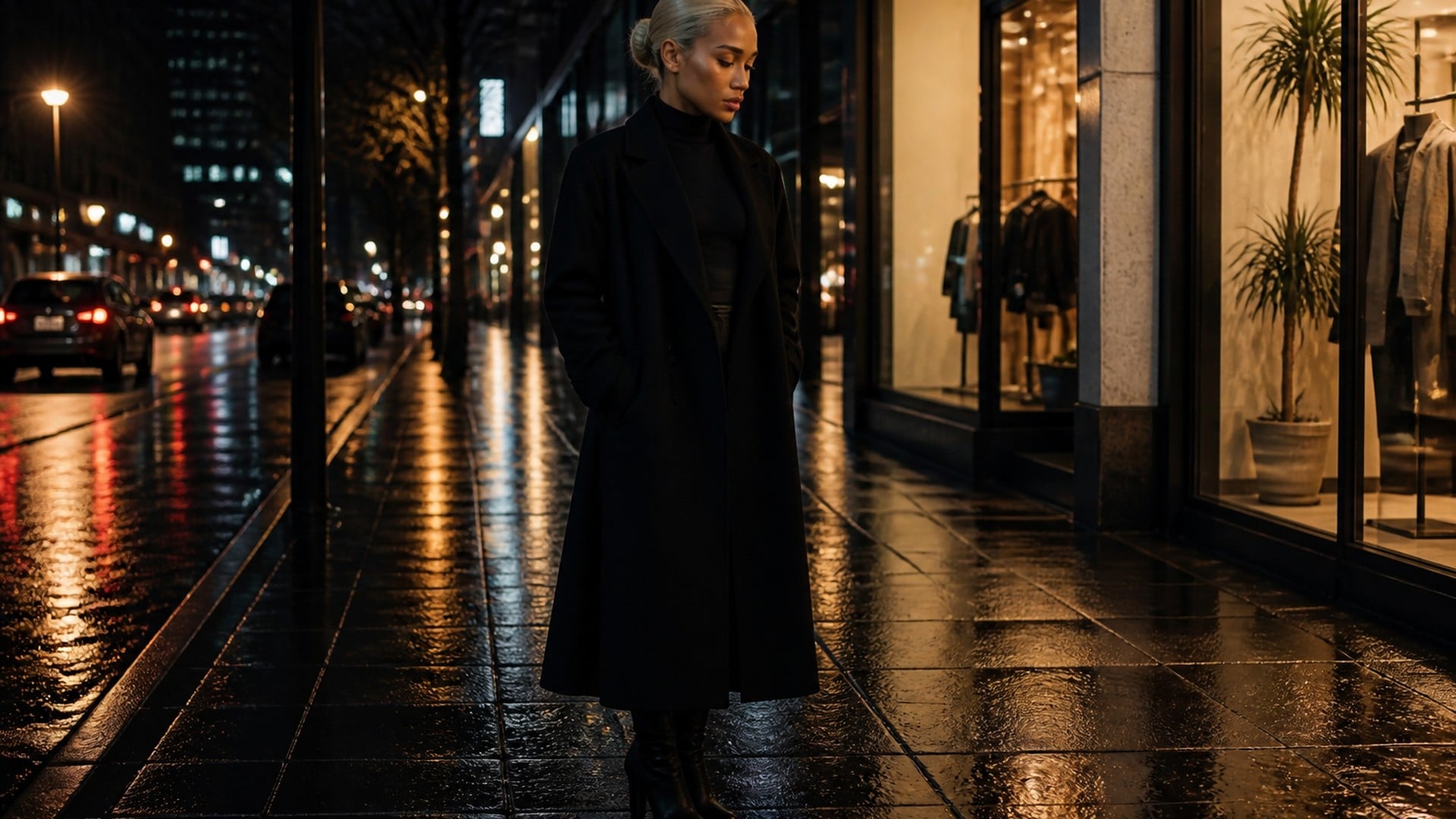
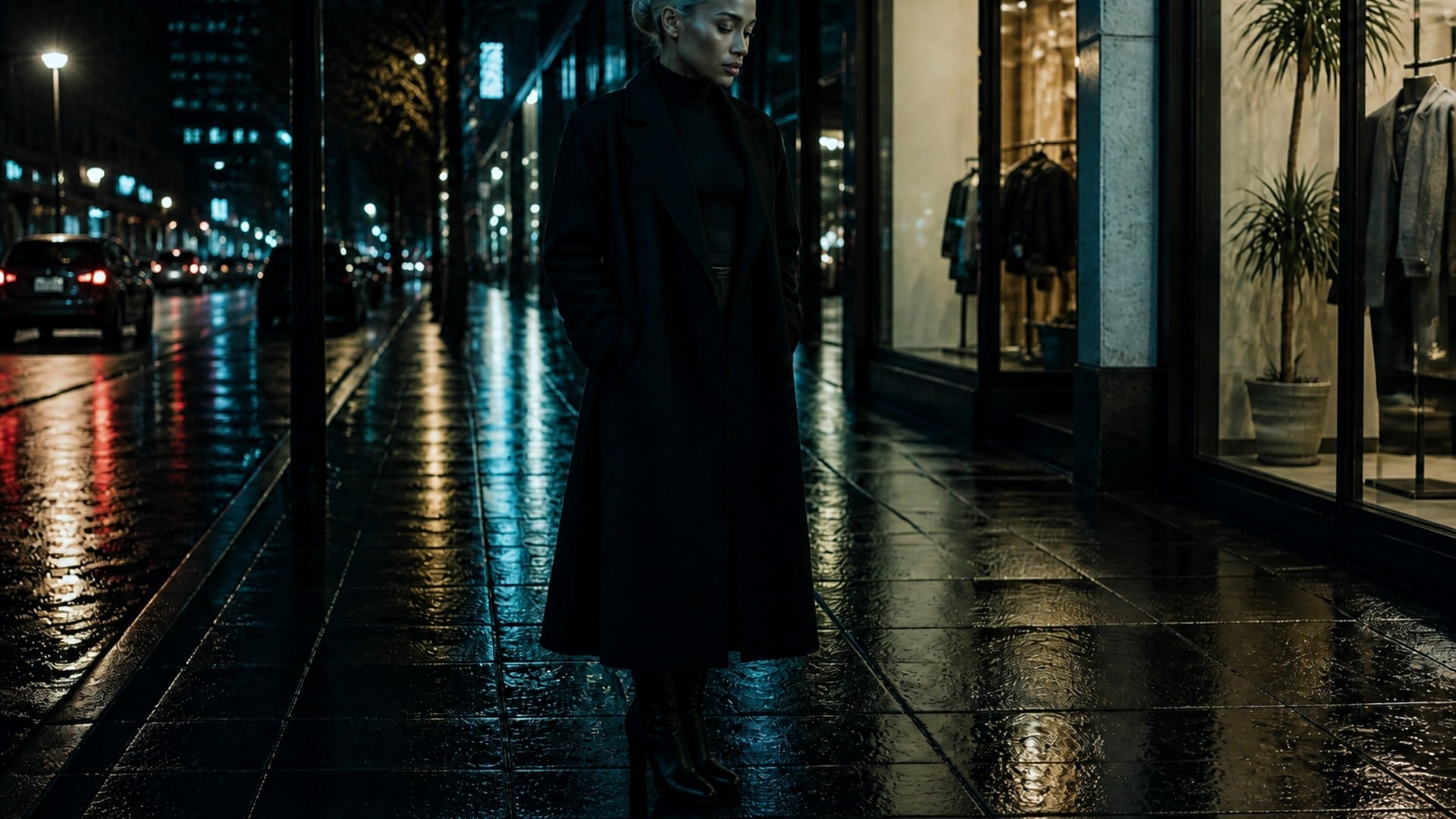
An optional note lets you lock a lamp, a window, a neon sign or a catchlight you do not want the relight to invent or erase. The description is a preservation list, not a second photoshoot brief. The result stays a photograph of the same scene — only the light moves. There is no separate style control: the finish is meant to keep the original visual language while the key and the shadows change.
Try it nowA new key light is often the first fix, not the last. Stay in Viralkey Studio to try a different mood on the same still, or take that frame into another visual pass.
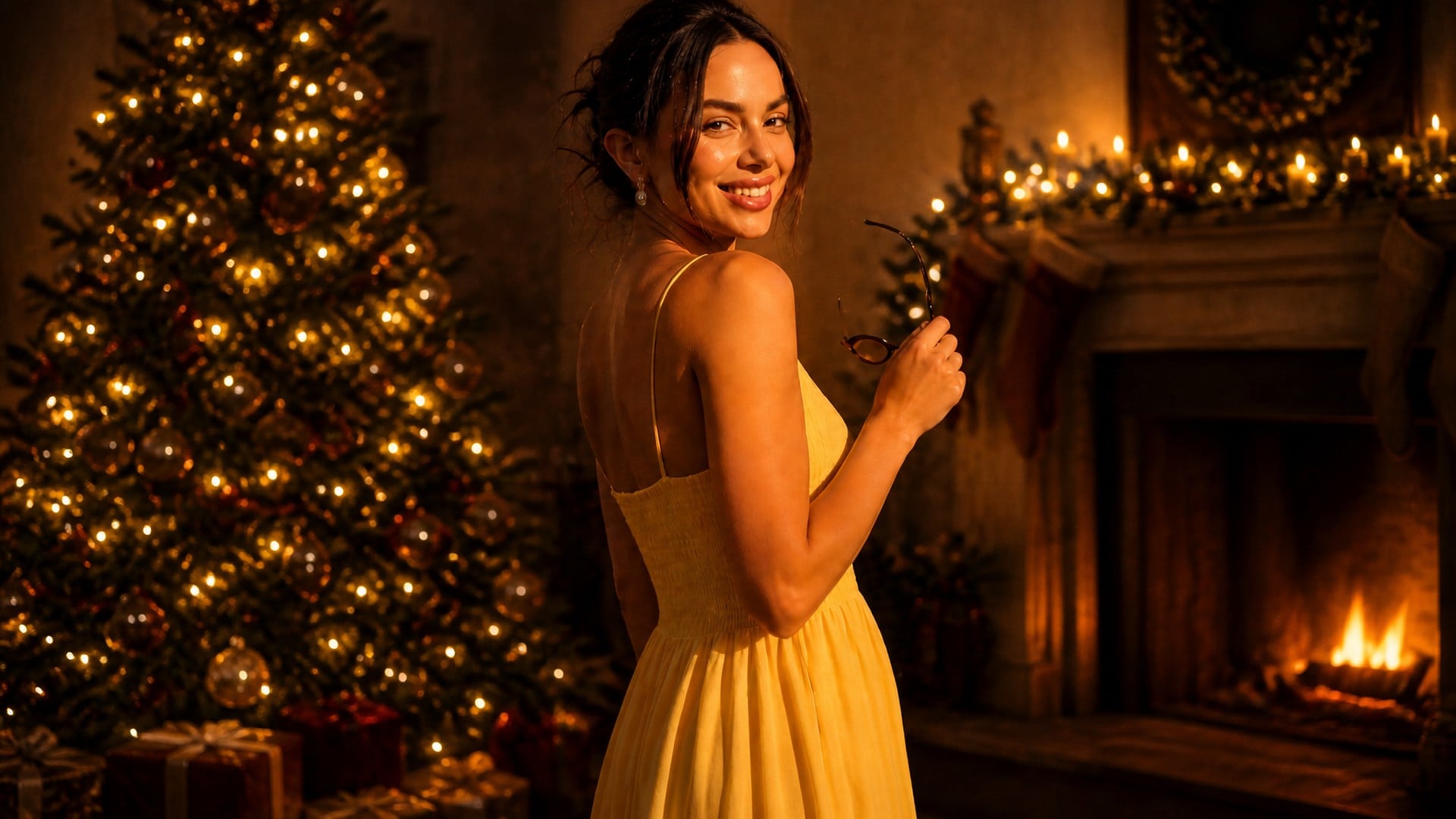
Festive backgrounds, Santa outfits and holiday makeovers — you stay you.
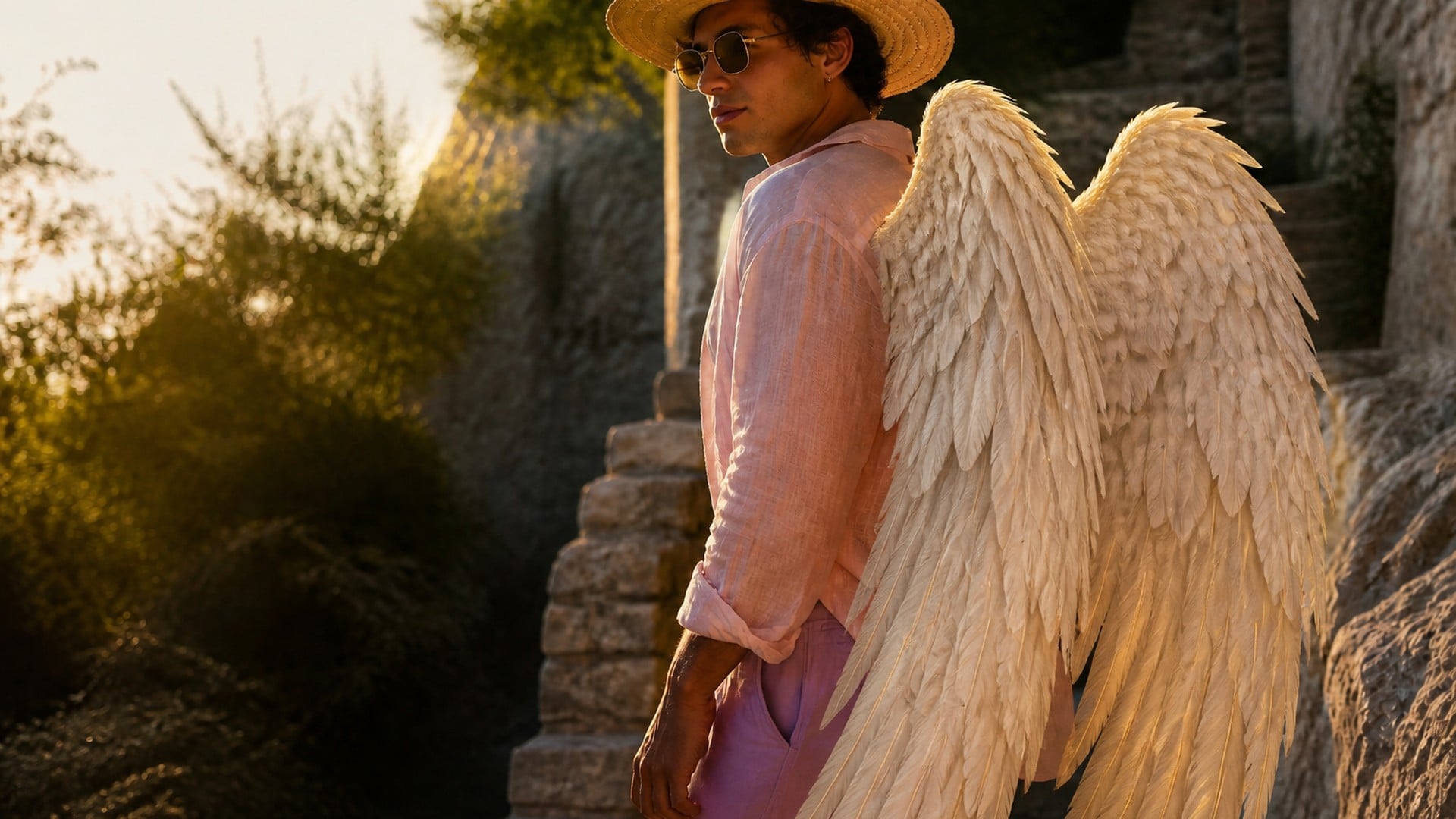
Realistic wings, lit by your scene and anchored to your pose.
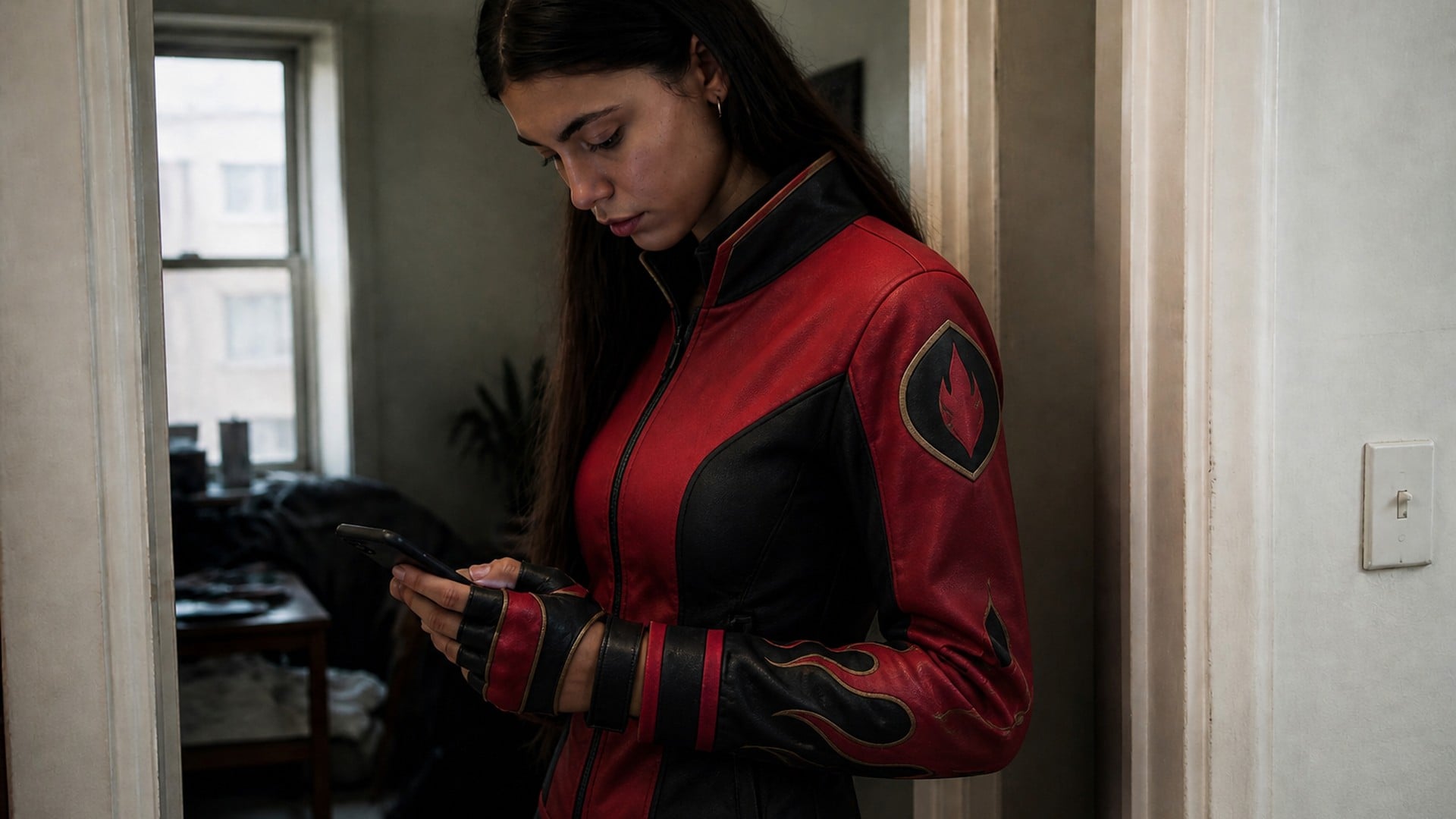
Your selfie as an original trainer — pick a type, view and style.
Photos or ideas as minimal one-line drawings, print-ready.
Explore leading models for AI video, image generation, editing, and cinematic storytelling.

Create Wan 3.0 clips on Viralkey: native 1080p, 2–30 seconds, start/end frames, up to 20 mixed references, and audio generated with the picture.

Create cinematic MiniMax H3 clips on Viralkey: native 2K, up to 15 seconds, text-to-video, start/end frames, and up to nine reference images.

Generate short HD clips on Viralkey with start/end frame direction and up to 50 reference images. Built for music video scenes and performer shots.

Create cinematic Seedance 2.0 clips on Viralkey: native 4K, start/end frames, up to nine reference images, and built-in audio with lip-sync.
People open this tool when the moment was right and the light was not. Whether you need a usable headshot, a listing image, or a warmer portrait from a noon file, the value is a new key on the real scene you already shot.
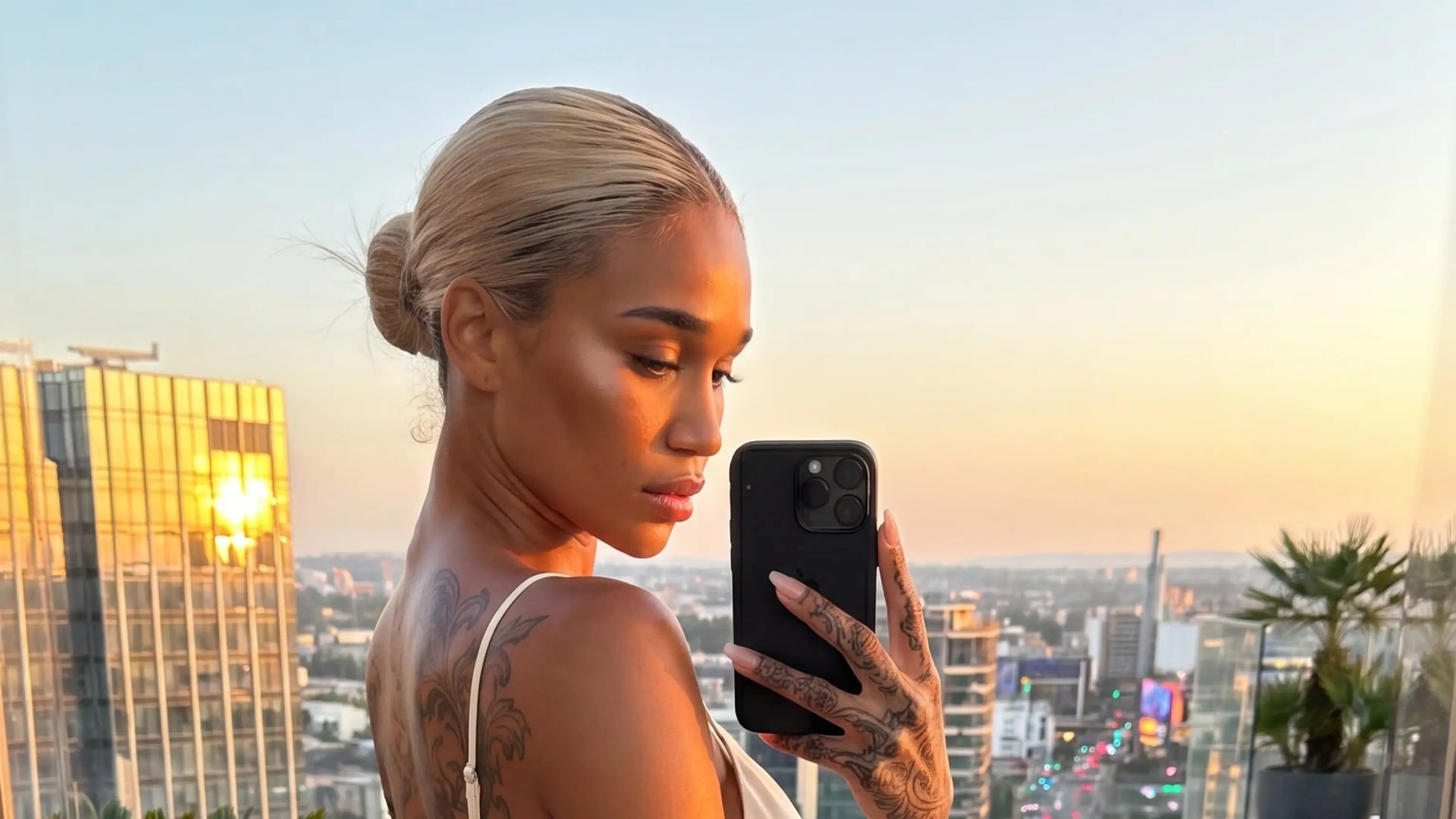
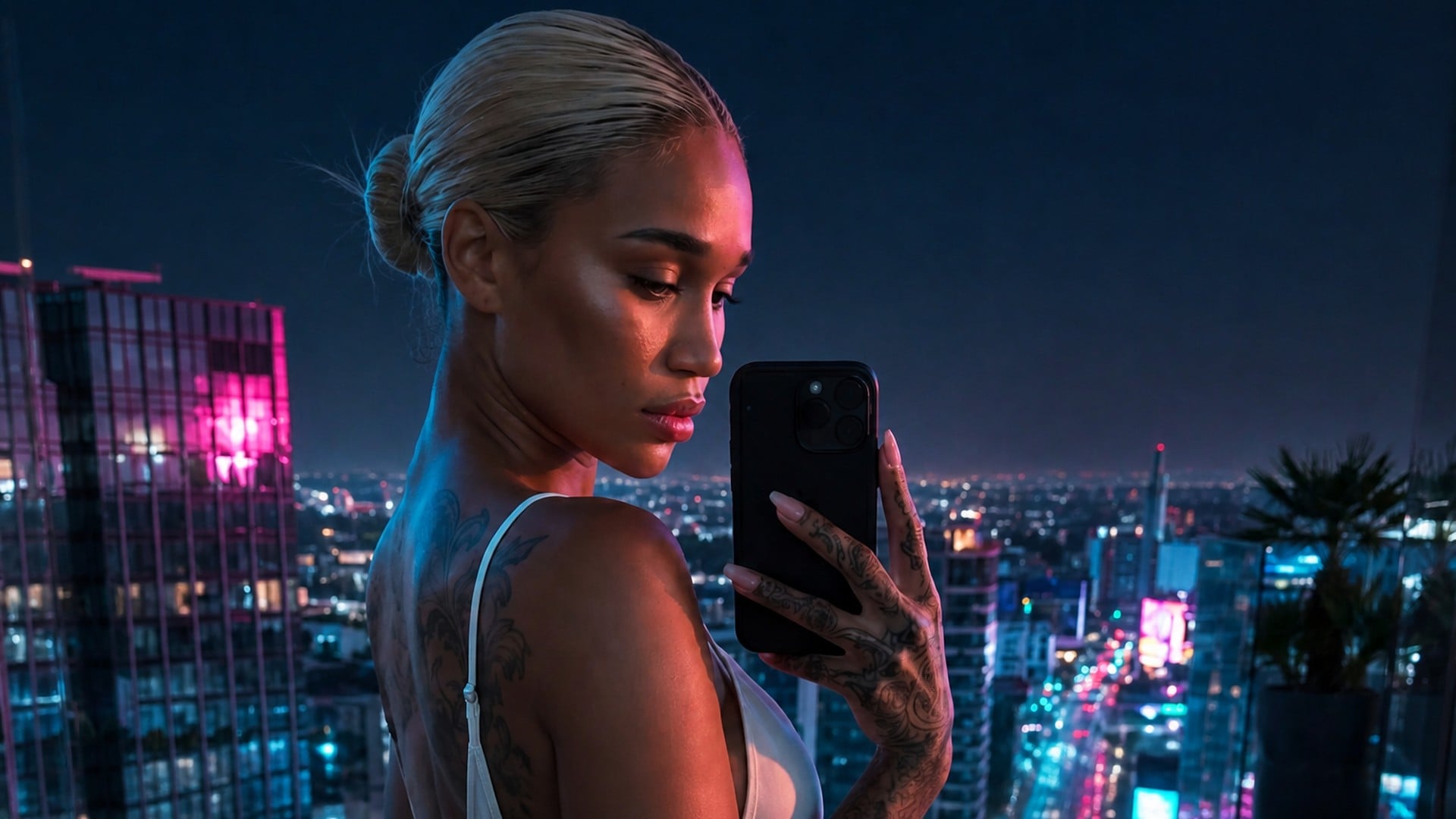
Overhead office light flattens cheeks and kills catchlights. A directional relight on the same selfie gives you shade under the brow and a side that actually turns, without you booking a studio or moving furniture. That is the fastest path from a usable face to a frame you would actually post.
Try it now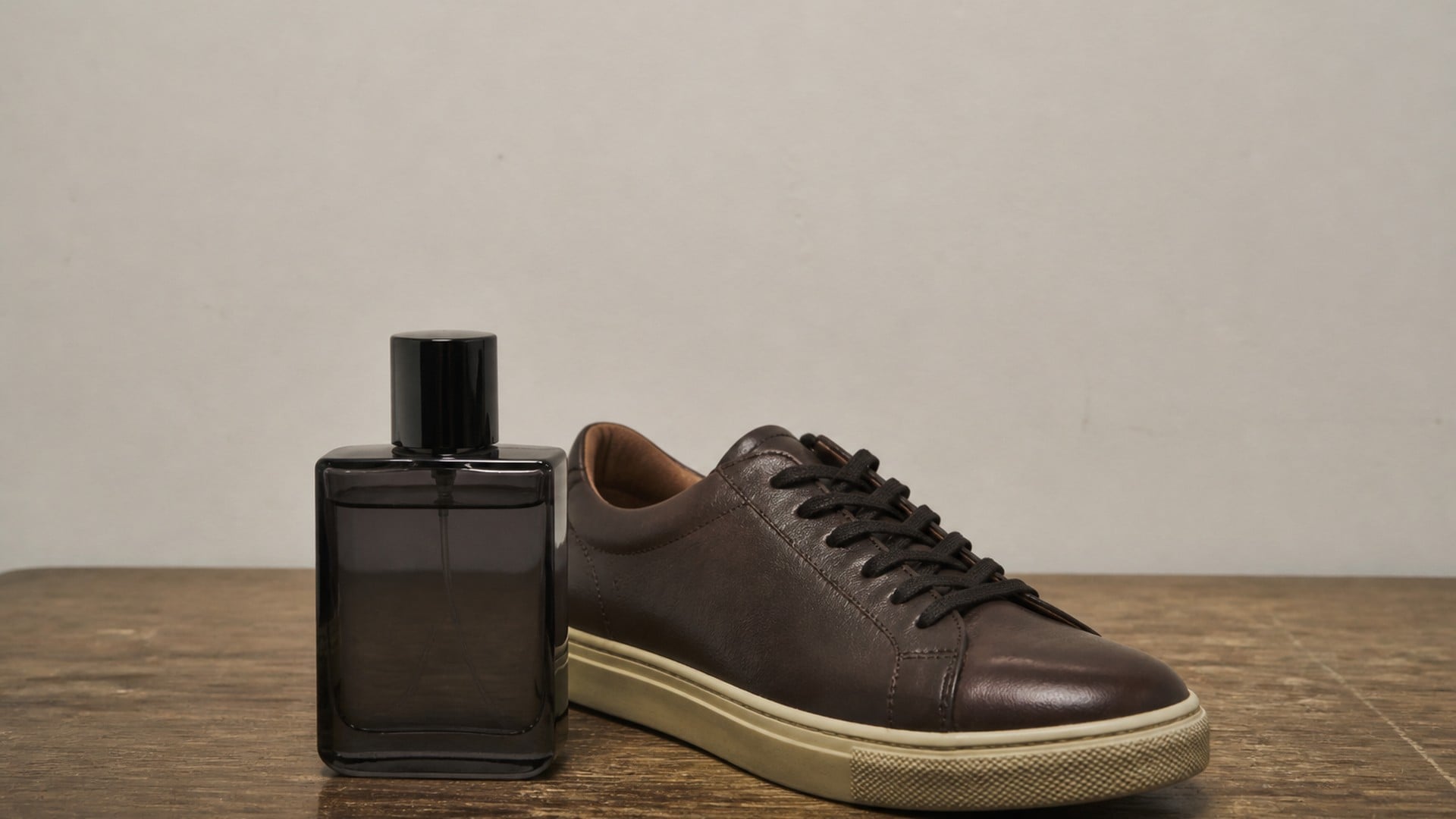
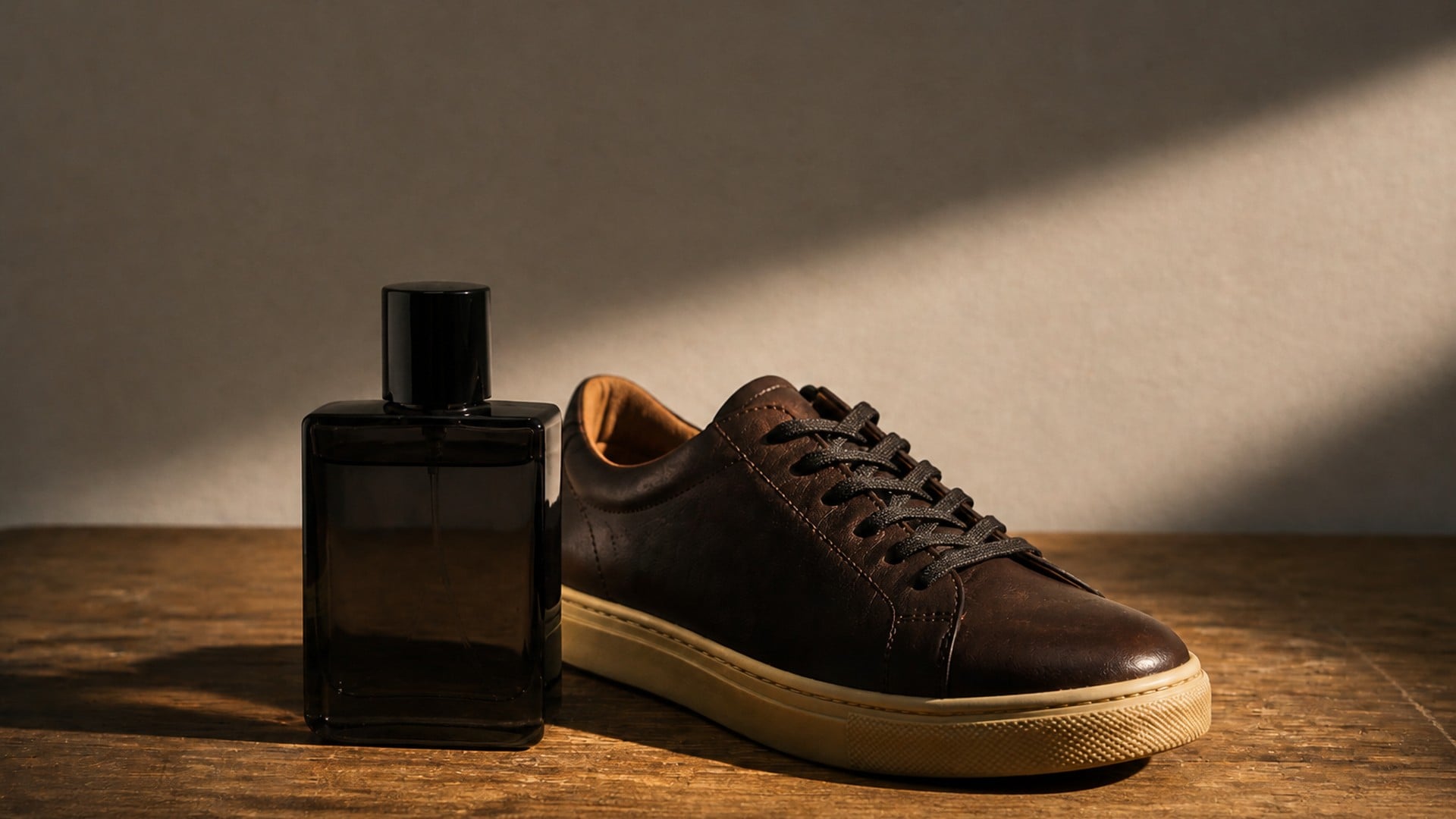
Listings live or die on whether the object separates from the table. Change lighting in photo product work by moving the key so a bottle, a shoe or a jacket picks up a highlight and a clean shadow, while the label and the set stay exactly as shot. One file can cover a daylight look and a moodier evening pass without a second setup.
Try it now

You cannot always wait for the sun. A Golden hour look on a midday portrait warms the edges and drops the overhead glare, so a walk, a window seat or a street corner can still read as evening. The person, the clothes and the place stay yours — only the time of day in the light changes.
Try it now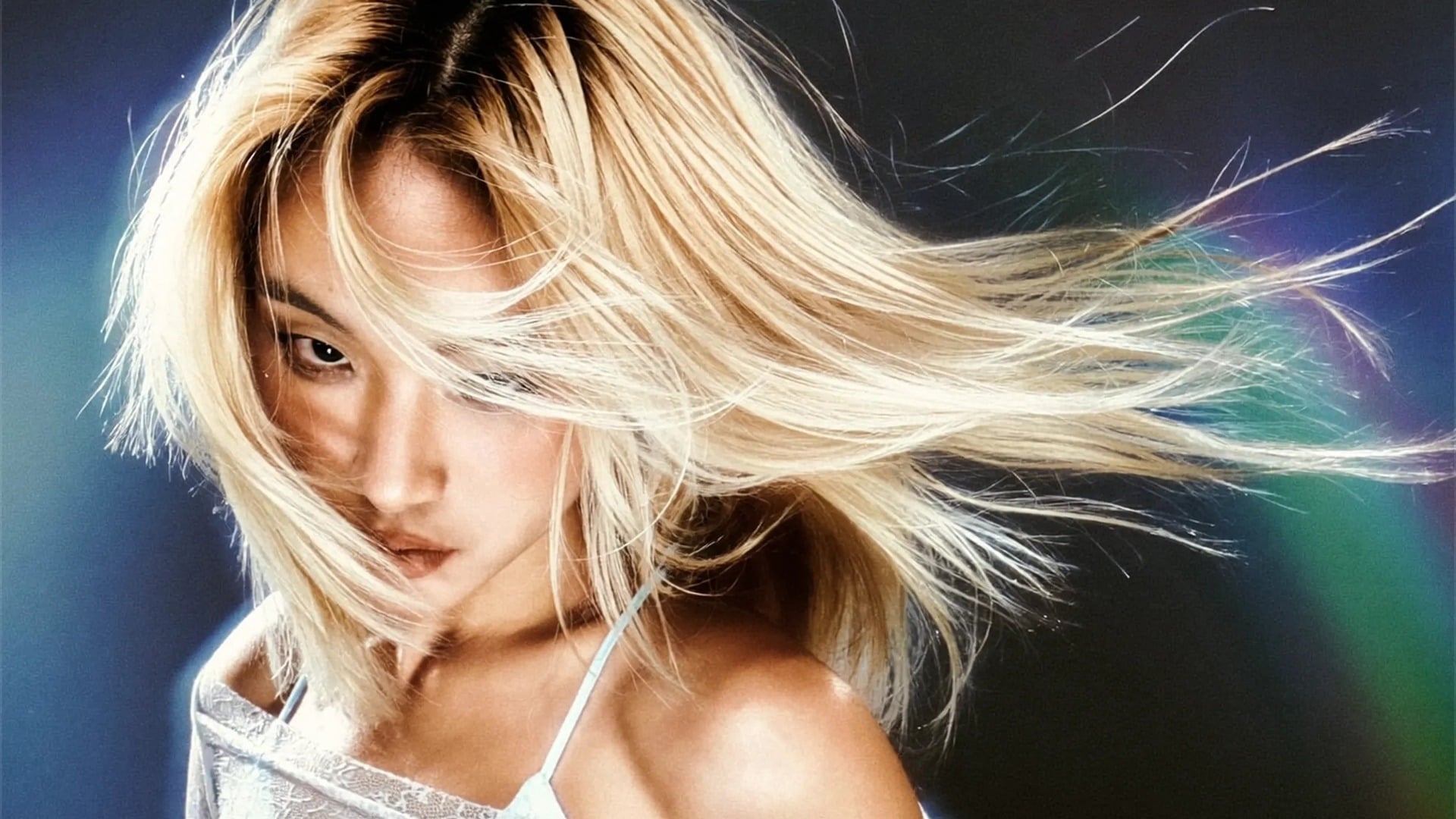
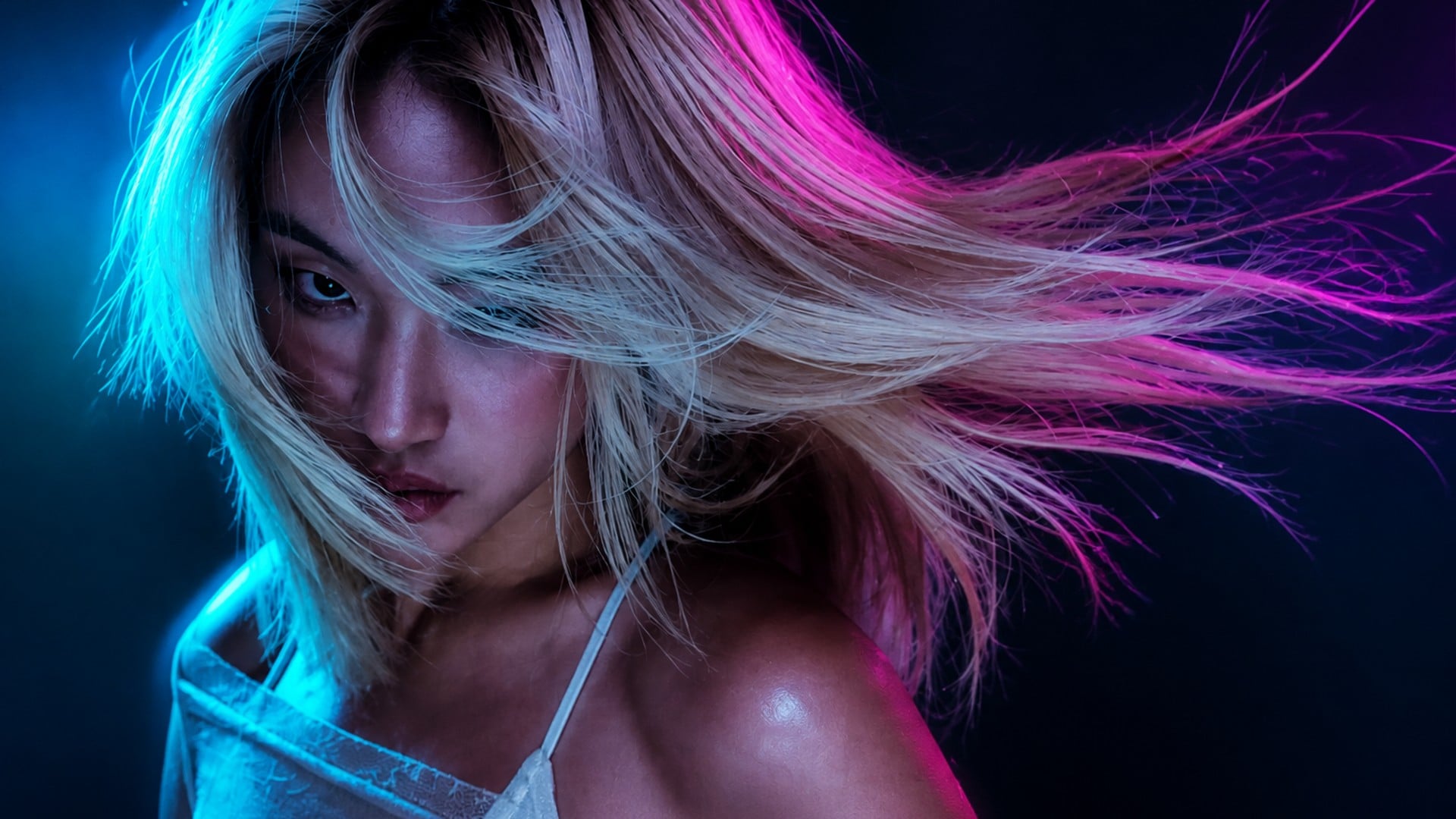
Promo stills and cover drafts often need Neon glow or Cool night on a frame that was shot under mixed practicals. Relight the same band photo or portrait instead of rebuilding the set. You keep continuity with the original shoot while the mood finally matches the track or the campaign.
Try it nowNotes from creators who used this tool on real work.
Cormac Everhart
Portrait photographerThe Golden hour look saved a noon shoot we mistimed.
Same faces, finally the right warmth.
Elise Holcomb
Product sellerI flipped the key from Front to Left and the bottle's shadow actually moved.
That sold me.
Soren Isley
Marketing leadMy flat office headshot finally has a side.
I stopped booking a second lunchtime session.
Odile Jessop
Band managerNeon glow on the promo still looks like we lit a set.
We did not. We had one hallway photo.
Tariq Aldine
IllustratorBack light gave me a rim without rebuilding the room.
Hair edge, dark wall, done.
Maeve Beaumont
Vintage store ownerI relight listing photos on the same files now.
Labels stay readable, objects finally pop.
Pavel Coltrane
Cafe ownerWarm indoor matched the cafe windows we already had.
No more reshoots after close.
Saskia Drummond
Content creatorI told it to leave the neon sign alone.
It did. Everything else got a new key.
Hugo Fenwick
Fashion resellerKept every fold in the dress — only the light moved.
That is the whole product for me.
Relight photo on Viralkey is a studio edit that rebuilds the key light on a still you already have. You upload one source photo, choose a light direction such as Front or Back, pick a look like Soft daylight or Golden hour, and receive an image that keeps pose, clothing, objects and framing from the original. Shadows and colour temperature are what change. It is lighting replacement on the same scene — not a new portrait generated from scratch, and not a simple brightness filter.
Turn your ideas into reality with AI. Generate, refine, and innovate — creation starts here.