



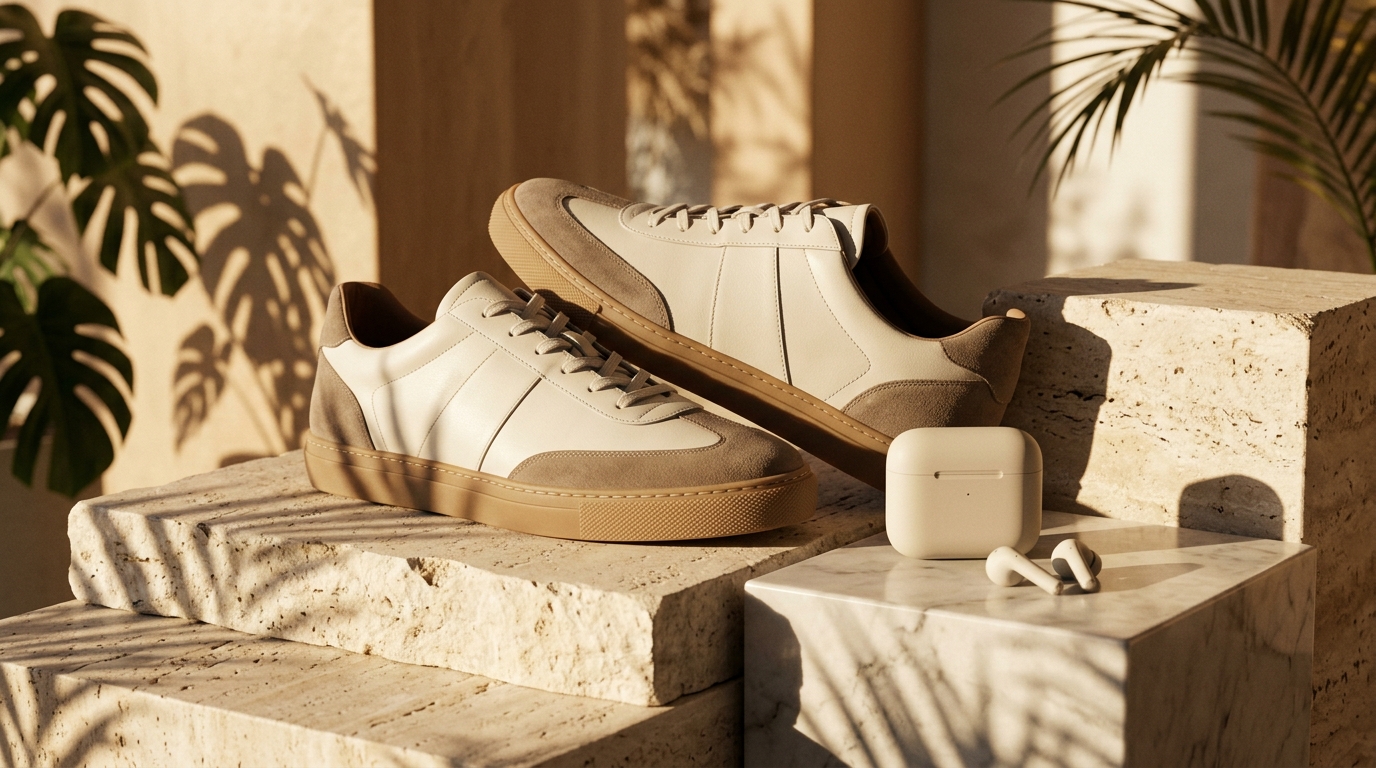
Reverse Prompting
Creative DirectionUpload a hero reference and pick Scene + AI Prompt to extract camera angle, key light, and color temperature for consistent campaigns.
Turn any photo, product shot, or reference visual into clean alt text, reverse-engineered AI prompts, and structured scene breakdowns inside Viralkey Agent. Powered by Viralkey Agent · Explore AI Caption Generator · Instagram Hashtag Generator · AI Selfie Generator
What should the description emphasize?
Whether you need accessible ecommerce alt text, a detailed AI prompt matching a reference look, or a quick lighting audit before a shoot, selecting your output focus and language in the form sends your attached images straight to Viralkey Agent for structured analysis. Run tailored briefs inside Viralkey Agent or explore model-based creation in the AI Image Generator · Related workflows: AI Caption Generator · Instagram Hashtag Generator · AI Selfie Generator
Turn any photo, product shot, or reference visual into clean alt text, reverse-engineered AI prompts, and structured scene breakdowns inside Viralkey Agent.
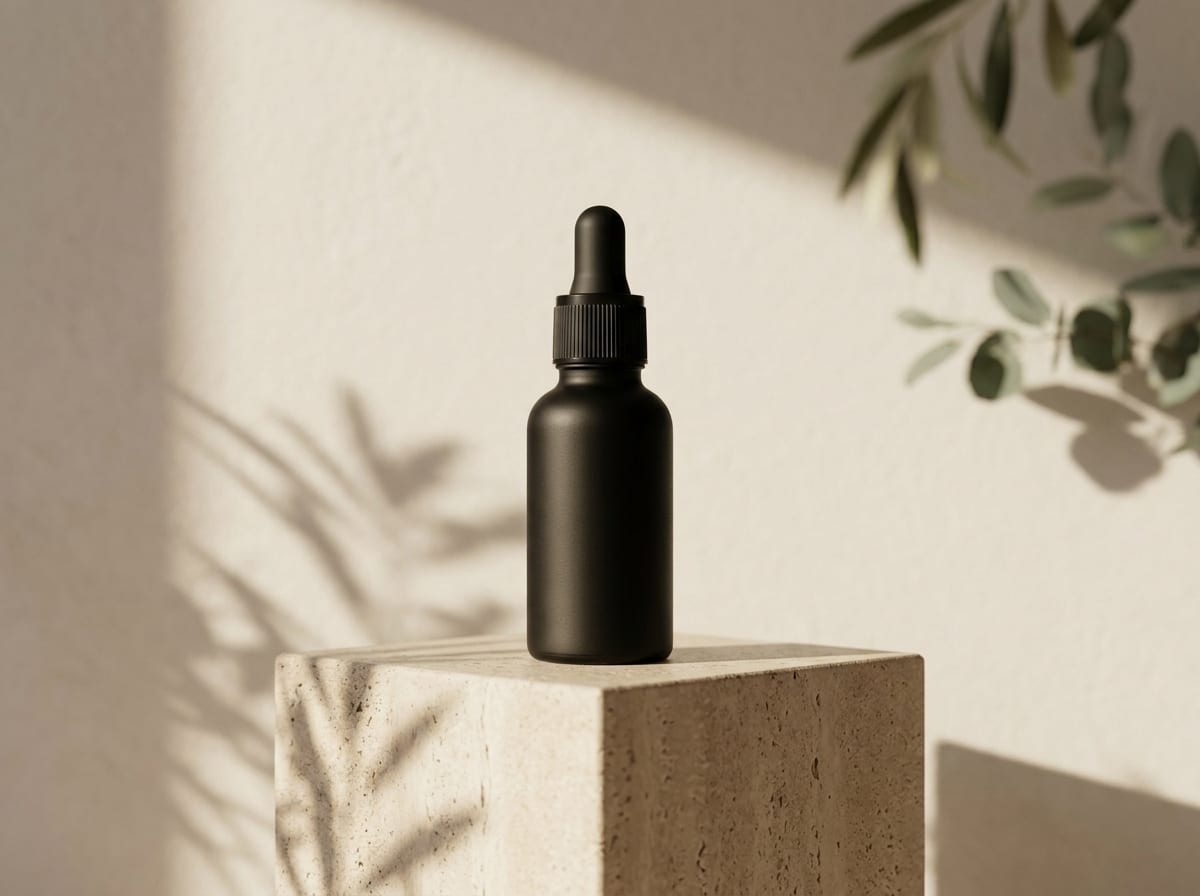
Breaks down camera framing, lens perspective, lighting direction, color palette, and wardrobe details so you can recreate a look across image generators.
Generate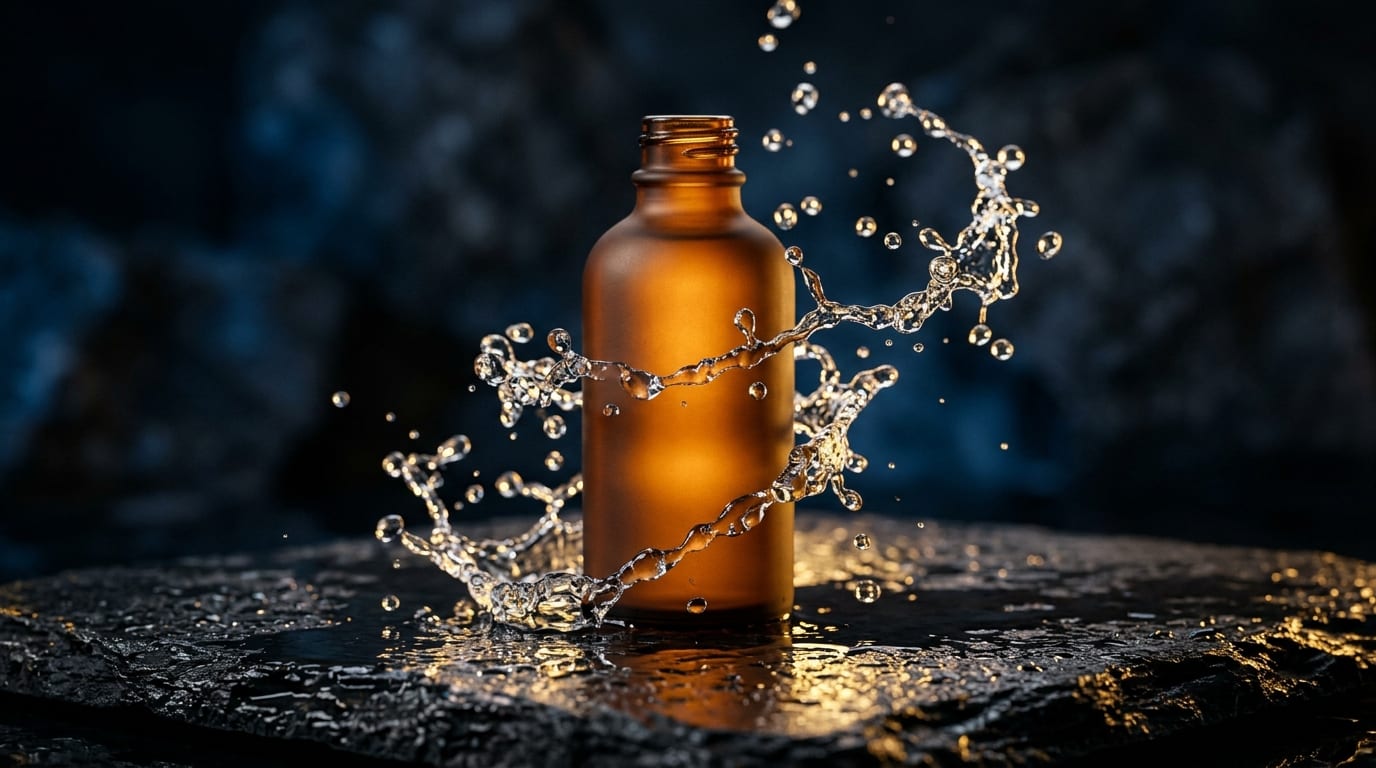
Produces concise, factual descriptions free of filler phrases like 'image of', formatted for product listings, editorial blogs, and screen readers.
Generate
Compare multiple uploaded shots at once to document brand aesthetics, moodboard traits, or subtle composition differences before iterating.
GenerateUse the Reference upload slot or drag photos directly into the composer box. Clear PNG, JPG, and WebP files work best for fine detail extraction.
Choose Scene + AI Prompt, SEO Alt Text, Visual Storytelling, or Lighting & Style Audit, then pick Concise or Full Spec.
Click Generate to open a live workspace thread with your uploads and formatted instructions already running.
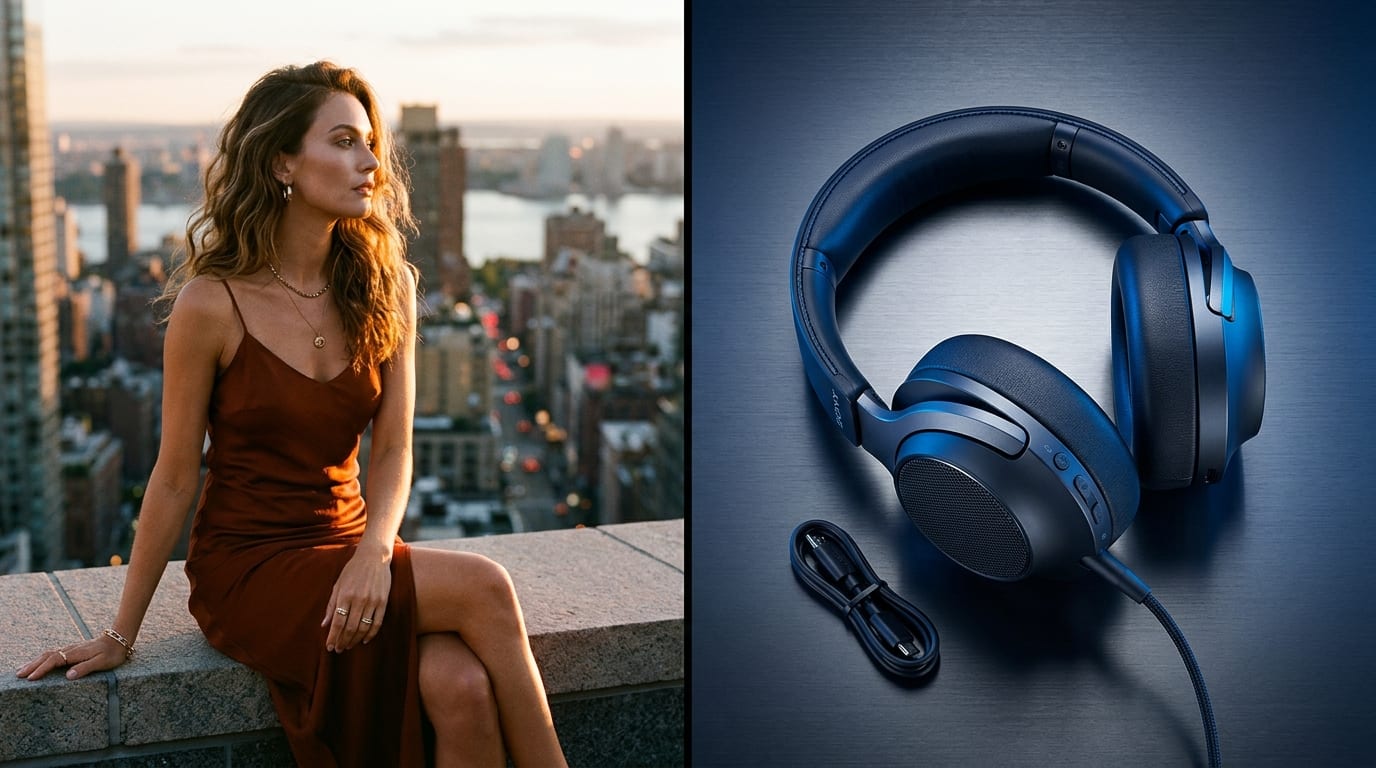
Most image generators respond best when you name concrete visual signals—key light angle, background separation, surface texture, and focal length—rather than vague adjectives. Agent reads your uploaded frame and translates it into actionable prompt blocks.
Generate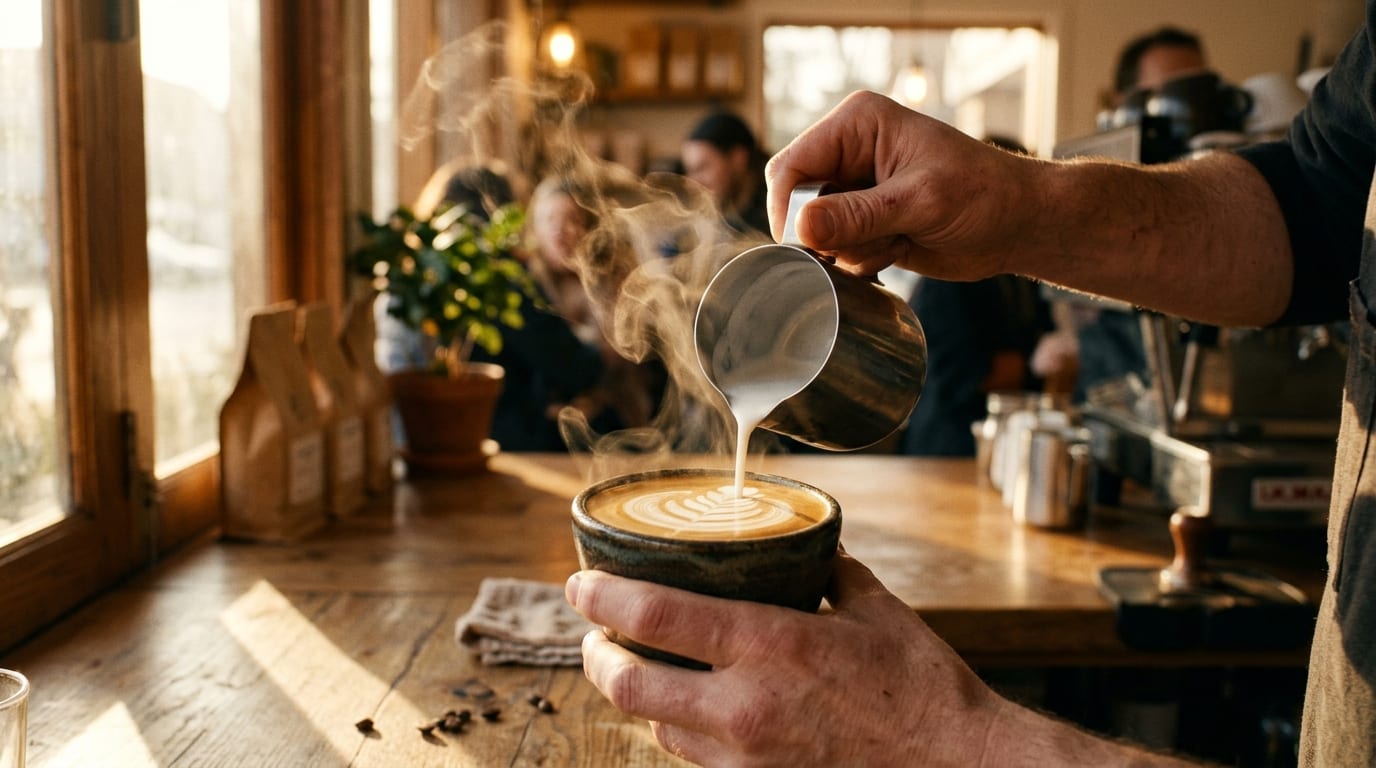
Drop lifestyle or studio product shots into the form when preparing storefront pages or blog galleries. Selecting SEO Alt Text instructs Agent to describe tangible subjects, materials, and context concisely.
Generate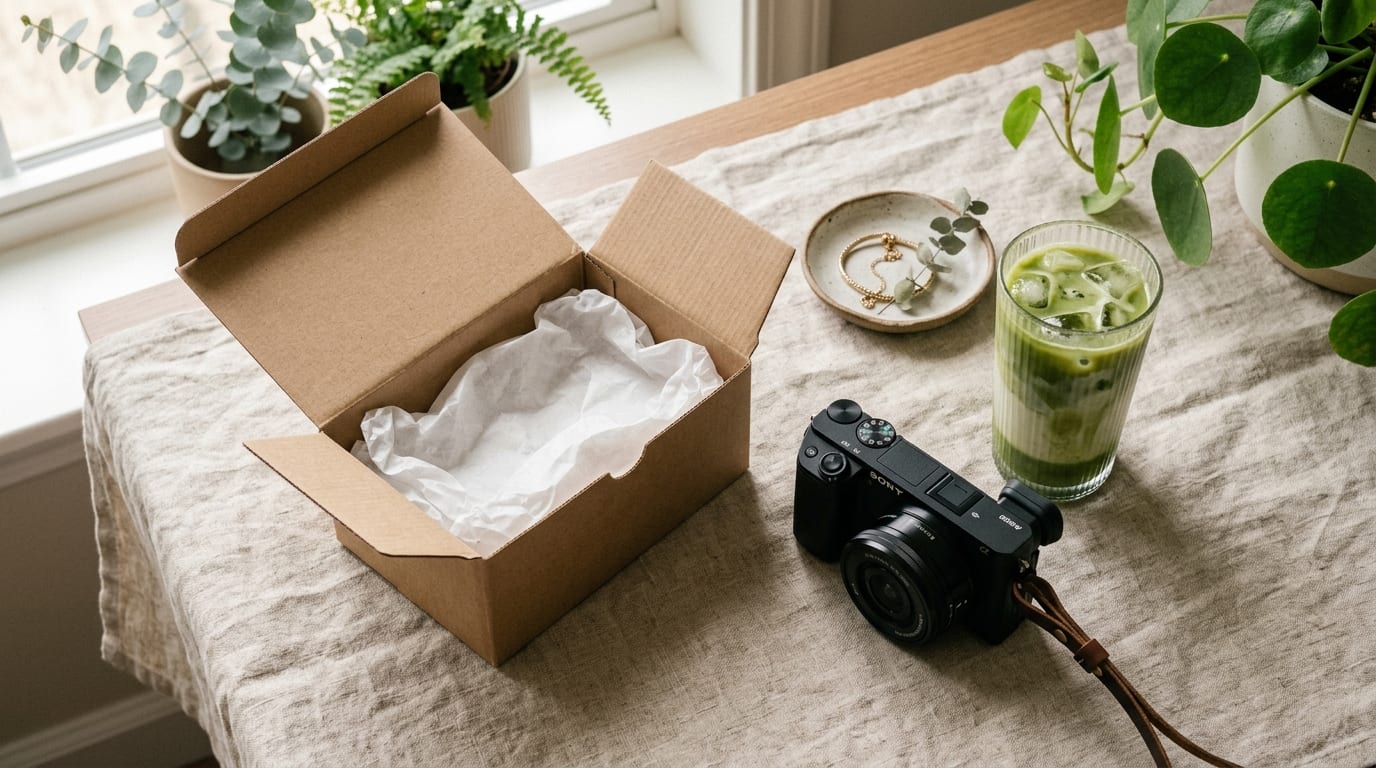
Because the output lands inside Viralkey Agent, you can follow up immediately in the same conversation—asking Agent to adapt the prompt for a different aspect ratio, swap the backdrop, or generate variations with starter credits.
GenerateGet cleaner prompts, alt text, and lighting audits from uploaded shots inside Viralkey Agent.
Reverse Prompting
Creative DirectionUpload a hero reference and pick Scene + AI Prompt to extract camera angle, key light, and color temperature for consistent campaigns.
Accessible Alt Copy
SEO & PublishingSelect SEO Alt Text and Concise depth to generate clean descriptions ready for CMS media libraries.
Art Direction Audits
Brand ConsistencyUse Lighting & Style Audit across multiple draft stills to document repeatable visual rules for freelancers.
Social Hook Mining
Creator TeamsChoose Visual Storytelling to pull sensory details from behind-the-scenes photos for Reels or X threads.
Multilingual Localization
Global CatalogsGenerate image summaries in Spanish, Japanese, or Chinese directly without re-uploading source files.
Batch Moodboarding
Pre-ProductionAttach 2–3 contrasting shots and add a short note asking Agent which lighting setup matches your product best.
The form attaches your uploaded image files, captures your selected output focus, detail depth, and language, and automatically launches a Viralkey Agent chat with a structured analysis request.
Choose your options above, optionally attach reference media, and send your formatted prompt directly to Viralkey Agent.