RB
Reid Braxton
Server AdminDescribed the vibe once and got a server banner that already fit 960x540.
Discord crops and covers banners the moment they render. Describe the look you want, generate a still or short motion clip, and export a file already sized for profile or server.
Discord Banner Maker
Discord Banner Maker
Discord crops and covers banners the moment they render. Describe the look you want, generate a still or short motion clip, and export a file already sized for profile or server.
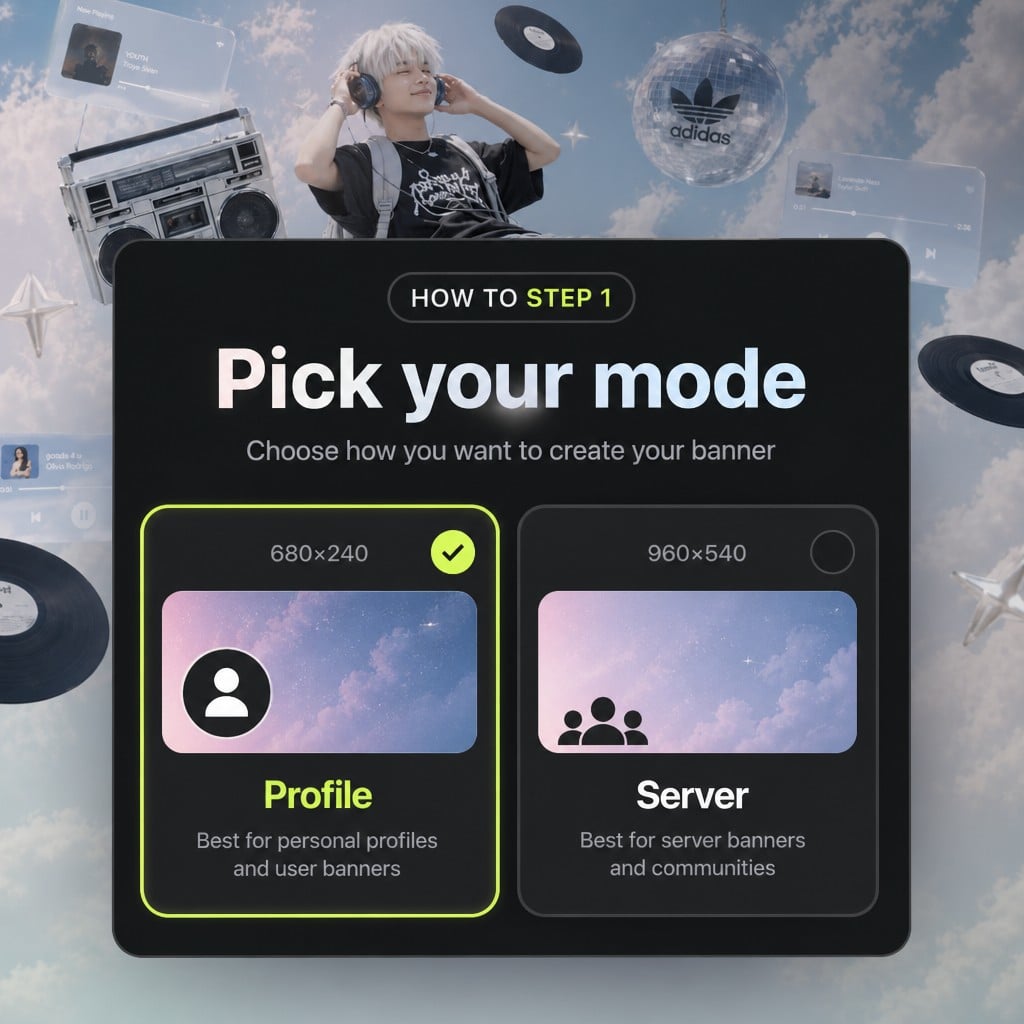
Choose Profile or Server
Pick User Profile Banner or Server Banner first. That choice sets the export size and how the subject should sit in frame.
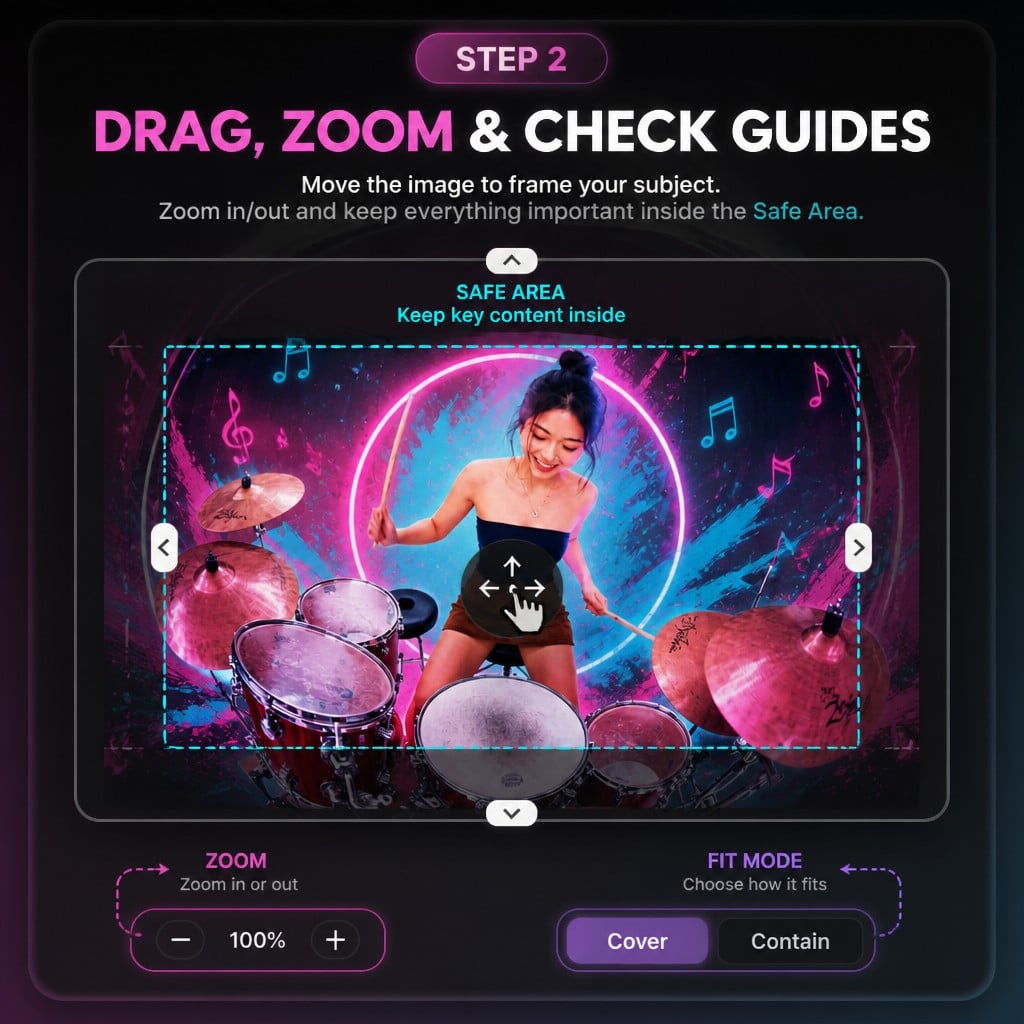
Describe, Style, and Generate
Write what you want to see, pick a style, and add references when a specific subject belongs in the banner — stills only. Sign in if prompted: generation needs an account and credits.
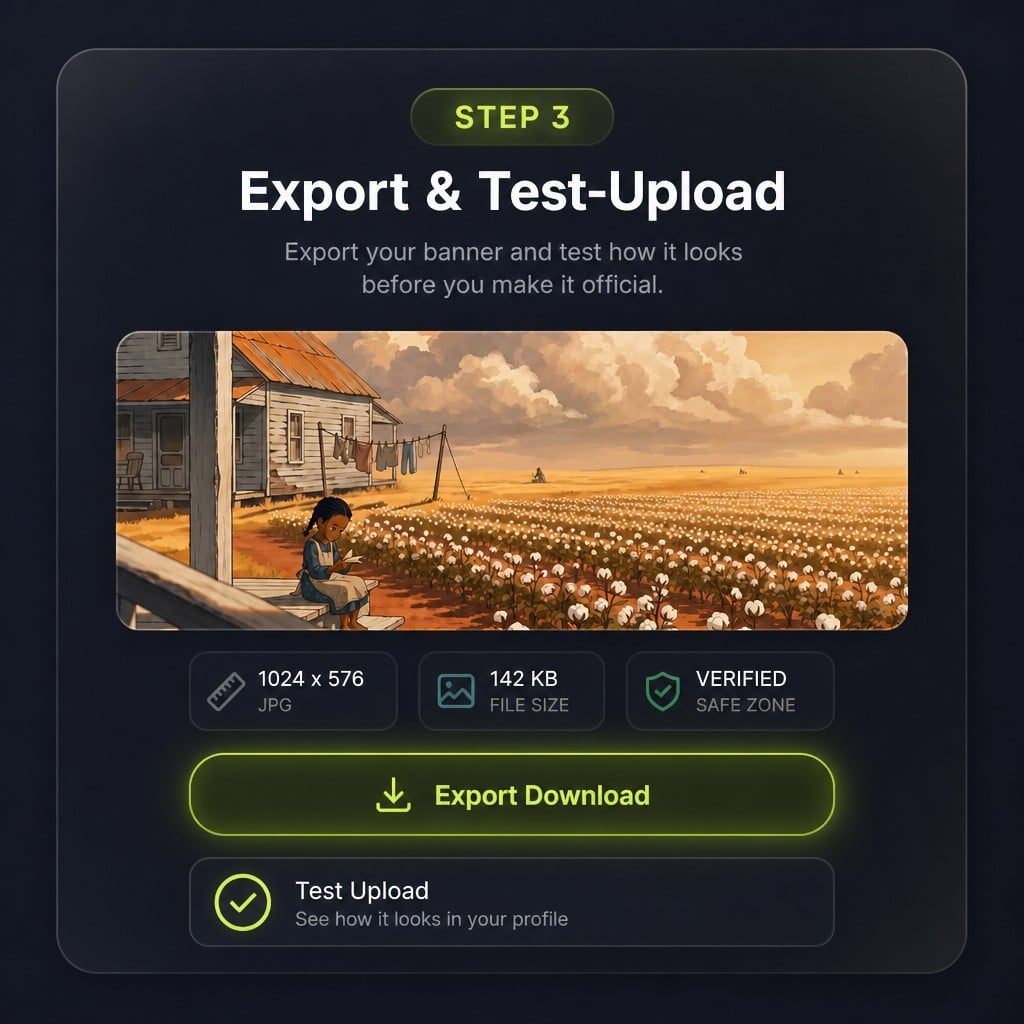
Download and Test on Discord
Check the reported size and format, download the file, then upload it to your profile or server and look at it on the real surface before you retire the old banner.
A banner is the widest thing on a profile or server page — and the easiest to ruin. Profile cards cover the lower strip, server names wash out the top, and a good idea still fails if the file is the wrong shape. This discord banner maker starts from a prompt, then locks the export to Discord’s real sizes.
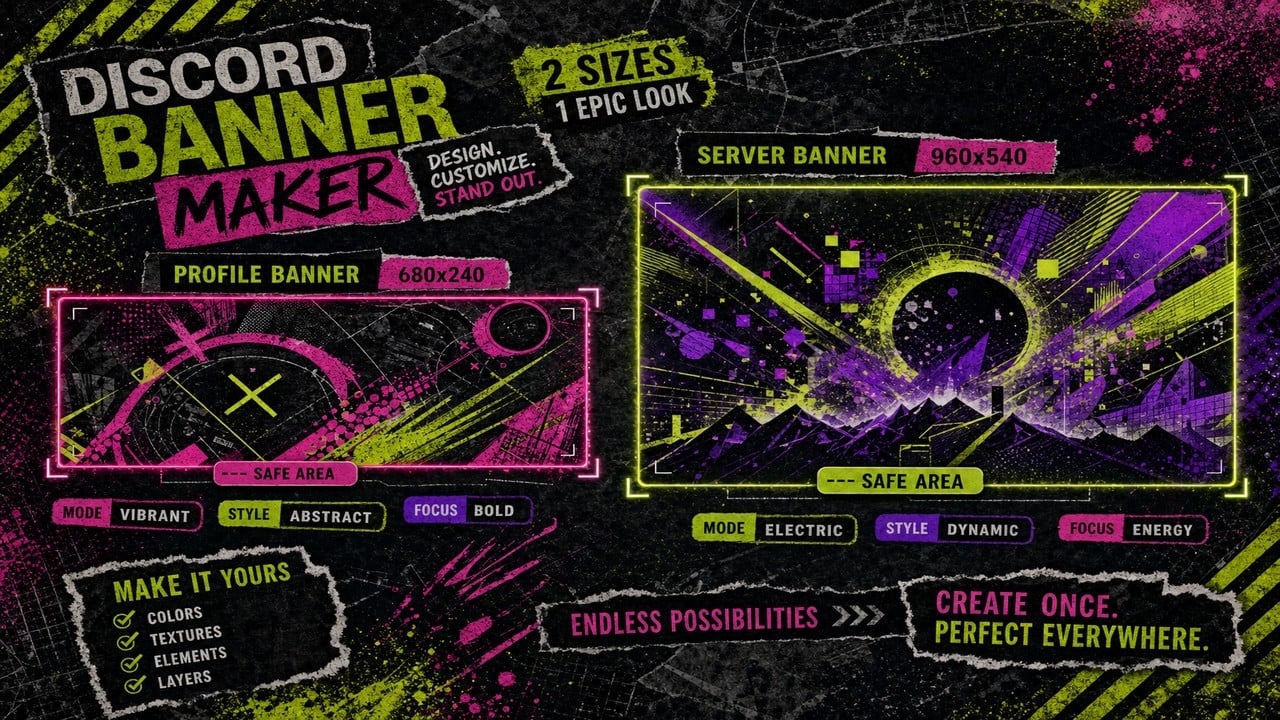
Describe the mood, subject, and palette. Optionally add reference images for still generation. The model produces the artwork; the tool crops and encodes to 680x240 for profiles or 960x540 for servers so you are not guessing ratios by hand.
Try it now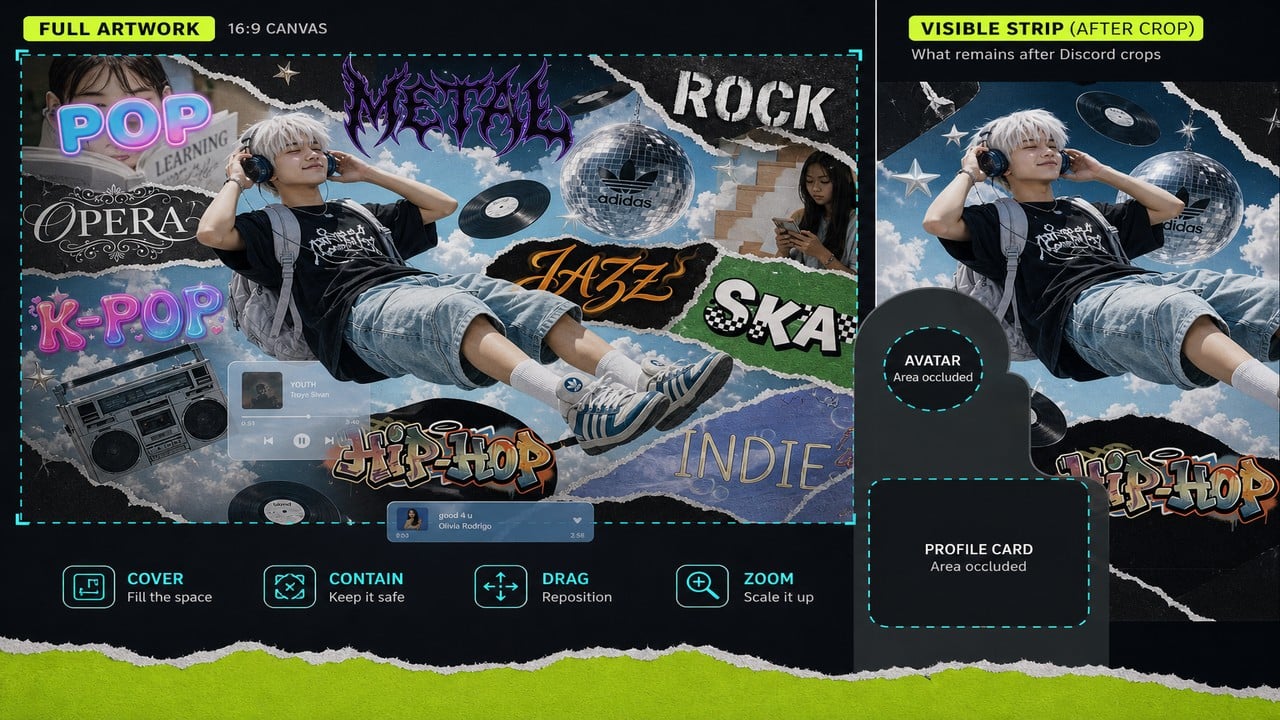
Pick a still for a sharp static banner, or motion for a short clip that is extracted into an animated GIF Discord can accept. Either path ends in a measured export with real width, height, and byte size — not an estimate.
Try it nowMost banner tools stop at “pretty picture.” This one also finishes the Discord job: mode-specific framing, safe-area awareness for server names, and an export that already matches published size and format rules.
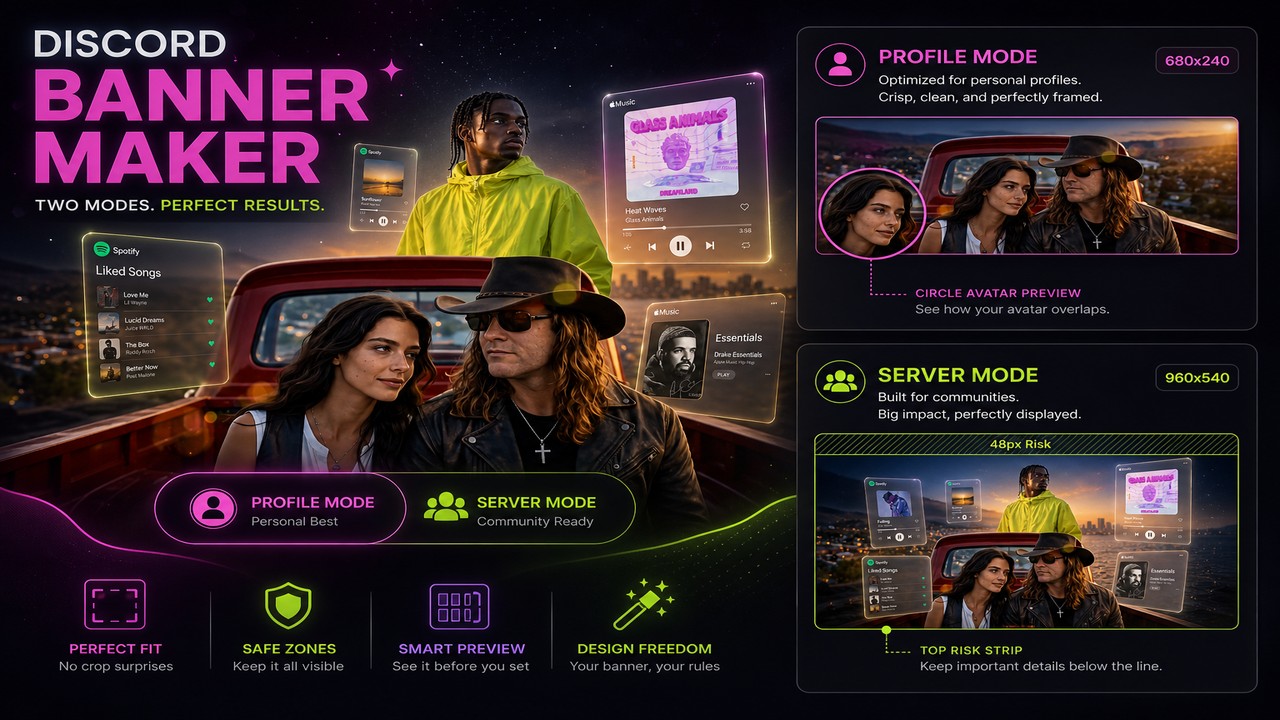
User profile banners target 680x240 with avatar overlap in mind. Server banners target 960x540 and keep the top strip quieter for the name overlay. Switching modes changes framing and export together, so a server file never leaves looking like a profile crop.
Try it now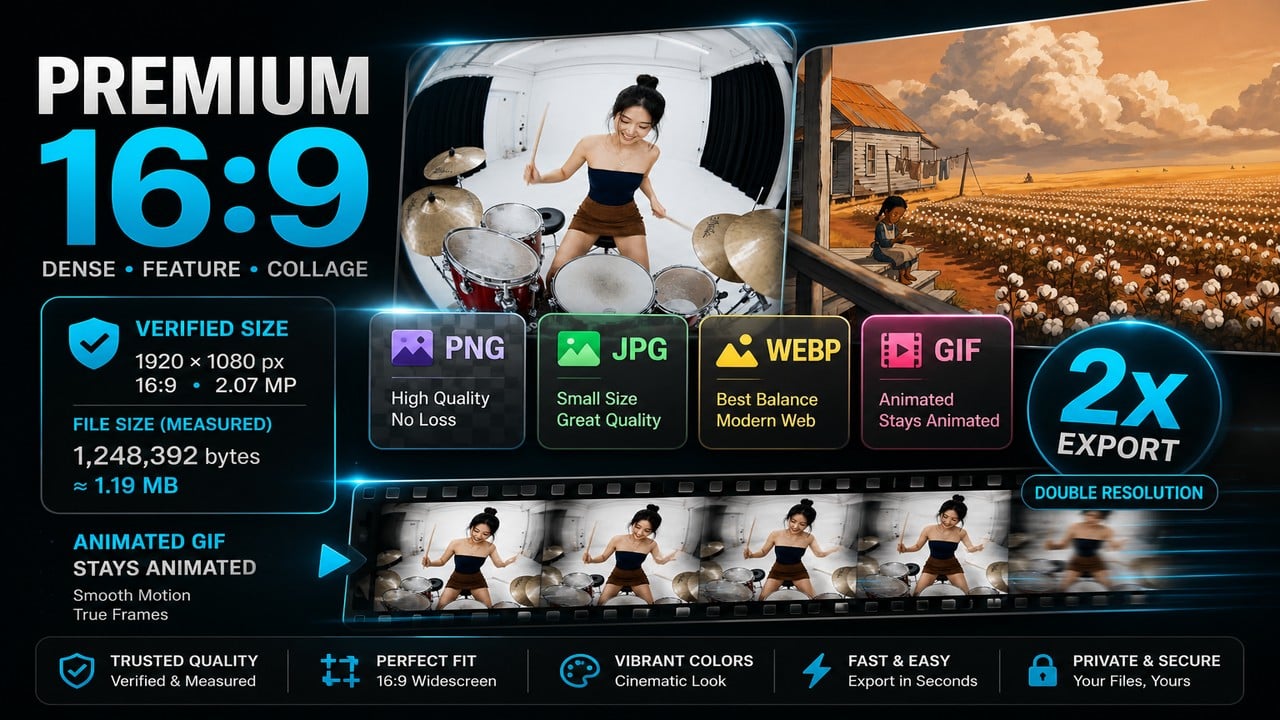
Generation uses your Viralkey account and spends credits like other studio tools. After the model finishes, encoding runs locally so the byte size you see is the file you download. Static PNG or animated GIF — whichever path you chose.
Try it nowBanners are one surface. The same workspace covers AI avatars, server icons, emoji and naming, so a whole profile or server can be generated and sized in one sitting.
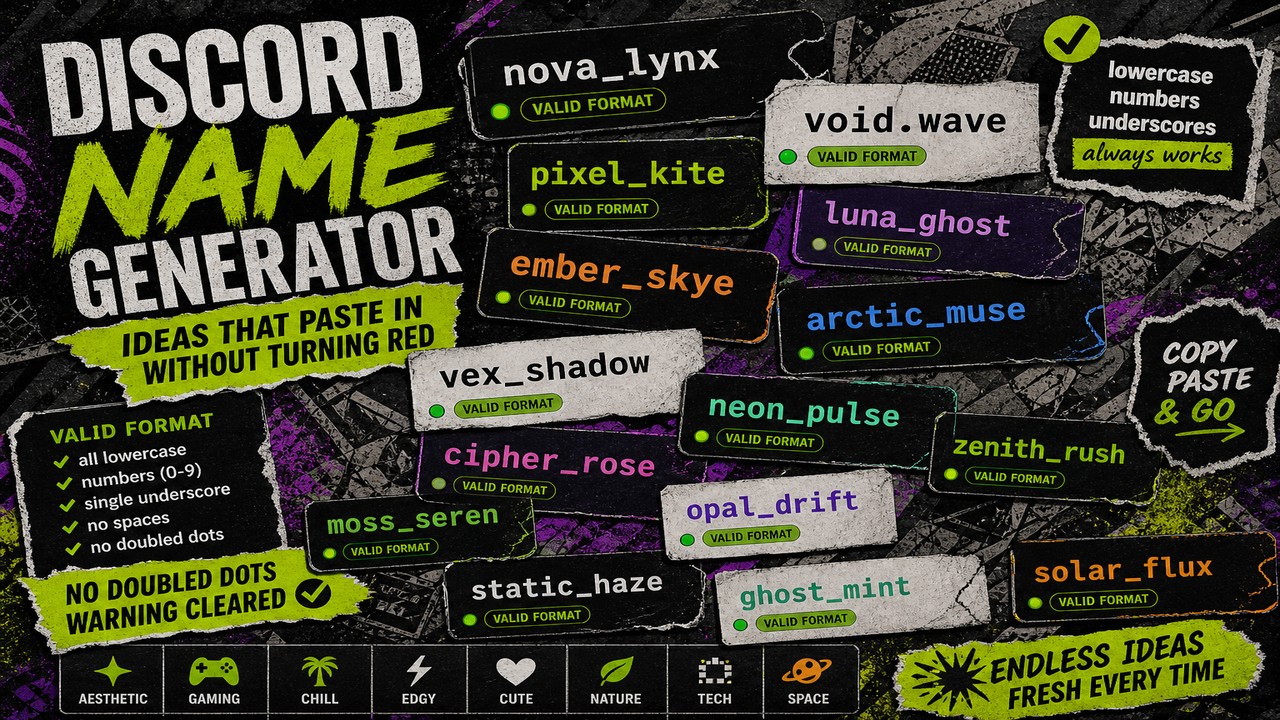
Generate AI name ideas for usernames, display names, servers, roles, and bots.
Generate custom emoji stills or GIFs and export under Discord’s 256KB limit.
Generate circle-safe AI avatars and export 512, 256, and 128px PNGs.
Generate bold AI server icons and export 512, 96, and 32px PNGs.
Explore leading models for AI video, image generation, editing, and cinematic storytelling.

Create Wan 3.0 clips on Viralkey: native 1080p, 2–30 seconds, start/end frames, up to 20 mixed references, and audio generated with the picture.

Create cinematic MiniMax H3 clips on Viralkey: native 2K, up to 15 seconds, text-to-video, start/end frames, and up to nine reference images.

Generate short HD clips on Viralkey with start/end frame direction and up to 50 reference images. Built for music video scenes and performer shots.

Create cinematic Seedance 2.0 clips on Viralkey: native 4K, start/end frames, up to nine reference images, and built-in audio with lip-sync.
Communities rebrand, creators refresh profiles, and seasonal events need a new look on a deadline. What they share is the same need: artwork that already fits Discord, not another square export to crop later.
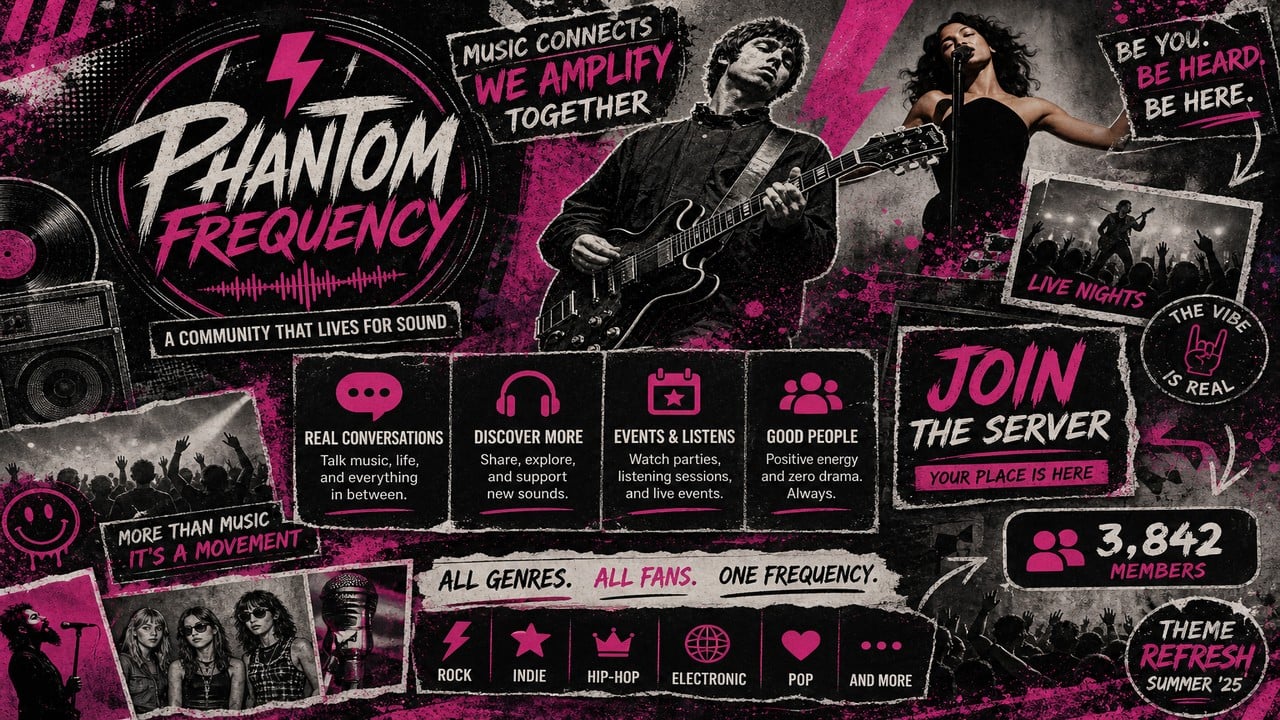
New members see the banner before they open a channel. Generate a wide scene, keep the top strip simple for the server name, and export 960x540 so the logo does not end up buried under UI chrome.
Try it now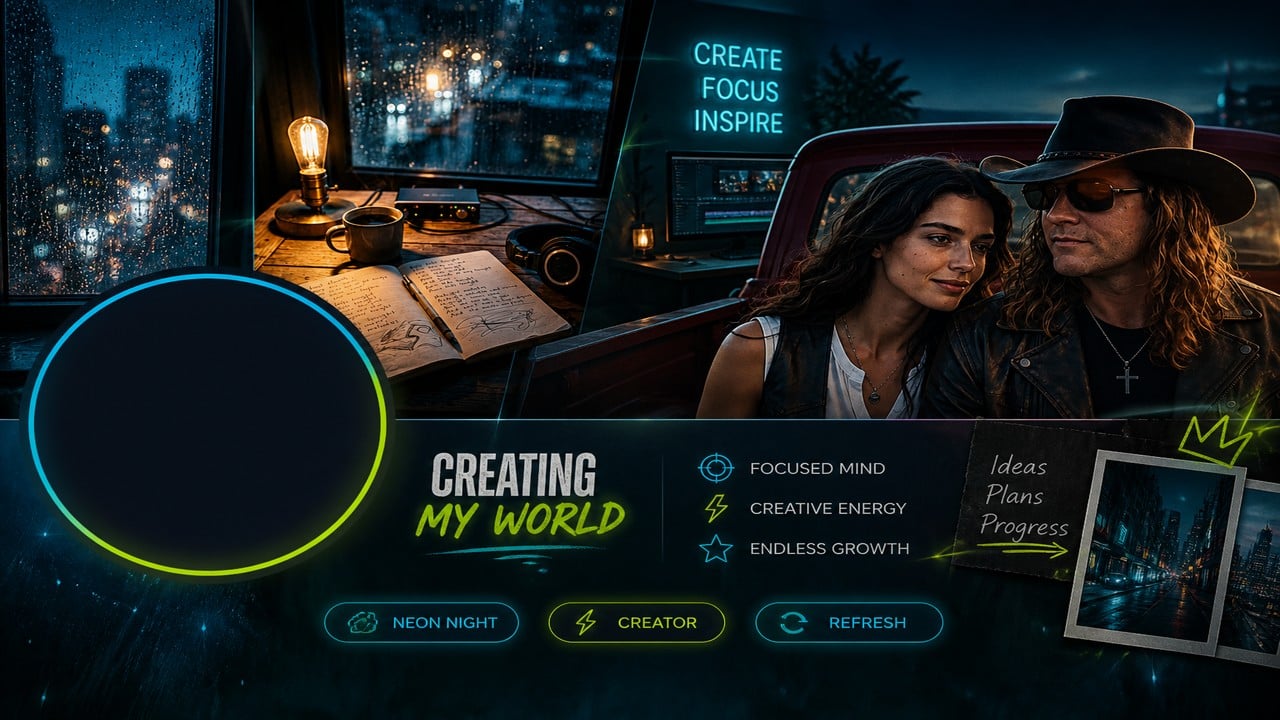
Profile banners get cut by the avatar and card. Describe a horizontal composition with room on the sides, generate a still, and export 680x240 so the subject survives the real profile layout.
Try it nowNotes from creators who used this tool on real work.
Reid Braxton
Server AdminDescribed the vibe once and got a server banner that already fit 960x540.
Santiago Quintana
Community ModeratorProfile mode finally kept the subject out from under the avatar.
Adeline Ashford
Guild LeaderMotion path gave us a GIF banner without me editing video by hand.
Bruno Carrillo
StreamerThe byte size matched the download, so Discord stopped rejecting my uploads.
Kanade Fukuda
Bot DeveloperSwitched profile and server exports from the same prompt family in minutes.
Marion Redmond
Art Server OwnerReference images steered the still pass without me rebuilding the crop.
Genevieve Oakhurst
Gaming Clan FounderCredits were clear up front — felt like the other Viralkey generators.
Sebastian Winslow
Study Server HostPrompted a quiet gradient banner and it landed under the 10MB line easily.
Odette Middleton
Music Community OwnerSeasonal rebrand took one new prompt, not another weekend in Photoshop.
It is an AI discord banner maker. You describe a scene, optionally add references, and generate a still image or a short motion clip. The result is cropped and exported for Discord profile (680x240) or server (960x540) sizes with real dimensions and byte size confirmed.
Turn your ideas into reality with AI. Generate, refine, and innovate — creation starts here.