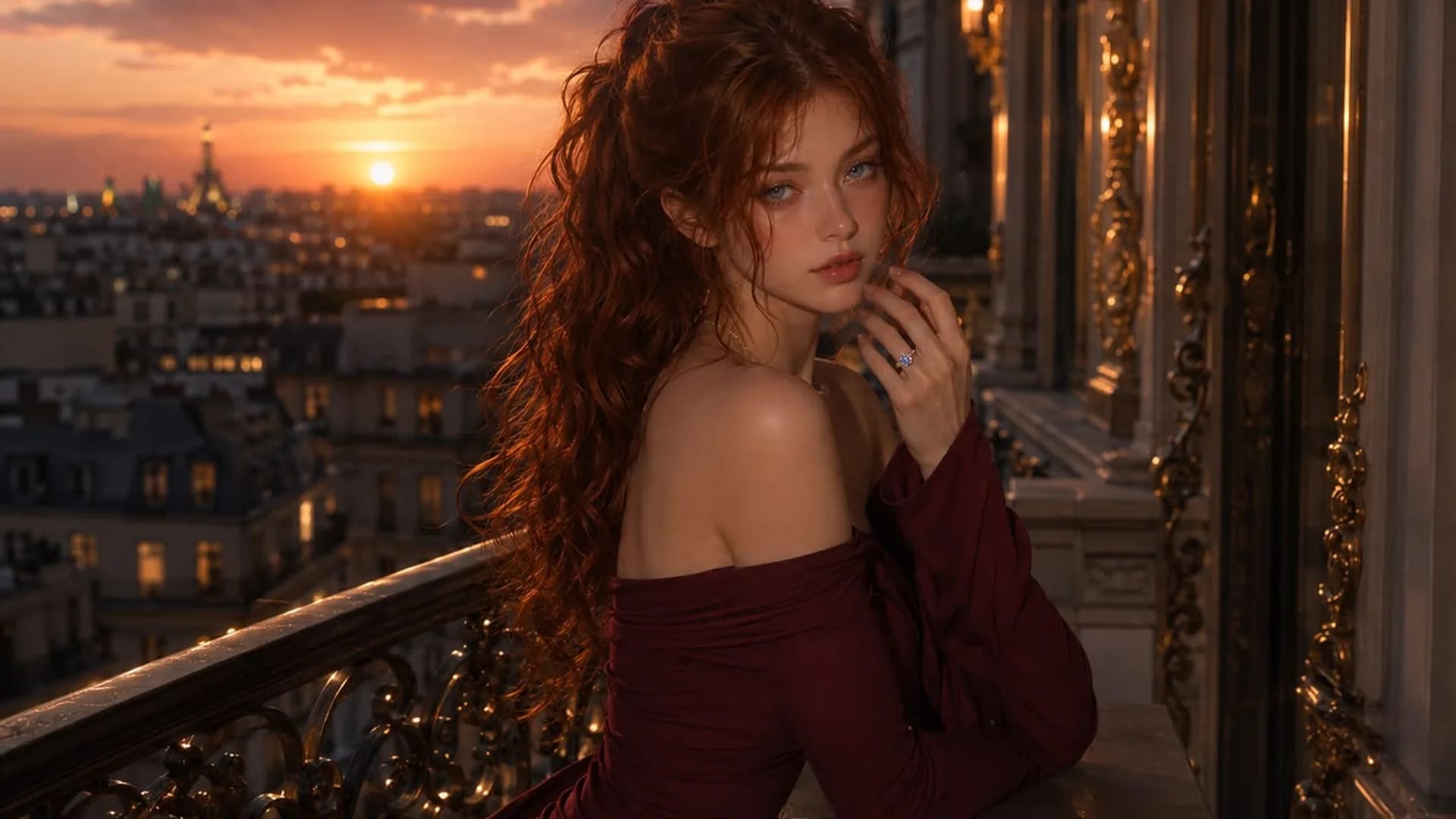
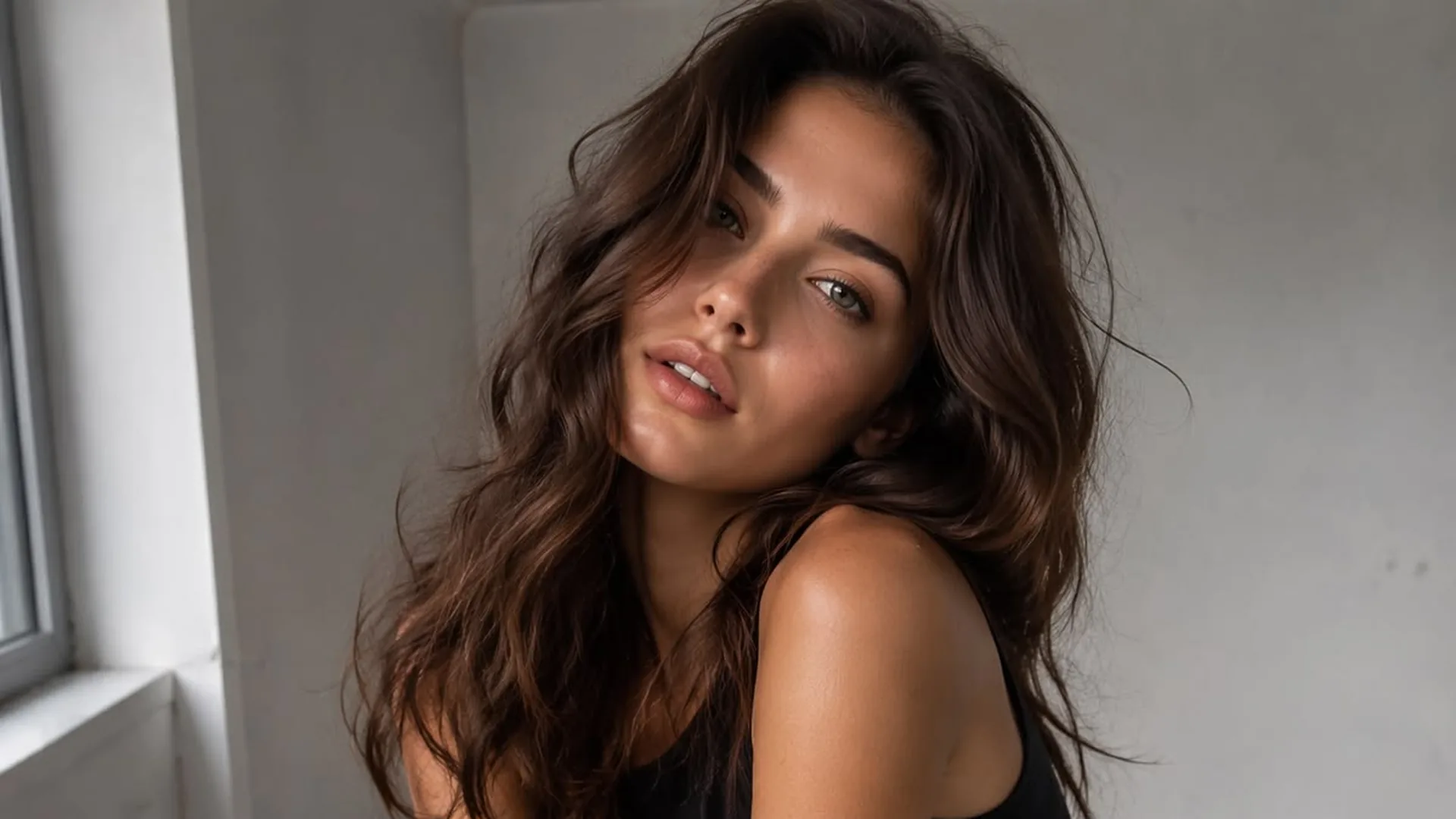
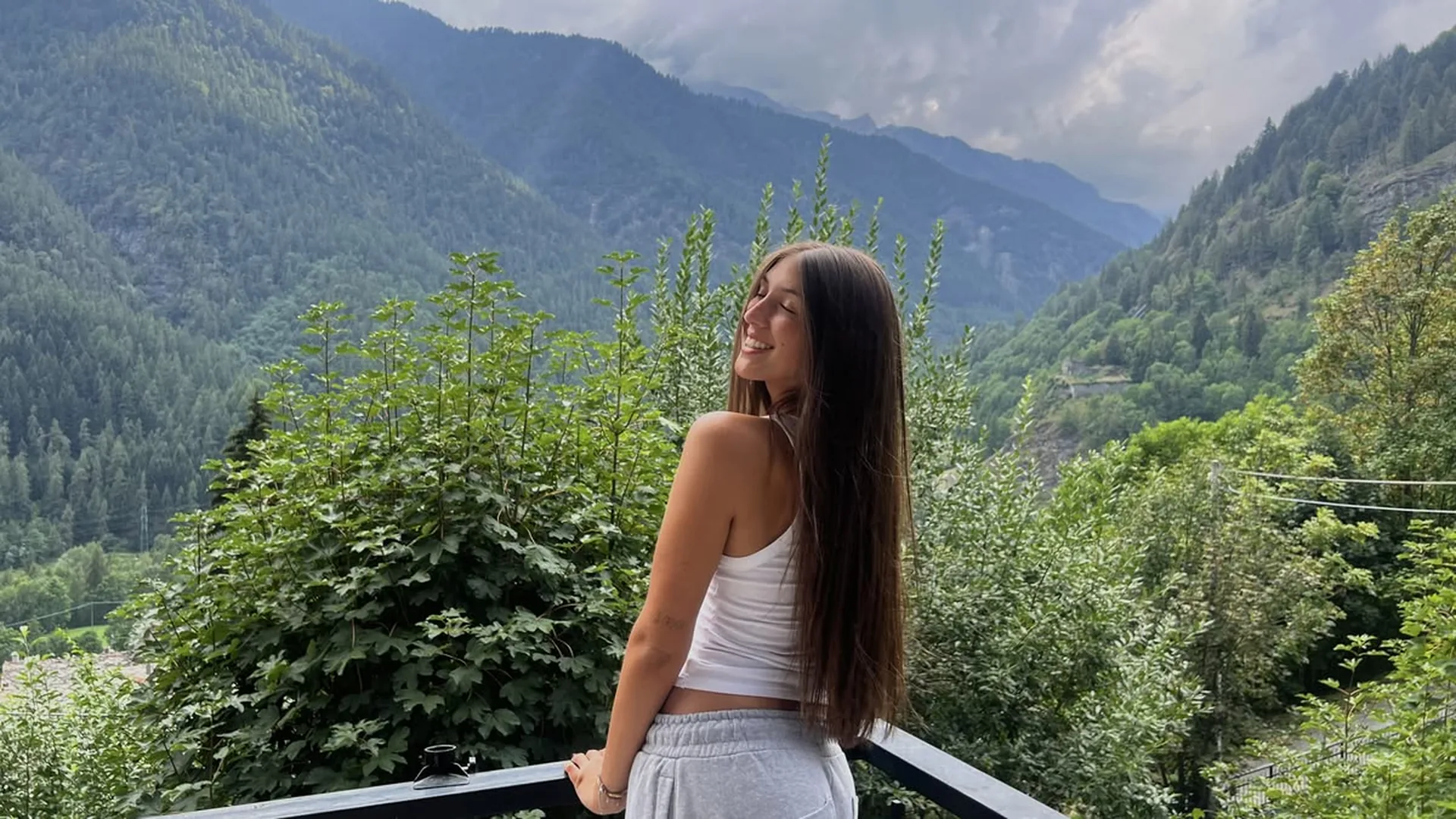
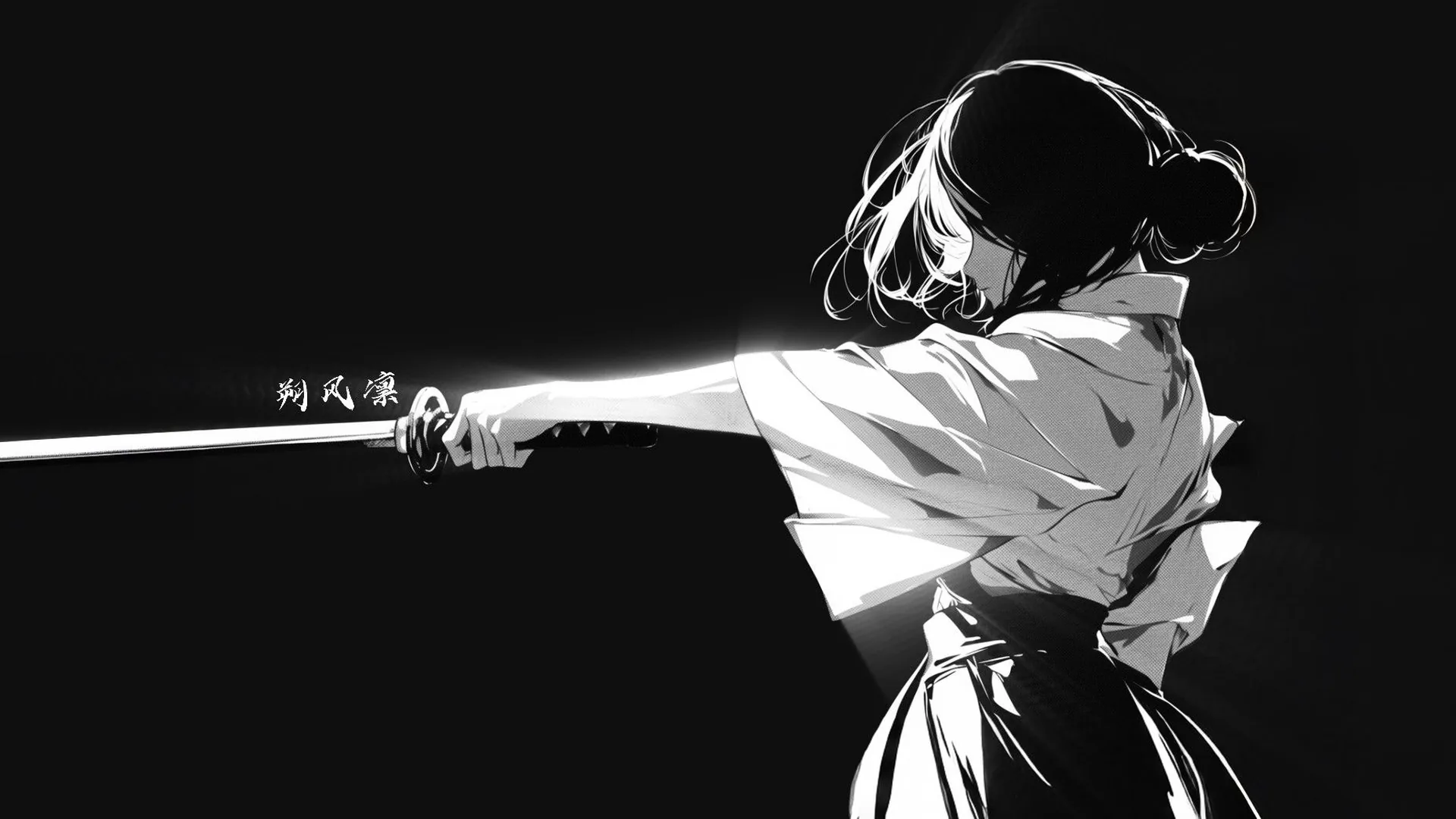
New image or existing image?
Pick an inputUse text when the composition can start fresh. Use a permitted image when the visible source matters, then describe the changes you want.
Create new adult fictional images or use a reference to guide an image-led request. You can also open NSFW Studio, or continue with AI NSFW Generator, NSFW AI Image, and NSFW AI Image Generator.
Viralkey’s AI image generator NSFW workflow brings text and optional image references into a dedicated image workspace. Create an adult fictional portrait or illustration by describing one scene, a camera distance, and a visual style. For image-led work, explain the role of your source and the change you want. A mature-content workspace still follows service rules and supported requests; the product label is not a promise that every input will be accepted. Structured visual prompts work better than a pile of adjectives. Follow a simple image prompt composition order: subject, crop, setting, then light. Continue in NSFW Studio, or open AI NSFW Generator and NSFW AI Image.
Create new adult fictional images or use a reference to guide an image-led request.
Describe what appears in one still frame. Lighting, camera distance, a setting, and character styling give the task a visible shape. Avoid combining story dialogue, camera movement, and unrelated images into a request that cannot be assessed as one picture.
Generate Image
For image-led work, tell the studio what your source contributes to the request. It may be the picture to edit or a visual reference for atmosphere. The source helps communicate the task without guaranteeing exact replication.
Generate Image
Use the studio’s current image options to submit your request, then review the generated candidate against the prompt and any source you supplied. Available access and credits depend on the information shown for your account. An input image guides the task without guaranteeing exact preservation.
Generate ImageWhat should I remove from a contradictory prompt? Drop the request that fights the crop, the pose, or the setting you already named. State the adult fictional subject and visible scene. Choose one composition and a small set of style cues. Add a permitted reference if it helps explain the visual request, and wait for the upload to finish.
Continue to NSFW Studio with the prompt and optional uploaded source. Complete sign-in if needed. Check the restored image and prompt; entering the workspace does not automatically generate or spend credits on a task.
Read the current access and credit information, select available options, and submit in the studio. Inspect the candidate for missed instructions and unwanted changes before deciding whether to revise or use it.
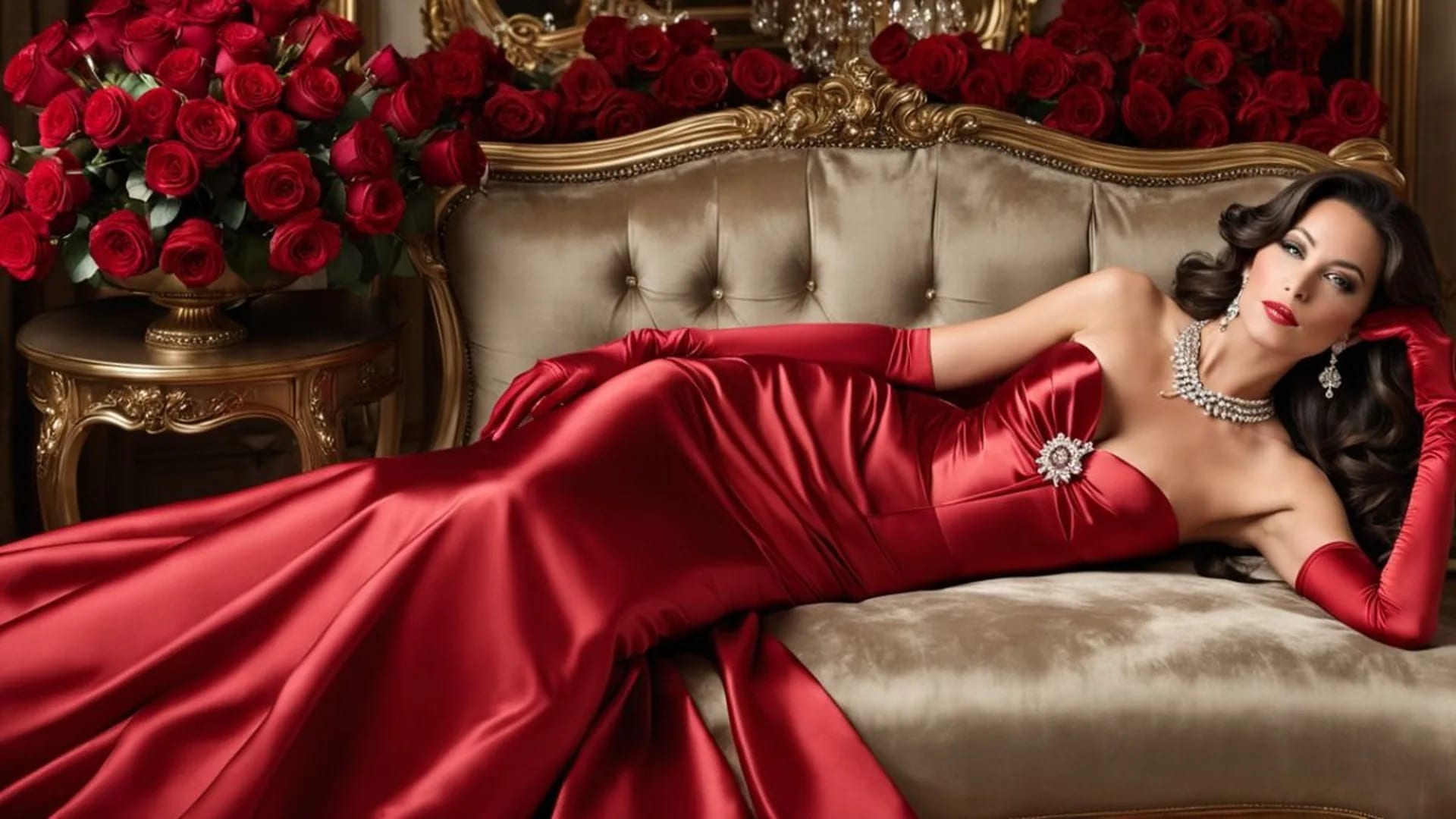
Create a still image from text or revise an existing adult fictional visual with a reference.
View page
Create an adult fictional AI image with a clear subject, composition, and visual mood.
View page
Create adult fictional portraits and illustrations from text, with optional images to guide the result.
View page
Edit a source image with clear instructions for scene, styling, or lighting changes.
View page
Choose an image generator by reference handling, visual control, costs, and output review.
View page
Explore the image workflow and check the current studio access and credits before generating.
View pageStart with a concrete image goal. These options connect what you describe or upload with what you should check in the result.
New image or existing image?
Pick an inputUse text when the composition can start fresh. Use a permitted image when the visible source matters, then describe the changes you want.
One useful reference
Reference inputState whether your image is there for the subject, the setting or the style. Include only references you may use, and avoid images that contradict the prompt.
A new visual style
Image variationUse the source as a starting point and choose a drawn, photographic or cinematic direction. Compare how colors, texture and recognizable character details change.
A deliberate camera distance
FramingChoose a close-up, a waist-up portrait or a wider composition before adding fine details. The crop changes which parts of the scene need to be described.
What the tool actually offers
Capability checkInspect the current studio controls rather than inferring features from a keyword. A name does not promise masks, layers, unrestricted requests or exact identity preservation.
A result you can judge
Result reviewCompare the candidate with your prompt and reference. Check framing, anatomy and unwanted changes before deciding to keep it or request another version.
Use a text prompt to create a new static image, such as an adult fictional portrait, illustration or scene. Add a permitted reference when it helps explain the subject or style. Your prompt and image continue into Viralkey NSFW Studio, where you review the available options and submit generation.
Use your prompt and optional reference to create or edit a still image. Check the current studio options and credits before submitting.