
Reference to Video

Upload reference images and generate smooth, coherent videos where your character speaks and acts with perfect facial consistency and natural motion. Try Seedance 2.5, Wan 3.0 Video Prime, Kling V3.0 Pro, HappyHorse 1.1, MiniMax H3, Gemini Omni 1.1 Flash, and Grok Imagine 1.5 in one reference to video AI. No more reshoots!

Meet Our Reference to Video AI

Viralkey is a reference to video generator for consistent character videos. Besides our flagship Seedance 2.5, the leading video models that accept reference images live in one place. Try them here without switching platforms.

Keep the Subject. Change the Scene.

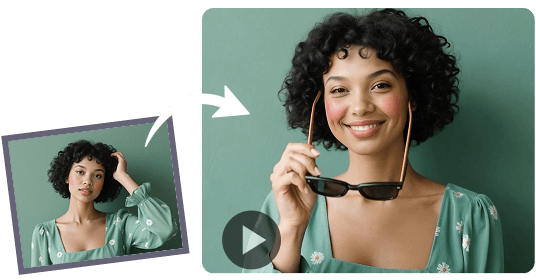
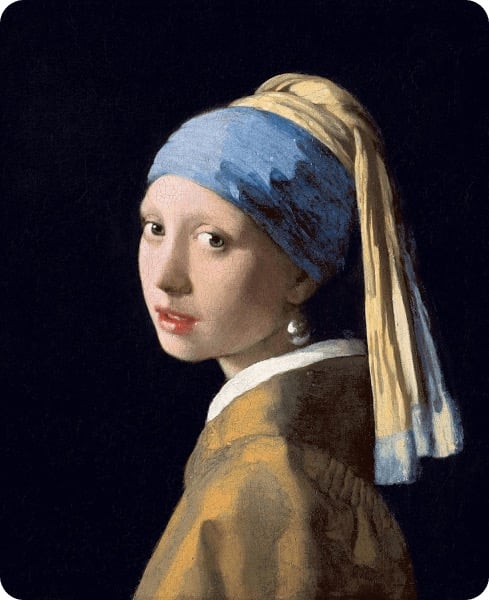
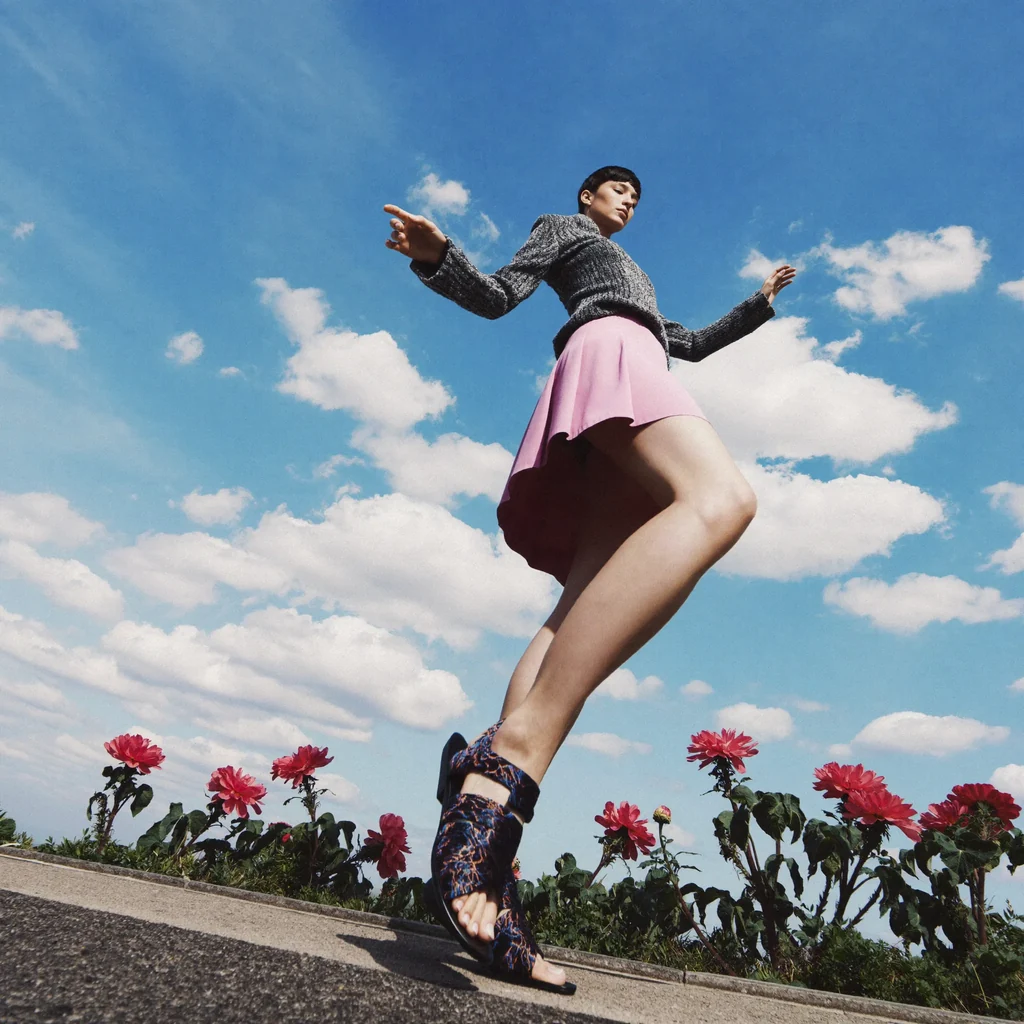
Turn reference images into a consistent character video. Upload one still — or a few — then write what should stay locked: a face, a product, or a whole look. New backgrounds, new motion, same subject.

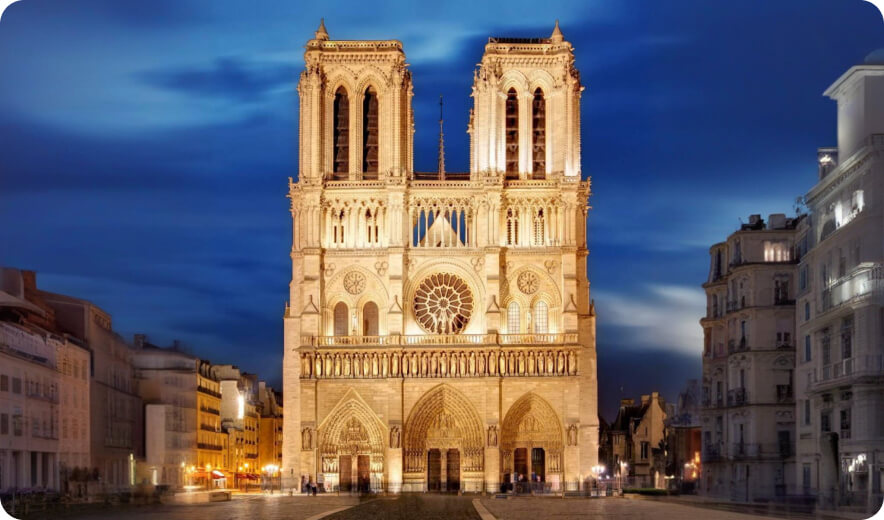
Reference image

Prompt

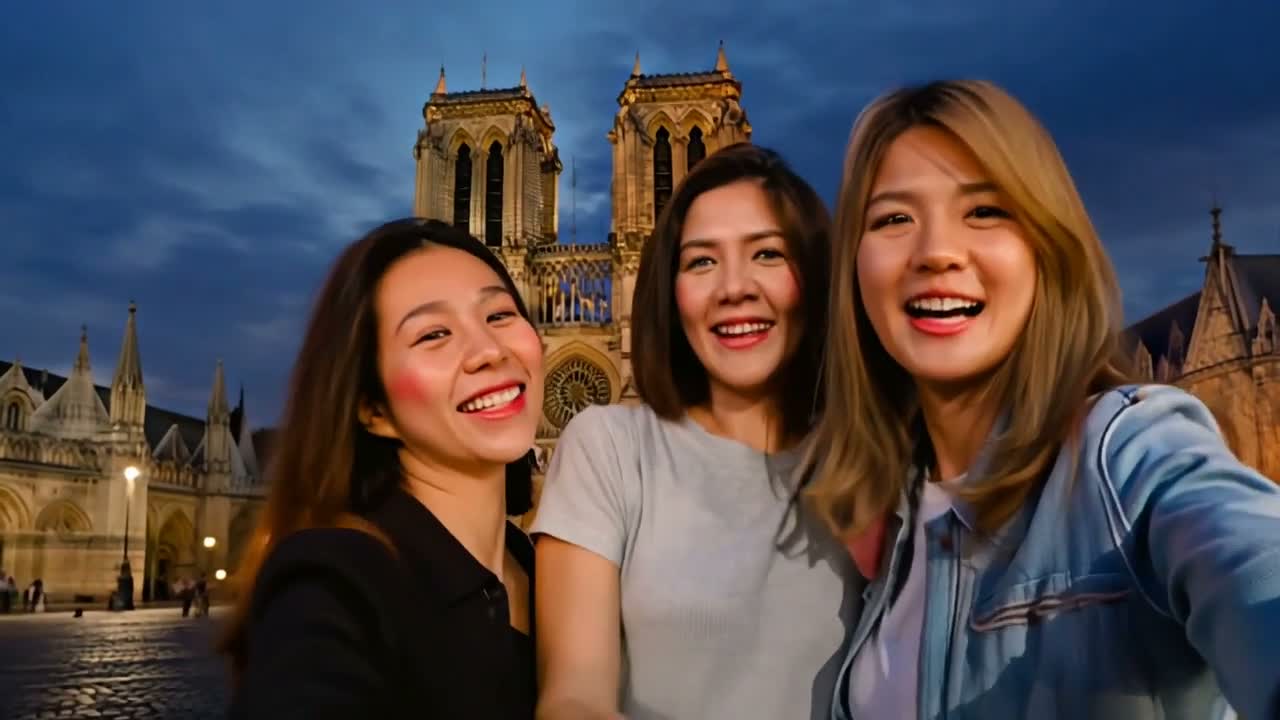
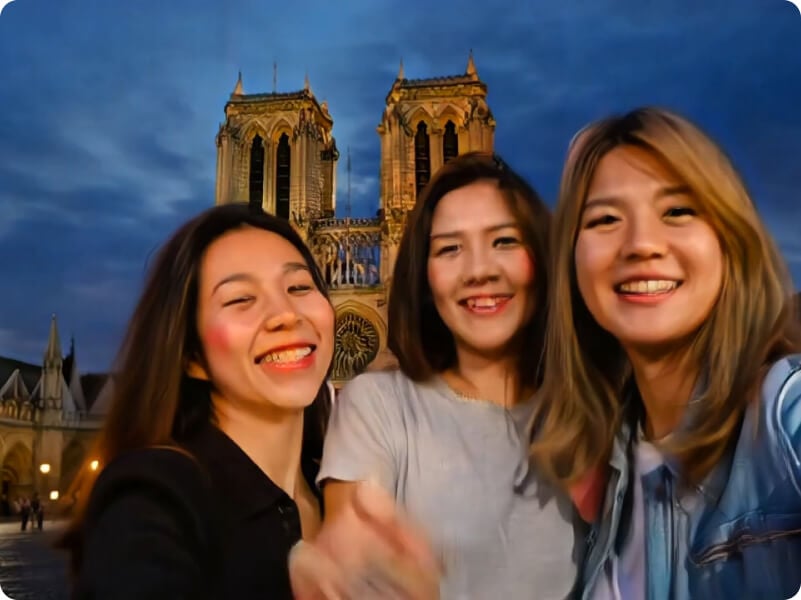
In front of Notre-Dame Cathedral, three women are taking selfies.

Video

Maintain Perfect Subject Consistency Across Frames

Imagine being able to select a character, object, or scene in your image and keeping it consistent throughout your generated video. With Viralkey reference to video generator, this becomes a reality! No matter how the background or other elements change, your chosen subject remains unchanged.

Try Reference to Video Free
Maintain Perfect Subject Consistency Across Frames

Smooth Transitions And Natural Movements

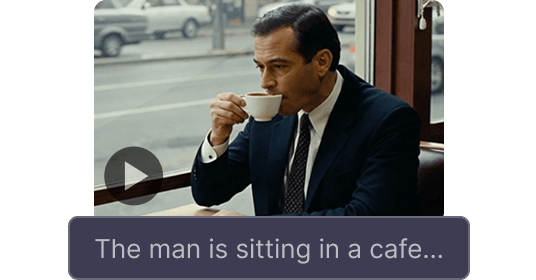
Viralkey reference to video generator analyzes each chosen element in your uploaded images and generates dynamic videos with smooth transitions and natural movements not only for characters and objects but also for the entire scene!

Try Reference to Video Free
Smooth Transitions And Natural Movements

Endless Possibilities for Your Creative Vision

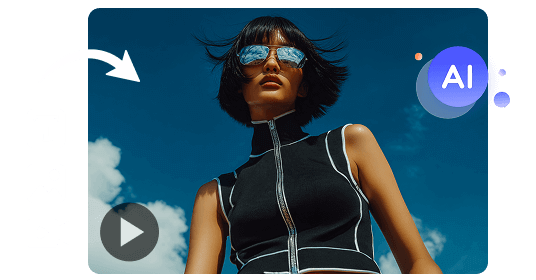
With Viralkey's reference to video generator, you can effortlessly create eye-catching videos for Instagram, TikTok, and YouTube, or showcase products in various settings, or produce fun, entertaining, or heartwarming videos that connect with families and friends.

Try Reference to Video Free
Endless Possibilities for Your Creative Vision

Viralkey Reference to Video Generator Caters to All

Reduce video editing time by around 65%

Reduce video editing time by around 65%

Just upload different images with varying subjects and objects, and they'll be seamlessly blended into one consistent visual environment. Use it to build smoother edits and recurring characters for B-roll videos or AI story videos without matching every frame by hand.

Scale product video promotion by at least 60%

Scale product video promotion by at least 60%

Start showcasing products consistently in various settings and create multiple variations at scale. Turn the same product or brand asset into polished product demo videos while saving time and effort.

Ensure character continuity across scenes and narratives

Ensure character continuity across scenes and narratives

Generate consistent character visuals for storyboards, animations, or game assets, streamlining production and maintaining artistic coherence. It's also useful for creating AI anime videos with stable character details.

Enhance engagement with consistent characters in every video

Enhance engagement with consistent characters in every video

Create recognizable personas or recurring characters that stay visually stable across different clips and platforms. Use them in viral videos or short social series to boost follower connection.

How to Use Viralkey to Create Consistent Character Videos

Three steps to a visually consistent character video on Viralkey.

  1. Upload one or more images.

    Upload one or more images of the character, object, or scene you want.

  2. Select the elements to keep consistent.

    Choose the elements you want to keep consistent throughout the video.

  3. Generate a dynamic, coherent video.

    Let Viralkey generate a dynamic, visually consistent video that makes your vision real.

Creators on Viralkey

Loved by Creators and Marketers

Creators use reference to video when a face or product has to stay itself across clips — short prompts, locked subjects, optional sound in the same run.

ENElise Navarro
Mar 18, 2026

The face I uploaded is the face I got back

I dropped three stills of the same person and the clip did not invent a cousin. That is the whole reason I wanted a reference to video tool.

JPJonah Prieto
Apr 9, 2026

Same bottle, three rooms

One product photo became a set of lifestyle clips. I stopped reshooting the bottle every time the background changed.

SOSable Okonkwo
May 2, 2026

Recurring character without a second shoot

I keep a series look with one reference pack. New scenes, same person — I do not have to book the talent again for B-roll.

MTMika Tanabe
Jun 14, 2026

Storyboard to motion without redrawing

I feed concept stills and get a consistent character video I can drop into a pitch. The outfit and hair survive the motion pass.

RHReed Hollis
Jul 7, 2026

Tried image to video first, needed this

Image to video animated a still. Reference to video let me move the same person into a new place. That is the job I actually had.

PSPriya Sen
Aug 22, 2026

Short prompt, locked look

I wrote one line about what must stay the same. The clip followed it. I did not need a paragraph of negative prompts.

FAQs

Viralkey reference to video generator turns reference images into a dynamic video while keeping a chosen subject consistent — a person, a product, or a scene. Appearance stays stable while motion and setting can change.

Bring your character into the story on Viralkey

Upload reference images to preserve character features across scenes and shots, and create coherent, natural videos.

Start Reference to Video