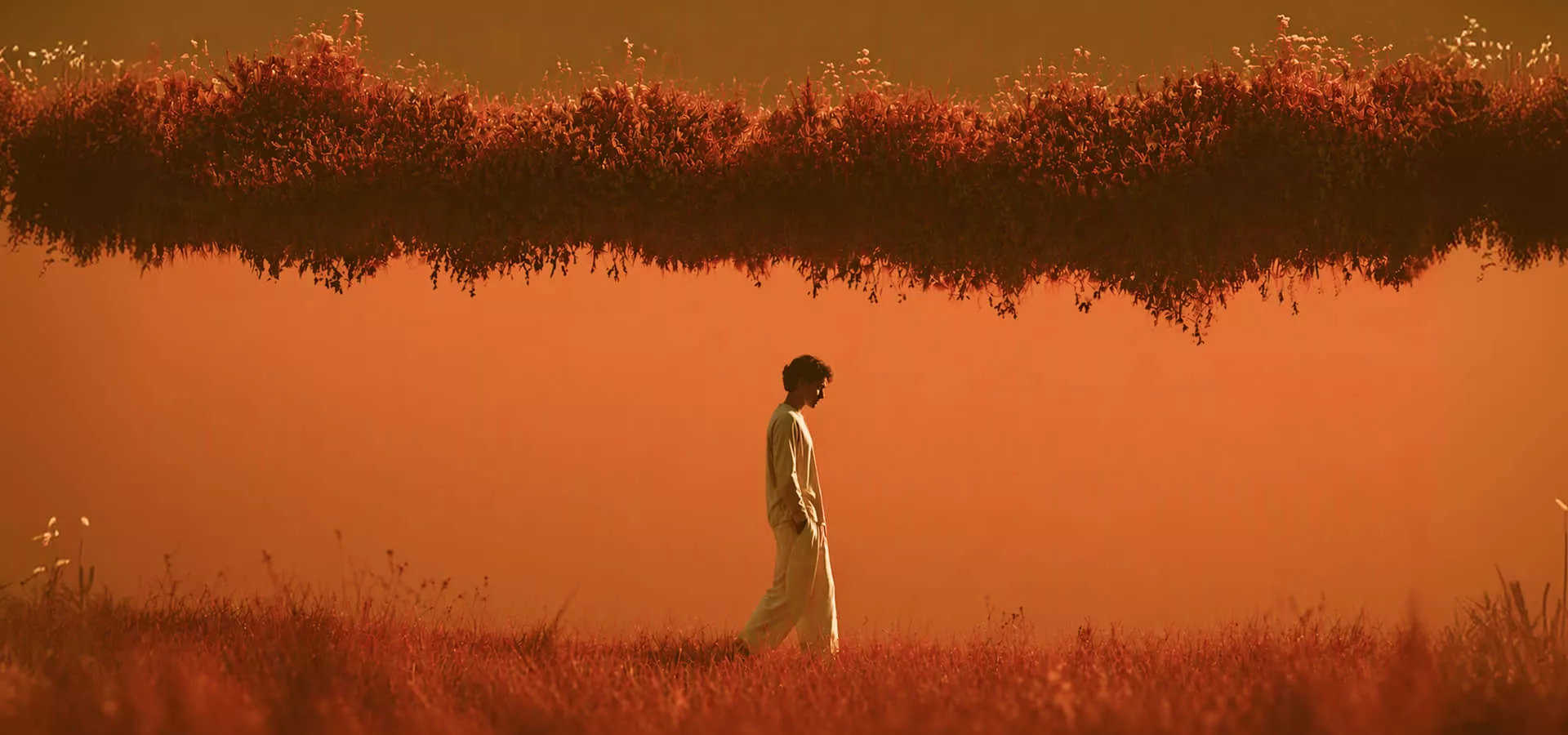
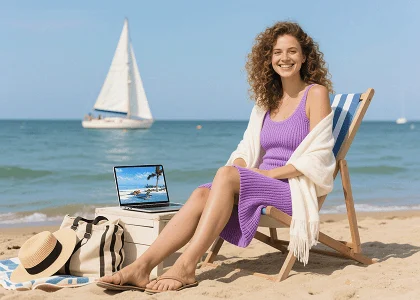
Ship more feed stills from a single prompt
Draft social images with a free AI image generator instead of waiting on a shoot. Write the scene, generate, and post — or restyle a photo you already have with photo effects.
Type a prompt and generate AI images from text. This free AI image generator runs GPT Image 2.5 Flare, Nano Banana Pro, Seedream 5.0 Pro, FLUX.2 Pro, and Wan 2.7 Image so you can create photos, ads, and product stills in one place.
Create images from text without hopping between apps. Viralkey's AI image generator puts Nano Banana Pro, GPT Image 2.5 Flare, Seedream 5.0 Pro, FLUX.2 Pro, and Wan 2.7 Image, and more text to image models on one page.
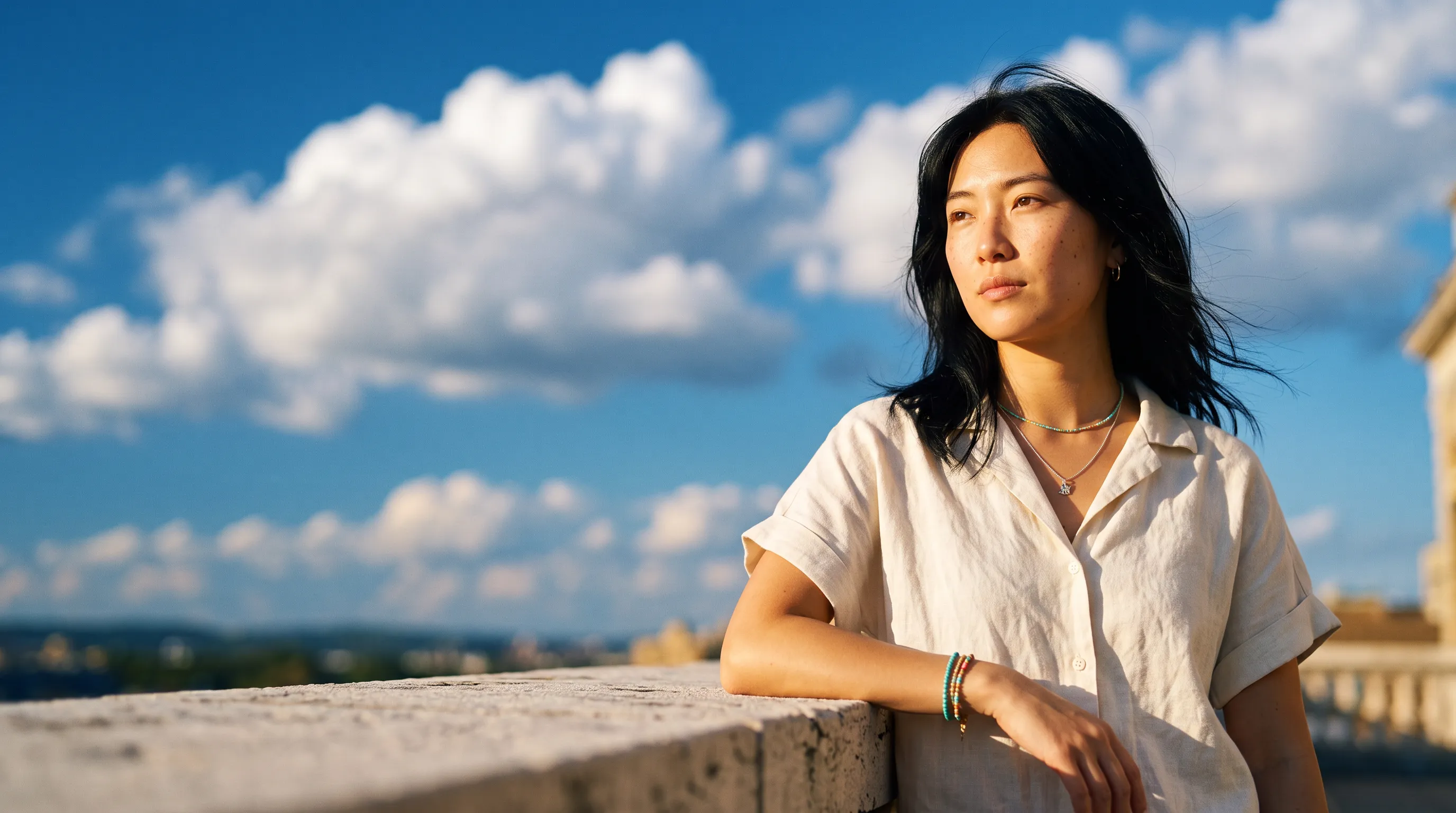
Name the subject, setting, light, and style. Viralkey's text to image generator returns a still that tracks that prompt — ready for a post, an ad draft, or a first concept, with no sketch or upload required.
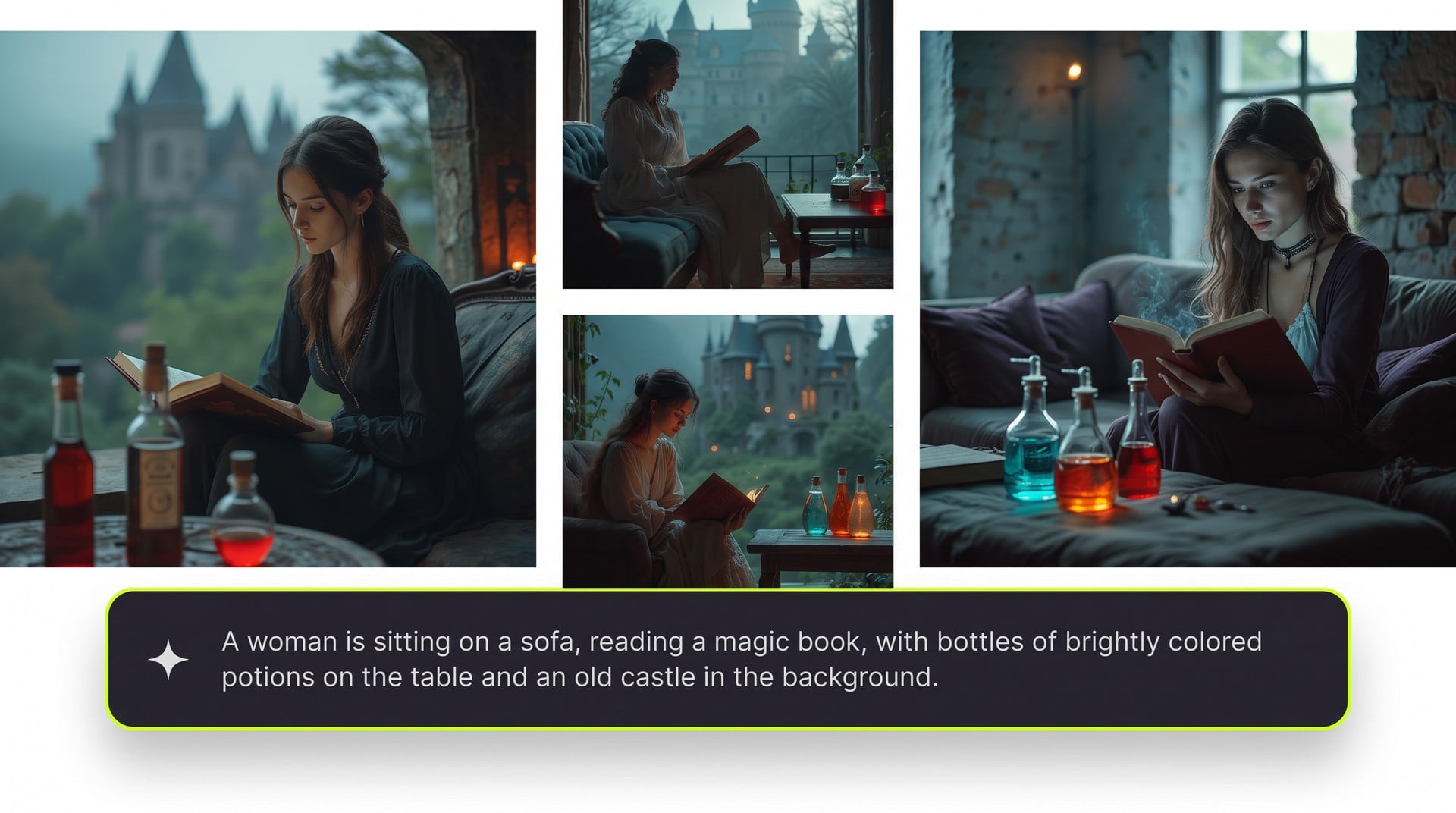
Use the main AI image generator for any prompt. When you need a locked theme — apparel, stickers, doodles, art, or covers — open a dedicated text to image tool instead of forcing one generic style.
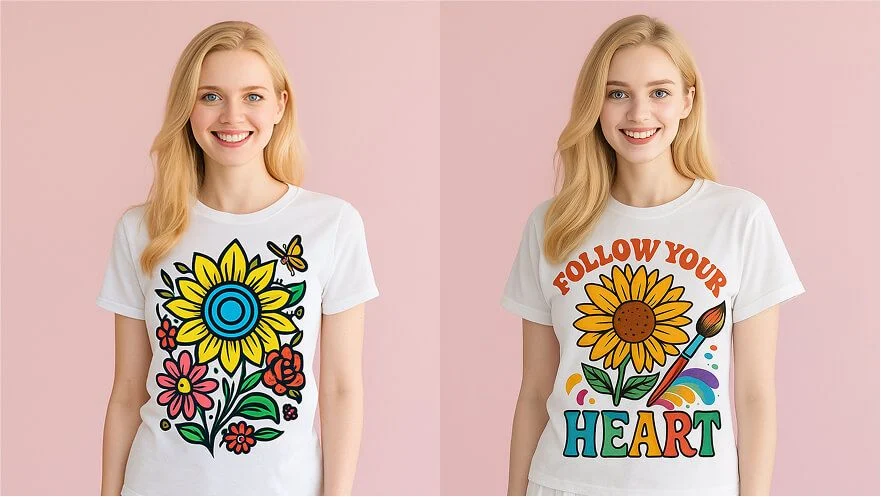
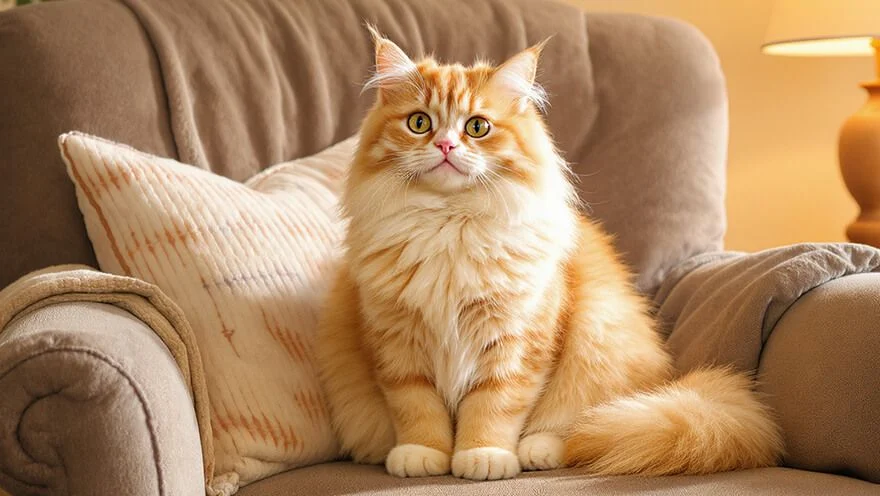
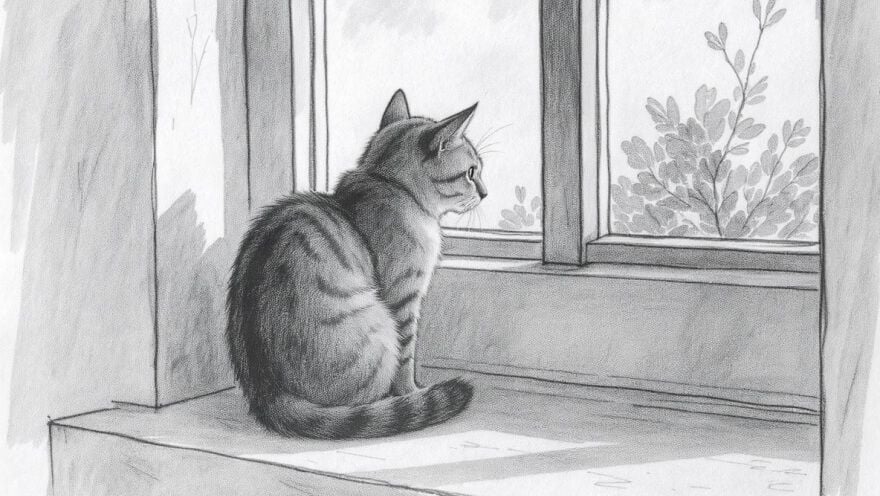
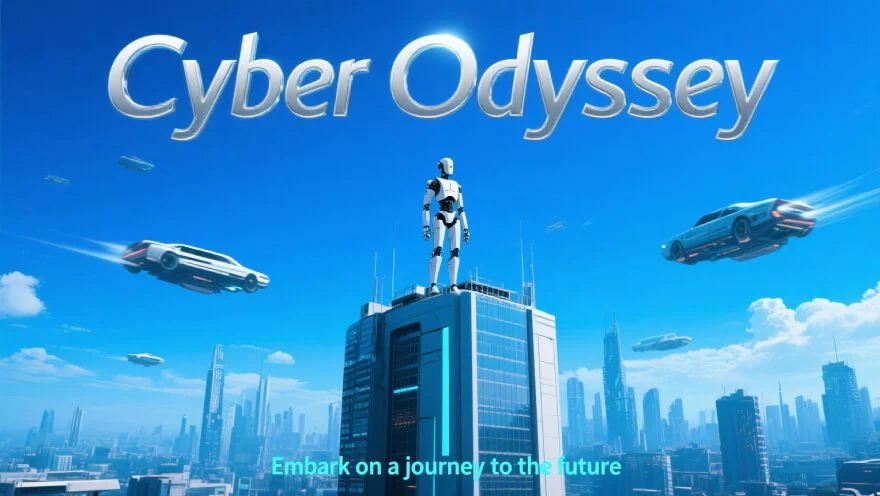
Switch image models on this AI image generator to try photoreal, illustration, or campaign looks. Generate commercial-ready stills when your plan and terms allow, then iterate the prompt or try another model.
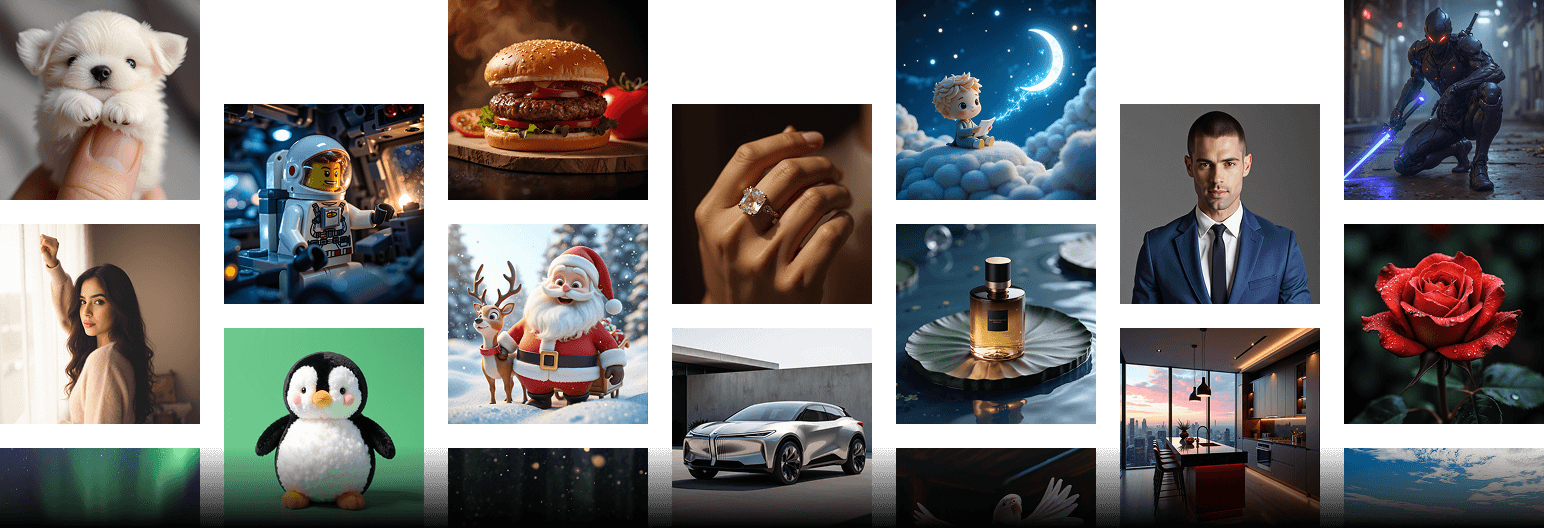
Draft social images with a free AI image generator instead of waiting on a shoot. Write the scene, generate, and post — or restyle a photo you already have with photo effects.
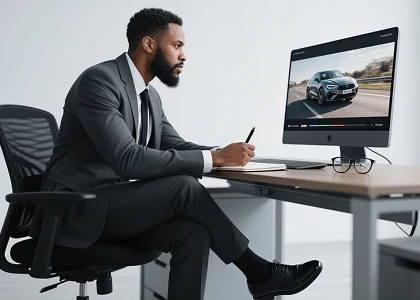
Generate AI images for click tests and listing drafts. For a campaign brief, start in Marketing Studio, or lock fashion with AI photoshoot and AI clothing.
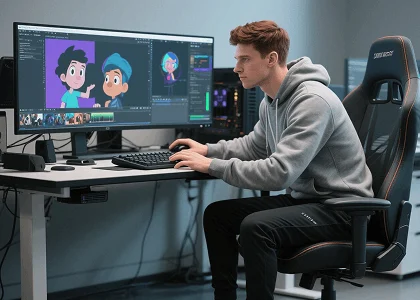
Describe costume, pose, and palette to get a concept still from text. When you need a dedicated sheet, move the keeper into the character creator.
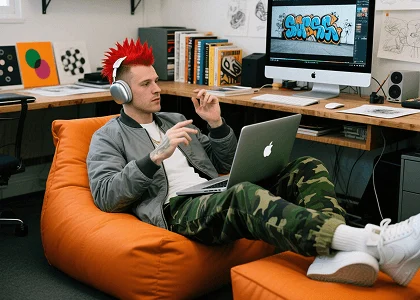
Turn a rough idea into a reference still, then draw over it. For one locked art style, open the AI art generator.
Draft social images with a free AI image generator instead of waiting on a shoot. Write the scene, generate, and post — or restyle a photo you already have with photo effects.
Generate AI images for click tests and listing drafts. For a campaign brief, start in Marketing Studio, or lock fashion with AI photoshoot and AI clothing.
Describe costume, pose, and palette to get a concept still from text. When you need a dedicated sheet, move the keeper into the character creator.
Turn a rough idea into a reference still, then draw over it. For one locked art style, open the AI art generator.
Three steps from a text prompt to a downloadable AI image.
Describe the subject, setting, light, and style you want the AI image generator to render.
Pick a text to image model and generate. Switch models if the first still misses the look.
Save the still and use it in posts, decks, or listings, subject to your Viralkey plan.
Marketers and artists use this AI image generator when the brief is a sentence. Here is how they talk about text to image on Viralkey.
Prompted a night street, posted the still
I wrote Tokyo neon and wet asphalt. The AI image generator gave me a frame I could crop for Stories. No camera roll needed.
Three product scenes before the deck
Text to image let me mock three angles of the same SKU. The client picked a still instead of arguing over a moodboard.
Costume notes became a concept frame
I described fabric, silhouette, and stance. Close enough to debate with the art lead before anyone opened a 3D tool.
Listing photo from a product sentence
I asked for window light on a tabletop pack. The still cropped clean for the shop — no studio day on the calendar.
Editors need a file; I needed a blank page
Photo tools want an upload. This free AI image generator starts from copy, which is what I tell other marketers.
One sentence was enough
I do not write long prompts. A coastal road in late sun came back usable. The image followed the line.
An AI image generator turns a text prompt into a new still. On Viralkey you describe a photo, character, product, or styled frame — then generate. You do not need to draw or upload a picture to start.
Describe the subject, scene, and style, choose an image model, and create a visual for your next post, campaign, or concept.